Questions & Answers
- Model:
- WYZECOPB
- |
- SKU:
- 6579786
Highly rated by customers for: Picture Quality
$89.98$89.98
Page Showing 1-13 of 13 questions
Q: QuestionAre there any subscription fees?
- A:Answer A subscription is optional but not included with this camera.
This question and answer was generated by AI based on customer and product data.Q: QuestionDoes the camera record audio?
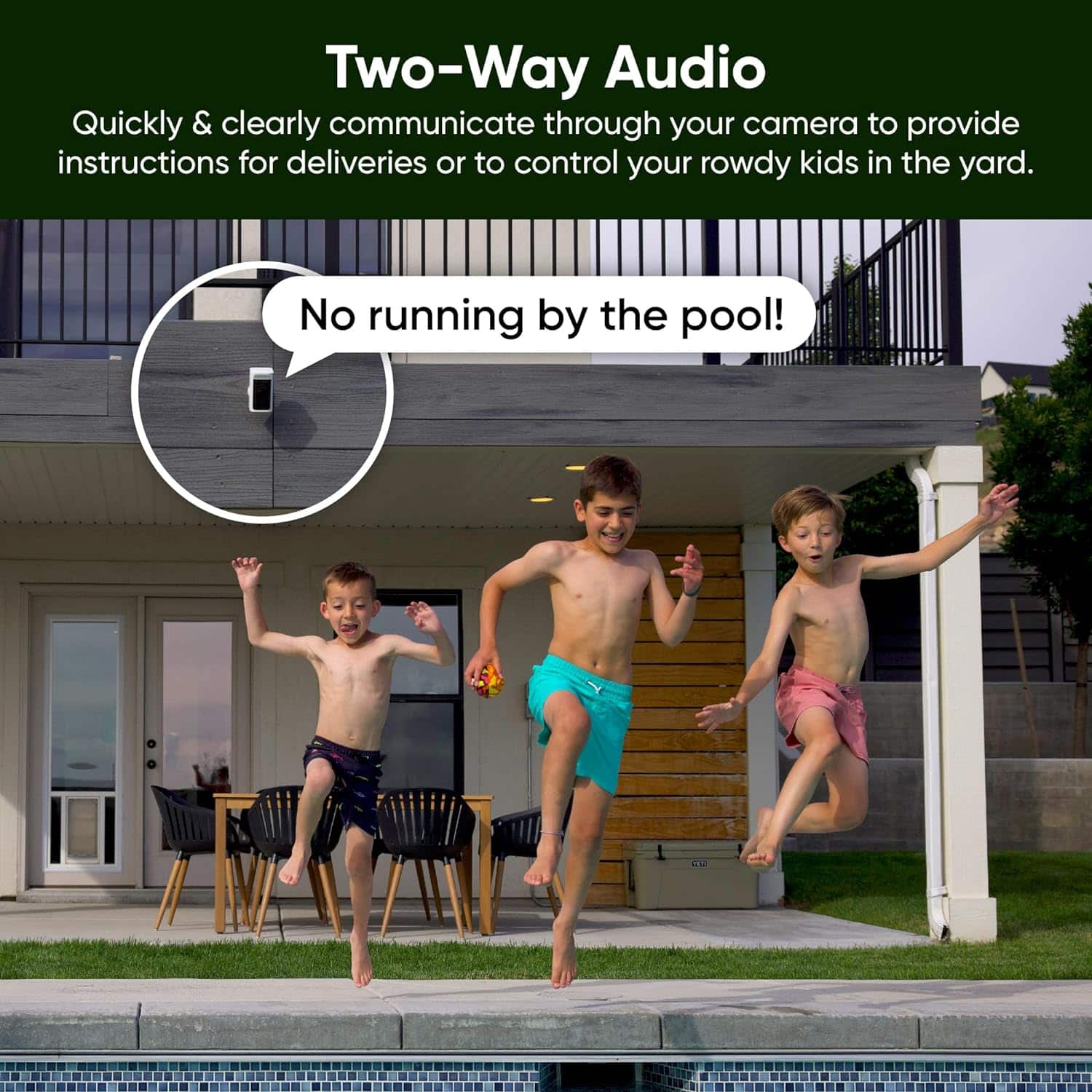
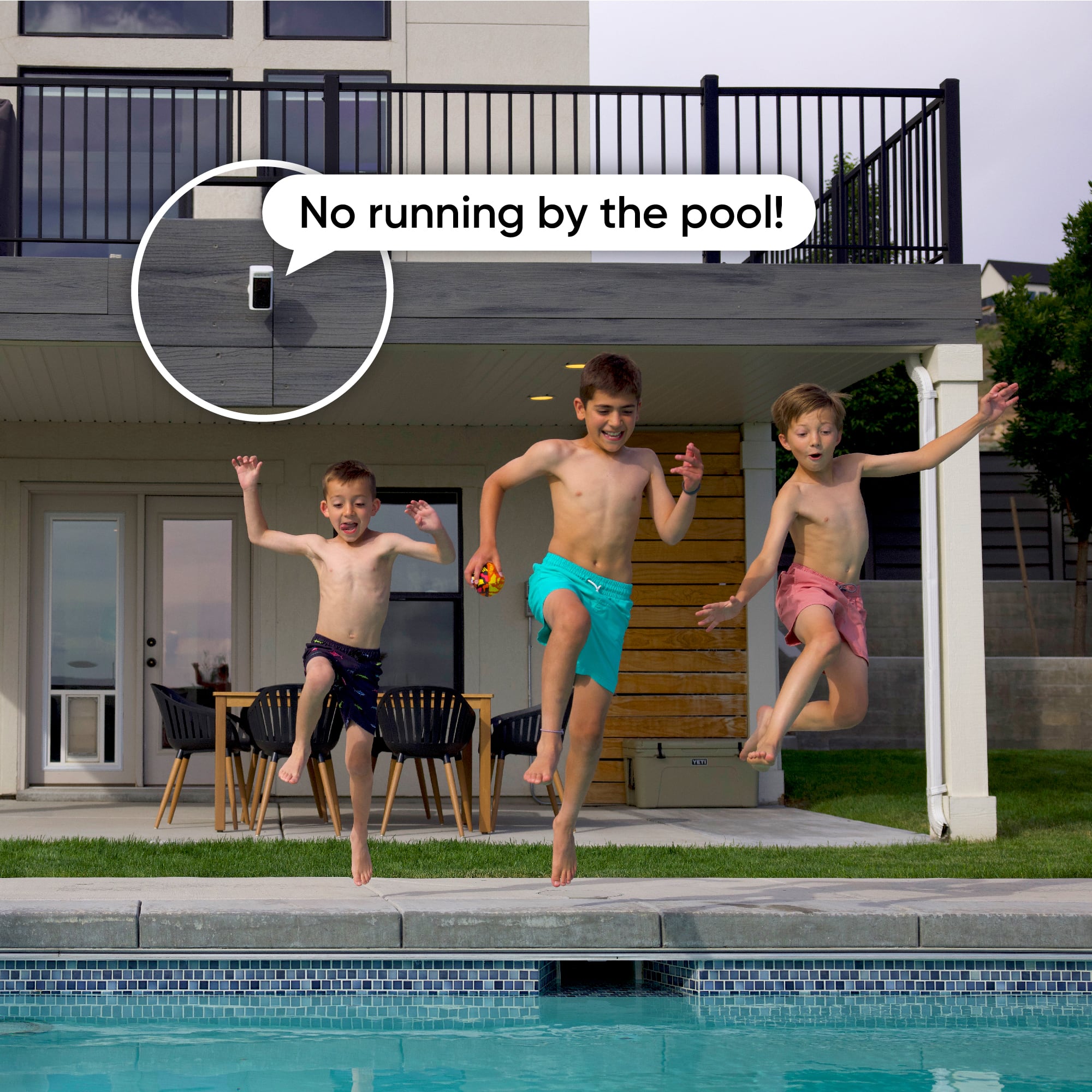
- A:Answer This camera does record audio.
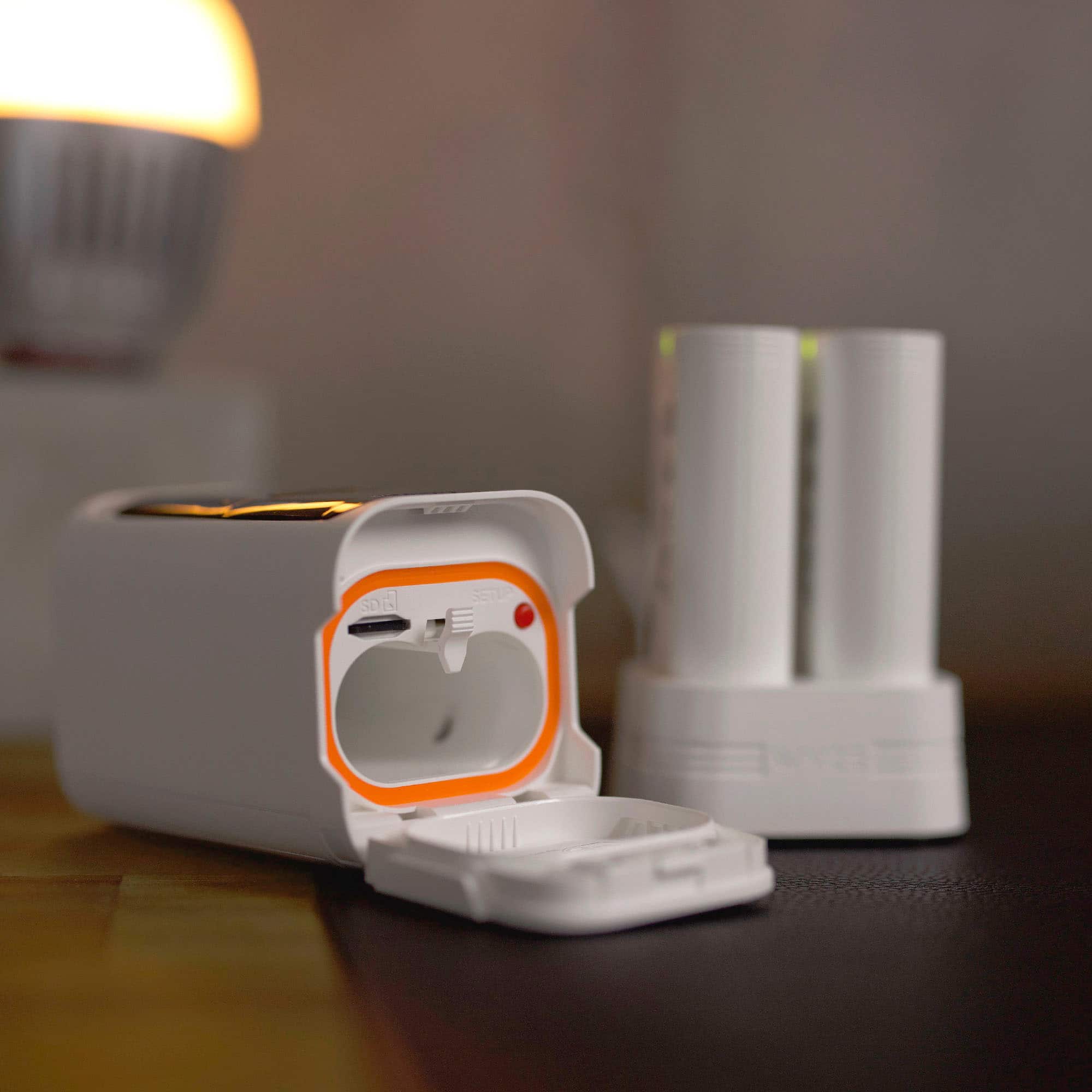
This question and answer was generated by AI based on customer and product data.Q: QuestionWhat storage options are available?
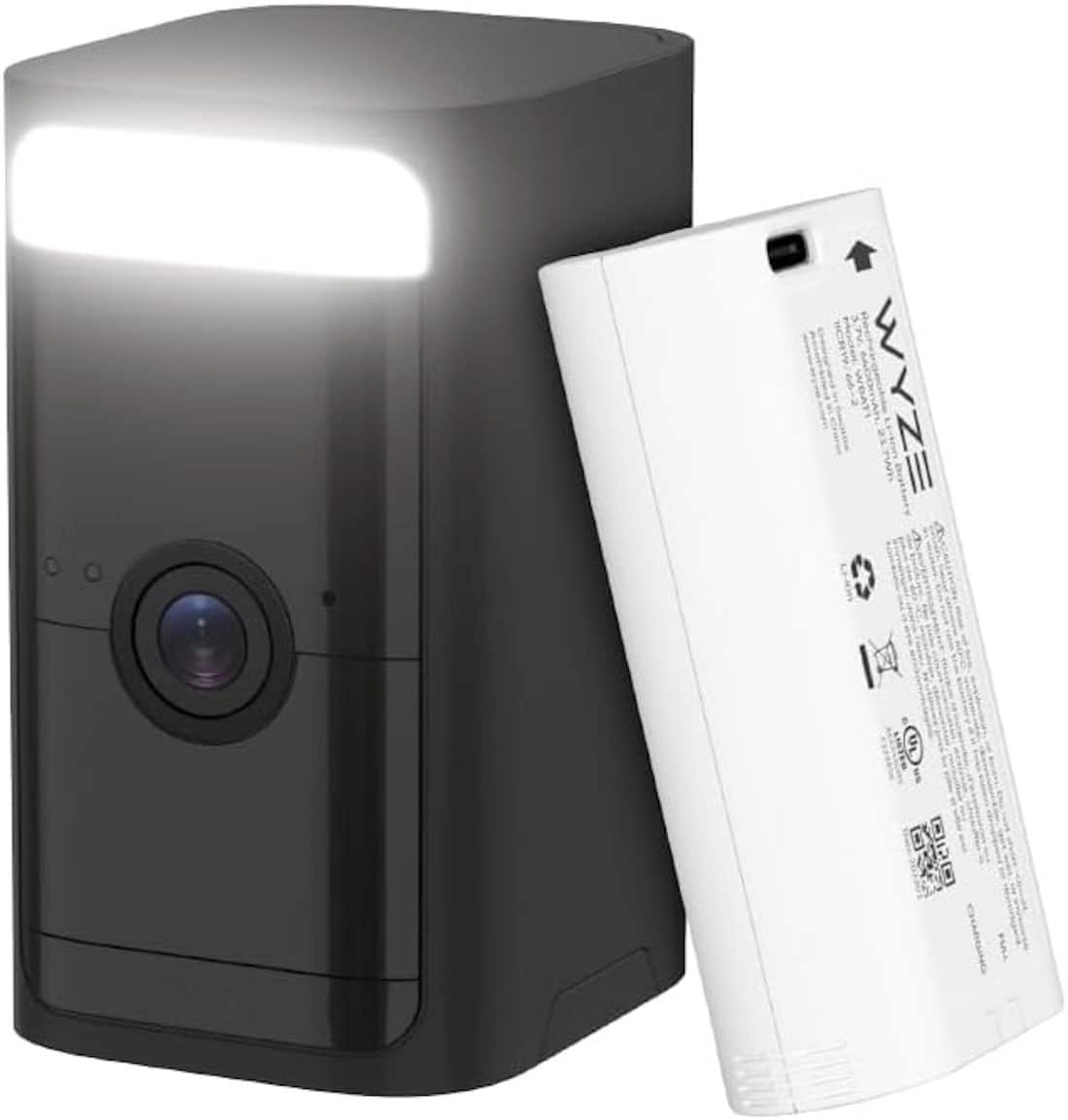
- A:Answer This camera offers cloud storage and local storage via a microSD card.
This question and answer was generated by AI based on customer and product data.Q: QuestionWhat is the battery life?
- A:Answer This camera has a 6-month battery life.
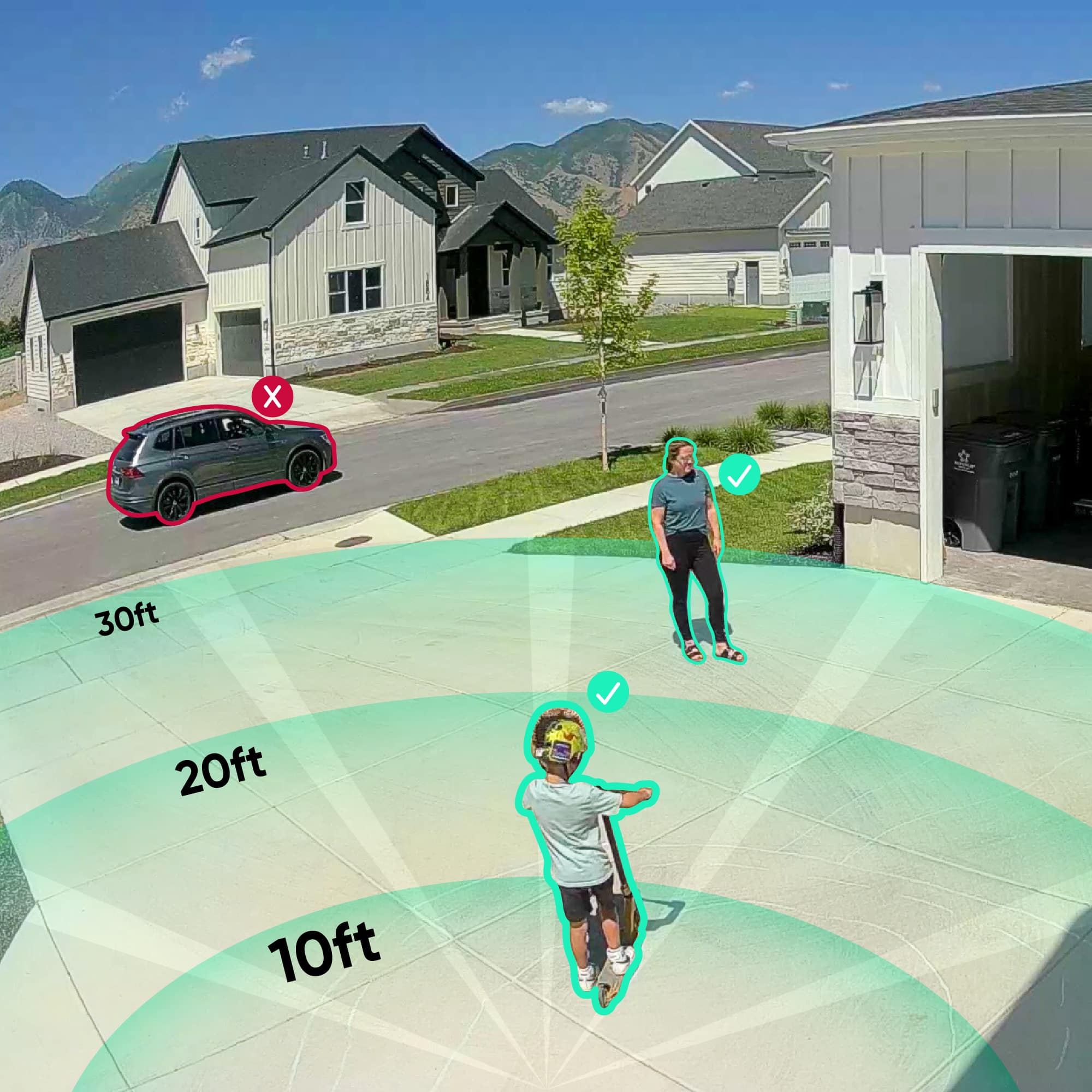
This question and answer was generated by AI based on customer and product data.Q: QuestionWhat is the maximum motion detection range?
- A:Answer The maximum motion detection range is 100 feet.
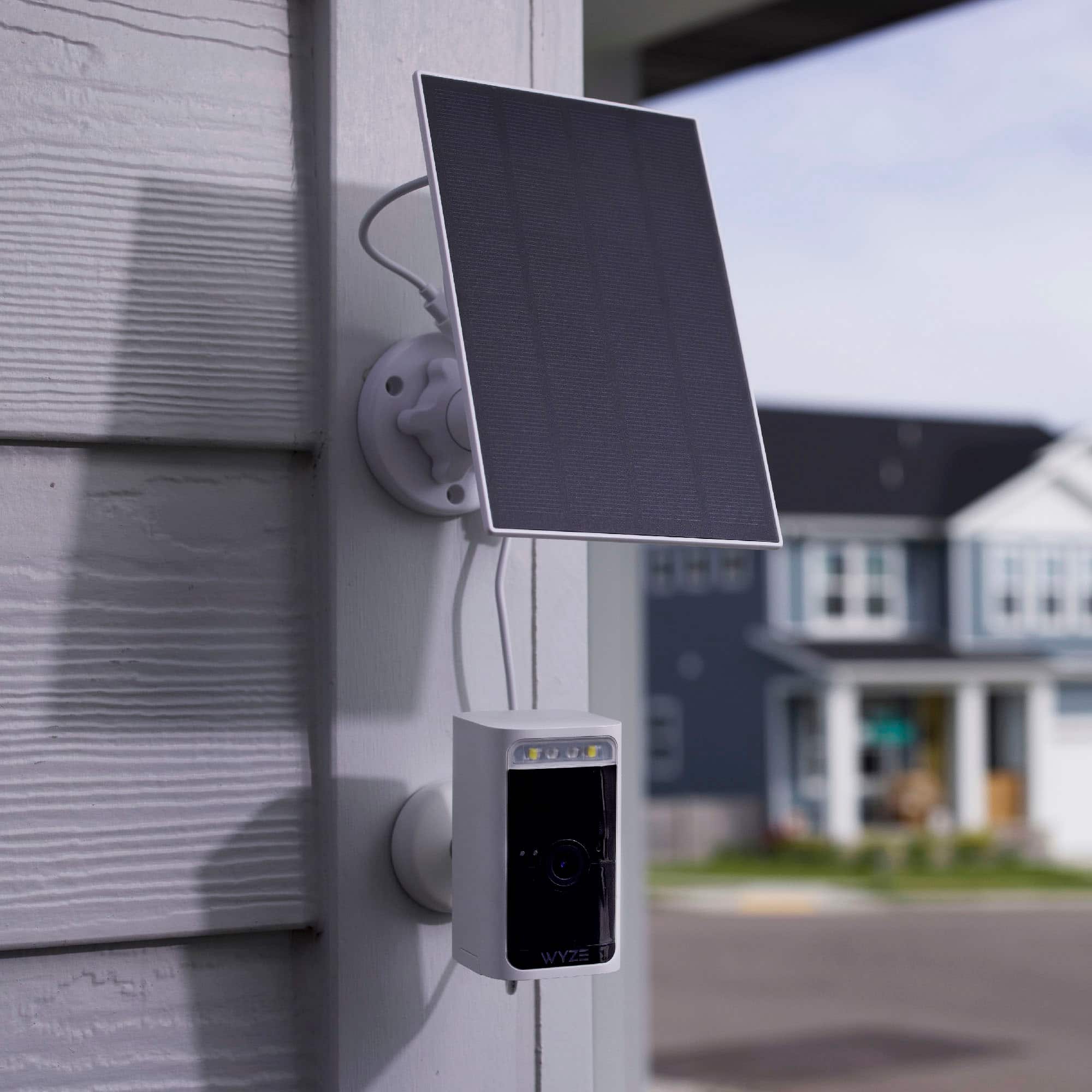
This question and answer was generated by AI based on customer and product data.Q: QuestionCan the camera be connected to a solar panel?
- A:Answer You can connect the camera to a Wyze Solar Panel to eliminate the need to recharge it.
This question and answer was generated by AI based on customer and product data.Q: QuestionIs this compatible with Windows 11?
Asked by KJ.
- A:Answer Thank you for your question! The Wyze Battery Cam Pro is compatible with Windows 11; however, to access live views through a web browser, you would need to have a subscription for the Wyze Webview feature. That being said, the camera is primarily designed to be used with the Wyze app on Android or iOS devices for full functionality, including setup, management, and notifications.
Answered by Wyze Labs
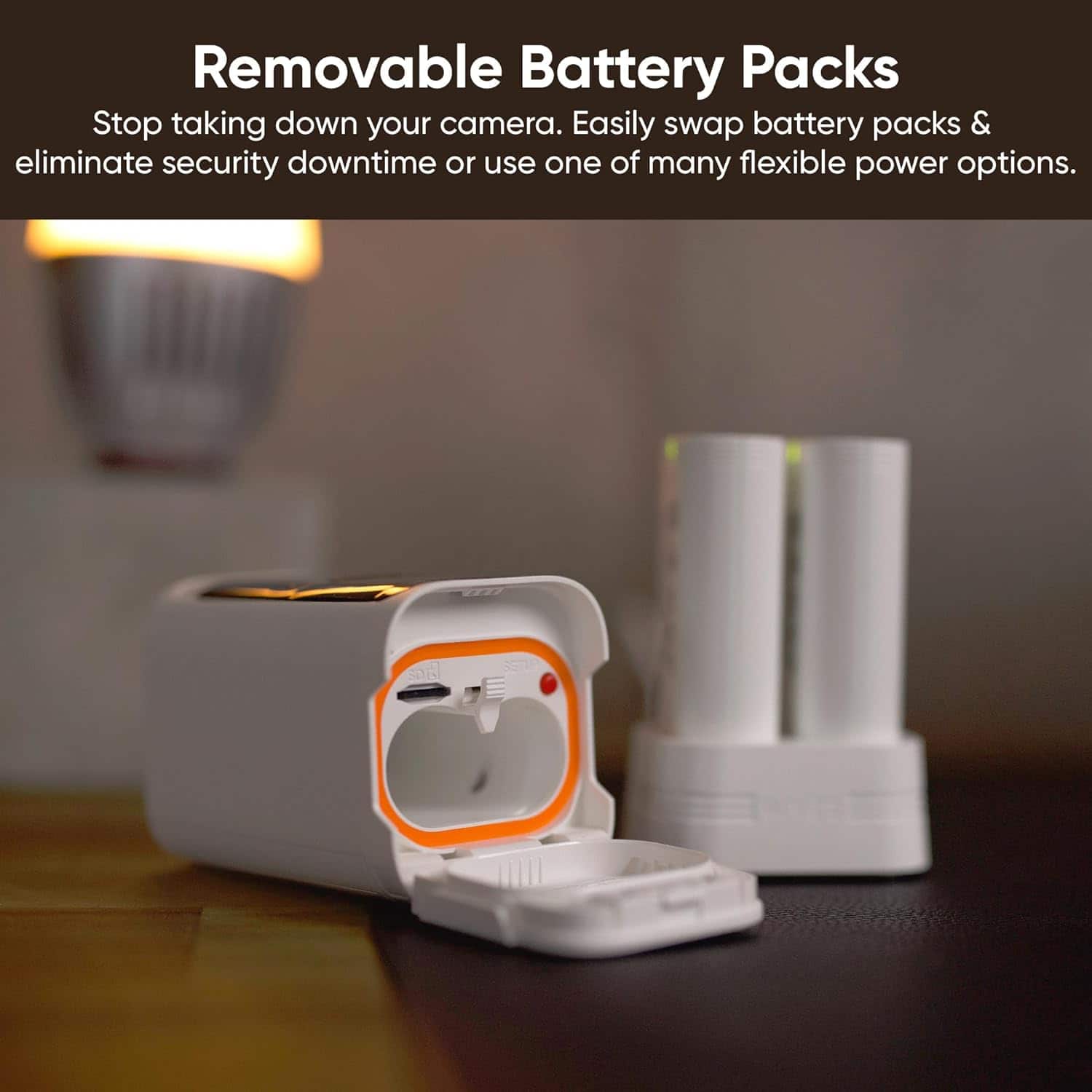
Q: QuestionCan you purchase an extra battery pack in order to charge a pair to swap out?
Asked by Paco.
- A:Answer Yes, they have on Wyze and Amazon for purchase
Answered by KimberlyE
Q: QuestionDo you have to get the battery pack in order for the camera to function properly, or can I buy batteries separately and get the battery pack at a later date?
Asked by Derlecia.
- A:Answer This comes with one battery pack, lasts approximately 45 days at my home
Answered by KimberlyE
Q: QuestionCan the light be adjusted or cut off?
Asked by Br3tt08.
- A:Answer Hi there! Yes, the built-in spotlight on the Wyze Battery Cam Pro can be adjusted or turned off. Here's how you can manage it: To adjust or turn off the spotlight from the camera’s settings: Open the Wyze app and select your Wyze Battery Cam Pro. Allow the live stream to fully load (this may take 7-10 seconds). If Power Saving Mode is enabled, tap the Play icon to load the live stream. Tap the Settings gear in the upper right-hand corner. Select Spotlight. Adjust the brightness level by sliding the scroll bar between Min (1) and Max (100). To disable the spotlight from turning on automatically: Toggle off the Motion option, which controls whether the spotlight activates when motion is detected in the dark. To turn the spotlight on/off directly from the live stream: Open the Wyze app and tap on your Wyze Battery Cam Pro. On the live stream screen, tap the spotlight icon (view image { width=22, height=19 }) to turn it on or off. This gives you full control over the spotlight's behavior and brightness.
Answered by Wyze Labs
Q: QuestionHello, are you able to select exclusion zones with this camera? The area I want to monitor has a shrub that sways when it's windy and I don't want to get false alerts. Thanks
Asked by Robert.
- A:Answer Yes
Answered by WCanyon
Q: QuestionHello, if I use an SD card for local storage can I view the videos from the APP on my phone. In other words, do I have to take the SD card out of the camera to view the stored videos? Thanks
Asked by Robert.
- A:Answer Yes, you can view videos stored on the SD card directly from the Wyze app on your phone. You can also take out the SD card from the camera to view it via the computer. You can do it either way.
Answered by Wyze Labs
Q: QuestionWhat is the maximum feet range from WiFi router ?
Asked by Hollie.
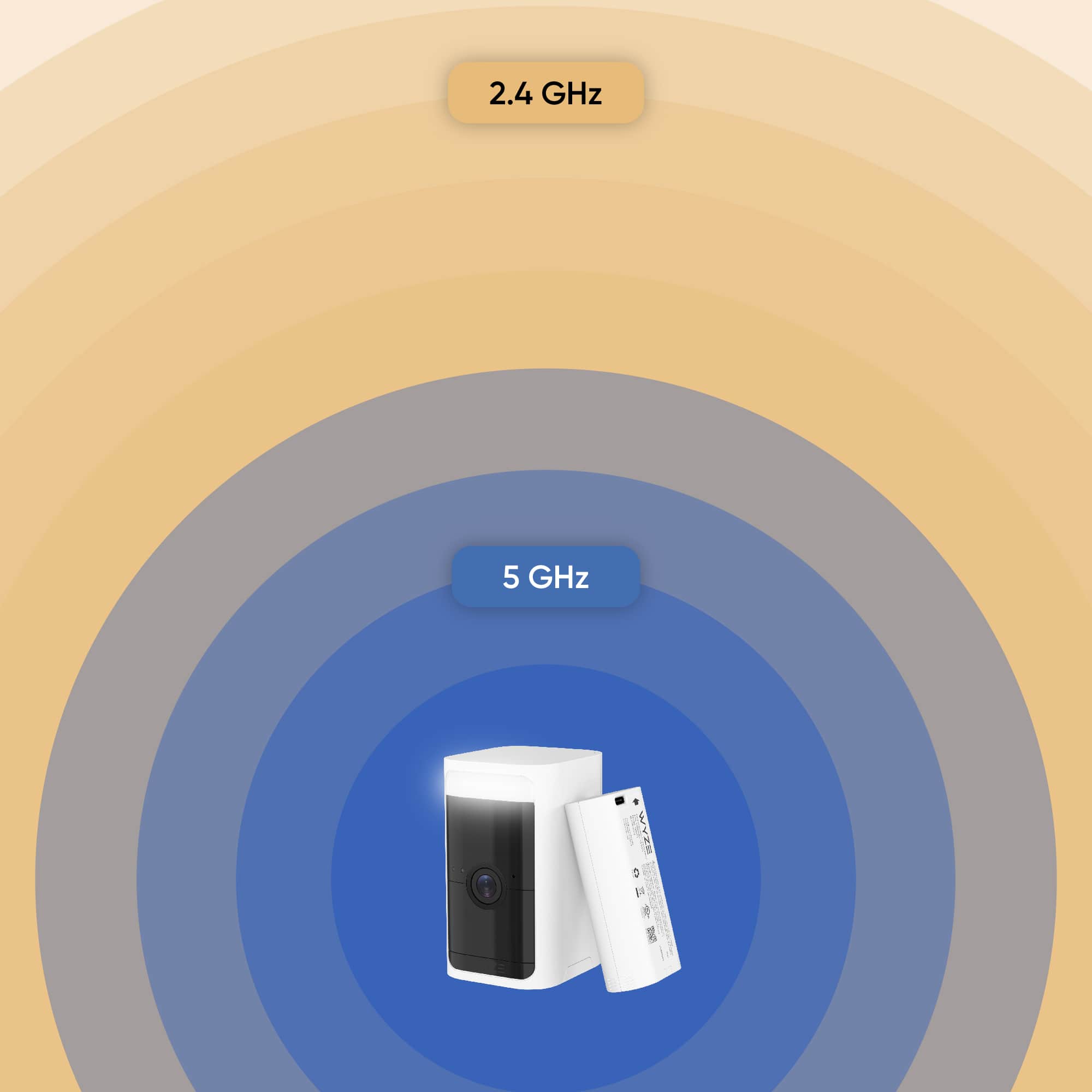
- A:Answer Hi there! Wyze Battery Cam Pro WiFi Range: While a specific maximum WiFi range in feet is not provided, you can check the camera’s signal strength in the Wyze app by going to the camera’s settings > Device Info > Signal Strength. If your Wyze Battery Cam Pro has 2 bars or less, we recommend moving the camera closer to your router for a better connection. For motion detection, the camera can detect motion up to 30 feet away. If you need help with connectivity, here are some troubleshooting tips: Reboot your router. Refresh the Wyze app’s connection. Power cycle the Wyze Battery Cam Pro by removing the battery pack for 10 seconds and reinserting it. If you are still experiencing any issues or other concerns, please reach out to our Wizards team (https://support.wyze.com/) so we may help out. You may tap on the Message icon in the bottom right-hand corner of the support site > fill out the questionnaire > and choose the way in which you would like to speak with our team. Please include as much information on your issue as possible. Our products come with a 1-year manufacturer's warranty, so if the device is determined to be defective, we will be happy to exchange it for you. Thank you for your feedback, and have a great day!
Answered by Wyze Labs
Page 1, Showing 1-13 of 13 questions
Best-selling security cameras
- $269.99$269.99The price was $329.99