


Black Friday is hereShop new DoorbustersShop now

Skip to content
Gift Ideas
26 Cypress St
Williston, VT 05495
Open until 9 pm
Find Another Store
Main Content

Questions & Answers

Page Showing 1-20 of 28 questions
  • QuestionCan this camera be used both indoors and outdoors?

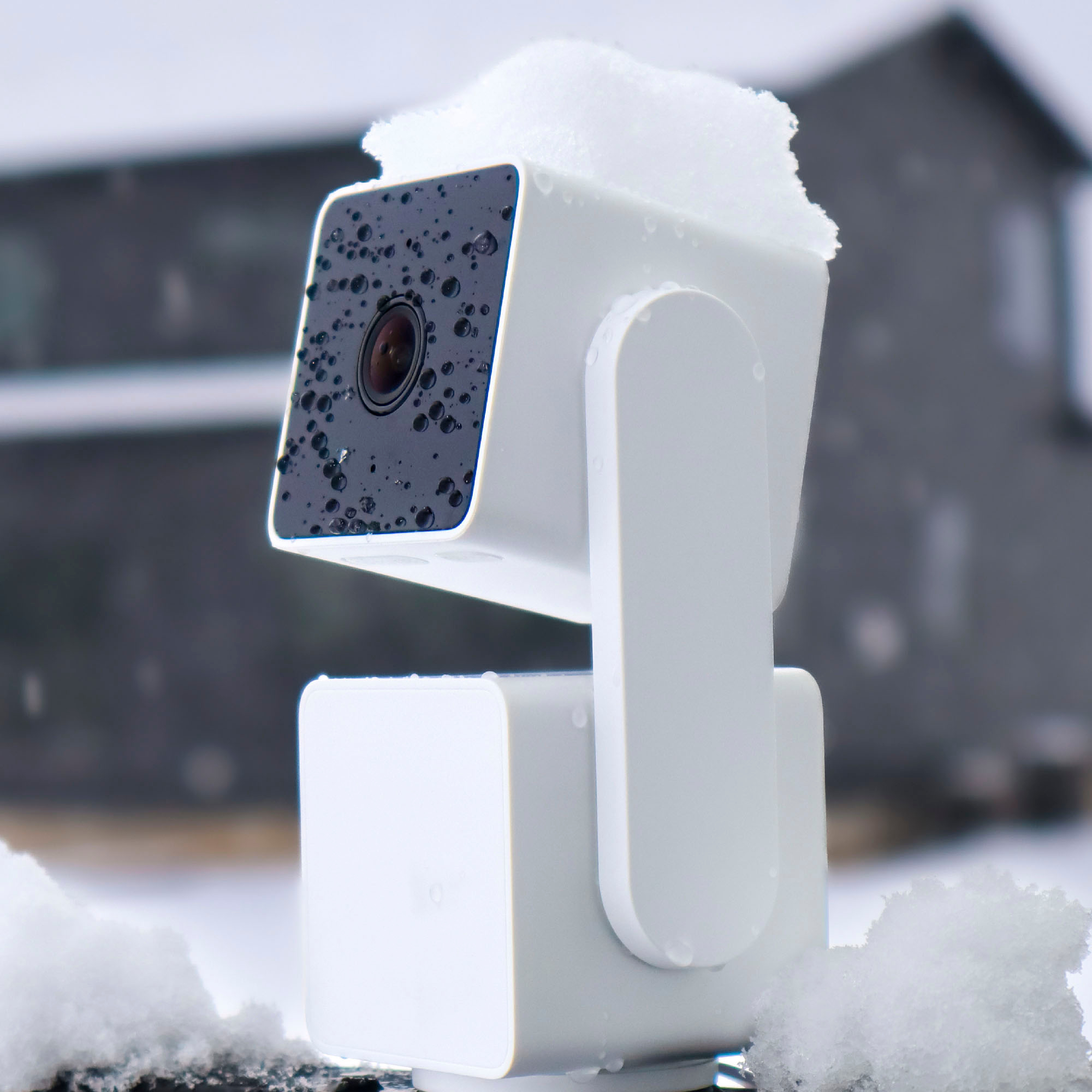
    • Answer Yes, this camera has an IP65 weather rating, meaning it is suitable for both indoor and outdoor use.
    This question and answer was generated by AI based on customer and product data.
  • QuestionDoes this camera have night vision?

    • Answer Yes, this camera has color night vision and can record in environments up to 25 times darker than traditional cameras.
    This question and answer was generated by AI based on customer and product data.

  • QuestionDoes this security camera have a zoom feature?

    • Answer Yes, this camera has a digital zoom mode.
    This question and answer was generated by AI based on customer and product data.

  • QuestionHow is this camera powered?

    • Answer This camera is powered by a cable with an AC adapter.
    This question and answer was generated by AI based on customer and product data.
  • QuestionWhat is the field of view for this camera?

    • Answer This camera has a 120 degree field of view.
    This question and answer was generated by AI based on customer and product data.

  • QuestionWhat is the operating temperature range for this camera?

    • Answer This camera can operate in temperatures ranging from -4 degrees Fahrenheit to 122 degrees Fahrenheit.
    This question and answer was generated by AI based on customer and product data.
  • QuestionDoes the camera require a subscription account and fee?

    Asked by Kaiser.

    • Answer Subscription is not mandatory. The camera can still work and store the video on SD card in the camera. However of course that makes it easy for intruder to remove the video. Also the human detection is not included in the free option. You can play with the sensitive settings to try to make it detect people but not small pets for example. I think I managed to do that it detects people but not our cat. The camera is kind of picky on the SD cards. I had a newer 128 GB Samsung SD card and the camera does not recognize it. But my old 2GB SD was recognized right away. Not sure how frequent this issue is.

      Answered by Rumb

  • QuestionCan I review footage from the memory card on my phone or do I need a subscription?

    Asked by Chivo.

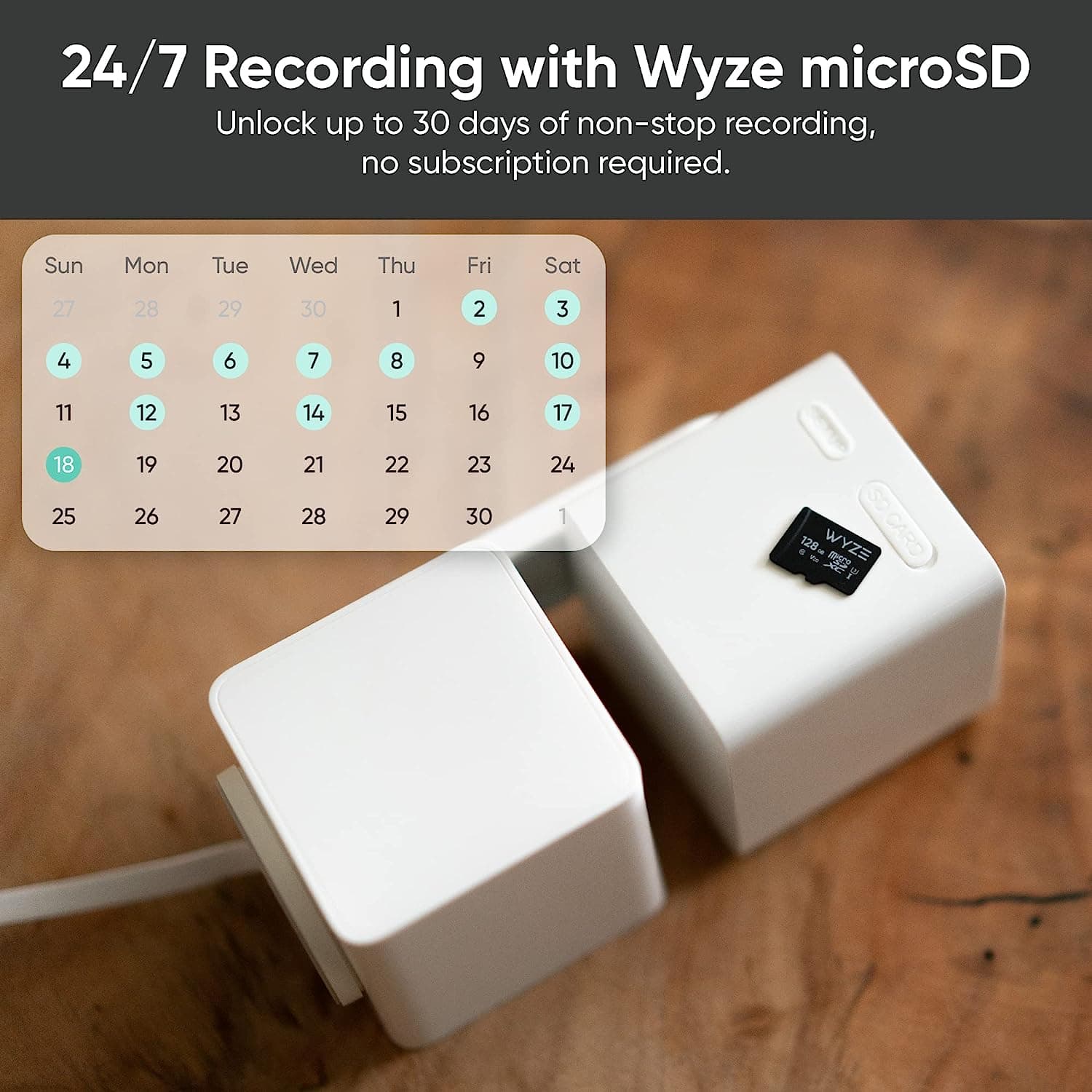
    • Answer Hi there! You can review footage from the memory card on your phone without needing a subscription. Here's how you can view your local recordings stored on the microSD card: Open the Wyze app and select your camera. Below the Live Stream, tap SD Card. Tap and drag along the recorded footage to review it. To exit playback, tap Go Live. If you have a subscription like Cam Unlimited Pro, you can also view your SD card recordings integrated with your cloud recordings on a multi-cam timeline. However, this subscription is not required to access the footage directly from the SD card.

      Answered by Wyze Labs

  • QuestionHi, wyze cam work outside of United States

    Asked by CarlosS.

    • Answer Hi there! Yes, Wyze Cams can work outside of the United States, but there are a few things to keep in mind. You’ll need to download the Wyze app, which is available globally, and create a Wyze account—though some features may be limited depending on your region. The cameras use USB power, so be sure to use a compatible power adapter that matches your country’s voltage and plug type. Wyze Cams also require a stable 2.4 GHz Wi-Fi connection to function properly. While core features usually work, some services like Cam Plus or AI detection may not be fully supported in all countries, and payment methods for subscriptions might be restricted. You may also contact our team at (https://wyzelabs.zendesk.com/hc/en-us) so we may further assist you with this matter.

      Answered by Wyze Labs

  • QuestionCan I record 24 hour's a day

    Asked by Anonymous.

    • Answer Yes we leave it on for a month or more .

      Answered by Wayk

  • QuestionHow long is the power cord?

    Asked by lsbb.

    • Answer The Wyze Cam Pan v3 comes with a 6-foot power cord. This length should provide flexibility for placing your camera in a variety of locations, but if you need a longer reach, you may want to consider using an extension cord or a longer cable. You may also check this link to learn more about the device: (https://support.wyze.com/hc/en-us/sections/11758939073179-Wyze-Cam-Pan-v3). You may also reach out to us at: (https://wyzelabs.zendesk.com/hc/en-us) so we may further assist you if you have other queries or concerns. Thank you and have a great day!

      Answered by Wyze Labs

  • Questioncan this be viewed on a pc or tablet?

    Asked by chipper238.

    • Answer Yes thru the Wyze app or web portal

      Answered by Lezbatron

  • QuestionWill camera record without Wi-Fi connection?

    Asked by jjjj.

    • Answer I have not tried but it has a slot for SD card and should be able to record.

      Answered by Rumb

  • QuestionCan they connect to tv

    Asked by Lois.

    • Answer Wyze uses an app on a cell phone. While I had my Wyze app open, I cast my cell phone screen onto a tv. That worked for me. Never found a Wyze app for my smart tv.

      Answered by Kanji

  • Questionis it compatible with 5g

    Asked by dj.

    • Answer Hi there, thanks for your question! The Wyze Cam Pan v3 is not compatible with 5 GHz networks and only supports 2.4 GHz, which is common for most Wyze cameras since 2.4 GHz provides better range and wall penetration. For any additional questions or product support, please reach out to our Wizards team at https://wyzelabs.zendesk.com/hc/en-us we’re happy to help and wish you a fantastic day!

      Answered by Wyze Labs

  • QuestionHow do I know if I have 5g network WiFi

    Asked by Madconsumer.

    • Answer Hi there! To check if you have a 5GHz Wi-Fi network, open the Wi-Fi settings on your phone or computer and look at the network name. Many routers label the 5GHz network with “5G” or “5GHz” in the name. For example, you might see something like HomeWiFi and HomeWiFi_5G. If you only see one network, your router may only broadcast 2.4GHz, or both bands may share the same name. If you are still experiencing any issues, please reach out to our Wizards team (https://support.wyze.com/) so we may help out. Tap the Message icon in the bottom right-hand corner of the support site > fill out the questionnaire > then choose how you'd like to speak with our team. Thank you for your feedback, and have a wonderful day!

      Answered by Wyze Labs

  • QuestionIs it 5G compatible?

    Asked by TS.

    • Answer Hi there! No, the Wyze Cam Pan v3 does not support 5G cellular technology or 5GHz Wi-Fi networks; it is only compatible with 2.4GHz Wi-Fi networks. When setting up your Wyze device, you must connect your phone or tablet to the 2.4GHz network that your router broadcasts. If you have other questions, concerns, or would like to speak more about our products please reach out to our Wizards team (https://wyzelabs.zendesk.com/hc/en-us) so we may help. Thank you and have a great day!

      Answered by Wyze Labs

  • QuestionDoes the cam work with 5 ghz?

    Asked by WyzeCam.

    • Answer Hi there! The Wyze Cam Pan v3 does not work with 5 GHz Wi-Fi networks; it only supports 2.4 GHz networks. If you have other questions, concerns, or would like to speak more about our products please reach out to our Wizards team (https://wyzelabs.zendesk.com/hc/en-us) so we may help. Thank you and have a great day!

      Answered by Wyze Labs

  • QuestionWhat is the zoom rating or range for this camera?

    Asked by Matt.

    • Answer Hi there! The Wyze Cam Pan v3 offers an 8x digital zoom capability. This allows you to zoom in on specific areas of the video feed for a closer look. If you have any other questions about the camera's features, feel free to ask!

      Answered by Wyze Labs

  • QuestionPrice monthly of subscription? Does it come with SD Card included?

    Asked by Fernanda97.

    • Answer No. We need to add SD card.

      Answered by Rvgr