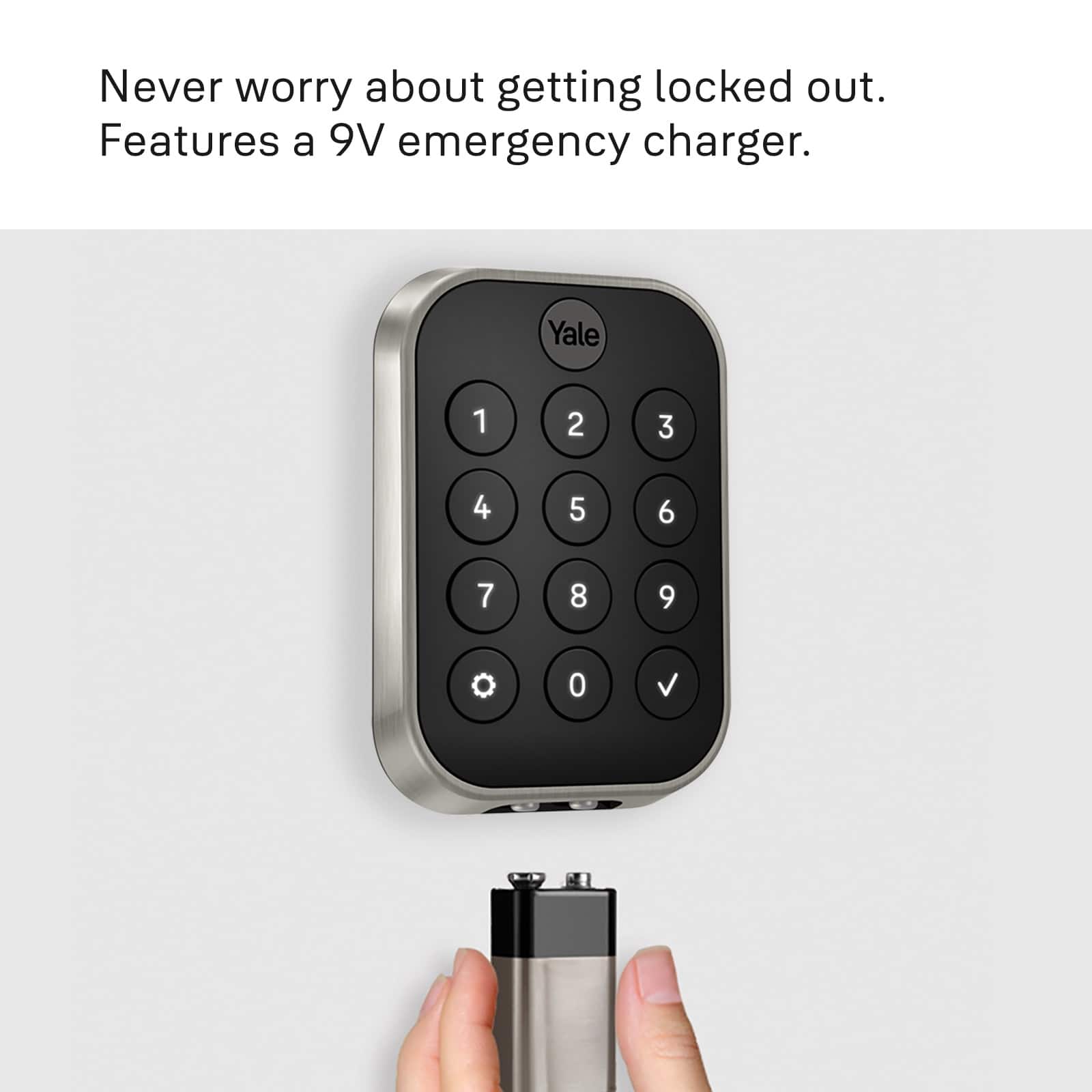
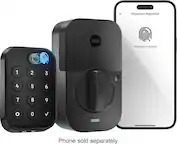
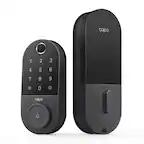
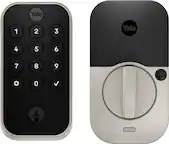
A:AnswerThank you for your question.A 9V battery will be needed if you get locked out and the batteries are dead. This will give you enough time to enter your entry code. If you have additional questions please reach out to our support team at support@yalelock.com or call 855.213.5841.
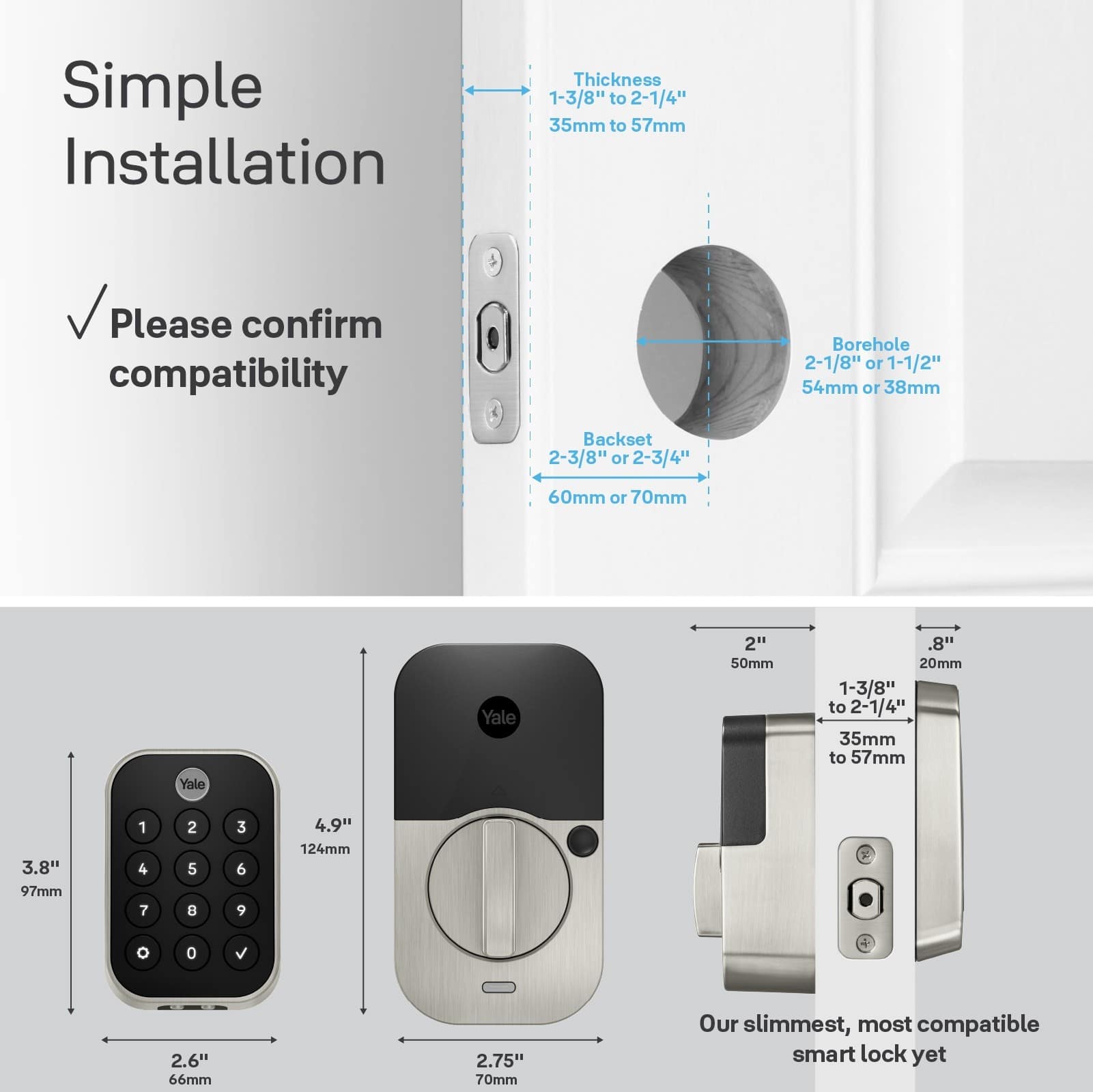
A:AnswerThank you for your questions. The thickness and metal door should work. Please check this list to see if your door meets the requirements. https://support.shopyalehome.com/is-my-lock-compatible-Sk_Ow7pY4.
If you have further questions, please contact support@yalelock.com or call 855.213.5841
A:AnswerIf it is not WIFI it won’t connect with Google. I have the Yale X WiFi lock and it is in my Google home app. Can also access through Nest app. I don’t think the Bluetooth only feature does. With that being said it does not allow me to unlock my door with Google voice command.
A:AnswerHi - The Yale Assure Lock 2 with Wi-Fi has an Airbnb integration. You do need the Wi-Fi version (or you can buy the Yale Wi-Fi Smart Module) for the Airbnb integration. I hope that helps!
A:AnswerYes, this is an optional feature that you can disable in the Yale Access app if you'd like. The lock can also Auto-Lock once you leave, and when you close the door after getting home.
A:AnswerThe Z-Wave Module is sold separately - this lock has Bluetooth which means it can be programmed using the Yale Access app, at the door. It also has Apple HomeKit built-in so you can manage the lock from your Apple Home app - Remote access for HomeKit requires an Apple Home Hub.