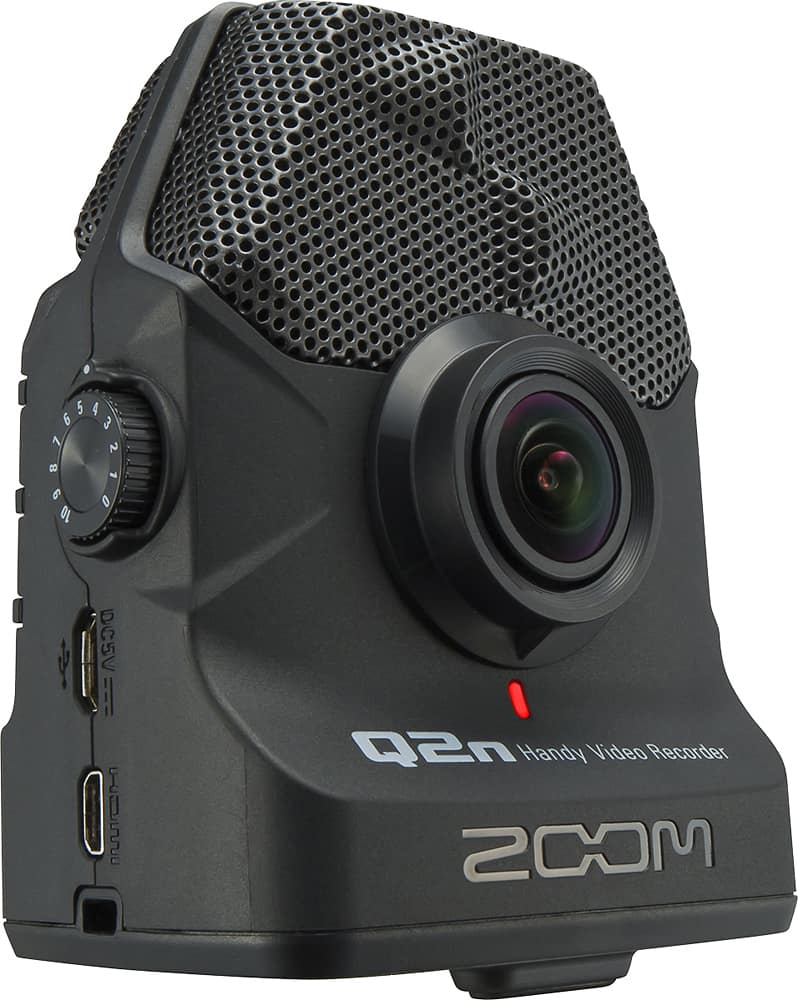
A:AnswerCertainly can! I just tested this with the newest firmware update. I ran hmdi micro adapter to hdmi cable to TV. Shows live feed with minimal latency (even during recording) and plays back as well. Wonderful feature!
A:AnswerSorry no remote control capability. This is really a set it and let it shoot. In my case, this is not really a deal breaker. I use the file and edit with post production software so editing is not an issue.
A:AnswerIm thinking of options to skin your cat a few ways:
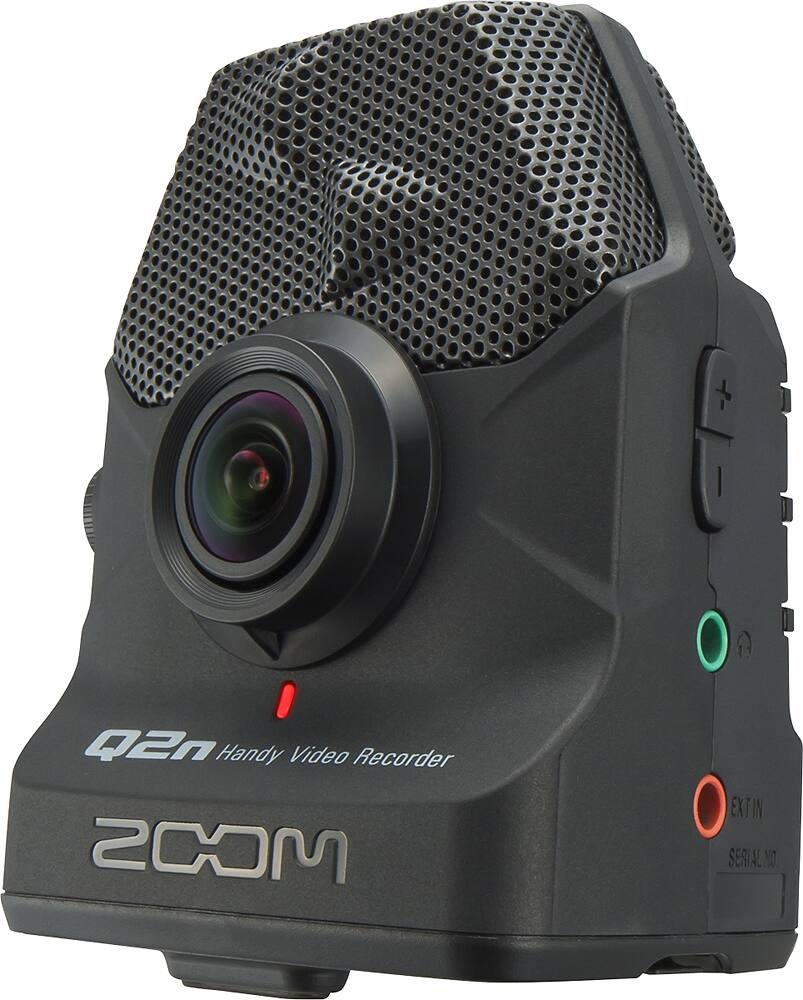
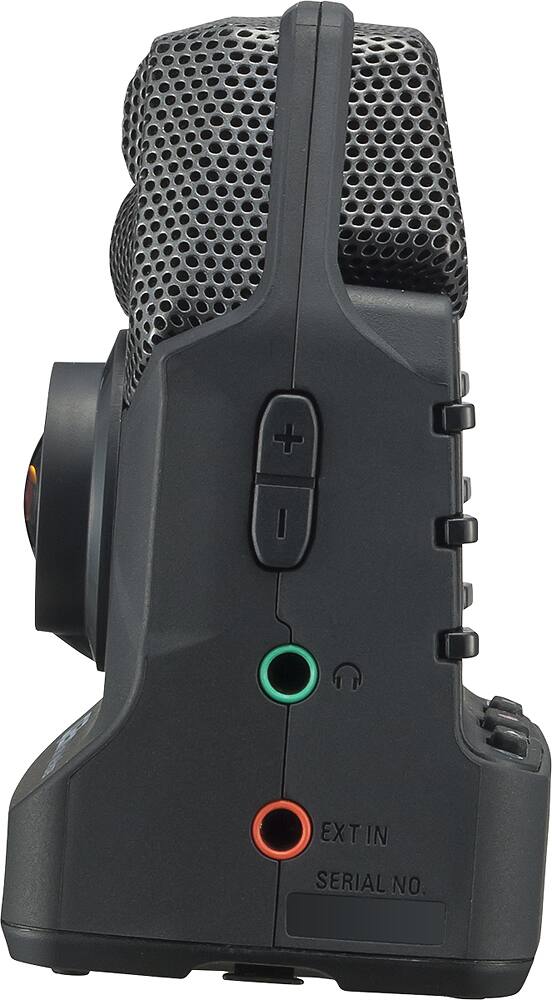
1) send into q2n via the 1/8" external input of your pre-recorded audio during a video recording if you're not concerned of time alignment.
2) record a video separately with q2n then utilize a video editor and or audio editor.
Most popular free & easy & satisfy your mentioned needs are: Microsoft Movie Maker and Audacity.
A:AnswerTechnically yes, but when I put it in Webcam mode it quickly exited with an error as soon as I tried to access it as a webcam in MS Windows. Research showed that there was a firmware upgrade to fix this. I really didn't need the webcam so I never updated.
It functions as a standard USB webcam. Whether it can do HDMI-out in webcam mode, I can't say . The USB port is fragile and mine quit working. Its a great camcorder but I think the USB and webcam aspects need improvement.