Customer Ratings & Reviews
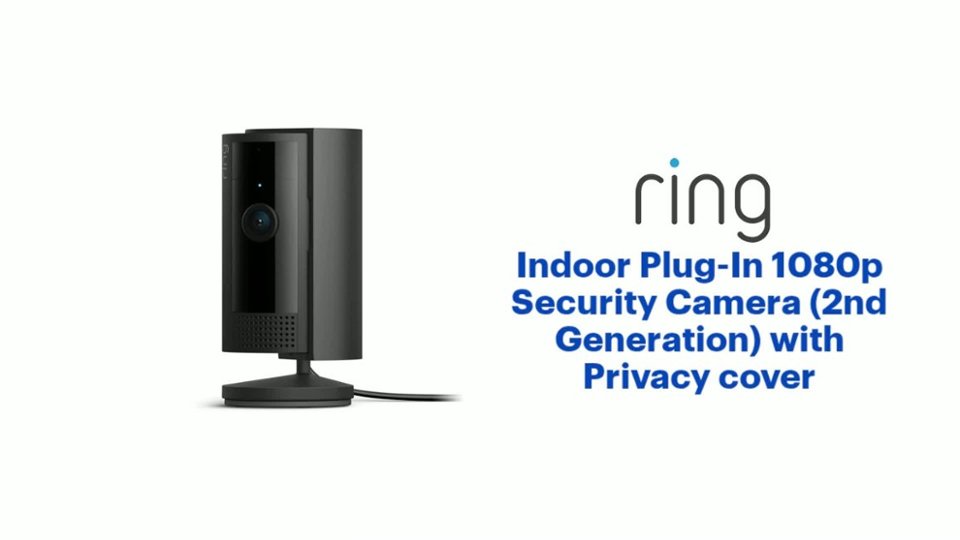
- Model:
- B0B6GJBKRK
- SKU:
- 6539953
Rating by feature
- Value
Rating 4.8 out of 5 stars
- Quality
Rating 4.8 out of 5 stars
- Ease of Use
Rating 4.8 out of 5 stars
Customers are saying
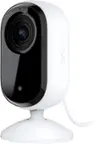
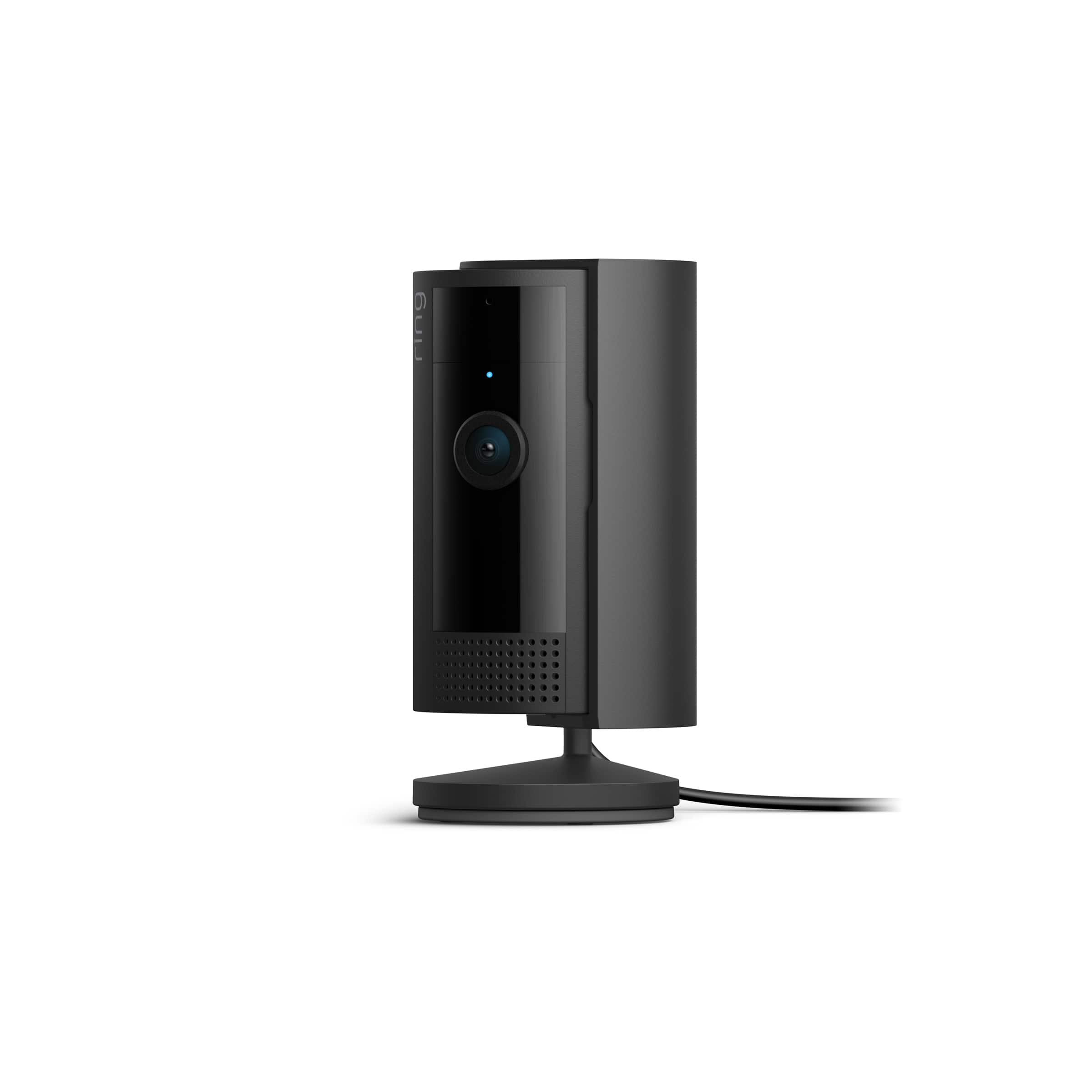
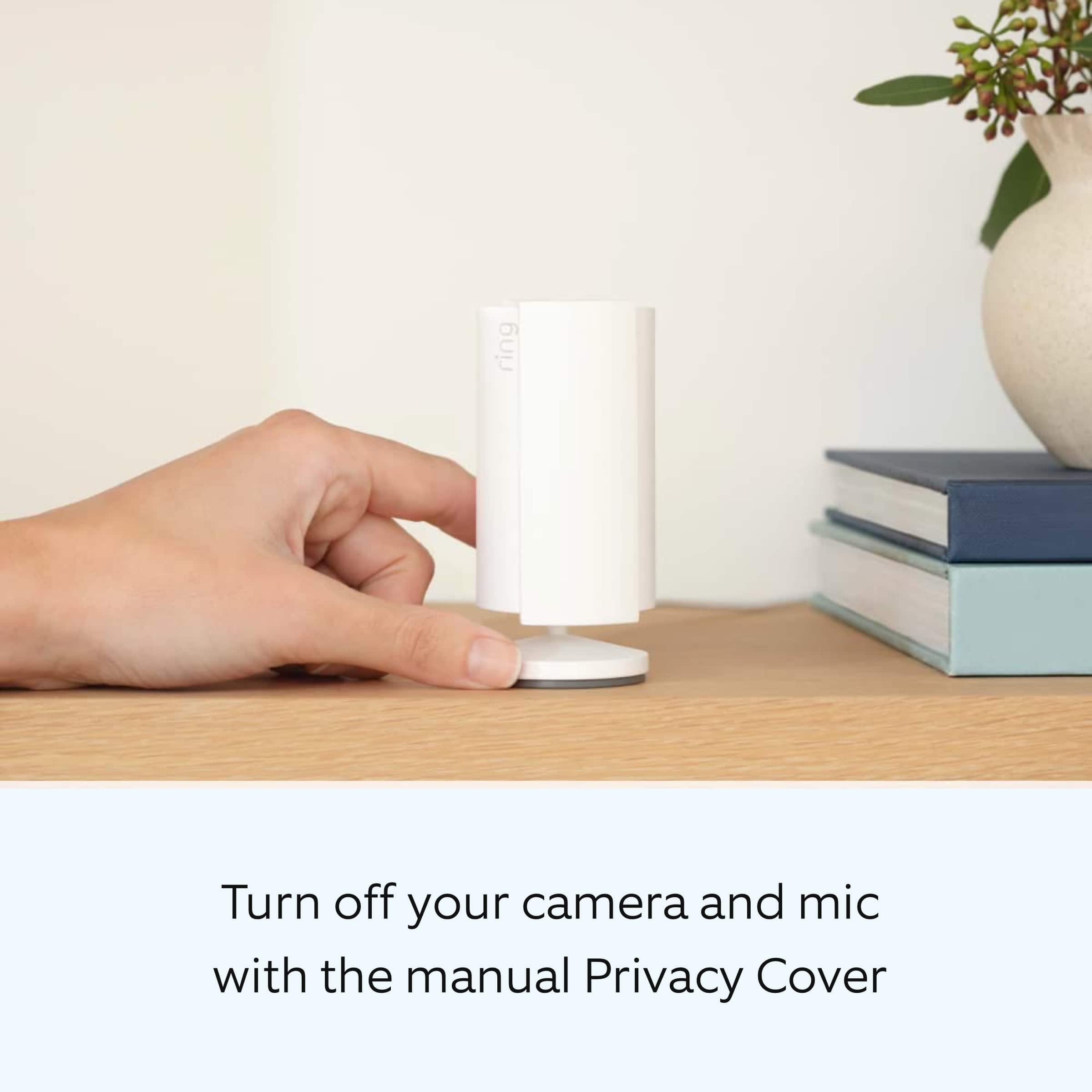
Customers are pleased with the camera's impressive quality, ease of use, and overall performance. Many appreciate the inclusion of a privacy cover, compact size, and reasonable price point. While the motion detection and night vision are well-received, some customers have expressed concerns about the need for a wired connection and potential connectivity issues.
This summary was generated by AI based on customer reviews.
Little cam
||Posted . Owned for 3 weeks when reviewed.This reviewer received promo considerations or sweepstakes entry for writing a review.So exactly in my house Thx so much for make easy life Best Buy you the number one
I would recommend this to a friendGreat cameras
||Posted . Owned for 1 month when reviewed.This reviewer received promo considerations or sweepstakes entry for writing a review.Great little cameras work better then expected would recommend anybody
I would recommend this to a friendGreat purchase
||Posted . Owned for 3 weeks when reviewed.This reviewer received promo considerations or sweepstakes entry for writing a review.I'm glad I went with Ring. Works great and I can monitor everything remotely. Love it!
I would recommend this to a friendAdditional protection
||Posted . Owned for 4 months when reviewed.This reviewer received promo considerations or sweepstakes entry for writing a review.Great value and a great security feature for my home.
I would recommend this to a friendRing - you are being recorded
||Posted . Owned for 1 month when reviewed.This reviewer received promo considerations or sweepstakes entry for writing a review.Very easy to use and works great. Excellent value and quality
I would recommend this to a friendLove my Ring
||Posted . Owned for 1 month when reviewed.This reviewer received promo considerations or sweepstakes entry for writing a review.Love that I can see if someone comes into my apartment and/or room when I'm in class.
I would recommend this to a friendCamera
||Posted . Owned for 1 month when reviewed.This reviewer received promo considerations or sweepstakes entry for writing a review.Great item for inside the home with good battery life.
I would recommend this to a friendProduct
||Posted . Owned for 3 weeks when reviewed.This reviewer received promo considerations or sweepstakes entry for writing a review.Superb clarity highly recommend this product Gift for the whole family
I would recommend this to a friendCamera
||Posted . Owned for 1 month when reviewed.This reviewer received promo considerations or sweepstakes entry for writing a review.I got my mom this camera as well. She had not set it up just yet.
I would recommend this to a friendBeautiful camera
||Posted . Owned for 1 month when reviewed.This reviewer received promo considerations or sweepstakes entry for writing a review.I love it. Most importantly it keeps us safe and that is of the utmost importance.
I would recommend this to a friendRing cam
||Posted . Owned for less than 1 week when reviewed.This reviewer received promo considerations or sweepstakes entry for writing a review.Get it when it’s on sale………………………………………………………………..
I would recommend this to a friendLove it!
||Posted . Owned for 1 month when reviewed.This reviewer received promo considerations or sweepstakes entry for writing a review.Perfect for indoor use! Especially when i leave home, im able to see what my dogs are up to!
I would recommend this to a friendBest Purchase Ever!
||Posted . Owned for 3 weeks when reviewed.This reviewer received promo considerations or sweepstakes entry for writing a review.I’m so glad, my new ring camera is the best, I’m about to order the next one for today!
I would recommend this to a friendRing Camera
||Posted . Owned for 1 month when reviewed.This reviewer received promo considerations or sweepstakes entry for writing a review.The item worked as expected. It was available when I ordered it. That was great
I would recommend this to a friendring indoor
||Posted . Owned for 6 months when reviewed.This reviewer received promo considerations or sweepstakes entry for writing a review.Works great for when your out But is annoying when at home it constantly goes off Have to remember to open and shut the door
No, I would not recommend this to a friendBrand response from Ring
Posted .Hi TheresaK.
We appreciate the time you have taken to share your Ring experience with us. At Ring, we want to ensure that you have the best possible experience with our products. Your peace of mind and security are extremely important to us. The features and technology provided by the Ring Indoor Cam (2nd Generation) are incredibly valuable and help provide you with peace of mind about your home security. Rest assured, we're here to help!
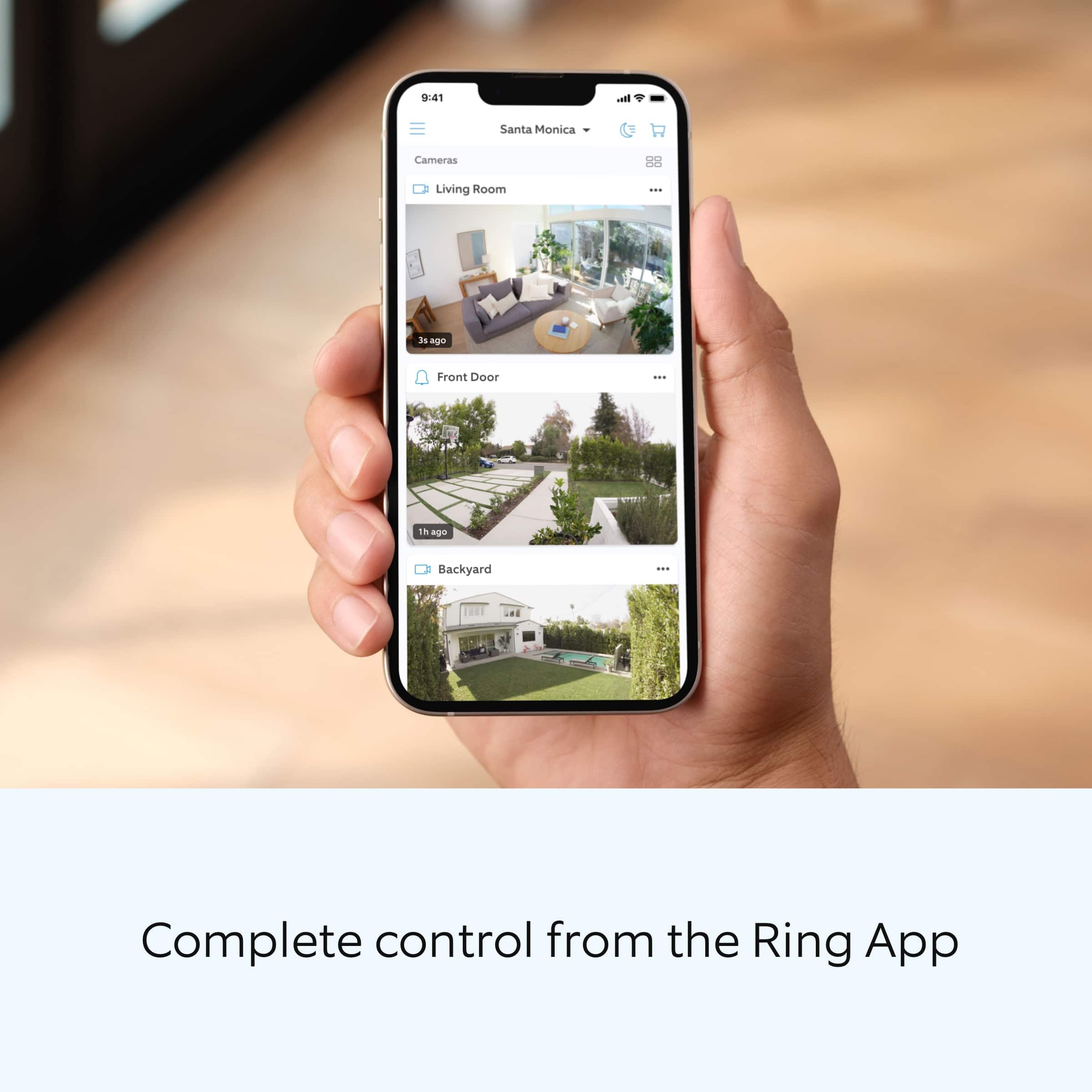
It sounds like you are concerned about notifications for motion while at home. You can choose to toggle the motion detection on or off within the Ring app. Follow these steps to turn motion detection on or off:
Open the Ring app to the main dashboard.
Tap more (•••) on the camera you want to access.
Tap your device's Settings.
Toggle Motion Detection on or off.
With the Modes feature, you can set your Ring cameras to Home or Away Mode and customize when they record, and more. Using Modes in the Ring app requires an Ring Standard Home Plan. In the Ring app, there are three Modes you can set: Disarmed, Home and Away. In each Mode, you can create specific actions you want your Ring Alarm, Ring Alarm sensors, doorbells, and cameras to do. You can choose whether you want these devices to record or not in each Mode. For example, maybe you want only your doorbell to record in Disarmed, only your outdoor cameras to record in Home, and all your cameras to record in Away.
If any additional information is needed regarding your Ring Indoor Cam (2nd Generation), please reach out to our community. Ring Community is our first peer-to-peer community forum, giving our customers the ability to help one another and share their feedback and experiences directly with Ring. Join the Ring Community today!
Thank you,
Amilia from Ring.
Inside Camera
||Posted . Owned for 3 weeks when reviewed.This reviewer received promo considerations or sweepstakes entry for writing a review.100 % siempre te manda las notificaciones que tu quieras recivir
I would recommend this to a friendGood camera
||Posted . Owned for 1 month when reviewed.This reviewer received promo considerations or sweepstakes entry for writing a review.Ring cameras are just easy to use. And the service is inexpensive.
I would recommend this to a friendRing camera
||Posted . Owned for 3 months when reviewed.This reviewer received promo considerations or sweepstakes entry for writing a review.So far loving this camera works great good view it’s a plug in
I would recommend this to a friendPiece of mind.
||Posted . Owned for 2 months when reviewed.This reviewer received promo considerations or sweepstakes entry for writing a review.It gives me piece of mind to know my children are safe.
I would recommend this to a friendRing cam
||Posted . Owned for 1 month when reviewed.This reviewer received promo considerations or sweepstakes entry for writing a review.These paired up nice with my ring doorbell. Easy installation
I would recommend this to a friend