Customer Ratings & Reviews





















- Model:
- H7606WV-P16.R3704060
- SKU:
- 6584438
Rating by feature
- Battery Life
Rating 4.3 out of 5 stars
- Speed
Rating 4.6 out of 5 stars
- Display
Rating 4.7 out of 5 stars
Customers are saying
Customers express satisfaction with the ProArt P16 laptop's exceptional screen quality, overall performance, and the speed of its Ryzen AI 9 HX processor. The laptop also receives positive feedback for its good battery life, ample RAM, sleek design, and portability. While the refresh rate is seen as slightly low and the fan can be noisy under heavy use, the heat dissipation is also a minor concern.
This summary was generated by AI based on customer reviews.

Superior Hardware Powered by AI
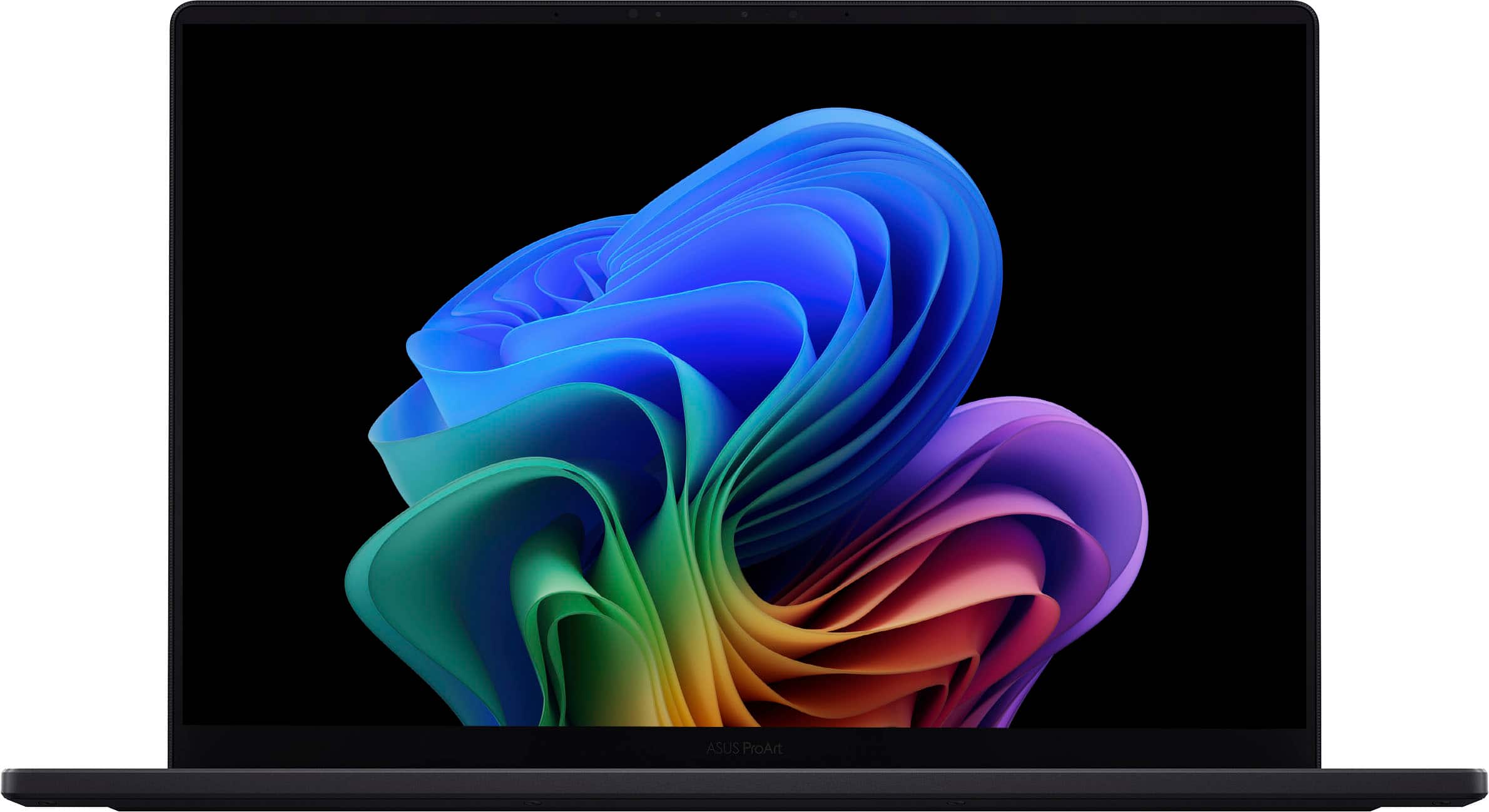
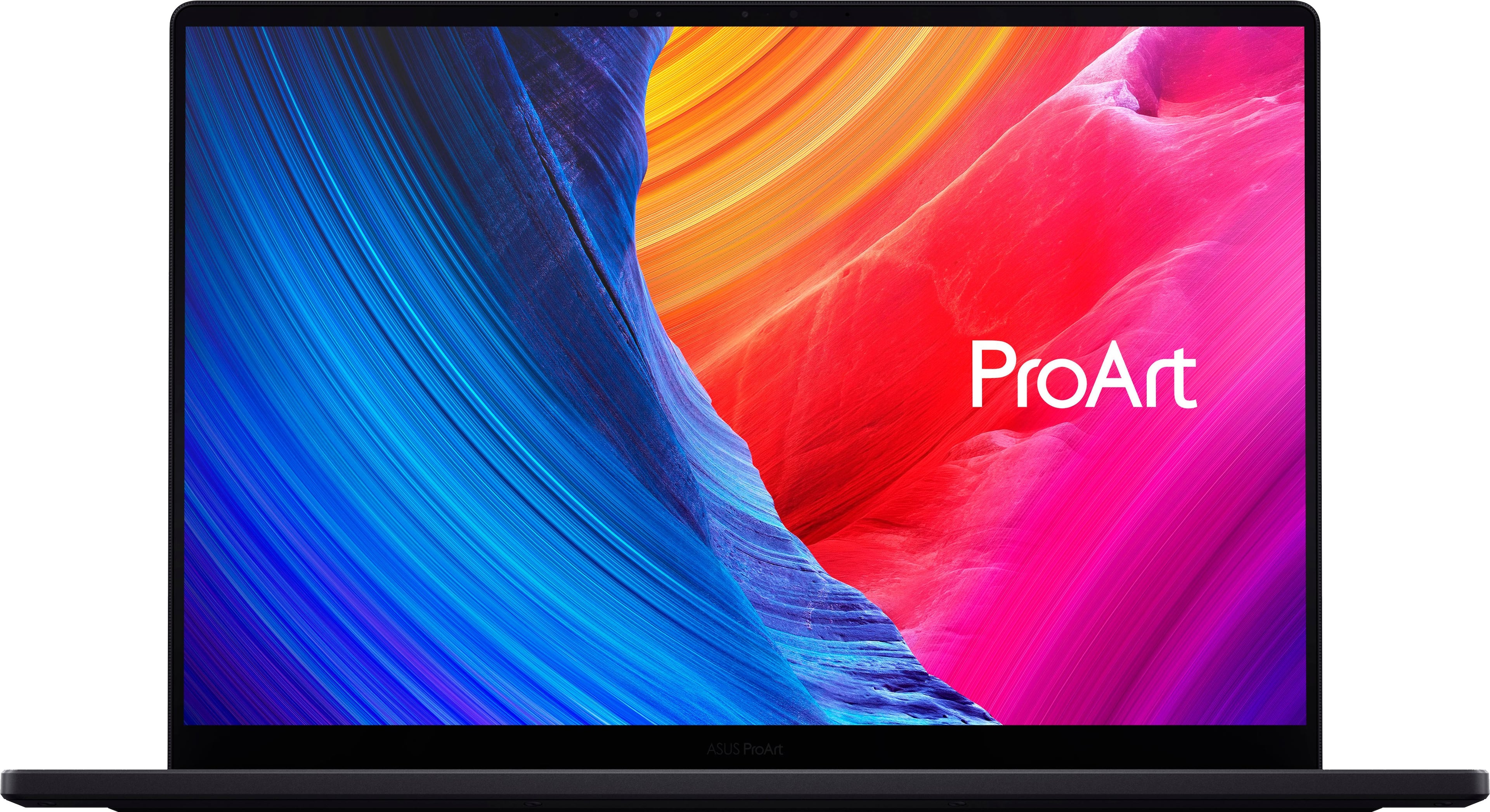
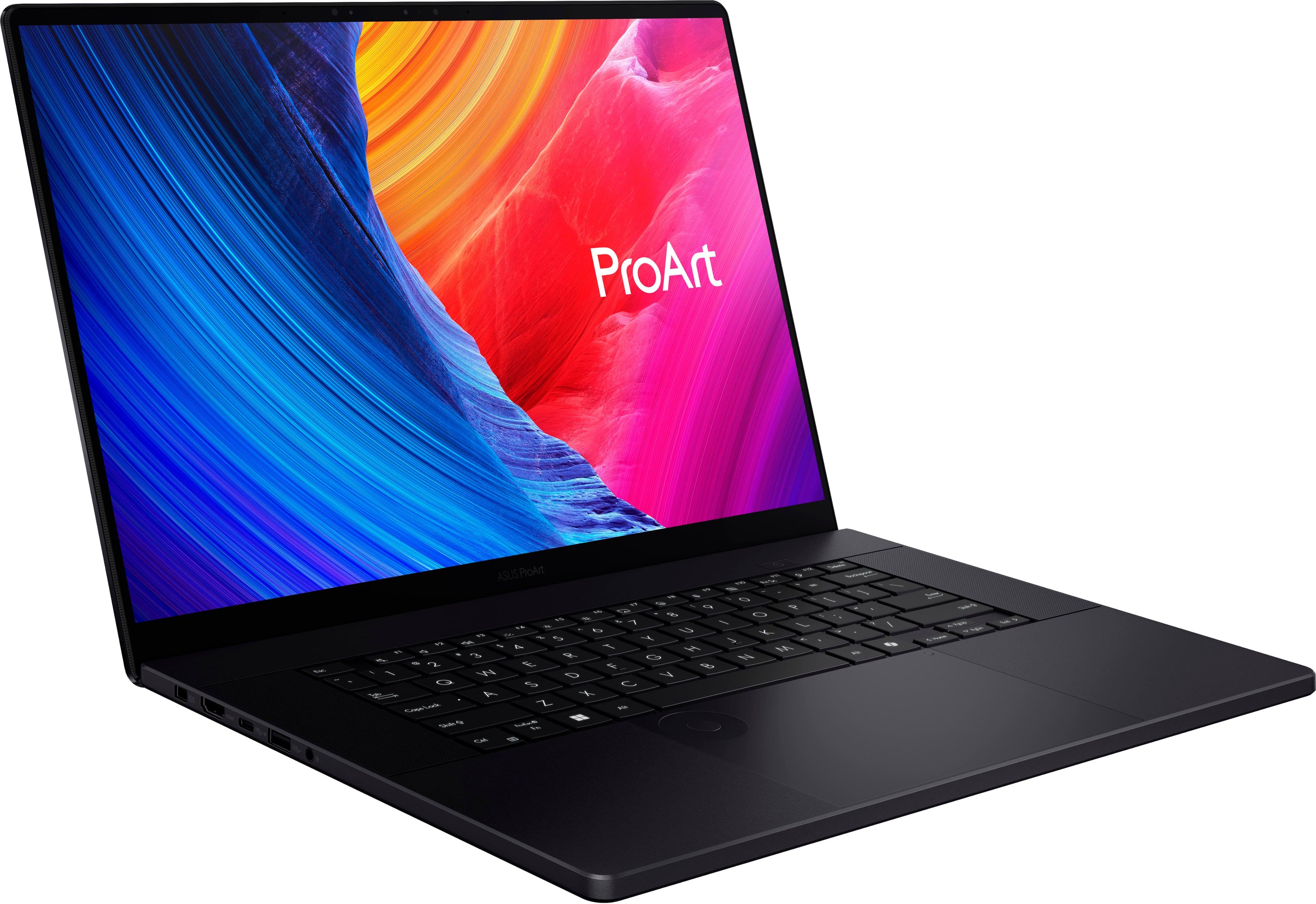
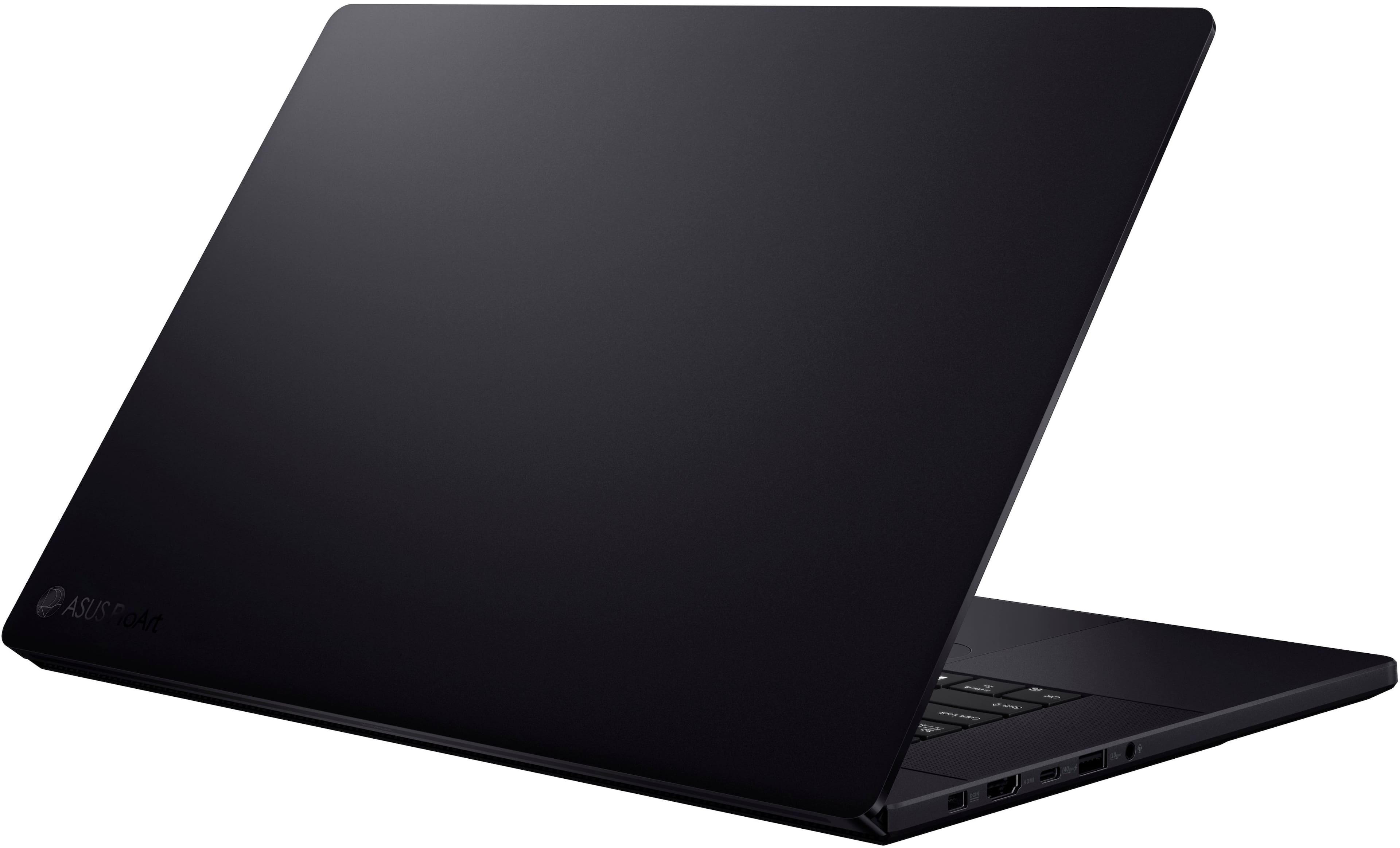
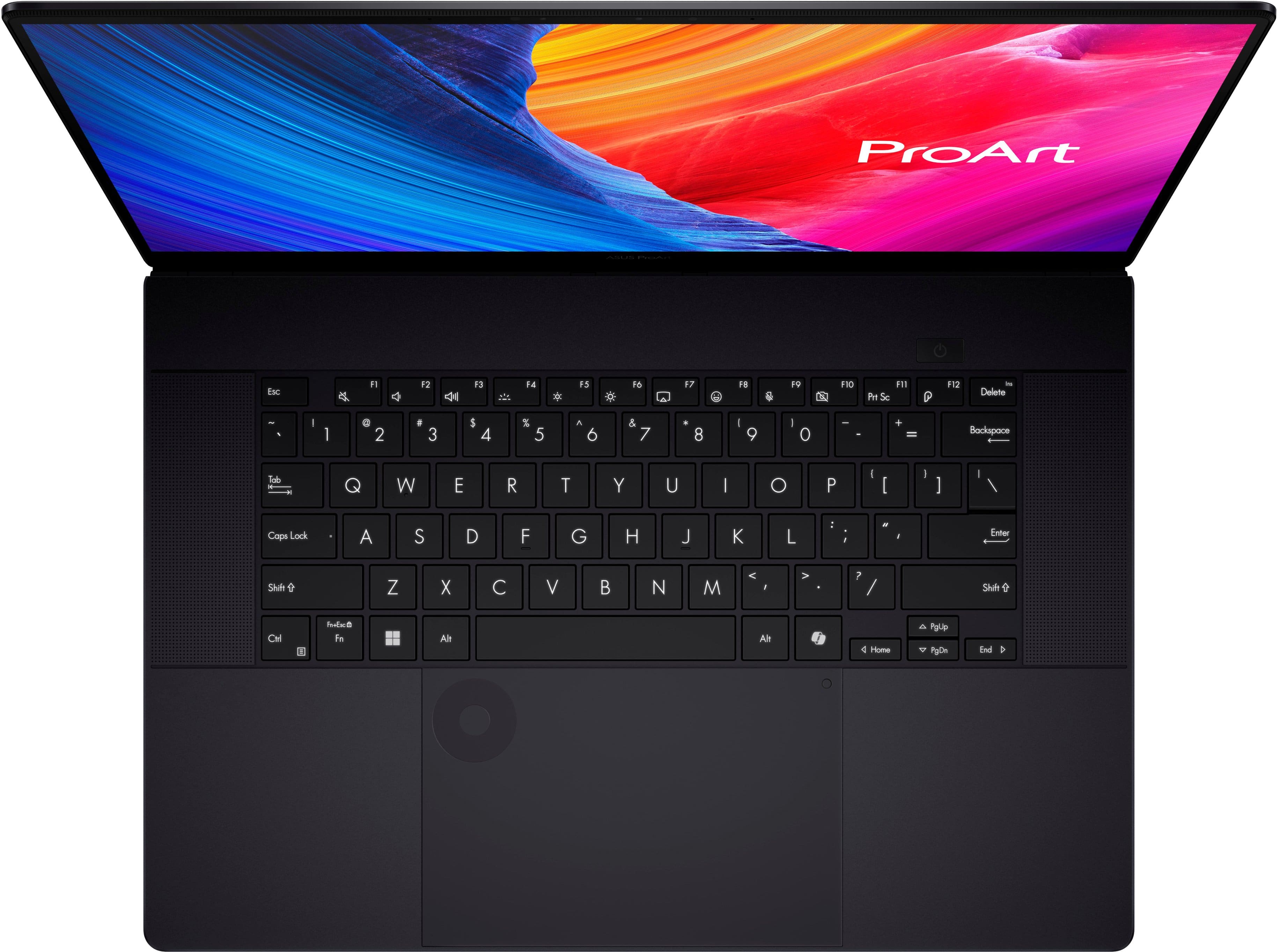
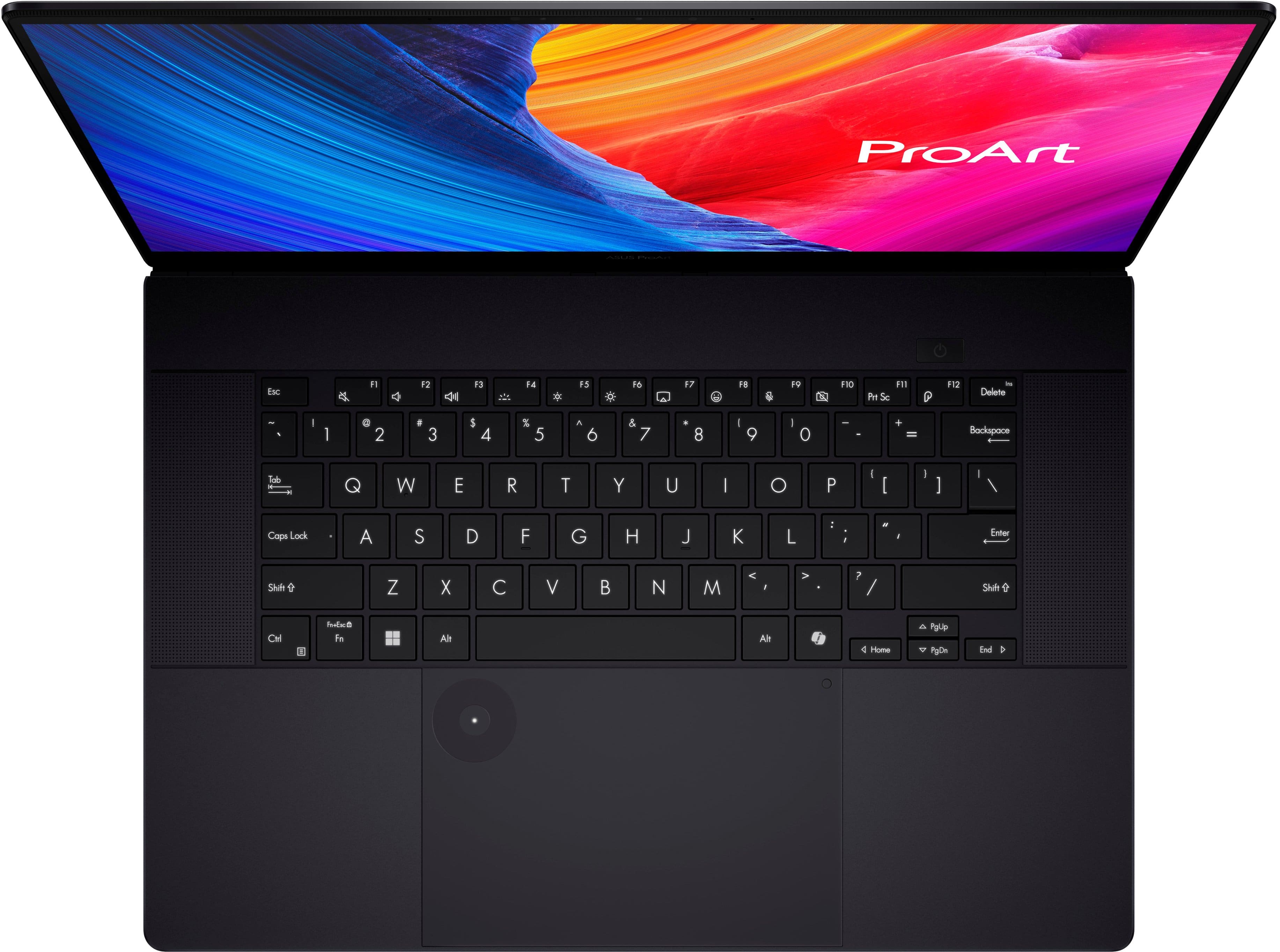
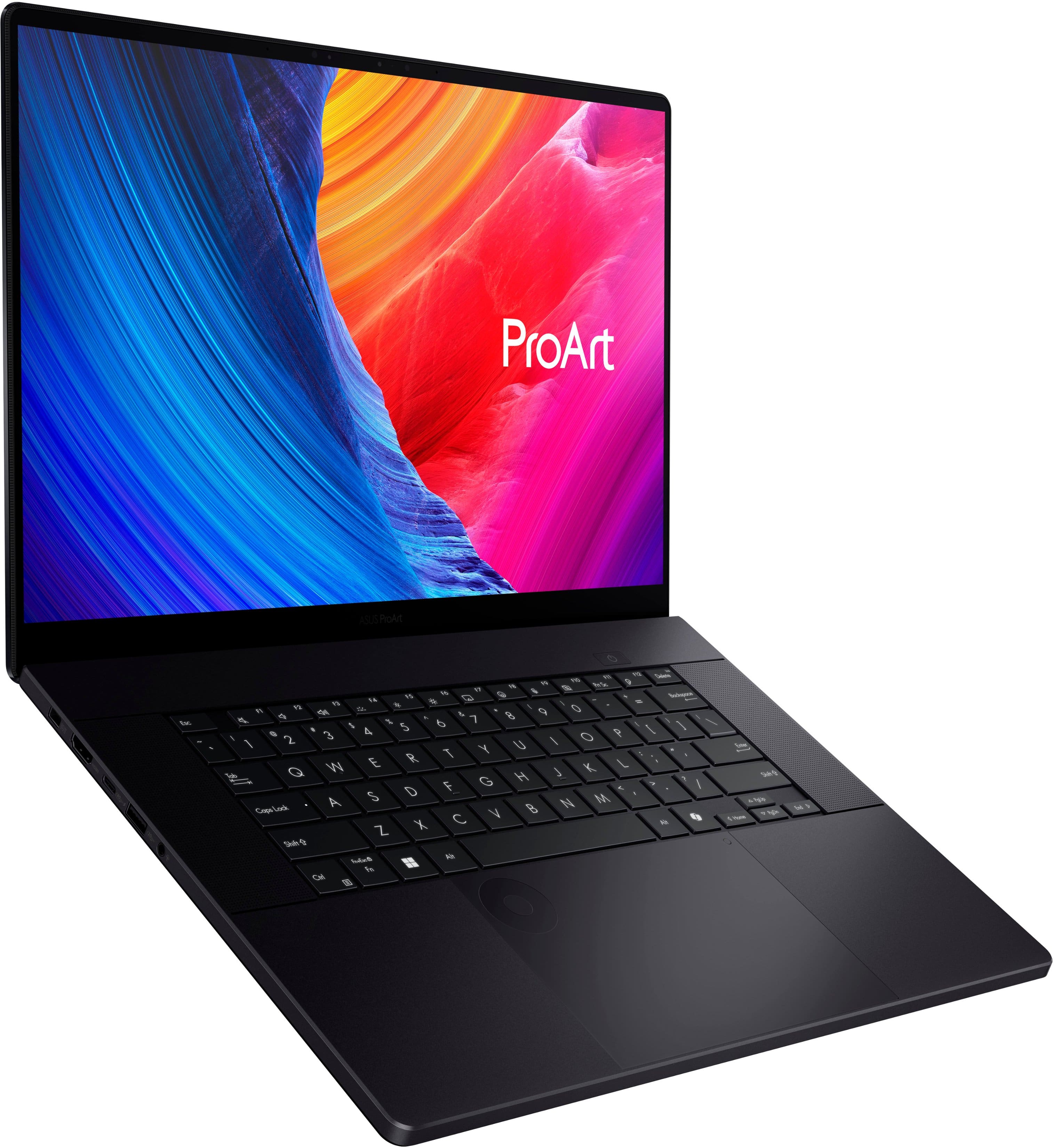
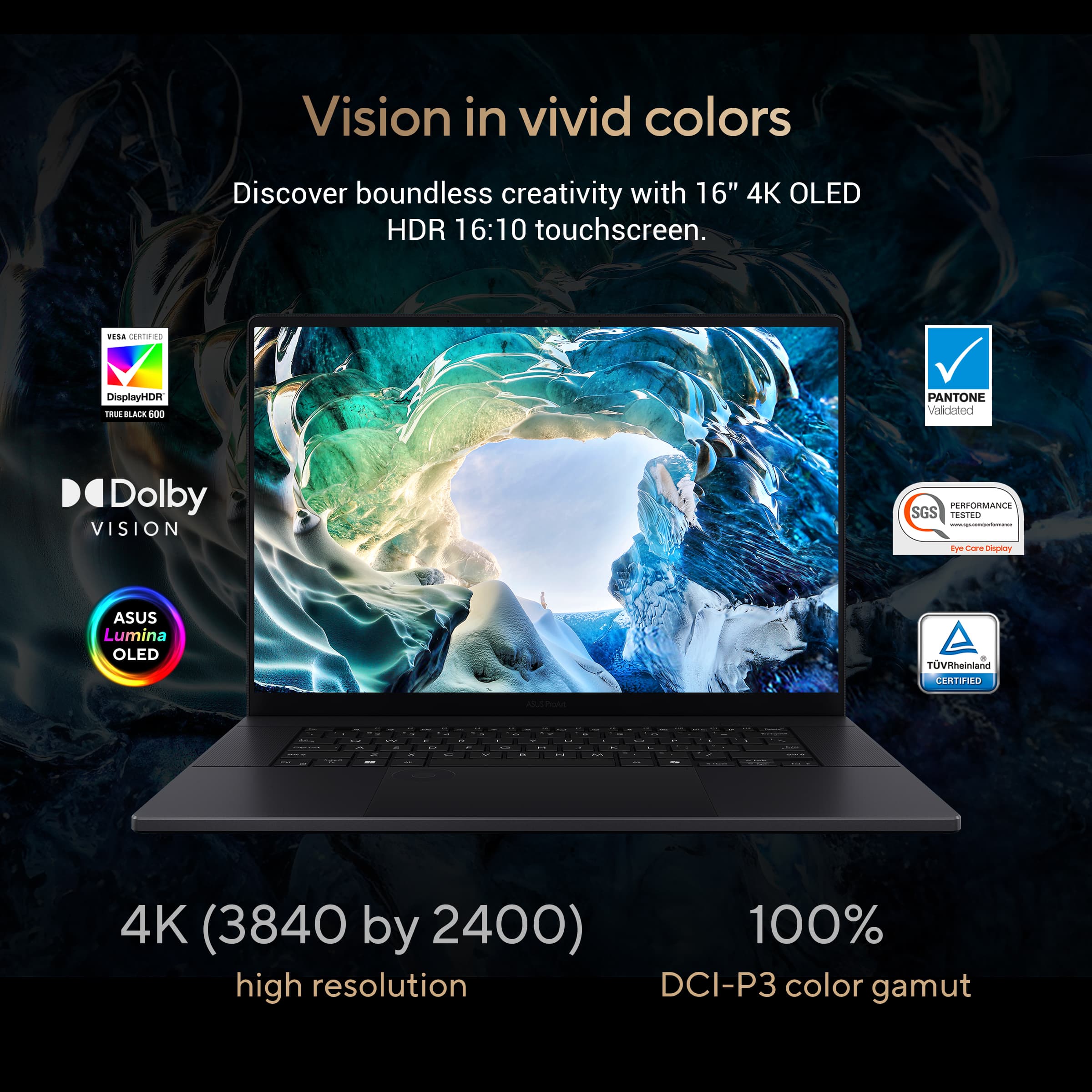
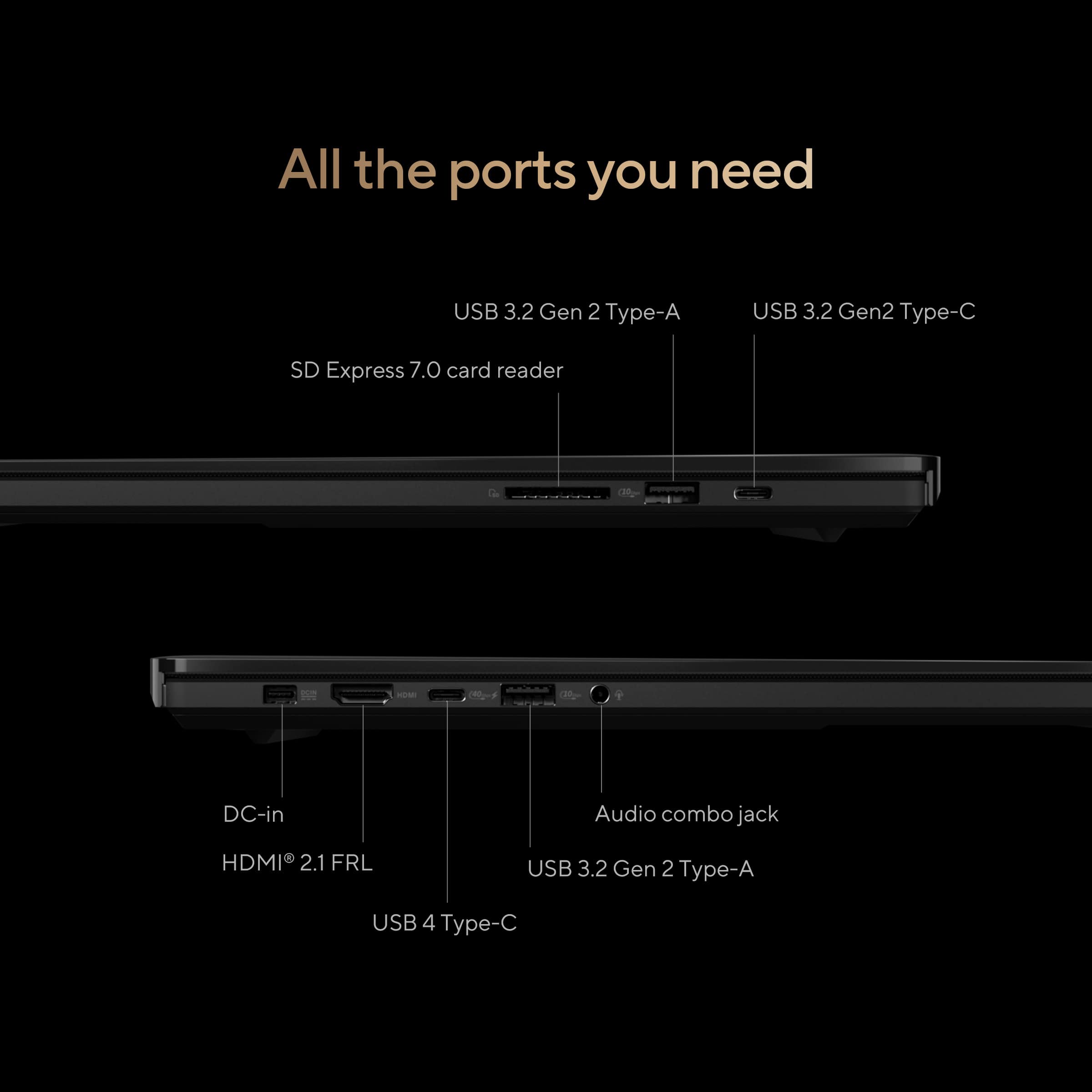
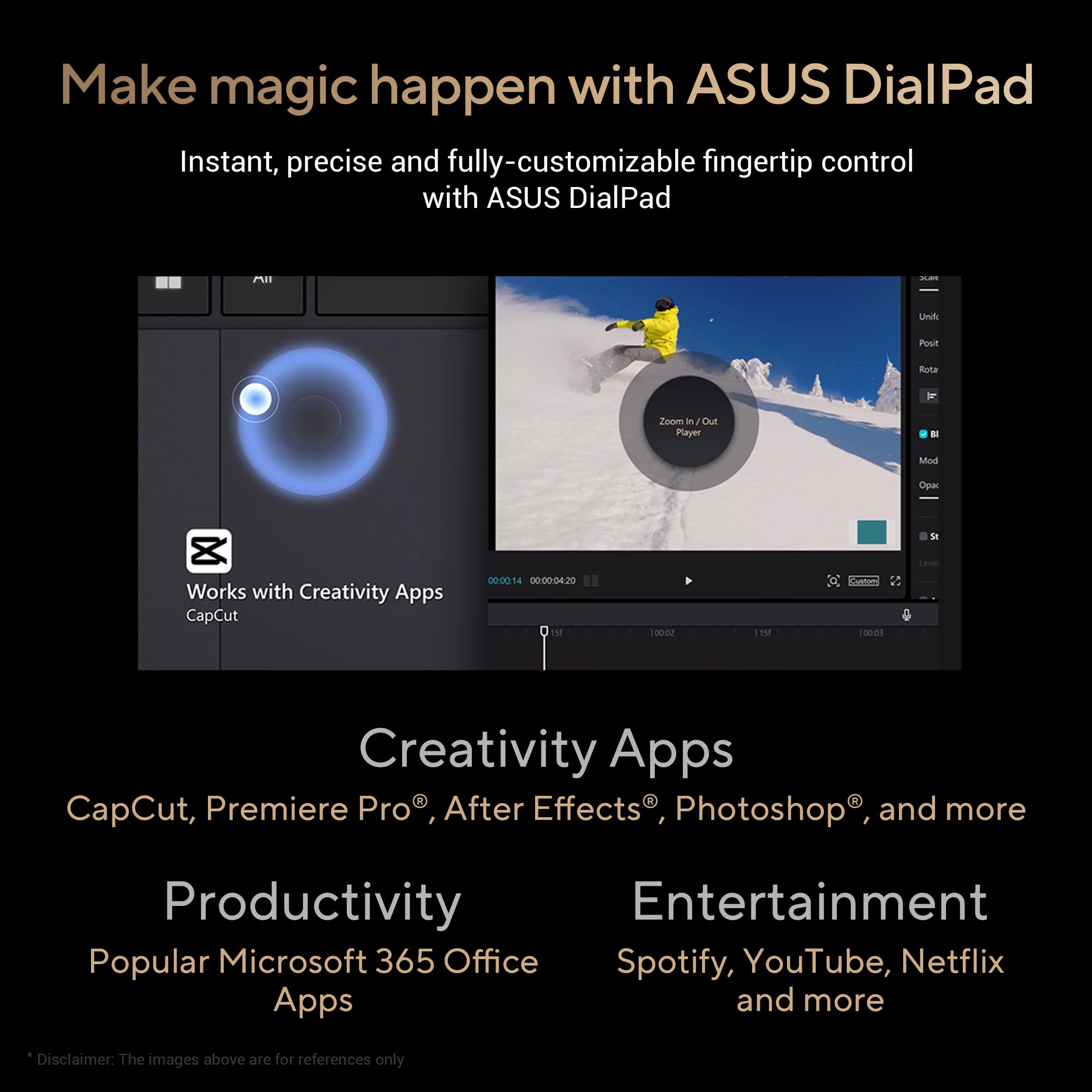
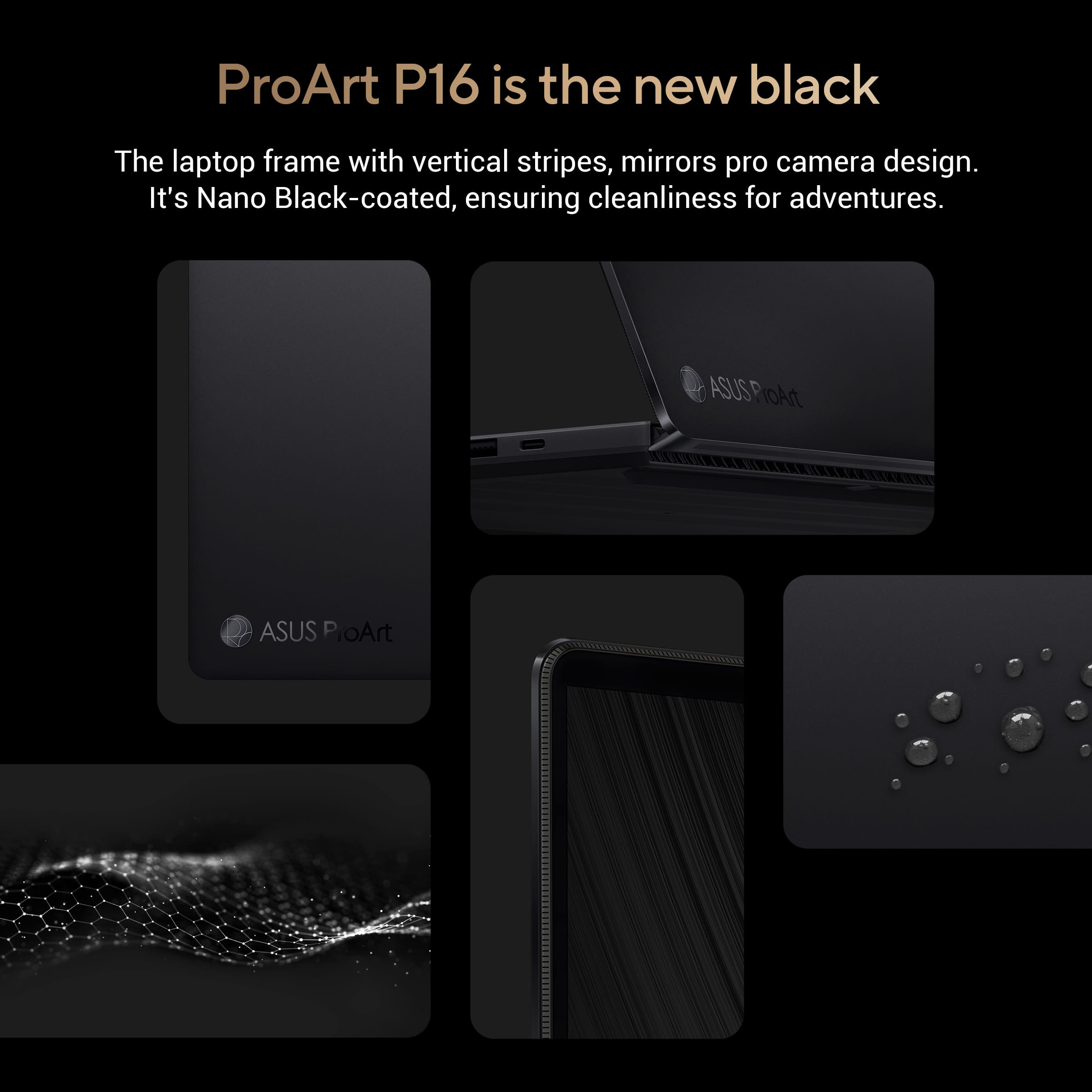
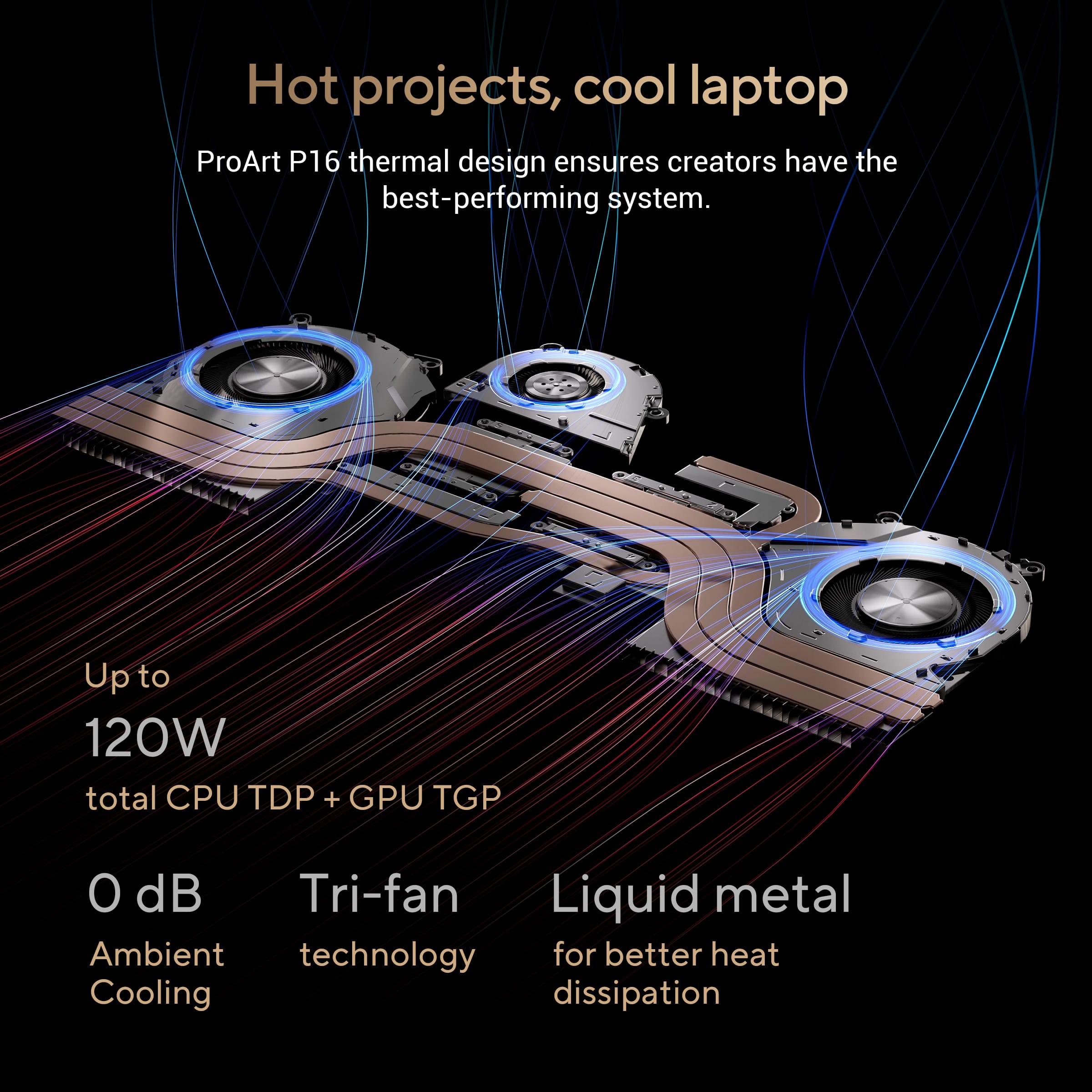
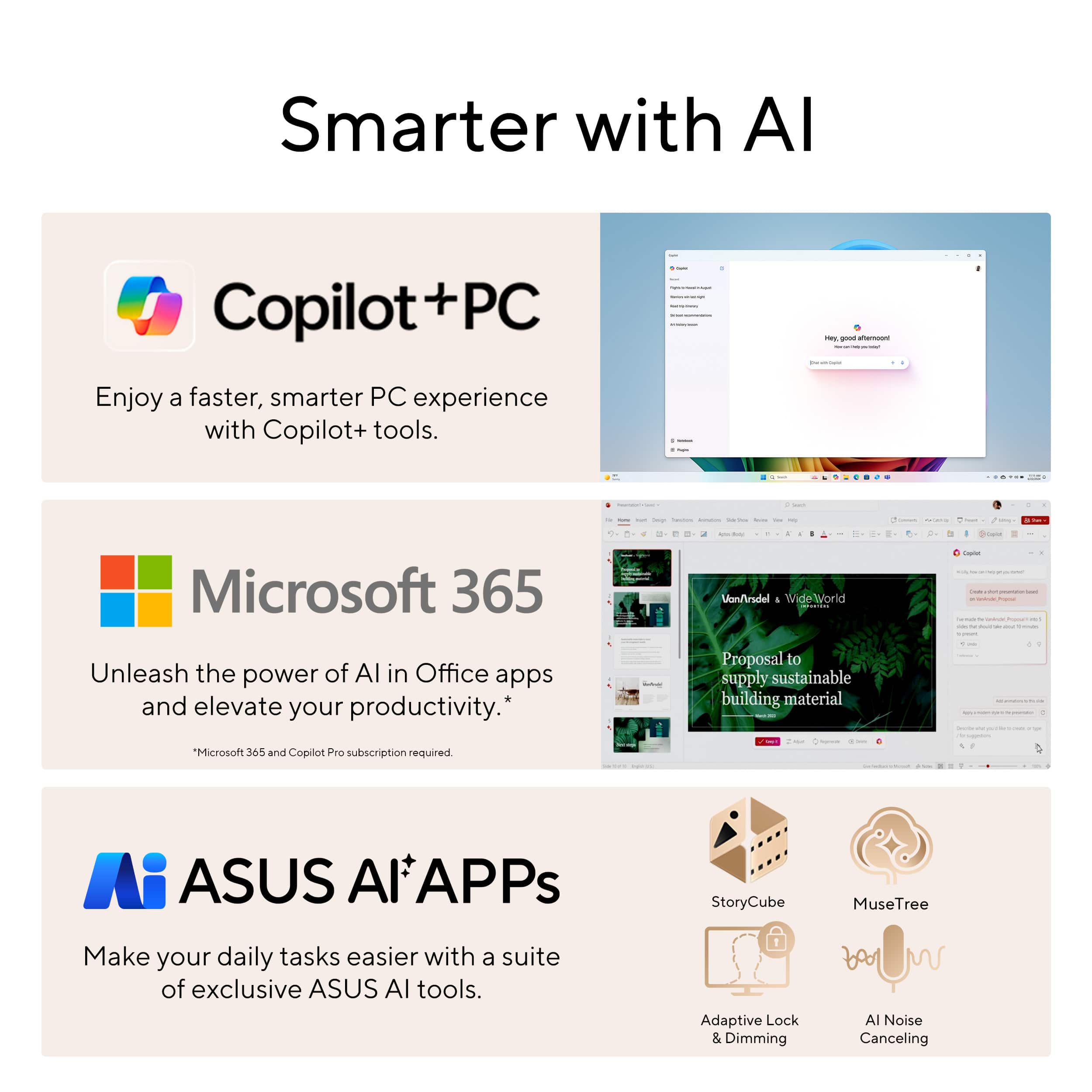
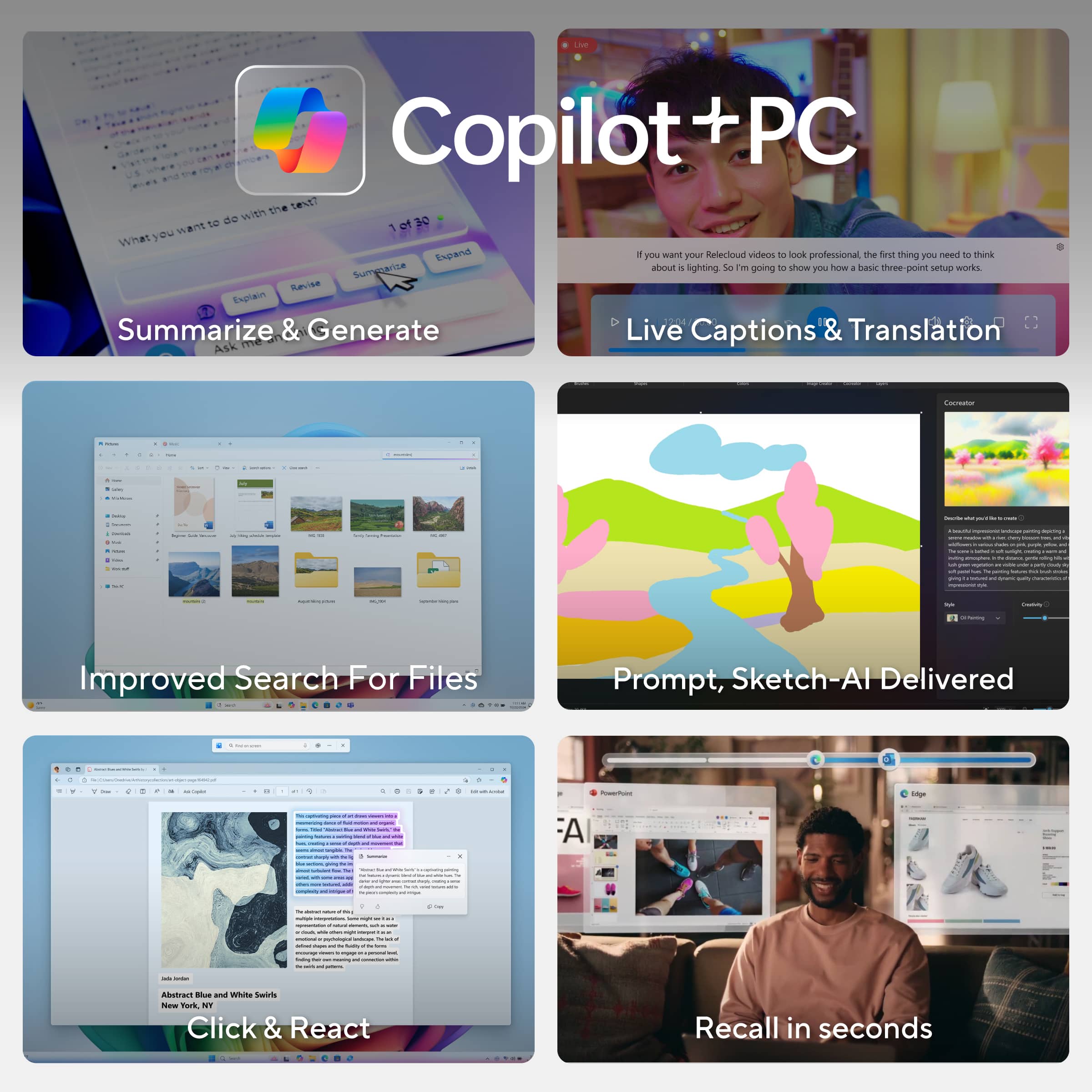
|Posted .This reviewer received promo considerations or sweepstakes entry for writing a review.AI is the ultimate buzzword nowadays where lately it has made its way to the various functionalities of laptops. I`m constantly cycling through various desktops and laptops and seem to always find my way back to ASUS as my daily driver. Thus with ASUS constantly being at the forefront of the PC space they have actually integrated components of AI with their superior built computers to create essentially the near perfect laptop here. First right out of the box you get that premium ASUS unboxing experience where the quality is second to none. Right away you notice the new "Nano Black" color which I absolutely love as all the weird colorways and RGB lights have ran its course in my opinion and thus it is so nice to have such a sleek refined look. The new logo is a nice touch as again it only builds on that premium aesthetic. However, this is not simply for looks as this new color actually serves a purpose for it results in absolutely no fingerprints or smudges at all so you`re not constantly having to clean the exterior with a microfiber cloth. Opening the actual laptop is buttery smooth with the way ASUS has built the hinge here and I understand you may be saying who cares about a laptop hinge, but when you`re constantly opening and closing it I assure you that you will notice the difference. ASUS has kinda taken both sides here as it has went with that premium feel, but also the ruggedness is amazing as even down to the corning gorilla glass on the screen this laptop is made to be used in a portable setting and not simply sat on a desk. I will say when it comes to ruggedness ASUS has definitely taken it to the extreme with their testing on this one as they supposedly tested it in the rainforest (95% humidity), mountains (-32 degrees Celsius and 15,000 feet altitude), and in the desert (70 degrees Celsius). So yea for most of us we are good and you can even leave it in your hot/cold car without worry, but for those adventurists out there I suppose you can rest assured as well. Powering this computer on though is where it really begins to shine. Firstly, setting everything up was quick as there is not a bunch of bloatware and it provides an exceptionally smooth experience. However, the screen is the big feature that stands out as the OLED screen really pops here for this screen is obviously 4K, but also hits 500 nits of brightness which with many OLED laptop screens you only get "Ultra HD" and half the brightness at 200-300 nits. This extended brightness only makes the true blacks pop even more. One thing I have to touch on with the screen is the burn in protection that ASUS offers as they offer a free screen exchange policy if issues do come up for some reason though I can confidently say with OLED screens nowadays burn-in is truly an issue of the past. Some other hardware items to note here first are all of the various ports as ASUS didn`t go the cheap route and give you a lonely USB-C port and charging port like many other laptops today where you`d have to buy additional dongles. They have included all the ports you need from your USB-A and USB-C to your HDMI, SD card reader, and audio jack to which these are all high speed ports so no corners were cut. They did all this while also keeping the laptop extremely thin and sleek. Back on the inside though everything is also very sleek and refined as there are not a bunch of weird keys and buttons as the co-pilot key is the only added key on your standard keypad. I`ll touch on the performance in a second, but one thing to note on the keyboard is the unique ASUS DialPad which as a heavy Photoshop user this thing is absolutely great! However, if you`re just going to be using this laptop for school and office work you may not use it as much though for watching videos it does come in handy to fast forward and rewind. It essentially acts as additional shortcut keys if you so wish. Anyways, I`m just so impressed with the aesthetics here that I had to mention all of those items, but onto actual performance though. I could write paragraphs with how well this thing tackled various creative and content creation apps along with some gaming as well, but essentially this thing is an absolute powerhouse! You should not have any hesitations at all with whatever it is that you wanna throw at this laptop as it will perform exquisitely!! When I get new computers I always wanna push those limits to see where the hiccups start, but ASUS has put this thing through the ringer and identified any shortcomings as there is nothing I couldn`t do here and with the RAM and storage you`re not gonna have any lag issues at all! With the extreme performance the key drawback with a lot of laptops is the cooling component, which every brand has their buzzwords as to why theirs is the best. ASUS doesn`t boast any "Winter X Cooling" or "Xtreme Temperatures" as they have focused on what actually keeps the laptop cool in order to optimize performance. ASUS has went with a triple fan setup with the biggest facet being how the warm air is pushed out of the laptop as it doesn`t go out straight up through the keyboard or straight down through bottom, but instead is angled out the bottom away from the user which provides a perfect experience in my opinion. The other nice feature is there is a dust filter that helps preserve the internals for optimal performance. As I mentioned earlier it wouldn`t be a computer in 2024 without "AI." However, ASUS has actually implemented some useful features here that us normal people can use outside of just a solely business perspective. First though theses features won`t bog down the rest of your processes as ASUS has incorporated a dedicated AI chip to help power the laptop. Two minor features that work in the background I want to note revolve around the screen and sound. First is that AI is used for adaptive dimming on the screen to adjust the brightness based on your presence and the screen will also auto lock when you leave. Then when it comes to sound for calls and meetings AI is supposedly used to reduce background noises. Aside from those two background items I`m sure we are all probably familiar with Copilot by now to which there is a dedicated key on the keypad here and works flawlessly just as you would any other AI chatbot. Aside from those couple things there are four major AI applications ASUS has incorporated here which the two I want to touch on briefly are the Creator Hub and Dial Control. The Creator Hub essentially is your performance hub for the laptop where you optimize laptop performance and can play with some unique color palette items if you work heavily with image production. Then the Dial Control is again used for the Dial Pad I mentioned earlier which for those that may use the various creative apps out there definitely check this out! The two I really want to focus on are StoryCube and MuseTree. StoryCube is geared toward all users as it essentially can organize and classify all of your photos and videos. This is not solely from one device either as it can take those from numerous devices. It can recognize faces, categorize scenes, and even auto generate videos for you. This is one of those apps where even non-creative professionals can benefit from and have a good time playing with. MuseTree is also fun to play around with, but for creative professionals it is extremely handy! Essentially here it can combine ideas and concepts to help you out with inspiration or an overall concept. Additionally, the Canvas feature is neat where you provide a sketch for an idea and it expands upon that to create dynamic images. Then the Library is similar to StoryCube where it organizes and preserves all of your ideas. All in all, I know what you`re thinking in that everything can`t be positive here and that I`ve glowed over this laptop for multiple paragraphs to which I mean yea a limitless battery when editing videos would be nice, but that`s not realistic haha. In all honestly it really seems that ASUS has thought of everything here from the aesthetics and ruggedness to the performance elements while also incorporating the various AI features for productivity and creative professionals. Thus, whether you are a student, creative professional, or just the everyday video streamer that checks their emails this laptop has it all and I would not hesitate to recommend it!
I would recommend this to a friendBeautifully built laptop
|Posted .This reviewer received promo considerations or sweepstakes entry for writing a review.Unwrapping this box was an experience. This came packaged securely and I felt like I was opening something precious with how well it was wrapped and supported. I immediately fell in love with the sleek look of this laptop. It's a satin black with minimal badging that looks and feels luxurious. The screen is bright and big and the speakers seem to do well with anything I've played on it so far. I do a little bit of everything on my laptop so I wanted something that could handle that. I recently got into gaming and have been playing a first person shooter that required a lot of space to download and needed quality graphics to be played and enjoyed properly. This game runs flawlessly on my laptop and I was easily able to connect a wireless controller to play as well. We also have a small business we run and we post on social media so I wanted something that had the ability to edit pictures and videos while still being user friendly. I was impressed with the ProArt programs that came loaded on the laptop and have had fun using them and seeing how I can integrate that in my editing. The track pad on this laptop is amazing too, it has a specialized circle on it that you can use to really have control over editing. Copilot was also loaded on this and it's been fun to play around with the AI and see how I can incorporate that as well. Set up was super easy and so far it's been fairly user friendly as well. This packs the storage you would want if you are a gamer or into editing/social media/etc. and looks good while doing it. This is a solidly built laptop with a nice bright screen for daily use or work. The battery life has been great as well, I was worried with the big screen it wouldn't last as long but I've been pleasantly surprised. My kids have enjoyed using it as an extra screen for streaming movies and have no complaints about the video quality or the sound for that. I'm excited to keep learning and doing more with this laptop.
I would recommend this to a friendAsus outdid themselves again. Well done
|Posted .This reviewer received promo considerations or sweepstakes entry for writing a review.If you want a laptop that can help you create media, well this is one that you should take a look at. Asus made sure to include high end components from its processing power AMD Ryzen 9 to the 32gb of ram at 8333mhz. To the Nvidia studio GPU etc 4060. Plus the 4k OLED touchscreen. Add 1TB of hard drive space and you should be having no issues at all. Now the bonus features the Asus dial pad , AI copilot, amazing sound and 3 cooling fans. You have yourself a very well made machine. Physically it's really a beautiful laptop. Durable, lightweight and has amazing sound. I even played a few games on there obviously I had to tweak some settings but none the less the laptop was running fine. Now photo editing is so much easier when you have a touchscreen , so was editing videos with the capcut that is already installed . Using the dial pad on the mouse is new, I'll be honest it's still something I'm still learning. the only thing I wish Asus did was like make the dial either pop out or dented in the mousepad, I'm always rotating outside the actual display zone which is annoying. I know it's meant to help give you shortcuts while editing and creating but having to look at the mousepad to place my hand in the right position gets to be too much sometimes. Other than that this laptop is awesome.
I would recommend this to a friendGreat performance. Display and audio are awesome
|Posted .This reviewer received promo considerations or sweepstakes entry for writing a review.Pro: -OLED display is amazing -Speaker audio is good -Light and portable for a 16” -The dial can be customized per app -Expandable storage Con: -60Hz refresh rate -AI features not fully supported yet -Big power brick The Build The Asus ProArt P16 is a sleek and clean laptop designed for content creators on the go. For a 16” laptop, it still manages to be light and portable, weighing at about 4 lbs. It has a matte black, fingerprint resistant, “Nano Black” finish. The keyboard only has white backlit and gets smudges from fingers after a short use. It has plenty of connections on either side. On the left, there is an HDMI, USB 4 Type C, USB 3 Type A, and a headphone out. On the right is another USB Type C, USB Type A, and the SD card reader. It comes with a 1TB M.2 SSD with another slot available for expansion. The power brick is big and heavy, weighting almost half the laptop so it takes away from the portability a bit. Display and Audio As expected from an OLED, the screen is gorgeous, despite having a refresh rate of only 60Hz. I don’t do much work requiring color accuracy, but the colors look great to me, with vivid colors and deep contrasts. It does support HDR up to 500 nits, which is decent. To protect burn in, the Asus OLED Care will kick in, when idle, shifting and illuminating pixels. The audio, six Harman/Kardon speakers, are loud and better than what are normally found on other laptop speakers. They are up firing, or at least seems to be, and sound very good especially with Dolby Atmos. Performance I mainly do 3D modeling in Blender, art in Clip Studio Pro, and some occasional casual video editing and motion graphics. For those tasks, this laptop handled them just fine. Powered by the Ryzen AI 9 HX 370 and 32gb of ram, this laptop performs equally or even outperforms against the competitors with a lower power usage, keeping it cooler and extending battery hours. The 4060 can handle tasks like Blender just fine, but it’s not powerful enough to play more demanding games at 4K without turning the graphics down. It can still handle less demanding games, but maybe at a lower resolution. It’s also limited to 60fps. Cooling is great. The CPU uses less power already, but the laptop uses Thermal Grizzly’s liquid metal, so the CPU temperature stays cooler. The fans stay quiet under normal workload with the temperature being around 80C, but can ramp up and get a bit louder under heavy load. The chassis can feel warm, mostly at the top and middle, but doesn’t get too warm to be uncomfortable. Battery life can vary depending on the tasks. Doing light work and just watching streams, it can last about 6 hours. Gaming with demanding graphics will get you about an hour. This is pretty much the norm for any high spec laptops, so I would say the battery life is average. One unique feature is the Asus DialPad, which is a touch dial built into the trackpad. It works very much the same as the dial for drawing tablets. It can be customized to various shortcuts or functions per app. It can be used to adjust brush sizes, scrolling and zooming, or to control media. It feels somewhat gimmicky and takes a bit of getting used to, and I still prefer to use an external peripheral, but it’s nice to have in case I’m without my usual drawing tools. The Creator Hub is the control center for the laptop. You can monitor the system resource, adjust the fan profiles, and optimize system resources to your apps. Color Control allows you to calibrate the display, which is nice, but I didn’t use it. Work Smart lets you group up to four applications together as a shortcut so that it can open simultaneously. A really handy feature is the Color Management, which can extract color information from an image or screen and create a color palette to be used later. This is a time saver since I don’t have to pick colors one by one and I can save the palettes for future projects in other applications. AI Features This is where I’m ambivalent about. I stay away from any generative AI, but test out the StoryCube and MuseTree features for a bit. Though the AI features are heavily pushed, at the time of this writing, most of the AI functions, like Copilot, are not fully functional yet. The StoryCube organizes your pictures and video files using AI. It can pull files locally on the device or from other cloud services. It can also do some trimming and light editing. This can be a nice add-on if you deal with a lot of media files, but I don’t have that much to fully test it out. The Muse Tree is a free concept idea generator. It is totally offline so that’s a plus to me since it’s not taking artwork from other creators. It can use prompts or sketches to create ideas, which then can be organized and combined. It’s pretty cool and sometimes yields unexpected ideas. Conclusion Overall, the core feature of this laptop is great for creators. The display is rich with good contrasts and audio is great. It’s relatively light, but has a big and heavy power brick. The CPU has the power to handle most creative work, while using less power. Gaming is doable but not the best with the 4060 and 60Hz refresh rate. The DialPad is functional, but I don’t see myself using it that often. The AI features, to me, aren't that useful except for maybe the Color Management feature.
I would recommend this to a friendGreat Computer
Posted .This reviewer received promo considerations or sweepstakes entry for writing a review.It has worked GREAT so far! I have only had it about a month but so far I love it.
I would recommend this to a friendWow! Great laptop
Posted .This reviewer received promo considerations or sweepstakes entry for writing a review.This laptop is very fast and has excellent screen resolution. Highly recommend it, especially for the price!
I would recommend this to a friendWish it worked.
Posted .This reviewer received promo considerations or sweepstakes entry for writing a review.Beautiful design, amazing screen, fantastic specs - wish it worked. I lament not being able to use this laptop. It was everything I wanted and needed; however the first laptop I received had a random flickering screen issue. Literally, the screen would just go to black, sometimes for seconds at a time. I returned it for a replacement and Best Buy was wonderful to work with. The replacement laptop didn't have the flickering screen, but had so many issues I lost count. It would hang-up watching netflix and require a restart. The audio drivers would up and suddenly quit or sound like they were out of a tin can. Forget about using an external screen - unplugging one usually meant a restart. After 2 weeks I booted up to a bitlocker recovery issue. Nothing recovered the drive and the laptop was a brick until I noticed the "repair BIOS" option and was able to do a complete windows re-install from the web - losing everything that wasn't backed up. Adding to frustration, when I tried to register the computer for support, I was told that the laptop was already registered to someone else. Save yourself many headaches and DO NOT BUY THIS LAPTOP.
No, I would not recommend this to a friendBrand response from ASUS Answers
Posted .Dear Ariel S,
We sincerely apologize for the issues you're experiencing with the notebook and for the inconvenience this has caused you. This is not the kind of quality to expect from our products and it's not the norm. To further investigate the problems or to obtain assistance with getting the device repaired, we recommend contacting our support team at https://www.asus.com/us/support/CallUs.
We stand behind our products and continuously strive to improve our products and processes to achieve customer service excellence. For more information, email us at [email protected] and include the case number "N2411022200-0004" as a reference. We will do our best to resolve your case quickly. Your feedback is very important to us and enables us to improve our support channels. Thank you for choosing ASUS.
Best Regards,
Chantae
ASUS Customer Loyalty US Support
ProArt P16 works great .... until it won't boot.
Posted .This reviewer received promo considerations or sweepstakes entry for writing a review.I was looking to replace my 8-year old Dell XPS 13 (which never had a problem can't be upgraded to Windows 11) and decided on the ProArt P16 because I do a lot of photo processing and needed something with a discrete GPU. It worked great for about a week. Shut it down normally one day and the next day when I tried to boot it up, it got in a loop saying it "couldn't boot properly" then "running diagnostics." Eventually it left me at the Repair Mode screen but none of the repair options worked. Hardware diagnostics said no issues (ran it 3 times) so when I couldn't even reset it to factory settings using the ASUS Restore, I took it back for a refund before the return window expired. Note that I tried using the ASUS tech support chat but based on the serial number, it kept telling me I needed to contact BestBuy for any support.
No, I would not recommend this to a friendBrand response from ASUS Answers
Posted .Dear DaveL,
Thank you for your comment.
We certainly understand your disappointment and the inconvenience this may have caused if the laptop cannot boot up suddenly. If none of the options works in repair mode, most likley, Windows is corrupted. To resolve this, try to perform a Cloud Recovery. For helpful tips on how to run a Cloud Recovery, please visit our Product Support page at: https://www.asus.com/us/support/faq/1048106/ . If you need further assistance with the product, please email me at [email protected] and I would be more than happy to help. Or you are most welcome to call Product Support Hotline at: 1(888) 678-3688. Also, you can chat with an ASUS live support agent from the link: https://www.asus.com/us/support/article/1135/.
Thank you for choosing an ASUS product.
Regards,
Rodel
ASUS Customer Loyalty
Defective product, terrible customer service
Posted .This reviewer received promo considerations or sweepstakes entry for writing a review.I purchased a laptop labeled as “excellent condition” open box, but the DISPLAY WAS DEFECTIVE STRAIGHT OUT OF THE BOX. To address the issue, I took the time out of my busy college schedule and spent an hour to the store for an exchange, only to be told they didn’t have the same open box model in stock. I went to two other nearby Best Buy stores, but neither carried the model either. At this point, I had already wasted significant time and effort trying to get this resolved in person, only to be offered three unsatisfactory options: 1) travel to yet another store farther away where they have an open-box model, 2) pay an additional $500 to get a new laptop (even though my original purchase was supposed to be “excellent condition”), or 3) accept a refund. Because I need a laptop with a specific configuration, a refund is not really an option, but paying extra $500 sounds stupid as I am supposed to have an “excellent condition” laptop, and it’s also not feasible to spend more than an hour again to make another trip to the Best Buy store in this busy college schedule. However, they flatly refused to transfer the open box model from another store to my location, and the staff showed little regard for the inconvenience this caused. For a college student with limited time and a tight budget, this was beyond frustrating. Not only was the product defective upon purchase, but their customer service failed to provide a reasonable solution. Given the circumstances and inconvenience, the least they could do is offer me a new, defect-free replacement at no additional cost or at least with the price that I was looking at when there was a sale (which was $1649.99). I am highly disappointed in both the product quality management and the customer service experience, and I hope Best Buy reconsiders their approach to handling defective items and the lack of flexibility in addressing customer needs.
No, I would not recommend this to a friendBrand response from ASUS Answers
Posted .Dear CollegeStudent,
Our apologies for the defective product that you received and the difficulties you encountered with exchanging it. We regret that you have had a negative experience with one of our resellers, and we understand your disappointment. We hope that you have now received a replacement and it's functioning normally.
We do stand behind our products and continuously strive to improve our products and processes to achieve customer service excellence. If you require any further assistance, email us at [email protected] and include the case number "N2408027095-0012" as a reference. We will do our best to resolve your case quickly. Your feedback is very important to us and enables us to improve our support channels. Thank you for choosing ASUS.
Best Regards,
Chantae
ASUS Customer Loyalty US Support
Stay far away. BestBuy has other good laptops.
Posted .This reviewer received promo considerations or sweepstakes entry for writing a review.Worst Laptop I have had in 20 years. It crashes like crazy. Only had it 2 months and Best Buy did amazing and swapped it out 1 time. The second time total 4 month of ownership they took it in for a day and got it to work. 3rd time is at about 6-7 months and I’m just done with it. It’s a work computer and I use it when traveling so for it to go down is a major problem. Everytime it’s the same blue screen, restarts constantly.
No, I would not recommend this to a friendBrand response from ASUS Answers
Posted .Dear Kawika F,
We sincerely apologize for the system performance issue you're experiencing with the notebook and for the inconvenience this may have caused you. What you've experienced was not intentional or representative of our brand. To troubleshoot the blue screen error described, we recommend following the steps in the FAQ below. Should the issue persist, please contact our support team at https://www.asus.com/us/support/CallUs to further investigate the problem or assist with repairing the device.
We stand behind our products and continuously strive to improve our products and processes to achieve customer service excellence. For more information, email us at [email protected] and include the case number "N2408027095-0022" as a reference. We will do our best to resolve your case quickly. Your feedback is very important to us and enables us to improve our support channels. Thank you for choosing ASUS.
Best Regards,
Chantae
ASUS Customer Loyalty US Support
[Windows 11/10] Troubleshooting - Blue Screen Errors in Windows (BSOD) - https://www.asus.com/support/faq/1042499/