Customer Ratings & Reviews



- Model:
- CP514-5HN-K6DY
- SKU:
- 6639090
Rating by feature
- Battery Life
Rating 4.6 out of 5 stars
- Speed
Rating 4.9 out of 5 stars
- Display
Rating 4.9 out of 5 stars
Customers are saying
Customers are impressed with the Chromebook Plus Spin 514's build quality, portability, and overall performance, especially considering its size and cost. The processor speed and battery life are also highly praised. However, some customers have noted inconsistencies with the keyboard backlighting.
This summary was generated by AI based on customer reviews.
- Pros mentioned:Battery life, Build quality, PerformanceCons mentioned:Keyboard backlight

Slim, Fast, Cool, Powerful
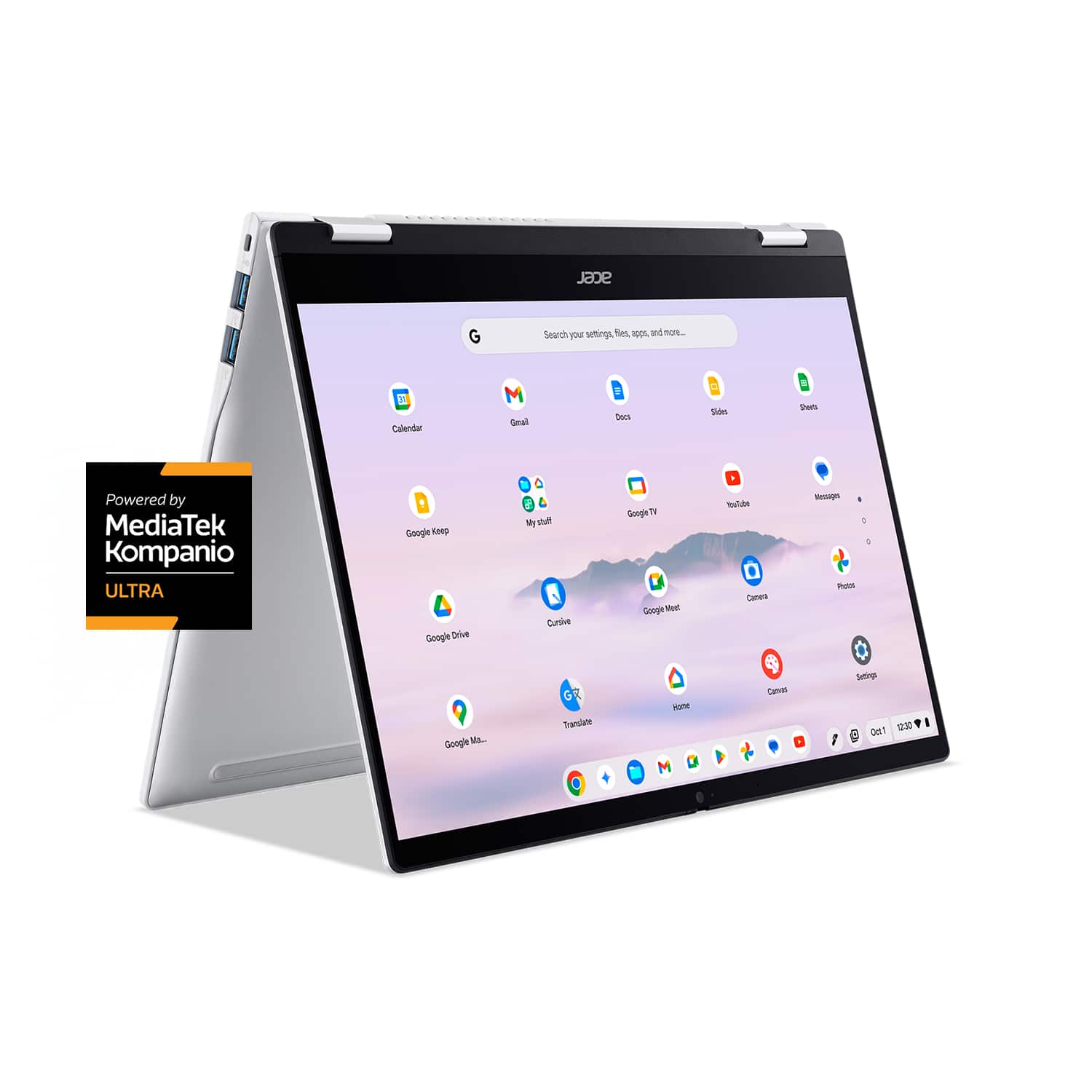
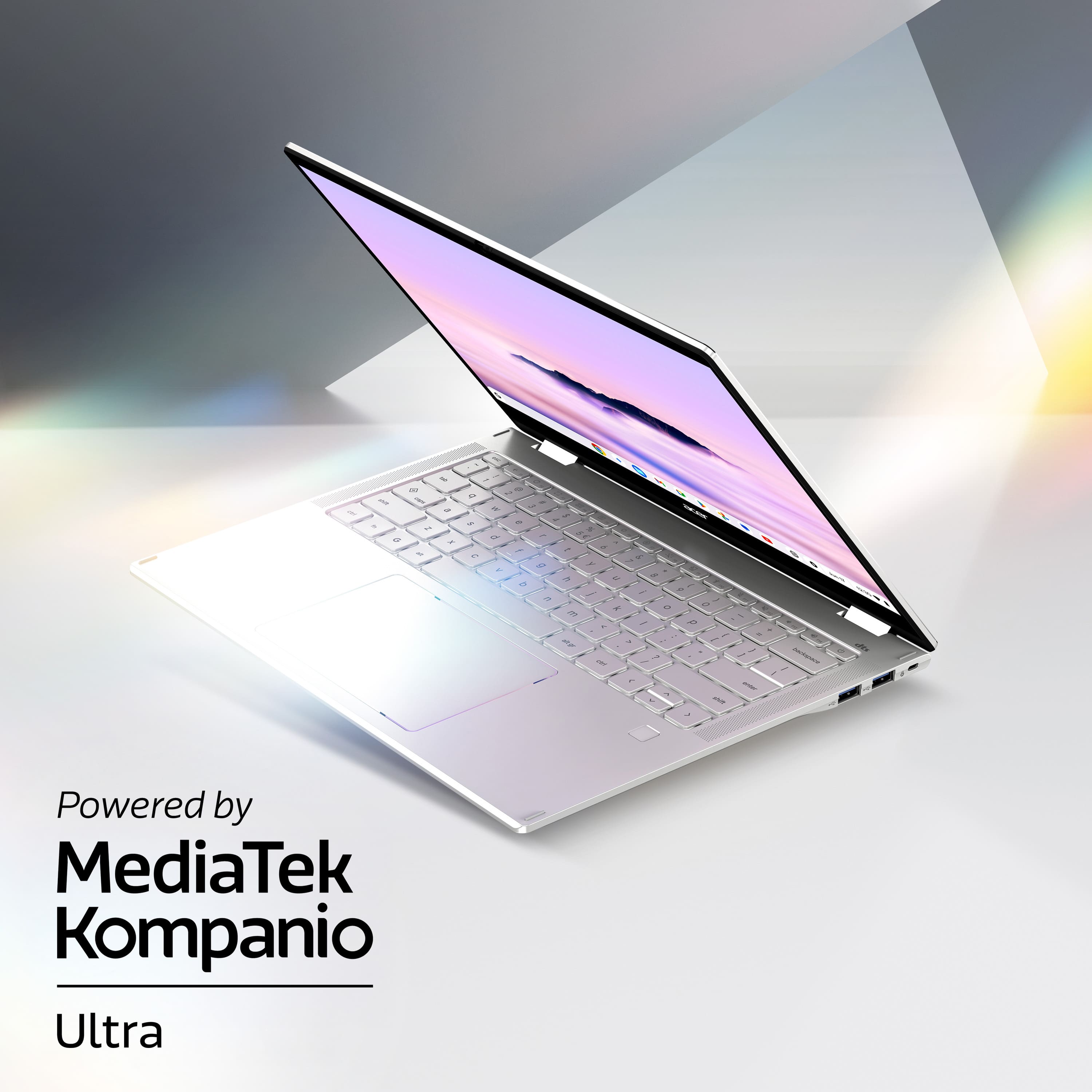
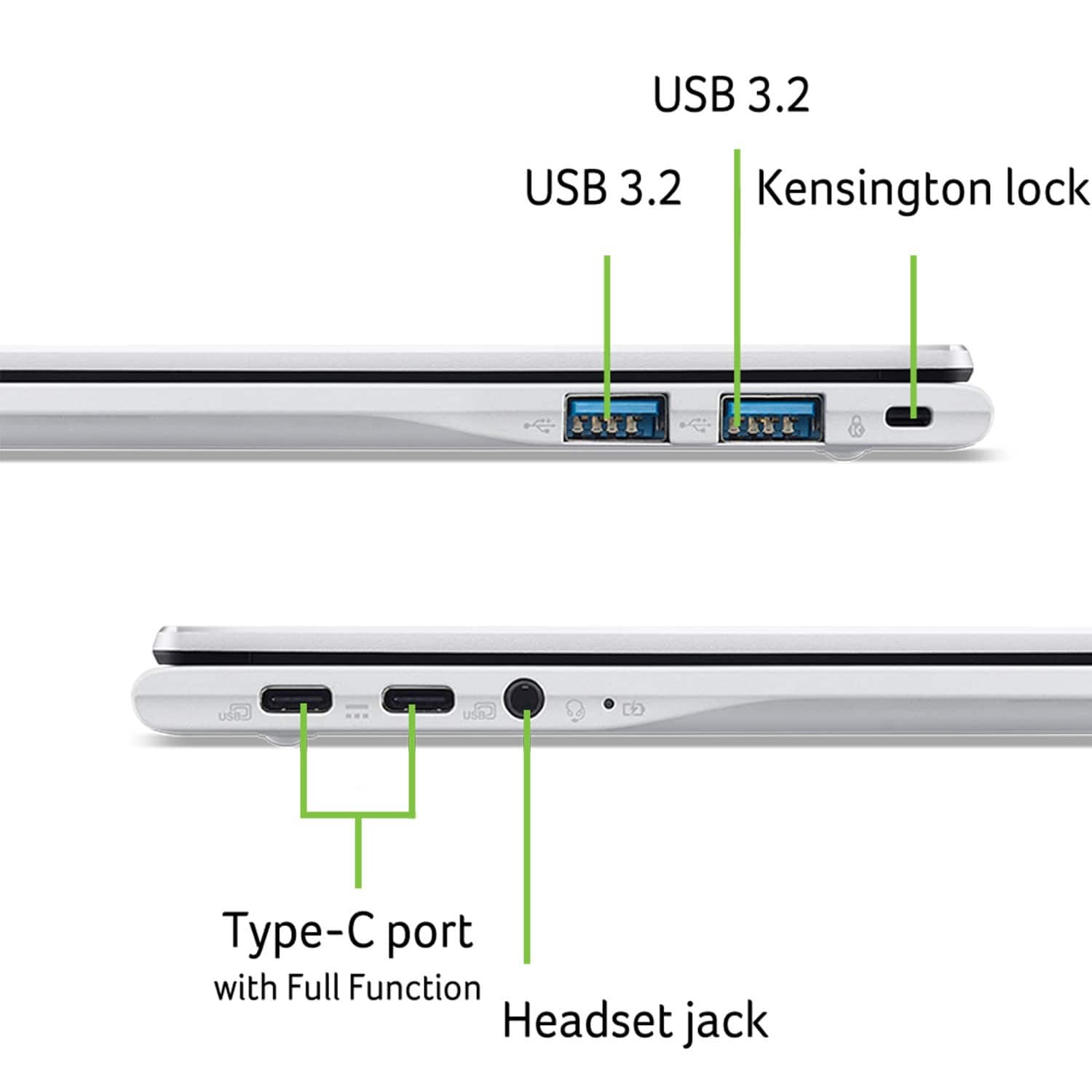
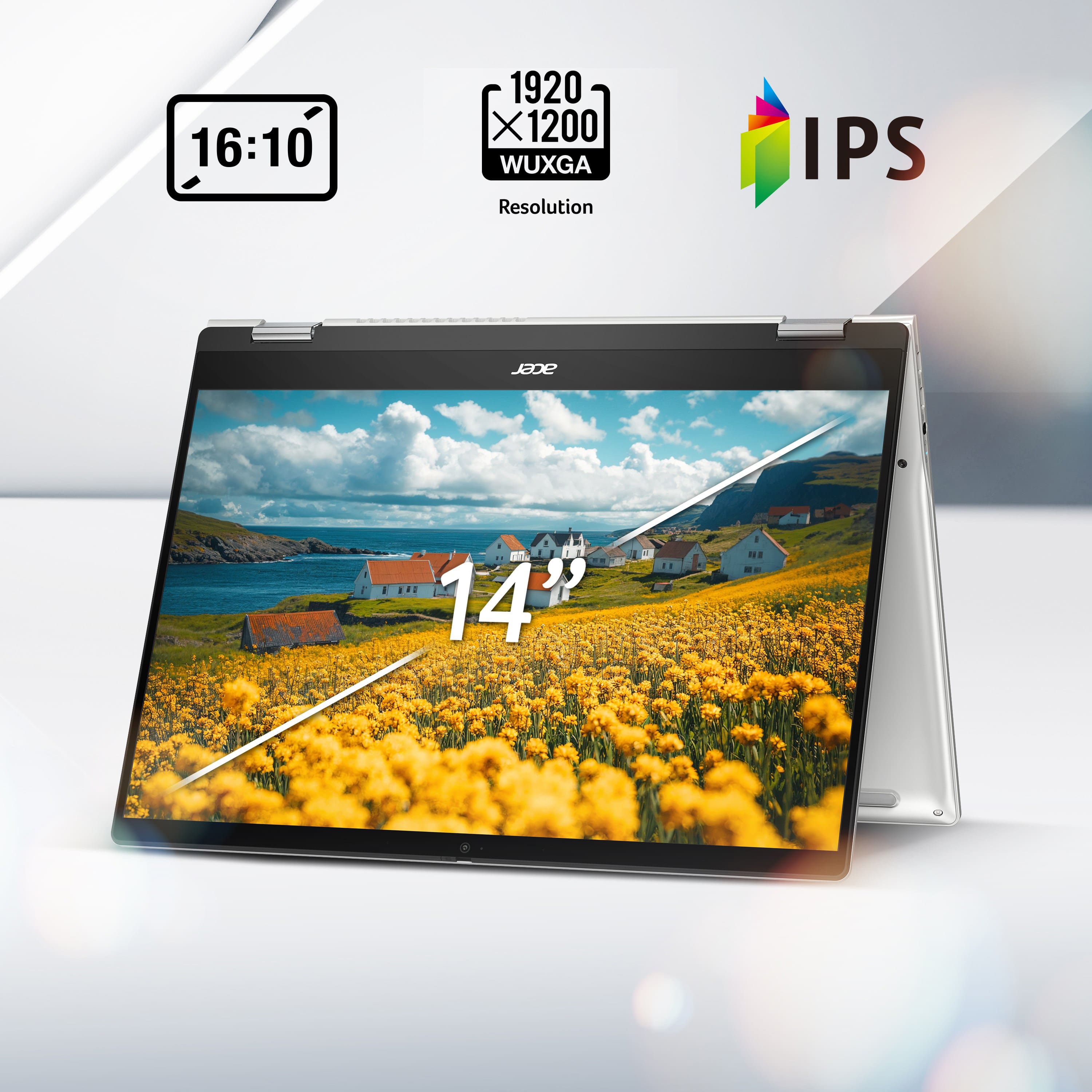
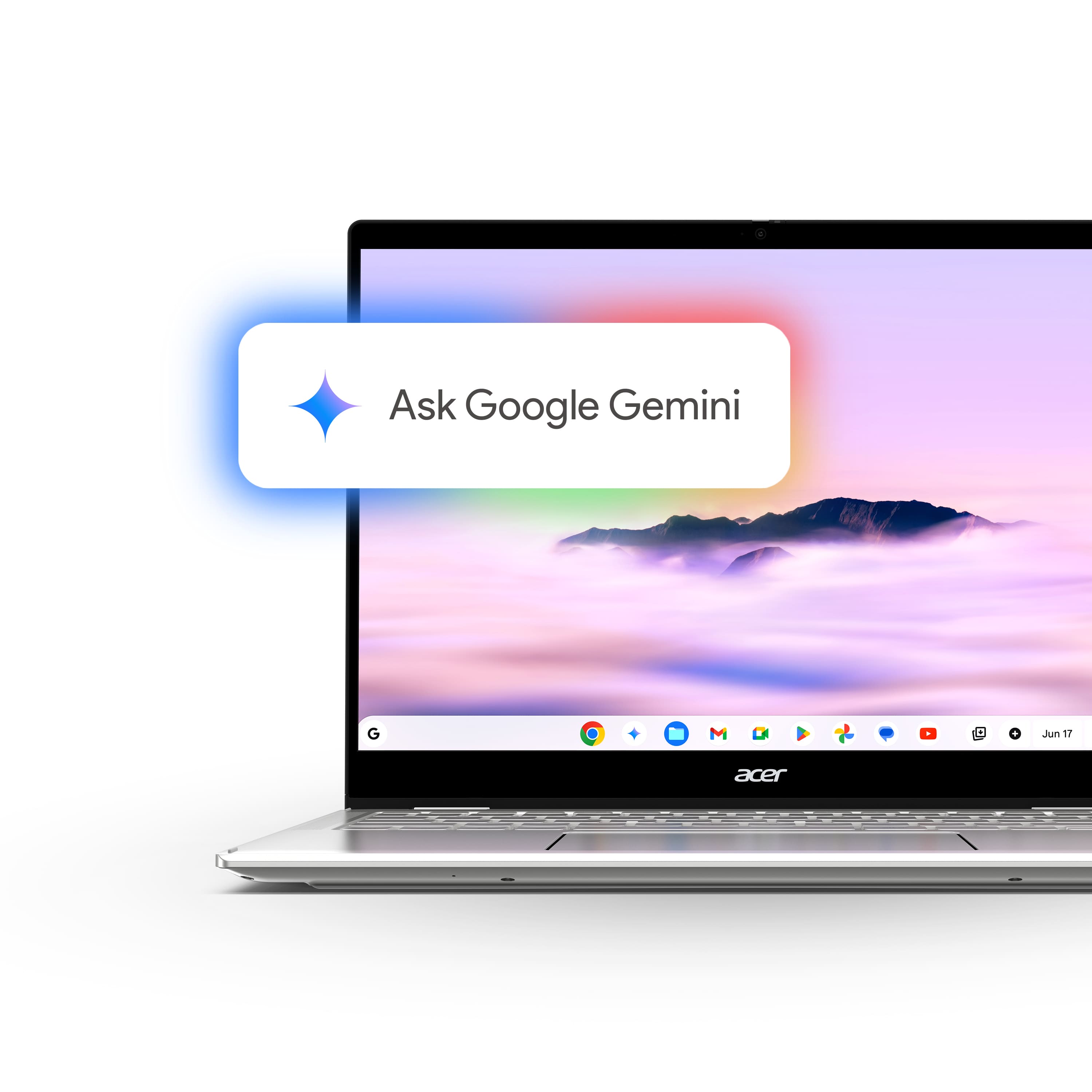
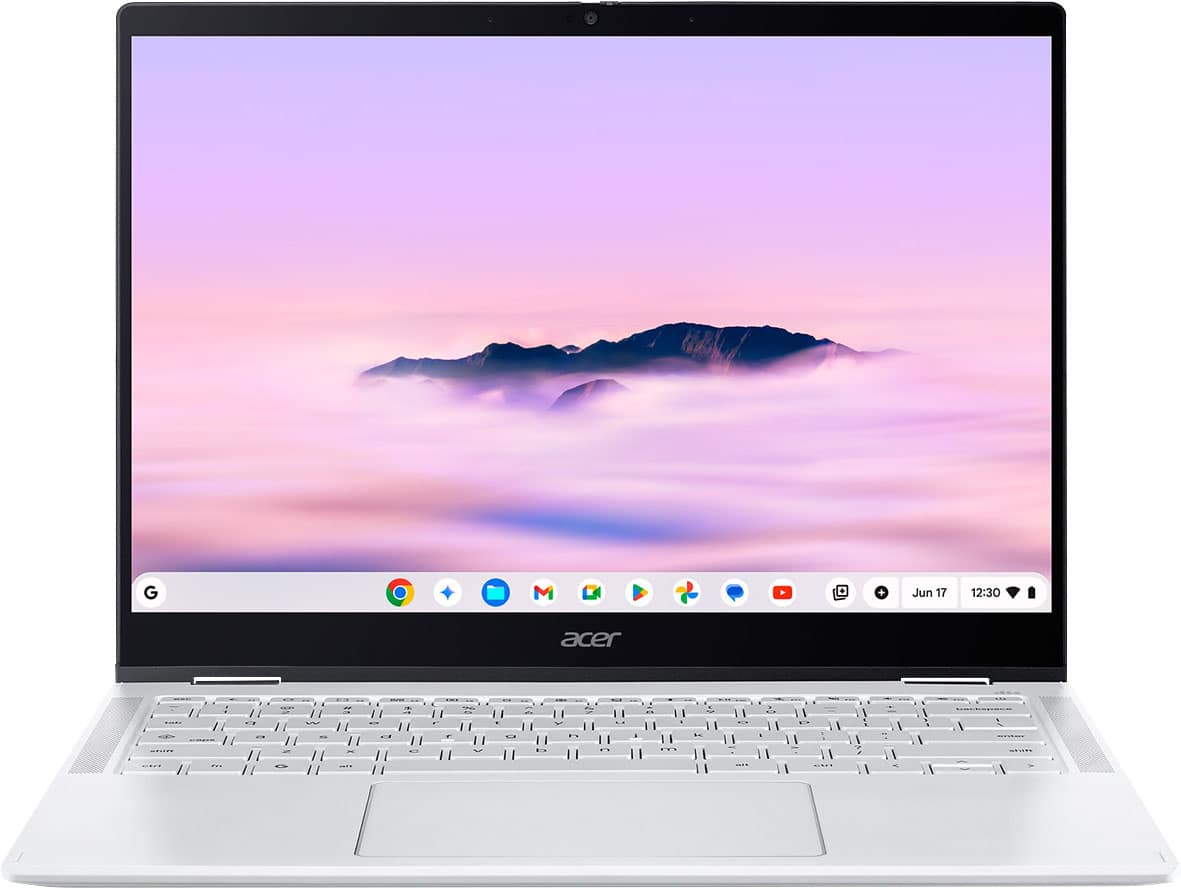
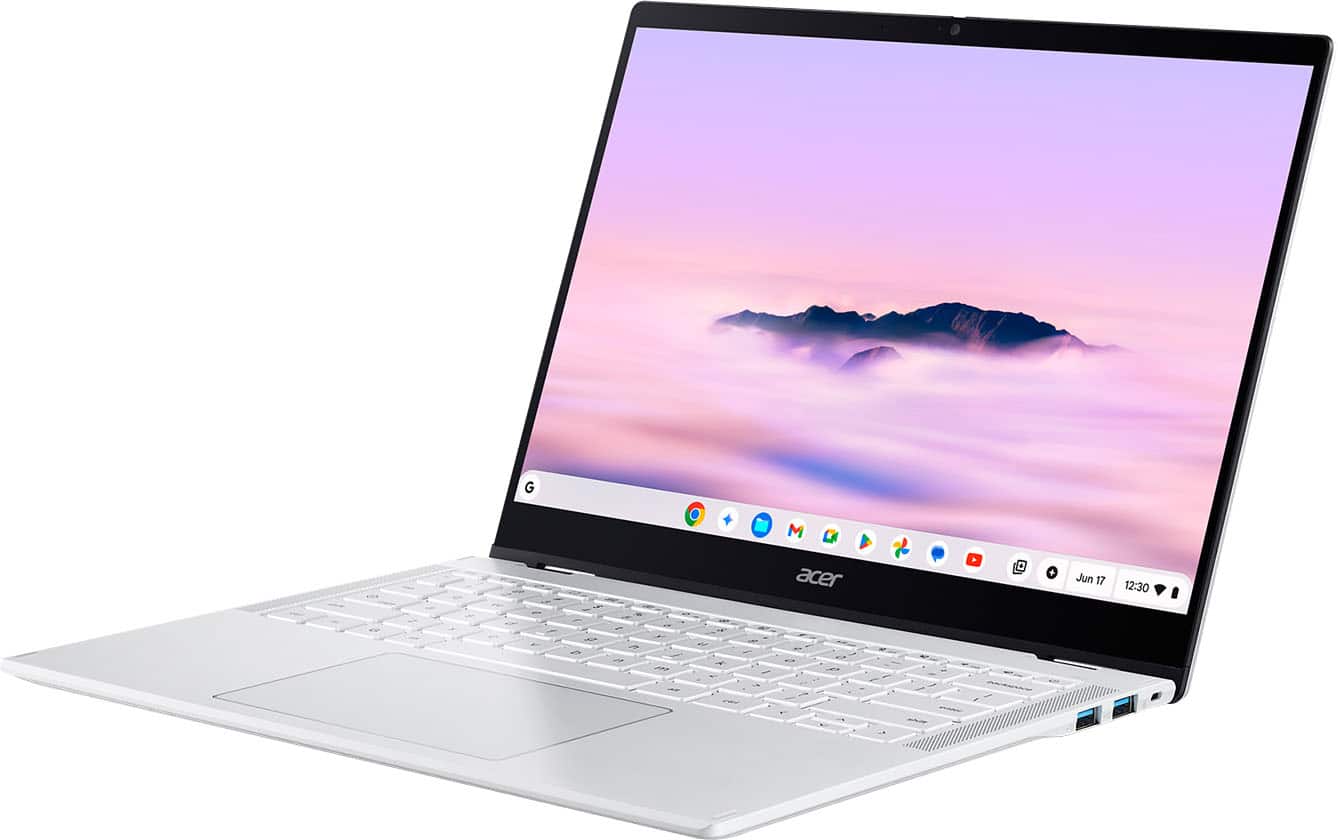
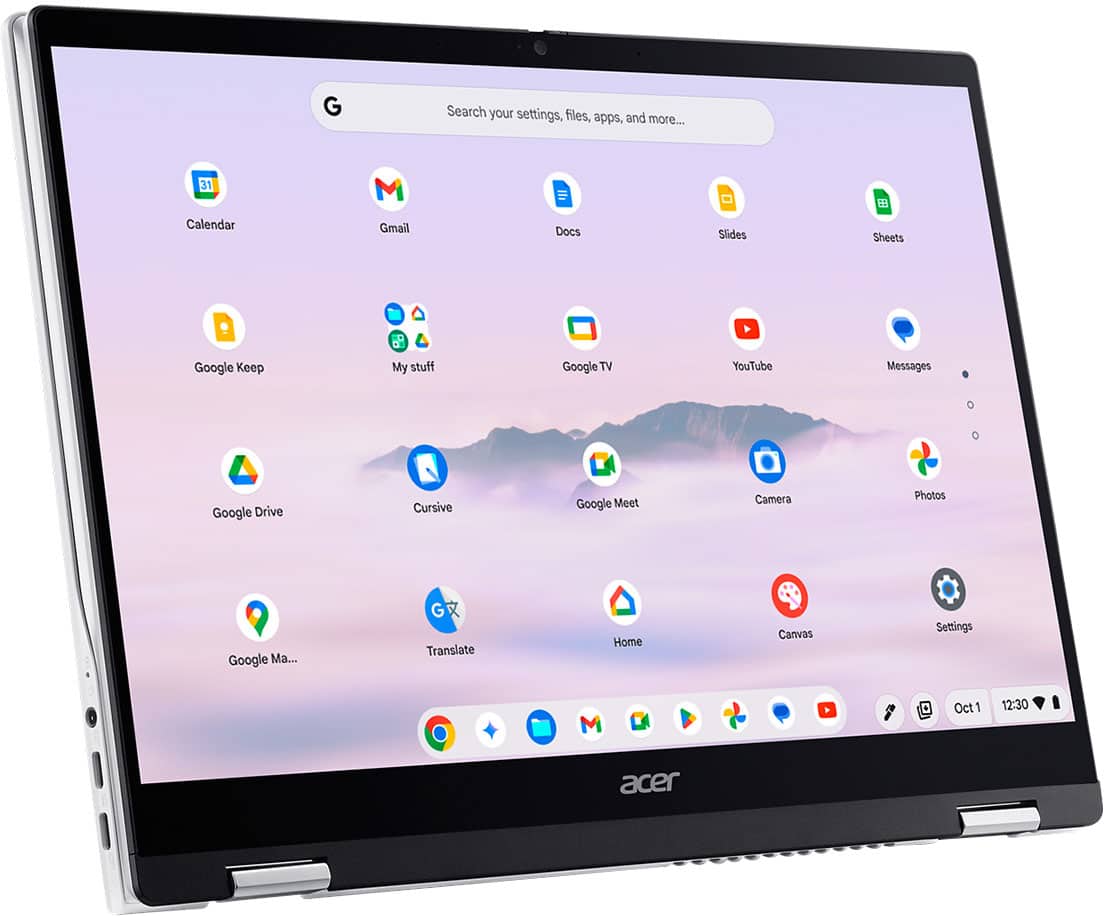
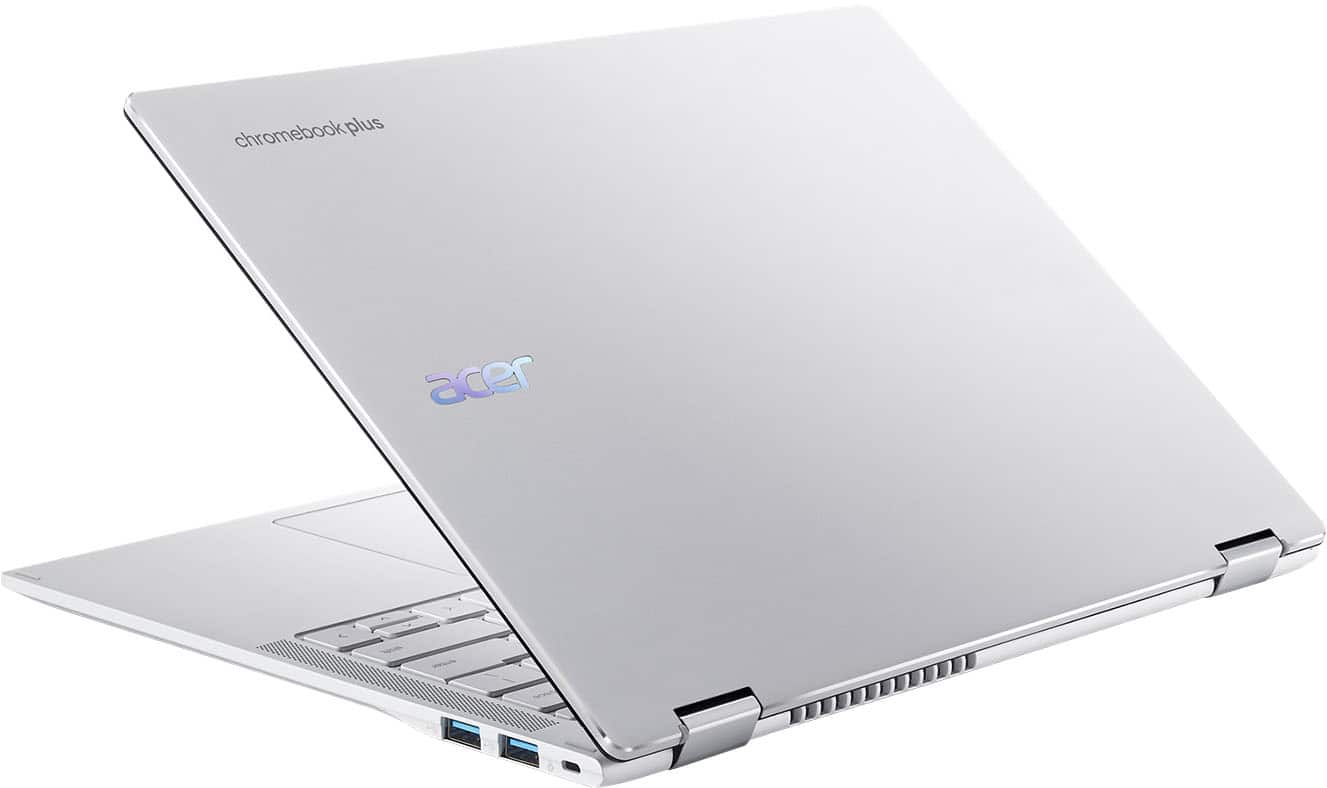
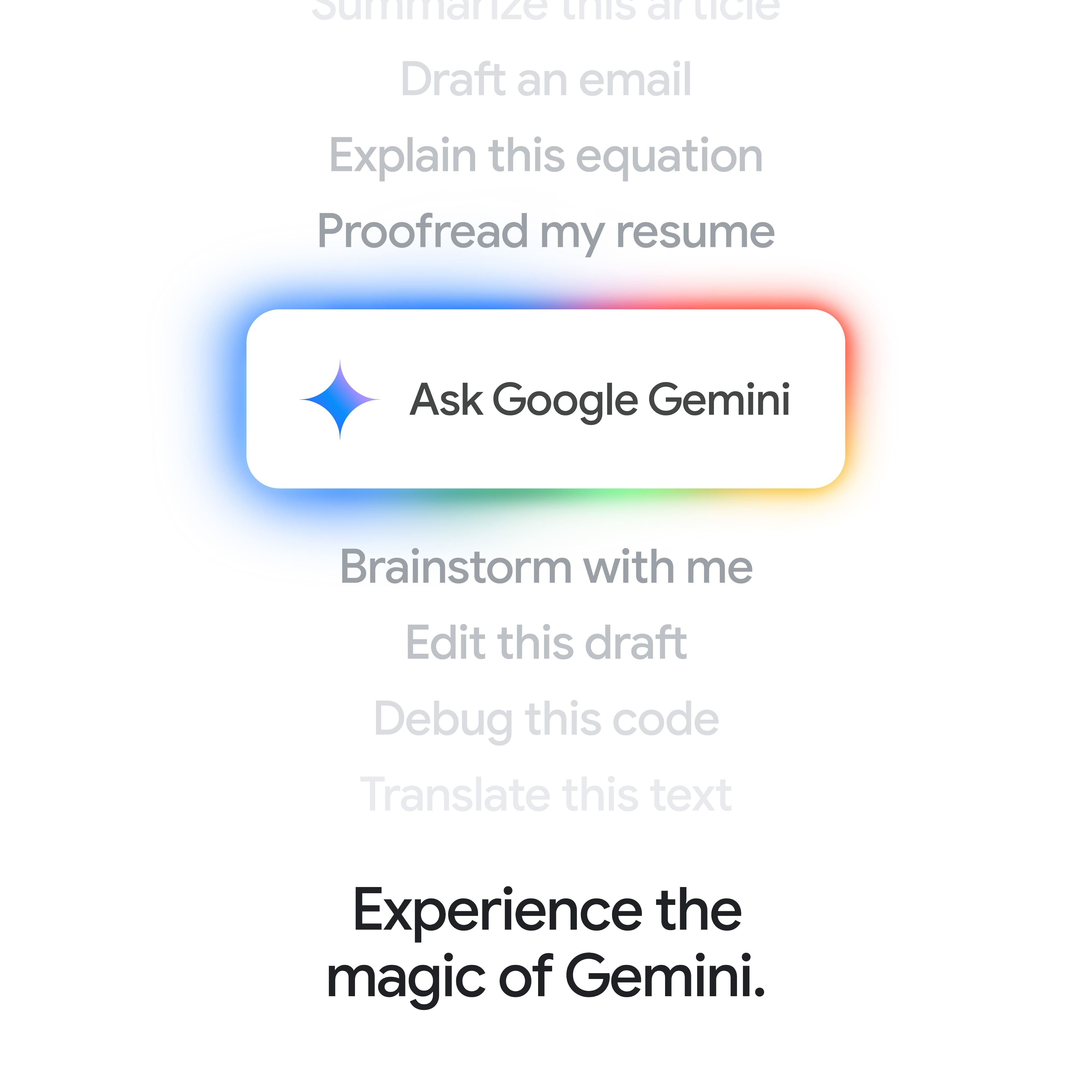
|Posted .This reviewer received promo considerations or sweepstakes entry for writing a review.TLDR: This Chromebook is a Plus series model. That defines computers that use the Chrome OS Operating System with higher specifications as defined by Google. A Chromebook Plus must have at least a 12th-gen Intel i3 or 7000-series Ryzen 3 processor or identical processor power, 8 GB RAM, a minimum of 128 GB of storage, an LED illuminated full HD 1920 X 1080 IPS screen, and a full HD webcam with noise reduction. Some Plus models also have touchscreens, illuminated keyboards, 256GB of SSD storage, and USB-C ports that contain both High Speed and Display Port protocols for video output to large monitors. In addition, many Plus models also are “2 in 1” in that their display screens will rotate completely backward to form a large tablet configuration for convenience. This ACER Spin 514 model Chromebook has all of the above higher specs, with 12 GB of RAM, and the 256GB of internal UFS storage. It has standard Google AI Artificial Intelligence features. This model uses a fast and efficient Media-Tek Kompanio Ultra 910 processor and a 14” 1920 x 1200 (known as WUXGA) High Definition) IPS Gorilla Glass touchscreen LED display. The CPU is an 8 core and runs at 3.62 Ghz speed with 12 Megabytes of Level 3 cache. Onboard RAM is 12GB and is LPDDR5X. It supports 2 external 4K monitors from the USB-C with Display Port output. Being a 14” model, it does not have a dedicated number keypad; the keyboard is illuminated. The weight is 3 pounds; dimensions are 12.3 inches left to right, 9.1 inches front to back and about .6 inch high when closed. Battery life is touted at 17 hours.. It is supplied with 2 USB-C ports, 2 USB-A ports, volume controls, a headphone/microphone jack and a 65 watt AC power adapter/charger. There is a gray, padded, protective sleeve/carry case supplied in the box with a separate compartment for the AC charger and a mouse. The WiFi is 7 protocol for fast speeds. Bluetooth is 6.0 I used a USB-C multi-port docking station and the USB-C ports wonderfully put out video allowing me to use 2 large 23” monitors and also charge the Chromebook when I plugged the included Acer AC adapter into the PD Power Delivery port of the docking station. Google provides 15 Gigaytes of free online storage room for all apps combined per Gmail account. (Create more Gmail accounts to get more storage for free). Sign into a Chromebook with your gmail account and you are ready to utilize everything Chromebooks offer. All Chromebooks power up fast, are virus protected because everything goes through Google servers where viruses and hacks are screened out, and run cool and last long on a battery charge. All also have free access to Google Docs word processing, Google Sheets for spreadsheets, Google Photos to store and edit images, a free Google Voice telephone number for making calls from Android devices, Windows devices, and Chromebooks, YouTube, and other applications available free of charge. All documents created save automatically into your Google Drive offline “cloud” storage and are accessible from any computer once signed into a user's Gmail account. Google AI is built in and it is called Gemini. There is a Gemini icon on the Chromebook shelf to activate Gemini and use it verbally or by typing commands to enable services such as summarizing articles, searching anything, collect data from internet searches, generate images based on descriptions, and other functions that are yet to be created. With Gemini, a “Magic Editor” is available in Google Photos to change, edit, or manipulate photos. This is started by circling a photo section and performing changes, movements, deletions or copying to that section. Gemini is also a writing machine in that the user may type in a writing task and Gemini searches, summarizes and writes what is requested. Gemini is also a chat engine in that it will reply to questions and rebuttals to what it produces. It is able to summarize web pages quickly. Gemini Live Translate, enables Google AI translated captions for audio and video. Chromebooks also have the ability to use Microsoft apps such as Word, Excel and others with Chrome OS versions. I use the Google Docs, Sheets, Voice, Drive and YouTube on all my computers be they Chrome OS or Windows. Sign in with a Gmail account and all the files are there. Start creating on one computer, pick up on another to add or edit, sign in to another to print or continue working on documents. I also open Microsoft files into Google Docs or Sheets and then revise and update them. Anyone who has a Microsoft OneDrive for file storage can easily use the Chromebook Settings menu, download the OneDrive app, go to the Files section and integrate Microsoft OneDrive files into a Chromebook by signing into the Microsoft account. Re the Acer Spin 514: I experienced long battery life, fast WiFi response using my WiFi 6 router in my home, decent sound via BlueTooth to some JVC, Sony, and Philips headphones and quite respectable sound using the built-in speakers which fire up on both sides of the keyboard. It is very slim and lightweight; it is fast; it runs silently and cool. Battery life is very long. This Acer CB+ Spin 514 is very fast indeed, it runs cool, and allows using web browsing, word processing and playing music simultaneously with no hiccups. The video camera is 5 MegaPixels with a privacy shutter with good images when I tested it with another user using Google Meet. The single slight negative is that the keyboard keys are a light silvery white color and the white LED illumination is not very contrasty with that key color. But an illuminated keyboard is always a plus. It runs cool but has cooling slots on the bottom panel so be careful and don't place it onto sheets, blankets or a sofa while in use since a fabric surface will block the upward flow of cooling air into the bottom which is exited from the back edge below the display screen. Dust is the nemesis of good performance on any computer. Highly recommended.
I would recommend this to a friend - Pros mentioned:Battery life, Build quality, Portability
The Best Chromebook I've Used So Far
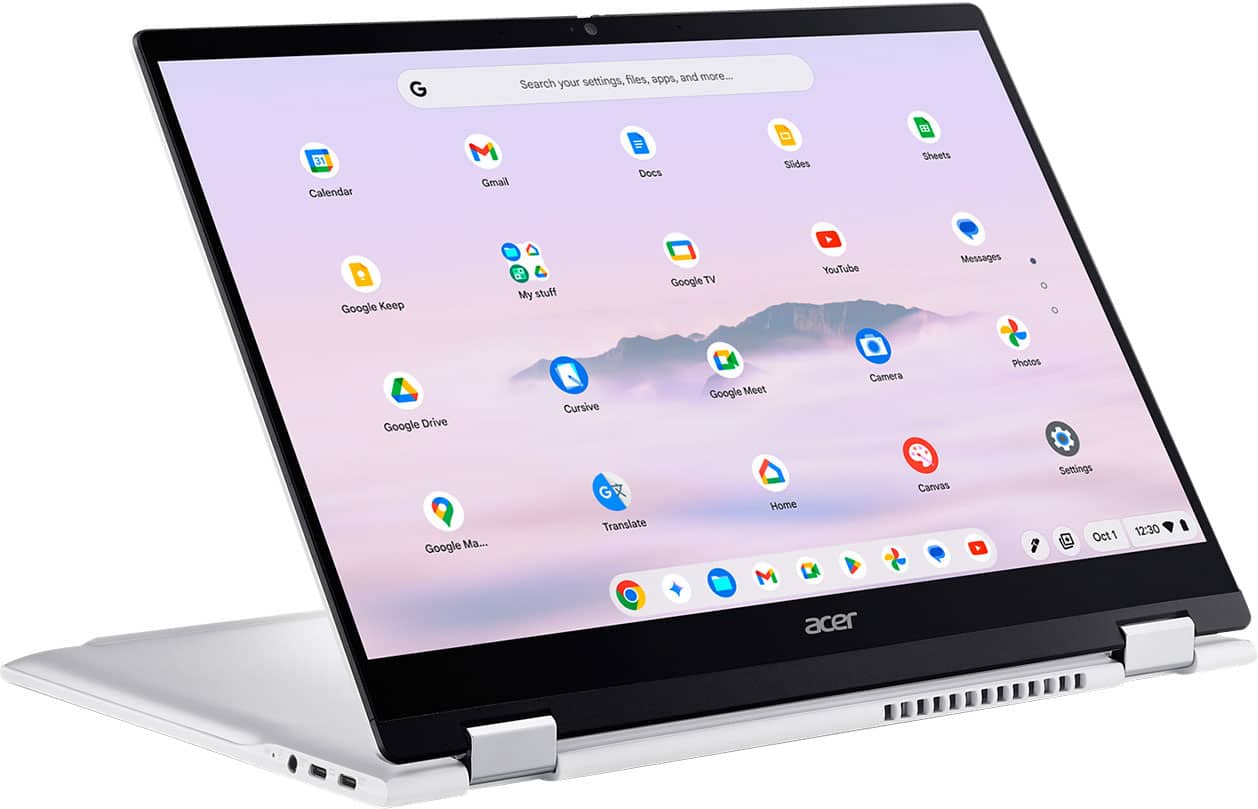
|Posted .This reviewer received promo considerations or sweepstakes entry for writing a review.I wanted to give a Chromebook another try. I had one a few years ago and it was my daily driver for a while, but then I picked up a Macbook, then a Windows 11 laptop, so I sold the Chromebook since these others met my needs. The Acer Chromebook Plus Spin 514 grabbed my interest because of the integration with Android. I have an Android tablet that I use everyday, mainly to play games. Could this laptop, with its touchscreen, 360 degree hinge, and Android integration might be able to replace both laptops and my Samsung tab?? Design and Build Quality: The Spin 514 boasts a relatively sleek aluminum chassis, giving it a premium feel that is much nicer than most Chromebooks. The convertible design allows it to be used in various modes: laptop, tablet, tent, and stand, making it versatile for different tasks, from typing documents, browsing the web, watching TV & movies, and playing games. The hinges feel sturdy, and stay in place in whatever position you leave it. The premium feel continues with the backlit keyboard and a great looking screen. I am also usually able to open the lid with one hand without the bottom lifting up from the desk, a feature I love in Apple laptops. It’s not 100% but I don’t find myself using both hands and prying it open. Performance: A Chromebook finally gets a great processor! So many Chromebooks have old, power hungry processors like the older Pentium chips. Even the more recent ones with newer i3 and i7 Intel chips have terrible battery life because of the high draw these chips require. The new MediaTek Kompanio 910 is a game changer. It is fast, snappy, and I don’t think I’ve heard the fans turn on yet. It also comes with 12GB of RAM, which is nice. I would live to have 16GB in it but at the same time I haven’t had any issues. As far as my games go, and the potential of replacing my Tab for the casual games I play, I am undecided at this point. Both of the games I play work fine on here. They are not quite as snappy as they are on the Tab S10+ though. Gaming is not a primary function of this Chromebook but it is possible. It links up with Google Play Games and all my game progress loads. I think if I was traveling I could bring this laptop instead of one of my others plus my tab. Display and Audio: The 14-inch (1920 x 1200) touchscreen display is perfectly fine for most any occasion. The display's brightness is sufficient for most indoor environments, and the touch response is accurate and fluid. It’s certainly not a “retina” display but those displays are not touchscreen either, eh-hem… Apple. For audio, the upward-firing speakers deliver clear sound, although certainly not as punchy or loud as my other laptops, but it’s good. Keyboard and Touchpad: The backlit keyboard is a nice addition. I have some mixed feelings about the keyboard and trackpad though. The keyboard is fine. Just okay. The keys are a little mushy feeling, good travel but not premium. They don’t really bother me as I type this review on the 514, but it doesn’t wow me at all either. The touchpad is not my favorite. You need to press in the center to get the right feel. The top left and right does not click down at all. The entire touchpad is functional for tapping or scrolling but not clicking down. It just feels a bit cheap at times. It’s also not a deal breaker. Battery Life: The battery life on the 514 has been great so far. I am easily getting over 10 hours with mixed usage - gaming, web browsing, and video consumption. The Acer Chromebook Plus Spin 514 has the best battery life of any Chromebook I’ve used. The ultra efficient MediaTek chip has everything to do with that. Connectivity and Ports: The Spin 514 has a good selection of ports, including two USB-C ports, two USB-A ports, an HDMI port, and a headphone jack. I use the USB-C ports to connect to my external monitor, which is where I have an issue. I have a 49” OLED ultrawide monitor with a 5120x1440 resolution. The best resolution I could get with this Chromebook was 3440x1440. This is very disappointing to me because it leaves ⅓ of my monitor black and unused. I know this is a Chromebook and not some Windows or Apple powerhouse, but even a lot of Windows laptops that are under $500 can handle the full resolution. Conclusion: Overall I would say that I really like this laptop. Can it replace my Mac or Windows laptop, probably not, but it is a great option to grab and go. I can save space on a trip by bringing this instead of my Tab and other laptop. I’ve also been keeping it on the table where I usually sit in the evenings and it has become my go-to for simple tasks or watching a video, that sort of thing. I love the versatility. It can do things Mac and Windows can’t (or don’t do well) which is play Google Play Store games. This is a great option for casual gaming, web browsing, watching videos, movies, and tv shows. It’s a multimedia center that is a highly compatible laptop. I’d recommend it to anyone who is not a “power user” or needs a specific OS for a specific application. It is a quality laptop.
I would recommend this to a friend - Pros mentioned:Battery life, Build quality, PerformanceCons mentioned:Keyboard backlight
A Serious Chromebook with Impressive Performance
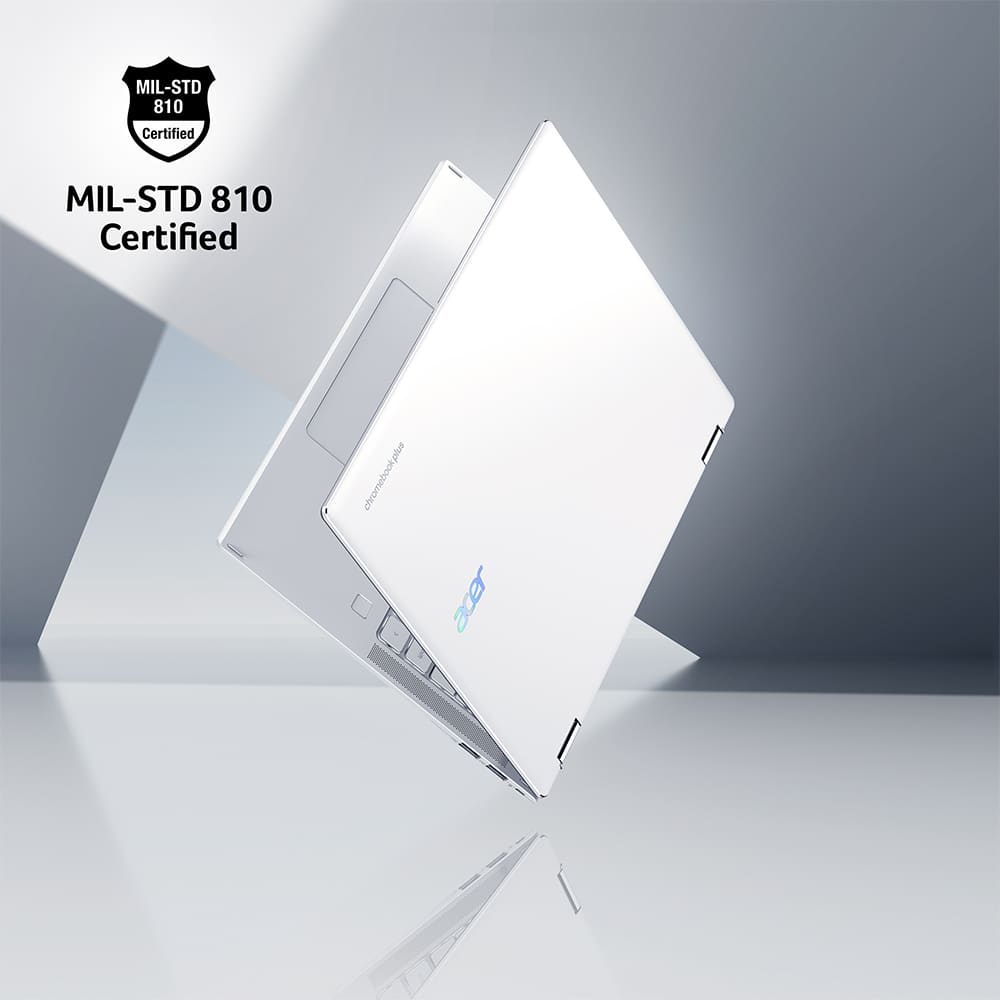
|Posted .This reviewer received promo considerations or sweepstakes entry for writing a review.I am very impressed with the Acer Chromebook Plus Spin Touch laptop for its build quality, performance, battery life, and flexibility. Unpacking, setup, and configuration went smoothly since I already had a Google account and had used a Chromebook before. The only drawback is that some of the applications I used before were old. I uninstalled many apps and installed newer versions from the Play Store. My primary intent for this laptop is for portable software development and the use of AI for development. The fact that this laptop comes with Google Gemini and the CPU directly supports neural processing is a big plus. And the included soft cover case is a nice touch for portability. Wi-Fi 7 also offers a significant advantage in throughput. The aluminum top and bottom chassis have a solid build and feel. The hinges for the flip-over display are smooth and tight enough to hold the display in place. There is venting along the bottom and the back. The left- and right-top-facing speakers alongside the keyboard are sufficient. However, I do recommend headphones for better sound quality. The keyboard is well-spaced for long-duration programming sessions, and the giant trackpad is well-positioned. While the keyboard backlighting was inconsistent, it made the keyboard hard to see unless in a totally dark environment. An actual test of any performance laptop is graphics-intensive gaming. I ran Eve Echoes, a multiplayer space-sandbox game, at maximum graphics settings without any issues. I also watched several streaming shows without any problems. In summary, I am happy with the Acer Chromebook Plus Spin as a portable software development computer. It is durable, has crazy-fast performance, weighs only 3 pounds, and has a comfortable keyboard. I'm not thrilled with the keyboard backlighting or the tinny speakers, but for all the other pluses at a reasonable price, this gets five stars from me. Features • CPU: MediaTek Kompanio Ultra Series, 8-core, 3.62 Ghz • Neural Processing Unit, 50 trillion ops per second • GPU: MediaTek Integrated Graphics • RAM: 12GB LPDDR5X • Storage: 256GB Universal Flash Storage • Display: 14” LCD, 1920x1200, 120Hz, Corning Gorilla Glass Touch Screen, 300 nits brightness • Titan C2 security chip • OS: Chrome OS with Google AI • 2 USB-C Charging ports • 2 USB-A ports • Headphone jack • Microphone input • Wi-Fi 7, Bluetooth • Lithium-ion Battery Life: up to 17 hours • Front-Facing 5 megapixel camera w/mic • Backlit Keyboard • Energy Star Certified • Military-grade MIL-STD-810H aluminum top and bottom covers durability Benchmarks System Information - CPU: ARM ARMv8 - Model: Google rauru - Motherboard: hylia - OS: Android 13 - Topology: 1 processor, 8 cores - Id: ARM implementer 65 architecture 8 variant 0 part 3461 rev 1 - Base Frequency: 2.4 GHz Geekbench AI - CPU ○ Single Precision Score: 2494 ○ Half Precision Score: 2475 ○ Quantized Score: 3686 - GPU ○ Single Precision Score: 1315 ○ Half Precision Score: 1083 ○ Quantized Score: 1049 3DMart Wild Life Extreme - Score: 5175 - Avg FPS: 30.99 - Better than 93% of results from all other devices. Speedtest.net Wi-Fi - Ping: 18ms - Download: 106.34 Mbps - Upload: 131.03 Mbps
I would recommend this to a friend - Pros mentioned:Build quality, Performance, Processor speedCons mentioned:Keyboard backlight
Impressive, but with a couple of caveats
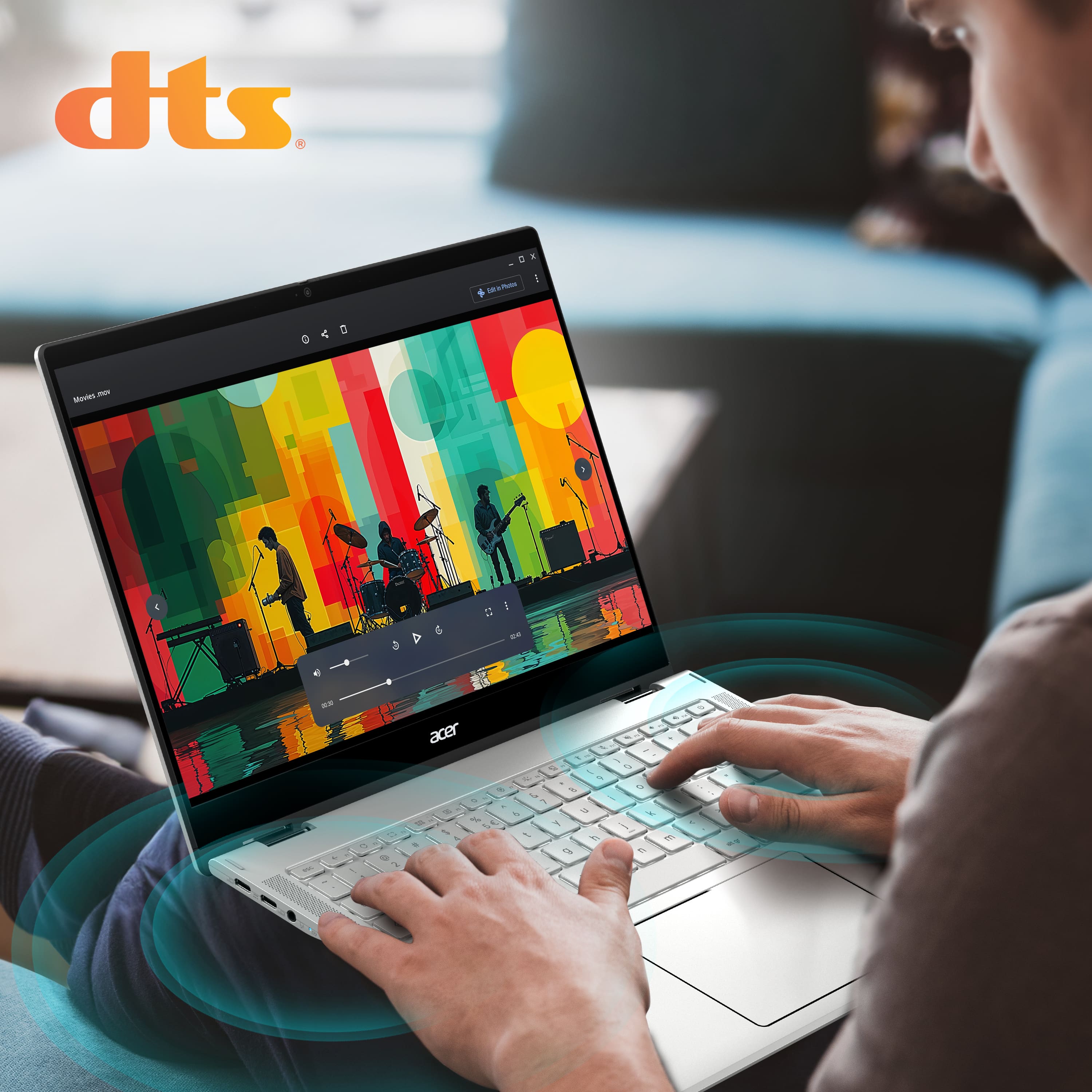
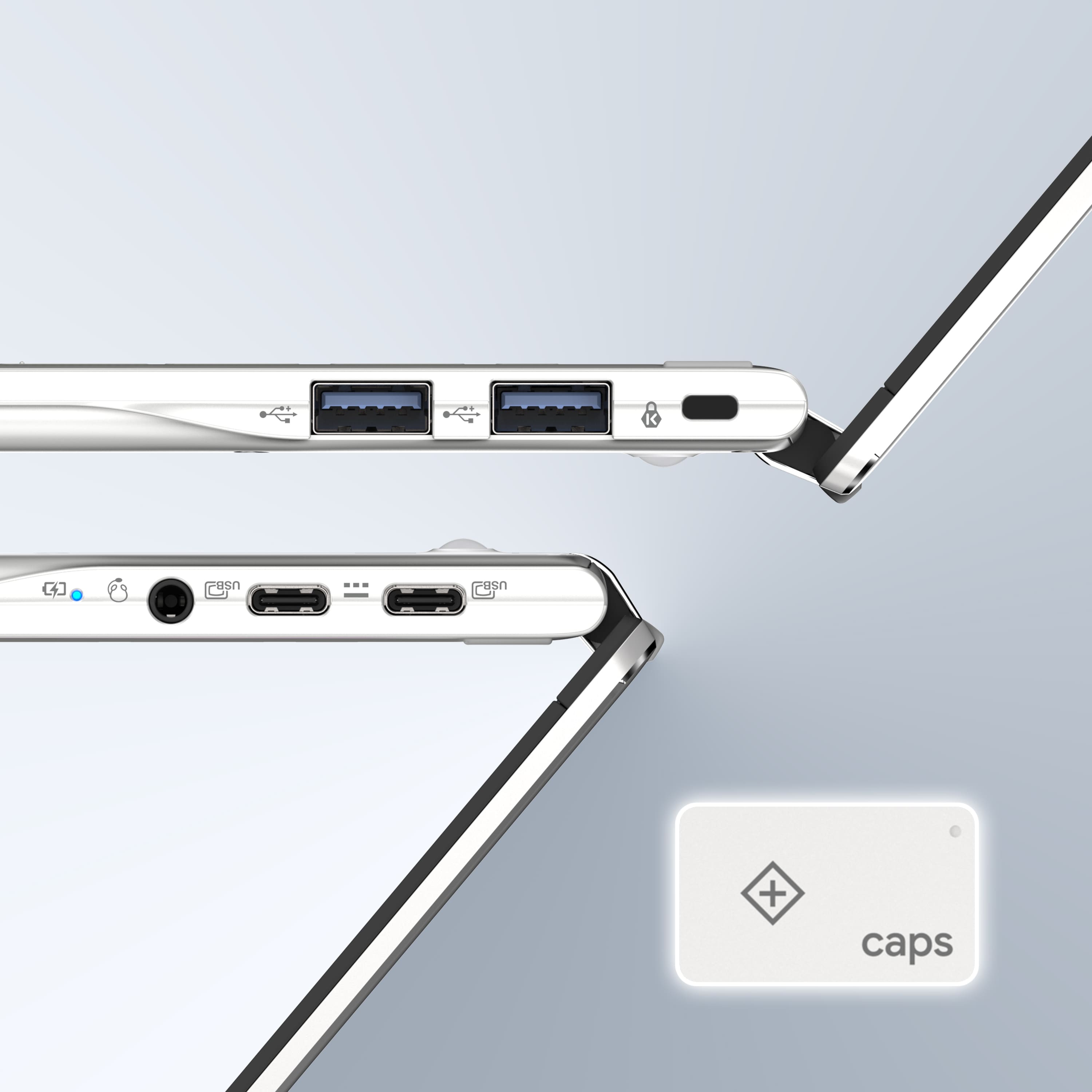
|Posted .This reviewer received promo considerations or sweepstakes entry for writing a review.This is a really good Chromebook with impressive specs, but I had a couple of reservations about it. Performance overall is excellent -- MediaTek has really upped their game and is no longer just a budget chip manufacturer. The MedaTek Kompanio Ultra 910 is very powerful, and along with the 12 GB of RAM, makes for quick opening of my huge Google Docs/Sheets (within a second, compared to 4-5 seconds on other Chromebooks). Gemini AI features are also quick -- it was able to generate a requested image in about a second. Media streaming was smooth and flawless, with 2K60 videos on YouTube looking dazzling on the touchscreen WUXGA (1900x1200) display. Android gaming is also impressive, which is somewhat unusual on Chromebooks in my experience. Asphalt Legends Unite (which is still a good benchmark for performance) works very smoothly, and the accelerometer is flawless for steering. It’s actually smoother than on my Pixel Tablet or Samsung Galaxy Tab S9 FE+. Build quality is fantastic. The body is all aluminum, with two linear feet (that I hope won’t start to peel off with age, as I’ve experienced with other devices). The hinge that allows for the screen to fold all the way back to become a tablet is very smooth, but a little too tight to allow for one-finger opening. There are 2 USB-C ports on the left and 2 USB-A ports on the right (all USB 3.2), which is an interesting placement choice -- I would’ve preferred one of each on each side. There’s also a standard headphone jack, but no microSD card reader. Stereo speakers are present on either side of the keyboard, which is much better than down-firing speakers; however, despite the DTS sound, sound quality is still what you would expect from laptop speakers. It’s all midrange, and although it can get pretty loud, it also gets fairly muddy at peak volume. The webcam works fine, and there’s a manual privacy shutter switch. The keyboard is a mixed bag, and one of my main reservations. The full-sized backlit layout and spacing is good, and key travel and tactile feel is decent. However, I’ve found that the Shift keys are not that responsive -- the main typing error I’ve noticed is missed capitalizations, which can be very frustrating when typing something formal. The touchpad is huge and works very well, but since it’s so big, I found that my palms occasionally brushed against it and caused the cursor to move. A feature that’s missing from a device of this caliber is a fingerprint sensor. I have a couple of Chromebooks with a sensor, and I’ve really come to appreciate the convenience and security, especially when logging into accounts or apps that can use a passkey. Another concern is that after only one week of testing, I’ve had an episode where the screen is black and the device seemingly unresponsive upon opening the lid (usually while charging). I can tell the Chromebook is on because of the keyboard backlight, but I had to force a shutdown by pressing and holding the Power key for 10 seconds, then reboot. I’m not sure if this is a hardware issue, or possibly a ChromeOS bug (I’ve seen this happen on one of my other Chromebooks as well, which is also a Chromebook Plus). My unit came with a basic but nice fabric carrying case, with a zippered exterior pocket. Overall, this is an impressive Chromebook, but if possible, you may want to test the keyboard yourself at a physical Best Buy store to see if you run into the same problem that I encountered.
I would recommend this to a friend - Pros mentioned:Battery life, Build qualityCons mentioned:Keyboard backlight
Audio is below average, but overall a good system!
|Posted .This reviewer received promo considerations or sweepstakes entry for writing a review.Great performer for most things What do you do with a computer? That is a good question? What I do is Google Docs, Google Sheets, YouTube, Gaming, and a ton of web browsing. For those tasks a Chromebook is pretty awesome with the exception of gaming. And this laptop is quite perfect for those things. I’m gonna break this review down into 4 parts; What I love, what I like, opportunities for improvement and what I don’t like! What I love: First and foremost, I love the battery life! It is so amazing to be able to use this without worrying about battery life compared to my Windows based machines. It’s honestly nice to be able to use this system throughout the week and not have to worry about the battery. Not only that, it charges super fast too. It seems to get to 80% super quick then slows down from 80% to 100% but 80% is quite a lot of usage. I also am a fan of the keyboard. It’s super tactile and makes typing up stuff a breeze. From emails, to work, and even this review. I really enjoyed using the keyboard. For Cloud Gaming, the new WiFi 7 network card is a nice addition. Though I still had some occasional stutters. Not sure if it’s an issue with my home network or the streaming service itself. But I experienced it on GeForce Now and Xbox Cloud. What I like: The screen is great for not being OLED. It looks pretty good. I wish it was OLED though. The colors and stuff look great for what it is though. It’s an IPS display and it’s off angle but the brightness drops considerably off angle. It’s hard to explain, but you can see the backlight shift if you move off angle. Though the bezels are gnarly! They need to minimize those for sure!! The build quality overall is good, there is some screen flex and keyboard deck flex, but you have to go looking for it to notice it. The trackpad is super responsive too, but I wish it was not a diving board style trackpad. I did enjoy the side profile and the chamfered edges. Opportunities for Improvement: The sound is quite bad. Super tinny, no base, and it’s not good. I think a lot of manufacturers neglect the audio thinking users will be okay with it. I wish these had better speakers because I love watching YouTube, PrimeVideos, etc. Even when gaming the sound could use a bit of a boost. The sound is definitely a weakness. The screen bezels are a little out of control though. I hope they tone those down in a future iteration. What I don’t like: The keyboard backlight is atrocious in both good lighting and dim lighting situations. In good lighting the light ends up hiding the keys making them hard to see. In dim lighting you really see the low quality of the keyboard lights. Really bad uniformity, some keys are significantly brighter than others, and makes the keyboard look really bad. In tent mode, there’s no rubber stoppers on the top of the display so I imagine it’ll scratch up and look bad if that’s your thing. I used tent mode during a gaming session and I honestly felt super uncomfortable with it and moving it around felt like it was scratching the paint off of it. Lastly, the mic is not good. I took a video call off this laptop and the users on the other end said I sounded rather poorly compared to my other computer. I ultimately ended up using a headset for the remainder of the call. When I reviewed the recording it was indeed not good. It’s passable, but you can tell it’s low quality. So really the audio on this laptop is quite poor. In conclusion, I’m gonna give this laptop a 5 star review for literally everything it represents, and dock a single star due to the poor audio choices. It’s a good performer, does everything I need it to do minus gaming. If it had a better mic and better speakers, it would be awesome, and if it had an OLED screen…. perfect!!!! Still, I recommend it if you're looking for a good Chromebook!
I would recommend this to a friend - Pros mentioned:Battery life, Build quality, PortabilityCons mentioned:Keyboard backlight
Fantastic, I couldn't ask for much more.
||Posted . Owned for 2 weeks when reviewed.This reviewer received promo considerations or sweepstakes entry for writing a review.2 things could be better: 1. Keyboard keys could be dark in color so that the backlit keys would be more visible during daylight hours. Easy fix, push one button to turn the backlight off during the day. 2. Speakers do face up but aren't the greatest. Not a big deal to me. I always use a Bluetooth JBL speaker if I am listening to music or watching a movie. Everything else is fantastic. Touch screen, spins into a tablet, extremely fast, lots of memory, exceptional keyboard and mouse, long battery life, wifi 7, and the list goes on.
I would recommend this to a friend - Pros mentioned:Battery life, Performance, Processor speed
Great daily driver
||Posted . Owned for 1 month when reviewed.This reviewer received promo considerations or sweepstakes entry for writing a review.Super fast, great experience for a chromebook. Battery life for days as well. This is the most compromise free chromebook I have used to date. This blows away budget PC's in the same price range. Granted, there are limitations to chrome OS, but if you can live with them, this machine is an A+
I would recommend this to a friend - Pros mentioned:Performance, Processor speedCons mentioned:Keyboard backlight
Chromebook Plus Spin 514
||Posted . Owned for 1 week when reviewed.This reviewer received promo considerations or sweepstakes entry for writing a review.The Acer Chromebook Plus Spin 514 with the Kompanio processor has been faster than I ever anticipated. I like to keep numerous tabs open and I don't experience any response delays when changing tabs or entering a new web address. The main disappointment is with the backlit keyboard; very unsatisfactory!
I would recommend this to a friend - Pros mentioned:Build quality, Processor speedCons mentioned:Keyboard backlight
super clear pic
||Posted . Owned for 3 weeks when reviewed.This reviewer received promo considerations or sweepstakes entry for writing a review.nice lap top works fast super clear pics and video the white e board is hard sometimes to see the letters in some lighting
I would recommend this to a friend - Pros mentioned:Battery life, Build quality, Processor speed
Acer review
||Posted .This reviewer received promo considerations or sweepstakes entry for writing a review.Screen is excellent. Battery life outstanding. Thumbs up for speed.
I would recommend this to a friend - Pros mentioned:Battery life, Build quality, Performance
Newest Chromebook
||Posted . Owned for 1 week when reviewed.This reviewer received promo considerations or sweepstakes entry for writing a review.Easy setup.picture very clear.very fast and battery lasts a long time . Great Chromebook.
I would recommend this to a friend - Pros mentioned:Battery life, Performance
Outstanding!!
||Posted . Owned for 2 weeks when reviewed.This reviewer received promo considerations or sweepstakes entry for writing a review.This is an outstanding Chromebook, with great battery life and great performance. The Kompanio Ultra chip from Mediatek is the real deal. If you're considering a Chromebook, get this one. It's also backward compatible with USI 1.0 pens.
I would recommend this to a friend - Pros mentioned:Build quality
Who knew things could be so easy and comfortable!!
||Posted .This reviewer received promo considerations or sweepstakes entry for writing a review.Just got this for Xmas! Wow! I am a 79 year old who first learned ASCII coding in the 1960's when you punched your own cards.... Having moved through mainframes, PCs, internet , then laptops I have seen it all. Amazed how much improvement has been made just since my old Chromebook, which died recently.. This thing is like magic! Sooooo easy to use the keyboard and organize my stuff! The screen is so clear and easy to read. Setting it up was like magic to me!!! Nothing to do but sign in to Google!!!!! Very comfortable for laptop use, and game playing!
I would recommend this to a friend - Pros mentioned:Build quality
Awesome Chromebook
||Posted . Owned for 1 week when reviewed.This reviewer received promo considerations or sweepstakes entry for writing a review.The fit and finish of this Chromebook is top notch. The included carrying case is also well made. It is very snappy and responsive, the audio is nice, sans most importantly to me as a creative, the screen is high quality with great color rendition.
I would recommend this to a friend - Pros mentioned:Processor speed
Flip me, bend me over, ready to work
||Posted . Owned for 1 month when reviewed.This reviewer received promo considerations or sweepstakes entry for writing a review.Love this Chromebook! I would like to have purchased this along with the Lenovo Chromebook Plus 14 to compare apples to apples, but I'm very happy with my purchase. It's fast, touch screen is great and using a stylus is immediately recognized no matter how fast you write. I would bump this up to five stars or even above if it had a fingerprint scanner and a built-in stylus like my former Acer spin had. Also, only having the USB C ports on the left side is very odd choice but not a deal breaker for everything else you get for this Chromebook.
I would recommend this to a friend Great Chromebook, Worth The Price!
||Posted . Owned for 2 months when reviewed.This reviewer received promo considerations or sweepstakes entry for writing a review.I replaced my Asus CM34 w/ AMD Ryzen with this Chromebook. The screen was an immediate upgrade! On the old book, the screen got bright but text and colors were washed out and sometimes hard to read. The Spin 514 gets bright and the display remains crisp and clear. For my use, which includes browsing, streaming, some gaming and emulation, and Android app use, this book is snappy and gets the job done. Battery usage is great, though I limit my charging to 80% but never find it to be limiting if I have to take this on the road with me.
I would recommend this to a friend- Pros mentioned:Performance
Excellent Chromebook
||Posted . Owned for 2 weeks when reviewed.This reviewer received promo considerations or sweepstakes entry for writing a review.This chromebook is fast and relaible. This chromebook is pricey but you may find it on sale at BestBuy eventualy. I love the 2 in 1 design and just to find a good stylus for it.
I would recommend this to a friend - Pros mentioned:Performance
Solid Chromebook
||Posted .This reviewer received promo considerations or sweepstakes entry for writing a review.Handles all I want to do with it. Good bright screen.
I would recommend this to a friend - Pros mentioned:Performance
Hard to beat for the price
||Posted . Owned for 1 week when reviewed.This reviewer received promo considerations or sweepstakes entry for writing a review.Great middle of the road chromebook - well worth the sale price!
I would recommend this to a friend - Pros mentioned:Battery life, Build quality, Performance
Fastest Chromebook I've ever encountered
|Posted .This reviewer received promo considerations or sweepstakes entry for writing a review.Very nice Chromebook! At only 3 pounds this is a super portable lightweight frame, but don’t let the lightweight trick you. This thing is the most powerful Chromebook I’ve ever used. Plenty powerful to do everything you could want out of a Chromebook, plus the routine things. For me, this has been a wonderful addition to my computing arsenal, and it functions flawlessly for work, play, games, media, everything. Definitely on the higher end of anything I’ve seen on the chrome OS side of things. The MediaTek Kompanio Ultra has incredible processing performance and muscles through any and all tasks, gets the job done with ease. This Chromebook far exceeds the performance of its windows-based counterparts in the similar price range. That processor linked up with 12GB of equally fast LPDDR5X memory are a recipe for speed and productivity. 12GB of ram helps this Chromebook dominate multitasking, or if you’re like my wife you can leave every single app and internet tab open for weeks at a time without having any issues. As if that wasn’t enough to make this machine cook, it utilizes universal flash onboard storage! 256 GB is plenty of space for me and on-board storage means quicker access times, faster reads, faster writes. Just speed, plain and simple. Performance is very impressive for the size, weight and cost. Design and Build This Chromebook was designed with speed and functionality in mind. A very well-built and functional machine that has been great for work, school, and all the regular daily laptop activities going on around my house. Beautiful appearance, thin and lightweight with minimal screen bezel. Also supports the 180-degree screen flip to function like a tablet rather than keyboarded laptop. Take your pick, it works great in either form. Display This Chromebook has an absolutely beautiful 120 Hz 14-inch WUXGA 1920x1200 touch screen display. At this 14” screen size I believe 1920x1200 is the sweet spot. Higher res displays exist but they are overkill at this size and get to the point where you can’t see things any more clearly and it just wastes computing power. This screen is really nice looking and great for any and all computing, but I think it works great for media viewing and editing with its crisp image, full color gamut and 120hz refresh rate. Connectivity This laptop has two USB-C 3.2 ports which support charging, two additional USB-A 3.2 ports, and a headphone jack. Additional externals can be connected with these multiple USBs with plenty of options for connecting additional drives, displays, or any other external devices you may want to attach. Also, with top-of-the-line newest age Wi-Fi 7, as well as Bluetooth, this offers the fastest wireless connection currently available, and they all work phenomenally. Keyboard, Touchpad, Camera The backlit keyboard and touchpad are very nice and ergonomic. I really like the large touchpad’s integrated smart features. The 5-megapixel front-Facing Camera with built in mic works well for smooth and clear conference calls, meetings, and gaming. Battery Life The efficiency of the MediaTek Kompanio Ultra allows for insane battery life. This Chromebook truly has “all day” capabilities and never fails to outlast my attention span. This is a great feature when I’m on the run (or on the couch) and I don’t want the hassle of a cord to plug in. Charge time is excellent as well and doesn’t take long to recharge the battery on the go with the mentioned USB-c charging capability. Conclusion This Acer Chromebook is a great performer. It far exceeds any other Chromebook I’ve ever used. The size and specs are amazing. Functions flawless for work, school and the entire daily computing needs.
I would recommend this to a friend