Customer Ratings & Reviews


- Model:
- B3-A20-K213
- SKU:
- 4856900
to a friend
Customers are saying
Customers are enthusiastic about the large screen size, good battery life, and ease of use of the Iconia One 10.1" tablet. Many also appreciate its affordable price and lightweight design. However, some users express concerns regarding the sound quality and limited RAM, suggesting these areas could be improved. The amount of onboard storage is also a point of contention for some.
This summary was generated by AI based on customer reviews.
- Pros mentioned:Battery life, Screen size, StorageCons mentioned:Ram

Good performance for price with a few shortcomings
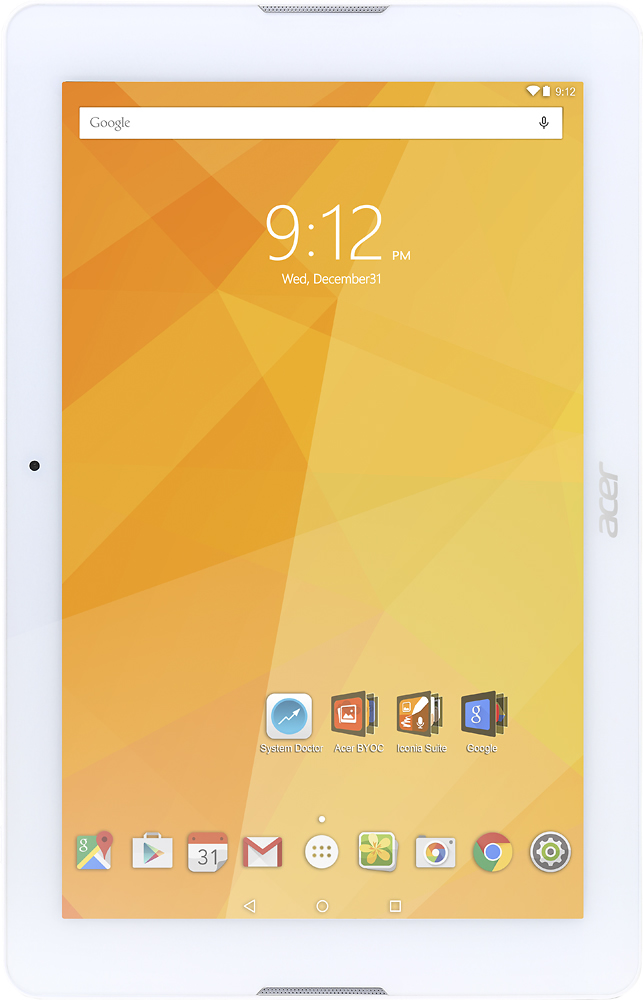
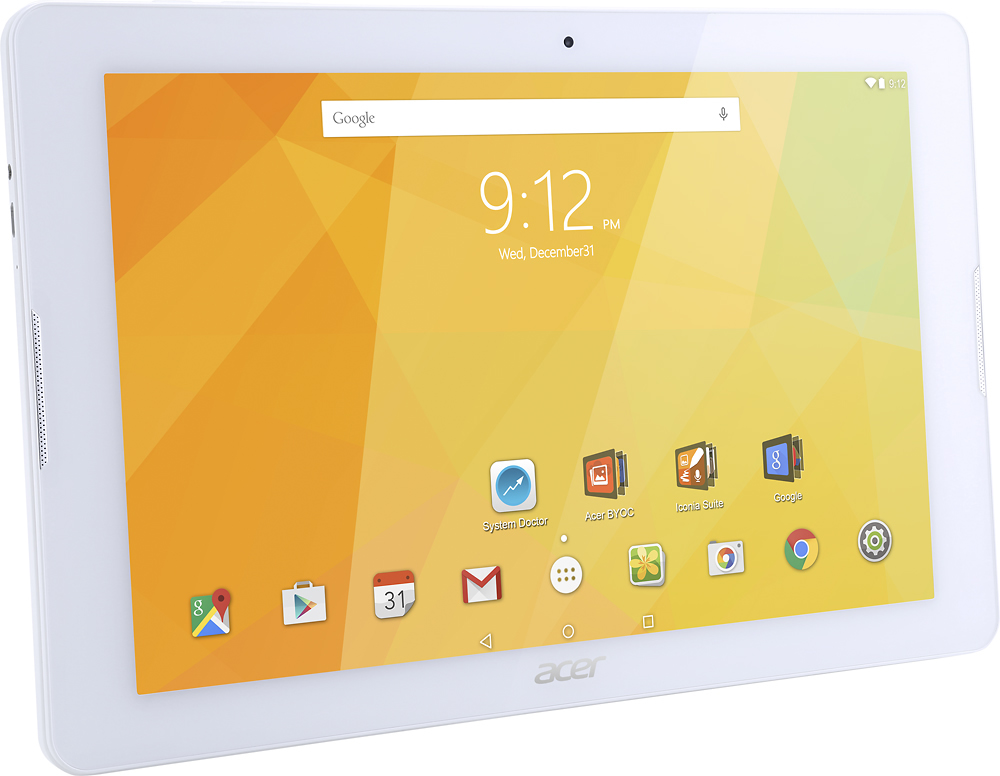
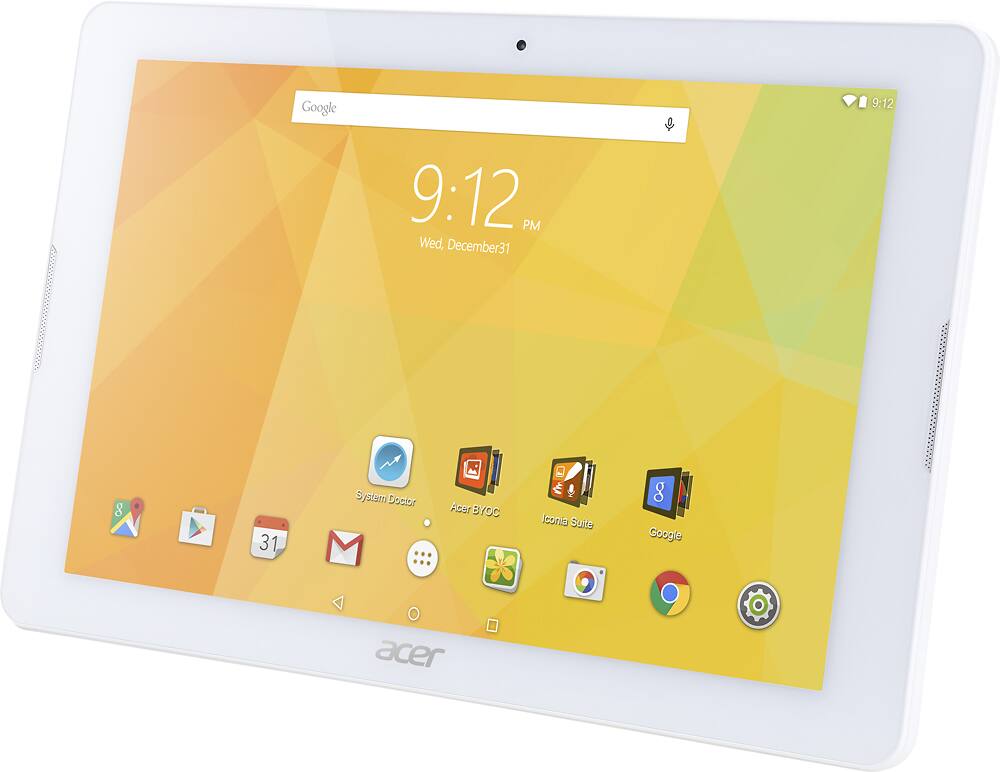
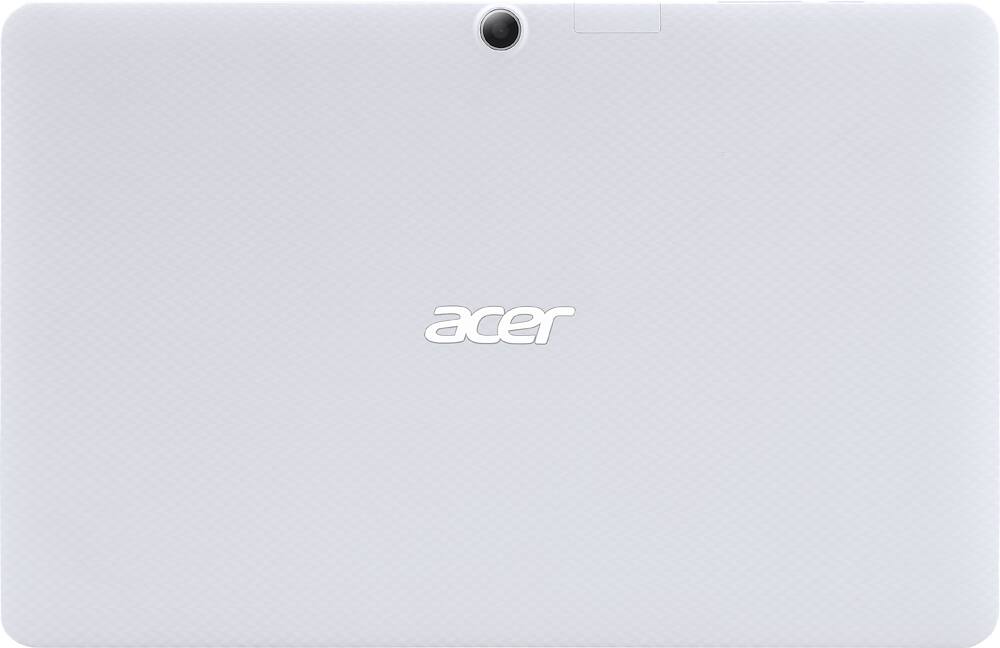
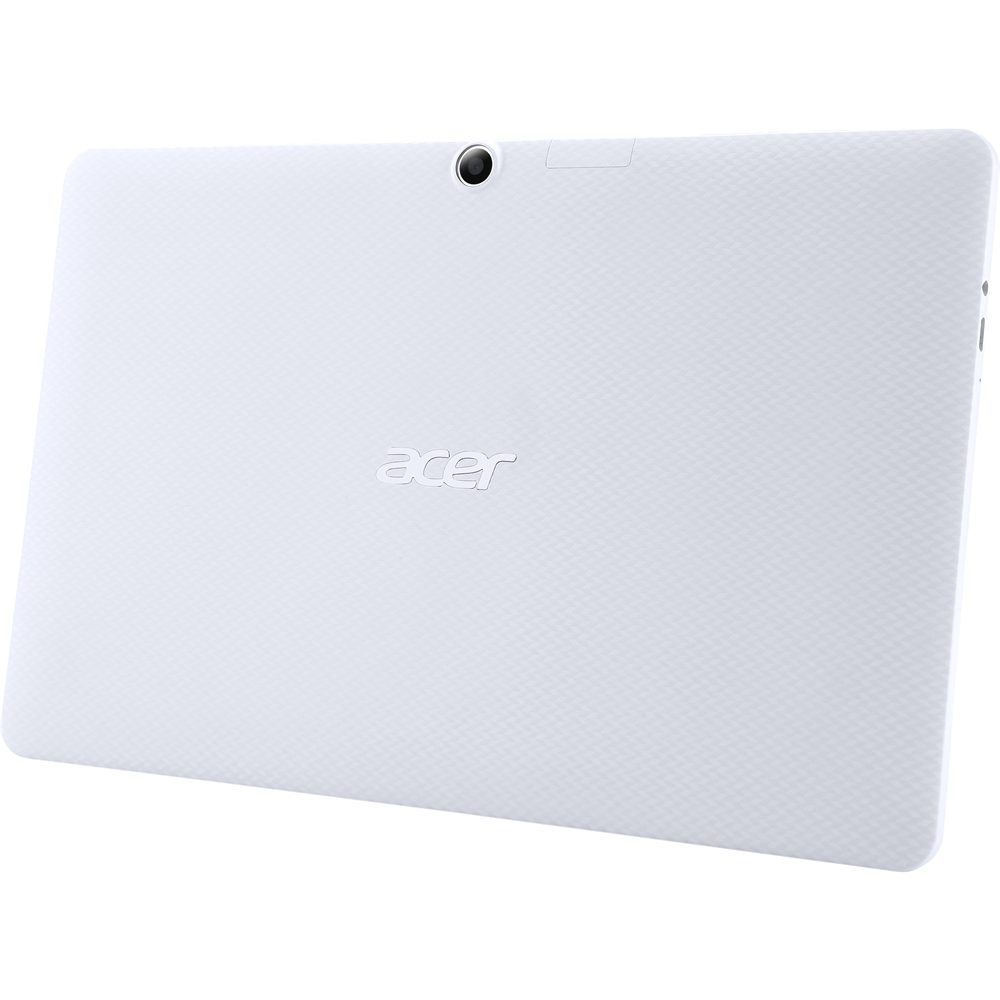
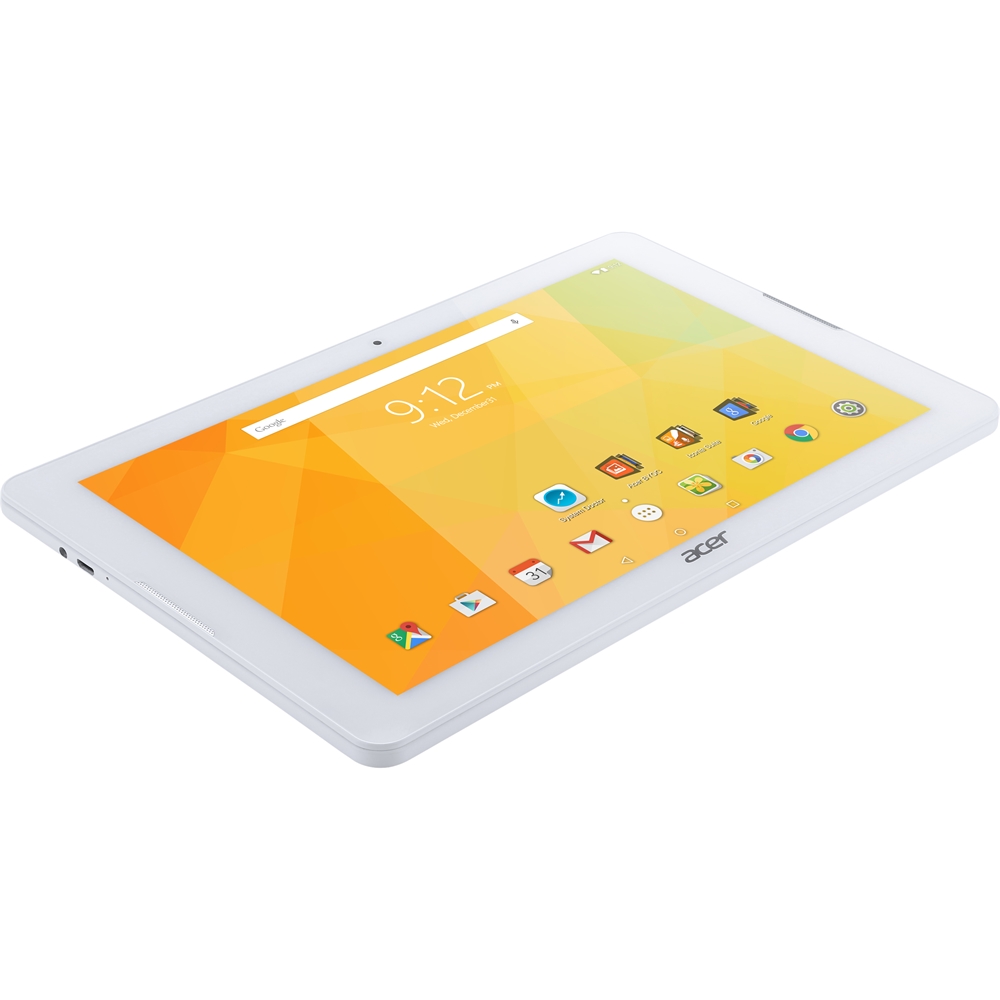
|Posted .This reviewer received promo considerations or sweepstakes entry for writing a review.Tablet computers come in all shapes, sizes, and prices these days, and they are popular for a reason. Much of their popularity is due to their small size, powerful components, and an ease of use due to a familiar operating system that is shared with our smartphones. Today I will be reviewing the Acer - Iconia One - 10.1" Tablet - 32GB - Wi-Fi - White, Model: B3-A20-K213. This tablet has a very attractive price point, but with the plethora of options available in this market does it do enough to warrant your attention and your hard earned dollars? The following is a summary of my experience with this tablet, and hopefully it will help you decide if it is right for you. Unboxing the Iconia was a pleasant experience. The packaging has a very minimalistic look to it. It's mostly white with a few splashes of bright colors mimicing the look of the tablet itself. The device is presented as soon as you open the box yet seems to be well protected. It includes what you might expect: a packet of documentation, a charging cable with a/c adapter, and the tablet itself. The Iconia is in my opinion a very attractive device. The white color gives me the impression of a more high end device, and I think it was a good choice for this tablet. The back of the device is textured (although not grippy) with a matte white finish. These design choices keep fingerprints to a minimum and are a definite plus in my opinion. The materials, fit, and finish are all very good. When you power it up for the first time it will walk you through the setup process which includes connecting to your wifi. This tablet makes it very easy to get things up and running, and can be done even by those who lack experience with such things. After logging into my Google+ account it automatically synched all of the apps, and bookmarks from my android phone which was a pleasant surprise. The Acer Iconia One is a 10.1" tablet which is a very common form factor, and is an excellent size for reading, and surfing the internet. The 1280 x 800 resolution is probably not good enough for someone looking for a top of the line experience, but it should suffice for most people who aren't too picky. I found text at this resolution to be very readable and smooth, and videos to be clear enough for a device in this price range. There were not a lot of "jaggies" like I expected there would be, and overall I am pleased with the resolution and image quality. It comes with 32gb of internal storage. This is better than some tablets on the market, but not nearly enough for me. Luckily it has a micro sd card slot, and one of the first things I did was to add an additional 64gb of memory. At this point it asked me if I wanted to make this my default storage location making the process very easy. The micro sd slot is expandable up to 128gb. The ease of adding storage space to this tablet is definitely a plus. Most tablets I have used all look like they are designed with a portrait orientation, however the camera, speakers, logos, and buttons on the Iconia all give the suggestion that this is to be used in landscape. Obviously the screen has an auto rotate feature depending on which way you are holding it so this is mearly a design choice. While it seemed a little odd to me at first the tablet seems at home when watching widescreen videos in the landscape orientation, and makes me appreciate the decision in this scenario. This is how we use our desktop computer monitors after all. The landscape orientation definitely took an adjustment, but it has grown on me and I use the tablet this way most of the time now. One downside I see with the Acer Iconia is the 1gb of included RAM. Right after the initial setup I was already recieving a system notification that reads "System memory is low". The "system doctor" showed that I was using 715/950mb of ram and this was before I had even installed or started using any apps! This affects its ability to multitask, and things like how many programs or tabs you can have open while browsing the internet. In my opinion a device like this should have a minimum of 2gb. This was very probably an area of compromise due to the low price of the tablet. Other observations: - The screen has one dead pixel, although it is not very noticable. - Some apps took a longer than usual time to download and install. -Some of the games that I tried from the Google Play store were either not compatible with the device or had problems with crashing. -Speakers are poor for music playback. + Speakers are good enough for audio books and YouTube videos. + Audio sounds good through wired or bluetooth headphones. + The screen is good for reading books and discussion forums. + Provides a snappy internet browsing experience. + Good battery life. As a side note I was able to find an optional folio case that was made specifically for this tablet. It fits well, and does a great job of protecting it while still allowing access to all of the buttons and ports. It is nice to not have to use a universal solution that might not fit the tablet quite as well. I just thought I would mention this as I recommend it as an optional accessory. For me the Acer Iconia is a good tablet. They managed to find a very good compromise between performance and price. In my experience if you pay any less than this for your tablet you might have a frustrating experience because they just can't put enough horsepower into the device at such a cheap price. This is good for those "everyday" tasks, and it's definitely a step up from the $49 tablet I had been using previously. If you need a tablet for light tasks such as reading or browsing the internet, and aren't too picky about things like resolution then there is a lot to like about the Acer Iconia at it's current asking price. If you are a power user look elsewhere. CONSIDERING THE CHEAP PRICE I would rate this tablet 4/5 stars.
I would recommend this to a friend - Pros mentioned:Processor speed, Screen size, StorageCons mentioned:Ram
Great tablet for when you need a bigger screen
|Posted .This reviewer received promo considerations or sweepstakes entry for writing a review.The larger screen on the tablet is fantastic for watching movies or videos online as well as playing games that would otherwise be small on a different device. The screen is also great for people that have a harder time seeing things up close. One of the things I didn’t realize at first was the fact that the tablet came with a screen protector already installed by the manufacturer. I had thought it was a general plastic cover to protect the screen of the tablet while it is still in the box. The finish on the back side of the tablet is very good and I’m able to comfortably and confidently hold the tablet while using it. Even if I have to hold it with just one hand, I don’t feel like I would drop the tablet so easily. Whereas if it had a different type of finish, it could be a lot harder to comfortably hold the tablet for an extended period of time. The tablet has a slot for an external microSD card, so that you can expand the available memory for the tablet. Which is great because once you start getting your music, videos, photos, games, eBooks, and whatnot onto the tablet, you will use up the space fairly quickly and supports microSD cards of up to 128GBs. The one thing that bothered me the most was the fact that it only have 1GB of RAM and a bit of extra software that would eat up most of that available RAM. I had to disable a good chunk of those applications to free up the available RAM and make the tablet more responsive while still having the ability to multi-task, since the tablet comes with a Quad-Core processor. Once the applications were disabled and whatnot, performance on the tablet had a noticeable increase. I wasn’t constantly being pestered by the System Doctor application (which is preinstalled on the tablet) about optimizing the tablet. The device comes with Android 5.1 Lollipop with not available updates at the time of this review. Not sure when Acer will make an update available to Android 6.0.1 so it can have the latest available version of the Operation System and more features that are available in the newer version of Android. Overall, this tablet has a lot of great features with some minor issues that can be resolved by the user. I look forward to using this tablet extensively for various things, especially for watching movies and whatnot at home, on the go, or wherever I might be. DISCLAIMER: I received this product at a discount in exchange for my honest and unbiased review.
I would recommend this to a friend - Pros mentioned:Processor speed, Screen size, StorageCons mentioned:Sound quality
Not bad, but not great
|Posted .This reviewer received promo considerations or sweepstakes entry for writing a review.Honestly, I was expecting more from this tablet. I like the large screen and the 32GB internal storage. I opened it, charged it and then turned it on. Right away I noticed that there was a bad pixel in the screen (picture included) that leaves a line across the screen from one side to the other. Also, for having Android 5.1 on it, there is NO app for weather pre-installed. All my other Android devices have weather on them. The screen is nice and clear (minus the bad pixel) and the touch screen seems to work great; Very responsive. As for the speed, I haven't really done a lot with it yet, but for surfing the internet and browsing the Play Store, it seems pretty fast. I used YouTube once, and that worked great. It has awesome sound too; nice and loud! Overall, with a few upgrades, it could be an awesome tablet, but as it sits now, I give it a B+. I am looking forward to using it more though! Hopefully after downloading a bunch of apps, I'll enjoy it more! I recommend this product as it's a great price, especially for the size and storage (with external storage as well) and it does work great. My reasons for the 4 star review and not 5 stars is the bad pixel in the screen and the lack of a weather app built-in.
I would recommend this to a friend - Pros mentioned:Processor speed
More reliable and easier to navigate than thought
||Posted .This reviewer received promo considerations or sweepstakes entry for writing a review.I am very pleased at the speed for utilization and navigation. The clear screen is fabulous and the functionality of the keyboard and tablet as a whole is worth its weight in gold! This is the best tablet for such a cheap price! Thanks!
I would recommend this to a friend - Pros mentioned:Battery life, Screen sizeCons mentioned:Ram, Sound quality
Entry level tablet, a bit low on memory
|Posted .This reviewer received promo considerations or sweepstakes entry for writing a review.This is an obviously an entry level product for those who don't want to spend much on a tablet, but you get pretty much a basic level device. Enclosure is plastic (not rubberized so it slips out of hand), screen is plastic, it does collect fingerprints a lot and it has some glare. Screen physical resolution is 1280x800. Touch sensitivity could be better - sometimes I need to tap again/harder in order to get a response. Out of the box this tablet started to complain that system memory usage is high, but it has a built-in app called System Doctor that optimizes memory usage, with nothing running it will be around 53-56% (out of 1Gb total RAM). Once I've started using it - I've seen a few more low memory notifications but those are easy to resolve by just closing all running apps. Sound system (tablet has 2 front facing speakers) is a little bit low, high frequencies coming thru but missing on the low side. Tablet comes with the Acer cloud apps pre-installed, they can not be easily deleted. Overall - good as a designated kids tablet, or a car tablet, but not for the heavy duty use. My biggest problem with it - it was not able to work in my home network until I assigned a static IPv4 address to it - apparently it does not support IPv6 address assignment via DHCP6 server and it confused it a lot. Pros: good battery life (lasts around 3 days, full charge in 4 hours using the included charger), acceptable screen resolution for games/movies. SD card slot allows for the storage expansion. Cons: plastic enclosure, low sound quality, sluggish performance, low amount of memory available.
No, I would not recommend this to a friend - Pros mentioned:Processor speed, Screen sizeCons mentioned:Sound quality
Fun & Simple to Use
|Posted .This reviewer received promo considerations or sweepstakes entry for writing a review.Just got this Acer tablet and so far so good. My favorite part about it is the back which is textured in the back and has a little bit of a grip which makes it feel rugged. If you've had other tablets that have metal backs like me I always fear that it's going to slip out of my hands. So for me that's perk one of five. Two is that it is ready to run and start surfing the web right out of the box, I did find that it made me set up my username twice once for Acer and the other time for Playstore downloads but that's a one time thing and I haven't encountered that again. The camera on the back is awesome and takes crystal clear pictures, I am going to post a picture of my table and some fixtures just as a example but the front facing camera like other tablets needs work. I wasn't such a fan of that part. Three would be the HD quality screen, processing time of videos and loading media which was fast. I have found that sometimes apps on my android devices takes time to load but I watched a video about Orcas and the video quality is amazing; the water rippling on the screen almost felt like I was on the boat while these guys were being chased by Orcas in the ocean! I can't believe I get such clear quality and high definition video but a small down fall is the speaker system which is way to novice but being that I watch videos with my earphones on so the whole world doesn't have to hear my shows I can get past that part! Four and Five i'll put together and it's the fact that I could extend the memory with the added MicroSD slot and the built in Iconia suite of apps. My favorite being the EZ Note app which you can make notes with the tip of your finger instead of needing a stylus and there's a part of the app where you can load a page that looks like notebook paper and take notes that look like they came from a spiral notebook. I'd say the design of this tablet was aced and I really like the moving backgrounds. It's definitely a must have for someone who wants a tablet with basic essentials but isn't willing to forfeit quality because this Iconia One is great. One last thing, the 10 inch screen made it seem like it was going to be heavy but with all the perks built into it this tablet is light and will be easy to carry around with me to work, home and travel.
I would recommend this to a friend - Pros mentioned:StorageCons mentioned:Memory, Sound quality
Pretty good budget priced tablet
|Posted .This reviewer received promo considerations or sweepstakes entry for writing a review.Let me start this review by admitting that I expected to throughly hate this tablet when received. I have gotten a bit spoiled by "premium" tablets and my previous experience with "budget" tablets has been less than stellar. I can say that I was pleasantly surprised. The tablet feels sturdy. Due to the weight, this would not be a tablet for long term hand held use i.e. reading. If you are going to purchase this, invest in a cover that also doubles as a stand. I had one at the ready when this one arrived. The textured back does give a better grip than many metal cases, this is a non-starter for me personally as I never use a device without a case. Acer, had an added surprised, which I immediately boned as the tablet arrived with a screen protector already installed. The only issue was the entire thing separated from the glass when pulling the tab. The device is obviously meant to be used landscape mode and not portrait by the location of the camera and the rocker switch. This little oddity has taken a bit of getting use to since pressing the volume button in the traditional 'volume down' position actually increases volume and vise versa. Asus has some great applications built in and I can say that I am very impressed with the floating application that allows you to keep your go to applications floating in a separate window on your screen. The split screen is awesome. Simply drag and resize or close depending on you preferences. The tablet also includes the standard AC charger an USB cable. This cable is a bit short for my taste as it was barely long enough to go from the power strip and allow the tablet to sit on the table without being dangerously close to the edge. The instruction manual is minimal to say the least an your are provided a link to download the user guide. I can say that, for the price point, Acer has outdone itself with this tablet on almost all fronts. I liked the tablet so much that my review kept fluctuating between the 4 and 3 star rating. I really had to tell myself that I had to keep in mind that this tablet did not come with a 600.00 entry point. If the issues that I noticed were corrected, this tablet could certainly double its price point. The video is clear and crisp. For those who stated that their video was pixelated, there are a few tweaks in settings that allows this tablet to be truly HD when viewed. Although the video is clear, I have found that there is a slight hiccup in the fps that this tablet delivers when viewing movies in motion. It tends to stutter. This can be very disconcerting. The display offers great viewing angles, no more having your display dim out whenever you are not looking at it dead on. The tablet comes with sufficient storage and if you need additional storage a 4.00 SD card allows you to expand it. I won't get into the plastic casing not being high end. This is totally expected. Even though it does sport a plastic housing, that housing feels study and does not have the flex and give that I have noted on higher priced, lower quality tablets. Here are my reasons for the star deductions: 1. Memory - Upon setting up the tablet I constantly got the 'Memory Low' warning. understanding that this may have occurred due to the number of downloads etc that I was importing from my other Android devices, I sort of blew it off. Upon further use I noted that no matter what I was running, I was constantly getting the memory low warning. It appears that simple systems services constantly use 50+ percent of memory and all else is gravy. At one point, while simply browsing the web,the entire tablet froze due to the footprint of Google Chrome and System Services. Because the Android system is not the most efficient manager of memory, I feel that the 1GB of memory for this particular tablet was a fatal mistake. I also noticed that although applications had been closed, the reserved memory was not cleared, therefore requiring constant clearing of memory which ends any process you are currently running. To avoid this, I have simply resorted to closing program, clearing memory, rinse and then repeat. While watching YouTube, I found that I was unable to set the video to 720, this was another issue of having to clear the memory. Once done, the video played as expected. 2. Audio: Although I am not an audiophile, Due to the tinny quality of the speakers, I found that when listening to content in Japanese, the audio quality was so poor that you could not make out the words. this was less of a problem in English as I am better able to follow and compensate. Upon trying both wired headsets and bluetooth headsets, I find that the audio is not as clear and does not offer the full surround sound quality expected and achieved from other devices even when playing hi-def audio tracks from my SD card. The cameras are just ok, I have attached two photos, once of the actual Acer box. Compared to the IRL of this box, the camera seems to wash out. The second picture is a one of of my sneaker. Pictures of dark objects seem to fair much better as you can even see the scuffs on the white part and the pattern in the hardwood floors. In all reality, that background should have blurred but the rear facing camera did very well. The front facing camera, not so much. I attempted to video chat myself on my Android phone and the image was not even passable. The image from the phone to the tablet was as clear as the display would support. This device did pair nicely with my wireless keyboard. Combined with a stand and a lap desk, I can easily see sing this device to type out notes on the go. Final take - Great software, questionable hardware but definitely a great little budget tablet. This would be a good tablet for a kid being supervised or a business owner that needed to take payments or check in. A workhorse this is not. Would I recommend it to a friend? Only after pointing them to this review and allowing them to experience this one. That recommendation could go either way.
I would recommend this to a friend - Pros mentioned:Screen sizeCons mentioned:Ram, Sound quality
Very good entry level tablet
|Posted .This reviewer received promo considerations or sweepstakes entry for writing a review.Background disclaimer: I've never owned a tablet before. I've used my wife's IPad and my son has an Acer tablet. I normally use my laptop. Pros: - 10 inch screen is great. I downloaded my TV and sports apps to watch TV/videos. No issues. Clear HD pictures and keeps up pretty well despite the low RAM. - My first tablet. It does the job for all basic tablet needs. Social Media, watching videos, browsing, reading emails, etc. Cons: - 1GB of RAM: The constant message of low memory is annoying. This tablet should have at least 2GB of RAM. I even went to my local Best Buy and asked if there is a way to purchase additional RAM and the tech I spoke to says there isn't (if that's incorrect, please let me know). - No camera flash/auto brightness. I rarely see a time where I would even use the tablet to take pictures, but the fact there are 2 cameras on the tablet, there should at least one flash, or have auto adjustments to correct pictures that are too dark or too bright. Despite the cons, this tablet does the overall job of a tablet, which suits my purposes.
I would recommend this to a friend - Cons mentioned:Ram
Excellent Android Tablet
|Posted .This reviewer received promo considerations or sweepstakes entry for writing a review.This tablet from Acer is actually a great device. It runs Android Lollipop 5.1. First I would like to say that despite having only 1 GB RAM this device is very capable of handling everything from games from the Play Store, Surfing the internet also editing office documents and presentations using Microsoft Office. The only thing I noticed thus far that could be a con is that I often got a memory notification about the device being low on memory. I think this tablet would have benefited greatly by having an additional 1GB of memory. However the device the way it ships is still a very capable device. The display on this device is very clear and vivid. I streamed a few of my favorite television shows and movies and they actually looked fantastic on this device. I am also impressed with the quality of the speakers/sound of this device. The speakers have a robust sound for a tablet and I think another plus is the fact that the speakers are on the front of the tablet. This is great because speakers on the rear or bottom of the tablet can sometimes sound tinny and/or muffled. I also gave one of my favorite Android titles The Room 3 a try on this tablet. The game played smoothly and looked great on this device. The camera on this device is basic but it does a decent enough job if it is the only device you have on hand and need to take a few quick photos or capture a short video. Overall I am impressed with the hardware and performance of this device. It is a great entry to mid level android device. The only other thing that I could consider a con is the tablet did have some bloat ware or unneeded applications installed. I think if these were not included on the device it would alleviate some of the low memory notifications that I experienced while using this device. However a plus is that these apps can be disabled which will prevent them from running in the background and utilizing memory. I would highly recommend this device for the novice or casual user, student or business professional that would like to have a smaller companion device to use in situations when a full sized laptop is not practical or to use when commuting.
I would recommend this to a friend - Pros mentioned:Screen sizeCons mentioned:Ram
Not bad . . . but not all that great.
|Posted .This reviewer received promo considerations or sweepstakes entry for writing a review.The Acer Iconia One 10 isn’t a bad tablet, but it’s not a very good tablet either. After enduring a surprisingly long setup and registration process, the tablet immediately presented me with a low memory warning. The tablet came with a fair amount of bloatware. Included amongst this was a system monitoring program that can’t be turned off and seems to want to remind you that you’re low on RAM roughly every 20 minutes. This is probably the most glaring flaw with this tablet. Memory and bloatware aside, It has an excellent screen with bright colors and great viewing angles. It has a nice set of front facing speakers. They’re lacking some in bass, but they are nice and loud. It is an excellent tablet for watching videos on or checking social media with. Unfortunately, it also has some pretty significant shortcomings. It doesn’t have HDMI output. While it streams video quite well, you’ll need to find another way of getting it onto a bigger screen. The low RAM hampers its gaming performance some, and I wouldn’t want to count on this for any kind of office productivity. It’s not a bad tablet, but don’t expect it to “wow” you either.
No, I would not recommend this to a friend - Pros mentioned:Battery life, Screen sizeCons mentioned:Ram
First tablet experience
||Posted .This reviewer received promo considerations or sweepstakes entry for writing a review.Being a Windows user for the last 25yr, it took downloading the user manual on PDF to get used to using the android system. But it didn't take long to learn the few differences. Tablet size of 10 inch is good for viewing, and the touchscreen works good. (Any smaller might be a problem for big fingers.) Only complaint is the RAM size of 1GB (although adequate) requires that you close inactive applications to keep it running. Wife uses it all the time for facebook, shopping, games, etc. She loves it! Camera quality is good. Battery charge lasts about 6 hrs of continuous use, and the price is right too.
I would recommend this to a friend - Cons mentioned:Ram
If your measuring value, it's a winner
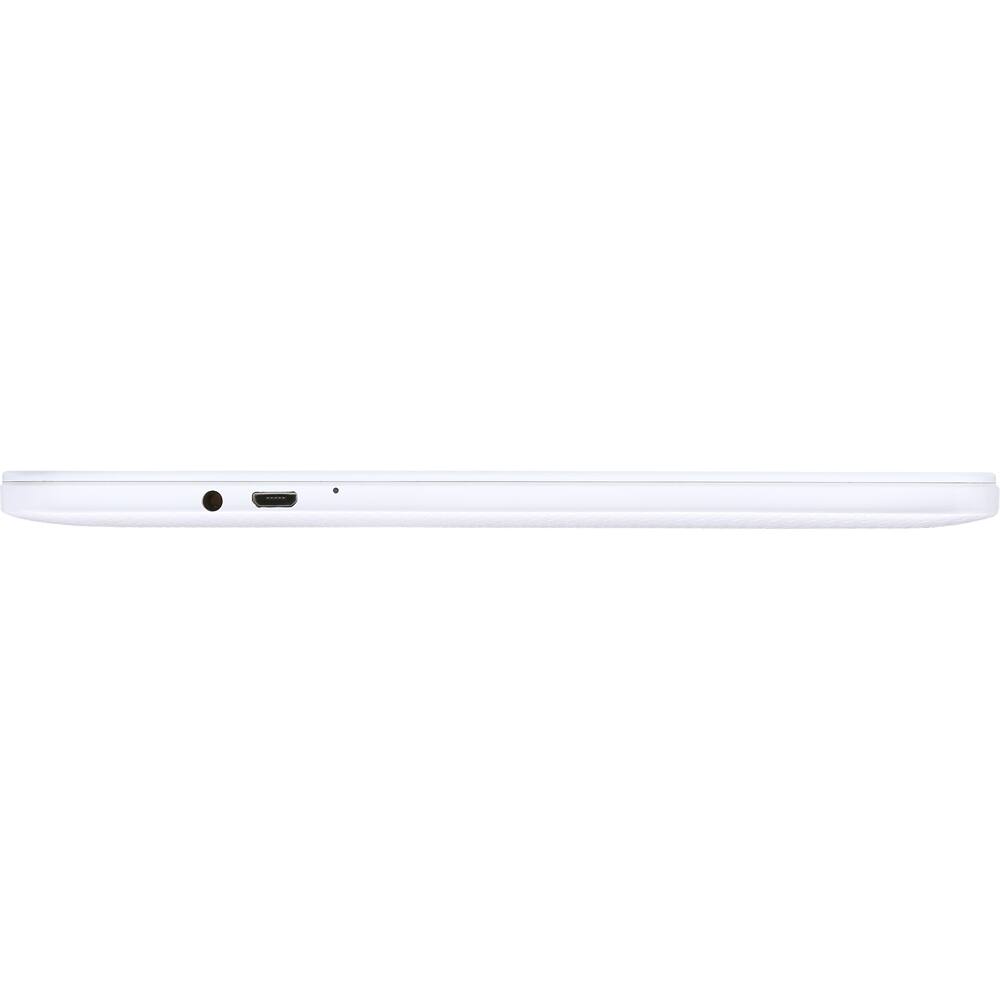
|Posted .This reviewer received promo considerations or sweepstakes entry for writing a review.Acer Iconia One- 10.1” Tablet 32GB There are several ways to evaluate the Acer tablet. You can simply compare the Acer Iconia One 10.1” to the competition. Easy enough, because it’s obvious that for a lot less money than the expensive brands you get somewhat less [memory= 1GB RAM, 32GB ROM, 1.3GHZ CPU Speed, resolution= (1280 x 800), and it’s a bit heavier). Battery usage is dependent on the interaction of too many settings (brightness? Bluetooth? media type? volume?) to be useful in a review. The Acer Iconia One has a headphone jack, a micro-USB port, power, speakers and volume control. A micro-USB charging cable/plug are in the box. It has a front (2Mp) and a back (5Mp) camera. I found it to be nicely colorful and bright enough for my purpose. Do we learn anything from this exercise? A little. You could instead do the value calculation. There s very little you can’t do with the Acer Iconia One, and it costs a lot less than the competition. It represents quite a value: colorful, fully featured, the very flexible Android operating system, a huge library of Apps, expandable storage, a great viewing size, and a lot of money left over for add-ons or music or Apps or photo prints. I loaded this tablet with my favorite Apps: a variety of tools for my hobbies. For little more than the cost of a single specialist tool, I now have a dedicated tablet for (a) theater remote using the Harmony App) along with a sound pressure meter for calibration; and/or (b) a complete, searchable inventory of my movies and music; and/or (c) a network analyzing tool using a Wi-Fi App and a cell tower signal strength App; and/or (d) a weather monitoring App with persistent radar, updated regional weather reports, etc.; and/or (e) a home monitoring App that allows instant viewing of my 4 security cameras; and/or (f)-(z) Apps that manage limitless food menus or assist in staying on top of my investments or provide access to my local library for books and magazines or store my games. At the price of the Acer it’s easy to imagine having a few tablets for the kitchen, the game room, the family room and the bedroom. The Acer has one issue that proved more irritating than disruptive. It protests too much. Yes, the Acer is persistent in warning that it has low memory. This never seemed to stop or even slow down my activities. I even went into the useful System Doctor where you can optimize memory usage. The Doctor App indicates that memory has been freed up, but the message pops up again, inevitably. It’s in the separate Settings App that you can manage where Apps are stored (device memory storage or add-on SD card). This had no influence on device memory, but you can sure add a large number of Apps. Just be sure to close unused ones, regularly. I’m pleasantly surprised by how useful this Acer tablet is. I may be looking for another one (or more) to permanently mount in my home.
I would recommend this to a friend - Pros mentioned:Battery life, Screen size
Aced this tablet
|Posted .This reviewer received promo considerations or sweepstakes entry for writing a review.This tablet will be a great addition to any home. Get a mount for the kitchen to use while cooking. This unit has great display, good battery life, expandable memory, fast WiFi which you can use 2.4GHz or 5GHz bands. A little lag but that's to be expected but you do get a lot for your money. In my opinion this tablet will fit anyone's needs.
I would recommend this to a friend - Pros mentioned:Battery life
The easy to use Acer Iconia One Tablet
|Posted .This reviewer received promo considerations or sweepstakes entry for writing a review.The Android based Acer Iconia One 32gb Wi-Fi Tablet is equipped with a 10.1” backlit LED touchscreen with a resolution of 1280x800, 1.30 GHz Quad-core MediaTek Cortex A53 MT8163 Processor, 5 MP (Rear Camera), 2 MP (Front Camera), and Bluetooth 4.0, dual front facing speakers and a non-removable 6100 mAh Battery . The Android Operating System is 5.1 Lollipop. Included with the Iconia One - 10.1" Tablet is the 2amp AC Charger, USB cable, User's Guide, and International travelers warranty passport. Fresh out the Acer box the Iconia One Tablet you’re greeted with the welcome page that lead to a quick and easy setup. Using my Gmail account I was able to choose sync and install many of my GooglePlay apps. I also was able to rapidly install Microsoft Office 365, Adobe Acrobat reader, and Verizon Cloud. The Acer Iconia has the capability of expandable memory via microSDHC, which is a plus for me. I noticed the “Low memory “message disappeared when I installed my 200GB SanDisk - Ultra 200GB microSDXC Class 10 UHS-I Memory Card. On the go Utilizing my secure Verizon Wireless Hotspot through my Galaxy Note 5, I am able to Stream my favorite Music, movies and TV shows, monitor my Home and Business security systems, and process payments . With the EzTasking feature The Iconia One gave me the ability to watch movies, send emails, with multiple approved apps. At home with the Acer Iconia One I have full control of my Theater system, automation and security setup. l also use the Cast play feature which allows me to mirror movies and pictures from my Iconia Tablet to Wi-Fi HDTV's and other Mobile devices. The front facing 2MPand rear facing 5MP cameras are good but not great. I’m content with using my Note 5 for in-depth pictures and videos. The Acer Iconia One does not have a Fingerprint reader, USB and HDMI ports. The accessories I will Purchase and connect to the Acer Iconia One are a Bluetooth Keyboard case and mouse, and a stylus from my favorite Best Buy and Bestbuy.com In conclusion, the 10.1 Acer Iconia One tablets is a fun and easy to use tablet with surprising potential that features Quick and easy setup, great battery life, and High capacity expandable memory . I suggest stopping by your favorite Best Buy and checking the Acer Iconia One for yourself.
I would recommend this to a friend Good budget tablet
|Posted .This reviewer received promo considerations or sweepstakes entry for writing a review.I'm not a huge fan of Acer products, as I previously owned a less-than-steller Acer laptop. I'm also not a lover of the Android operating system, but this tablet may be bringing me into the fold. I also have an iPad Air 2 that I use on a daily basis. Because the iPad would cost so much to replace, I don't usually travel with it. This tablet seems like it would do what I need it to, and I can feel a little more at ease traveling with it. One thing I noticed was that it feels heavier in the hand than the iPad does. It's thin enough, though, that it still feels manageable. The operating system is Android 5.1 (Lollipop). It does feel a little slower than my Samsung S7, but not annoying so. When I open the multi window view, it takes a couple of seconds for the "X" in the right corner to appear before I can close any apps. The setup was fairly easy, but not as intuitive as the Samsung. You aren't paying Samsung prices for this unit, though. The syncing with my Google account was pretty seamless. I like the texture on the rear of the case. Usually, with my electronics, I feel that I have to protect it from all manner of scratches, so I will order skins to put on the back. Because of the material this tablet is made from, it resists fingerprints and scratches. I found the accessories assortment completely lacking. I like to keep my electronics in heavy duty cases, and the Acer really doesn't have a robust offering of add-ons in that regard. All in all, I think it's a good investment for the price point. It's not a Galaxy or a iPad, but it gets the job done.
I would recommend this to a friend- Pros mentioned:Screen sizeCons mentioned:Sound quality
Overall great Android tablet
|Posted .This reviewer received promo considerations or sweepstakes entry for writing a review.The Iconia One tablet has a nice layout and welcoming white body with a great feel to it. I love the texture on the backside that gives it a nice grip. It runs all my apps perfectly and has a nice display for pictures and videos. My only complaint would be the puny sound it has both from the external speakers and headphones when used. The volume range is much too low and there is no bass at all. Despite the low audio volume I would still recommend this tablet. It performs well, takes good pictures, and has a very nice display.
I would recommend this to a friend - Cons mentioned:Sound quality
Average Tablet
|Posted .This reviewer received promo considerations or sweepstakes entry for writing a review.I have a lot of “technology” devices. Nexus 9, Ipad 2, HTC M9, Iphone 6, Oneplus One, Asus tab just to next a few. I am spoiled when it comes to technology. I expect everything to work just like what I have or better. The Acer Iconia One in some ways disappoints. Right out of the box the tablet doesn’t feel natural. I am so use to the Nexus 9. It’s a bit heavier and bigger.. The plastic back feels cheap and when holding the tablet with one hand on the corner it feels like it’s going to snap because of the weight. The device had a hard time connecting to my router and in some cases it didn’t connect at all. The Iconia One felt like it lagged in when using it.. wasn’t snappy or sharp. I noticed a very very small delay enough where it bothered me. But for around a $140 I guess you get what you pay for. It’s an average tablet in my mind. Personally, I’d rather spend a little more for a better tablet.
No, I would not recommend this to a friend - Cons mentioned:Sound quality
Decent entry level option
|Posted .This reviewer received promo considerations or sweepstakes entry for writing a review.Let me begin by saying I have had a few tablets, both of the Android and iOS family. I don't like one over the other, but you can definitely tell the difference in quality when you hold them and use them. Speed of the processor is on thing, but quality of craftsmanship is also important. When I opened the box for the Acer tablet, there were a few things I noticed in contrast to many of the other Android platform tablets on the market. The price on this tablet is fantastic. It almost competes with the various offerings from Amazon, but without the streamlined requirement to do everything through an Amazon account. On the back of the Acer tablet, they use stickers to identify the serial number and model number of the device. But they are sticker and they can be removed. I am sure there is a way to identify the device serial number with the tablet, but it just felt cheap for no reason. Also, their were two bubbles under the screen. Sort of like when you put a screen protector on your cell phone a some tiny piece of fuzz gets under it at the last second. I had two spots on mine. Finally, when I turned the power on I had to do a hard reset because it came up all Chinese characters. Hard to trust or work with that when you don't know the language or if it's even safe to use at that point. I have added pictures for all these things with my review. On the plus size of things, it's fast enough for me and the expandable memory is a bonus. I like the feel of the textures back cover and it's a great size. Bottom line? Good to let the kids play with, but not for business or someone that uses a tablet a lot. The camera is lacking and t does not have that good feel to me that I described before. Good for the price, but I would go for another option.
No, I would not recommend this to a friend - Cons mentioned:Sound quality
My first acer tablet
|Posted .This reviewer received promo considerations or sweepstakes entry for writing a review.This is my first Acer Tablet. This tablet is being used for work and work only. I opened up the box, started it up and started to download apps, like Microsoft office (free) and todolist….. it says to charge it right out the box but it came with a full battery so I charged it later. After a full charge or extended use the tablet gets warm. In a cold setting I don’t mind but in the Texas heat, that’s no bueno. The response time from finger to execution lags on certain things. I’m not 100% familiar with android or google products but I’ve figured out enough to get around. I love opening excel and word, it’s basically like using a laptop with no keyboard. The tablet looks and feels sleek and techy. Camera sucks (grainy pix), volume is irritatingly hard treble, and I think the volume buttons are backwards to me but I’ll get used to it. all in all, if you are only using it for a couple of things and don’t plan on pushing it with a bunch of apps, movies, music, etc…. it will be a decent laptop. I will buy a case and larger memory card for it eventually. I rate it a C+ Or 3.5 stars If I were a kid, I'd rate it 4 or 4.5 stars
No, I would not recommend this to a friend - Pros mentioned:Battery life
Entry level tablet, only 1Gb of RAM
|Posted .This reviewer received promo considerations or sweepstakes entry for writing a review.This is an entry level tablet, so I did not expect much from it. It's made out of plastic, including the screen, back is a little slippery, does not stick to your hand that well. Touchscreen is plastic therefore shows all fingerprints after a few minutes of use and it's honestly not that responsive, sometimes I had to tap again or press harder in order for it to react. Screen resolution is acceptable but it's not a hi-res display for sure. Sound output - it's somewhat cut on the low end, high frequencies coming thru, low frequencies not that well, I would not let it play music for me. My biggest disappointment was the fact that this tablet refused to work in my home WiFi at all! After doing some research - I've figured out it does not support stateful IPv6 (DHCP6) so it could not connect to anything, I kind of worked around that by assigning a static IPv4 address to it and setting up a proxy, but that is not something you should be forced to do. All other devices on my network (including Sony Android TV) do not seem to have any problems. Out of the box - it ran at bout 53% memory usage and kept complaining about low system memory even I had nothing installed! Just opened a web browser! It has a pre-installed app named "System Doctor" that would help you close apps and free up some memory but I don't feel that it's something user should be forced to do. Overall: If that's all you are going to spend on the tablet - go for it. Designated car-only tablet or just for kids tablet (you don't care if they break it) - this tablet will do it's job, but it's not for the advanced users. I did not find any value in Acer-included apps since I believe that user should have a freedom of choice. If Acer thinks these apps are great - put them on Android Play and let users download if they want to. Or at least give a way to remove them. Pros: good battery life - lasted about 3 days of average use, took it 4 hours to fully charge using included charger. Cons: sluggish performance, not a very sensitive touch screen that shows all fingerprints, low resolution, very limited sound, heavier than it looks (1lb 3.4oz), constant low memory notifications.
No, I would not recommend this to a friend