Customer Ratings & Reviews

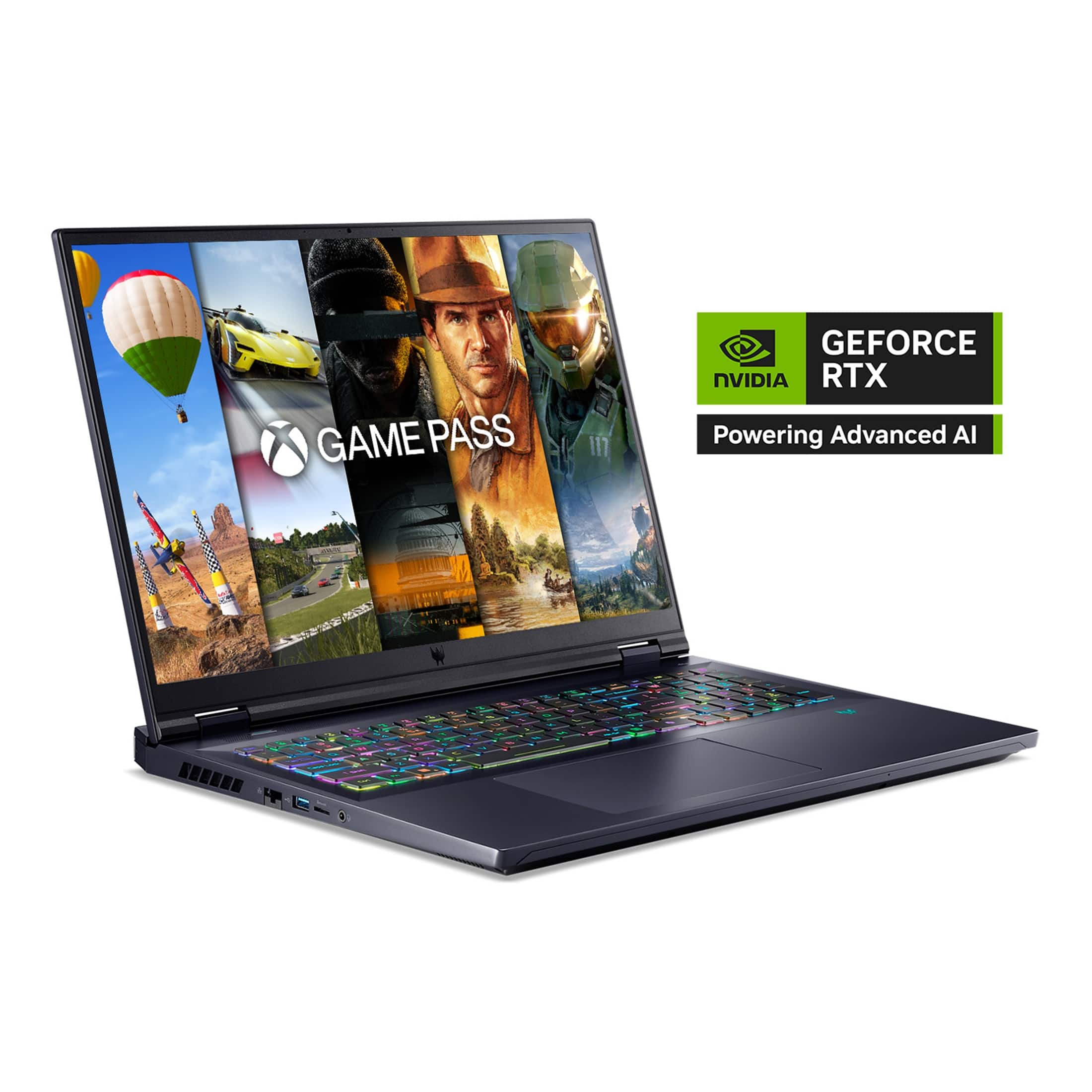
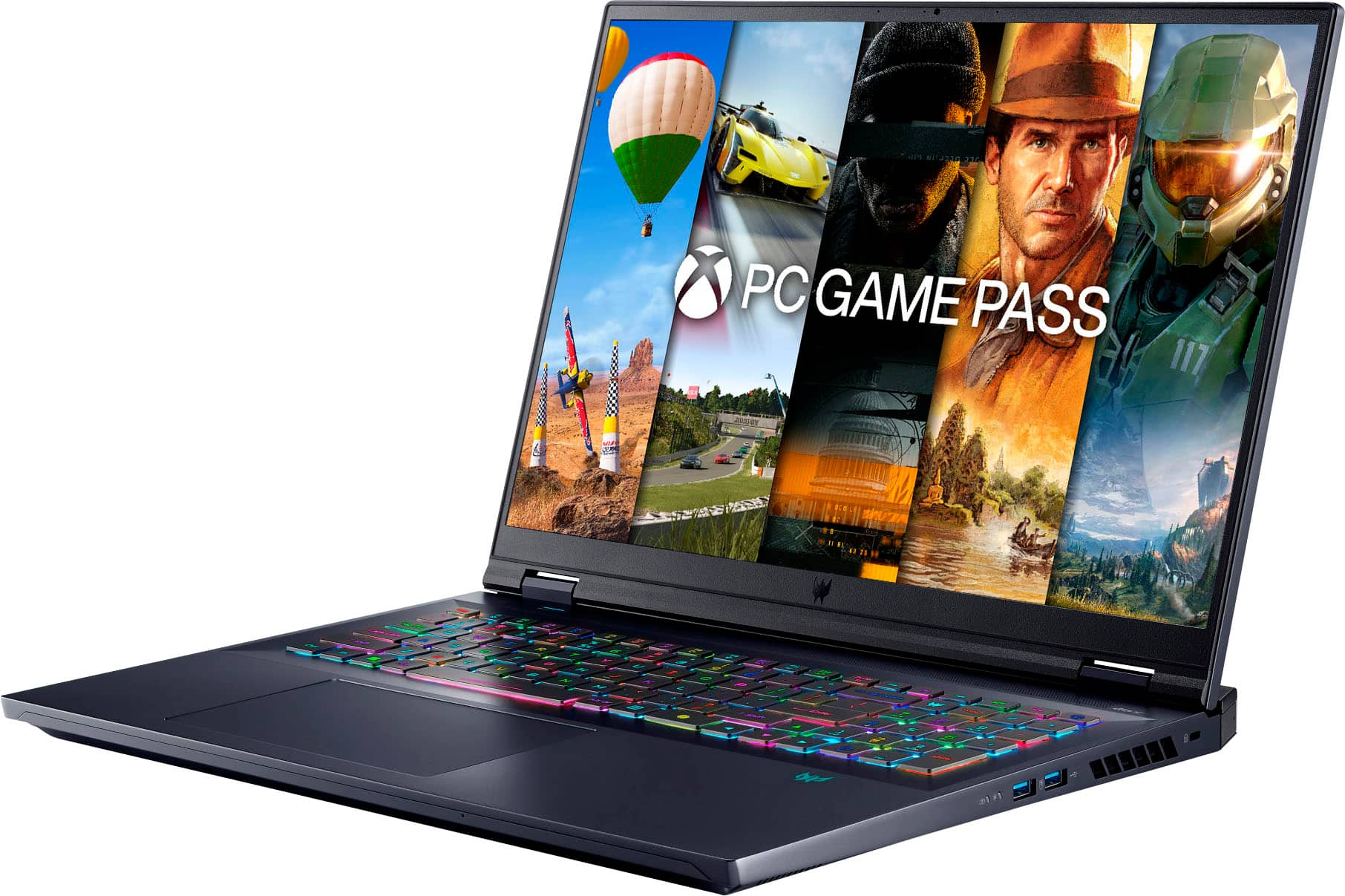
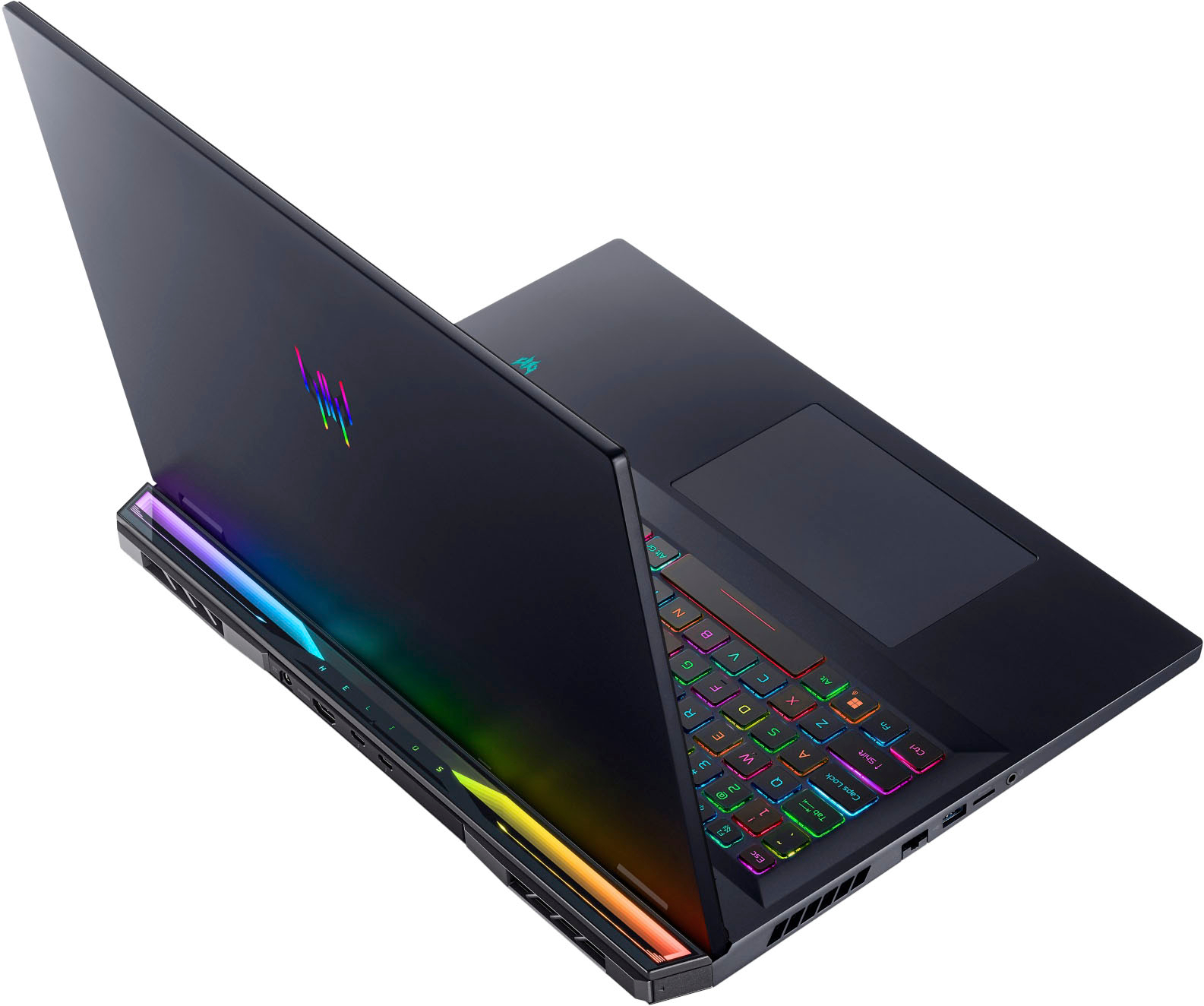


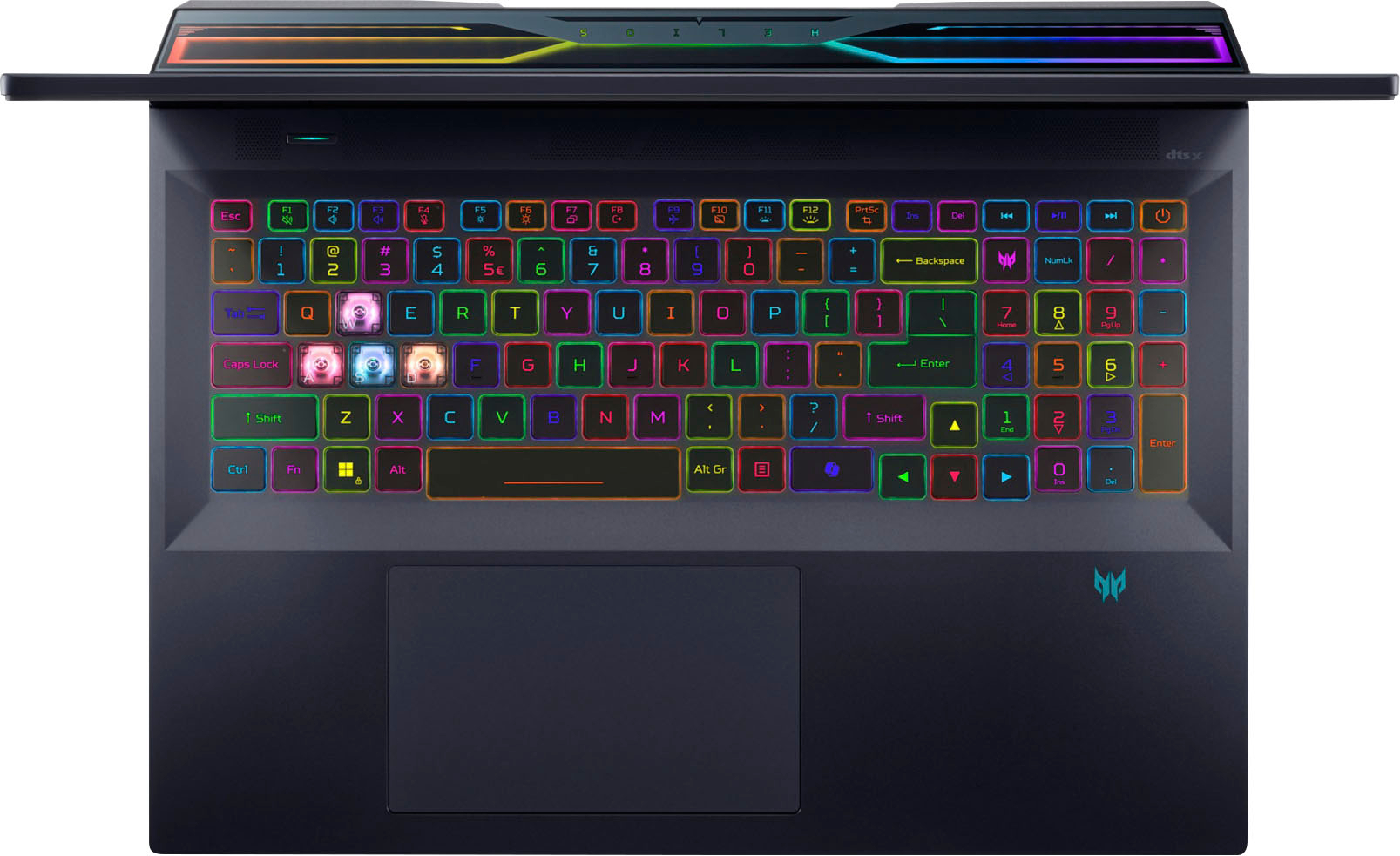



- Model:
- PH18-72-924C
- SKU:
- 6576632
Rating by feature
- Battery Life
Rating 3.2 out of 5 stars
- Speed
Rating 4.6 out of 5 stars
- Display
Rating 4.7 out of 5 stars
Customers are saying
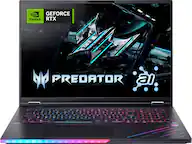
Customers highly value the Predator Helios 18's stunning display and impressive performance, with many praising its vibrant colors and smooth gameplay. The build quality and keyboard also receive positive feedback, described as sturdy and comfortable. However, some users express concerns regarding the system's cooling capabilities and relatively short battery life, especially during intensive gaming sessions. The laptop's substantial weight is also a factor for some potential buyers.
This summary was generated by AI based on customer reviews.
Best laptop
||Posted . Owned for 1 month when reviewed.This reviewer received promo considerations or sweepstakes entry for writing a review.An amazing product. It’s everything that I dream about and even more.
I would recommend this to a friend- Pros mentioned:Display, Processor speed

Bells and Whistles
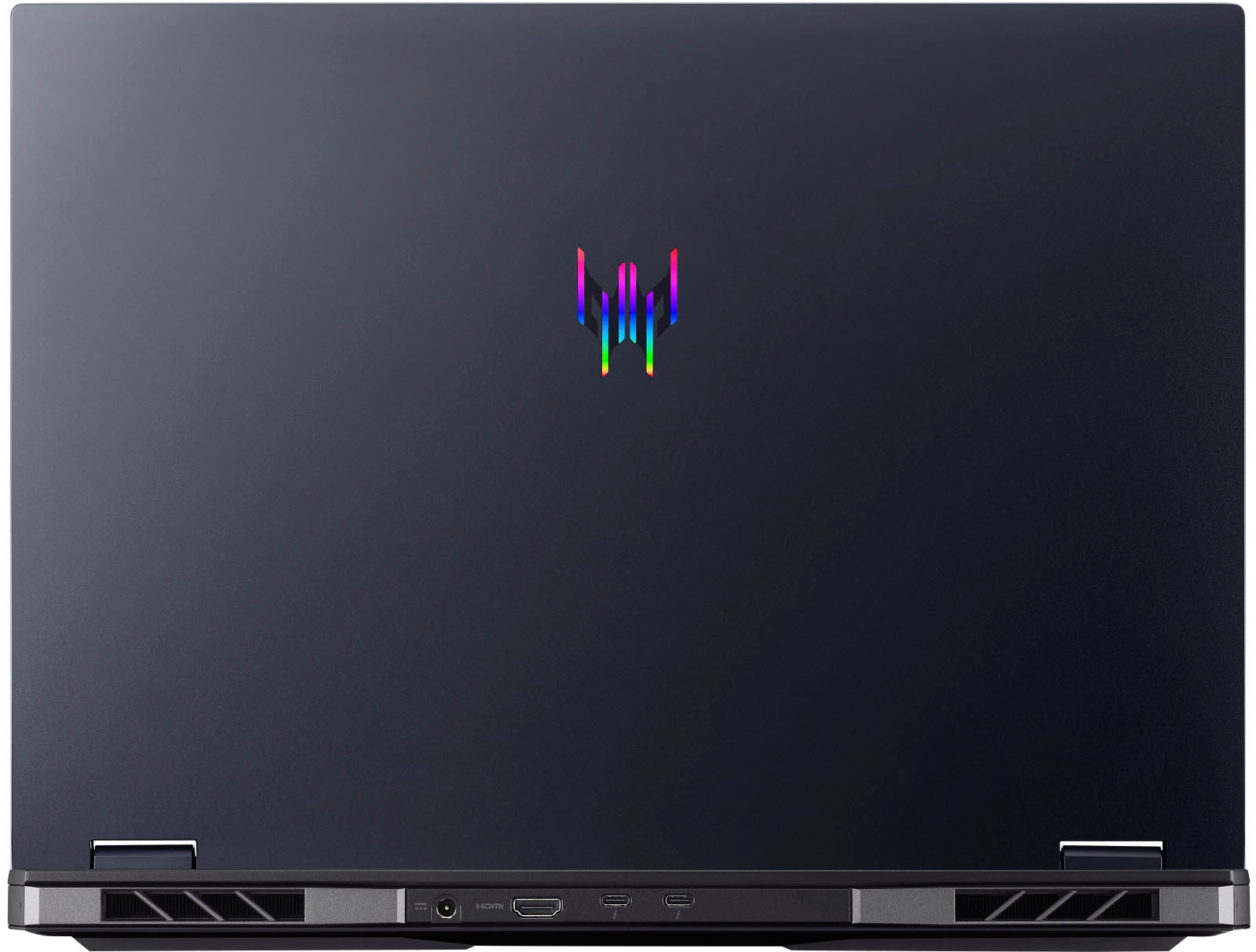
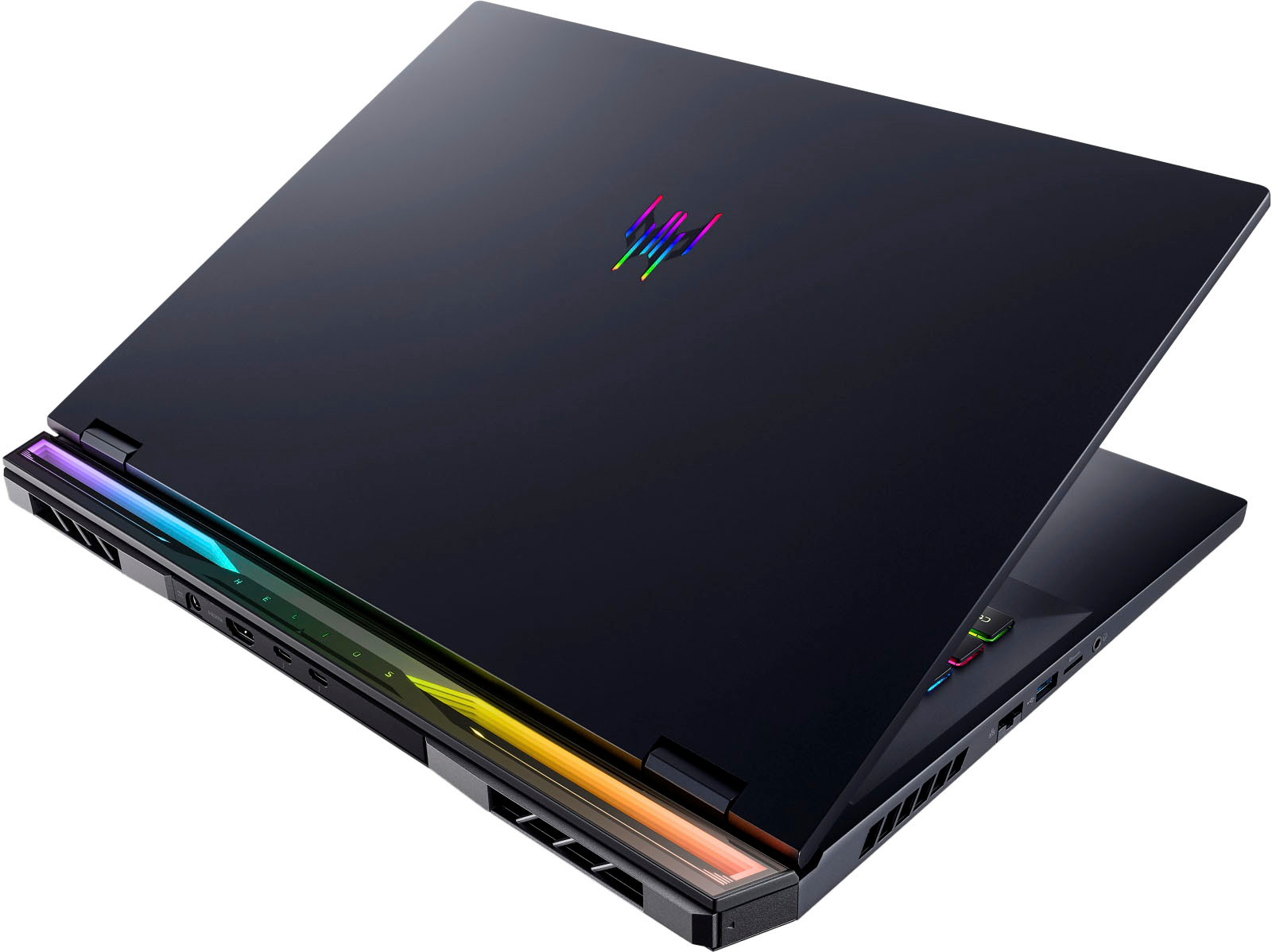
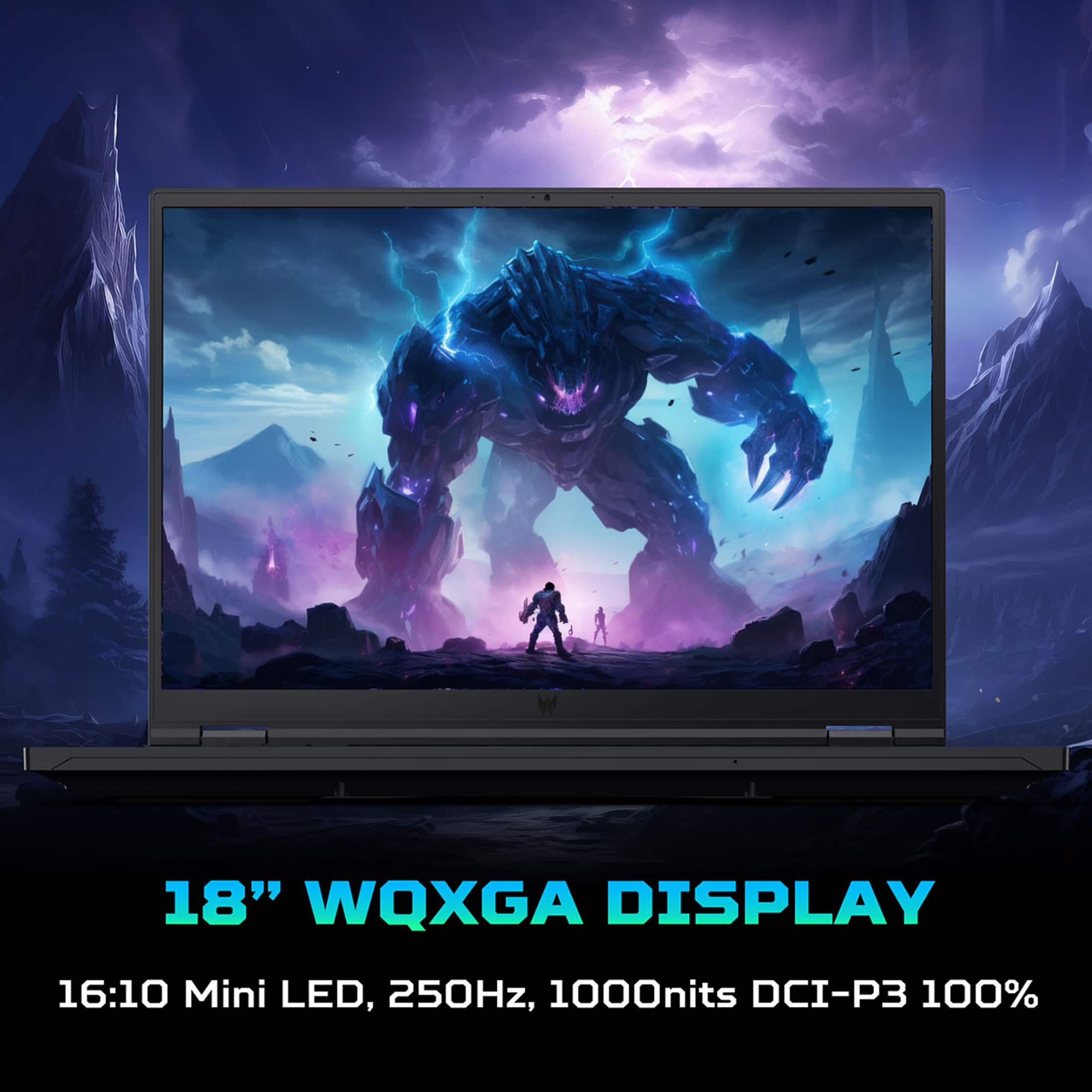
|Posted .This reviewer received promo considerations or sweepstakes entry for writing a review.I've always associated Acer with general purpose computers and monitors for the scholastic and business world. Things have changed for the better. Their Predator Helios 18 gaming laptop is a game-changer. I own and use ASUS and Dell's Alien Ware laptops and this is without a doubt right up there with them, in All aspects. The version I have is the PH18-72-924C / NH.QP4AA.001. Intel 14th generation i9-14900HX 24 core processor running at 2.20GHz. NVIDIA GeForce RTX 4090 with 16 GB dedicated GDDR6 VRAM. 18 inch WQXGA (2560 X 1600) 16:10 IPS mini-LED backlit display with 250 Hz refresh rate. Per Acer, it has 1000 local dimming zones and a maximum 1000 nit brightness. 32 GB DDR5 SDRAM, 1 TB PCIe NVMe M2 SSD with an available slot for a second SSD. It has one HDMI port, a MicroSD slot, 3 USB Type A and Two USB Type C ports, LAN port and Headphone jack. Out of the box, I loaded Baldur's Gate 3, Crusader Kings, Planet Zoo and Sims 4 to test the graphics. Blown Away. Set at maximum, no lag, no jitters, beautiful depth, colors and definition. This unit has everything a gamer on the go could wish for. No glitches, no lag and it does not overheat. There are just too many features that have been crammed into this laptop to try out and comment on in a quick test and review period. Still much to explore and setting to tweak. Review updates will be necessary as I delve more into this laptop. The Predator Helios line offerings are not cheap but for those that want a laptop for gaming, it is worth looking at.
I would recommend this to a friend Dead at Five Months
||Posted .This reviewer received promo considerations or sweepstakes entry for writing a review.This laptop died after five months of normal use at home. It just went black and that was the end.
No, I would not recommend this to a friendBrand response from TeamAcer
Posted .Hello Mark,
We are sorry to hear your Acer Predator laptop is not booting/functioning properly and we understand this is frustrating for you. This is not the experience we want our customers to have and we would like to help you get this resolved. If you are in the US or Canada, please feel free to contact our support team at 866-695-2237; they are available to assist 24/7 for in-warranty products.
Regards,
Acer America
Dont buy it through best buy
||Posted . Owned for less than 1 week when reviewed.This reviewer received promo considerations or sweepstakes entry for writing a review.They cant get it to me in a time shiper lost $75 waiting On delivery it never showed
No, I would not recommend this to a friend- Pros mentioned:Processor speed
Worth for the Speed
|Posted .This reviewer received promo considerations or sweepstakes entry for writing a review.The Acer Predator Helios 18 RTX 4090 is an absolute powerhouse of a laptop, offering an impressive blend of performance and features that cater to both gaming enthusiasts and creative professionals. Let's delve into its remarkable attributes. First and foremost, the performance of this laptop is nothing short of outstanding. With a mammoth 32GB of RAM and an Intel Core i9 Tetracosa-core processor from the 14th generation, it handles everything from intense gaming sessions to resource-heavy editing tasks with absolute ease. What's particularly impressive is its efficiency, consuming only 38 watts for extreme editing and performance, showcasing Acer's dedication to both power and sustainability. The inclusion of the NVIDIA GeForce RTX 4090 with 16GB of GDDR6 technology ensures buttery-smooth gaming experiences, even when pushing the limits with features like ray tracing. Speaking of which, the laptop excels in handling ray tracing, delivering high frame rates even when the settings are cranked to the max. This makes it an ideal choice for gamers who crave immersive visuals without compromising on performance. The 18-inch LCD screen offers a decent Full HD resolution and boasts a speedy 250Hz refresh rate, ensuring that every frame is delivered with utmost clarity and fluidity. While it may not feature a touch screen, the 16:10 aspect ratio provides ample screen real estate for both work and play. In terms of storage, the laptop comes equipped with a generous 1TB hard disk, providing ample space for storing games, media, and projects. Additionally, the inclusion of a memory card reader and microSD slot offers convenient expandability options for users who require additional storage for their creative endeavors. From a connectivity standpoint, the Acer Predator Helios 18 RTX 4090 leaves little to be desired, featuring an array of ports including HDMI, USB Gen 1 and 2, and USB Type-C. With a total of five USB ports, users have plenty of options for connecting peripherals and accessories, further enhancing the laptop's versatility. While the build quality may not be perfect, it's certainly solid and should satisfy all but the most discerning perfectionists. Overall, this laptop offers exceptional value for money, providing performance that rivals machines costing significantly more. Whether you're a gamer seeking uncompromising performance or a creative professional in need of a capable workstation, the Acer Predator Helios 18 RTX 4090 is sure to exceed your expectations. Highly recommended for those who demand extreme performance without breaking the bank.
I would recommend this to a friend - Pros mentioned:Build quality
Move over Desktops, you have met your match
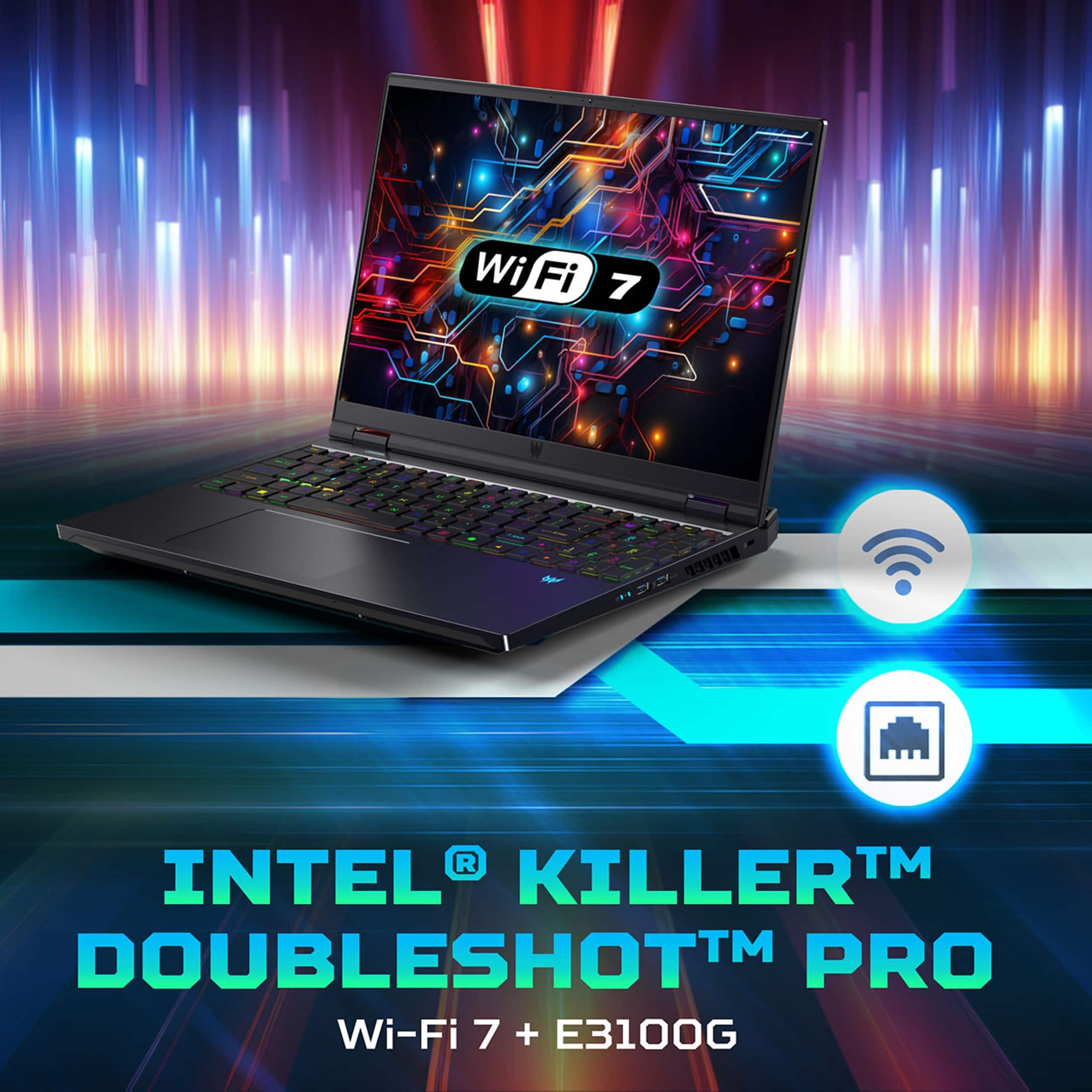
|Posted .This reviewer received promo considerations or sweepstakes entry for writing a review.Where is one to even begin when it comes to the new generation of Acer’s Predator Helios…. From the moment you pull this monster out of the box, you are met with the elegance and heft of the best gaming laptop on the market. The exterior shell shows high craftsmanship and Acer really knocks it out of the park with the Helios. The MagKey offers such amazing feedback, which leaves one to wonder how Acer managed to delivery the tactile feedback of a full mechanical keyboard within the confines of a sleek laptop. I seriously can’t explain the experience except for that its like nothing I have ever used before. I’m starting to think that Magkey is actually sure of Magic. But enough about the keyboard, let’s get into the details. This thing is packed with Nvidia’s Geforce RTX 40 series, which is easily the greatest GPU in the market. We are in the future that we all dreamed about 15-20 years ago. Completely capable of AI integration for not only gaming, but for creating as well. Bundled together with Nvidia’s incredible ray tracing, this laptop is only a few lines of code away from being its own sentient being. Naturally, I had to take this laptop for a test run on the latest and greatest title to hit the gaming world, Helldivers 2. Let me start by saying that I have yet to meet a gaming laptop that doesn’t heat up under full load. This is no exception… but I can tell you that I am surprised at how quiet and cool the new Predator Helios performed. You have a 40 Series desktop class GPU, an Intel i9, and a 2k resolution display at 240hz at work and I can imagine that the thermal management will become more of an issue over time or with bigger loads outside of a game like Helldivers 2. There’s some questionable case design choices that are a small hang up for me as well. You have rear placement for power and HDMI, but the ethernet port is still on the side… I can’t determine if they intended this laptop to be a desktop. Giving the movements and stress of a gamer, this was not a good place for the ethernet. Now you do have the choice of WIFI 6 or WIFI 7 card, which means you don’t need to even plug an ethernet cable… but its still weird. Lastly, the power charging cable is not secure at all. Maybe its for safety, easy to disconnect if you trip over your cable. But I also have to make sure I don’t let the power cable hang off a table so much or it will simply unplug.
I would recommend this to a friend - Cons mentioned:Cooling
Black boot screen issues STILL
Posted .This reviewer received promo considerations or sweepstakes entry for writing a review.I was looking for a high end gaming laptop and came across the Acer Predator Helios 18 4090 version at my local Best Buy on display. After playing around with it for a few minutes I knew this would be the laptop for me! It has great specs especially for the price when comparing to any other brand at this level. Of course the actual store didn't have any in stock so I had to place the order online through the app. No problem there, although it did take about a week for it to get to me. Once it got delivered I was really exited to open the box and dive into what was expected to be an amazing machine! Got it all unboxed, power cable plugged in to the laptop and the other end plugged into a surge protector. I boot up the PC and everything is looking good so far! Windows 11 does it's install thing as is typical of any new computer purchase. I get through all of the install processes and proceed directly to Windows updates. There are a lot, but again this is a brand new laptop so it's to be expected. I finally get the updates completed and then I start in on the Acer software updates as well as Nvidia drivers for the laptop 4090. Everything completes and I'm prompted to restart the PC. After the PC booted back up, (which was fairly quick despite the Windows 11 updates completing their install), I logged back into Windows. I then proceeded to start installing some games. First was Forza Horizon 5, then Blizzard.net with WoW and Diablo IV. And finally Star Citizen. After each game installed I started them up and they played really great, despite some issues with display detection (like not seeing that the display was an HDR display). Exiting out of the games and checking Windows Display options showed that for some reason HDR was turned off and the refresh rate was set to the default 60 Hz. I turned on HDR and set the refresh rate to the correct 250 Hz, then restarted each game. HDR was detected in each game, although I had to durn down the HDR brightness, sometimes to the lowest level it could go, to not have washed out colors in the games. Moving on, I wanted to check out the BIOS and see what settings were available in case I wanted to enable features for virtual machines, etc. So I used the Windows feature of holding left shift, right clicking on start, then selecting Shut Down or Sign Out, then clicking on Restart. The PC proceeded to shutdown and boot to the Windows Support screen like normal, I then selected Select Troubleshoot > Advanced options > UEFI Firmware Settings. Again the PC restarted and went into BIOS. I looked around in the different BIOS screen, but ended up not making any changes. I then selected to exit BIOS not saving any changed. That's where things went downhill. From this point forward the PC would attempt to boot, with the keyboard lighting up, but only a black screen would be shown on the display. At first I figured this was just like a lot of BIOS's after rebooting where it takes sometimes a minute or two before anything will display on the screen. Unfortunately this was not the case. The screen never displayed anything. I tried rebooting, having to hold down the power button to power off, waiting upwards of a minute and then powering back on. Same issue, keyboard lights up, nothing on the screen. It was at this point I turned to the internet to see if anyone else has had this issue with this laptop. Boy was I shocked to see that not only do people have this problem with this laptop, but apparently it's been an issue in ALL Acer Helios laptops for at least the past three years! Their troubleshooting steps varied from simplistic things like "try holding the power button down for over 15 seconds, waiting a minute, then power back on", to much more in depth troubleshooting steps like, "unplug the power, remove the back of the laptop, unplug the battery, remove the RAM and reinstall it changing the order", as well as "short out the CMOS battery", among other things. It was at this point I realized this was WAY too much to expect a customer to do after buying a brand new $3000 gaming laptop. I do IT work for a living so it's not that it's something I can't do when it comes to the troubleshooting steps, but it's the principle of the matter. Your average non-IT customer should not be expected to do this level of troubleshooting with their brand new $3000 gaming laptop. So after discovering a temporary work around regarding plugging in an HDMI cable and connecting to an external monitor, then powering on the monitor and then the laptop, and then while booting up constantly keep pressing F4, the screen on the laptop finally came back on. Keep in mind this does NOT resolve the issue. If you unplug the HDMI cable to the external monitor and reboot, you are back to a black screen again on the laptop. At this point I booted back into Windows and promptly started the PC Reset function, deleting all my information off of it. After that completed, (which took upwards of an hour because of the extra step of Windows wiping the drive to protect against data recovery), I then powered off the laptop, unplugged the power cable, and boxed everything back up. I'm returning this thing to Best Buy and will be looking elsewhere for a replacement. TL;DR Screen goes black after exiting BIOS with no way to resolve issue without taking the laptop apart. The amount of troubleshooting expected to be done by the customer is way too ridiculous after said customer spent over $3000 for a brand new gaming laptop. It's really too bad too because when this laptop was working it ran really well. Fan noise is VERY loud at max speed though, also laptop does get VERY hot when playing in Turbo mode (even with max fans on).
No, I would not recommend this to a friendBrand response from TeamAcer
Posted .Dear Jikangire,
We are sorry to hear that you decided to return your newly purchased Acer Predator laptop. Our support team is always available to assist with getting your new product set up and configured, or assist with any other troubles you may experience with your purchase. If you should need assistance with an Acer product in the future, please contact our support team at 1-866-695-2237, chat or social media, and we will be glad to help.
We appreciate you taking the time to write this review.
Regards,
Acer America