Customer Ratings & Reviews
- Model:
- XB272 BMIPRZ
- SKU:
- 6238705
Rating by feature
- Ease of Use
Rating 4.7 out of 5 stars
- Value
Rating 4.3 out of 5 stars
- Quality
Rating 4.7 out of 5 stars
Customers are saying
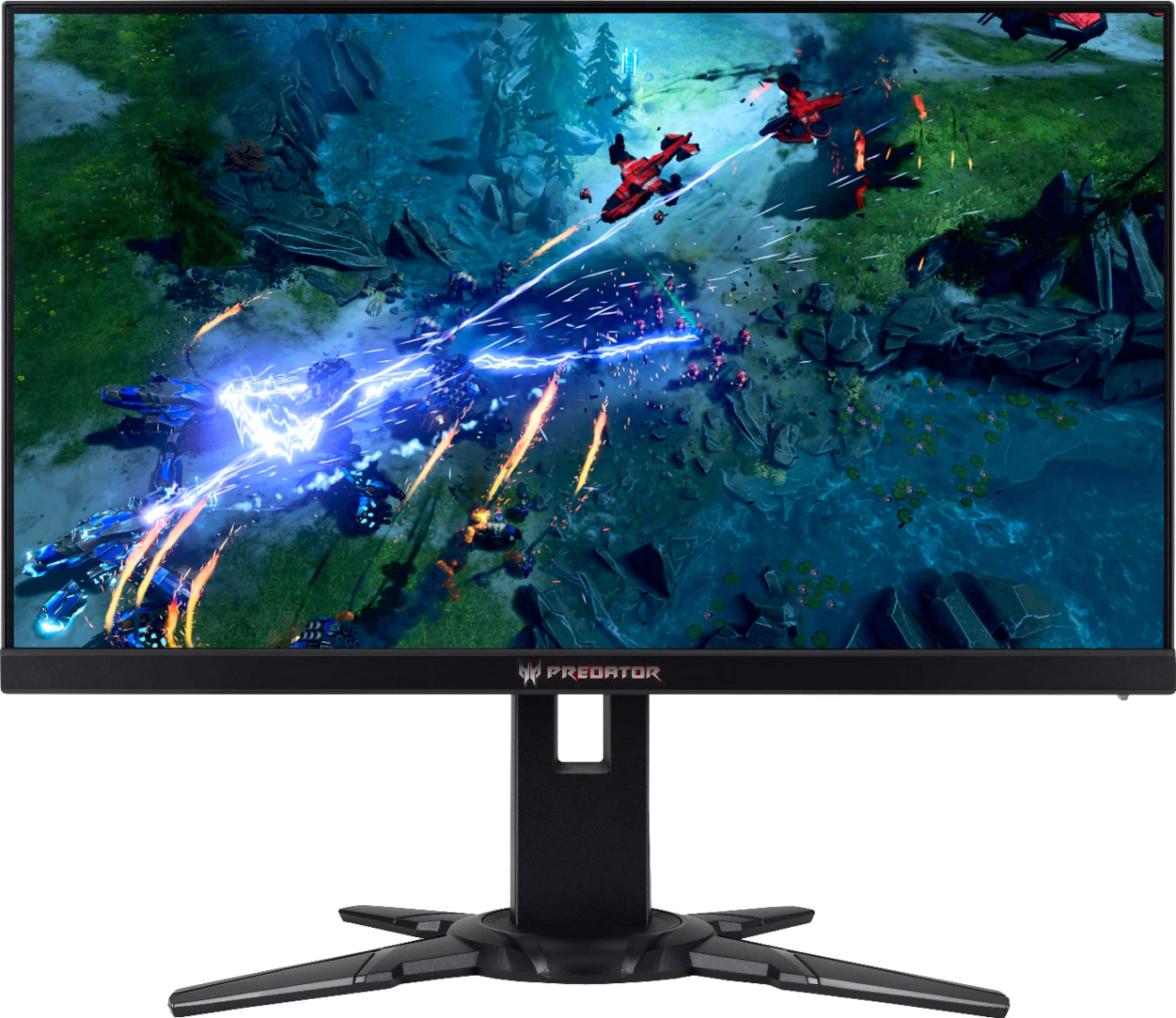
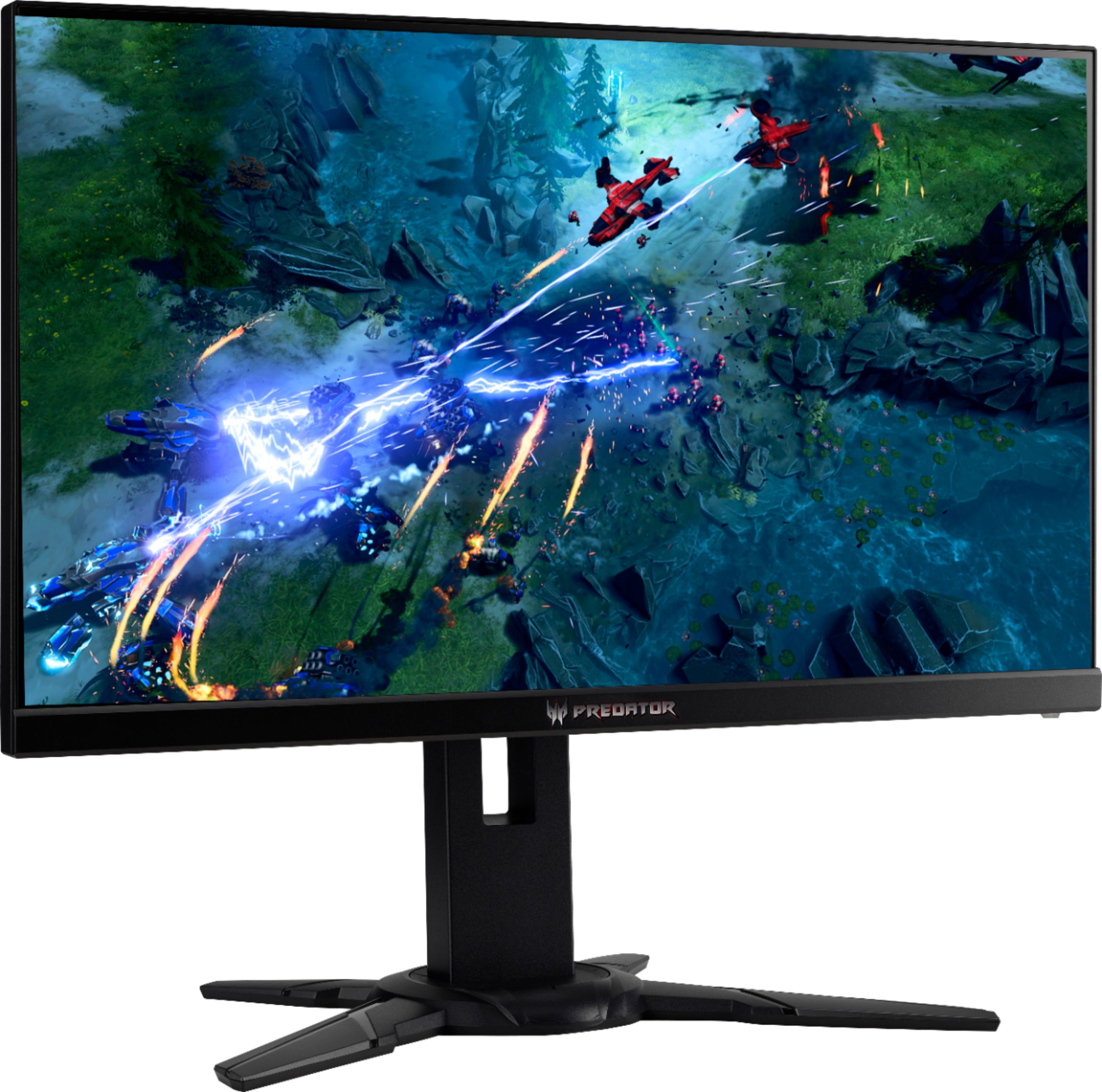
Customers recognize the Predator XB272 monitor's exceptional picture quality and high refresh rate as significant strengths, leading to overwhelmingly positive feedback for gaming experiences. Many appreciate the G-SYNC compatibility and vibrant colors, while the sturdy stand also receives praise. However, some users point out that the speakers are subpar and the price may be considered high by some. A few isolated reports mention minor issues such as dead pixels, but these appear to be less frequent.
This summary was generated by AI based on customer reviews.
- Pros mentioned:Refresh rate
My ACER Predator
||Posted .This reviewer received promo considerations or sweepstakes entry for writing a review.Lightning response time with excellent refresh rate. Also has great color contrast on it with a load of extra features on it. Couldn't ask for a better monitor!
I would recommend this to a friend - Pros mentioned:Refresh rate
Best TN 1080p monitor
||Posted .This reviewer received promo considerations or sweepstakes entry for writing a review.Bought this monitor and it had a great refresh rate and performance. Only returned it because I wanted 1440p on a 27" instead. As far as 1080p monitors go, I think this is the best TN 1080p monitor you can buy.
I would recommend this to a friend - Cons mentioned:Dead pixel
Awesome Monitor
||Posted . Owned for 10 months when reviewed.This reviewer received promo considerations or sweepstakes entry for writing a review.This is a great monitor that packs a punch. You get what you paid for at $599. After 1 year I have 1 dead pixel that is always blue. I recommend getting the geek squad coverage.
I would recommend this to a friend - Pros mentioned:Picture quality
Beautiful
||Posted . Owned for 1 month when reviewed.This reviewer received promo considerations or sweepstakes entry for writing a review.This was an upgrade and boy does it show! The quality is phenomenal! I bought it as a gift for my son who plays Ark, Minecraft and call of duty. The picture is crisp and vibrant. We love it.
I would recommend this to a friend - Pros mentioned:Picture quality, Refresh rateCons mentioned:Speakers

Once you 240 Hz, it's too hard to return to 60Hz
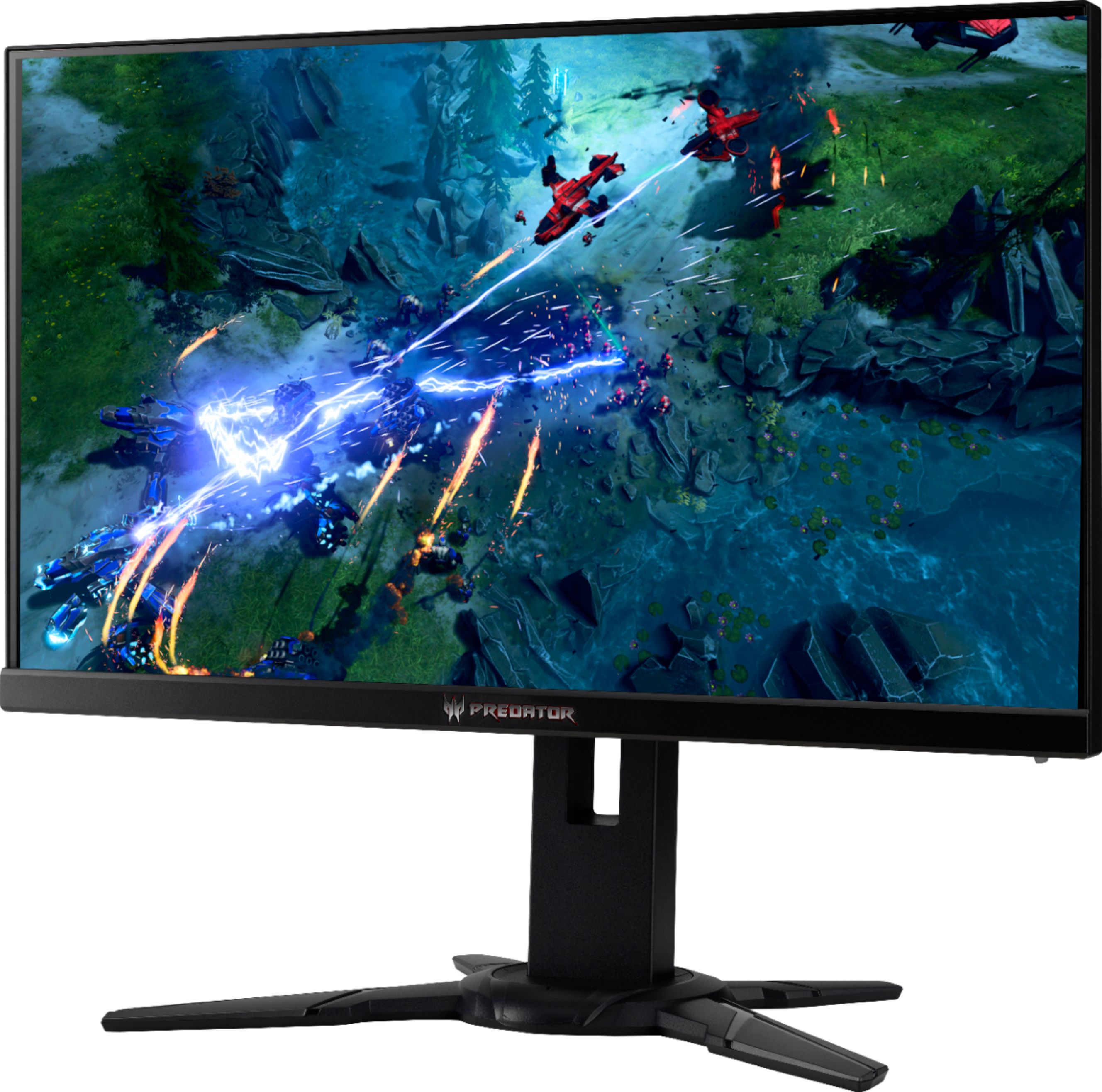
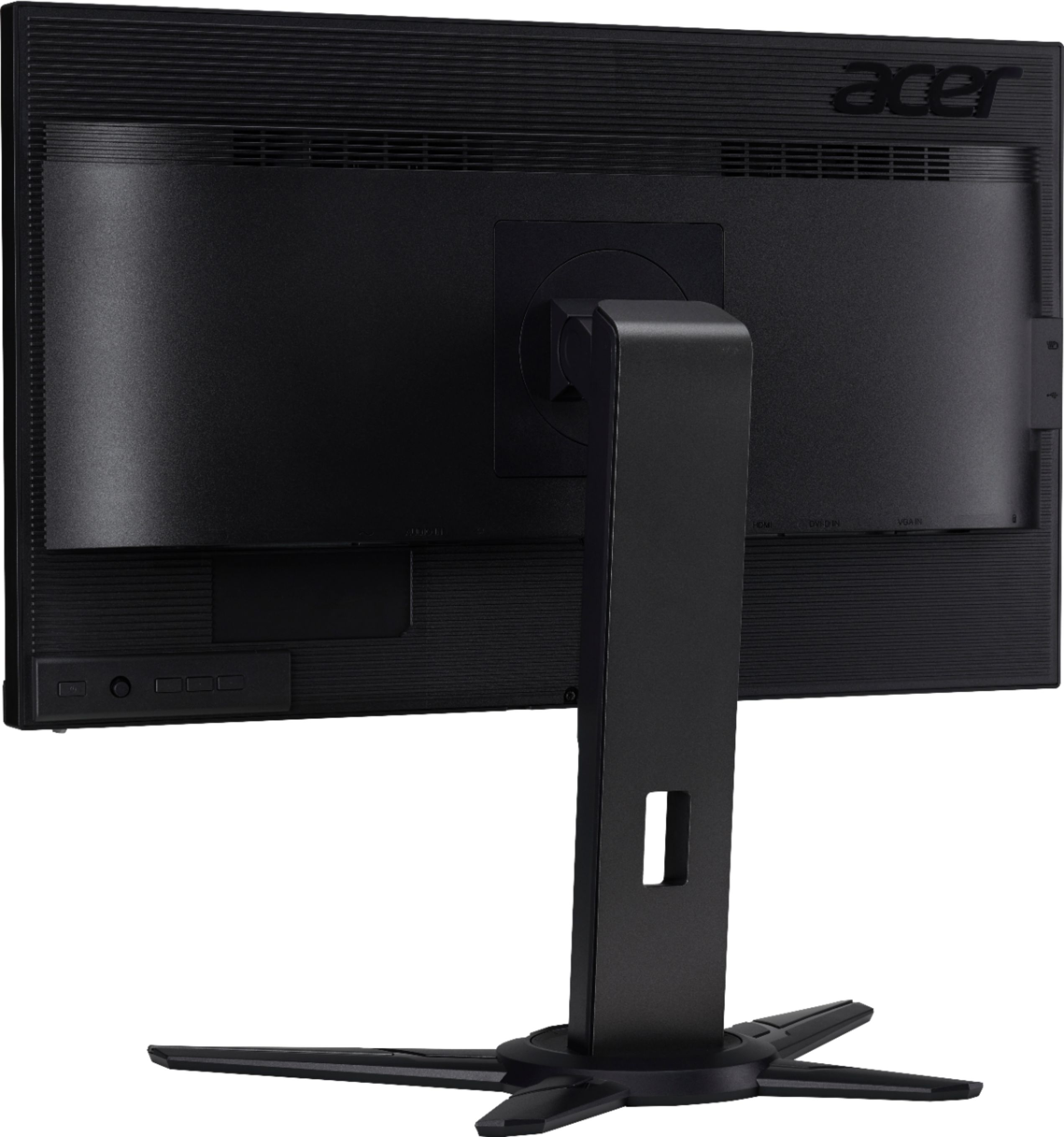
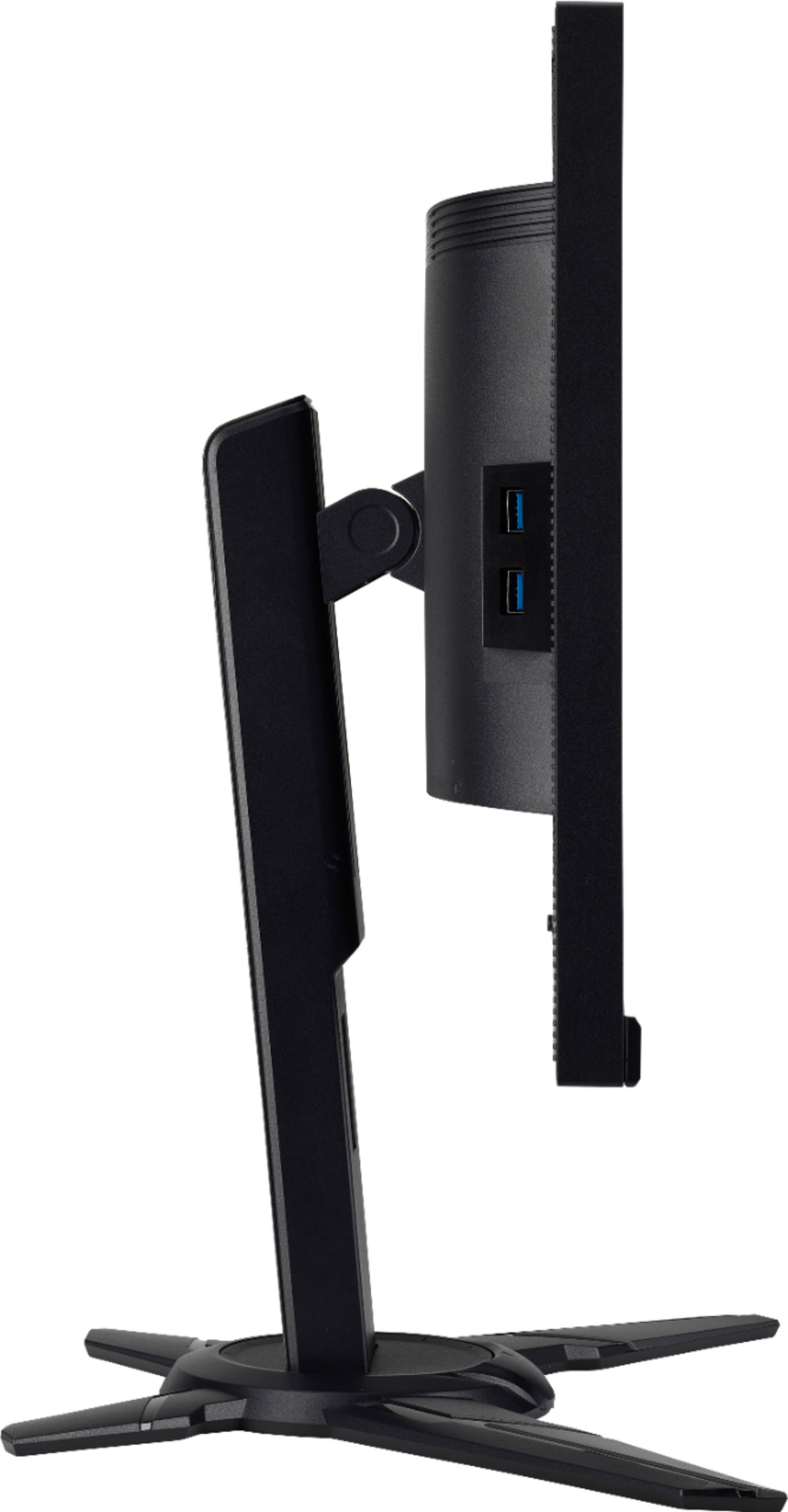
|Posted .This reviewer received promo considerations or sweepstakes entry for writing a review.Although this monitor has an HDMI connector, as this is the newer generation of monitor that supports NVidia's G-Sync technology, but can only do so via the DP (DisplayPort 1.2). Setting Up: Setting up was easy. The stand is very sturdy – and quite heavy. The cables, the manual, and the stand were easy to locate, and removed from the box – but removing the screen itself was an odd experience. The foam covering had nothing to grab onto to actually lift the monitor out of the box. What I did was to place the box down flat (monitor facing downward), and basically pulled the contents out of the box, and onto the floor. The manual was very minimal – in English, Spanish, French and Portuguese – and each section are only four pages long. Everything snapped together easily – thankfully because the manual doesn't go into it. The flap of the box had small illustrations which showed where the monitor fits on the stand but I did not think it was truly needed. There is a little plastic hook that can be put on the back of the monitor to hand a headset. But it came off easily when I bumped it. Once mounted, the monitor can be rotated left and right up to 45 degrees (each side) thanks to the articulated stand. Its height can also be adjusted up to almost 5 inches. The screen itself can be rotated so it can use this as a vertical format – for something like full-page desktop publishing. The screen can also be tilted forward and backward. All movements are smooth enough and it feels tight - even the weight of the screen, it stays in place. ACER calls it "zero frame" but it means this monitor has very thin bezel design. So if you have extra wide configuration (three monitors side-to-side for enhance peripheral vision), little space is wasted. To top it off, it has a matte finish – I never knew how much better this is compared to shiny screens that reflects everything in the room. Oddly the buttons are on the back (bottom right corner of the monitor.) You'd have to "reach" them from the bottom of the bezel. Once any button is pressed, the menu comes on. From the user's point of view, the "right" button is the power button, the next one is the function key (and works like a joystick). Next one can be used to quickly choose the input (HDMI or DP). Next to that is the hotkey to choose pre-set settings (Action game, Racing game, Sports, Standard, ECO, Graphics, Movies and User) I got quickly used to these buttons after a few minutes. I don't expect to locate the right one when I reach back there though. The typical power cable is connected to the back, a DP connector, an HDMI connector, and there is an audio out connector for a headphone. Sadly this is needed because the built-in speakers are only two watts and I turned all the way to 100 percent and it wasn't loud enough for me. There was nothing I could do in control panel and Windows itself to increase the loudness of the sound from the speakers. You can also connect the monitor to your computer via the USB 3 cable and it adds two ports to the left side and two more on the back. All cables are included - DP, HDMI, power and USB 3. I tested the monitor with five different computers all running Windows 10 Professional 64 bit. All these graphics cards have DP and HDMI connectors. Testing systems: First one was Intel i7 with 32 G of RAM and NVidia GTX 1080. The second computer was Dell Precision M4600 32 G of RAM with Nvidia Quadro M1000. The third computer was Xenon quad-core 2.5 MHz with 8 G of RAM with Quadro FX4800. The fourth computer was AMD FX 6300 with 16 G of RAM and Nvidia 1050ti. The fifth computer was Xenon quad-core 2.5 MHz with 8 G of RAM with Nvidia GTX 780. I was asked to test this monitor with HDMI connection, but most buyers who will shell this much money will use it for DP (at 240 Hz) connection. So I tried all computers mentioned with both connections but focused mainly on DP connections (at up to 240 Hz as supported by the graphic cards. Quadro M1000 goes up to 140 Hz only.) If you are a serious gamer and are thinking about buying this monitor, I would assume that you have the higher end graphic card. Otherwise, connecting this monitor to an HDMI connector is like using inexpensive gasoline for a Ferrari. This is one of the newer generation of monitors that can do 240Hz and has a response time of 1ms. It works perfectly fine for the Precision M4800 (portable workstation). It can be used as the second monitor. It dwarfs the computer because it is so big. I played Half-Life 2, BioShock 2, Dirt 3, Overload, and on the Xenon / GTX 780, I used Cyberlink PowerDVD 18 Ultra to play a few Blu ray movies. On the i7 32 G of RAM with GTX 1080, I used HDMI and later DP connector. What I saw: Overload has the screen where I could set the refresh rate. I tried 60 Hz and later, at 240 Hz. This monitor is quite large - it is like having a large screen TV just a couple of feet away - and when I switched to 240 Hz, I actually got a little dizzy (when I panned a scene, for example). Everything was buttery smooth - this is not something I was used to. The result was astonishing and it's hard to go back. I had to physically move it back on the table a bit because it felt so overwhelming. The system was fast enough that I moved the mouse quickly, and there were no problems - no tearing, no noises. Everything was very smooth. Some may ask, and I certainly asked myself - was it running at 240 Hz? There is a setting to show the current refresh rate (which constantly changes from scene to scene). With the GTX 1080 and Intel i7, it could keep up at 240 Hz. There are other settings that may be of interest to many gamers - "dark boost levels" and the color balance can be adjusted, as well. Three custom profiles can be saved and switched to quickly, too. This monitor makes a nice monitor for a Blu ray player. The contrast is nice and it is quite sharp. I also loaded a white image and the whole screen is even with no drop-off nor were there any dead pixels. Just remember to use a sound bar (or your own headset if you're alone) because its built-in speakers are inadequate. You can turn it to the side if you watch the movie in bed (on your side, that is). It comes down to this - if you are a gamer, and especially for a shooter, or a racing game, I assume you have a high-end NVidia graphic card that supports G-Sync, you will be tempted to get this monitor because once you go 240 Hz, it's difficult to return to 60 Hz. I would consider this monitor luxurious, but then so is everything else that makes up a good game room.
I would recommend this to a friend Crisp, Sharp Display
||Posted . Owned for 1 month when reviewed.This reviewer received promo considerations or sweepstakes entry for writing a review.This Acer monitor packs a punch for the bucks with a sharp, bright, fast panel and easy setup. No panel lag, and sturdy, flexible base. Use headphones or separate speakers for best sound.
I would recommend this to a friend- Cons mentioned:Price
Great monitor but not the price
||Posted . Owned for less than 1 week when reviewed.This reviewer received promo considerations or sweepstakes entry for writing a review.This monitor have good colors and Brightness. The price is a bit higher than most monitors out there with the same spec. I will give it a 4 stars because of the price other than that this monitor is great. If you can catch this monitor on sale, it’s a gold.
I would recommend this to a friend - Pros mentioned:Refresh rate
Great gaming monitor
||Posted .This reviewer received promo considerations or sweepstakes entry for writing a review.Gsync, 240Hz refresh, 3D Vision.. it has it all! Powered by a 1080 nvidia card it can do 240 FPS on Overwatch at full details. Don't let the 1080P native res deter you, this is a great buy.
I would recommend this to a friend - Pros mentioned:Refresh rate
The right monitor for gaming!
||Posted . Owned for 1 month when reviewed.This reviewer received promo considerations or sweepstakes entry for writing a review.The refresh rate of this monitor (240) is so smooth, no lagging or blur! The graphics definitely reflect the quality given from a good graphics card...picture is a crisp 1080.
I would recommend this to a friend - Pros mentioned:Picture quality
Expensive but worth it.
||Posted . Owned for 11 months when reviewed.This reviewer received promo considerations or sweepstakes entry for writing a review.Purchased this when COVID-19 first hit and computer monitors were in limited supply. But it was easy to set up and the picture quality far exceeded my expectation. The price point was higher than expected but ended up being worth it.
I would recommend this to a friend - Cons mentioned:Price
Absolutely great
||Posted . Owned for 1 year when reviewed.This reviewer received promo considerations or sweepstakes entry for writing a review.While the price point may be out of range for some just starting out, with a strong enough computer you can make use of the additional frames pretty well. Highly recommended!
I would recommend this to a friend - Cons mentioned:Price
Fantastic gaming monitor
||Posted .This reviewer received promo considerations or sweepstakes entry for writing a review.It is prob the most equipped gaming monitor that I’ve ever used. Would consider buying a second one if the price was a little cheaper. Lol.
I would recommend this to a friend - Pros mentioned:G-sync
Good monitor and got price match for cheaper
||Posted .This reviewer received promo considerations or sweepstakes entry for writing a review.I got this monitor last week ago and it’s work well with my 2080ti at 250 Hz also with G Sync. After i got it one week the price drop $250 and i got money back that is even better.
I would recommend this to a friend - Pros mentioned:Gaming
great monitor
||Posted . Owned for more than 2 years when reviewed.This reviewer received promo considerations or sweepstakes entry for writing a review.great monitor. son loves it for gaming. recently added a curved Acer Nitro to the set up
I would recommend this to a friend - Pros mentioned:Refresh rate
Amazing Monitor
||Posted . Owned for 1 year when reviewed.This reviewer received promo considerations or sweepstakes entry for writing a review.I love this monitor so much, the high refresh rate is incredible. Absolutely worth it. I do wish it was 1440p but still great value for 2019.
I would recommend this to a friend - Pros mentioned:Refresh rate
A Good Monitor
||Posted . Owned for 4 months when reviewed.This reviewer received promo considerations or sweepstakes entry for writing a review.This was a great Monitor, and it still is I got it when I bought my pc, Good Refresh rate and size, but the bottom plastic cover was broken and it was a new Monitor, and it took me a while to notice it but it's really nothing bad.
I would recommend this to a friend - Pros mentioned:Picture quality
Great monitor
||Posted .This reviewer received promo considerations or sweepstakes entry for writing a review.My husband bought this monitor for himself as he was playing PS4 on a TV. He loves the fast response time and quality of the picture. He is very happy with this product.
I would recommend this to a friend - Pros mentioned:Picture quality
Excellent monitor
||Posted . Owned for more than 2 years when reviewed.This reviewer received promo considerations or sweepstakes entry for writing a review.We got this monitor 2 years ago for our son who is a gamer. It has worked flawlessly. Excellent picture and have had no problems whatsoever!
I would recommend this to a friend - Pros mentioned:Picture quality
Excellent monitor
||Posted . Owned for 7 months when reviewed.This reviewer received promo considerations or sweepstakes entry for writing a review.Plenty of screen, looks great, functions great, and comes with added features and plenty of settings to set the display to your preference.
I would recommend this to a friend - Cons mentioned:Expensive
Best Monitor
||Posted . Owned for 1 month when reviewed.This reviewer received promo considerations or sweepstakes entry for writing a review.This monitor is a great size to split two screens. Great stand. Turning the monitor is easy. pros: design cons: price, and setting it up.
I would recommend this to a friend