Customer Ratings & Reviews
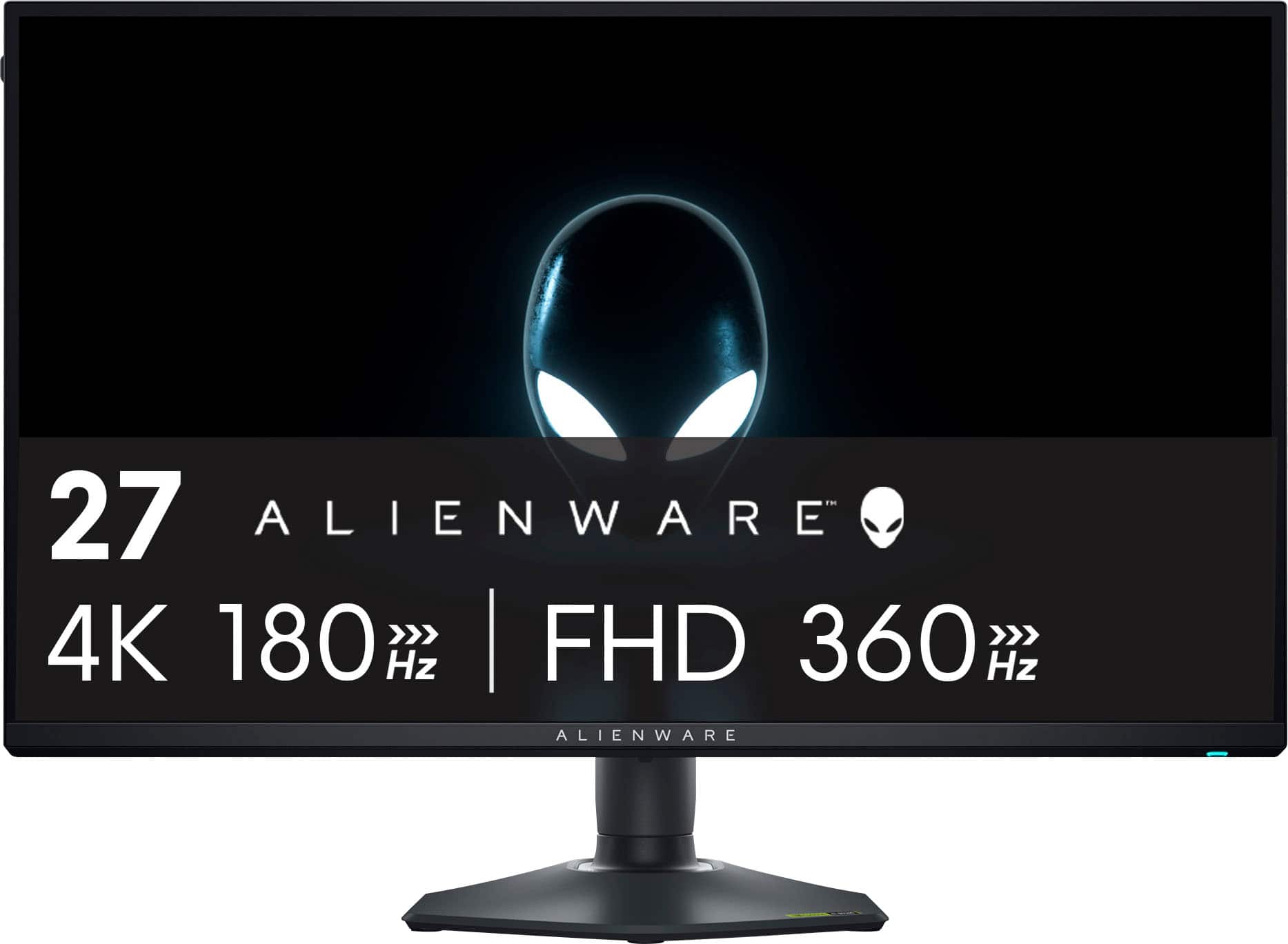
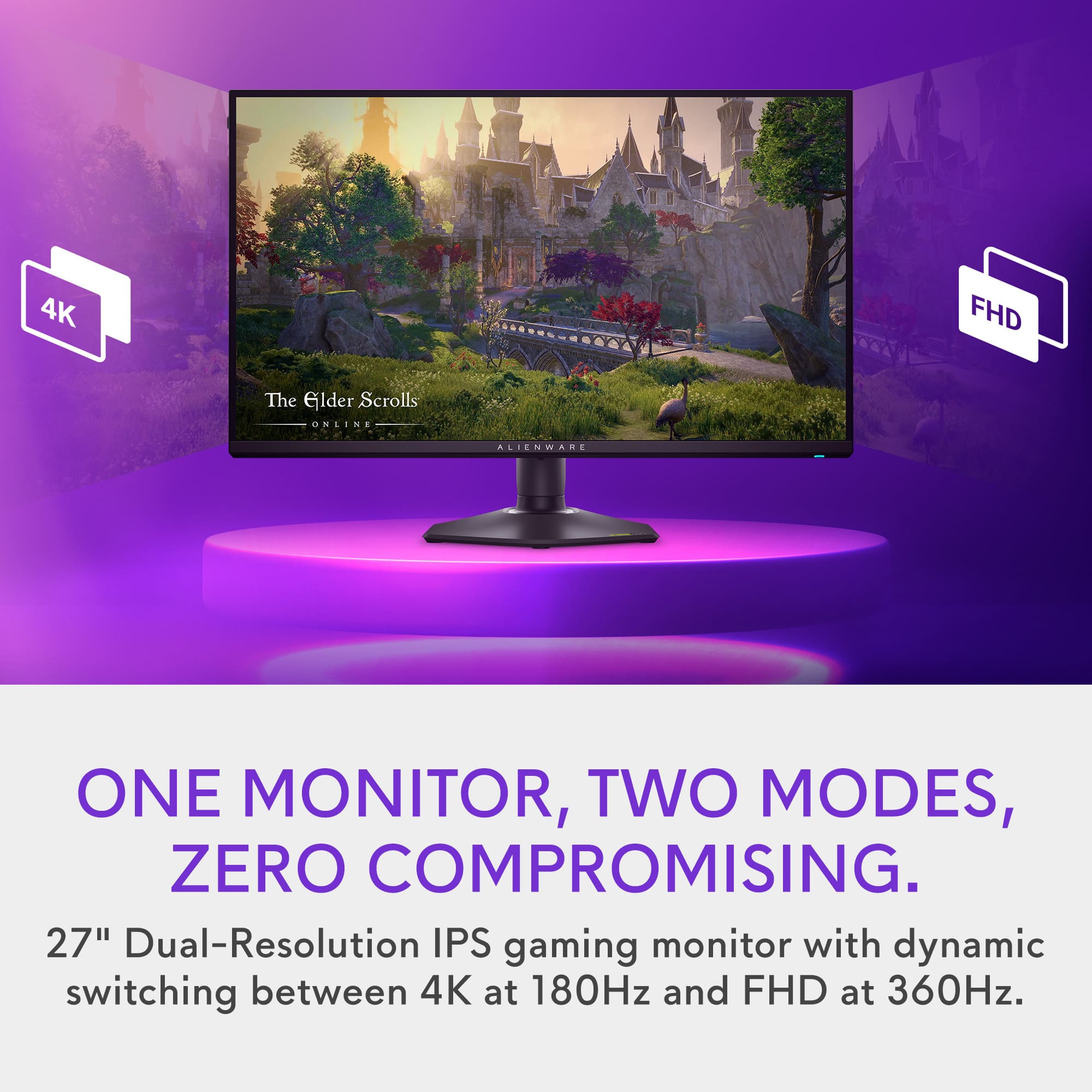
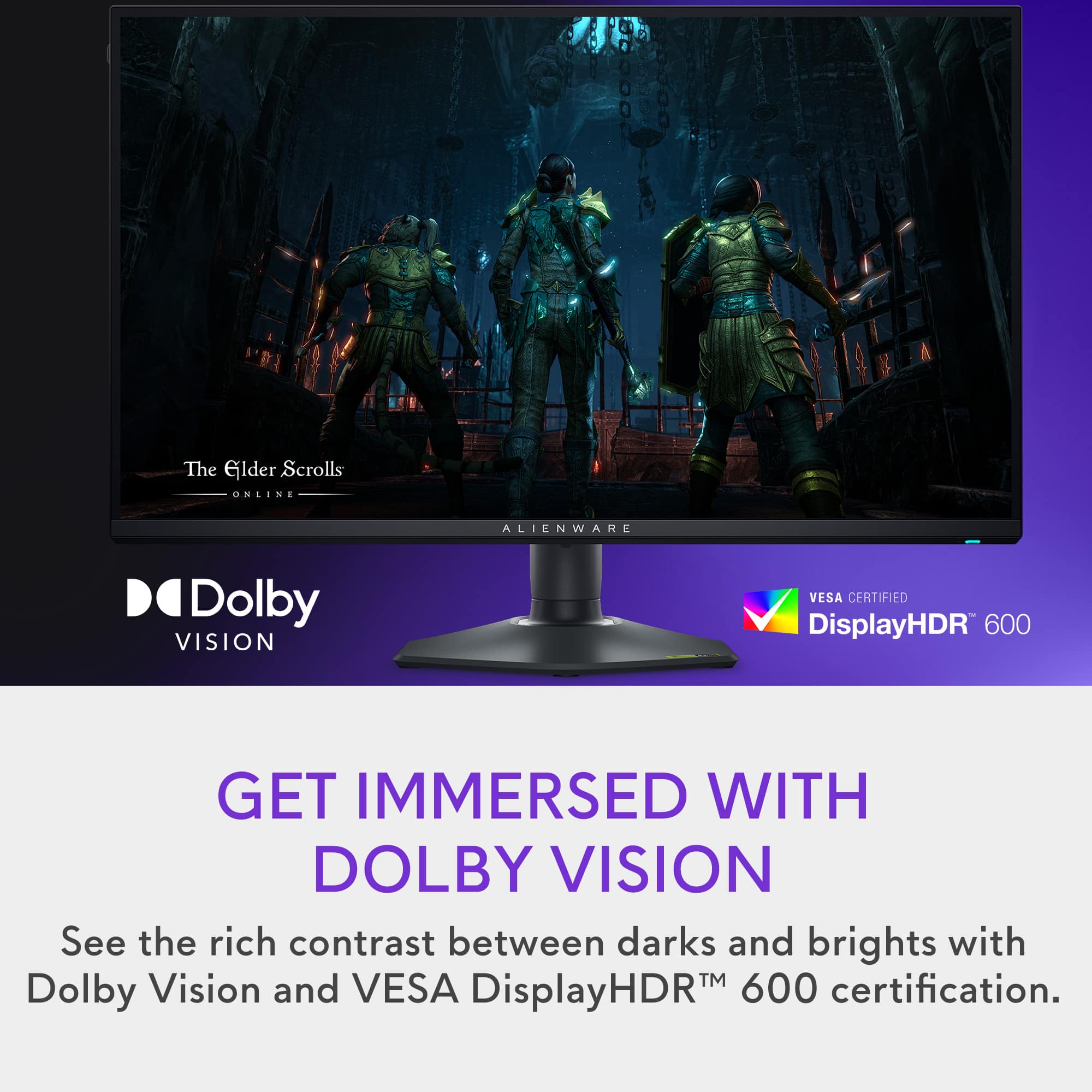
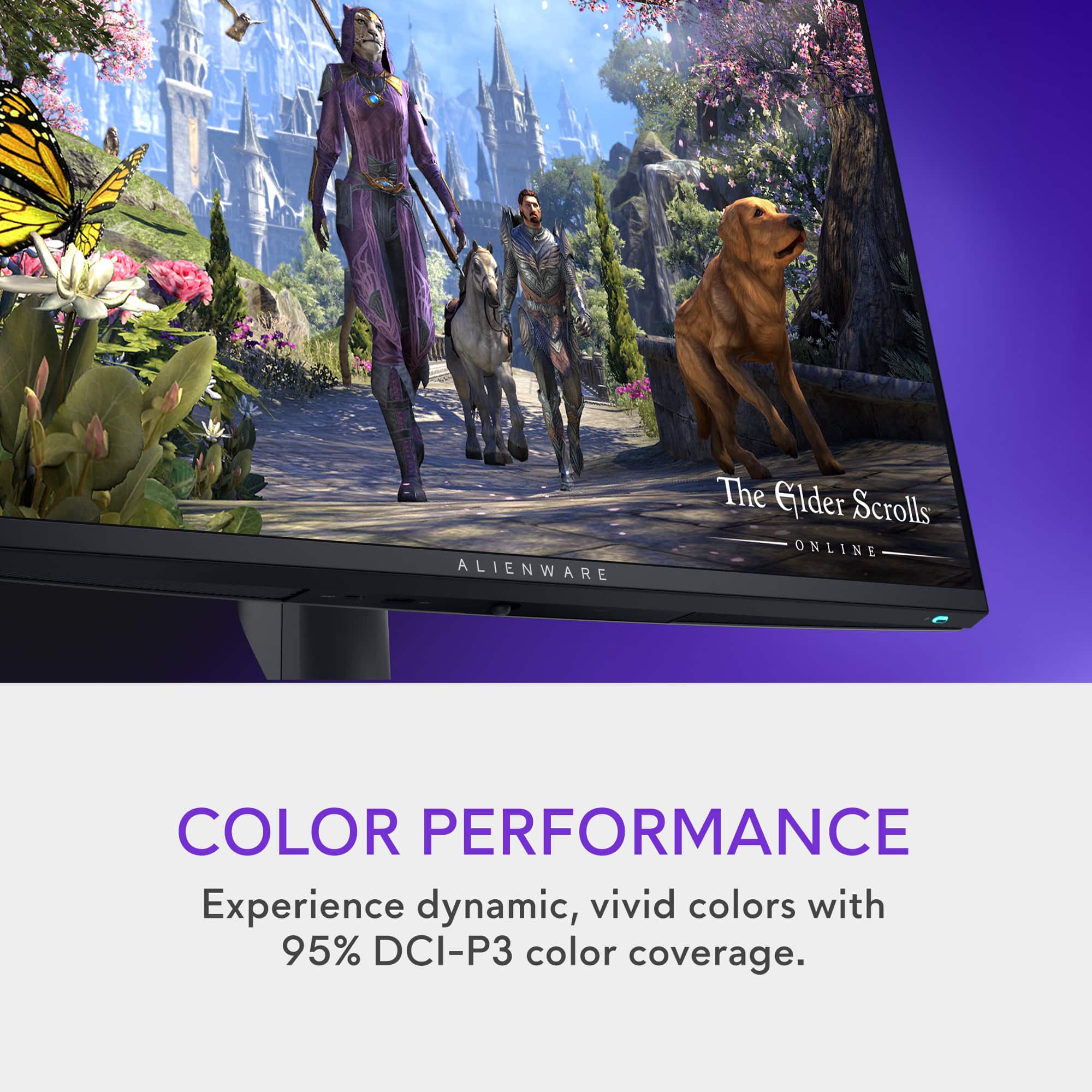
- Model:
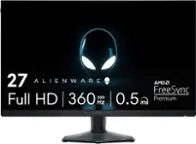
- AW2725QF
- SKU:
- 6606085
Rating by feature
- Display Quality
Rating 4.5 out of 5 stars
- Ease of Use
Rating 4.8 out of 5 stars
- Features
Rating 4.8 out of 5 stars
Customers are saying
Customers are positive about the monitor's rapid refresh rate, accurate image quality, and exceptional performance. Many appreciate the inclusion of HDMI ports and the well-built stand. However, some customers noted that the black levels may not be as deep as those on an OLED monitor.
This summary was generated by AI based on customer reviews.
- Pros mentioned:Performance
You get what you pay for!
||Posted .This reviewer received promo considerations or sweepstakes entry for writing a review.Game changer for me. It pairs perfect with my new gaming pc!
I would recommend this to a friend - Pros mentioned:Performance
Great
||Posted .This reviewer received promo considerations or sweepstakes entry for writing a review.Had this monitor for a few months now and it has been very good. No complaints
I would recommend this to a friend - Pros mentioned:Performance
Pleased enough
||Posted .This reviewer received promo considerations or sweepstakes entry for writing a review.I have always wanted an alienware pc. Finally got it, and the monitor has been more of a pain then nice. When it works it works great, but the amount of tweaking I have to do is ridiculous. Cord is loose too. Turns monitor off if you move screen.
No, I would not recommend this to a friend Great 4k
||Posted .This reviewer received promo considerations or sweepstakes entry for writing a review.First 4k monitor, it's amazing! The KVM and dual resolution was what sold me on this monitor.
I would recommend this to a friendGreat Monitor!
||Posted . Owned for 1 month when reviewed.This reviewer received promo considerations or sweepstakes entry for writing a review.Great Resolution and accurate colors. Control stick makes it easy to change inputs and colors quickly. Got an open box deal. Very happy!
I would recommend this to a friend- Pros mentioned:Image quality
Amazing
||Posted .This reviewer received promo considerations or sweepstakes entry for writing a review.Fantastic picture quality. Super easy to toggle between modes.
I would recommend this to a friend - Pros mentioned:Refresh rate
Ultimate gaming monitor
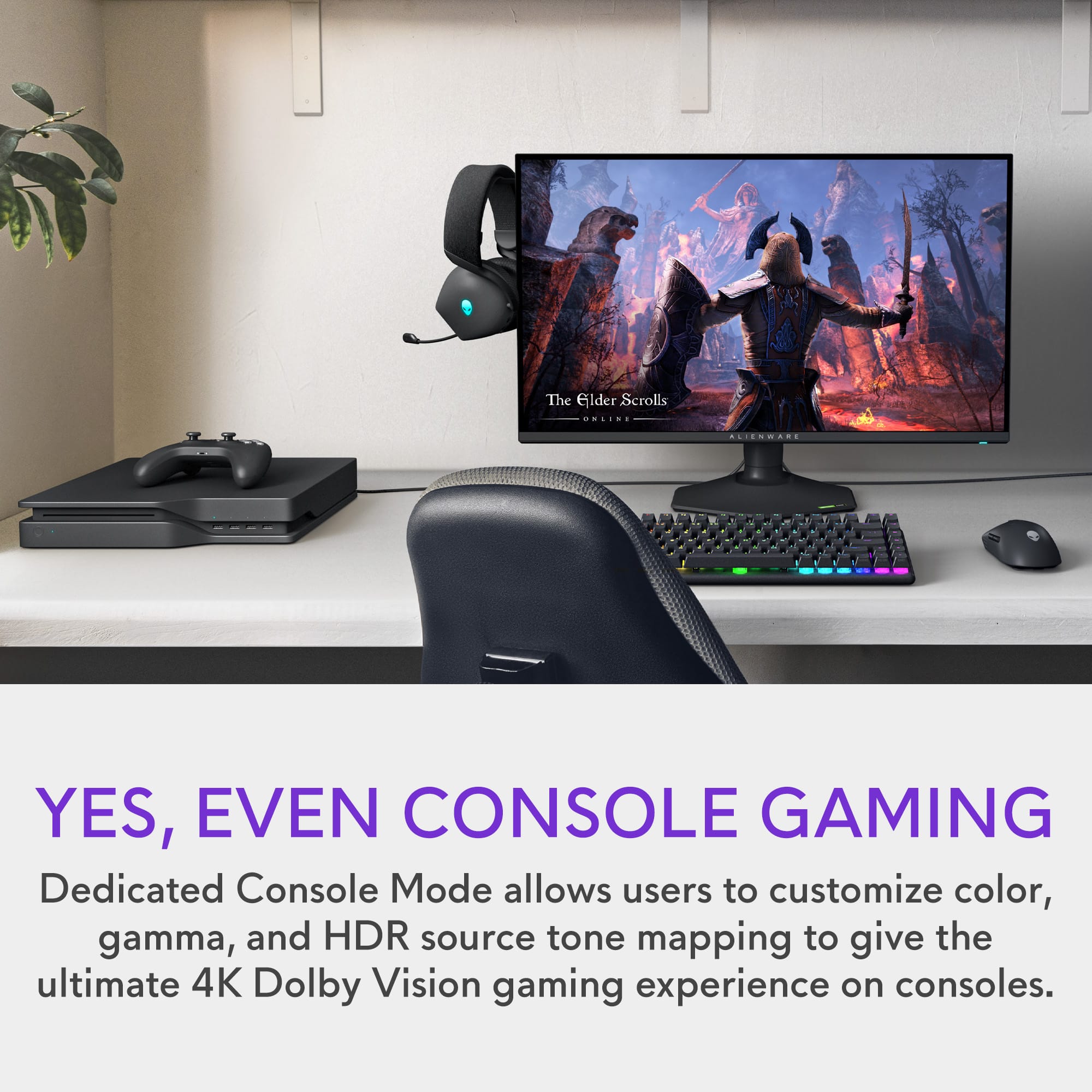
||Posted . Owned for 3 weeks when reviewed.This reviewer received promo considerations or sweepstakes entry for writing a review.Monitor is working flawless. Using it for work as well as Gaming on XBOX Series X. Refresh rate is awesome.
I would recommend this to a friend Fast monitor
||Posted . Owned for 1 week when reviewed.This reviewer received promo considerations or sweepstakes entry for writing a review.If you are looking for a 27 inch monitor in the mid price range, this is one of the best options. Great quality for all types of use.
I would recommend this to a friendGood gamer screen
||Posted .This reviewer received promo considerations or sweepstakes entry for writing a review.Clear screen and graphics nice. Pixeles look clear.
I would recommend this to a friendGood but not exactly what I wanted
||Posted .This reviewer received promo considerations or sweepstakes entry for writing a review.They are good if you get them on sale I think. I would have preferred to have an option of no dual mode, and mini led tech instead.
I would recommend this to a friendGreat non-OLED
||Posted . Owned for 2 months when reviewed.This reviewer received promo considerations or sweepstakes entry for writing a review.Solid monitor but was hoping for a more vibrant display and ended up returning for an OLED. The switch between refresh rates is cool.
I would recommend this to a friend- Pros mentioned:Image quality, Refresh rateCons mentioned:Black levels

Great 4K Quality
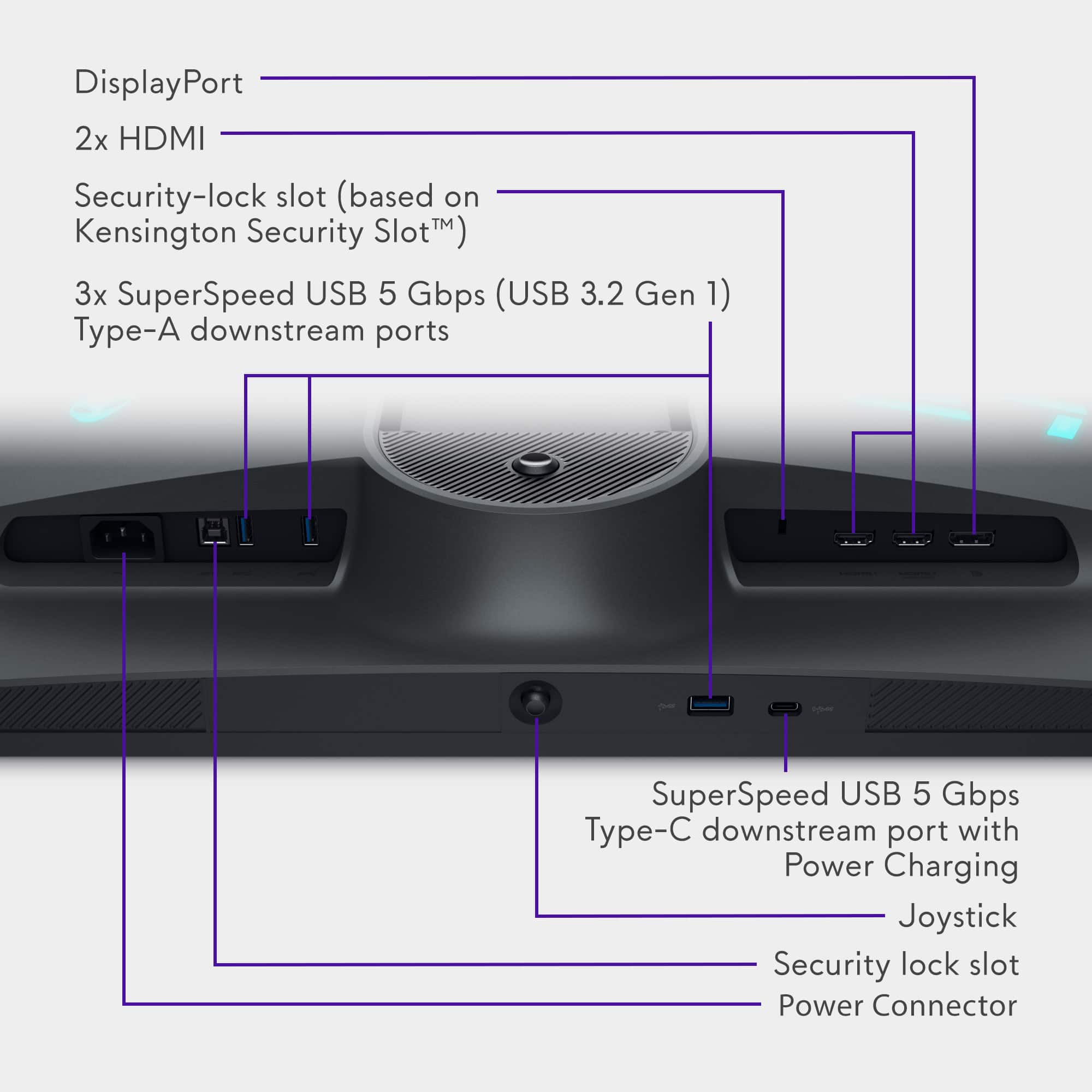
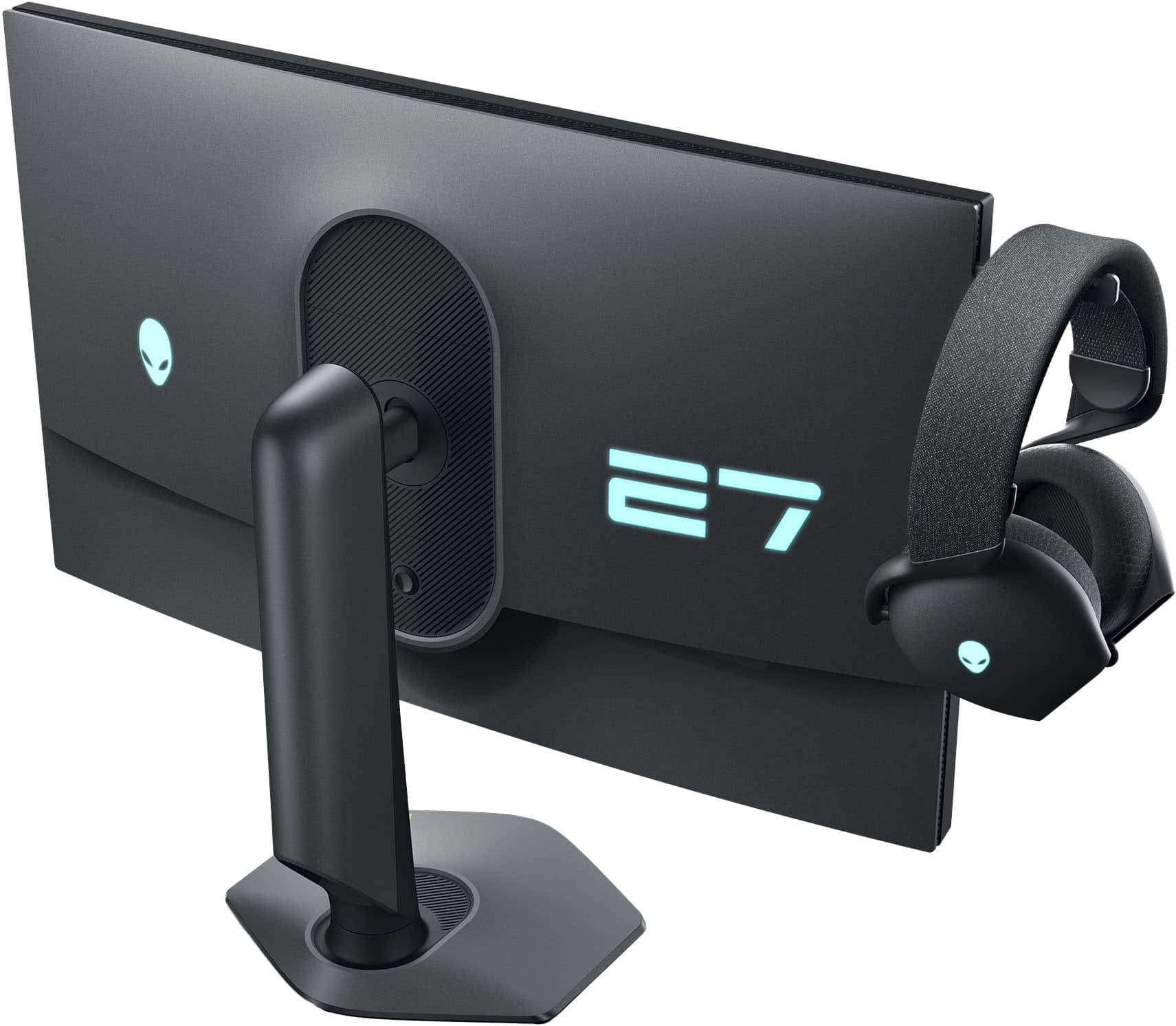
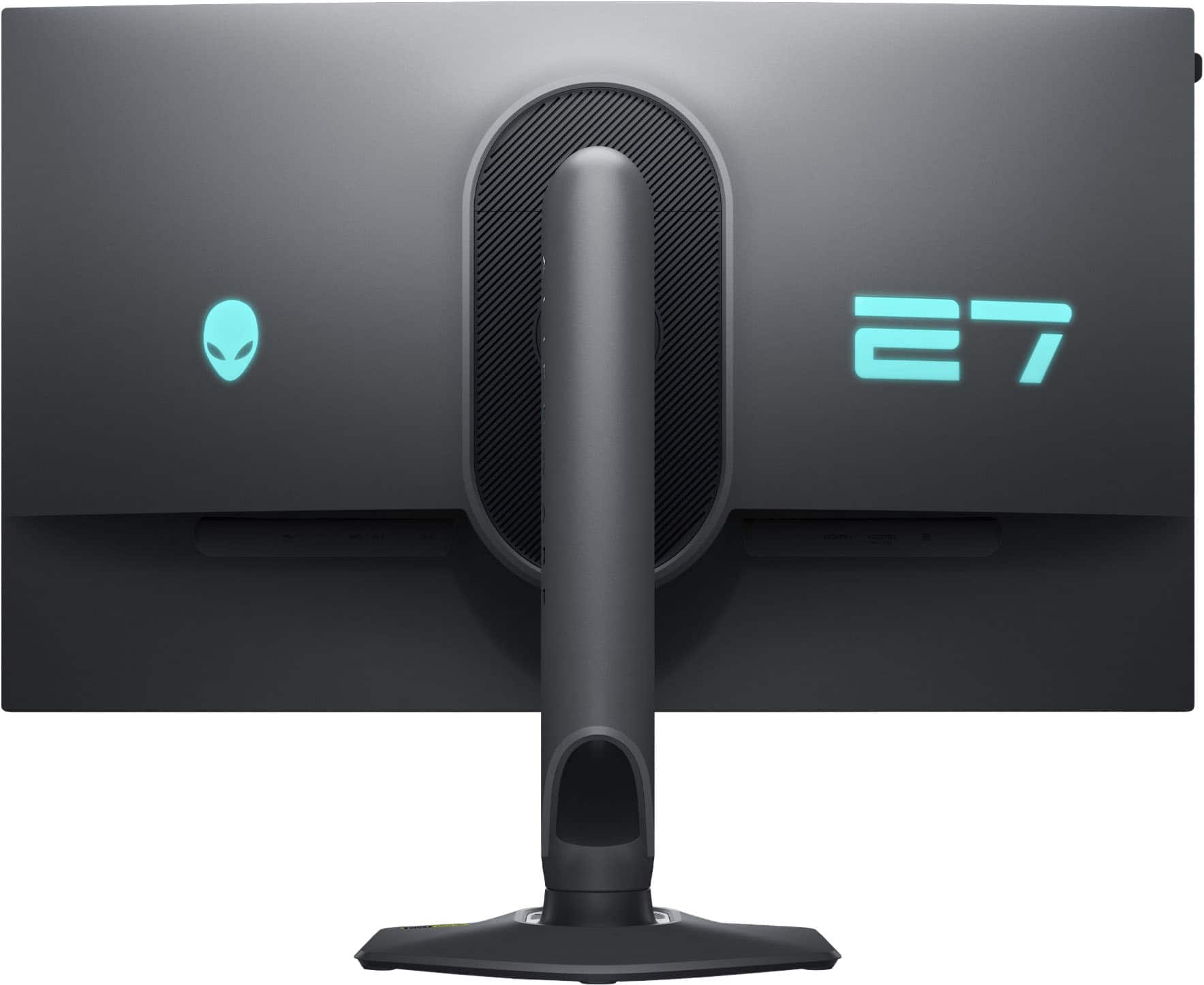
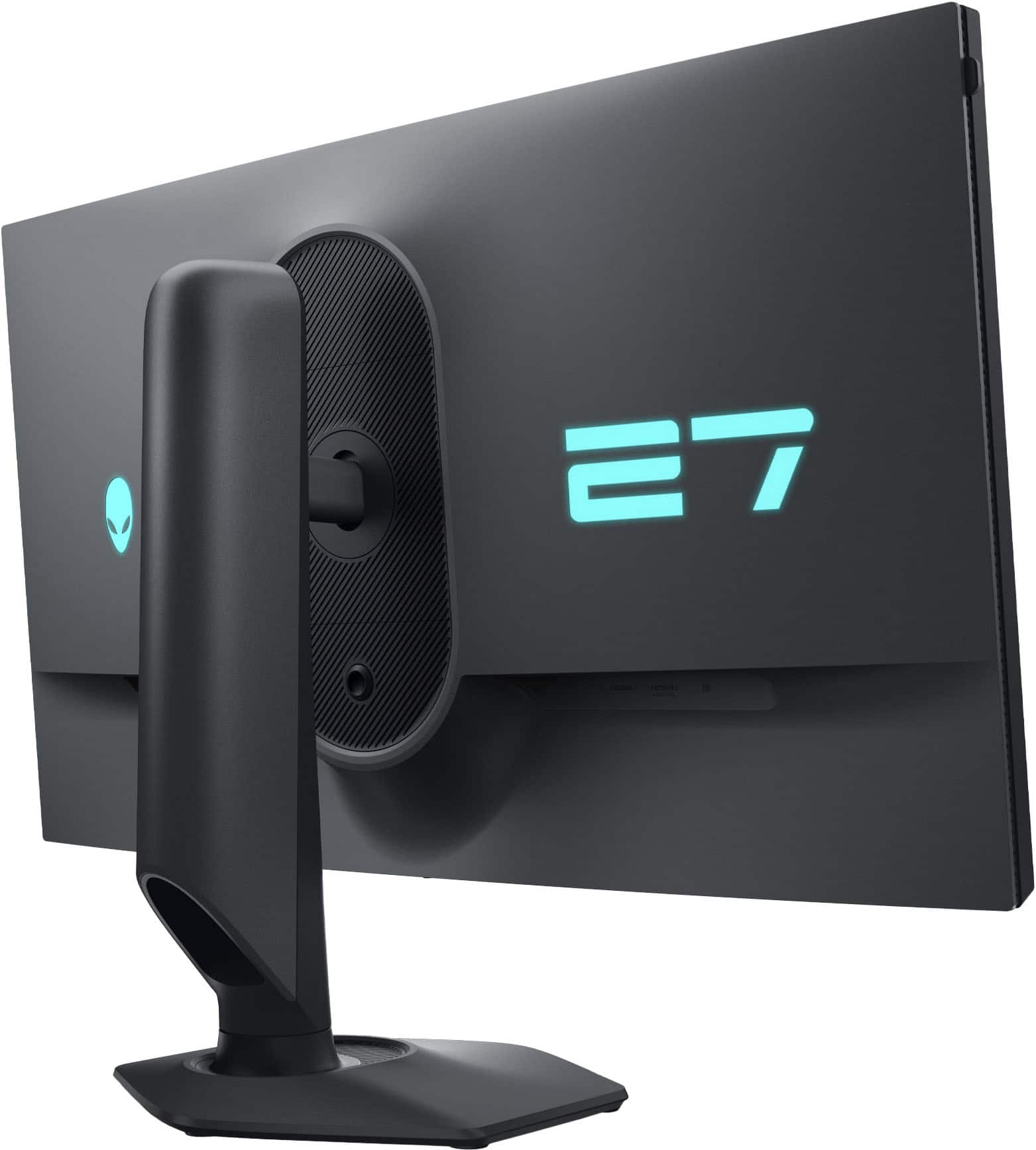
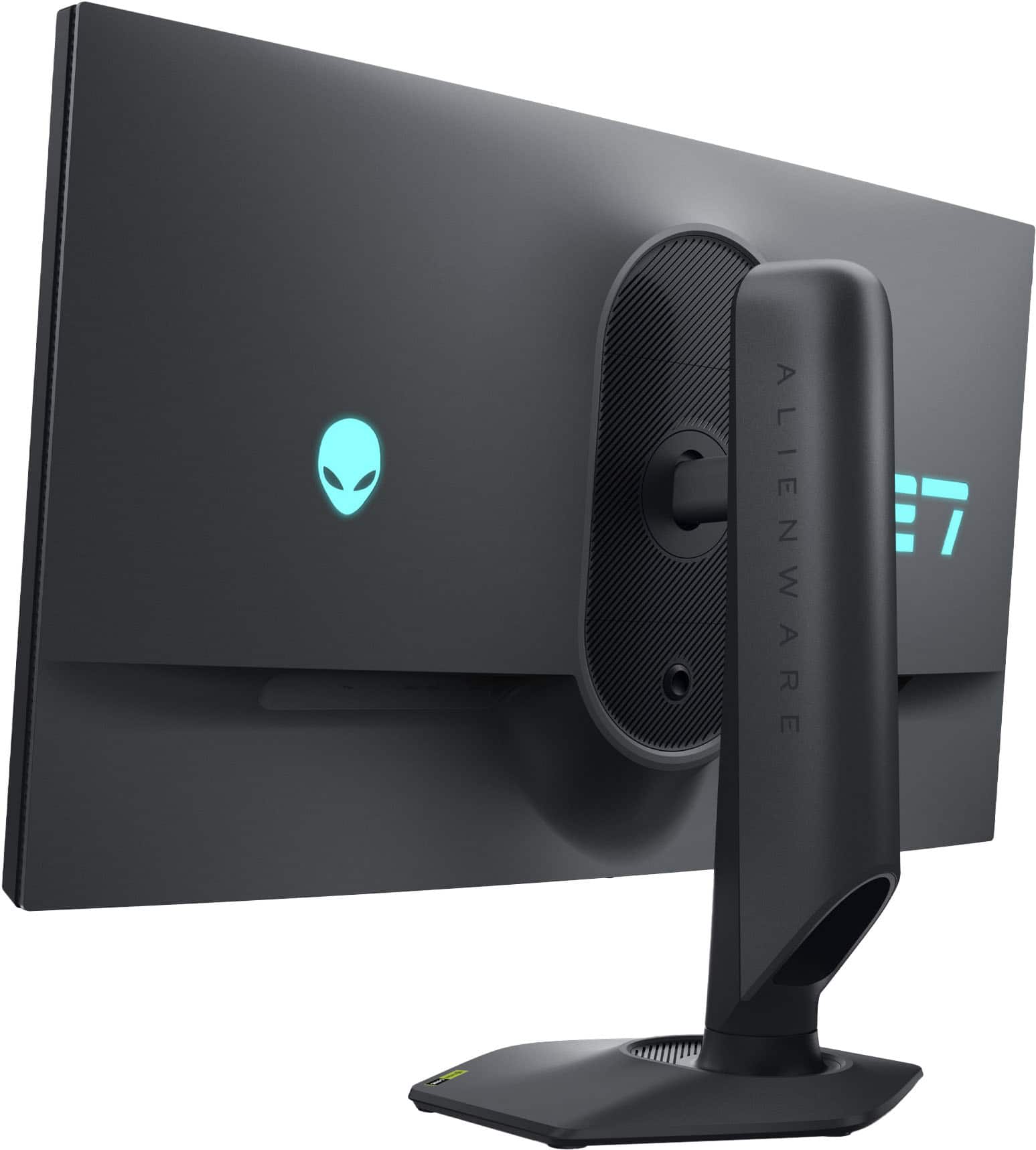
|Posted .This reviewer received promo considerations or sweepstakes entry for writing a review.The image quality and overall quality of this monitor far exceeds my expectations, especially compared to other monitors I have used in the past. You can tell they really tried to design something that shows they care about what they are making. First off and most importantly, the image quality. This is my first 4K monitor and I will say I will never go back to anything lower. Everything is so much sharper and crisper than past monitors I have had with lower resolution, so I would definitely recommend a 4K monitor if you can afford it, although they are going down in price, as this monitor shows. The colors are very well defined and have an extreme brightness, but in a good way. The brightness uniformity is not perfect as it appears to be brighter on the bottom than the top. It is not really that noticeable unless you are closely studying it, but it is there. Also, the black levels are more like dark gray than black compared to other LED monitors I have used. Again, not a deal breaker, but something noticeable. The refresh rate is 180Hz at 4K which is plenty fast and smooth for playing action games. There is no noticeable jitter or trails at all. There is a normal amount of glare you would expect, not worse, not better. The viewing angles are excellent, and you can see from all the way to the side without any distortions of any kind. Although the image quality is not perfect, it does look great for playing games and using office applications and any deficiencies are not at all noticeable when you are in the action of what you are doing. This monitor also supports FHD at 360Hz. While this works as expected, I would rather have the resolution over the framerate and 180Hz works well enough that I don’t see the point in needing a higher framerate. I think a lot of computers won’t support the higher framerate anyway. The resolution/framerate can be selected from the on-screen menu if you do want to change it. Speaking of the on-screen menu, it is well done. It has a push button joystick kind of control for navigating the menus. It is located under the center of the monitor as opposed to the right side where the power button is like on most other monitors. It is discreet and hard to find if you don’t know where to look. I had to check the startup guide to find it since I was looking on the right for it. Pushing the control brings up the initial menu. From there you can select either the full menu of options, or you can select a bunch of shortcuts for the settings used the most. They choose the right settings for the shortcuts. You can change the meaning of the shortcuts in the menu. There are all your typical monitor settings you would expect but also includes a bunch of settings used for gaming such as game enhance, overclock, response time, and dark stabilizer. There is also the ability to change if the monitor is connected to a computer or a console. This monitor also allows you to select the type of HDR to use and supports Dolby Vision. I will say that I didn’t really notice a difference when changing some of their settings, but I assume it is probable something very subtle. The connections include two HDMI, one DisplayPort, and USB, typical for a monitor like this, especially if you intend to connect it to more than one device. The choice to have more HDMI ports than DP is a good one as there are more devices that support HDMI over DP. The monitor moves up/down, left/right, angle up, and rotates, and it works typically as you would expect. It is easy enough to move without any difficulties or strugglers like on other monitors I have just decided to leave in place instead of trying to make them move. There is some obnoxious lighting on the back of it, one which says E7 and another with the Alienware symbol. They are big, and bright, and I wish they weren’t there. I guess if it is against the wall, it probably doesn’t matter. This is for a desk only with no ability to mount it to the wall. Overall, a great monitor and 4K is definitely the way to go. While the image isn’t perfect, you won’t even notice its shortcomings while in normal use. The menus work great with a ton of settings to play with and have the inputs you will need. I would recommend this in a heartbeat.
I would recommend this to a friend - Pros mentioned:Hdmi, Image quality, Refresh rate
Performs well, nice design, overall great package
|Posted .This reviewer received promo considerations or sweepstakes entry for writing a review.To start off, I like the build. All around quality. Solid, a good weight, and I like the stand. There is a nice selection of ports, with a fair amount of USB included and I think nearly everyone will be covered there. As for the styling, well, it is somewhat basic. Muted, plain, black, and clean. Small bezels (with a headphone holder on one side). If I am being honest, it is just about perfect for me. I am sure some may prefer more of a “gamery” look, but as is I think it is fair to say that it just looks “good.” As for the display itself, I think it’s fantastic. I know one of the main draws is the ability to switch resolutions/refresh rates, which not only worked well for me, but I also think is some neat tech…BUT I think its overall performance is where it is at. Viewing angles are very good. Colors are accurate, full, and detailed. HDR works well. Picture quality is great. Vivid, bright, and some nice blacks. No matter how you are running it. Of course, yes, what your system has will factor in here, not only in how you run it, but what it can do, but everything looks very good for me (I am running a mid to upper range system). Performance-wise, refresh rates are there, response is good, and it has done well with everything I have thrown at it. No tearing, flickering or lag that I can see. As you would expect, but it is worth noting, it also does well in day-to-day usage. No worries there. All in all, I am very pleased with the display. Ultimately, I think this is a very good monitor. It is well-built, looks good, has some nice features, and, most importantly, it performs very well. It may not be the “top of the line,” but i think for where it sits in the market, and all that it provides, the value is definitely there. I think it is a great overall package and that most people would be happy with it.
I would recommend this to a friend - Pros mentioned:Image quality, Performance, Refresh rate
“Let the GAMEs begin!”
|Posted .This reviewer received promo considerations or sweepstakes entry for writing a review.The Alienware AW2725QF is a 27-inch IPS LED gaming monitor. I wasn’t quite up to date with the terminology of “IPS LED” so I had to research it to become more familiar with the term. Quote “The most common types of monitors include OLED, LED, and IPS. OLED monitors are known for their exceptional color accuracy and contrast, while LED monitors are praised for their energy efficiency and durability. An IPS is an in-plane switching (IPS) monitor a type of LCD (liquid-crystal display) monitor. They are known for wide viewing angles and their superior color consistencies” end quote”. As per the manufacturer, this monitor has a 4K UHD resolution, a rapid 180Hz refresh rate, and a swift 0.5ms response time. It supports FreeSync technology and features HDR capabilities, including Dolby Vision and HDR600. All of these statistics and hardware enhance gaming and multimedia experiences. After a very simple put-together of the monitors stand (hand tightening a screw) and a plug in of an HDMI cable and power cord, the monitor was ready for playtime. This IPS LED monitor display is just gorgeous. It has awesome color definitions coupled with amazing color clarity. I didn’t have to calibrate the monitors color as it was stunning right out of the box. No matter what viewing angle I tried, results were fantastic. So far, I played two games and I was impressed! The monitors performance, color output and the lack of screen tearing was amazing. I was pleasantly surprised and impressed with the build and operational capabilities of this monitor. This monitor is in my opinion, a good performing product. The specs aren’t top of the line, however its performance is noteworthy. For the average gamer and or consumer, you’ll be quite happy with its overall performance. It provided me with a really nice experience and generally has a decent response time. As per my gaming experience, this monitor holds its own. It’s a really nice product and it’s superbly manufactured. This monitor is on my recommended list.
I would recommend this to a friend - Pros mentioned:Image quality, Performance, Refresh rate
Dual Purpose Technological Beast
|Posted .This reviewer received promo considerations or sweepstakes entry for writing a review.The Alienware AW2725QF 27" IPS LED 4K UHD 180Hz monitor is a beautiful monitor that brings dual resolution in either 4k at 180 Hz or 1080P at 360 Hz. It has a side headset pull out mount as well! This monitor is an IPS or In-Plane Switching panel that uses liquid crystals to display its image. This is the best panel you can get with out going to OLED in my opinion. This type of panel allows for wider viewing angles and brings the deep rich colors to life. This is because of the DCPI 95% color accuracy certification is has. It even has Dolby Vision to bring games and viewing content to life! When you first hook up the monitor you are greeting with a very stylish look that Alienware is known for. The monitor fades away s the rich screen colors pop out. I had to tweak the settings to get to the 180 Hz at 4K because it defaults at 160Hz. This can be achieved in the menu on the monitor. I paired this with a 4080 Super to brink out the beautiful 4K UHD resolution and all them amazing frames. It was buttery smooth in Cyberpunk, Call of Duty and Witcher 3. The screen showed no issues handling the high frames and even managed the HDR colors very well. In my gaming room its very dark so the true blacks were near perfect with minimal edge light bleed or washing of the pure black ( so not much greying from edge lights). Gaming is where this monitor excels, and the dual purpose works very well for eSports titles such as APEX and CSGO. Those titles had me maxing out my frames and this monitor looked phenomenal in 1080p as well. Overall if you're in the market for the best of both worlds in a gaming monitor, that has low latency which was 1ms or less then this is the monitor for you.
I would recommend this to a friend - Pros mentioned:Hdmi, Refresh rate, Stand
My first 4K monitor and it's great
|Posted .This reviewer received promo considerations or sweepstakes entry for writing a review.The Alienware AW2725QF is my first 4K monitor. I have connected to an Intel Core i7-10700K processor with EVGA GeForce RTX 3070 XC3 Ultra. I am currently using driver version 566.36. Not many monitors have 3 outputs. This monitor has 2x HDMI and 1x DisplayPort (DP). I am currently running a three monitor set up. This monitor is my main one connected to the DisplayPort. The other two displays are vertically, using the HDMI ports. Those two are maxed at 1440p and 60Hz. When I am not gaming, I am using the three monitors. When gaming, I mainly use this monitor. It maxes out at 165Hz with GSync. I am currently play Black Myth: Wukong on Steam. I have Ray Tracing enabled to medium. When playing, the FPS display ranges from 62 to 74. When fighting NPCs, it hovers around 60 FPS. It is smooth. I don’t experience any frame loss or lag. As far as scaling, the default is set to 150%. On the other monitors, it is at 100%. I think this is fine. I can read the text without issues. The stand is built well. I can raise the monitor up and down with ease. I can tilt it. The monitor has VESA mounts but I do like the stand it comes with. The base does not take too much space on my desk. It is a hexagonal shape (6 sides). My other monitors have rectangular base and takes up a little more space. This monitor has USB3 ports. You can use it to charge devices or connect devices. I do not use them but is convenient if your tower is not next to the monitor. You can have access to USB ports in front of you. For being my first 4K monitor, it has been a great experience so far. Prior to this, I was gaming on 1440p monitors. I can see why many prefer 4K. This is also IPS. View angles are great. You do not have to look at the monitor directly. You can view it at an angle and it is still visible. Finally, navigating the on-screen menus are easy. It has a joystick directional control at the bottom center of the monitor. Press it and it selects the highlighted menu. Other monitors wants you to press directional buttons for navigation. It is more cumbersome. This joystick control is quicker to use. I really like this monitor and recommend it.
I would recommend this to a friend - Pros mentioned:Hdmi, Refresh rate
I'm happy I upgraded
|Posted .This reviewer received promo considerations or sweepstakes entry for writing a review.How much does size really matter in a display? My primary display is a 34” UltraWide and the thought of dropping down to 27” had me worried. Yes I would be upgrading to 4K resolution and the potential of 180hz gaming, but to be fair I’m already gaming at 120Hz on my PS5 using my 133” 4K laser projector. At 133” I noticed a huge impact moving from 60Hz to 120hz when gaming. Am I going to notice anything different moving from 120Hz to 4K 180hz on a 27” inch screen? Or 360Hz at 1080P? Doubtful. More brightness? Less visual artifacts? Less eye-strain? With this in mind I unboxed the Alienware to find out. I was surprised that the 27” Alienware comes in almost the exact same size box as the 34” Dell UltraWide I have. This box is massive, and it took quite a beating from Fedex. So much so that it arrived with the masking tape holding it shut cut and the lid of the box almost popping open making me wonder if someone had stolen something from inside the display before it was delivered. Dell’s eggshell packaging meant while the outside looked terrible the monitor and display stand were intact with no visible wear and tear. I use a VESA mount monitor stand so I did not unbox the display stand just know that the stand takes up most of the weight of this box. The monitor came with an HDMI cable, a DisplayPort Cable, power cable and a USB cable that supports the USB-A and USB-C port on the center underside of the monitor. The monitor has dual HDMI ports that support HDMI 2.1 (1 for HDCP 1.4 and a second for HDCP 2.2) along with displayPort 1.4. If you don’t already have a place to store your gaming headset, the display includes a built-in retractable stand for this purpose. I dig the Alienware logo, but it is hidden on the backside of this monitor along with a giant number 27 brightly displayed in a Dell Blue that seems silly to me. Why would you want advertise that you are using a 27” monitor? Advertising a cool blue alien is great, but the number 27 is just silly. Placing it on the back means for people like me that have their desks pushed up against a wall it will never be visible. I do get to stare at the non-animated non-backlight word “Alienware” on the front bottom bezel though. Directly under that is the control knob for getting to the settings. I’m not going going to geek out on the settings. There are lots of them for lots of specific use cases and you can go a bit crazy tweeting things, which is helpful for a select few. Holding the button down to swap refresh rates from 4K @ 180Hz to FHD @ 360Hz is a nice feature. It took a couple of days for me to adjust to the smaller overall screen size, but the increase in resolution meant I can pretty much have the same layout and number of open windows as I had previously with a bit more visual clarity than I had previously so this is a welcome change. The display is crisp and bright and I’ve grown quite fond of the higher resolution for my daily computing tasks. As to gaming, the benchmark tests tell me I’m achieving higher frames per second on this monitor but I really don’t notice anything all that different when I compare my usual gaming experience on the 133” compared to this display when playing the same games. The games look great and maybe I’ve killed a few more opponents in my FPS games than previously thanks to the faster refresh rates, but overall I’m not seeing anything significantly better than before. On paper this monitor has a great deal of advantages and is worth your consideration for purchase, but at least for my eyes, the advantage of this monitor is less about speeds and feeds and more about the visual clarity that comes with a resolution bump up to 4K.
I would recommend this to a friend - Pros mentioned:Image quality, Performance, Refresh rate
Next Level from the best to do it
|Posted .This reviewer received promo considerations or sweepstakes entry for writing a review.Its standout feature is the ability to switch between 4K/180Hz and 1080p/360Hz modes. Of course I stayed on 4K. This offers incredible flexibility, allowing gamers to prioritize either stunning visuals or lightning-fast response times depending on the game. In both modes, the AW2725QF delivers exceptional performance. The 4K mode provides incredible detail and immersion, while the 1080p mode offers incredibly smooth gameplay. The IPS panel boasts excellent color accuracy and vibrant visuals, making games and other content come to life. Alienware is known for its premium aesthetics, and the AW2725QF doesn't disappoint with its sleek design and robust construction. I connected my PlayStation 5 to this monitor and I wish somebody would have told me to buckle up. The frame rate, the detail and the level of clarity made. It seemed like it was PC gaming. Or what I imagine PC gaming to be. I've seen it a few times, but what I saw on this monitor from my PS5 was next level. This definitely holds up to whatever PC gaming can do. Because if it makes my PlayStation 5 look that good. I can only imagine what a high level PC game looks like. The Alienware AW2725QF is a top-tier gaming monitor that offers a unique and compelling combination of features. Its dual-mode functionality, exceptional performance, and vibrant display make it a strong contender for serious gamers. However, the high price and somewhat limited HDR performance may be factors to consider.
I would recommend this to a friend - Pros mentioned:Refresh rateCons mentioned:Black levels
For a Select Audience it Does the Job
|Posted .This reviewer received promo considerations or sweepstakes entry for writing a review.It has taken me a long time to evaluate and put together my thoughts on the new Alienware AW2725QF. Why you ask? Well, because I think it is fantastic, but struggle to understand who it is for exactly. I get what Alienware is going for here and they aren't the first to do the pixel ganging to pare down 4K to 1080P. For most competitive gamers the speed is almost more important than the resolution at least to an extent anyways. And the IPS panel in the monitor is fast. At 1080P it is 360Hz and paired with my 4090 I can easily hit those speed in a game whether it is competitive or a AAA with DLSS turned on. I did not notice any weird abnormalities visually despite having four pixels doing the job of one. I expected the subpixel structure would cause issues with font rendering, but I didn't notice anything other than maybe slightly more jagged text. That said, you are probably going to want to use it in the 4K mode for general computing anyways so it really shouldn't be a big issue. At 4K the speed splits in half, but 180Hz is quite a bit more of a lift for even a 4090 unless you are cranking settings down in game to hit that frame rate. Again, nothing to report in terms of visual weirdness, but I wouldn't expect it since it is the native panel resolution. Color in both modes is excellent and this can be attributed to the IPS type panel. Unfortunately, the downside to IPS is contrast ratio and usually local dimming techniques are used to improve it. This panel has no local dimming and is probably due in part to the refresh rate the screen is achieving. Blacks do suffer, but unless you are playing in the dark most likely won't notice the grayer black. Overall, it is a handsome looking monitor per typical Alienware. Yes, it is expensive and to be honest, unless you are a competitive gamer and looking for one monitor to do it all this is a tough recommend for the average gamer. The only thing I could think of that might make it more interesting for the normal user might be if you have a lower end graphics card and want a monitor you can grow into. This would satisfy that need in my opinion.
No, I would not recommend this to a friend - Pros mentioned:Hdmi, Image quality, Stand
High-end, High-performance monitor
|Posted .This reviewer received promo considerations or sweepstakes entry for writing a review.This Alienware monitor is an interesting product. The dual-resolution feature was my primary interest. I play mostly older first-person shooting games, mixed with newer stuff like Microsoft Flight Simulator. The older games play beautifully at 4k resolution and really maxxed-out game visual settings. Flight simulator chokes my computer running at 4k resolution, so being able to step down to HD resolution without compromise is fantastic. Image quality is great. Nice and crisp. Colors look accurate to me. HDR content is displayed well. The display panel is essentially edgeless - the top and side edges are virtually non-existent, and the bottom ls narrow but lends a nice balance. Perceived brightness and contrast are top-notch. There are 2 HDMI inputs and one DisplayPort input. There is a USB Type B input that feeds the built-in USB hub which then provides 3 high-speed USB-A ports and 1 USB-C port. There are no speakers built in. Build quality is great. The monitor is heavy and sturdy. The stand is very nice, and adjustable in every axis, plus height. The back side of the unit has an illuminated Alienware logo and an illuminated, stylized "27" that look pretty neat and complement the lighting on my Alienware laptop. This is not an inexpensive monitor but it is worth the price.
I would recommend this to a friend