Customer Ratings & Reviews
- Model:
- APWHS01F
- SKU:
- 6593023
Rating by feature
- Value
Rating 4.2 out of 5 stars
- Quality
Rating 4.4 out of 5 stars
- Ease of Use
Rating 4.3 out of 5 stars
Customers are saying
Customers frequently mention the PicStick's HDMI connectivity and ease of use, highlighting the simple setup process. The remote control and video quality are also well-received features. However, some customers have noted concerns regarding the app's stability.
This summary was generated by AI based on customer reviews.
- Pros mentioned:Ease of use, Video quality
What a great little product
||Posted .This reviewer received promo considerations or sweepstakes entry for writing a review.Computer monitors not in use? Not anymore. Great product to add additional digital pictures to my picture wall. Good monitor quality = great picture display without having to have a computer hooked up to it taking up space. Love this more than my other digital frames. Way easier to use. It just works.
I would recommend this to a friend - Pros mentioned:Ease of use, Remote
Exaclty what i needed!
||Posted . Owned for less than 1 week when reviewed.This reviewer received promo considerations or sweepstakes entry for writing a review.Prodcut works as designed and easy to use! Super easy to configure and operate. Remote is perfect size as well. Comes with everything needed in the boz including remote batteries.
I would recommend this to a friend - Pros mentioned:Ease of use
great for events!!
||Posted . Owned for less than 1 week when reviewed.This reviewer received promo considerations or sweepstakes entry for writing a review.I got it for a baby shower that it's coming up. since they were going to use an older tv they were planning on just connecting a laptop with the slide show, and this is by far a much better option. you can upload and control through the app. it works wonderful! i did have a small problem with the tv i tested it on, but that was entirely on the tv.
I would recommend this to a friend - Pros mentioned:Hdmi
Easy way to share memories.
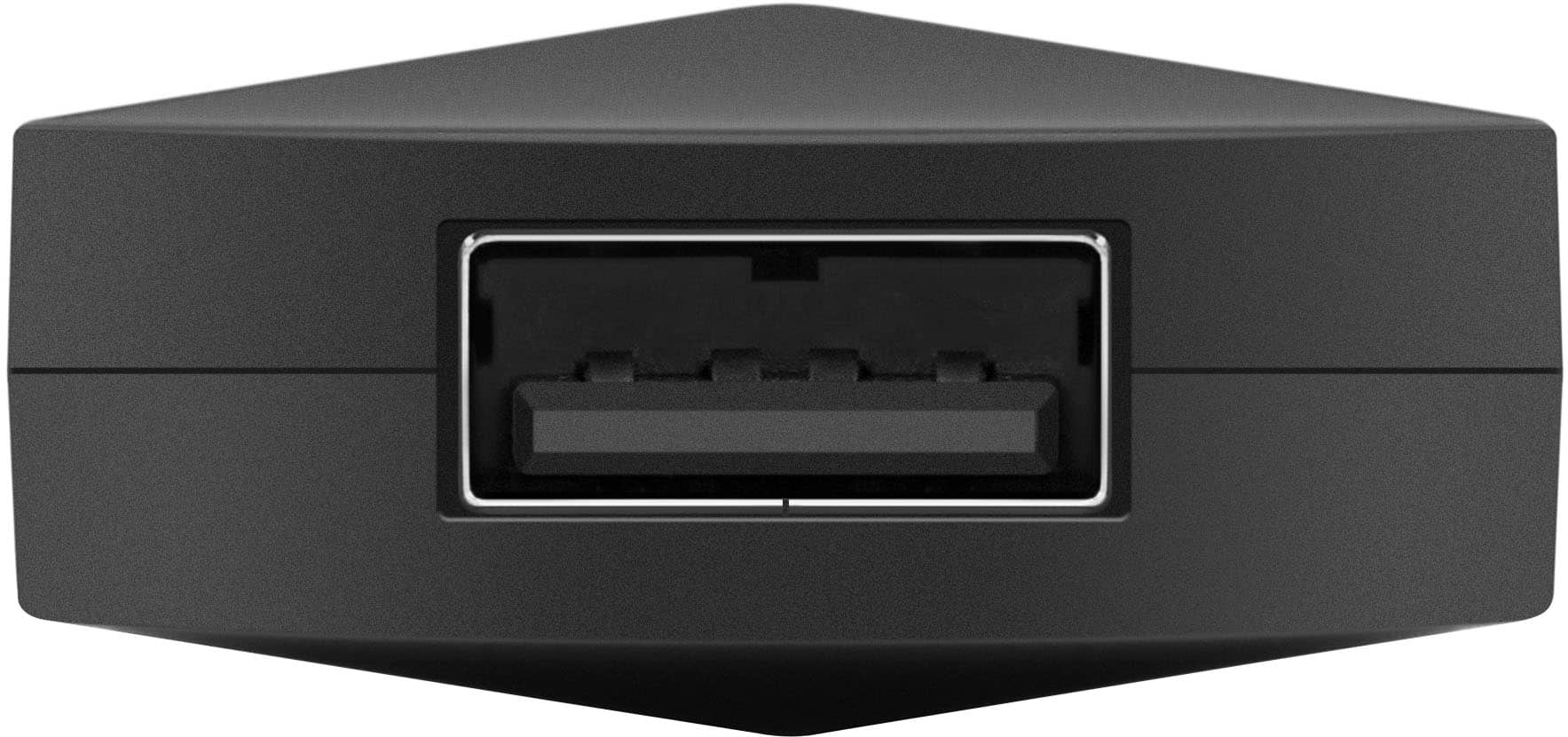
||Posted . Owned for 3 weeks when reviewed.This reviewer received promo considerations or sweepstakes entry for writing a review.Exactly what I needed. Been thinking it would be nice to turn my TV into a picture frame essentially when it's not being used to watch something. Has an appointment you can remotely upload with and also has full offline capabilities with a built in full size USB slot.
I would recommend this to a friend - Pros mentioned:Ease of use
Great device to watch special moments and memories
||Posted . Owned for 1 week when reviewed.This reviewer received promo considerations or sweepstakes entry for writing a review.The device is really easy to use just plug it to your TV and connect it to wifi and start uploading your best memories to watch them in full screen with your family!
I would recommend this to a friend My parents loved it
||Posted . Owned for 1 week when reviewed.This reviewer received promo considerations or sweepstakes entry for writing a review.I wanted to share photos of my kids with my parents who do not live close by. This allowed me to do share pictures and videos remotely. Great device and worked flawlessly.
I would recommend this to a friend- Pros mentioned:Ease of use, HdmiCons mentioned:App stability

Great for sharing Images and Videos to your tv
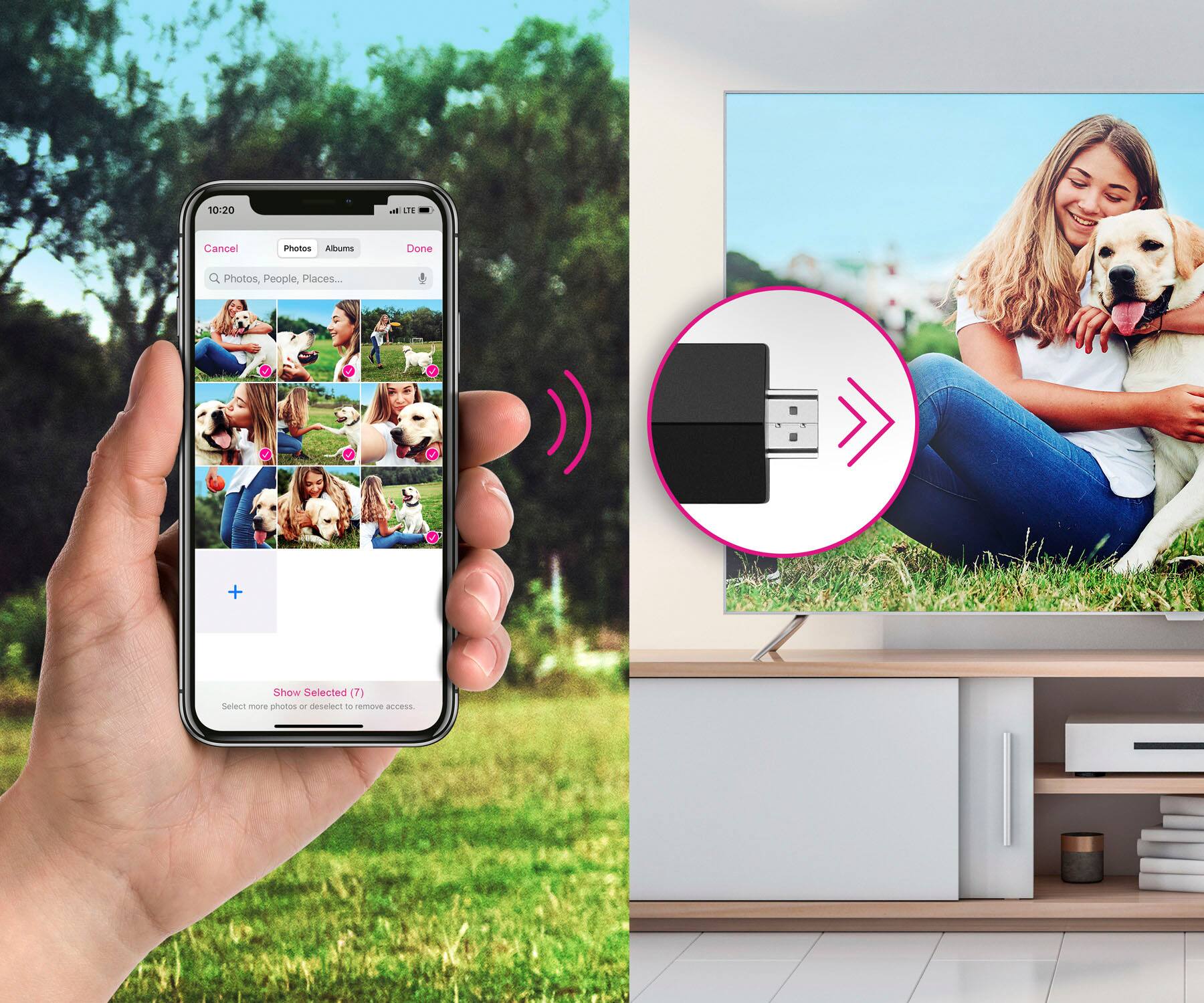
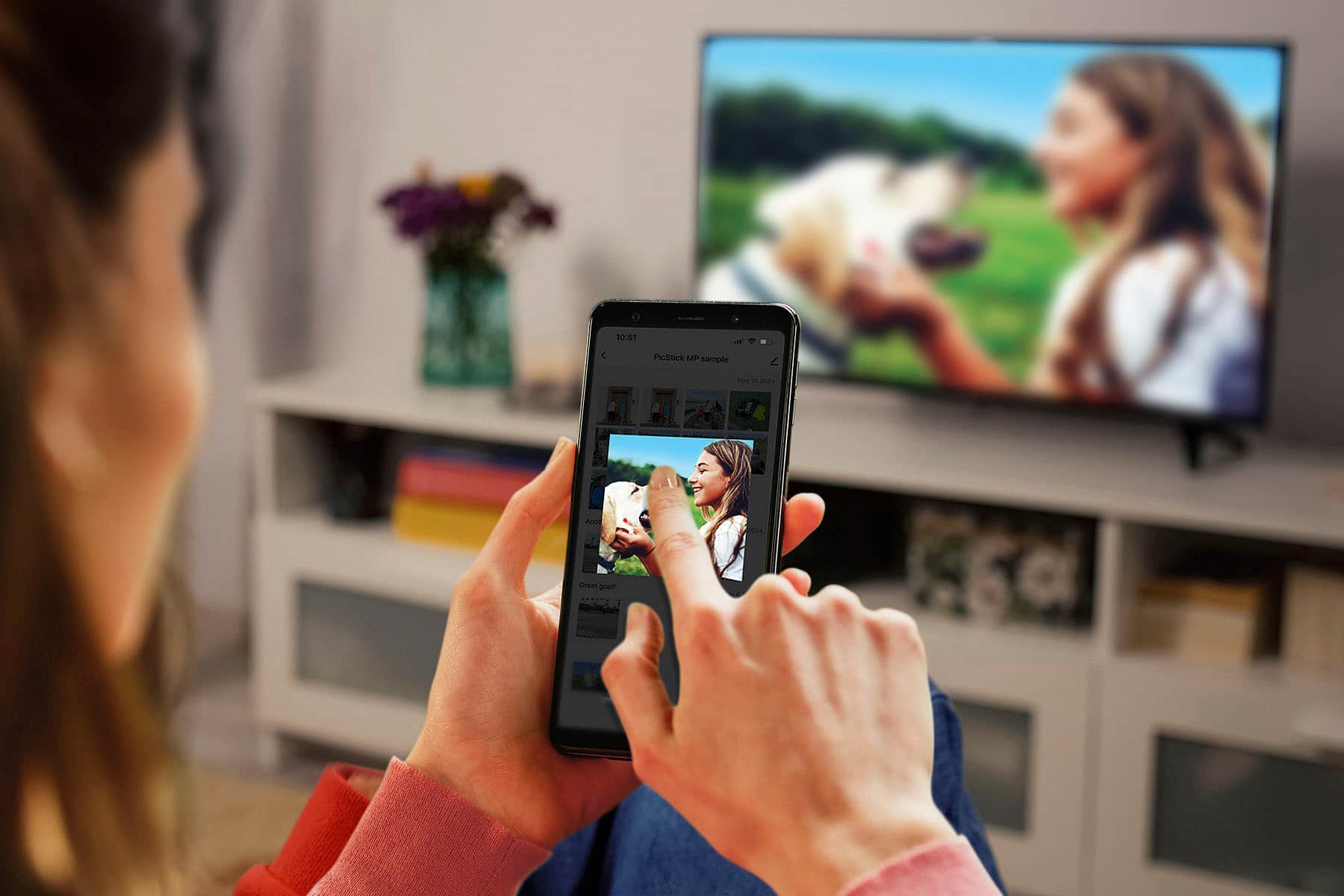
|Posted .This reviewer received promo considerations or sweepstakes entry for writing a review.I recently tried out the Aluratek PicStick and found it to be a pretty cool device. It allows you to share photos and videos directly from your phone or by attaching a USB adapter for SD cards , without the need for mirroring your phone and risking the exposure of personal information. Setting it up is easy – just plug it into any HDMI port, download the Frametime app, and pair it with the Aluratek PicStick. The app makes it simple to transfer and organize your photos by category. One interesting feature is the option to share the device, allowing others to upload images and videos as well. This makes it perfect for family gatherings, weddings, church events, and even funeral services. However, I did encounter some issues with the app. Whenever I had my images selected and ready to upload, the app would kick me out, forcing me to start over. I had to uninstall and reinstall the app a few times to resolve this issue. On the plus side, the device comes with everything needed, including a power adapter, which is often overlooked by many companies. This is definitely a big plus for me.
I would recommend this to a friend - Pros mentioned:Hdmi, Video quality
What a great product!
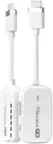
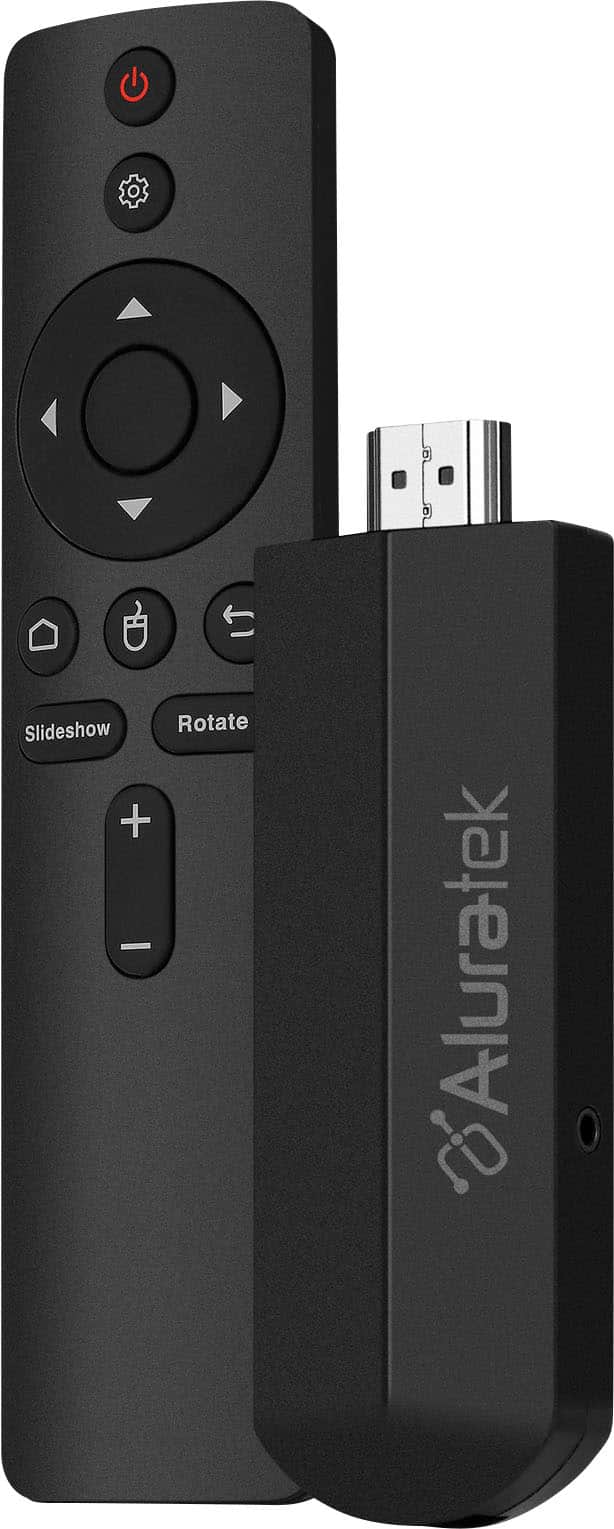
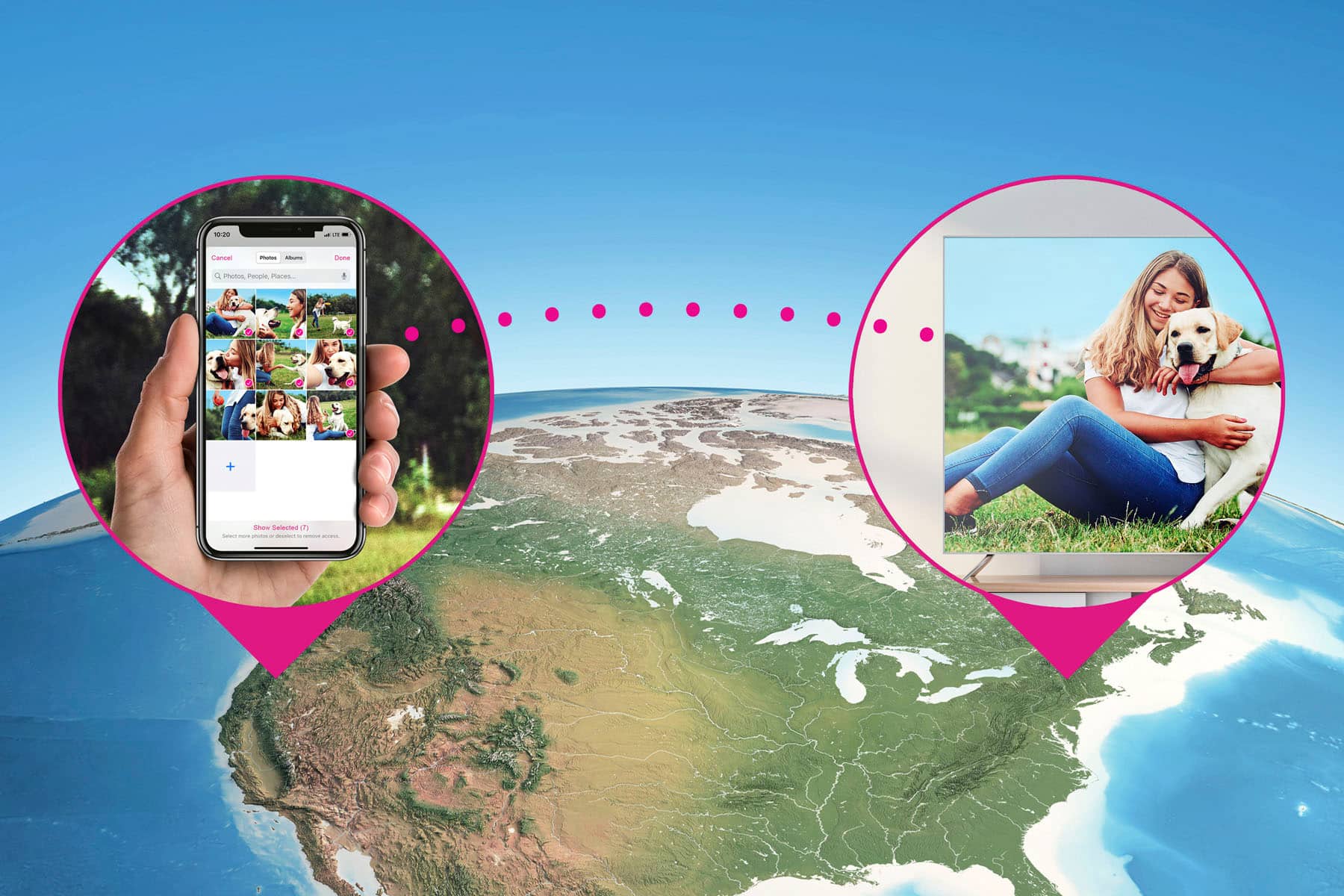
|Posted .This reviewer received promo considerations or sweepstakes entry for writing a review.The PicStick from Alura-tek is a wireless photo and video viewer that plugs into the HDMI port and transforms your TV into a digital picture frame. Using the app, you can send photos/videos to the device from anywhere using your phone! Simply plug the PicStick into your HDMI port (they even include an extender for difficult to reach HDMI ports), plug the power adapter into a USB power source, or into the wall using the included power block and you're ready for the phone app. After installing the app, the instructions were a little "muddy" on how to connect the device to your phone. The instructions say to "scan the QR code on the device or on the device package". Unfortunately, there is no such code on either of these. The missing step is to press the home button on the remote, which produces the QR code on your TV screen. You then scan that QR code to complete the installation. A minor hiccup but one that can be easily remedied with a change to the instruction book. The packaging also includes an infrared cable but there is no indication what this is to be used for. I guess it should be connected to the Picstick in places where the Picstick is not in direct sight of the remote. I haven't had that issue but can see where it could be a problem since most HDMI ports are on the back of the TV. Once installed, I uploaded some photos and videos from my phone (Iphone 14 Plus) to the Picstick. I discovered that you can either upload photos, or videos, but not both at the same time. Although this might not be a big deal, I can see where it might be more convenient to upload everything at one time. There is a "rotate" button on the remote and I found that it only works with photos, and only after you select the photo you want to view. You can't rotate photos from the preview screen and it's not possible to rotate videos. This means that videos taken in the portrait mode will appear in landscape mode and they can't be changed. Hopefully Alura-tek can provide a software update to allow this. One other minor issue is with the home screen display which displays time, temperature, humidity, wind speed, and shows an icon to indicate whether it's sunny/cloudy, etc. My unit arrived preset to mountain time (Denver) and regardless of how many times I changed it to Central time (Chicago) if I turned off the device, it would reset to Mountain time. Also, I thought that the information for this screen would have come from my phone, or possibly my router, but the temperature displayed was consistently about 10 degrees cooler than the outside temp. The wind speed and direction were also not consistent with my phone. I realize that it's not a weather device but since the information is there it would be nice if it was correct. I guess it's possible that it was reading indoor temperature, but then why bother with wind speed and direction. All in all, the Picstick is a really cool product and the quality of the photos/videos was very good. This would be a great item for Holiday/family gatherings so everyone could see photos at one time, on a TV screen, instead of a phone or digital picture frame. It would also be a great gift for a loved-one who doesn't live nearby - give them the Picstick, and then send the photos to the device via your phone. No need for a separate digital photo frame - the TV screen will do the job! Super great product and gift idea!
I would recommend this to a friend - Pros mentioned:Hdmi, Remote
Key Party Ingredient: Launch Your Photos on the TV
|Posted .This reviewer received promo considerations or sweepstakes entry for writing a review.Aluratek is a well established manufacturer of digital photo frames. The PicStick is a new product by Aluratek that expands their offerings to a new venue: the photos now can be displayed directly on your television screen. This is particularly beneficial for older televisions that are not Smart TV's, because the PicStick processes the photos; smart features on the television would not prove beneficial. The only requirement is that the TV has an HDMI jack. You will also need a USB power supply to power PicStick, either use a USB jack if available on the TV, or simply use the included USB supply. Finally, you need WiFi. Download the Aluratek Frametime app, available for free for both Apple & Android; then upload your photos to the app. Uploading photos is a slow process, so be prepared. Photos are not stored in the Cloud; PicStick actually stores the photos internally. This makes carrying the small PicStick to a friend's house to show photos on their TV super easy. An easy to use remote is included to control the flow of photos. CONCLUSION: The Aluratek PicStick is ideal for TV's that do not have Smart Features; newer technologies such as mirroring & airplay can display photos on smart TV's faster & are less tedious to operate; however the PicStick is innovative by bringing this capability to older televisions & even allows music to be added to the images.
I would recommend this to a friend - Pros mentioned:HdmiCons mentioned:App stability
Too cumbersome to be practical to me
|Posted .This reviewer received promo considerations or sweepstakes entry for writing a review.I generally like Aluratek products, so I really wanted to like the Picstick HDTV Photo/Video Viewer much more than I do, but it’s just not meant to be. I waited past the time I’d normally write a review in the hopes that my opinion of it would change, but it hasn't. The concept is a good one, but the usability and operations are lacking. The Picstick requires an open HDMI port on your TV or monitor and a power source (either plug into USB port on TV if it has one or an electrical outlet.) Here’s the rub for me here, the included USB cord is short and the USB port on my TV is already in everyday use. I had to buy a longer cord to reach the power strip to plug it into. Unlike a lot of devices now, though, it does come with the power brick so you don’t need to buy one. The app leaves a lot to be desired. The constant freezing and crashes got to be too annoying. And you need the app to set up everything from the remote to loading your pictures and videos. The share feature was nice, when it wasn’t freezing or allowed you to upload more than 9 pictures at a time. Overall, it’s easier for me to just either cast the pictures from my devices or connect them directly to the TV. Using the Picstick created a lot of unnecessary steps so I can’t see myself recommending it to any of my family or friends.
No, I would not recommend this to a friend - Pros mentioned:Hdmi
Great idea, but it needs some work...
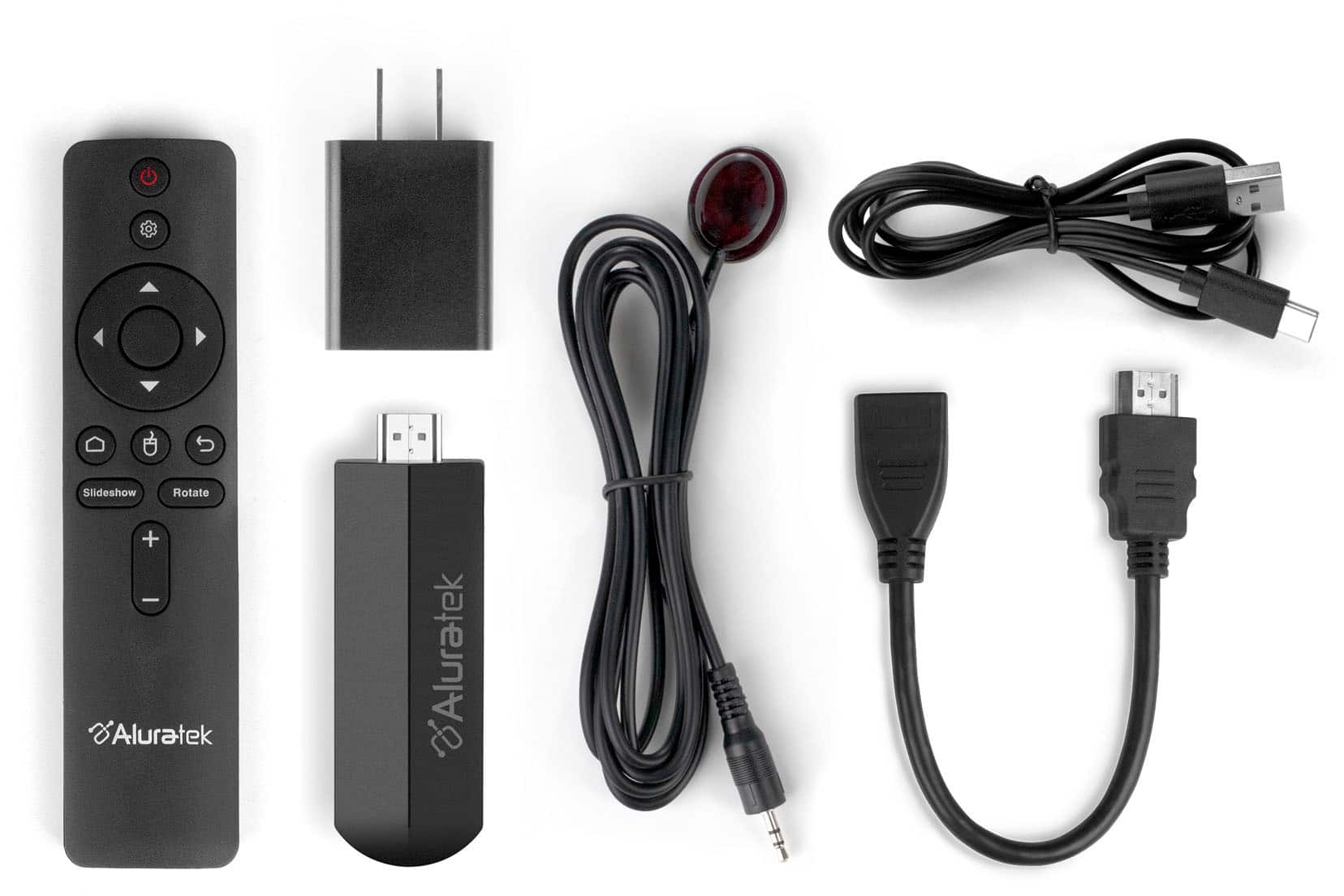
|Posted .This reviewer received promo considerations or sweepstakes entry for writing a review.The Aluratek PicStick is a simple device that plugs into an HDMI port on your TV and allows you to display photos/videos. This basic concept is why I wanted to test the product, but the implementation, although it works for the most part, needs some additional work in my opinion. In the box, you’ll find the PicStick, a remote, an IR receiver cable (for remote use), an AC power adapter with a USB cable (for powering the device), and an HDMI connection cable. Setup, which includes installing the Frametime app, is relatively simple, but that’s about where the simple stops and the “glitchy” begins. I tried repeatedly to send photos from my phone to the PicStick storage, but the transfer failed repeatedly. The first batch I tried was 8-10 photos, and only one of them made it. Further attempts resulted in the uploading getting stuck at 3%. After about the fifth attempt, I reduced the number of photos I was uploading to 3-4 and I was finally able to get them to the device. I’m not sure what the issue is with sending more than four files at once, but you should be able to select all the photos at once and upload them in one batch. I decided instead of using the storage on the device, I’d just put the pics on a thumbdrive and connect it to the device. For me, this was a much better option. However, the device’s user interface when using the remote, via the TV, isn’t exactly intuitive, so even after I had the USB drive connected, it took me a while to figure out how to get the slide show started from the thumbdrive. The settings allow you to pick sequential or random photo/video display and there are settings that allow you to select the length of time a photo is shown as well as what effect (fade, rotate, etc) occurs when current the photo is about to be replaced. One thing that I was hoping for, was the ability to display multiple photos at once, as a collage, and possibly even select photos that should be displayed that way. Although this feature isn’t currently available, it should be possible to add it in a future software update. I also ran into a problem where the device went offline several times while I was in the settings. I’m not sure what caused this, but it only happened a few times when I first set everything up, so it might’ve been a loose connection with the power cable. Overall, I think this product is based on a good idea, but the app/UI needs some work. I would still recommend the PicStick to someone, like me, who just wants a quick/easy way to display photos on an older, non-smart TV.
I would recommend this to a friend - Pros mentioned:Hdmi
Simple device for photos and videos.
|Posted .This reviewer received promo considerations or sweepstakes entry for writing a review.This item is great for older TVs that can't cast your phone to it. Note here are the limitations. It only runs photos and videos. That's it. Setup was pretty simple. Plug into HDMI plug in power. Download the app to your phone. Follow the step by step instructions and you are in. After that use the software to pick the photos and videos you want to show and you are good. You can use the remote to toggle what to show and that's it. This is great for events that you just want to do a video to slide show and not want to leave a PC hooked up for someone to mess with an all. This also works on an older TV that just has HDMI and you want to repurpose for such an event. You can also connect a USB media to it. Another thing to note when you are transferring from phone to the device it takes a little time to upload since it is storing it on the device itself. So if you have a lot of media it will take some time to push it to the device. Knowing the limitations and if that suits you then this is the device for you.
I would recommend this to a friend - Pros mentioned:Hdmi
It works but needs improvement
|Posted .This reviewer received promo considerations or sweepstakes entry for writing a review.Aluratek’s PicStick is badicallty a dongle that your connect to your TV via HDMI to convert it to a digital picture frame. Inside the box you can find the dongle itself, a USB-C cable, a power supply, a remote with AAA batteries, an infra-red cable and of course a quick start guide. Setup of the PicStick is simply straightforward. Download the FrameTime app either in iOS or Android and create an account. Connect the dongle to the TV and don’t forget to power the dongle via the supplied power supply. Turn on the TV and you can copy the photos in your phone to the dongle. From thereon, you can view your pictures on your TV. And you can even share your account with other members so you can have more pictures. And if that is not enough, you can also use a USB dongle to transfer picture too. Setup seems easy that almost anyone can do it. Well not so fast. First there are some improvements to be made here. First, the slideshow feature doesn’t seem to work. Or perhaps, an auto slideshow is not available as you have to use the remote to move on to the net picture. And while you can upload video, it doesn’t seem you can hear audio. And lastly, I do not see the value of the IR cable since the dongle can function without said capable. While there is potential for this product, it is hard to recommend it due to the reasons mentioned above. Perhaps a firmware upgrade can remedy these issues and then maybe this product can reach its potential.
No, I would not recommend this to a friend - Cons mentioned:App stability
Not sure, it's a complicated product.
|Posted .This reviewer received promo considerations or sweepstakes entry for writing a review.While configuring and testing this product I was wondering for whom it is really aimed, this because at this specific time I consider that smartphones and smart TVs have capabilities that exceed the functions offered by this device and more if we add everything that is necessary to set and use this Photo/Video viewer. Starting with the packaging it is noticeable that there are quality issues that are neglected. When you shake the sealed box it sounds like all the things that come inside collide, they are just placed all together without any support or protection except the Picksitck, that if it comes well fastened is also in sight. Inside the box comes the viewer, a remote control, two aaa batteries, a wall charger, a usb-a to usb-c charging cable, a small extension for HDMI connector, a cable with an infrared receiver for the remote control and a user manual. The setup is a bit cumbersome, the app is not stable and crashes constantly. In order to use the device you need to create an account, add personal and location data, which I don't understand if it is only a device where only images and video are supposed to be projected. Also you have to give the app full access to the phone's gallery, otherwise the app closes every instant you try to upload a photo. I also don't understand why you need to give full access to the photos, it seems to me a mistake since this should be at the user's choice and not be an obligation. Once the app is installed, you can proceed with the device installation and configuration. The installation is somewhat rudimentary, you have to connect the device to an HDMI port in the TV, then take the charging cable and connect it to a USB port also on the TV and the other end must be connected to the Picstick because it does not have its own battery and does not charge or receive energy if only the HDMI is connected. And if necessary, you have to connect the cable with the infrared receiver for remote control, all a hassle. If you don't have a usb port, you will have to connect the usb cable to the wall charger to make it work. In my case because my TV is installed on a wall, I preferred to use the HDMI extension, however it was not the best decision since the extension was giving false contact and had to be left in a certain position for the device to work, so I decided to connect it directly to the HDMI port of the TV. Once I was able to install and configure the device I thought everything would be better now, I was wrong. Inside the app on the phone you have to select the photos you want to project, a maximum of 5 photos at a time. Then the image will upload and transfer, this takes several minutes. So uploading a complete album would take a while and if it is video even longer. Changes made in the app are not reflected on the device once the photos have been uploaded, so if you delete a photo in the app, it will still appear on the device on the TV. Customization options and content management are virtually non-existent. You can delete photos but not directly from the main gallery but from the settings and then you have to go from one setting to another to delete photos or change settings. You can change the slideshow settings but nothing extraordinary. For another person to share images they have to download the app, create an account, enter their data and then we can send them an invitation, so there is no other way like airplay or something like that. The remote control is quite simple and despite having the option of “mouse mode” it is not the most comfortable and efficient to use and when you return to regular mode the pointer does not disappear, it remains on the screen. I would like to mention something that could make me give a better rating to this product but in reality I think it is not even well designed and optimized along with its app for its commercialization. The kind of “core functions” of this device can be done in a much simpler way from a smartphone with features like Screen mirroring or Airplay, in seconds you can share images, videos and more wirelessly and without the need for intermediary devices and apps. Unfortunately I don't think it's a product I can recommend to anyone, I don't see who could benefit from the whole process, all the paraphernalia needed to project simple images or videos on a TV. I don't think it is worth buying.
No, I would not recommend this to a friend Great Phone to TV Photo Frame
Posted .This reviewer received promo considerations or sweepstakes entry for writing a review.This is a great TV Photo Frame product! This would work perfect for someone wanting to share photos after a trip or have on in the background with their favorite scrolling images. The best part is that there is NO computer needed to display your images directly to any TV or monitor with an HDMI output. This could also be used to scroll announcements and information in an office setting. I like that this has the time and date in the lower right corner. Overall, a solid product that is very straightforward, with good directions that are easy to follow.
I would recommend this to a friend- Pros mentioned:Video quality
Purchaser
||Posted .This reviewer received promo considerations or sweepstakes entry for writing a review.This has been a good item it allows us to have photos on the tv. It makes it feel like a the frame tv.
I would recommend this to a friend - Pros mentioned:Ease of use, Hdmi
Nice Picture Stick
||Posted . Owned for less than 1 week when reviewed.This reviewer received promo considerations or sweepstakes entry for writing a review.This PicStick works great. Right out the box I was able to set up and show my portfolio on a hdtv screen. Its so nice to have this work directly through the HDMI port. Installation was even easier. Its just plug and play.
I would recommend this to a friend - Pros mentioned:Hdmi
DIY smart picture frame
||Posted . Owned for 3 weeks when reviewed.This reviewer received promo considerations or sweepstakes entry for writing a review.This device does one thing and one thing only, it displays pictures/videos on whatever display it is connected to. I use this device and made my own little DIY smart picture frame instead of buying a dedicated smart frame that can be quite expensive or lose features at a moment notice (think Amazon Echo Show). I just correct the device to an HDMI port and use the app to load my pictures and voila, a smart picture frame. Another useful purpose of this is if you run a business and want to display images on screens but don't want to have to keep loading USB sticks with updated pictures. With this just open the app and change out the pictures. Super simple!
I would recommend this to a friend - Pros mentioned:Video quality
Good buy
||Posted . Owned for less than 1 week when reviewed.This reviewer received promo considerations or sweepstakes entry for writing a review.This product does exactly what you'd expect. Turned my big screen TV into a photo frame. Pictures are crystal clear. It is easy to wirelessly add photos.
I would recommend this to a friend - Pros mentioned:Video quality
Enjoy viewing and showing off your pictures!
||Posted . Owned for 4 months when reviewed.This reviewer received promo considerations or sweepstakes entry for writing a review.I am quite pleased,once loaded up with your pictures you can bring anywhere and display,i love the big screen view and this is an amazing product..enjoy viewing and showing off your pics!
I would recommend this to a friend