Customer Ratings & Reviews


- Model:
- E410KA-PM464
- SKU:
- 10858256
Rating by feature
- Battery Life
Rating 4.4 out of 5 stars
- Speed
Rating 3.9 out of 5 stars
- Display
Rating 4.3 out of 5 stars
- Cons mentioned:Ram, Storage capacity
You can add more storage.
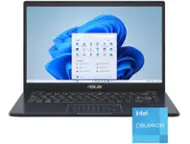
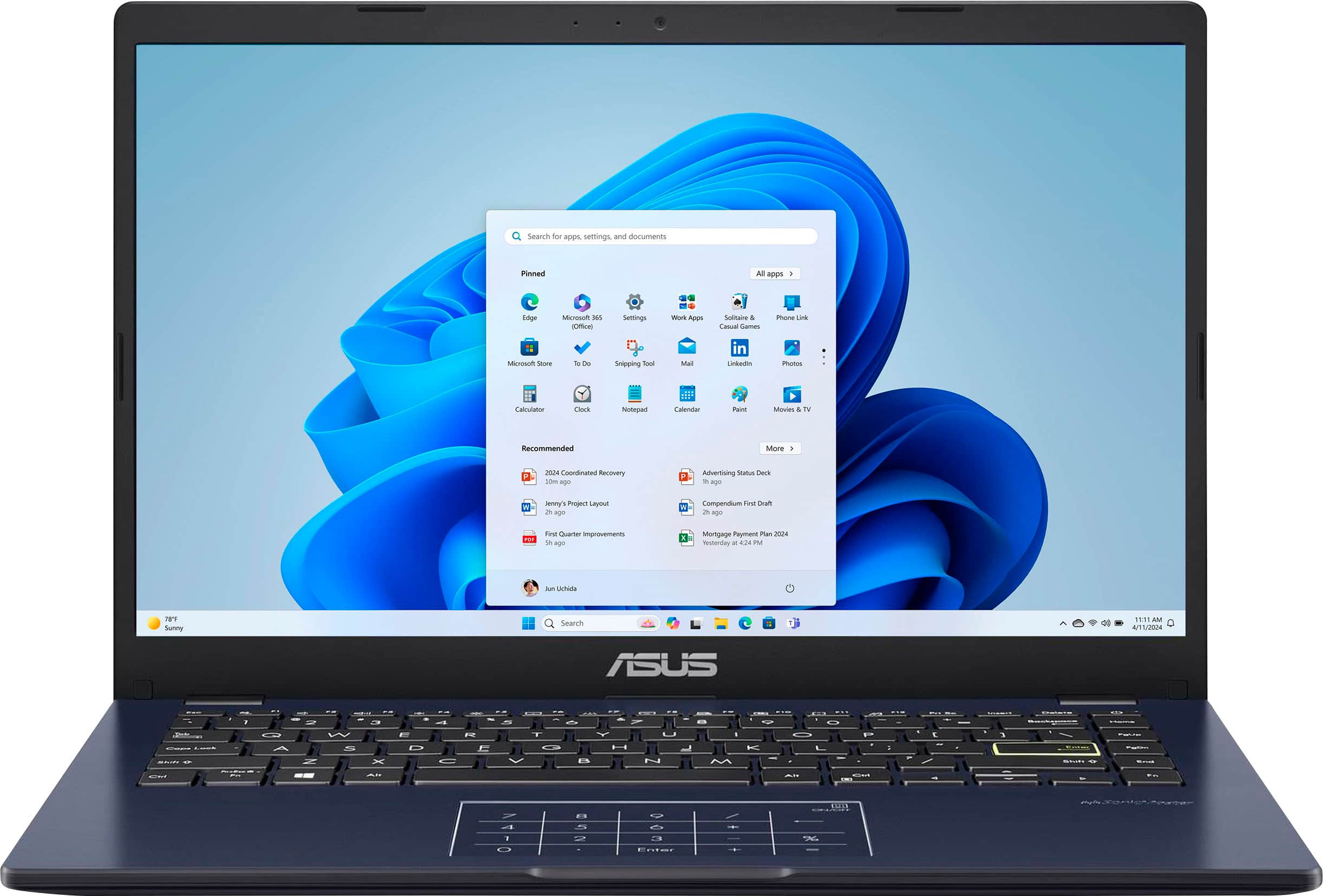
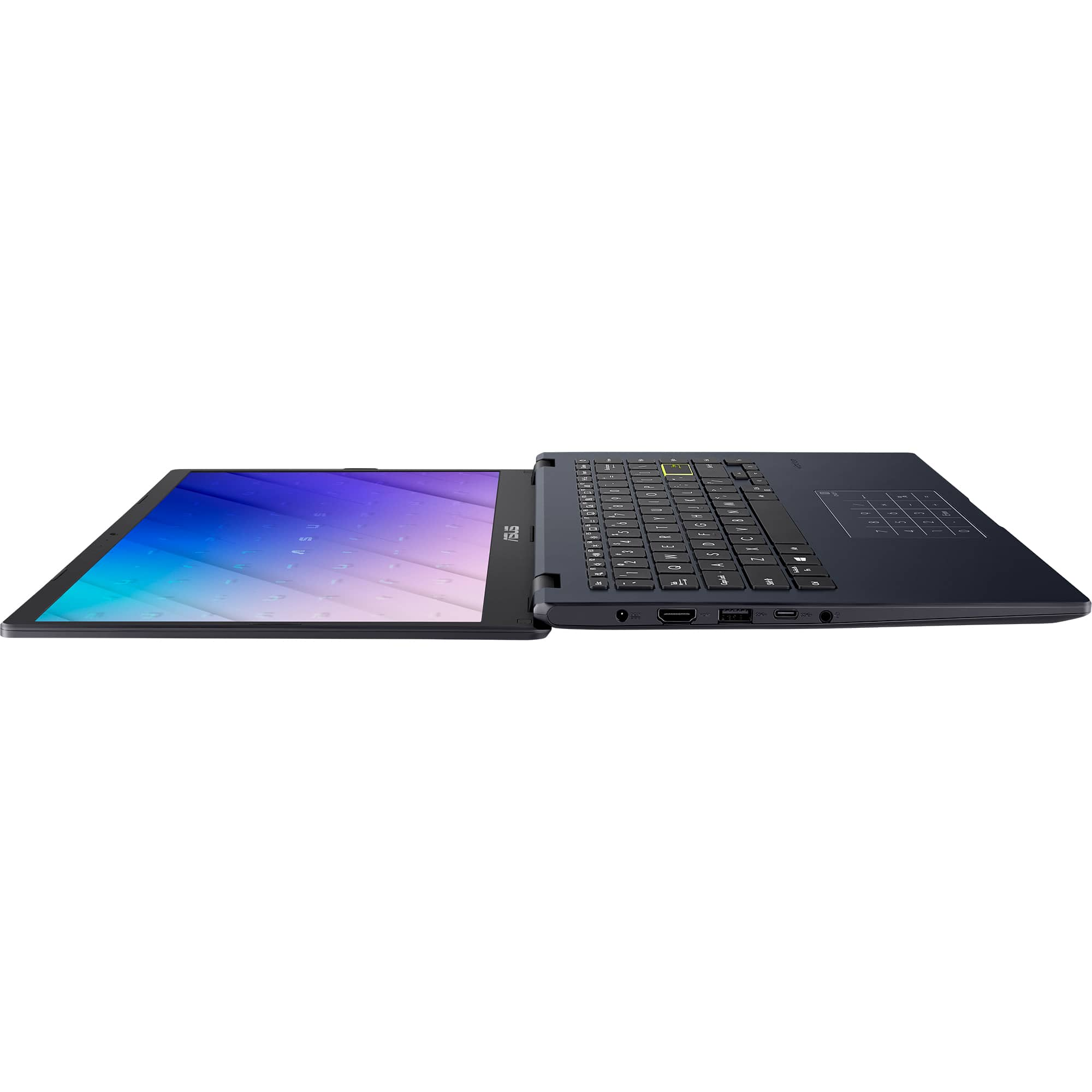
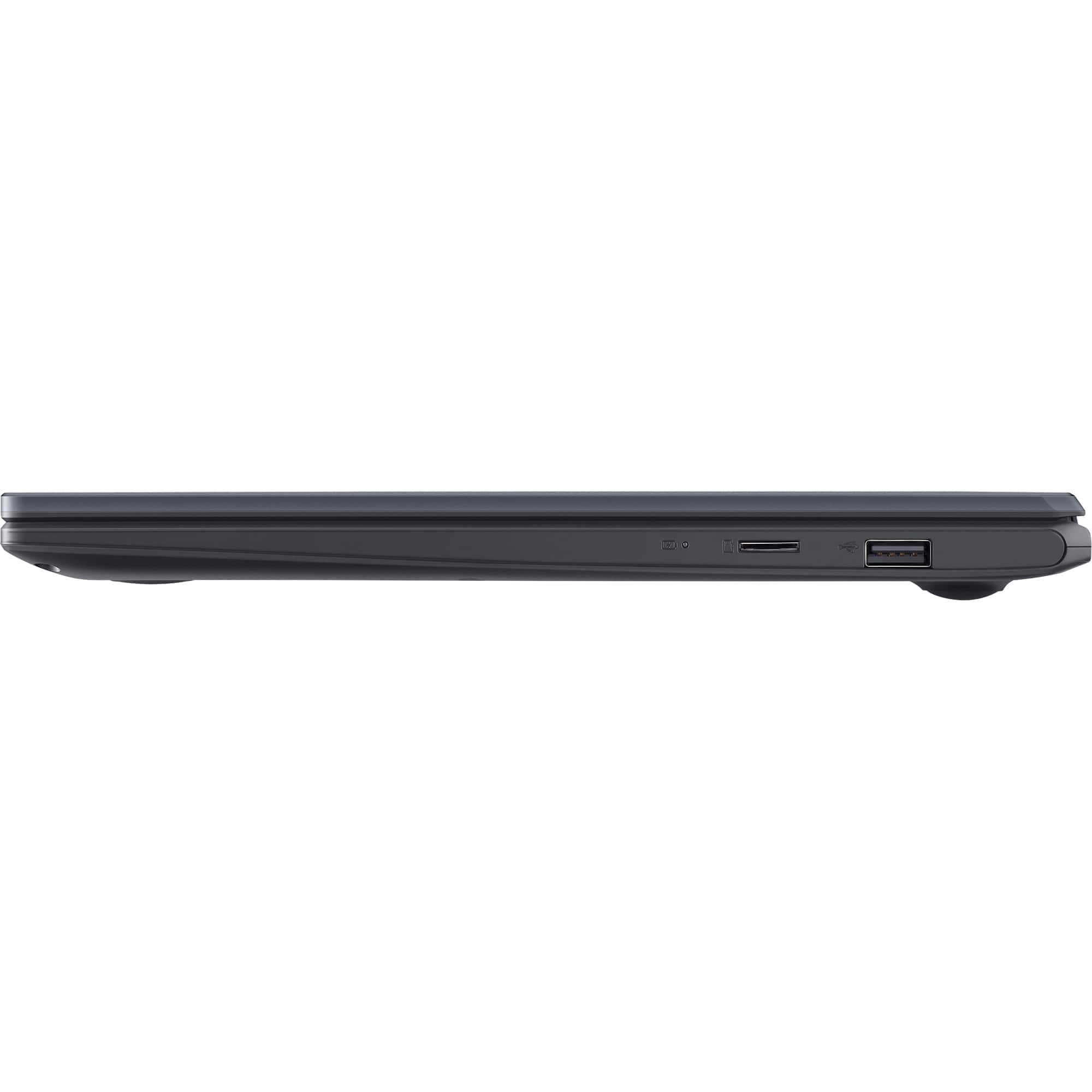
||Posted . Owned for less than 1 week when reviewed.This reviewer received promo considerations or sweepstakes entry for writing a review.This laptop is primarily designed for basic tasks such as watching Netflix, YouTube, online shopping, and working with Word documents, Excel, and PDFs that are not too heavy. The original price of over $200 is excessive; at a sale price of $120, it becomes more reasonable, but the ideal price should be around $100, as it is not worth more than that for two main reasons: Firstly, it features only 4 GB of soldered RAM. In 2024, it should be prohibited to sell a device with Windows 11 that has only 4 GB of RAM without providing an option for upgrading. Secondly, it offers only 64 GB of storage, which is insufficient. It lacks a card reader and is only valuable if one does not intend to install or save anything on it, or if you have an SSD available to expand storage. Storage can be increased; I installed a 2 TB NVMe in it. The laptop is easy to open, and the port for the NVMe is visible, although it lacks a screw. The motherboard and the operating system recognized the new disk immediately. The challenge arose while installing the OS on the NVMe; I attempted to clone the eMMC to the NVMe, but the cloning resulted in fragmentation errors on the eMMC. Therefore, I booted from a flash drive and installed Windows 11 from zero, deleting the partitions on the eMMC and installing on the NVMe. Upon turning on Windows and completing the installation, the eMMC appeared in the disk manager. However, despite formatting it, it did not show up in Explorer. This was not a significant issue since I already had 2 TB, but using the Mini Tool Partition Wizard, I reformatted it, partitioned it, and then it was recognized by Windows Explorer.
I would recommend this to a friend - Pros mentioned:Overall performance
Great for basic use cases
||Posted . Owned for less than 1 week when reviewed.This reviewer received promo considerations or sweepstakes entry for writing a review.I got this on sale for only $100 and for that price its well worth it, it web browses fine and can do basic tasks fairly well, it might just take a second for it to load. I took it apart and it even has an empty m.2 slot if you want/need to add more storage. Only thing wrong with it is that the product page says that it has an IPS panel but it is very clearly a TN panel but that’s forgivable for a $100 laptop. Overall, great device for basic tasks especially if you can get it for as cheap as i did.
I would recommend this to a friend - Pros mentioned:Overall performance, Speed
must buy
||Posted .This reviewer received promo considerations or sweepstakes entry for writing a review.this is a good laptop for the price. it works great and is pretty fast. its a must buy for sure if you are thinking about whether to get it or not.
I would recommend this to a friend - Pros mentioned:Portability
Great Little Laptop!
||Posted .This reviewer received promo considerations or sweepstakes entry for writing a review.Love this laptop. I take it everywhere! Worth the money!
I would recommend this to a friend - Pros mentioned:Portability
Laptop Review
||Posted . Owned for 2 weeks when reviewed.This reviewer received promo considerations or sweepstakes entry for writing a review.Nice and slim does great for simple around the house things. Could be a little quicker and I honestly dislike the keyboard not being lit up
I would recommend this to a friend - Pros mentioned:Overall performance
Basic machine that wont hurt your pocket
||Posted . Owned for 3 weeks when reviewed.This reviewer received promo considerations or sweepstakes entry for writing a review.For the money you can't go wrong! Also if you get rid of the windows S and the bloat wear you will be amazed at how well this things runs. Also it has a "NVMe slot" on the motherboard so you can add more space since it only comes with 64GB
I would recommend this to a friend Perfectly more than what he was worth and amazing
||Posted . Owned for less than 1 week when reviewed.This reviewer received promo considerations or sweepstakes entry for writing a review.Dude, I can't believe it! I was totally expecting to get a broken PC for that price, so I even asked the cashier if it was in good condition. He just laughed and showed me it—it was mind-blowing! I'm buying this for my sister, and I usually use an M3, but wow, yes it can be slow but bro i dont expect m3 performance right, I had no idea this kind of deal existed! I'm seriously about to make Best Buy my go-to app for all things electronics. Thank you!
I would recommend this to a friend- Pros mentioned:Overall performance
A great buy
||Posted . Owned for 2 weeks when reviewed.This reviewer received promo considerations or sweepstakes entry for writing a review.An excellent laptop for the price outstanding performance you looking for a great laptop on the budget can't beat it.
I would recommend this to a friend Satisfied Customer
||Posted .This reviewer received promo considerations or sweepstakes entry for writing a review.Have had for over a year still working good and reliable!!
I would recommend this to a friend- Pros mentioned:Portability
Notebook
||Posted . Owned for 1 week when reviewed.This reviewer received promo considerations or sweepstakes entry for writing a review.Great Windows software, nice screen size , lightweight and portable.
I would recommend this to a friend Display is LCD, not LED
||Posted .This reviewer received promo considerations or sweepstakes entry for writing a review.Great budget laptop for basic activities. The only downside is it has LCD as opposed to LED mentioned incorrectly on the product page.
I would recommend this to a friend- Pros mentioned:Size
Laptop
||Posted . Owned for 1 month when reviewed.This reviewer received promo considerations or sweepstakes entry for writing a review.Very nice laptop. It's not to big and not to small. I gave this to my daughter for Christmas and she loves it
I would recommend this to a friend - Pros mentioned:Overall performance
Asus
||Posted . Owned for 4 months when reviewed.This reviewer received promo considerations or sweepstakes entry for writing a review.Great starter computer for my son. Work fast easy to use.
I would recommend this to a friend - Pros mentioned:Battery life, Overall performance, Portability

The USABLE budget laptop champion!
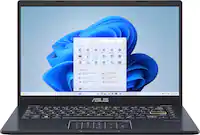
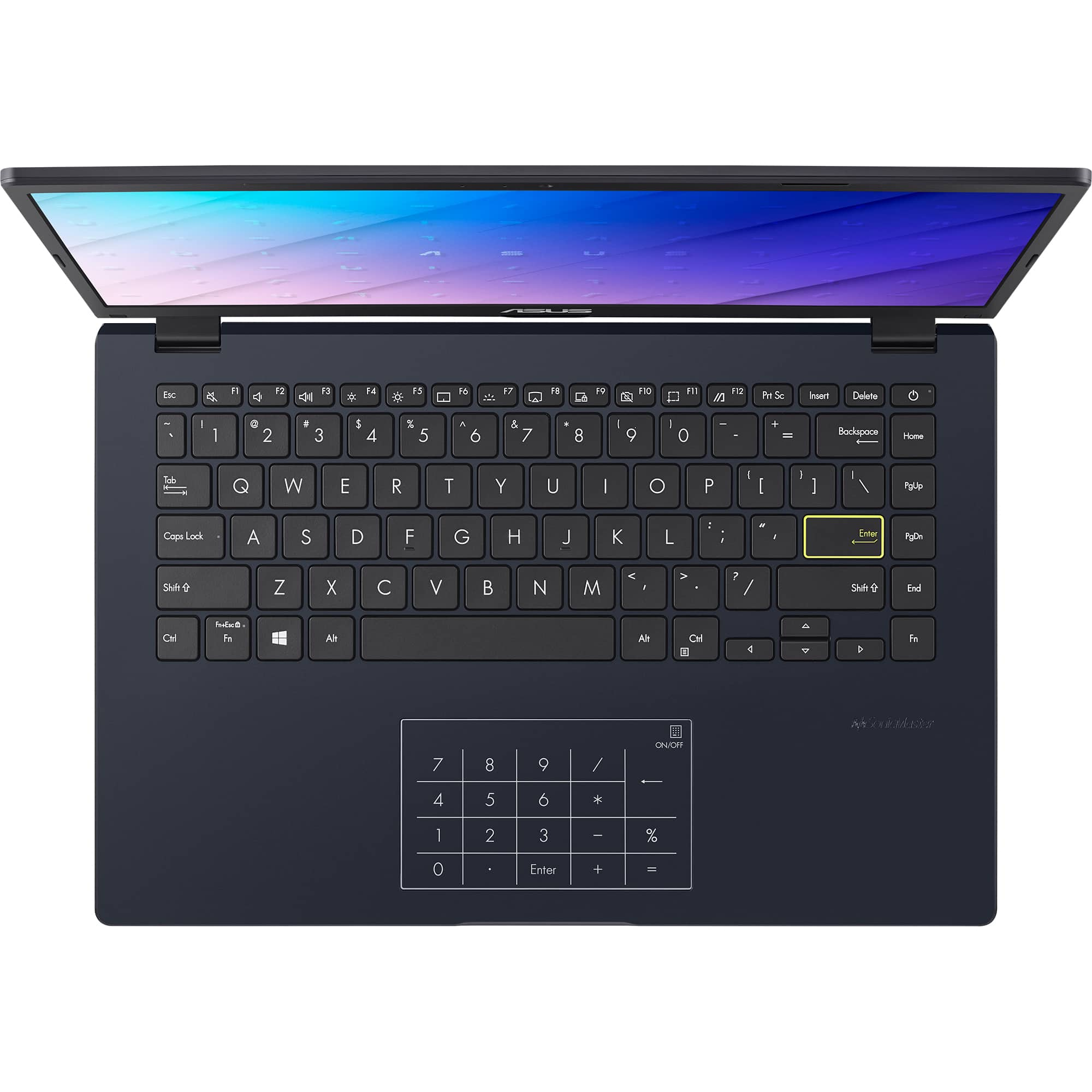
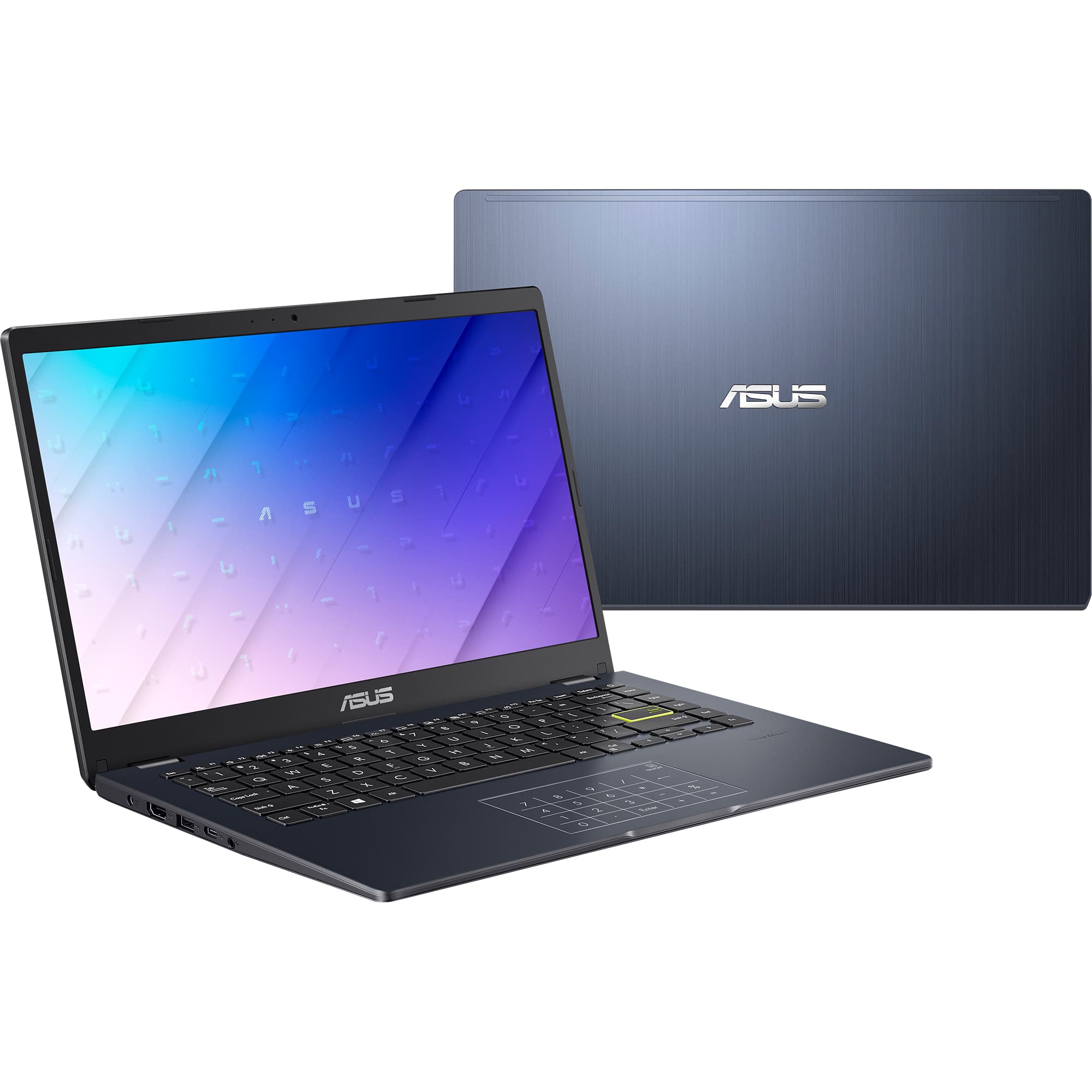
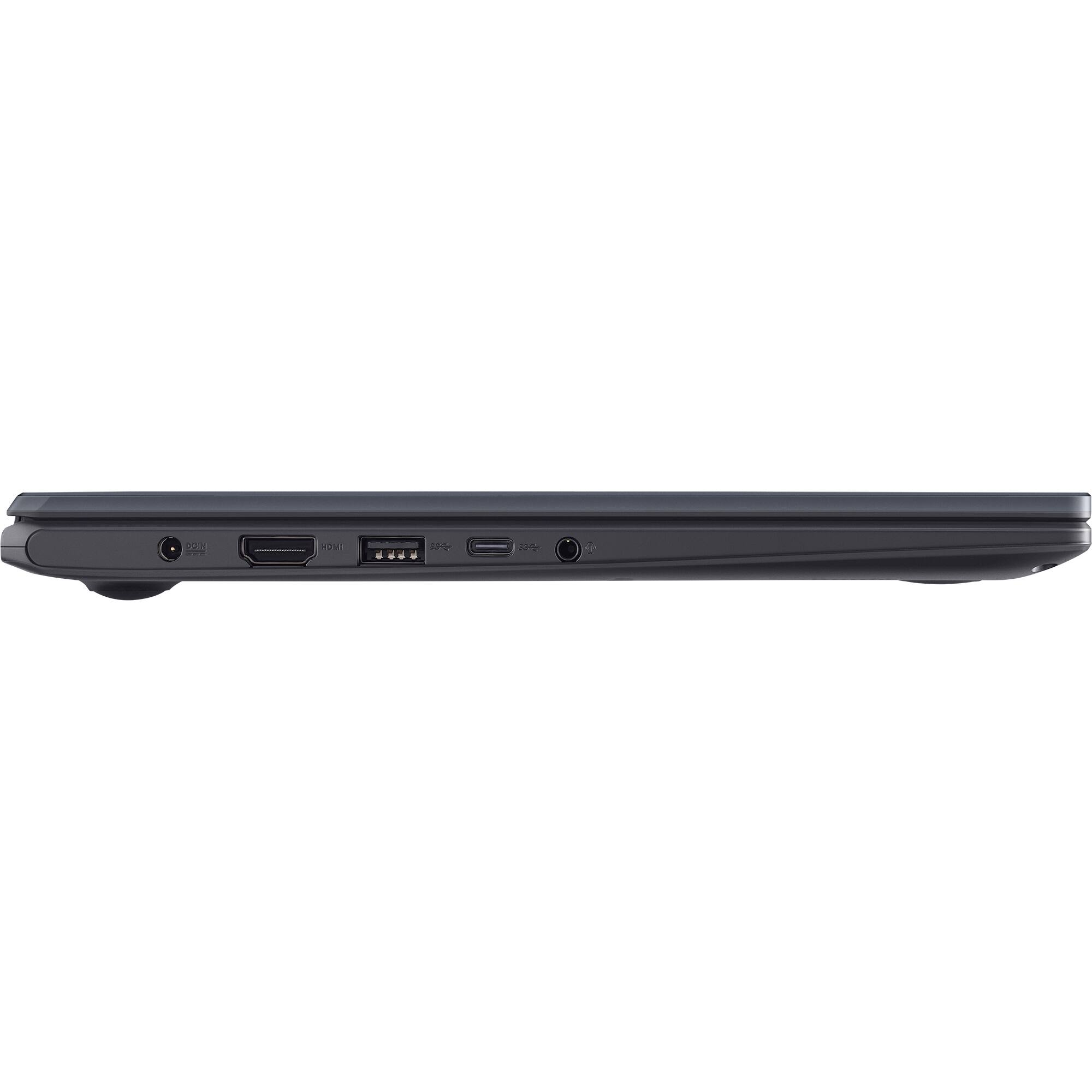
|Posted .This reviewer received promo considerations or sweepstakes entry for writing a review.I reviewed the prior version of this laptop that was, for all intents and purposes, exactly the same as this machine with the exception that the new, speedier Intel Celeron N6000 processor is contained in this laptop. That is only a good thing as this laptop remains incredibly efficient but also has more power to make multitasking and doing productivity tasks on this laptop feel smoother than ever. I rated this laptop’s predecessor as a 5 out of 5 usable budget laptop with perfect utility for young students with non-power tasks on their laptop and for casual users performing simple daily tasks like answering emails, browsing the internet, and doing basic Word, Excel, and PowerPoint-type tasks. This laptop also takes the gold for that category in this price range, with the added benefit of being even snappier than before! Operating System: This PC is equipped with Windows 11 S edition, which is essentially a lightweight, Windows-app only version of Windows 11 that will truly work just fine for the majority of basic users who aren’t wanting to fiddle around with a bunch of novel software installs. You get your basics here: a Microsoft Edge web browser, Microsoft Office products like Word, Excel, PowerPoint, and other apps available and/or preinstalled in the Microsoft Apps store. I think this is perfect for users who aren’t looking for all the bells and whistles and are happy to use Microsoft Edge for web browsing and checking email, as well as whatever programs are available natively through Windows. If you really want full featured Windows 11, you can get into the Windows store settings and switch out of Windows 11 S into normal Windows 11 Home, just have caution that this laptop model does only have 64GB of storage and you will quickly run out of room (and speed) if you try to load this up with too many programs. If you are or your child are in need of Google Chrome for Google University and apps, you will need to switch this laptop to Windows 11 Home to be able to install Google Chrome onto the laptop. Just note, that switching out of Windows S mode to regular Home is a one way street, you can’t switch back (not that you’d want to, I think). Set up: This laptop, to the shock of no one who is familiar with budget PCs with Windows 11 loaded on it, takes a long time to get through its initial booting processes, updates, and setups. Gratefully, though, it is faster than its predecessor; it took about 45 minutes to get this laptop up and running from out of the box! While this is still slow, I have had this experience with multiple other budget Windows machines I have reviewed, and that is just the way it is when you are dealing with lower-end hardware that runs such a bloated and poorly optimized OS like a factory Windows 11 install. Just get your laptop plugged in, boot it up, and put your favorite show in the background on your TV for a couple of episodes while you wait on this machine to go through its steps for set up. Additionally, when it seems to be done updating, make sure to go into settings and click on the Windows update icon in the top right corner of that screen to make sure you check and install for any more updates. This is, unfortunately, what you must deal with on almost any Windows 11 OS laptop these days. Regular use: Overall, I think this laptop is unequivocally perfect for basic users. What do I mean when I keep saying, basic users? What I mean is, people who are only opening this laptop up to do a few basic tasks at a time, like browse the web, check their emails, type up a Word document, work on an Excel spreadsheet, maybe play some Solitaire built into the computer, haha! The important qualifier in this use case, is that you, the user, MUST have excellent “computer hygiene”. What I mean by this is that you must close programs you are not using in order to avoid slowdowns and program stutters. This is due to the fact of what I talked about earlier, this laptop has very little RAM (Random Access Memory) and cannot keep multiple programs open and running smoothly at a time because of it. So, with whatever you are doing on this laptop, expect to have to keep browser tab counts down and to have to close programs you aren’t using. You will be less frustrated and enjoy a much smoother experience on this machine! Build Quality: This laptop's build quality utterly belies what its price tag says. It is actually an admirably well-built machine. It is, for one, very lightweight and thin. It measures on my scale a few hairs under 3 pounds in weight and is 3/4 of an inch thick at its thickest point. It is a little thicker and wider than a current generation Apple MacBook Pro 14 for comparison, but half a pound lighter! I think aged users who are tired of carrying around bulky, hot machines are going to be happy with this laptop. It is gentle on the body to use and gentle on the budget too. More on the build quality is a metal keyboard deck and lid with an otherwise plastic housing construction. Truly not bad! Keyboard: This laptop sports a solid and comfortable keyboard deck and keycaps that offer a great typing experience. The keyboard is not backlit, which is a bit of a bummer, but at this price, I don’t think anyone can complain. I love typing on this keyboard; it feels like a simple scissor-switch membrane-style keyboard, which is perfect for most users. The only thing I have come to realize after reviewing this laptop and its predecessor is that I really don’t love the layout Home, PgUp, PgDn, End, and FN keys taking up an entire row at the far right of the keyboard deck. This shifts all your familiar typing keys to the left of the center, and as a result, I continuously find myself hitting Home when I try to hit backspace. This isn’t the worst thing, and I do believe one can grow used to it, but I just want to mention it here to be thorough. Webcam: The equipped webcam is a barebones 1280x720 resolution webcam, with 0.92 megapixels, that can still be called “HD”, but just barely. It has a very slow frame rate of 8FPS, but it seems to get the job done. There is no physical shutter for the webcam; it is just one that is software-based and triggered by pressing F10. There is also a white indicator light at the top of the laptop frame next to the webcam aperture hole that shines brightly if your webcam is on. I am going to say that I am just happy there is a webcam here, and it looks better than a potato! I would say it is even on par if not better than a webcam on a $1000 Dell laptop I tried recently! Display: The display here is excellent for a budget laptop! It is a full HD resolution 1920X1080p display running at 60hz. Translation: for a budget laptop, you are not getting a crappy-looking display. It displays YouTube videos and picture content nicely and gets nice and bright for working in brighter environments like out on a coffee shop patio. The lay-flat display may be nice for some, but I personally have never seen the utility in a laptop screen that lays totally flat, so I am not losing my mind over this feature. Altogether, it is an excellent full HD display for this budget laptop! Battery: As expected, the battery life on this laptop is pretty decent, with lower-end and lower-power internals! My projections are showing about seven hours of sustained multitasking use at 40% brightness on the “balanced” in the Windows power settings. I think this is reasonable and far exceeds the laptops of even half a decade ago in this price range. It charges via a proprietary charger barrel port and does NOT charge via the USB-C port included on the laptop. I understand that Asus would want to keep costs down on such a budget laptop, but it is still nice to have power delivery through a USB-C port available for versatility when on the go. Opening up the laptop: I got peppy and decided to open up this laptop to see what is inside the guts of it. Take a look at the pictures! What I found is a highly organized and not overstuffed internal configuration, complete with soldered-on RAM (bummer), a cute lil’ 64GB eMMC storage module, a user-replaceable single antenna Wifi card, and an extremely sturdy and nicely thermal pasted CPU heat sink! I was impressed by this. I really think there could have been room in here for user replaceable RAM, so that is a bummer that means you are stuck with the amount of RAM that you buy this with. However, I found something quite interesting in the motherboard… what appears to be an M.2 slot complete with a full-sized mounting screw position for a M.2 SSD! So, if you or your kid are tech savvy, they might enjoy the ease of opening this laptop up and installing an M.2 SSD to transfer the OS onto in order to gain more storage and faster boot speeds of varying programs. This laptop was really easy to get into with Philips head screws, and the bottom popped off with just a little jostling from a gift card in a couple of spots near the hinges. If only this laptop had replaceable RAM, I would be losing my mind with excitement! But it is still excellent and speaks to being future-proof for easy battery replacements, too. Stats: Speedometer 2.1 score: 98.9. This is an almost 10-point increase from the prior processor-containing model and is part of why web browsing and web apps feel snappier. This is definitely a win! Speedometer 3.0 (a newer and more intense web apps stress test): 5.77 (not an excellent result, but reasonable for a laptop in this price range) Overall, I would retain this laptop as a 5 out of 5 stars, but I would give it 4.5 out of 5 if it was an option because, truly, in Quarter 4 of 2024, there should be no more laptops or computers with 4 GB of RAM as the minimum spec in my opinion. It is time for companies to face the fact that the demands of modern computing have gotten far too intense for a mere 4gb of RAM to handle masterfully. At the very least, there should be options for adding additional RAM given how much space is in this chassis.
I would recommend this to a friend Worth the Price
||Posted . Owned for 1 month when reviewed.This reviewer received promo considerations or sweepstakes entry for writing a review.While vastly better than the Chromebook that this is replacing it isn't a speedy device. Given the stats it is working as expected.
I would recommend this to a friendBrand response from ASUS Answers
Posted .Dear Brent S,
We are pleased to hear that you are satisfied with the notebook. It is our hope that the device continues to operate normally and that you enjoy using it.
We stand behind our products and continuously strive to improve our products and processes to achieve customer service excellence. If you require any further assistance, please email us at [email protected] and include the case number "N2206041107-0082" as a reference. We will do our best to resolve your case quickly. Your feedback is very important to us and enables us to improve our support channels. Thank you for choosing ASUS.
Best Regards,
Chantae
ASUS Customer Loyalty US Support
ASUS 14" Laptop
||Posted . Owned for 3 weeks when reviewed.This reviewer received promo considerations or sweepstakes entry for writing a review.Computer works wellfor what I wanted at an extremely affordable price. It feeds my streams to TV.
I would recommend this to a friendThe appreciation I got for Best Buy
||Posted . Owned for 1 month when reviewed.This reviewer received promo considerations or sweepstakes entry for writing a review.Needed a device bigger than my phone but for a good reasonable price. Under $150. Can’t beat that . Where else or what electronics store that could beat this ??! Besides a pawn shop.
I would recommend this to a friend- Pros mentioned:Battery life, Overall performance, Portability
Solid laptop, good value
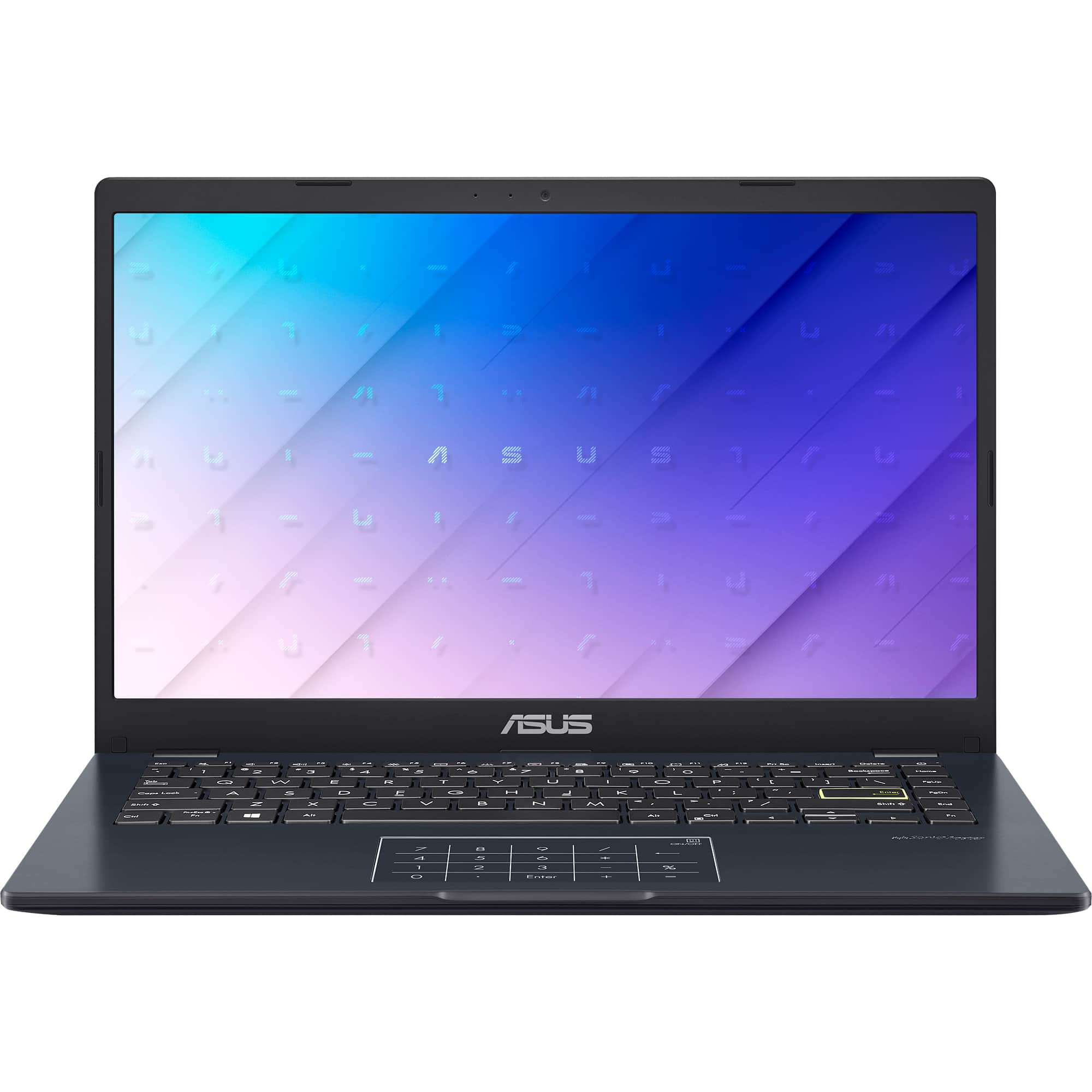
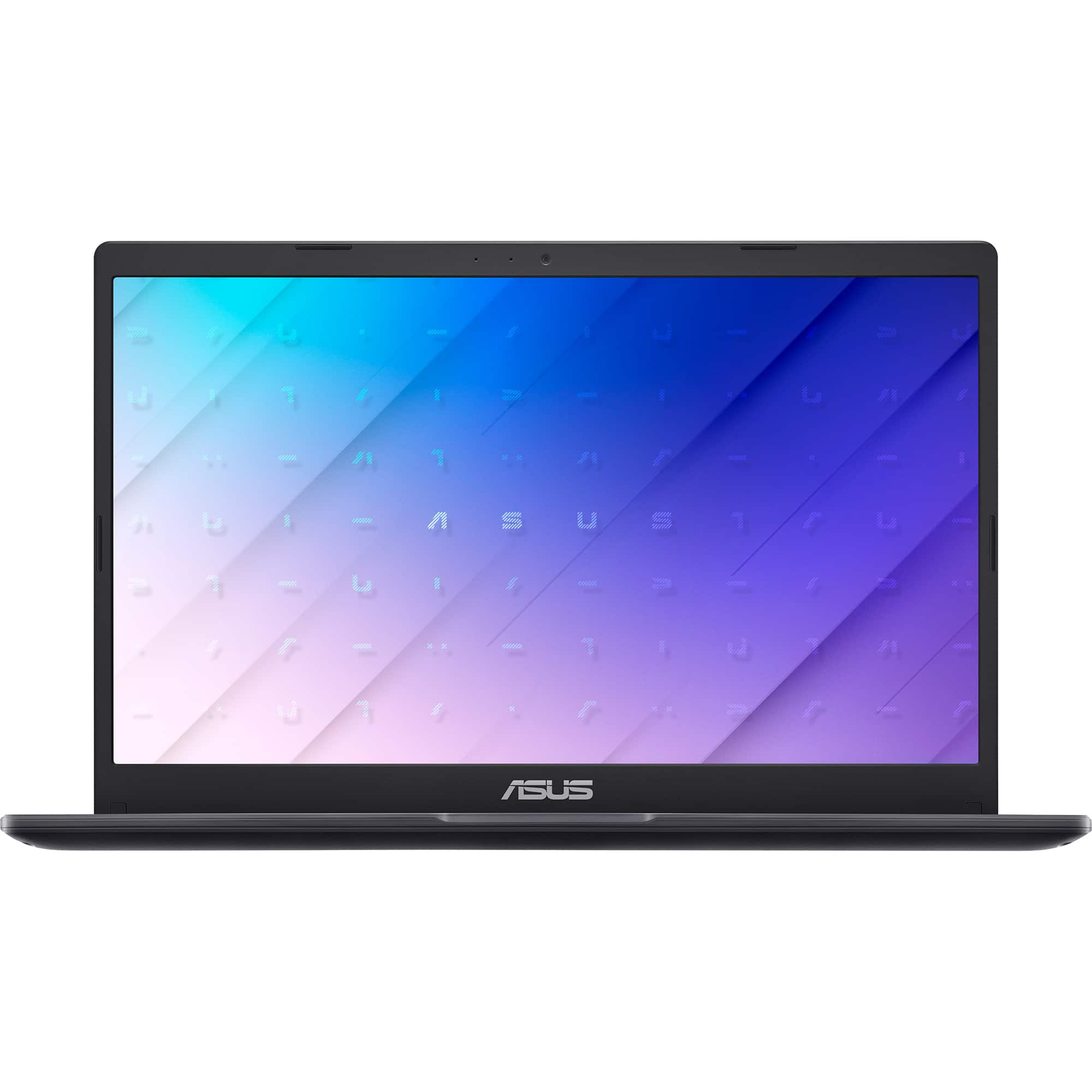
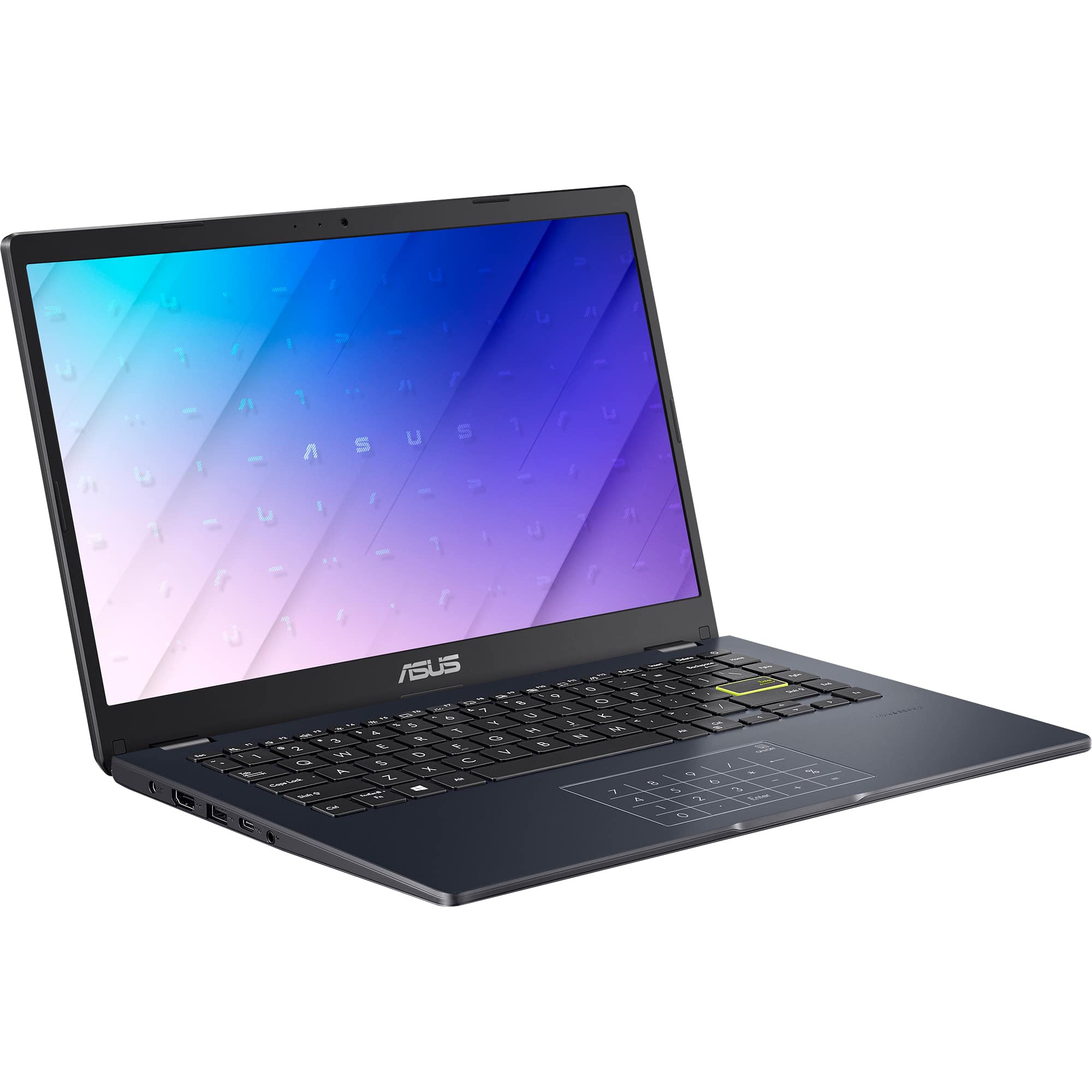
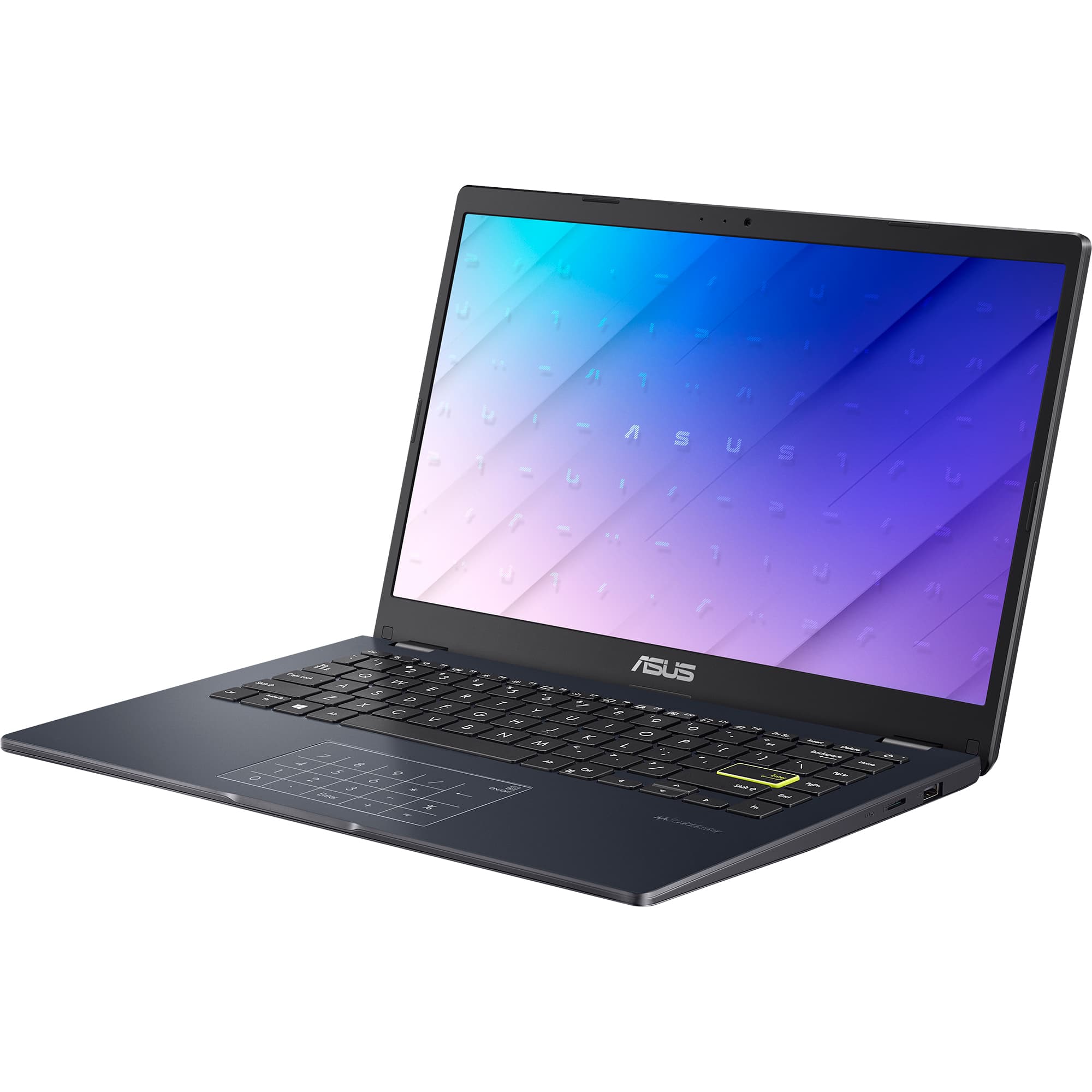
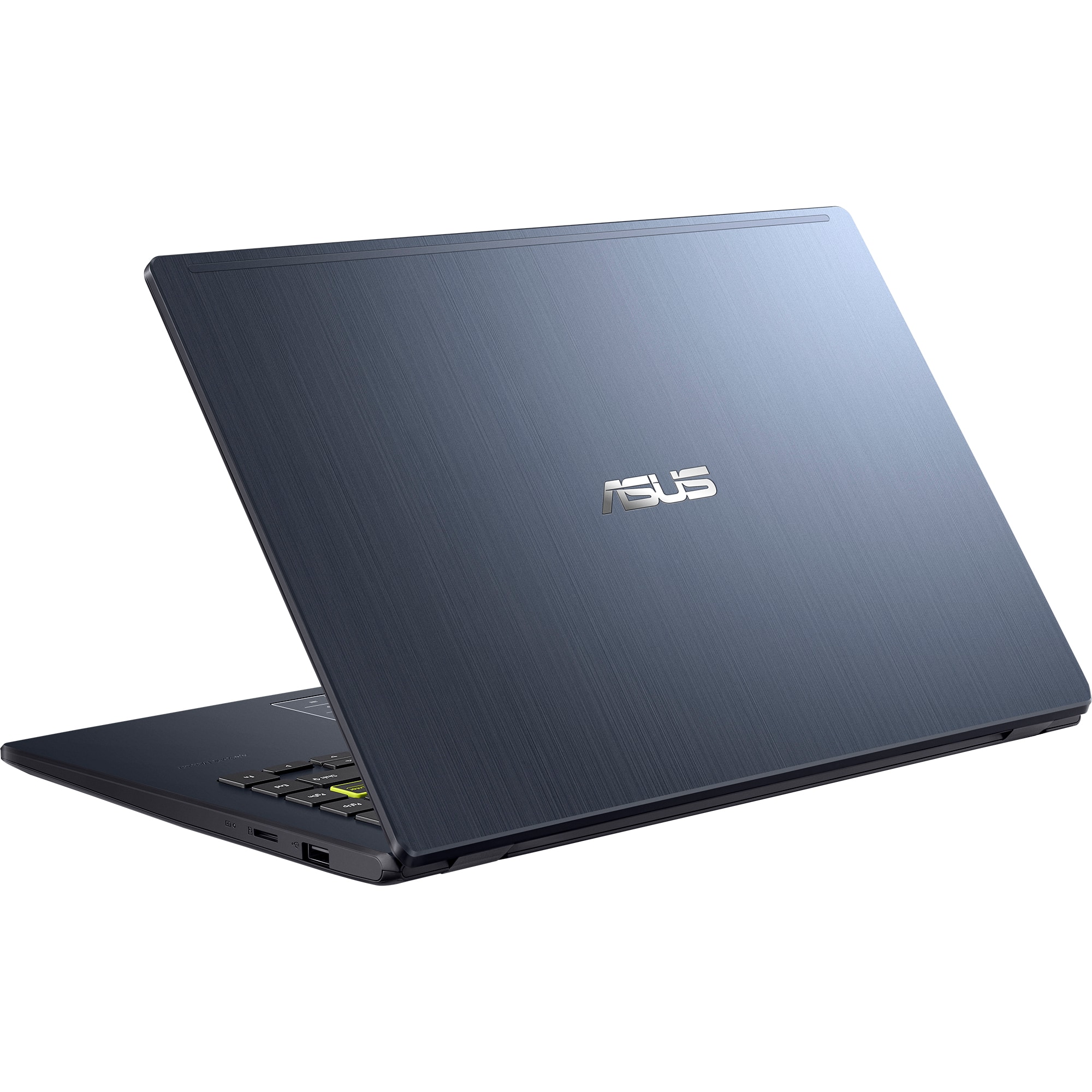
|Posted .This reviewer received promo considerations or sweepstakes entry for writing a review.I have to say, the design of this laptop is surprisingly nice for a laptop called “model E410KA-PM464.” (bleep boop) It's lightweight and portable, which is perfect for someone who needs to move around a lot. The lid is nice, making it look like a more expensive laptop. Plus, the hinge allows the screen to fold back 180 degrees, which is needed and adds to its ability to combat damage on the road. The plastic of the case is lighter duty and is appropriate for the value point ASUS is trying to make. Performance-wise, the Pentium N6000 processor paired with 4GB of RAM handles everyday tasks like web browsing, streaming, and word processing without much fuss. It's not a powerhouse, but for light use, it gets the job done. The difference between this one and the Celeron version is TWO MORE CORES to make 4 cores and 4 threads. Totally worth it. For web browsing in particular, you wouldn’t be able to tell between this and a more expensive laptop if your internet connection is strong. The 64GB eMMC storage is somewhat slow compared to the majority of NVMe SSDs, but is again appropriate for this level; It’s really not bad for most office productivity and I didn’t think I needed more power for these types of tasks. Youtube, Office 365, Google Docs... they all worked fine on this laptop. 4GB of RAM is super skinny for any real multitasking, however, so if you get this, you should keep the amount of open browser tabs contained or Chrome/Edge by itself will slow down a lot. The display is full HD, which is great for watching videos. It’s fairly good with decent color rendition. The Intel UHD graphics is well supported and can even play a few pixel based games. Viewing angles aren't the best, however. I think this is a TN panel. The keyboard is comfortable enough for typing sessions, and I appreciate the quirky yellow Enter key that makes it easy to spot. I wouldn’t mind seeing something like this again. One of my least favorite features is the trackpad that doubles as a number pad. It's a neat trick that saves space but I lost a lot of accuracy. I am a real 10 key typist, and just need the tactile of a real pad. Thank goodness for external ones. Unlike some of the other ASUS laptops with this feature, the number pad is printed on the trackpad, which can be annoying if you never intend to use the feature. Battery life is solid; I got through 6 hours of YouTube without needing to recharge If I did some battery management or lowered my screen brightness, I might have gone longer. Taking this to a coffee shop with no adapter is a very safe proposition. Overall, if you need an affordable laptop for simple tasks and portability is key, the ASUS E410KA-CL464 is worth it for the price. Just be prepared to manage your storage because 64G is skinny!
I would recommend this to a friend Thank you
||Posted . Owned for 2 weeks when reviewed.This reviewer received promo considerations or sweepstakes entry for writing a review.The best thing for me. Working on my diploma have to get my living together.
I would recommend this to a friendInexpensive but very slow.
||Posted . Owned for 3 weeks when reviewed.This reviewer received promo considerations or sweepstakes entry for writing a review.Inexpensive but very slow. It handles Office software reasonably well, although it lags a bit. Not for heavy use, but a good back-up machine.
No, I would not recommend this to a friendBrand response from ASUS Answers
Posted .Dear Mugsy,
We sincerely apologize for the slow performance issue you're experiencing with the notebook and for the inconvenience caused. To troubleshoot this issue, we recommend following the steps in the FAQ below. Should the issue persist, please contact our support team at https://www.asus.com/us/support/CallUs to further investigate the problem or assist with repairing the device.
We stand behind our products and continuously strive to improve our products and processes to achieve customer service excellence. For more information, email us at [email protected] and include the case number "N2206041107-0089" as a reference. We will do our best to resolve your case quickly. Your feedback is very important to us and enables us to improve our support channels. Thank you for choosing ASUS.
Best Regards,
Chantae
ASUS Customer Loyalty US Support
[Windows 11/10] Troubleshooting - System is running slowly - https://www.asus.com/support/faq/1042398/