Customer Ratings & Reviews

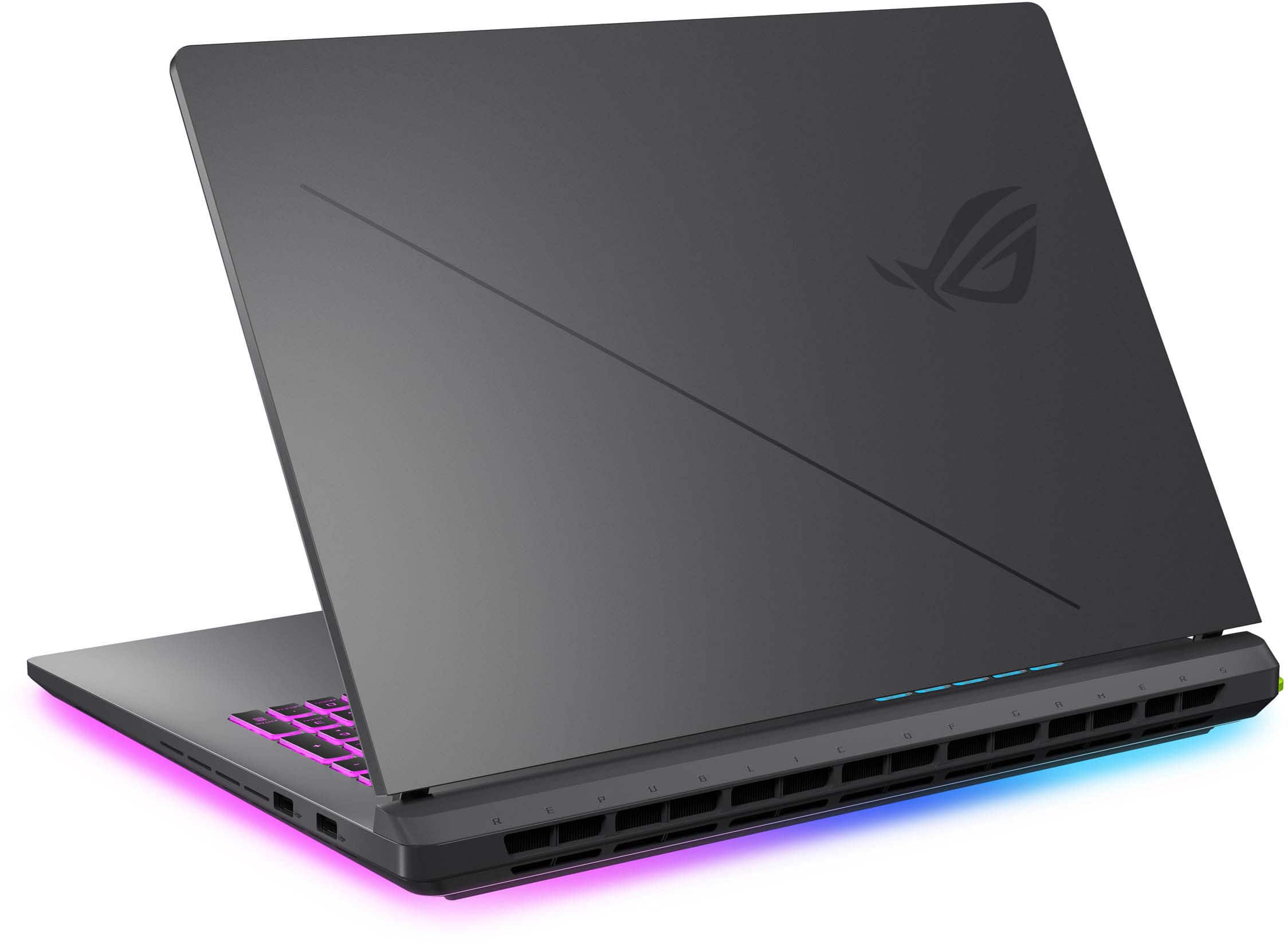












- Model:
- G815LW-G18.U95080
- SKU:
- 10936991
Rating by feature
- Battery Life
Rating 4.0 out of 5 stars
- Speed
Rating 4.8 out of 5 stars
- Display
Rating 4.6 out of 5 stars
Asus knocked it out of the park!
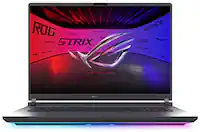
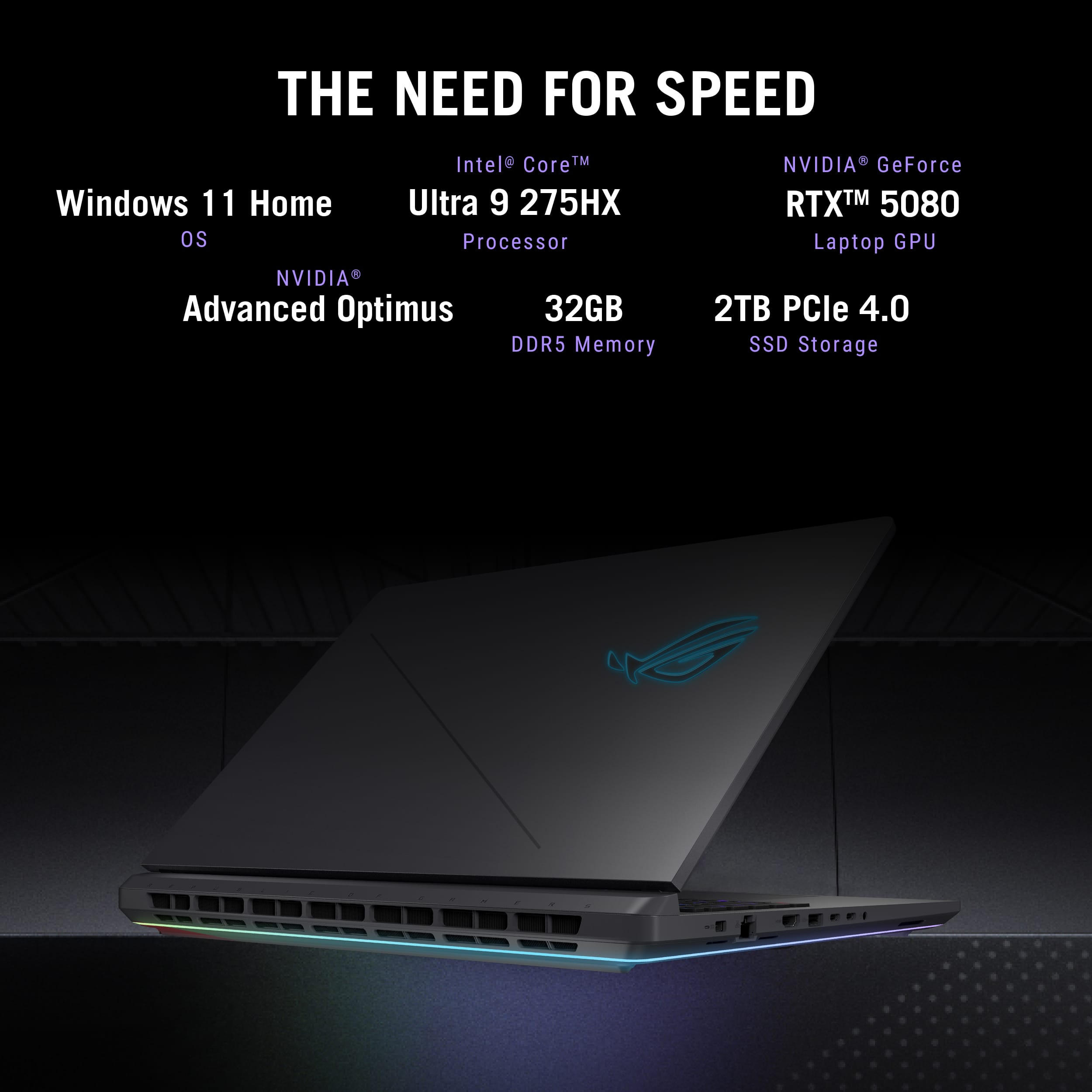
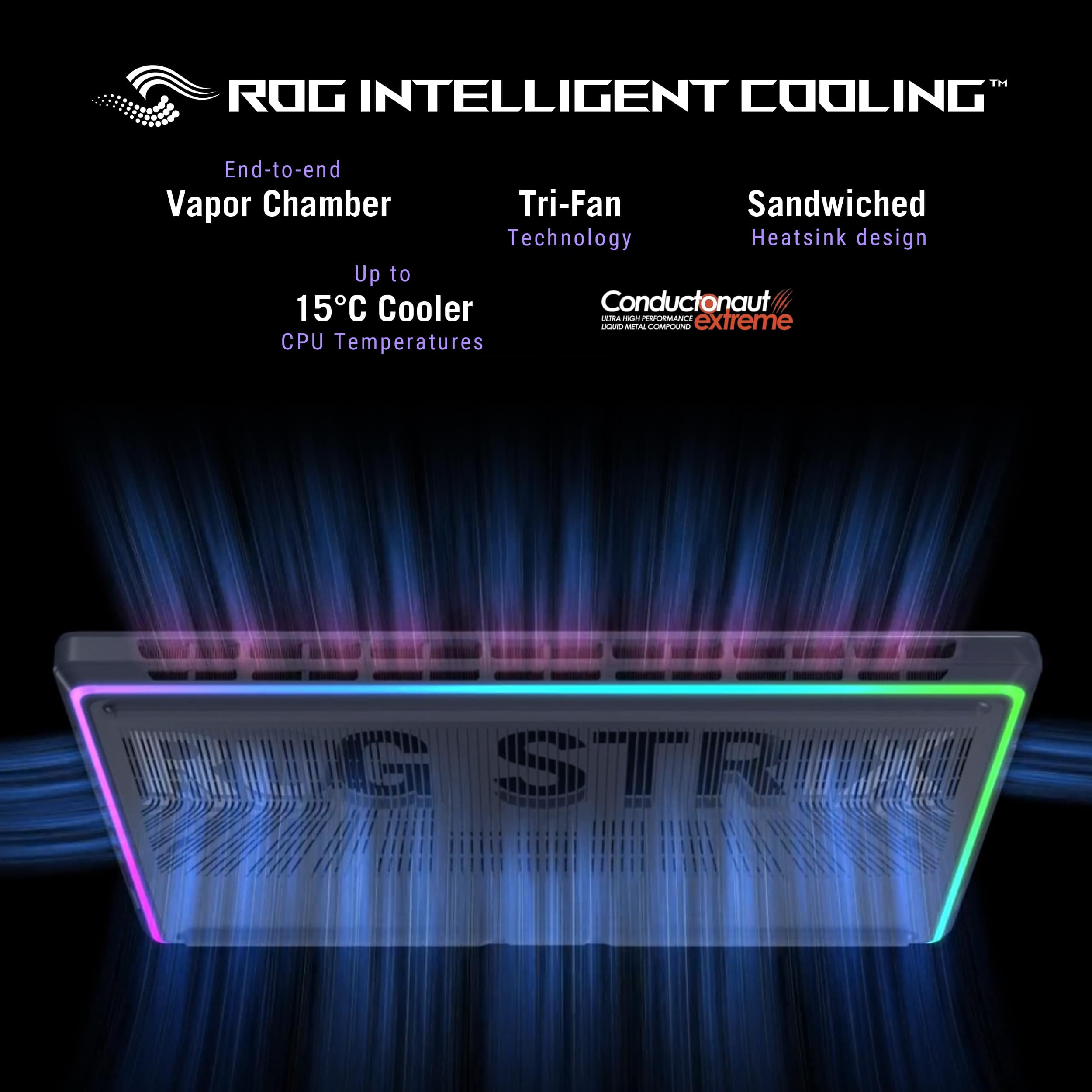
||Posted . Owned for 1 week when reviewed.This reviewer received promo considerations or sweepstakes entry for writing a review.The Asus Strix G18 is a game-changing laptop that seamlessly blends raw power with exceptional design, delivering a premium experience that’s perfect for both gamers and professionals. With the combination of the Intel Core Ultra 9 275HX CPU and the NVIDIA GeForce RTX 5080 GPU, this machine is nothing short of a powerhouse, ready to take on the most demanding tasks with ease. From a performance standpoint, the Core Ultra 9 275HX is a beast. Whether you're gaming, streaming, or working with resource-heavy applications like video editing software or 3D rendering programs, the CPU never falters. It powers through multi-core workloads effortlessly, offering an incredibly responsive and smooth experience for virtually anything you throw at it. The RTX 5080 GPU is where the magic truly happens, pushing the boundaries of what’s possible in portable gaming. The graphics are mind-blowing, with ultra-realistic textures and fluid, lifelike visuals even in the most graphically intensive games. This GPU makes every game feel like a cinematic masterpiece, with buttery smooth frame rates and stunning detail. It’s built for gamers who demand next-gen performance. But what really sets this laptop apart is its stunning 18-inch display. The screen is absolutely breathtaking—offering crisp, vibrant colors and a deep contrast that makes every image pop. One of the standout features is its lack of backlight bleed, a common issue in many high-performance laptops. Asus has gone above and beyond to ensure that you can enjoy the display at all times, whether you're working on intricate projects or diving into your favorite games, without distractions like uneven lighting or ghosting. It’s one of the best panels you’ll find in any laptop, offering an immersive experience for both work and play. Thermal management is another key strength of the Strix G18. Thanks to the advanced cooling system, the laptop stays cool even during the most intense gaming sessions or heavy multitasking. The performance never dips, and the system runs quietly, so you can focus on your work or game without interruption. Design-wise, the Asus Strix G18 looks as sleek and powerful as it performs. The build quality feels robust and premium, while the customizable RGB keyboard adds a touch of personal flair to your setup. Despite its powerhouse internals, the laptop remains surprisingly portable for its size, making it ideal for on-the-go users who still need all that power. Battery life is also solid, given the powerhouse specs, providing enough longevity for most tasks before needing a recharge. In conclusion, the Asus Strix G18 with its RTX 5080 GPU, Core Ultra 9 275HX CPU, and exceptional screen is an absolute dream machine for anyone who demands top-tier performance and stunning visuals. Whether you're gaming, creating content, or working with demanding software, this laptop offers everything you could possibly need. It’s a true testament to Asus’ commitment to delivering the best of the best—no compromises, just pure performance and an extraordinary visual experience.
I would recommend this to a friendGreat with a caveat.
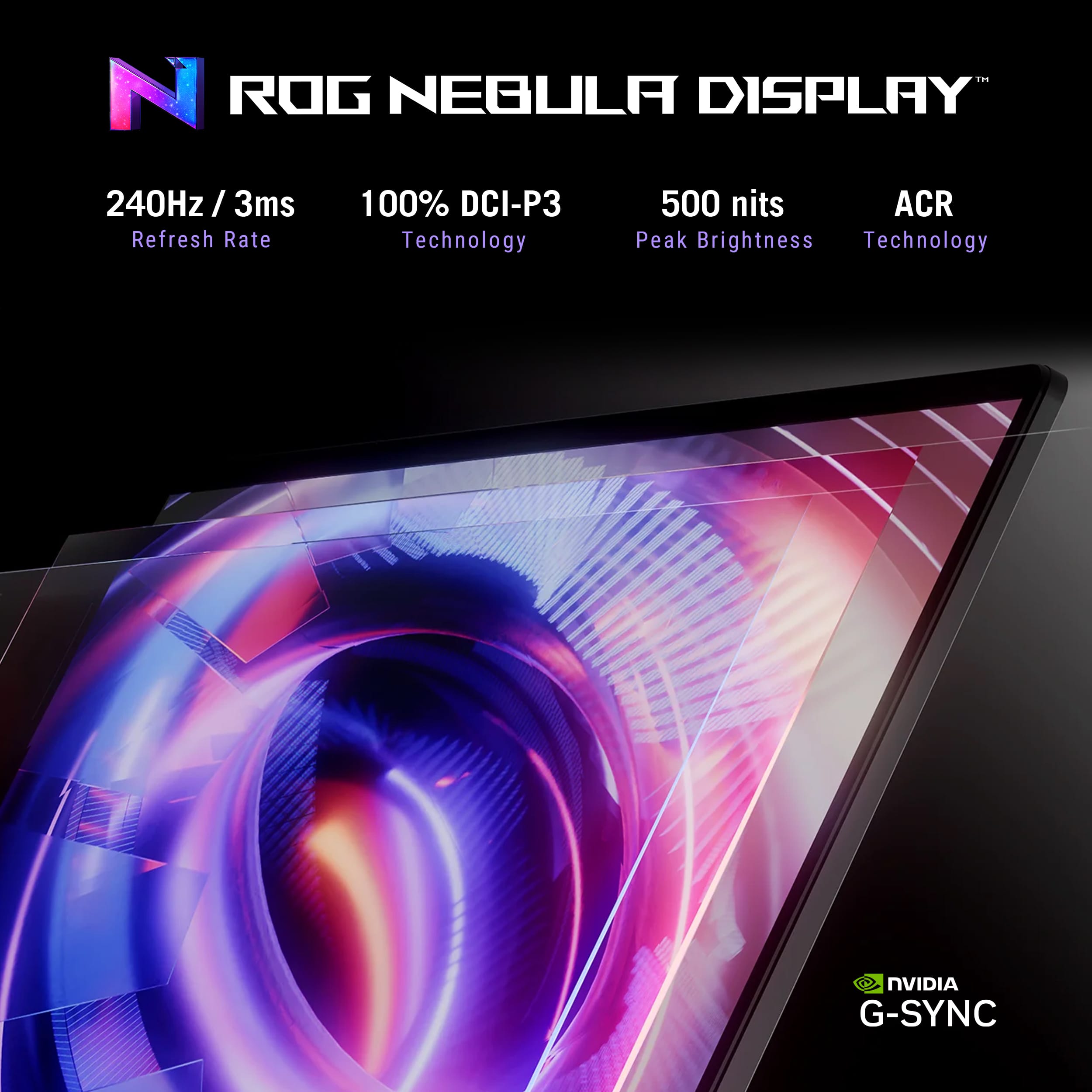
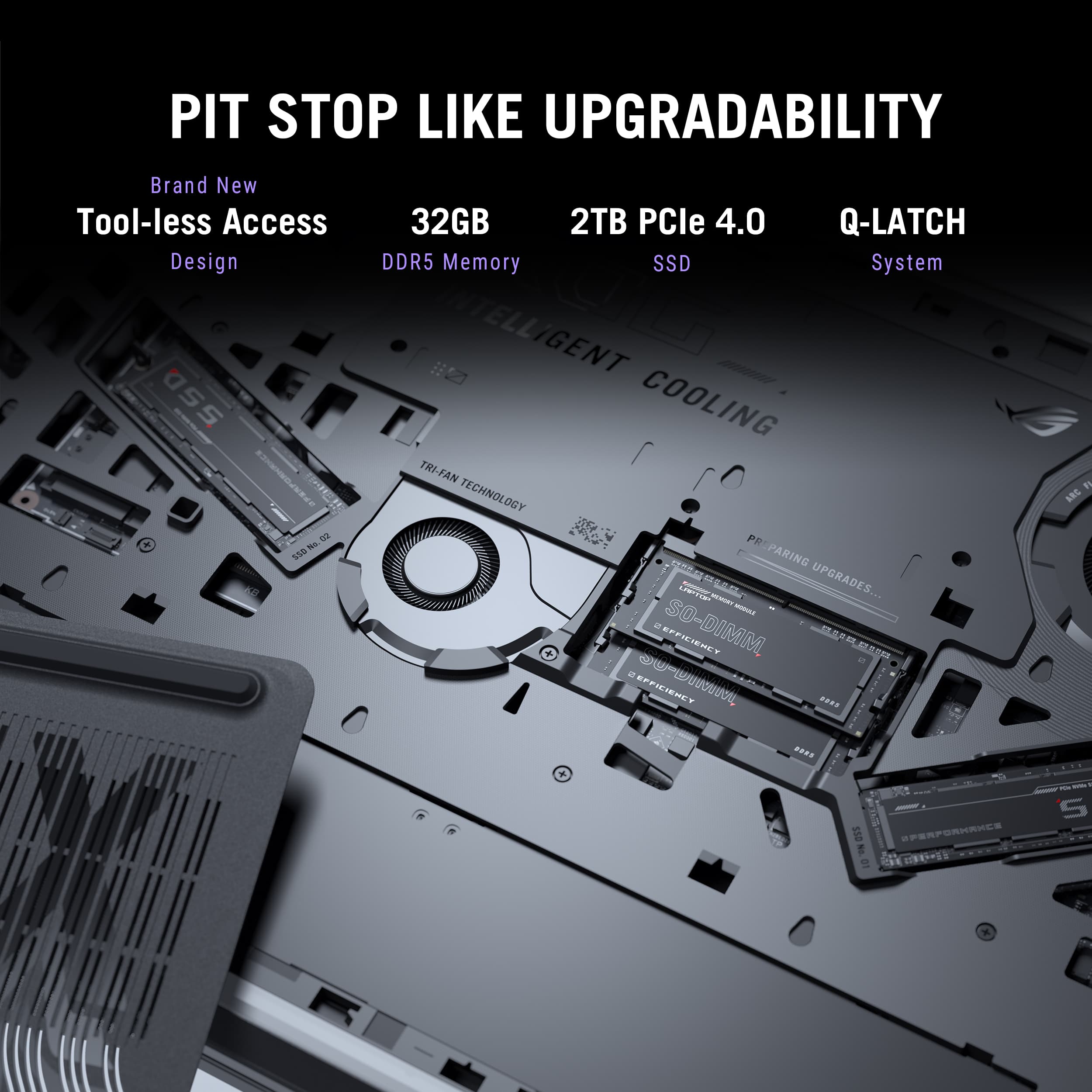
||Posted . Owned for 1 week when reviewed.This reviewer received promo considerations or sweepstakes entry for writing a review.Overall a great laptop. Great display, RTX 5080 w/16 GB VRAM. 32GB of system RAM. Not wild about the Intel 275HX processor, but it is almost the same performance wise as any AMD offerings. Pros: Great 240Hz display. Looks as good as my 3440x1440 OLED display for my desktop PC. RTX 5080 graphics card will run anything I throw at it (except some older titles, which is a common issue for Nvidia RTX chipsets). Intel 275HX processor runs good. Open m.2 slot Bottom removes without tools. M.2 tool less as well. Added a 4TB gen 3 m.2 drive in second slot. Works perfectly. This PCIe 3x4 drive came out of older laptop. Cons: Intel 275HX tends to run a little hot. Needs a very cooling pad to keep the temps low. Keeping the temps low help keep from thermal throttling. Uses a lot of power for a laptop. Power brick is 380 watts. IMHO 2TB storage is a bit low for most users now. Especially since a lot of games want 100 GB or more of storage. Processor is supposed to be capable of DDR5 6400, but ships with 5600. Major con (this is the caveat I mentioned in title). Automatically updates BIOS when available. The problem with the update is that the system locks up at ROG boot screen upon rebooting. Eventually it will go on past the logo screen. However it takes some patience since it usually requires shutting power off and leaving the system off for an hour or so. I had this happen twice so far. Both times took it to the Geek Squad desk. First time the tech did something that got it working. The second time it just finally booted to windows on its own. I was literally watching the technician and the screen to see what was happening. She didn’t touch anything except the power on button. I’m not unhappy about the purchase, but I wish ASUS would fix their UEFI bios updates. I replaced a 4+ year old Gigabyte Aorus with this unit. The old unit is on left with this G18 on the right. There is a huge difference in size and display quality.
I would recommend this to a friendA really solid performer but with some drawbacks
||Posted . Owned for 1 week when reviewed.This reviewer received promo considerations or sweepstakes entry for writing a review.I started my journey with this laptop a little week ago. Here are my overall thoughts on this “desktop replacement” The unboxing is quite the experience. This “laptop” is a massive beast and you go through a mix of emotions. Heavy and thick and the charging brick reminds you of exactly that, a brick! You instantly realize this is a unit you won’t be taking to Starbucks for a long writing session but you know this unit is about to blow you socks off when it comes to performance. It’s plastic but feels incredibly solid. Screen easily opens up and you are greeted with its ginormous Keybed and trackpad with not much flair other than some Rog branding that is tasteful. Once you fire it up you are greeted with a lovely intro and the RGB light show roars to life. The underglow would make bin diesel proud. Setup is the standard windows experience and a few hours of updates and restarts are a must before you can dive in. Once you go through all the updates it’s finally time to see what this bad boy can do. I’m a tinkerer and I am a sucker for tuning and running benchmarks. That cinebench 23 score is a sight to see. My 275hx after tuning is scoring 37633 which is just insane for a “laptop”. Gpu benchmarks left my jaw dropped. I watched 3 1/2 year old precious desktop build get destroyed over and over. This guy is not only shaped like a tank, but it’s an absolute beast under the hood. Gaming is an absolute dream hands down. This laptop PERFORMS! I instantly knew it was time to upgrade my unit with a fresh 4tb nvme. Opening the back of the laptop was insanely easy. Just slide a simply lever and the backside frees right up greeting you with 2 nvme bays (one is occupied) and upgradable ram slots. The nvme I installed took a bit of time because the built in plastic clip that turns to hold the drive down (no screw needed) and I was honestly scared I was going to snap it because it took a lot of force to turn by hand. After working it back and forth it feels like it probably should. Snug and holds the drive perfectly. Call me crazy but a simple tiny screw holding the drive down would have been easier at least on my unit. Keyboard and trackpad are excellent. This is no MacBook in build quality, but everything functions as it should and the trackpad is usable enough that I wasn’t instantly searching for my external mouse while navigating windows. Now on to the mid part of this laptop. Its screen has some light bleed in gray scenes but thankfully it’s not viewable in all content. Its colors are vibrant and really solid for an IPS panel. Just know this screen is definitely not going to win any awards. It’s perfect for gaming and accurate enough for content creation, but watching movies is going to be a letdown compared to what most of us have in our living rooms. This is a far cry from an OLED or mini LED but it is “good enough” The speakers are also not going to win any awards. They state it’s a 4 speaker system but the tweeters under the screen (small slits in the laptop hinge) on the front of the laptop don’t do much. You mainly hear the downward firing speakers and they are pretty midrange focused. Some dialing in via the Dolby access app solved some of these issues as I found the 500k and 2-4k ranges were boosted far too much and it caused ear fatigue with pretty much any content. Don’t be expecting much bass below 150hz. Everything is loud enough to hear over the fans when they ramp up, but headphones would definitely be ideal. Battery life is pretty much a joke but I guess it’s usable in a pinch. 3-4 hours doing light work with the GPU disabled. Maybe an hour in a light game with restricted settings. Short summary- Yes you are paying for the internals and they perform at a high level! Just be aware that there is some drawbacks to a device like this. Yes, it’s portable in theory, however I don’t see my unit being taken anywhere other than to a buddy’s house for a rare gaming session. This isn’t really travel friendly and the battery life isn’t great and that charging brick needs to be tethered. The screen and speakers and plastic build all work fine and are usable, but you realize these 3 areas are where the cutbacks happened. All in all if you plan to buy this unit, know what you are getting. This isn’t really a laptop. It’s definitely in the desktop replacement class and if you go into this unit understanding that then you will be happy. It’s a beast of a gaming pc and the specs and performance are enough to make your desktop collect dust. Final thoughts- wait for a sale if you can. Yes you get a lot for the msrp, but there are enough drawbacks that I don’t feel it’s worth it at full price when the market is saturated with several respectable competitors.
I would recommend this to a friendGreat Workstation for Design & Gaming
||Posted .This reviewer received promo considerations or sweepstakes entry for writing a review.Overall, from start to finish the set up and use has been incredible. I’ve been using this laptop for all my work programs and it handles everything without a hitch. Performance is smooth and reliable. Battery life is decent, but I wouldn’t recommend running heavy tasks unless you’re plugged in and using the main GPU. I tested it with RUST on a 600-player server, max settings, and it stayed at around 100 FPS. Since RUST is a CPU-heavy game, that’s pretty impressive, though your results may vary depending on the game or workload. The screen is sharp and clean, with no backlight bleed that I’ve noticed. The top metal surface feels really smooth and comfortable for typing. The touchpad is pretty sensitive, but I use an external mouse so it’s not an issue for me. This is a strong choice for anyone who needs a reliable work laptop that can also handle gaming. I’m confident it’ll stay solid for years to come.
I would recommend this to a friendThe Balanced Perspective Top-Tier Performance
||Posted . Owned for 2 weeks when reviewed.This reviewer received promo considerations or sweepstakes entry for writing a review.The ASUS ROG Strix G18 is an absolute juggernaut that redefines what I expect from a high-end gaming laptop. After putting it through its paces, it’s clear that this machine is built for those who refuse to compromise on performance. The Powerhouse Performance The combination of the Intel Core Ultra 9 HX and the NVIDIA GeForce RTX 5080 makes this laptop feel virtually bottomless in terms of power. Whether I’m diving into the latest AAA titles at max settings or handling intensive multitasking, the speed is breathtaking. It transitions between demanding applications with a fluidity that makes my workflow and gaming sessions feel effortless. Visuals and Ease of Use The 18" 2.5K 240Hz display is a showstopper. The graphics are crisp, vibrant, and incredibly smooth, providing an immersive experience that’s hard to find elsewhere. Despite the complex tech under the hood, the laptop is surprisingly intuitive and easy to use right out of the box. Key Strengths Unrivaled Speed: The 32GB of RAM and 2TB SSD ensure lightning-fast boot times and zero lag. Next-Gen Graphics: The RTX 5080 delivers stunning visuals and high frame rates consistently. Multitasking Beast: It handles professional workloads and gaming simultaneously without breaking a sweat. A Note on Portability If there is one trade-off for all this desktop-class power, it’s the physical footprint. The laptop itself has some significant heft, and when you add the substantial weight of the power supply, it’s certainly more of a "portable desktop" than a lightweight commuter. However, considering the sheer performance packed into this chassis, the extra weight is a small price to pay for the capabilities you get in return. Final Verdict If you are looking for a powerhouse that excels in speed, power, and graphical fidelity, the ASUS ROG Strix G18 is in a league of its own. It’s a premium investment that delivers a premium experience.
I would recommend this to a friendGood but had defective unit
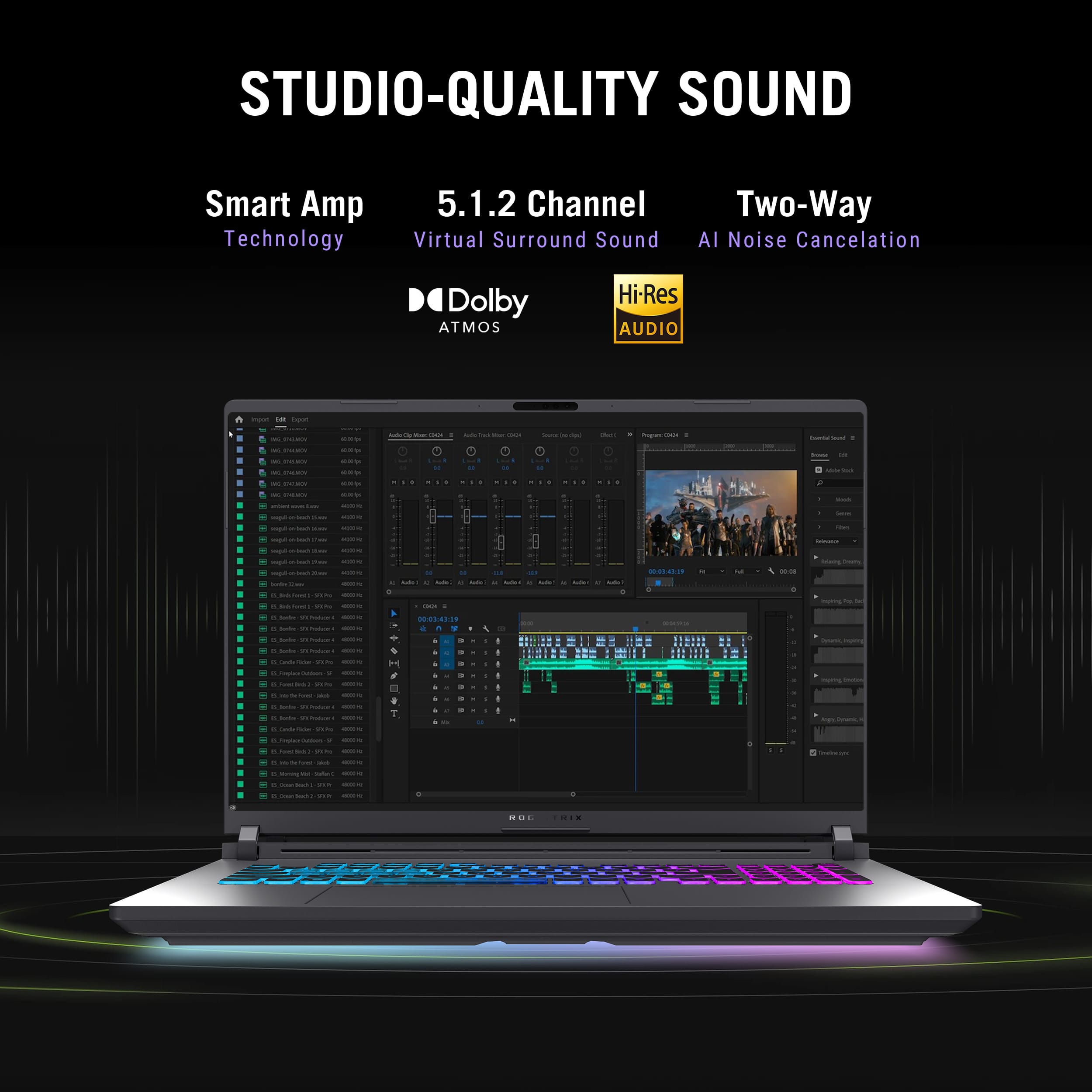
||Posted .This reviewer received promo considerations or sweepstakes entry for writing a review.I purchased this to replace my "Alienware - Area 51M R2 Laptop - FHD- 300Hz- Intel Core i7 - NVIDIA RTX 2070 SUPER, 32GB RAM" spec gaming laptop. Although it has a i7-10700K desktp CPU in it, it requires two power supplies and the main 360Watt is massive. So I was happy to see not only did this one have one single power supply, but it was smaller than the main power supply of my other laptop. I saw someone say they thought this power supply was massive but compared to the previous two Alienware laptops, this is a great size for the amount of power it provides. Setting this up for the first time out of box took about 45 minutes or so to get all the updates. There were mutiple bios updates from Asus as well. However those were painless as it was pretty much automatic. Other systems I'd have to put it on a USB to install it but the bios updates on this machine were as easy as a windows update. I did a lot of testing with Forza Motorsport, Forza Horizon 5, Ratchet and Clank, and many others. The LCD panel has amazing color accuracy. Sure, you don't get the dark blacks like an OLED or mini-LCD, but it is an excellent screen none-the-less. The ray-tracing worked well. As a casual gamer, I still haven't found the need for it but is definitly cool to see when you can crank it up and still have smooth performance. However, that is where the first issue came in. Although you can run high leel of ray tracing settings, I would get glitches in many games. I would say maybe once every 5 to 10 mintues my character in Ratchet and Clank for example would turn into a series of vertical lines briefly then return to normal. In Forza the exact same effect would happen on some trees in the distance. Not bad enough to return, but definitly not something you'd expect for the cost. I can have lower settings on the 2070 super notebook without those issues. The performance was great, the screen was great, and aside from a few glitches, I was happy. But then I tried to test VR games with a wired link using the thunderbolt ports with the Meta Quest 3. That's when I found any device I connect would only work in USB 2.0 compatiabilty mode. Therefore, it was too slow to play any PC VR games. I tried hooking up my thunderbolt USB-C NAS drive to it, and same thing happened; I could only get about 370mb/sec. When I went into the BIOS, there is a USB test feature. With the Quest 3 connected, it showed it supported USB 3.0 but was operating on USB 2.0. No matter what settings I adjusted in Windows for power, and any USB settings I could find, nothing I connected would operate higher than USB 2.0. When I went to support, they wanted me to send it in for an RMA. That shouldn't happen after less than 24 hours with the system. :) That is the primary reason I returned it. The other thing I didn't like, but not a resason to return it, was the RGB keyboard. There is not really a plain white solution. It has a blue hue to it which doesn't show up in the photo. The WASD area and space bar I think they tried to make unique from the other keys but to me just looks odd. My alienware laptop has a per key RGB and has a clean white if you so choose. I mostly had the RGB off except for the off-white keyboard to see in the dark but even that, if you reboot or do anything, it lights up like a christmas tree with the rainbow effect which would be nice to keep off if you have them off in the settings all the time. Overall for the price, I think it's good. It's about $600 more than the last Alienware laptop I got when it was new. You can order a custom build to this on Dell and is still a few hundred dollars more so I think if you're ok with the keyboard RGB limitations and don't have a defective unit, this laptop has a lot of potential. I think though this may be one of those things where eveyrthing is still new and may be better waiting until a 5080ti type model comes out.
No, I would not recommend this to a friendBrand response from ASUS Answers
Posted .Dear VOiPTeK,
Thank you for your comment.
We appreciate your feedback. Information coming from valuable customers, like you, will help us improve our future product offering and services. Should you need further assistance with the product, please email me at [email protected] and I would be more than happy to help. Or you are most welcome to call Product Support Hotline at: 1(888) 678-3688. Also, you can chat with an ASUS live support agent from the link: https://www.asus.com/us/support/article/1135/.
Thank you for choosing an ASUS product.
Regards,
Rodel
ASUS Customer Loyalty
My ASUS - ROG Strix G18 is a Photoshop powerhouse
||Posted . Owned for 2 weeks when reviewed.This reviewer received promo considerations or sweepstakes entry for writing a review.I purchased my ASUS - ROG Strix G18 at Best Buy after reviewing a few laptops as candidates suited for speeding up Photoshop editing of photos and videos. The ASUS G18 offered unusual technical muscles for that role and the 18 inch screen promised to provide a terrific view on work. I'm not a gamer, so had hesitated to pay for flashy features I do not use, but the core strengths of this machine have proven it to be the top choice. I have been impressed, now that I'm putting it to full use, with how it goes beyond expectations. I feel it is cutting my Photoshop machine wait time in half.
I would recommend this to a friendGood performance, but screen and keyboard could be
||Posted . Owned for 2 weeks when reviewed.This reviewer received promo considerations or sweepstakes entry for writing a review.ASUS ROG Strix is a fast and capable gaming laptop, but the display is too dim, especially in dark scenes in games. The transparent keycaps make it hard to see the letters at night, and the sound is just average. It also lacks a fingerprint reader and a card reader. For me, it didn’t fully meet my needs, especially compared to the Strix SCAR, which has a brighter screen, better keyboard, and overall more comfortable experience. Still, performance is solid, and it may work well for others.
No, I would not recommend this to a friendGreat Powerful Laptop
||Posted . Owned for 3 weeks when reviewed.This reviewer received promo considerations or sweepstakes entry for writing a review.I usually go with the Asus ROG series, because it can handle intense computing tasks. Yes it's great for graphically demanding games, though I use it for seamless video editing. Even though I upgrade the local drive and RAM, this machine can handle heavy processing tasks. Just like any other laptop used for heavy usage, I will advise in getting a proper cooling mat/tray.
I would recommend this to a friendPowerful Gaming Laptop with Minor Bluetooth Issue
||Posted .This reviewer received promo considerations or sweepstakes entry for writing a review.The ASUS ROG Strix G18 is an absolute beast — stunning 18” 240Hz display, blazing-fast performance with the RTX 5080, and plenty of storage. Games run smoothly, and overall build quality is excellent. The only downside I noticed is when using Bluetooth: sometimes the screen freezes for 1–2 seconds and the mouse cursor becomes unresponsive. Aside from that, everything works great and I’m very satisfied! ✅
I would recommend this to a friendSolid gaming laptop.
||Posted . Owned for 2 weeks when reviewed.This reviewer received promo considerations or sweepstakes entry for writing a review.Managed to scoop one of these open box for 1800 in the condition I got best buy premium for a year and man what an insane deal this one. Really happy with my new toy <3
I would recommend this to a friendExcellent performance and great value
||Posted . Owned for 1 month when reviewed.This reviewer received promo considerations or sweepstakes entry for writing a review.This laptop works very well and runs smoothly. The performance is fast for daily use, and the screen is clear and comfortable. The battery life is good, and the design is simple and easy to carry. Overall, I'm satisfied with my purchase and would recommend it.
I would recommend this to a friend
Great specs, and very good performance.
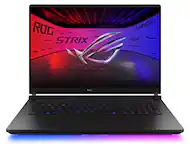
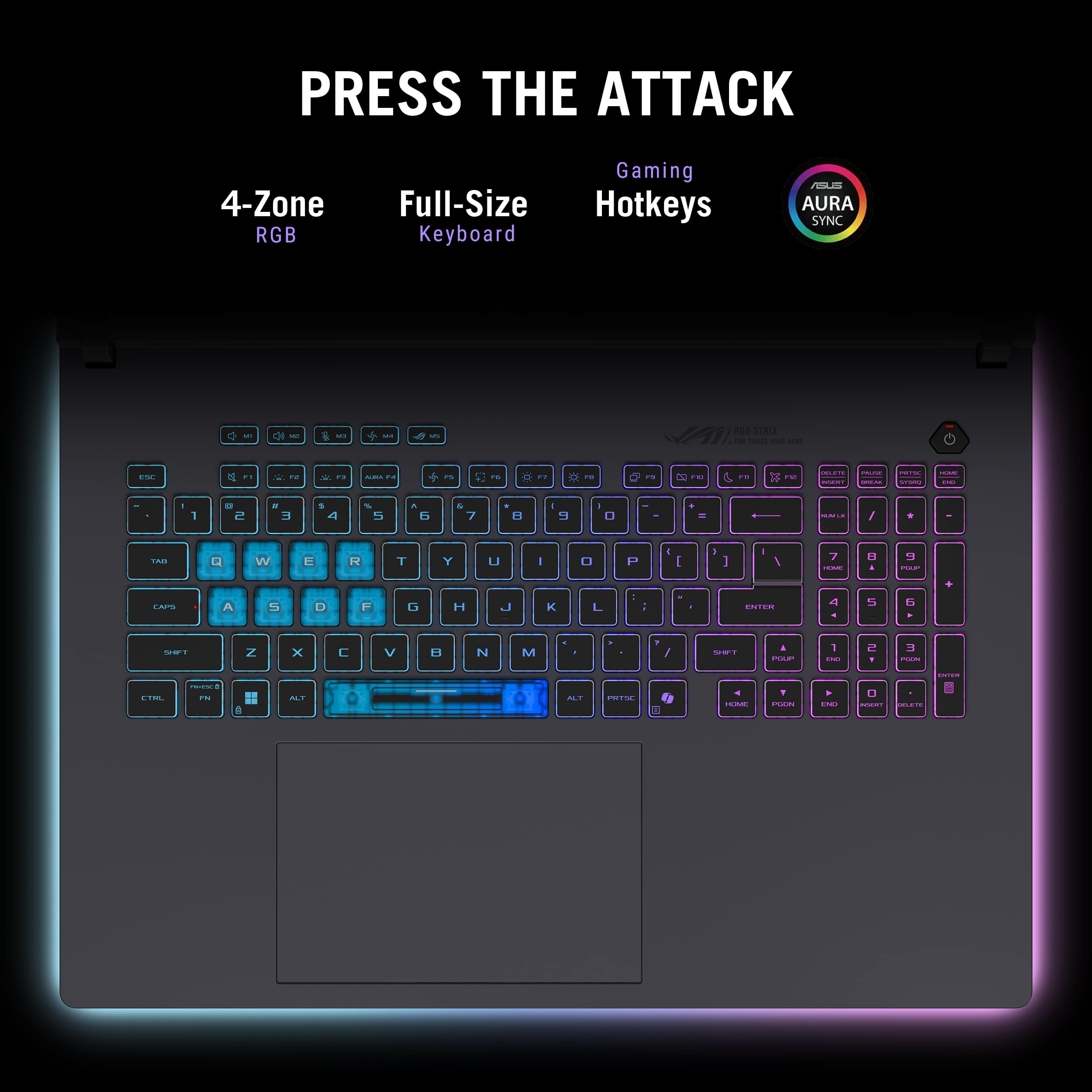
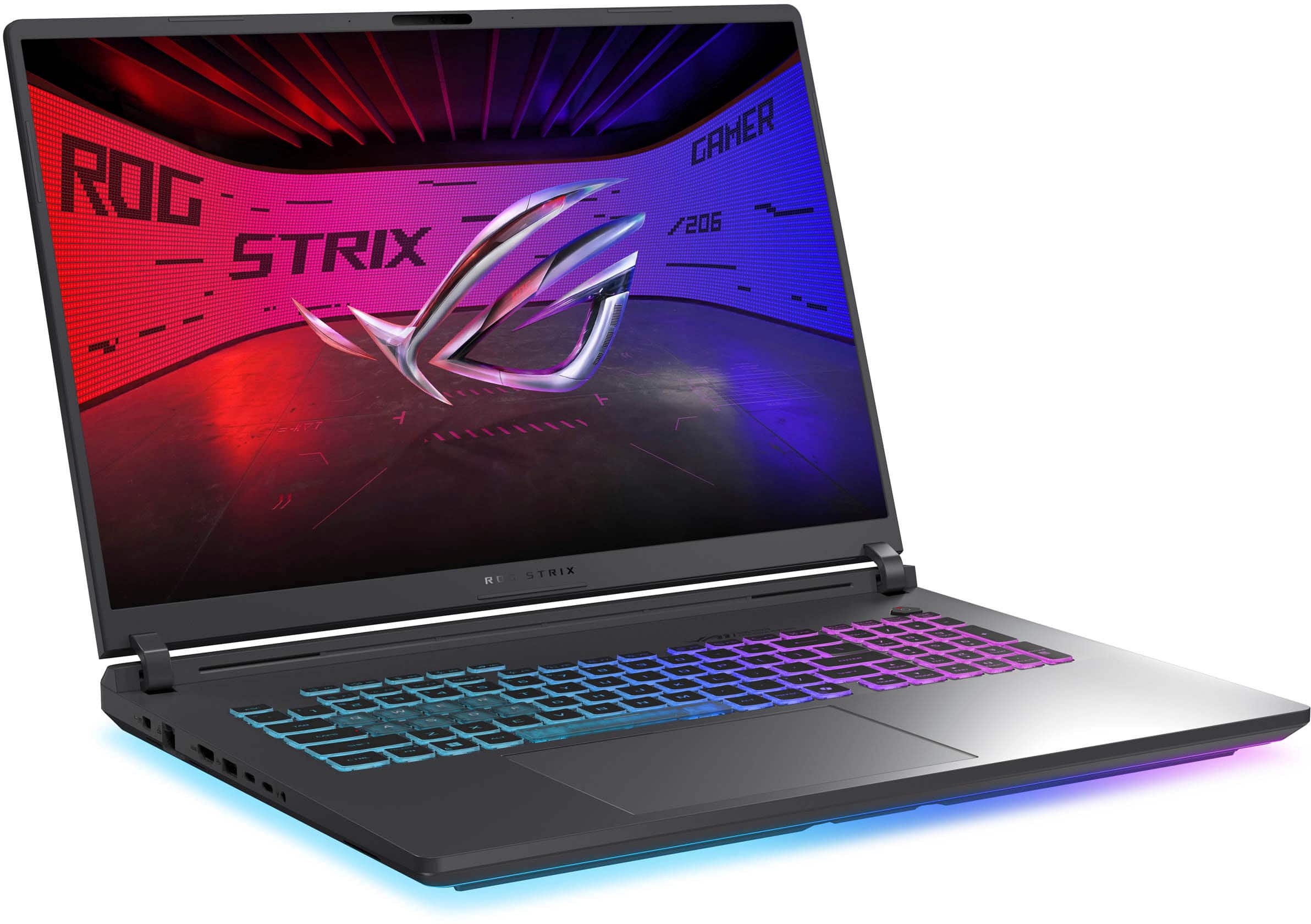
|Posted .This reviewer received promo considerations or sweepstakes entry for writing a review.Great specs, and very good performance. Build / Screen: While the build is not terrible by any means, it’s mostly plastic with exception of the lid/back of the display). I personally like the way it looks overall, especially that the back looks a bit more like the Asus ROG Zephyrus line of laptops. It has a really cool LED strip all around the bottom, which looks really nice in a dark room, and it can be customized so you can shut it all off. The hinges on the screen are for me the most critical in the build quality and thankfully this seems to be very sturdy. While I am not totally in love with the plastic parts on the laptop, at least it doesn’t pick up fingerprints on it as much as you would think. I don’t notice them much where I touch the body. This is an 18” screen, but keep in mind this is only an 8-bit panel. My unit didn’t have much backlight bleed. It had some, however it was very minimal, as is the case with virtually all LED IPS screens that are not OLED, and it does get pretty bright for me, but I wish the contrast were a lot more given the cost of this machine. Granted, those are also 16” screens and not 18”. I have this laptop generally set up with a large OLED screen for playing games, and it is great on that screen, and you can still push the resolution to 2.5k and not full 4K to save on performance. I do really wish it had at least a micro-LED screen or at least a 10-bit panel for better color display handling for times when I do want to play directly on the laptop display itself. What the display does do very well is provide a great sweet spot for a laptop screen of this size, 2560 x 1600, and a 240hz screen (which comes in very handy as this video card can do “Frame Generation” - more on that later. Keyboard and trackpad The keyboard is pretty good, it feels pretty nice to type on, very little flex on the front. However I personally do not care so much for the transparent “ghost” keys on the ‘QWER ASDF’ and space bar. It is very subjective I know, but I truly would have preferred the same key caps like the rest of the keyboard. You also get a full sized keyboard layout, with a num pad! This is great for me, as I use 3D software where this is critical for me and my workflow, with so many shortcuts for different software I use tied to a NUM pad specifically. The RGB lighting can all be controlled inside the Armory Crate software. Armory Crate will also let you customize the light bar that runs all along the bottom of the laptop too, including turning it all off. I really like the trackpad, I don’t think it is glass, but it is pretty big and responsive to left and right clicks. Upgrading - this is crazy how easy it is. A new introduction to the world of laptops is how easy it is to access the internals. Just shut the laptop off, close the screen lid and flip it over. You need ZERO tools! There is a latch, and you can then just take the bottom cover off, where you have access to the SSD slots, there are two, and one is already populated. The other will take a standard 2280 SSD. You also have access to the 2 RAM slots where you can pull the two sticks out and upgrade to more than the included 32GB of RAM size. While most other gaming laptops aren’t that hard to upgrade depending on the model, there is always a bit of a risk with disconnecting the battery from the motherboard, and things that can be a little tricky for some people to do. The latch system seems to actually block the battery power once it is removed so you can’t short anything out on the system (the reason you need to disconnect the battery when upgrading other laptops). Processor - plenty fast - even for content creation The processor is really great on this machine, it is an Intel Ultra 9 275HX, and chewed through a whole bunch of apps I threw at it. Luckily, what does seem to be a whole lot better with this G18 laptop is power efficiency compared to last generation intel chips. It seems to run faster while draining less power, which is good, as it means you can divert more of that power to the GPU. It is definitely faster than my previous laptop, however it is not leaps and bounds faster. GPU - RTX 5080 laptop GPU - this laptop can run this GPU up to 175 watts the max amount NVIDIA will let manufacturers go in a laptop. This is the meat and potatoes for most games, and yes, it runs most games I have tried great. Nvidia finally got most of their driver issues with all the new RTX 5080 series in the last week and half of me writing this, and I had no issues after that last driver update so far. The great thing with having a “larger” sized laptop, is that Asus is able to throw more wattage to both the GPU/CPU because there is more room for cooling in laptops of this size. Of course that comes at the cost of having something that isn’t quite as portable, but I think if you are buying an 18 inch laptop, you mostly are going to have it in one place most of the time. Now here is the thing with this laptop's GPU. While it is really good for a full powered laptop GPU @ 175watts, it isn’t leaps and bounds over my RTX 4080 laptop that also ran at full wattage in 2023. At least that is, not until you turn on some of the new features the RTX 5080 can do that the 4080 could not, and that is frame generation! Yes, it works! On Cyberpunk 2077 with their latest patch and the newest NVIDIA drivers, it definitely looks great, but cranking it up too far, and it introduces a bit too much latency for me. I was a bit on the fence about frame generation, but it really does help, as long as you don’t over-crank settings. You want to at least get your game running at 40-50fps so it has a decent frame rate to begin with so that the DLSS and Frame Generation can have a good source to work from. And the screen is G-Sync compatible, so if your frame rates in games vary up and down you will not get screen tearing, which is a great thing to have on the display. Speakers They sound pretty good for a laptop, but if you are gaming, you are going to want to use headphones, as the fans get loud under heavy load. In fact, I am glad those fans kick in that loud, it keeps your system running cool. That is the price you kind of have to pay for having a system with this much wattage and performance, it needs to be cooled off. Portability Look, this is a big and fairly heavy laptop. It is 18” and it is pretty heavy, especially if you have to carry the charger with you. However if you don’t need it to carry around everyday, and just need to move it around your home you will be good. I would even be ok with taking it here and there on occasion, just not daily. This is not the kind of laptop you want to have on your back everyday. Overall This is a great spec laptop if you need this large of a screen. My only issue with it is that for the asking price I wish it had a better quality display with at least a 10 bit display panel. Luckily it is 240hz and G-Sync compatible. I am only not giving it a full five star rating because of the display. Otherwise, this is a nearly perfect machine, especially if you are coming from any gaming laptop older than 2 years ago, the RTX 30XX based NVIDIA series GPUs, this will be a MAJOR upgrade.
I would recommend this to a friendPower house but mine came with QC issue
||Posted .This reviewer received promo considerations or sweepstakes entry for writing a review.Honestly this is an amazing laptop with amazing specs. Runs everything you throw at it with max settings!! Keyboard felt good, display was good all well rounded. Unfortunately mine came with a design flaw where the wrist rest area was sharp and cutting into my arm. I wish I could’ve kept it but having QC issues like that is unacceptable at this price point.
No, I would not recommend this to a friendBrand response from ASUS Answers
Posted .Dear David,
It's our sincere regret to hear that you received a defective product, and we apologize for any inconvenience this may have caused you. This is not the quality of products we aim to provide. If you are still within the return window, we recommend contacting the place of purchase for an exchange or return. Please rest assured that if you cannot gain resolution when contacting the place of purchase, we will be glad to provide further assistance.
We do stand behind our products and continuously strive to improve our products and processes to achieve customer service excellence. For more information, email us at [email protected] and include the case number "N2504022227-0004" as a reference. We will do our best to resolve your case quickly. Your feedback is important to us and enables us to improve our support channels. Thank you for choosing ASUS.
Best Regards,
Chantae
ASUS Customer Loyalty US Support
Open box perfection
||Posted . Owned for 3 weeks when reviewed.This reviewer received promo considerations or sweepstakes entry for writing a review.Got this laptop as open box still in mint condition a few weeks ago. Rtx 5080 plays everything no problem. 18" big bright screen. Won't overheat even under heavy loads. Perfection.
I would recommend this to a friendAsus Power
||Posted . Owned for 1 week when reviewed.This reviewer received promo considerations or sweepstakes entry for writing a review.Very nice upgrade from my old laptop! Love it!
I would recommend this to a friendGamer excellent
||Posted . Owned for 3 weeks when reviewed.This reviewer received promo considerations or sweepstakes entry for writing a review.Excellent laptop for design and gamer work, fast and good storage space, practical to transport and use
I would recommend this to a friendGreat so far
||Posted .This reviewer received promo considerations or sweepstakes entry for writing a review.So far I really like the speed and the video capabilities. I am using it music and video editing. I do wish the keyboard had better lighting.
I would recommend this to a friendI Gotta Say….
||Posted . Owned for 2 weeks when reviewed.This reviewer received promo considerations or sweepstakes entry for writing a review.First thing I want to point out, overheating does not happen. When I was using it for video editing and gaming, it only went up to 50-65c. The cooling fans actually help a lot. Second, glitching, coil whine, BIOS update failure, etc. None of that exist in the product. It is actually pretty useful, just using it make me forget the time of days. However the only thing I hope is that if it has an RGB logos at the back monitor, that would be the best design. Doesn’t have to be like Scars.
I would recommend this to a friendThe Gozilla of gaming laptops
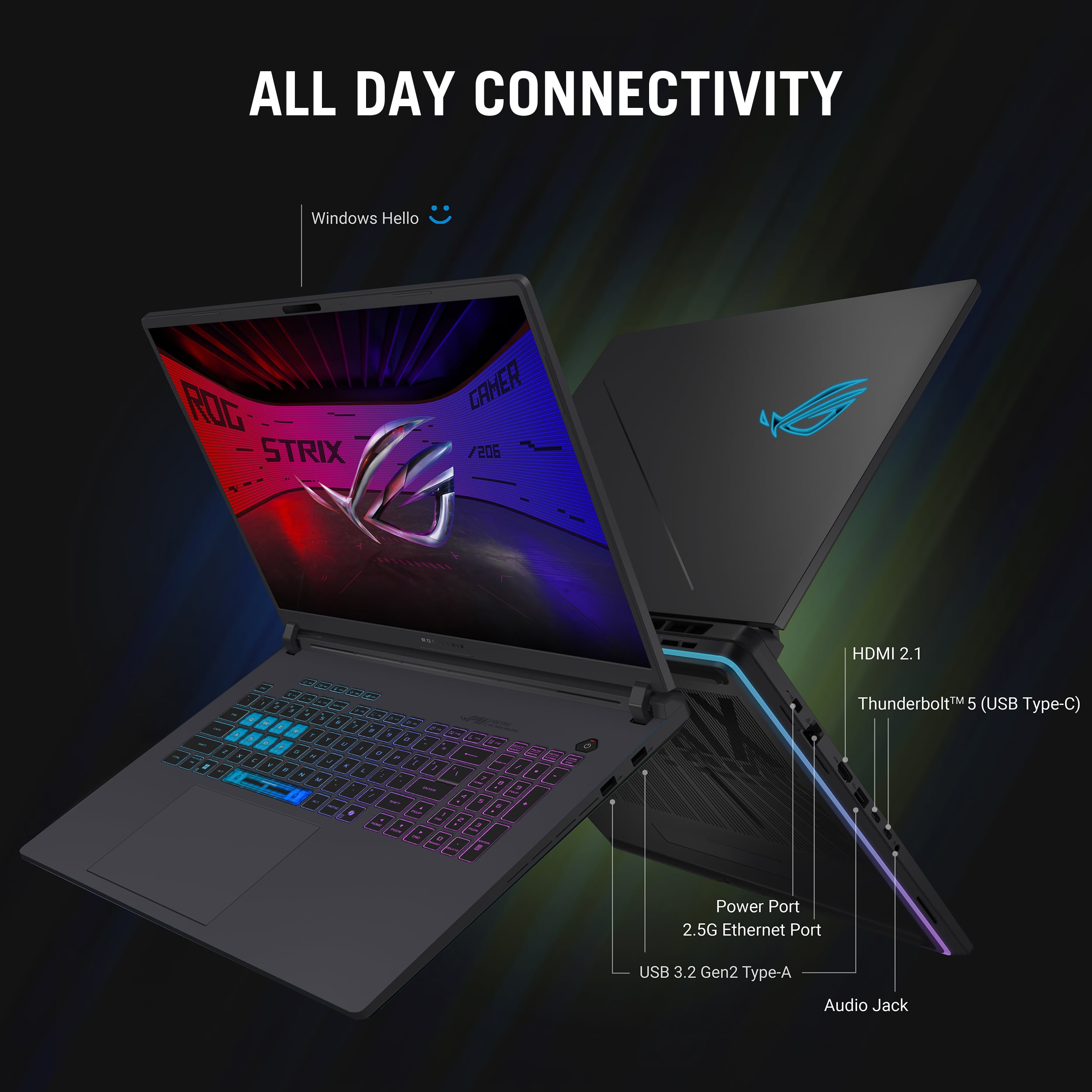
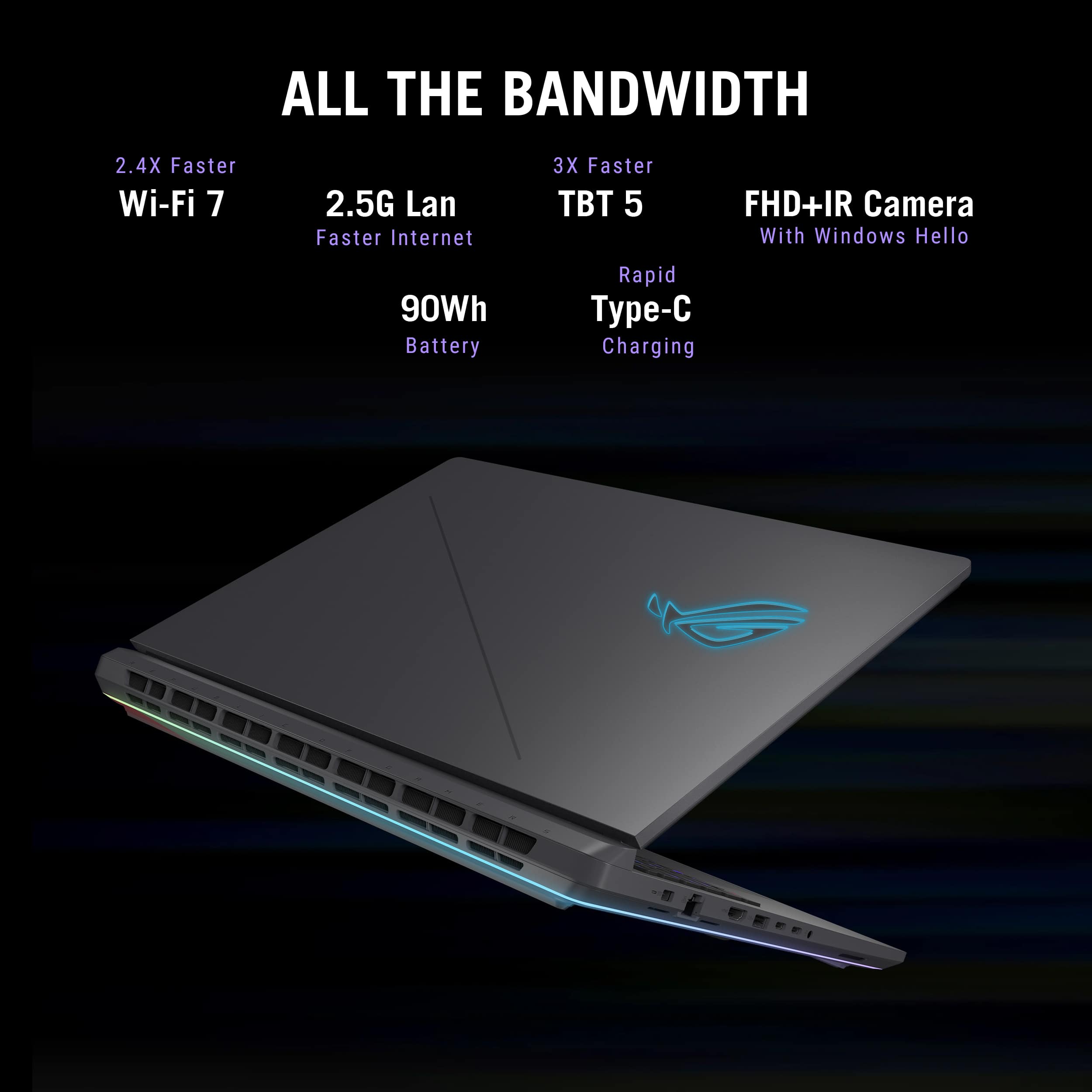
|Posted .This reviewer received promo considerations or sweepstakes entry for writing a review.ASUS and their Republic of Gamers (ROG) line of gaming PCs continues a great run in 2025. This year I acquired the new Strix G18 gaming laptop. Physically this is like a boat anchor, there is no effort to make this lightweight or portable. Sure, if you are going to a meetup or a friend’s house then you can throw this in a well-protected backpack and take it with you. Don’t forget the power supply, yea this thing has a battery – but you don’t want to rely on it. Ergonomically the Strix G18 is substantial, weighing in at over 7lbs, all in a plastic case. Although the case is well designed it almost screams for a more premium chassis to match the class of components in this system. A supple keyboard with keypad, lighting the gaming keys and spacebar with a large trackpad. There are dedicated keys for volume up, volume down, mute, power and a button to invoke the Armoury Crate software. Armoury Crate is ASUS’ software which provides you with deep insight and tuning abilities primarily with a CPU and GPU focus. Several preset modes are provided to keep all the performance related black magic behind the scenes. Performance profiles include Windows, Silent, Performance, Turbo (AC Powered only) and a Manual preset. Be aware of some the enhanced performance modes overclock the CPU/GPU and can really raise the temperature testing the limits of cooling on this system, the fans will definitely scroll up with high GPU and CPU utilization. In any case the 18 inch 2.5k IPS ‘Non’ touch IPS screen with a 16:10 aspect radio. The display is bright with some bleed through in dark scenes, but this screen will light up the room if necessary. The NVIDIA RTX 5080 GPU w/16GB of GDDR7 memory is the star of the show here, this model is paired with an Intel Core Ultra 9 Series 2 CPU, this is a pair made in heaven as this notebook performs. The CPU cruises normally at about 2.7GHz it will amp up to 5.1GHz, blazing those 8 performance centered cores with 16 efficient cores. Of course, this calls for some advanced temperature cooling and ASUS uses Tri fan technology matched with something branded as “Conductonaut Extreme” (which sounds like a metal band). I will avoid diving too deeply into gaming performance, I only play a few games, but those I do play including ACE Combat 7 and the more demanding Starfield, looked silky smooth with no dropped frames or glitches. I maxed out at about 80fps on Starfield @ 4k. In general this system performed flawlessly with high frame rate games. Although the Nvidia 5080 GPU really shines performance wise, I had some issues with the latest Nvidia Studio drivers and had to revert back to a version which was on the ASUS support site. This is the second instance of installing drivers from the Nvidia app caused stability issues (in this case external monitors not waking from sleep mode or Windows Hello responding). So as always is the case with video drivers, they evolve and improve, so looking forward to a newer stable version of those drivers so I can move to a normal update channel from Nvidia. Ports and Expandability: on the sides of this notebook are two Thunderbolt 5 ports with support for DisplayPort, power delivery and G-SYNC. An HDMI 2.1 port, Three 3.2 Gen 2 USB-A ports, a 2.5gbps ethernet port on this system and a headphone jack. Wi-Fi 7 compatibility when paired with a Wi-Fi 7 router, especially one with a 6GHz radio reach almost gigabit speeds. There is no SD or Mini SD card reader. Overall, system performance is Steller and this is the fastest Windows laptop I have ever used. Easily handling demanding and high frame rate games to sync up with the 240hz IPS panel. Performs well for gaming or content creation, the appearance is unique, components are high spec and perform well. Another use case for this class performance notebook (or portable workstation) is being a key component in creating content – including moderately advanced video editing. Performance in Davinci Resolve Studio was vastly improved over my ASUS Zephyrus gaming notebook. This may be a high-performance laptop targeting gamers, however since video editing stresses some of the same computing components (CPU and GPU) as gaming, this also makes for a premium, high end video editing rig. Edit screens and functions within Davinci Resolve worked flawlessly, rendering blazingly fast. No need to reduce a 4k timeline to HD for editing, the Strix handles the workload with ease. No struggles with live previews, timeline refreshes, special effects, fusion components or other GPU intensive activities. Pros: - Large form factor - Performance oriented, blazing quick CPU and GPU - Ports: two Thunderbolt 5 ports, HDMI 2.1 port, Three 3.2 Gen 2 USB-A ports, a 2.5gbps ethernet port on this system and a headphone jack. - Bright 18 inch 16:10 2.5k IPS non touch screen – high refresh rate - IR Camera built in, provides you the ability to leverage facial recognition for biometric based logins with Windows Hello. - Easy remove back panel for access to Memory and SSD slots. Cons: - Given this is a gaming laptop, a larger capacity SSD and more RAM is needed right out of the box for even better performance.
I would recommend this to a friend