Customer Ratings & Reviews



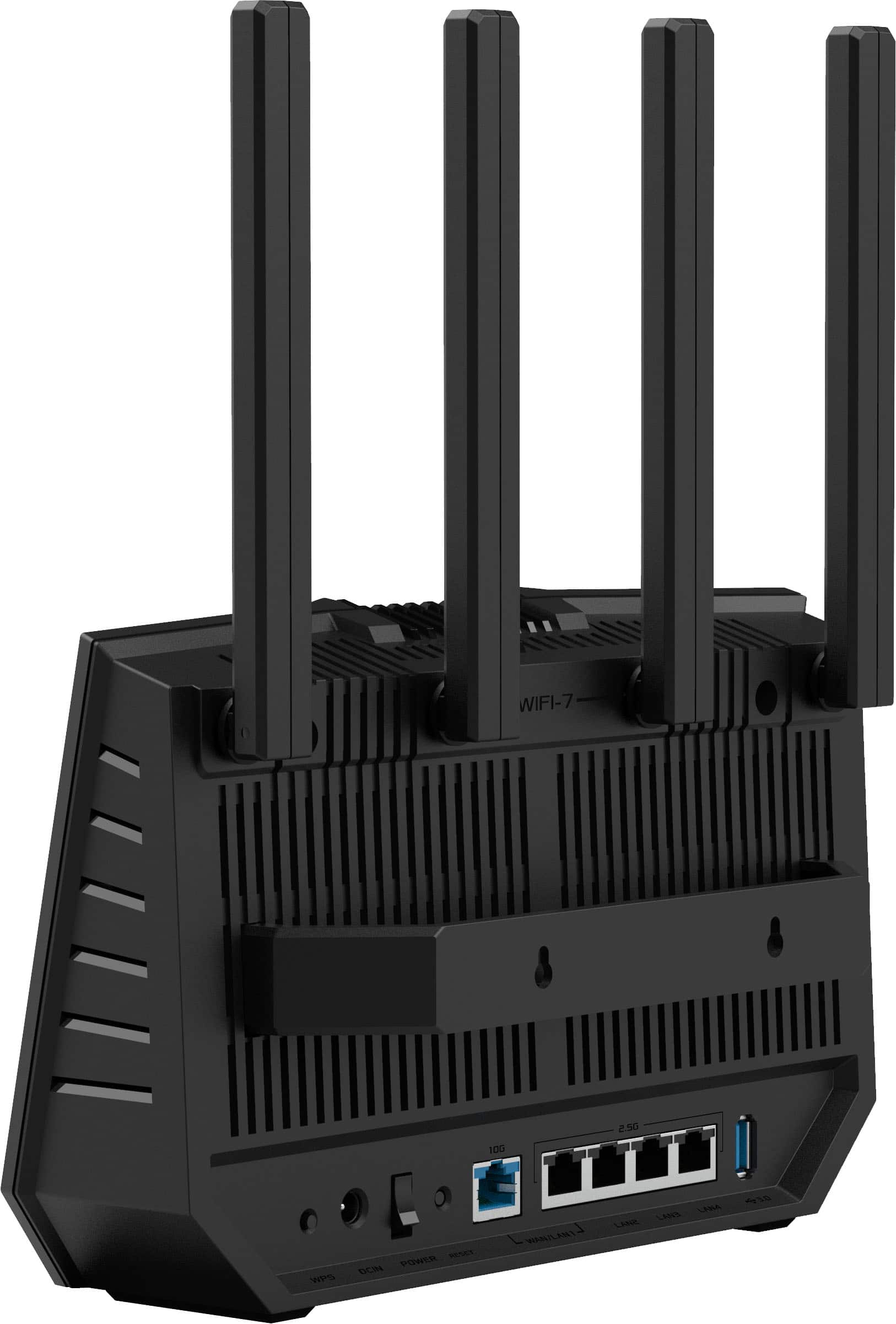
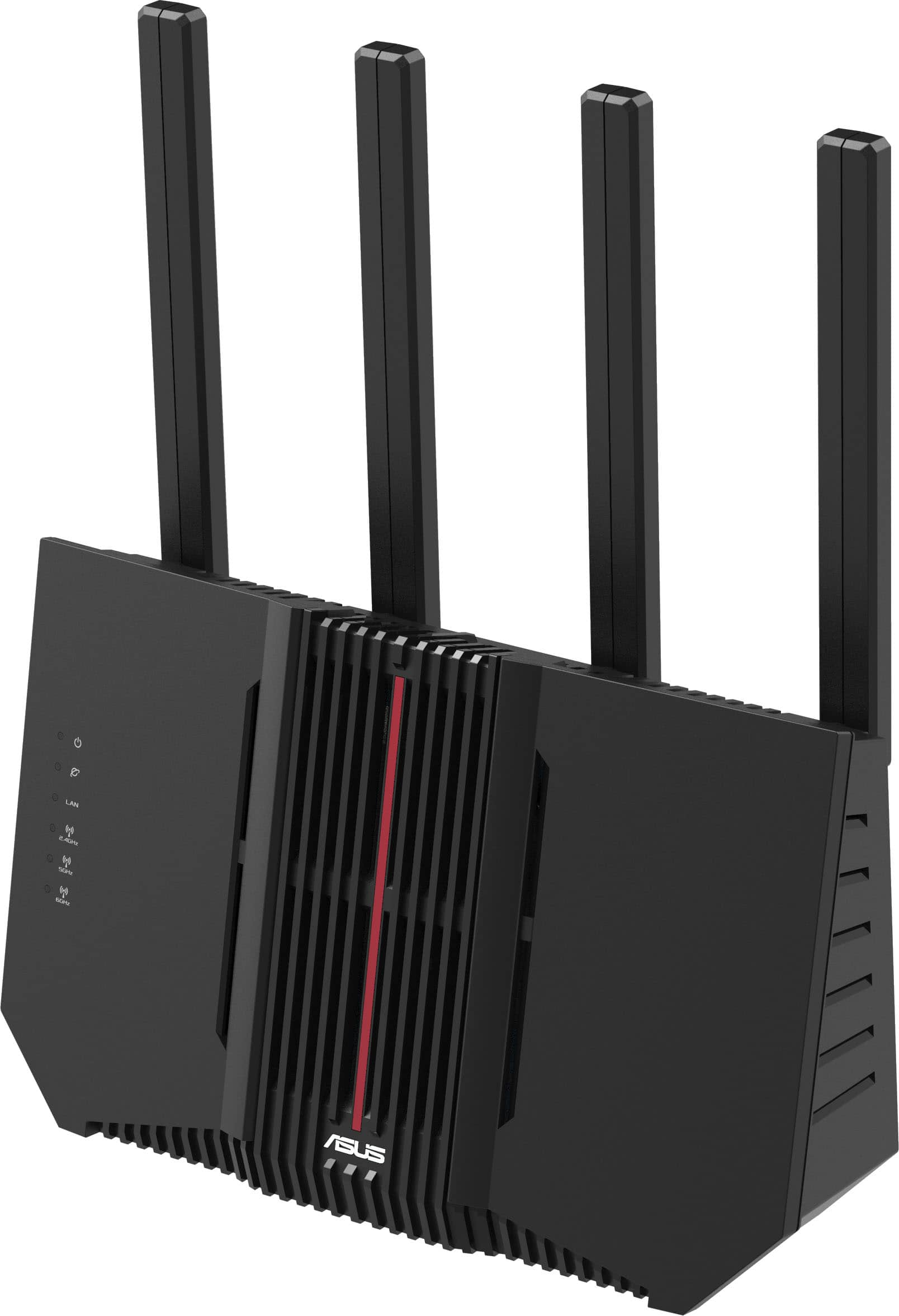
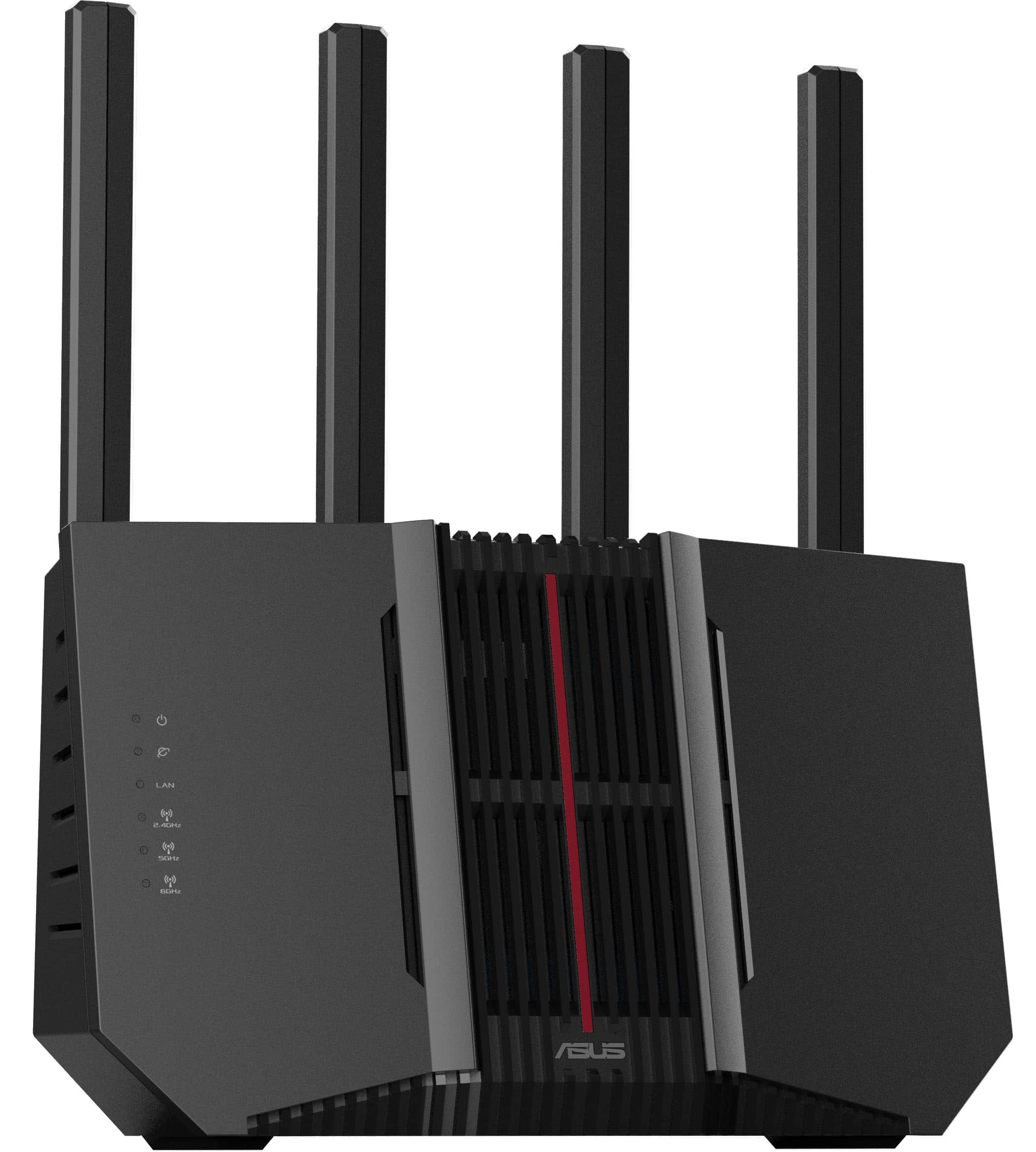
- Model:
- RT-BE92U
- SKU:
- 12508768
Rating by feature
- Setup
Rating 4.4 out of 5 stars
- Range
Rating 4.4 out of 5 stars
- Signal Strength
Rating 4.4 out of 5 stars
Excellent for streaming and smart home devices.
||Posted .This reviewer received promo considerations or sweepstakes entry for writing a review.The router has a good interface with a lot of available info and options. It also covers the full range I needed, but does run hot and the RAM runs almost maxed out all of the time. With that said, those two concerns don't seem to cause any problems.
I would recommend this to a friendASUS offers more settings than others
||Posted . Owned for 11 months when reviewed.This reviewer received promo considerations or sweepstakes entry for writing a review.I've been using ASUS routers since 2013. Before then, I would use any one that came out and was on sale when I needed a new router. The performance of all those routers, when all was working, was identical. It was the extra options that were user accessible (even more with MERLIN firmware) that got me hooked on ASUS. I've since then gone on to purchase 3 additional routers by ASIS, with this model as the latest. It got me the latest Wi-fi standard at the time - with the ASUS options, In general though, the newer wi-fi technology increases throughput and #connections, but at the expense of range. I'm still using the same 2.4 N technology on my original AC1900 if I am outside on the grounds of the house. When I got my 2nd router, I did setup their MESH system, because it seemed convenient - but I rapidly switched back to each of the routers having their own SSID. I'm currently using 3 of the 4 routers still - including the AC1900 from 2013.
I would recommend this to a friendAbsolutely worth it
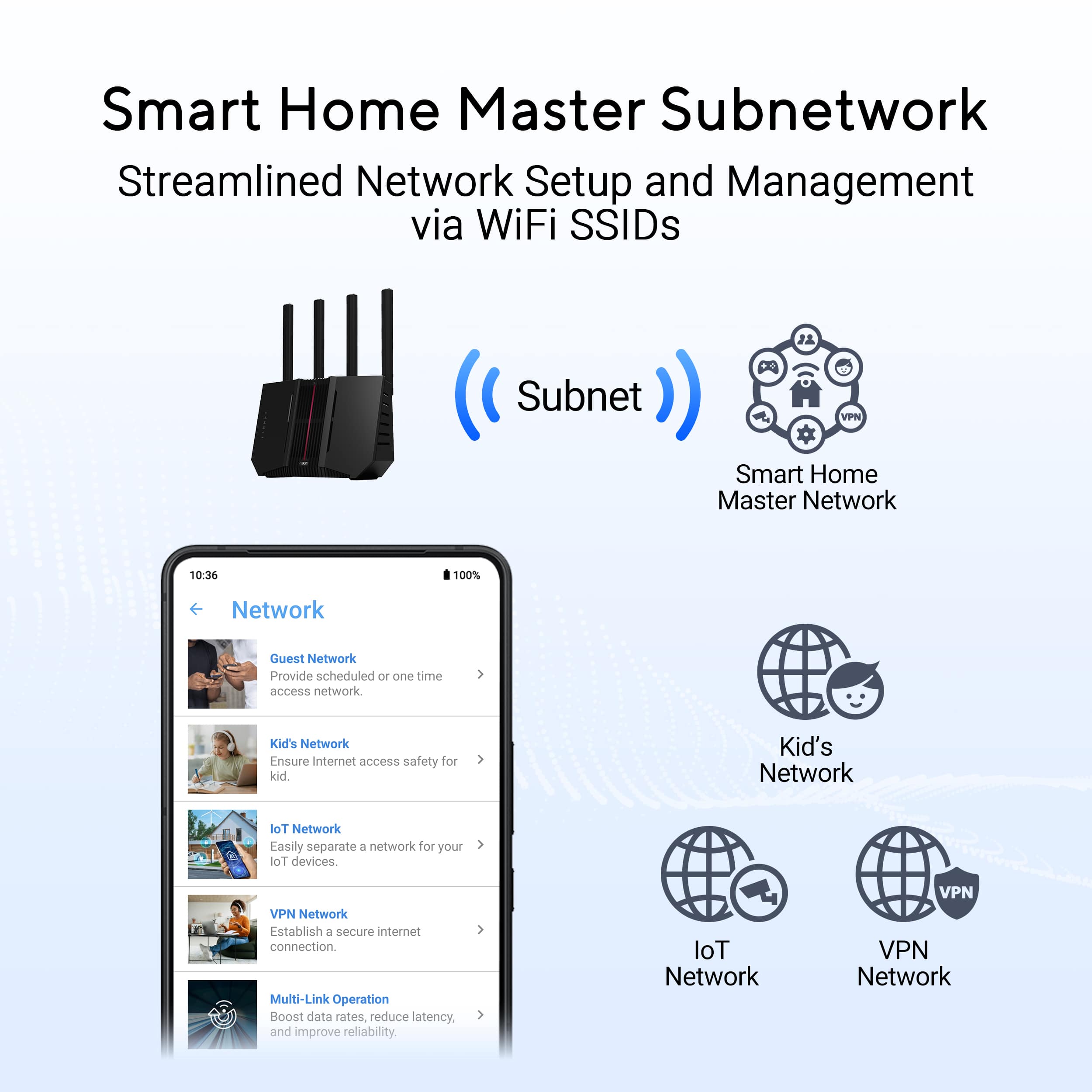
||Posted . Owned for 3 weeks when reviewed.This reviewer received promo considerations or sweepstakes entry for writing a review.This is a fantastic router, user interface is good but labeling leaves a little bit to be desired. Performance, ease of set up and use are all top tier. One of the coolest thing it does that I haven't seen from my previous Linksys routers which I had always sworn by is the ability to still control almost everything this router can do while in access point mode. I'm not sure if that's become the new standard but it is a huge game changer since I use a firewall and really just need this for wifi signal. Parental controls, iot networks all being isolated and controllable from the router interface instead of having to go into the firewall and setting everything up via Mac address is a huge quality of life improvement! Signal is strong, fast and I cannot recommend this router enough
I would recommend this to a friendSolid router
||Posted .This reviewer received promo considerations or sweepstakes entry for writing a review.Good router, solid guest network and range works well. Set up AiMesh with older ASUS, whole house is covered with good signal strength.
I would recommend this to a friendASUS - RT-BE92U BE9700
||Posted .This reviewer received promo considerations or sweepstakes entry for writing a review.I used the recycle program and brought in a old asus router for 15% price reduction. I powered down the entire house then hooked the router to the modem with the modem switch off, I powered up the house and when the modem was booted I turned on the router. I then turned on the wired desktop and opened edge browser and the setup page came up after a bit. Setup let me separate the three bands and then asked me to create a IoT channel for all my old doorbells , thermostat and cameras which was a problem because I didn't want to give each device a new wifi password so the IoT channel I created had the same password as all the other channels to get things kind of going. It did a firmware update then I logged into the router to finish setup. I setup the security and did a scan and fixed everything it said to until the scan was all green. Than I gave all three channels all new passwords since all my cams were on the IoT with the old password. I got into IPV6 tab and enabled it and did a restart to get it to upload settings for it then went to firewall tab and enabled a few things. All 12 cams are on the 2.4GHz and are working as they should so far. All the network is working good also. I have a fan blowing on the bricks, modem and router and the cpu usage is very low and memory at about 65% usage. I use Surfshark VPN and setting it up again from scratch was quite smooth and is working great. Nord has always been slow and a bit of a pain to keep working for me. It hasn't been 24 hours yet but I think I won the silicone lottery. I did get the four year geek squad warranty and it was on sale also. The setup made me fix a bunch of security flaws with my home network the older asus routers don't do during the first setup. I will keep a eye on the power brick as it seems to be dying for some.
I would recommend this to a friendFast WiFi with a major flaw
||Posted .This reviewer received promo considerations or sweepstakes entry for writing a review.I have a multi-gig fiber connection to my home and this WiFi router has allowed me to benefit from those speeds wirelessly. Setup was pretty easy and the interface and app are great. One flaw though… and it’s a big one… if left running for several days the router will suddenly cease working. While it still broadcasts WiFi I am unable to connect to anything. I was able to avoid this issue using the built in automatic restart feature in the router to restart it every night.
I would recommend this to a friendBrand response from ASUS Answers
Posted .Dear Zachary,
We sincerely apologize for the wireless connectivity issue you're experiencing with the ASUS RT-BE92U Router and for the inconvenience this may have caused you. This is not the kind of quality to expect from our products and it's not the norm. To troubleshoot the issue described, we recommend following the steps in the FAQ below. Should the issue persist, please contact our support team at https://www.asus.com/us/support/CallUs to further investigate the problem.
We stand behind our products and continuously strive to improve our products and processes to achieve customer service excellence. For more information, email us at [email protected] and include the case number "N2501038506-0006" as a reference. We will do our best to resolve your case quickly. Your feedback is very important to us and enables us to improve our support channels. Thank you for choosing ASUS.
Best Regards,
Chantae
ASUS Customer Loyalty US Support
[Troubleshooting] WiFi signal is often disconnected - https://www.asus.com/support/faq/1030641/
A new firmware may have resolved most issues..?
||Posted . Owned for 2 months when reviewed.This reviewer received promo considerations or sweepstakes entry for writing a review.Having owned far too many routers, from every brand, my favorite units have generally been from Asus. This unit has had a few random restarts but it's honestly worked as expected other than that. There is a new (non-beta) firmware as of 2-17-2025 that seems to have improved CPU usage, it's far more balanced, and I no longer see temperature read errors in the system log. I was honestly considering a return after a couple of those random restarts, but in typical Asus fashion, this unit has improved with each firmware update. My suggestion is to update to the latest firmware, do a factory reset and then adjust your settings as needed (be sure to back them up).
I would recommend this to a friendGood router for the price
||Posted . Owned for 10 months when reviewed.This reviewer received promo considerations or sweepstakes entry for writing a review.I had to buy a new router ASAP because one of my cats chewed on the power cord and shorted something out. I had the Asus GT-AX11000 which was an amazing router in its own right and it had twice the range that this one has. Upgrading to WiFi 7 was not in the plans. What I like is that this router has the 6 gHz band on it. At first, I thought that ALL WiFi 7 routers had that band, but that is not the case. My FireTV stick seems to pick that band automatically and it is very reliable. If I had my choice though, I would prefer to use my other router if it still worked, but this one does the job.
I would recommend this to a friendSeems good, but wifi disabled itself once
||Posted .This reviewer received promo considerations or sweepstakes entry for writing a review.Needed a new Wifi router after my netgear went EOL, I wanted to switch away from NG because their app is *terrible.* Reviews for the Asus line seemed positive and I'm a fan of other Asus products, so gave it a shot. So far so good! There was 1 day last week where the 5G wifi went offline while the non-5g were still active. The app didn't show me any suspicious devices or that my internet had any issues (there wasn't!), and everything came back to normal after a reboot. That's a little worrisome and hopefully that doesn't happen very often, but it did happen within a few weeks of ownership.
I would recommend this to a friendSuperb Home Network Router
||Posted . Owned for 1 month when reviewed.This reviewer received promo considerations or sweepstakes entry for writing a review.I have experience with at least three different routers. Basically, the more you pay, the greater the features and signal range. For the average home user, you do not need to pay the higher price. Thus, the Asus RT-BE92U is a well-priced router that offers excellent features and superb signal range. With a previous router around the same price, the signal strength was weak on the other end of my house. However, this Asus router provided excellent signal strength for the same end of my home. Also, each manufacturer's router interface is different. Some are more pleasing and easier for the user to navigate and understand than others. The user interface for this router is robust and splendid, and its explanations are usually coherent for anyone with some computer experience. I have learned one apparent flaw with the software in that the bug icon for a possibly infected device cannot seem to be removed once placed. Of course, I expect this to be resolved with a future software update since no application is perfect in its coding. While I have not explored the router's user interface extensively, this is my only complaint. Of the routers that I have used throughout my long career in the information technology field, the Asus RT-BE92U router is one of the best if not the best for its price. Unless you are a serious gamer with high hardware requirements, you cannot go wrong with purchasing this product.
I would recommend this to a friendGood upgrade from an RT-AX86U to WiFi 7 and more
||Posted . Owned for less than 1 week when reviewed.This reviewer received promo considerations or sweepstakes entry for writing a review.I purchased this Router as an upgrade to the original RT-AX86U. I found out that Cox over provisions their Gigabit plan and needed a newer router with multiple 2.5 Gigabit ports. The 10G is a bonus, but own't need that for quite a while. Also like the updated Asus firmware, and that's the second reason for upgrading. Securing firmware updates for at least 5 more years. I've had this router for about 1 week today, and everything is working perfectly. I even added my existing RT-AX86U as an AIMesh node in the bedroom for wired ports there, to cut down on long runs to clean things up a bit. I think the BE92U is a good upgrade for those not needing an ultra high end router, but also want something current that will last quite a few years going forward. My setup I live in a one bedroom apartment and have the following devices: 1 late 2015, 27" iMac 2. 4 Amazon Echo(s) 3. 11 Wiz connected smart bulbs 4. a 2016 Sony TV 5. Various streamers such as a 2022, Roku Ultra, 2019 Shield TV Pro, and Apple TV 4K (3rd Generation), and an ONN 4K Pro streamer. and my iPhone 15 Pro Max, and an old iPad Air 2. Either way this router easily handles these devices and the high end gaming features aren't required here. For a sing person that has a reasonable setup, the really high end routers are overkill both in price and features. Wit Asus, it's nice that they have options and with any router you get, you're almost certainly guaranteed the core features that make it an Asus router. Overall, been really happy with this router and get my full speeds I pay for now, on supported devices. So, yes I would absolutely recommend this router. Also, for those reading reviews from those giving the product a 1 star for pre-mature failure, take it with a grain of salt as bad batches of any product happen, but it's rare. My RT-AX86U was purchased in 2022 from Amazon (Gundam edition) and it's still stable and works today. I just needed an upgrade. So yes, I would also consider Asus Routers stable. Also,, before I leave this review. Keep in mind any issues people report maybe environmentally related, or the person may not have the experience needed to fix the problems. Everyone's setup is different and with anything Your Milage may Vary.
I would recommend this to a friendMediocre Experience in a Smart-Home Setup
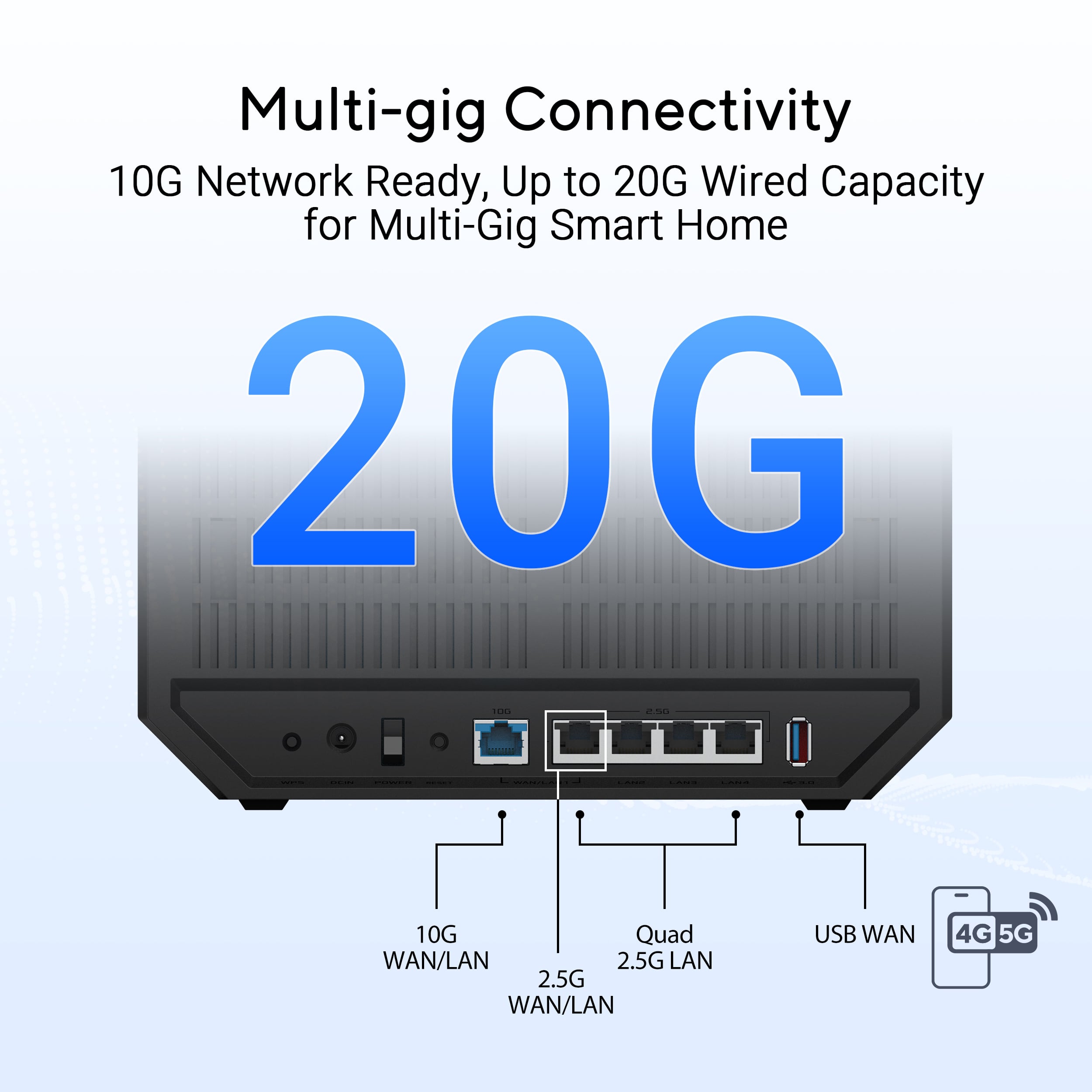
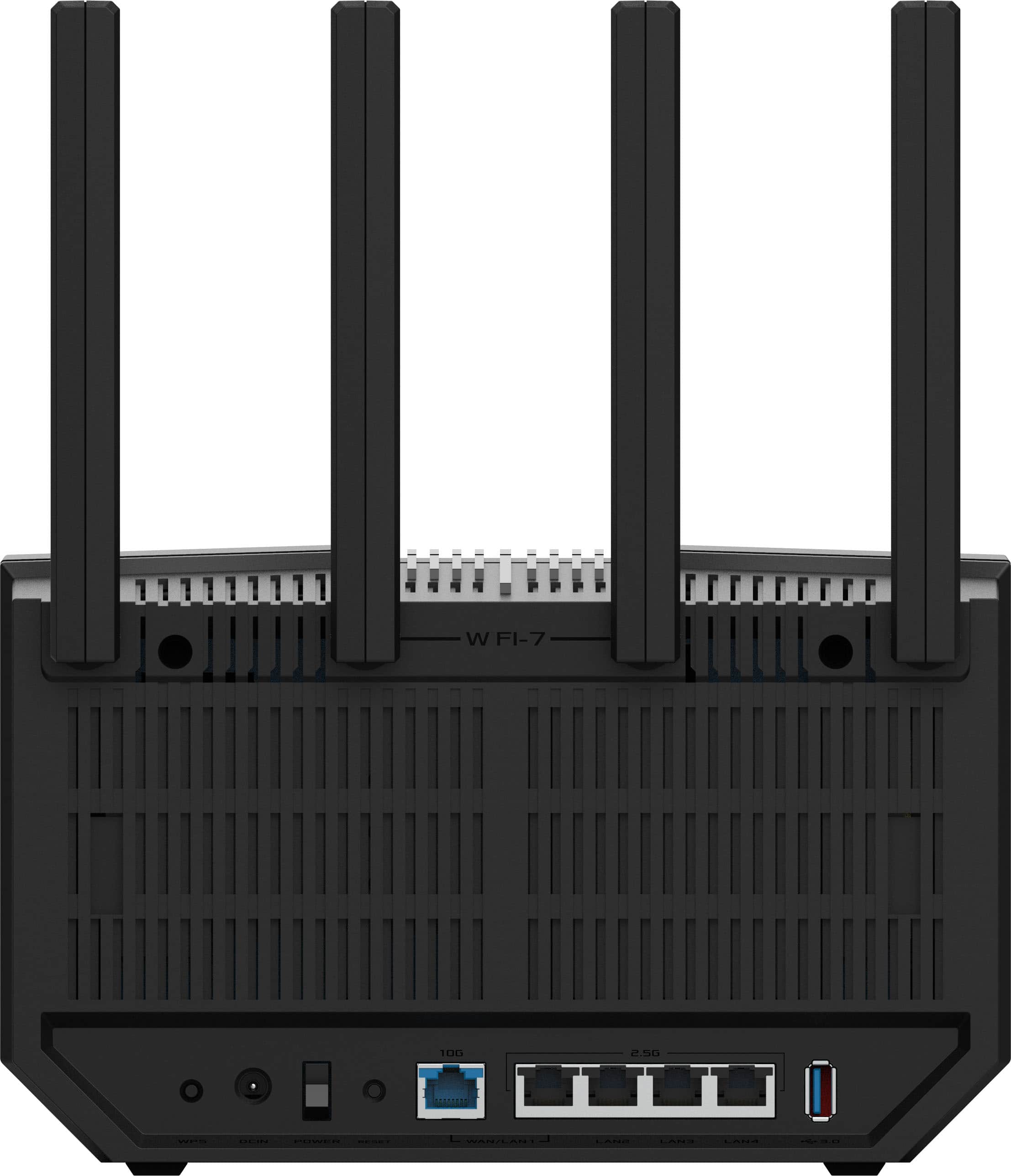
||Posted . Owned for 11 months when reviewed.This reviewer received promo considerations or sweepstakes entry for writing a review.I bought the ASUS RT‑BE92U hoping it would be a big step up for my townhouse network to replace my old Google Wifi mesh setup. I look at the ASUS because it had a lot of future-proof features and people seem to like the extensive customization you get through the ASUS software. But after trying it out in a three-story, ~1,250 sq ft townhome packed with multiple devices and about a dozen smart-home appliances (lights, sensors, etc.), I ended up returning it. What the Router Does Decently: The RT-BE92U has a strong feature set on paper: Wi-Fi 7 support, tri-band connectivity, and plenty of LAN ports including high-speed 2.5 Gbps/10 Gbps options. That looks great if you care about wired networking or future-proofing. It can deliver good throughput at short range, and for a small home or single-room use, maybe that would be enough. Setup was easy and ASUS’s software and feature-rich firmware are more comprehensive than most basic routers, so if you like tweaking settings, parental controls, and advanced options, there’s a lot under the hood to play with. Where It Fell Short: For me, it wasn't reliable enough with constant stability issues, dropouts, and reboots. In my townhouse with multiple floors and many devices, the connection simply wasn’t stable. It struggled to keep a consistent connection throughout the house. I’m not alone either; other users on ASUS forums report random disconnections, CPU spikes, and even unexpected reboots when using this router, and ASUS has even acknowledged it doesn't have any firmware fixes that completely solve the problem. Performance degrades over distance and with many devices. Though Wi-Fi 7 promises high speeds, the RT-BE92U’s real-world performance drops significantly at moderate range, which made it hard to cover all three levels of my home reliably. I got mixed results with smart-home gadgets. At first, I thought the tri-band might handle all my lightbulbs, sensors, and other IoT devices, but many struggled to stay connected, or dropped off the network entirely. This aligns with what some other users have observed with Wi-Fi 7 routers trying to support legacy smart-home gear. Bottom Line: If you have a small apartment or a modest number of devices, the RT-BE92U might be okay. But in a multi-level home loaded with smart-home gear, it was too inconsistent with frequent dropouts and weak coverage made it unreliable for daily use. For me, it simply couldn’t keep up with all the devices across three floors. And for the price, I would expect a lot better performance I ended up returning it and replacing it with a mesh-based system that handles my smart home and many devices much more reliably. If you’re looking for a “set and forget” router to support lots of devices across a larger home, I can’t confidently recommend the RT-BE92U.
No, I would not recommend this to a friendBrand response from ASUS Answers
Posted .Dear Steven,
Thank you for sharing your feedback on the ASUS RT‑BE92U router. We sincerely apologize for the stability and performance concerns you experienced, which ultimately led to a return. While we are glad to hear you found the setup process straightforward and appreciated the feature set, we regret that the router did not meet your expectations in a multi‑level home environment.
Your feedback is greatly appreciated and will be passed along to our product team for further review.
We stand behind our products and continuously strive to improve our products and processes to achieve customer service excellence. If you require any further assistance, please email us at [email protected] and include the case number "N2412010337-0012" as a reference. We will do our best to resolve your case quickly. Your feedback is very important to us, and it enables us to improve our support channels. Thank you for choosing ASUS.
Best Regards,
Chantae
ASUS Customer Loyalty US Support
Off the chart!
||Posted . Owned for less than 1 week when reviewed.This reviewer received promo considerations or sweepstakes entry for writing a review.Exceeded my expectations in all categories. This router will deliver the speed of your plan like none other that I tried - 5 or 6 including Spectrum's! the website: www.asusrouter.com offers settings and configuration options beyond belief. You may select your network frequency - 2.4, 5, or 6 and you can enable WiFi 7 if your devices will support. After tinkering, my devices ran better with JUST the 5.0 GHz instead of all 3 enabled. AND with Wifi 7 set to off. (Good to know the router will handle those if needed later.) And there is a setting to schedule an automatic reboot say once a week at 3:00 am if you ever need that. Let's be realistic that with multiple variables involved a router reboot is sometimes necessary and Asus has come up with the path of least resistance to let YOU control that! BestBuy offers a trade in discount and I had a network card no longer used and worth little and received a $45 discount providing the icing on the cake! So why are you paying the cable company to lease their modem FOREVER when you can get this?
I would recommend this to a friendGreat replacement router
||Posted . Owned for less than 1 week when reviewed.This reviewer received promo considerations or sweepstakes entry for writing a review.Overall, so far so good. Easy to set up via cell phone. Coverage is good but will need to add extension due to size and layout of house.
I would recommend this to a friendSolved connectivity issues with Google router
||Posted . Owned for 11 months when reviewed.This reviewer received promo considerations or sweepstakes entry for writing a review.Was having issues with being able to maintain connection to the correct network band and high tx/rx with the Google fiber router. Switched over to this and was able to ditch the google router for the fiber network and the connectivity issues have resolved themselves. Easy setup and easy management through the web. No complaints about capability so far.
I would recommend this to a friendGreat Purchase for the Price
||Posted . Owned for 1 month when reviewed.This reviewer received promo considerations or sweepstakes entry for writing a review.This router is phenomenal and has provided a significant upgrade to our home. We work from home and have gamers that live here. Having the stronger networks and signal available has made a huge difference in our day to day. This also covered all of our needs in a price range that I was truly comfortable with.
I would recommend this to a friendVery decent!
||Posted .This reviewer received promo considerations or sweepstakes entry for writing a review.Happy with this router Setup was easy and the phone app gives you lots of control over your network and each device connected to it. Range is great and have never had a signal issue since turning it on. Speed is fine. “Subscription less” (unlike some router companies) and offers good firewall protection without the extra cost! Price is pretty fair. Looks good. I’m a fan of Asus as quality has always been the reason I keep coming back! (Might be alittle biased, but this is my first Asus router!) No complaints!
I would recommend this to a friendFast Router
||Posted .This reviewer received promo considerations or sweepstakes entry for writing a review.Bought this to replace a TP-Link which I just saw on the news that it's a Chinese hack vulnerability and may be banned in the US. This is a more expensive router than what I replaced with but it has upgraded WPA and WiFi 7. Although I don't have any WiFi 7 devices, this makes it easy when I do upgrade other devices that use it. Overall, this seems to be faster than the TP-Link. Setup was fairly easy with the Mesh that I also bought. Download on Wifi is over 500Mbps. I have full signal even outside the house, so range seems good. So far pretty happy. Longevity is an unknown since I have only had it for a few hours.
I would recommend this to a friendQuality Router for Wi-Fi 7
||Posted .This reviewer received promo considerations or sweepstakes entry for writing a review.So far so good. The router was easy to set up and upgrade my network. There was some minor retooling but everything was up and running fairly quick. Haven't had any issues with the router so far. The attached app make operating router remotely easy. Very happy with purchase
I would recommend this to a friendASUS RT92
||Posted . Owned for 3 weeks when reviewed.This reviewer received promo considerations or sweepstakes entry for writing a review.Setup was quick and easy! Works very well! The setup was easy with the built-in guide.
I would recommend this to a friend