Customer Ratings & Reviews
- Model:
- VG32VQM5B
- |
- SKU:
- 6638577
Customer reviews
Rating 4.8 out of 5 stars with 175 reviews
(175 customer reviews)Rating by feature
- Display Quality4.8
Rating 4.8 out of 5 stars
- Ease of Use4.8
Rating 4.8 out of 5 stars
- Features4.7
Rating 4.7 out of 5 stars
Rated 4 out of 5 stars
Monitor review
||Posted . Owned for 2 weeks when reviewed.This reviewer received promo considerations or sweepstakes entry for writing a review.Great monitor res is awesome would definitely recommend for gaming
I would recommend this to a friendRated 4 out of 5 stars
ASUS gaming monitor
||Posted . Owned for 1 week when reviewed.This reviewer received promo considerations or sweepstakes entry for writing a review.The response is great. Especially at this pricepoint.
I would recommend this to a friendRated 4 out of 5 stars
a Good Gaming Monitor
||Posted .This reviewer received promo considerations or sweepstakes entry for writing a review.a Overall Good Monitor for PC Would Recommend If you're looking for one.
I would recommend this to a friendRated 4 out of 5 stars
gaming
||Posted . Owned for 1 week when reviewed.This reviewer received promo considerations or sweepstakes entry for writing a review.It’s really good, good size, looks incredible I like it
I would recommend this to a friendRated 4 out of 5 stars
For games it’s good
||Posted . Owned for 2 weeks when reviewed.This reviewer received promo considerations or sweepstakes entry for writing a review.It’s a good monitor for ps5 it’s good to play games
I would recommend this to a friendRated 4 out of 5 stars
Monitor
||Posted . Owned for 1 week when reviewed.This reviewer received promo considerations or sweepstakes entry for writing a review.Amazing especially with high performin games like hell divers and COD
I would recommend this to a friendRated 3 out of 5 stars
Graphics were blurry.
||Posted .This reviewer received promo considerations or sweepstakes entry for writing a review.The monitor out of the box is great and easy setup. However, my son tried all different options to get the graphics up to par for his PC setup and it was blurry. The resolution was not what he was looking for. Returned and got a different gaming monitor.
No, I would not recommend this to a friendBrand response from ASUS Answers
Posted .Dear Stephanie K,
Thank you for sharing your experience with the ASUS VG32VQM5B Gaming Monitor. We sincerely apologize that the resolution and graphics quality did not meet your expectations, leading to the return of the product. We truly value your feedback and will ensure it is passed along to our product team, as it helps us improve future designs and performance.
We stand behind our products and continuously strive to improve our products and processes to achieve customer service excellence. If you require any further assistance, please email us at customerloyalty@asus.com and include the case number "N2511009668-0004" as a reference. We will do our best to resolve your case quickly. Your feedback is very important to us, and it enables us to improve our support channels. Thank you for choosing ASUS.
Best Regards,
Chantae
ASUS Customer Loyalty US Support
Rated 3 out of 5 stars
For Gaming Use Only
||Posted . Owned for 1 week when reviewed.This reviewer received promo considerations or sweepstakes entry for writing a review.It may be perfect for a gaming computer. However, it is okay for use as a business computer - issue with "Display Port" continuously appearing on the screen,
No, I would not recommend this to a friendBrand response from ASUS Answers
Posted .Dear CarolynG,
Thank you for your feedback regarding the ASUS VG32VQM5B Gaming Monitor. We’re glad to hear that you find it well‑suited for gaming and functional for business use. We apologize for the inconvenience caused by the “Display Port” message continuously appearing on the screen. To further investigate and resolve this issue, we kindly ask that you contact our support team at https://www.asus.com/us/support/callus/.
We stand behind our product and we continuously strive to improve our products and processes in order to achieve customer service excellence. For more information send us an email at customerloyalty@asus.com and provide the case number "N2511009668-0005" for reference. We’ll do our best to provide a quick resolution to your case. Your feedback is important as it helps with improvements to ASUS Support channels. Thank you for choosing ASUS.
Best Regards,
Chantae
ASUS Customer Loyalty US Support
Rated 3 out of 5 stars
Curved monitor
||Posted . Owned for 1 week when reviewed.This reviewer received promo considerations or sweepstakes entry for writing a review.This a nice desk or table top monitor to game on. The curve to it is set to immerse you into what you watch and play.
I would recommend this to a friendBrand response from ASUS Answers
Posted .Dear John,
Thank you so much for the feedback. We are glad that you are happy with this product. We do stand behind our product, and we continuously strive to improve our approach and processes in order to achieve customer service excellence. Feel free to reach out to me at customerloyalty@asus.com and provide this link for reference. I'll do my best to provide a quick resolution to your case. Your feedback is important as it helps with improvements to ASUS support channels. Please refer to this case number (N2511009668-0003) for us to better assist you. Thank you for choosing ASUS!
Best Regards,
Schottky,
ASUS Customer Loyalty US Support
Rated 3 out of 5 stars
It was ok
||Posted .This reviewer received promo considerations or sweepstakes entry for writing a review.No difference with curve. Slow response to menu selection.
No, I would not recommend this to a friendBrand response from ASUS Answers
Posted .Dear ChristopherH,
Thank you for your feedback regarding the ASUS VG32VQM5B Gaming Monitor. We apologize for the concerns you’ve experienced with the curve design and the slow response to menu selection. Your input is important, and we will ensure it is passed along to our product team for further review.
We stand behind our products and continuously strive to improve our products and processes to achieve customer service excellence. If you require any further assistance, please email us at customerloyalty@asus.com and include the case number "N2511009668-0006" as a reference. We will do our best to resolve your case quickly. Your feedback is very important to us, and it enables us to improve our support channels. Thank you for choosing ASUS.
Best Regards,
Chantae
ASUS Customer Loyalty US Support
Rated 1 out of 5 stars
Very poor
||Posted . Owned for 1 week when reviewed.This reviewer received promo considerations or sweepstakes entry for writing a review.It does not come with even simple directions as how to you should use it with your ASUS computer. I had it working one time. Then the next time I tried to used it the screen on the computer showed a good picture on the screen, but then in a few seconds it left the computer and jumped onto the larger screen which was an even better picture for about 5 seconds and then it shut down and went back to the computer. And the information that came with it might as well been in another language.
No, I would not recommend this to a friendBrand response from ASUS Answers
Posted .Dear Buell C,
Thank you for sharing your feedback regarding the ASUS VG32VQM5B Gaming Monitor. We sincerely apologize for the inconvenience you’ve experienced with the setup instructions and the display issue you described. We understand how important clear guidance and reliable performance are.
For detailed setup information, please refer to the official user manual linked below. If the issue persists after reviewing the manual, we recommend contacting our ASUS Support team directly at https://www.asus.com/us/support/callus/. Our specialists will be happy to investigate further and provide tailored assistance.
We stand behind our products and continuously strive to improve our products and processes to achieve customer service excellence. For more information, please email us at customerloyalty@asus.com and include the case number "N2601016473-0002" as a reference. We will do our best to resolve your case quickly. Your feedback is very important to us, and it enables us to improve our support channels. Thank you for choosing ASUS.
Best Regards,
Chantae
ASUS Customer Loyalty US Support
ASUS VG32VQM5B Gaming Monitor Manual -  https://www.asus.com/displays-desktops/monitors/tuf-gaming/tuf-gaming-vg32vqm5b/helpdesk_manual?model2Name=TUF-Gaming-VG32VQM5B
- Pros mentioned:Ease of use, Refresh rate, Screen size
Rated 5 out of 5 stars
Easiest upgrade to your gaming setup!
|Posted .This reviewer received promo considerations or sweepstakes entry for writing a review.I got this to upgrade from my old 27” inch monitor, and it’s been fantastic and an easy upgrade! I’ve been wanting a curved screen for awhile now and I’m so glad I finally got one that didn’t break my budget and left me some money leftover for other gaming accessories. I love the curved screen and the size is so much better than my old 27” monitor. This is my first curved monitor and I wasn’t sure how I would adjust to it, especially since it was larger than my old monitor. There was honestly no issues and 0 adjustment. I was just so glad I finally did it! I believe this line from Asus is their more inexpensive line, but you wouldn’t know it by its look and by its performance. The refresh rate was actually noticeably better! Sometimes it’s hard for me to notice a difference in performance, but this was the first thing I noticed! I think that this is an easy buy for anyone who’s looking for a gaming system upgrade without having to drop a crazy amount of money. The performance and form factor are very impressive for this price point and it feels much more expense higher end!
I would recommend this to a friend Rated 1 out of 5 stars

Bad power supply
||Posted . Owned for 2 weeks when reviewed.This reviewer received promo considerations or sweepstakes entry for writing a review.The power cord doesn't fit tightly in the back of the monitor. It will fall out if barely touched
No, I would not recommend this to a friendRated 1 out of 5 stars
Buyer beware
||Posted .This reviewer received promo considerations or sweepstakes entry for writing a review.Flashes black and comes back on over and over again. Difficult to turn on, have to unplug and plug back in to get it to come on.
No, I would not recommend this to a friendBrand response from ASUS Answers
Posted .Dear Angela,
We are sorry to hear that you are experiencing issues powering on your device. To troubleshoot this issue, we recommend following the steps in the FAQ below. Should the issue persist, please contact our support team at https://www.asus.com/us/support/CallUs to further investigate the problem or assist with repairing the device.
We stand behind our products and continuously strive to improve our products and processes to achieve customer service excellence. For more information, email us at customerloyalty@asus.com and include the case number "N2601016473-0001" as a reference. We will do our best to resolve your case quickly. Your feedback is very important to us and enables us to improve our support channels. Thank you for choosing ASUS.
Best Regards,
Schottky
ASUS Customer Loyalty US Support
FAQ-[LCD Monitor] Troubleshooting - No display after turning monitor ON  https://www.asus.com/support/faq/1012723/
Rated 5 out of 5 stars
Kinda sick!
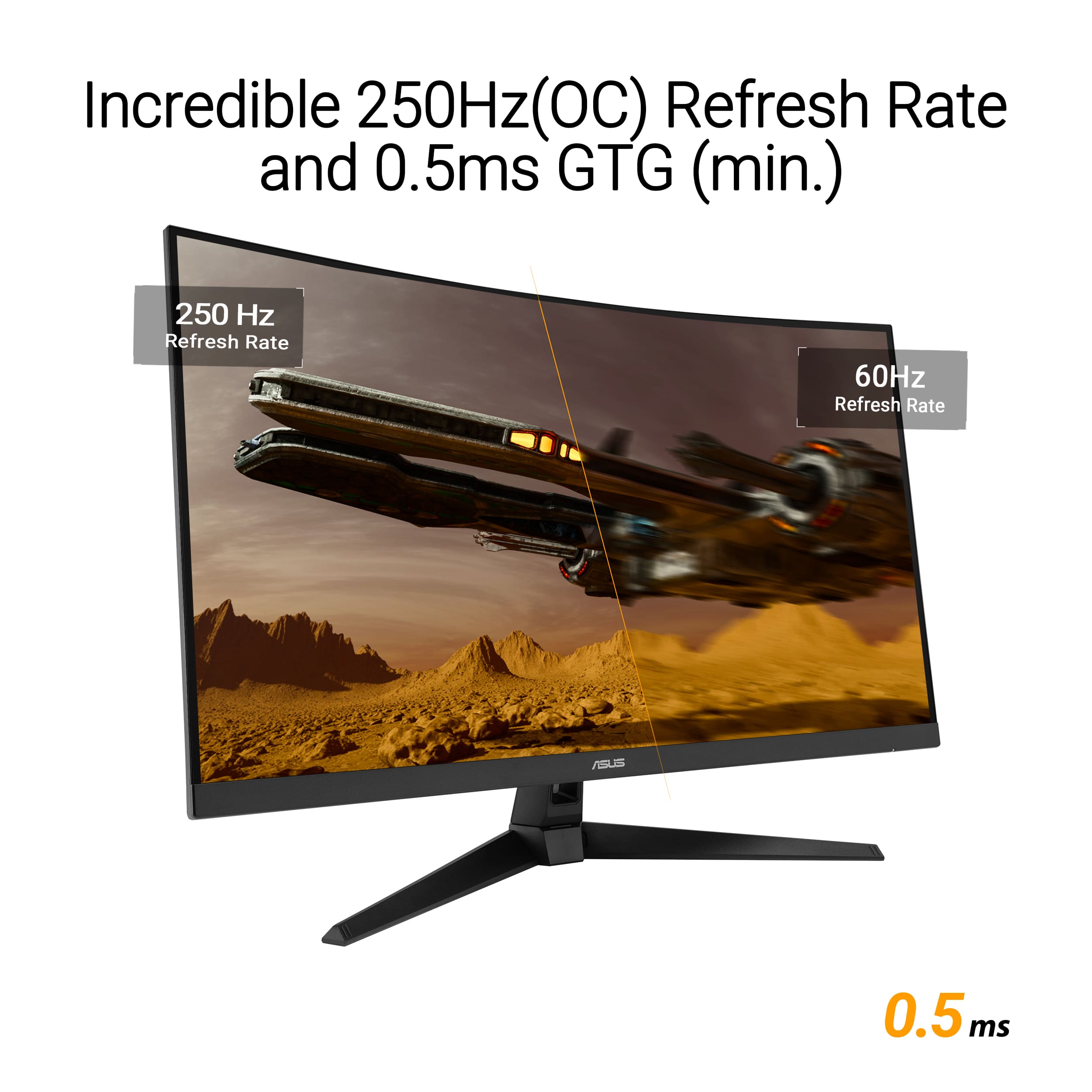
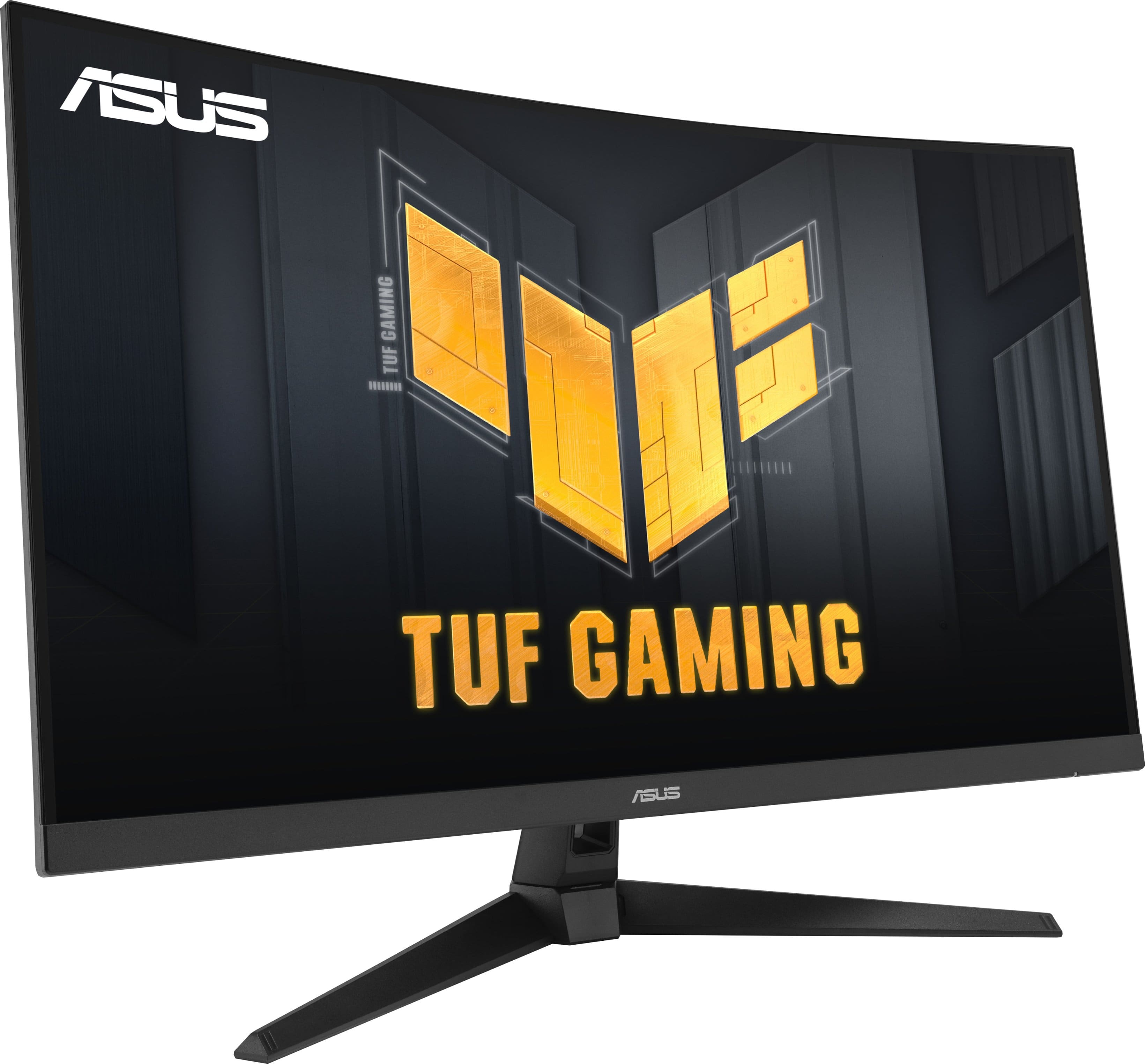
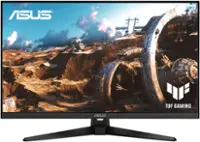
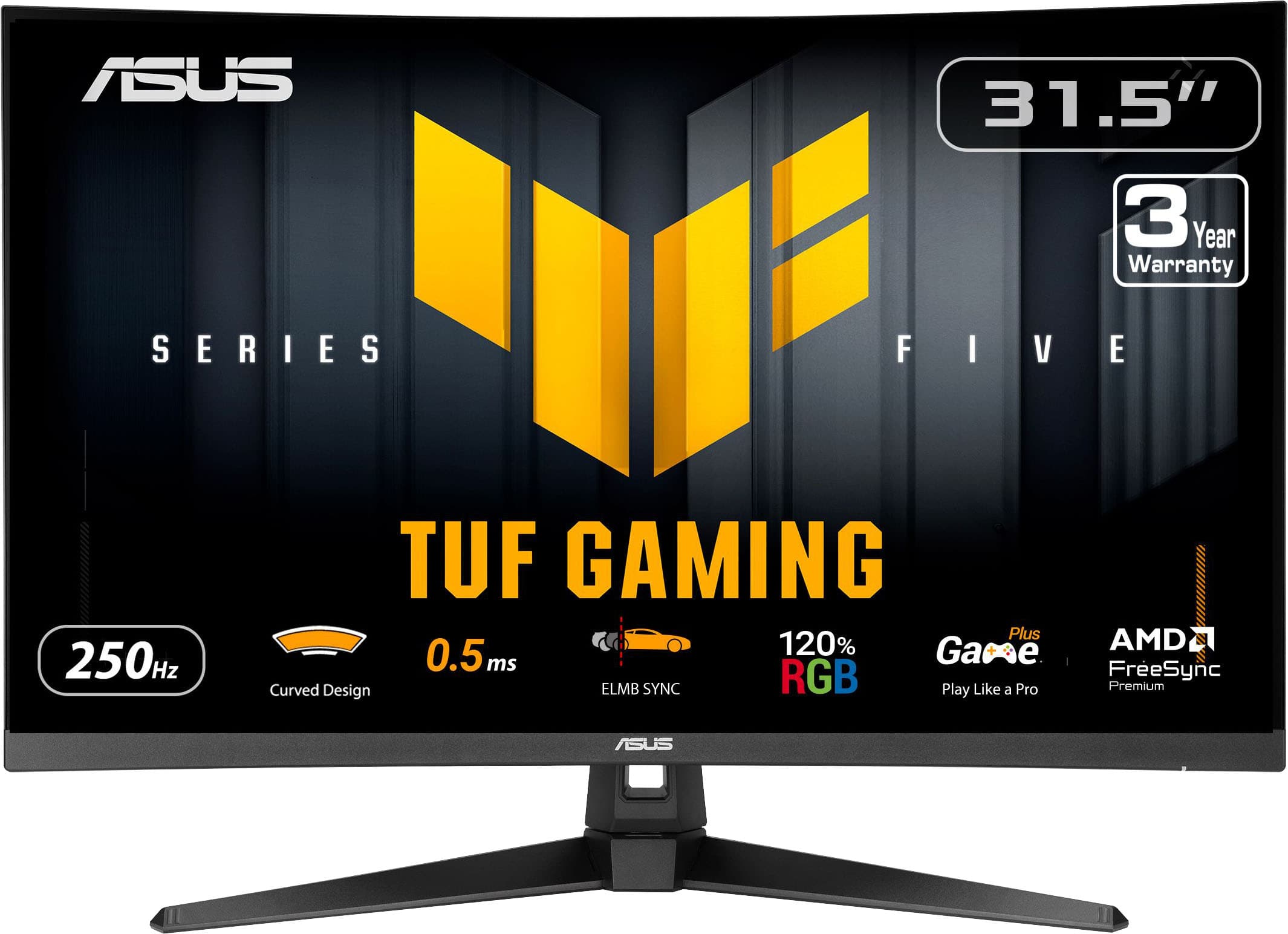
|Posted .This reviewer received promo considerations or sweepstakes entry for writing a review.After spending some good gaming time with the ASUS TUF 32” Curved Gaming Monitor, I must admit that ROG usually does not disappoint, and they most certainly did not here. This monitor hits on every point by offering a 250Hz refresh rate, 0.5ms response time, good sound, and most importantly, a beautifully illustrated display. This should give gamers confidence that it can enhance their gaming experience. Out of the box, this unit is easy to assemble by attaching the pedestal to the neck and using four screws to attach the neck to the display. From there, I would recommend playing with the settings. This is actually the second ASUS 32” curved monitor I have now, so I knew really what to expect. From a fresh rip, this unit does require some tweaks to meet your needs and visual expectations. I find it best to simulate the game you want and tweak the monitors on board menus and then go into your graphics driver if pairing with a PC (not needed for console after messing with the internal menu). Aside from that, the setup is easy. I say that because I would not think that the target audience would have a lot of issues with the simple instructions and are more on the initiated side of technology. Apart from that, the monitor is solid, and the materials feel exceptionally durable. One of the cons I found with the monitor is that the neck will allow a good amount of swivel, but the chassis does not elevate like its predecessor. The monitor is 1080P (1920x1080 recommended), but its presentation feels so much cleaner than those numbers would lead me to initially think they were going to be. To be fair, I juice every feature I can up to drive resolutions while gaming and then revert for school, work, or general scrolling. I found that at peak resolutions, text can get drowned out otherwise. But when sitting back to watch a movie or stream, the picture is clean, clear, and vibrant. The contrast ratio makes darks bright, and the curve satisfyingly provides a world of color like no other. I would be remiss if I did not mention the sound quality because there is actually some quality there. I probably would not rely solely on the internal speakers, but as a one off, not terrible. This makes the monitor feel like a well rounded choice for entertainment and gaming alike. As mentioned, the magic of this monitor lies in its 250Hz refresh rate & response time. To be clear, I play games, but I am not nearly good enough to know if the response time is that critical to my success. But I'm sure the 250Hz refresh rate is a game changer and can ignite any positive vibes you might be missing. This is easiest to see in a racing or sports game but in the major title that me and the rest of the world play, the faster frame rate will allow you to slide cancel faster around corners and break any would be attackers’ ankles before they have an opportunity at you. Combine that with Low Motion Blur and FreeSync or G-Sync (again, these are active on PC as well as console), and the immersion of a curved screen, and, if you are after a competitive edge, TUF can provide that experience. Ultimate thoughts are that if you want a monitor to genuinely boost your experience and hook you up with a competitive edge, look no further than the ASUS TUF 32” FHD VA Curved Gaming Monitor. I was excited to get it, and I have been thrilled about its performance and its visually stunning output in general.
I would recommend this to a friendRated 5 out of 5 stars
Big(!) screen, make sure you have the space
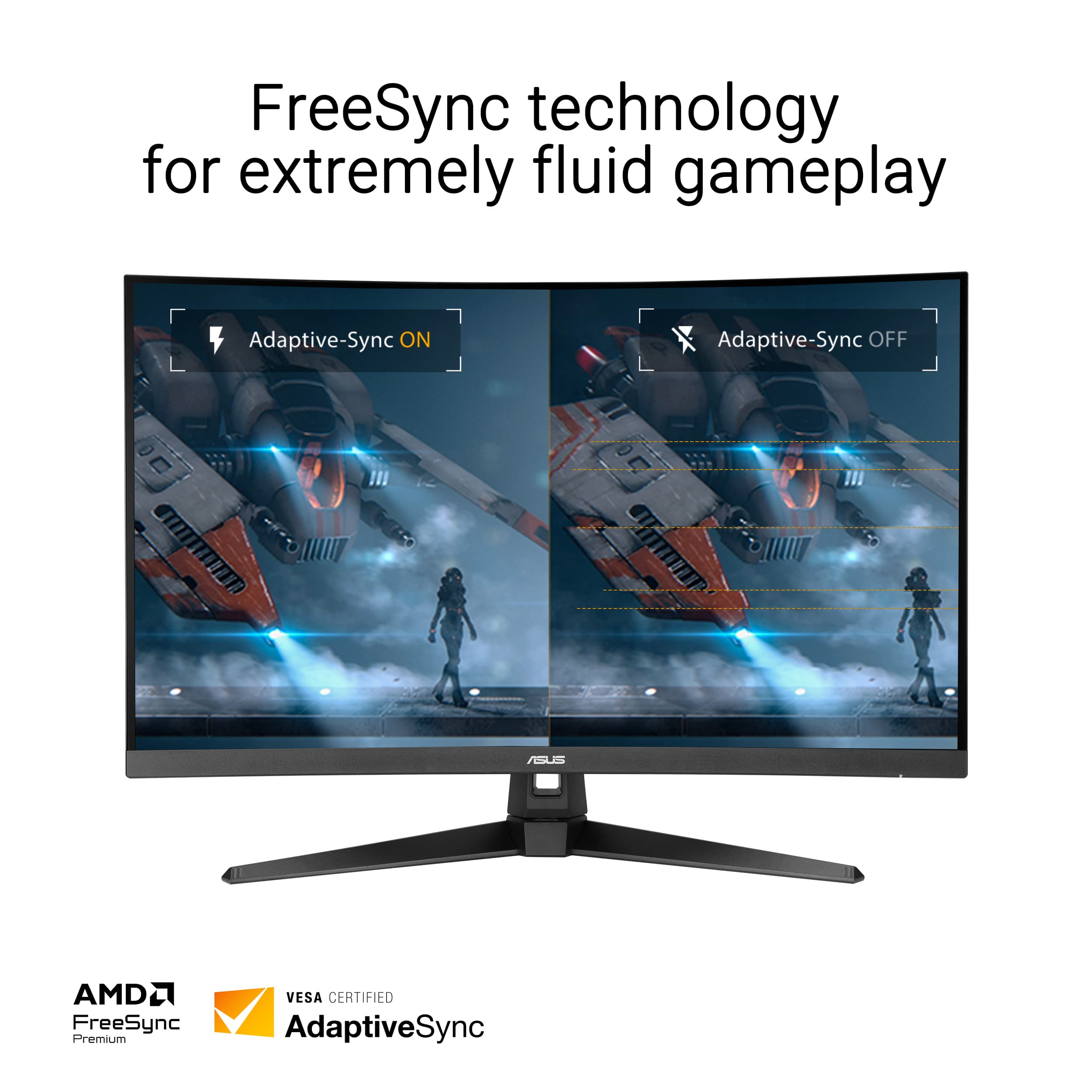
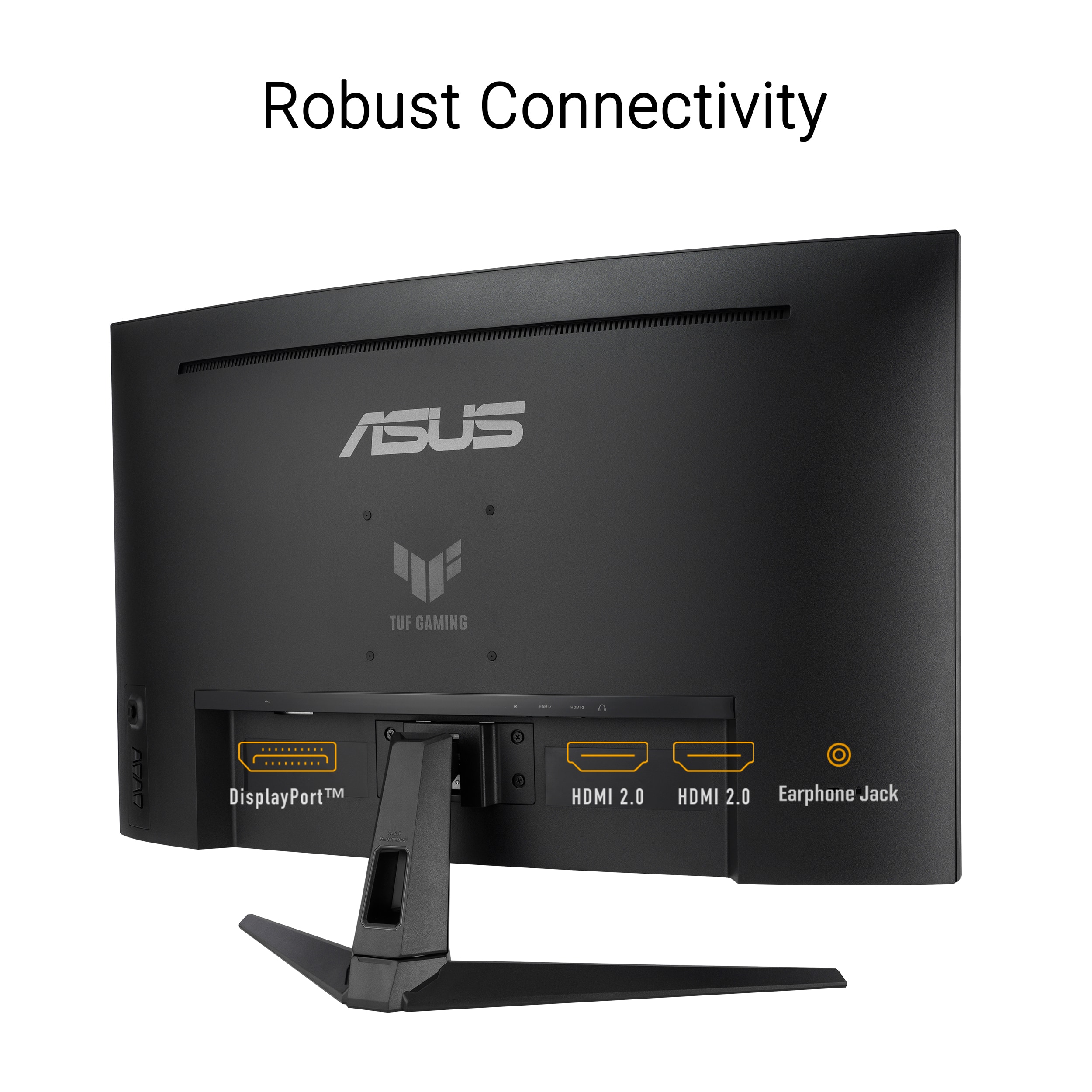
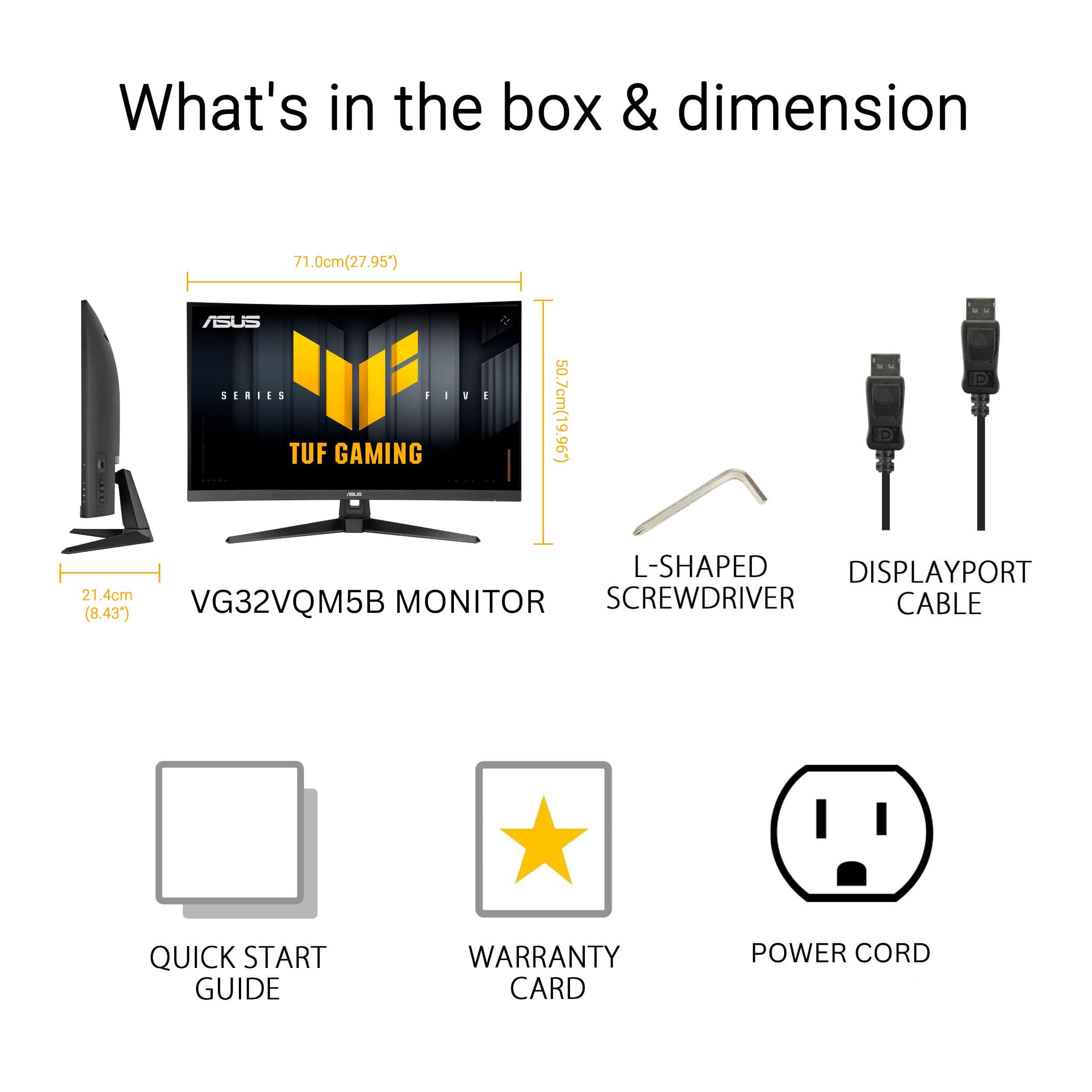
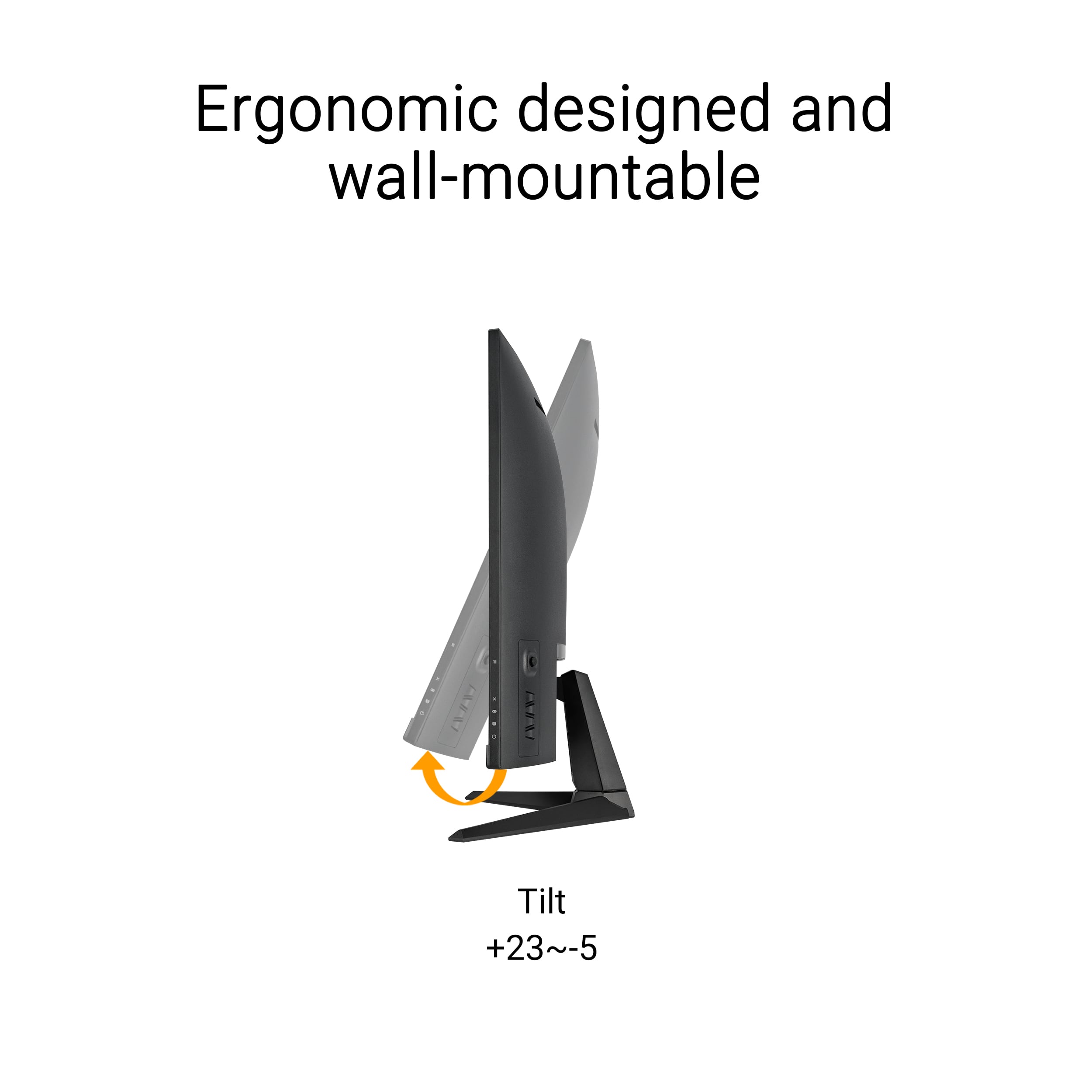
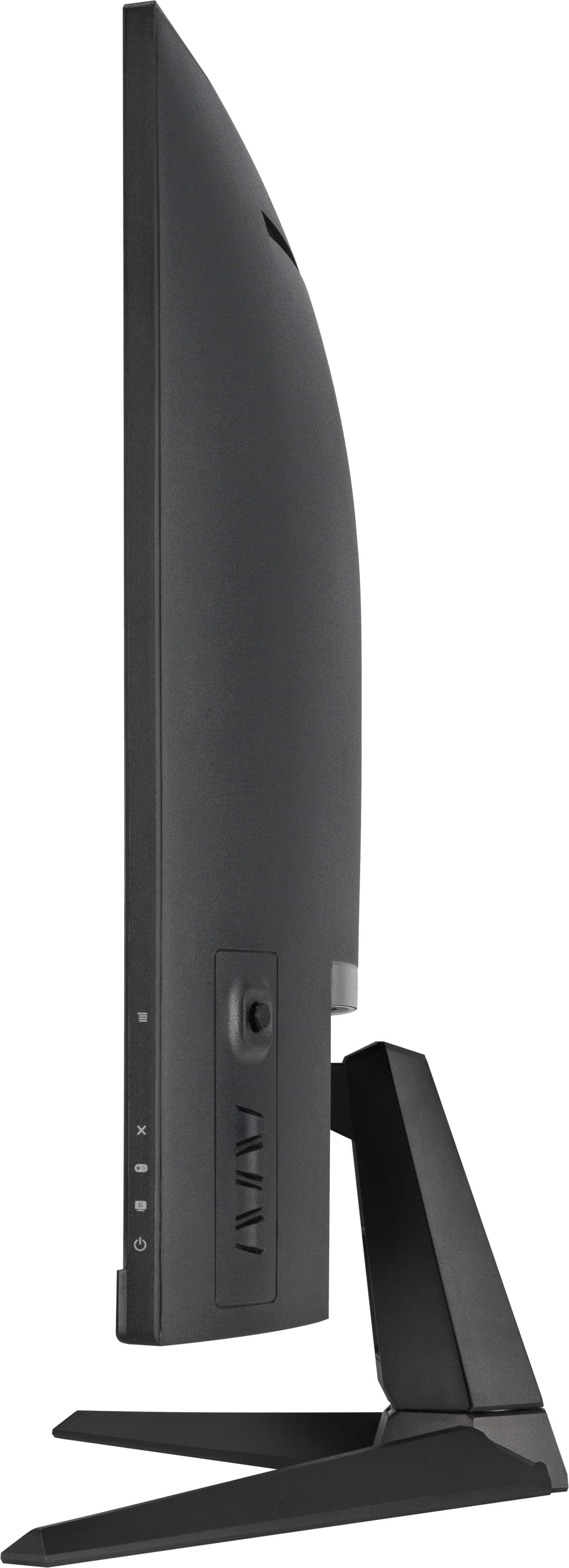
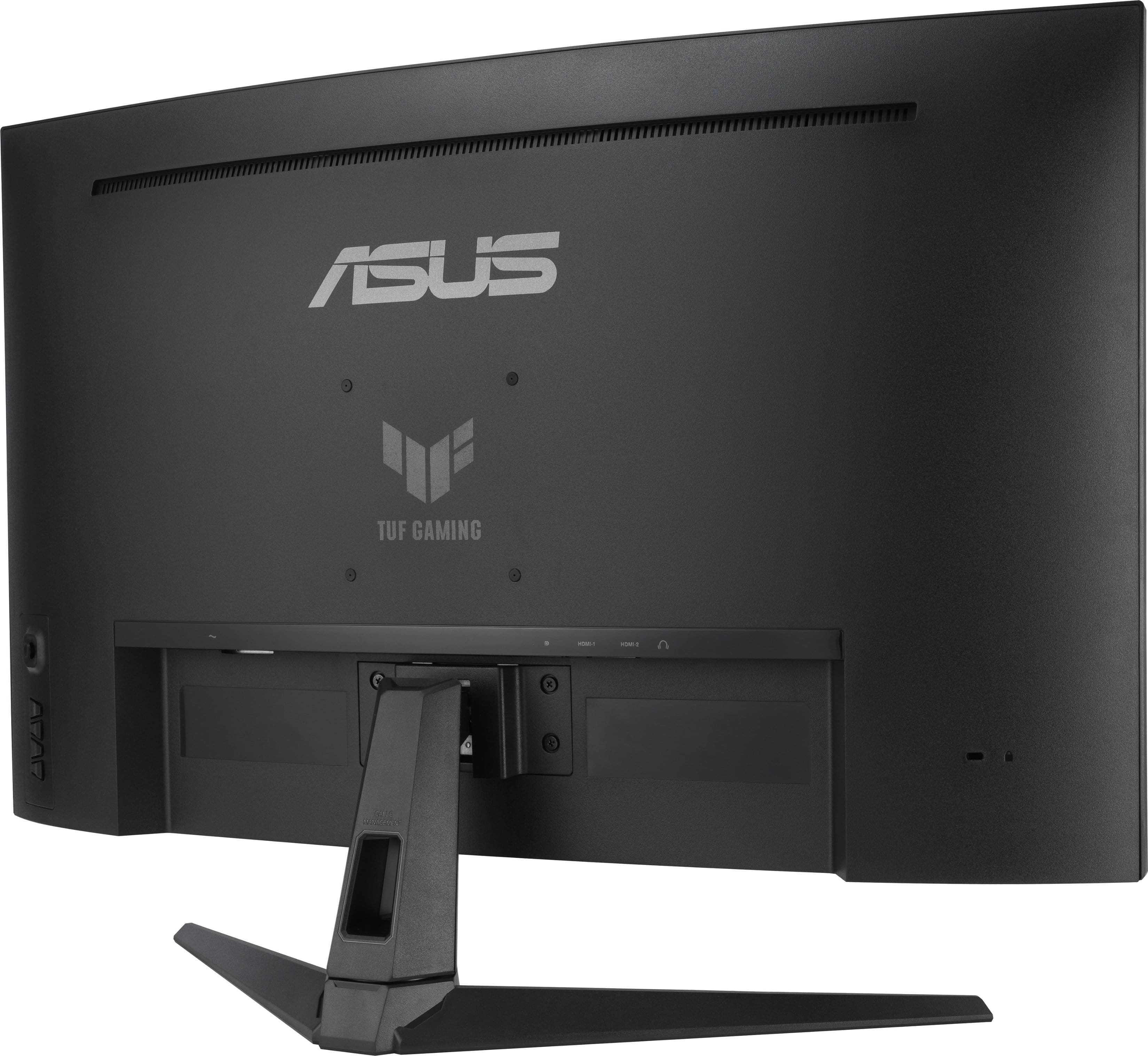
|Posted .This reviewer received promo considerations or sweepstakes entry for writing a review.I haven’t used a curved screen for anything since I bought a curved screen TV 9 years ago when they were all the hype. But I could see the rationale for a curved monitor so gave this a try. First off, 31.5 inches with a curved VA panel, it fills up a good chunk of desk space. Period. The curve isn’t over the top, but it draws you in a bit more than a flat panel, which is exactly what I anticipated/expected. One of the first things I noticed was how fluid motion feels. The panel can hit refresh rates up to 250Hz when overclocked and has a super-fast 0.5ms response time on paper. In practice, that translates into really smooth gameplay in fast-paced titles. Tearing and stuttering are almost gone if you run games with adaptive sync turned on. For shooters or any action titles where every frame counts, this monitor keeps up without the lag or blur you see on slower screens. Color and contrast are better than I expected for a Full HD panel at this size. The VA panel gives solid blacks and decent color pop, especially with the HDR mode enabled. It’s definitely not 4K, and that’s made more noticeable by the sheer size of the screen and the closer viewing angle of using this as a monitor rather than a TV mounted farther away. There are a few rough nitpicks to be aware of. Off-angle views can look a bit washed out compared to an IPS screen, and from close up you can see the limits of a 1080p resolution at this size if you’re used to sharper QHD or UHD displays. The built-in stand only tilts, so if you want height or swivel adjustment, you’ll need a VESA mount. Those physical buttons on the back also take some getting used to. Setup was quick and painless. ASUS even includes a little screwdriver and screws for the stand, which sounds small but makes a difference when you’re fumbling with a new monitor. Once it was up and running, I appreciated having both DisplayPort and dual HDMI ports for easy connection to multiple devices. Overall, this monitor checked off the right boxes for my needs. It’s not the most premium, but the price point seems very fair for the things you get.
I would recommend this to a friendRated 5 out of 5 stars
Great Entry-Level Gaming Monitor
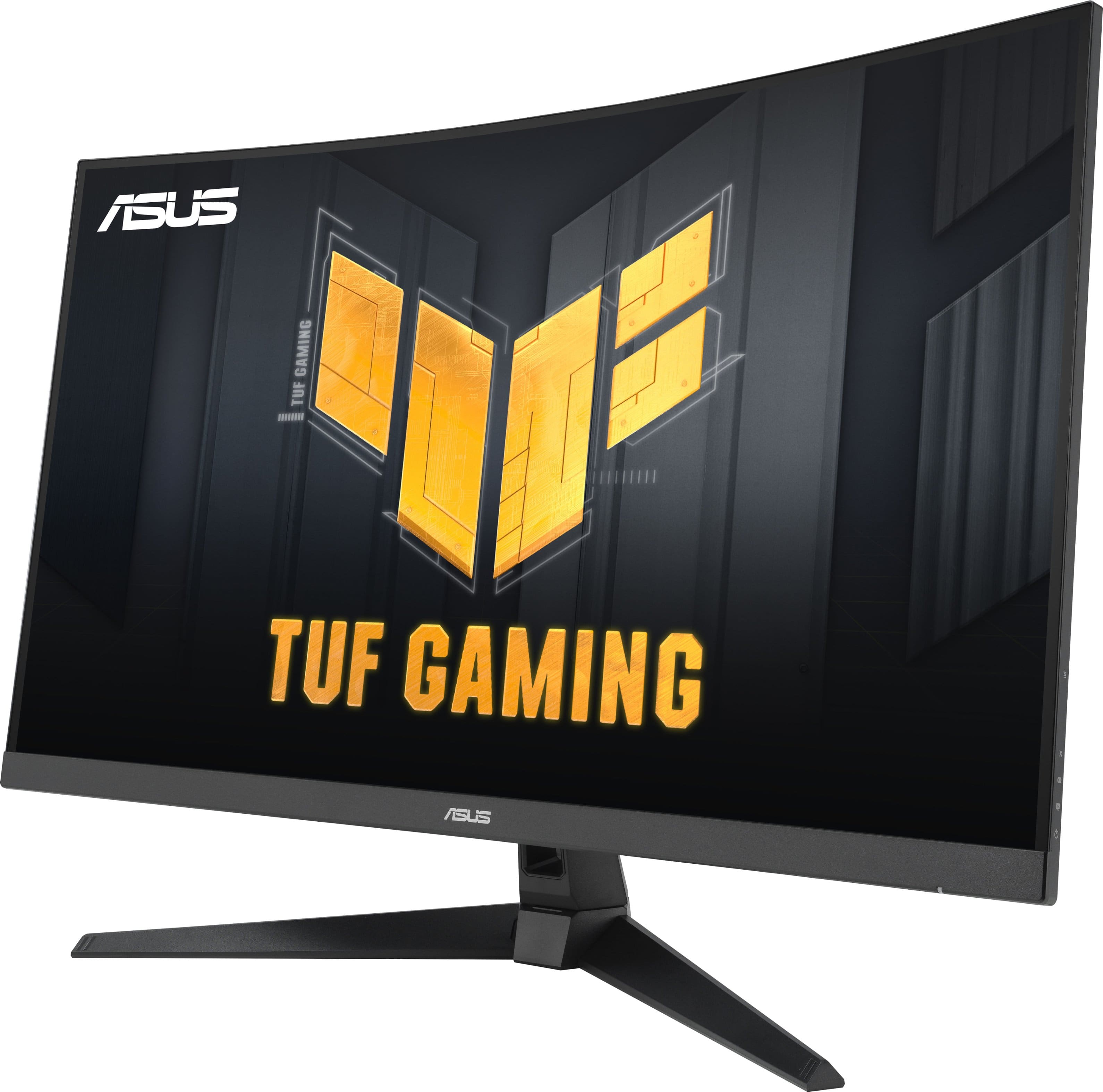
|Posted .This reviewer received promo considerations or sweepstakes entry for writing a review.This ASUS TUF curved gaming monitor gives you a ton of value for your money. Even at this price point, you're getting a 250Hz refresh rate, 0.5 millisecond response time, and a 3 year warranty. PROs: 1) Screen Size - Personally, 31.5" at this aspect ratio is the perfect size for desk gaming. I've used 27" monitors for years and I'm glad I gave this monitor a shot. It fills my field of view perfectly from 1-2 feet and it's not so big that I feel like I'm looking around to see edges of the screen. 2) Display Connectors - There are two HDMI 2.0 ports and one Display Port 1.2 on the back of this monitor. For this price range, that is on par with what I would expect. I use all three between my Switch 2, Ps5, and PC. 3) Curved Display - I am a huge fan of the curve on this display. It's subtle enough to add to the immersion while gaming but not drastic enough to feel like you have to look left and right as it wraps around your head. Just tossing this out there for ASUS - I think they should entertain a monitor that is curved left to right and top to bottom. CONs: 1) The Stand - Not a fan of this stand to be honest. I don't like how you have to assemble it with screws and I don't like the lack of height adjustment. I understand the height adjusting stands are typically reserved for more premium offerings but, I feel that in 2025, every monitor should have some range of vertical adjustment. If you are picky about your monitor height, I would recommend taking advantage of the VESA mount. 2) Resolution / Screen - While the monitor is color rich and boasts a HDR10 certificate, it's still a VA panel with 300 nits of brightness and 1080P resolution. If your expectations are aligned with it's price - you will be happy. If you are in a bright room and are someone who likes to count pixels - you may want to increase your budget. I think most monitors 27" and smaller can still get away with 1080P resolution, but it becomes a much harder argument for screens that are 32"+. I would bet most people would never notice but, if you are a pixel snob like myself, you may want to look at other options. SUM: This ASUS TUF monitor has everything you need to get your first gaming setup cooking. Between the curved display and crazy fast refresh rates - you will be very happy with this monitor. If you're a bit more experienced and have developed a trained eye for sharp text and grey uniformity - you may have to re-align your expectations.
I would recommend this to a friendRated 5 out of 5 stars
Big monitor for big gaming performance
|Posted .This reviewer received promo considerations or sweepstakes entry for writing a review.With the Asus Tuf Gaming 32" Curved monitor I have been able to significantly upgrade my gaming experience. For me, this has now added a 3rd monitor for wrap screen racing setup, and is now the main for my other games. I have 2 other Asus Tuf gaming monitors and they have been fantastic monitors to date. Out of the box, this is quite a large monitor. It is not really "wide screen". It is well protected in two large trays of hard styrofoam and there is a nice protective cover over the monitor itself. The base and stand are nestled in the trays, along with the power cord and a DisplayPort cable. The base and the stand are very easy to put together, as it uses a single screw with the fold out grip to be able to turn the screw in place. Connecting to the back of the monitor is a bit trickier, as it has to kind of go in at an angle on the top, then uses screws to hold it in place. It does come with a "L" shaped Philips head to tighten in, but is much better if you use a real screw driver. The plug and play is very simple and there is hole in the middle of the stand to be able to run the cables through for a clean set up. The monitor packs quite a bit of performance. A 250hz refresh rate, .05ms response time, AMD Freesync, HDR, and a feature they call "Extremely low Motion Blur ELMB", that works in conjunction with Freesync to eliminate ghosting a frame tearing. It also includes speakers as with the other TUF gaming monitors, and the sound is pretty good for smaller monitor speakers. Definitely not for use in immersive gaming, but over all pretty satisfied. With this monitor being the center panel of 3, it really handles the games very well. Driving games and first person shooters have no jutter and it looks so smooth. With the bigger panel it also makes everything a bit bigger and easier to see. The curve in the monitor for me just adds a bonus to simulating a wrap around design with the partial curve of this monitor being just enough to make the 3 monitors into one larger curve. Overall, this monitor is awesome. I love it, I wouldn't want to go with anything else. Highly Recommend
I would recommend this to a friendRated 5 out of 5 stars
a solid addition to my workstation
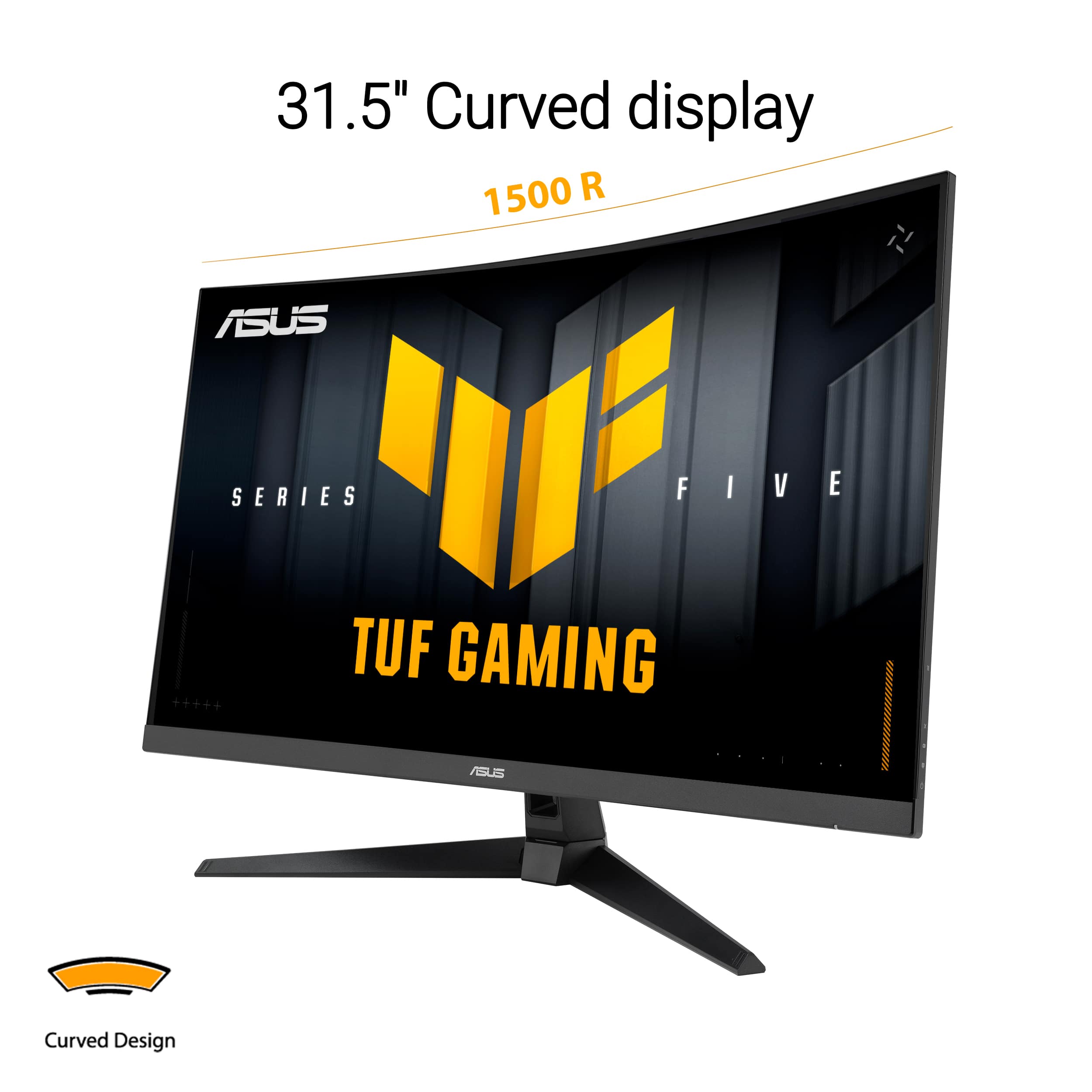
|Posted .This reviewer received promo considerations or sweepstakes entry for writing a review.The ASUS TUF Gaming 32" Curved Monitor is a fantastic update to my workstation and gaming area, and after using it for a few weeks, I can say it has become one of my favorite monitors. One of the first things I noticed about this monitor is the immersive nature of the 1500R curve, which creates a nice wrap-around effect of games/videos onto my peripheral view. There is a significant level of comfort when viewing due to how comfortable everything feels to my eyes as I'm looking forward at the screen without feeling overwhelmed. Although not 1440p, the fullHD resolution is adequate for daily tasks, but the monitor has the ability to produce such high refresh rates gives it that edge over higher resolutions. The most impressive part of this monitor for me has been the combination of 250Hz refresh rate and 0.5ms response time together; when playing a fast-paced FPS (first-person shooter), this combination gives me an extremely smooth visual experience with no noticeable blur or tearing of images (thanks to AMD FreeSync Premium support). The extreme low-motion blur technology allows me to view action content clearly. The colour reproduction of the monitor is very vivid (even without calibration) and having HDR support provides additional brightness and contrast to dark scenes. Although not the most technologically advanced HDR, there is a noticeable improvement in contrast compared to displays that do not have HDR support. Another thing I like about this model is that it has both HDMI and Displayport connectivity; therefore, there is no need to switch to utilise adapters or swap over cables. Assembling the monitor was simple, and I appreciate ASUS providing a good L-shaped screw driver with the package. Overall, if you are looking for an extremely fast curved gaming monitor that will give you smooth visuals and extremely low latency, then I highly recommend this monitor.
I would recommend this to a friendRated 5 out of 5 stars
Immersive, super-smooth FHD gaming ahead
|Posted .This reviewer received promo considerations or sweepstakes entry for writing a review.ASUS - TUF Gaming 32" FHD VA 250Hz 0.5ms Curved Gaming Monitor is a great, immersive gaming monitor thanks to its 1500R curve and brilliant colors. It has a Full HD resolution that makes it a good companion for games, productivity apps and media consumption. The images are bright and crisp and with its 0.5ms super fast response time, and up to an impressive 250 Hz refresh rate for Extreme Low Motion Blur, it’s great for fast paced action games. It supports both NVidia G-Sync and AMD Free-sync Premium adaptive sync for smooth gaming. Additionally, much like other ASUS LED displays, the colors are vibrant, contrast and brightness are high and there are plenty of preset and custom adjustments you can pick from, even overclocking, especially with the GamePlus features and Display Widget Center App. It also supports HDR10. The connectivity options are just right with 1 x DisplayPort 1.2, 2 x HDMI 2.0 and a headphone jack that picks up the sound signal from your HDMI or DP input, so you can connect your favorite gaming headset directly to the monitor. A display port cable is included. Last but not least, the ASUS - TUF Gaming 32" FHD VA 250Hz 0.5ms Curved Gaming Monitor has an ergonomic stand with +23 to -5 degrees Tilt and if you need to mount it on a wall it also has the standard 100mm VESA mounting capability. All in all, this monitor is great for any gamer on a budget who is OK with running super-smooth at 1080p. It is totally more affordable than any 4K display, while still offering FHD and brilliant, bright colors.
I would recommend this to a friend