Customer Ratings & Reviews
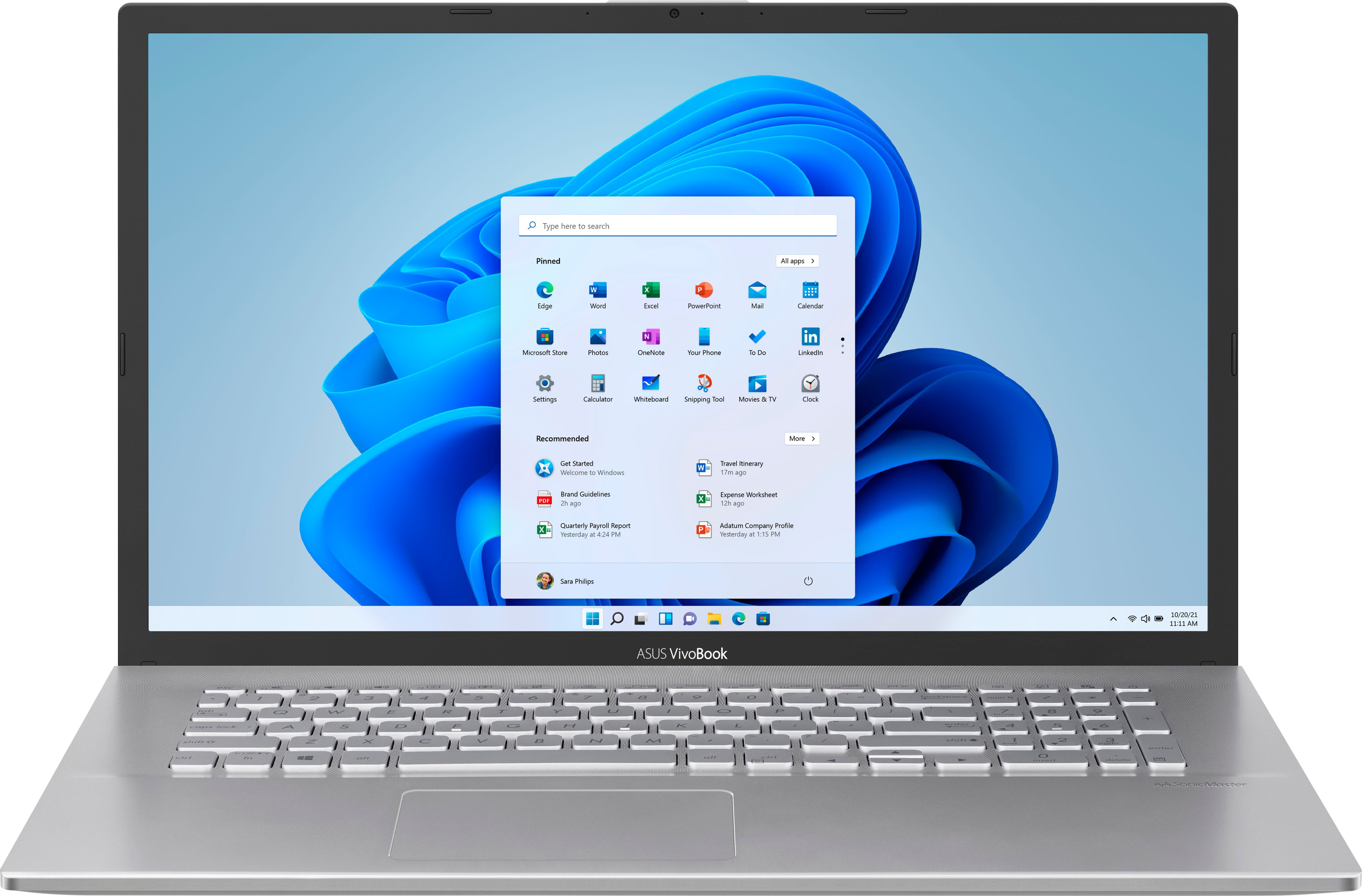
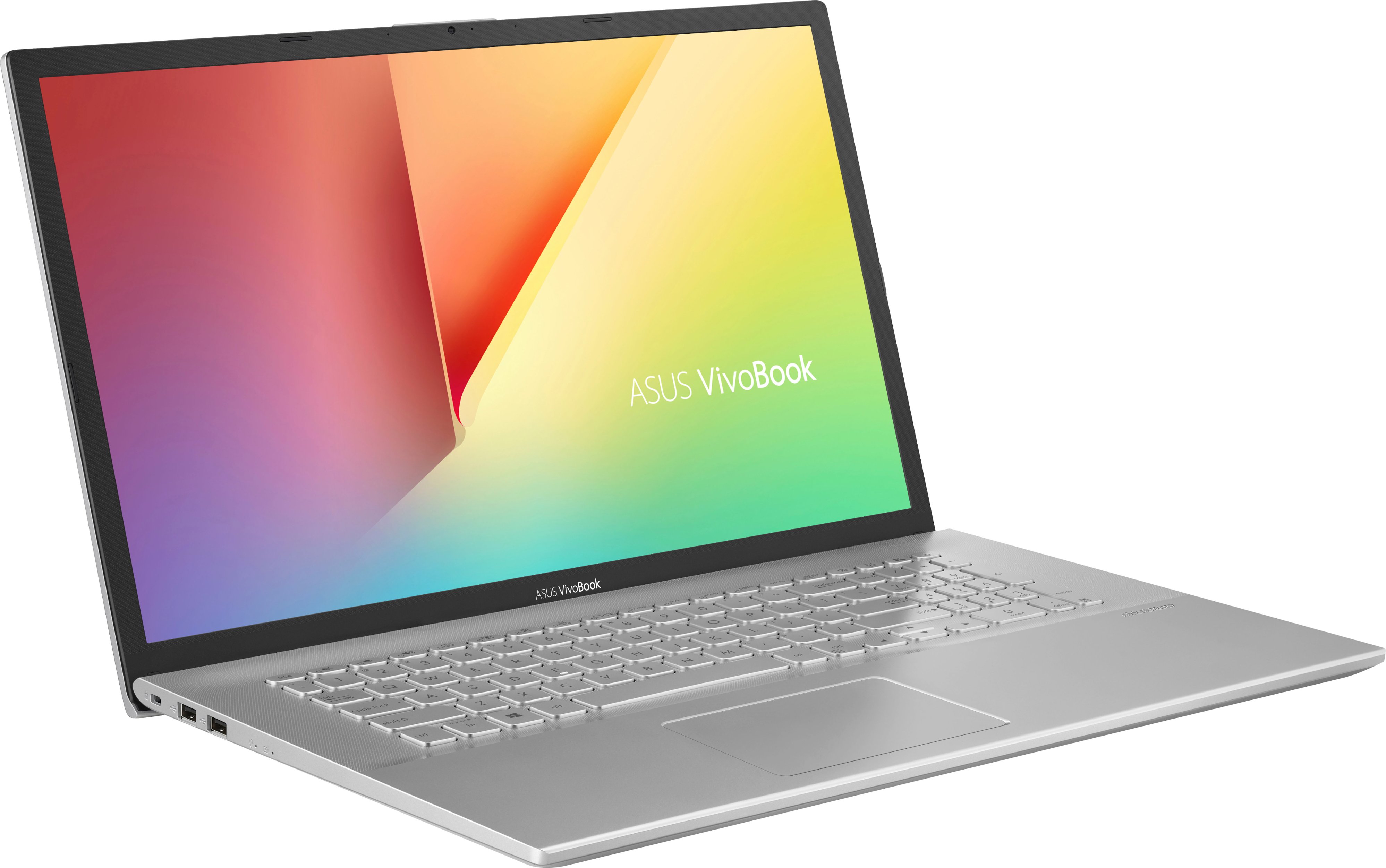
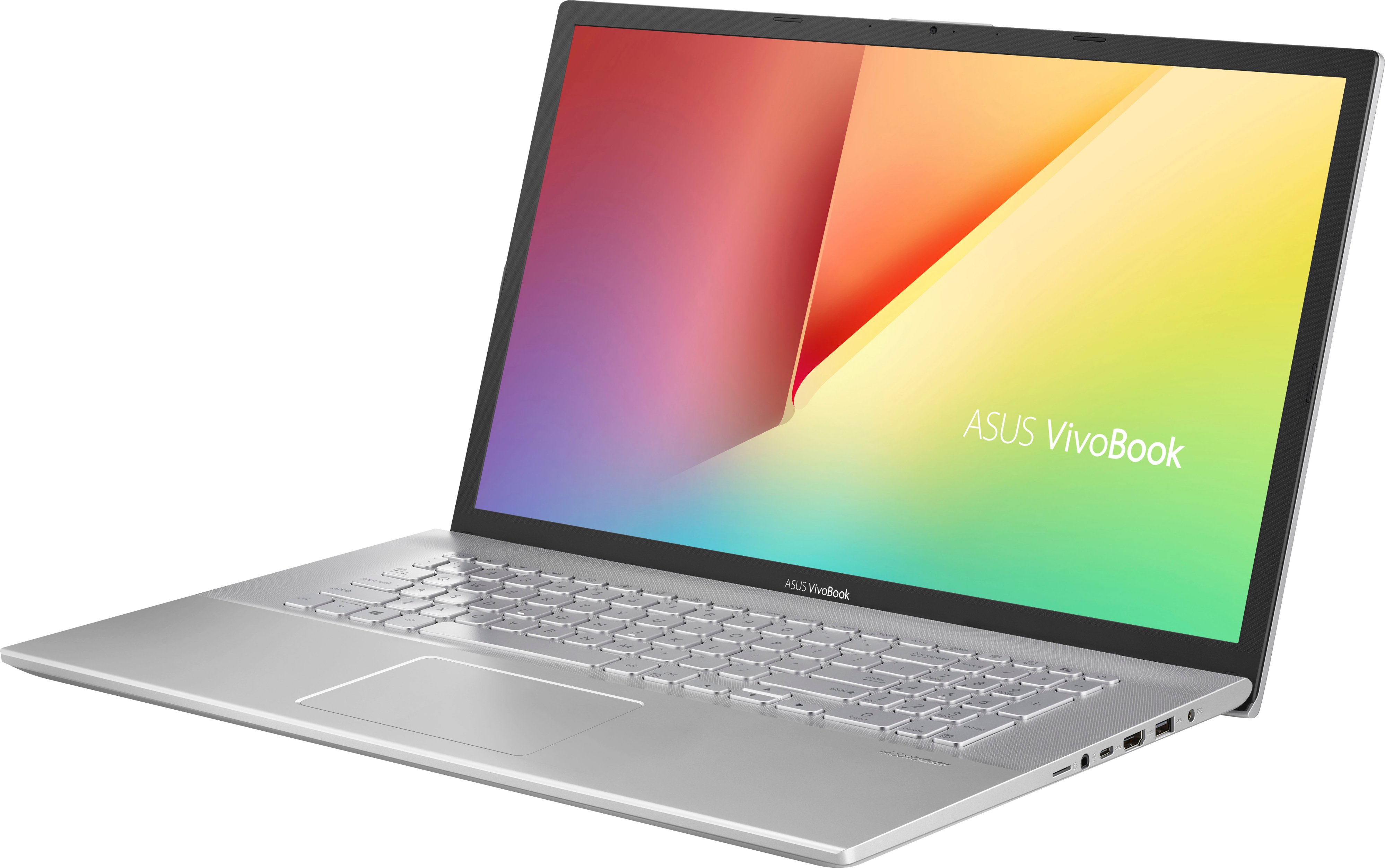
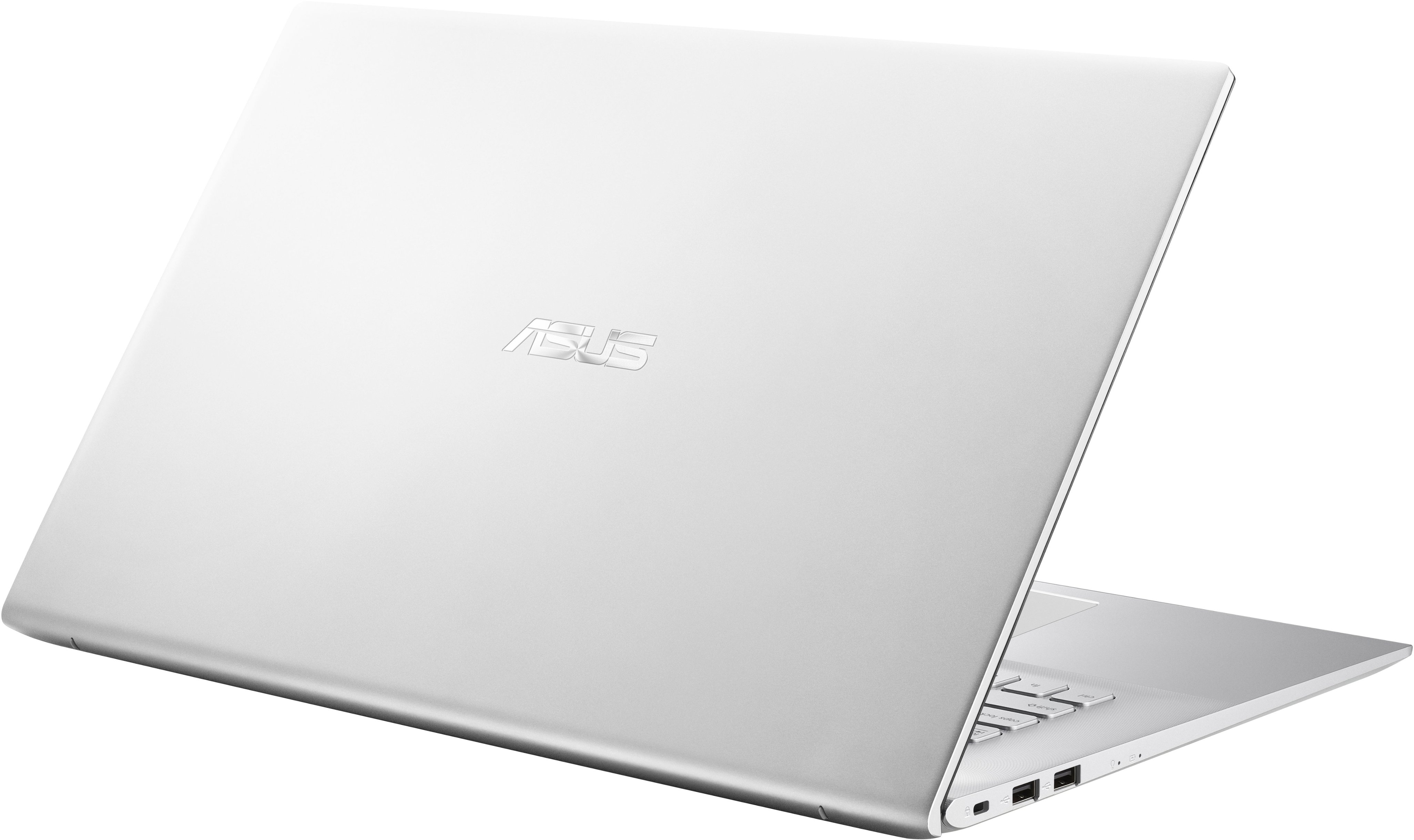




- Model:
- X712JA-212.V17WN-11
- SKU:
- 6469399
Rating by feature
- Battery Life
Rating 3.9 out of 5 stars
- Speed
Rating 3.5 out of 5 stars
- Display
Rating 4.2 out of 5 stars
Customers are saying
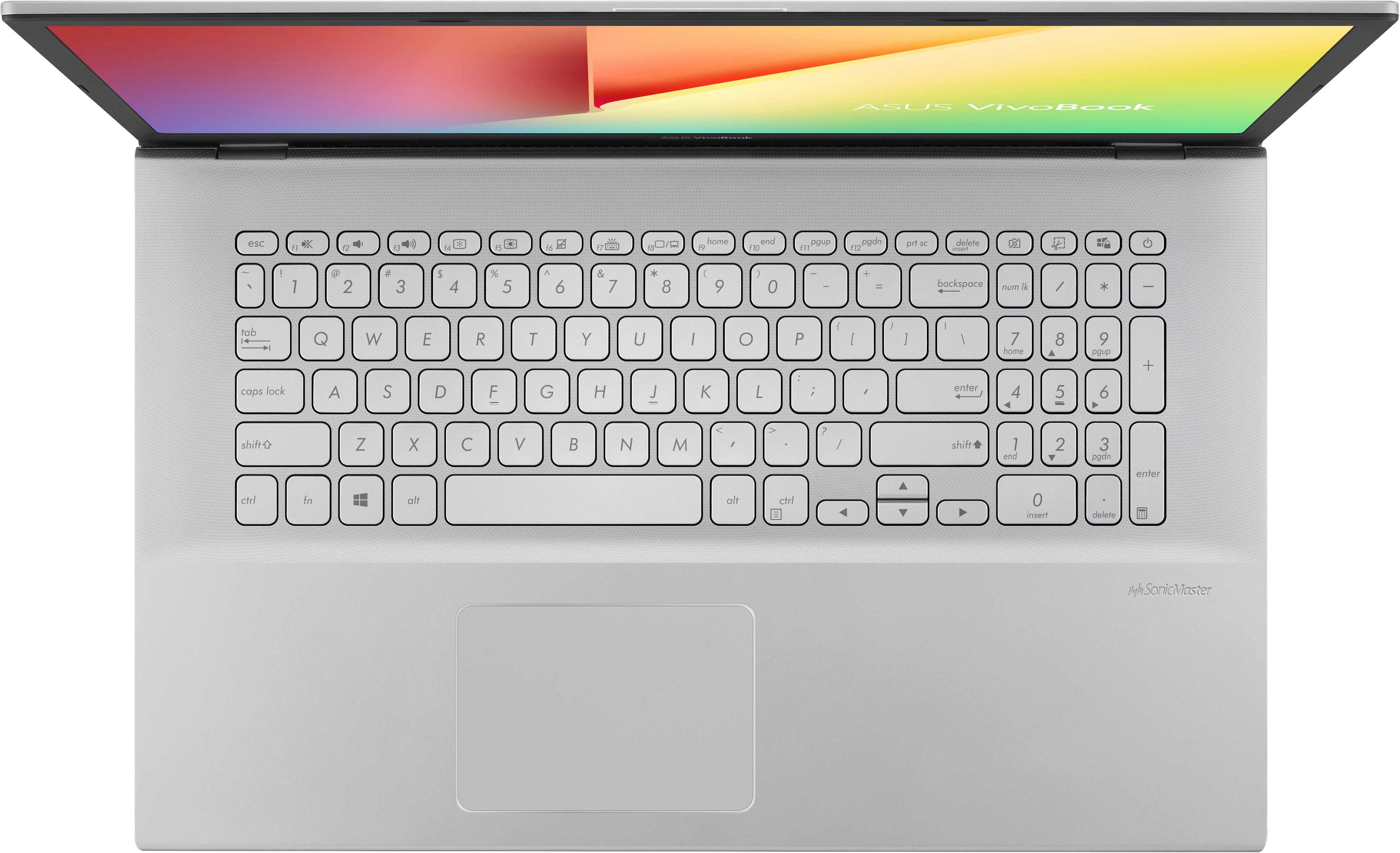
Customers are impressed with the Vivobook's price, ease of use, ample RAM and storage, and lightweight design. However, many users cite concerns regarding the keyboard quality, particularly the key color and lack of backlighting, and report shorter than expected battery life. Slow boot times were also a common complaint. The large size of the laptop was mentioned as a drawback by some users.
This summary was generated by AI based on customer reviews.
- Pros mentioned:Price, Ram
Excellent Performance and Impressive Display
||Posted . Owned for 9 months when reviewed.This reviewer received promo considerations or sweepstakes entry for writing a review.I recently purchased the ASUS VivoBook 17, and I must say, I am thoroughly impressed with its performance and stunning display. This laptop has exceeded my expectations in every way, making it a worthy investment for anyone seeking a powerful and visually captivating computing experience. First and foremost, the performance of the ASUS VivoBook 17 is outstanding. Equipped with a robust processor and ample RAM, it effortlessly handles multitasking and resource-intensive applications. Whether I'm editing photos, streaming HD videos, or running demanding software, this laptop remains responsive and smooth, delivering seamless performance without any lag. The 17-inch display is an absolute delight. The Full HD resolution brings my media to life with vibrant colors, sharp details, and excellent contrast. Whether I'm watching movies, editing documents, or browsing the web, the visuals are immersive and visually stunning. The larger screen size enhances productivity, providing ample space for multitasking and an enjoyable viewing experience. The design of the VivoBook 17 is sleek and stylish, making it a head-turner wherever I take it. The slim bezels add to the immersive display and give the laptop a modern and sophisticated look. The backlit keyboard is comfortable to use, and the responsive touchpad offers precise navigation. The battery life of this laptop is impressive, allowing me to work on the go without constantly worrying about finding a power outlet. It provides enough juice to last through a full day of moderate use, keeping me productive and connected wherever I am. In terms of connectivity, the VivoBook 17 offers a wide range of ports, including USB, HDMI, and an SD card reader, ensuring seamless compatibility with various devices and peripherals. The Wi-Fi performance is excellent, providing a stable and fast internet connection for smooth browsing and online activities. Lastly, the ASUS VivoBook 17 offers great value for its price. It combines top-notch performance, a stunning display, and a sleek design, all at an affordable price point. This laptop proves that you don't need to break the bank to experience high-quality computing. In conclusion, the ASUS VivoBook 17 is a standout performer with its excellent performance, immersive display, stylish design, and long-lasting battery life. It's a fantastic choice for both work and entertainment, catering to the needs of professionals, students, and multimedia enthusiasts alike. I highly recommend the ASUS VivoBook 17 to anyone in search of a reliable, powerful, and visually captivating laptop.
I would recommend this to a friend Disappointed
||Posted .This reviewer received promo considerations or sweepstakes entry for writing a review.Read the reviews before you buy. As of right now, I can’t say that I like anything about it because I’ve only had my hands on it for about 2 hours, but for the past two hours I have been disappointed. It took about 12 minutes to boot up the first time but I’m not sure if that’s common. After creating a Microsoft account I logged in and opened up Edge and noticed right away it was slow to open. I can’t explain it, but the custom Edge settings slowly faded onto the screen and looked laggy. I moved my mouse to the top of the window to open a new tab and it hadn’t even loaded the option to do so yet. When it did, I opened a second tab and noticed the loading icon on the tab froze before finally loading the page. I went to Google to download Chrome but couldn’t because the laptop was in S mode, which apparently helps maintain the computers performance by forcing you to only download from their store. So I removed S mode to download Google Chrome. Not sure if it’s just me, but Chrome seems laggy on this laptop compared to my other. Anyways, I noticed the overall performance of the laptop is just slow. Someone left a review saying it’s a good laptop in a pinch, and as someone wrapping up final classes for college, that’s why I went out and bought one. But this is going right back to the store tomorrow! I read some reviews after purchasing and setting it up, and I noticed people have similar complaints to mine and each other. For example, something about the keyboard feels off. Can’t tell if the keys are too wide, spread to far apart, or both. The color of the symbols, letters, and numbers are competing with the color of the keys, so it’s slightly difficult to see with the lighting in my room. I’m not a fan of the speakers being under the laptop because it makes the audio sound trapped under it, if that makes sense. Just sounds bad in my opinion. Especially if you’re not using it on a flat surface. So for those who use their laptops in bed or on their carpet floor be prepared for it to sound REALLY muffled. Anyways, I noticed I need 12 updates. From the photo attached, you can see one is on 0% and the others are pending. At first it was like this for an hour, but now there’s 4 updates pending, and they’ve been stuck for an hour also (still waiting as I write this). I wish the charger port was on the left side of the laptop and not the right, but that’s my personal preference. Don’t take my word on this, but I could’ve sworn I fully charged it and then it was less than half way charged after using it for about 45 minutes. Overall, I’m not happy with this purchase and I’m returning it tomorrow to get something else. I rated the Display 5 stars, assuming that we’re talking about the screen. Other than that, first impressions are everything and due to my first impression, I would not recommend this laptop.
No, I would not recommend this to a friendBrand response from ASUS Answers
Posted .Dear Joseph
We're sorry to hear about the unfortunate experince you're having with this model. Rest assured we will have this information passed on to our team for a review. We would recommend that you back up your data and perform a system reset.
We do value our customers and take negative customer service experience very seriously. This is not the quality of service expected from ASUS. We do stand behind our product and we continuously strive to improve our approach and processes in order to achieve customer service excellence.
For more information send us an email at [email protected] and provide the link of this review for reference. We’ll do our best to provide a quick resolution to your case. Your feedback is important as it helps with improvements to ASUS Support channels. Please copy a link to this post as a reference.
Thank you for choosing ASUS.
Best Regards,
Joan
ASUS Customer Loyalty US Support
- Pros mentioned:Ram, Storage
asus froma 1 to another day
||Posted . Owned for 3 weeks when reviewed.This reviewer received promo considerations or sweepstakes entry for writing a review.i really like this lap top, but it has low volumen and runs very fast, for some games it works very fine, for video play it runs well, the appearance looks good, it was in the rate and characteristics i was looking for. and it has enoungh ram memory, a big storage , so that's great
I would recommend this to a friend Just... get total tech and keep it!!!
||Posted . Owned for more than 2 years when reviewed.This reviewer received promo considerations or sweepstakes entry for writing a review.Super fast, compact, over all great little unit for 2 years. I work from home and this laptop has been all over America with me running like a champ! 9/10 would recommend. After using it nearly daily for work, one day when I went to start it up I got the dreaded blue screen. After doing each of the suggested Google repair instructions, I gave up and took it to the Geek Squad. Long story short get total tech and just keep it. You will ALWAYS have something that needs an inevitable repair
I would recommend this to a friend- Cons mentioned:Battery life
BUYER BEWARE!
||Posted . Owned for 6 months when reviewed.This reviewer received promo considerations or sweepstakes entry for writing a review.Bought this BRAND NEW. From day one this laptop came out of the box scratched up, and won’t function properly. The battery lasts an hour at most. It’s runs like an OLD laptop. DDE Windows Server error. Took this back to Hawthorne Best Buy THE DAY AFTER because it was obviously NOT NEW. Best Buy refused to exchange it. ASUS, even though it’s STILL under warranty says it’s Best Buy’s responsibility. No one will just exchange it for an even trade. I’m a storm chaser that issues tornado warnings all over the Midwest and the South and we NEED radar to run. It will not run on this. I’m stuck with an $800 laptop that hasn’t functioned since day one. Not satisfied AT ALL.
No, I would not recommend this to a friendBrand response from ASUS Answers
Posted .Dear Amyums,
We appreciate you sharing your feedback on this model. We are always known to satisfy our customers with the best quality and features. We do value our customers and take negative customer service experiences very seriously. Our products do go through an intensive quality control testing process to ensure that customers get units that are in proper working condition, and for customers who experience any isolated issues we do offer excellent warranty programs so that customers can feel safe while using our products.
If you should have any other concerns or feedback feel free to reach out to us at [email protected]. We'll be happy to provide a quick resolution to your case. Please refer to this case number (N2107000121-0207) for us to better assist you.
Thank you for choosing ASUS!
Best Regards,
Saskeia
ASUS Customer Loyalty US Support
- Pros mentioned:Storage
Best Buy Always Has What I Want
||Posted . Owned for 3 weeks when reviewed.This reviewer received promo considerations or sweepstakes entry for writing a review.Im an HP person so switching to ASUS recommended by a co worker is a big step. I was actually deciding on getting a Dell. I purchased ASUS with a 17" monitor which is perfect for me. Even for its larger screen size its slim line build makes it lightweight and easy to take with me. It has everything I need to use as a work laptop which made it convenient. Its speed is perfect with a 1tb capacity so I have a large storage even tho alot of my stuff is in the cloud. Customer service is still great both in store and online and I only buy my technology from Best Buy.
I would recommend this to a friend - Cons mentioned:Keyboard quality
Asus laptop 17.3 screen
||Posted . Owned for 1 month when reviewed.This reviewer received promo considerations or sweepstakes entry for writing a review.Keyboard is on the lite side otherwise it works well for what I need it for
I would recommend this to a friend - Cons mentioned:Keyboard quality
Disappointed
||Posted . Owned for less than 1 week when reviewed.This reviewer received promo considerations or sweepstakes entry for writing a review.It is an alright computer But hard to see keys keyboard! Keyboard is silver and keys are silver and no backlight
No, I would not recommend this to a friendBrand response from ASUS Answers
Posted .Dear Montanamoon,
We appreciate you sharing your feedback on this model. It's unfortunate that this model does not meet your expectations, this is absolutely not the experience we want you to have. We do value our customers and take negative customer service experience very seriously. We definitely understand and we value your feedback and concerns as this will aid in any improvements that need to be made.
If you should have any other concerns or feedback feel free to reach out to us at [email protected]. We'll be happy to provide a quick resolution to your case. Please refer to this case number (N2107046304-0056) for us to better assist you.
Thank you for choosing ASUS!
Best Regards,
Ramon,
ASUS Customer Loyalty US Support
- Cons mentioned:Keyboard quality
Horrible transaction.
||Posted .This reviewer received promo considerations or sweepstakes entry for writing a review.Purchased online to pick up at the store. I purchased this as an open-box, excellent certified. Upon receipt, I checked the product and there were very obvious scratches all over the cover, the keyboard had food or something smeared on the keys, and also on the back. Screen was full of dust and fingerprints like someone just got finished eating Cheetos and watching... Who knows what. I ended up returning, I asked if this may have been mislabeled seeing that the description for this laptop which was classified and priced at a category called open box excellent certified, and specifically says "Products in this condition look brand new - with no physical flaws, scratches or scuffs. I was told by someone else that walked up that every open box is used and will have scratches, which is not the truth, at all. This is why Best Buy has separate categories that lost the level of quality at which they're priced. They had nothing comparable in the store, within 1 hour I was able to purchase a newer model of this same brand. I have purchased many things from here and this was a horrible experience, from the misleading description, to the manager or whoever she was that wouldn't even think about looking into pricing this as a used item, since it was definitely used, not just an open box item.
No, I would not recommend this to a friendBrand response from ASUS Answers
Posted .Dear RyanM,
I definitely understand the impression this may have created with our reseller and we do hope this does not have a negative experience with Asus. We definitely understand how inconvenient this is for you and I do sincerely apologize for the inconvenience we recommend that you contact BestBuy using the contact link below. Thank you for choosing ASUS.
https://www.bestbuy.com/contact-us
Regards,
Saskeia
ASUS Customer Loyalty Support.
- Pros mentioned:Storage
Perfect Starter Laptop for School and Lite Gaming
||Posted . Owned for 1.5 years when reviewed.This reviewer received promo considerations or sweepstakes entry for writing a review.I bought this laptop for my daughter. It is great for schooling, browsing and light gaming. Light gaming such as Steam, EA games and Origin. The speed is decent for someone who downloads a decent amount of mods and stores pictures, files and doing browsing for research.
I would recommend this to a friend ASUS LAPTOP
||Posted . Owned for 1 month when reviewed.This reviewer received promo considerations or sweepstakes entry for writing a review.I've never tried this name brand before but so far it has been a great experience. It's sleek and easy to use, I'm glad i made this purchase.
I would recommend this to a friend- Cons mentioned:Keyboard quality
blank keys on keyboard
||Posted . Owned for less than 1 week when reviewed.This reviewer received promo considerations or sweepstakes entry for writing a review.cannot read the keys. at all. returning the laptop for this reason. it is IMPOSSIBLE to read them unless you’re on top of it. why would they do this?
No, I would not recommend this to a friendBrand response from ASUS Answers
Posted .Dear Daniel C,
We are sorry to hear about the key visibility issue you have been experiencing with this laptop. You can get keyboard covers for this laptop which would increase the contrast between the keys and their symbols making them easier to read. We do stand behind our product and we continuously strive to improve our products and processes in order to achieve customer service excellence. For more information send us an email at [email protected] and provide the case number "N2107000121-0193" for reference. We’ll do our best to provide a quick resolution to your case. Your feedback is important as it helps with improvements to ASUS Support channels. Thank you for choosing ASUS.
Best Regards,
Leonardo
ASUS Customer Loyalty US Support
A best buy lap top
||Posted . Owned for 1 year when reviewed.This reviewer received promo considerations or sweepstakes entry for writing a review.I love and enjoy Asus. The laptop is excellent for me to work on my book publishing
I would recommend this to a friend- Cons mentioned:Keyboard quality
My Asus
||Posted . Owned for 3 weeks when reviewed.This reviewer received promo considerations or sweepstakes entry for writing a review.This computer is excellent. My only issue is with the keypads, they are very difficult to see during the day but at nights perfect.
I would recommend this to a friend Good laptop
||Posted . Owned for 8 months when reviewed.This reviewer received promo considerations or sweepstakes entry for writing a review.It works perfectly for me, just what I need, good material
I would recommend this to a friendVivobook PC
||Posted . Owned for 1 month when reviewed.This reviewer received promo considerations or sweepstakes entry for writing a review.Overall a nice little unit, it is not a powerhouse..but use it for book keeping so works out fine.
I would recommend this to a friendReturning immediately, do not buy
||Posted . Owned for 1 week when reviewed.This reviewer received promo considerations or sweepstakes entry for writing a review.If i could give zero, i would. This pc ships with a hard drive that isnt optimized for windows, let alone windows 11. Its a 6gb/s hdd with ZERO disk transfer at most times because of this issue. Returning it immediately. Do not buy. This machine shouldnt ship with the components and os listed. They are imcompatible.
No, I would not recommend this to a friendBrand response from ASUS Answers
Posted .Dear Lynn,
We're sorry to hear about the issues you're having with this model. Rest assured we will have this information passed on to our team for a review. We do value our customers and take negative customer service experience very seriously. This is not the quality of service expected from ASUS. We do stand behind our product and we continuously strive to improve our approach and processes in order to achieve customer service excellence.
For more information send us an email at [email protected] and provide the link of this review for reference. We’ll do our best to provide a quick resolution to your case. Your feedback is important as it helps with improvements to ASUS Support channels. Please copy a link to this post as a reference.
Thank you for choosing ASUS.
Best Regards,
Joan
ASUS Customer Loyalty US Support
- Cons mentioned:Speed
I don't like it
||Posted . Owned for less than 1 week when reviewed.This reviewer received promo considerations or sweepstakes entry for writing a review.The screen have such a bad resolution. I barely can see anything for how bad and light the picture it is like. Also we just start to use it and it is so slow for a brand new computer.
No, I would not recommend this to a friendBrand response from ASUS Answers
Posted .Dear Rina,
We sincerely apologize for this laptop not living up to your expectations and being slow. This is definitely not the kind of experience we want any of our customer to have with ASUS products. Please follow the steps in the FAQ linked below to troubleshoot the issue. We do stand behind our product and we continuously strive to improve our products and processes in order to achieve customer service excellence. For more information send us an email at [email protected] and provide the case number "N2107000121-0167" for reference. We’ll do our best to provide a quick resolution to your case. Your feedback is important as it helps with improvements to ASUS Support channels. Thank you for choosing ASUS.
Best Regards,
Leonardo
ASUS Customer Loyalty US Support
[Notebook/Desktop/AIO] Troubleshooting - System is running slowly: https://www.asus.com/support/FAQ/1042398/#:~:text=If%20the%20system%20is%20slow,we%20suggest%20resetting%20the%20system.
Easy to use
||Posted . Owned for 10 months when reviewed.This reviewer received promo considerations or sweepstakes entry for writing a review.Nice little laptop, wish for the price it had a little more power but good for what it is used for
I would recommend this to a friendNew Year, New Laptop
||Posted . Owned for 1 week when reviewed.This reviewer received promo considerations or sweepstakes entry for writing a review.I went into the store with a certain laptop in mind. When I told to clerk what my requirements were, I was introduced to the Vivobook. After an easy set up, it was easy to see the difference between this and my previous laptop. If you are in the market for a new laptop, feel free to consider this one.
I would recommend this to a friend