Customer Ratings & Reviews


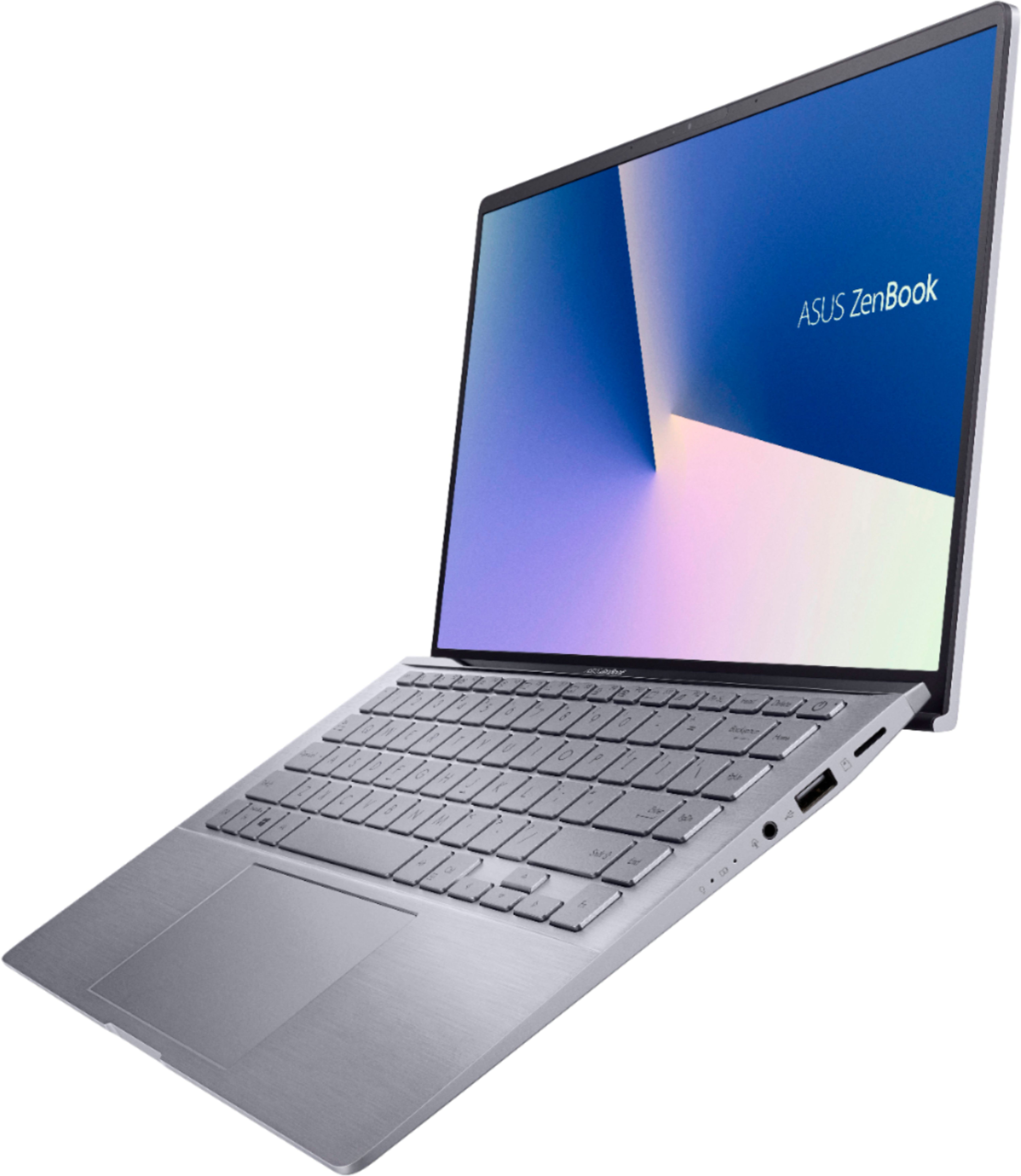
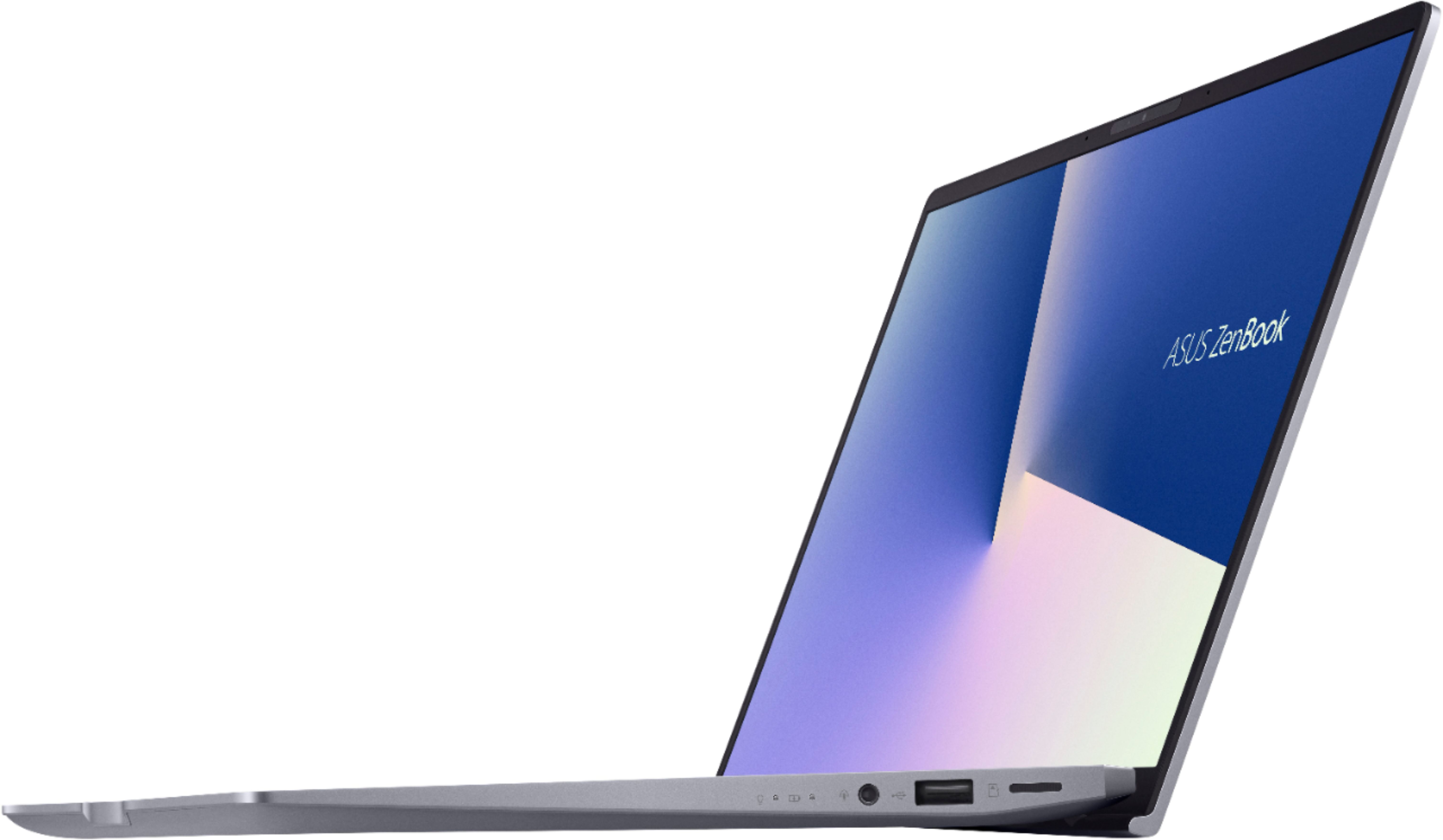
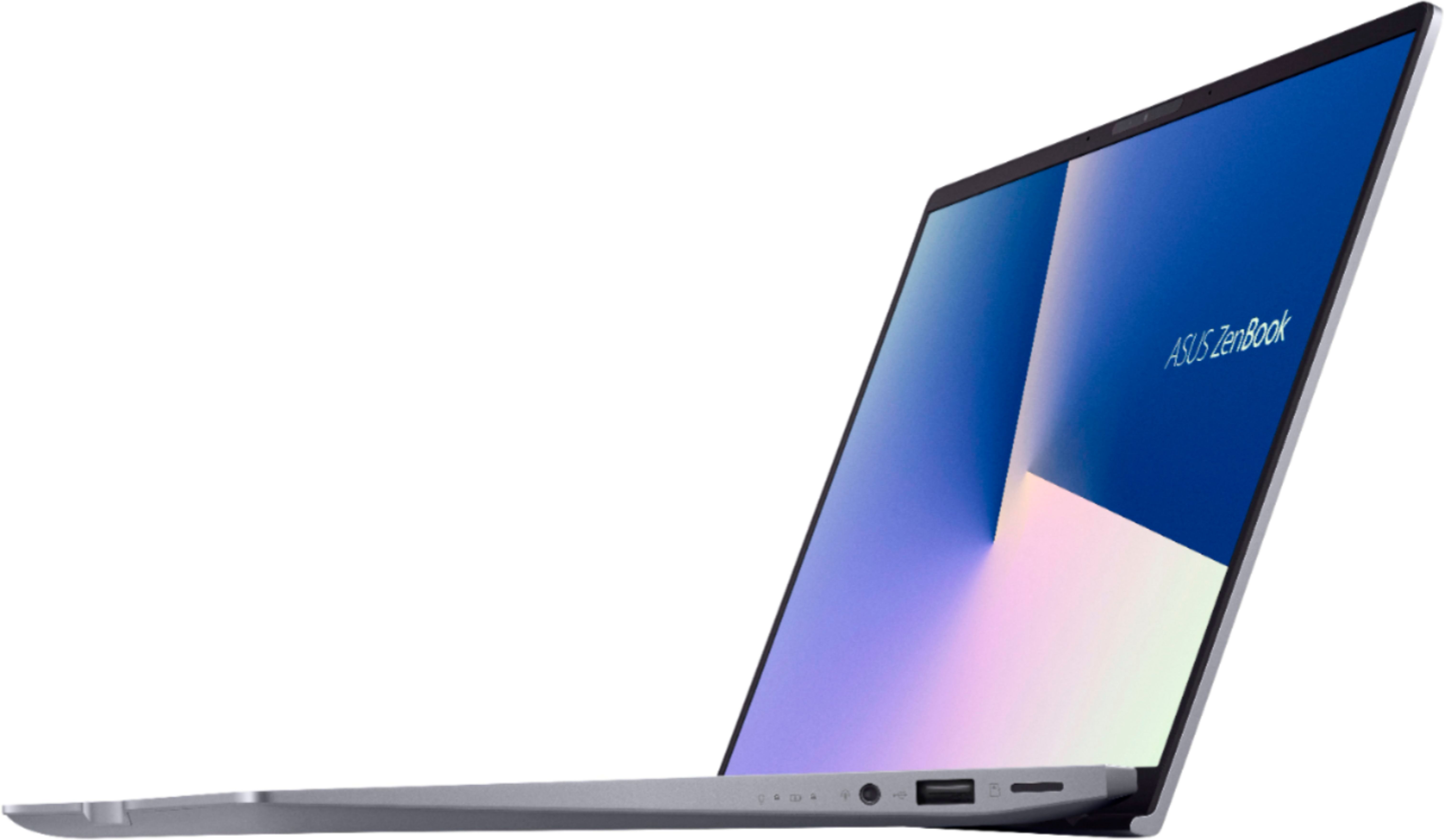





- Model:
- Q407IQ-BR5N4
- SKU:
- 6403819
Rating by feature
- Battery Life
Rating 4.4 out of 5 stars
- Speed
Rating 4.4 out of 5 stars
- Display
Rating 4.4 out of 5 stars
Customers are saying
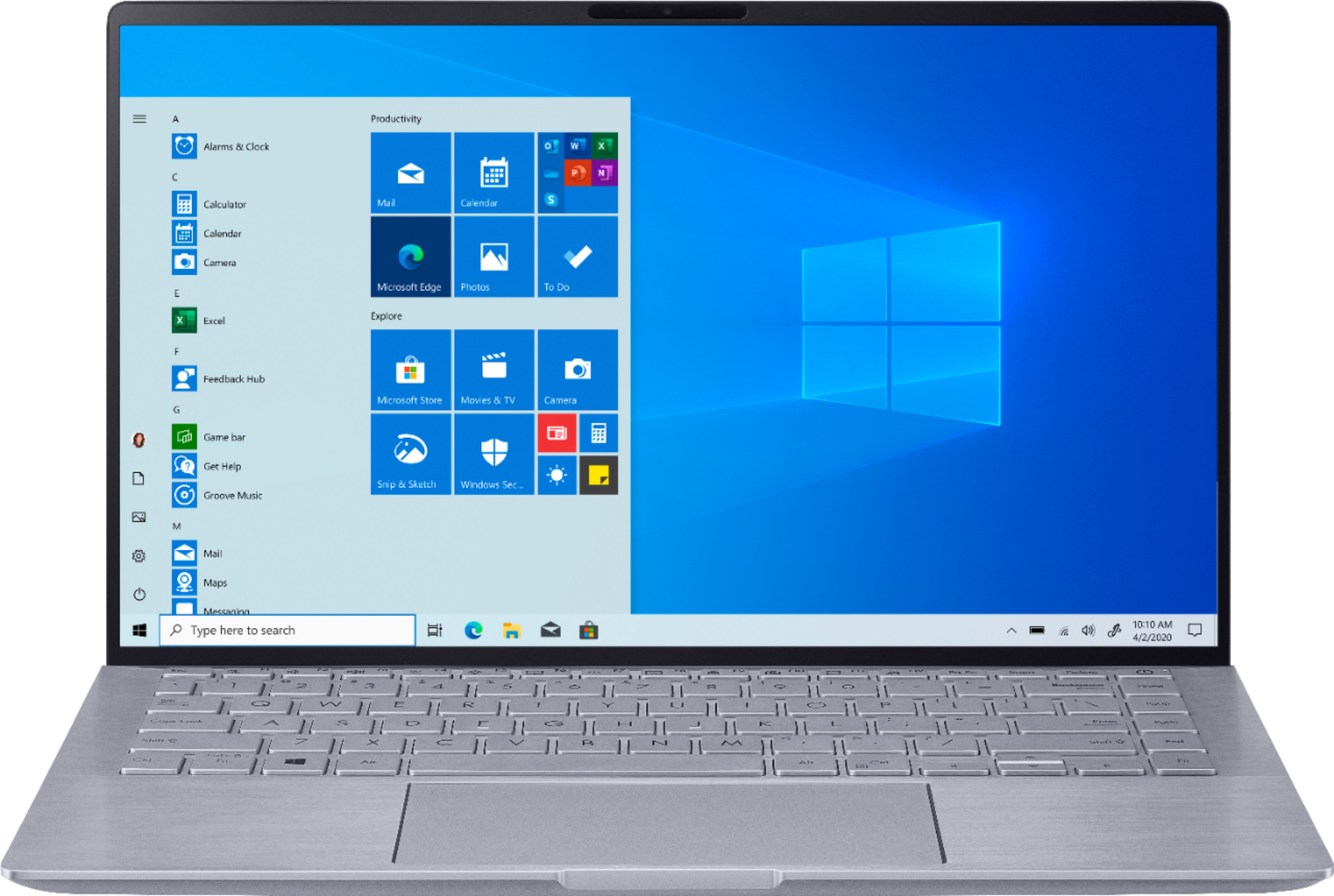
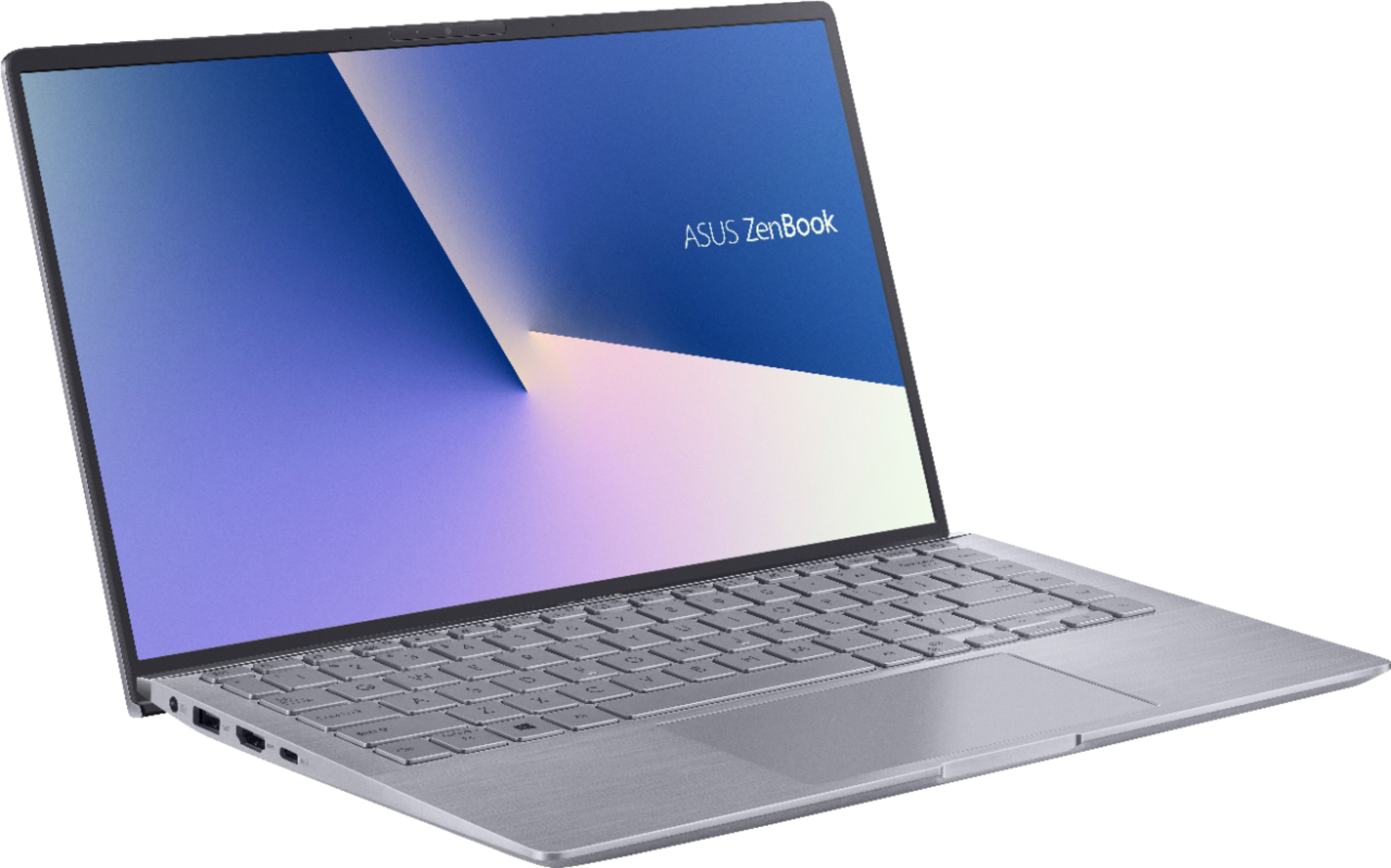
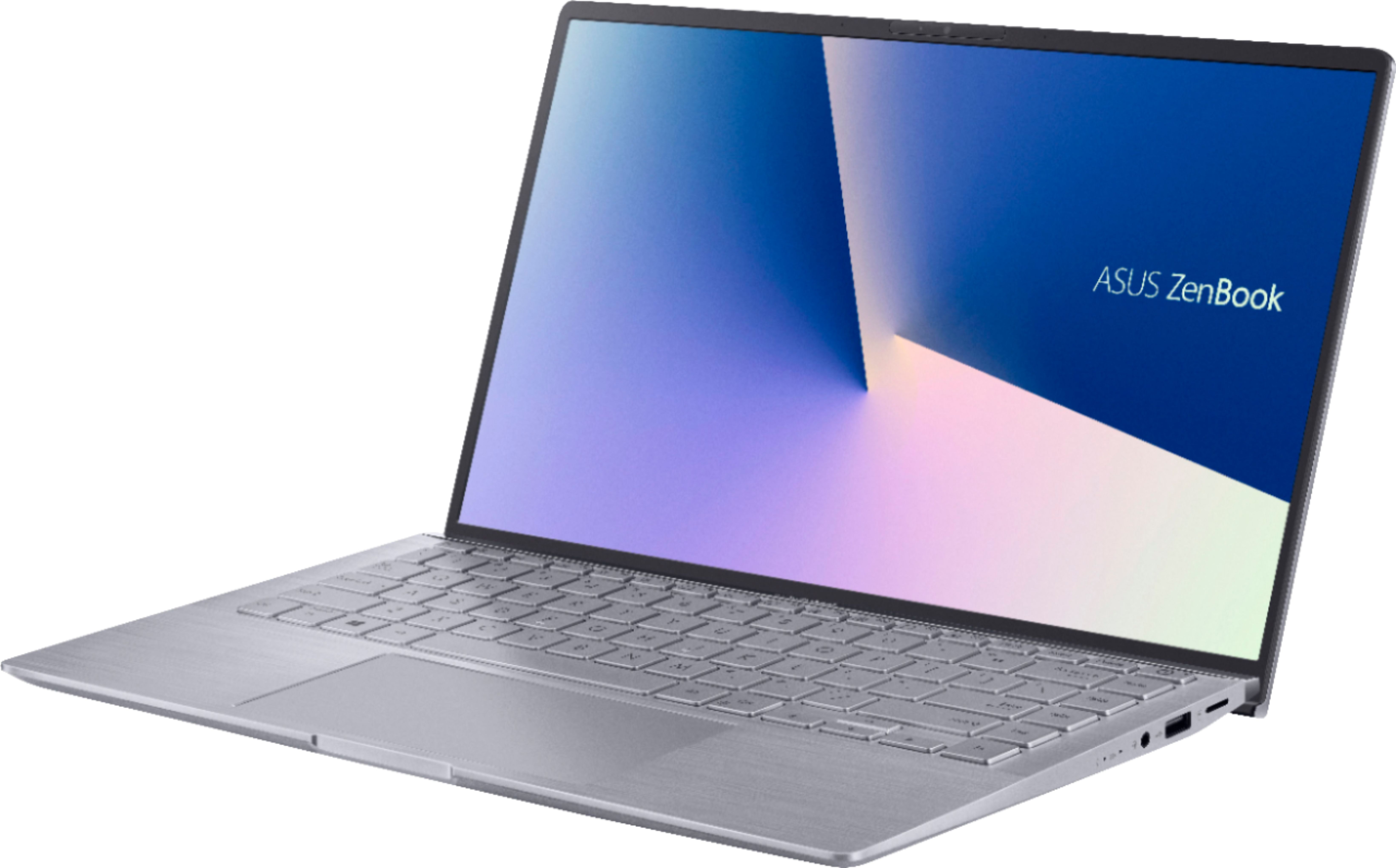
Customers are positive about the lightweight, price, battery life, and performance of the Zenbook 14" Laptop. They appreciate its portability, affordability, long battery life, and ability to handle daily tasks and simple gaming. However, customers are negative about the keyboard, fan noise, soldered RAM, heating issues, and key visibility. They find the keyboard difficult to use due to poor backlighting and faint print, and express concerns about the laptop's cooling and RAM expandability.
This summary was generated by AI based on customer reviews.
(PLEASE READ): Invisible Keys Solution + Fan Issue
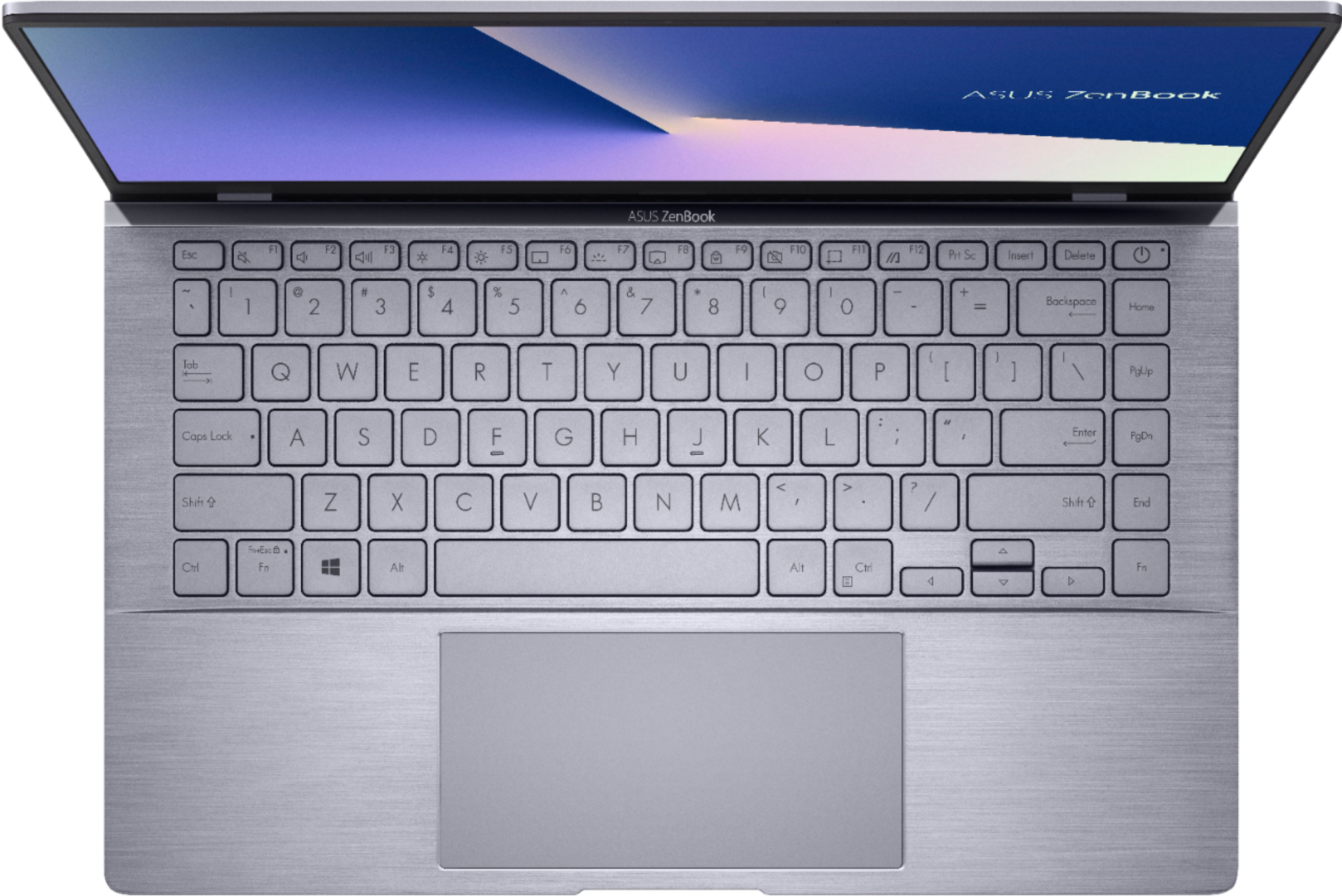
||Posted . Owned for 1 month when reviewed.This reviewer received promo considerations or sweepstakes entry for writing a review.The main problems I have been seeing from other reviews are the max fan problem and the "invisible keys". Well, I have only experience the max fan issue once and it never came back. But for those who keep experiencing this issue here is a fix: (1.go to device manager 2.choose universal serial bus controllers 3. Right-click on the AMD USB 3.10 eXtensible Host controller and choose properties 4. Choose power management 5. Uncheck “Allow the computer to turn off this device to save power”.) And the solution for the "invisible keys" is just to get a keyboard cover. Here is the link: https://amzn.to/35fHTyJ I really like this laptop and didn't want to return it because it has potential. Even though you can't upgrade the ram, you can still upgrade the SSD. Not upgrading ram shouldn't be a compromise unless you're going to do heavy multitasking and video editing. Other than that it already has a fast processor and the ram usage within apps is fine. (ITS ENOUGH RAM) Please remember to keep updating your GPU for the latest drivers and best gameplay. It runs Fortnite, GTA v, 2k20, and other games pretty well. It has one of the best color accuracy's in laptops, especially for its price, (it's 100% srgb)
I would recommend this to a friend- Pros mentioned:SpeedCons mentioned:Keyboard
Very Fast! But it's hard to find the keys!
||Posted . Owned for 1 month when reviewed.This reviewer received promo considerations or sweepstakes entry for writing a review.Overall I'm very happy with this laptop purchase. In my current situation, I would probably buy it again, but there are a few caveats that I'll mention in a moment, but first the pros. PROS - Speed - Price - Size I'm totally impressed with the speed of this laptop, especially at this price-point. I'd researched the processor before buying it and made my purchase largely based on this factor, and I haven't been disappointed. It easily out-performs more expensive laptops. I routinely have several spreadsheets, several documents, as many as several dozen tabs on the internet, and a raster or vector graphics editor all open at the same time and it handles the load just fine. And it's small and lightweight. CONS - Keyboard My only complaint is that the keyboard is unreadable in many lighting situations. Gray text on gray keys with soft gray-blue back-lighting just doesn't work in many of the lighting situations I've found myself in. It looked great in the store, and even now as I'm looking down at the keys it's hard to believe that the distinctly dark gray writing on the keys could blend in with the light gray backgrounds -- then I shift the keyboard to a 45' angel and suddenly the keys are almost entirely blank. Turning the backlighting off in brighter environments helps a bit by increasing the contrast between the dark and light grays. The only other caveats would be that the 14" screen is harder to read than the 15.6" I'm used to, and there's no 10-key pad, which I knew when I bought it. On the other hand, whenever possible I use it with an external keyboard, mouse and monitor. When that's not practical though, I just wear my reading glasses and then twist the keyboard around a lot to see where the keys are.
I would recommend this to a friend - Cons mentioned:Keyboard
Excellent value!
||Posted . Owned for 3 weeks when reviewed.This reviewer received promo considerations or sweepstakes entry for writing a review.The Zenbook 14 is thin and light with an overall attractive design. The metal chassis gives it a premium feel and the keys are pleasant to type on. The backlighting on the keys are very dim and only useable in a completely dark room. That said, the key cap labels can be difficult to read in certain lighting conditions because of the glare that reflects off the keys. The camera and microphone are average and does the job for video conferencing. I was surprised to see that there was virtually no bloatware to remove and the set-up was minimal. It's very fast at this price point and you can also do some moderate gaming thanks to the discrete NVIDIA graphics. One downside is the small SSD at only 256 GB. I am happy with this purchase, especially with a nice discount. In fact, I bought two of them.
I would recommend this to a friend - Pros mentioned:Price
Pocket rocket, at moped prices.
||Posted .This reviewer received promo considerations or sweepstakes entry for writing a review.I always wanted a super thin and light machine where I can do some light gaming on the go, mainly World of Warcraft, Starcraft 2, some easier to run Steam games. But my last try was with an Nvidia MX150 based machine, yes the graphics was there but it could barely run them well. To my surprise, the MX350 here is unlike the previous MX150 or MX250, but this is effectively a stripped down GTX 1050. While the GTX card is still far superior, this version of the MX graphics actually pulls ahead where the MX250 was just a name change, the MX350 is not. I can run World of Warcraft in the most busy of places on native resolution, with not the lowest settings (preset 3) and still get above 40fps, that's a win in my books. The bottom does get very toasty, so I suggest not to put it on your lap if gaming, other tasks it's fine. When stressed you can hear the fan but it is very quiet, it's no gaming laptop in the noise department at least. The build quality is what drew me to the machine at first, it has a great screen, pleasant keys and a large track pad, if I were to have a complaint, I would say the backlit keyboard could be brighter, white on grey is very hard to see. The memory runs in dual-channel, and is soldered on, the storage is upgradeable at least. It uses a barrel charger, a shame the USB C on it does not charge, as it uses a 65w adapter, which is also tiny! I got this while on sale for $549, down from the $699 price. Which I think simply can't be beaten. There were plenty of other machines in the sale price that were inferior, in both spec and build quality, 6 cores in this form and price? Yes please!
I would recommend this to a friend - Pros mentioned:Battery lifeCons mentioned:Keyboard, Ram

It’s got game.
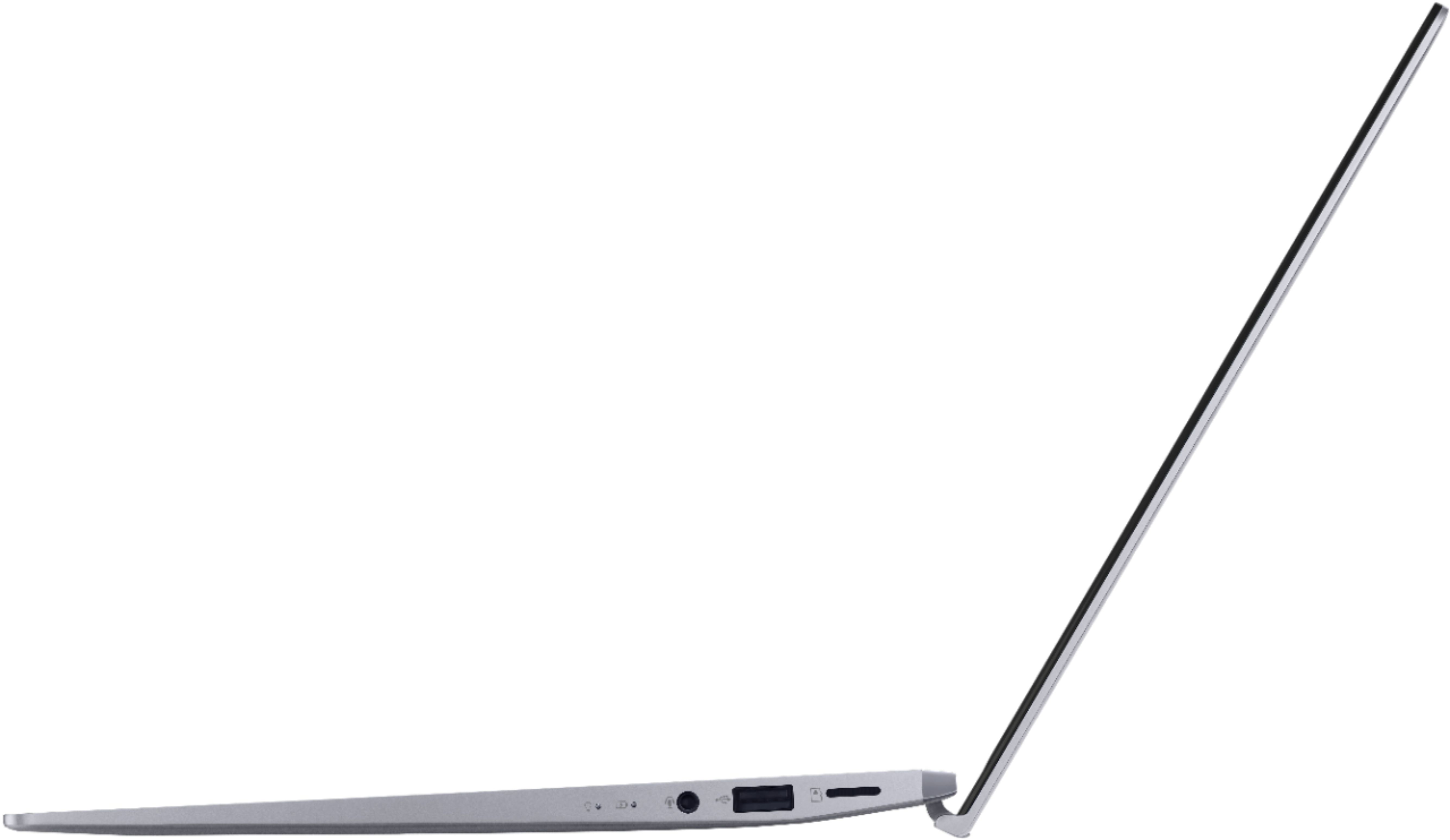
|Posted .This reviewer received promo considerations or sweepstakes entry for writing a review.It is hard to not be impressed when picking up this little machine. The build quality seems quite nice (although not likely up to the “Military-Grade Quality” advertised on the sticker). It is small (around 12-9/16” wide, 7-7/8” deep, and just under 3/4” high when closed), but still gives great performance and battery life, given its size and price. The Ryzen 5 is VERY snappy, and it also has a dedicated Nvidia graphics chip that is actually better than the one integrated into the Ryzen. It even has a micro-SD card reader built-in, which is sometimes omitted on a machine this size. The touchpad is quite large too, which makes navigating without a separate mouse pleasant. The included Asus utility allows you to have the battery stop charging at 80%, which will maximize your battery life a lot (batteries wear out faster when you charge them to 100%). This thing is also pretty good for casual gaming. Running at 1920x1080, FurMark gave me 18 FPS using the Nvidia chip, and 13 FPS using the integrated graphics. This little beast can also run “No Man’s Sky” acceptably on standard setting, with lows dipping into 15 FPS, and even managed to run Fallout 3 at 1920x1080 on “ultra” settings at 60 FPS (lows in the mid 40’s)! The big limitation on graphics is that the graphics chip only has 2GB of RAM. However, when pushing this unit hard, the bottom starts to get quite toasty. Even with the fans running full power you can barely hear them, but the down side is that you do not want to game with this on your lap if you are wearing shorts. I ran Cinebench on this and got a score of 1864 (single-thread score of 451). To put this in perspective, this is a 6-core 15 Watt part. Let’s compare it to a gaming laptop that I have, which features an Intel i7-9750H that can run at up to 60 Watts (but it only hits 50 Watts before thermal throttling) and also has six cores but has hyper-threading for a total of 12 threads. This Intel CPU scored 2297, and 415 single-core. The Ryzen 5 scored 81% when compared to a CPU drawing over three times the power, and beat it in single-threaded performance! However, this laptop is not all rainbows and glitter. There are a couple of weak spots. First is that, although this features a USB-C port, it is not usable for charging. Instead, a separate barrel jack on the side is used to plug in the power. The included power supply is only 60W, which is well within the capability of USB-C to charge. The other wart is the back-lighting on the keyboard (yes, the keyboard lights up). However, the keys are silver, and the letters are dark with the light off, but glow white when the light is on. This means that using the keyboard lighting while the room is lit makes the key markings nearly illegible, since there is little contrast between silver and white. Finally, the separate GPU is faster than the integrated GPU in the Ryzen, but not by huge margins. I cannot help but wonder if it might have better to ditch the Nvidia chip and just go for a Ryzen 7 part with double the memory. Also the RAM is only 8GB, which is on the small size these days. But even with these tiny complaints, this computer is still a winner.
I would recommend this to a friend - Cons mentioned:Keyboard
Overall Good Buy
||Posted . Owned for less than 1 week when reviewed.This reviewer received promo considerations or sweepstakes entry for writing a review.Date of Purchase: March 25th, 2021 Date Received: March 28th, 2021 My Thoughts: The Zenbook 14 is a light and compact laptop with a sturdy build. The 3D IR Camera is pretty quick at facial recognition when you power it on and on that note, you can open the laptop with one hand. The laptop keys are big and comfortable to type on. The trackpad is big and pretty nice to use but sometimes, depending on hand placement, you can accidentally click on something you didn't mean to. The keys may be hard for some to see and type without the backlight on but if you know where pretty much every key is, you won't have any trouble typing with or without the backlight. But in a brightly lit room, the backlight may sometimes not be strong enough. [Tips for Backlight: You only need to press F7 to turn it on and off, no need to hold FN + F7. It has 3 brightness levels.] The sound is pretty good even when on top of my lap. It doesn't sound too muffled. This is a pretty color accurate laptop. And probably one of the best for its price range. It's pretty neat since I like using Photoshop. Even though the laptop screen size is on the smaller size, the thin bezels make it unnoticeable and the screen does not seem squished. So far, if this laptop is on sale, I'd definitely recommend it to others!
I would recommend this to a friend - Cons mentioned:Keyboard
Very nice! Except keyboard
||Posted .This reviewer received promo considerations or sweepstakes entry for writing a review.I like everything about this laptop in the short time I've had it (since yesterday) -- speed, size, features that you can read about elsewhere, all super -- except that the keyboard is impossible to read. I got this for my mother, and the gray letters on steel keys are very hard to read. At night is fine, with the backlit keyboard, but she could simply not read the keys in the daytime. I would "recommend to a friend" only if you're ok with that keyboard. (It feels fine, btw.)
I would recommend this to a friend - Pros mentioned:Lightweight
Portable, light, and good for students like me!
||Posted . Owned for 3 weeks when reviewed.This reviewer received promo considerations or sweepstakes entry for writing a review.I would give this a 4.90 out of 5 stars. It is a really light computer so it's good to bring around with you. The keyboard feels wider for a 14" laptop. Persnally I think thats great, it makes it feels bigger than it is. The trackpad its self is also bigger than other laptops. The bezel is also very think in which provides a better view of the screen. The reason for a 4.90 and not 5 is because I noticed that the plastic bezel in the right corner of the screen is lifted just a little bit compared to the other side (See pic). I'm not sure if someone was trying to peak inside or something. It isn't as noticeable though. But I gotta be careful of dirt getting in there. Shipping wasn't too bad from the states to where I'm from. Other than that, I'm enjoying this laptop and I'm glad I got to purchase it!
I would recommend this to a friend - Pros mentioned:Lightweight
GREAT POWER FOR THE SIZA
||Posted . Owned for 1 month when reviewed.This reviewer received promo considerations or sweepstakes entry for writing a review.I like to play DOTA 2 and have had no problems playing it on this computer. I have also played GTA V to good graphics. It was certainly a great deal, it is very light as a 200 sheet notebook. Great job from ASUS. I just want to add more ram.
I would recommend this to a friend - Pros mentioned:Battery life
Amazing quality/features for the price
||Posted . Owned for 2 weeks when reviewed.This reviewer received promo considerations or sweepstakes entry for writing a review.Blazing fast for everyday tasks, can play not demanding games on 1080p60 and medium quality (like Rocket League). Battery seems decent, though I only let it charge to 60% (software enabled) for battery lifespan purposes. The only thing missing for this is touchscreen, but I purchased a wacom tablet for that, so no big deal. This is a laptop for everyone that doesn't heavy-game or does heavy-video editing, it's perfect for 99% of people.
I would recommend this to a friend - Pros mentioned:Price
A lot quality for low price..
||Posted . Owned for more than 2 years when reviewed.This reviewer received promo considerations or sweepstakes entry for writing a review.it's very good product for the price, is used for 2 years, no problems, im never used ASUS before, but i dont wanna other brand now..
I would recommend this to a friend - Pros mentioned:Battery life, Weight
Great
||Posted . Owned for 2 months when reviewed.This reviewer received promo considerations or sweepstakes entry for writing a review.I really needed a new laptop after my very old dell finally quit on me :( after reading reviews/watching review videos I decided to give this one a try...I’m glad I did ! It’s very lightweight, the battery life is decent, the screen is great the colors are very vibrant, it runs sims4 smoothly !! :D
I would recommend this to a friend - Pros mentioned:Battery life
Good College Laptop
||Posted . Owned for 3 weeks when reviewed.This reviewer received promo considerations or sweepstakes entry for writing a review.I got this laptop for college about a month ago. I didn’t want anything heavy or big to carry in my bag, and even though I knew this would be small I was so surprised at how small it is! I mean, this thing is tiny and slim!! The battery life thus far (although it IS still so new) is so amazingly good. For a full battery it lasts 8-9ish hours for just browsing, doing word documents, homework, video calls, etc. (which is what I do mostly as of right now anyways). And far as the little things and the real deep factors of this laptop, I haven’t explored it much yet. I am a major in computer science, and though I am still a freshman, I suspect I’ll need a laptop with more juice (maybe!) but as far as this guy goes, it’s amazing. We imminently turned around and got another one for my mom because of how much she loved the feel and look of this one.
I would recommend this to a friend - Pros mentioned:Battery life
Love this Laptop
||Posted . Owned for 10 months when reviewed.This reviewer received promo considerations or sweepstakes entry for writing a review.The Asus Zenbook 14" with Amd Ryzen 5 is great. It has super quick boot times from power button to log in 20 sec. I mostly use it for YouTube/Netflix/Prime video/other streaming and it is fantastic for that. The battery in balanced mode which limits the charge to 80% typically last 3 to 4 hours of streaming. Isn't really an issue as I can always just plug it in and have unlimited. The viewing angles are also fantastic. As far as sound through the speakers its all right not amazing. I use my Bluetooth earbuds most of the time though. The best thing about this model and why I purchased it however is that it has a built in micro sd slot. How this is not standard on all laptop is beyond me. It is the easiest simplest way to add tons of storage space.
I would recommend this to a friend My thoughts!
||Posted .This reviewer received promo considerations or sweepstakes entry for writing a review.It has very good quality and touch and is very easy to use and is very good for school work and it is very fast performance when on boot up and general use. I would 100% recommend this as it also has face recognition and a good microphone and camera.
I would recommend this to a friend- Cons mentioned:Keyboard
ASUS Laptop
||Posted .This reviewer received promo considerations or sweepstakes entry for writing a review.I purchased this laptop after conversation with a Best Buy representative. My use of laptop is mainly on line banking and saving and editing photos. I had to purchase an adapter ($30) for more USB ports as this one only 1. Since I like to use a mouse and transfer photos to a Zip drive. Also it was hard to read silver keyboard so I had to order a black keyboard cover ($6)
No, I would not recommend this to a friend A+ Grade for Display/ Excellent Performance Mx350
||Posted . Owned for 2 weeks when reviewed.This reviewer received promo considerations or sweepstakes entry for writing a review.Its A decent laptop for General web browsing or office use And light Gaming. Everything is So percent A+ Grade Screen, Great build Quality, Compact Size , Good battery Backup , Fair Quality speaker, and Mx350 performing Really Good. It can handle Almost Every Game on Low settings. Ive Tested Forza horizon 4 . 35fps @1080 Mid settings.
I would recommend this to a friend- Pros mentioned:Battery lifeCons mentioned:Keyboard
Fast, small, light and well constructed
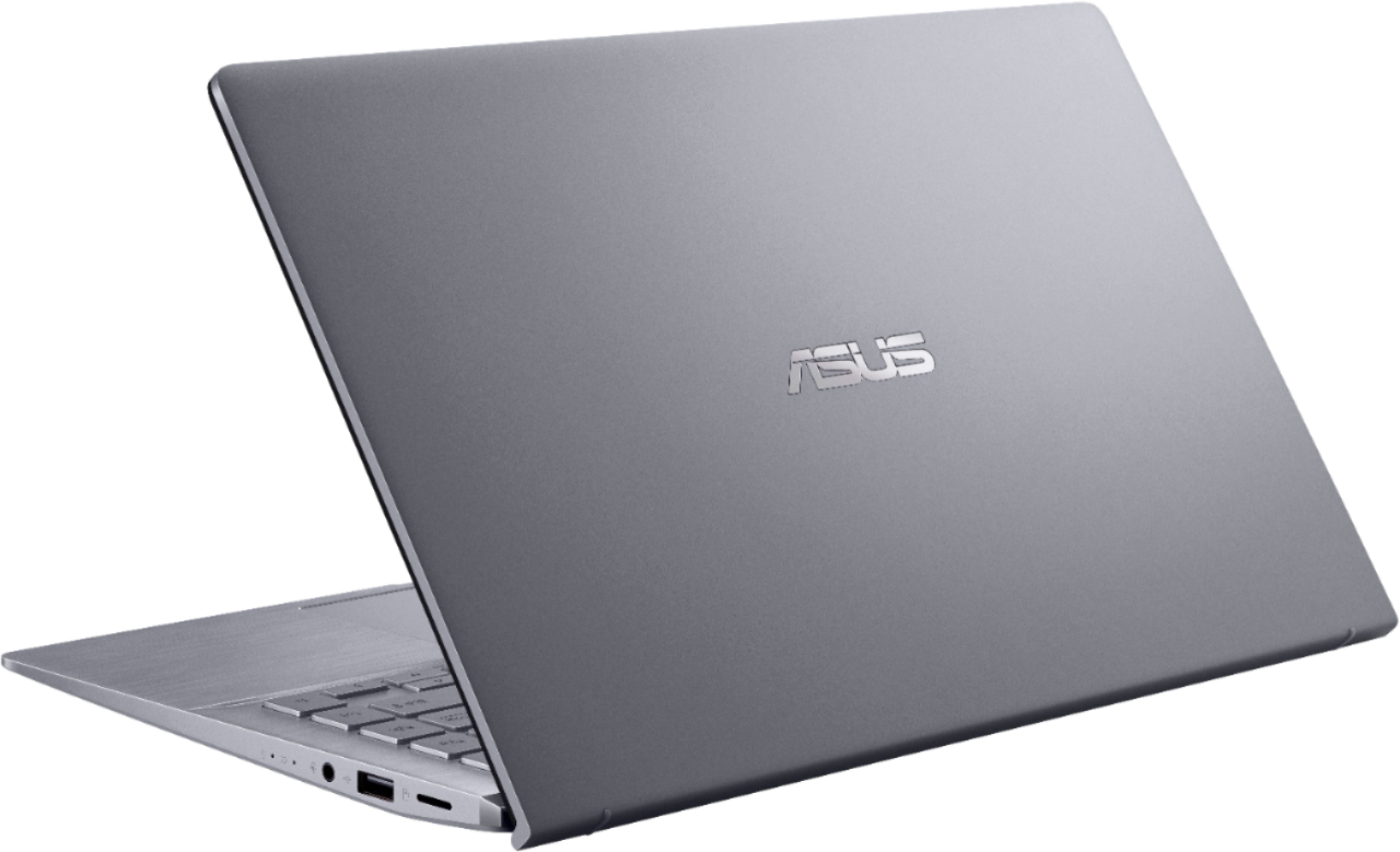
|Posted .This reviewer received promo considerations or sweepstakes entry for writing a review.I’m pretty impressed with my Zenbook so far. It’s Fast! It has a beautiful IPS display, a light weight Aluminum chassis clad in Aluminum shells with a brushed finish. The build quality feels pretty solid. The speakers sound good too. Nice highs. Not tinny or harsh like some laptops I’ve heard. You can change the EQ settings and effects settings to your taste. They even have a little bit of bass but not much giving the size of the laptop. I do like the lighted keyboard and the feels of the keys. However the color and contrast of the keys and the lettering could be better as they can disappear in certain lighting situations. See photos. No problems with set up, WiFi or Bluetooth. Only a couple of “hiccups” I will cover below. Overall, I highly recommend this laptop. See below for more. I discuss Photo related use first and then other observations. Now for an indepth look at it for what I will be using it for the most, Photo Editing on the go. Asus’ website states that this laptop has an 8 bit per color channel IPS display that covers 100% of the sRGB color gamut. I’ll have to take their word for that because I loaned out my Datacolor Spyder monitor calibration tool that will tell me the color gamut and couldn’t get it back in time for the review. My apologies. However, I have included some photos of this laptop compared to 6 bit displays on a couple of other laptops on hand with my x-rite color checker card. Yes, you can see the difference. The photo of the color checker is shot and lit with lighting at 5500K (98+ CRI) with a Canon EOS R and Canon EF 100mm f/2.8L Macro IS USM Lens. Shot in RAW, processed in Lightroom Classic to Canon’s Neutral color style and white balance at 5500 (daylight). No other settings altered. Photos of laptops with the same setup and settings. The mozaic is the only exception showing the keyboard in ambient lighting at apx 3750K. For those that don’t know the terminology of what TN, IPS and bits per color means, here it is as simple as I can put it. If you already know then just skip over this part. ;-) TN stands for Twisted Nematic. These are the oldest tech and cheapest display panels to produce aside from Dual Scan panels that are not used anymore. They change colors on off angles when not viewed directly. They can be sluggish compared to IPS and other types. A 6 bit display panel produces 64 shades of each primary color and can display 262,144 colors. Some companies used some dithering and frame rate control to simulate an 8 bit per color gamut. IPS stands for In-Plane Switching. These are much better then TN panels and give better color, much wider viewing angles, much faster response time and higher refresh rates. An 8 bit display panel produces 256 shades of each primary color and can display 16,777,216 colors. Also known as 24 bit True Color. Nits is the measurement of the brightness used for display panel specs. I compared the Zenbook’s display to a budget HP laptop and an Acer Nitro 5 gaming laptop. Specs for each are: Zenbook: 1920X1080 full HD, 14 inch IPS display panel, 800:1 contrast ratio, 30 ms response, 60 hz refresh, 100% sRGB, 72% NTSC color gamut. 8 bits per primary color. Panel Mfg: BOE NV140FHM-N63 Acer Nitro 5 AN515-53-52F: 1920X1080 full HD, 15.6 inch IPS display panel, 700:1 contrast ratio, 25 ms response, 60 hz refresh, 70% sRGB, 45% NTSC color gamut. 6 bits per primary color. Panel Mfg: AUO B156HAN06.1 HW1A HP 14-DK0028wm: 1366x768 HD, 14 inch TN panel. 6 bits per primary color. All other info I was unable to find a reliable source for. Guessing 500:1 contrast ratio. 240 nits brightness? Response is very sluggish. Text will blur when scrolling. I set each to the default screen settings and brightness to max. Needless to say the Zenbook was the best and brightest of the three with the best color reproduction. However, the color will need to be calibrated as the green is slightly brighter than red and blue. You can see this in the yellow swatches but it’s very slight. Reds and blues look good. Also notice the white to black swatches and how fast the HP and Acer drop off in this area. As for comparing the Zenbook’s display to my Desktop’s Samsung LPS monitor, they are very close except for the green issue that I will correct when I get my spyder back. ;-) I only included the HP laptop to show the difference in screen types. As for processing speed the Zenbook and Nitro 5 (16 gb, Core i5 8300H, GTX 1050 /4gb) took apx the same time to render photos in Adobe Lightroom Classic (9.3 ARC 12.3). I took 30 RAW photos with my EOS R (30mp) and rendered them to resized JPGs (4000X2667 72dpi) Both computers took 16 seconds to do 10 photos and 46 seconds to do 30). That’s just for an example for comparison. Results can vary depending on how much editing you do per photo. Responsiveness for making adjustments and panning when zoomed in, was also the same. Fast and responsive. I didn’t include the HP laptop for several reasons. Even though it has a newer Ryzen 3 CPU I know it can’t compete in this area. The Zenbook has the best screen for the job in both color and brightness. The Zenbook is also half the weight and size of the Nitro 5 which is a gaming laptop. Much better build quality but different target audience too. See photos for size comparisons. The audio is pretty good on the Zenbook given the size of it and size of the speakers used. Highs are clean and according to my spectrum analyzer reach up to 20khz. As for bass, not happening with something this small but you can hear a little bass if you are in a very quiet room. The lighted keyboard is good if you are in a dim lit room and the screen isn’t too bright. But depending on the lighting the letters can almost completely disappear (See photo) regardless of the keyboard illumination setting. Poor choice in color and contrast on Asus’ part. There are three levels of brightness and off. The keys do have a nice feel and the keyboard feels sturdy overall. Not up to my Logitech G910 or my 1968 IBM Selectric but not meant to be either. ;-) The Zenbook’s Size, weight and feel are excellent in my opinion. It is indeed aluminum as stated by Asus. Machined aluminum chassis with aluminum covers for the screen and bottom. Not plastic as some have said. Just put a room temperature Zenbook on bare legs and You Will know it’s Aluminum! No bends and creeks with the screen. Hinges are smooth. As for the Military Grade “MIL-STG 810G Passed multiple tests” Asus lists a few tests but beyond that they are pretty vague as to exactly what tests were performed. The link on their site just takes you back to their home page. For more info about MIL-STG 810G and how manufacturers are open to interpret it, do a search on it. It’s interesting. I had no problems connecting my Bluetooth devices as some reviewers noted. No problems with WiFi either. Windows setup was easy to do. Only problems I have had with the Zenbook are the following with one occurrence each: It didn’t wake from Sleep mode, it completely depleted the battery with the lid shut. (It’s set to turn off after a certain amount of time. Plugged in or battery power.) I turned it on and the fan ran on high even though Task Manager and Performance Monitor showed no CPU load beyond a few percent. I had to do a hard reset to stop it. A restart had no effect. I have not experienced any of those problems again…. so far. Battery life is great. I’ve got almost 10 hours browsing with the display turned down over the span of a few days before I needed to charge it. The Zenbook has plenty of ports to connect to. 3 USB ports. Type 2, 3 and USB C. HDMI and a headphone/mic jack. There’s also a micro SD card slot. Power is provided by a plug in the wall adapter as opposed to the usual “brick” most laptops use. Operations Manual is online. Other than the part I wrote dealing with using the Zenbook for photo editing using Lightroom and Photoshop, I did not run any video programs or benchmark programs like Cinebench or Blender. Same for games. Some other reviewers have and I’m sure the review sites will follow. My conclusion is that the Zenbook is targeted at people that want a small, light, powerful and sturdy laptop with good battery life. In this regard it delivers and then some. The fan only runs under a moderate to heavy load from what I can tell and is fairly quiet compared to other laptops I have used.
I would recommend this to a friend - Pros mentioned:WeightCons mentioned:Keyboard
Light, portable and fast
|Posted .This reviewer received promo considerations or sweepstakes entry for writing a review.I love this laptop but I hesitate to give it 5 stars for the reason below: Pro: - Very light, at 2.65- it can easily be carried around everywhere. Solid built. - Backlight keyboard lighting - beware, when there is enough light, the light needs to be dimmed out or completely turn off, otherwise it’s hard to see the marking on the keyboard keys. And when it’s really dark, the light needs to be put in max – which probably will eat up the battery. - A big trackpad that makes it easy to navigate around. BUT depending on where you place your wrist when typing, this could be a nuisance because you might accidentally press the trackpad which happens to me all the time. - A very quick load up – as soon as you turn the computer on, the screen quickly opens up. Having a 256 SSD is probably the reason why. And based on the information from Asus, the SSD hard drive is expendable. However, with cloud storage and portable hard drive, most people are probably quite satisfied with the 256 GB storage. - Stunning 4K video I found on youtube. - 3D IR Camera that can be set up to recognize your face and log you on to the computer automatically just by scanning your face Con: - Keyboard stops working – have to restart before it finally works. Not sure what was the reason. This happens quite often after putting the computer to sleep. I recovered the computer to the previous version and re-install the update again and have not experienced the keyboard issue. So this might be a software issue, but this is one of the reasons for the 4 stars. - At price point around $700, this is not exactly the cheapest laptop. You can definitely get a lower priced laptop but might have to compromise on speed and performance. - Speaker Bluetooth connection could be a challenge. I was able to connect my Beat Solo Pro easily but not the Adidas, even though it said the paired was made. But this could be an issue with the Adidas headphone. - With 8 GB RAM that is not expandable, you are stuck BUT so far, this thing is lightning fast. For what I used it so far: browsing internet, watching videos on youtube and Netflix or typing, I am pretty happy with the speed - The sound coming out of the computer speaker is not exactly the loudest, but listening it using my Beat Solo Pro is a different story: it’s loud and full of bass. IF you are looking for a “budget” computer and not ready to pay $1000 for MacBook, this laptop is a very compatible substitute.
I would recommend this to a friend Solid state & AMD THE BEST
||Posted . Owned for 8 months when reviewed.This reviewer received promo considerations or sweepstakes entry for writing a review.AMD IS amazing these days. Wife uses this laptop for nursing school. Coronavirus has her schooling at home for the current status but I set the laptop up as a desktop working as a server. She loves it as the laptop is small so it goes unnoticed
I would recommend this to a friend