Customer Ratings & Reviews
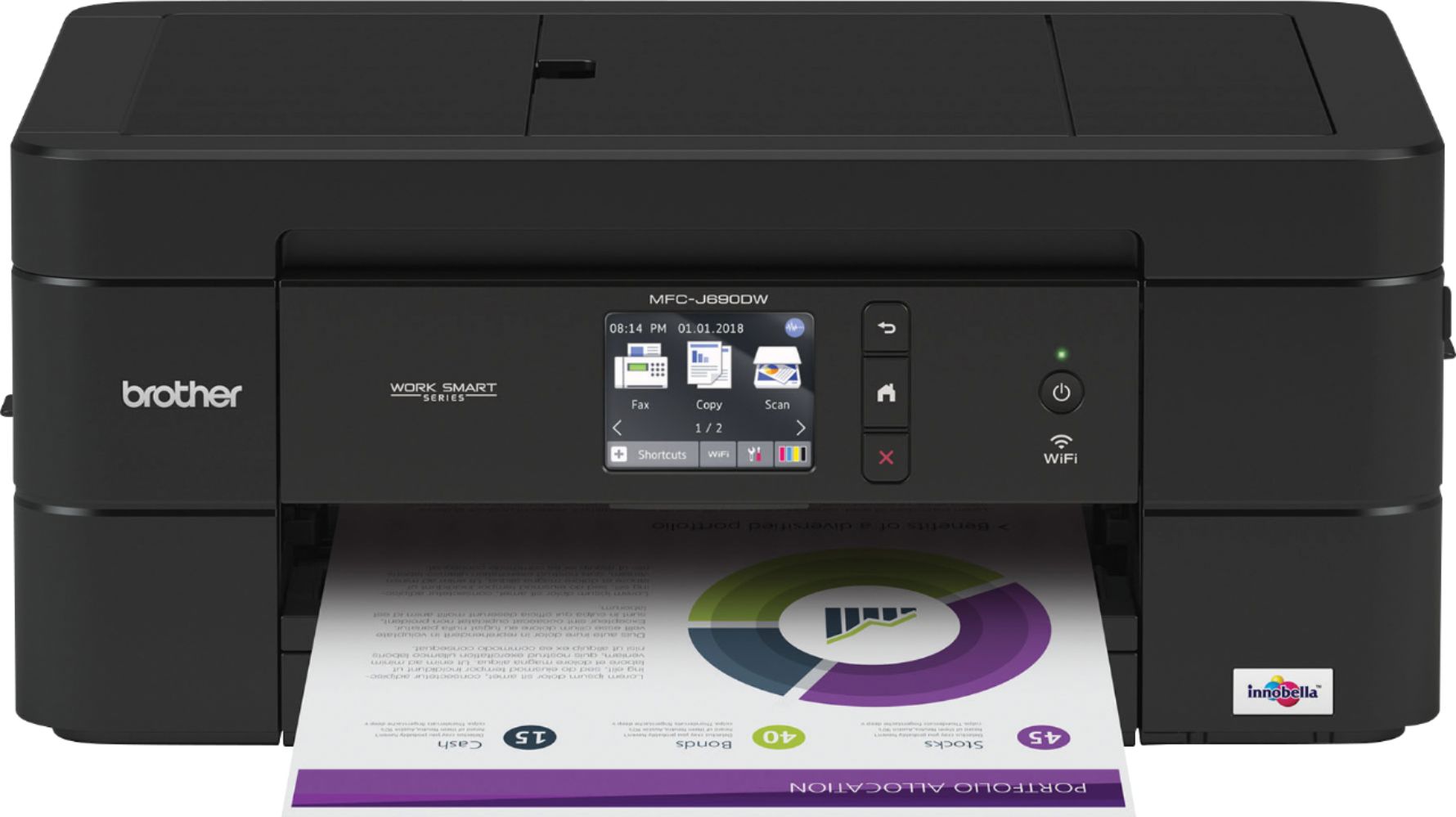
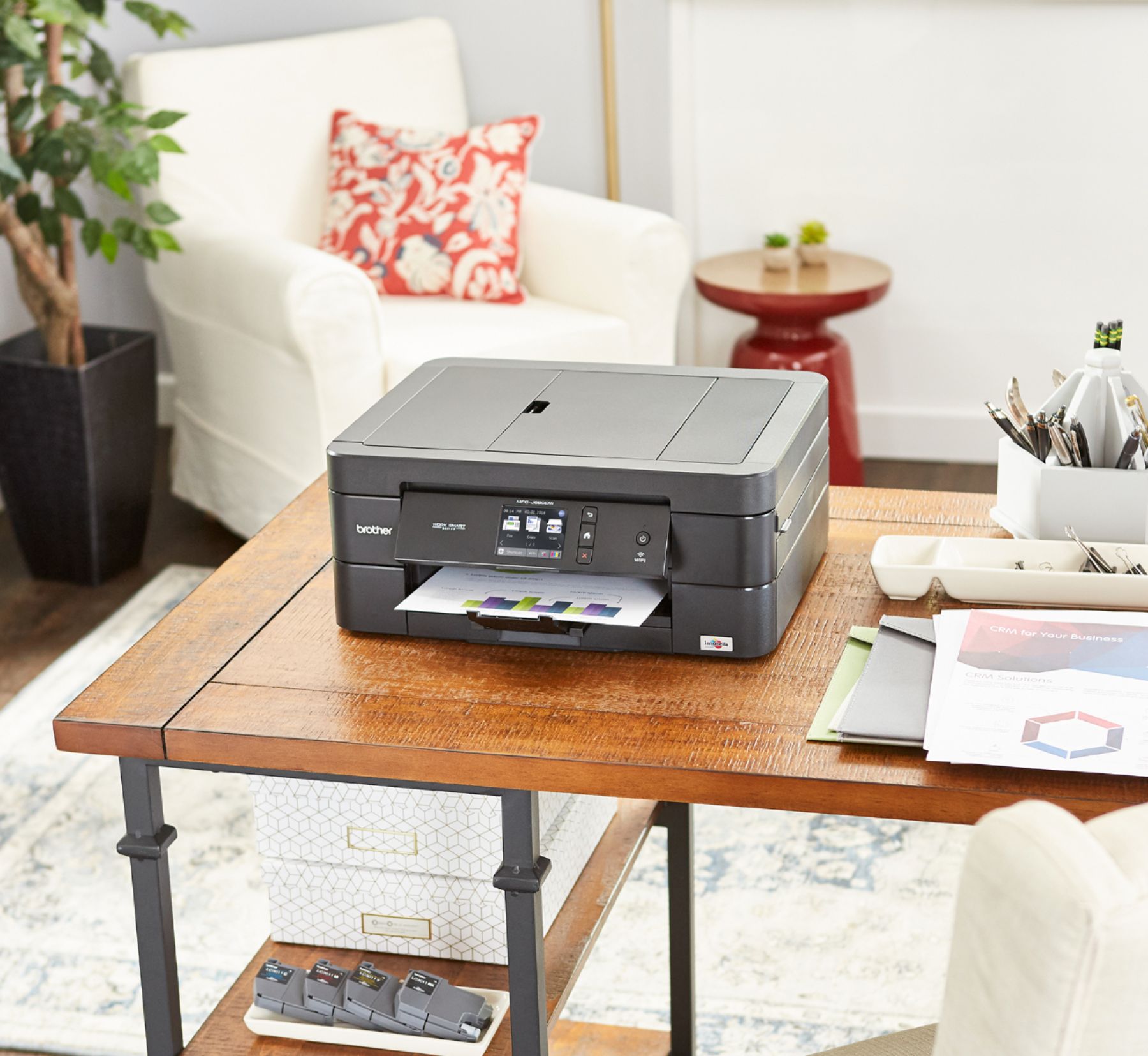
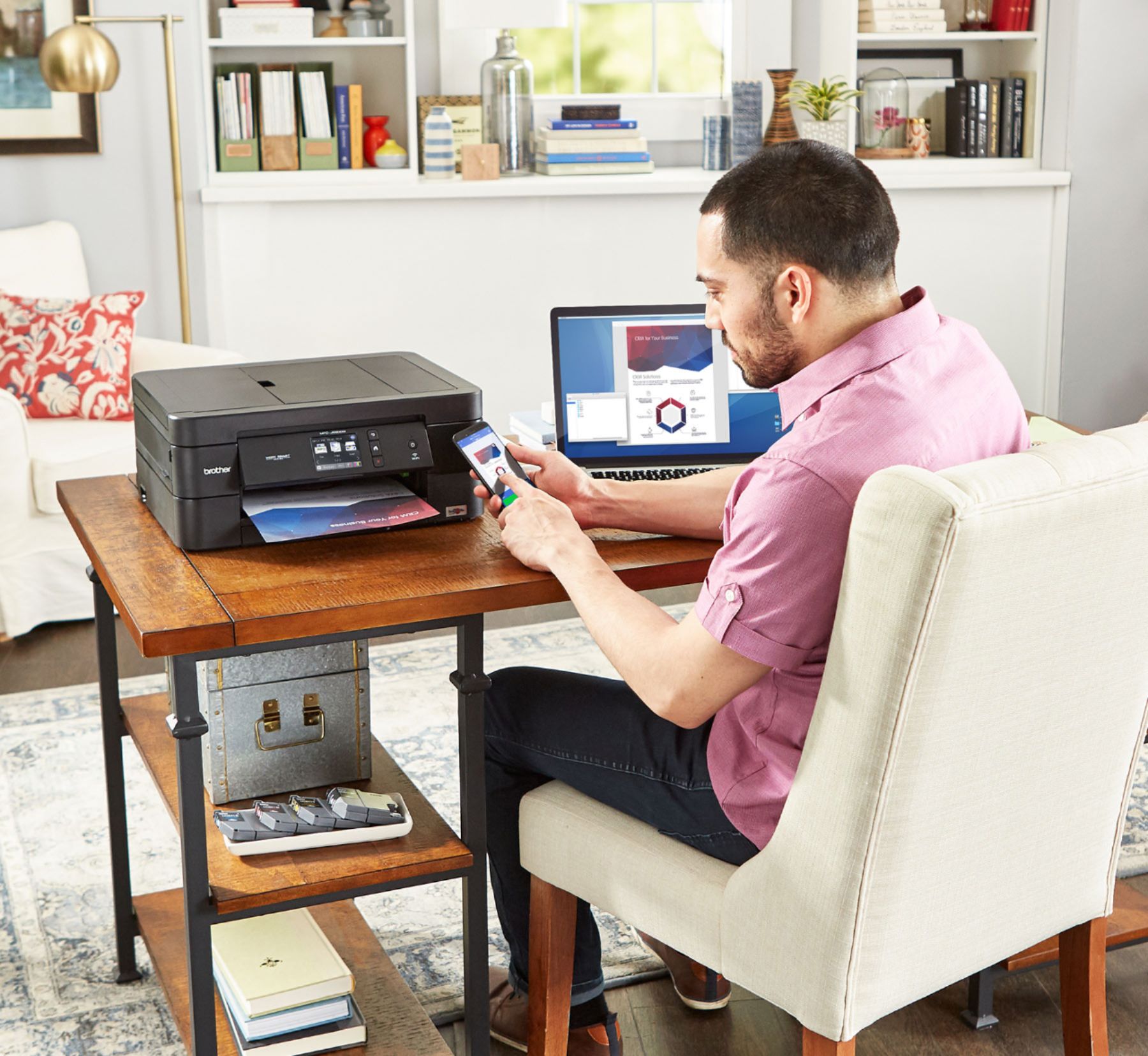
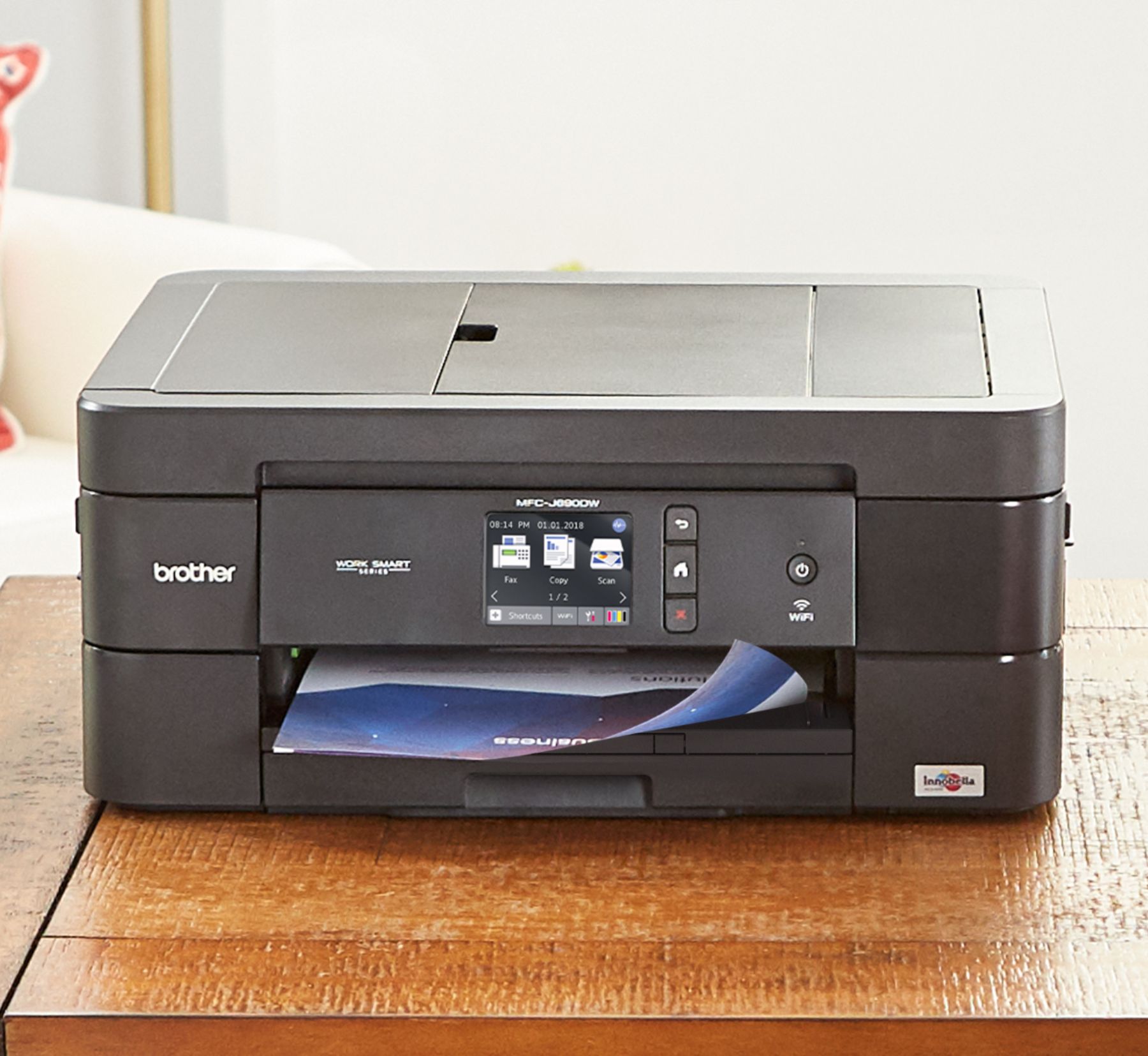
- Model:
- MFC-J690DW
- SKU:
- 6239804
Rating by feature
- Value
Rating 4.2 out of 5 stars
- Quality
Rating 4.3 out of 5 stars
- Ease of Use
Rating 4.2 out of 5 stars
Customers are saying
Customers are delighted by the Work Smart Series MFC-J690DW Wireless All-In-One Inkjet Printer's excellent print quality and ease of use, finding setup and operation straightforward thanks to the intuitive touchscreen. Many appreciate the printer's compact size and wireless capabilities. However, some users expressed concerns about the sturdiness of the paper tray.
This summary was generated by AI based on customer reviews.
- Pros mentioned:Print quality

Excellent AIO Device - if you don't Print Much!
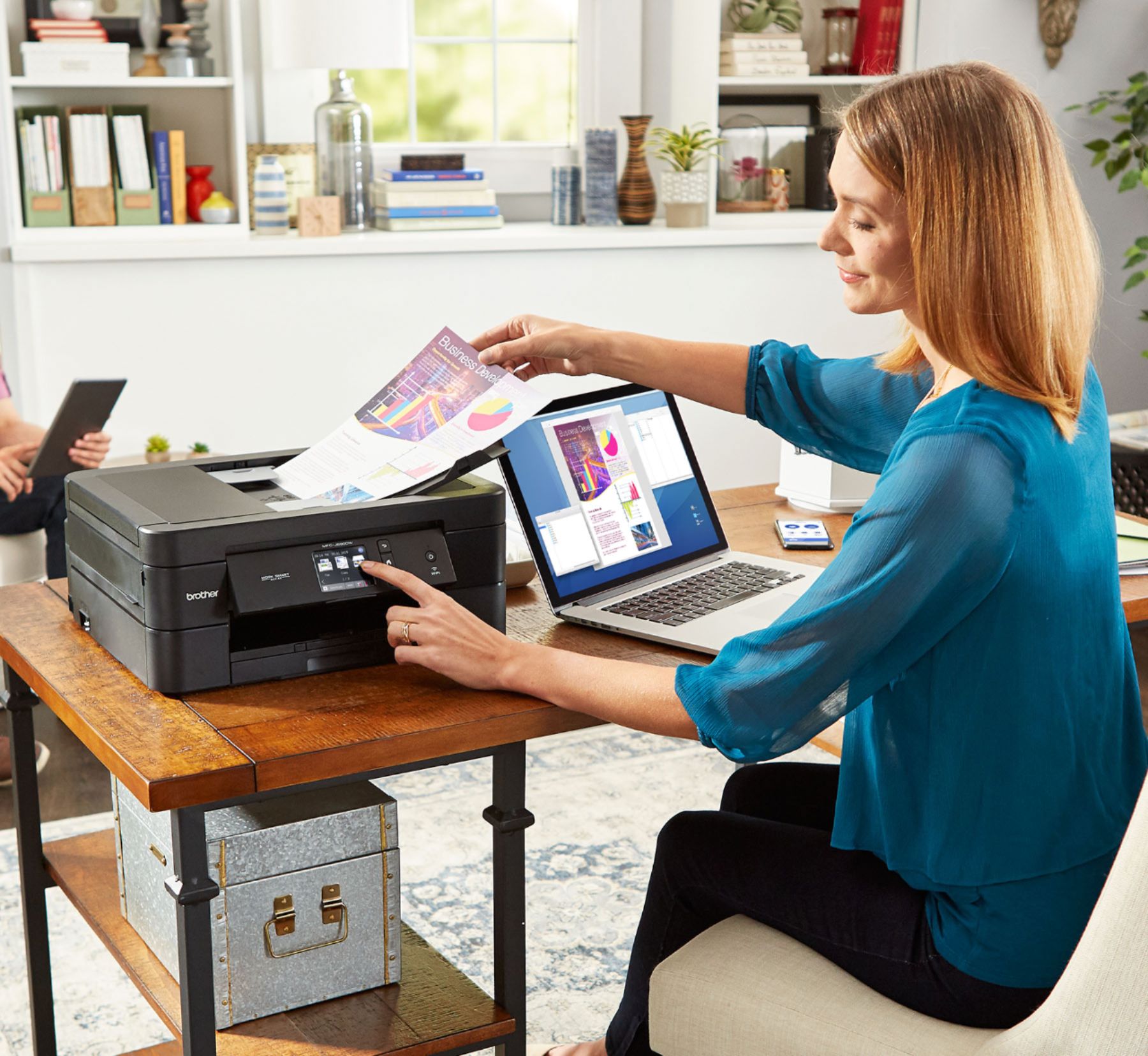
|Posted .This reviewer received promo considerations or sweepstakes entry for writing a review.My wife, who does genealogy and family history as a hobby, wanted a printer that would connect to her computer to mostly use for scanning pictures and documents. She was tired of waiting for me to go to work and then use my Epson all in one to do her scanning of old photographs. I knew I made the right decision with the Brother MFC-J690DW Printer when I heard her scream, “Oh MY GOD! DAVID THANK YOU! THIS IS SO AWESOME! COME LOOK SEE THIS SCAN! OH MY GOD!” I went in the room and she pulled up picture or two, showing me the original. She said, “ I think the scanned version is actually better than the original! How is that possible?” And sure enough it was an extremely good scan of the old photograph. Now the drawbacks to the Brother MFC-J690DW Printer, at least for my wife is that she hasn’t been able to set a custom print area. She has to go into a program on her computer and trim the excess scan off, but the picture quality itself was totally worth the cost of the printer, according to her. According to the manufacturer, the MFC-J680DW has a scan resolution of 2400 X 1200 dpi (Flatbed) and 600 x 1200 dpi (Auto-Document Feeder). The Brother MFC-J690DW Printer will do more than just scan though. It will also print and FAX. It does very well on Text Prints and a decent ink jet print on pictures. It’s relatively fast at printing with a 12 ppm black/10 ppm color rating. The ink cartridges are typicaly priced for Ink jets - running in at about 5.6 cents per pack black only and 16 cents per page color - thus the recommendation for not printing too much. The innobella color inks are good inks. I think the other thing that my wife likes is that it is connected to our network wirelessly, so one less cable across her work area. It also has automatic scan to the cloud. This will allow scans to be shared easily to friends or to your phone or tablet. Bottom line, you can’t go wrong with Brother MFC-J690DW Printer!
I would recommend this to a friend - Pros mentioned:Ease of use, Size
Compact and Great Quality
|Posted .This reviewer received promo considerations or sweepstakes entry for writing a review.I would never consider buying an inkjet printer that is not multi-function, except for the fact that they tend to be bulky. I still use fax – not because I like but because there are still a lot business need for FAX. Scanning and copying are just things you need at home as much as the office. All those functionalities tend to make this type of printer take a lot of room. Surprisingly, this Brother MFC-JC90DW is not bulky at all. Setting it up on Wi-Fi was very easy and I love the capability of printing from the cloud. I printed something for my daughter at home while I was at work using an app on my phone. She started looking around the house thinking that I was at home playing tricks. The option of scanning directly to Google Drive and OneDrive is great. I just did that to some documents I needed a family member to see. No e-mail attachment necessary. Full duplex and back feeding are welcome features present in this printer. The only thing missing is an Ethernet port. That does not bother me because I have good Wi-Fi but if you do not, you may miss the flexibility of connecting it using a network cable. Interestingly, it has a USB port that you can connect to your computer if it is close to the printer. The touch screen is small for my taste but it does its job and you are not overpaying for a bigger one. Everything is easy with this printer, even scanning from your phone. So far, nothing has convinced me that this is not an excellent multi-function printer for home use.
I would recommend this to a friend - Pros mentioned:Ease of use, Print quality
I REALLY LIKE THIS BROTHER AIO PRINTER!
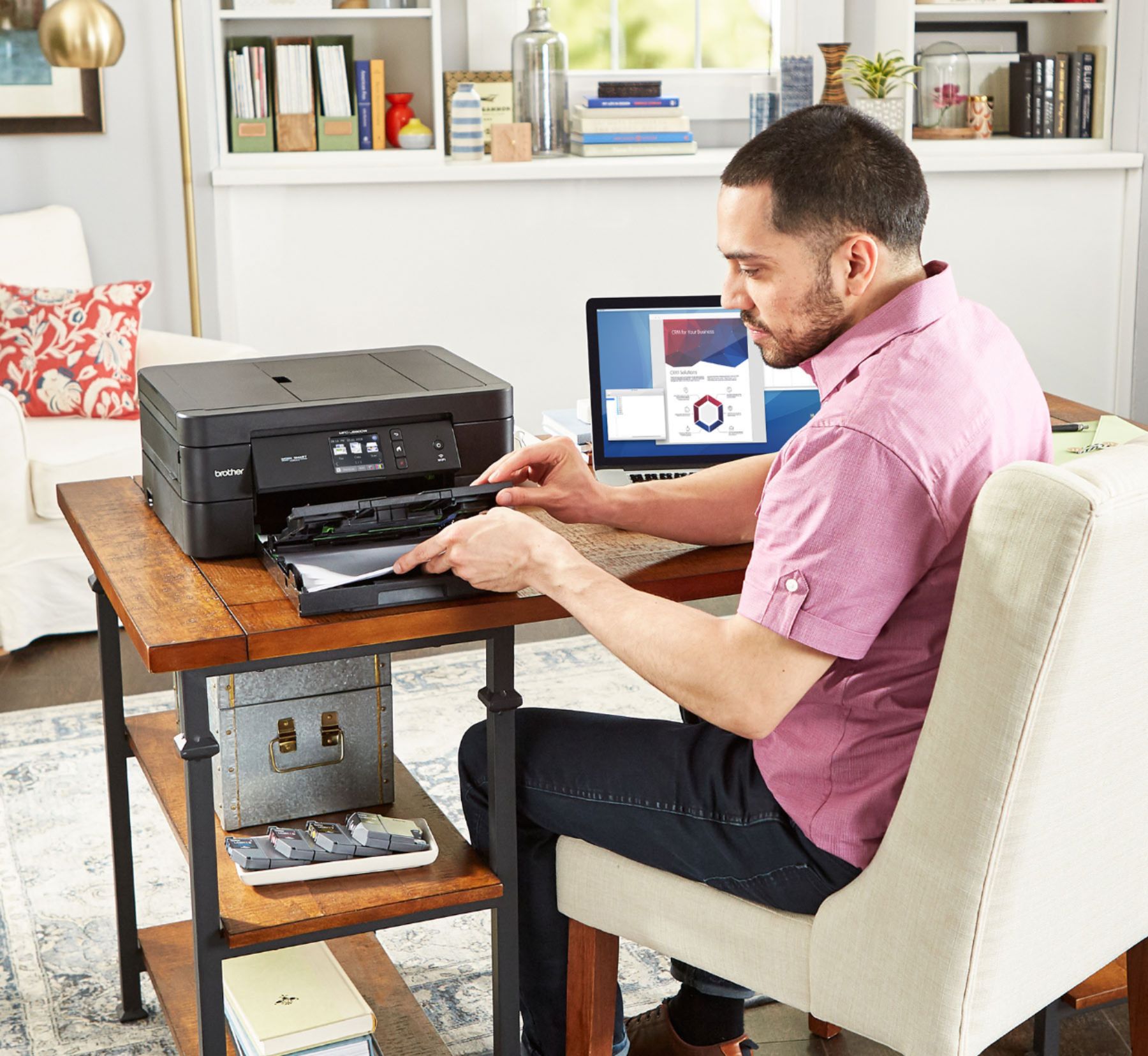
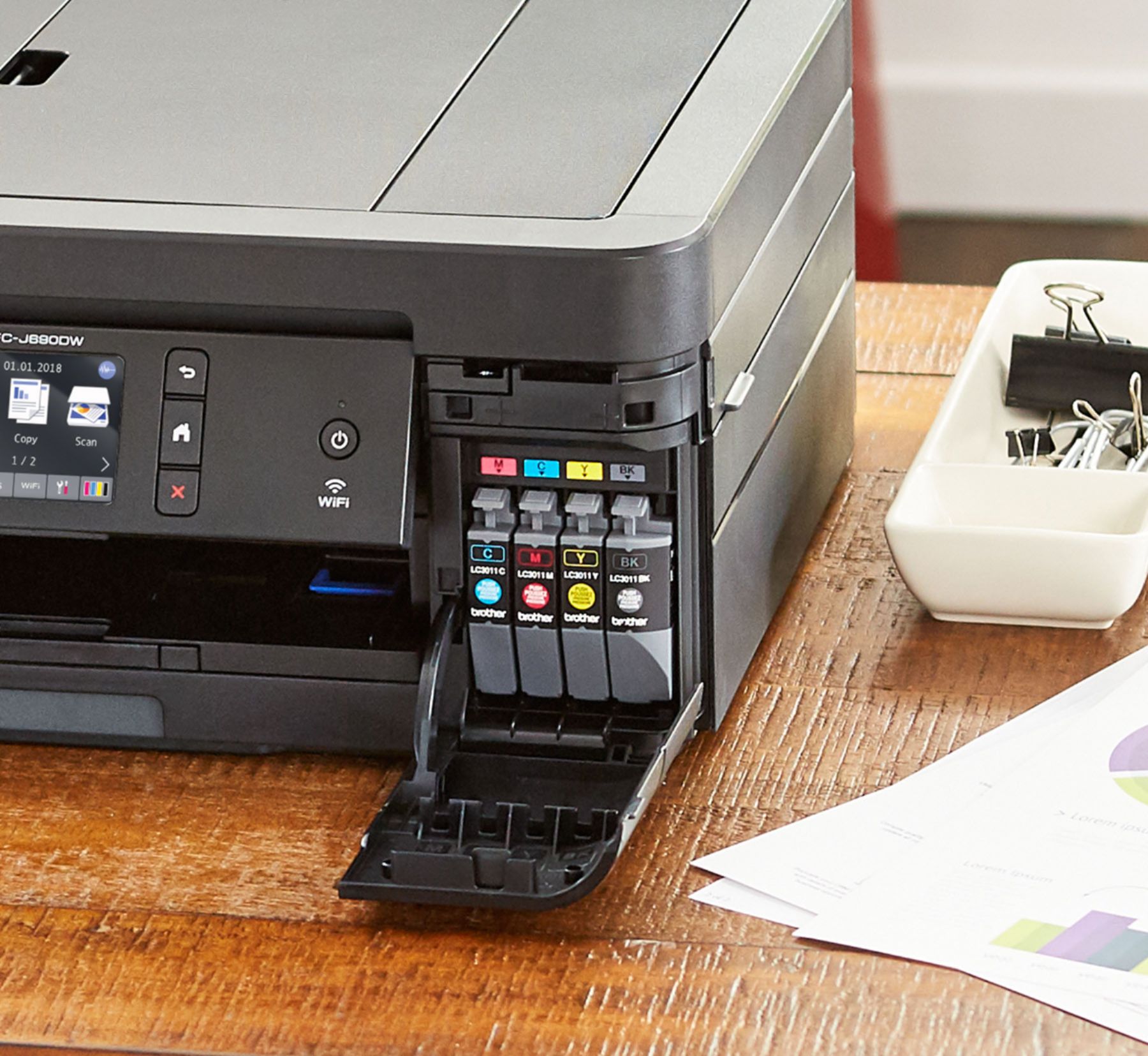
|Posted .This reviewer received promo considerations or sweepstakes entry for writing a review.First off, the BROTHER Work Smart Wireless AIO Printer was packaged very well. No fear of buying this online and having the delivery company destroy the printer during shipping. Every item was securely in place and well-protected. The Work Smart printer was very easy to setup. The on-screen instructions were easy to follow and it took only minutes to get the printer and my PC setup to start working together. It was nice that the 4 ink cartridges were included with the printer. The printer handled a couple of different sizes of paper (i.e. letter, legal and small photo paper) and the quality of the output was exceptional. The photos looked life-like and had great high-resolution color. The business documents with black and color looked fabulous. It was nice having a 100-sheet paper tray capacity; there's nothing more irritating than to have to continually re-stock the paper. I use duplex (double-sided) printing a lot to save paper. This BROTHER WORK SMART did double-sided printing very well and I haven't had a jam yet! The printing speed (12 ppm) was exceptional for this small, lower-cost printer. I don't usually use "wireless printing", but I did with this printer. I was able to easily send documents to it from my PC, laptop and a couple of pictures from my phone. All worked well with no "wireless" problems - which I've had problems with in the past with other printers. I liked this AIO printer because I could SCAN and FAX. Scanning worked very well ... easy to use and the transmitted data and pictures had excellent resolution and were easily saved to different formats on my PC. I still FAX a lot for business, and this AIO handled my faxing needs from the device and also wirelessly. Lastly, it nice that EPSON includes a 2-year warranty! Most other brands its 1-year, if you're lucky. That says a lot about EPSON and the quality of their printing products.
I would recommend this to a friend - Pros mentioned:Print quality, Setup
Great Home Office Printer and Fax!
|Posted .This reviewer received promo considerations or sweepstakes entry for writing a review.This is a great printer for general and home office use! The setup was SUPER easy, compared to previous models and even some competitors. It prints quickly, and I found the color quality to be better than a similar Canon printer for general documents, but graphics weren't nearly as colorful and clear. However, it's a great All In One that works with Google Cloud Print! Let me tell you that I love this feature. Printing from anywhere with my Chrome browser in Google Apps. I tend to do this with contracts I start at the office, and then come home to collect them. This is a great printer if you have a home office, and just need a basic all in one for most business tasks. Faxing was a huge win for me, as I sometimes end up having to fax documents. Just make sure to research the ink cost. I'm already running low on the color ink cartridges after about 30 pages with graphics. I don't think it's typical, but your mileage may vary.
I would recommend this to a friend i did have other printers from brother one stinks
||Posted .This reviewer received promo considerations or sweepstakes entry for writing a review.does not work well with all computers does not print well i even took out matinace agement 2 years when icalled to return i was told we have are money that all that counts
No, I would not recommend this to a friend- Pros mentioned:Print quality
Full use printer capable of all professional needs
|Posted .This reviewer received promo considerations or sweepstakes entry for writing a review.The Brother - Work Smart Series MFC-J690DW Wireless All-In-One Printer - Black is a dynamic home printer that has multiple functions which can handle a professional workload of tasks. Installing drivers and the software package on my PC was as simple as inserting the CD and then follow instructions. I also installed the Brother iPrint & Scan app from Google Play on my Pixel phone. Initially, the automatic scan to connect the printer and my phone took too long. I was still able to connect manually by entering the IP address displayed on the Brother - Work Smart Series MFC-J690DW Wireless All-In-One Printer - Black LCD Touchscreen after I pressed the Wi-Fi icon. The picture of the printer displayed on my phone verifying a Wi-Fi connection has been established. The following functions were available with my Pixel phone, Print, Scan, Copy Preview, Fax Send, and Machine Status. Compatible functions will depend on the selected device. From my phone, I can print Photos, Documents, Web Pages, Emails and from my Cloud Services. Cloud services include Dropbox, Evernote, Google, and OneDrive. Printing on both sides of the paper is another great function. There is no need to manually reset the paper to print on the second side. The Brother - Work Smart Series MFC-J690DW Wireless All-In-One Printer - Black does it on its own.
I would recommend this to a friend - Pros mentioned:Ease of use, Print quality
Phenomenal
|Posted .This reviewer received promo considerations or sweepstakes entry for writing a review.I haven't had a brother product in a very long time but now I remember why I bought them to begin with. setting this thing up was super easy putting the ink in going through the Wi-Fi settings and everything was just easy. I printed a few things just to be fun and they came out amazing. Buy two of these just cause you can but believe me it's worth it.
I would recommend this to a friend - Pros mentioned:Print quality, Touch screen
Nicely priced printer full of functions
|Posted .This reviewer received promo considerations or sweepstakes entry for writing a review.This printer is amazing it came with all the ink I need to write in the Box to get me started. It has a very massive paper tray 150 sheet capacity. The 2.7 inch touchscreen was very easy to see. NFC enabled. You can also use it with multiple mobile devices. The print quality is great. If you're looking for a great printer go out and check this one out!
I would recommend this to a friend - Pros mentioned:Ease of use, Print quality
Good for a home office
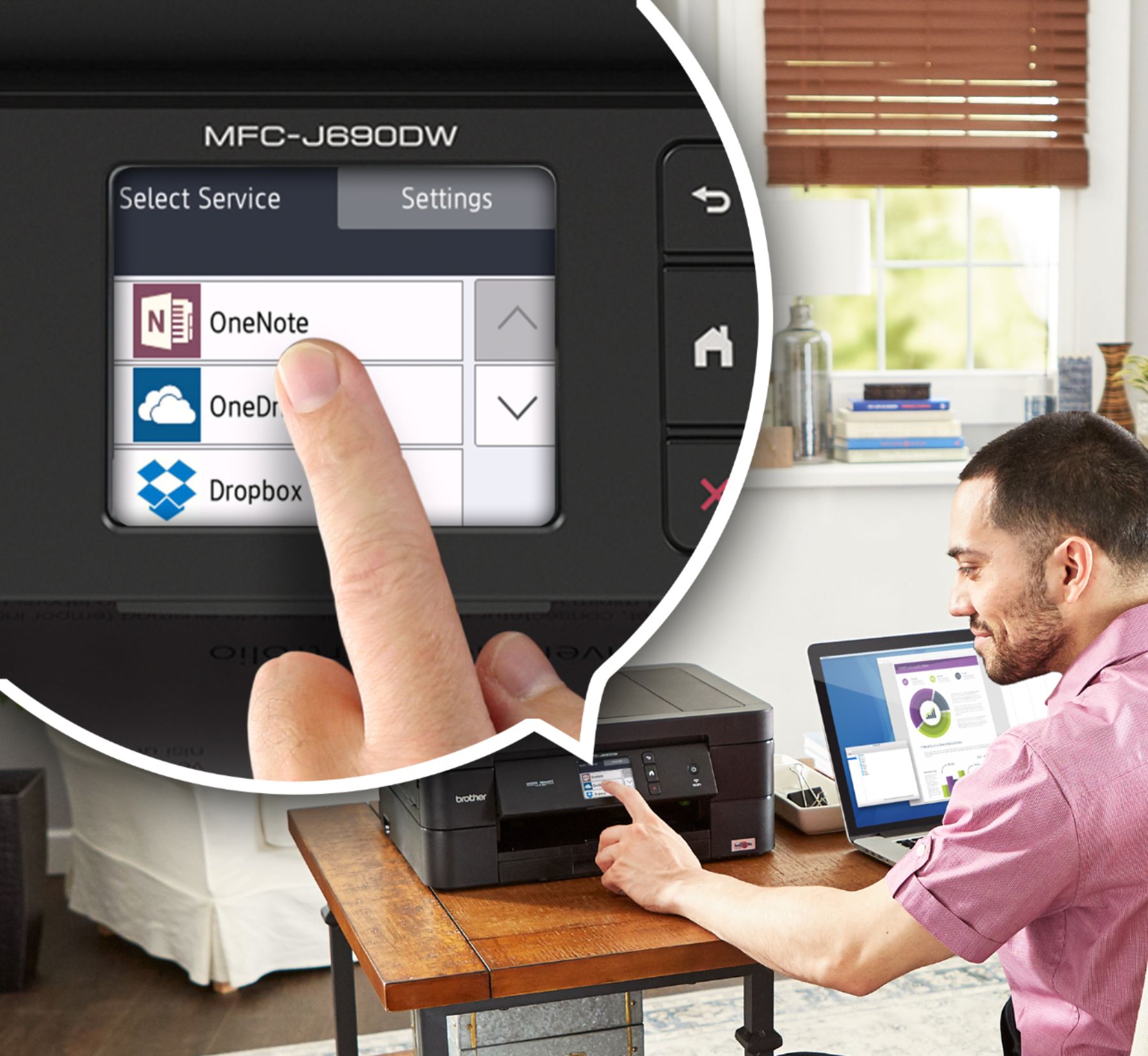
|Posted .This reviewer received promo considerations or sweepstakes entry for writing a review.Easy to set up, and super fast, sharp printing from an inkjet printer. The ability to scan into Onedrive, Dropbox, and Google Drive extends the functionality of this unit and makes this stand out from the competition. It makes collaboration between coworkers using cloud based services easy. There is a strong push for a subscription ink service, so be aware that if you don't subscribe, ink can get pricey.
I would recommend this to a friend Poorly did not work out of the box
||Posted . Owned for 2 weeks when reviewed.This reviewer received promo considerations or sweepstakes entry for writing a review.Would not power up and could not reach anybody for two days so I returned it bought an HP with the same features.
No, I would not recommend this to a friendPRINTER = BROTHER = EZ PZ = EZ 2 setup & wireless!
Posted .This reviewer received promo considerations or sweepstakes entry for writing a review.REVIEW: We replaced our 4in1 hp printer that made a horrendous cacophonous noise = worse than fingernails on a chalkboard & cat’s caterwauling & had daily unwanted updates from hp causing the printer 2 B unusable w/ this WONDERFULLY MARVELOUS BROTHER printer!!! I researched printers & was pleasantly surprised BROTHER (manufacturers of sewing machines) had been manufacturing BROTHER printers. I searched 4 a youtube VID of how 2 install the printer & it only took approximately 19 minutes 2 unpack it & program it & actually USE it 2 SCAN PHOTO’s & DOCs & PRINT (wirelessly) from our WiFi laptops!!! We couldn’t B HAPPIER & it is such a RELIEF NOT 2 have 2 B bothered w/ the unnecessary & annoying hp updates 4 their hp printers!!! THANKSaBUNCH BROTHER & BestBuy 4 being TRUSTWORTHY; so, we don’t have 2 worry & we don’t have 2 FEEL annoyed, or anxious, or panicked bc some FEARFUL & ANXIETY-producing message from hp updates prevented the hp printer from ANY functioning !!! We R so relieved & it’s so NICE 2 NOT have 2 worry about printing, or scanning!!! NO WORRIES!!! Ahhhhh. DEEP BREATH! ;9
I would recommend this to a friend- Pros mentioned:Print quality
A reasonable price tag for a good printer!
|Posted .This reviewer received promo considerations or sweepstakes entry for writing a review.This printer brought our home office into the 21st century! The printer is fast, quiet, and does everything a much more expensive printer would do! I have to say, there are other two letter printer manufacturers that have fallen out of favor with me in the last few years - Brother is one of the ones I've come to recommend to others when they wanted a printer that would outlast the starter ink cartridges that come with the unit!
I would recommend this to a friend Quality all in one compact printer
|Posted .This reviewer received promo considerations or sweepstakes entry for writing a review.Brother MFC-J690DW is a wireless all in one inkjet printer, scanner and fax machine. It is perfectly suitable for small office or home use. Setting it up was easy. When you connect it to the power, you will be presented with instructions that you can follow and print the test page as a process completion. The internal paper tray can hold 100 sheets for automatic feed. The unit comes with 2.7" touchscreen for all the menu settings and navigation. It uses 4 ink cartridges like most printers these days. I wish printers go back to the simple black and color cartridge. One nice feature is that you can scan directly to OneDrive, Dropbox, Box, Google Drive, etc. You can also print from any device, mobile or a laptop and also via any USB or SD card, connected directly. The print and scanning functions was pretty fast and the quality was good as well. Overall, a great compact all in one for home offices or small businesses.
I would recommend this to a friend- Pros mentioned:Print quality
Brother MFC-J690DW
|Posted .This reviewer received promo considerations or sweepstakes entry for writing a review.Works as expected. Setup on my iMac was extremely easy. I ran through the setup wizard for the printer itself and connected it to my wifi. From there it is using AirPrint with my 2017 iMac with Mojave installed. Prints fast and no errors or issues. Crisp print and detail. Very impressed with the quality of this printer.
I would recommend this to a friend - Pros mentioned:Print quality
Fine printer for most needs
|Posted .This reviewer received promo considerations or sweepstakes entry for writing a review.This printer will satisfy most residential and (I imagine) small business needs. The image quality is very good and set up is mostly seem less. Disclaimer: dont be like me and read the manual for setting up. Overall this printer is definitely worth the investment.
I would recommend this to a friend Great Smart Printer
|Posted .This reviewer received promo considerations or sweepstakes entry for writing a review.The Brother worksmart printer is a great printer for my home office. It comes with a telephone line, ink and instructions. It does your basic print, copy, scan and fax. I like that it has a small 2.7inch screen that you can navigate with. You can also print from the cloud through apps like One Note and Dropbox. I also like printing wirelessly from my phone too. Everything that I need for my home office this printer is able to do.
I would recommend this to a friendEasy Setup and Great Printing
|Posted .This reviewer received promo considerations or sweepstakes entry for writing a review.While there are several brands and models of home printers available, I found this printer to provide easy setup and great features. The footprint is compact but functional. The print quality is very good and the cloud printing option works great. I would recommend this printer.
I would recommend this to a friend