Customer Ratings & Reviews



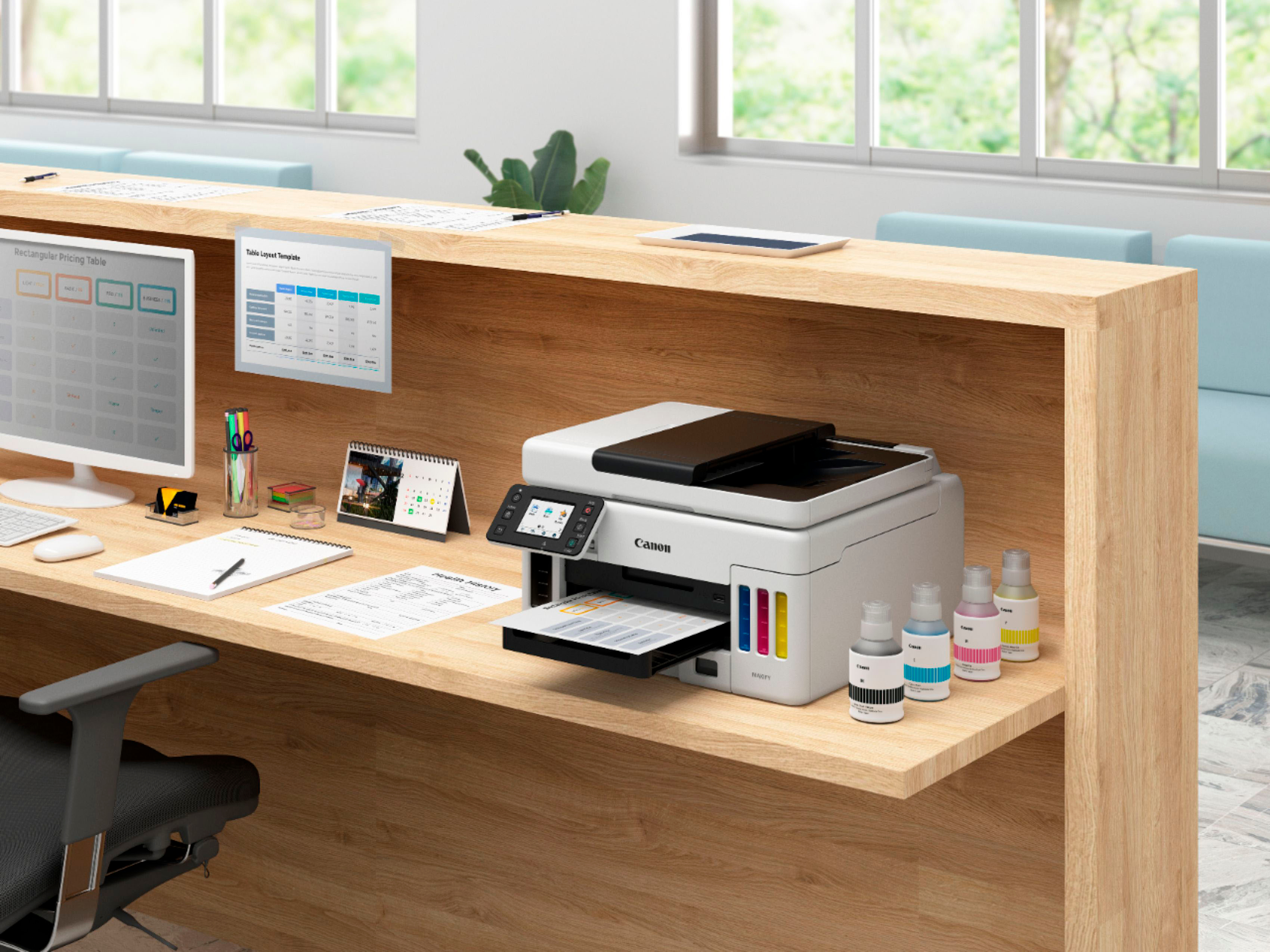
- Model:
- 4470C037
- SKU:
- 6502900
Rating by feature
- Value
Rating 4.4 out of 5 stars
- Quality
Rating 4.5 out of 5 stars
- Ease of Use
Rating 4.5 out of 5 stars
Customers are saying
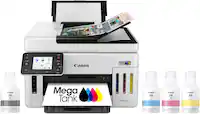
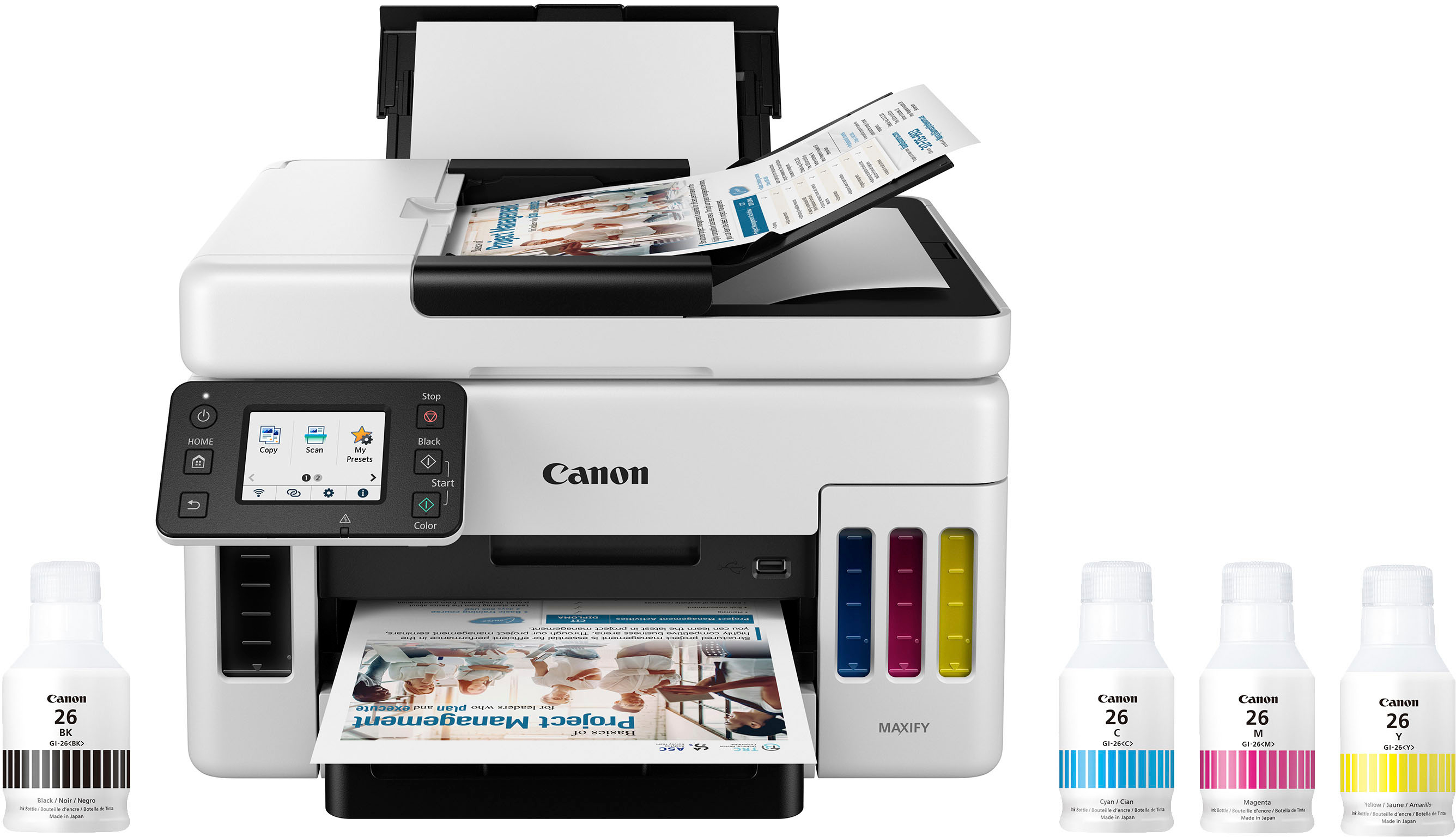
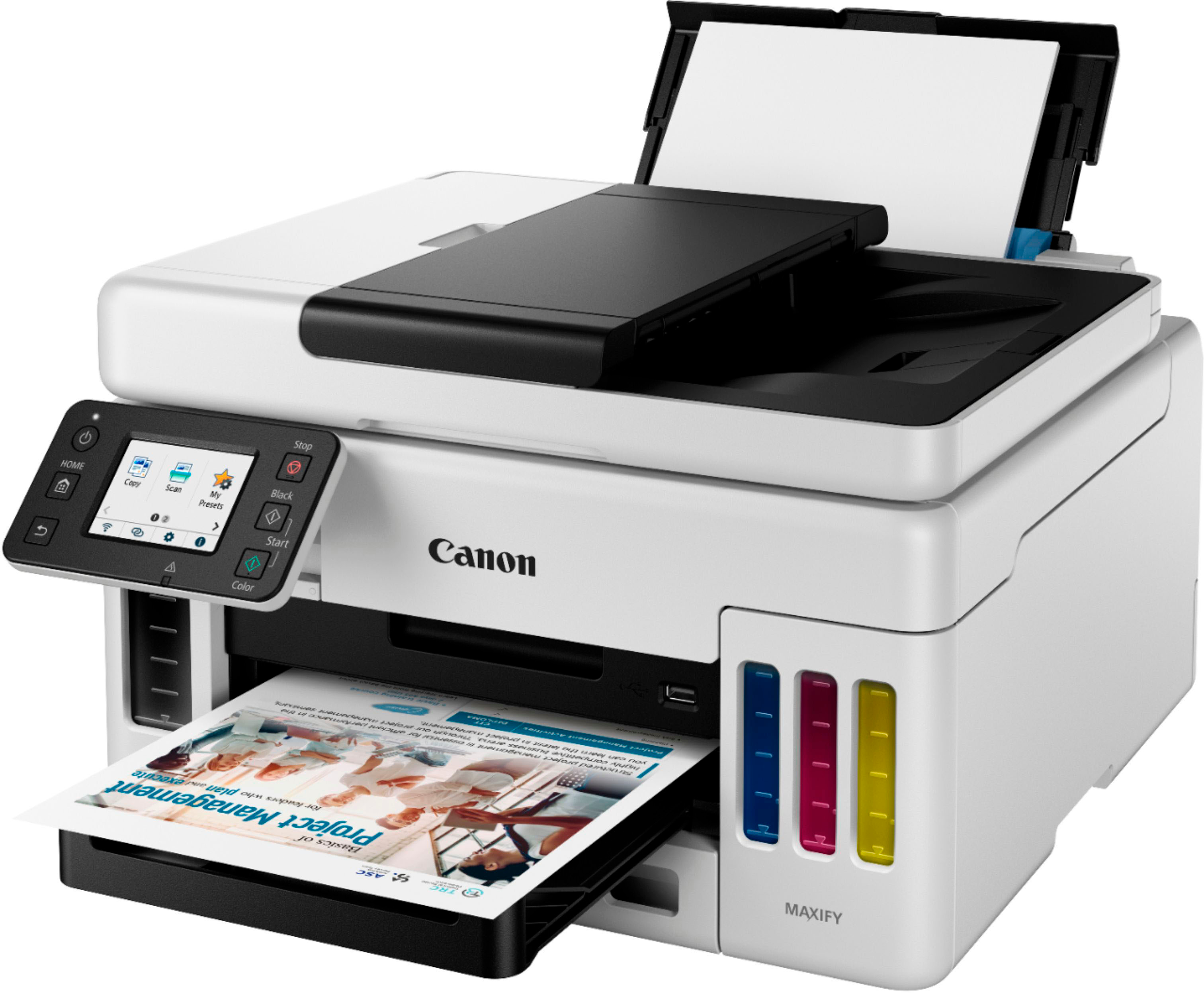
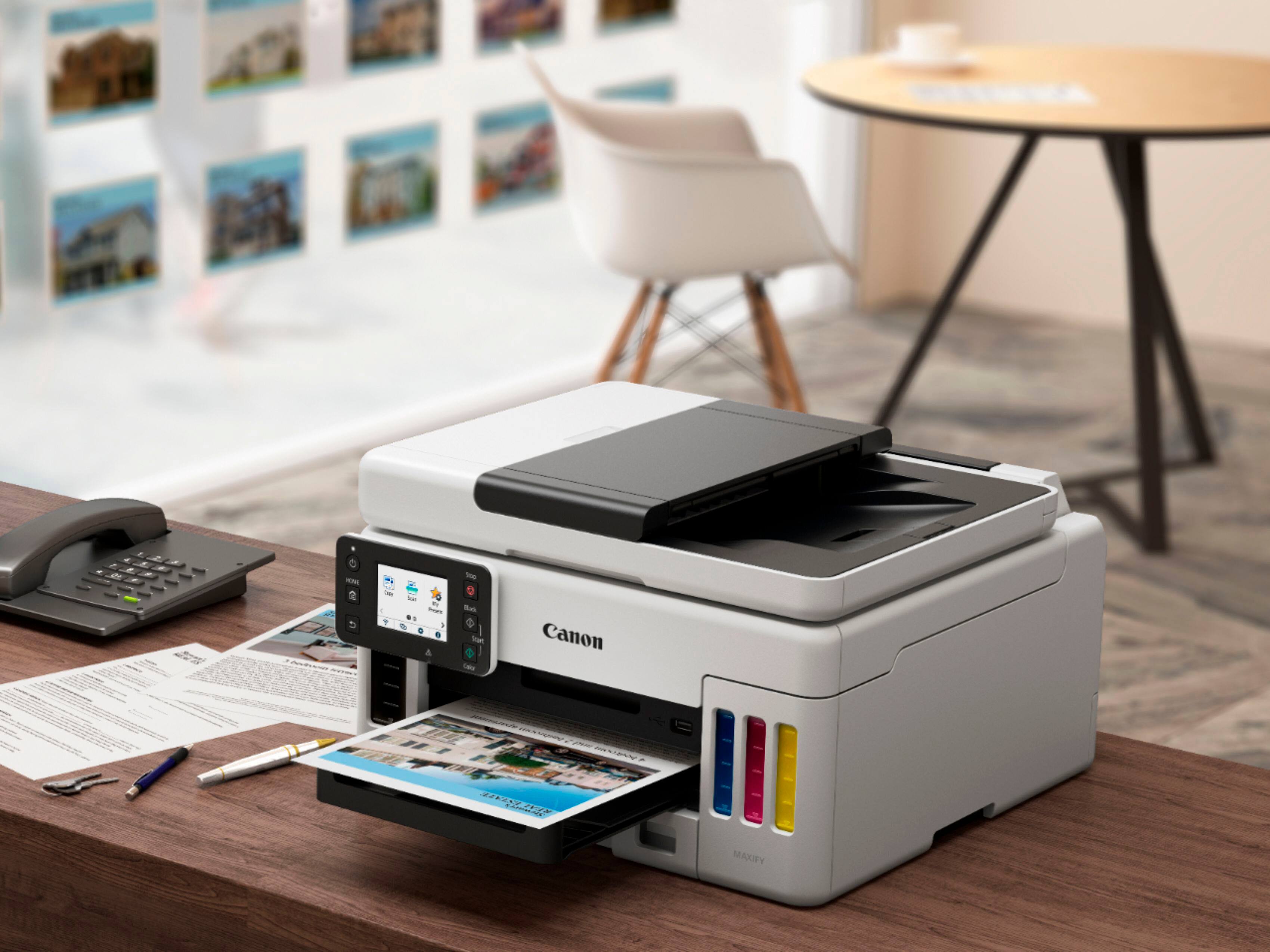
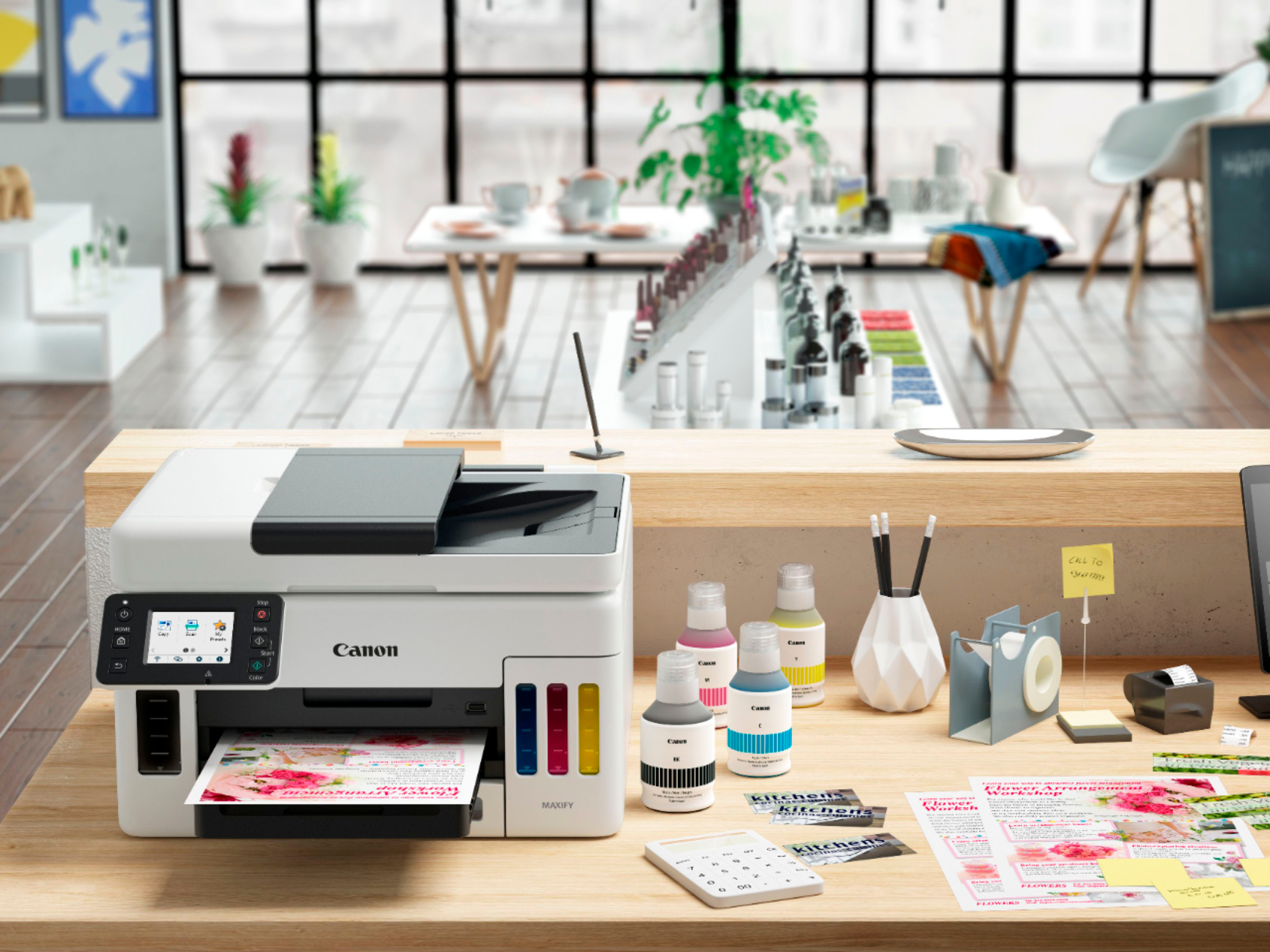
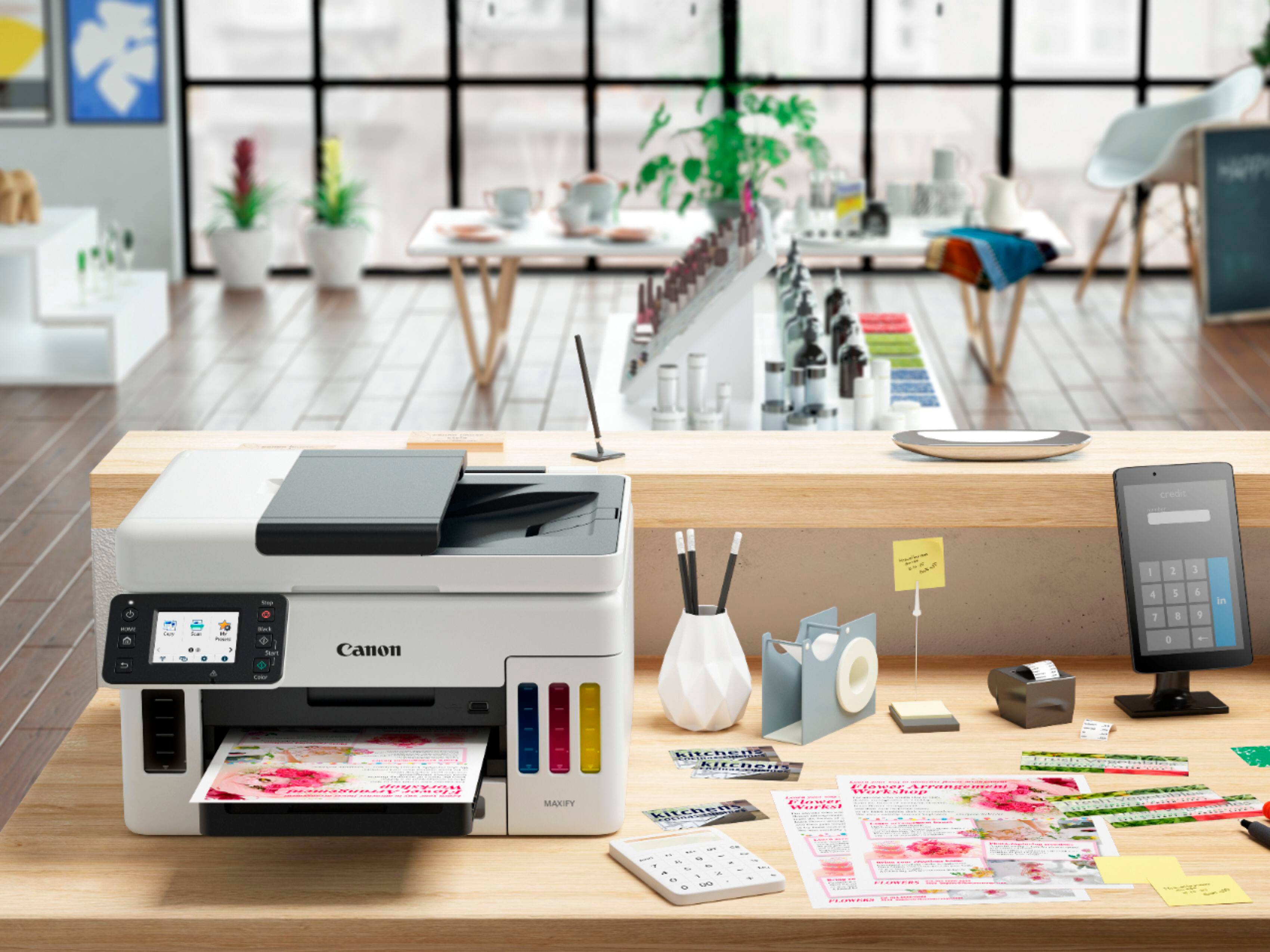
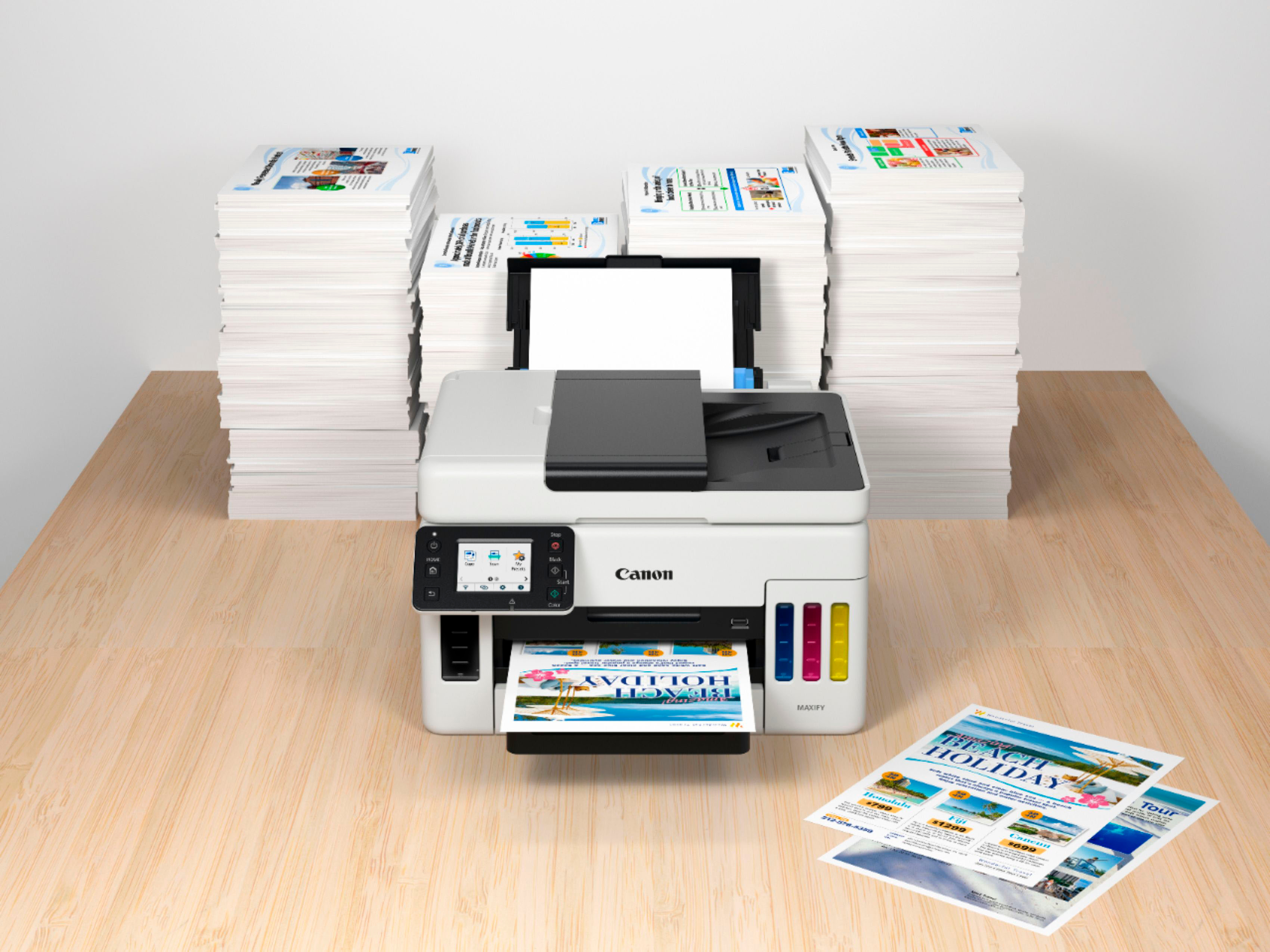
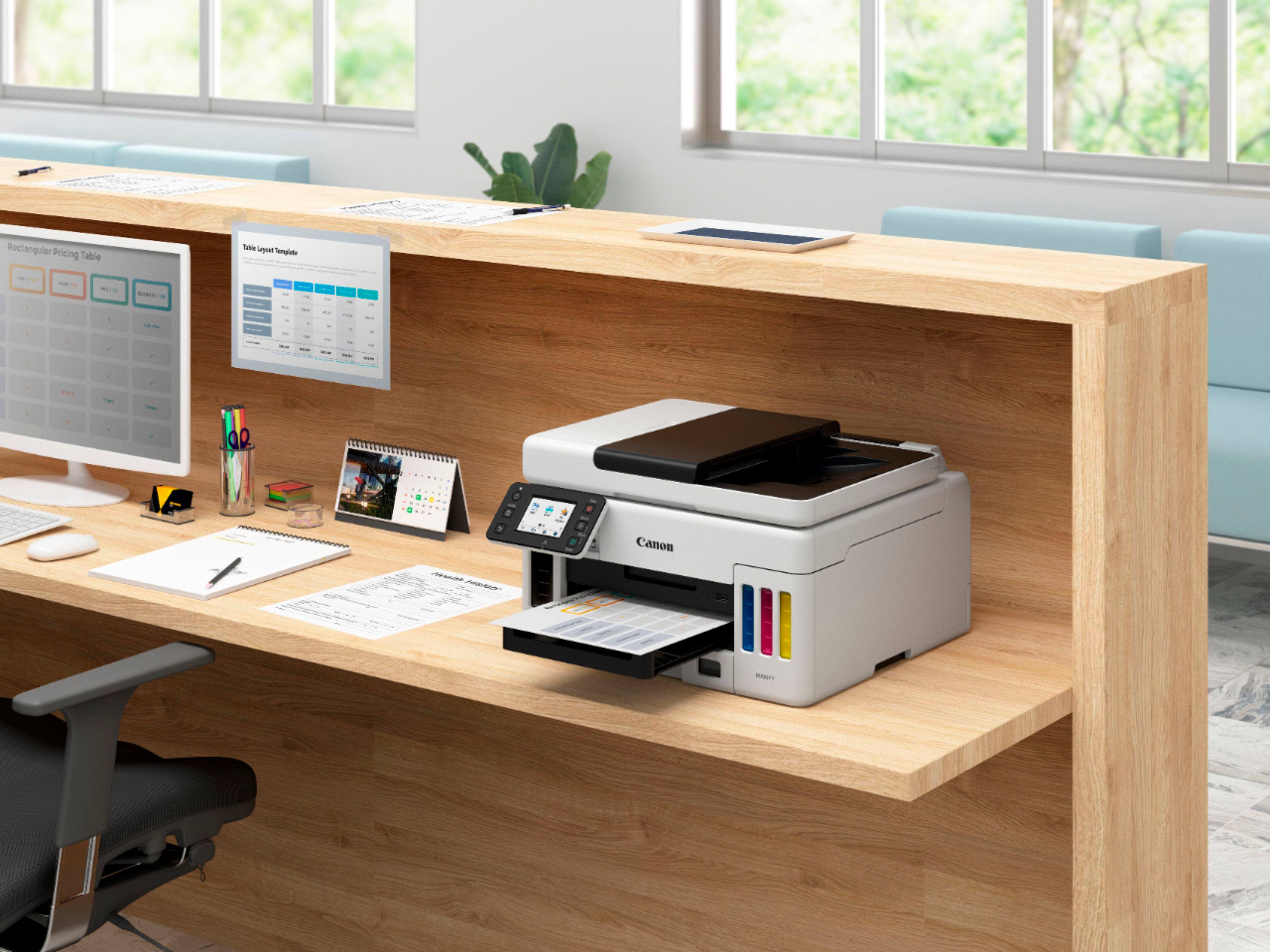
Customers recognize the Canon MAXIFY MegaTank GX6021 as having excellent print quality, praising its sharpness and suitability for both documents and photos. The printer's ease of setup and quiet operation are also frequently highlighted as positive aspects. Its compact size makes it a space-saving option for smaller offices or homes.
This summary was generated by AI based on customer reviews.
Canon printer
||Posted . Owned for 3 weeks when reviewed.This reviewer received promo considerations or sweepstakes entry for writing a review.Awesome printer, does everything I want to do. Great colors l.
I would recommend this to a friendFast and effective
||Posted . Owned for less than 1 week when reviewed.This reviewer received promo considerations or sweepstakes entry for writing a review.Love this printer. Size of other printers. It’s fast and easy to use. Just what I needed. The ink is very easy to fill. So far so good.
I would recommend this to a friendHelpful sales staff
||Posted . Owned for 1 month when reviewed.This reviewer received promo considerations or sweepstakes entry for writing a review.Great and friendly sales associates. The geek squad protection gives us someone to turn to if we have problems with our purchase.
I would recommend this to a friendGood but not prefect
||Posted . Owned for 1 month when reviewed.This reviewer received promo considerations or sweepstakes entry for writing a review.Good printer but not excellent because the speed of printing is slow… Still a good purchase.
I would recommend this to a friendGreat printer
||Posted . Owned for 3 weeks when reviewed.This reviewer received promo considerations or sweepstakes entry for writing a review.Great printer - highly recommend!!!!!!!!!!!!!!!!!!!!!
I would recommend this to a friendNot impressed
||Posted . Owned for 3 weeks when reviewed.This reviewer received promo considerations or sweepstakes entry for writing a review.Copies are made slower than expected. Having difficulty with settings- needed 2 to 2 and when I had to add paper it defaulted to 1 to 1
No, I would not recommend this to a friendCanon
||Posted . Owned for 3 weeks when reviewed.This reviewer received promo considerations or sweepstakes entry for writing a review.Good printer. Have to get used to the energy saving feature.
I would recommend this to a friendGood printer
||Posted . Owned for 1 month when reviewed.This reviewer received promo considerations or sweepstakes entry for writing a review.This is a great printer. Quiet and efficient in printing colored copies.
I would recommend this to a friendTechnology Improvement
||Posted . Owned for 3 weeks when reviewed.This reviewer received promo considerations or sweepstakes entry for writing a review.Finally the frequent ink cartridge replacement and an ink cost reduction
I would recommend this to a friendGood Overall Printer
||Posted . Owned for 1 month when reviewed.This reviewer received promo considerations or sweepstakes entry for writing a review.A bit slow printing. Print quality is okay. love the Mega ink tank.
I would recommend this to a friend- Pros mentioned:Noise level, Print quality, Setup

The All In One for Everyone!!
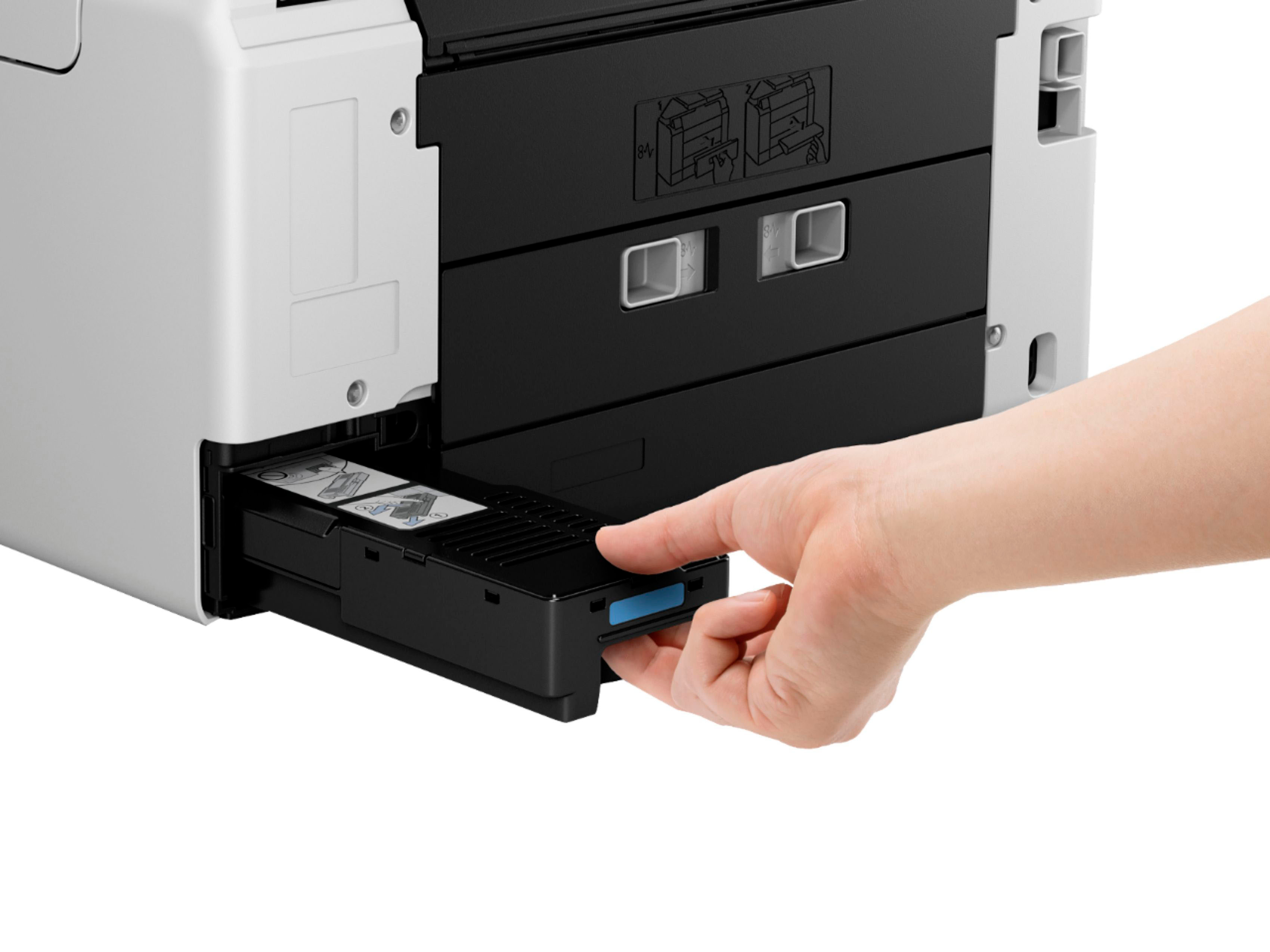
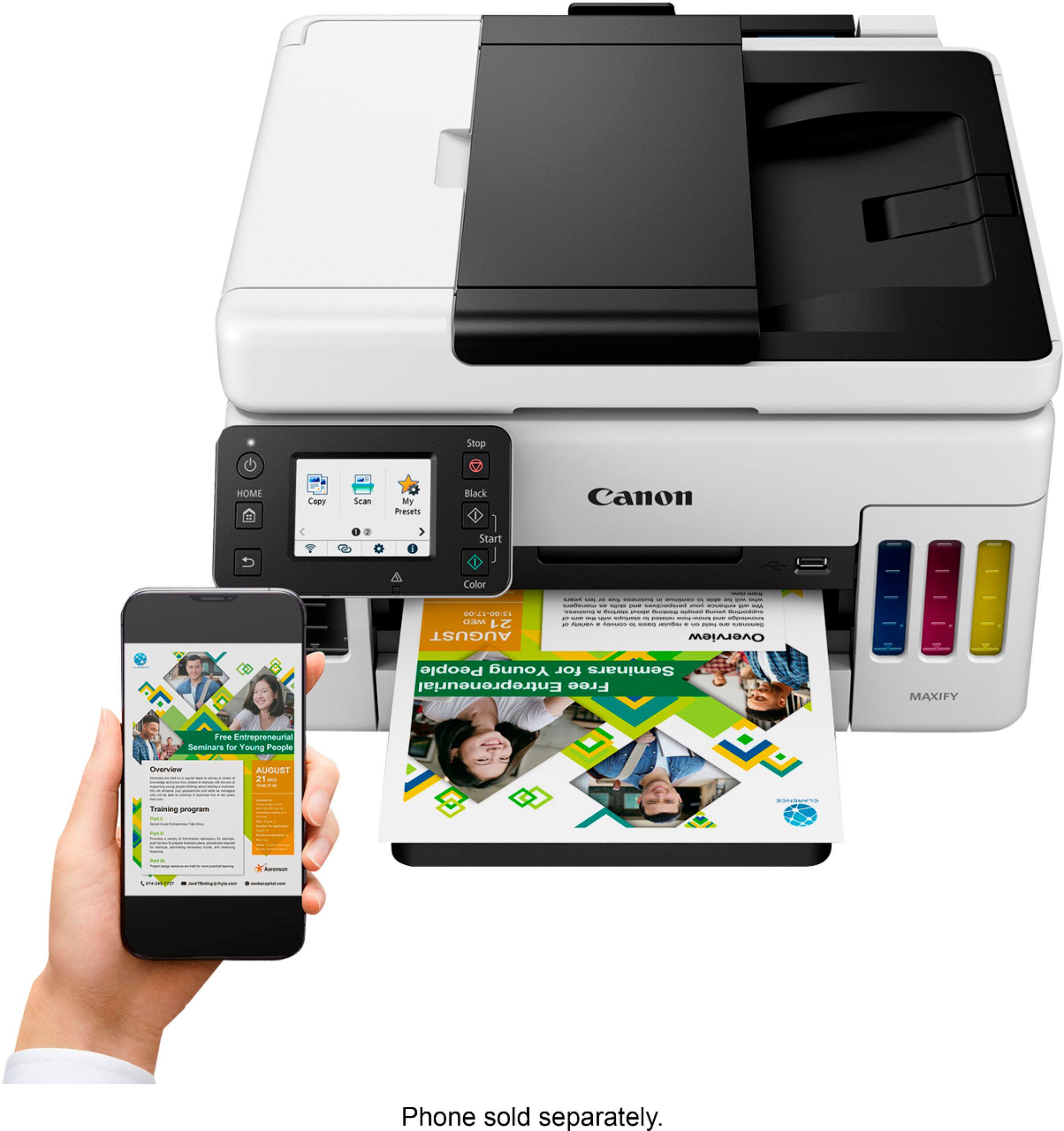
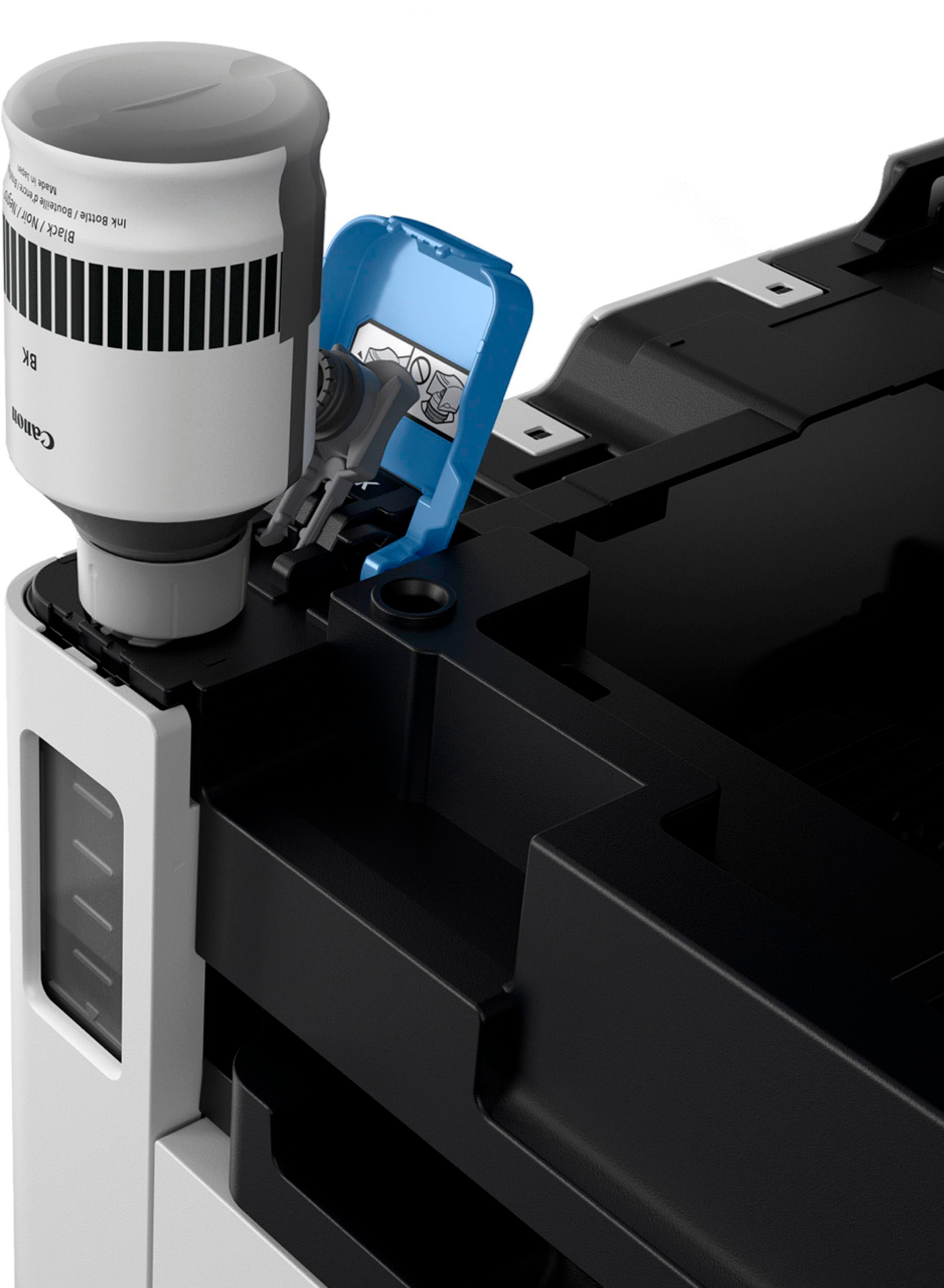
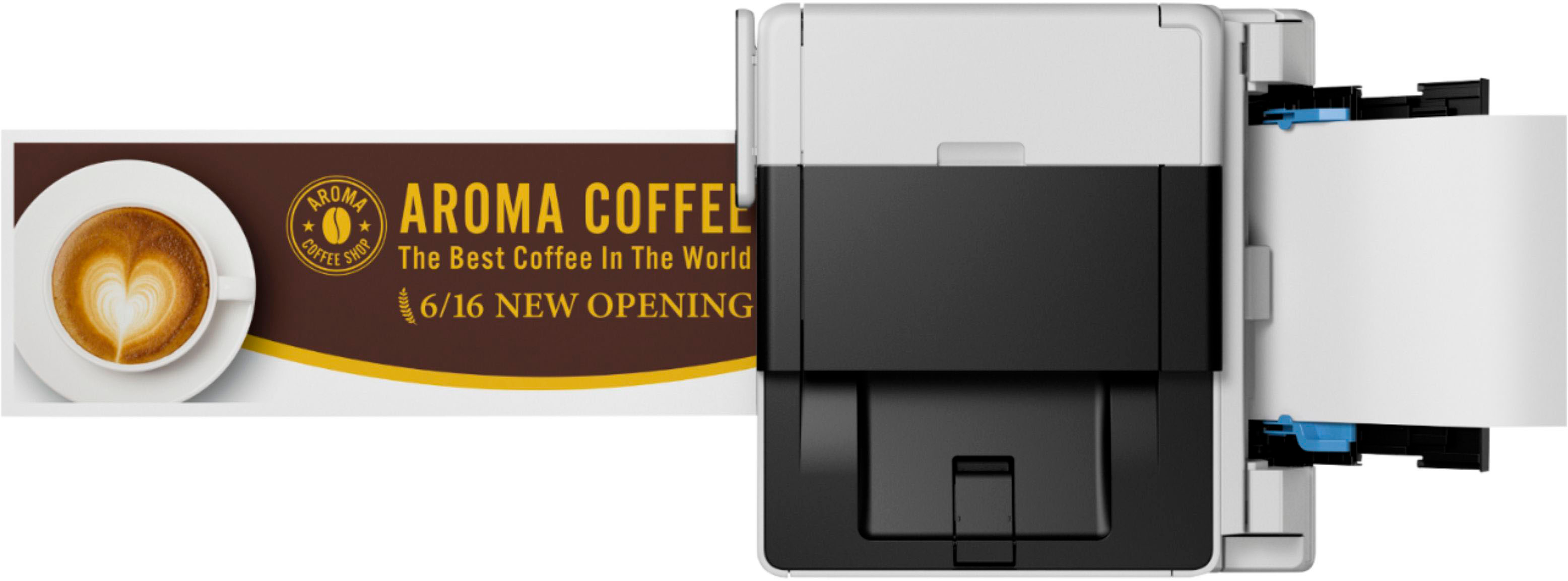
|Posted .This reviewer received promo considerations or sweepstakes entry for writing a review.I have previously owned a mega tank canon printer, but it did not have the scan and copy feature. I really missed it. With the Maxify, it is truly an all in one. Printing standard will net you 6k black and white or 14k color prints. If your cheap like me and set your printer to draft it will net 9k and 21k respectively. This is unheard of!! I was so used to buying a printer and by the time the ink ran out (100 pages) it was almost as cheap to buy a new printer as it was to purchase refills. For the number of prints you get, the replacement ink is nothing. Less than .02 a page. Speaking of ink, Canons newly designed caps on the ink bottles make it a snap to load, and are fool proof. Each cap has a design that will only fit the corresponding color and will not spill or open until you push the bottle down and break the seal. Gravity does the rest. The speed you get for such a small footprint (25 lbs.) is amazing. 24ppm Black and 15ppm color. The front and rear trays hold a total of 250 pages, (150 front, 100 rear). The printer supports many media types including: standard, thick, glossy, matte, envelopes, index cards to name a few. Maintenance is very simple. They have a cartridge that just pops out and the new one goes in. The duty cycle in between swaps is unknown, I couldn’t find a duty cycle on it. But basically, it absorbs excess ink when doing maintenance procedures on your printer (cleaning, adjusting printheads, unclogging etc.) The user can also replace the print heads if they become damaged or clogged. The printer comes with a 3yr/80k page warranty. Setting up the printer was quick and painless. Windows 10/11 just looks for printers on your wireless network and loads the drivers, for your phone visit your apps store. The app is very nice and will let you prints docs and pictures with the push of a button. There is also a USB in the front for stick to print. The printer also integrates to Google drive, Box, cloud, etc. for your docs and photos access. To get the software suit for scanning and such you go to canons website and download. The scanner will scan to 1200 X 1200 DPI (up to 50 pages at a time) and can attach the scan to email, save to pc, multi-page pdf. With the downloaded software it does allow you to do slight edits to your scans before printing using Easy photoprint editor which also does Calendars and cards. The max DPI print is 1200 X 600. The noise level while printing and scanning is very low. The printer will also print duplex!! And also feed a long banner type page up to 47 inches. The intuitive touch screen is bright, intuitive and responsive, the few menus offered are very user friendly. The previous canon I had did not have a backlight screen and where the printer was places was a little dark. I was constantly having to use a flashlight to see what it said. This would have been a deal breaker for me had I looked further in to it. I tested a few hi-res pictures and was happy with the results, not picture hanging quality by any means but great for presentations or hand outs on regular paper. When I swapped paper to glossy or matte, the printer performed well and would be acceptable under glass for up to an 8X10 for family or friends. The wireless printer can also be added to your network with one Ethernet port on the back. The only cable that is included with the printer is a power cord. I am extremely happy with the Maxify and so is my family. It is so nice to have an all-in-one that is a work horse for small office or home and not have to worry about how much ink is left. If you have a busy student filled house or a small office this is the all in one for you!! I would happily recommend this printer to family and friends.
I would recommend this to a friend - Pros mentioned:Print quality, Setup, Size
Superior All-In-One Inkjet Printer!
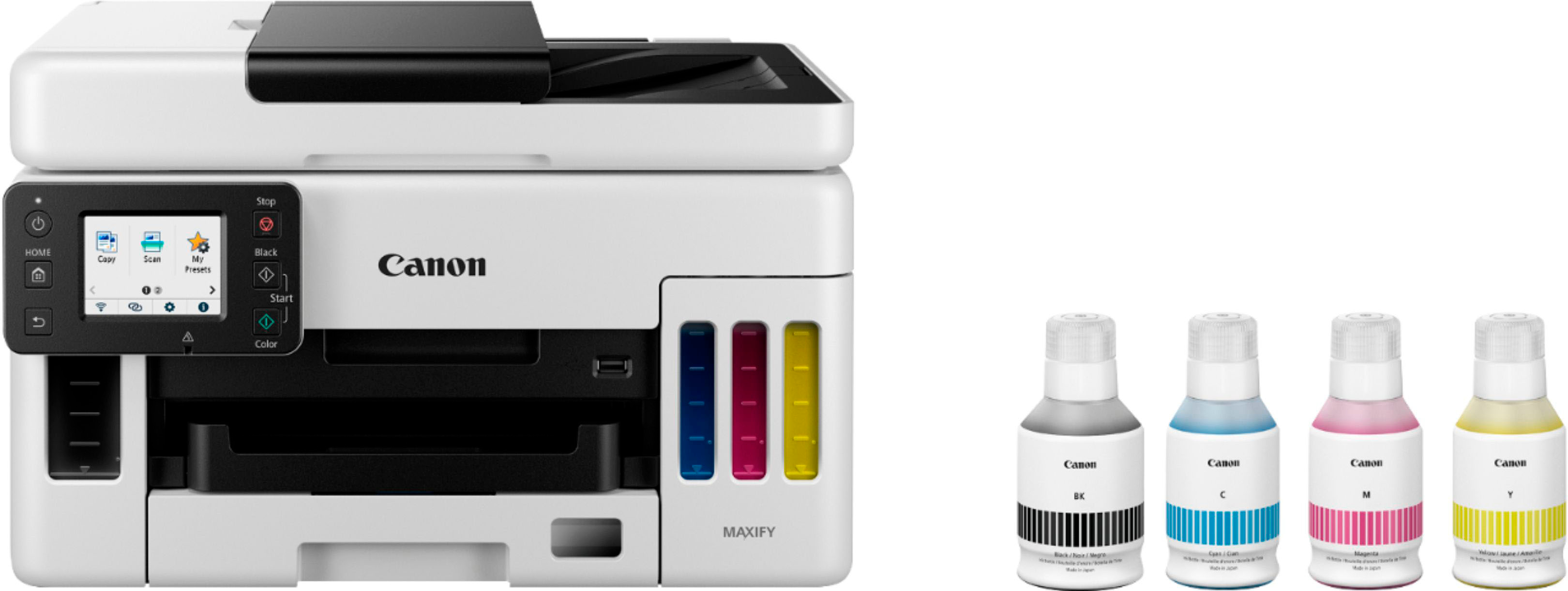
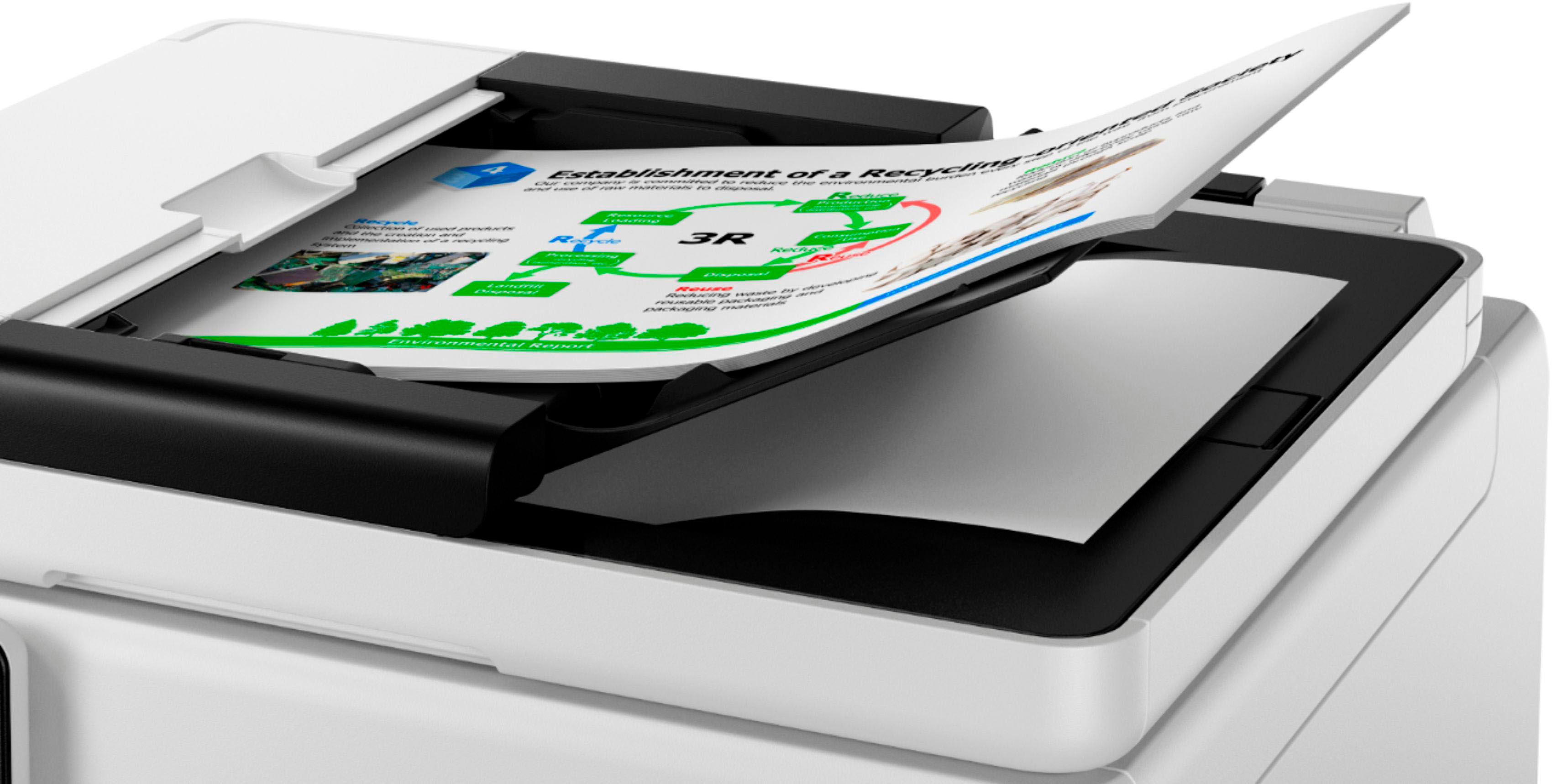
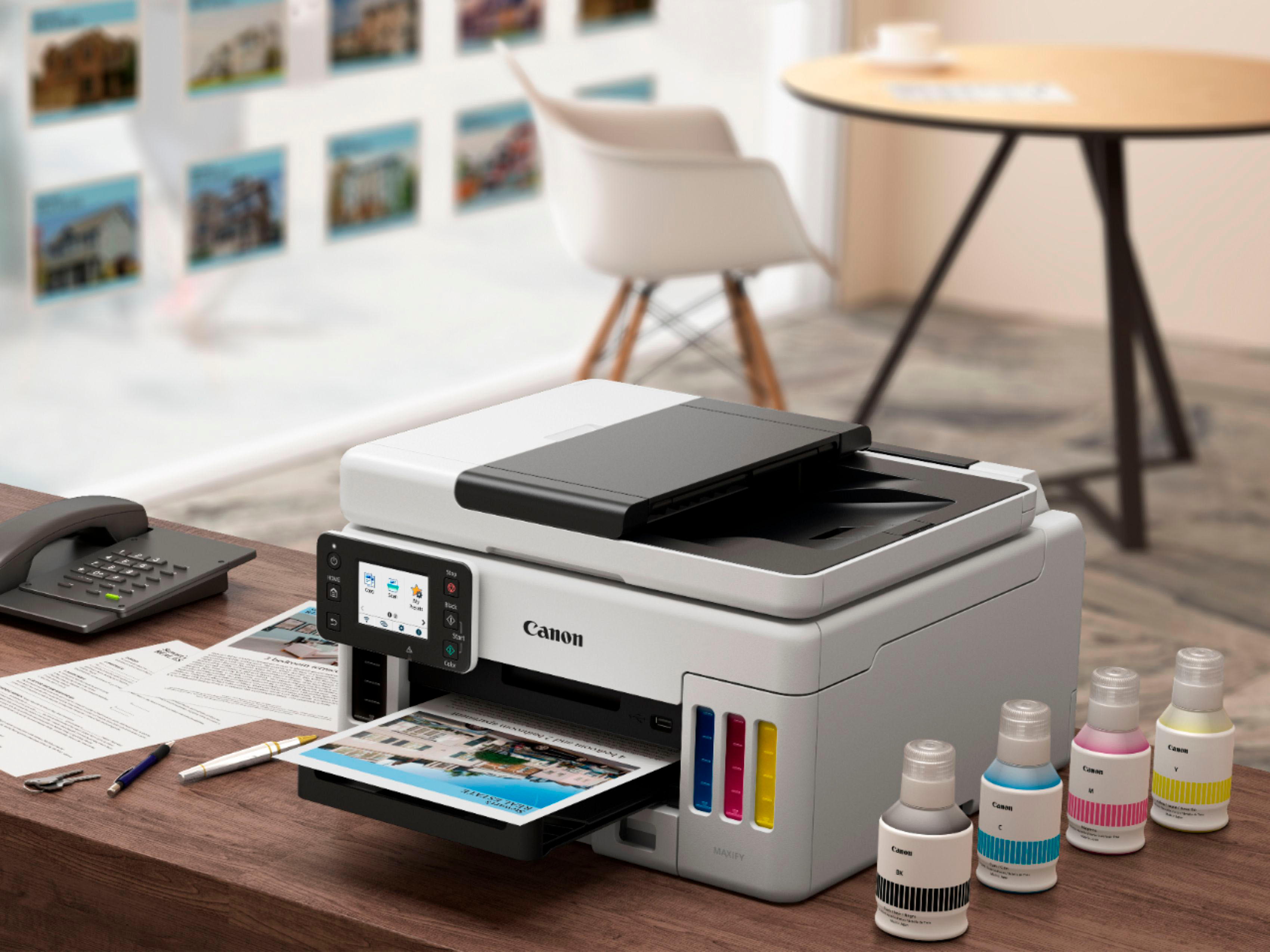
|Posted .This reviewer received promo considerations or sweepstakes entry for writing a review.The Canon - MAXIFY MegaTank GX6021 Wireless All-In-One Inkjet Printer is very compact and packed with powerful features for print, scan, and copy. It came with HP MAXIFY GX6020 Wireless MegaTank Small Office All-In-One Printer, a Set of Ink Bottles (GI-26: BK, C, M, Y), Documentation, and a Power Cord. This high-quality ink tank printer includes up to 3-Year or 80,000 Page Limited Warranty with InstantExchange Program. Setup is very easy by following the steps on LCD. I have followed the instructions to configure the printer to print over the wireless. After the software installation and configuring the printer, I was able to see this printer on a home network to print from any device. It is very convenient to print from other devices and my kids are using this printer every day for their summer project work and printing from their laptops as well as from their phones. This printer has built-in dual-band WiFi. It can print up to 6,000 Black/ 14,000 color pages with just a single set of inks and prints up to 24.0 ISO ipm in black, up to 15.5 ISO ipm in color. It can handle large volumes quickly at a low cost per page. It has featured Apple Airprint enabled print from iPad and iPhone. The Auto Document Feeder (ADF) can copy multi-page documents with ease with the 50-Sheet. It is easy to print from USB flash drive. The resolution of printing is superior quality and it can print up to 1200 x 600 dpi (dots per inch) color resolution. The paper tray can hold up to 350 sheets of plain paper and a 250-Sheet bottom cassette and a 100-Sheet rear tray. It is compatible with AirPrint, Mopria Print Service4, Canon PRINT app2, Easy-PhotoPrint Editor App19, Canon Print Service20 (Android), PIXMA Cloud Link2 and Creative Park App21. The design is very good with stylus looking. I have been using Inkjet printers and cheap laser printers before and Canon - MAXIFY MegaTank GX6021 Wireless All-In-One Inkjet Printer is a huge upgrade. I am using this every day to copy, print, and scan for my personal and office work. It is one of the best printers in the market with excellent configuration. I highly recommend this printer for home and office use.
I would recommend this to a friend It’s just ok
||Posted . Owned for 1 year when reviewed.This reviewer received promo considerations or sweepstakes entry for writing a review.I selected this brand because I saw the receptionist using one to print out my receipt. Printing is great, however, scanning and uploading to my PC I could never find the document….
No, I would not recommend this to a friendPrint review
||Posted . Owned for 1 week when reviewed.This reviewer received promo considerations or sweepstakes entry for writing a review.Good printer bit speed is too slow.. good for personal use but not for business..
I would recommend this to a friendDon’t count on Beat Buy to help
||Posted . Owned for 1 year when reviewed.This reviewer received promo considerations or sweepstakes entry for writing a review.Nozzles clog too easily and Best Buy support is awful. Don’t ever let them take over your computer-they deleted my other printer drivers, closed things without saving and I did NOT answer YES to them doing any of that. The tech took over, answered all of the permission questions that were meant for me. This printer is useless if it’s not reliable and Best Buy’s “service” is even worse.
No, I would not recommend this to a friend- Pros mentioned:Noise level, Print quality, Size
Powerful All-In-One in a small package
|Posted .This reviewer received promo considerations or sweepstakes entry for writing a review.The first thing that I noticed about this printer was how compact it is compared to other printers with the same features. Purchasing ink cartridges is a thing of the past with the refillable tanks with this printer. The printer is supplied with a generous supply of ink that will last for quite some time. The printing operation is fast and the results are excellent. The printer is also quieter than other inkjet printers I use. The ink dries quickly and I have not encountered any print quality issues, such as smudging or over saturated ink on the pages. The two-sided printing is also extremely fast compared to other products I own or have used. As with any new product, be sure to download the utilities provided by Canon to manage the printer. Check for firmware updates and apply them as recommended. The printer is set to automatically shut off unless you go into the U Printer Assistant Tool and change this setting to keep it on consistently. The scanner works flawlessly and supports duplex scanning. It is not a one step operation, however. It requires a second manual feed to copy both sides. The paper tray is large and the feeder is fast and efficient. I have not encountered a single jam while using the product. Finally, the touch screen is easy to read and responsive. Setting up the printer was a breeze as well. The colors are vibrant and the black is nice and dark.
I would recommend this to a friend - Pros mentioned:Print quality
Printing more color pages for less with Megatank
|Posted .This reviewer received promo considerations or sweepstakes entry for writing a review.Canon Maxify GX6021 all in one wireless MegaTank printer is designed for use in small to medium home office that need print, copy, and scan. This printer is an all-in-one color printer in a super compact form factor that doesn’t take more desk space. It can print up to 6000 Black/ 14,00 Color pages per full ink bottle set and can hold 350 sheet paper capacity in the tray. Its small but powerful and is using an Megatank an innovative cartridge-free where there is no need to purchase expensive ink cartridges. It saves a lot in cost of ink compared to the ink cartridges and it does come with full set of ink in box compared to trial size that will be included in other printers. What’s in the box: Printer, Power cord, Ink bottles - Black ink and 1 bottle of Cyan, Magenta, yellow each and instruction manual. Setup is simple and it can be connected without a computer from the app, or you can connect through ethernet. Download the app Canon PRINT from the Appstore or play store and follow the instructions for setup. It does support Hi-Speed USB Wi-Fi®, (802.11 b/g/n), Wi-Fi Direct. Works well with both windows and mac OS and doesn’t need any separate drivers to get started. This printer supports a USB stick printing where you plug in your USB stick with documents and directly print it without the need of a computer. Supports Apple Air print to print directly from iOS directly. It also can scan the documents and upload directly to cloud and integrates to google drive and other applications. Major Pro of this printer is zero cartridge waste (less cartridge waste in landfills) and stress-free printing Print quality is very impressive with sharp texts and graphics. Ink is affordable for high yield on all 4 colors and since the page yields are more than laser printer, cost per page to print color copies is less than 2 cents per page and are now affordable. Canon has an impressive worry free 3-year or 80,000 pages warranty that includes full unit replacement for peace of mind. Printer can hold 250 sheets of plain paper in the bottom cassette feed, and 100 sheets of plain paper in rear tray. It supports all paper sizes and types from high resolution paper that is glossy to photo paper (glossy/semigloss, Matte, Magnetic), Greeting card, Envelopes, Card stock. It works with voice assistant like Alexa and google assistant. Very impressive with the print speed for color printing and is very fast compared to other printers owned so far. Pros: Compact footprint, Stress-free printing, zero cartridge waste, high performance printing, scanning to cloud directly, USB printing without the need of computer, smartphone integration, 3-year or 80000 pages warranty, High page yield with good paper capacity, easy to replace print heads Cons: Initial high investment Bottomline: If you have a home office or small business and have demand for high volume to print color pages at lower cost then this printer is for you. Highly recommend if you can afford the initial one time investment for a worry free printing.
I would recommend this to a friend - Pros mentioned:Ease of use, Noise level, Print quality
Canon MAXIFY GX6021 Wireless AIO InkJet Printer
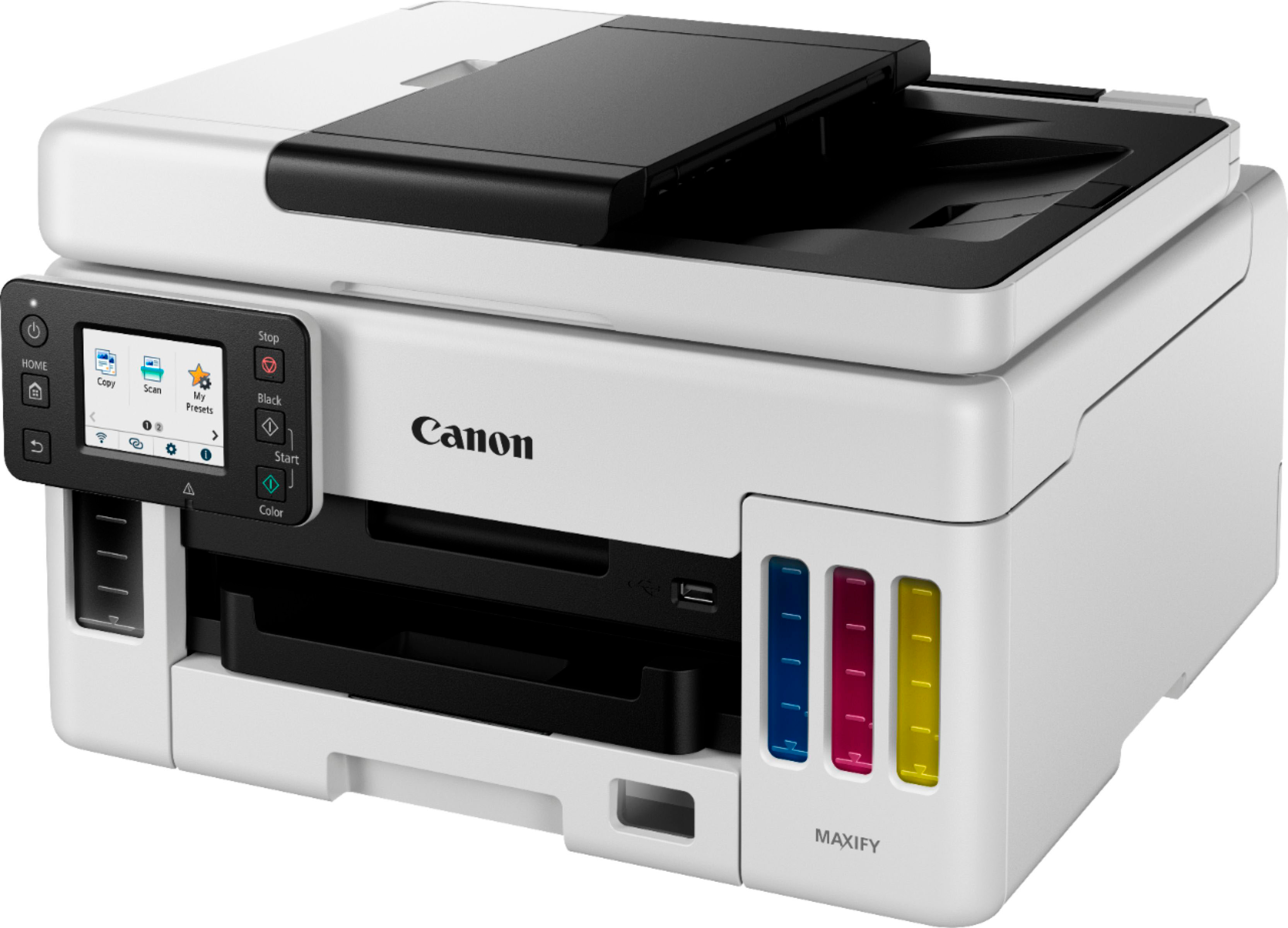
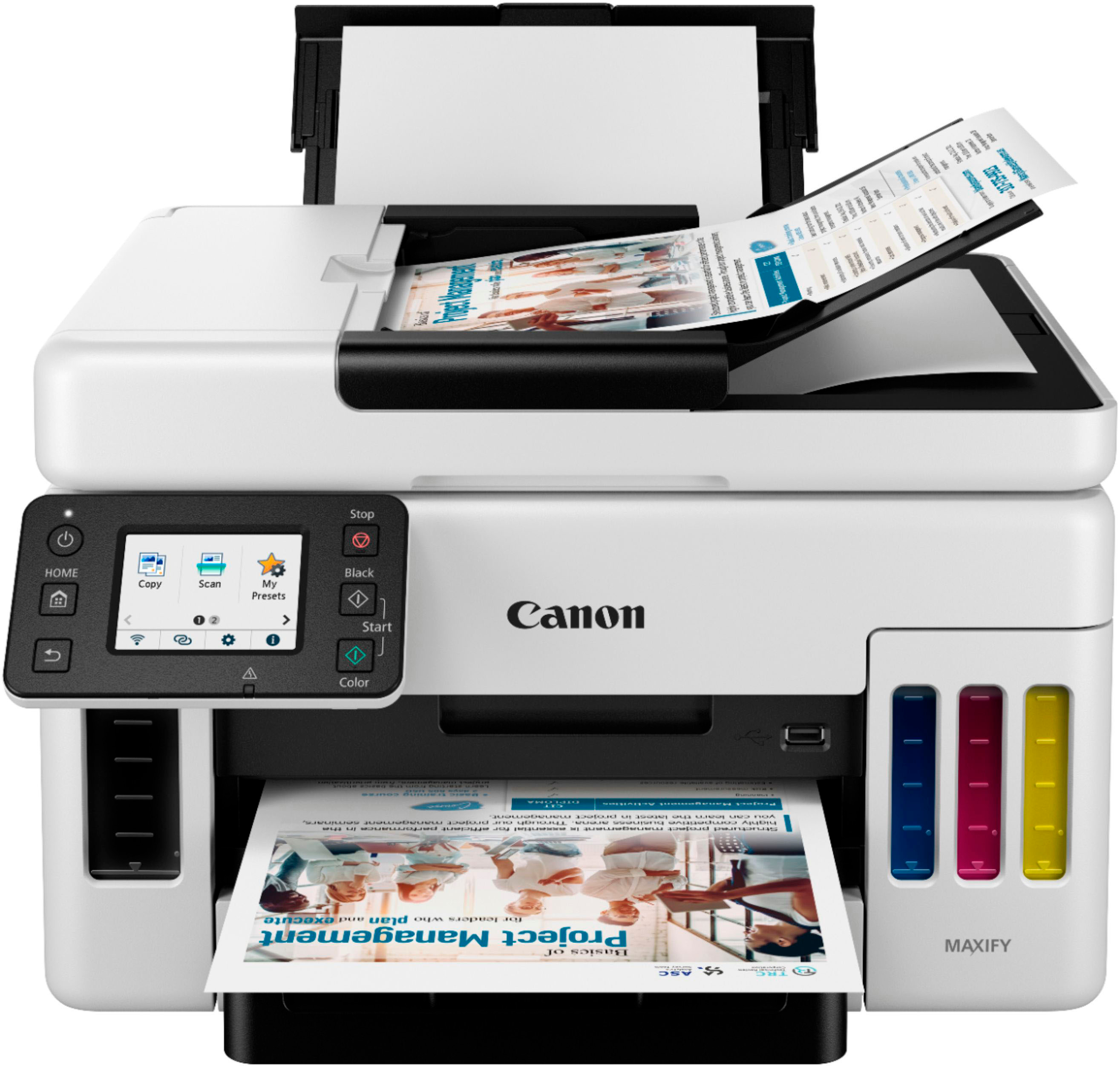
|Posted .This reviewer received promo considerations or sweepstakes entry for writing a review.So I received my Canon MAXIFY GX6021 Wireless AIO Printer a few days ago and have been putting it through its paces. The Canon MAXIFY GX6021 has become a nice addition to my home office. Setup and ease of use was a breeze. Canon has always been a favorite office brand name that I've come to love over the years. Inside the nicely packed boxed is: * Canon MAXIFY GX6021 Wireless AIO InkJet Printer * Power Cord * Inks ( Cyan, Magenta, Yellow, and Black) * User Documentation As I stated earlier, the setup was simple and took no longer than 10 minutes. Simply remove the printer from the box, remove all packaging tape, plug in the power cord and turn it on. Next the on-screen display will guide you the rest of the way with adding the ink bottles to the correct tank, and adding paper to align the printer heads. After proper alignment has completed, I connected the printer to my home network, then searched for any firmware updates. A couple minutes later and the firmware update was complete. This printer has become an amazing addition to my home office. It's quiet and quick. So far I've had no printing issues like smearing/bleeding of ink. I love that the front of the printer allows you to see the level of ink you have remaining thru the tank windows on the front.
I would recommend this to a friend Misled and Lied to twice
||Posted . Owned for 1 month when reviewed.This reviewer received promo considerations or sweepstakes entry for writing a review.the individual who sold me this product online misrepresented this product, reassuring me this was the product I was needing. Fortunately, I have the manuscript of our conversation where he stated on at least two occasions that this product did exactly what I expressed I needed.
No, I would not recommend this to a friend- Pros mentioned:Noise level, Print quality
This has changed my opinion of printers going fwd
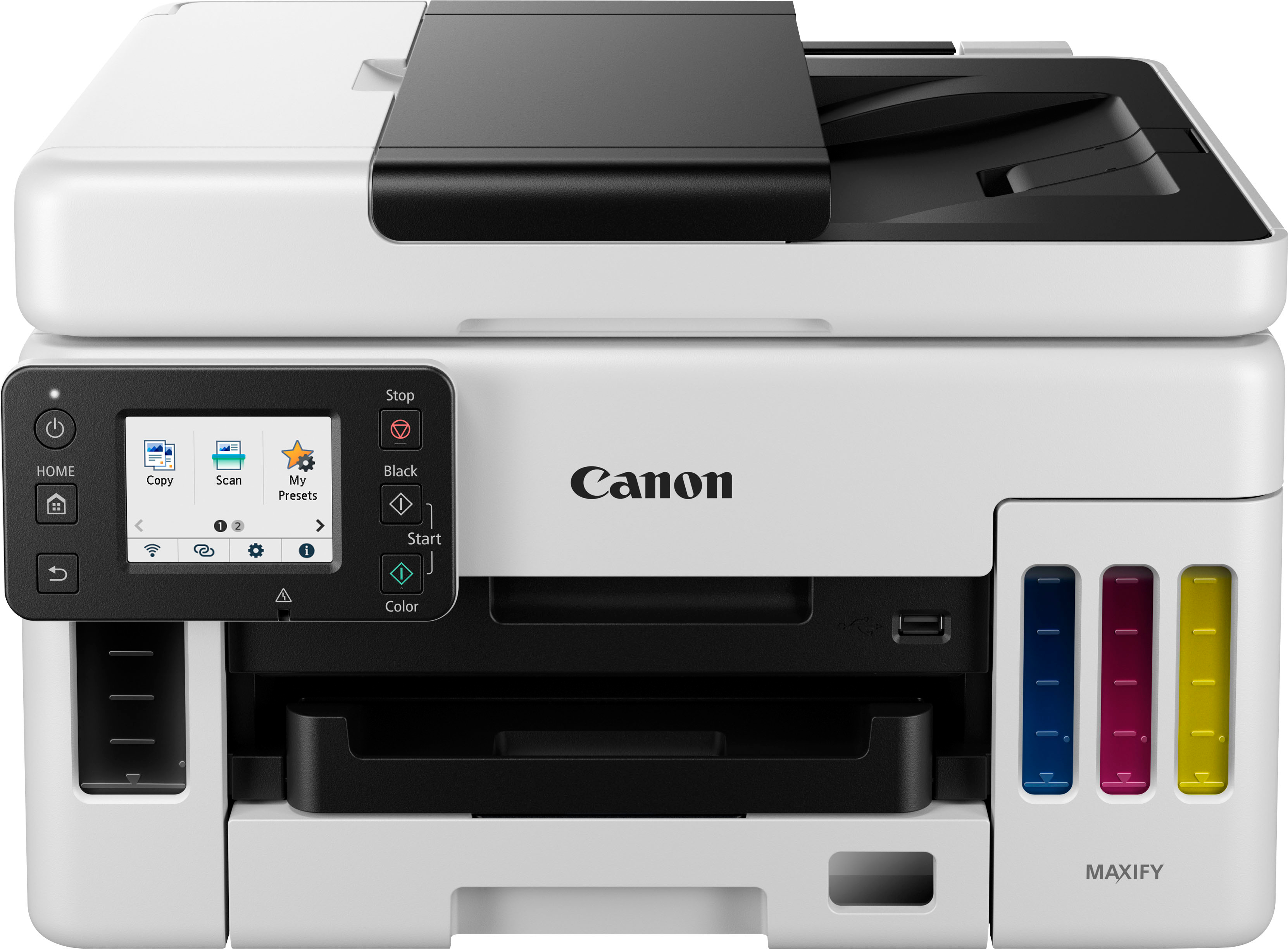
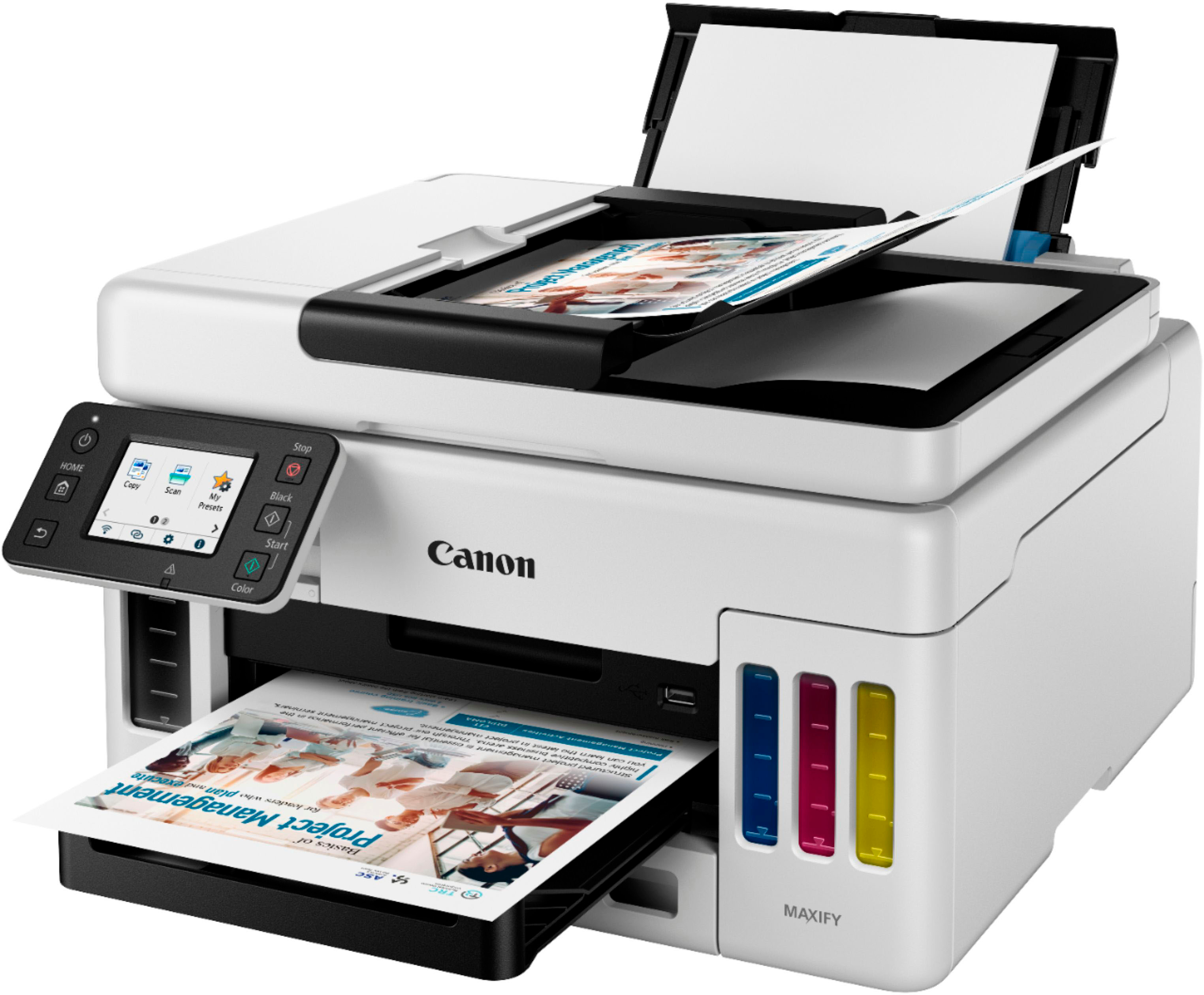
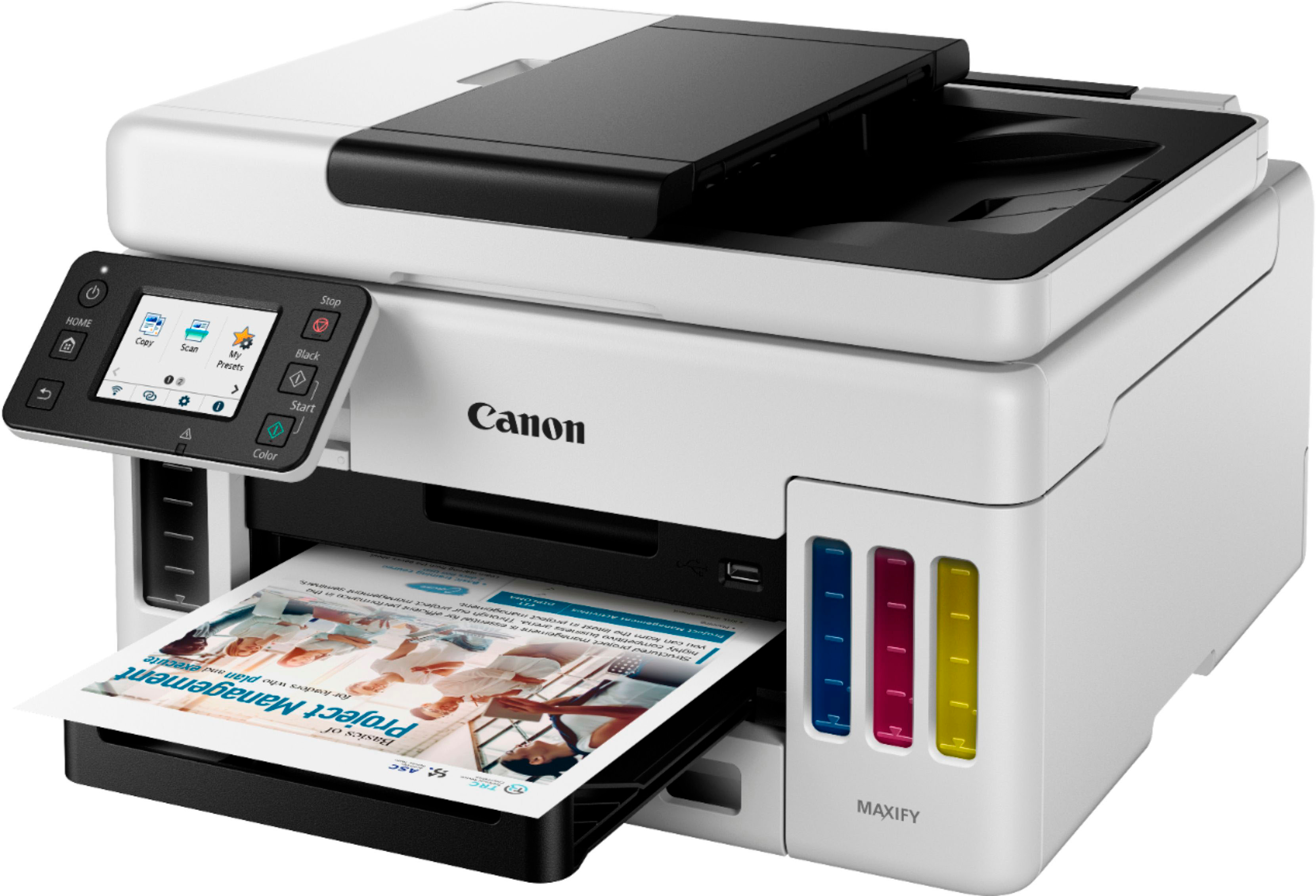
|Posted .This reviewer received promo considerations or sweepstakes entry for writing a review.Overall The Canon MAXIFY is a premium printer that knows how to shine. It fits into a neat square footprint when all trays and slides are recessed, should your needs require the space. With a general clean aesthetic for just about any home or office. Packed full of features from your typical print/scan/copy, auto document feeder, duplex printing, cloud printing, USB printing, and companion app printing. It offers a solid print quality with both documents and photos. I will add that, when compared with other inkjet printers of both Canon and competitors, the GX6021 is slightly slower at a mere seconds. This is when compared with competitor inkjet printers or an older Canon PIXMA series inkjet. But if you’re keeping score, the GX6021 has a surprisingly low operational noise level when compared. Both in quiet mode or out. Refilling the MAXIFY is an incredibly simple task, open the bottle and line it up with the tank, then just press down. No messing with any cartridges. But do note, there is no official way of extracting that ink back. If you need to move the printer there’s a shut off mode in the settings and a physical shut off valve when you lift the top of the machine. Pricing on replacement ink is reasonable and makes for a far cheaper option over cartridge based printers. Looking back at all my old printers I must have pulled between 40-80 pages out from those cartridges with a cost range between $25-$50 per cartridge. CONS The biggest operational drawback I’ve encountered with this unit. No matter what settings I set in the printer feed settings I’m always prompted with a paper mismatch when printing from the cassette. No issues when using the rear tray. To clarify, I set the paper size/type for both cassette and rear. Load that type of paper into both, in this case letter/plain in cassette letter/glossy photo in rear. When I attempt to print from PC, if I send a document and use letter/plain or the printer loaded defaults, I’m prompted with a mismatch of A4/plain paper. I then have to confirm the print from the printer display itself to actually get it to print. With photos, if I use the defaults or specify letter/glossy it works flawlessly. On neither end, printer or PC, is the A4 size set as default. Aside from operational drawbacks, I’d like to mention a quality drawback. I find the display lacking a bit when compared to the rest of the unit. Mainly when swiping through the options as it doesn’t fully register every tap of the screen. It reminds me of the early smartphone screens or very cheap low budget Android devices. The ones that require you to tap several times and perform the same gesture to achieve the correct click or scroll.
I would recommend this to a friend