Customer Ratings & Reviews
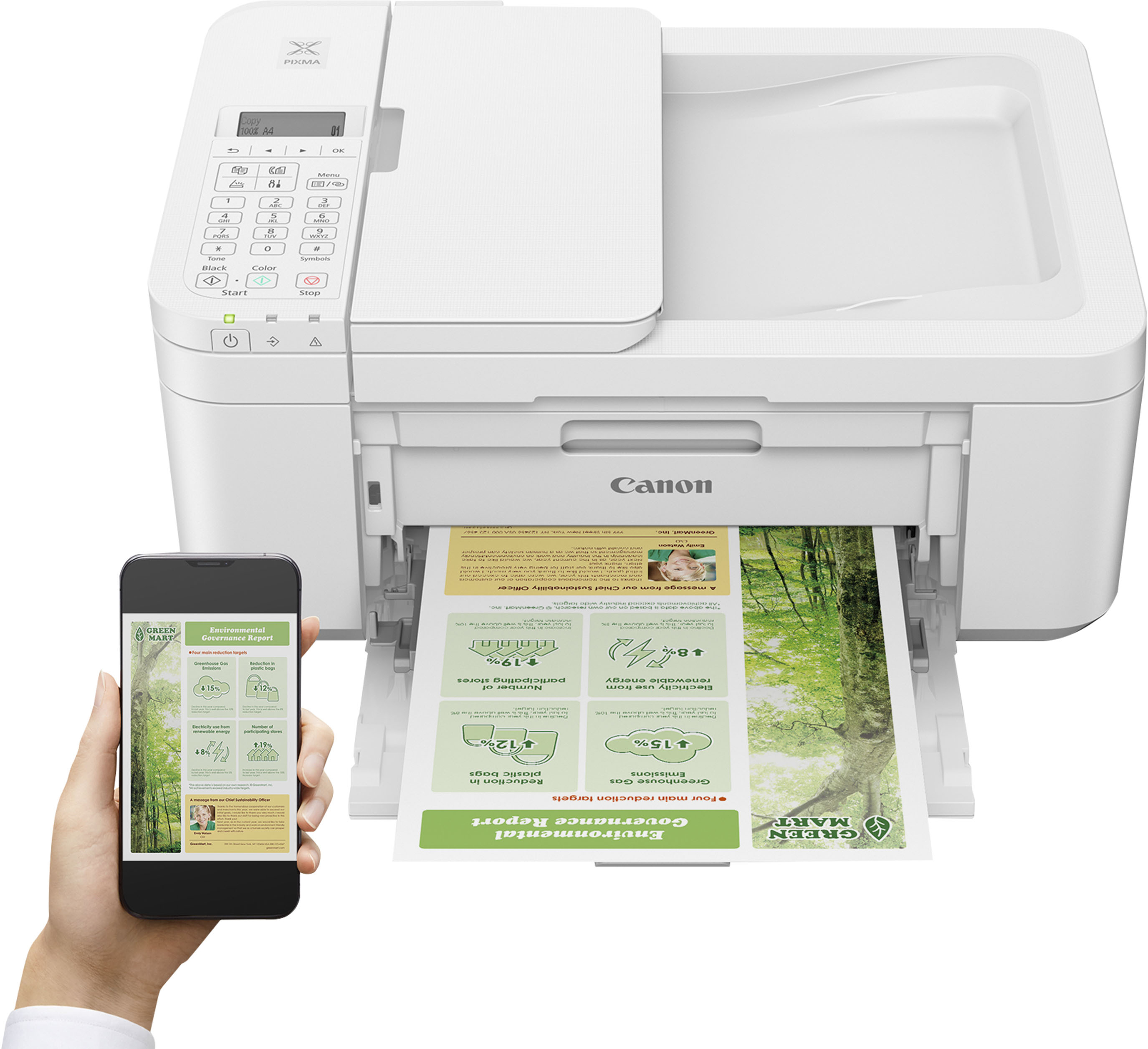
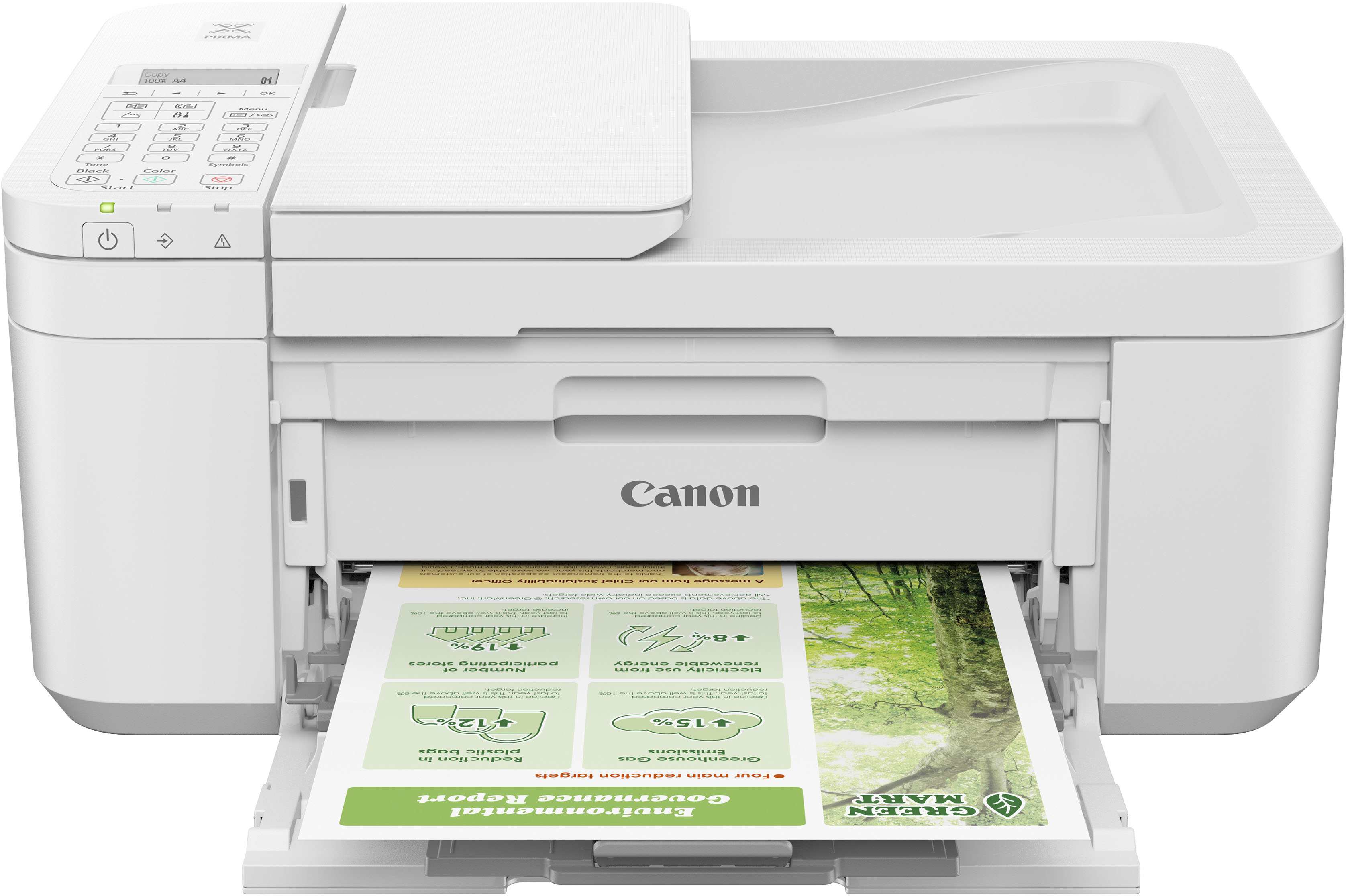
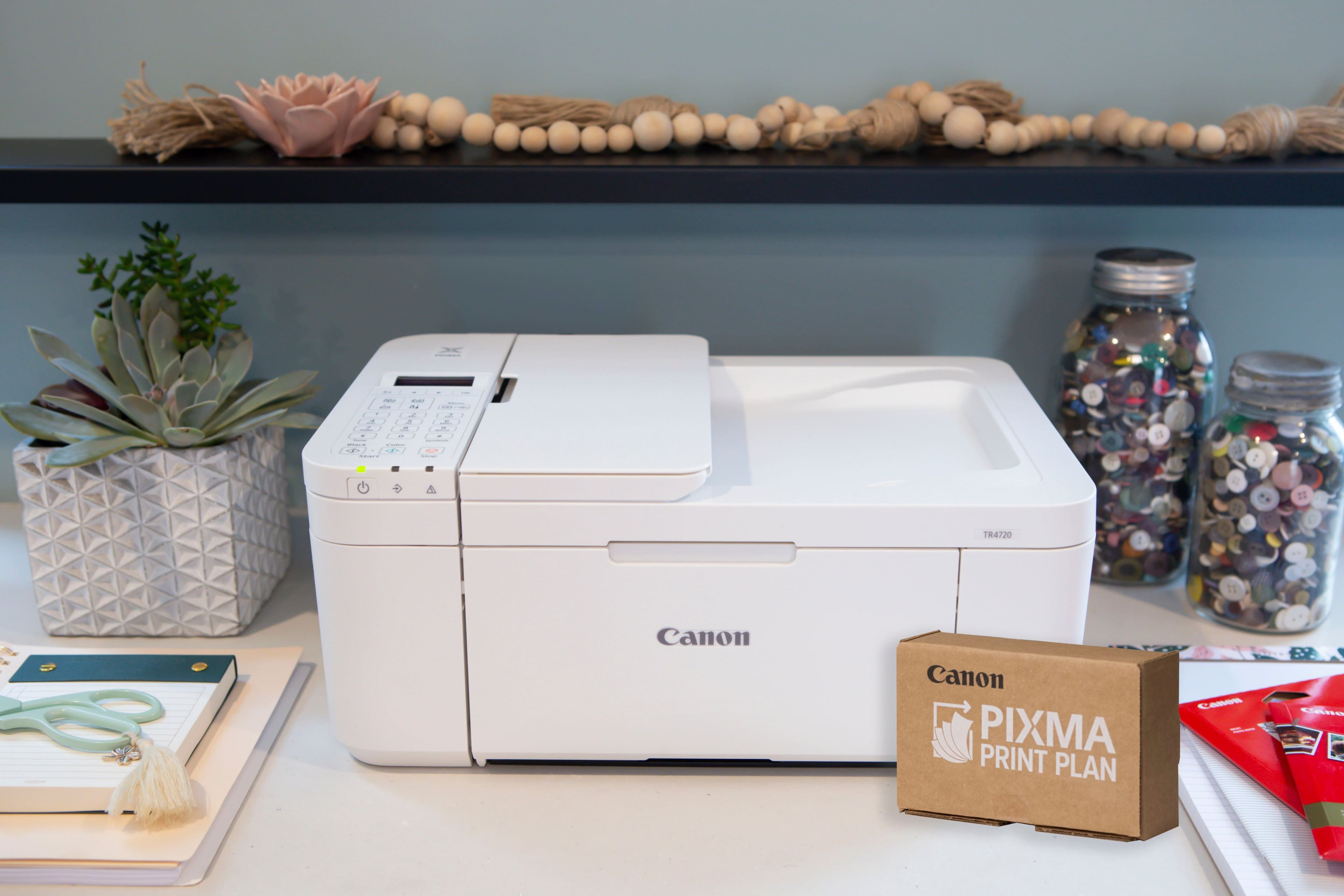
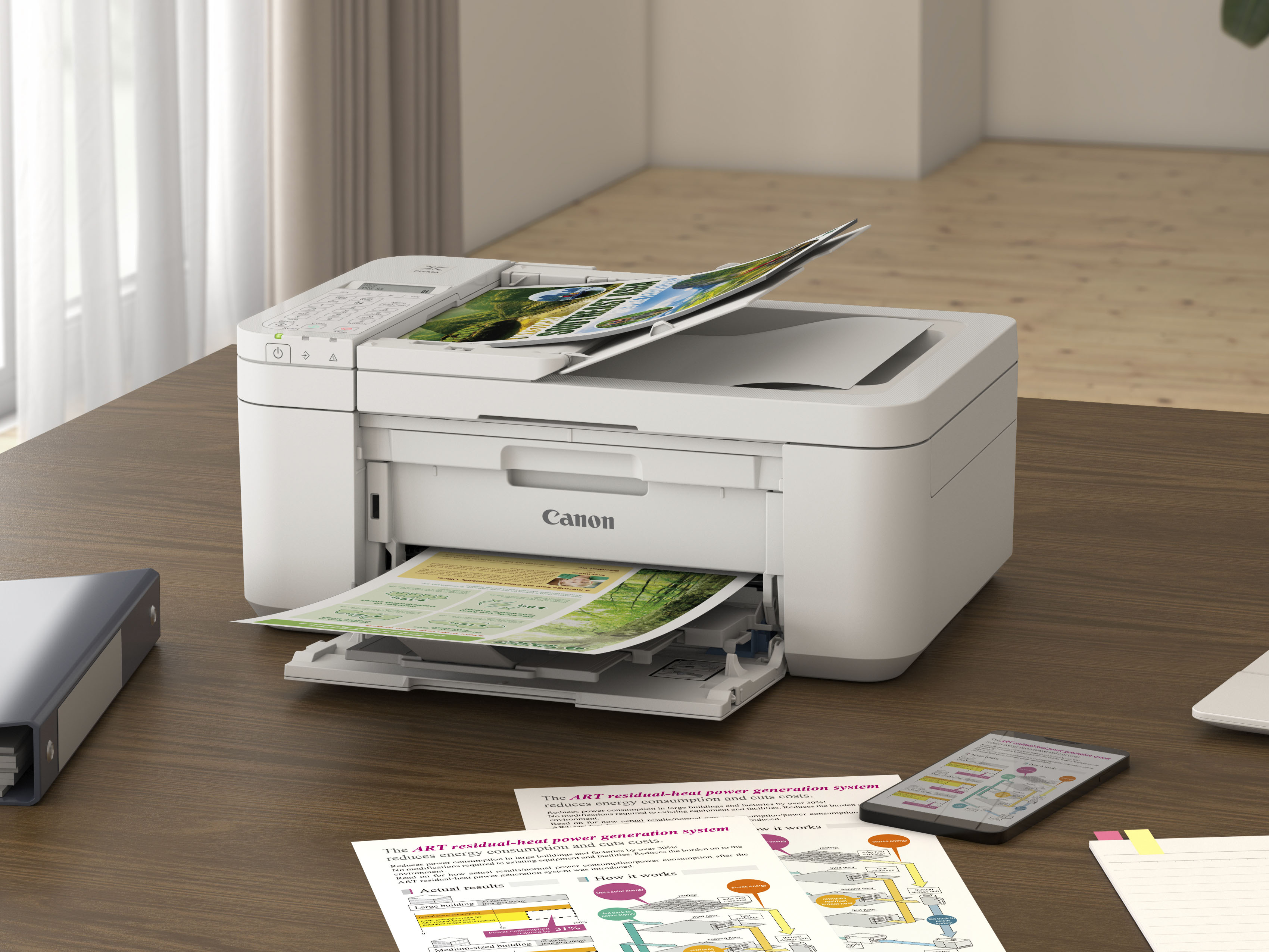

- Model:
- 5074C022
- |
- SKU:
- 10154864
Customer reviews
Rating 4.2 out of 5 stars with 3291 reviews
(3,291 customer reviews)Rating by feature
- Value4.4
Rating 4.4 out of 5 stars
- Quality4.2
Rating 4.2 out of 5 stars
- Ease of Use4.2
Rating 4.2 out of 5 stars
Rated 5 out of 5 stars
Good printer
||Posted . Owned for 3 weeks when reviewed.This reviewer received promo considerations or sweepstakes entry for writing a review.I like this printer but wish it had come with a manual
This review is from Canon - PIXMA TR4720 Wireless All-In-One Inkjet Printer - Black
I would recommend this to a friendRated 3 out of 5 stars
Very good, but one big issue.
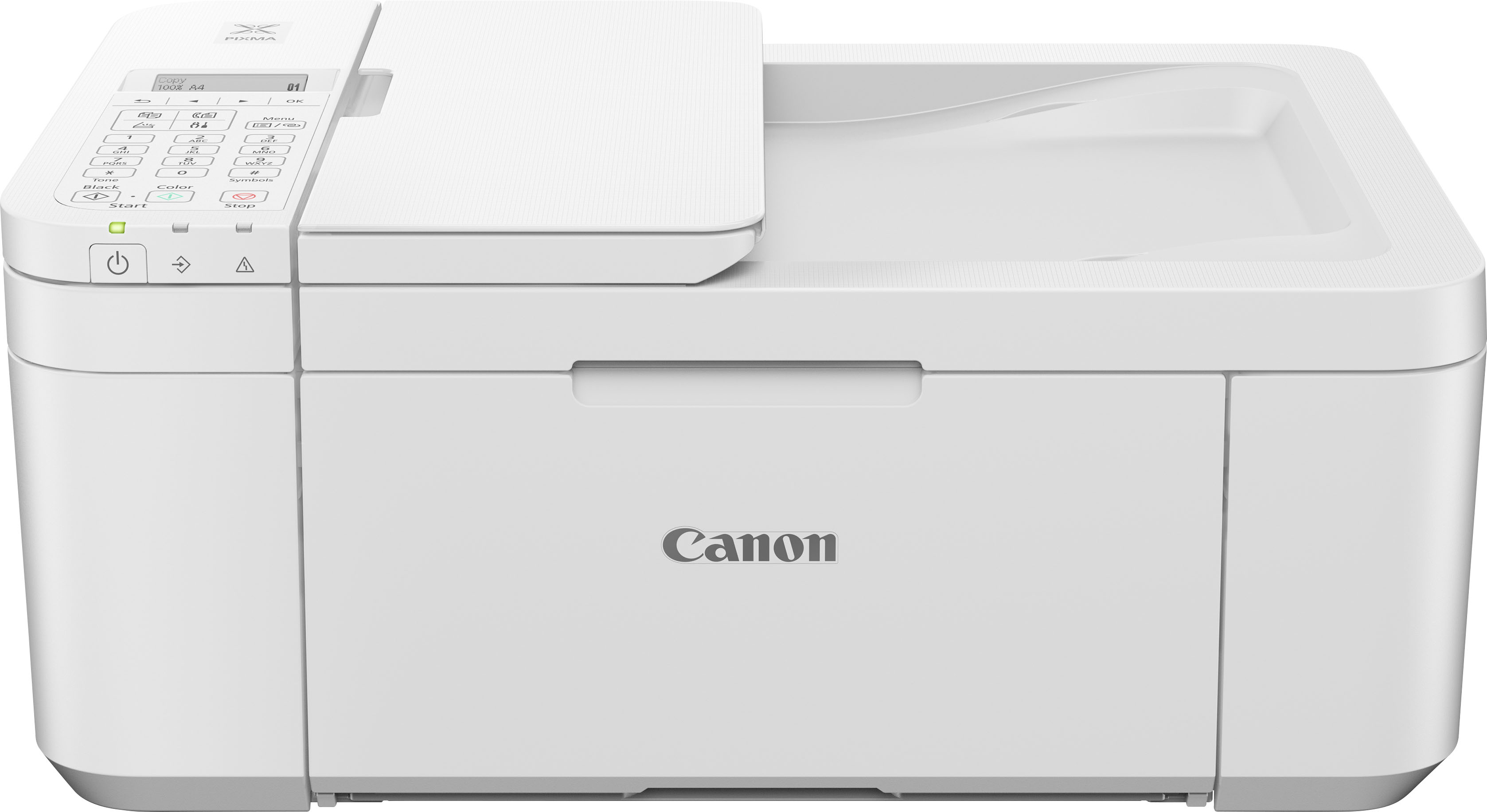
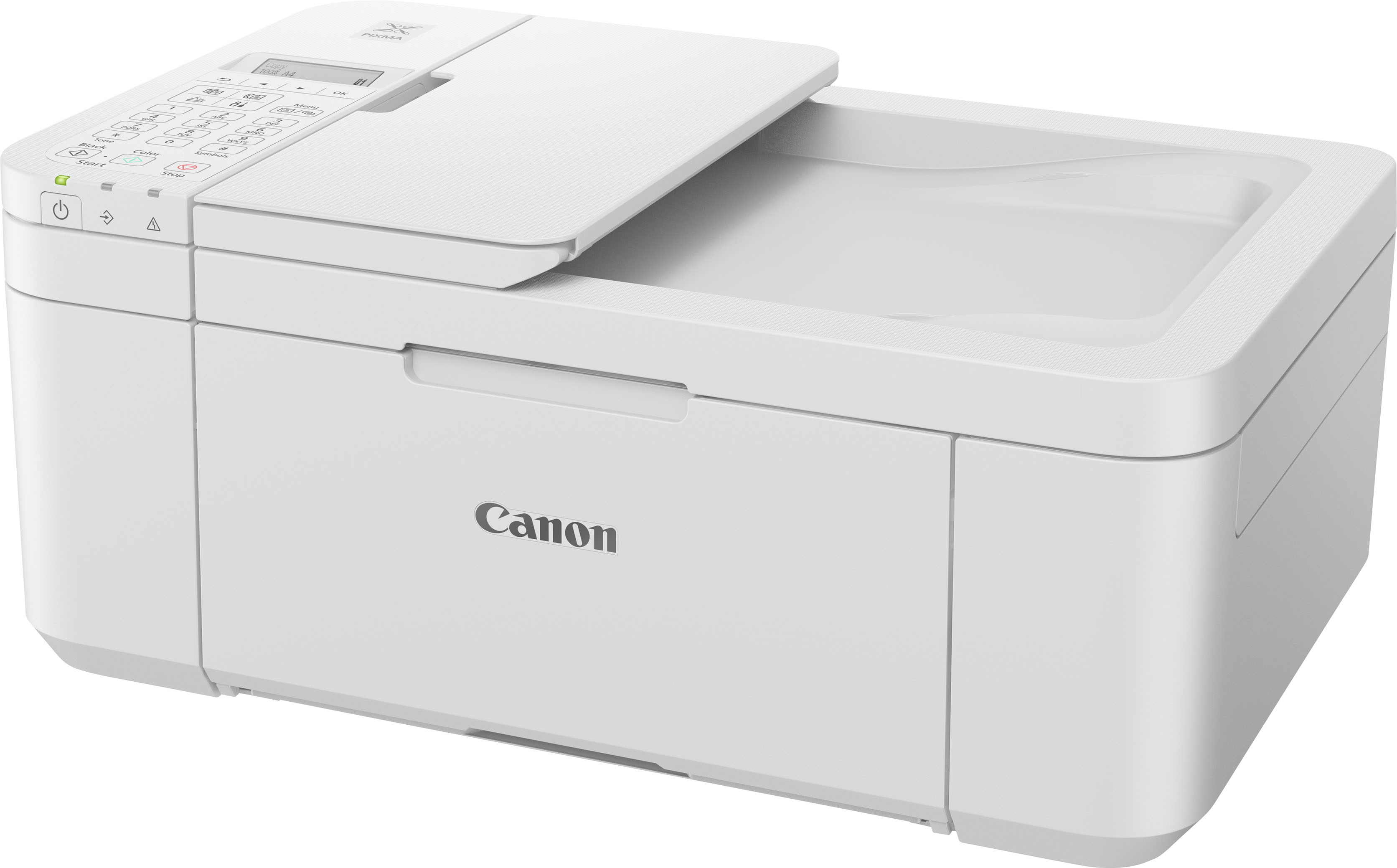
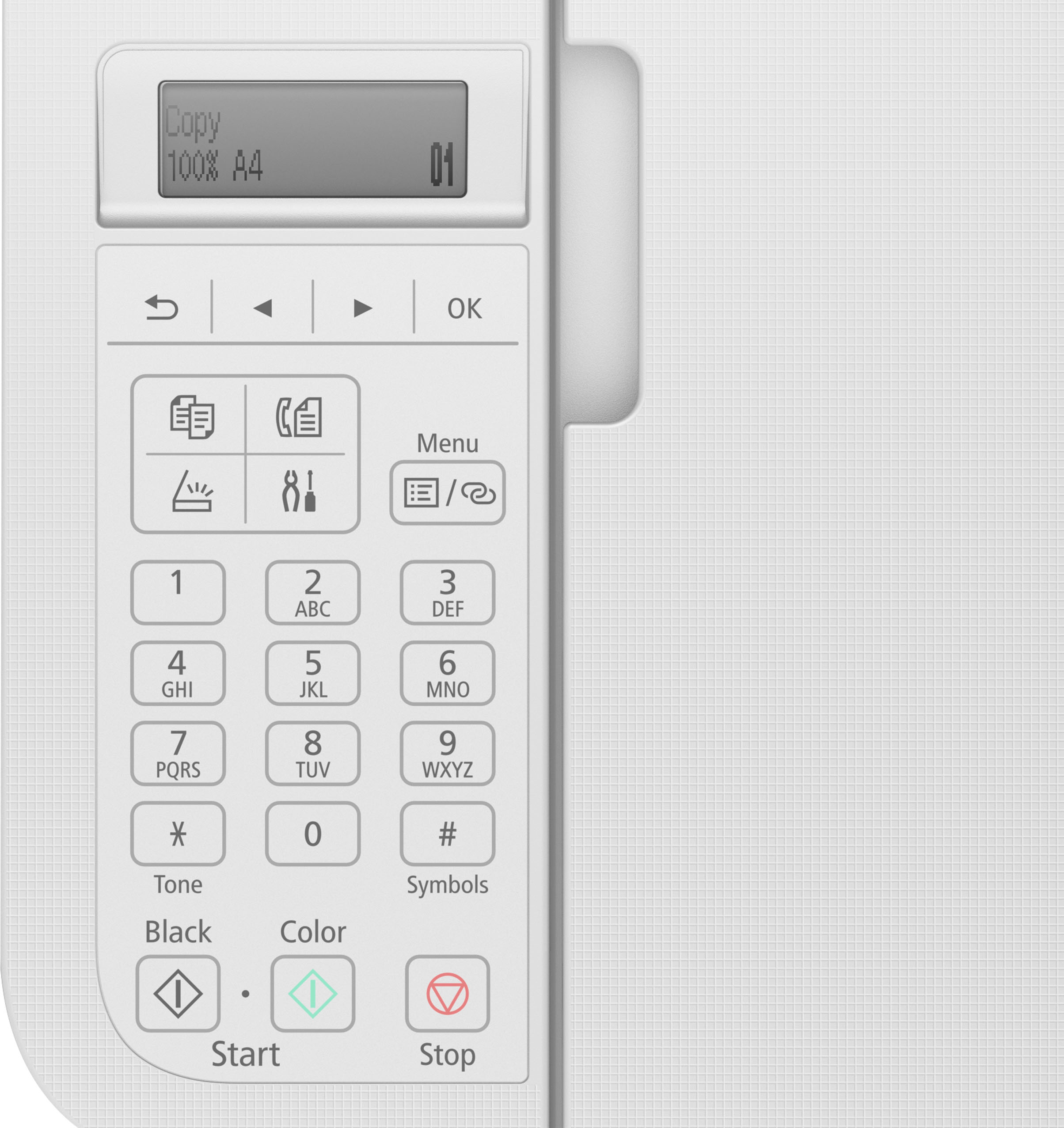
||Posted . Owned for 3 weeks when reviewed.This reviewer received promo considerations or sweepstakes entry for writing a review.It works well but te LED display is not bright. It’s black on gray and poorly lit. It is located on top of the printer forcing me to stand up and get close to read it. Even then it is difficult to read.
This review is from Canon - PIXMA TR4720 Wireless All-In-One Inkjet Printer - Black
I would recommend this to a friendRated 5 out of 5 stars
Printer
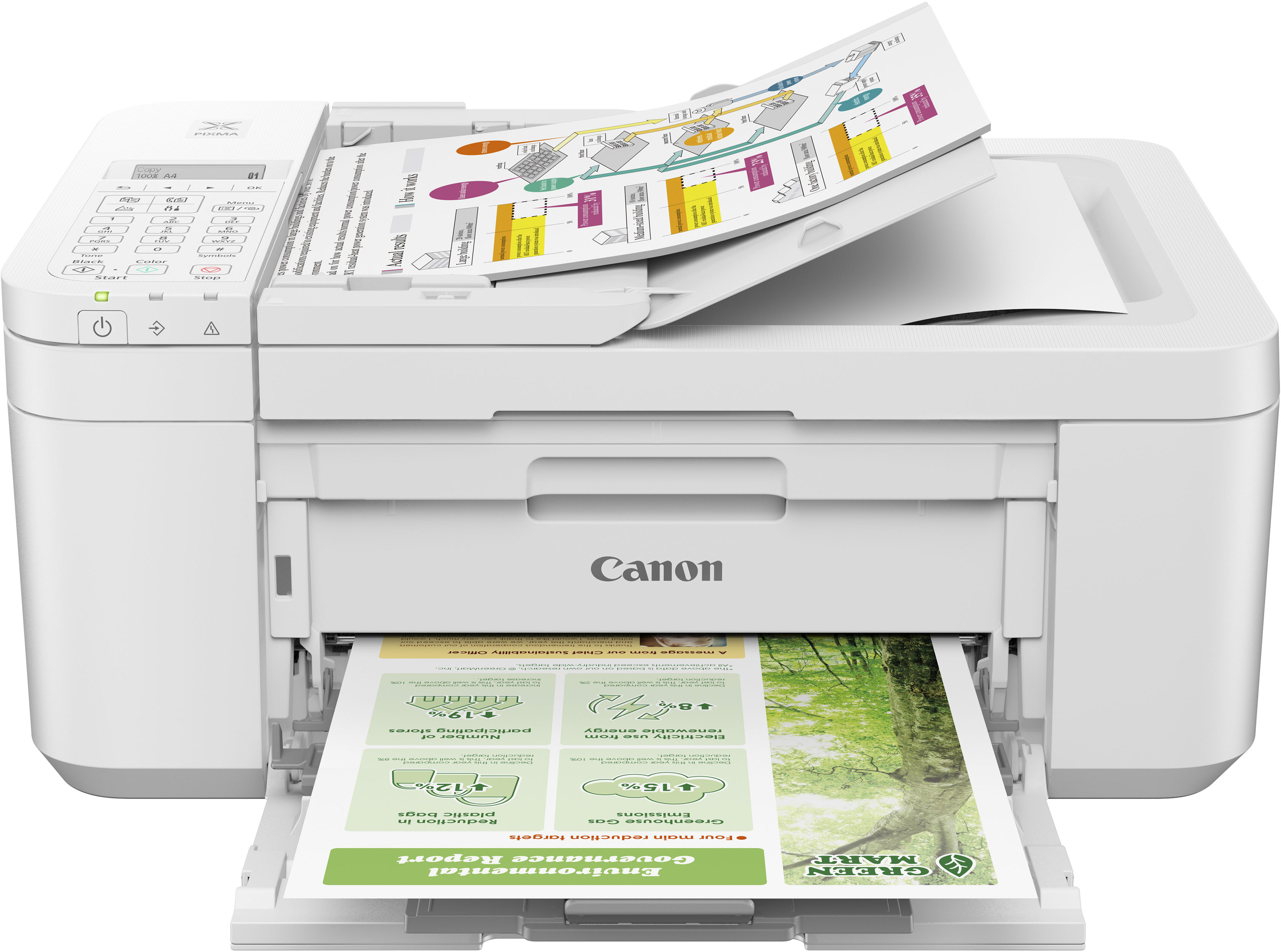
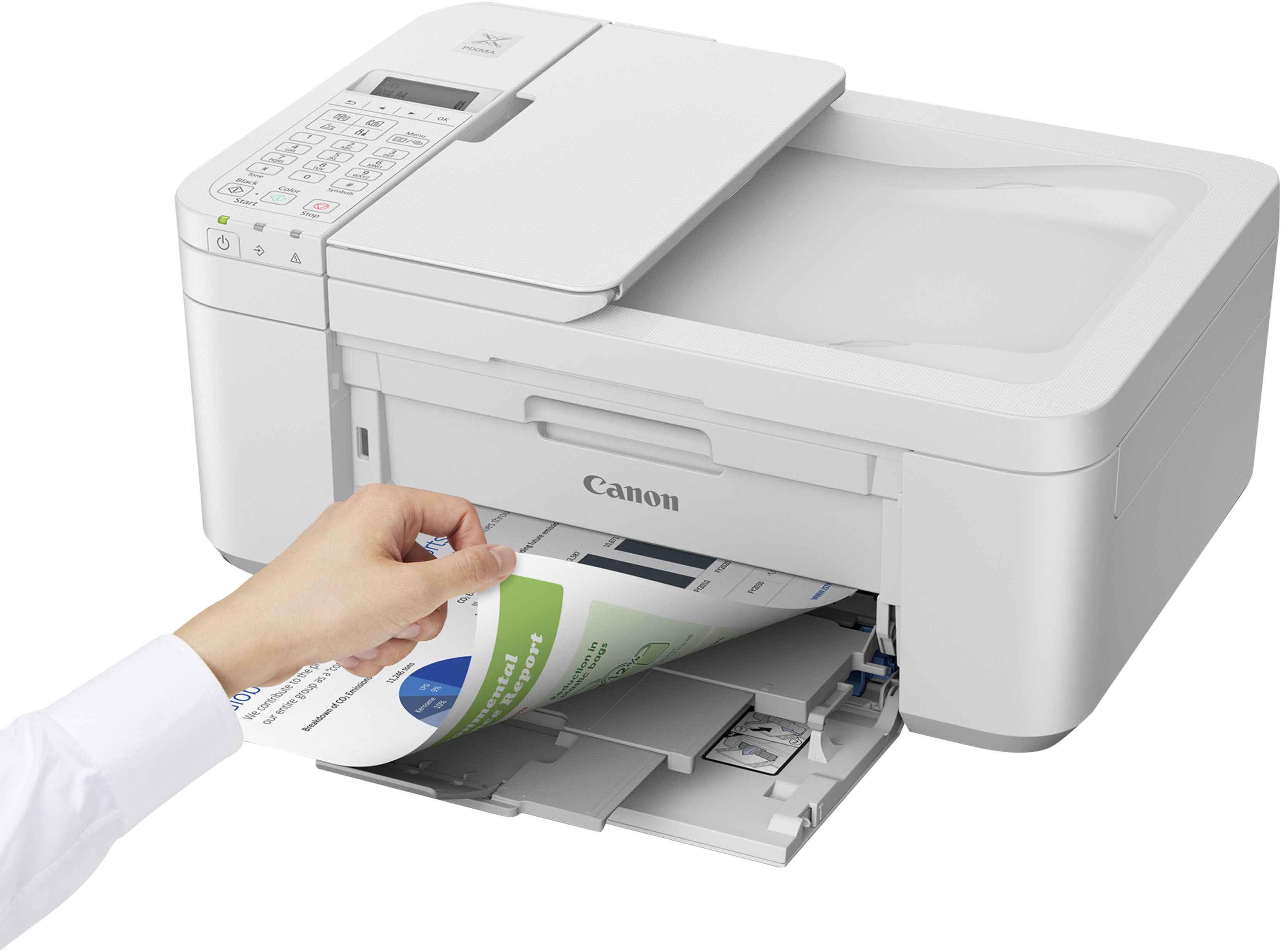
||Posted . Owned for 2 months when reviewed.This reviewer received promo considerations or sweepstakes entry for writing a review.This printer is just perfect. The quality is so on point. It’s light weight and fits just perfect on my computer desk.
This review is from Canon - PIXMA TR4720 Wireless All-In-One Inkjet Printer - Black
I would recommend this to a friendRated 3 out of 5 stars
Good enough
||Posted . Owned for 3 weeks when reviewed.This reviewer received promo considerations or sweepstakes entry for writing a review.Good enough, does it’s job, only downside is that the ink is expensive and needs to be replaced after printing less than a hundred pages
This review is from Canon - PIXMA TR4720 Wireless All-In-One Inkjet Printer - Black
I would recommend this to a friendRated 1 out of 5 stars
Bad Printer. Foggy Bad Printer
||Posted . Owned for 8 months when reviewed.This reviewer received promo considerations or sweepstakes entry for writing a review.All photographs print as if the images were surrounded by fog. I tried multiple color and exposure settings. Nothing clears the image! Attached are photos of computer screen image and Canon printer produced image. The differences are obvious. This was my first attempt to print a color photograph. I plan to return the printer. But because I bought this last year, I will receive no money back nor trade. At least the junk printer will not occupy valuable den space. This is the fourth different model of Canon printers that I have used. The others were good quality. This one is uniquely awful. P. S. Yes. I use Canon brand, new ink cartridges.
This review is from Canon - PIXMA TR4720 Wireless All-In-One Inkjet Printer - Black
No, I would not recommend this to a friendRated 5 out of 5 stars
Canon Printer
||Posted . Owned for 2 months when reviewed.This reviewer received promo considerations or sweepstakes entry for writing a review.I like it! It works really good and it does have a lot of options.
This review is from Canon - PIXMA TR4720 Wireless All-In-One Inkjet Printer - Black
I would recommend this to a friendRated 5 out of 5 stars
Good Buy on Solid Printer
||Posted . Owned for 2 months when reviewed.This reviewer received promo considerations or sweepstakes entry for writing a review.Solid basic color printer. I’ve had it for about six months with no issues.
This review is from Canon - PIXMA TR4720 Wireless All-In-One Inkjet Printer - Black
I would recommend this to a friendRated 1 out of 5 stars
Canon Pixma TR4720
||Posted . Owned for 1 month when reviewed.This reviewer received promo considerations or sweepstakes entry for writing a review.Terrible printer!! Sent it back to Canon because of a paper jam. There was a white line going down the page printed. Got a new one can't get one page orinted. All it does is jam. It's junk. I bought a different brand. So I get to take a total loss on it!!
This review is from Canon - PIXMA TR4720 Wireless All-In-One Inkjet Printer - Black
No, I would not recommend this to a friendRated 5 out of 5 stars
Working office
||Posted . Owned for 1 month when reviewed.This reviewer received promo considerations or sweepstakes entry for writing a review.Great items prefect for home use will suggest to everyone
This review is from Canon - PIXMA TR4720 Wireless All-In-One Inkjet Printer - Black
I would recommend this to a friendRated 5 out of 5 stars
Photocopier
||Posted . Owned for 3 weeks when reviewed.This reviewer received promo considerations or sweepstakes entry for writing a review.A good purchase however, it a bit complicated but getting the hang of it now
This review is from Canon - PIXMA TR4720 Wireless All-In-One Inkjet Printer - Black
I would recommend this to a friendRated 5 out of 5 stars
Cannon pixma printer
||Posted . Owned for 1 month when reviewed.This reviewer received promo considerations or sweepstakes entry for writing a review.Consumer, friendly, good price good color for basic needs.
This review is from Canon - PIXMA TR4720 Wireless All-In-One Inkjet Printer - Black
I would recommend this to a friendRated 5 out of 5 stars
Noisy but good printer
||Posted . Owned for 4 months when reviewed.This reviewer received promo considerations or sweepstakes entry for writing a review.Good printer for the price. Noisy though and tryin to find ink for it right now is almost impossible.
This review is from Canon - PIXMA TR4720 Wireless All-In-One Inkjet Printer - Black
I would recommend this to a friendRated 5 out of 5 stars
Great printer
||Posted . Owned for 3 months when reviewed.This reviewer received promo considerations or sweepstakes entry for writing a review.Great printer, good to print foto, absolutely satisfie
This review is from Canon - PIXMA TR4720 Wireless All-In-One Inkjet Printer - Black
I would recommend this to a friendRated 5 out of 5 stars
❤️ printer
||Posted . Owned for 3 weeks when reviewed.This reviewer received promo considerations or sweepstakes entry for writing a review.Great printer for work helps me get everything I need for the day..!!
This review is from Canon - PIXMA TR4720 Wireless All-In-One Inkjet Printer - Black
I would recommend this to a friendRated 2 out of 5 stars
Frustrated
||Posted . Owned for 2 weeks when reviewed.This reviewer received promo considerations or sweepstakes entry for writing a review.Unfortunately this has not been a pleasant experience. I have not been able to establish connectivity with the two computers that I wish to use it with. Admittedly both computers are rather old running Windows 10 which I hesitate to replace because of older programs that I have used for years that can not be replaced. I purchased the warranty program with this printer but have not had the opportunity as of yet to see if this problem can be resolved.
This review is from Canon - PIXMA TR4720 Wireless All-In-One Inkjet Printer - Black
No, I would not recommend this to a friendRated 1 out of 5 stars
Huge Waste of Money! Do Not Buy
||Posted . Owned for 3 months when reviewed.This reviewer received promo considerations or sweepstakes entry for writing a review.Fresh and Brand New Out of the box, I opened both inks (black and color), I printed ONE document that was 15 pages (double sided) and before it even finished printing the cartridges ran out of ink! Each replacement pack of in is roughly $35 for regular and $55 for XL. Who wants to constantly buy ink and you cant print more than 30 pages!? Home printers are becoming one of the biggest scams that we allow in the US. After one use I just packed it back up and put it in storage. Trash
This review is from Canon - PIXMA TR4720 Wireless All-In-One Inkjet Printer - Black
No, I would not recommend this to a friendRated 5 out of 5 stars
Great printer for everyday use
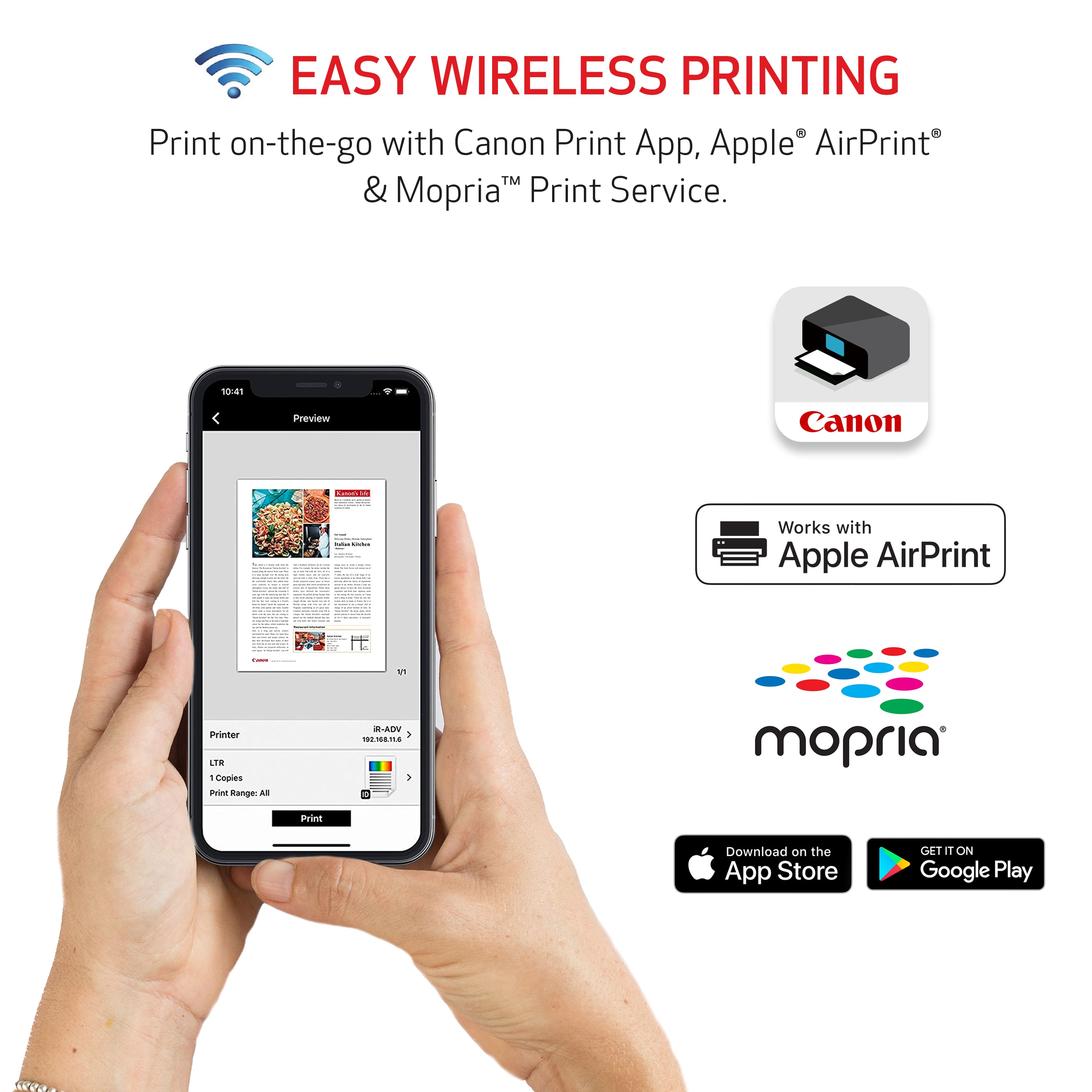
||Posted . Owned for 3 weeks when reviewed.This reviewer received promo considerations or sweepstakes entry for writing a review.The Canon PIXMA has been a solid printer so far. Setup was super easy and connecting it to Wi-Fi didn’t take long at all. It prints clearly, both black-and-white and color, and photos actually come out really nice. It’s not loud, doesn’t take up much space, and works well from my phone and laptop. Perfect for home use, school work, or basic office stuff. Ink is easy to change and lasts a decent amount of time. Overall, it does exactly what I need it to do. Definitely a good buy for the price.
This review is from Canon - PIXMA TR4720 Wireless All-In-One Inkjet Printer - Black
I would recommend this to a friendRated 4 out of 5 stars
SIMPLE setup if you use "Push" WPS on router
||Posted . Owned for 2 weeks when reviewed.This reviewer received promo considerations or sweepstakes entry for writing a review.MAR 2026- I've had the Canon PIXMA TR4720 All in One for about 1 month now. As others mentioned, there are no instructions in the box -- only a QR code or webpage to get setup instructions and although I consider myself tech savvy, neither helped me which was frustrating. I was trying to connect to a Samsung Chromebook which is in "S" mode by default (Safety mode) and will not allow you to ADD a device using the download from the Canon website (unless you change out of "S" mode which I would not do to my elderly mom. I found myself at the Geek squad counter troubleshooting with the pros who gave me the most simple advice that was not stated any where else. - THANK YOU Geek Squad! Take the printer out of the box, plug it in, connect it to your wi-fi using the PUSH connection (press the WPS button on your router) so that the printer finds your wifi and connects automatically, then go to your computer and ADD the printer through the wi-fi which will now show up as an available device. DONE! As others mentioned, the digital display is dark but under good lighting you can see the prompts. The printer is a little louder than our previous Canon MG3620, but prints clear and quickly for a few pages a day. Size of printer is accurate and doesn't take up much desk space. As with any new device, almost all parts are plastic and somewhat delicate. The printer was purchased for my retired mom and set up by me, but she is able to print and copy with ease.
This review is from Canon - PIXMA TR4720 Wireless All-In-One Inkjet Printer - Black
I would recommend this to a friendRated 1 out of 5 stars
Smashed.
||Posted . Owned for 2 months when reviewed.This reviewer received promo considerations or sweepstakes entry for writing a review.The worst excuse fkr a printer. Less than 20 pages and its out of ink rven with XL carts. If you run out of one ink you run out of both.
This review is from Canon - PIXMA TR4720 Wireless All-In-One Inkjet Printer - Black
No, I would not recommend this to a friendRated 1 out of 5 stars
You get what you pay for, very disappointing.
||Posted . Owned for 1 month when reviewed.This reviewer received promo considerations or sweepstakes entry for writing a review.You get what you pay for. Honestly I always by HP, but this was such a good deal I bought it. It wasn't easy to install and I can't even make PDF's. unless I by them. I'm most likely going to return I and get an HP. Also and the PDF"s it did make were very pour quality.
This review is from Canon - PIXMA TR4720 Wireless All-In-One Inkjet Printer - Black
No, I would not recommend this to a friend