Customer Ratings & Reviews

- Model:
- 5074C022
- SKU:
- 10952835
Rating by feature
- Value
Rating 4.4 out of 5 stars
- Quality
Rating 4.2 out of 5 stars
- Ease of Use
Rating 4.2 out of 5 stars
- Pros mentioned:Overall performance
So far, so good!
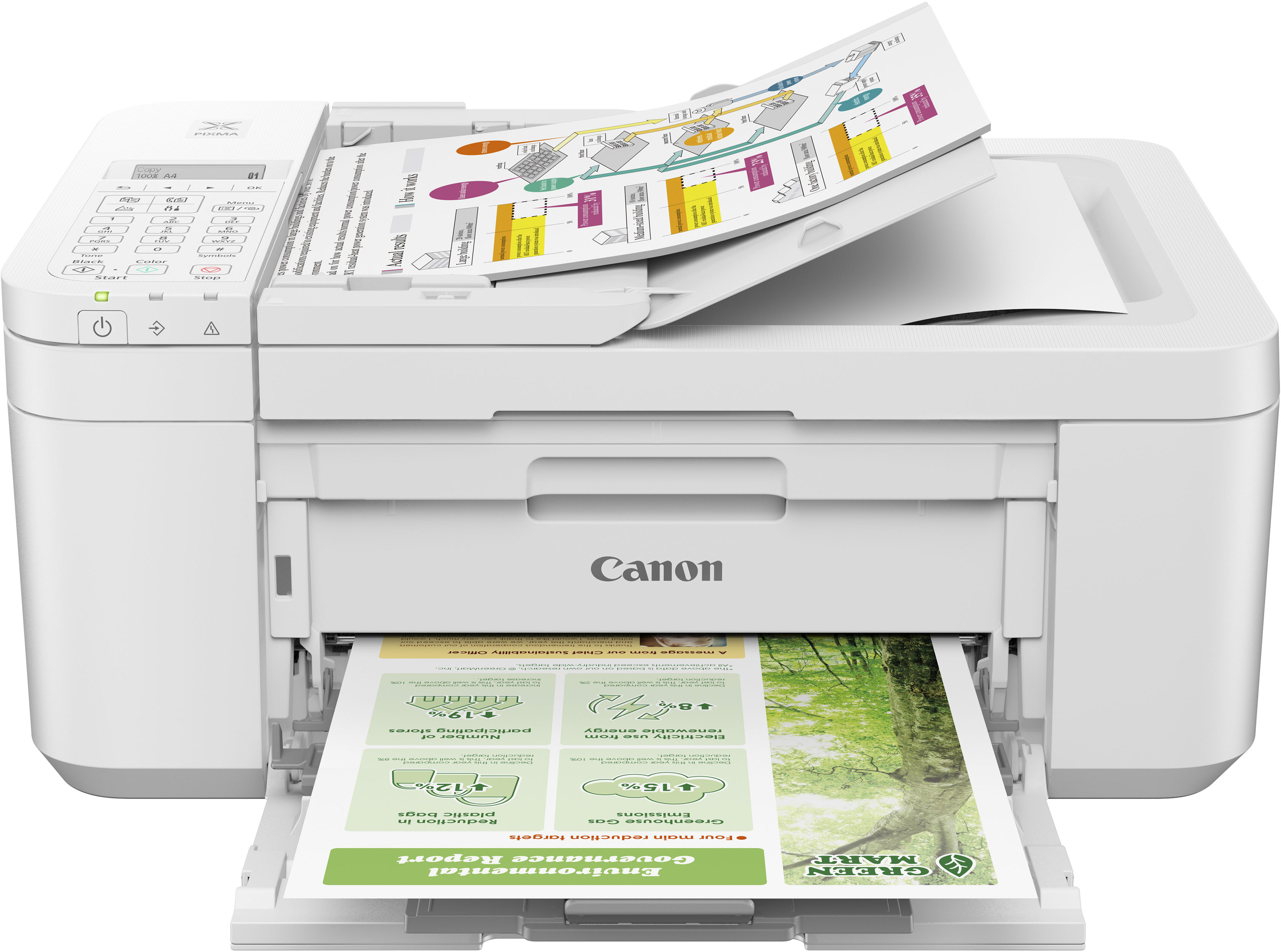
||Posted . Owned for 3 weeks when reviewed.This reviewer received promo considerations or sweepstakes entry for writing a review.So far, so good. I like the fact the the paper tray is flat and not standing up in the back like the previous copier. I noticed that I can fax and scan - haven't tried them yet but it is nice to know that I can. Also, once you turn the copier on it stays on! The previous one would shut off and then you had to turn it back on at the most inconvenient times.
I would recommend this to a friend - Pros mentioned:Print quality
Canon printer nice prints and good for the price.
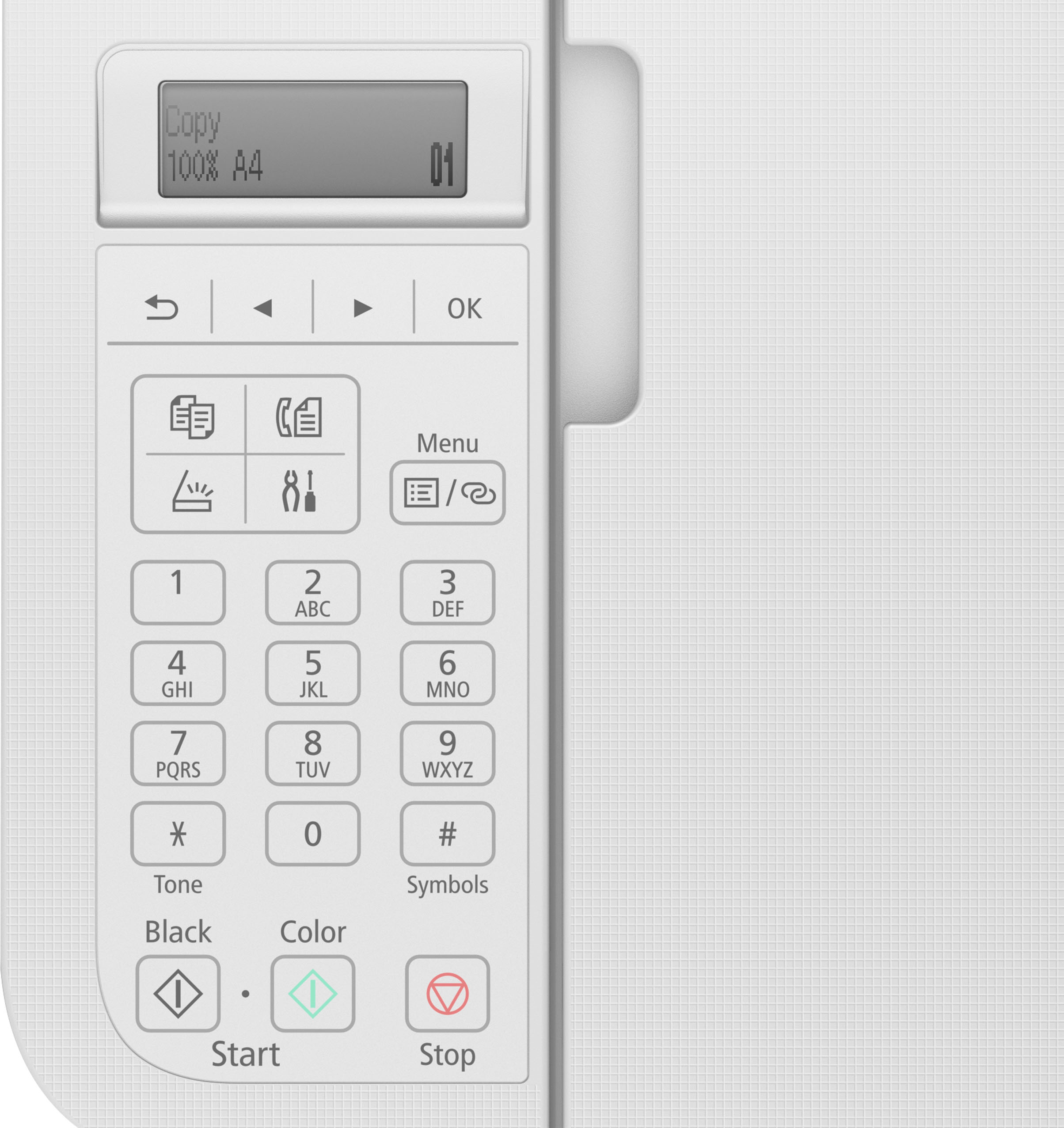
||Posted . Owned for 3 weeks when reviewed.This reviewer received promo considerations or sweepstakes entry for writing a review.Very nice prints. Not very easy to set up but good when you are done. Screen dark and a little difficult to read. Have not used all selections but looking forward to learning more. Good for the price.
I would recommend this to a friend - Pros mentioned:Overall performance
Awesome printer
||Posted . Owned for 2 weeks when reviewed.This reviewer received promo considerations or sweepstakes entry for writing a review.I would highly recommend purchasing this Canon Printer it works great and you can’t beat the price and quality! Satisfied customer
I would recommend this to a friend - Pros mentioned:Ease of use
Printer ease.
||Posted . Owned for 1 year when reviewed.This reviewer received promo considerations or sweepstakes entry for writing a review.Excellent device. Easy to install ink. Easy to figure out operating.
I would recommend this to a friend - Pros mentioned:Ease of use
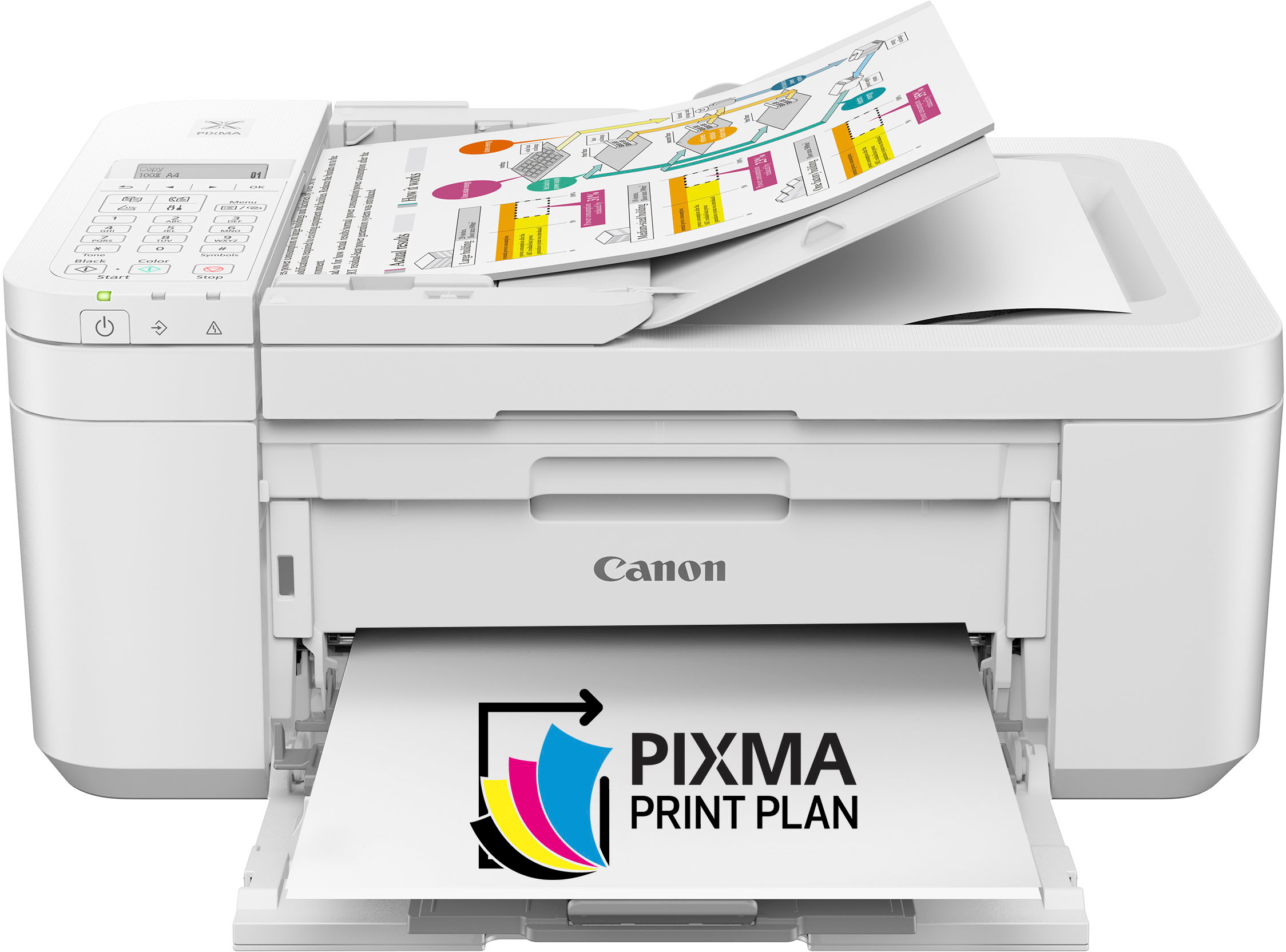
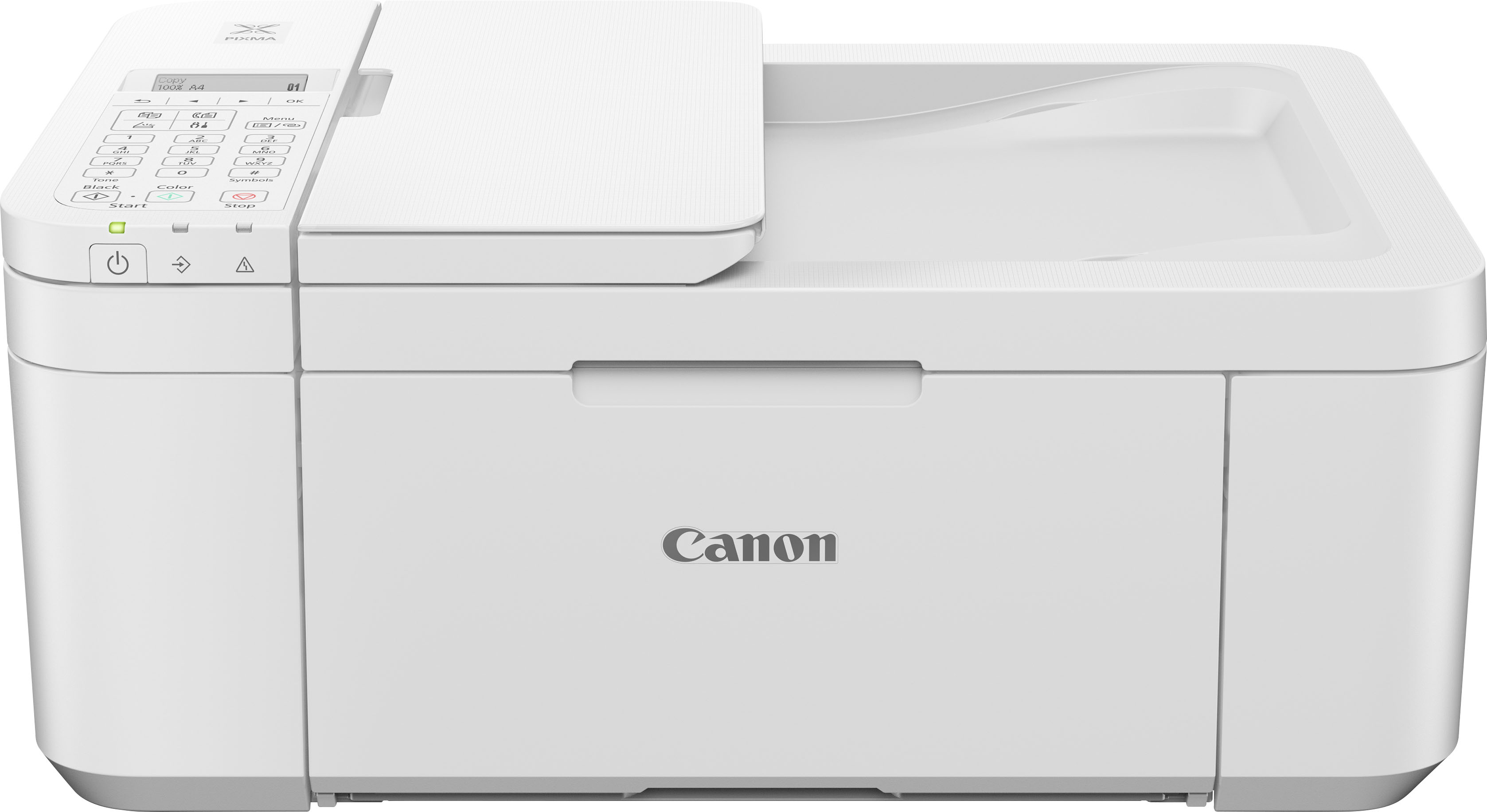
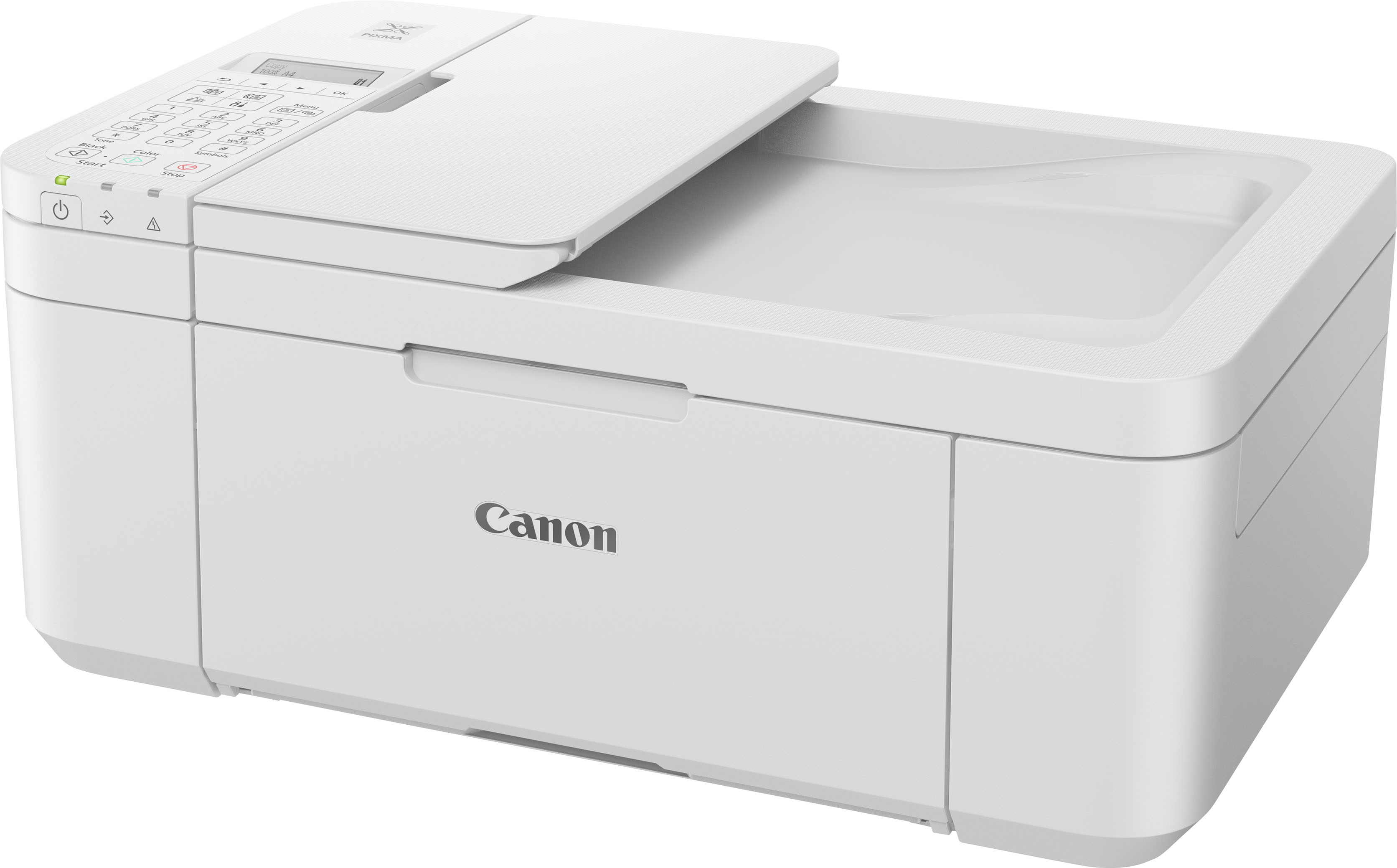
Canon - PIXMA TR4720 Wireless All-In-One
||Posted . Owned for 2 months when reviewed.This reviewer received promo considerations or sweepstakes entry for writing a review.I did like the printer. Price was right. Very east to set up and very easy to use. I print 20 pages per day and was running through ink very quickly. So not being cost efficient for ME (for ink buying purposes), I had to return and get something else. If you don't print as much, great item!
I would recommend this to a friend - Pros mentioned:Print quality
Functional and easy
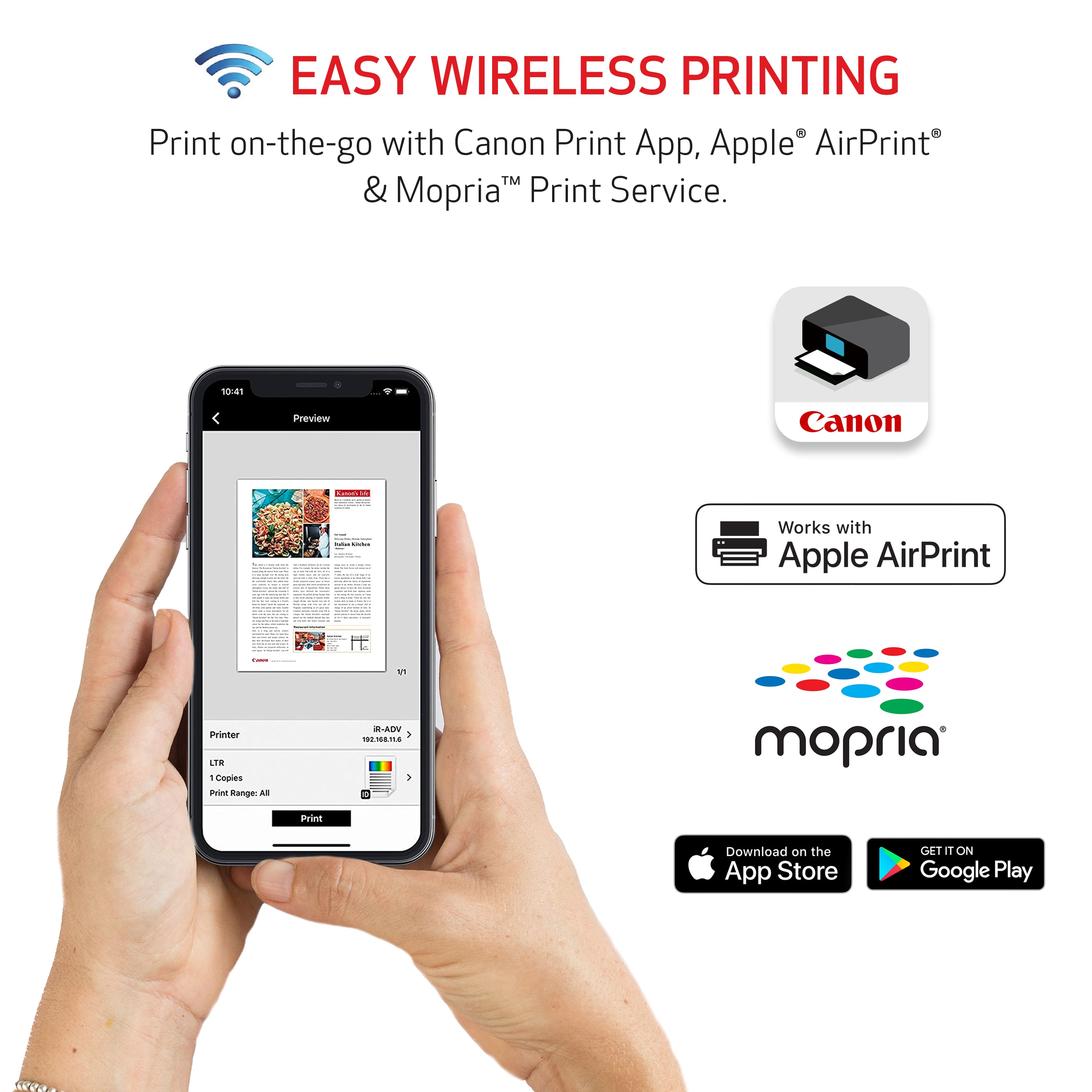
||Posted . Owned for 2 weeks when reviewed.This reviewer received promo considerations or sweepstakes entry for writing a review.Initial setup was a bit more awkward than I expected as I have used another one of these from years ago. I think it's more an issue of the app than the device though. Originally shopping for an inkwell unit but we went with this as it was on the Christmas sale and much much cheaper. Prints easily and fine from the phone. I haven't yet figured out how to print from my computer over the network though.
I would recommend this to a friend - Pros mentioned:Print quality
Works Great, Just A Bit of an Issue Setting Up
||Posted . Owned for 2 weeks when reviewed.This reviewer received promo considerations or sweepstakes entry for writing a review.Recently purchased this printer for my HP laptop after my old printer was becoming barley usable. I've always had HP computers & printers, but there wasn't that great of a selection this time, and the only one that had a digital screen was rather pricey. So, we decided to give a Canon a try. It works pretty nice so far, and definitely prints photos brighter than our last printer. I should note, however, that there was a bit of an issue getting it setup. There is no software disc with it (I suppose many printers probably don't have those these days) and it's supposed to be setup online. The problem was that the specific web link listed in the instructions doesn't seem to exist anymore. So, I had to do a google search for a setup link, and had to look through a few different search results, to find where I could get it set. It was a bit of a hassle, but I did get all set in the end.
I would recommend this to a friend - Pros mentioned:Overall performance
Great to be a total tech member.
||Posted . Owned for less than 1 week when reviewed.This reviewer received promo considerations or sweepstakes entry for writing a review.The printer is working great. All in one solution it's perfect.
I would recommend this to a friend - Pros mentioned:Overall performance
All in 1 printer
||Posted . Owned for 2 weeks when reviewed.This reviewer received promo considerations or sweepstakes entry for writing a review.Good printer for home office use. Does job as needed.
I would recommend this to a friend - Pros mentioned:Overall performance
Good product
||Posted .This reviewer received promo considerations or sweepstakes entry for writing a review.value for money, I will recommend this product and budget friendly.
I would recommend this to a friend - Pros mentioned:Price, Print quality, Wireless
Love my printer!
||Posted . Owned for 1 month when reviewed.This reviewer received promo considerations or sweepstakes entry for writing a review.I needed a printer and my favorite are Canon! So far so good; can print from my mobile and from my PC and Laptop. Great price also. Recommend 100%.
I would recommend this to a friend - Pros mentioned:Print quality
great printer for home office
||Posted . Owned for 3 weeks when reviewed.This reviewer received promo considerations or sweepstakes entry for writing a review.Quick printing. Great quality. Easy setup. Only issue i have is that the ink you get with the printer is a starter cartridge so i had to buy a new cartridge after printing about 30 pages. Other than than no issues.
I would recommend this to a friend Simple, inexpensive printer
||Posted . Owned for 3 weeks when reviewed.This reviewer received promo considerations or sweepstakes entry for writing a review.This inexpensive printer works like a champ. I replaced a printer who was so “smart” we were on different planets. This model makes it easy to print, copy and scan. Changing the ink cartridges is simple. Works without an iPhone.
I would recommend this to a friend- Pros mentioned:Overall performance
Canon printer
||Posted . Owned for 1 month when reviewed.This reviewer received promo considerations or sweepstakes entry for writing a review.Not super easy to set up, but once I figured out a few things it has worked well.
I would recommend this to a friend - Pros mentioned:Ease of use
another Best Buy
||Posted . Owned for 2 weeks when reviewed.This reviewer received promo considerations or sweepstakes entry for writing a review.love it. it is quiet. has all the features we needed and use. Easy to set up. Ink was less expensive than other printers we looked at, and we got it on sale!!!!
I would recommend this to a friend Cannon Pixma Printer
||Posted . Owned for 1 month when reviewed.This reviewer received promo considerations or sweepstakes entry for writing a review.Good economical printer, performs it' s function with no difficulty and is not an overly large device. Meets my expectations.
I would recommend this to a friend- Pros mentioned:Ease of use, Price, Wireless
Canon Printer
||Posted . Owned for 3 weeks when reviewed.This reviewer received promo considerations or sweepstakes entry for writing a review.Great printer for the price. I enjoy having a printer again. It is very easy to use and wireless.
I would recommend this to a friend - Pros mentioned:Overall performance

pretty good for the price
|Posted .This reviewer received promo considerations or sweepstakes entry for writing a review.Not bad for the price. I print roughly 20 to 25 pages a week and so far for the last month that I have had it, it has pretty solid
I would recommend this to a friend - Pros mentioned:Ease of useCons mentioned:Paper tray
Canon wireless printer
||Posted . Owned for 1 month when reviewed.This reviewer received promo considerations or sweepstakes entry for writing a review.Good printer. Easy app and it responds well. The printing is a just a real little bit blurry on details. The paper tray keeps having errors detecting standard paper size and throws up an error. You may have to press okay and bypass the message but it will print.
I would recommend this to a friend - Pros mentioned:Wireless
Good Printer.
||Posted . Owned for 3 weeks when reviewed.This reviewer received promo considerations or sweepstakes entry for writing a review.Easy to set up and operate. I use it with iMac and the computer found the printer with no hassle. Good output quality. So far no complaints.
I would recommend this to a friend