Customer Ratings & Reviews
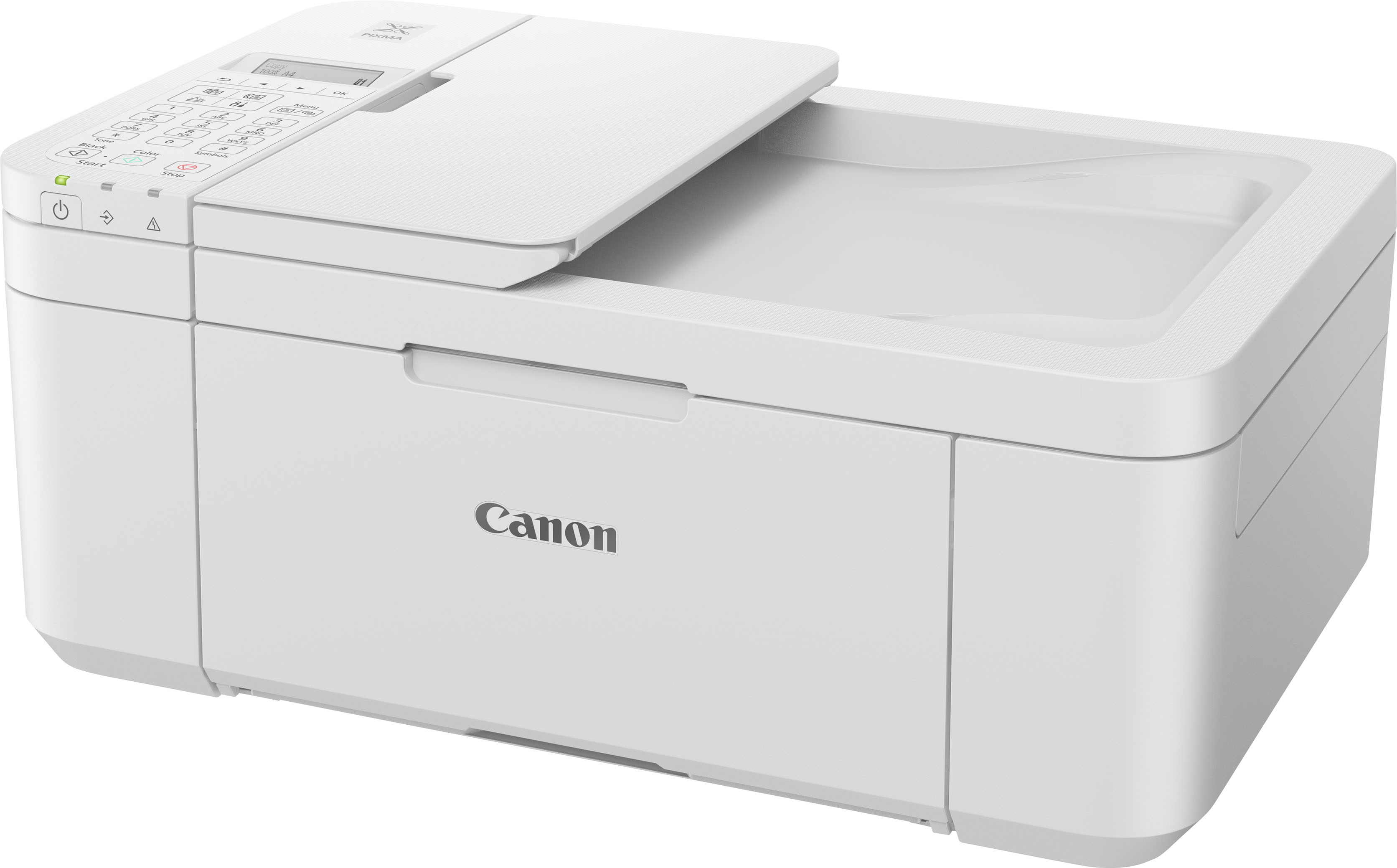
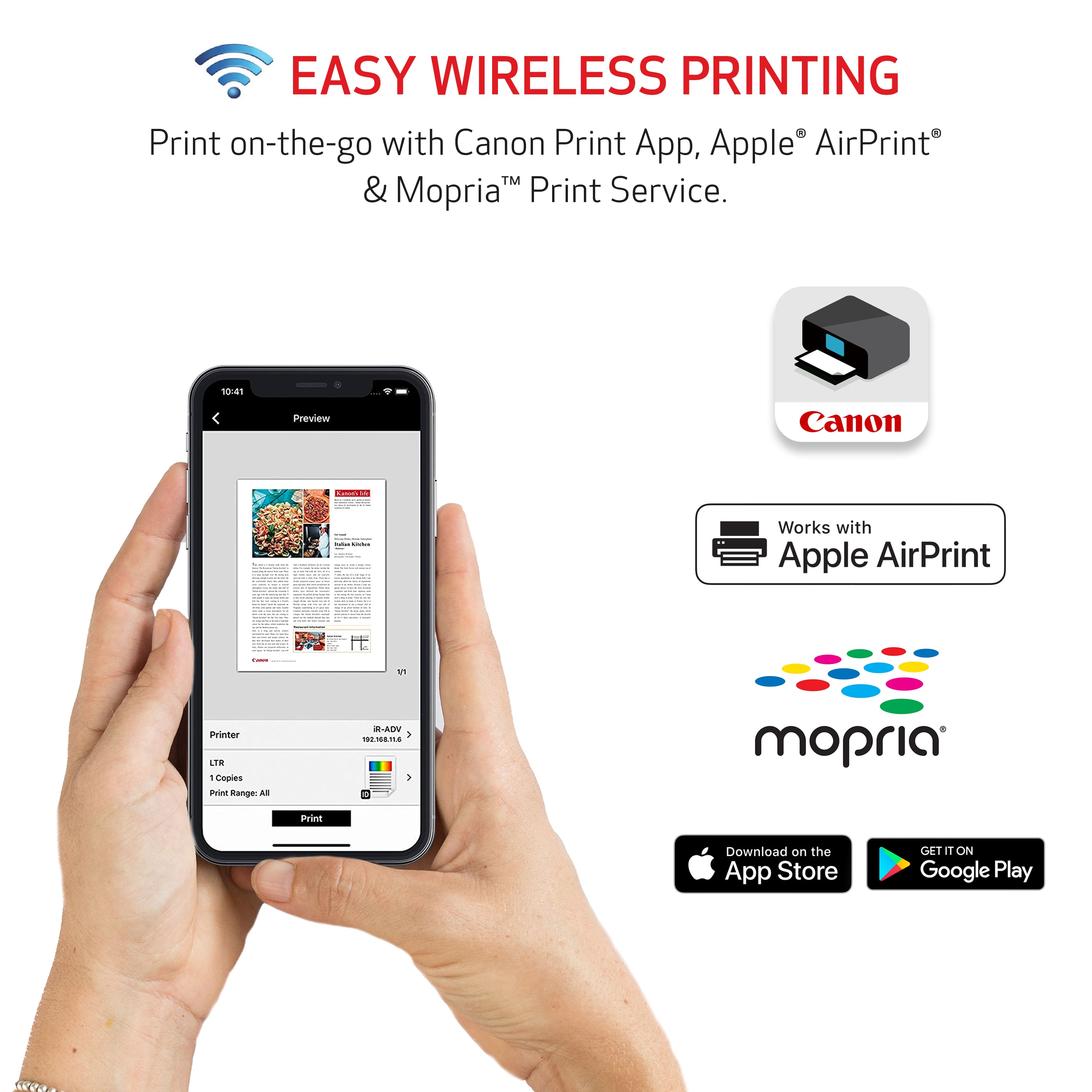
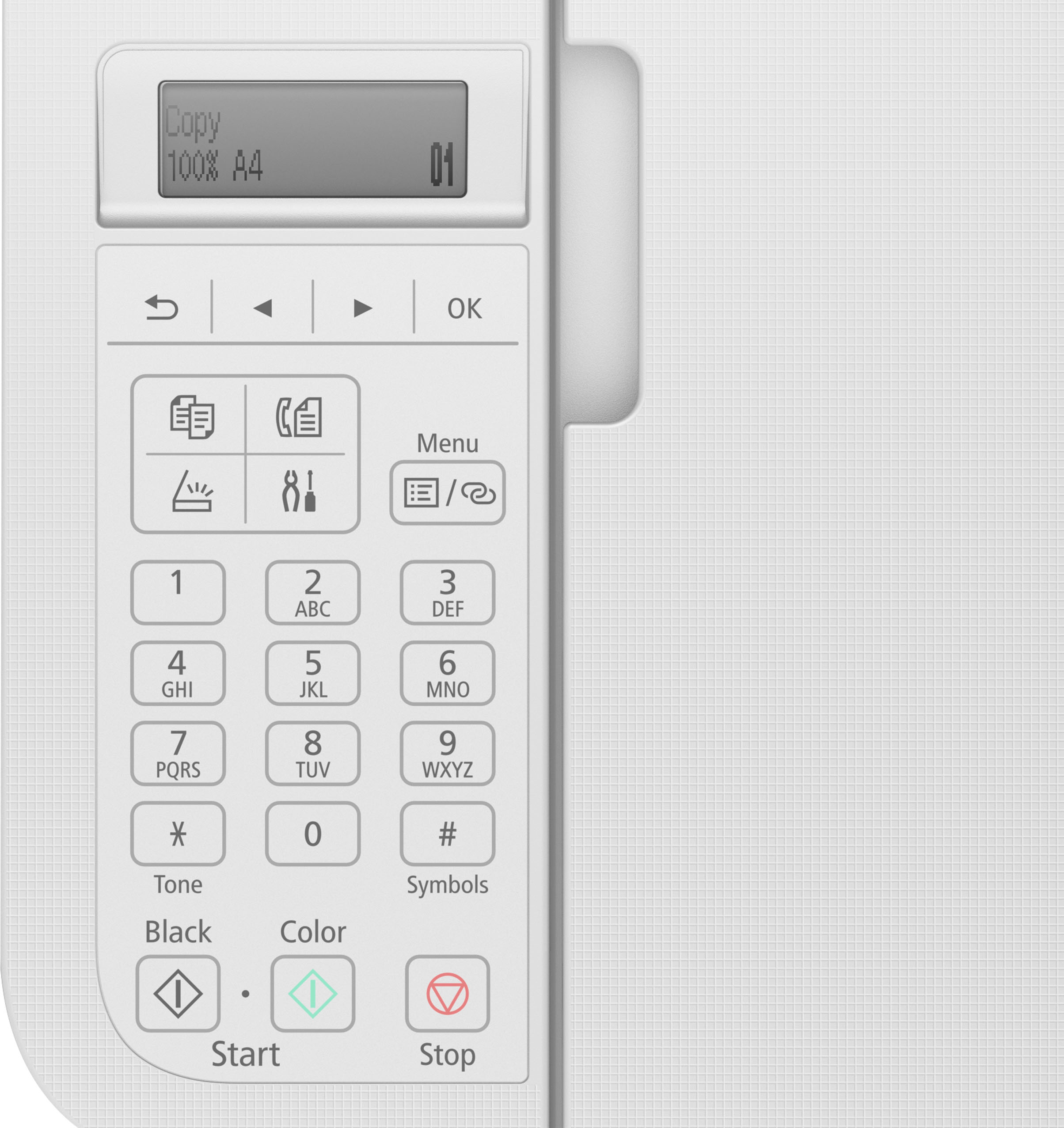
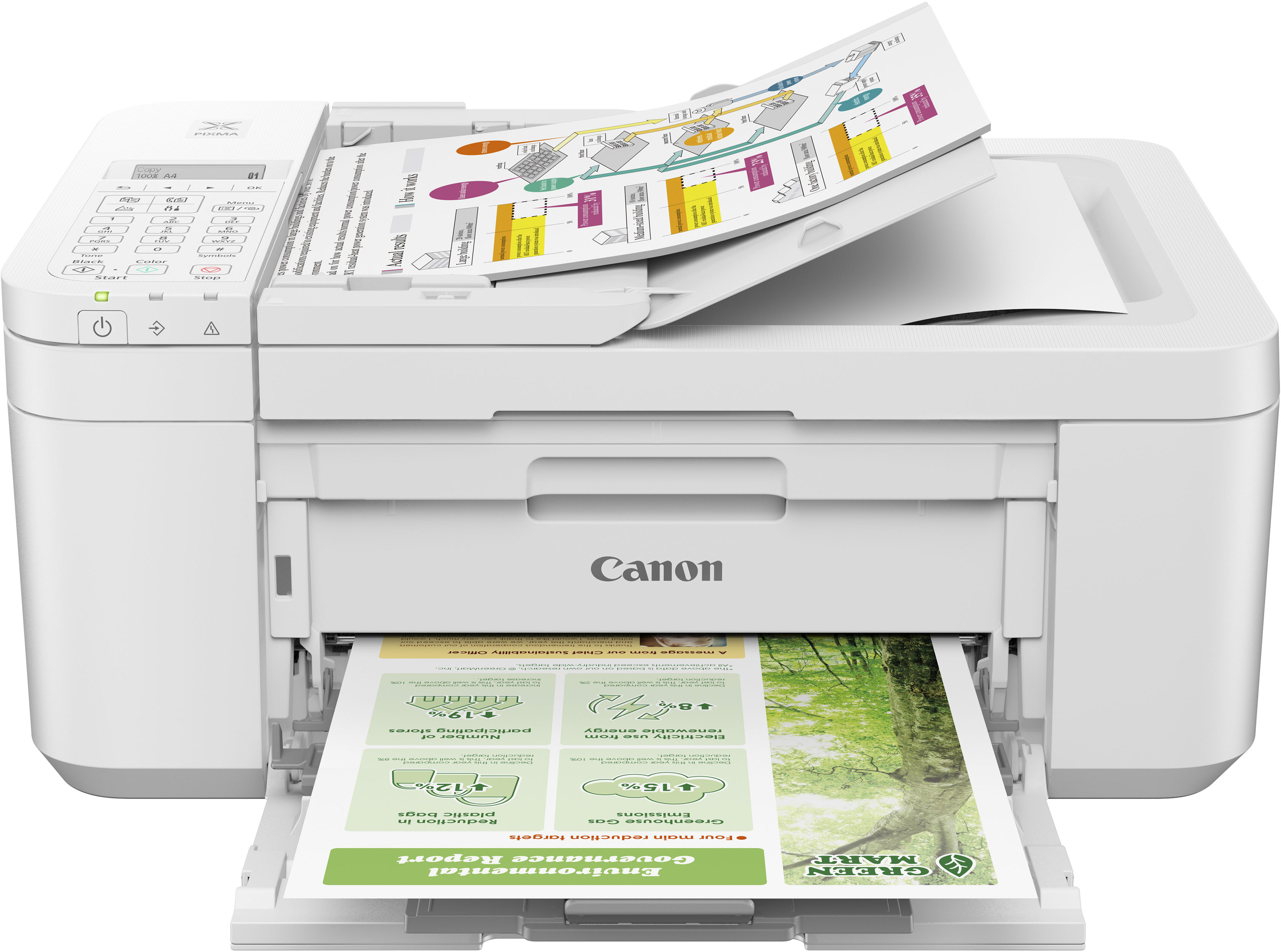

- Model:
- 5074C022
- |
- SKU:
- 10952835
Customer reviews
Rating 4.2 out of 5 stars with 3324 reviews
(3,324 customer reviews)Rating by feature
- Value4.4
Rating 4.4 out of 5 stars
- Quality4.2
Rating 4.2 out of 5 stars
- Ease of Use4.2
Rating 4.2 out of 5 stars
- Pros mentioned:Ease of use, Print quality
Rated 4 out of 5 stars
Canon Pixma Printer
||Posted . Owned for 2 weeks when reviewed.This reviewer received promo considerations or sweepstakes entry for writing a review.Haven't had it that long but so far so good! It was easy to setup and color printing came out nice.
This review is from Canon - PIXMA TR4720 Wireless All-In-One Inkjet Printer - Black
I would recommend this to a friend Rated 4 out of 5 stars
PIXMA TR4720
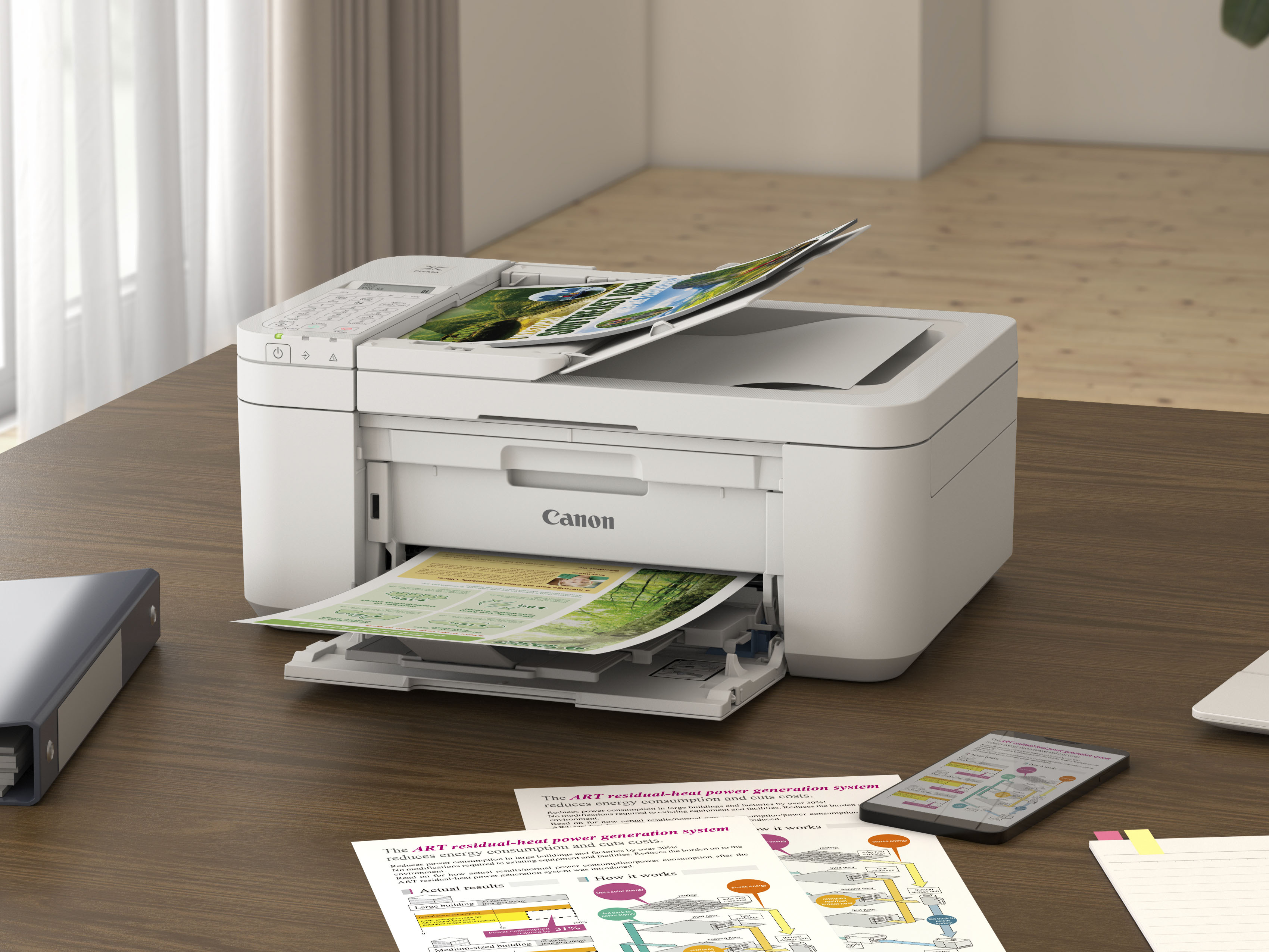
||Posted . Owned for 9 months when reviewed.This reviewer received promo considerations or sweepstakes entry for writing a review.It was everything I wanted -- top feeder, only 2 printer cartridges, etc. The only things that I am disappointed in is that it does not come with an instruction book, so everytime I need to do something, I have to go searching online. Also the instruction screen is too small and dark. In order to read what it says, I have to have a flashlight nearby.
This review is from Canon - PIXMA TR4720 Wireless All-In-One Inkjet Printer - Black
I would recommend this to a friend- Pros mentioned:Ease of use, Print quality
Rated 5 out of 5 stars
Great Printer
||Posted . Owned for 1 month when reviewed.This reviewer received promo considerations or sweepstakes entry for writing a review.Great printer for the price. Easy to use, fast printing, automatic sheet feed for copying. Easy to print business cards. Save money on ink when you buy the black and color ink together in a set.
This review is from Canon - PIXMA TR4720 Wireless All-In-One Inkjet Printer - Black
I would recommend this to a friend - Pros mentioned:Print quality
Rated 5 out of 5 stars
A Joy to Set up
||Posted . Owned for 2 weeks when reviewed.This reviewer received promo considerations or sweepstakes entry for writing a review.this is an excellent printer. Very easy to install and prints easily. Very happy.
This review is from Canon - PIXMA TR4720 Wireless All-In-One Inkjet Printer - Black
I would recommend this to a friend - Pros mentioned:Overall performance
Rated 5 out of 5 stars
Printer World
||Posted . Owned for 1 year when reviewed.This reviewer received promo considerations or sweepstakes entry for writing a review.This printer is cost effective, but works great. Working from home and easily accessible.
This review is from Canon - PIXMA TR4720 Wireless All-In-One Inkjet Printer - Black
I would recommend this to a friend - Pros mentioned:Ease of use, Wireless
Rated 5 out of 5 stars
Canon printer
||Posted . Owned for 1 month when reviewed.This reviewer received promo considerations or sweepstakes entry for writing a review.First time owning a wireless printer. Works good so far. Fairly easy installing. Window to read is small but I keep flashlight nearby to read it. Easy to change ink cartridges.
This review is from Canon - PIXMA TR4720 Wireless All-In-One Inkjet Printer - Black
I would recommend this to a friend Rated 5 out of 5 stars
Love this little printer!!
||Posted . Owned for 2 weeks when reviewed.This reviewer received promo considerations or sweepstakes entry for writing a review.This printer was easy to install and simple to set up. It makes beautiful copies.
This review is from Canon - PIXMA TR4720 Wireless All-In-One Inkjet Printer - Black
I would recommend this to a friendRated 5 out of 5 stars
All in one printer.
||Posted . Owned for 3 weeks when reviewed.This reviewer received promo considerations or sweepstakes entry for writing a review.Work exceptional from phone and laptop. Was easy to set up and add to my devices.
This review is from Canon - PIXMA TR4720 Wireless All-In-One Inkjet Printer - Black
I would recommend this to a friend- Pros mentioned:Ease of use, Print quality
Rated 5 out of 5 stars
Get home printer
||Posted . Owned for 3 weeks when reviewed.This reviewer received promo considerations or sweepstakes entry for writing a review.Good home printer. Ease to set up Nice prints. Would recommend.
This review is from Canon - PIXMA TR4720 Wireless All-In-One Inkjet Printer - Black
I would recommend this to a friend - Pros mentioned:Print quality
Rated 5 out of 5 stars
Canon Printing
||Posted . Owned for less than 1 week when reviewed.This reviewer received promo considerations or sweepstakes entry for writing a review.Great printer, nice quality printing. Great value.
This review is from Canon - PIXMA TR4720 Wireless All-In-One Inkjet Printer - Black
I would recommend this to a friend - Pros mentioned:Ease of use, Wireless
Rated 5 out of 5 stars
Easy to set up and use
||Posted . Owned for 3 weeks when reviewed.This reviewer received promo considerations or sweepstakes entry for writing a review.Great wireless printer! Easy to set up. I’ve only used it for printing documents so far as I’ve been unable to find the ink cartridges. I was on the waiting list for them here but they sold out before I could order.
This review is from Canon - PIXMA TR4720 Wireless All-In-One Inkjet Printer - Black
I would recommend this to a friend - Pros mentioned:Wireless
Rated 4 out of 5 stars
canon priner
||Posted . Owned for 2 weeks when reviewed.This reviewer received promo considerations or sweepstakes entry for writing a review.I took one home and that one had a problem--was unable to connect it to my laptop. Took it back and was given a new one--this one works wonderfully and was easy to connect. No sure if the first one was a lemon or what but Best Buy didn't hesitate to give me a new one.
This review is from Canon - PIXMA TR4720 Wireless All-In-One Inkjet Printer - Black
I would recommend this to a friend - Pros mentioned:Overall performance
Rated 5 out of 5 stars
Great Value.
||Posted . Owned for 2 weeks when reviewed.This reviewer received promo considerations or sweepstakes entry for writing a review.Great printer for the home office. Price was excellent.
This review is from Canon - PIXMA TR4720 Wireless All-In-One Inkjet Printer - Black
I would recommend this to a friend - Pros mentioned:Ease of use, Print quality
Rated 3 out of 5 stars
Good printer that shipped with low black cartridge
||Posted . Owned for 1 month when reviewed.This reviewer received promo considerations or sweepstakes entry for writing a review.It seems to print well and is easy to use. Download the application to ease scanning and other activities. However, it shipped with a low quantity of black ink. I had to register the product and chat with a Canon support person for a while before they agreed to ship a replacement black ink cartridge. Please keep that in mind if purchasing this printer.
This review is from Canon - PIXMA TR4720 Wireless All-In-One Inkjet Printer - Black
I would recommend this to a friend - Pros mentioned:Print quality
Rated 2 out of 5 stars
Great Prints, Great Scans--If You Keep It Ink Fed
||Posted . Owned for 6 months when reviewed.This reviewer received promo considerations or sweepstakes entry for writing a review.I gave the Canon Pixma TR-4720 2 out of 5 stars—not because it can’t print or scan well (it actually does both quite nicely), but because it holds those features hostage unless you keep it well-fed with ink. Let’s start with the good: print quality? Sharp. Scan quality? Impressive. No complaints there. But then there’s the menu panel—no backlight whatsoever, so unless you’ve got perfect lighting and a good angle, navigating the settings feels like trying to read a road map in the dark. Now, the real kicker: if one ink cartridge runs out—color or black—the printer refuses to print. Even if you’re just trying to print in black and white. And just to keep things extra frustrating, the scanner also won’t work if the ink is empty. That’s right—no scanning, no printing, just a very expensive paperweight until you restock. So, in short: fantastic print and scan quality, but only if you’re willing to play by its ink-hoarding rules. If you run out, it’s not just out of ink—it’s out of service.
This review is from Canon - PIXMA TR4720 Wireless All-In-One Inkjet Printer - Black
No, I would not recommend this to a friend - Pros mentioned:Overall performance
Rated 4 out of 5 stars
Love this printer.
||Posted .This reviewer received promo considerations or sweepstakes entry for writing a review.Love the printer. Haven’t had any issue ever since we started using it.
This review is from Canon - PIXMA TR4720 Wireless All-In-One Inkjet Printer - Black
I would recommend this to a friend - Pros mentioned:Ease of use, Print quality
Rated 5 out of 5 stars
Very happy loved it
||Posted . Owned for 2 months when reviewed.This reviewer received promo considerations or sweepstakes entry for writing a review.Very easy set up , easy to use and very fast has many functions and very light weight a durable
This review is from Canon - PIXMA TR4720 Wireless All-In-One Inkjet Printer - White
I would recommend this to a friend Rated 5 out of 5 stars
Quality printer
||Posted . Owned for 1 week when reviewed.This reviewer received promo considerations or sweepstakes entry for writing a review.Very good and reliable printer. Good quality print both black and in color.
This review is from Canon - PIXMA TR4720 Wireless All-In-One Inkjet Printer - Black
I would recommend this to a friend- Pros mentioned:Print quality
Rated 4 out of 5 stars
Good printer but setup was difficult
||Posted . Owned for 1 month when reviewed.This reviewer received promo considerations or sweepstakes entry for writing a review.Printer prints well. Set up was extremely difficult. Still haven't been able to use Canon Scan Utility - possibly driver issues
This review is from Canon - PIXMA TR4720 Wireless All-In-One Inkjet Printer - Black
I would recommend this to a friend Rated 4 out of 5 stars
Good product and great service
||Posted . Owned for 3 weeks when reviewed.This reviewer received promo considerations or sweepstakes entry for writing a review.I had the first one only a week and it quit working. I took it back to the store and a Geek Squad member looked at it and it wouldn’t work for him either and then he started getting a lot of error messages. Needless to say the printer was replaced and so far no issues. It was easy to set up and that is saying something because I am not tech savvy at all. And if I can set up this printer, anyone can. Great for home use
This review is from Canon - PIXMA TR4720 Wireless All-In-One Inkjet Printer - Black
I would recommend this to a friend
People also viewed
- $99.00$99.00The price was $161.00
- $207.36$207.36The price was $215.00
- $109.99$109.99The price was $114.99
- $134.93$134.93The price was $149.99
- $137.99$137.99The price was $194.99
- $114.99$114.99The price was $172.99