Customer Ratings & Reviews
- Model:
- CORK1Z800F067
- |
- SKU:
- 6289644
Customer reviews
Rating 4.2 out of 5 stars with 43 reviews
(43 customer reviews)to a friend
Customers are saying
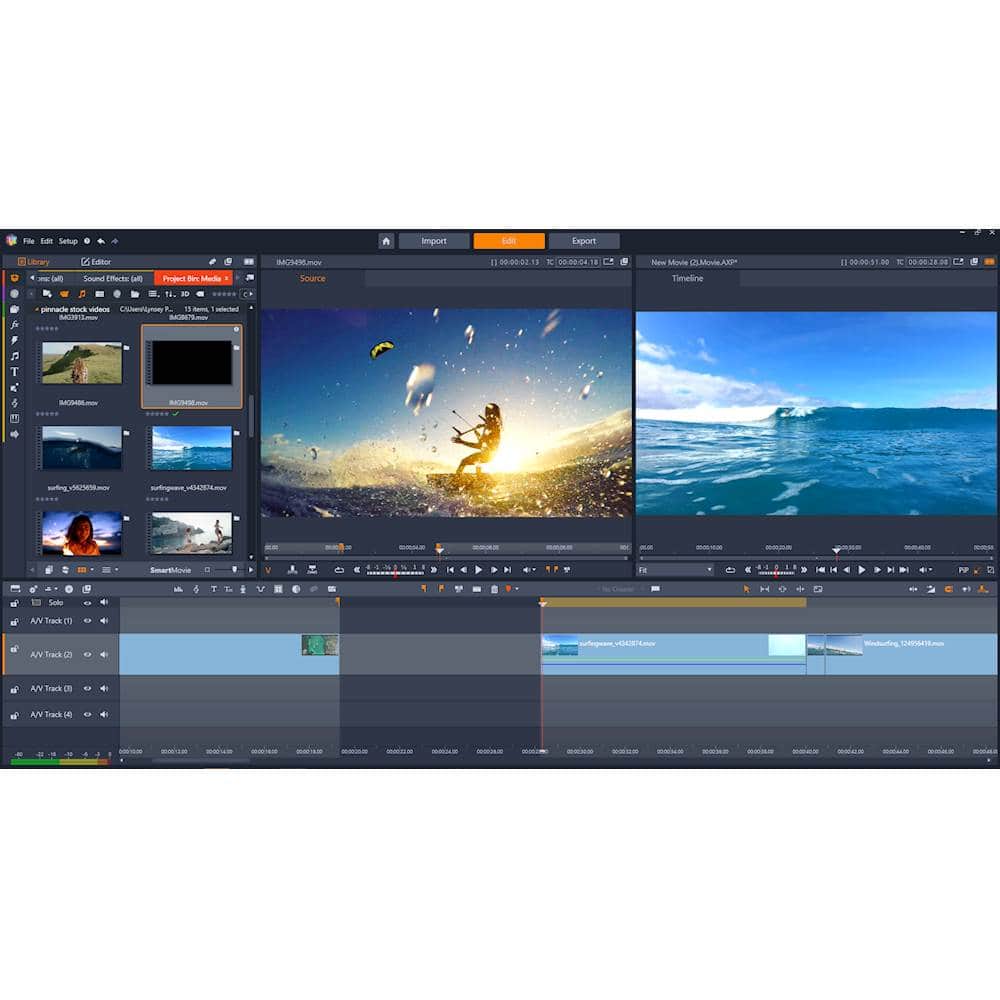
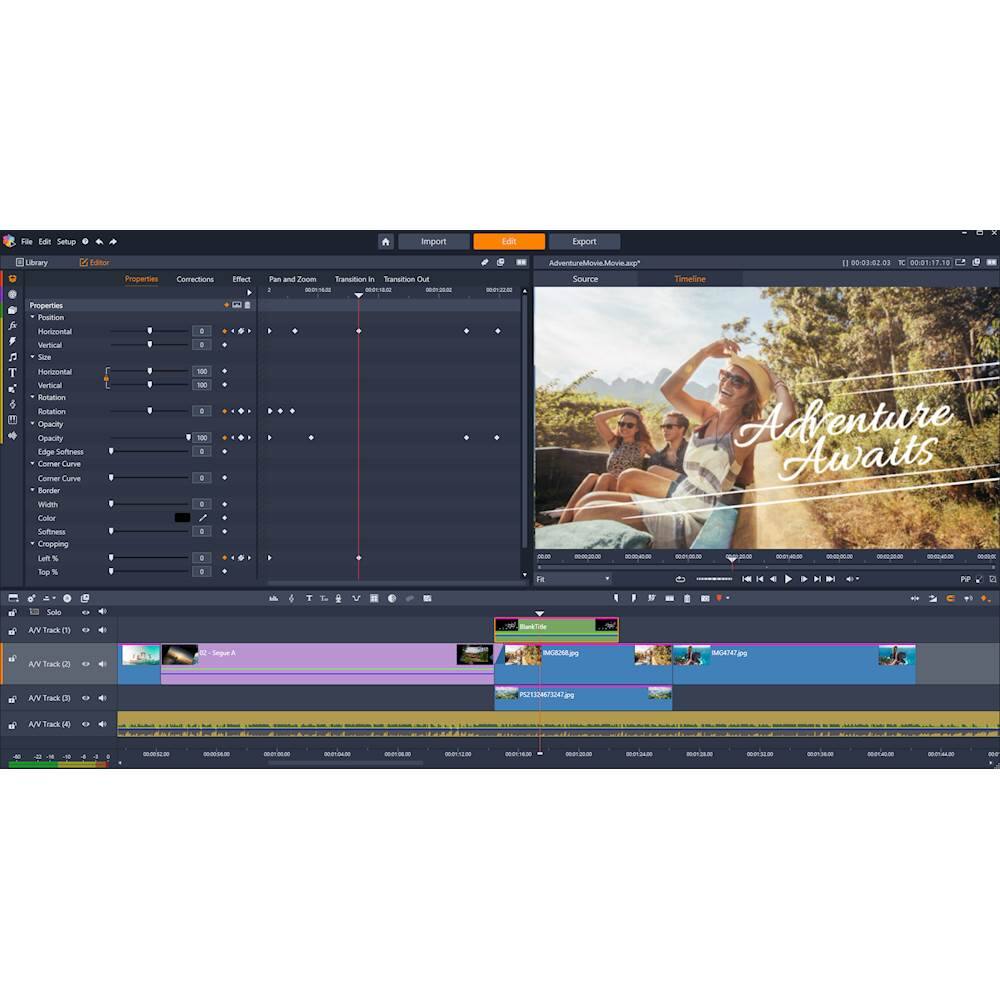
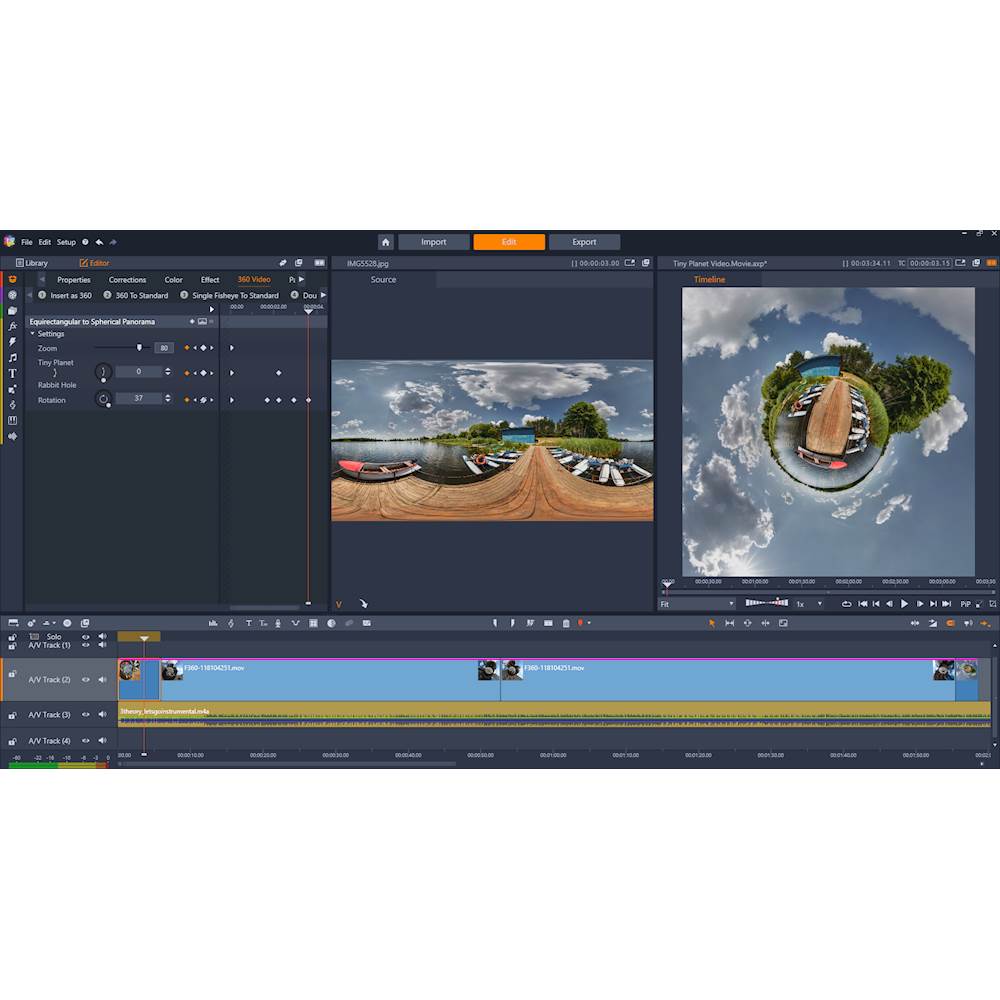
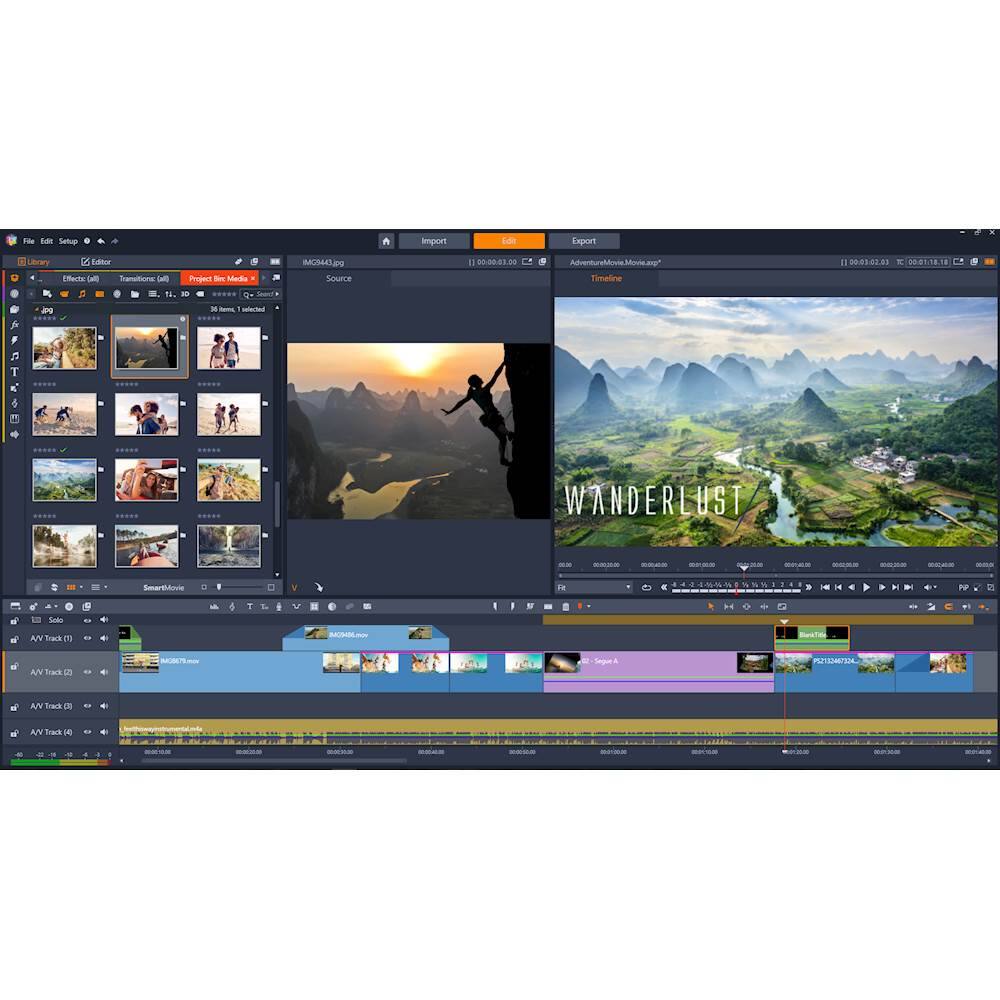
Customers find value in Pinnacle Studio 22 Ultimate's user-friendly interface and its robust video editing capabilities. Many users appreciate how easy it is to use, making it a great choice for beginners and experienced video editors alike. The software offers a wide range of features that cater to various video editing needs, allowing users to create professional-looking videos with ease. While some users mentioned there is a bit of a learning curve, overall, customers are pleased with the software's performance and find it to be a valuable tool for their video editing projects.
This summary was generated by AI based on customer reviews.
- Pros mentioned:Ease of use, Video editing
Rated 5 out of 5 stars
easy
||Posted .This reviewer received promo considerations or sweepstakes entry for writing a review.I try to keep a current Video editing tool on my laptop. Not because I like to make videos - I have it to create SW demos that are easy to share. Because of that I don't need most of the features, but the ones I use - like basic editing and titles are intuitive. I haven't had to work through any tutorials to throw together my demos. To summarize, as a basic user with limited needs - I'm able to easily muddle through the interface to do what I want. I can see that if I were trying to create a professional video, I'd have to invest a fair amount of time on this too, but for my needs it was mostly install and create videos. One goofy thing, the box comes with a CD and a license key. I had to hunt around for a CD drive for my laptop. Then I noticed the download link on the license card.
I would recommend this to a friend - Pros mentioned:Ease of use
Rated 4 out of 5 stars
Not a professional editor but better than most
||Posted . Owned for 1 year when reviewed.This reviewer received promo considerations or sweepstakes entry for writing a review.I have been working in the TV business for 13 years and I use professional editing software at work such as Avid and Adobe. I wanted a low cost option for my house without having to pay a monthly fee for the Adobe Cloud. I tried out several other editing systems and I have concluded that this is a good mix between professional and consumer. It isn't perfect by any means as I have many gripes. This is due to me working with high end software every day at work. I feel like it is easy to use for anyone that has never used an editing software though.
I would recommend this to a friend - Pros mentioned:Ease of use
Rated 4 out of 5 stars
Pretty good software
||Posted .This reviewer received promo considerations or sweepstakes entry for writing a review.I’ve used earlier versions of pinnacle before. I bought this when I purchased a new laptop and use it to put together trail riding videos. It was moderately easy to use and has a ton of awesome features. This is the only software I’ve ever used for editing. I liked that I was able to digitally download load it as my laptop doesn’t support disks.
I would recommend this to a friend - Pros mentioned:Ease of use
Rated 4 out of 5 stars
Great
||Posted .This reviewer received promo considerations or sweepstakes entry for writing a review.Love the ease of use, my only complaint is the panel is extremely sensitive when dragging and dropping files (jumps back and forth between panes). First project was setting 3 hours of home movies to music, start to finish took 6 hours, part of which was just getting used to the controls. Overall, very easy to use.
I would recommend this to a friend - Cons mentioned:Stability
Rated 4 out of 5 stars
Can do a lot with it when not crashing.
||Posted . Owned for 7 months when reviewed.This reviewer received promo considerations or sweepstakes entry for writing a review.Running a msi 470 mb, 32gb ddr4 3200, Ryzen 1700 cpu, Samsung 970 ssd primary drive. The software crashes often and sometimes editing functions don’t work correctly and require a restart. When it’s working correctly you can do some nice things with it.
No, I would not recommend this to a friend Rated 4 out of 5 stars
I wish you came with more titles
||Posted . Owned for 1 month when reviewed.This reviewer received promo considerations or sweepstakes entry for writing a review.I wish you came with more titles, The titles that came with it don’t seem to be very good, like I try to find one that would be good for a wedding video but I can’t really find any that would work for one there’s not even a basic one.
I would recommend this to a friendRated 4 out of 5 stars
The best movie editing tool
||Posted .This reviewer received promo considerations or sweepstakes entry for writing a review.I’ve been using Pinnacle for about 10 years. While the new edition is even better than the past, hard for me to say, it takes a massive amount of computing power. This is the only reason I gave it 4 instead of 5 stars. I’m running it on an HP Envy with 8 gb Ram and on the S7 processor, greater than the min requirements on the box, and it still runs slow.
I would recommend this to a friend- Pros mentioned:Ease of use
Rated 5 out of 5 stars
Pinnacle does it again!
||Posted . Owned for 3 weeks when reviewed.This reviewer received promo considerations or sweepstakes entry for writing a review.Another hit from Pinnacle Studios, I've been using this software since version 8 and it's always wowed me with an easy to use interface and great features. Version 22 is no different, now fully fleshed out with 4K support, single color isolation, and many more pro features that will make all your home videos pop. If you're remotely serious about video editing, you can't go wrong with this program!
I would recommend this to a friend - Pros mentioned:Video editing
Rated 5 out of 5 stars
An inexpensive and complete program to edit video
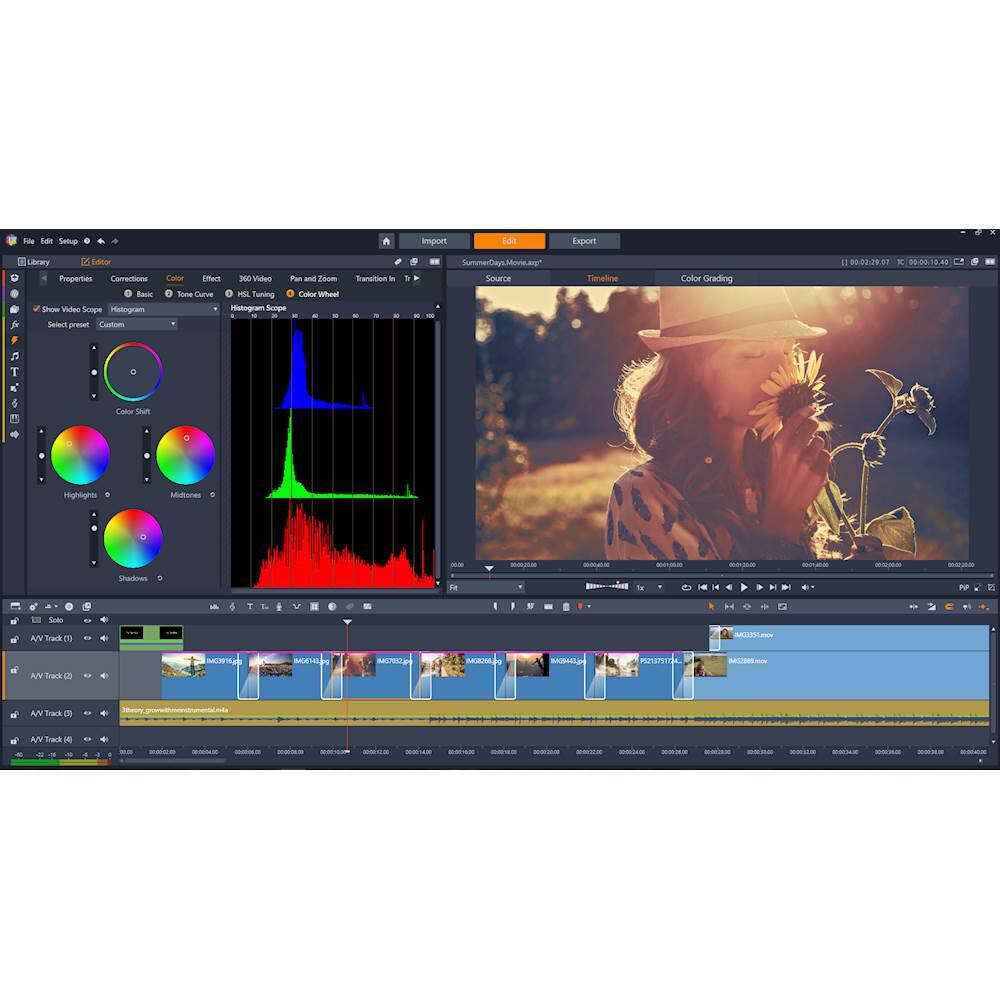
||Posted .This reviewer received promo considerations or sweepstakes entry for writing a review.P S 22 includes extensive editing features for video such as: importing video, adding effects; transitions; and text titles. It will also edit video in standard definition, high definition and 4 K definition. Finally, the more knowledge someone has about editing video means an easier learning curve. Even so, a beginner can start and with the tutorial help and quickly edit video for later show.
I would recommend this to a friend - Pros mentioned:Video editing
Rated 4 out of 5 stars
Great Product
||Posted .This reviewer received promo considerations or sweepstakes entry for writing a review.I have processed a Play and Dance performances and have only scratched the surface of what this program can do. I hope to take the class they offer after I learn the basics.
I would recommend this to a friend - Pros mentioned:Ease of use
Rated 4 out of 5 stars
Great editing software for beginners
||Posted . Owned for 3 weeks when reviewed.This reviewer received promo considerations or sweepstakes entry for writing a review.So far i've been impressed with the functionality and ease of this editing software. Would definitely recommend it for the average home video editor.
I would recommend this to a friend Rated 4 out of 5 stars
Good software but a time to get use to it
||Posted . Owned for 11 months when reviewed.This reviewer received promo considerations or sweepstakes entry for writing a review.It'll take time getting around to using it but it's good overall. Alot of features but more features you have to buy.
I would recommend this to a friendRated 5 out of 5 stars
Upgraded!
||Posted .This reviewer received promo considerations or sweepstakes entry for writing a review.Ive made a post on the version 21 now that I am experienced with this program I couldn't hesitate to upgrade because of the unbelievable slashed price is probably because the newest version will soon be out. I rather stay behind one version to avoide bugs and glitches!
I would recommend this to a friend- Pros mentioned:Ease of use
Rated 5 out of 5 stars
Amazing software!
||Posted .This reviewer received promo considerations or sweepstakes entry for writing a review.So much control and possibilities with this editing software! I am not an expert editor but this is so easy to use. They also have great instructuonal videos to take your editing to the next level!
I would recommend this to a friend - Pros mentioned:Video editing
Rated 5 out of 5 stars
GOOD EDITING SOFTWARE
||Posted .This reviewer received promo considerations or sweepstakes entry for writing a review.This software is a good choice for editing. I have used Avid’s Composer which cost thousands of dollars and this program does as well as the Avid. I have used this for several years and I have not had any problems with the software.
I would recommend this to a friend Rated 5 out of 5 stars
Great editing software
||Posted .This reviewer received promo considerations or sweepstakes entry for writing a review.I had a previous version of this and really liked it, but it was old enough that some video formats weren't supported. This one covers everything that is current. Not as intuitive of an interface, but thorough.
I would recommend this to a friendRated 5 out of 5 stars
Good Movie creation software
||Posted . Owned for 1 year when reviewed.This reviewer received promo considerations or sweepstakes entry for writing a review.I'm not a professional by a long shot, but it lets me import, manipulate and create video files fairly easily. I don't need anything really fancy, but it can do DVD menus, etc if needed.
I would recommend this to a friend- Pros mentioned:Ease of use
Rated 4 out of 5 stars
Good program fairly easy to learn.
||Posted .This reviewer received promo considerations or sweepstakes entry for writing a review.Good program. runs my laptop slow.fairly easy to learn.
I would recommend this to a friend - Cons mentioned:Stability
Rated 3 out of 5 stars
OK Software with many options
||Posted .This reviewer received promo considerations or sweepstakes entry for writing a review.I used Studio 12 many years ago before buying Macs and using Final Cut. I recently bought a new Windows laptop and bought this new version hoping to convert and use a few of my old projects. It didn't convert them very well and kept crashing.
I would recommend this to a friend - Pros mentioned:Video editing
Rated 5 out of 5 stars
Gift
||Posted . Owned for 1 month when reviewed.This reviewer received promo considerations or sweepstakes entry for writing a review.Gave this to my daughter who works on her high schools TV show. She uses it to edit videos. She said it works great and the finished product is amazing
I would recommend this to a friend