Customer Ratings & Reviews

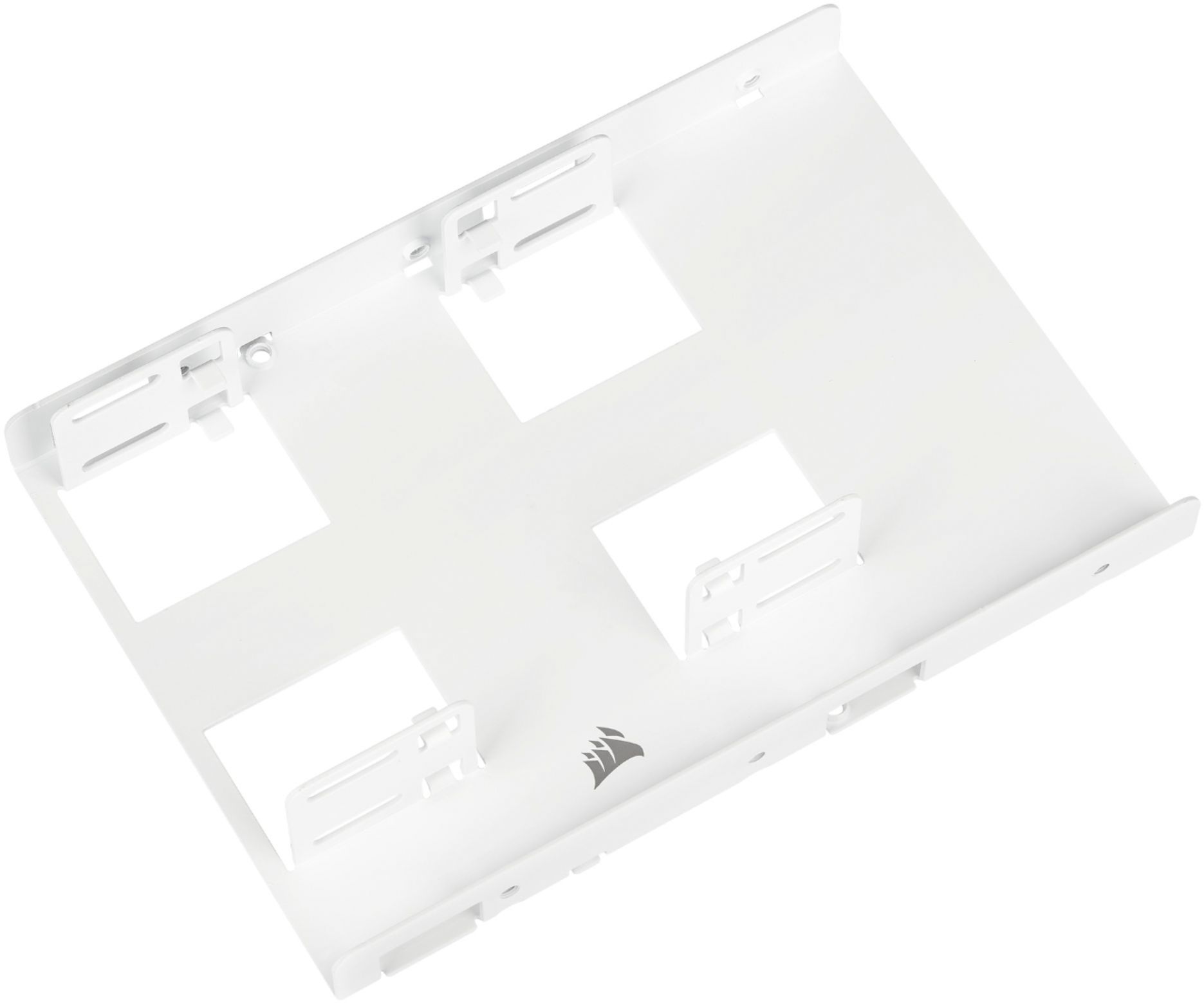
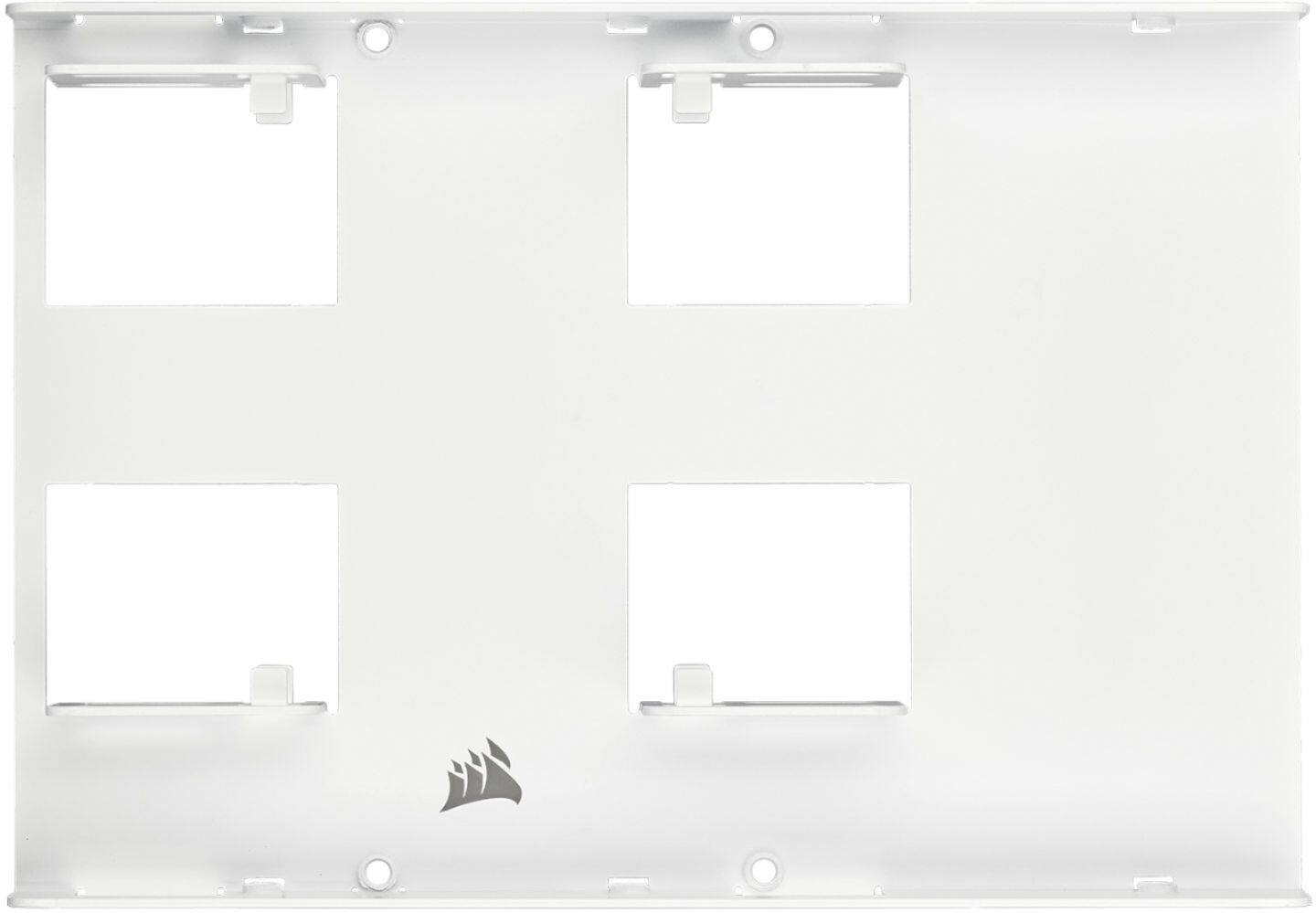
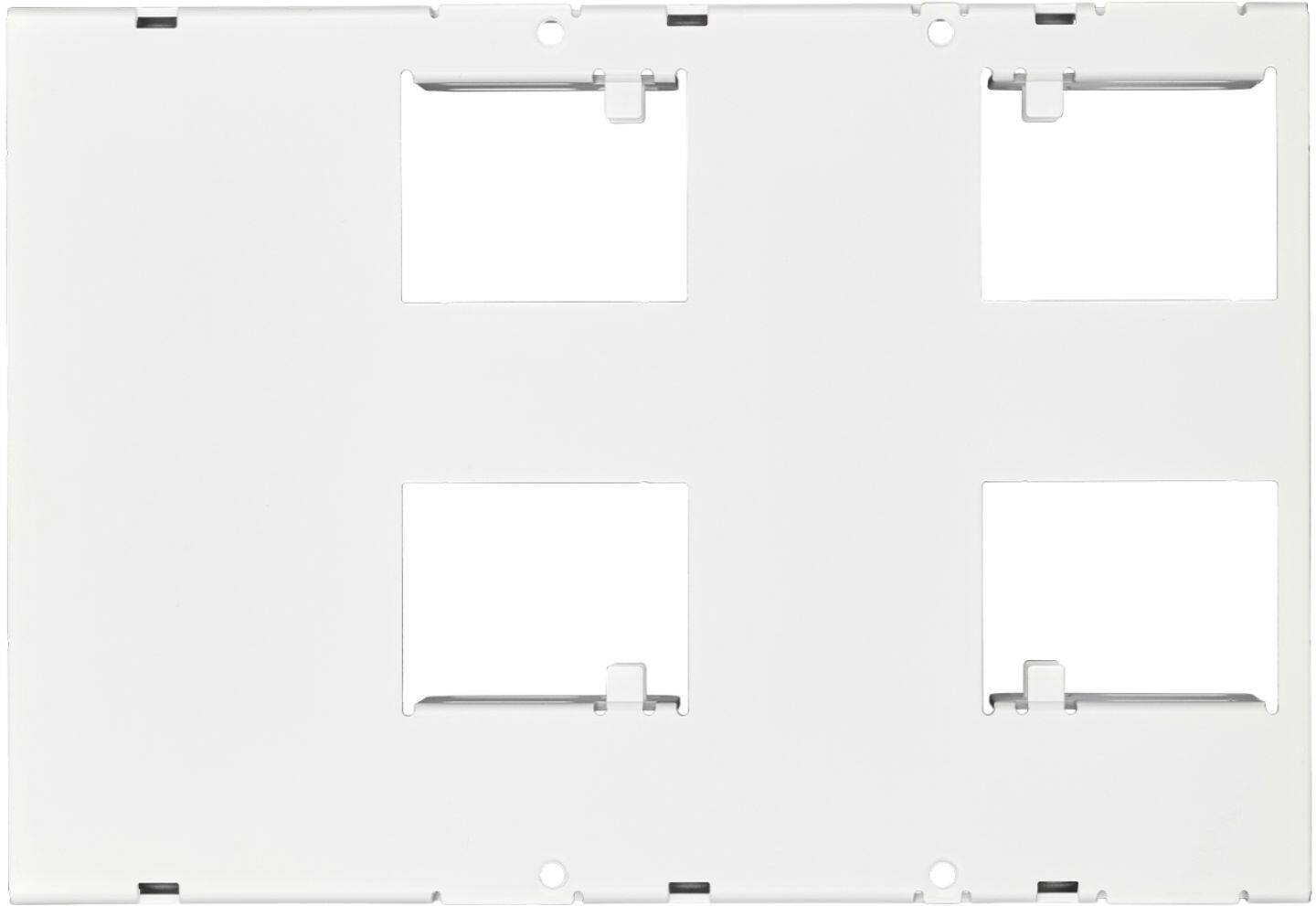



- Model:
- CSSD-BRKT2W
- |
- SKU:
- 6471303
Customer reviews
Rating 4.8 out of 5 stars with 1208 reviews
(1,208 customer reviews)Rating by feature
- Value4.8
Rating 4.8 out of 5 stars
- Quality4.8
Rating 4.8 out of 5 stars
- Ease of Use4.7
Rating 4.7 out of 5 stars
Customers are saying
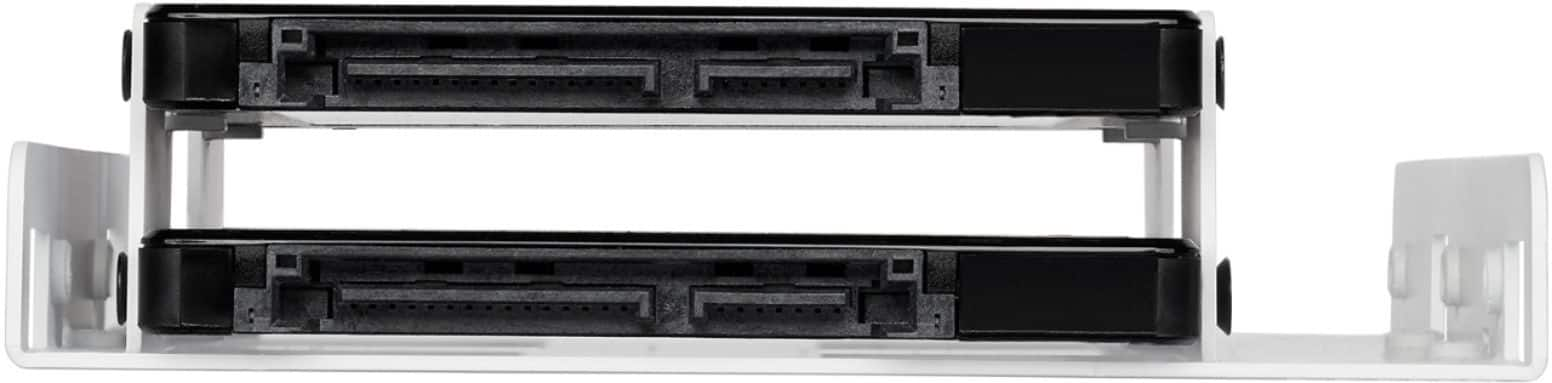
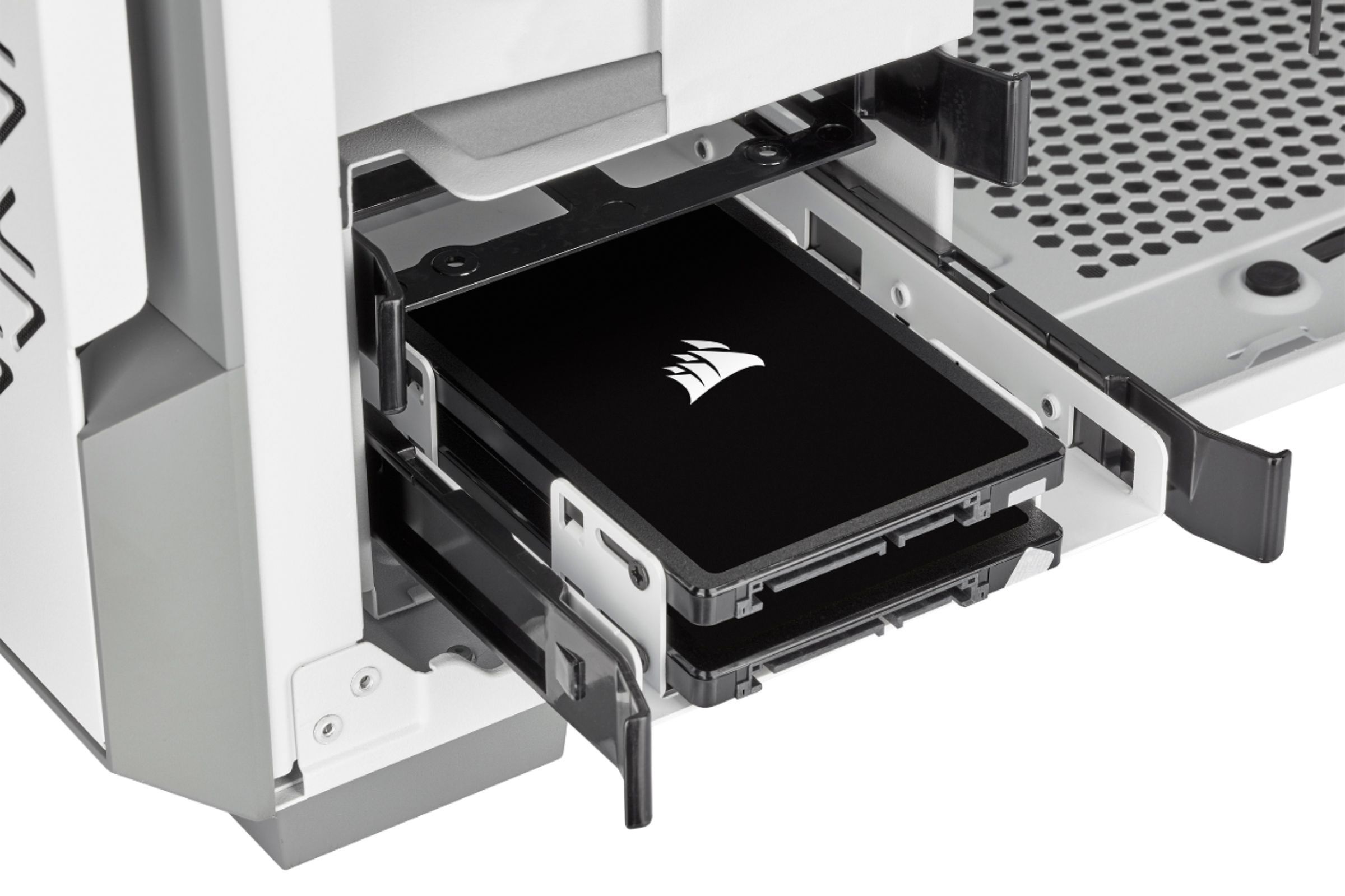
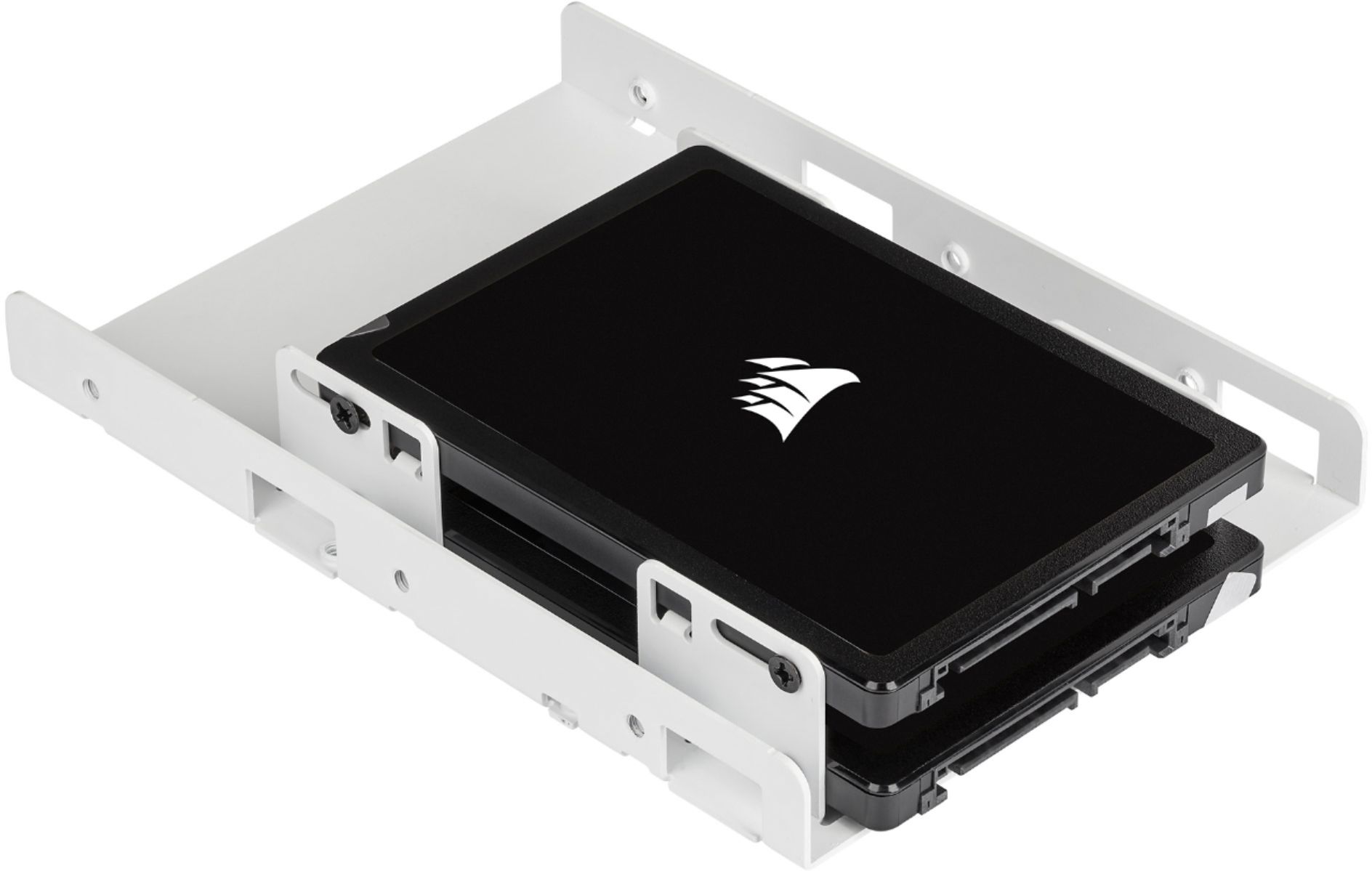
Customers have good things to say about the Dual SATA Drive Enclosure for 2.5" Solid-State Drives, especially regarding its ease of use and the fact that it holds two SSD drives. Users appreciate the product's quality, good fit, and straightforward installation process, as well as its compatibility. A few customers mentioned that the enclosure takes up a lot of space.
This summary was generated by AI based on customer reviews.
- Pros mentioned:Ssd
Rated 5 out of 5 stars
Works great
||Posted . Owned for 3 weeks when reviewed.This reviewer received promo considerations or sweepstakes entry for writing a review.This for a desk top it holds two ssd so it could be set as a dual boot machine, so check it out two ssd in the place of one sata 3.5 hard drive, great upgrade. I can run two different operating systems in the place that only had one. No will not go into a laptop they will only hold one ssd.
This review is from CORSAIR - Dual SATA Drive Enclosure for 2.5" Solid-State Drives - Black
I would recommend this to a friend - Pros mentioned:Installation
Rated 5 out of 5 stars
Perfect Fit
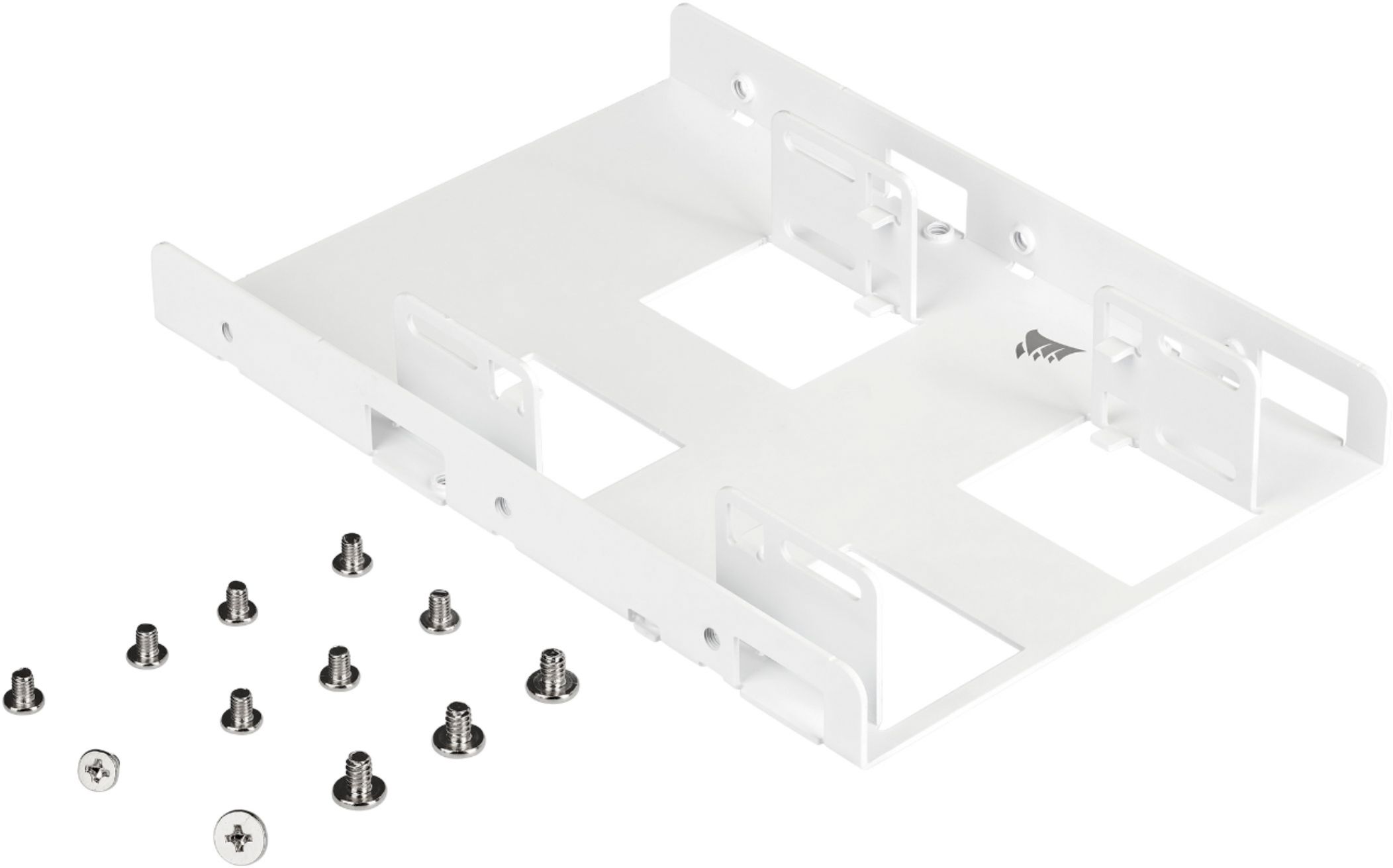
||Posted . Owned for 1 week when reviewed.This reviewer received promo considerations or sweepstakes entry for writing a review.I bought a new computer that came with a 2 tb mechanical drive which I didn't want to use so I replaced it with 2 SSDs and this was perfect for them both. Hardware was included for the drives AND for the enclosure. I had both drives installed and the case shut in 5 minutes!
This review is from CORSAIR - Dual SATA Drive Enclosure for 2.5" Solid-State Drives - Black
I would recommend this to a friend - Pros mentioned:Ssd
Rated 4 out of 5 stars
It works
||Posted . Owned for 3 weeks when reviewed.This reviewer received promo considerations or sweepstakes entry for writing a review.I was looking for an adapter to mount my SSD in an iMac and this was the only option available at the time. It worked for what I needed it for, but I was searching for a bracket that could be used as a power source by connecting the SSD to the bracket and then connect power from the computer to the bracket which could be mounted in the slot where the original HDD was located.
This review is from CORSAIR - Dual SATA Drive Enclosure for 2.5" Solid-State Drives - Black
I would recommend this to a friend - Pros mentioned:Ssd
Rated 5 out of 5 stars
CORSAIR - Dual SATA Drive Enclosure for 2.5" SSDs
||Posted . Owned for 10 months when reviewed.This reviewer received promo considerations or sweepstakes entry for writing a review.CORSAIR - Dual SATA Drive Enclosure for 2.5" Solid-State Drives. These work great - fit 3 SSDs in a bay. Would recommend.
This review is from CORSAIR - Dual SATA Drive Enclosure for 2.5" Solid-State Drives - Black
I would recommend this to a friend - Pros mentioned:Ease of use
Rated 4 out of 5 stars
SSD holder
||Posted . Owned for 1 month when reviewed.This reviewer received promo considerations or sweepstakes entry for writing a review.enclosure is easy to use and accepts all SSDs. comes with all necessary hardware
This review is from CORSAIR - Dual SATA Drive Enclosure for 2.5" Solid-State Drives - Black
I would recommend this to a friend - Pros mentioned:Installation
Rated 5 out of 5 stars
Bracket for SSD update.
||Posted . Owned for 3 weeks when reviewed.This reviewer received promo considerations or sweepstakes entry for writing a review.Item received in good condition and has been installed. It worked as indicated to support smaller size hard drive. Replaced 3.5 drive with smaller physical size SSD. Bracket made the change out seamless.
This review is from CORSAIR - Dual SATA Drive Enclosure for 2.5" Solid-State Drives - Black
I would recommend this to a friend - Pros mentioned:Ease of use
Rated 5 out of 5 stars
Great value - adding SSD
||Posted . Owned for 6 months when reviewed.This reviewer received promo considerations or sweepstakes entry for writing a review.Great value. Updating old machine to a new SSD boot drive. Easy to install and included screws was nice. Actually bought another one or another upgraded machine.
This review is from CORSAIR - Dual SATA Drive Enclosure for 2.5" Solid-State Drives - Black
I would recommend this to a friend - Pros mentioned:Installation
Rated 4 out of 5 stars
This item is great!
||Posted . Owned for 3 weeks when reviewed.This reviewer received promo considerations or sweepstakes entry for writing a review.SSD's don't put out much heat so if your are looking to upgrade your system or simply add more storage using this Corsair Dual SSD Mounting Bracket is a no-brainer. I have installed many of these in PC's and Mac alike and they work great. The only trouble you may run in to is the fact that if your system requires the SATA ports to line-up exactly like a 3.5" drive than you will want to get a 2.5" to 3.5" SATA Drive Adapter Caddy. This will not work in Hot-Swap Server Applications
This review is from CORSAIR - Dual SATA Drive Enclosure for 2.5" Solid-State Drives - Black
I would recommend this to a friend - Pros mentioned:Fit
Rated 5 out of 5 stars
Great enclosure for the price, and works great
||Posted . Owned for 1 month when reviewed.This reviewer received promo considerations or sweepstakes entry for writing a review.Great enclosure if you need to install a few SSD's in a smaller case. The only issue is that the SSD's are so close together, you will need cables that are more flexible than what mine are. Other than that it works fine.
This review is from CORSAIR - Dual SATA Drive Enclosure for 2.5" Solid-State Drives - Black
I would recommend this to a friend - Pros mentioned:Installation
Rated 5 out of 5 stars
Adapter to install anew solid state hard drive.
||Posted . Owned for 2 weeks when reviewed.This reviewer received promo considerations or sweepstakes entry for writing a review.When my desk top computer's hard drive needed to be replaced, I chose a solid state hard drive as the replacement. This item is used to install the new drive in the same location as the old drive. It does it's job and the new drive was mounted without any complication.
This review is from CORSAIR - Dual SATA Drive Enclosure for 2.5" Solid-State Drives - Black
I would recommend this to a friend - Pros mentioned:Ssd
Rated 5 out of 5 stars
2 for 1
||Posted . Owned for less than 1 week when reviewed.This reviewer received promo considerations or sweepstakes entry for writing a review.I have 2 860 evo ssd in my sff pc, so what i did was bought this to house it in the normal hdd caddy and it work so now i have a boot c drive and storage D drive with put using external unless i want more this works
This review is from CORSAIR - Dual SATA Drive Enclosure for 2.5" Solid-State Drives - Black
I would recommend this to a friend - Pros mentioned:Ease of use
Rated 5 out of 5 stars
Great device
||Posted . Owned for 1 year when reviewed.This reviewer received promo considerations or sweepstakes entry for writing a review.Great support for my ssd. Easy installation for my ssd. I reccommended .
This review is from CORSAIR - Dual SATA Drive Enclosure for 2.5" Solid-State Drives - Black
I would recommend this to a friend - Pros mentioned:Fit
Rated 5 out of 5 stars
Nice bracket/enclosure - worked great.
||Posted . Owned for 1 month when reviewed.This reviewer received promo considerations or sweepstakes entry for writing a review.This bracket/enclosure worked great in my Dell XPS desktop machine. The screw holes lined up perfectly with the Samsung 1TB SSD that I purchased and it fit neatly underneath my existing hard drive.
This review is from CORSAIR - Dual SATA Drive Enclosure for 2.5" Solid-State Drives - Black
I would recommend this to a friend - Pros mentioned:Ease of use
Rated 4 out of 5 stars
Pretty Good Product
||Posted . Owned for 1 month when reviewed.This reviewer received promo considerations or sweepstakes entry for writing a review.My new ssd drive was easy to mount in the enclosure but the enclosure was a little difficult to mount in the computer case maybe because the computer case is more than ten years old and the mounting holes do not line up precisely.
This review is from CORSAIR - Dual SATA Drive Enclosure for 2.5" Solid-State Drives - Black
I would recommend this to a friend - Pros mentioned:Installation
Rated 5 out of 5 stars
Great way to expand storage options
||Posted . Owned for 1 year when reviewed.This reviewer received promo considerations or sweepstakes entry for writing a review.If your pc has an empty 5.25" bay, this product is a great way to add 2 ssd's top your system. This is handy if you have run out of mount locations or adding a couple if your prebuilt system was lacking said locations in the first place.
This review is from CORSAIR - Dual SATA Drive Enclosure for 2.5" Solid-State Drives - Black
I would recommend this to a friend - Pros mentioned:Installation
Rated 4 out of 5 stars
Handy gadget for upgrade
||Posted . Owned for 2 months when reviewed.This reviewer received promo considerations or sweepstakes entry for writing a review.An ingenious and value-priced solution for installing small drives in larger bays. The instructions could have been better. Also the screws required for SSDs are quite small, so you will want to have a miniature screwdriver with magnetic Phillips bits.
This review is from CORSAIR - Dual SATA Drive Enclosure for 2.5" Solid-State Drives - Black
I would recommend this to a friend - Pros mentioned:Installation
Rated 5 out of 5 stars
CORSAIR - Dual SATA Drive Enclosure for 2.5" SSDs
||Posted . Owned for 3 weeks when reviewed.This reviewer received promo considerations or sweepstakes entry for writing a review.A true form replication of 3 1/2" HDDs for a 2 1/2"SSD. As the dimensions of desktops get smaller, not sure how doable it is, but considering the smaller size of the SSDs it would be great to have the frame smaller while still maintaining the mounting screw positions as those for a 3 1/2" HDD to make installation easier. The inclusion of ALL the necessary screws is a big PLUS.
This review is from CORSAIR - Dual SATA Drive Enclosure for 2.5" Solid-State Drives - Black
I would recommend this to a friend - Pros mentioned:Ssd
Rated 5 out of 5 stars
DID ITS JOB
||Posted . Owned for 1 month when reviewed.This reviewer received promo considerations or sweepstakes entry for writing a review.used this with a wd blue ssd and worked like a charm, if you're only installing one drive you won't need this go for a single drive but i grabbed it just in case i wanted to install another in the future. it is a bit tedious to install the drive though.
This review is from CORSAIR - Dual SATA Drive Enclosure for 2.5" Solid-State Drives - Black
I would recommend this to a friend - Pros mentioned:Ssd
Rated 5 out of 5 stars
Solid bracket
||Posted .This reviewer received promo considerations or sweepstakes entry for writing a review.While many newer cases come with dedicated spots for mounting SSDs, if you're adding an SSD or replacing an older hard drive in an older case, this bracket will do the job to mount your new SSD (or 2) in the old spot.
This review is from CORSAIR - Dual SATA Drive Enclosure for 2.5" Solid-State Drives - Black
I would recommend this to a friend Rated 5 out of 5 stars
Patience and persistence and you're good to go.
||Posted . Owned for 3 weeks when reviewed.This reviewer received promo considerations or sweepstakes entry for writing a review.It works fine and accepts the SSD. The only trick was getting the tiny screws started. Be careful not to cross thread them. I put this into my Dell Optiplex 380 with no problem. Screws are included.
This review is from CORSAIR - Dual SATA Drive Enclosure for 2.5" Solid-State Drives - Black
I would recommend this to a friend
People also viewed
- $6.99Your price for this item is $6.99
- $11.99Your price for this item is $11.99
- $19.44Your price for this item is $19.44
- $15.49Your price for this item is $15.49$18.49The comparable value for this item is $18.49
- $34.99Your price for this item is $34.99
- $24.99Your price for this item is $24.99
- $49.99Your price for this item is $49.99
- $12.99Your price for this item is $12.99
- $14.99Your price for this item is $14.99
- $109.99Your price for this item is $109.99$119.99The comparable value for this item is $119.99
- $26.99Your price for this item is $26.99
- $49.99Your price for this item is $49.99
- $26.58Your price for this item is $26.58$30.10The comparable value for this item is $30.10
- $39.99Your price for this item is $39.99$69.99The comparable value for this item is $69.99
- $22.40Your price for this item is $22.40$28.00The comparable value for this item is $28.00
- $199.99Your price for this item is $199.99$219.00The comparable value for this item is $219.00
- $39.99Your price for this item is $39.99
- $232.49Your price for this item is $232.49$289.80The comparable value for this item is $289.80
- $105.99Your price for this item is $105.99$120.99The comparable value for this item is $120.99