Customer Ratings & Reviews




- Model:
- CSSD-BRKT2W
- SKU:
- 6471303
Rating by feature
- Value
Rating 4.8 out of 5 stars
- Quality
Rating 4.8 out of 5 stars
- Ease of Use
Rating 4.7 out of 5 stars
Customers are saying
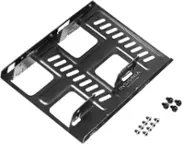
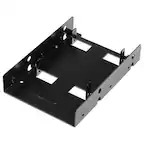
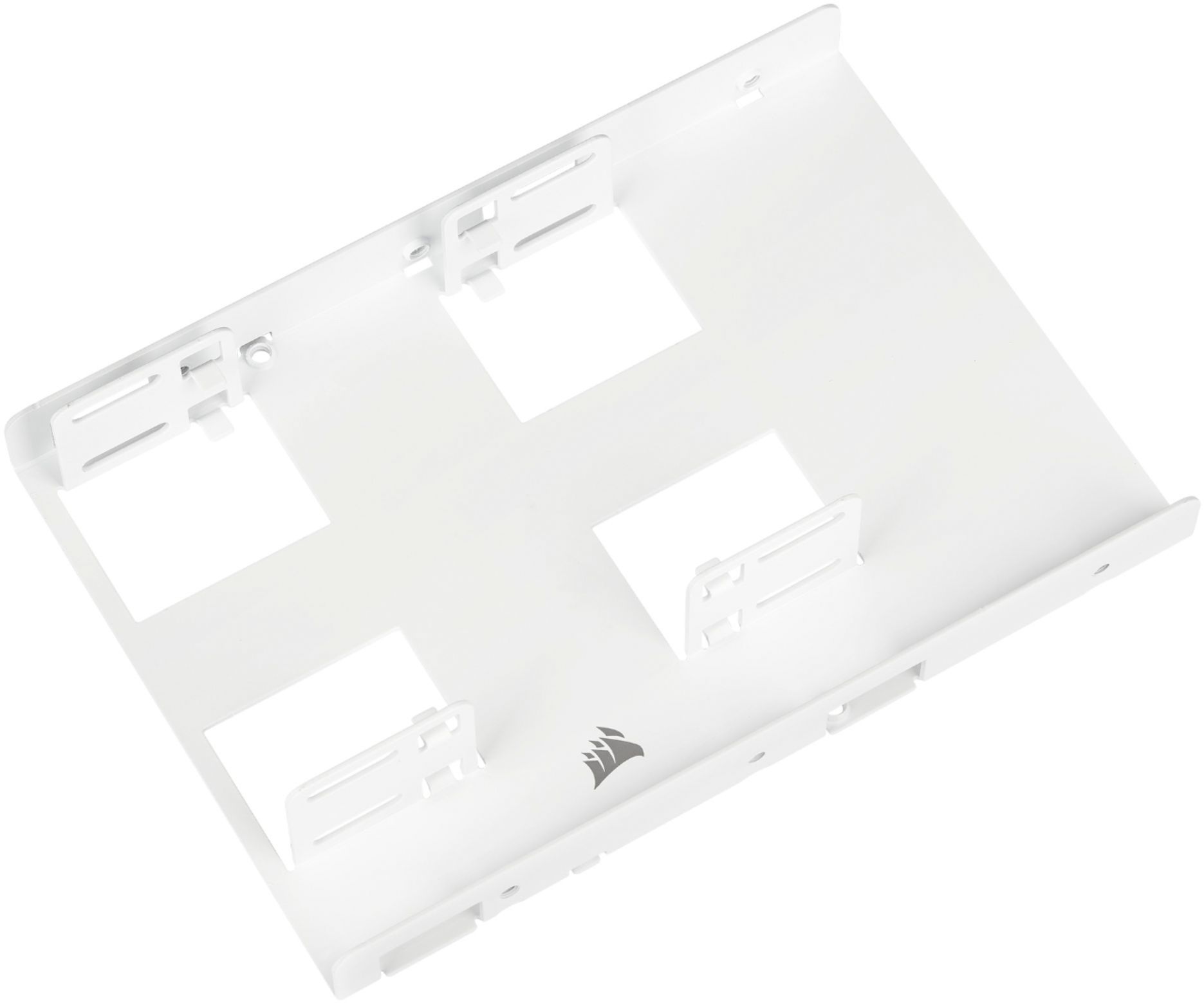
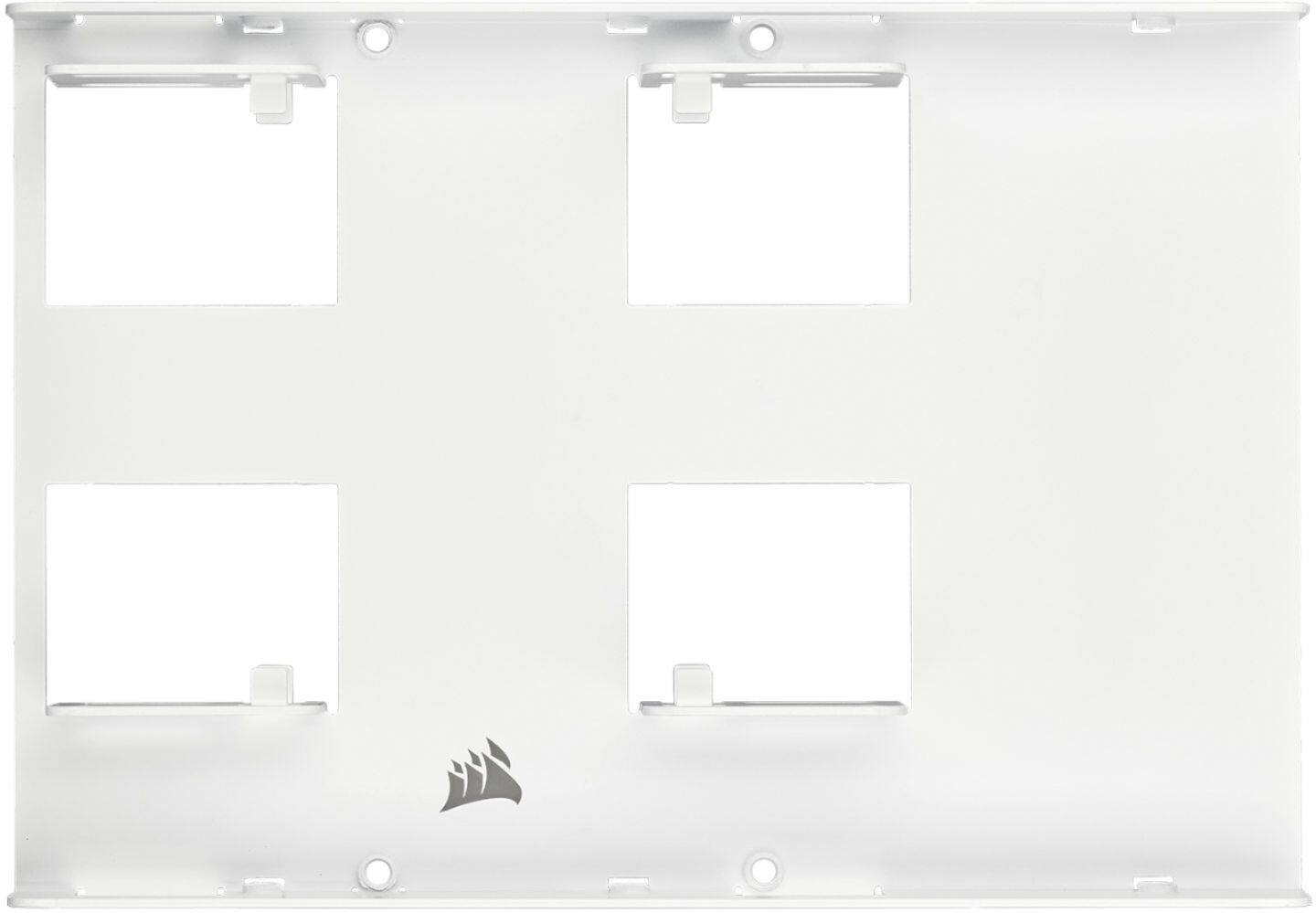
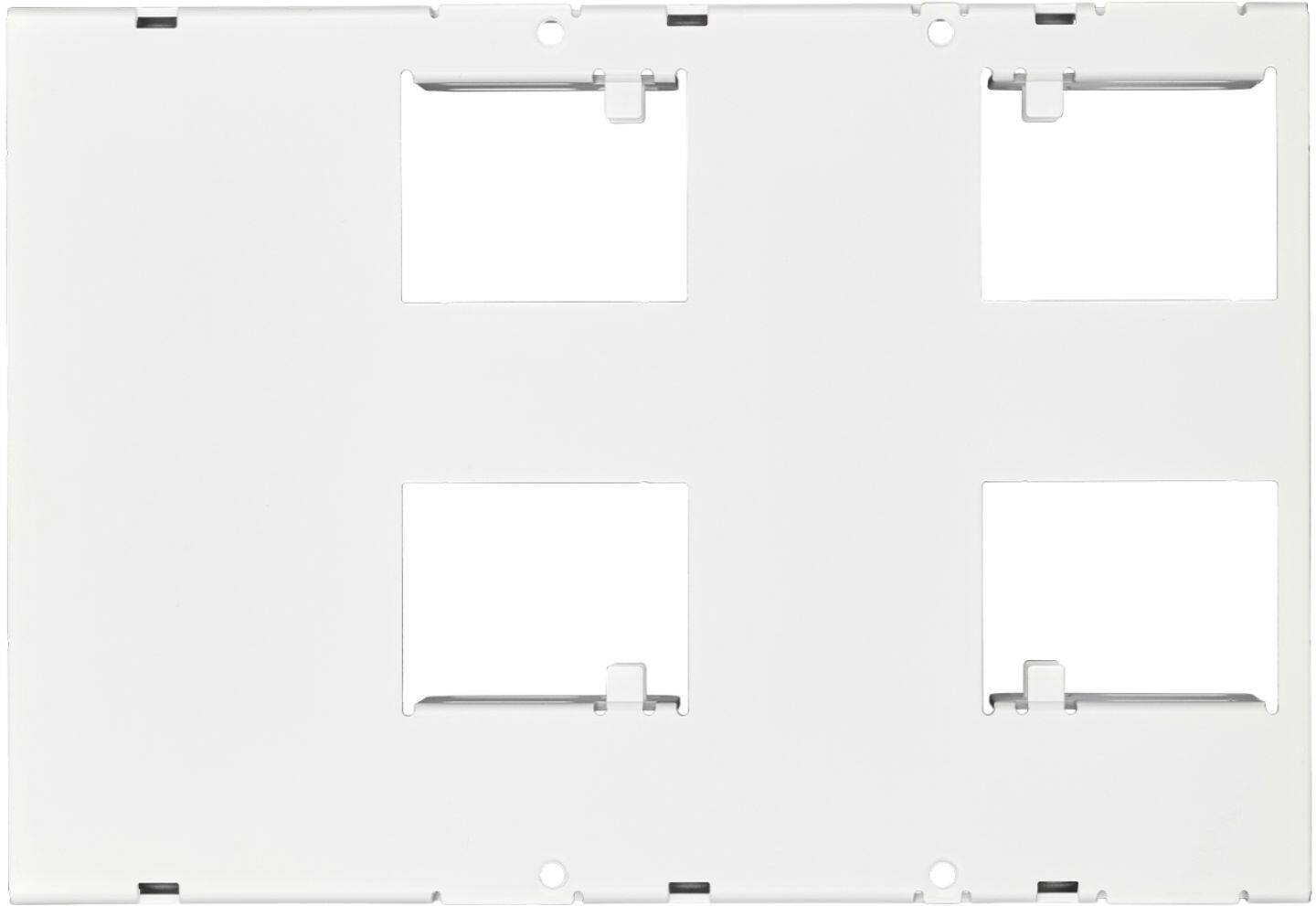
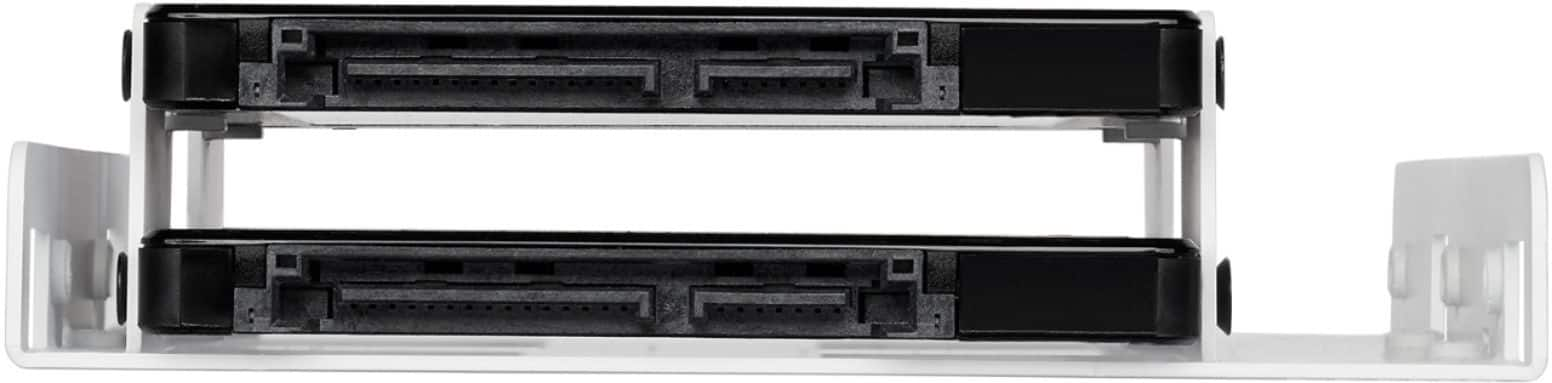
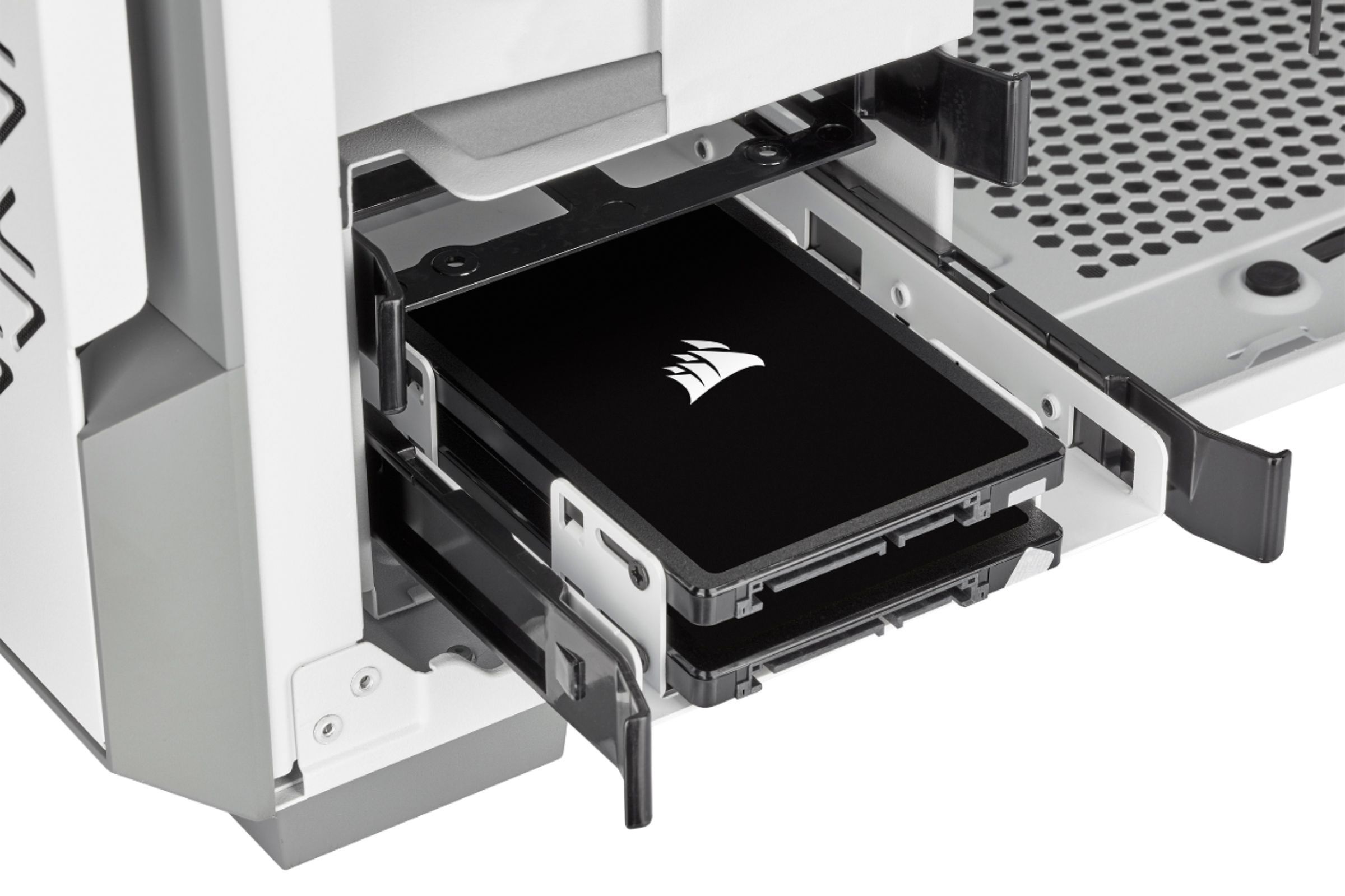
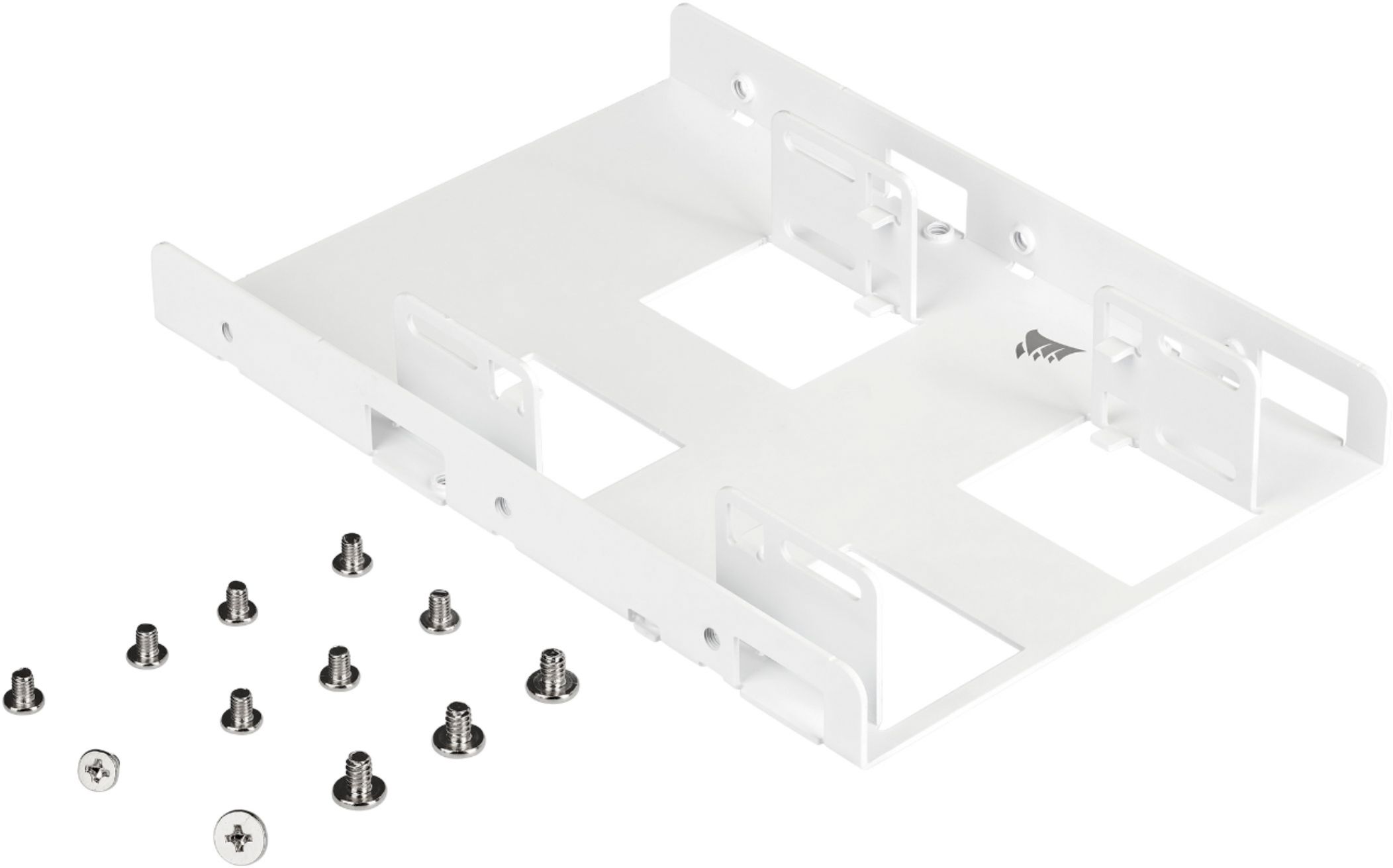
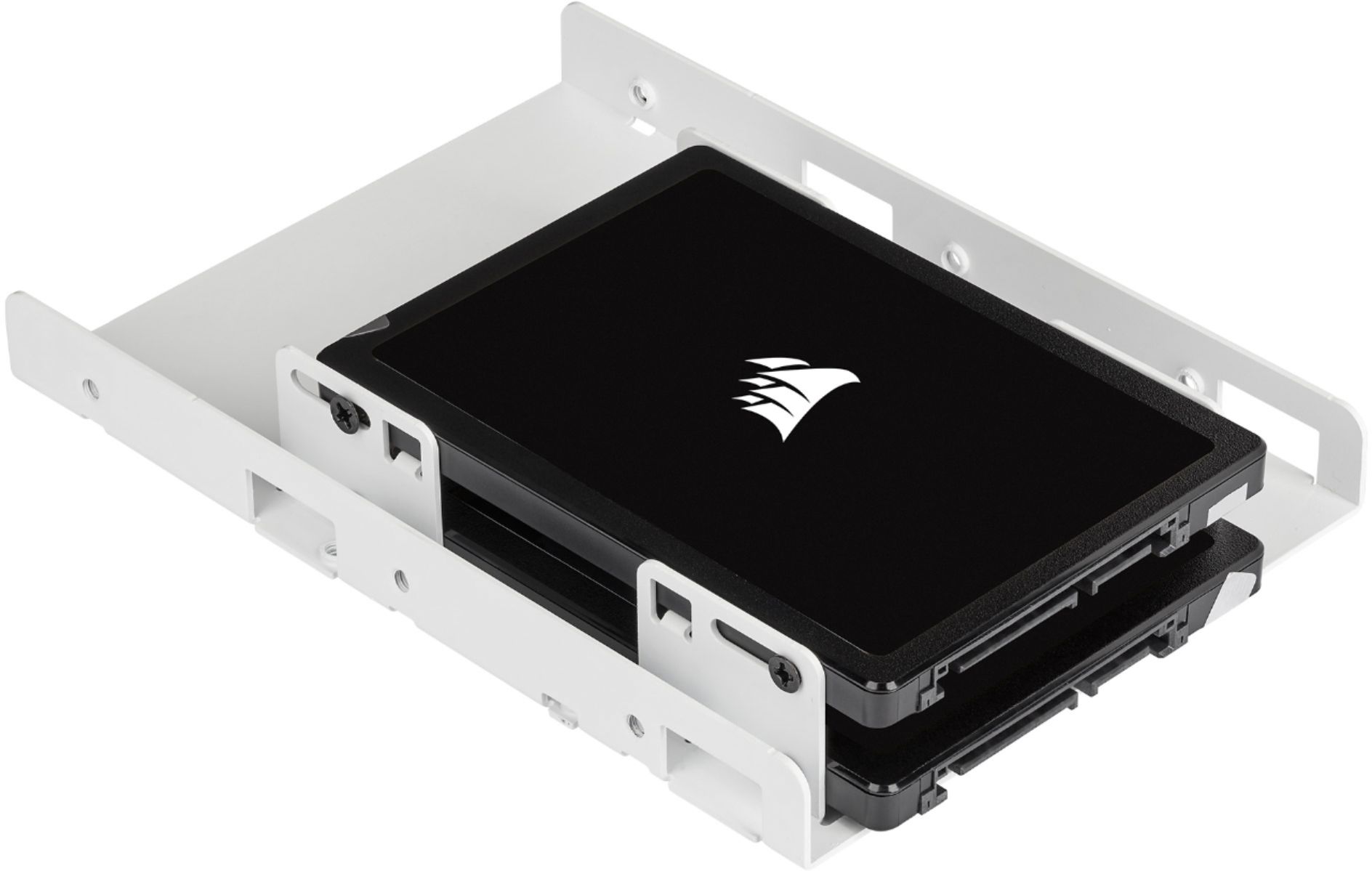
Customers have good things to say about the Dual SATA Drive Enclosure for 2.5" Solid-State Drives, especially regarding its ease of use and the fact that it holds two SSD drives. Users appreciate the product's quality, good fit, and straightforward installation process, as well as its compatibility. A few customers mentioned that the enclosure takes up a lot of space.
This summary was generated by AI based on customer reviews.
pretty useful
||Posted . Owned for 1 month when reviewed.This reviewer received promo considerations or sweepstakes entry for writing a review.cheap and useful tool if you don't have the space in your computer.
I would recommend this to a friendbacket
||Posted . Owned for 1.5 years when reviewed.This reviewer received promo considerations or sweepstakes entry for writing a review.would have been okay, but did not fit my situation. returned.
I would recommend this to a friendStrap me up.
||Posted . Owned for 6 months when reviewed.This reviewer received promo considerations or sweepstakes entry for writing a review.Keeps my HDD strong so it doesn’t loosen up. Okay!
I would recommend this to a friendWorks
||Posted .This reviewer received promo considerations or sweepstakes entry for writing a review.Needed this bracket to install an additional SSD in my older machine. Fair price.
I would recommend this to a friendGood in a pinch
||Posted . Owned for 3 weeks when reviewed.This reviewer received promo considerations or sweepstakes entry for writing a review.I needed an adapter for my Laptop HDD to put in my Tower and this was the closest to what i needed. It works but buyer beware it took me forever to get all the screws lined up and in.
No, I would not recommend this to a friendBrand response from Corsair
Posted .Hello,
Glad it was able to work for you, please contact our team directly on the site if you require any further assistance.
-Art
double case for state drives
||Posted . Owned for 1 month when reviewed.This reviewer received promo considerations or sweepstakes entry for writing a review.it is a good buy. we did not realize it was a double case but we like
I would recommend this to a friendBasic mount...
||Posted . Owned for 1 month when reviewed.This reviewer received promo considerations or sweepstakes entry for writing a review.Nothing spectacular for a basic mount... good for the price
I would recommend this to a friendGood price
||Posted . Owned for 3 weeks when reviewed.This reviewer received promo considerations or sweepstakes entry for writing a review.Good price and a great curbside delivery experience indeed!
I would recommend this to a friendGood but awkward
||Posted . Owned for 3 weeks when reviewed.This reviewer received promo considerations or sweepstakes entry for writing a review.Getting 2 ssds mounted with this was a little tricky and confusing.
I would recommend this to a friendDifficulty installing
||Posted . Owned for 1 month when reviewed.This reviewer received promo considerations or sweepstakes entry for writing a review.Had a hard time getting the screws to line up and screwing them in case parts of the housing got in the way. Switched to a different brand, had no issues.
No, I would not recommend this to a friendBrand response from Corsair
Posted .Hello Mike,
Sorry to hear you ran into issues but glad that you found something that worked well for your uses.
-Art
excellent
||Posted . Owned for 2 months when reviewed.This reviewer received promo considerations or sweepstakes entry for writing a review.good producta and excellent price, they fit perfect
I would recommend this to a friendUseful but difficult to work with.
||Posted . Owned for 3 weeks when reviewed.This reviewer received promo considerations or sweepstakes entry for writing a review.Better have small fingers if you want it to go smoothly. Dropped screws several times, and they are not easy to retrieve. Not sure you should use a magnetic screwdriver when installing. Product is very useful but difficult to install.
I would recommend this to a friendBrand response from Corsair Art
Posted .Hi Joe,
Thank you for your feedback. If you have any questions, we'd be happy to help: support.corsair.com
-Albert
Very useful
||Posted .This reviewer received promo considerations or sweepstakes entry for writing a review.It is exactly what I was looking for. I usually choose Corsair.
I would recommend this to a friendDoes it’s job
||Posted . Owned for 4 months when reviewed.This reviewer received promo considerations or sweepstakes entry for writing a review.It’s functional and does good job. Has enough screws.
I would recommend this to a friendPurchase with care
||Posted .This reviewer received promo considerations or sweepstakes entry for writing a review.Not the greatest layout. I couldn’t use it in my machine because of the offset of how the drive mounts. Cables would not plug in with the drive mounted, it’s not exactly a universal mount so buyer beware. I can of recommend this because of that.
No, I would not recommend this to a friendBrand response from Corsair Art
Posted .Hi ECSI,
Is your machine a prebuilt computer? Such as a Dell or HP? If so, sometimes we cannot account for the specific changes they make to their internal layouts and thus the incompatibility.
If it's not a prebuilt, please reach out to us so we can help: support.corsair.com
- Pros mentioned:Quality
Corsair 2.5 to 3.5 mount
||Posted . Owned for less than 1 week when reviewed.This reviewer received promo considerations or sweepstakes entry for writing a review.In my HP envy 23 the 3.5 metal mount holds the 3.5 disk in its mount. Replacing that 3.5 with this 2.5, the disk is centered in the metal mount and it doesn't align with the plug. It off sets at least an inch. So, I just plugged the new ssd in and can't use this or the metal mount. Its quality, has slots for 2 - 2.5 disk, perhaps wrong to give it a 1 as it IS good. Maybe I can somehow tape it to the PC and it'll with. I DO have it on the disk I just plugged in - it just can't go into the metal mount that screws into the pc frame.
I would recommend this to a friendBrand response from Corsair Art
Posted .Hello,
That'd be the case, unfortunately, in proprietary computers at times. If you have something we can help with, please reach out: support.corsair.com
-Art
mounting issues
||Posted . Owned for 3 weeks when reviewed.This reviewer received promo considerations or sweepstakes entry for writing a review.This did not line up with the existing mounting holes on a disk sub mount frame, Only held in with 1 screw. Since it is a desk top, and does not move, probably;y not an issue.
No, I would not recommend this to a friendBrand response from Corsair Art
Posted .Hi,
And sorry to hear about that incompatibility. If you do run into a problem we can help with, or clarify for you, please reach out: support.corsair.com
-Art
does the job
||Posted . Owned for 1 month when reviewed.This reviewer received promo considerations or sweepstakes entry for writing a review.was inexpensive but was tedious to get the screws started due to design. Does the job but design could have been better in my opinion.
I would recommend this to a friendBrand response from Corsair Art
Posted .Hi,
Which system did you use it with? Sometimes, when using on prebuilt systems such as HP, Dell, or the like, you would have issues with the fitment, but outside of that there shouldn't be a problem. Please reach out with any feedback, or in case there's anything we can do to help: support.corsair.com
Solid slate drive enclosure
||Posted . Owned for 2 weeks when reviewed.This reviewer received promo considerations or sweepstakes entry for writing a review.This product didn’t work my desktop because out the way my computer case is set up. It was really hard to hook up the cables and power source and I couldn’t install it to my case properly.
I would recommend this to a friendBrand response from Corsair Art
Posted .Hi,
Please keep in mind some cases would have difficulties depending on the design of their trays/cages.
Do reach out to us in case you have any issues with the enclosure itself: support.corsair.com
Great idea, problematic implementation
||Posted . Owned for 1 month when reviewed.This reviewer received promo considerations or sweepstakes entry for writing a review.I like the idea and was able to get it to work but the cables in my case we're thick enough that they didn't want to bend to use a single cable with multiple plugins.
I would recommend this to a friendBrand response from Corsair Art
Posted .Hi,
Was this an issue with the cables themselves? Please contact us if we can help: support.corsair.com