Customer Ratings & Reviews


- Model:
- CH-9109414-NA
- SKU:
- 11526418
Rating by feature
- Value
Rating 4.6 out of 5 stars
- Quality
Rating 4.7 out of 5 stars
- Ease of Use
Rating 4.7 out of 5 stars
- Pros mentioned:Keyboard quality, Lighting, Wrist rest

Great keyboard, big brands finally listen!
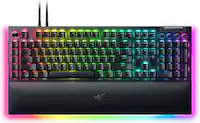
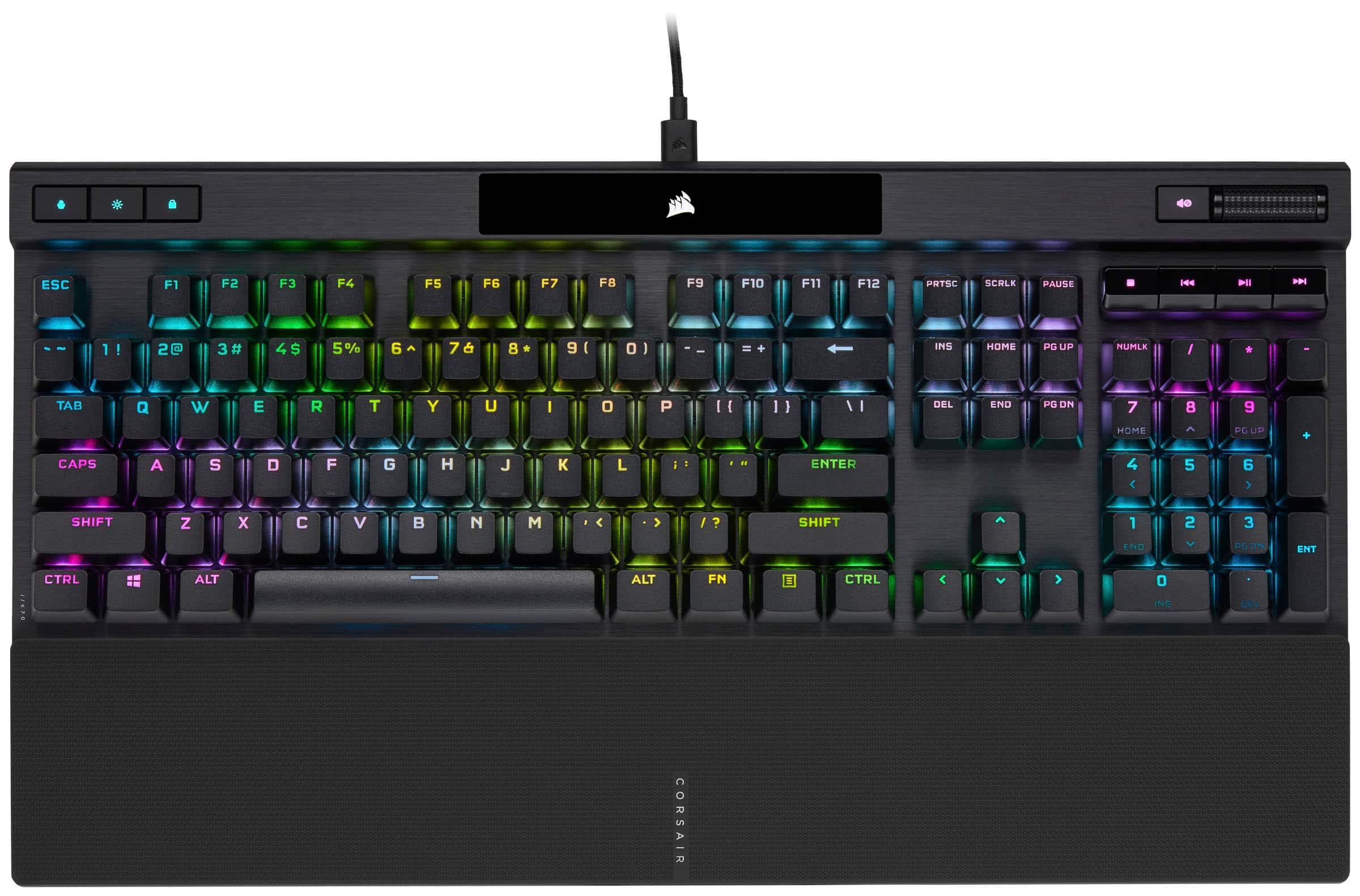
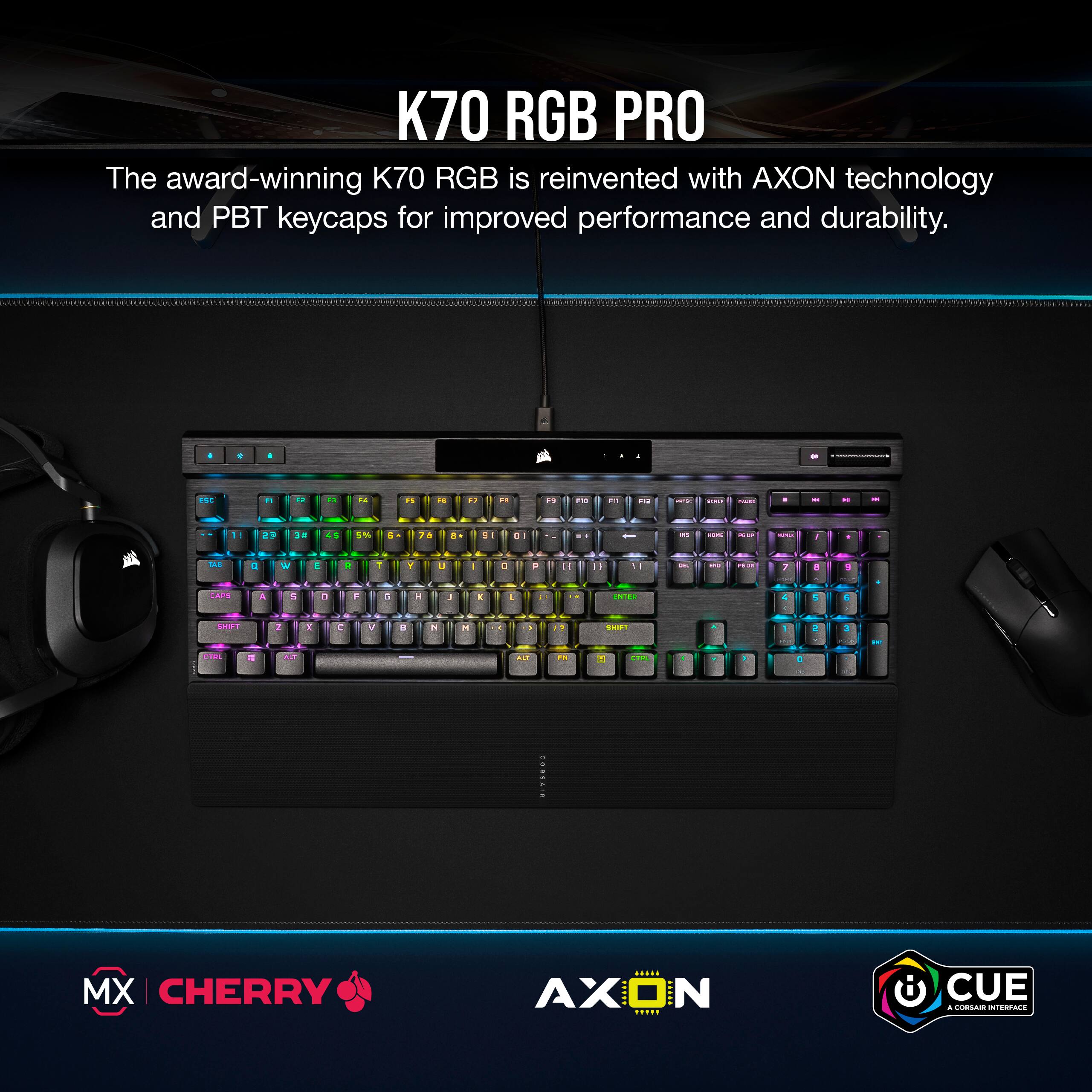
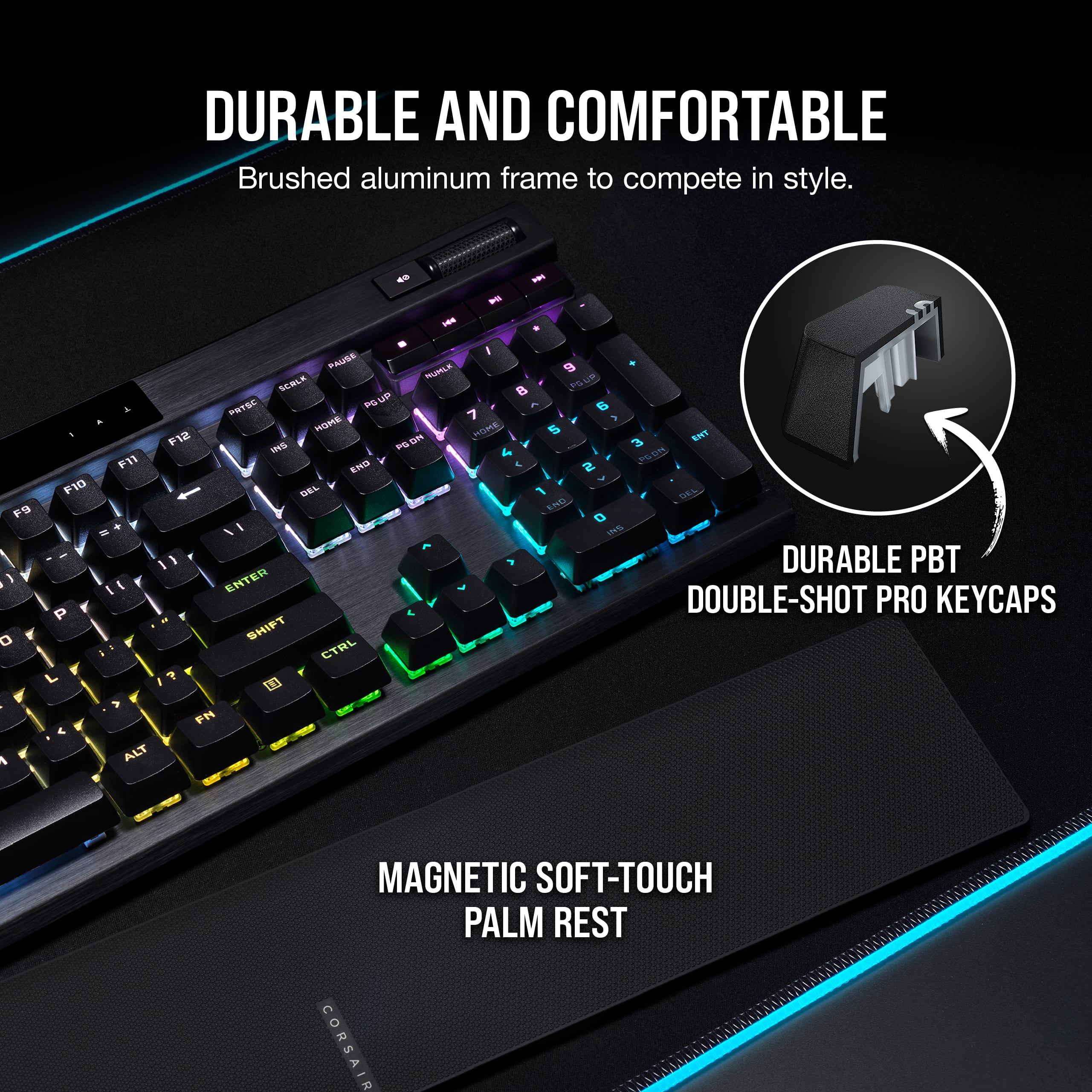
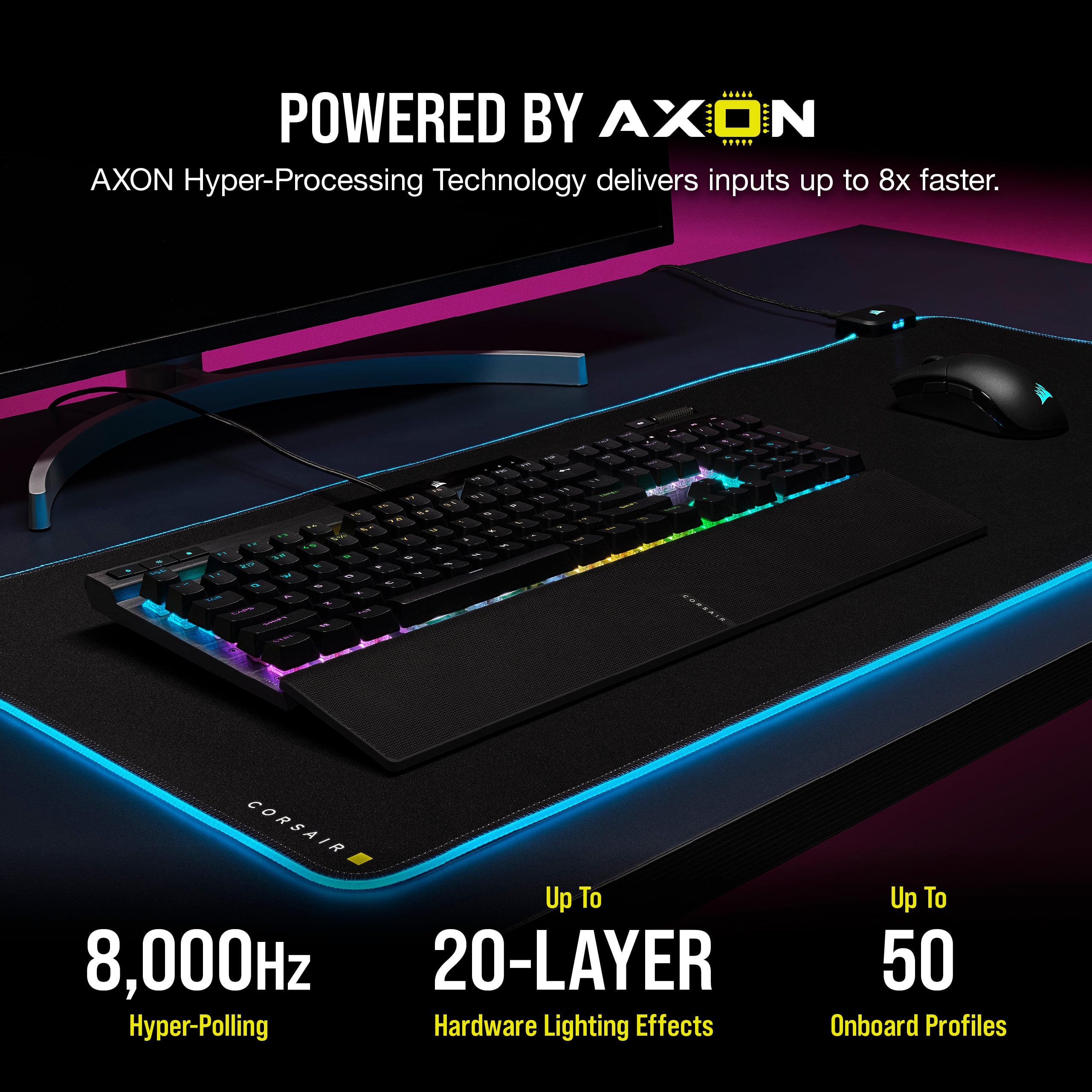
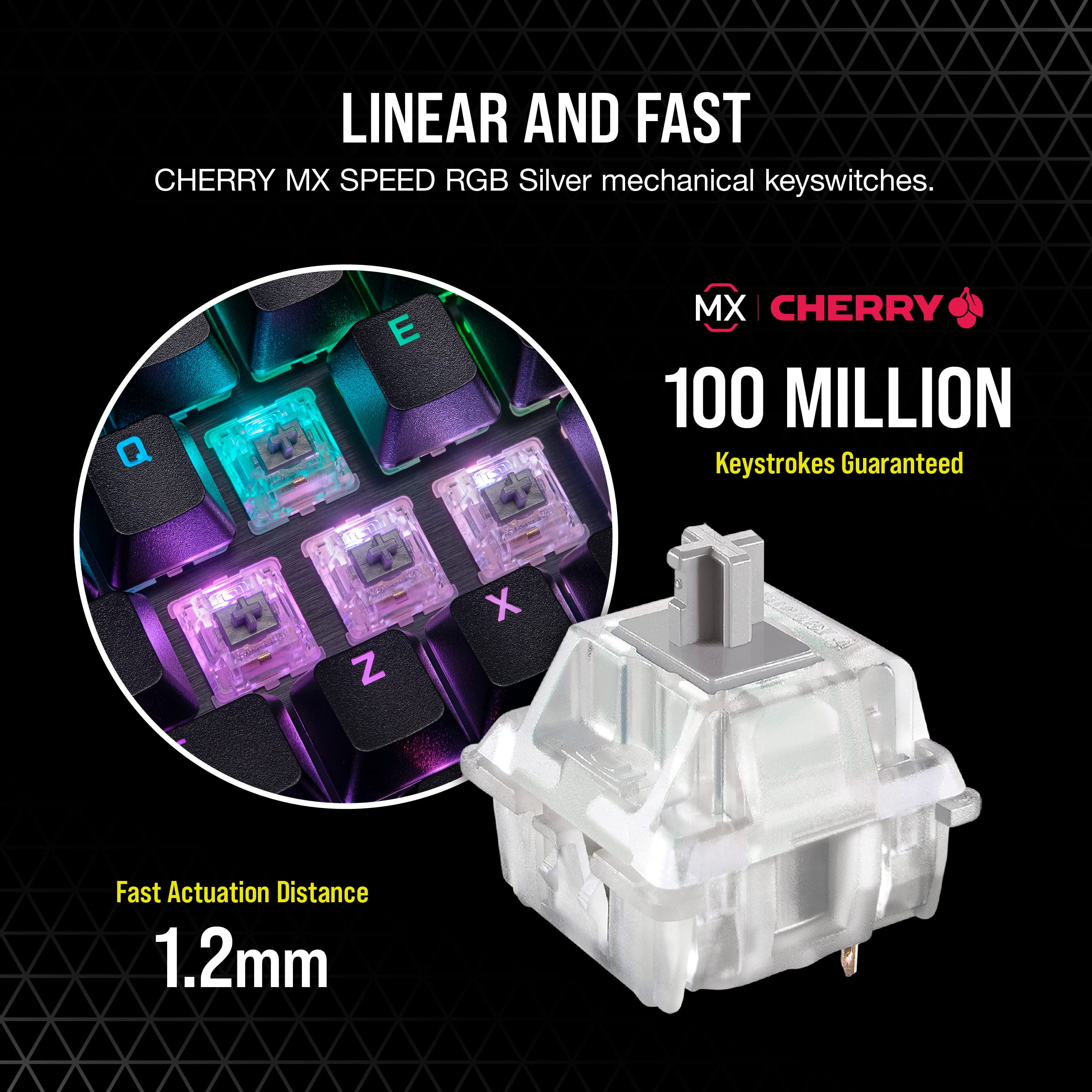
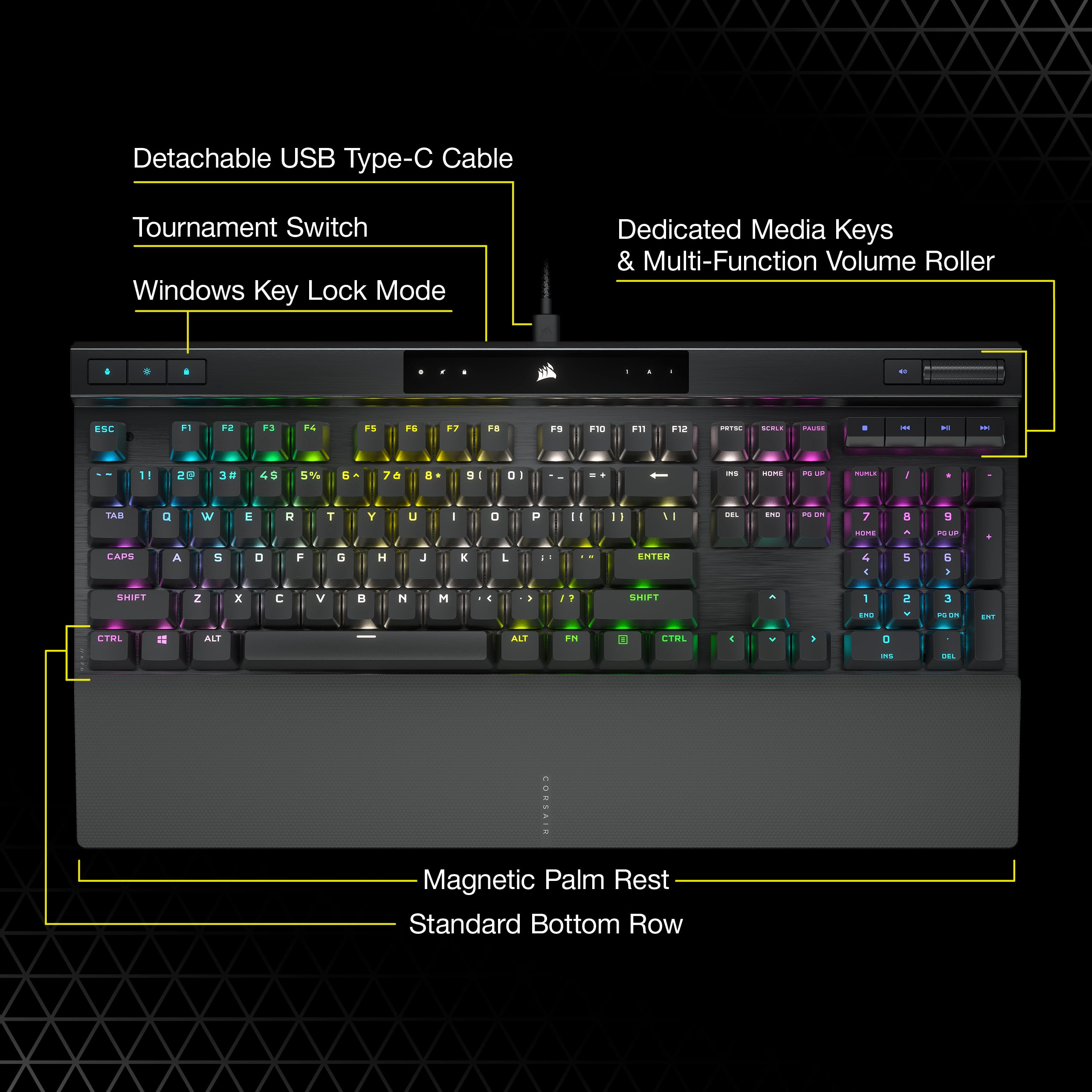
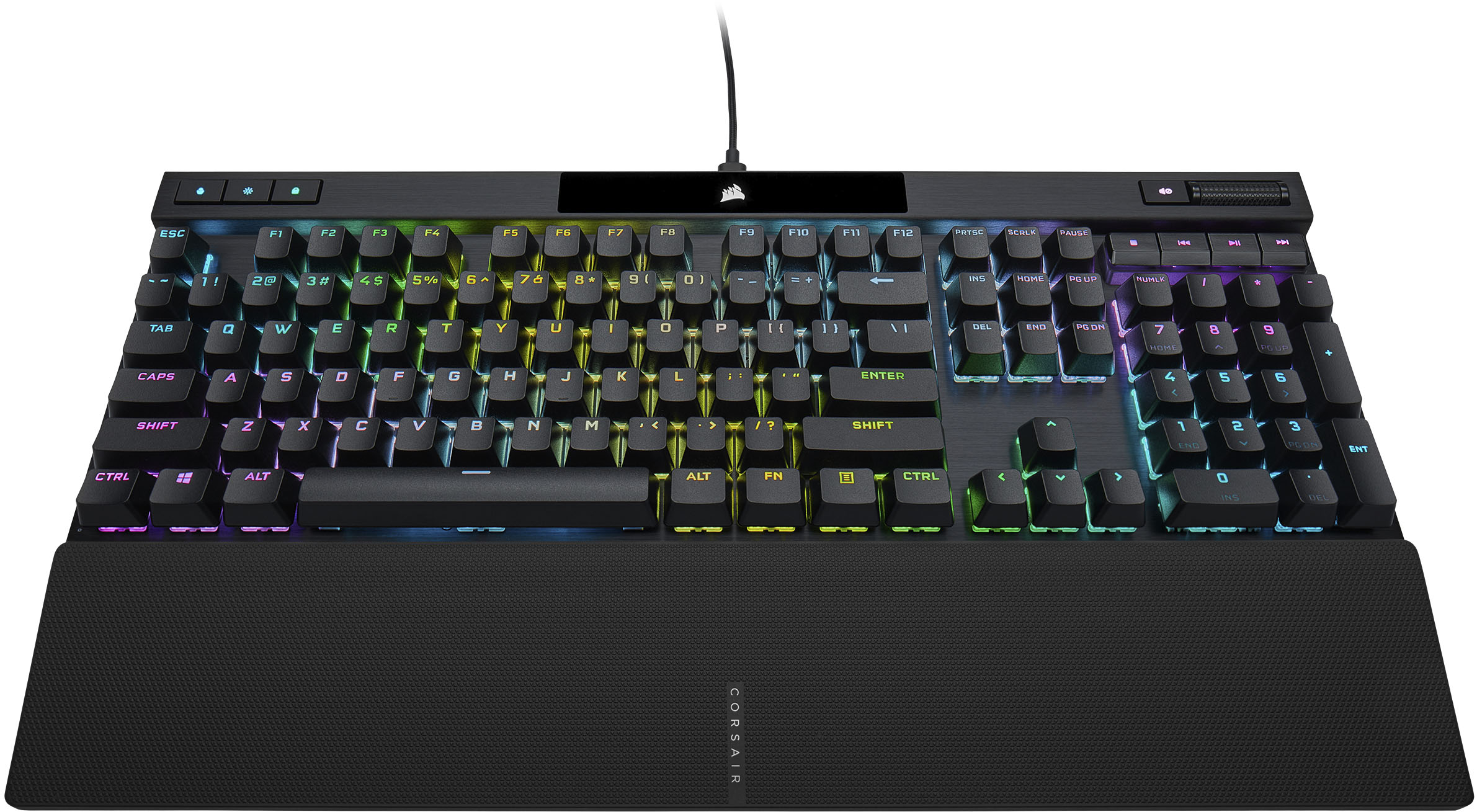
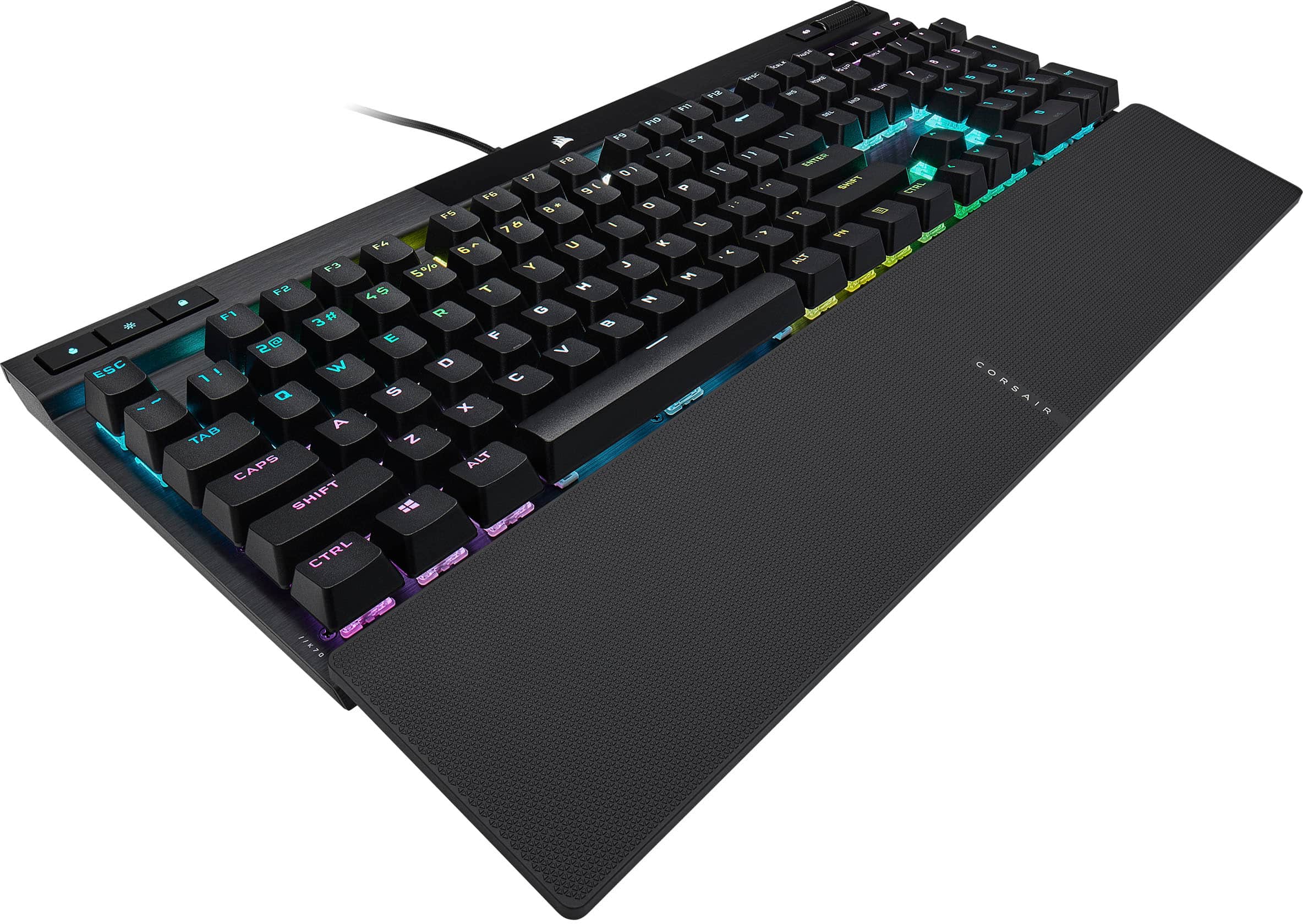
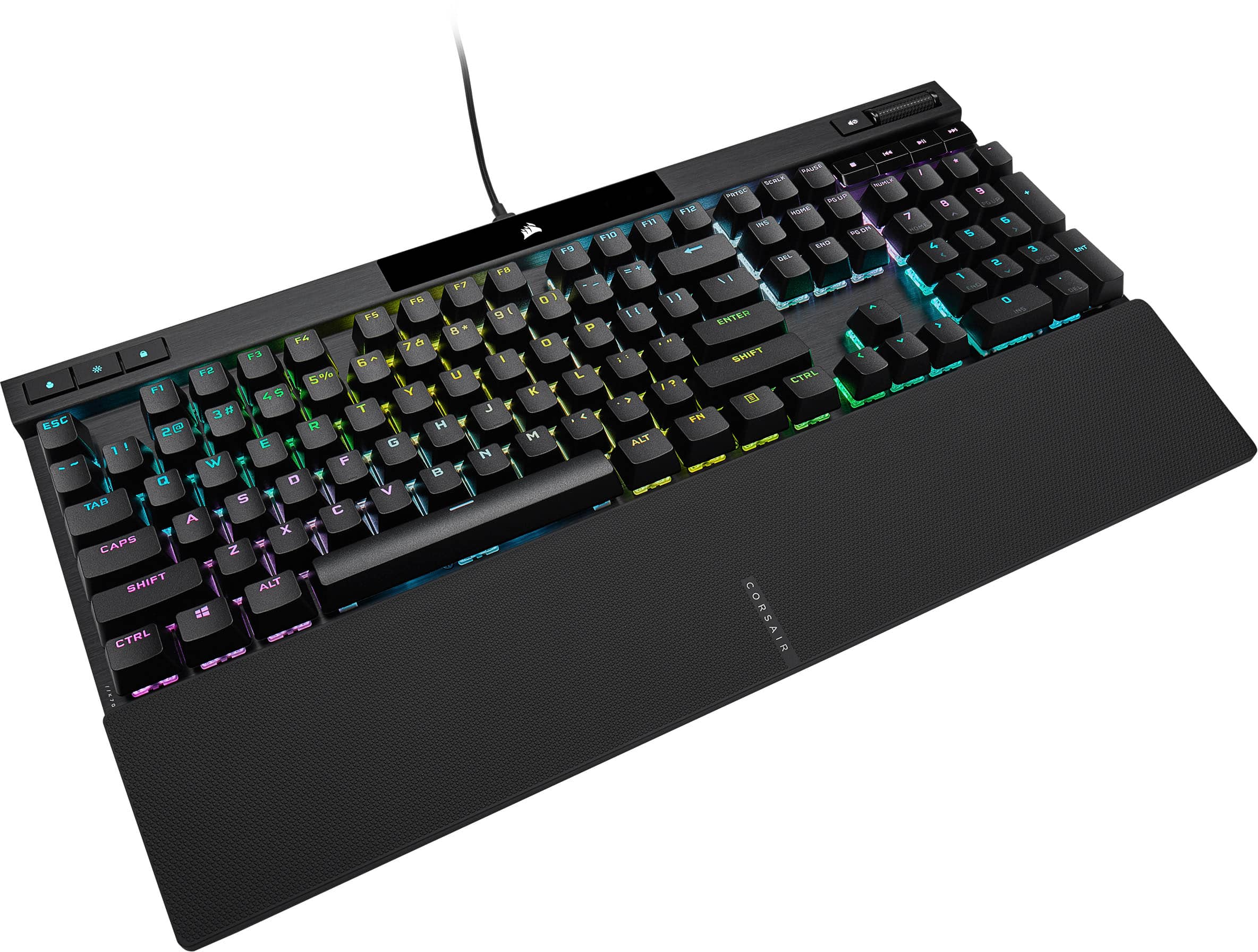
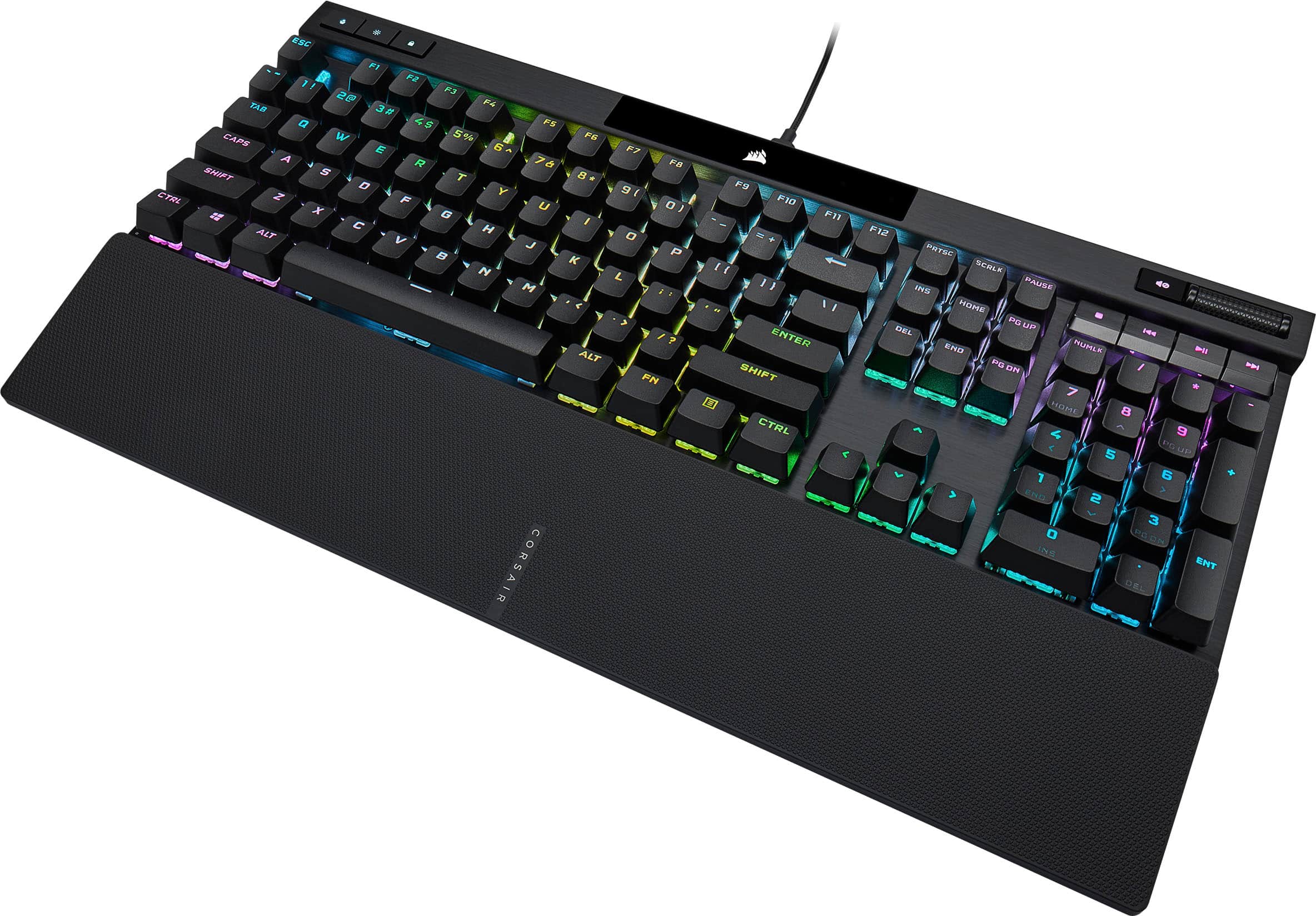
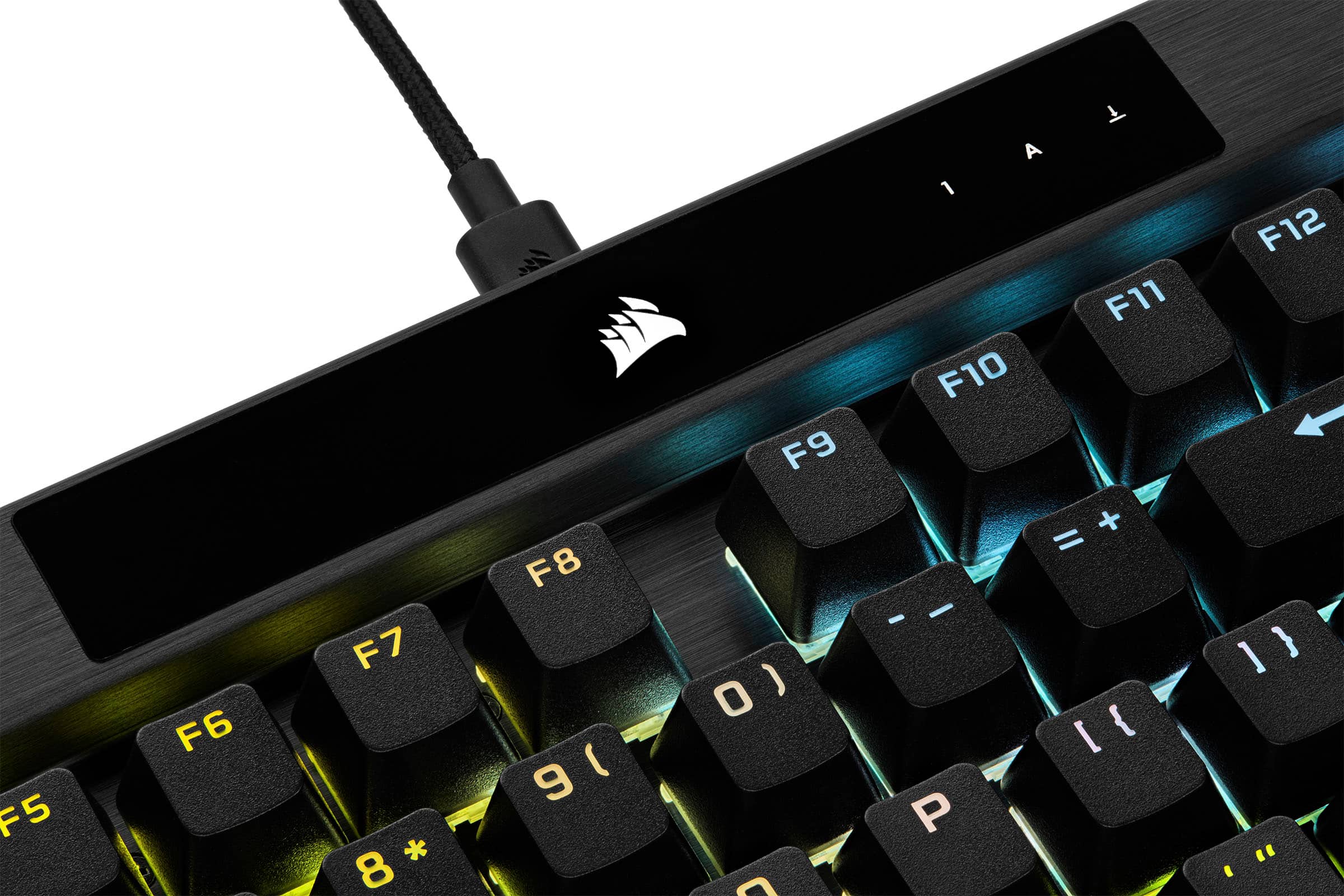
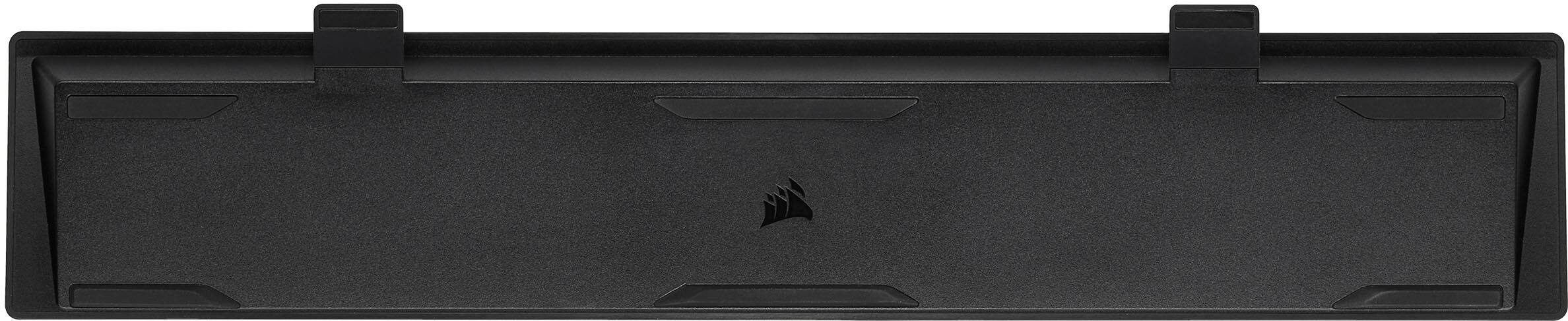
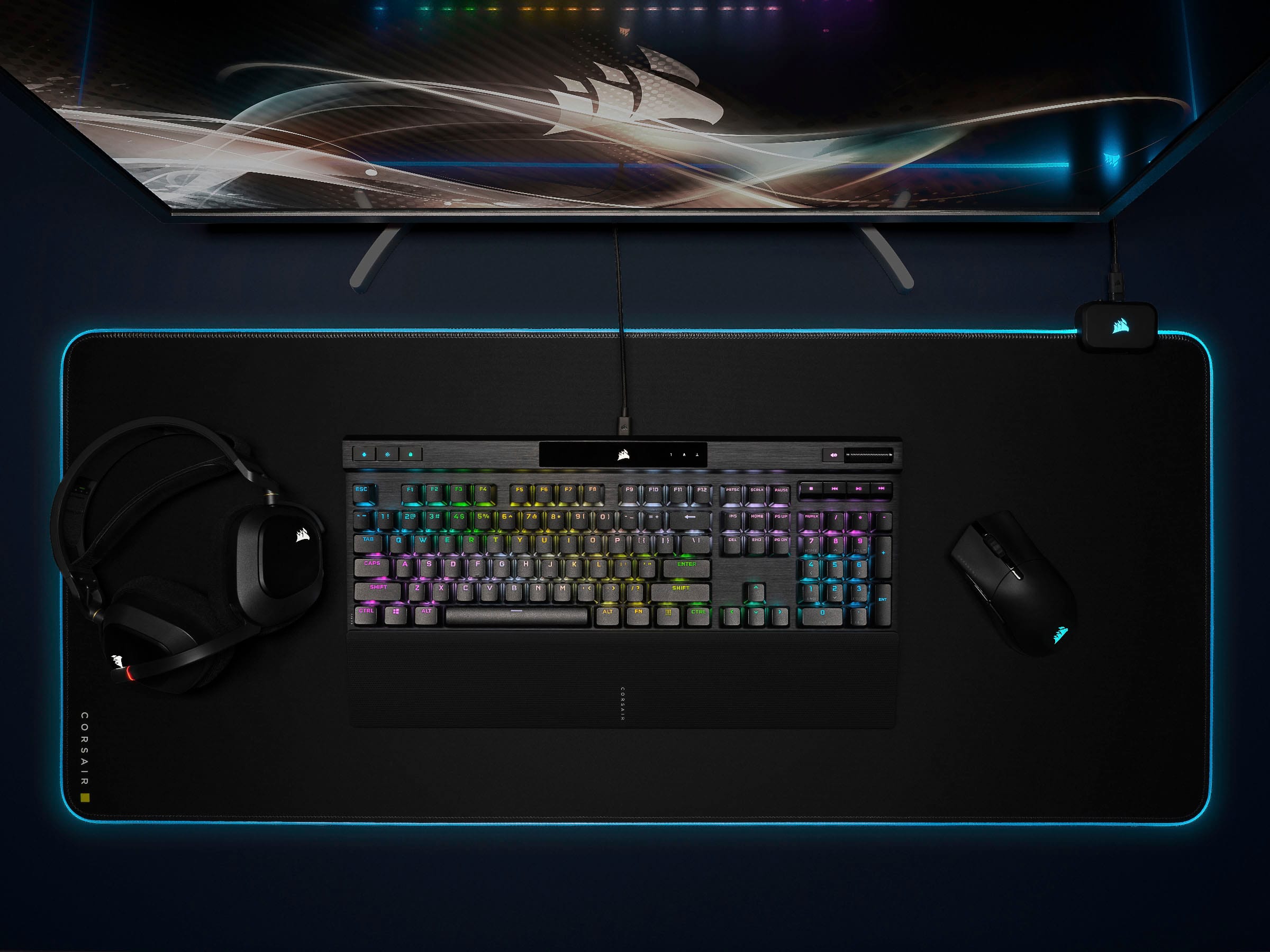
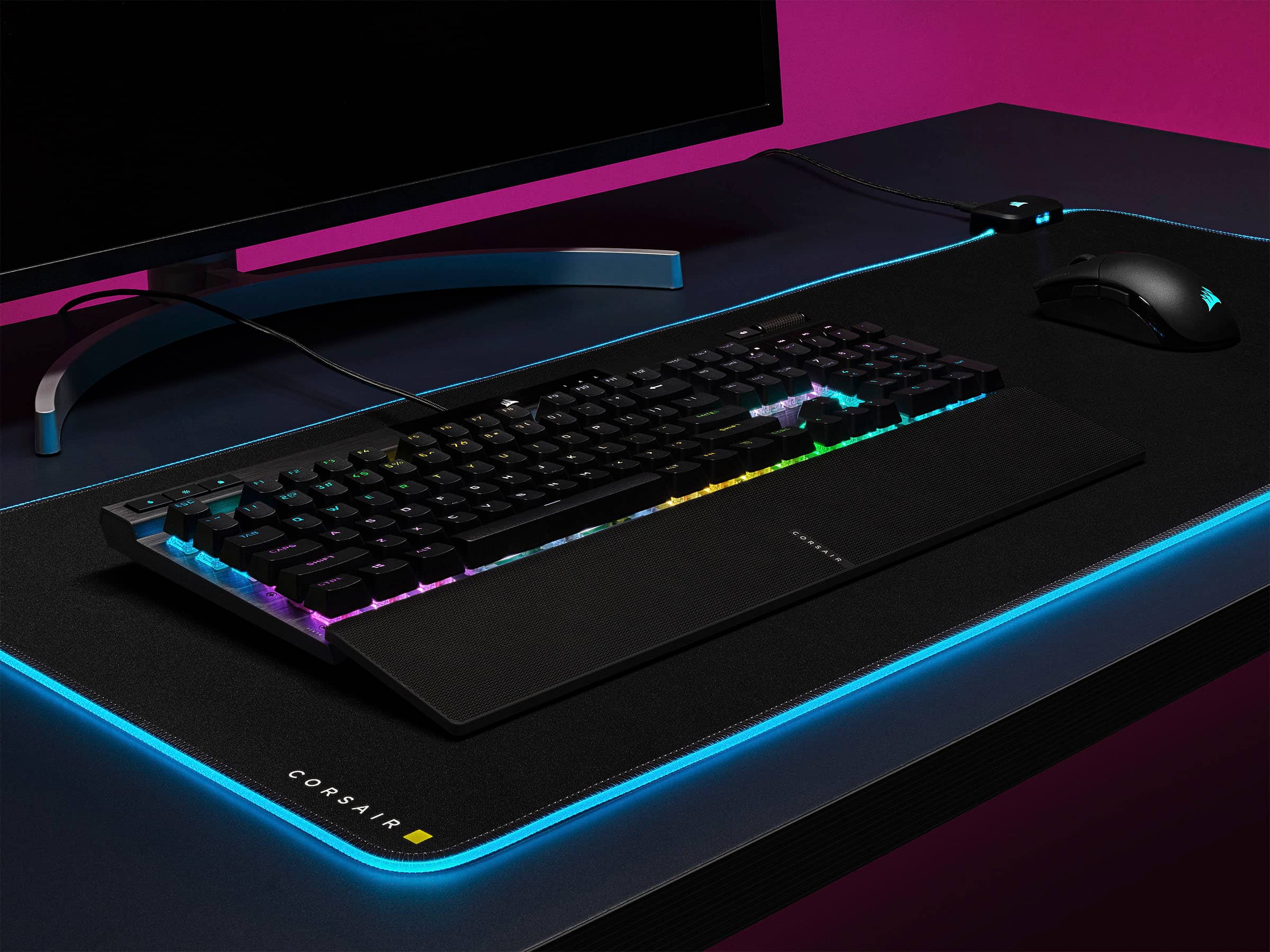
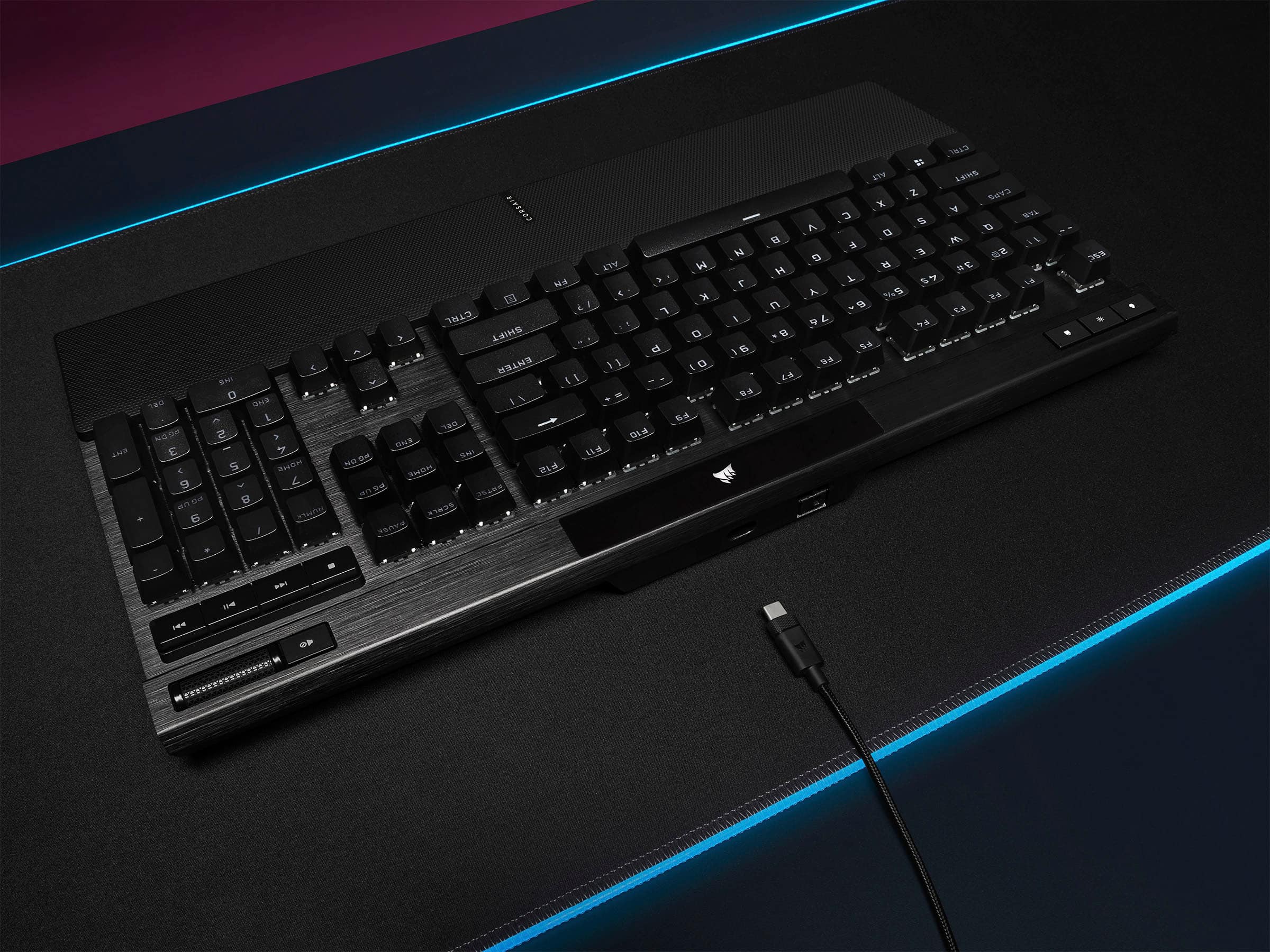
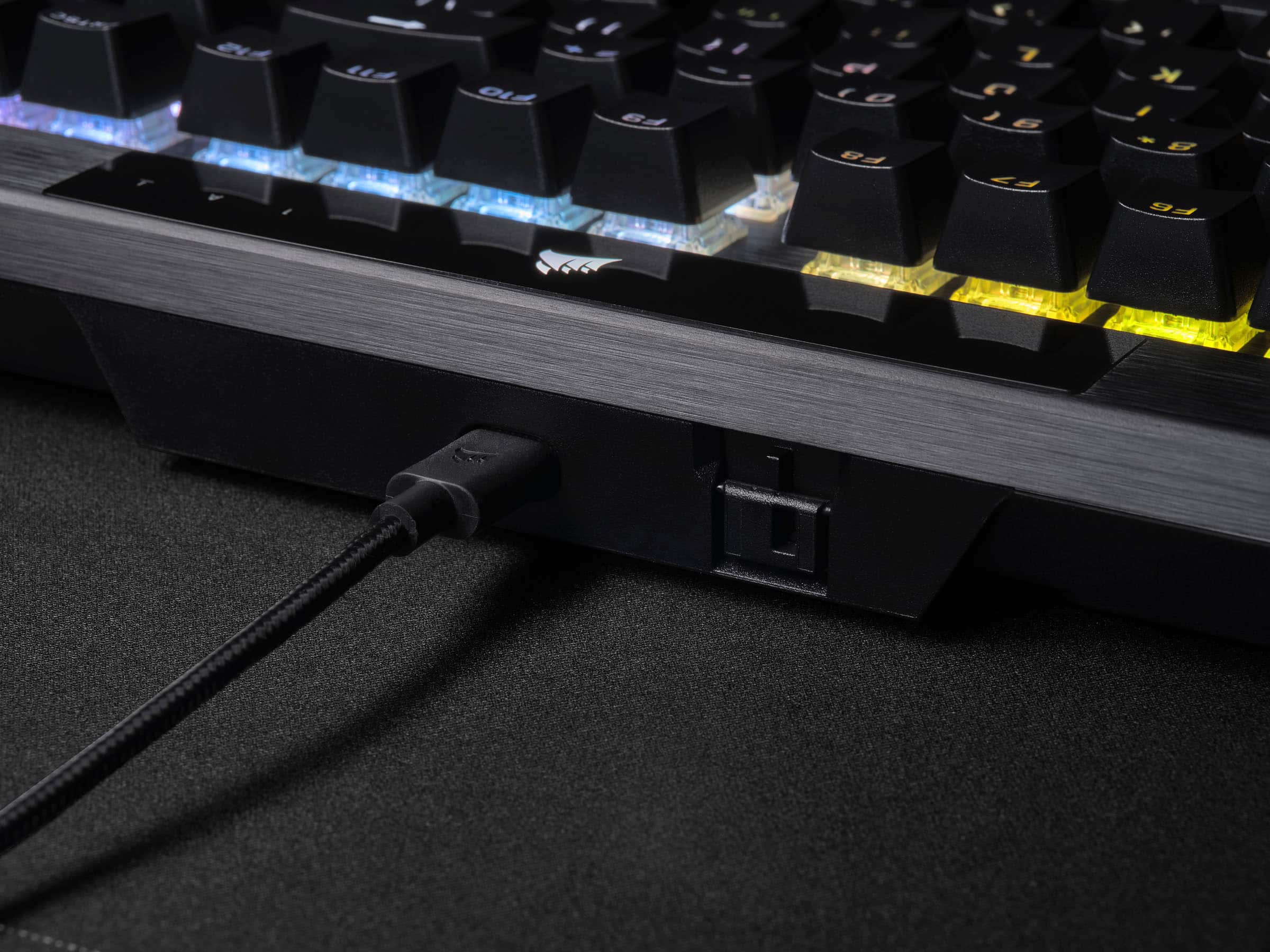
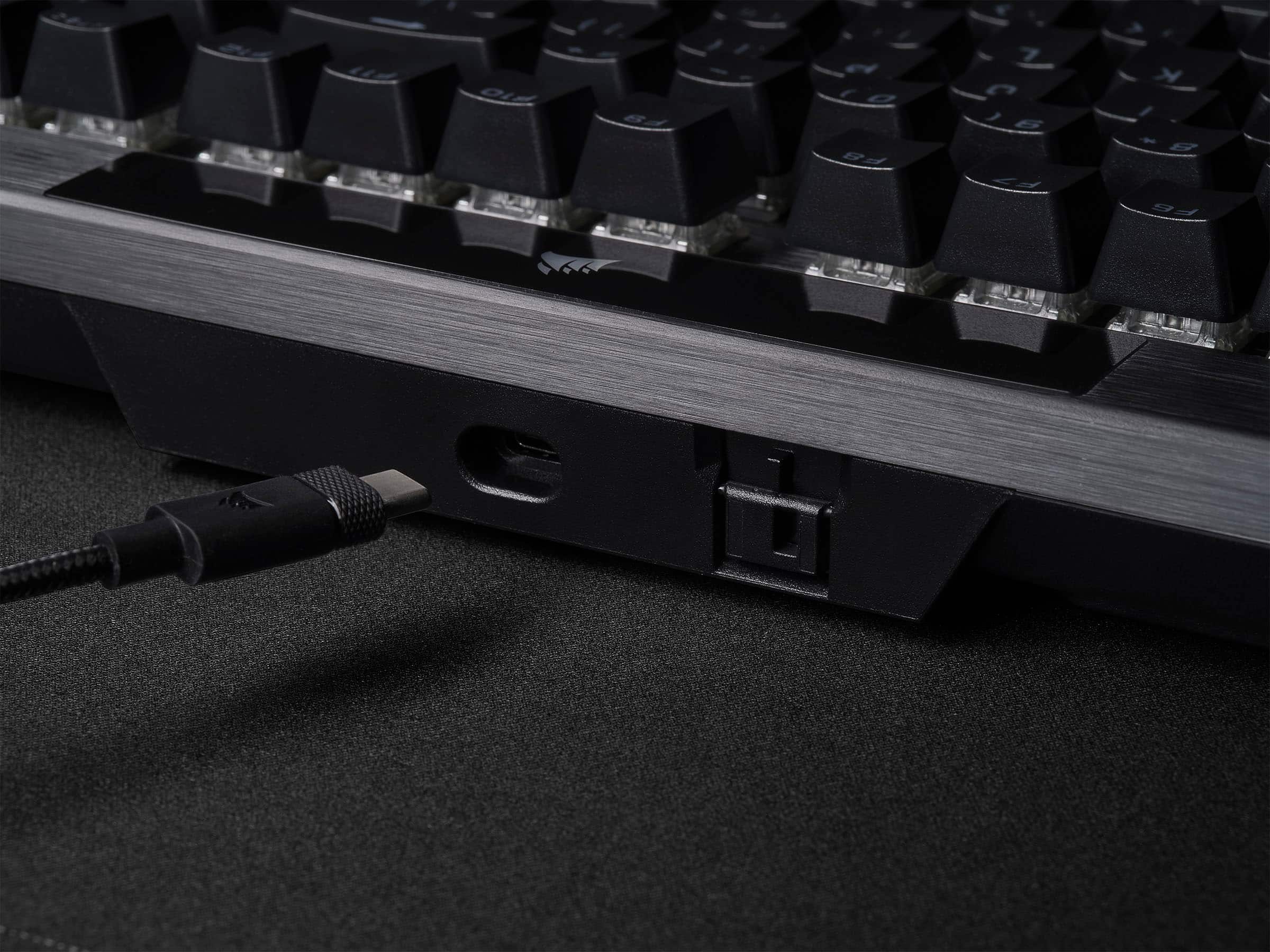
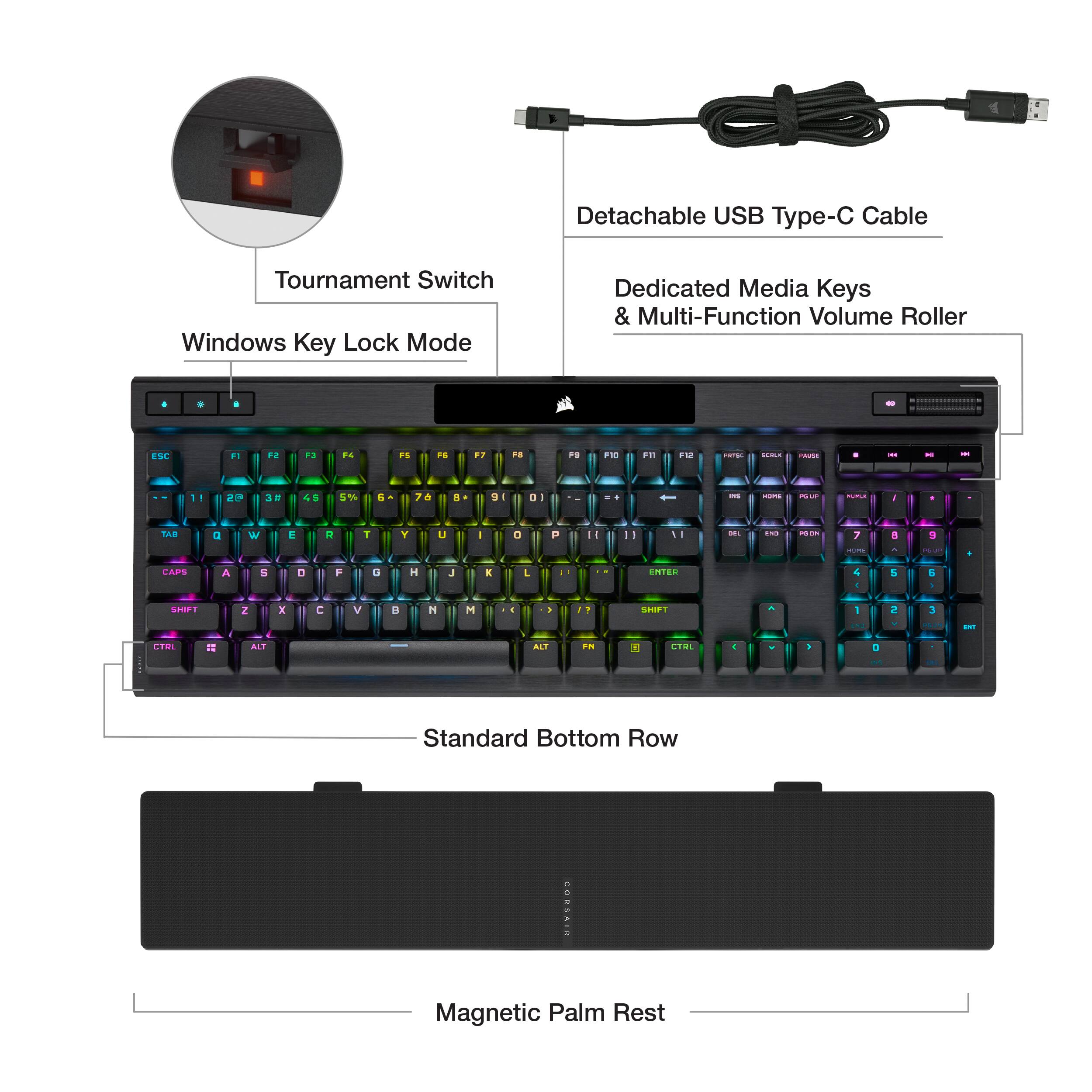
|Posted .This reviewer received promo considerations or sweepstakes entry for writing a review.Loving this keyboard. I see that finally a big brand like Corsair is listening to their keyboard customers. This keyboard has addressed two of the biggest concerns I had about keyboards from big gaming brands: 1- Removable type C USB cable and 2- double shot PBT key caps, finally! You may say, what that does matter? Well, most keyboards use cheaper ABS plastic keycaps, those, If you haven’t noticed, are prone to get shinny over use (due finger oils and use) and most of the times the legends fade away. PBT solves this, its better-quality plastic and it has a nicer texture to it, grippy I would say. And removable Type C cable? Lord, the ease to be able to remove the cable, or heck, even replace it with your favorite aviator type one (like mine, check my pic). Is a big plus in my book. They also include a wrist wrest, its plastic, textured and attaches magnetically. Its hard plastic and not cushioned, but hey, at least they include one. I got the Cherry MX Speed switches, these are linear and super-fast, they actuate with little force. If you are not used to them, it may take some time to do so as it may make you more prone to typos, but after a while, these are the fastest you can get for gaming. They are not that loud either. The only problem is that it seems there must not been or if there is, very little sound dampening in the keyboard. I can hear a metallic ping with each keystroke. Some people may care some may not. I game with a headset so doesn’t bother me, YMMV. This keyboard brings their Axon technology that previously was only on the more expensive K100 keyboard for faster processing and minimal lag for gaming. If you game, this is the keyboard for you, where reflexes and fast response is key to winning. I also love that it has a metal wheel on the right that I can use to control my volume. Very nice. Finally, you can customize the keyboard’s lightning and assign profiles using their ICUe software, very easy to use. I generally don’t like having programs running in the background, so in my case, I installed it, setup the lighting the way I wanted it, saved it to the keyboard and then uninstalled the software. If I want to change something in the future, I will install it and re do the same thing. If you want great gaming features (and some that they are bringing over from their higher end k100 to this one) for a cheaper price, this keyboard is perfect, highly recommend it!
I would recommend this to a friend - Pros mentioned:Keyboard quality, Rgb lighting
New K70 - Same Great Quality
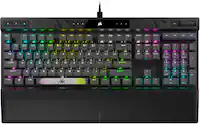
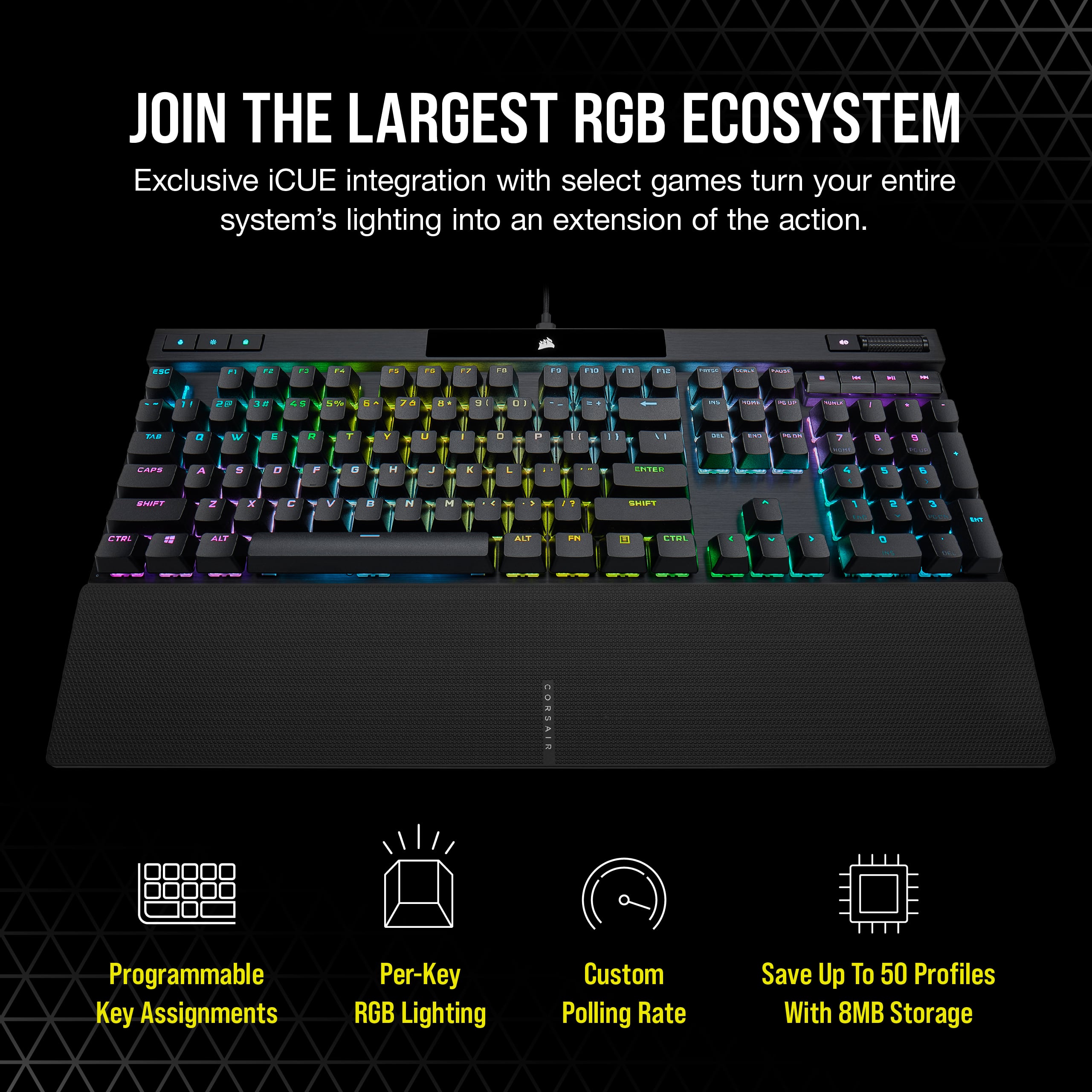
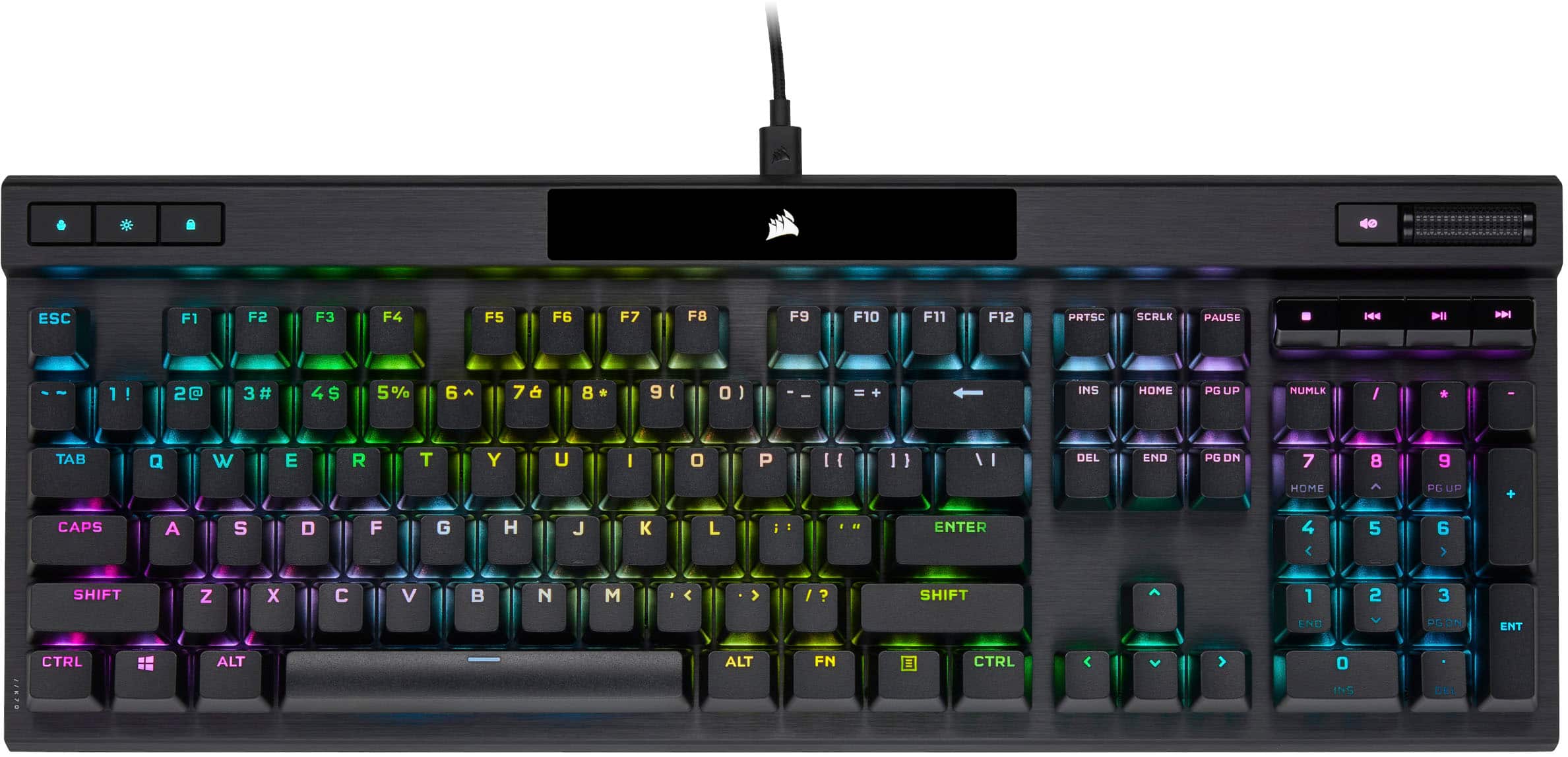
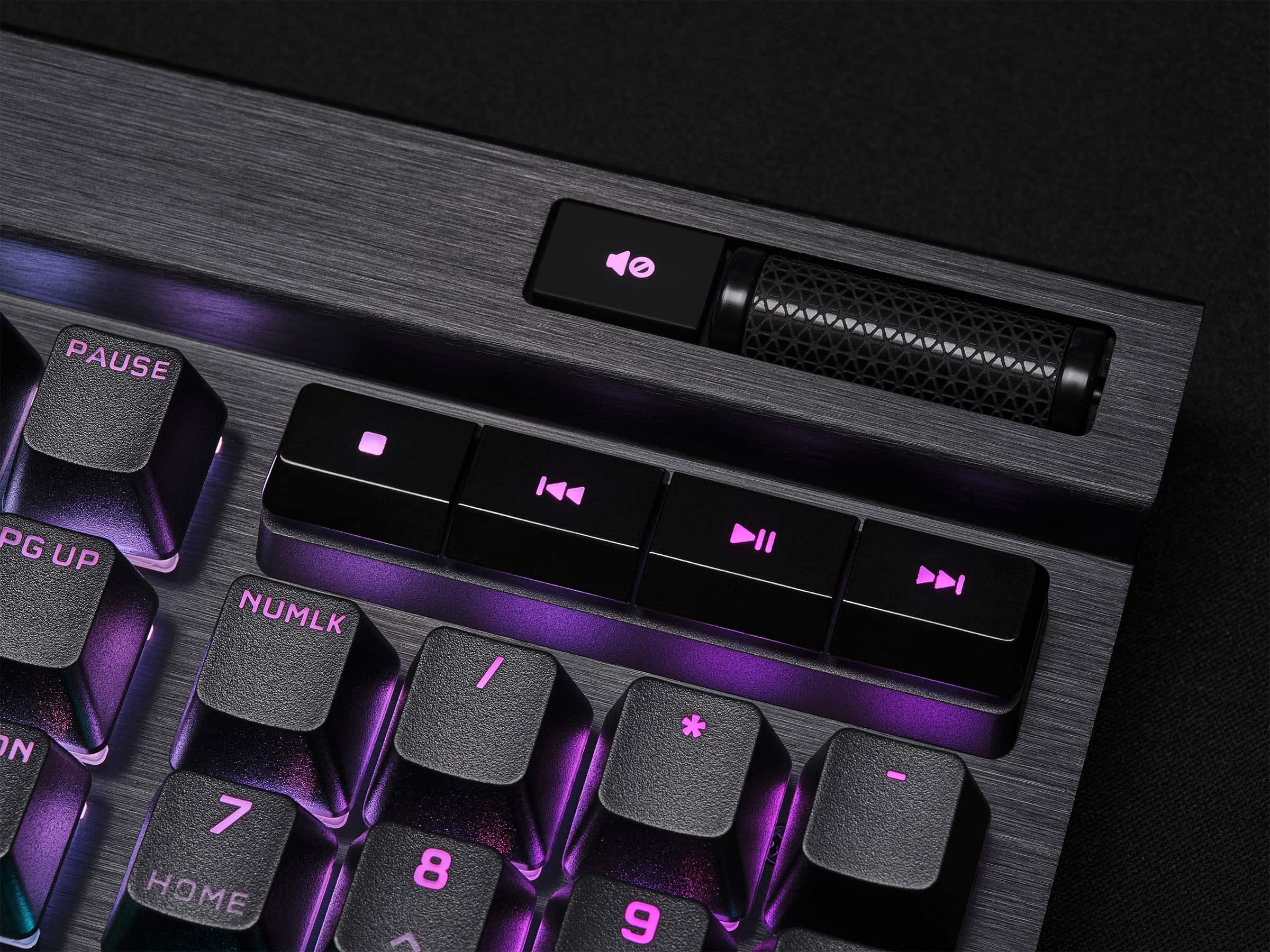
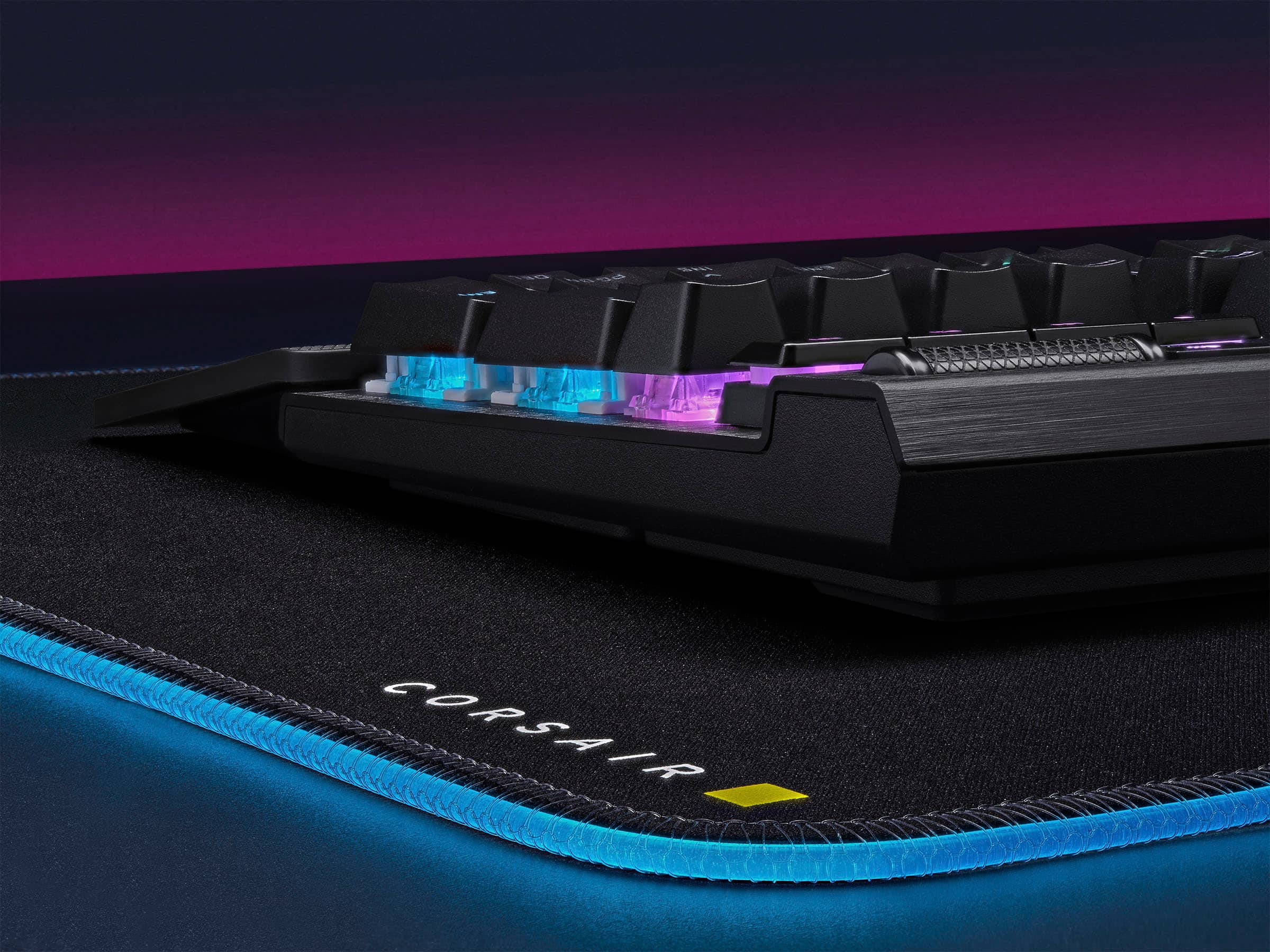
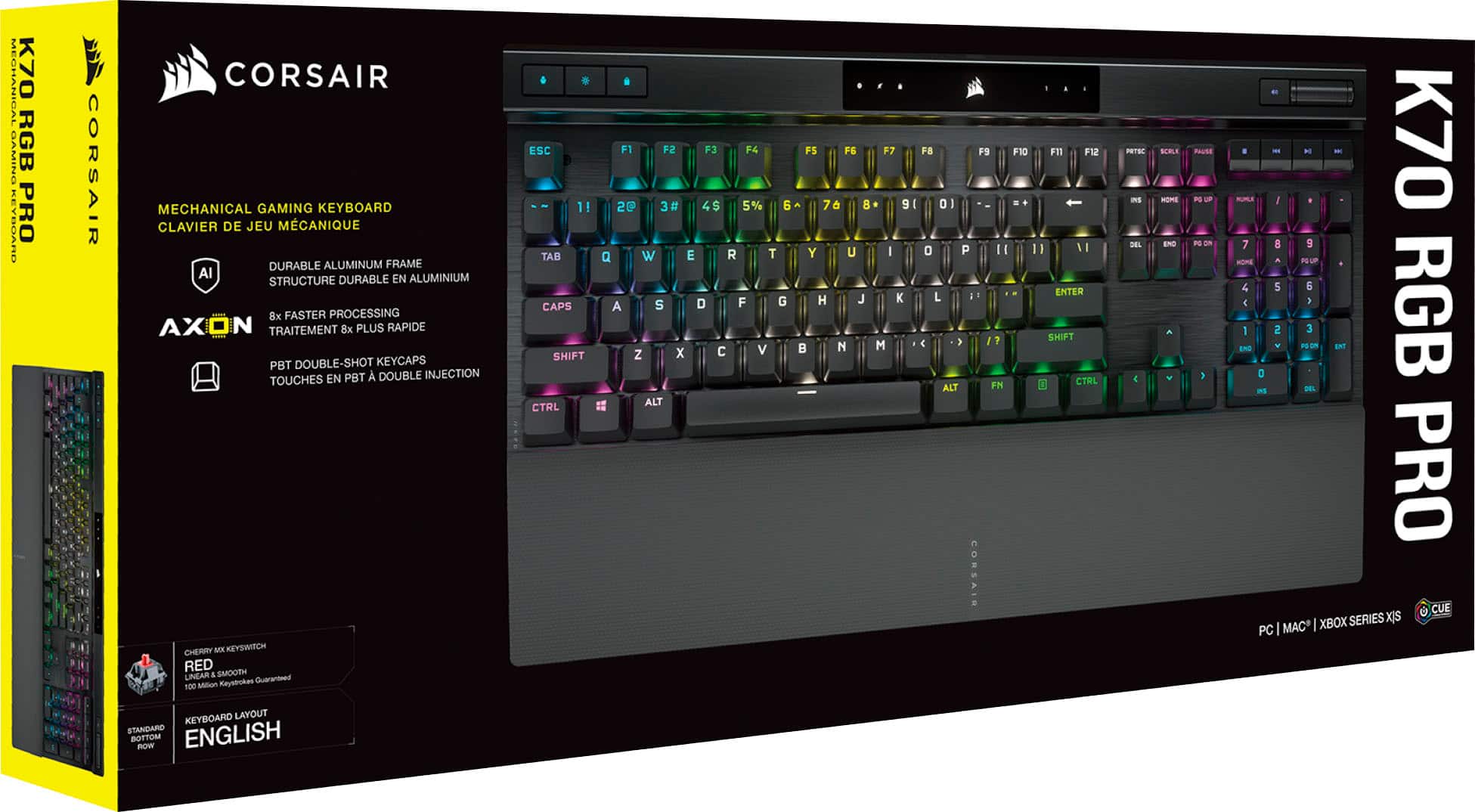
|Posted .This reviewer received promo considerations or sweepstakes entry for writing a review.The K70 RGB Pro is an update to Corsair’s already well established K70 lineup. The K70 RGB Pro integrates with Corsair’s iCUE software suite allowing you to personalize your keyboard. The K70 RGB Pro is a full size keyboard with a number pad and comes with Cherry MX Speed Silver switches. There are no additional macro-specific keys, but dedicated media controls are onboard. It features a magnetically attached palm rest, an aluminum top frame, RGB lighting, and a detachable USB C cord. The keyboard is compatible across multiple platforms – PC, Mac, and Xbox. The K70 RGB Pro has features that set it apart from its predecessors and competitors. The RGB Pro touts the AXON embedded processor that allows 4kHz keyscan and 8kHz polling by your PC. This drives any latency or input lag into the ground. The AXON system also seems to help alleviate some the processing headroom typically needed for these high scanning and polling rates. The 4kHz keyscan combined with anti-ghosting and NKRO make it nigh impossible for the keyboard to miss a keystroke. This isn’t my first time using a K70, but I do have to admit my experience was limited. I used a friend’s K70 with linear Cherry MX Red switches for a few weeks several years ago. My big takeaway from that experience was I really appreciated the build quality, but I hated the linear switches. Since then I have moved on to use 2 keyboards that featured tactile switches – GSkill KM780 RGB Cherry MX Brown and a Logitech G513 Carbon with GX Brown switches. I have been using tactile switches now for about 5 years and I love them for typing. The downside with tactile switches like the MX and GX browns are the higher actuation force and the longer key travel. With the MX Speed silvers the actuation force drops the actuation force down to 45g, and cuts the key travel to 3.4mm with the actuation point at 1.2mm. The key travel is smooth without any humps/bumps, so it feels very quick and smooth. For reference the MX browns are 55g, 4.0mm, and 2.0mm respectively. The change to a linear and speedy switch took a bit to get used to. I made a lot of keying errors like actuating adjacent keys because the key press is so light. This is something to adjust to over time, but for now I expected it. I do appreciate the lightness of the keystroke – I have felt some minor finger fatigue over long sessions with the Browns due to the travel length and actuation force. I can imagine this shouldn’t be an issue going forward the silvers. Design The layout is a full frame 10-key with no additional macro buttons, but does have dedicated media controls. The media controls feature a volume roller that is slick and nice to use. The top layer of the board is made of 1.5mm thick formed aluminum and is finished in a dark anodized grey. This is my 3rd aluminum framed board, and I absolutely love this design choice for keyboards. The keycaps have a textured surface and the LED passes through the lettering nicely. The keys are nicely spaced and maintain a classic layout without any crowding. Some additional features to mention. The detachable USB C cord was something I didn’t expect to see a use for other than easier cable routing through my cable sleeves. However, I have found it super useful if I wanted to bring the keyboard up to my Xbox Series X and use it there – this is something I already do with an old keyboard, but the K70 is just so much nicer and more convenient. I already have several USB-C cables that are compatible, so I don’t even need to pull the cable out when I’m jumping it around from system to system. The other thing I liked was the detachable palm rest. Prior K70’s it clipped on and would be a pain to remove. With the magnetic rest I can pop it off easily, which makes it easier/safer to transport. The volume wheel and media controls are also an area to highlight. I like the design and layout of the buttons. They have a very different feel compared to the rest of the keys and I like that. The volume wheel is also really well done, and it feels well made. Its also accurate and it doesn’t bounce around once you let it go and stop scrolling. Lighting and iCUE The RGB on the switches is excellent. The iCUE software is used to configure the lighting to your tastes. You can literally customize every key and have them all do their own thing. I haven’t quite experienced this level of RGB control on my keyboards. I however, am a basically person I love the full RGB color wave. I have some experience with iCUE with my HS80 headset and ST100 stand, so this was easy enough for me to configure. Using iCUE you can customize your lighting settings, create and store profiles, map key assignments, and create macros. Also in the software you are able to adjust the polling rate. By default the polling rate is set to 1kHz. Moving the selection up to 8kHz prompts a warning that it will use additional processing resources. In my experience looking at the hardware monitors I didn’t even register any additional uptick in CPU usage. This was on 2 different desktops – one with an R7 1800X and the other with an R5 3600X. Usage My usage has mainly been playing Portal 2 – its my favorite game to just relax and play, and my kids like to “help” solve the puzzles. Using WASD for movement felt great. The quick actuation of the keys made some movements a little faster and more precise. When you are flying through the air and trying to navigate a level while opening new portals, speed is key. I tried to load in Far Cry but I kept running into U-Play errors, so I didn’t get a chance to play on the board in an FPS. However, I did have my partners son jump in and play some games on his PC with it to get his feedback. He played FNF, Geometry Dash, Minecraft, and Undertale. Aside from Undertale the other games really rely on fast, precise inputs. These games he uses a mix of WASD and the arrow keys. He preferred the arrow keys on the this keyboard over using them on my G513 due to the height of the palm rest causing some ergonomic issues. The spacebar, he noted, was so much faster feeling than his keyboard (a cheap SteelSeries Apex 100) or my G513, and I completely agree. It’s the most noticeable key to have a lighter actuation to hit the full key stroke depth. I set his polling rate to 8kHz and had him try to discern any input lag, which I sometimes hear him complain about on his board. After several games of Geometry dash and FNF he said he had to adjust his timing slightly because he was hitting all of the keys a fraction of a second too early. Part of that is how fast the MX Silvers actuate, but also how quick the AXON setup can report those keystrokes. He liked the texture on the keys, and that they felt nice for typing as well as gaming. He had no issue navigation the iCUE GUI and configuring the board lighting profiles to his liking. He saved his profile in the second slot, with mine being in the first. I did manage to get some feedback from a coworker who is a current user of the K70 Mk.2 and claims that it’s his favorite keyboard ever. His K70 has the MX Brown switches, so jumping to the speed switches was new for him as well. He noted a couple of differences and changes from the MK.2 to the Pro that stood out to him – keycaps have a light texture on their surface, spacebar doesn’t have the aggressive texture tread, the magnetic palm rest, and the detachable cord. He noted a couple things missing that he uses – the pass through USB, and the extra FPS/MOBA keycaps. Overall The updated K70 RGB Pro continues the line of excellence that I feel the K70 is known for. The MX Silvers are something for me to get used to but are very promising so far. The iCUE integration is seamless and full of customizations. The detachable cable and magnetic palm rest make it easier to transport or switch systems. The AXON embedded chip seems to be doing its job – I’m not playing at a high enough level to understand the granularity of this monitoring and how it personally affects my gameplay. However, at a high level ever little bit of edge helps, so I can see some players getting the full advantage of the system.
I would recommend this to a friend - Pros mentioned:Keyboard quality, Rgb lighting, Wrist rest
Quality Product no notes
||Posted . Owned for 2 months when reviewed.This reviewer received promo considerations or sweepstakes entry for writing a review.I received as a gift after my last corsair keyboard died after 10 years. I hope this mechanical keybaord has the same build quality. Main reason I went with same brand. Dig the RGB and love that the wrist guard is magnetic now. I do wish the keys had a little more clack but thats more of a nit pick.
I would recommend this to a friend - Pros mentioned:Keyboard quality, Rgb lighting
Just a great keyboard OVERALL! Buy it!
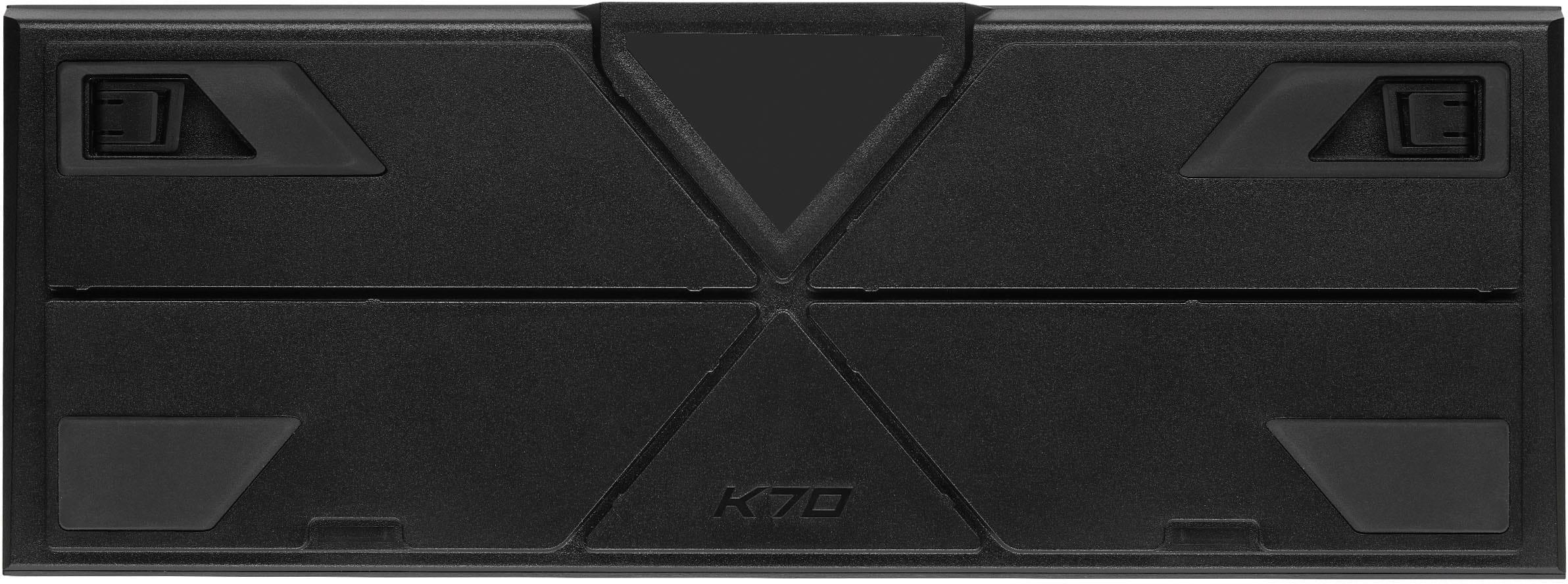
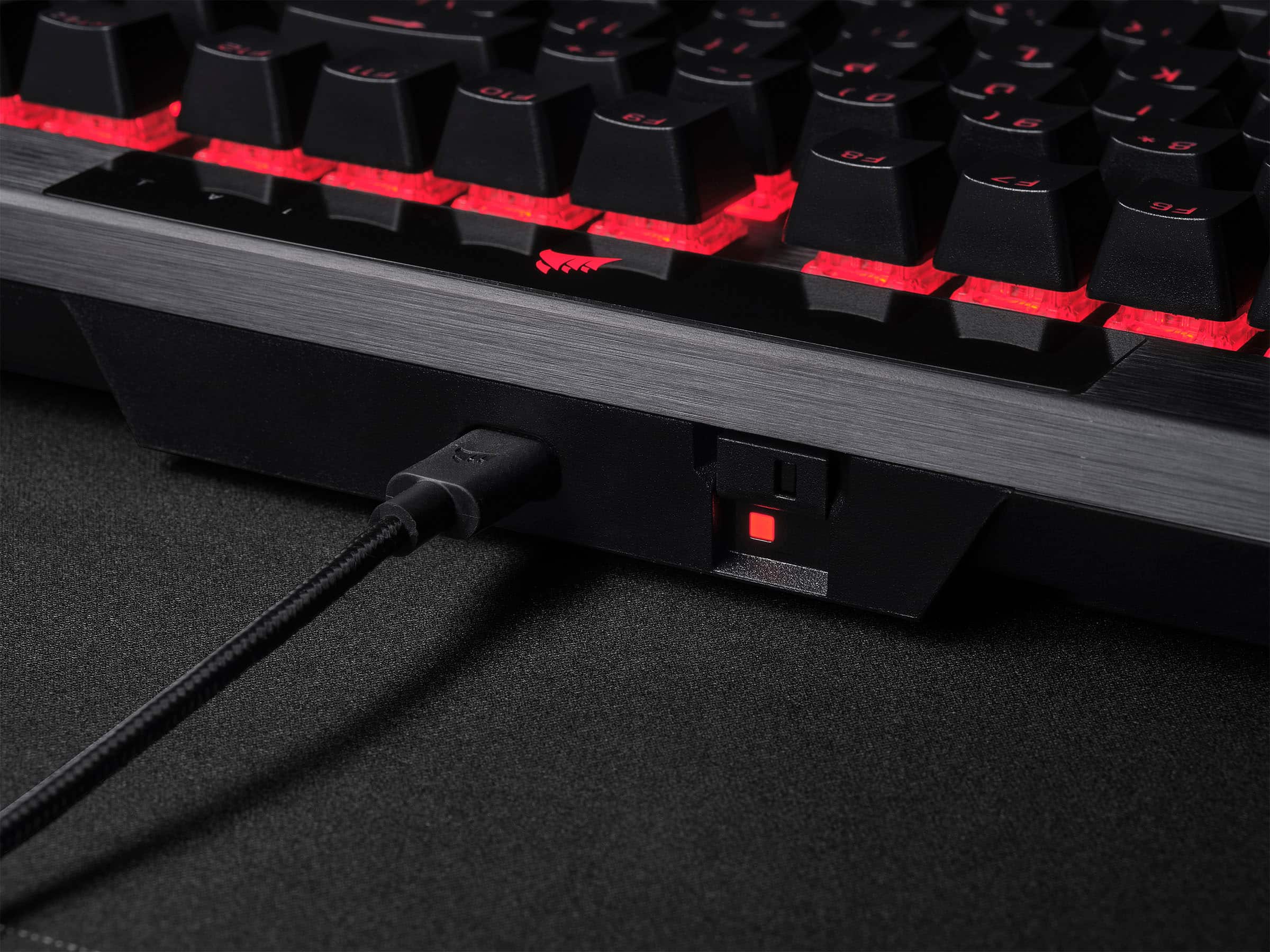
|Posted .This reviewer received promo considerations or sweepstakes entry for writing a review.Corsair has been known for making some of the best accessories you can grab for your Gaming PC. Thus far, I’ve used their headsets almost exclusively for the past two years, use a desktop sized mouse pad, and have even used some of their previously released keyboards and mouse devices. The iCue software is fully featured for many of their devices, but this K70 Pro feels like a culmination of all the right features for this keyboard. In the box, you’ll find the K70 RGB Pro Keyboard, a braided premium USB C to A cable, a simple warranty card, and a wrist rest which attaches the keyboard easily using a magnetic attachment. You won’t necessarily need to install the iCue software right away to begin using this as a keyboard, but you’ll likely want to take advantage of profile settings, key assignments, and lighting configurations which require the use of the software. There was a quick firmware installation prompted by the iCUE software upon launch, and installed quickly. The default ripple lighting scheme used does a good job of showing off the individualized key lighting, as it waves across the keyboard. You’ll also find a toggle switch, near the USB connector to enable “Pro” mode, which allows for competition use. I don’t imagine many will take advantage of the Pro mode switch, but it’s a great addition for those who are in eSports style tournaments. Enabling pro mode makes the lighting shine Red across the entire keyboard. The keyboard is using Corsair’s “AXON” hyper processing technology, paired with speed silver keyswitches, for quick reliable response during gaming sessions. The keys themselves are easy to pull off, and just as easy to push back on. The casing is made of Aluminum, with larger rubber pads on the bottom for a nice grip on your desk, some flip out feet to add some tilt. There isn’t any flex of the keyboard when you’re using it, and the only noise you’re going to hear from this is the keys as you’re typing. There are some media keys in the upper right corner, with a responsive volume rocker, a mute button (with an indicator light), stop, skip, and play/pause buttons. On the upper left, you’ll see a profile button for toggling between profiles you’ve configured in the iCue app, a brightness toggle which dims the keys with about 5 different levels, and a lock button. There is also a 10 key on the right hand side for those that love using 10 keys for various productivity apps. If typing noise isn’t a problem, using the keyboard is satisfying, but might be a bit loud for those around you. It doesn’t take a lot of effort to enter any key presses, only requiring light presses with immediate results. You can individually set up lighting for each key with the iCue software, and can mirror the same style across your Corsair devices, and even enabled control of my Asus motherboard lighting. Holding the function key, and pressing any of the number 1-0 buttons above the QWERTY keys can cycle between lighting modes. Overall, this keyboard is pretty great! I found the key assignment profiles made it easy to customize profiles for various games, the individual key lighting made it easy to mark out my WASD and action keys for gaming, and the responsiveness of the keys were excellent throughout. If you’d like a fast responsive keyboard, want to upgrade a previous Corsair keyboard, or want that edge in gaming with various profiles, I’d say this is an easy buy recommendation. I absolutely LOVE this keyboard and would highly recommend this for anyone looking to have a reliable gaming experience. The iCUE software can be used to change the lighting effects, program macros, store profiles onboard, and even allows the ability to turn off the Windows key during gaming. The software is probably some of the best used for any gaming keyboards.
I would recommend this to a friend - Pros mentioned:Key feel, Keyboard quality, Wrist rest
Solid & with great colors
||Posted .This reviewer received promo considerations or sweepstakes entry for writing a review.Great colors, nice full size layout and a I love the mag-click wrist rest. The USB-C port is a little too small for custom coiled cable also sold by BB. Had to do a little shaving. Had to do a driver download and a keyboard bios update right away - which was kinda odd. Not quite as clicky as I would like - but good feel otherwise. Solid, heavy and stable.
I would recommend this to a friend - Pros mentioned:Key feel, Keyboard quality, Rgb lighting
Beautiful and Fast Keyboard
||Posted . Owned for less than 1 week when reviewed.This reviewer received promo considerations or sweepstakes entry for writing a review.Keyboard is super sleek and the RGB is beautiful. The response time is really quick and I like the sound and key feel. Definitely glad I decided to try this one out!
I would recommend this to a friend - Pros mentioned:Keyboard quality, Rgb lighting
Great keyboard.
||Posted . Owned for 2 months when reviewed.This reviewer received promo considerations or sweepstakes entry for writing a review.I use the keyboard for work and form gaming and I am impressed with the keyboard. The keys are responsive, and have a nice clicky sound. The RGB customization is good and the colors are bright. It has help up well through constant daily typing as well as night time gaming. I wish the wrist support was padded and not plastic, but that is my only gripe.
I would recommend this to a friend - Pros mentioned:Keyboard quality, Wrist rest
Great keyboard
||Posted . Owned for 8 months when reviewed.This reviewer received promo considerations or sweepstakes entry for writing a review.Generally I’ve preferred Razer peripherals over the years but figured lets change it up. I will never go back in the keyboard department. Its comfortable, responsive, and very sturdy; and for me personally a full length keyboard with the numpad is a must. The magnetic wrist ramp is a very nice touch especially if setting up with the keyboard a bit farther from the edge of the desk. Love this keyboard and will probably by another when this one goes out (if it ever does).
I would recommend this to a friend - Pros mentioned:Keyboard quality, Rgb lighting, Wrist rest
Great keyboard
||Posted . Owned for 3 weeks when reviewed.This reviewer received promo considerations or sweepstakes entry for writing a review.I had a K95 Platinum prior to buying this keyboard and only because of a fire or else I would have still been using it. Regardless, the K70 is a very good keyboard. It feels just like the K95 did and for a cheaper price. The matte finish on the keys feels good and gives a nice grip feel. The color customization is good as well with cool presets you can use if you don't want to mess around with making your own. The wrist rest it has is also decent. Not the softest since it isn't memory foam but not the hardest. I would say it's good. The keyboard is a medium size keyboard compared to the K95 I had and would probably say the same for the K100. I highly recommend this keyboard unless you want macro keys then buy the next step above.
I would recommend this to a friend - Pros mentioned:Key feel
Positive Clicks are Loud and the RGB is Amazing
|Posted .This reviewer received promo considerations or sweepstakes entry for writing a review.The Corsair K70 RGB Pro Keyboard is a legit keyboard for all day use and has the best wrist rider to date on a keyboard. The K70 had some of the most positive clicks out of a mechanical keyboard I have ever used. The sound of typing reminds me of the days in High School in front of Windows 98. The lighting from iCUE is beautiful on the K70, the rain and visor presets are fun to watch and pleasant to your eyes. The main think the K70 stands out is in gaming, the keys have a great feel and are fast returning for great finger placements on every key stroke. When you are either directing your character or swapping guns, the keys react quickly and return up fast and also timing for release in between key strokes is adjustable for even faster key reset times. The volume roller is my favorite feature on this keyboard. The roller is lightly textured for easy roll up or down as is not overly fast, you get a nice raise up or down so you do not blast your ears. The audio play keys are nicely set above the number pad, which is great to have for my daily work as well. The iCUE program is very easy to navigate as well with many options including presets or building your own sequence. I found when I opened the program, it ended up being able to control my entire RGB setup, only thing it doesn't work on is my GPU. The feel of this keyboard is superb with a very light texture to the keys yet a almost gloss finish for easy key slides. The wrist pad is magnetic and hard plastic yet feels like velvet soft under you hands. The keyboard height is adjustable from flat to level one which is about a 3 degree angle and then level 2 which is about 6 to 8 degrees. I found the flat or level 1 to be most comfortable for myself, level 2 is most likely not going to be comfortable for someone with prior wrist injuries. The Pro switch turn the keyboard into a solid dark color, mine is red, so keyboard flashing does not start in the middle of a game and distract you. This also lets your computer still play its lightshow off to the side. This is also great for streamers, no one needs flashing colors on their face that cannot be fixed in post. The packaging was also very nice and well thought out. The included cable that runs from the keyboard is great quality and connected by a USB-C connection but is A on the other end. So I did test it through a USB-C port with a dual C cable, the keyboard was fully functional and the RGB seemed to sync faster with the motherboard colors, may have been just me thinking it did. This is now my daily driver and will stay here unless Corsair comes out with a better one.
I would recommend this to a friend - Pros mentioned:Keyboard quality, Rgb lighting
Excellent Keyboard – So Good I Bought Two! ⭐⭐⭐⭐⭐
||Posted .This reviewer received promo considerations or sweepstakes entry for writing a review.I originally purchased the CORSAIR K70 RGB PRO Full-size Wired Mechanical Keyboard with Cherry MX Speed Linear Switches for my son, and it exceeded expectations. The build quality is outstanding, the PBT double-shot keycaps feel premium, and the RGB lighting is vibrant and customizable. After seeing how well it performed, I ordered one for myself too. Highly responsive, durable, and perfect for both gaming and everyday use. I recommend this keyboard 100%!
I would recommend this to a friend - Pros mentioned:Keyboard quality, Wrist rest
Good Keyboard For The Price
||Posted . Owned for 4 months when reviewed.This reviewer received promo considerations or sweepstakes entry for writing a review.I got the keyboard on sale for $108, which is a steal for a keyboard like this. I'd never used MX silvers before, but I can't complain about them. They are responsive, maybe a bit too responsive for some people if they haven't used mechanical keyboards for a while. I came from Cherry MX reds, and these take barely any effort to press down to activate the switch, which, in my case, isn't bad. The wrist wrest is comfortable, and the build quality is very solid. The PBT keycaps are nice. I had never used them before, but they are a nice addition and feel good on the fingers. I feel like they help keep my fingers there as well. I have never used the little switch on the back that turns it into game mode or what not, and I don't think I ever will as I have no purpose for it, the only thing you could really use it for is e-sports, and I don't think that applies to the majority of people purchasing this. Some of the keycaps don't let the light through as much, so it looks a bit odd, but you get used to it quickly fortunately. The volume slider does annoy me, as it doesn't function as it should a good majority of the time at first, if you scroll up it will go down at first then go up sometimes. I don't see why we as a society have turned from buttons, which function as they should, to a wheel which just makes it more difficult than it was before. Overall a good keyboard for anybody who wants it, especially gamers.
I would recommend this to a friend - Pros mentioned:Key feel, Keyboard quality
Great keyboard
||Posted .This reviewer received promo considerations or sweepstakes entry for writing a review.Great keyboard it sounds great and feels great and the quality is very good. Lighting is easily customizable and so are functions in iCue. My only complaint is the price I bought it on sale but I would not ever pay upwards of $200 on a keyboard that is absurd but if you are willing to pay the high price this keyboard is very high quality
I would recommend this to a friend - Pros mentioned:Keyboard quality, Rgb lighting, Wrist rest
Very Happy With My Purchase
||Posted . Owned for 3 weeks when reviewed.This reviewer received promo considerations or sweepstakes entry for writing a review.This keyboard feels great to use. It's made of aluminum, so it's very sturdy with some weight to it. Very customizable with various RGB software. I use this keyboard for gaming only and it has yet to disappoint me. The attachment is magnetized so it's very easy to remove when needed. Also, it's made of a hard plastic but comfortable to rest your wrist on. Overall, I would recommend this to anyone looking for a good quality keyboard.
I would recommend this to a friend - Pros mentioned:Key feel, Keyboard quality
Great keyboard
||Posted .This reviewer received promo considerations or sweepstakes entry for writing a review.This keyboard is great, I bought for my brother and he love it. The lighting is very clear and the keyboard is very sturdy. The keys are soft and don’t feel cheap.
I would recommend this to a friend - Pros mentioned:Keyboard quality
Fast, Sturdy, and Built for Competitive Edge
||Posted . Owned for 2 months when reviewed.This reviewer received promo considerations or sweepstakes entry for writing a review.The Corsair K70 RGB PRO full-sized keyboard is a high-performance mechanical board aimed squarely at serious gamers and power users. Outfitted with Cherry MX Speed Silver switches, it offers an ultra-low 1.2mm actuation point and linear response, making it ideal for rapid keystrokes and twitch reflex gaming. If you like a fast board that doesn't fight back, these switches deliver. Build quality is classic Corsair—solid aluminum top plate, double-shot PBT keycaps, and virtually no deck flex. It also features AXON Hyper-Processing Technology, boasting up to 8,000Hz polling rate, which is total overkill for most people—but if you're chasing latency minimization, it’s one of the fastest boards on the market. The dedicated media controls and textured aluminum volume roller are intuitive and satisfyingly tactile. There's also a tournament switch that disables macros and locks lighting to a static preset—a thoughtful touch for LAN or competitive play. RGB lighting is sharp and highly customizable via iCUE, though the software is still a bit bloated. Thankfully, onboard profile storage means you can program your setup and leave the software behind if you want a cleaner system. At around $150, it’s not cheap—but it’s a precision tool built to last. If you want a full-size mechanical keyboard with blazing speed, pro-grade latency, and zero fluff, the K70 RGB PRO with Speed Silvers is one of the best options out there. Rating: 5/5 Blistering performance in a rock-solid shell—ideal for competitive gamers and heavy users who demand speed and control.
I would recommend this to a friend - Pros mentioned:Key feel, Rgb lighting
Great keyboard
||Posted . Owned for 1 month when reviewed.This reviewer received promo considerations or sweepstakes entry for writing a review.I absolutely love this keyboard. The keys are crisp and very responsive. The RGB controls with iCUE are great.
I would recommend this to a friend - Pros mentioned:Key feel
Great replacement
||Posted . Owned for 1 month when reviewed.This reviewer received promo considerations or sweepstakes entry for writing a review.Keyboard is great! Very responsive and love the media control buttons. The media control buttons control the last source of media you used, so if im currently listening to spotify the pause, volume and skip will respond to that but if i switch to youtube the controls will switch to that. I had to get used to the keys at first because im used to more of a clicky keyboard and got this as a quick replacement since i spilled my drink on the last one so i bought this one hastily and was hesitant about it. Since it was on sale i gave it a shot and love the feel of everything including the easy set up. Gaming just throws me off because im used to a different switch activation but other than that i absolutely love using it, including the wrist guard. I feel a lot more comfortable than with my previous corsair keyboard.
I would recommend this to a friend - Pros mentioned:Key feel, Keyboard quality
Amazing Keyboard
||Posted .This reviewer received promo considerations or sweepstakes entry for writing a review.Love the feel of the keys on the keyboard. Feels extremely premium for the price.
I would recommend this to a friend - Pros mentioned:Wrist rest
Great Keyboard, worth the noney.
||Posted . Owned for 2 weeks when reviewed.This reviewer received promo considerations or sweepstakes entry for writing a review.This keyboard is great. ICue makes it easy to manage and customize. I really love the sleek design, and the volume control on the keyboard is super nice so I dont have to pause my game or adjust with my headset in the middle of something. The keyboard sounds good too, quieter than my old one. The keys do have just a slightly weird click noise, but not bad overall. The wrist rest is decent. Nothing to get super excited about, but it is nice.
I would recommend this to a friend