Customer Ratings & Reviews


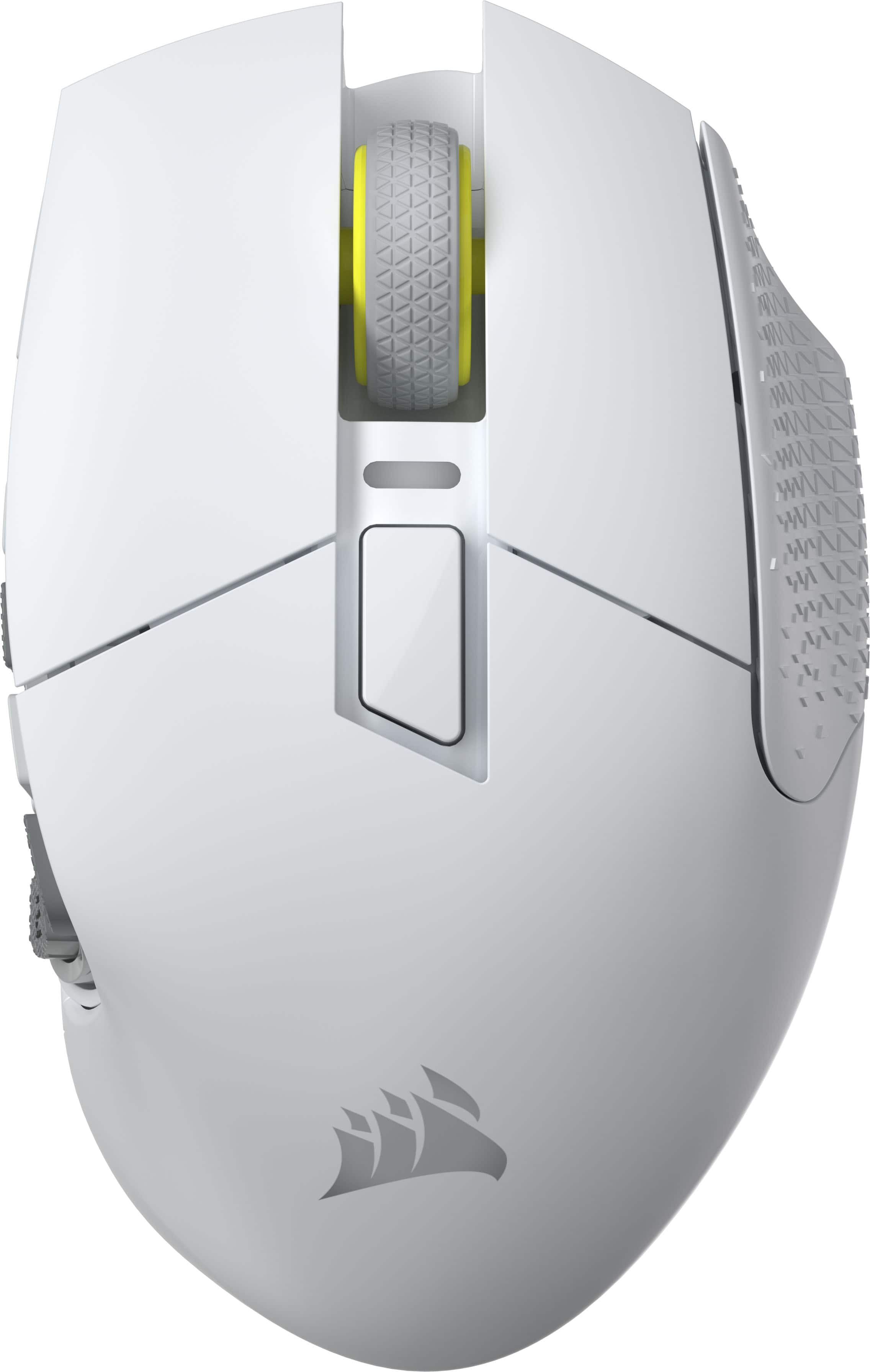
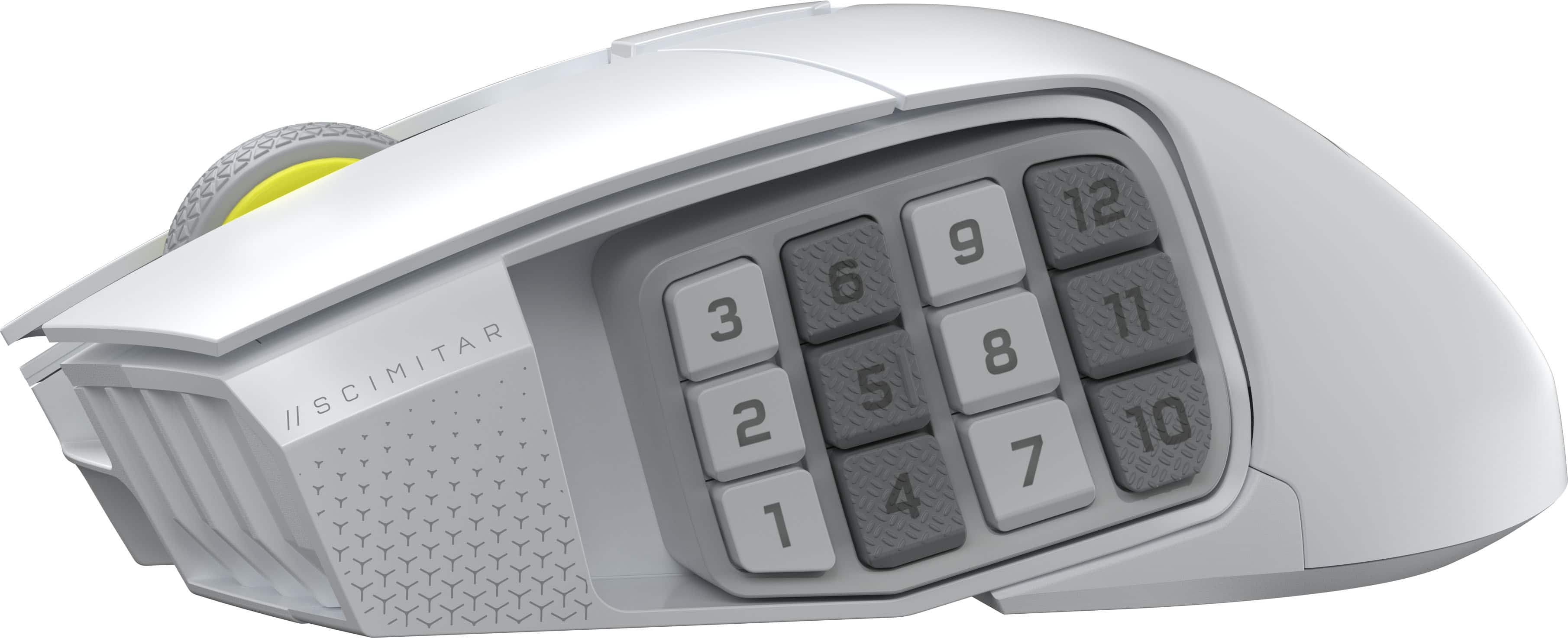
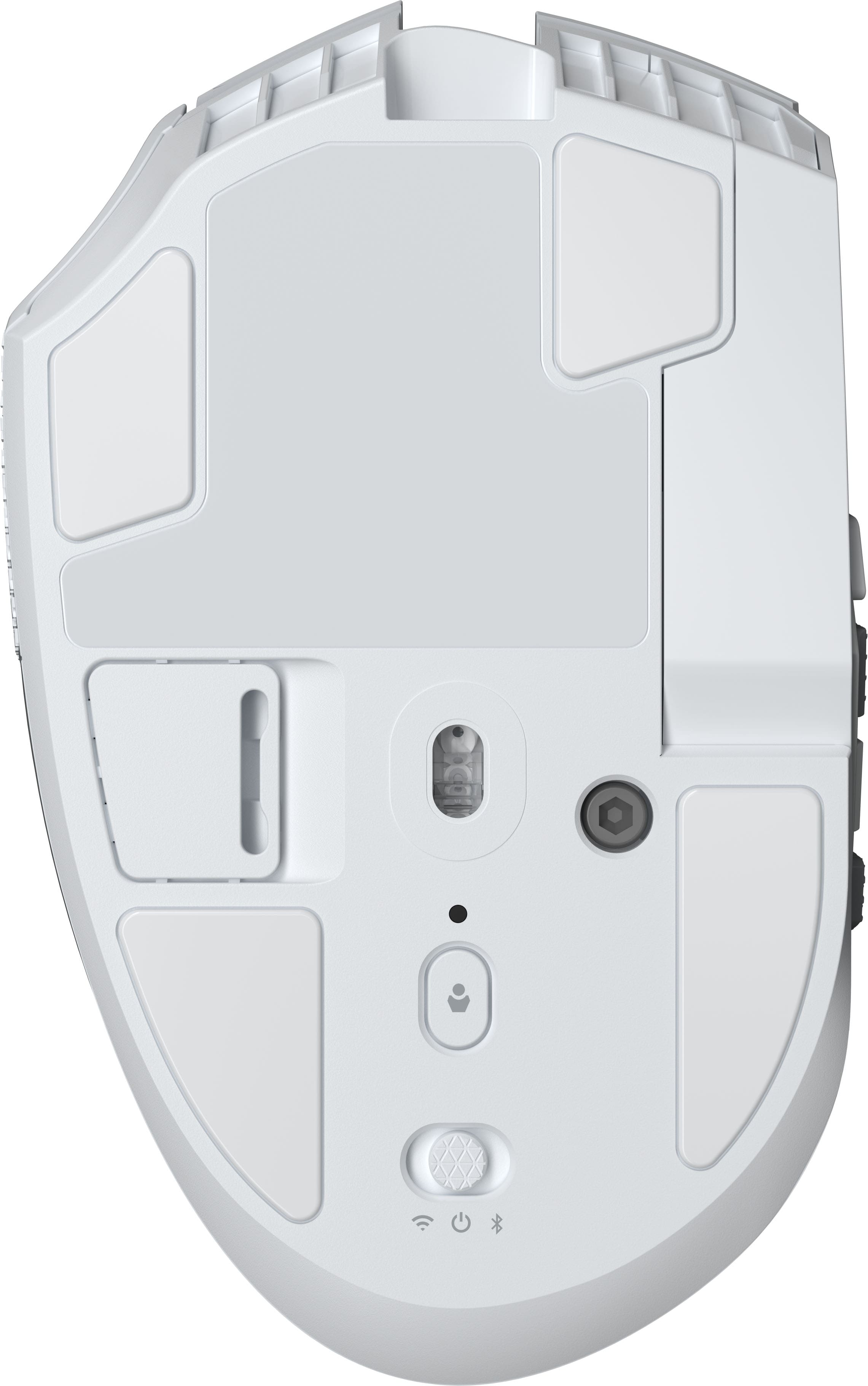
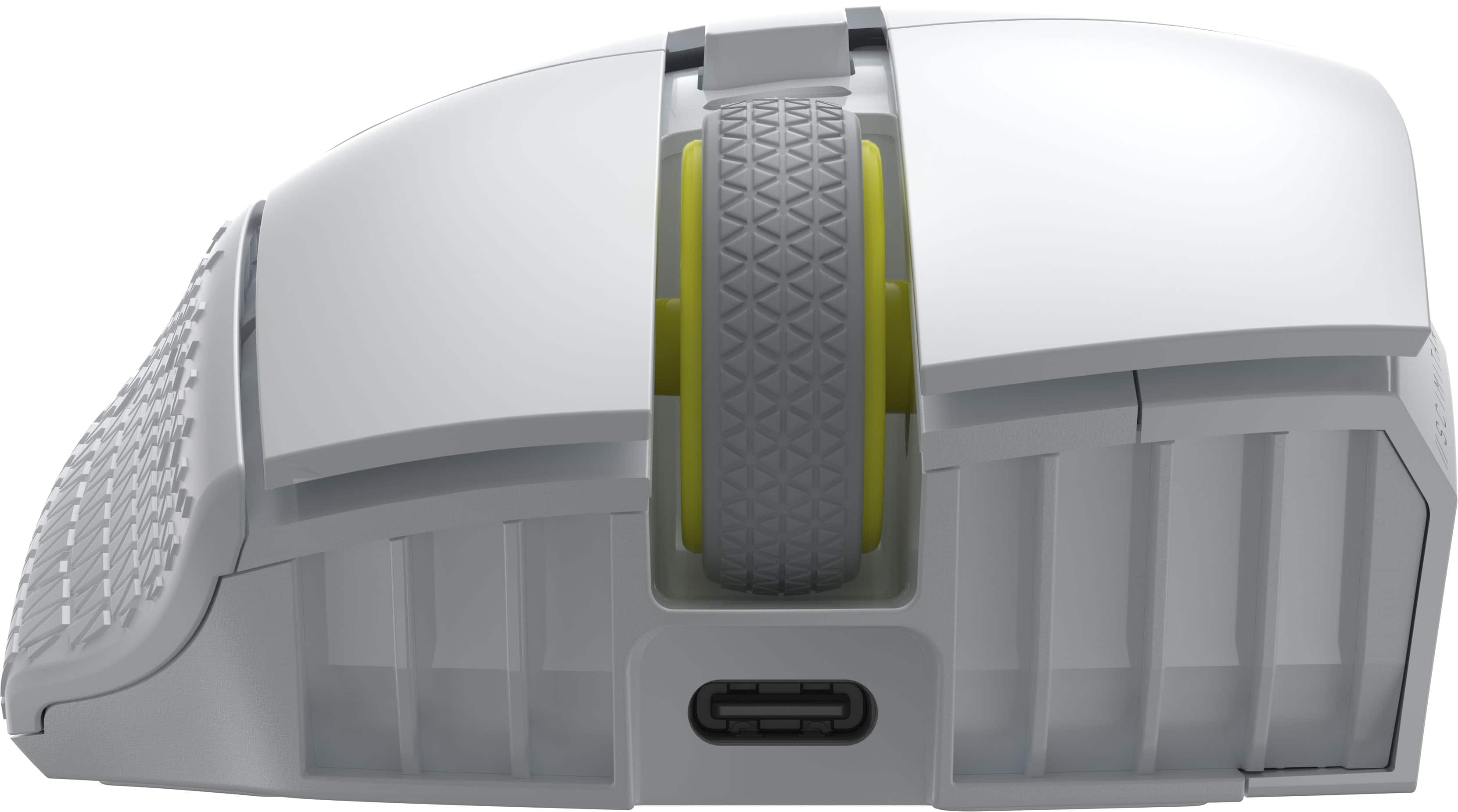
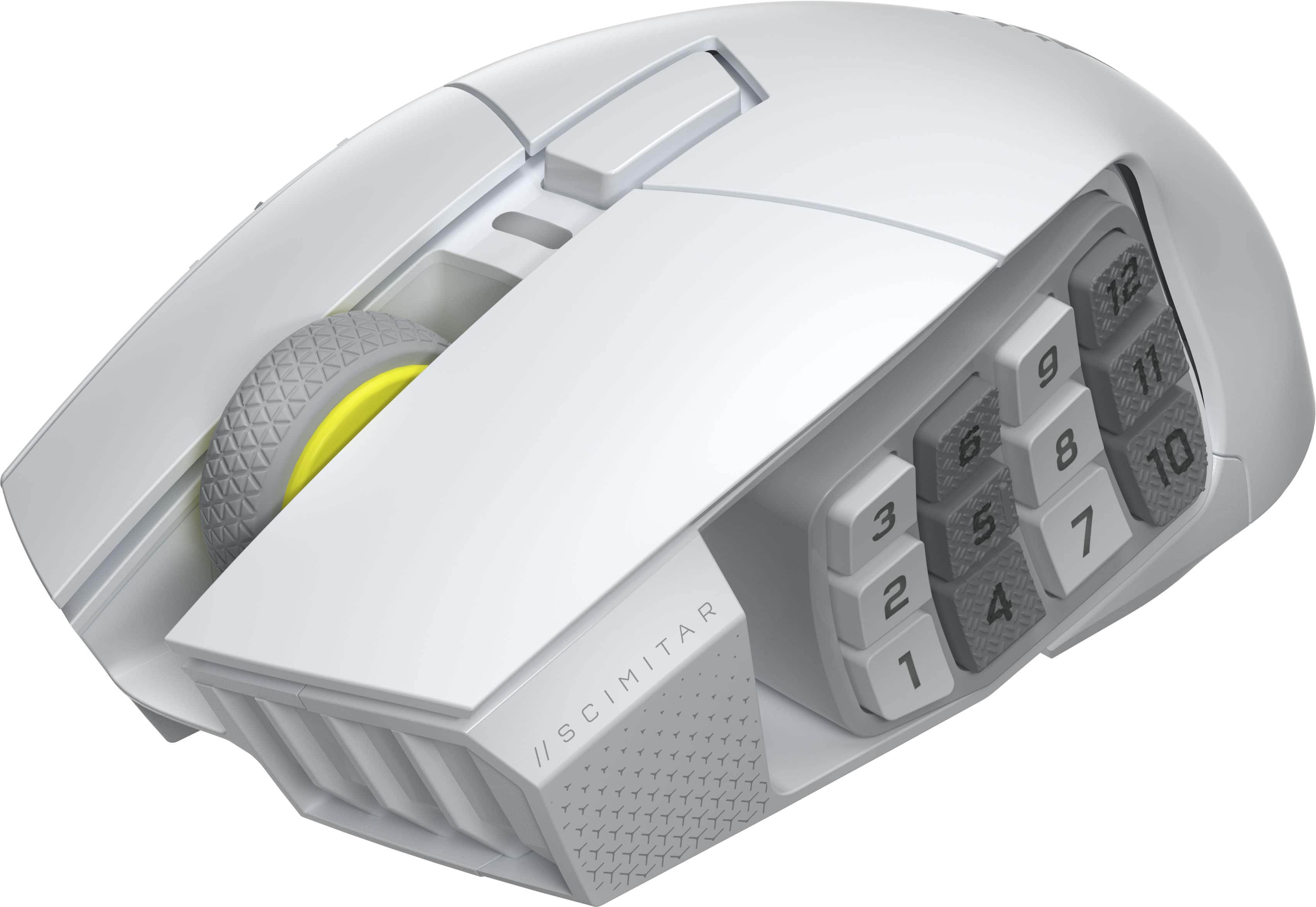
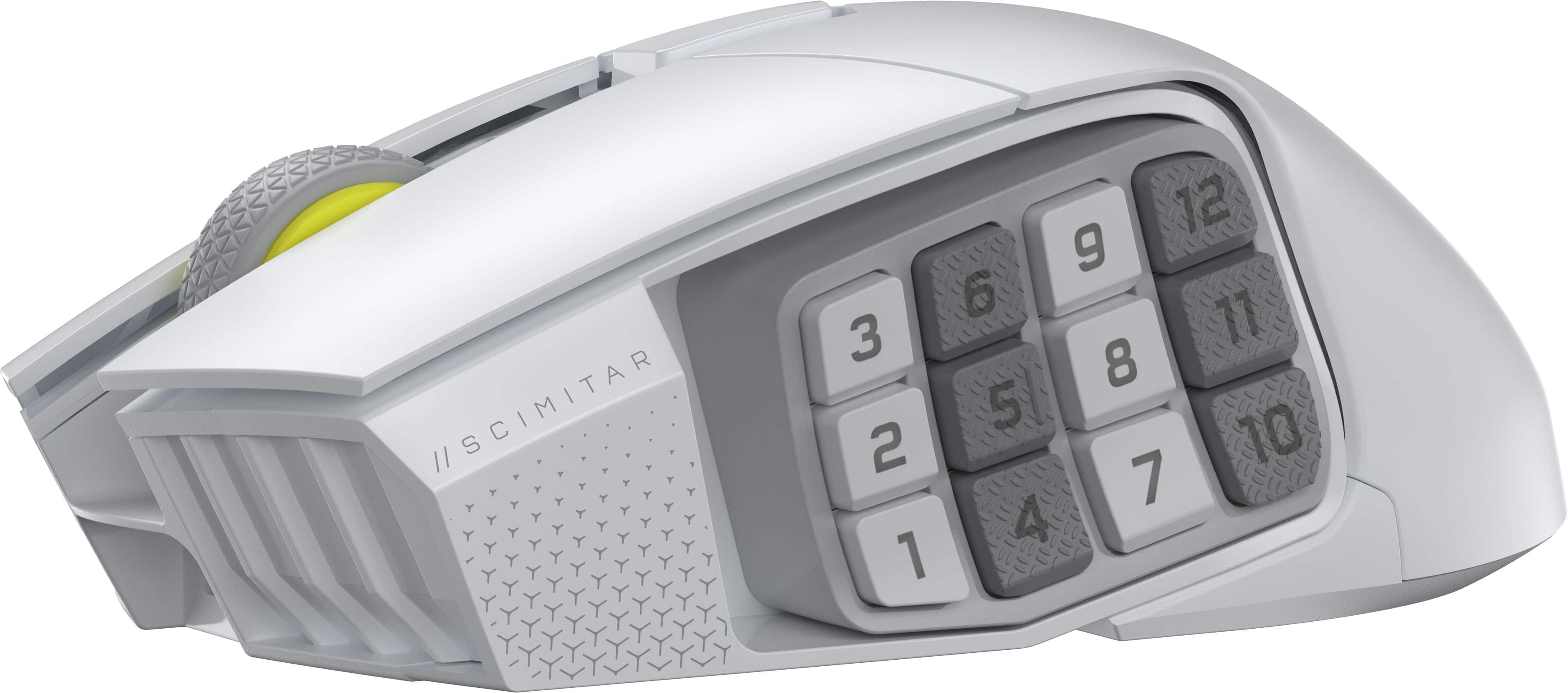
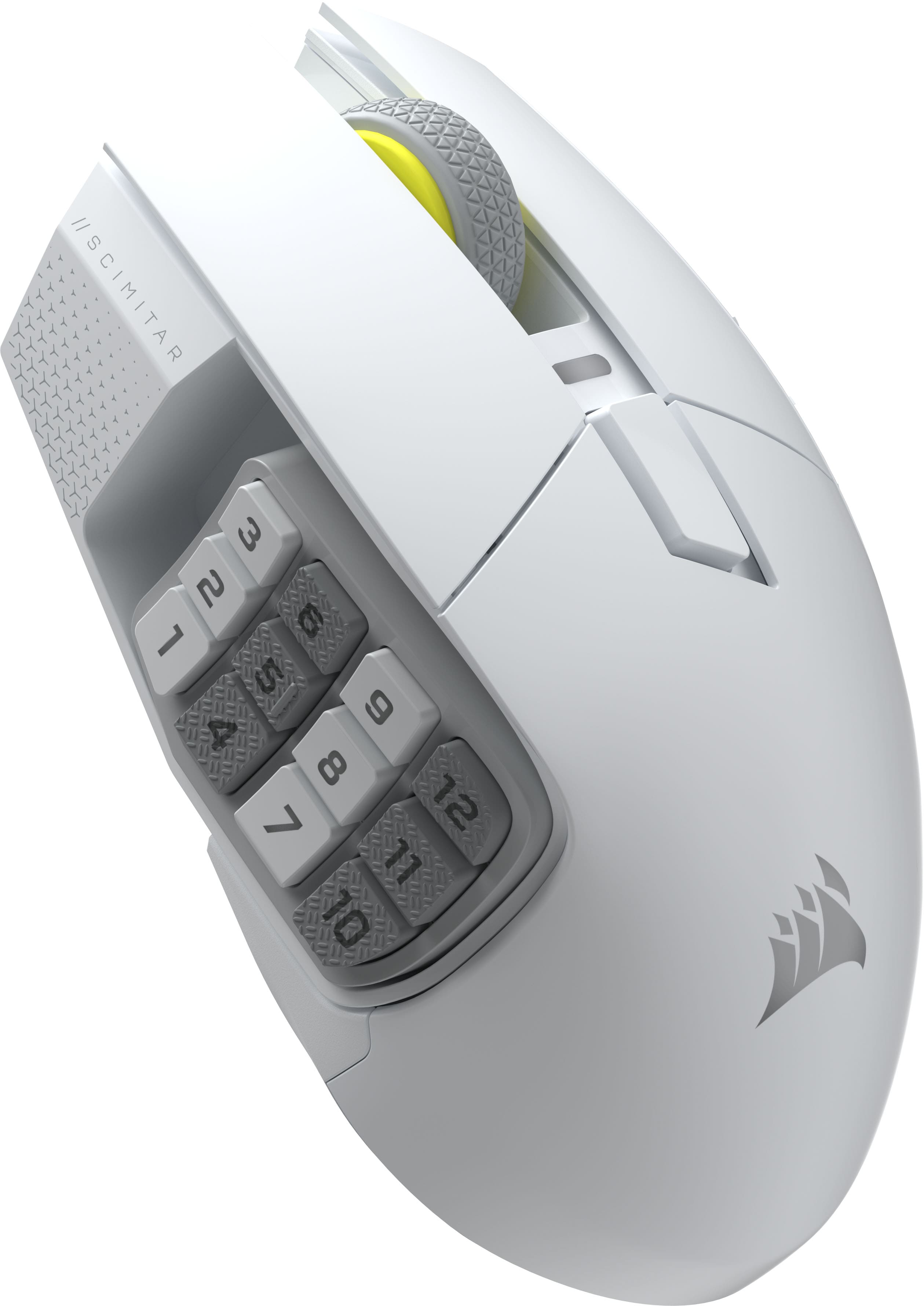
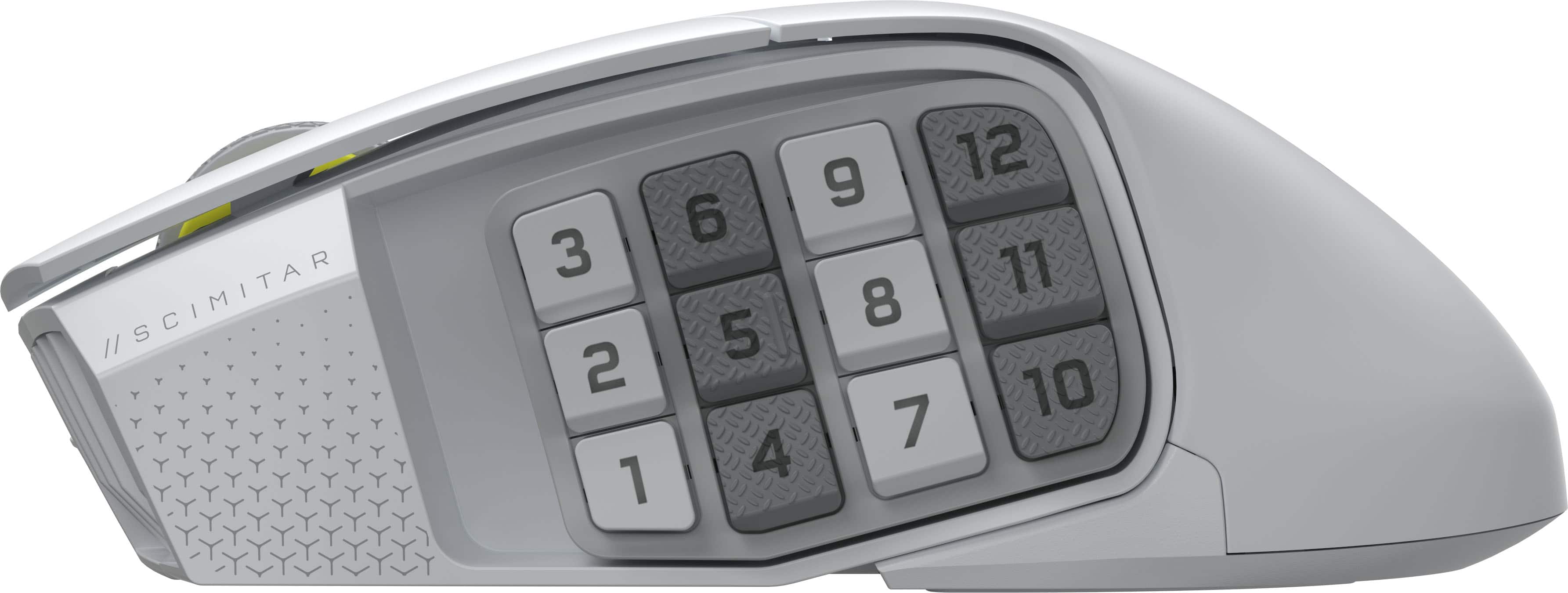




- Model:
- CH-9314011-WW
- SKU:
- 6622827
Rating by feature
- Value
Rating 4.6 out of 5 stars
- Quality
Rating 4.8 out of 5 stars
- Ease of Use
Rating 4.7 out of 5 stars
Customers are saying
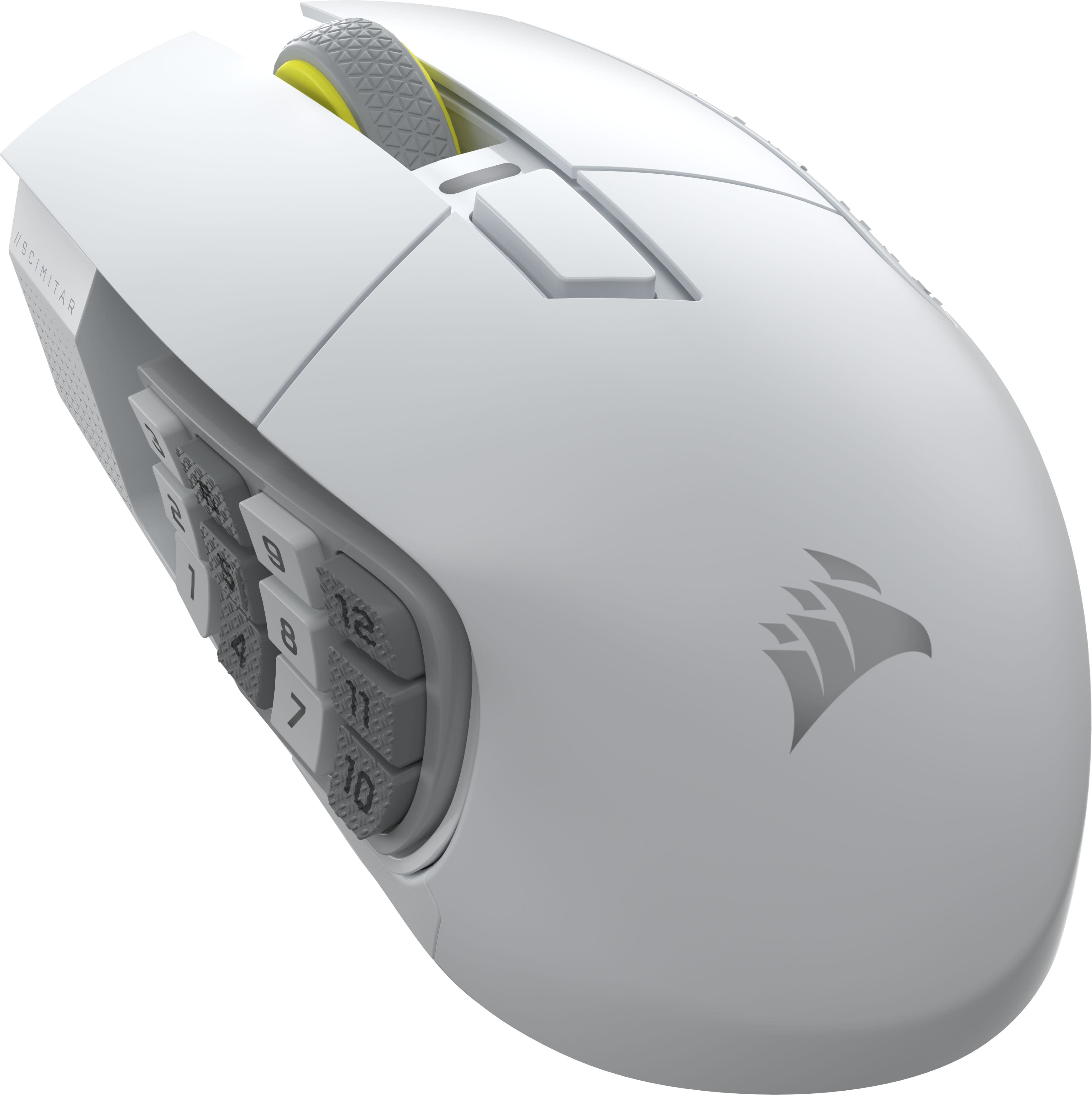
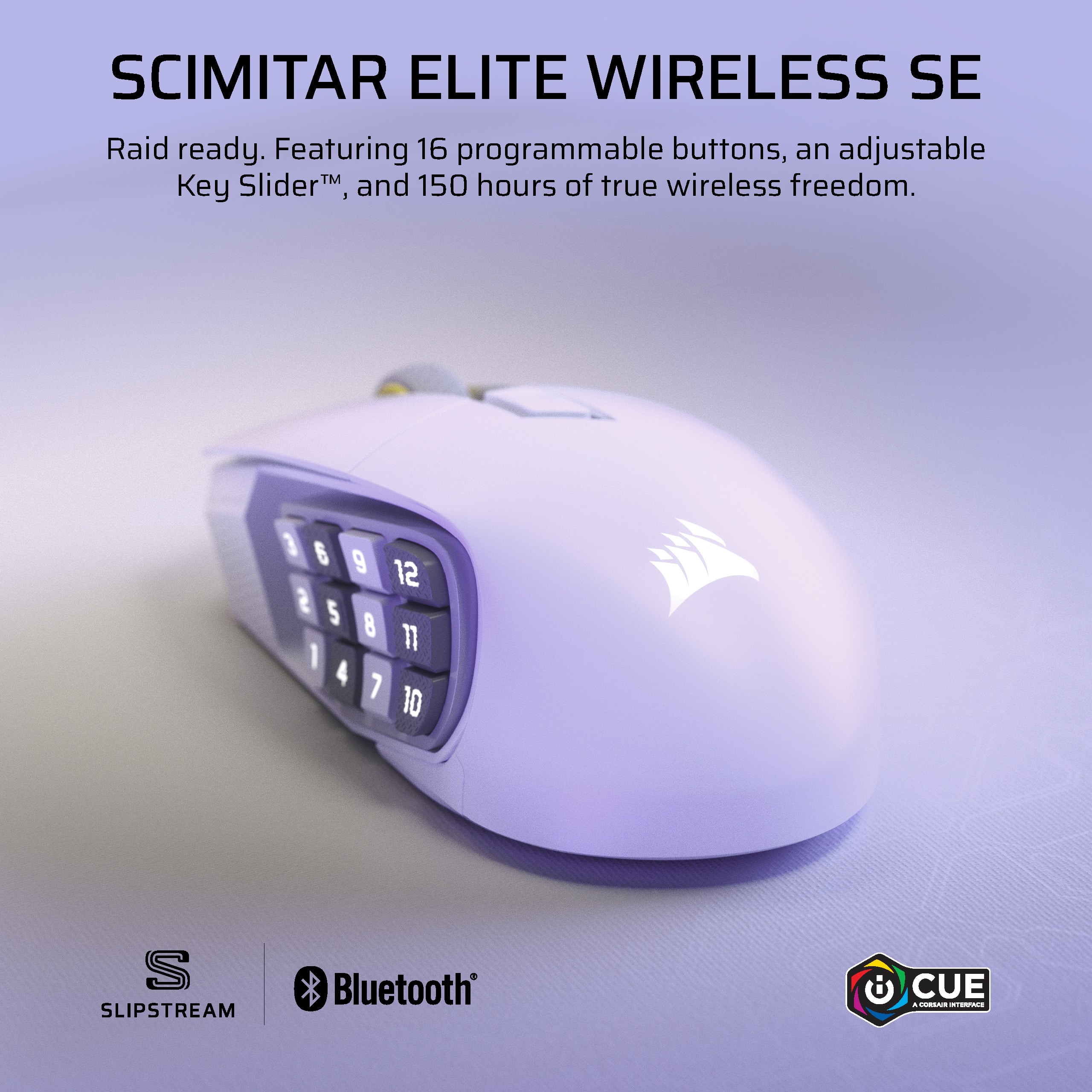
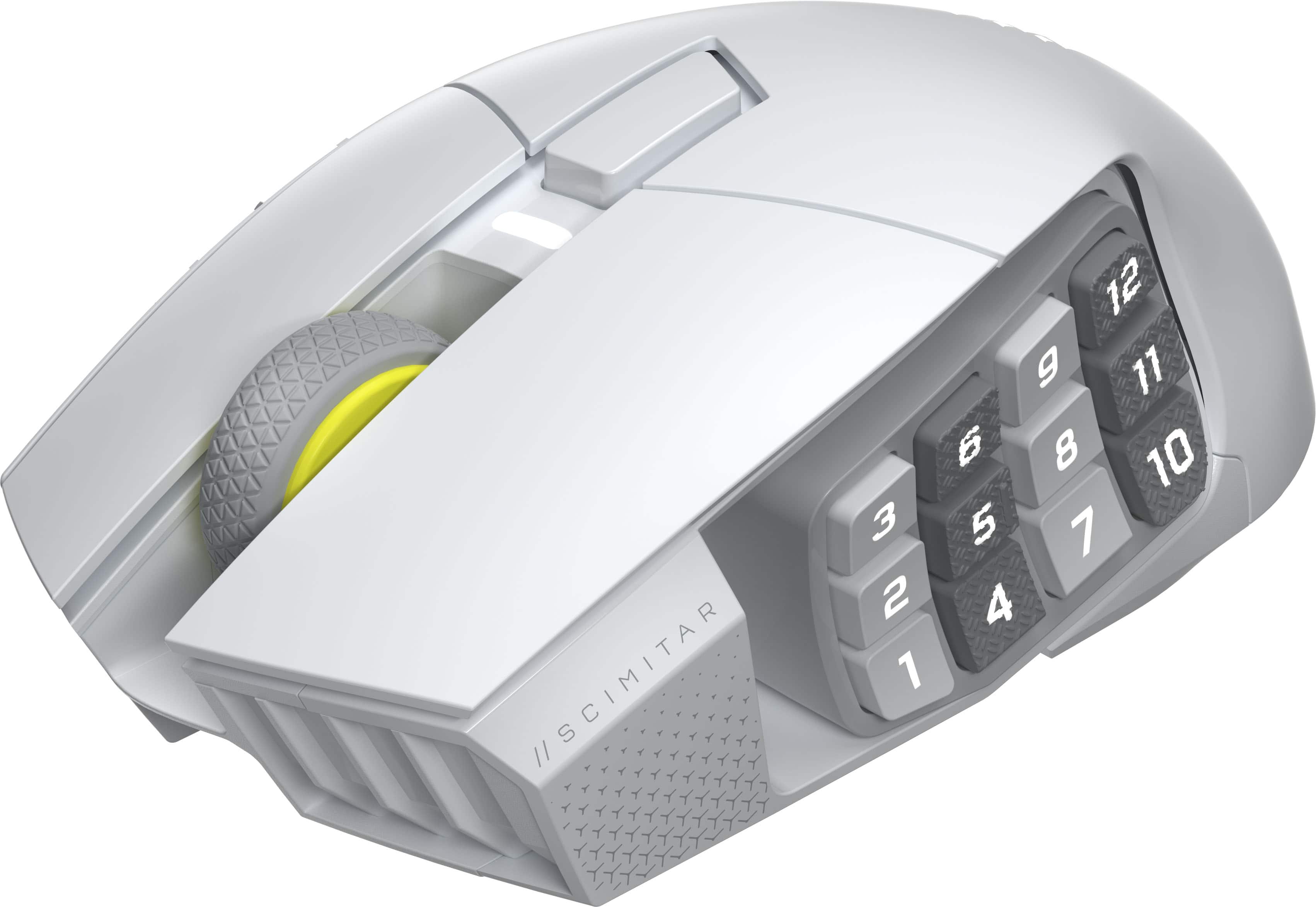
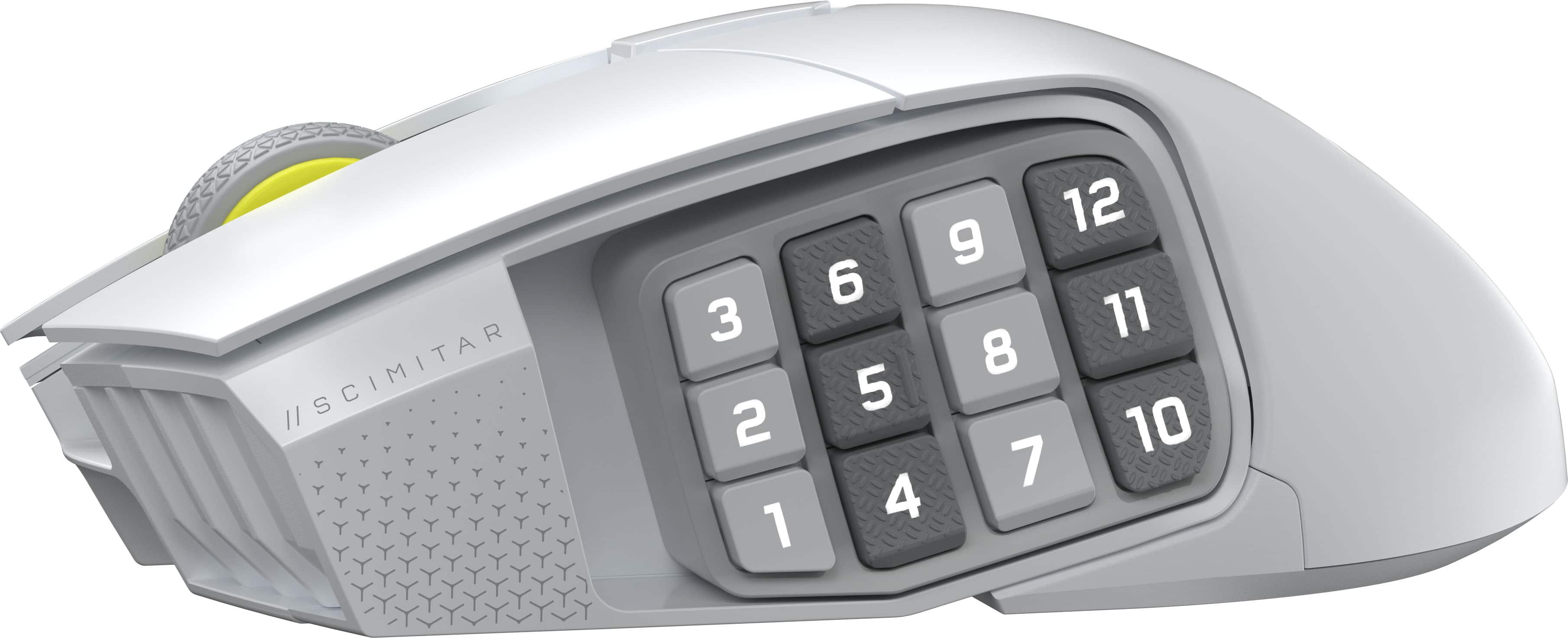
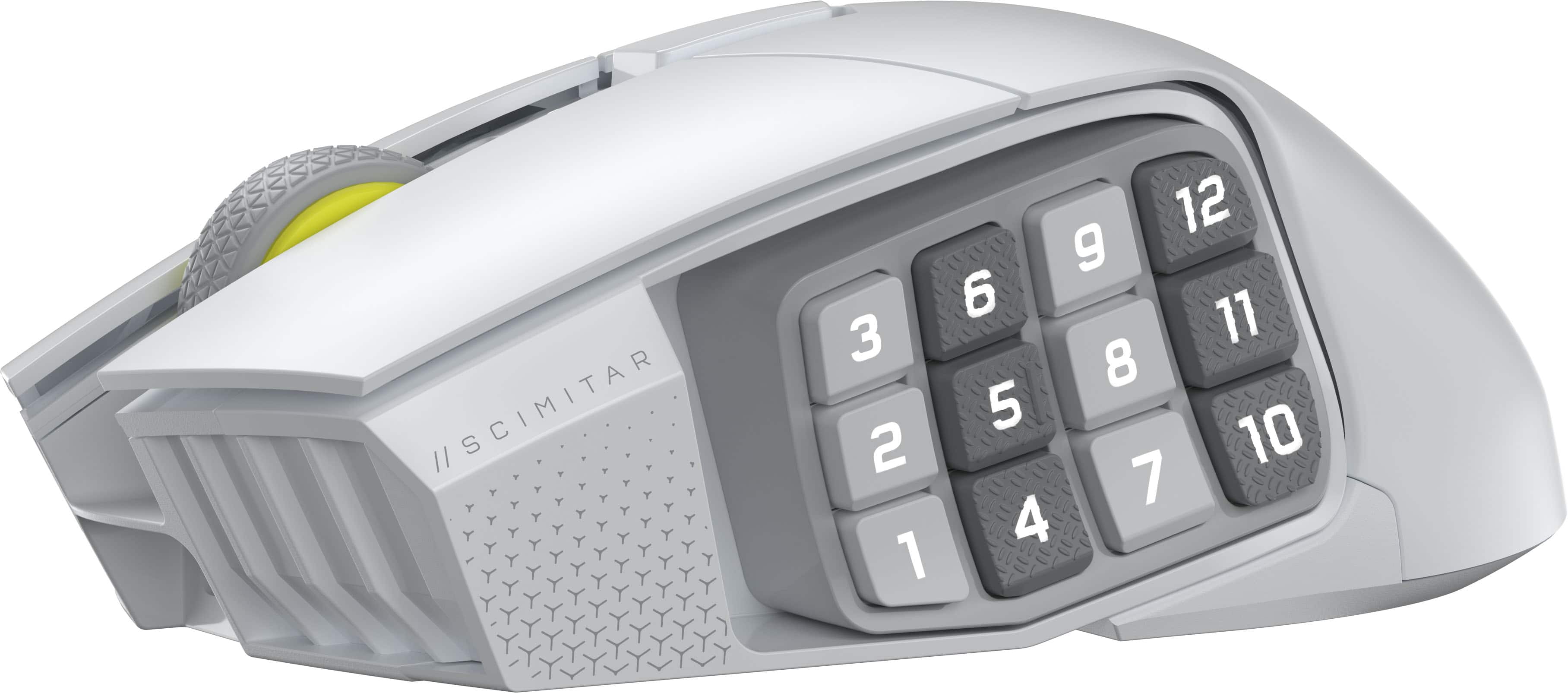
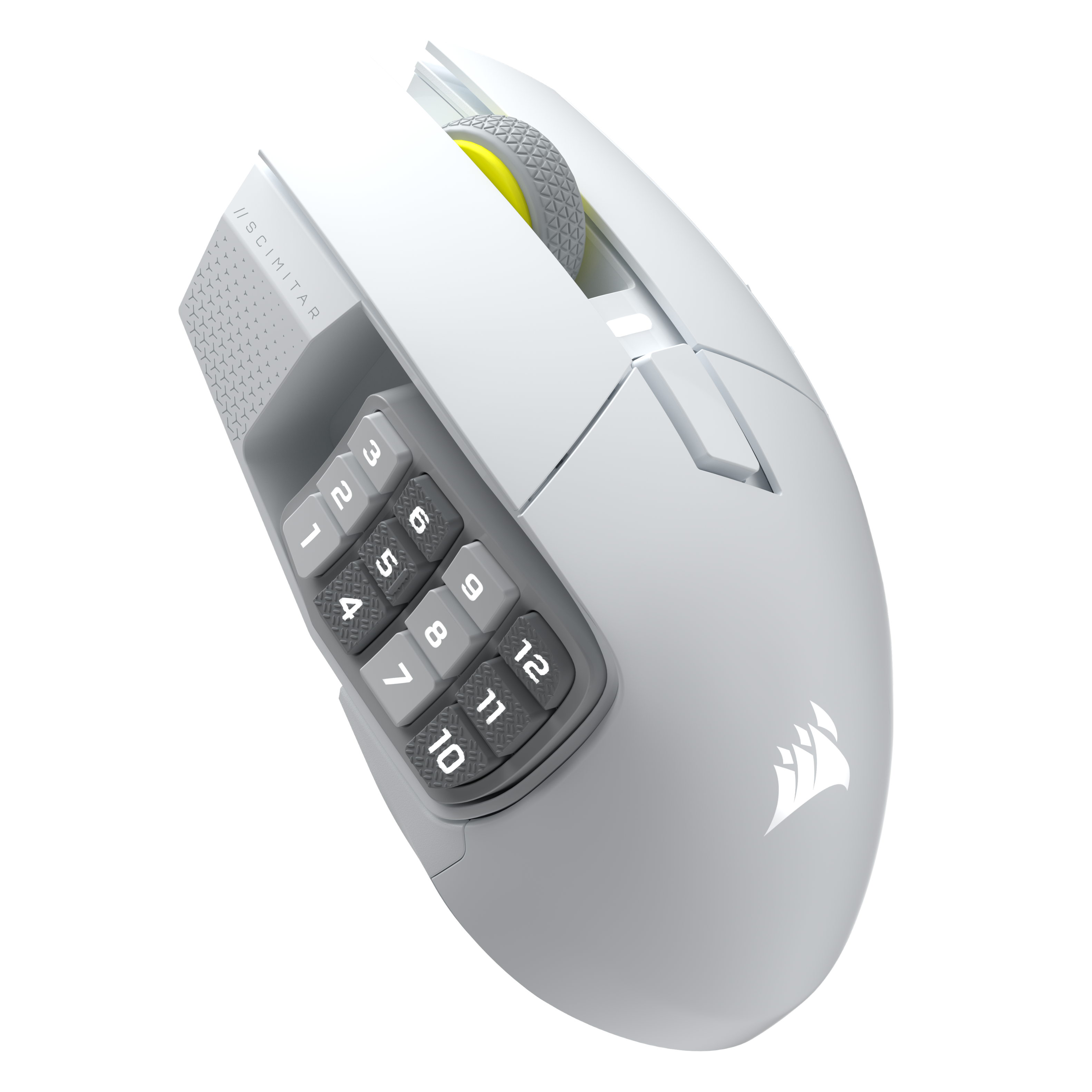
Customers are delighted by the Scimitar Elite Wireless SE Gaming Mouse, praising its programmable buttons, overall performance, and long-lasting battery. The mouse's ergonomic design and adjustable weight contribute to comfortable, extended use, while its connectivity options and accuracy are also appreciated. Some users with larger hands find the size to be less ideal.
This summary was generated by AI based on customer reviews.
- Pros mentioned:Button functionality, Connectivity, Overall performance
Overall Great MG600 Replacement
||Posted .This reviewer received promo considerations or sweepstakes entry for writing a review.I have been looking for something to replace my Logitech G600 as the cable was starting to frey, and my middle click was no longer working. I decided to give this Corsair Scimitar Elite a shot, and it definitely performs. A bit lighter, wireless capabilities, and the ability to dial in where I want my side buttons is very nice. Though it does not have scroll wheel forward and back side click functions which I do miss, I have adapted quickly. Overall I am satisfied with my purchase especially with the sale, and using the 40$ BB reward certificate I had available.
I would recommend this to a friend - Pros mentioned:ConnectivityCons mentioned:Size
Perfect for Designers
||Posted .This reviewer received promo considerations or sweepstakes entry for writing a review.Bulkier mouse than I'm accustomed to but great functionality. Love to take advantage of all the buttons when using Adobe Illustrator or Photoshop. Connectivity has been great and I've never had an issue with it.
I would recommend this to a friend - Pros mentioned:Connectivity
Wireless
||Posted . Owned for 1 month when reviewed.This reviewer received promo considerations or sweepstakes entry for writing a review.All the good of the wired version but in wireless!
I would recommend this to a friend Corsair Scimitar plus wireless
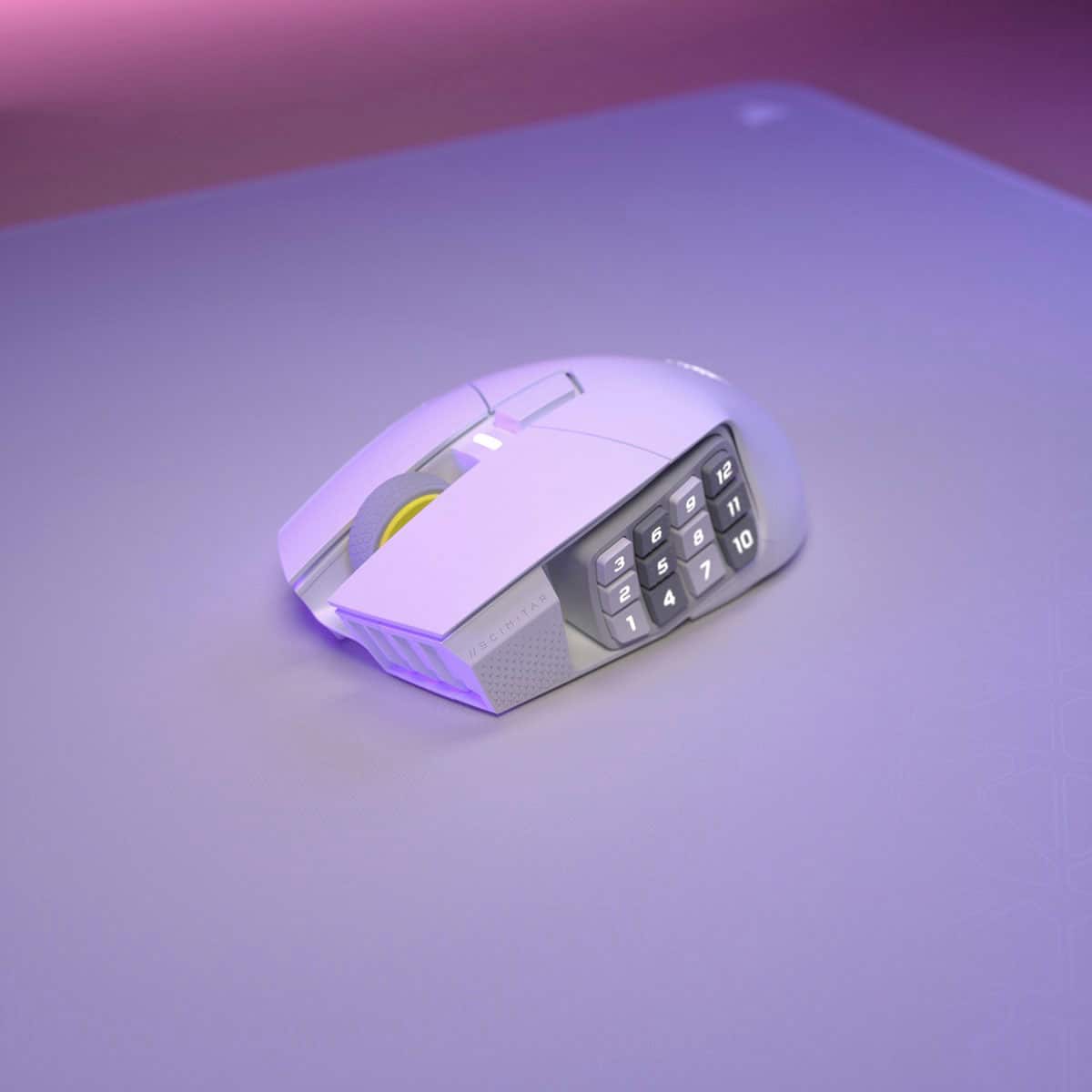
||Posted . Owned for 1 week when reviewed.This reviewer received promo considerations or sweepstakes entry for writing a review.I’ve been using this mouse for a couple weeks now. It is not my main mouse. I use this mouse for Final Fantasy 14 and it’s been exactly what I needed. With the hot bar system I have 36 buttons at a moments reach for my thumb allowing for fast casting and on-the-fly reactions to enemy input. It’s made a noticeable difference in my play. It takes some getting used to with finding the buttons but there are two rows that are textured so you begin to figure it out and muscle memory begins to settle in. I do want to mention that The button pad does slide and allows for a marginally easier reach for the back buttons closer to your palm. The clicking is subtle and crisp not clacky. I actually like the click more than my Logitech G502 X plus wireless (main mouse).
I would recommend this to a friend- Pros mentioned:Battery life, Button functionality, ConnectivityCons mentioned:Size

Swiss Army Scimitar!
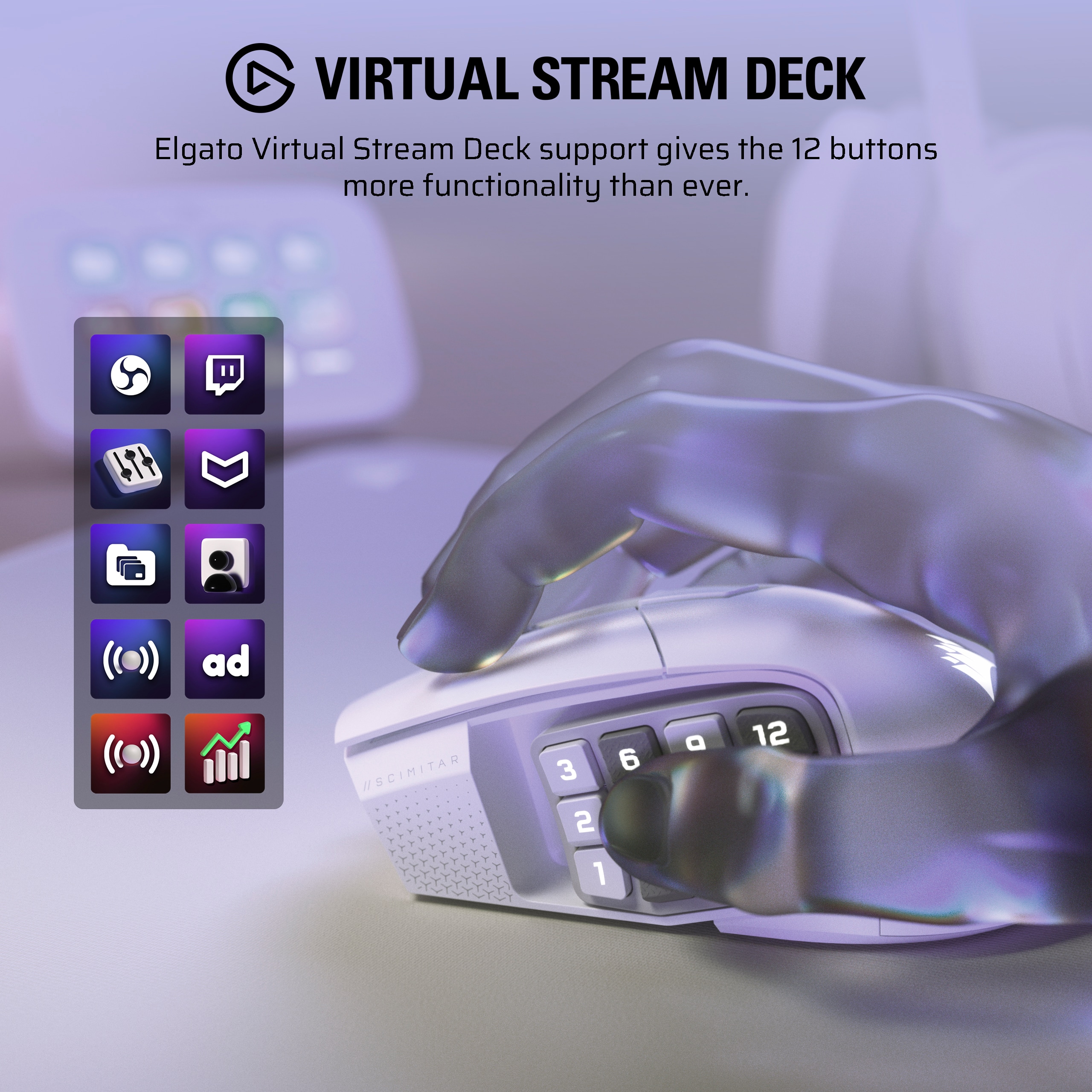
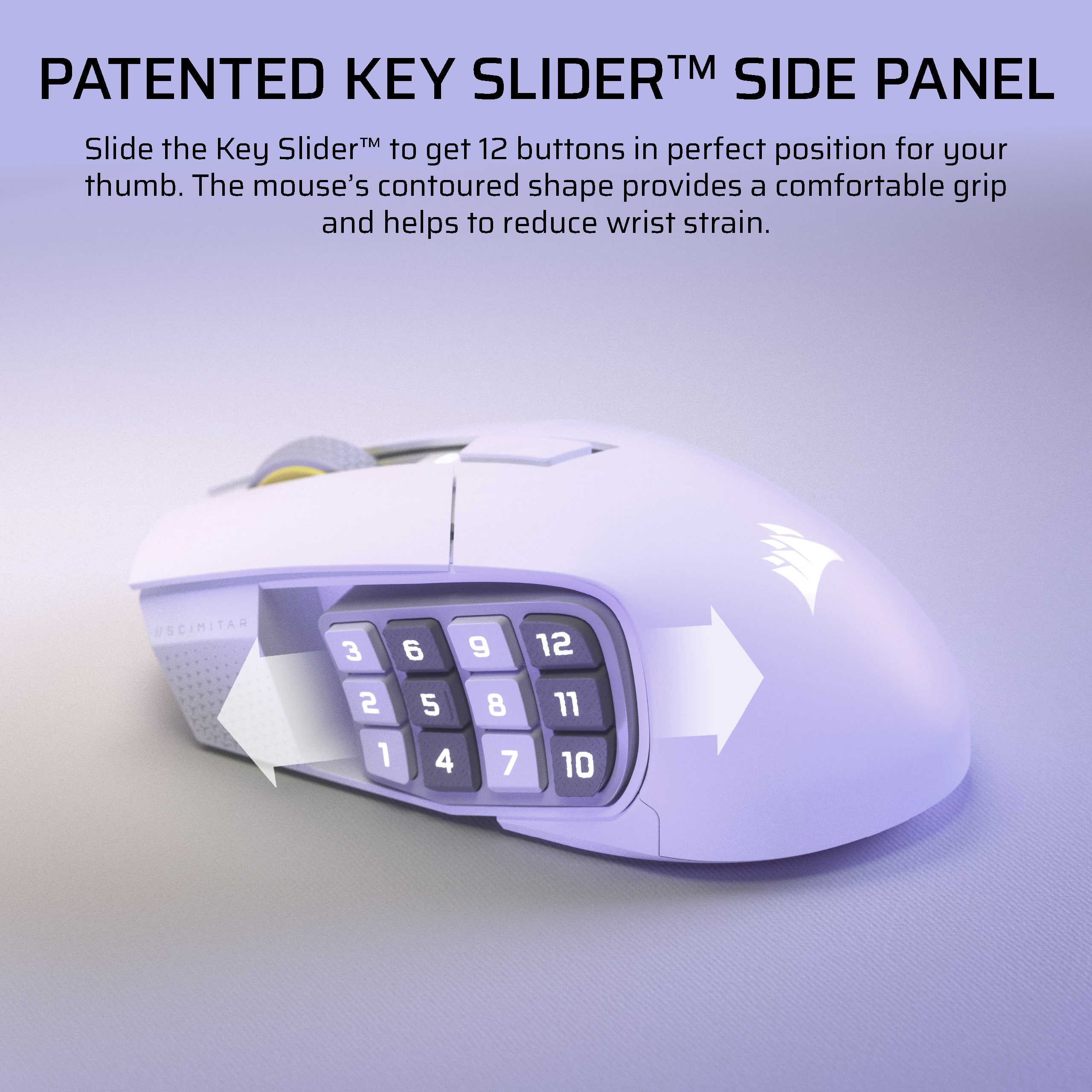
|Posted .This reviewer received promo considerations or sweepstakes entry for writing a review.The Corsair Scimitar Elite SE MMO gaming mouse is a robust and fantastic mouse that may be a little too much for a casual gamer, but is going to be adored by the hardcore crowd. That’s it, that’s my review. I’m just kidding, let me tell you a bit more about this mouse. It’s got a super high-end sensor, a great feeling scroll wheel, Bluetooth and slipstream 2.4ghz wireless connectivity and about a million button that all feel excellent to press. The form factor is fantastic for claw grip gamers, or even palm gamers, but it’s a little on the big side, so if you have small hands then you may want to look elsewhere. The iCUE software has come a long way since a few years ago and is much easier to navigate, easier to use to upgrade firmware, and it’s not a chore to customize what each button does. What it doesn’t do well is customize lighting. I still find the “layers” of lighting to be confusing, and it takes a little more effort than I care to put in for me to just make my mouse shine with pretty RGB goodness. Installation is a breeze, and you don’t even really need to install the software, but I recommend doing so as there will be a firmware update right away for the USB dongle. The mouse tracks smoothly over a mouse pad or hard surface, clicking both main buttons feels great, and the scroll wheel is one of the best I’ve used. Also, the pinky rest is a great addition to the mouse, as it makes it more comfortable to use for extended periods of time. The DPI button is easy to customize and pressing it is easy, but not so easy that you’ll be pressing it accidentally during a game. Battery life also seems very good at 150 hours. Needless to say, I haven’t even owned the mouse for that long, so I can’t tell if that’s accurate, but it seems to be holding a good charge so far. I had a lot of fun playing Doom The Dark Ages with it. It tracked my movement well, never ran out of battery, and I had so many button to mind that I couldn’t even use them all. I don’t currently play many MMOs, so I wasn’t able to test it with one of those, but these buttons would come in handy for all the skills you’ll have on your action bar. This thing is more than a mouse, it’s like a Swiss army knife when it comes to gaming. Bluetooth connectivity works great as well, but I wouldn’t recommend it for gaming as it limits the polling rate. Please use the included dongle if you’re going to do any serious gaming with this thing. Also, the side buttons move! The entire section slides forward if you want it to. That position didn’t work well for me, so I left it in the rear position, but I’m sure someone with really large hands might enjoy the front position. Another unique feature, is the Virtual Stream Deck. Now I don’t have an El Gato Stream Deck, so I wasn’t able to integrate it in that way, but the Virtual Stream Deck seems like it would work great if you stream. My coworker uses it at work to set up macros for his scripting, etc. As long as the Scimitar Elite Wireless SE MMO fits comfortably in your hand, which is very subjective, then I think you’ll really enjoy this mouse and all its buttons, great wheel and super sensor that can predict the future (not really). So you should give it a shot! They have a wired version too, if you’re not into freedom.
I would recommend this to a friend - Pros mentioned:Battery life, Button functionality, Ergonomics
Premium Mouse
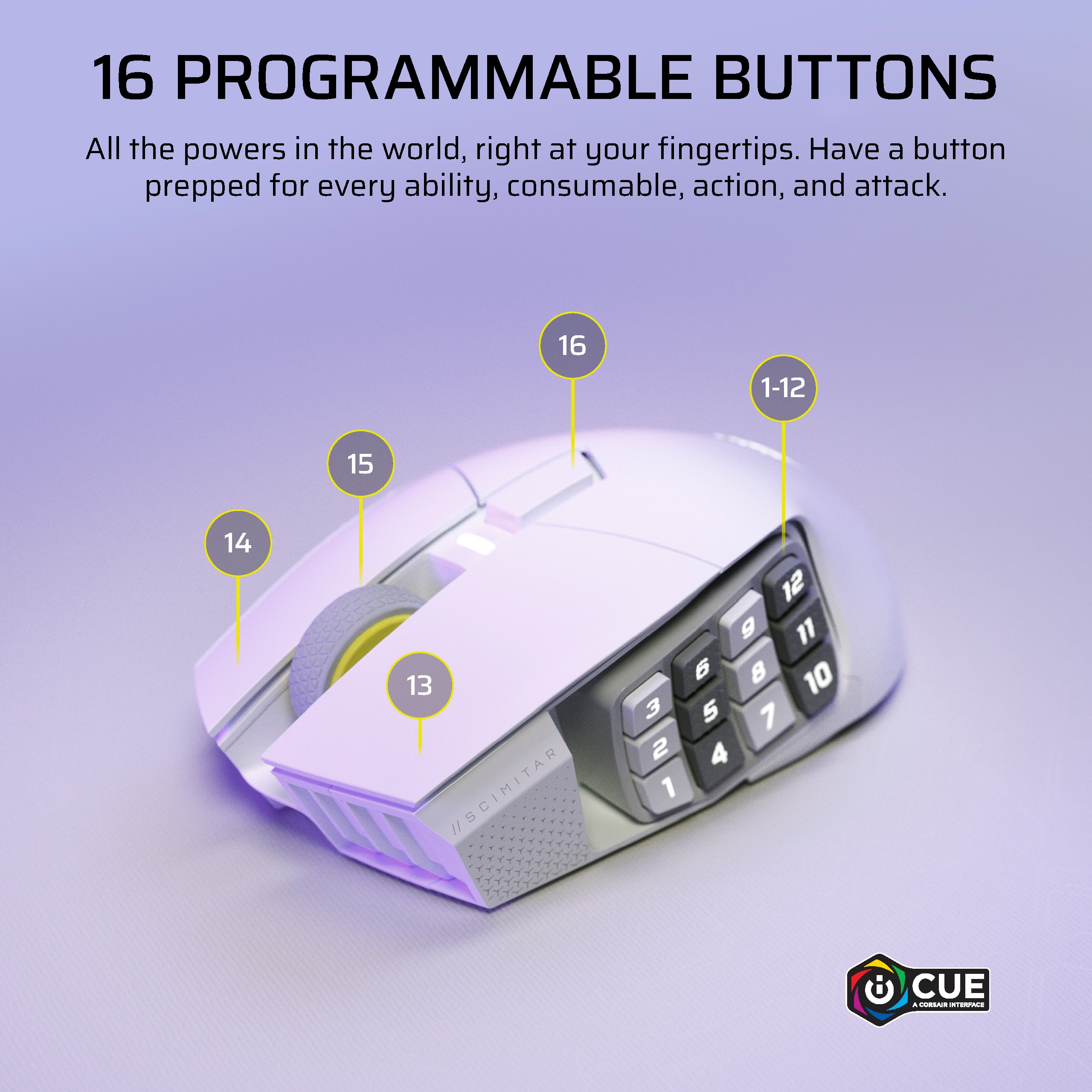
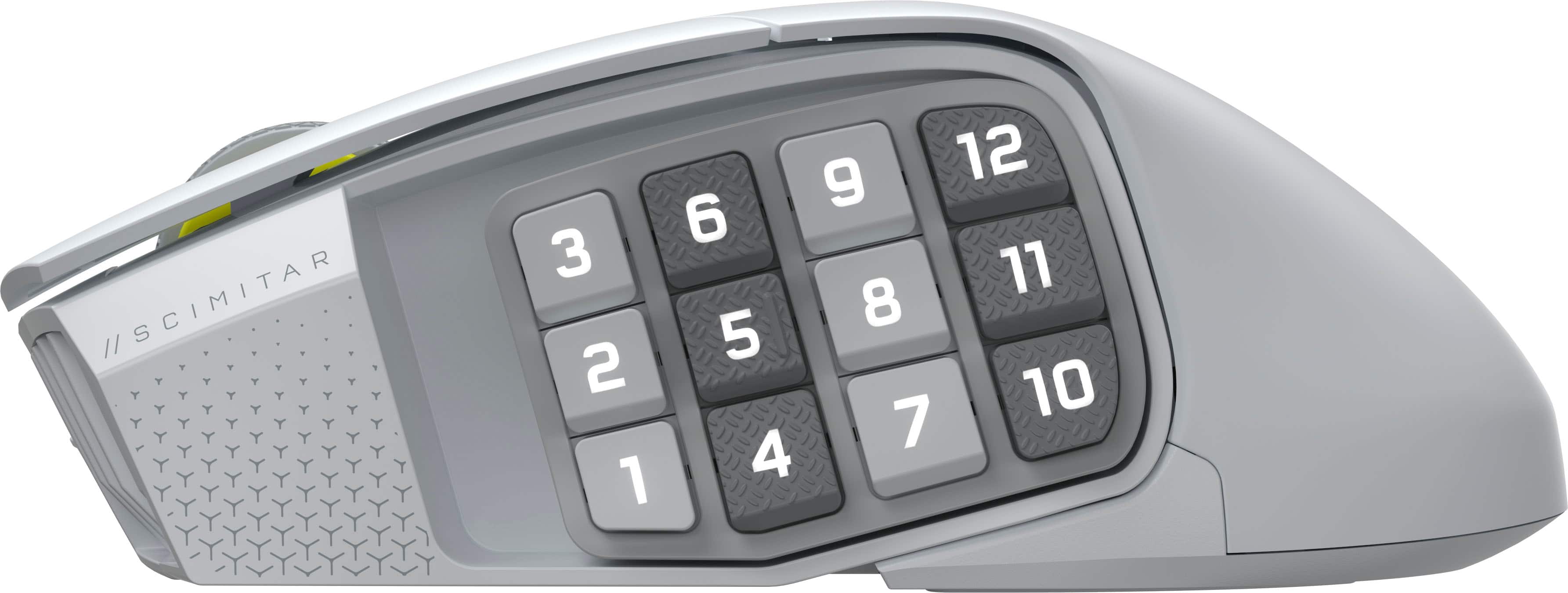
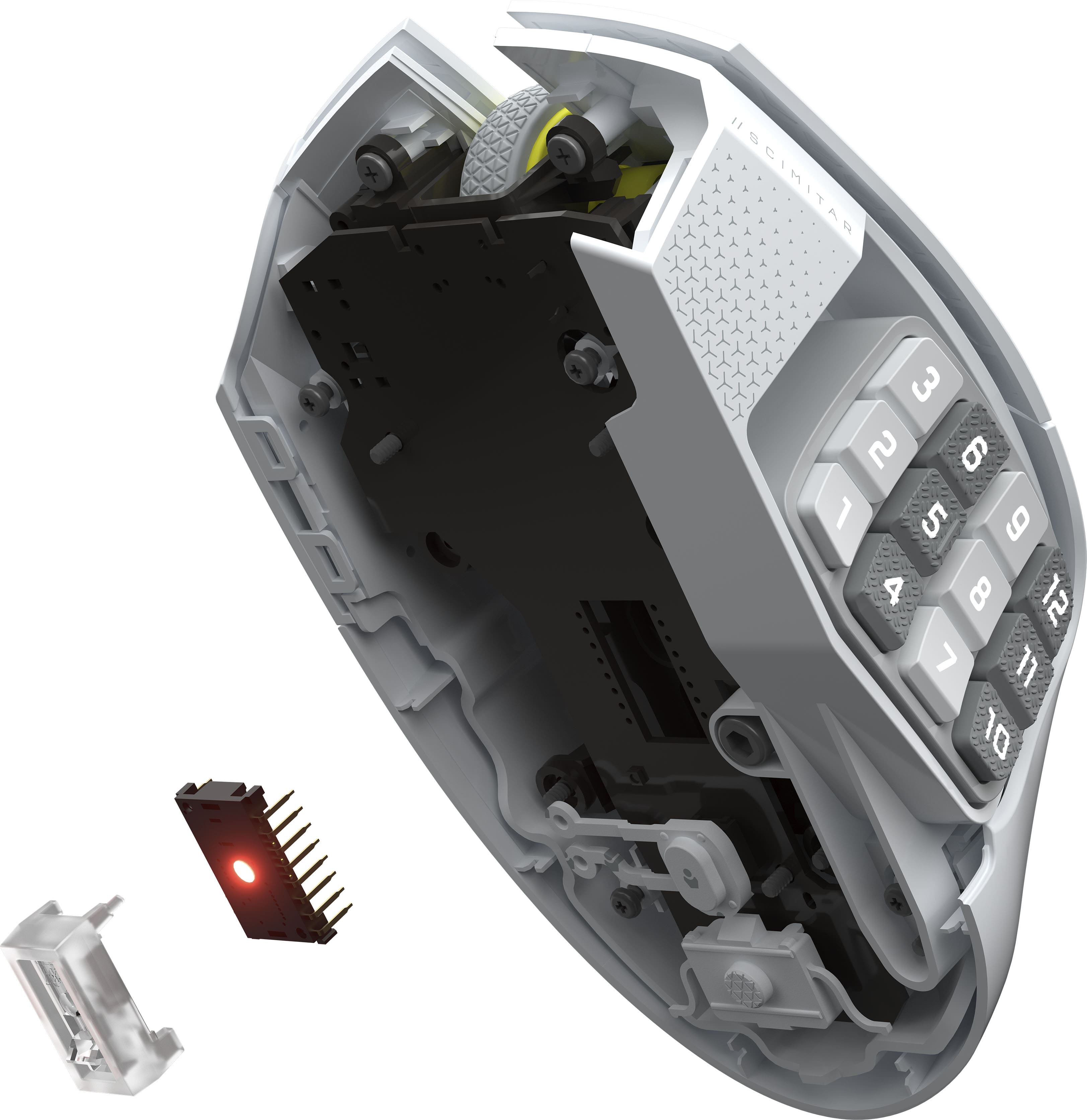
|Posted .This reviewer received promo considerations or sweepstakes entry for writing a review.The Corsair Scimitar Elite Wireless SE MMO Gaming Mouse is a premium highly customizable mouse at a fantastic price point. • Packaging – It comes in a nice small box, not much bigger than the mouse itself, and contains the mouse, USB type A wireless receiver, and an Allen key. • Ergonomics – The mouse has a nice ergonomic design allowing for a comfortable grip and reduced wrist pain. I can use it for several hours at a time without any issues/pain. The mouse is overall quite large and heavy weighing 114 grams; however, it does have a unique feature which helps with comfort/control. There is a built-in textured ring finger rest so that only the pinky finger contacts the mouse pad. I really like this design choice. Kudos to Corsair. One thing I do wish the mouse had was a free spinning scroll wheel. • Buttons – This is probably the biggest selling feature of the mouse. The 12 programmable buttons on the side are awesome for various keybinds; however, I really wish each column was slightly offset vertically from each other so it is easier to find specific buttons without having to look down at the mouse. For example, buttons #1-3 would all be one height, buttons #4-6 would be either slightly lower or higher than #1-3, buttons #7-9 would be the same height as buttons #1-3, etc. This would be super helpful for tactile feedback, especially when clicking the wrong button in the middle of a boss fight could be the difference between beating the encounter or wiping. As it currently stands, buttons #4-6 and #10-12 are slightly textured, but I still have a hard time distinguishing them from the non-textured buttons. There are also an additional 4 buttons on the top of the mouse bringing the total button count to 16. Lastly, I love that you can adjust the position of the 12 side buttons using the provided Allen key so it is more comfortable based on your thumb size. • Customization – Controlled through the Corsair iCUE software. I found binding the mouse buttons to be very straightforward and really like the 3 onboard memory profiles. • Battery life – The mouse has a reported max battery life of 150 hours via 2.4 GHz with RGB off and up to 500 hours via Bluetooth with RGB off. I have used this mouse for several hours each day with minimal battery drain. I expect I will get > 1 week of gaming before ever needing to think about charging it. Charging to full is supposed to take around 90 minutes. • Warranty – It comes with a 2-year parts and labor warranty which is similar to its competitors. Overall, this is a fantastic mouse for gaming, especially for those who play MMO games. Despite this being targeted at gamers, I am really looking forward to using it at work as well. I work as a radiologist and need a highly customizable mouse for various macros/keybinds.
I would recommend this to a friend - Pros mentioned:Battery life, Button functionality, Connectivity
Versatile and ergonomic mouse 12 side buttons
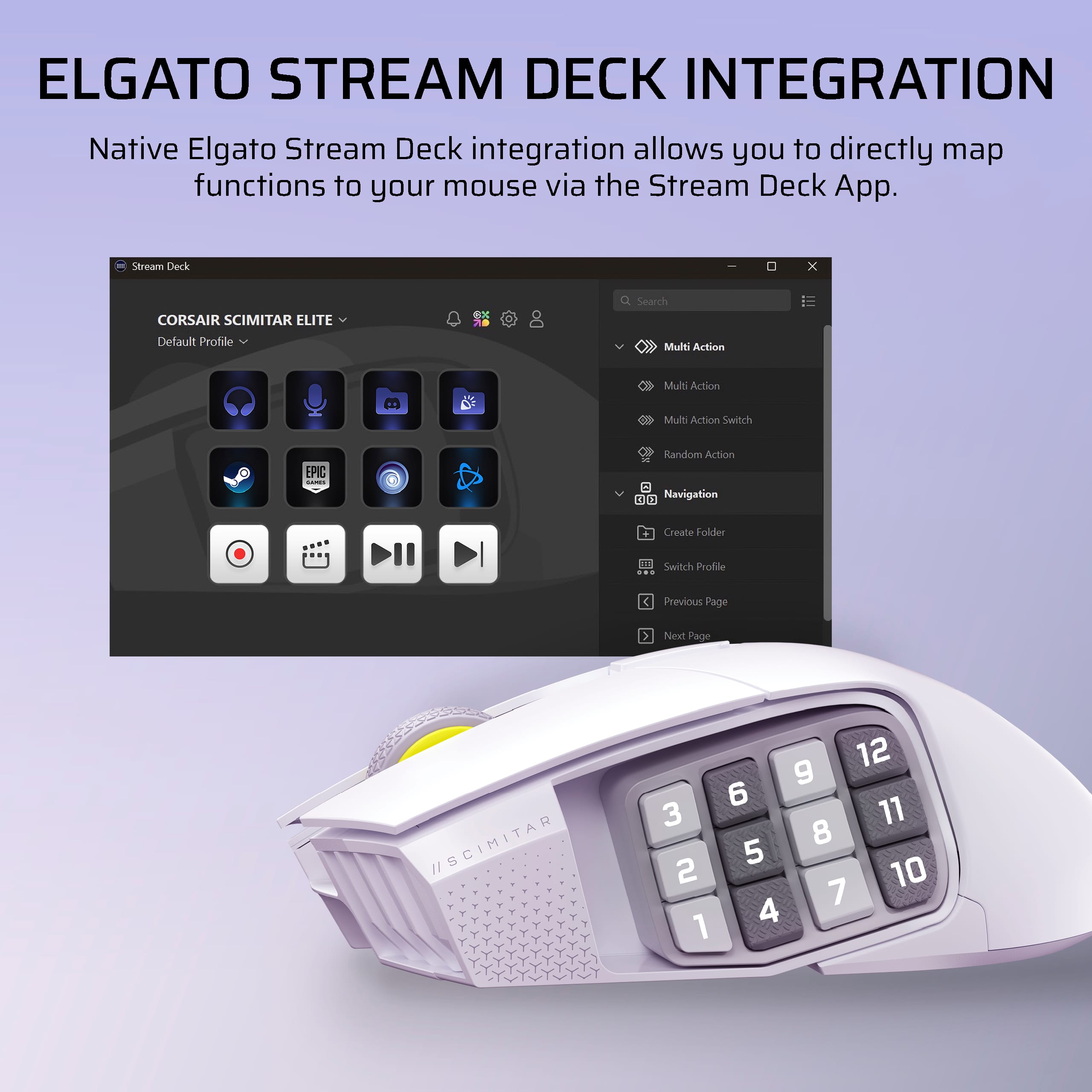
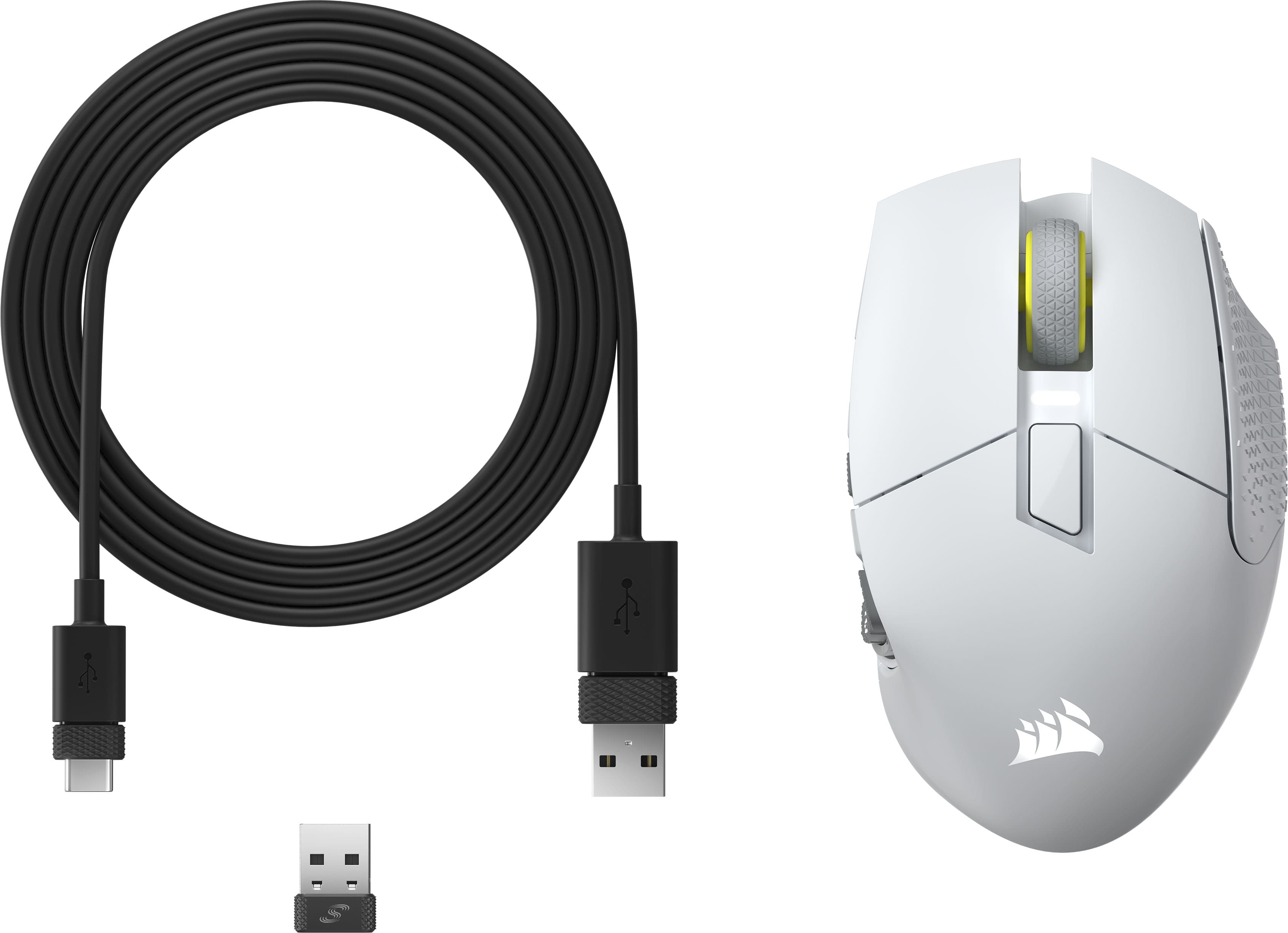
|Posted .This reviewer received promo considerations or sweepstakes entry for writing a review.I have used different Corsair mice and it has been a very pleasant experience. This gaming mouse is no exception as it has very interesting and useful features. In the box comes the mouse, a USB-A to USB-C cable, a USB dongle, an allen key and some documentation. The product comes nicely packaged and ready to use. One of the first things is to download the Corsair iCue application that allows you to make adjustments to the mouse. After making the necessary adjustments to the mouse connected with the cable, it is now possible to use the mouse wirelessly with the settings already made. From iCue you can make lighting adjustments, map the side and top buttons, change the DPI settings, as well as perform a surface calibration to adapt the mouse movement to the surface you are using it on. The mouse responds very fast, has a capacity of 33k DPI, 12 side buttons numbered and textured for better recognition. The Scimitar mouse has an optimal weight and is very ergonomic. The side buttons can be moved forward or backward to adjust them to the taste of each person. I think this is great because sometimes it is a bit complicated for some people to reach all the side buttons correctly. Something that grabbed me is that the side buttons can be synchronized with the Elgato Streamdeck application and use the shortcuts already configured. I consider this very practical. The mouse can store up to 3 profiles in its memory. The switches are very fast and responsive. The battery life is quite good, I have several days without needing to charge the mouse battery and I do not see that it is soon, XD. The lighting is good and the application has several fun options. It is definitely a very complete mouse, it has different connectivity options, either by cable, with the USB dongle or via Bluetooth, the buttons can be moved forward or backward, it has a durable battery, an ergonomic design, 12 textured side buttons, RGB lighting. Being a mouse that serves for competitive or MMO games, I consider it a good option at a reasonable price, I can definitely recommend it.
I would recommend this to a friend - Pros mentioned:Battery life, Button functionality, Connectivity
MMO's without the cord.
|Posted .This reviewer received promo considerations or sweepstakes entry for writing a review.Here's the revised, final version of your review in simple text form, incorporating your latest note about the mouse's weight: --- Corsair Scimitar Elite Wireless SE – MMO Control Without the Cord The biggest upgrade over the wired Scimitar is immediately clear: wireless freedom. The lack of cable drag transforms usability, especially for couch gamers or HTPC setups. Bluetooth and Corsair’s Slipstream wireless tech deliver natural and responsive movement, with impressive battery life rated up to 150 hours (2.4 GHz, RGB off) and a remarkable 500 hours via Bluetooth (RGB off). However, oddly enough, Corsair does not include the Slipstream USB transceiver in the box. You'll need another compatible Corsair dongle or must buy one separately—an oversight that's puzzling and a bit annoying. Customization remains exceptional. The familiar 12-button side keypad returns with the same sliding feature, allowing precise positioning for your thumb. This makes rapid inputs easy in games like FFXIV, where mapping full battle rotations, crafting macros, glamours, and emotes directly to your mouse streamlines gameplay significantly. Corsair’s MARKSMAN S optical sensor provides phenomenally precise tracking up to 33,000 DPI, handling speeds of 750 IPS and accelerations up to 50G. Paired with long-lasting optical switches rated for 100 million clicks, these upgrades noticeably outperform the older wired version. The iCUE software, while still somewhat heavy on system resources during extended use, makes macro programming and button customization intuitive. Once configured, storing profiles onboard helps minimize constant software dependence. You might want to check online to confirm if others experience similar slowdowns. In everyday use, the mouse feels robust and impressively lightweight, making it very comfortable for MMO and macro-heavy applications. Charging via USB-C is straightforward, though wireless charging would have been a nice bonus. Overall, the Corsair Scimitar Elite Wireless SE significantly enhances the Scimitar formula with genuine wireless convenience, impressive battery life, and upgraded internals. Aside from the omission of the USB dongle, it’s an impressive tool for dedicated MMO players or anyone who relies heavily on macros and custom shortcuts.
I would recommend this to a friend - Pros mentioned:Battery life, Button functionality, Connectivity
Super versatile and comfy!
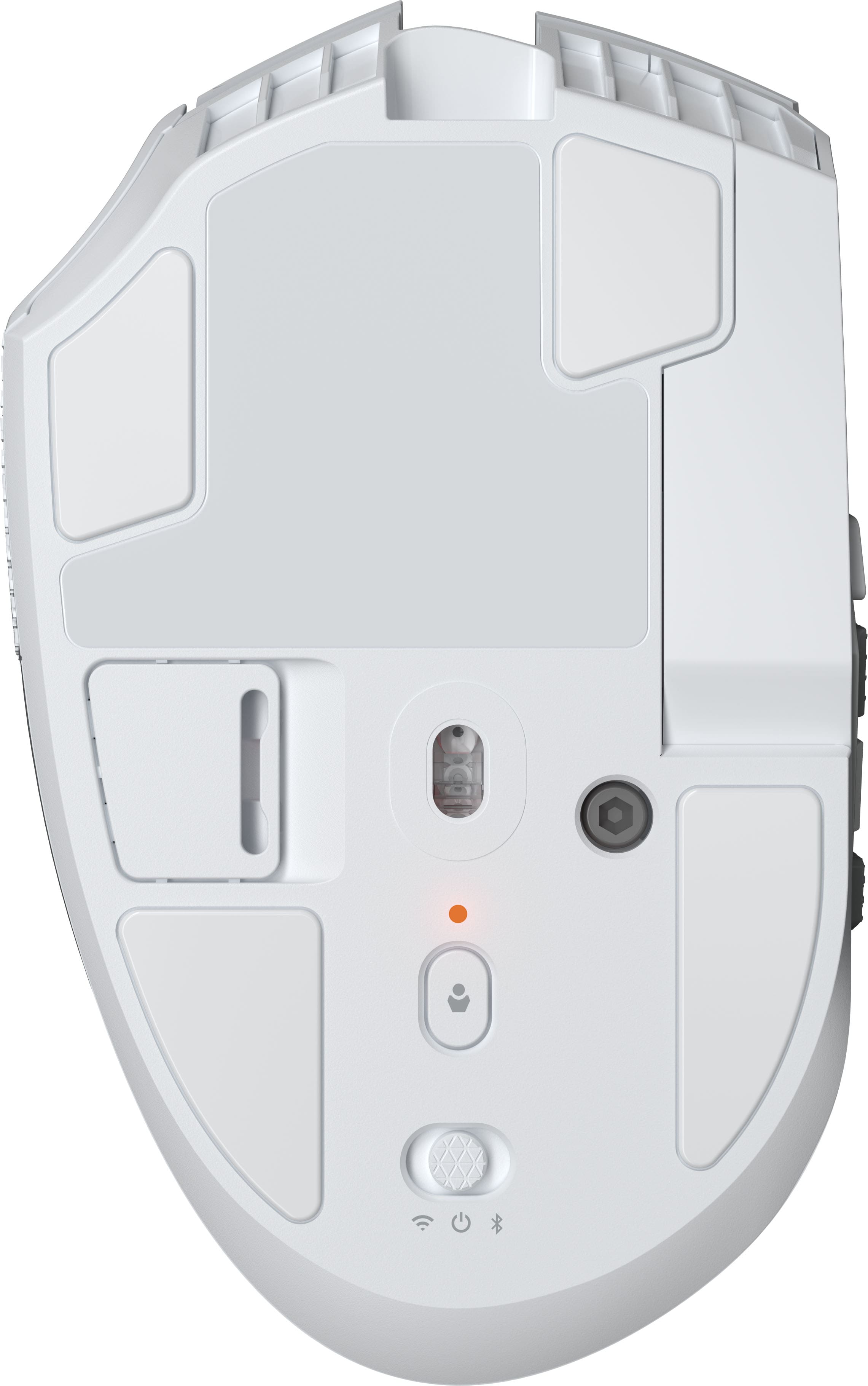
|Posted .This reviewer received promo considerations or sweepstakes entry for writing a review.I'm loving this mouse. Its mainly designed for MMOs and MOBAs, however it can be used for any other games and for daily use. It came well packed with a large braided type C USB cable, the mouse itself and a little tool (to reposition the side buttons). The wireless receiver is a tiny USB dongle and it came inside a small compartment on the back of the mouse (great for storing it when taking the mouse on the go and not losing it!). Setup was easy, however it took me realizing one thing the first time. Once you download Corsair's iCue software, if you just plug in the wireless receiver and turn on the mouse, it will only recognize the receiver but not the mouse. I had to plug the mouse to the computer using the included cable, for it to finally recognize the mouse and download some modules (seems iCue is modular that way, it doesn't install all their products, just what it needs). Once that was done the first time, then I could unplug the cable and the software would recognize the mouse wirelessly. The software is well done and looks good. It allows you to change several settings, like DPI, assign macros or keys, change the RGB colors etc. The main mouse buttons feel crisp and have a nice click to them. The side buttons feel good and they have texture to them so you can kind of know which one are you clicking and build up some muscle memory. I like that the whole button side panel can be slided back or forward with the little tool they include and set on the position that is the best for one. I have small hands, so the default position was great and allowed me to grip the mouse kind of on a "claw" type grip. If you have larger hand, you'll be fine too, as the side panel can be moved forward and locked in place. Great idea by Corsair! If you play MMOs/MOBAs this is the mouse for you, with so many abilities to assign, it will be easy to have your main ones on the side buttons. It also works fine for other games, I use it for a couple of shooters and I assigned grenades, crouch, prone, abilities etc to them and worked great! Battery life has been great and lasted me for long hours, you won't have to worry about charging it all the time, I usually plug mine overnight, but I didn't for a whole weekend and still had more than half the life (will last longer if you turn off the RGB lighting). There was not lag or any issue with their included dongle and their slipstream tech. If you want to gain a competitive edge on your games, this is the mouse to get!!
I would recommend this to a friend - Pros mentioned:Button functionality, Connectivity, Ergonomics
Great Technology and Comfortable
|Posted .This reviewer received promo considerations or sweepstakes entry for writing a review.This is one mouse that is loaded with superior features. It is physically solid and well built. It has more customization than any other gaming mouse I have ever used. But the main ingredient is the precision. This mouse is designed with lift height adjustments, 33k DPI optical sensor and more. It has the ability to set 12 side-buttons to many types of functions. Of course you also have macro-programming on top of these features. You can connect with the included cable, via Bluetooth or using the included USB dongle. I did find the design of this particular mouse to be very comfortable in my medium sized hand. You can also slide the 12 side-buttons-pad forward and back – you need to keep the small hex key (included) that is needed to accomplish movement of the slide-pad; this will ensure when you use the mouse that you don’t accidentally hit a side-button. Note that with my hand sitting gently over the mouse’s contour, not only does it provide a very confident grip on the mouse – but my thumb sits exactly on its own spot on the side with no interference with the 12 button side-pad (in the most forward position for my hand). I was pleased with this realization as I did have concerns my hand would interfere with the side buttons. Tip of the cap to the Corsair designers for getting it right by allowing the sliding of the side-pad to ensure your hand will operate properly. The iCue software will allow you to change many parameters including color lighting schemes. There is a handy Dashboard screen that can show you lots of important info including temperature, cores, utilization, and of course battery status, graphics card info etc. You can customize to see what you want to see. There are some sharp programmers at Corsair that actively pull this data from your computer-setup and present it with simple to understand graphics. This mouse can also utilize the Elgato Stream Deck application which can be installed in addition to the iCue software if you like even more options to map the mouse’s side and other buttons, etc. Note that the iCue software includes a selection of video tutorials since with this much function, the programming options do require a little bit of help learning; just hit the ‘?’ mark on your iCue Dashboard screen. While not strictly intuitive, the programming can be figured out; but will require some use of the tutorials and a bit of study. Another feature that is subtle but very important is the mouse feet made from 100% ultra-low-friction PTFE to provide a smooth glide. PTFE is polytetrafluoroethylene, which is Teflon. Teflon is slippery as we know but it is also durable and resistant against many chemicals, and yes indeed sweat is a chemical – smart move by Corsair designers. You can use Bluetooth to connect the mouse but be aware that the iCue Software only works when the mouse is connected with the USB dongle. However, you can set button functions and store a profile that will be available when in Bluetooth mode. I prefer a USB dongle connection for high speed gaming needs anyway. I highly recommend this technological marvel. This mouse is very well-built with the latest features to help regular use on your computer and also is a pleasure to use when gaming.
I would recommend this to a friend - Pros mentioned:Battery life, Button functionality
Simply the best
|Posted .This reviewer received promo considerations or sweepstakes entry for writing a review.I've never been a fan of touch pads. They've certainly improved, but they don't provide the same flexibility as a mouse. And for gaming purposes they just don't have the same feature set. I have to admit that all too often I find myself grabbing my travel mouse, which is too small for my hand size and it does not have the resolution of a decent full size mouse. This Corsair Scimitar (named after saber with a curved blade with the edge on the convex side and used chiefly by Arabs and Turks) Elite Wireless SE, is so much more advanced. In order to take full advantage of the mouse's functionality you must first install the Corsair iCUE dashboard (with the mouse hardwired). And then Stream Deck to utilize the 12 programmable buttons. The dashboard provides a great deal of information about your PC and its performance. It also allows you to move into configuration mode and change the led brightness settings, change the Led colors, change the led display mode (see image). The BT/RF poll rate is set to 2000mHz. Using the button on the top center side of the mouse you can change the DPI from 400 to a crazy 33,000 DPI setting any of 5 for the button to cycle through. The mouse is fairly light, weighing only 114g (4.1oz). I used it with the Corsair RF dongle and Bluetooth (both were very simple to set up). I found it hard to tell the difference (which is good). I also used it directly connected via a USB cable which did feel more responsive than either wireless mode (but not by much). The USB charging cable is a nice long braided cable. The internal battery should last at least 122-150 hours depending on the LED lighting effects used (in wireless mode). Before using the mouse you need to remove the clear protective plastic off the bottom of the mouse. The mouse wheel can be used to scroll the browser display, and all of the buttons can be programmed for specific tasks or with macros. Any number of profiles can be defined, but only one at a time can be saved to the mouse (if connected via USB the iCUE utility allows you to quickly change profiles (ideal for gaming where you set up a different profile for each game). The USB charging cable can also be used to hardwire the mouse via USB to your computer. So if you're looking for a hardwired mouse this fits the bill. The mouse has a nice flat finish, leaving no fingerprints. The USB cable is about 6' long, with a USB C connector on the mouse end and a USB A on the computer/charger end. No charger is supplied and the USB connection is USB 2.0. The 12 keypad can be moved up or back by about 1/2" based on what's comfortable for your hand. The iCUE software can be synchronized to other smart lighting. It of course works with other Corsair products, but also can be integrated with Philips Hue, Nanoleaf, Govee and Nvidia lighting. I happen to have Govee lighting around my desk, and this worked pretty nicely. When set to respond to music the mouse responded just as my Neon Rope did. In actual use it is very comfortable and amazingly accurate. If you are looking for a highly responsive, programmable mouse this is about the best there is.
I would recommend this to a friend - Pros mentioned:Button functionality, Ergonomics
Solid Gaming Mouse for Helldivers 2
|Posted .This reviewer received promo considerations or sweepstakes entry for writing a review.I have been gaming with the mouse and used it for a week, primarily for playing Helldivers 2. For games that require many keypress combinations like Helldivers 2, this mouse provides functional advantages to the player. Up to 10 stratagems can be assigned to the mouse in Helldivers 2. Design and Ergonomics: The mouse focuses on ergonomics, offering comfort for extended gaming. It has illuminated number buttons arranged in four rows, with a rough texture every other row to help identify buttons intuitively. As always, the Corsair logo is illuminated and can be controlled through the iCue app. Features: Optimal use of the mouse's features requires the Corsair iCUE app. Recording macro is easy enough and the process is streamlined. Corsair even made a YouTube tutorial on how to make macros for Helldivers 2 stratagem and bind them to the numbered buttons. Performance: The mouse glides nicely, though it’s not the smoothest out there due to its substantial weight. Clicking feels responsive though the respond does not feel as lightning fast as my FPS mouse. The wheel button is solid, and the middle click serves as a button to change the mouse profile, including the DPI. In real world use, the ten buttons are easy enough to use due to different textures between the rows. Although the mouse is ergonomically designed, it is recommendable in my experience to use a hand rest during extended gaming hours due to its high profile and large size. Conclusion: A very solid gaming mouse for Helldivers 2 and other button combination games. This is my preferred mouse when playing Helldivers 2 due to its stratagems assignment capabilities. It is also great for games that push players to assign keypress combinations or even a single keypress.
I would recommend this to a friend - Pros mentioned:Connectivity, Ergonomics
Selling point is the custom fit it provides
|Posted .This reviewer received promo considerations or sweepstakes entry for writing a review.I’ve used quite a few wired and wireless gaming mice, but given the premium product they are, one of the biggest hesitations when buying one, particularly if I’m not buying the mouse in person, is whether it will fit comfortably in my hand. This is the first mouse I’ve tested that solves for that problem. Underneath the mouse is a small hex screw that loosens the side number pad and allows you to move it forwards or backwards to best fit the shape and grip of your hand. Once you find the best fit, simply tighten the screw and forget about needing to adjust again, though you could with the same ease. Another high point is it includes a USB-A dongle for a high speed connection, but also includes the ability to pair via Bluetooth. I’ve had mice in the past that allowed one or the other. The other intelligent design choice was to include a small cavity where the USB dongle can reside in the mouse, so it’s less likely to be lost if you ever need to move it between locations. It is a feature I have seen and appreciated on other mice in recent years. The mouse was easy to pair through Bluetooth and responsive in the games I used it with. I’ve been searching for a mouse that included a USB-C instead of USB-A dongle but like all others I’ve seen, this only includes a USB-A connector. It’s not a big deal since it works over Bluetooth as well, but it would be nice to have the USB-C support as a high speed option, Overall, this is one of the few gaming mice I would feel comfortable recommending to purchase without trying it in person first, since it’s customizable. That really is the biggest selling point for me though. Apart from that, I wouldn’t prioritize it over other similar gaming mice.
I would recommend this to a friend - Pros mentioned:Button functionality
You've found a Scimitar+1
|Posted .This reviewer received promo considerations or sweepstakes entry for writing a review.The Scimitar Elite Wireless SE feels like a +1 version of the original. It took me a minute to find what the actual differences were compared to the last one and it looks like the big difference is the support of Elgato Stream Deck keymapping to the side keys. The other differences are minor, a bump from Max Sensitivity from 26000dpi to 33000dpi. I'm not even sure most people can tell the difference. The other minor difference I noticed was the inside of the mouse wheel is now yellow. But if you're a fan of the MMO mice of the past with lots of side buttons, Corsair is putting a familiar feel at your fingertips with the Scimitar SE. I've had some competitor mice in the past and present so I'll do some compare and contrast against those. 1. The Scimitar's side buttons are individually actuated and depressed and each button feels like it has its own switch compared to predecessors which had a membrane like older keyboards and a large d-pad like button that depressed little rods on the membrane. This actually felt great. The side buttons do not contour against each other however, so it is not as easy to get your bearings in a sea of 12 buttons. There are also 2 different textures on the rows of buttons, a smooth metal and a slightly textured plastic, but the difference is really too subtle to notice. I would've preferred more obvious differences between the button feel and maybe even rubber to help identify different rows. 2. The RMB and LMB are optical switches which feel great, decrease delay for click registration and should help mouse longevity compared to pure mechanical switches. Hopefully this delays the onset of the dreaded ghost double-click or ghost drag that ends up sending gaming mice to gaming mice heaven. 3. The mouse is large and designed for palm gripping, which means long-session comfort at the expense of speed, response, and ease of pushing around a mouse mat. It is also on the heavier side at 114g, so definitely not going to be the choice of MOBA or FPS gamers. But for MMOs, this is a great mouse. Compared against other gaming mice, there's also some key differences that are both positive and negative. 1. The mouse wheel does not have left and right tilt-clicking or free wheel spinning. This must be patented by their competitor because I don't believe any Corsair mouse has this. The tilt-clicking is awesome for mapping to tab and shift-tab to change targets, which is great in an MMO, and the free wheel spin is great for just general use when scrolling through and web browsing, so these features are missed. 2. Corsair still doesn't have a good wireless charging solution. Two of their competitors have this and I do believe this is probably the #1 reason people go their competitors or don't go to Corsair for their #1 mouse option, because a premium luxe set-up means you DON'T have to plug the wireless mouse in. Yes 150 hours is a lot, but having to plug the mouse in every so often is a drag compared to leaving it on the mat to charge even while playing, or putting it on a charging stand, which feels premium. 3. Corsair does do an awesome job however with connectivity flexibility. You can technically use this mouse with 3 different devices from the same setup. Wireless Slipstream dongle, Bluetooth and via USB-C cable. This is awesome for work/gaming and also if you have a laptop or other device you don't connect to as much but just want to connect the mouse to quickly to charge or use, just use the cable. Overall the mouse is as you would expect from a functionality standpoint. You can use the iCue software which is handy since I already have tons of Corsair cooling and peripherals to map the 4 top and 12 side buttons. Then you can use pre-assigned, keyboard, or make your own macros. The Scimitar like most premium mice also has the ability to save profiles to the onboard memory, so you can use iCue, program your mouse, then delete iCue from your PC. One odd and annoying thing with this mouse was that the side buttons are not illuminated by default at all. On top of that, the RGB color cycling profile that is default on the Corsair logo does not work on the side buttons either. You have to go to Side > Custom > Add color profile > Single color, and then choose the color you want and then they light up. Kind of annoying. The side button LEDs are super dim, my bet is there's just 1 underpowered LED in there with some kind of diffuser for the entire side plate. Scimitar SE is a great option especially if you already use Corsair and you want the functionality of an MMO mouse with a ton of side buttons. Anyone familiar with this kind of mouse will either have one already or instantly come to rely on it to get their MMO grind on.
I would recommend this to a friend - Pros mentioned:Battery life
Just Ok, sometimes isn't ok.
|Posted .This reviewer received promo considerations or sweepstakes entry for writing a review.The Corsair Elite Wireless gives you wireless lightening cursor speed with mulitple button mapping options. If you don't mind navigating around iCue's clunking software you can changing your lightening effects and color as well as firmware updates. But with nothing jaw dropping and subpar button controls it really begs the question, this the worth the money? So real quick lets talk about first impressions. I love the usb hide away compartment that allows you to store your wireless dongle directly inside the under belly. I love the over sized scroll wheel which helps make finding it a breeze. The mouse glides across surfaces with ease all thanks to the weight of the mouse. There is a top mount DPI button which does allow you to adjust how responsive or how fast the mouse cursor moves. Battery life has yielded me on its first charge a very healthy 30 hour of run time, give or take. Full charge happened in about a hour and if your mouse dies while gaming, no worries simply plug in the provided cable. Really this is your typical run of the mill mmo gaming mouse. However the reason why i gave this 3 stars and would probably pass on this unit is due to its build. There are two things i just can't get past and that is the number 1 and 4 button sit way too low and second the left click button or primary button, just feels too soft and poorly built. Let me elaborate further as to what i mean. Often when gaming i'll click on an object and nothing will happen. The action is not translated in to my game and the button click feels so weak that it even sounds quiter when compared to its counter part. At first i thought this was a break in period, as that is kinda what it felt like, however after about 30 hours of use, nothing improved. In regards to the number 1 and 4 button being too low, during gaming sessions there would be times where i would be dragging my mouse and go to click the number 1 button but my thumb would hit my table due to the button sitting so low, which would result in me either not pressing the button in time, or my thumb would drag causing me to lift the mouse slightly resulting in me missing my mark during dungeon runs. For those of you that do end game mmo's you know there is little to no room for error and your hardware must fit and work seamlessly with your hands. Maybe if you have smaller hands this may not be a issue however i feel most people are going to notice this right away. Overall there is really nothing stand out about this unit. I actually have 2 other mmo mouses identical to this one and the Corsair one is by far the sloppiest and has the worst positioning of buttons. The only way i would ever consider picking up this mouse now that i have used it, would be only if i was in a bind and the price point didn't exceed $70 usd. Other than that, for me its a hard pass.
No, I would not recommend this to a friend - Pros mentioned:Button functionality, Ergonomics
Great Mouse – Highly Recommend!
||Posted . Owned for 2 weeks when reviewed.This reviewer received promo considerations or sweepstakes entry for writing a review.I really like this mouse a lot. It feels comfortable in my hand even after using it for long periods, and the responsiveness is excellent. The tracking is smooth and accurate, whether I’m working or browsing. The buttons click nicely and don’t feel cheap, and the overall build quality feels solid and durable. Setup was quick and easy, and it works exactly as expected. For the price and performance, I’m very happy with this purchase and would definitely recommend it to others.
I would recommend this to a friend - Pros mentioned:Ergonomics
Good overall wireless mmo gaming mouse
|Posted .This reviewer received promo considerations or sweepstakes entry for writing a review.The Corsair Scimitar Elite Wireless SE is a good overall gaming mouse especially for MMO gaming mainly because it provides you with 12 accessible buttons right within thumbs reach with 16 buttons overall. It has a 33k DPI optical sensor and supports Bluetooth connectivity as well as wireless through an included USB receiver. To setup the mouse in the iCUE software you must connect the mouse via a USB-C cable, afterwards you can customize it wirelessly through the dongle (but not through Bluetooth). In the iCUE software your able to adjust lighting, the speed of the mouse and the binding of keys. Setting up binds to use my MMO game wasn't too hard, but the software left much to be desired in the ways of documentation and confirmation of applying settings. The Scimitar is comfortable in the hand and includes a resting spot for your ring finger although there is no button there. There are a few gripes I have with the Scimitar Elite Wireless SE, physically there should be more of a difference between the side buttons so you can easily tell where you are on surface, and in addition to that I wish that the scroll wheel would have the left and right navigation buttons instead of just being one button. The other gripes I have are that there was very little documentation about setting up the mouse, they don't inform you that you need to plug in the mouse via cable to set it up nor do they tell you that you need to download the software to set it up in the first place. The iCUE software although having many features still "feels" barebones as there isn't a lot of information on what each setting does and when you do change settings not all of them give you feedback that they were indeed changed. None of these gripes were dealbreakers for me but if they were changed this could be the best mouse of all time for MMO gaming and even for productivity. Overall, I'm happy with the Corsair Scimitar Elite Wireless SE and look forward to future revisions.
I would recommend this to a friend - Pros mentioned:Battery life, Ergonomics
Super Cool
||Posted . Owned for 4 months when reviewed.This reviewer received promo considerations or sweepstakes entry for writing a review.Certainly! Here is a quick review in English emphasizing the mouse's versatility: Quick Mouse Review: The Versatility King If I had to pick one feature that makes this mouse exceptional, it's the versatility. This isn't just a peripheral; it's a true workhorse that seamlessly adapts to nearly any task you throw at it. Productivity Powerhouse: The customizable side buttons and the fast, precise scroll wheel make sifting through spreadsheets or coding documents an absolute breeze. It genuinely speeds up my workflow. Gaming Ready: While it might not be a pure esports mouse, the sensor is fast and accurate enough for casual to moderate gaming. The comfortable, ergonomic grip keeps fatigue at bay during long sessions. Cross-Device Champion: The ability to easily switch between multiple devices (laptop, desktop, tablet) with a single button press is a game-changer. It saves time and desk clutter. Ergonomics & Battery: It's comfortable for all-day use, and the long-lasting battery means you rarely have to worry about charging.
I would recommend this to a friend Excellent choice for Corsair fan MMO players!
|Posted .This reviewer received promo considerations or sweepstakes entry for writing a review.I was very excited to review this mouse when it caught my interest. I have always been interested in trying an MMO-style mouse with the number pad on the side, but I was always dismayed when I would try them to find that my annoyingly stubby thumb really wasn’t a good fit on the majority of those I have tried. Enter the Corsair Scimitar Elite. This mouse has one of the single coolest features I have gotten to try on a mouse: you can loosen a screw on the bottom with an included high quality hex screwdriver and adjust the number pad back and forth on the side of the mouth to the EXACT place you want it! This feature alone, I think, is going to win the game for Corsair with MMO players. I myself am not a hardcore MMO player, but friends of mine who are some of the most exacting and finicky gamers I know in terms of every accessory in their gaming arsenal needing to be precisely on point to meet the demands of their competitive gaming. The adjustability present here is going to give those folks the kind of dialing in they will want to make this mouse fit into their ergonomics just right. As for the rest of the build of the mouse, I like it reasonably well, but there could be improvements. I find that the overall feel of the mouse is to slick for my liking. This can be ameliorated with some skateboard tape or other grip tape available for mice online, but I would have liked some more texturing or stippling on some of the gripping surfaces of the mouse. This mouse is a brand-new release mouse as of the writing of this review in late May 2025, but I could not for the life of me get it to connect to the iCue software. No problem really since it is adjustable for DPI setting with the top middle button out of the box, and since the number pad comes already set to corresponding numbered buttons, so you are able to assign weapon slots and actions as usual on your game to corresponding number keys. But I will look forward to more customization as soon as the updates come out. Overall, this mouse gets 5 out of 5 stars for the innovation and cleverness of design in consideration of the demographic of gamers Corsair is targeting with it. Corsair peripherals have been reliable in my experience in general, and I found that this mouse is a beautiful pairing with my Corsair low-profile keyboard. I highly recommend you give this mouse a try and get it customized to your needs!
I would recommend this to a friend- Pros mentioned:Battery life, Connectivity
Goes beyond my expectation
||Posted . Owned for 1 week when reviewed.This reviewer received promo considerations or sweepstakes entry for writing a review.I've had the wired versions of this mouse in the past and I found them to be decent. I don't really trust wireless mice (and keyboards) due to lag issues I have experienced in the past but decided to give this one a try. To my surprise, this one is just as fast as the wired version and the battery life lasts forever! Software could use some improvement but overall very satisfied with its performance, battery life, and amazing build quality.
I would recommend this to a friend