Customer Ratings & Reviews








- Model:
- CH-9314011-WW
- SKU:
- 6622827
Rating by feature
- Value
Rating 4.6 out of 5 stars
- Quality
Rating 4.8 out of 5 stars
- Ease of Use
Rating 4.7 out of 5 stars
Customers are saying
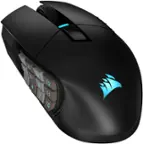
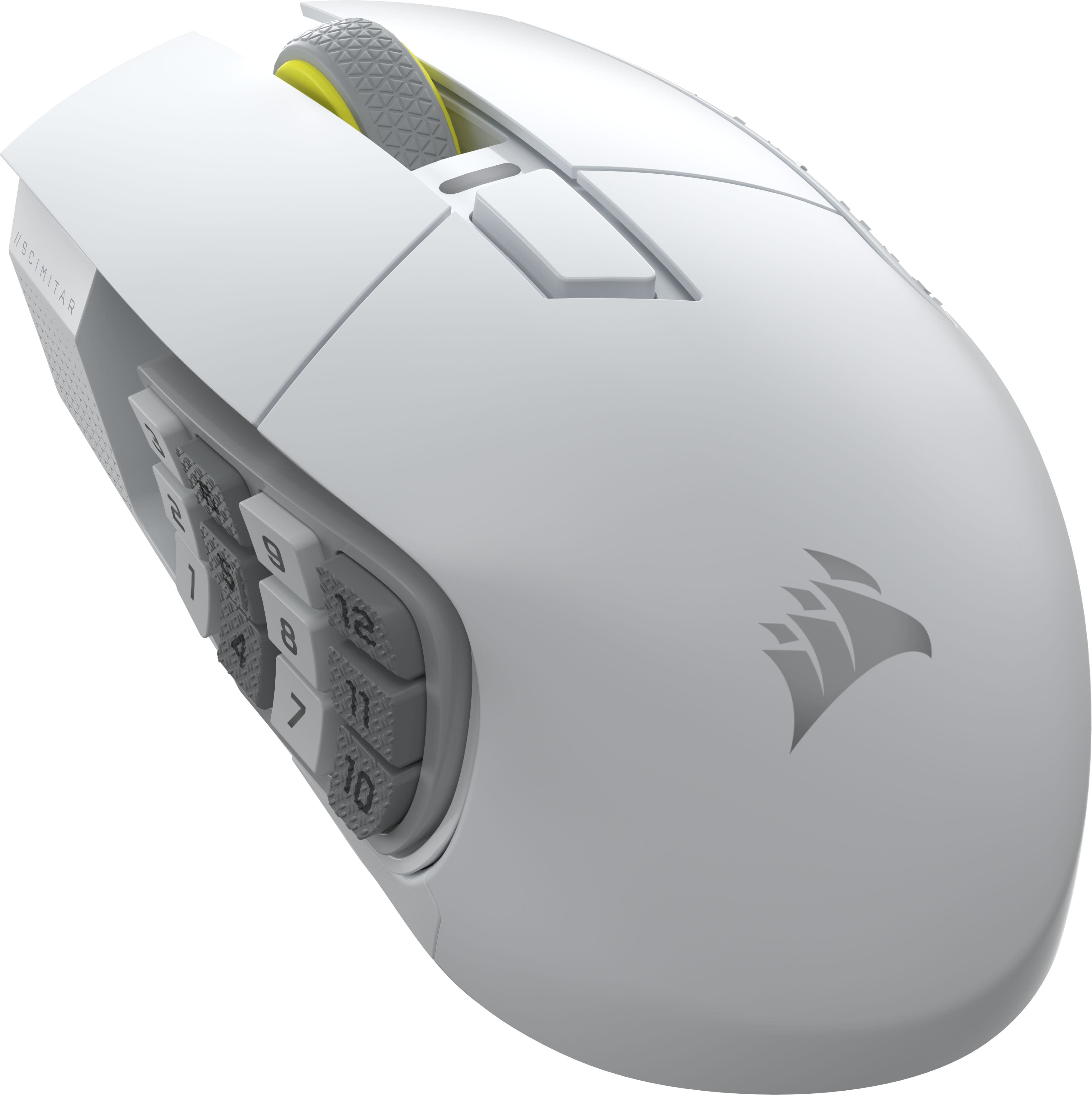
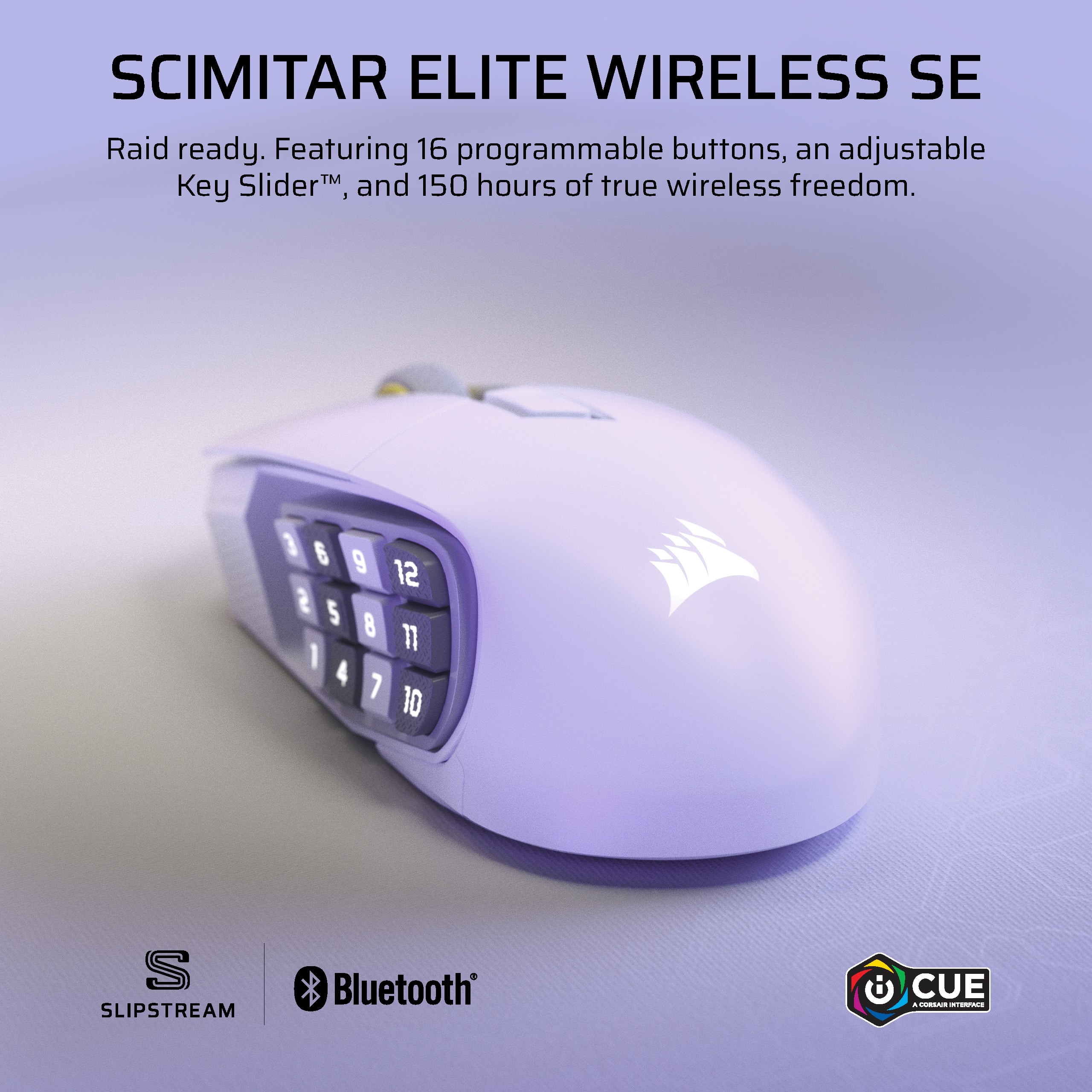
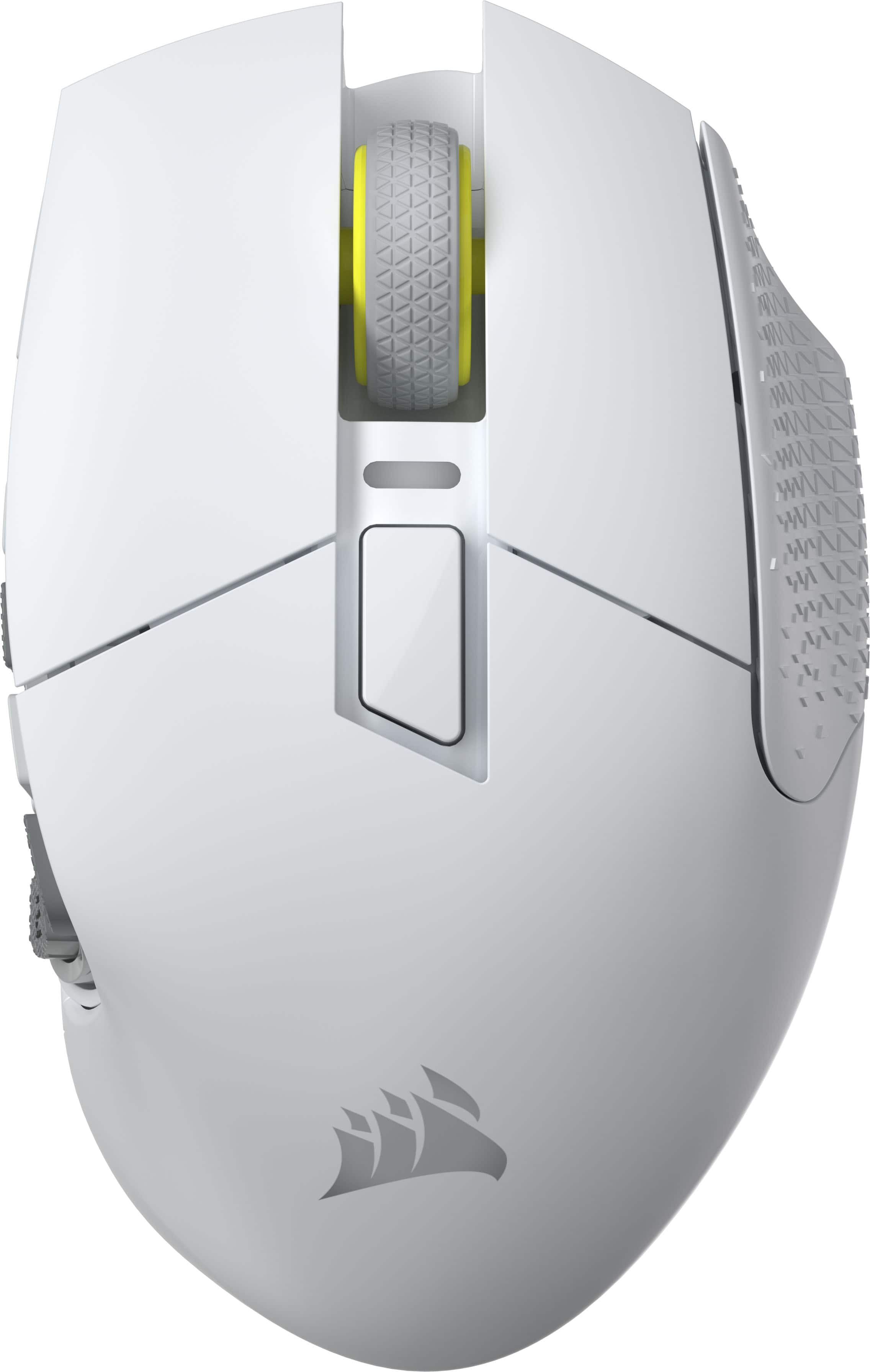
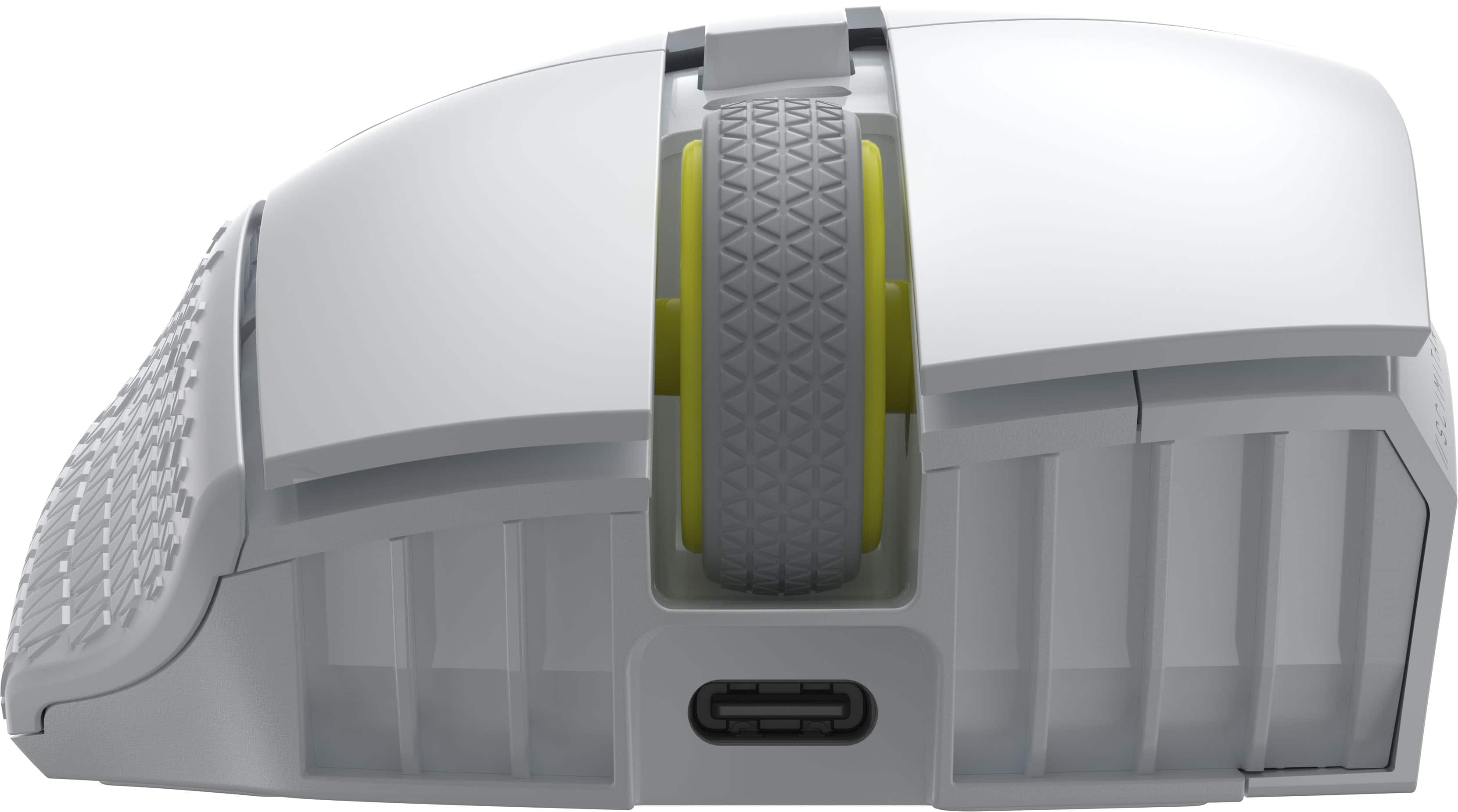
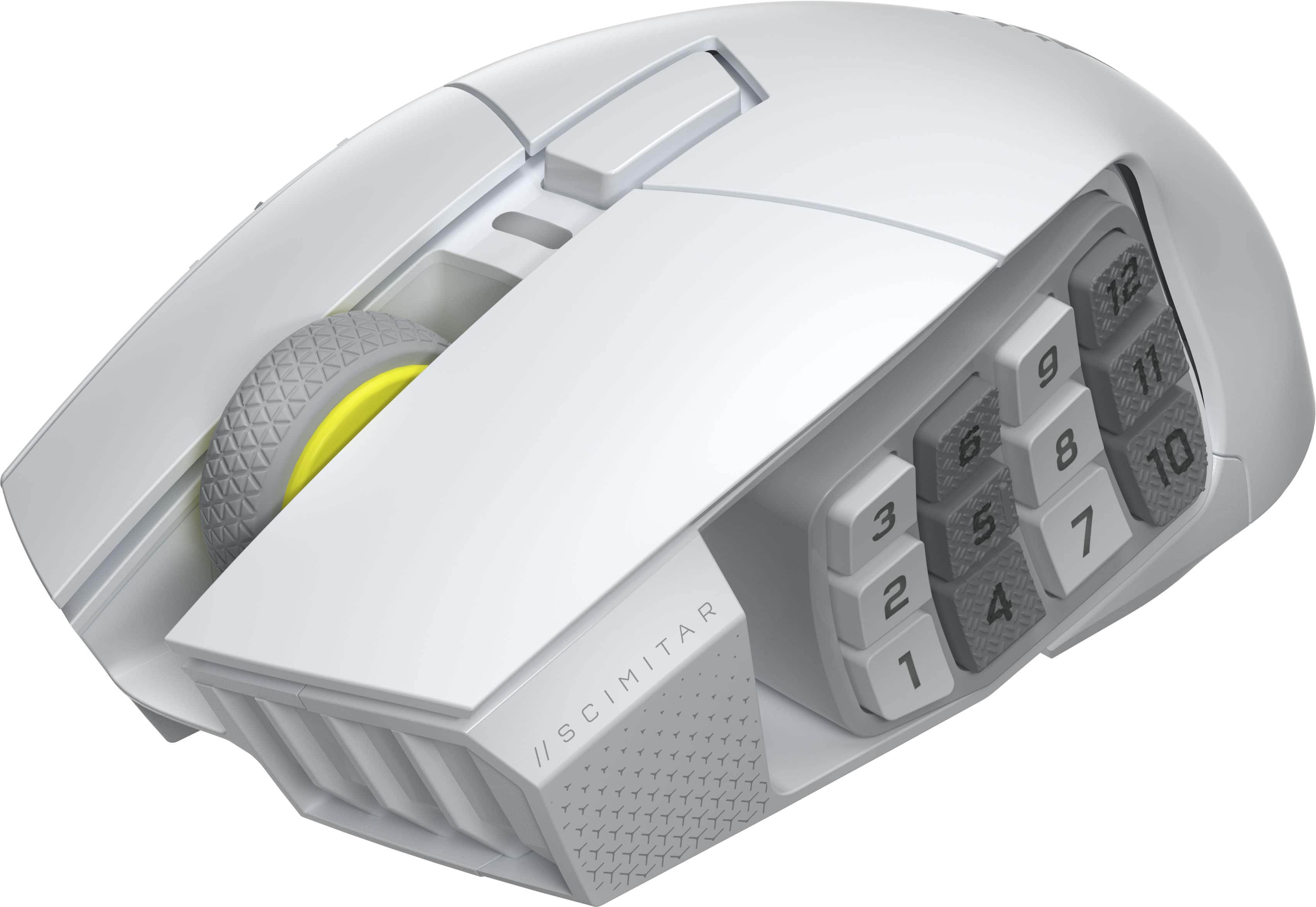
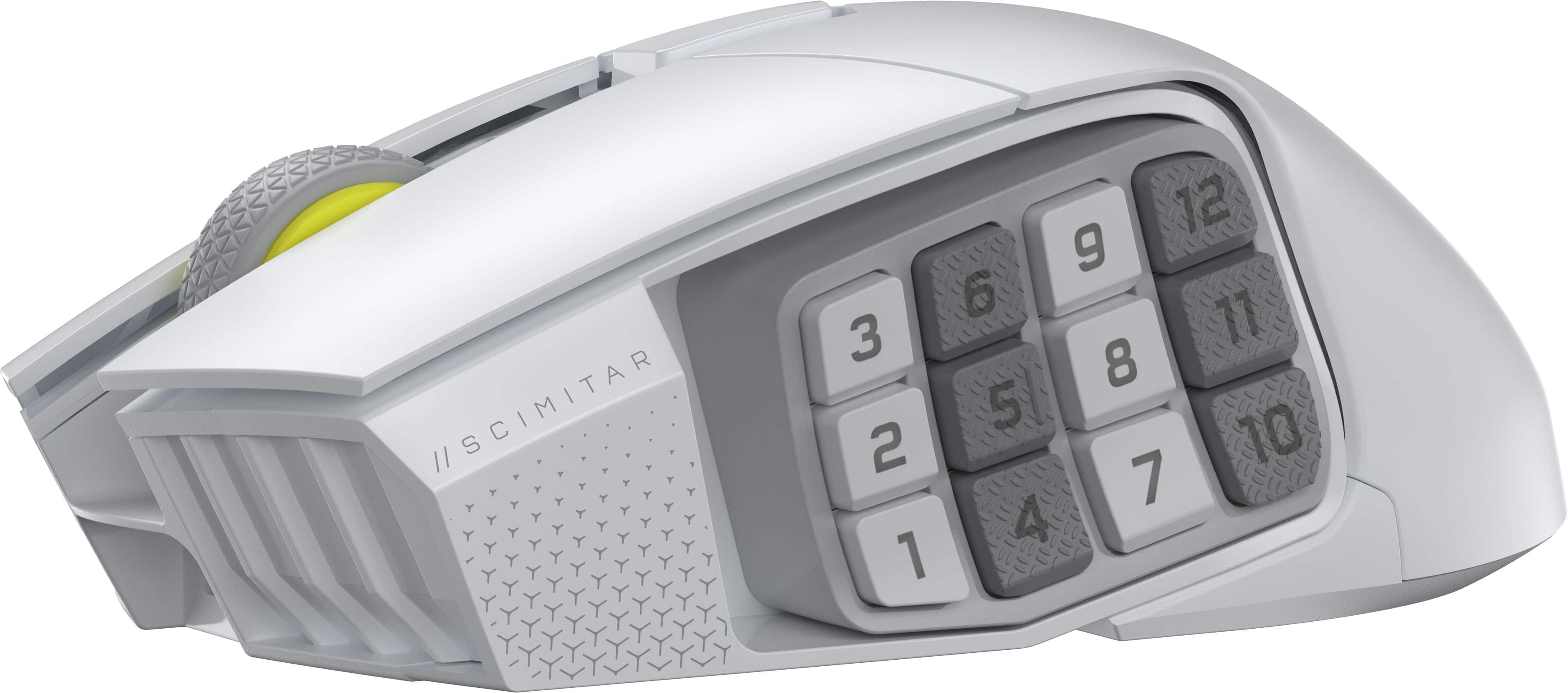
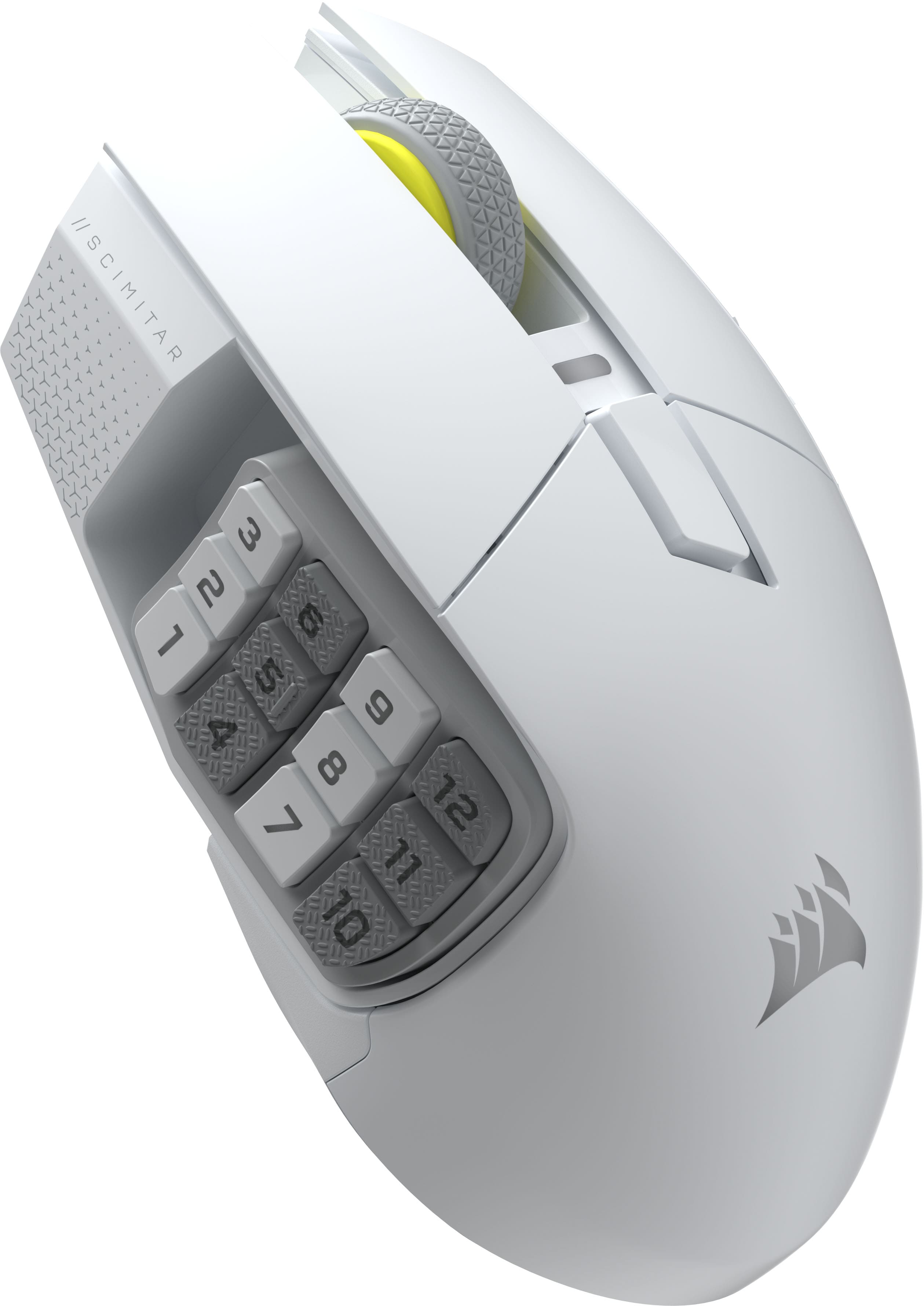
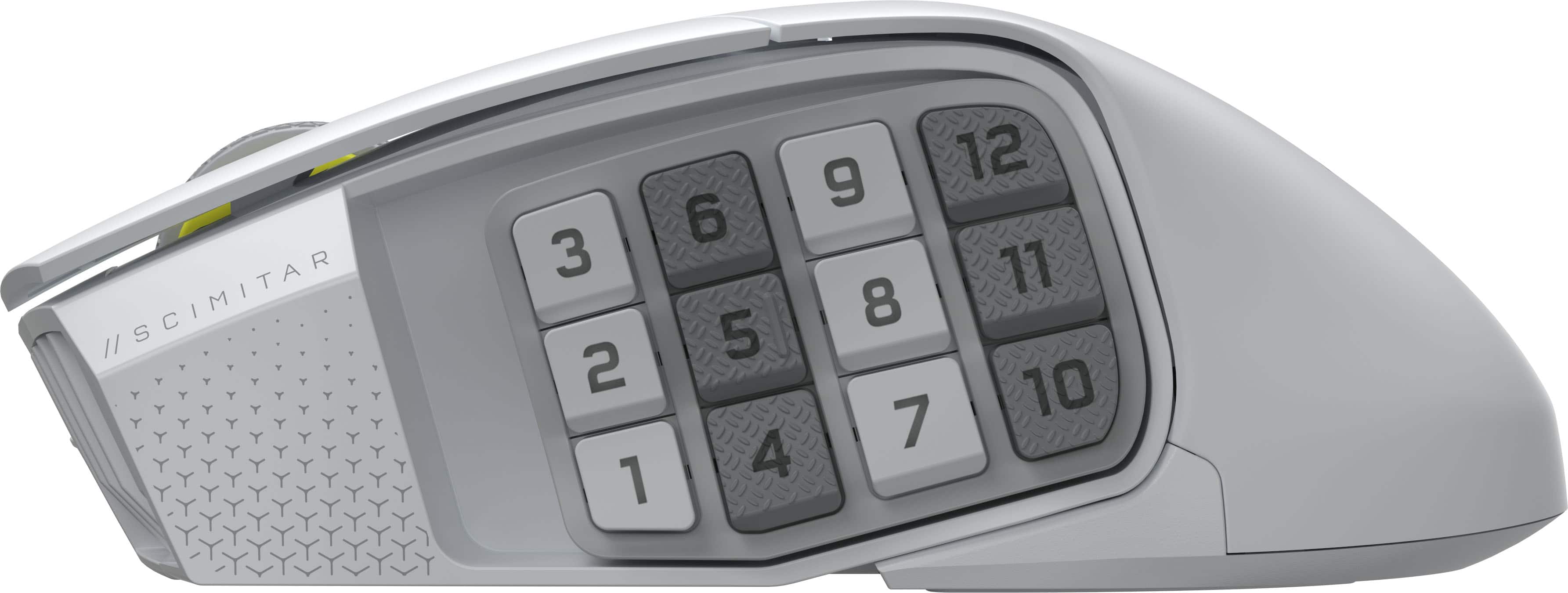
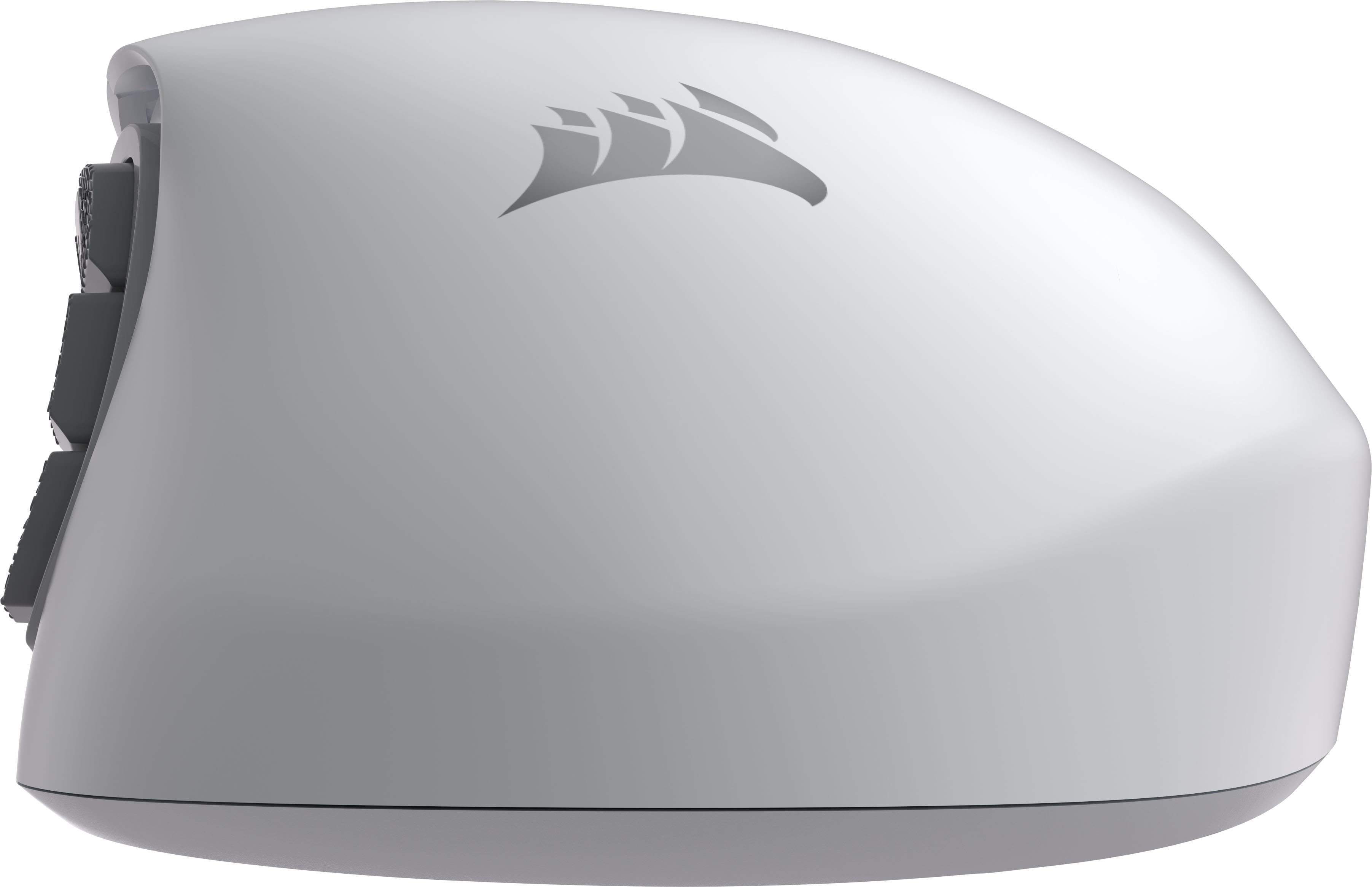
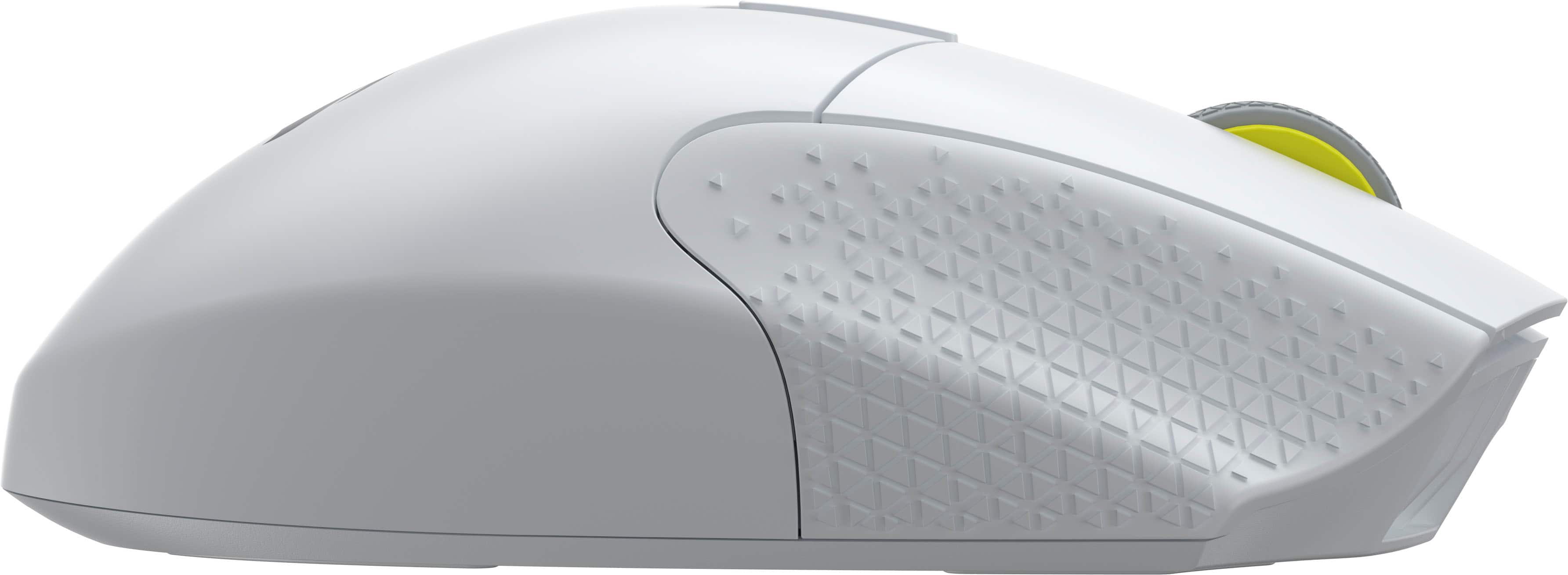
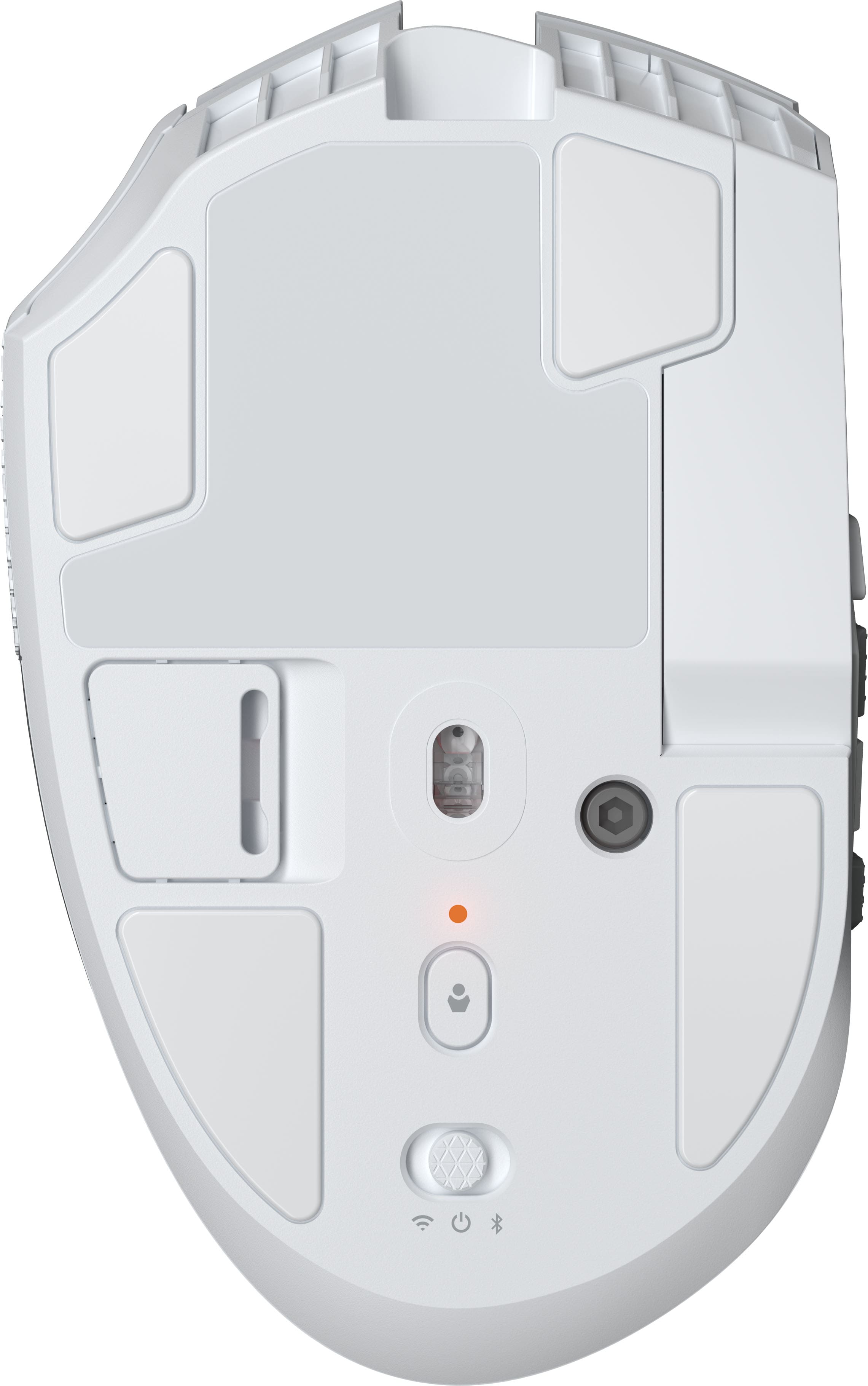
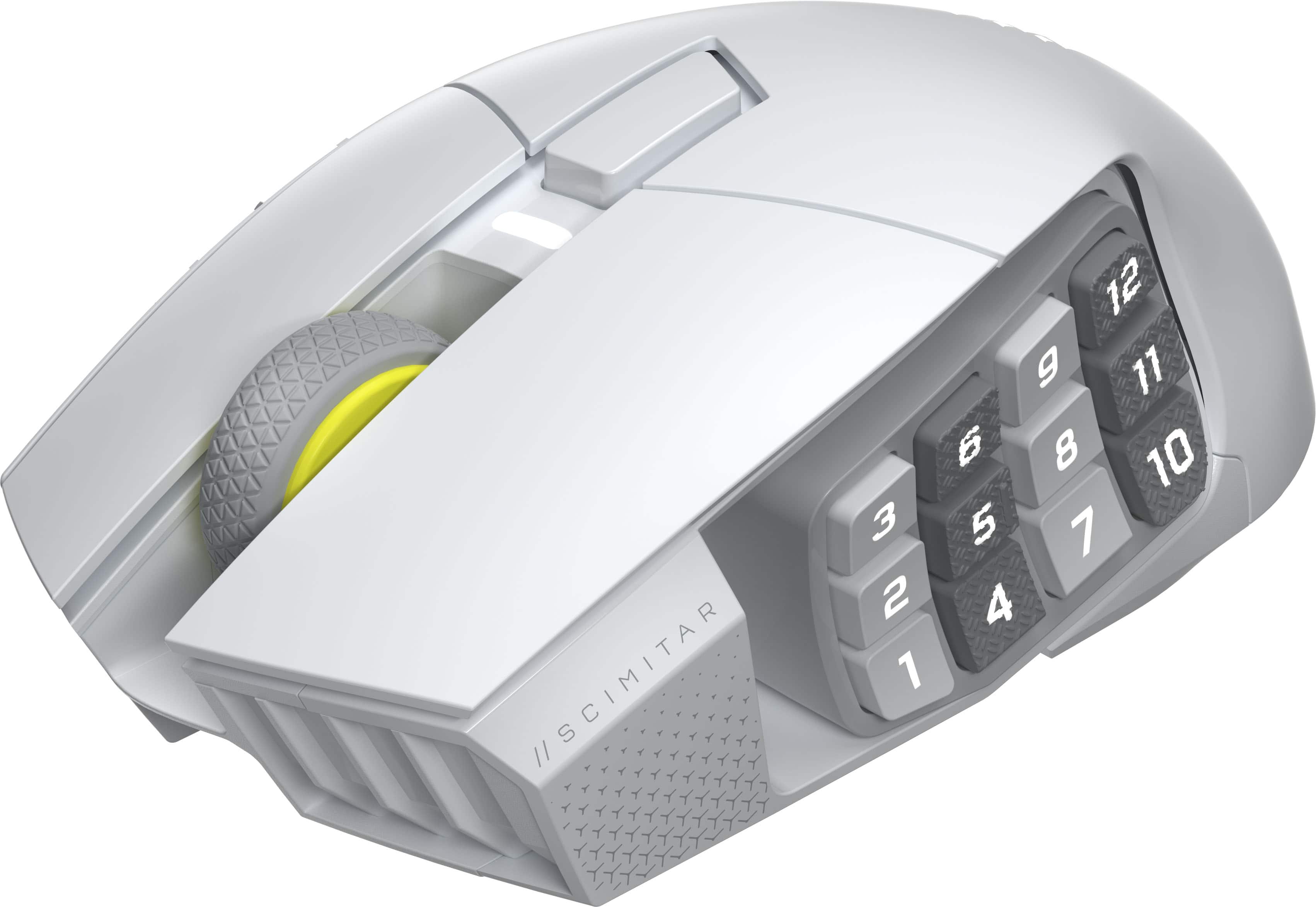
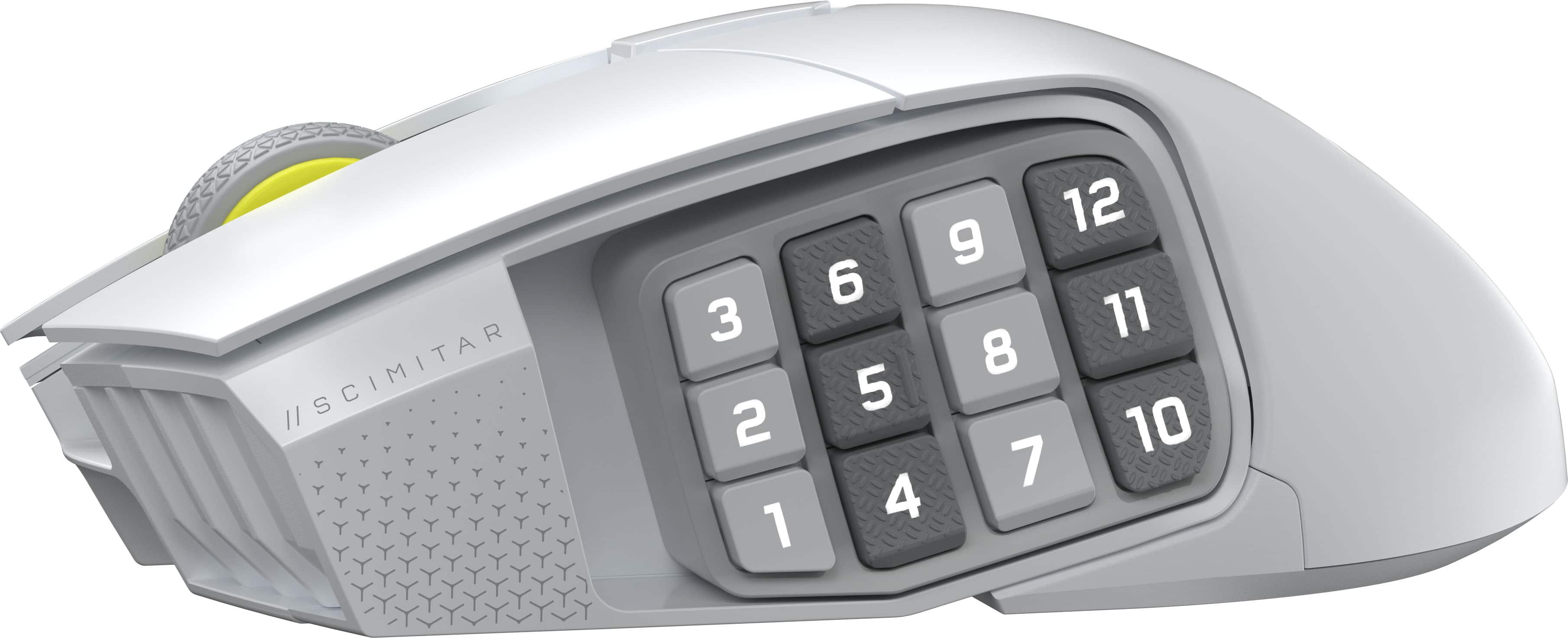
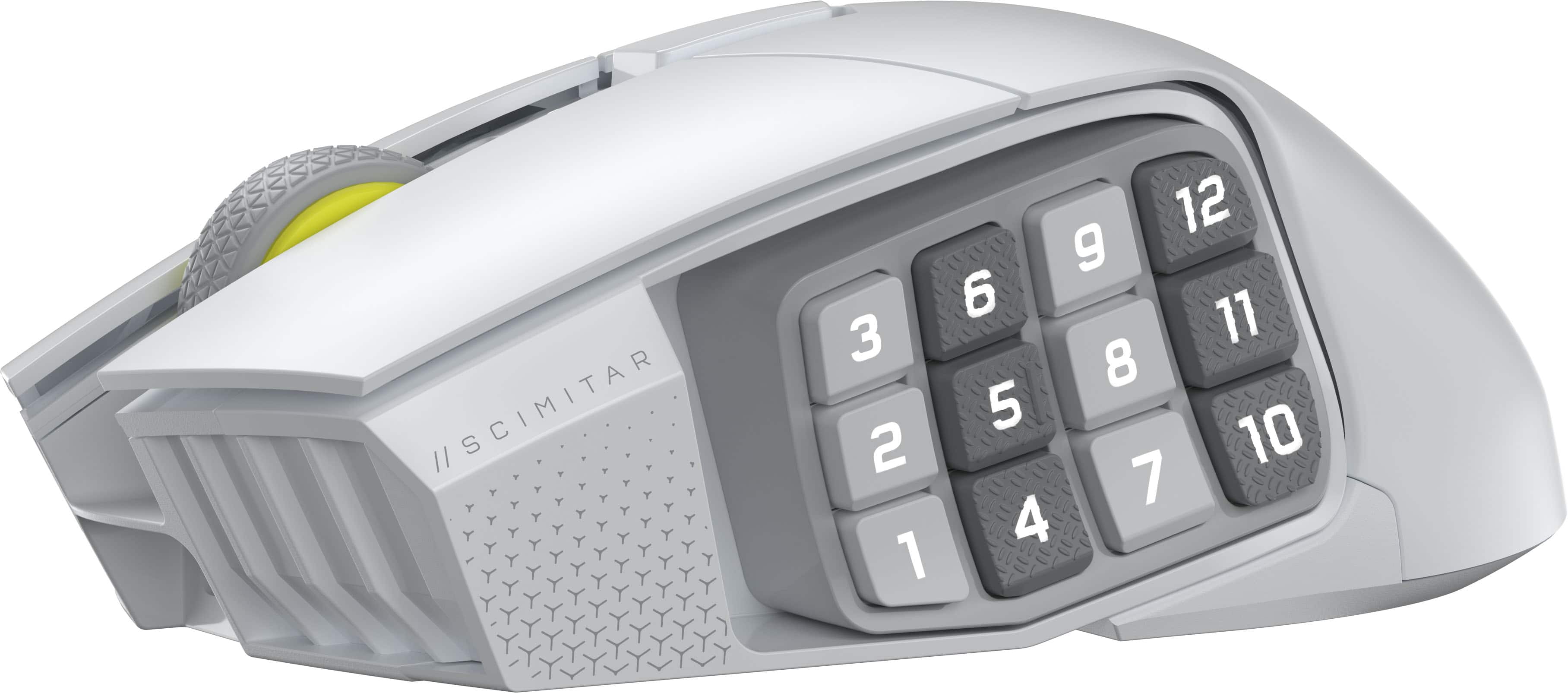
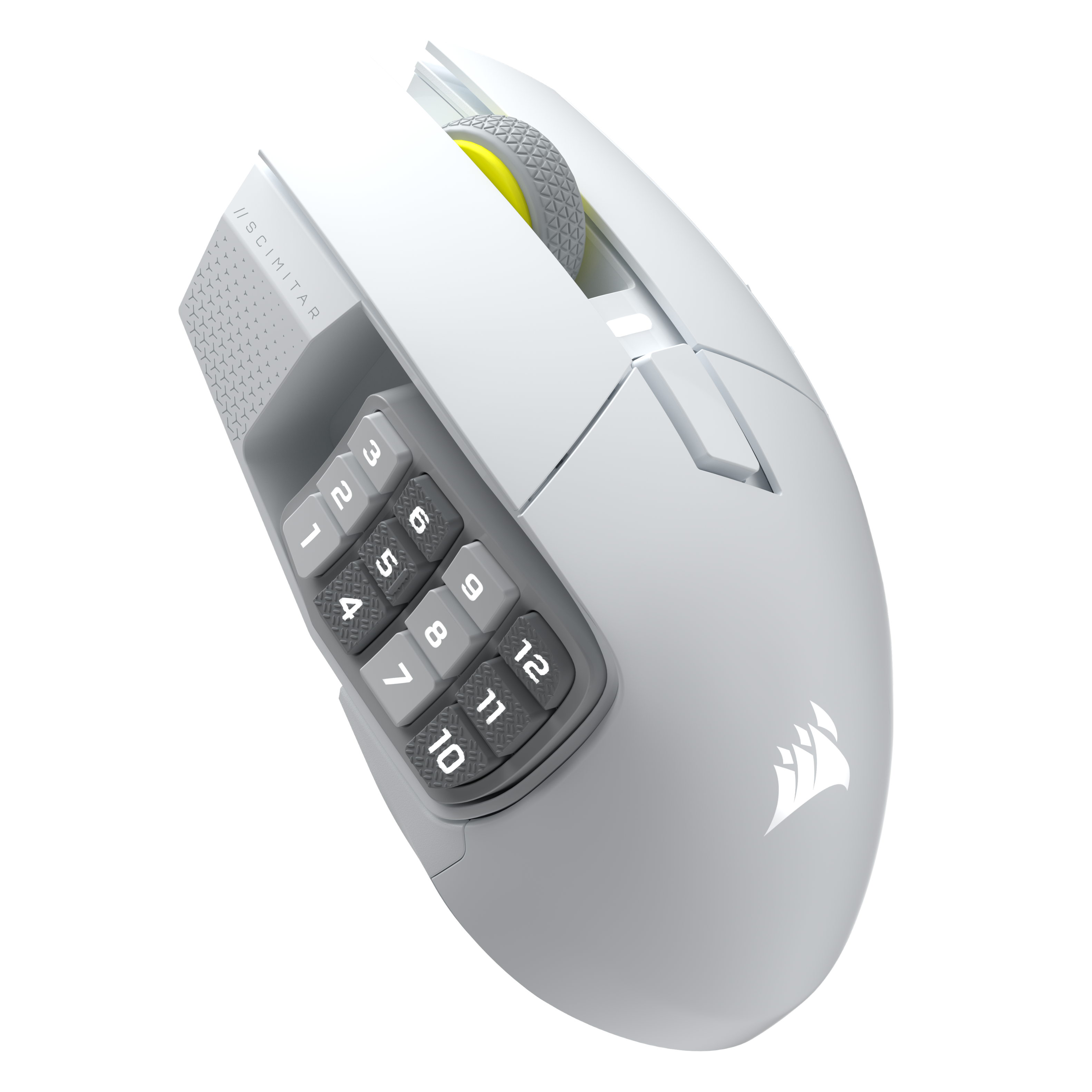
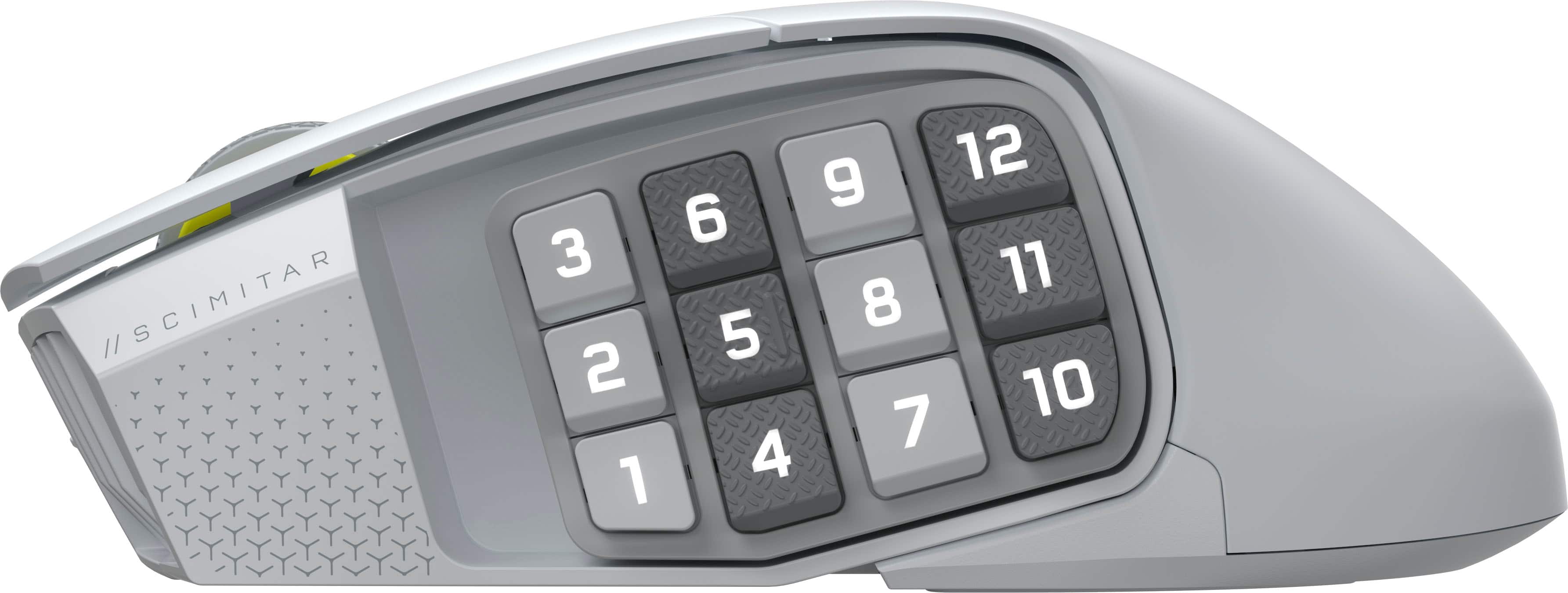
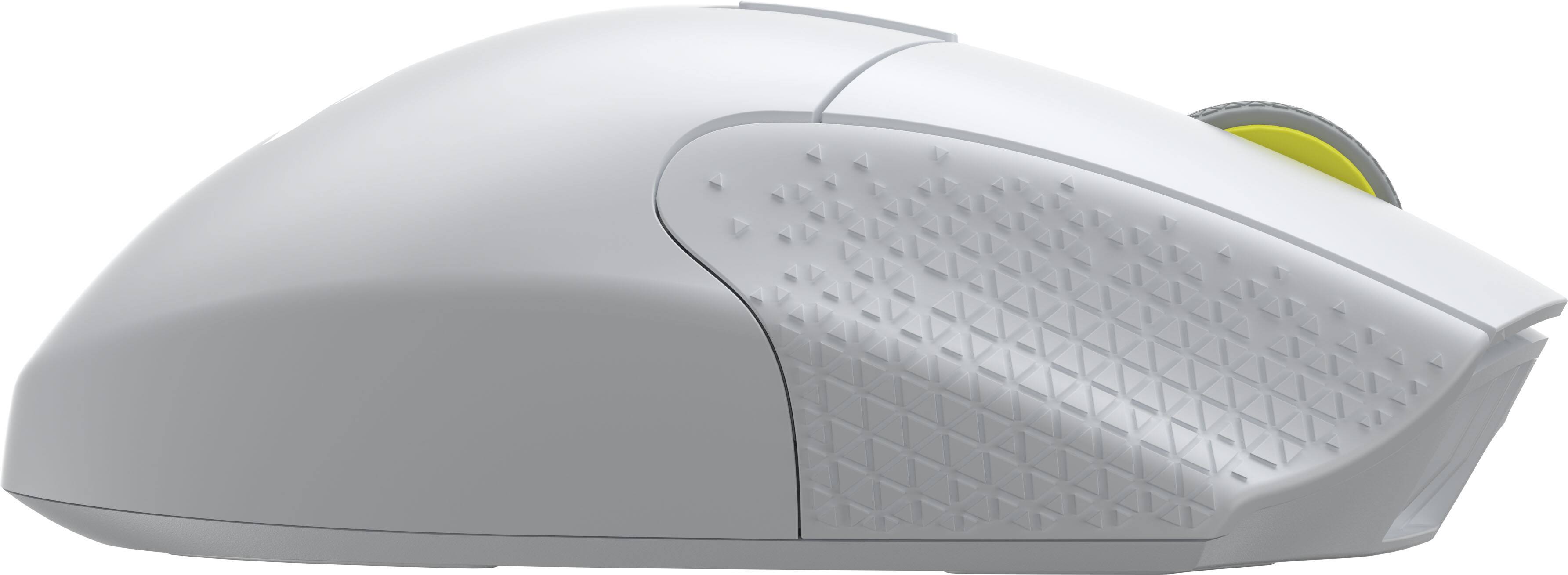
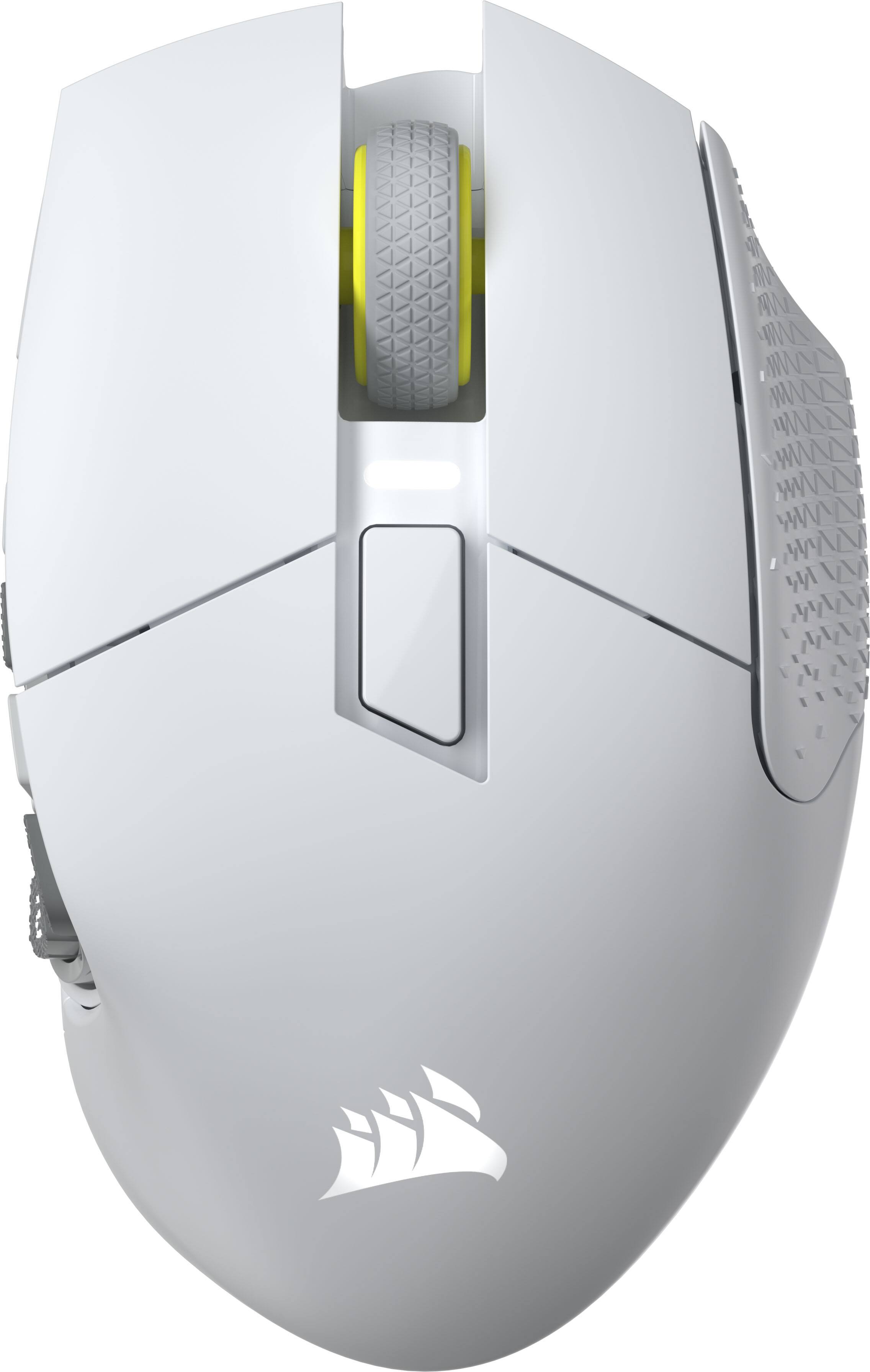
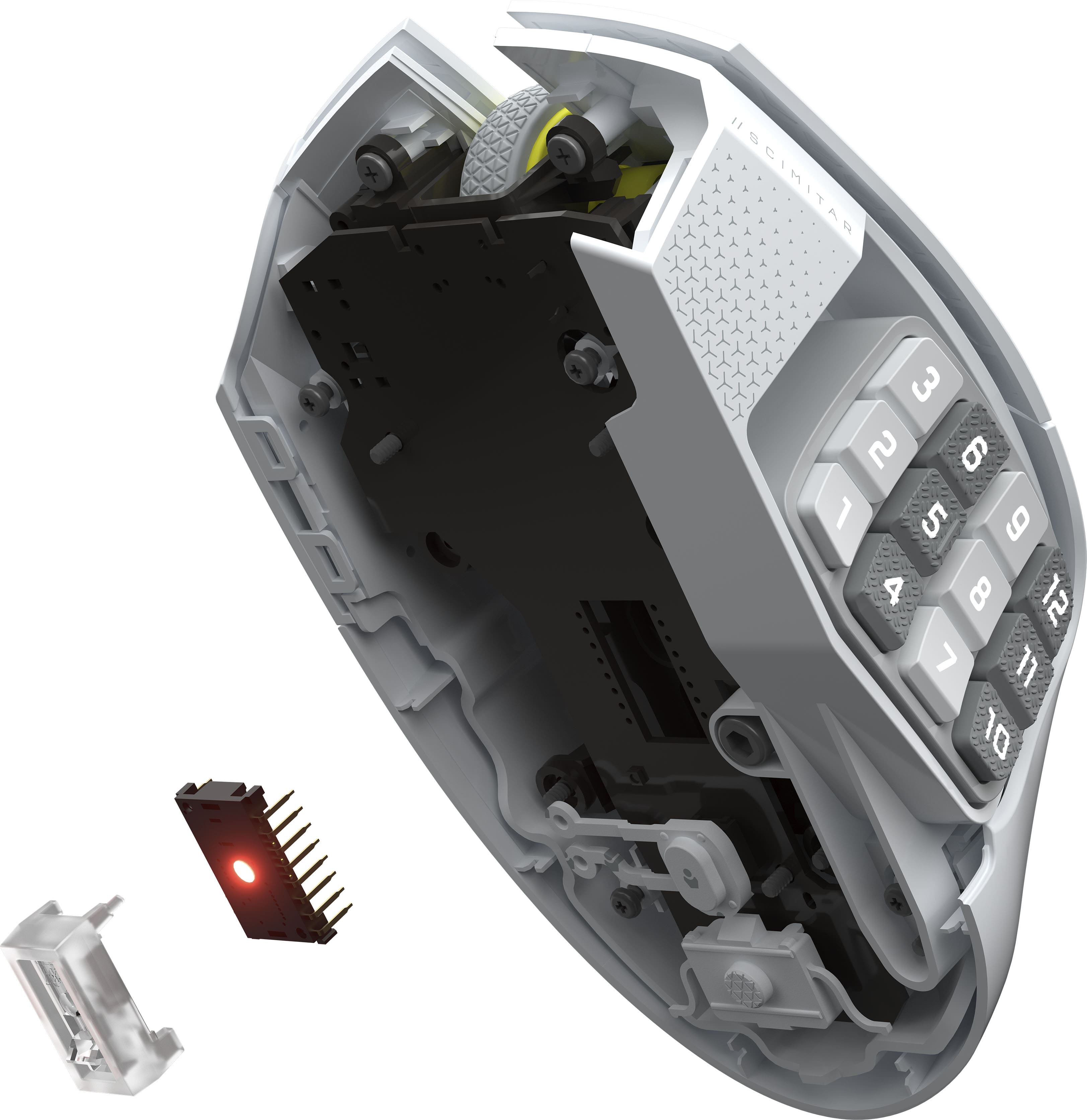
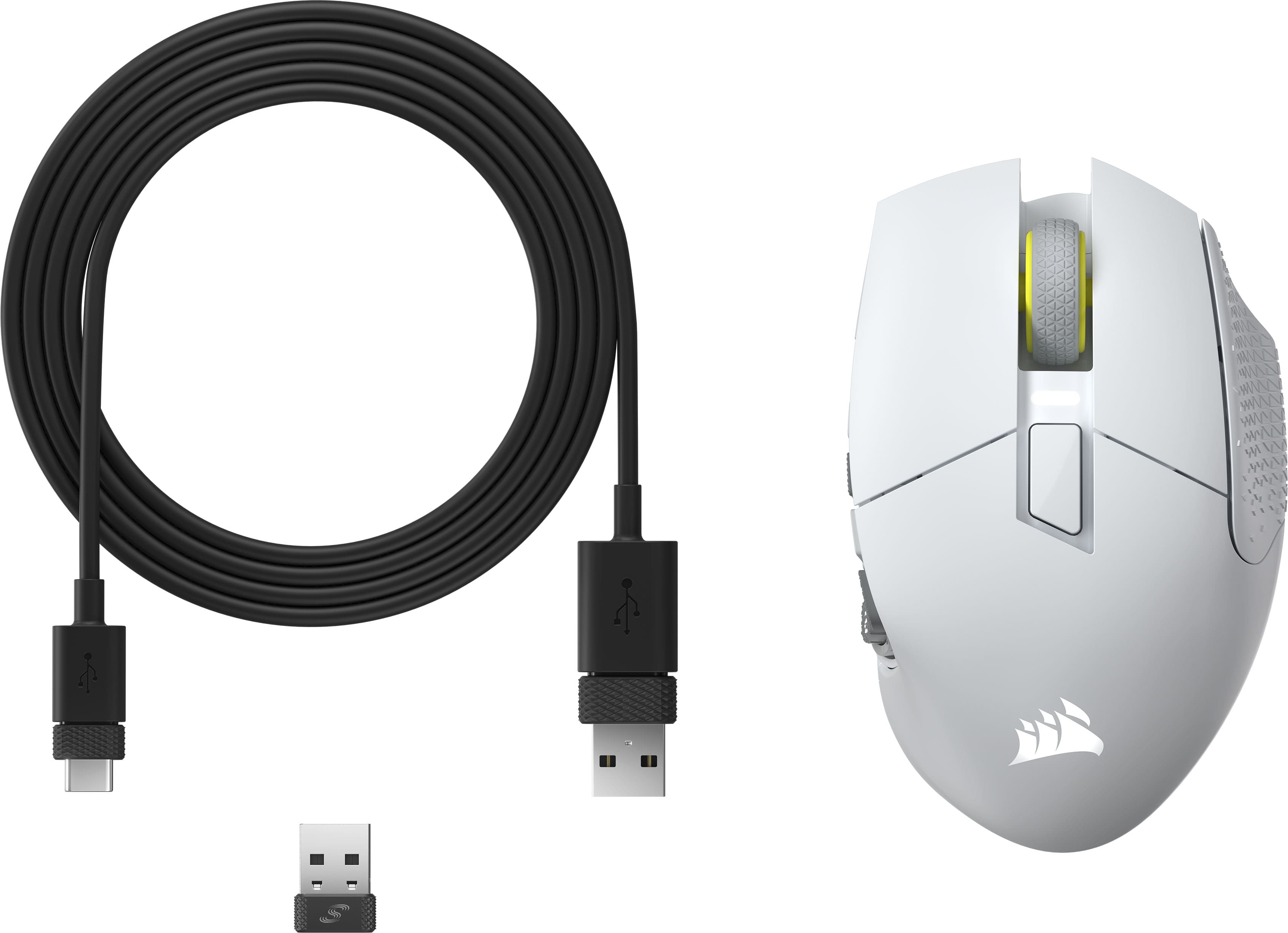
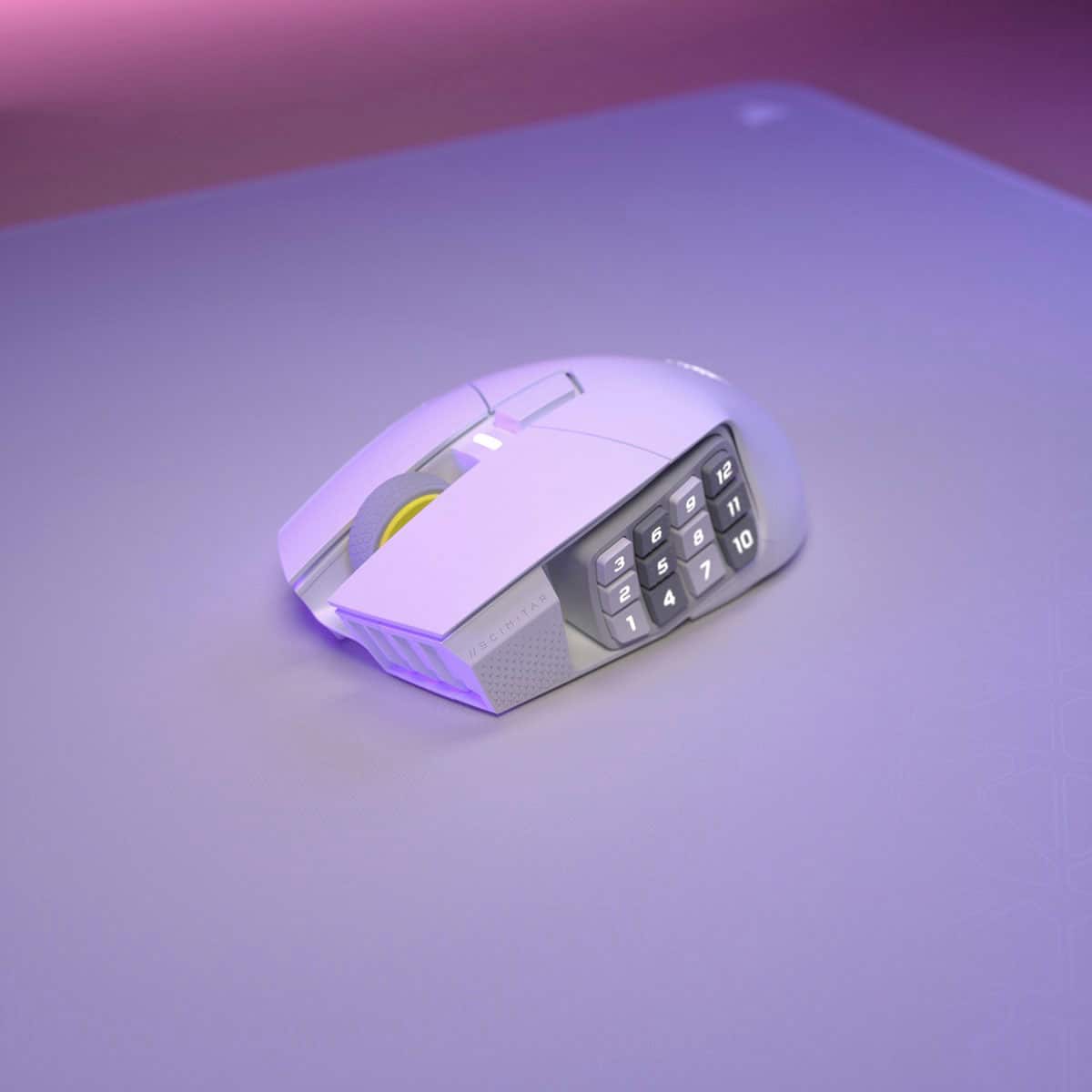
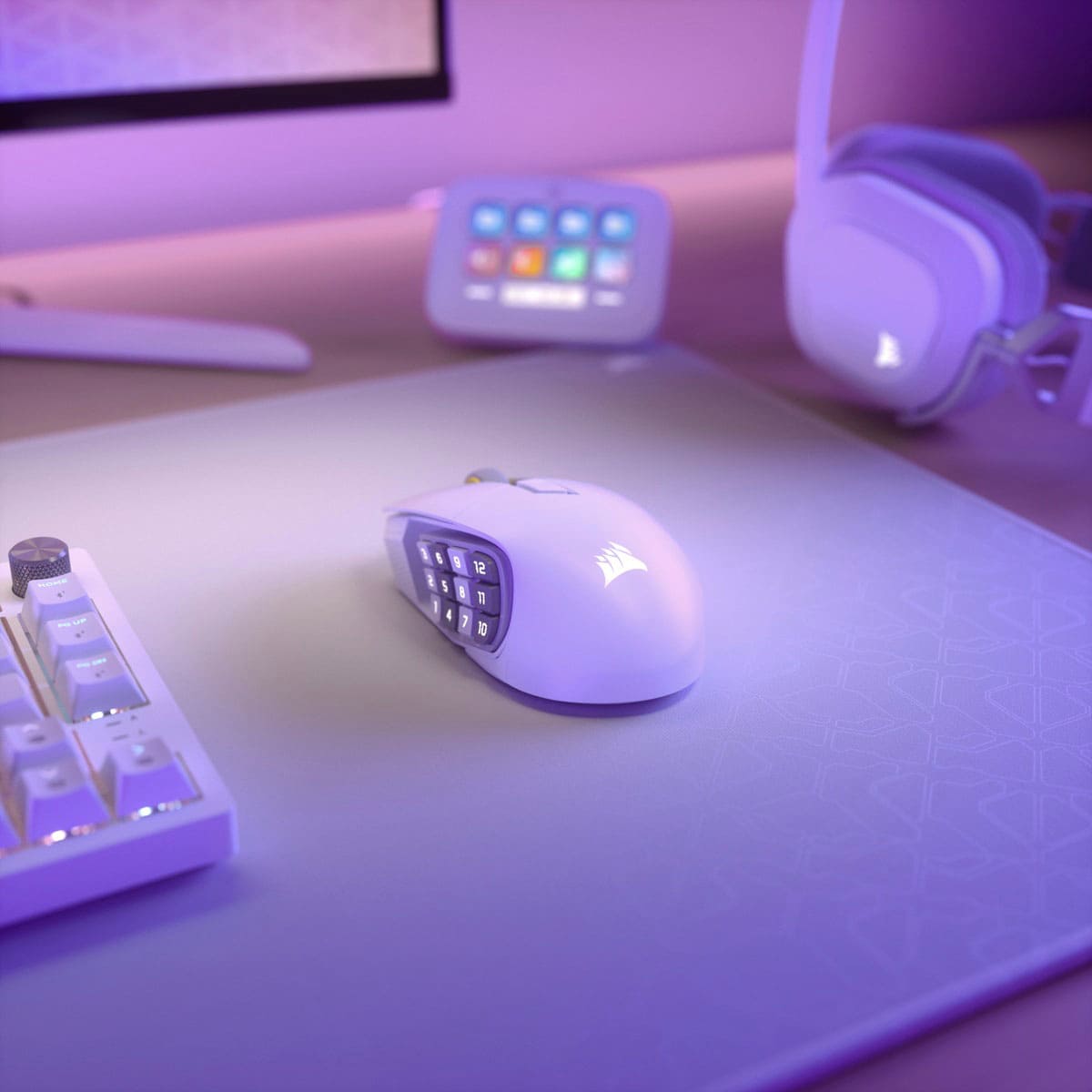
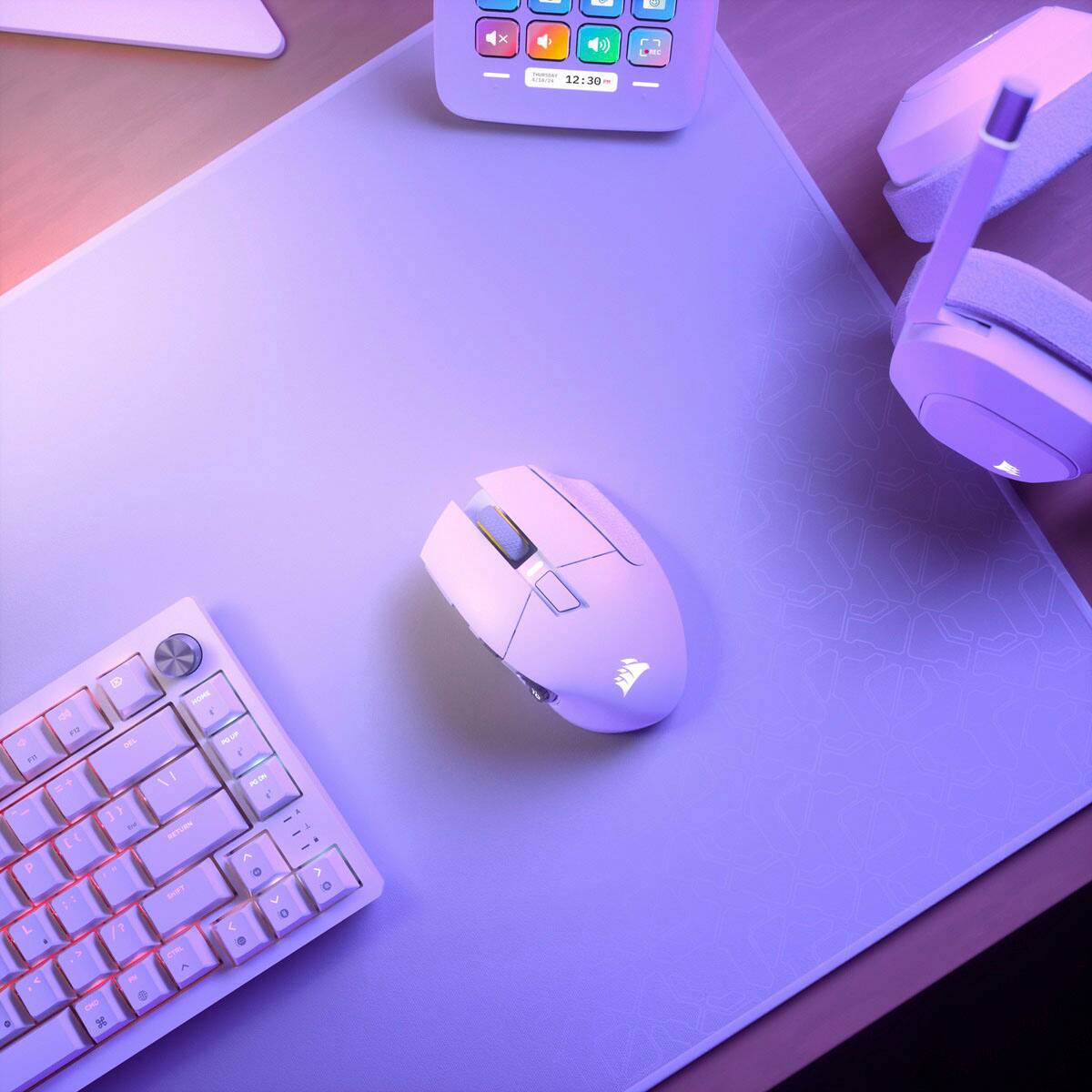
Customers are delighted by the Scimitar Elite Wireless SE Gaming Mouse, praising its programmable buttons, overall performance, and long-lasting battery. The mouse's ergonomic design and adjustable weight contribute to comfortable, extended use, while its connectivity options and accuracy are also appreciated. Some users with larger hands find the size to be less ideal.
This summary was generated by AI based on customer reviews.
My favorite out of my 5 MMO mice!
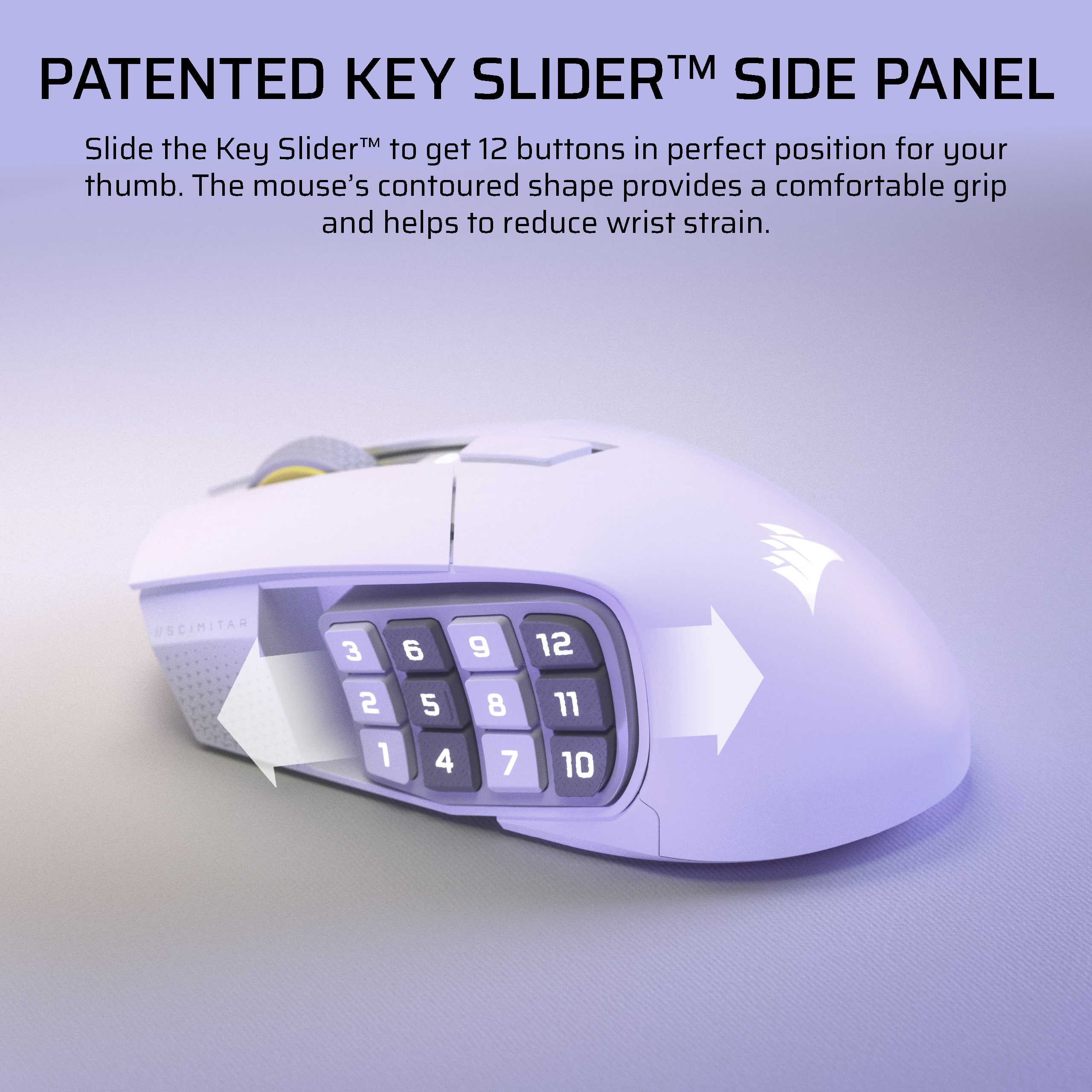
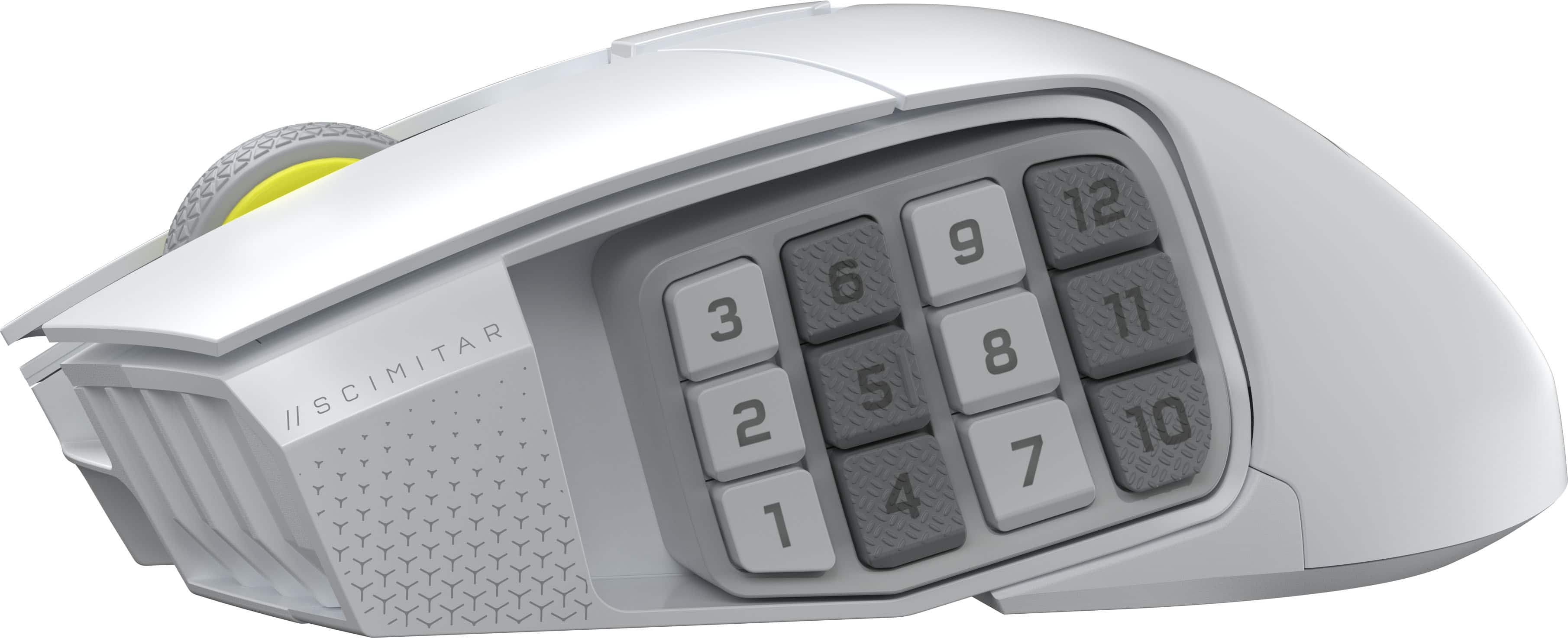
||Posted . Owned for 2 weeks when reviewed.This reviewer received promo considerations or sweepstakes entry for writing a review.I have one arm and devices like MMO mice allow me to game semi-normally. I've had a Razer Naga, Logitech G600, EVGA X15, Corsair Scimitar, and now Scimitar Elite. Of all of them, the Scimitar Elite is my overall favorite. Mostly because it's wireless and i can easily reposition the side keys. The only addition I wish it had was left/right clicks on the center wheel, like the G600 has. That's my favorite mouse function for work/productivity - I set it to switch tabs/sheets left or right. My only complaint (for both versions of the Scimitar) is that the left right mouse buttons are basically flaps and have a lip over the front of the mouse. I got this to replace my old/original Scimitar which broke because I caught the left button on something and boke it off, rendering the mouse mostly useless since it's not replaceable. 5/5 stars from me!
I would recommend this to a friend- Pros mentioned:Button quality
Good mouse
||Posted .This reviewer received promo considerations or sweepstakes entry for writing a review.Good mouse. If the side buttons are placed at the right location, my thumb does not accidentally press one of them down. The mouse click button is pretty loud.
I would recommend this to a friend - Pros mentioned:Button quality
Hard to go wrong
||Posted . Owned for 2 weeks when reviewed.This reviewer received promo considerations or sweepstakes entry for writing a review.Big fan of this mouse. The added sude keys makke playing my MMOs and MOBAs way easier.
I would recommend this to a friend - Pros mentioned:Button quality

Certified for gaming
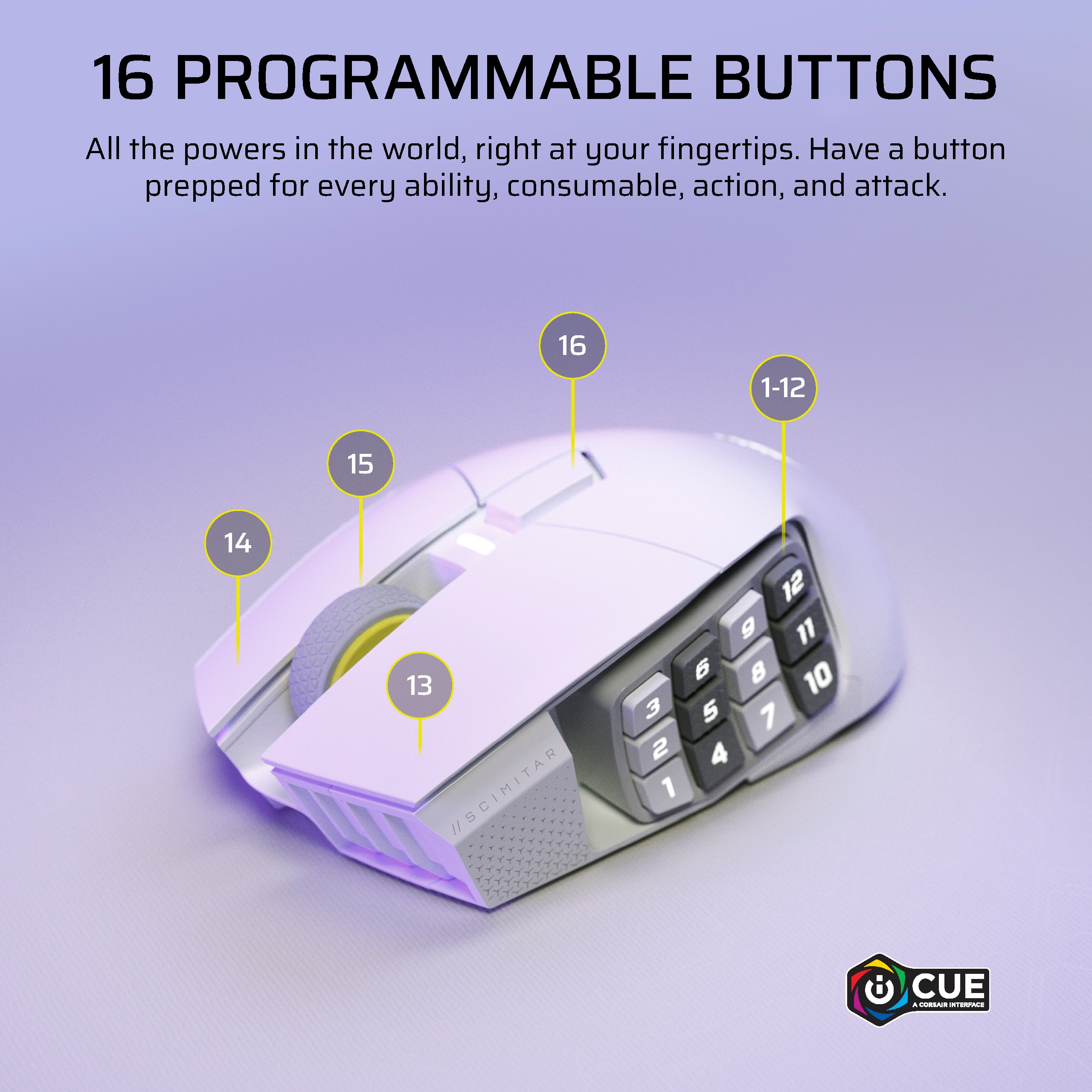
|Posted .This reviewer received promo considerations or sweepstakes entry for writing a review.Great mice for gaming, the extra buttons are adjustable and can be mapped for easy menu navigations or inputs.
I would recommend this to a friend A Great Mouse Depending On....
||Posted .This reviewer received promo considerations or sweepstakes entry for writing a review.This mouse looks good and the buttons feel good however it all depends on how you hold and maneuver your mouse. I tend to pick up my mouse a lot when playing due to sensitivity settings and it is not comfortable do do so and does not feel confident since the side buttons reduce grip and you have to worry about hitting one of the buttons. It is great for MMO games otherwise if that is not an issue for you. Also any game really, where you want to maximize key bind inputs with less effort on the keyboard side.
I would recommend this to a friendBest multi-button mouse ever
||Posted . Owned for 4 months when reviewed.This reviewer received promo considerations or sweepstakes entry for writing a review.I love this line of mouse through Corsair. Absolutely can’t play games without it anymore. Never have to pick my hand up from the keyboard to make the clutch play. Great for FPS games. Honestly I use it for everything. I’d compare it to the elite controller from xbox except it doesn’t break.
I would recommend this to a friendSame great mouse, but wireless
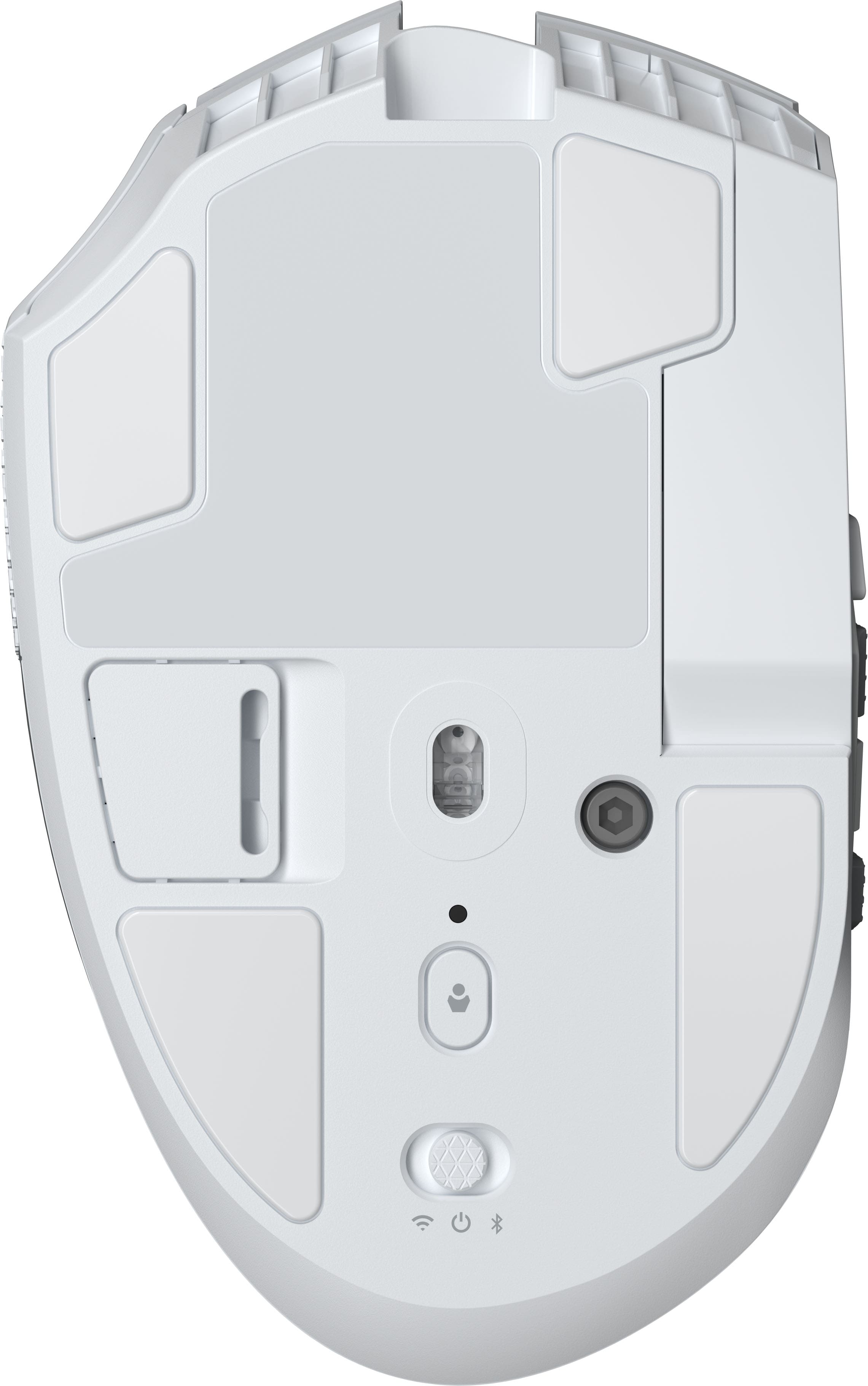
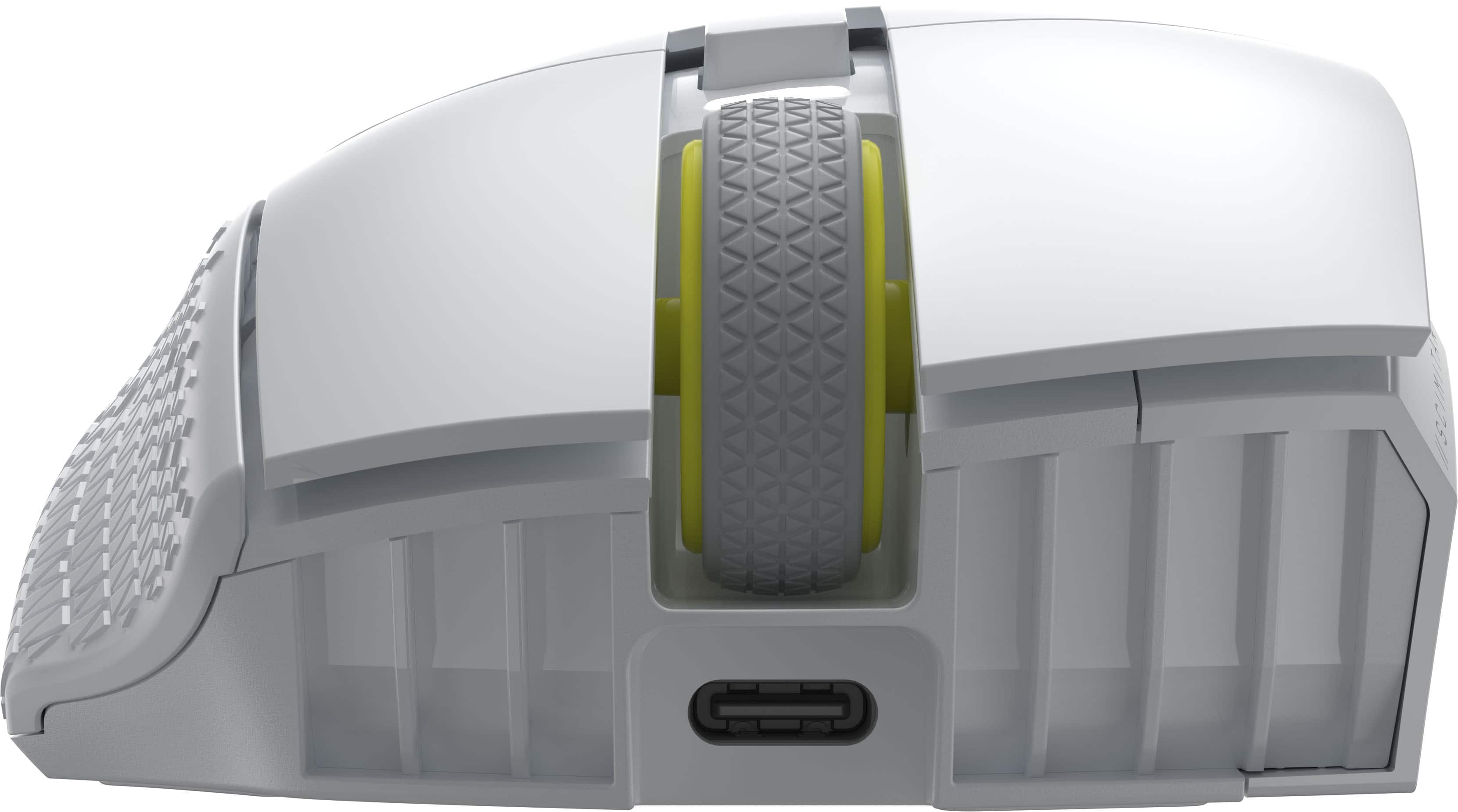
||Posted . Owned for 2 weeks when reviewed.This reviewer received promo considerations or sweepstakes entry for writing a review.Having the new model be a USB c charger makes it very easy to charge on the go. And the weight is nice making it my primary at home as well.
I would recommend this to a friend- Pros mentioned:Overall performance
Good mouse
||Posted .This reviewer received promo considerations or sweepstakes entry for writing a review.It gets the job done and for my first mouse, I’m really enjoying playing games with it.
I would recommend this to a friend - Pros mentioned:Overall performance
Best mouse so far
||Posted . Owned for 3 months when reviewed.This reviewer received promo considerations or sweepstakes entry for writing a review.Amazing product, comfortable for gripping and very smooth love the brand
I would recommend this to a friend - Pros mentioned:Ergonomics
Good for big hands
||Posted . Owned for 1 week when reviewed.This reviewer received promo considerations or sweepstakes entry for writing a review.I’ve gone through 5 mice. This was was the best. I have bigger hands so some of the other lightweight mice did not work for me. I recommend
I would recommend this to a friend - Pros mentioned:Overall performance
1000-8000hz polling rate god
||Posted .This reviewer received promo considerations or sweepstakes entry for writing a review.This is bar none the best mouse I’ve ever had the pleasure to use and own. Get one if you play esport FOS games!
I would recommend this to a friend I love the Scimitar
||Posted . Owned for 2 weeks when reviewed.This reviewer received promo considerations or sweepstakes entry for writing a review.I have always loved the Scimitar and i love itneven more wireless. It is great for mmo gaming and professional macros. Great quality
I would recommend this to a friendGreat
||Posted . Owned for 2 weeks when reviewed.This reviewer received promo considerations or sweepstakes entry for writing a review.Its light for a mmo mouse and has matte coated plastic love the comfort and if course everyone has ti have a mmo mouse just in case
I would recommend this to a friendGood quality gaming mouse
||Posted .This reviewer received promo considerations or sweepstakes entry for writing a review.This mouse works fantastic. No latency with wireless which is amazing. Only downside is the dpi resets every time you stop using the mouse.
I would recommend this to a friendReplacement to G604 ?
||Posted . Owned for 5 months when reviewed.This reviewer received promo considerations or sweepstakes entry for writing a review.Great mouse ! It's a bit hard getting used to where the buttons are or which is which but once you do it's good. The added ability to slide the side buttons to a position that fits best is dope as well! Note; I'm coming from the G604 or the Best Mouse ever that also happens to be discontinued for reasons unknown. It unfortunately falls a bit short from it but it is something!
I would recommend this to a friendGreat mouse for the price
||Posted . Owned for 2 weeks when reviewed.This reviewer received promo considerations or sweepstakes entry for writing a review.Probably one of the best gaming mouse I’ve used. This is my 2nd time getting this mouse first one was wired. Wireless one works great and the battery lasts longer than I expected.
I would recommend this to a friendGreat wireless mouse
||Posted . Owned for 3 weeks when reviewed.This reviewer received promo considerations or sweepstakes entry for writing a review.Great reach from dongle, and precision is fascinating
I would recommend this to a friend- Pros mentioned:Overall performance
Cool mouse
||Posted . Owned for 2 months when reviewed.This reviewer received promo considerations or sweepstakes entry for writing a review.Cool mouse for gaming. Has lots of features in fhe app
I would recommend this to a friend Solid purchase
||Posted .This reviewer received promo considerations or sweepstakes entry for writing a review.Solid mouse if you need the numerical buttons for games outside of FPS’s. The numerical pad is adjustable which helps with grip of different hand sizes. The extra buttons on the side takes a little getting used to but overall a good mouse.
I would recommend this to a friend- Pros mentioned:Overall performance
Great mouse
||Posted . Owned for 2 months when reviewed.This reviewer received promo considerations or sweepstakes entry for writing a review.Great mouse. Perfect for MMO style games. I couldnt be happier.
I would recommend this to a friend