Customer Ratings & Reviews



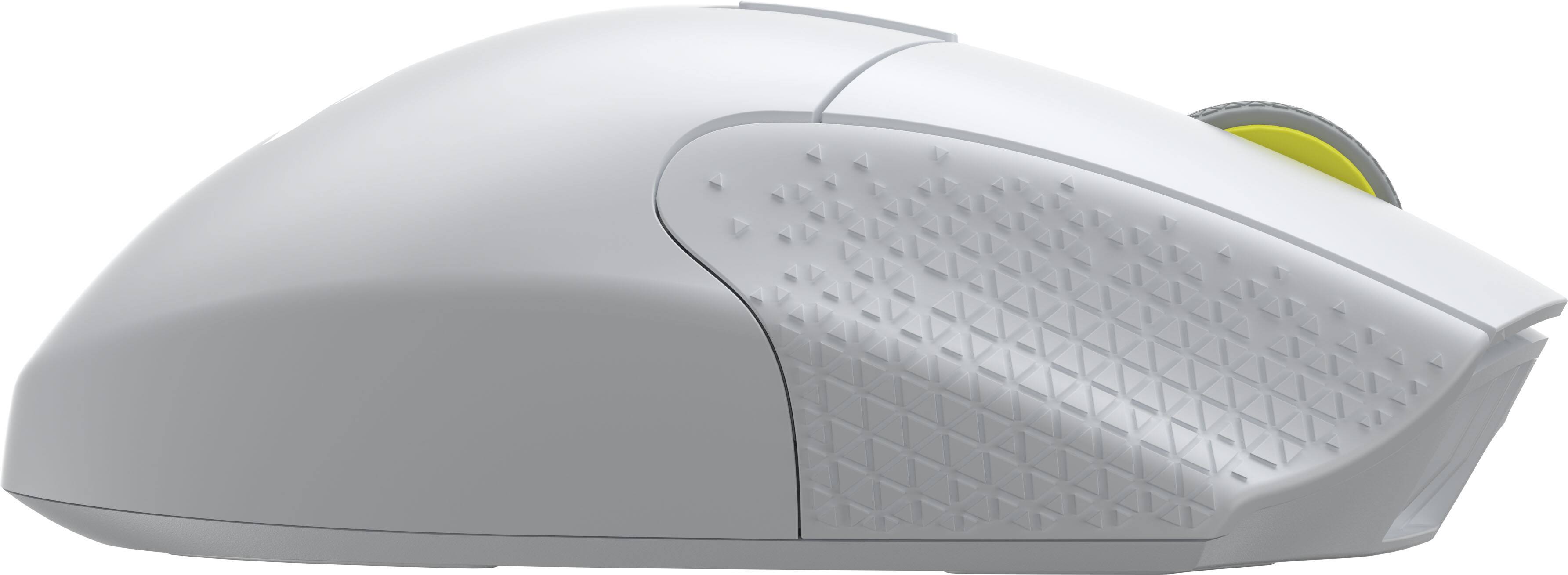
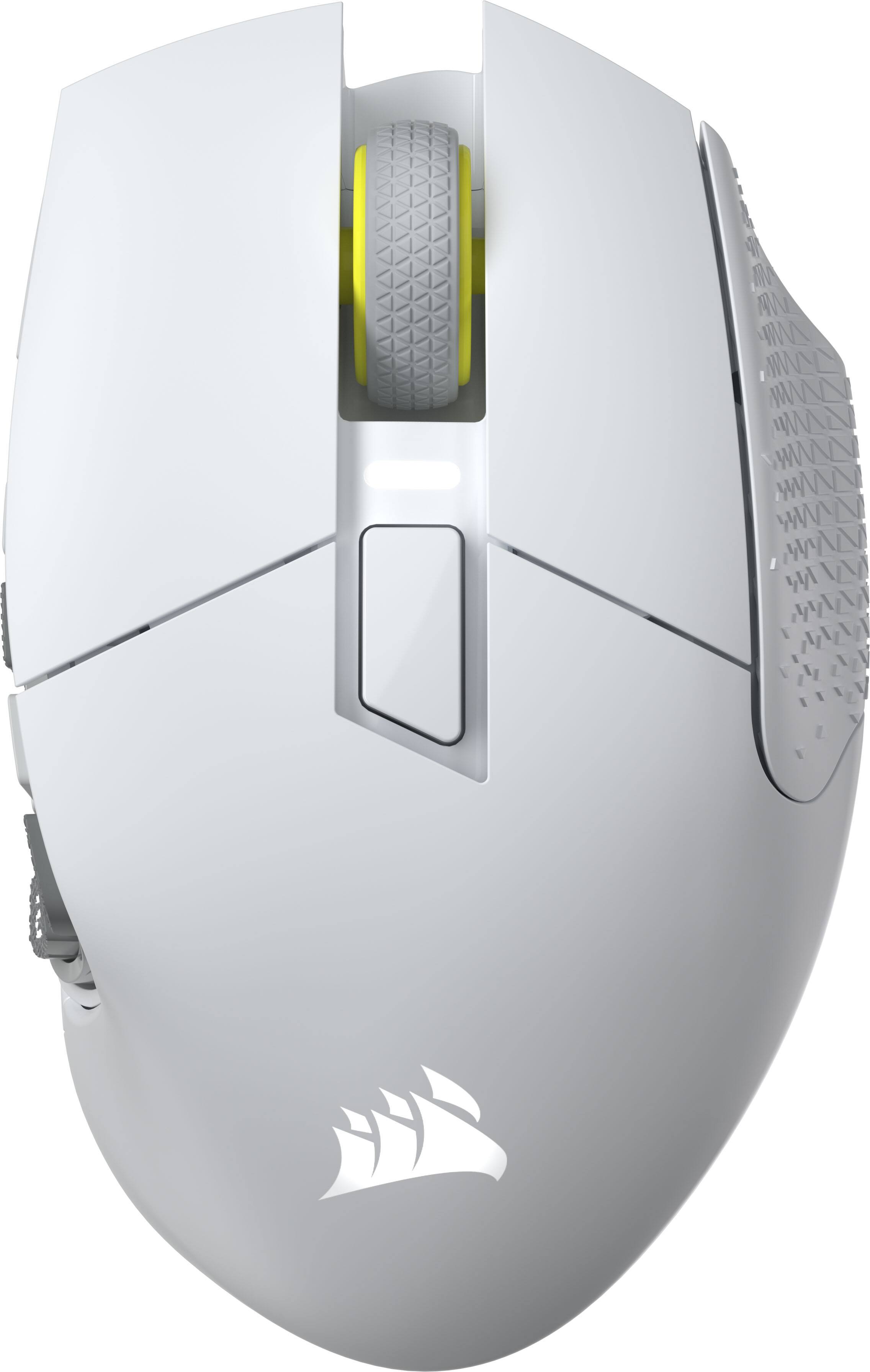

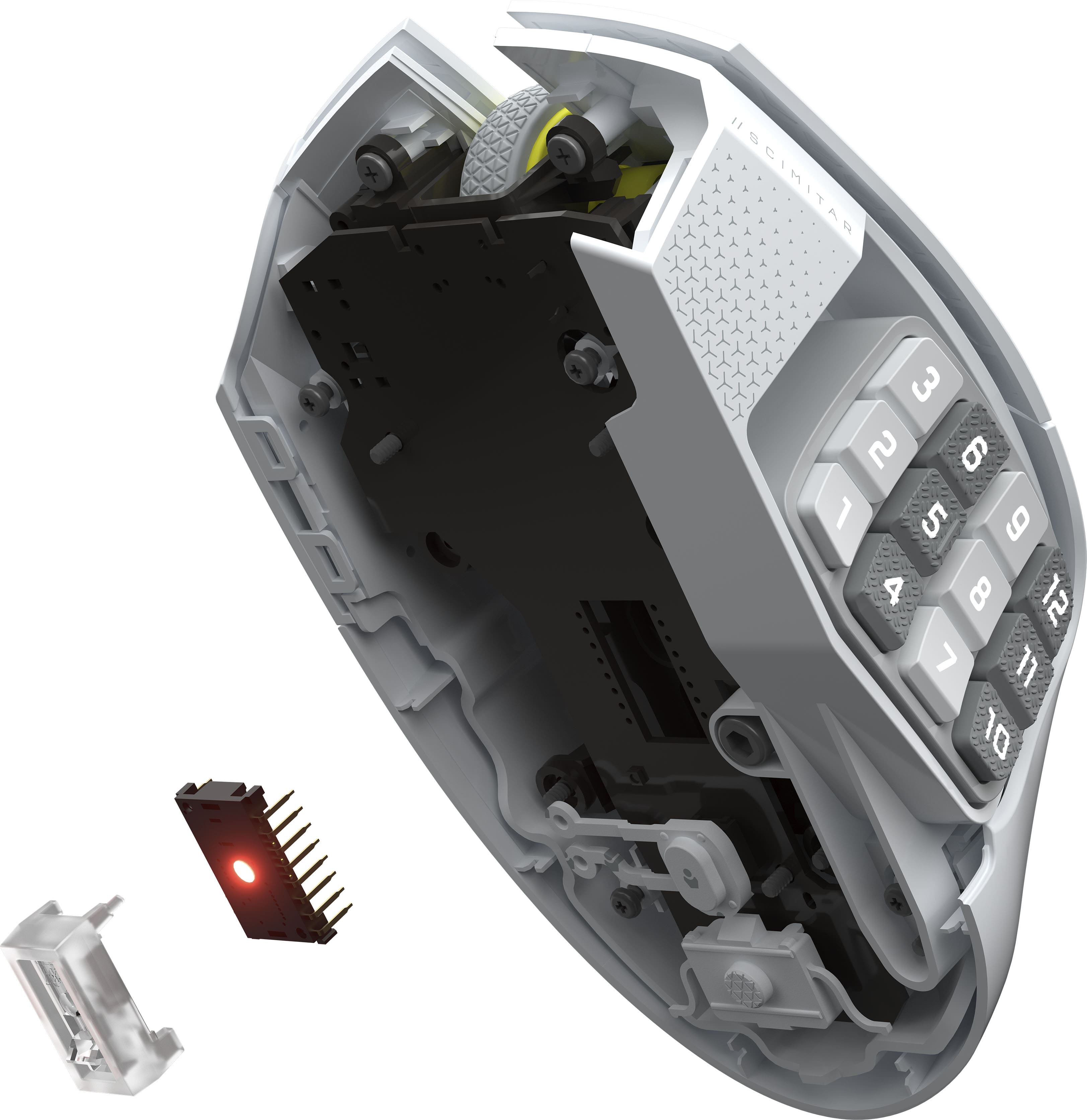
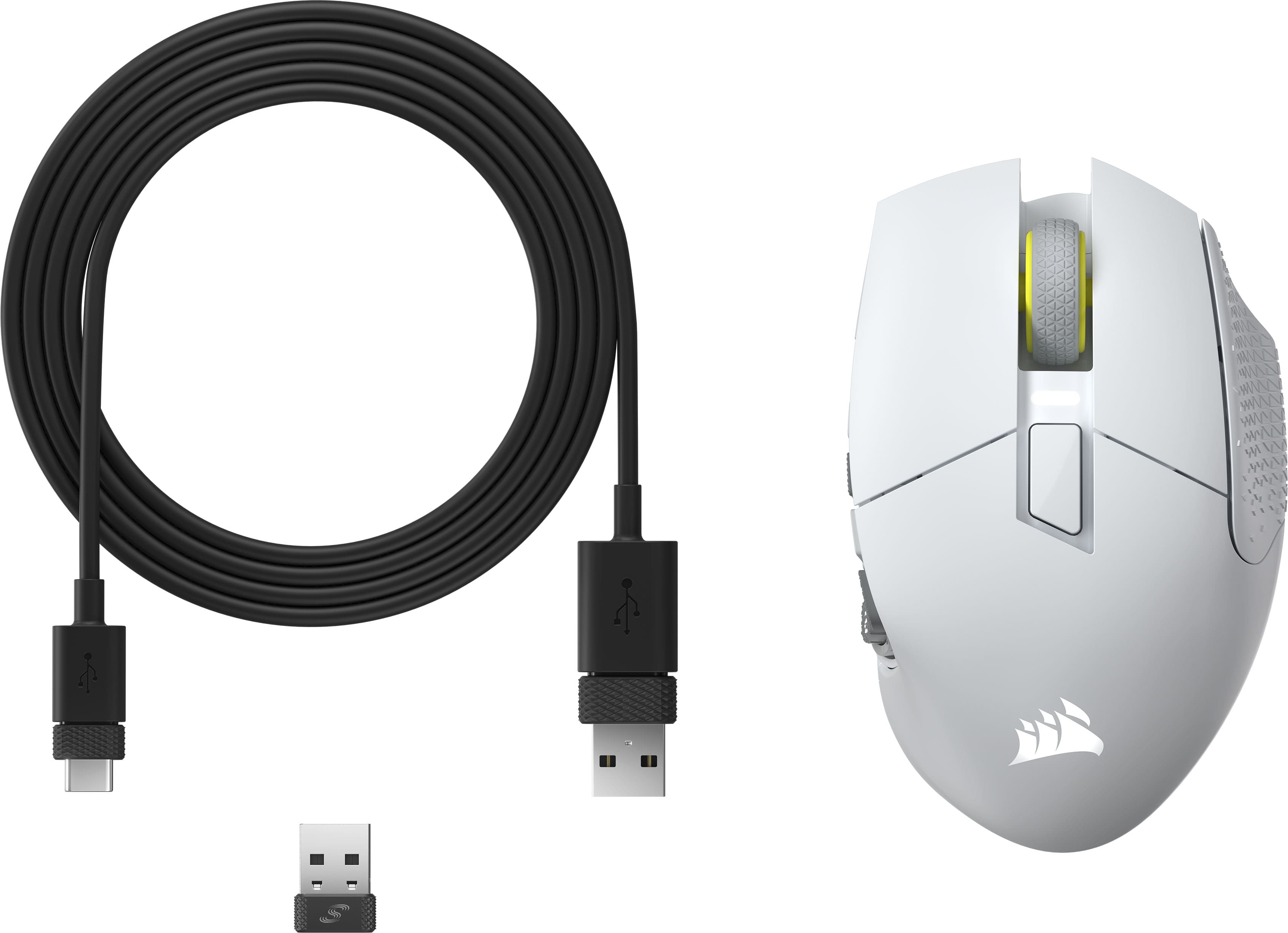





- Model:
- CH-9314011-WW
- SKU:
- 6622827
Rating by feature
- Value
Rating 4.6 out of 5 stars
- Quality
Rating 4.8 out of 5 stars
- Ease of Use
Rating 4.7 out of 5 stars
Customers are saying
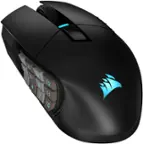
Customers are delighted by the Scimitar Elite Wireless SE Gaming Mouse, praising its programmable buttons, overall performance, and long-lasting battery. The mouse's ergonomic design and adjustable weight contribute to comfortable, extended use, while its connectivity options and accuracy are also appreciated. Some users with larger hands find the size to be less ideal.
This summary was generated by AI based on customer reviews.

Impressive!
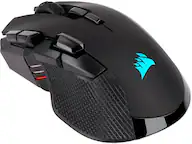
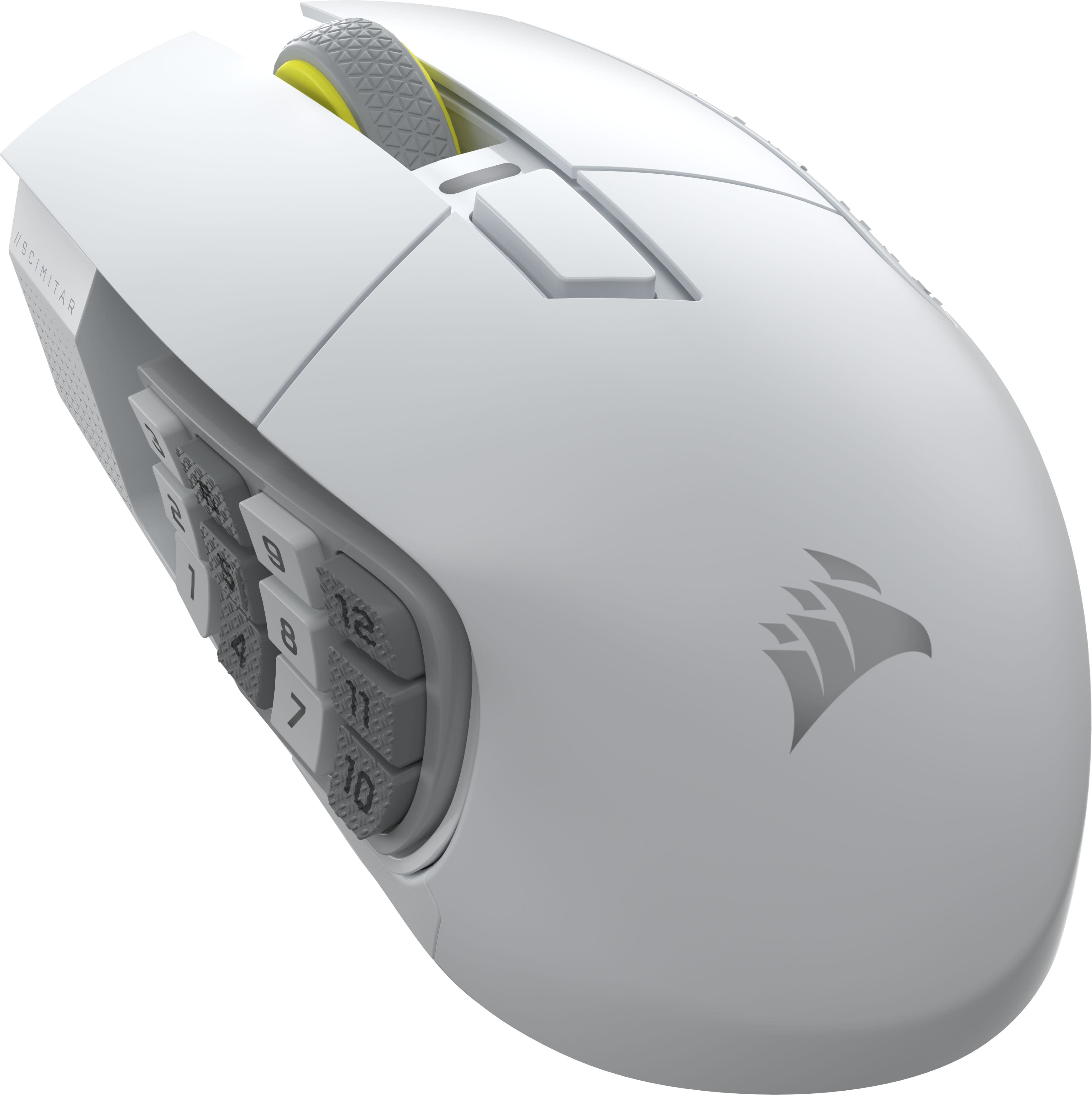
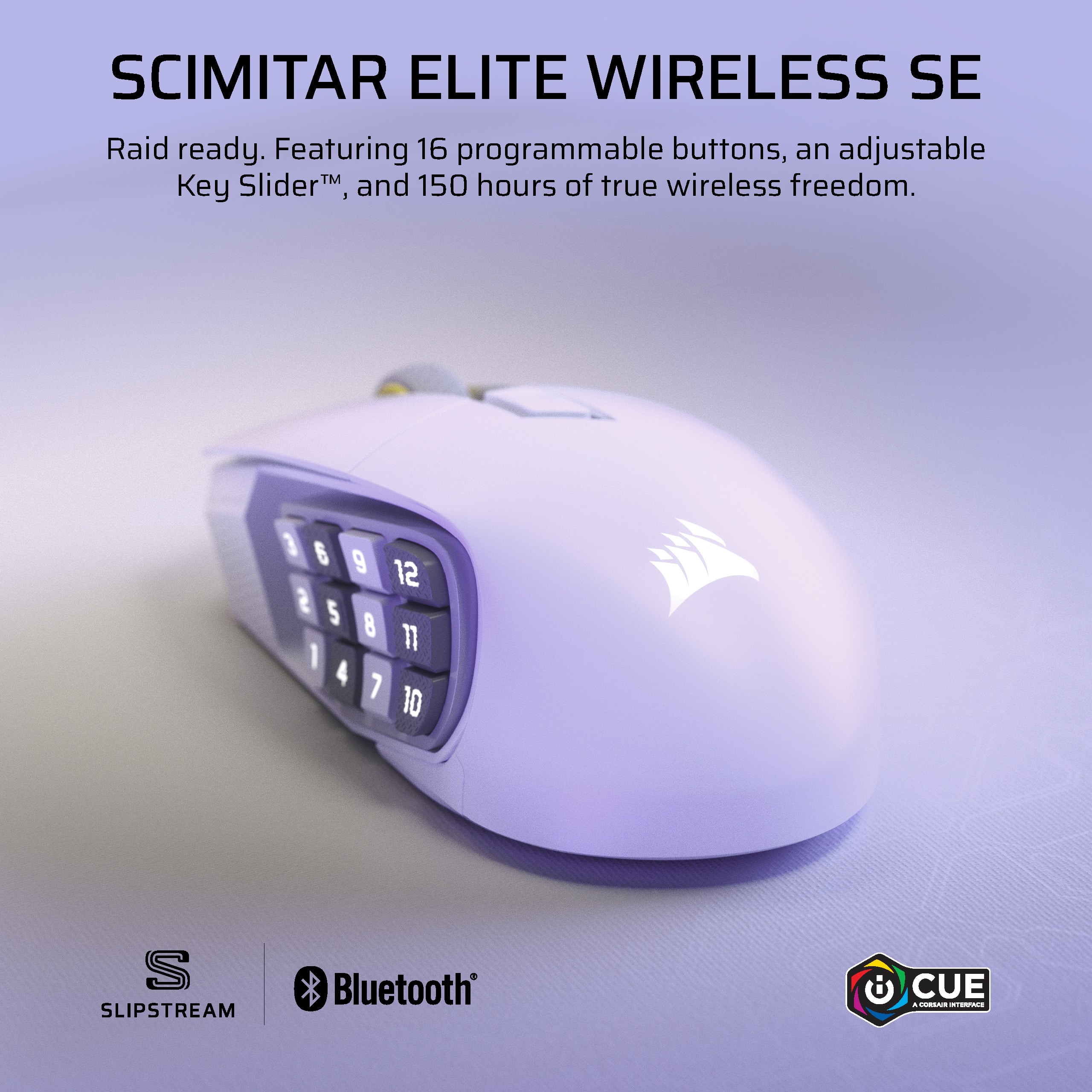
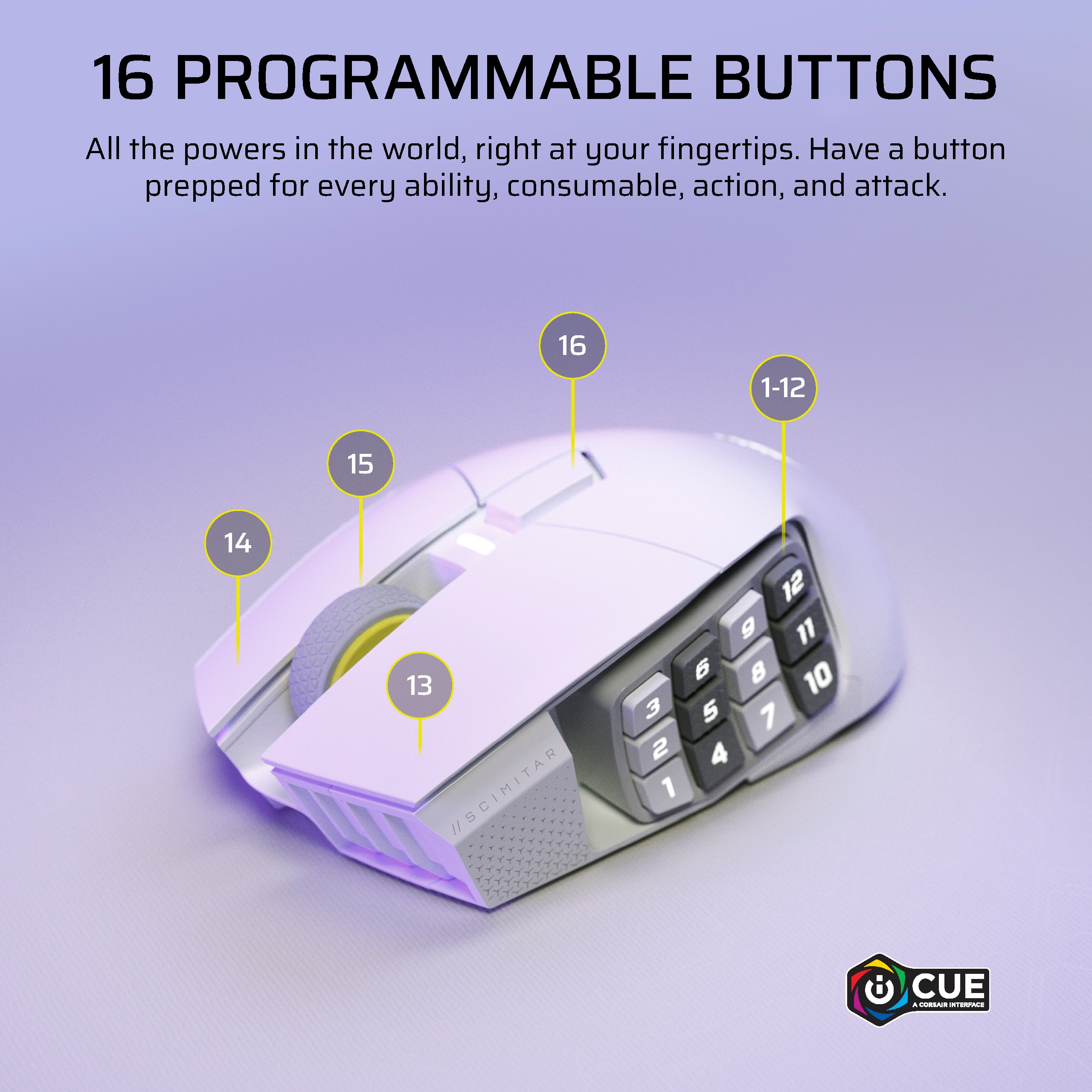
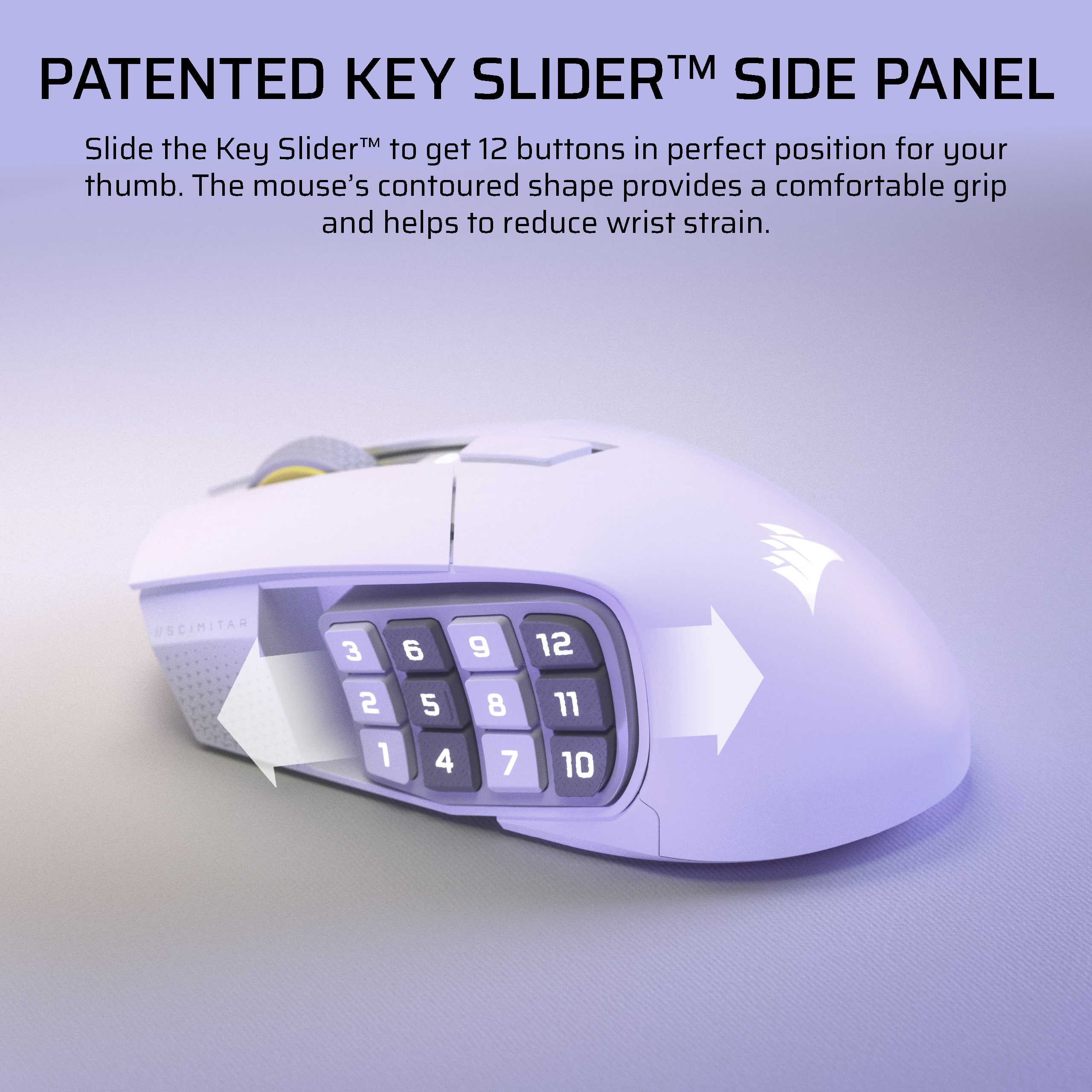
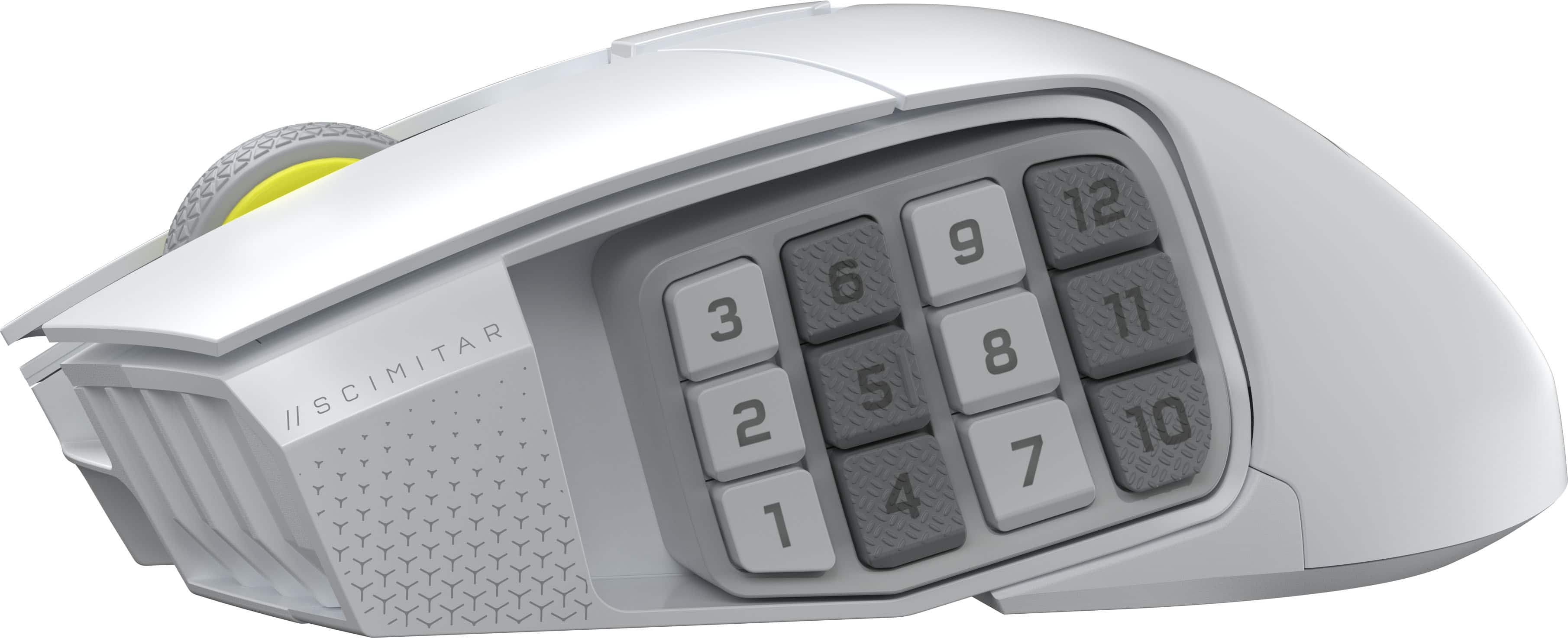
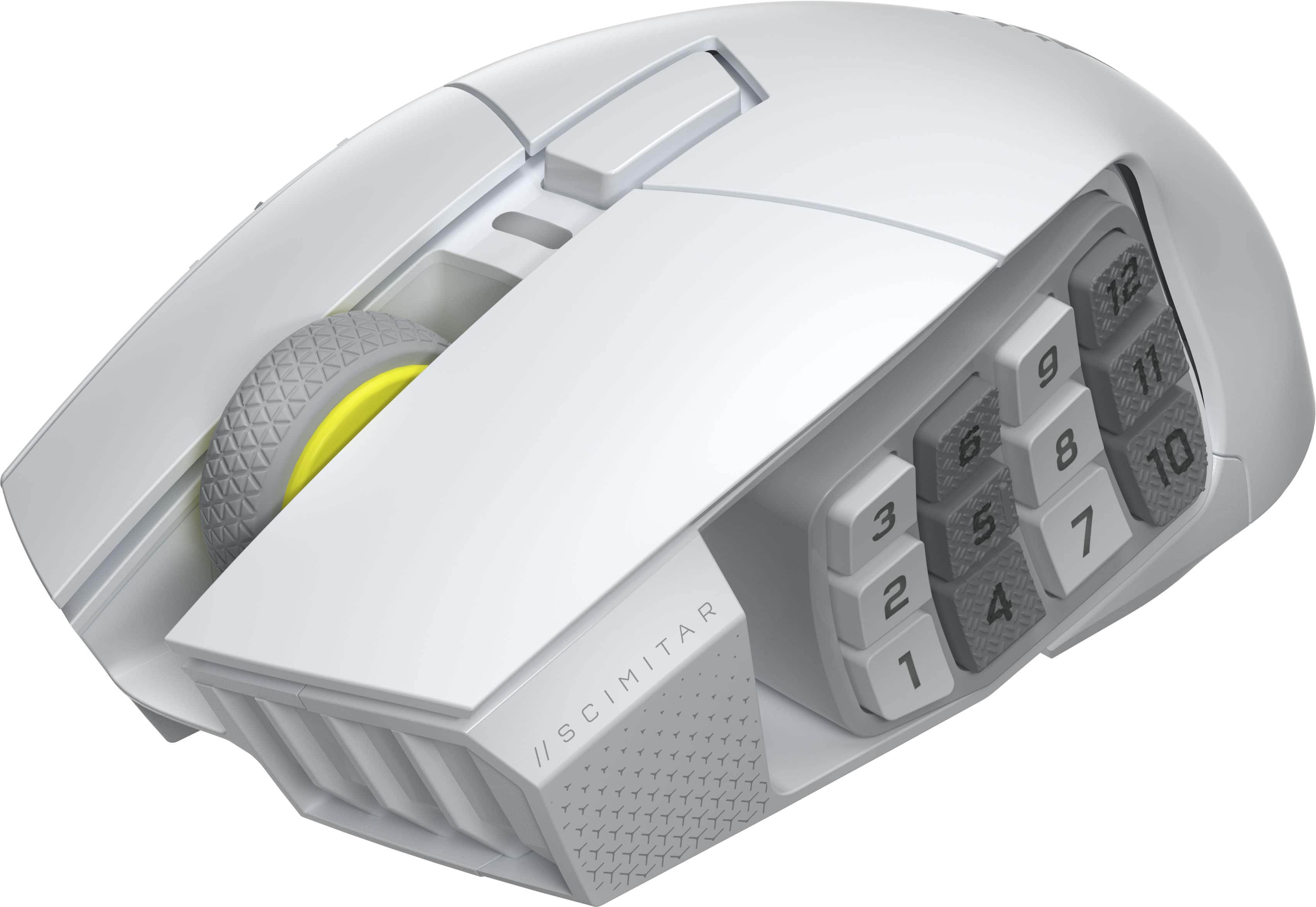
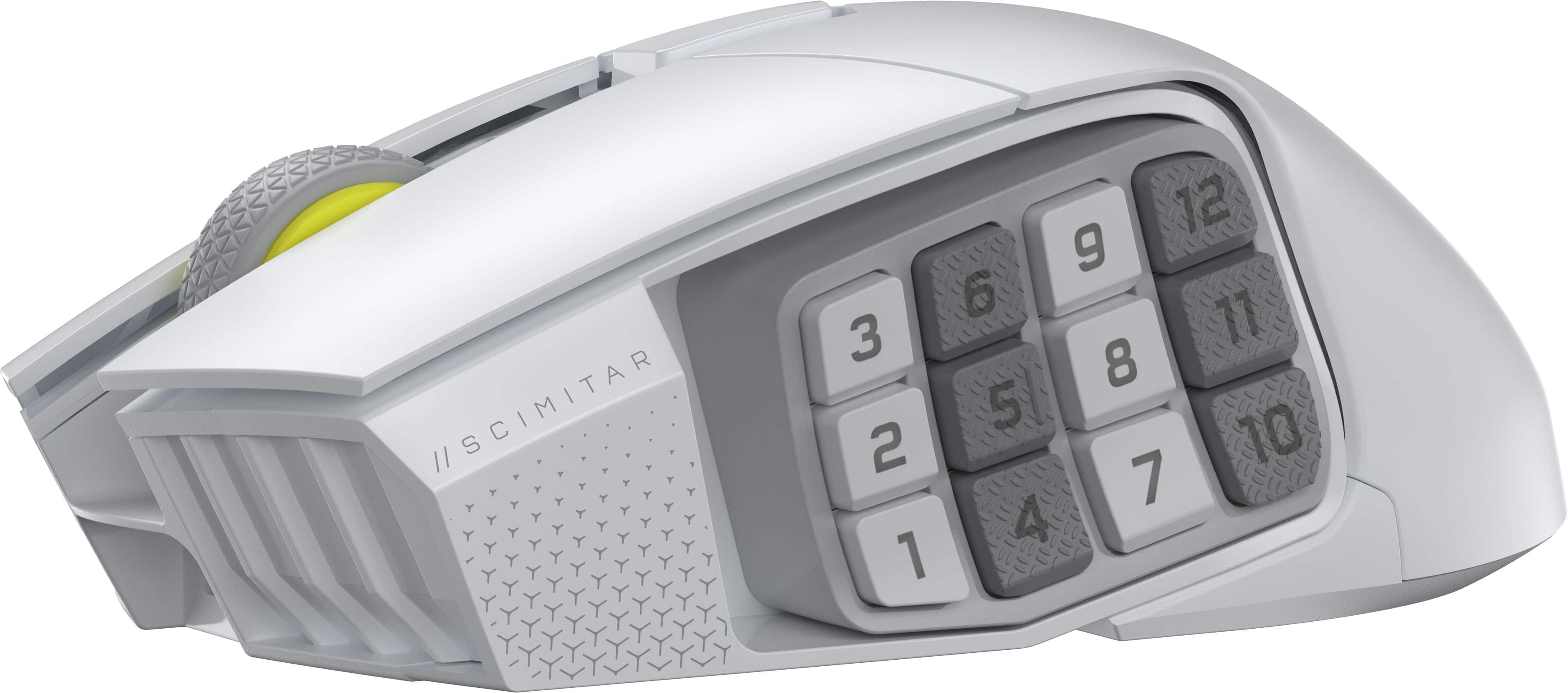
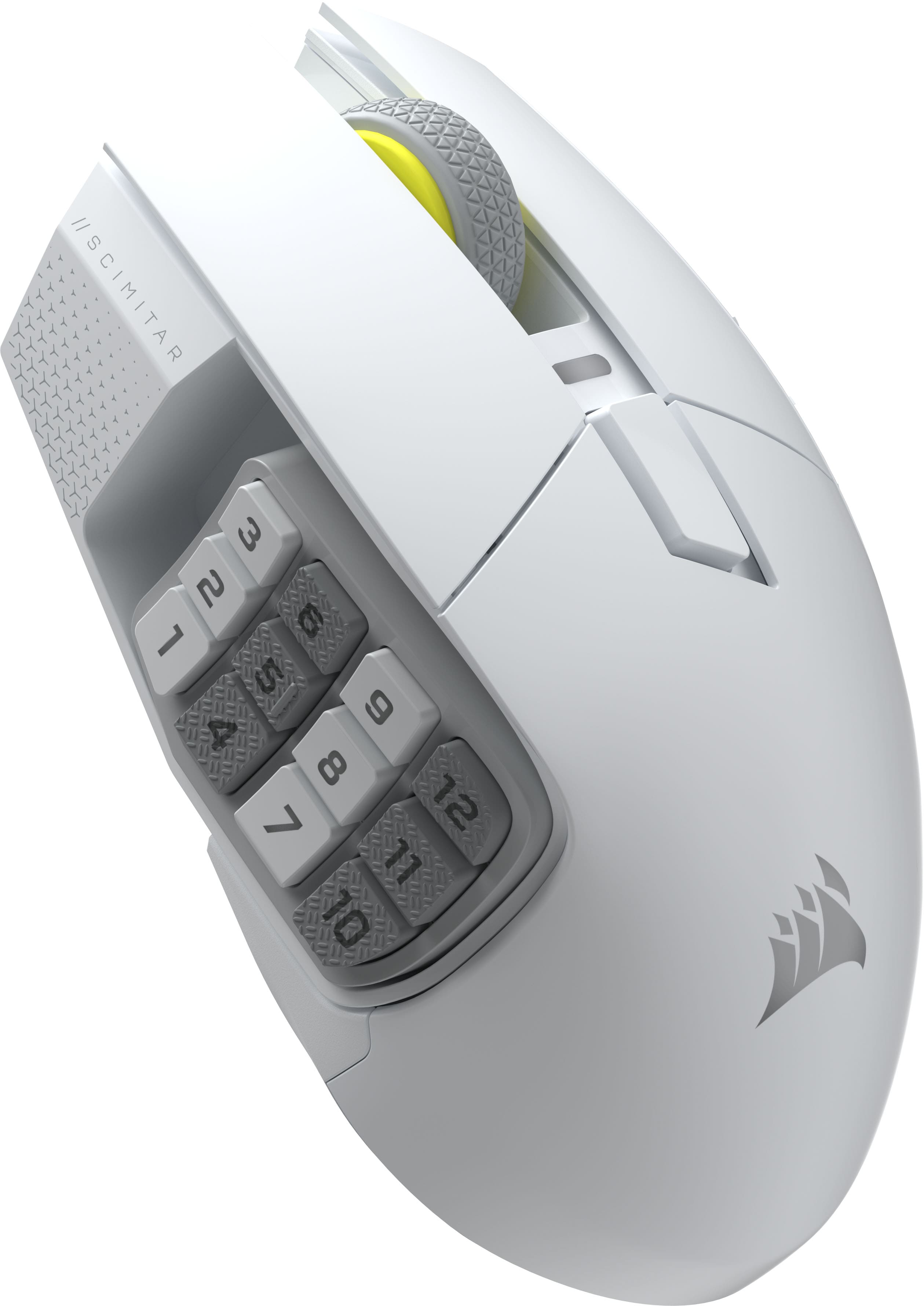
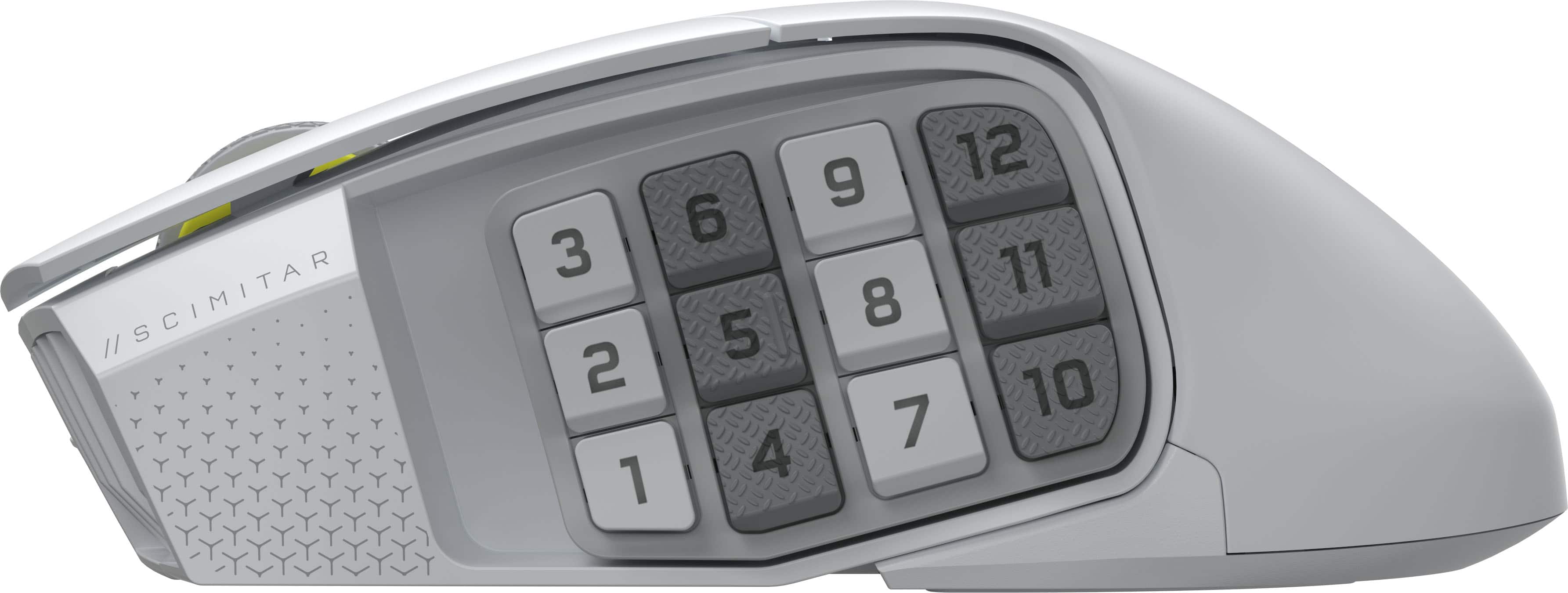
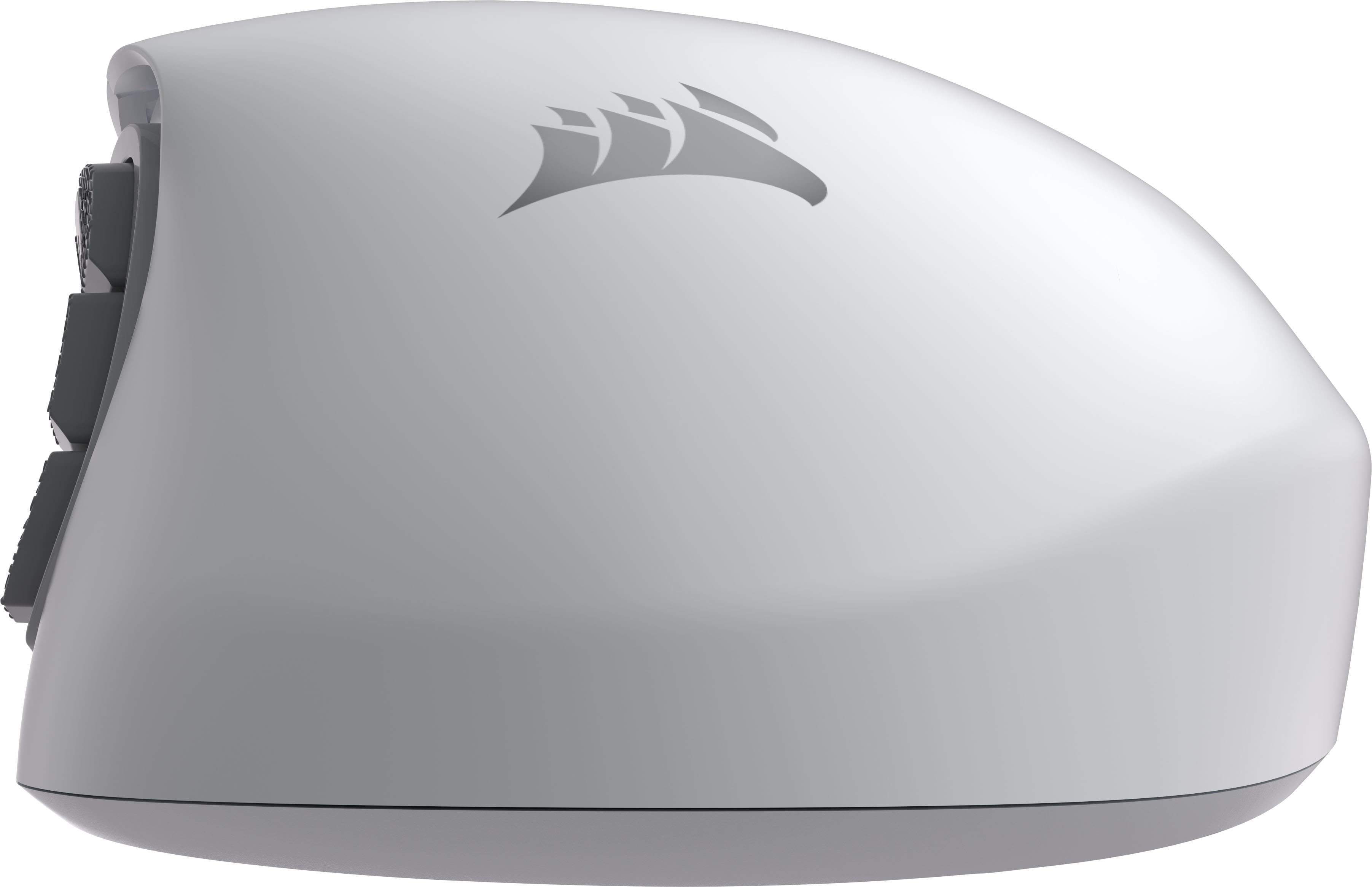
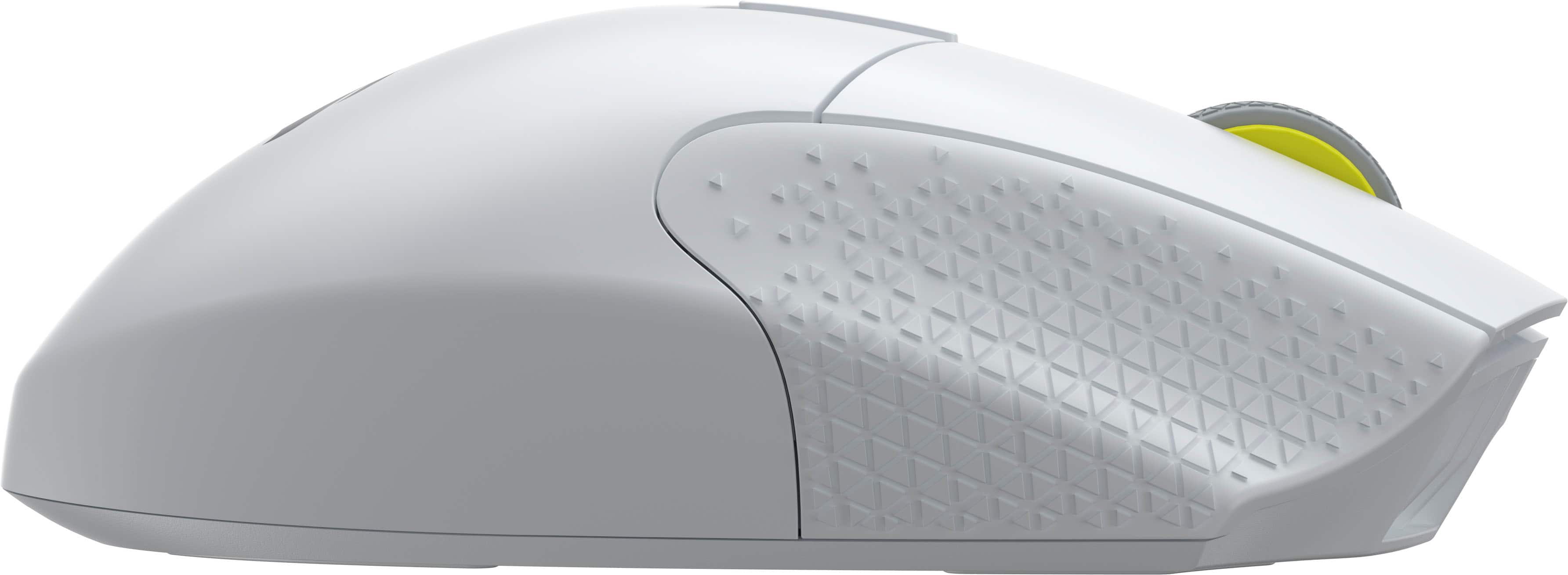
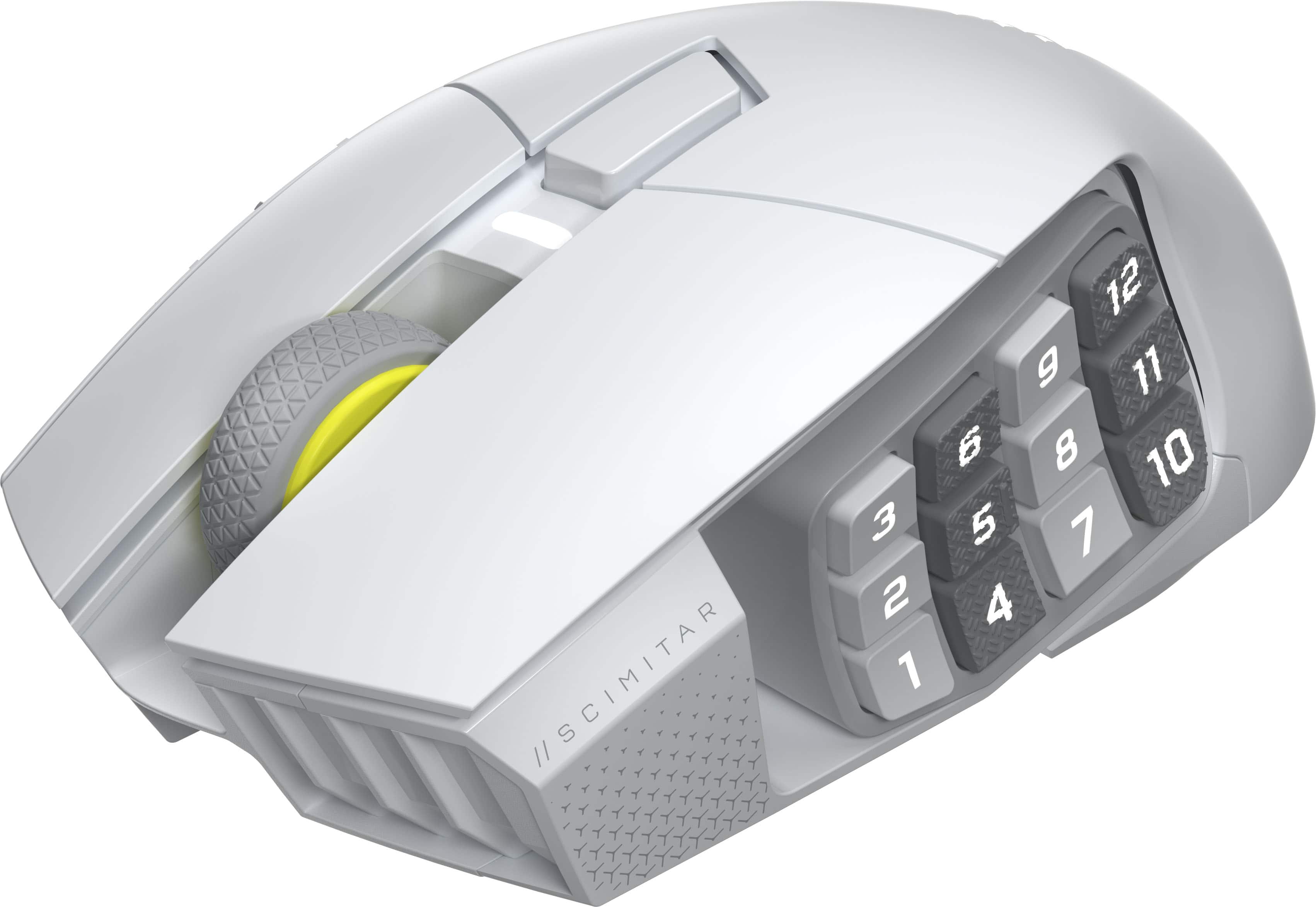
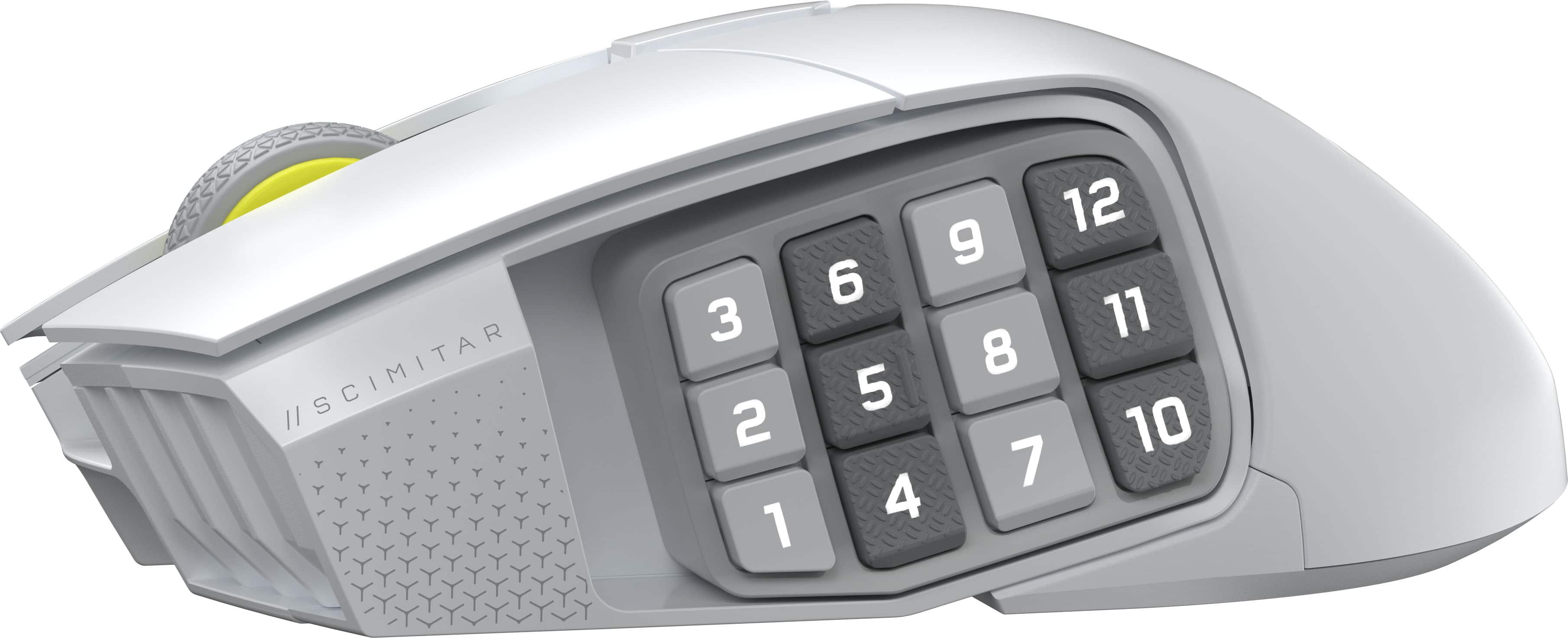
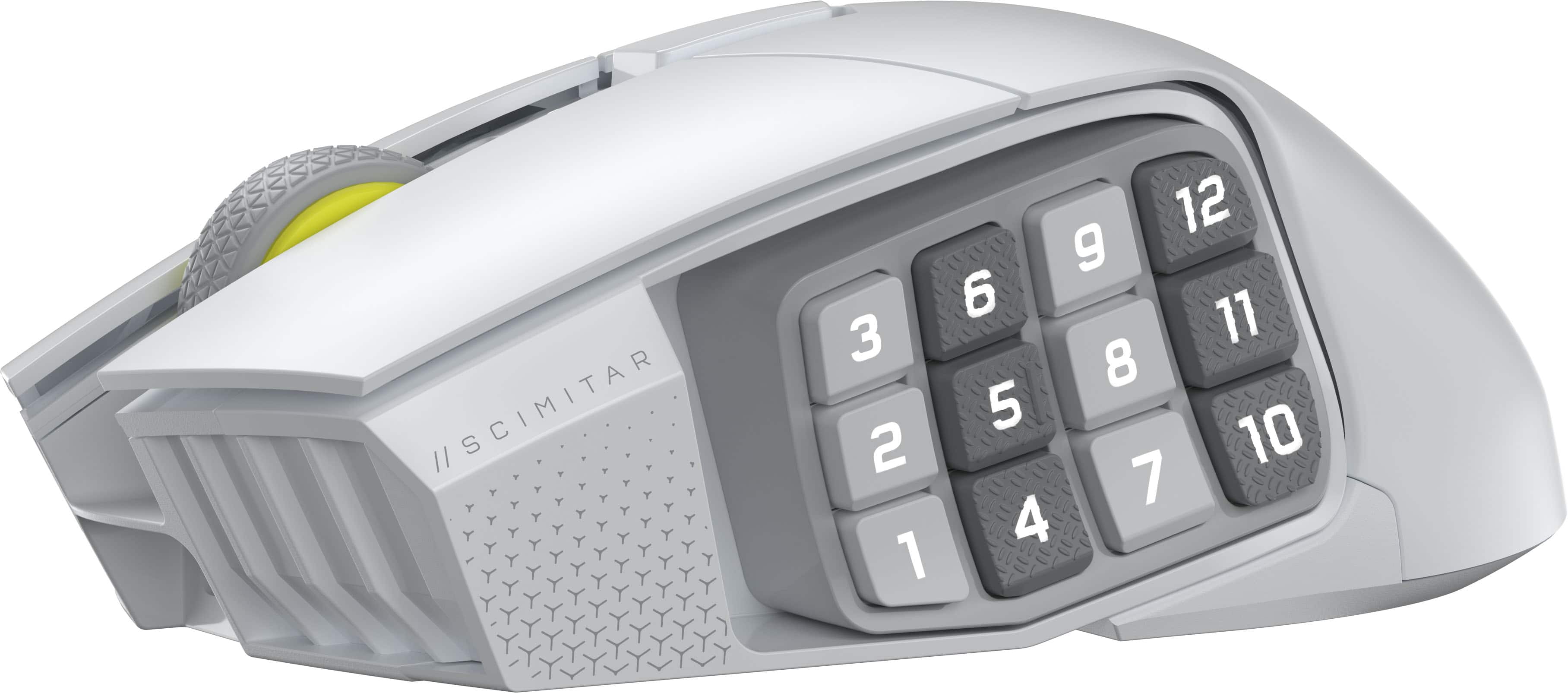
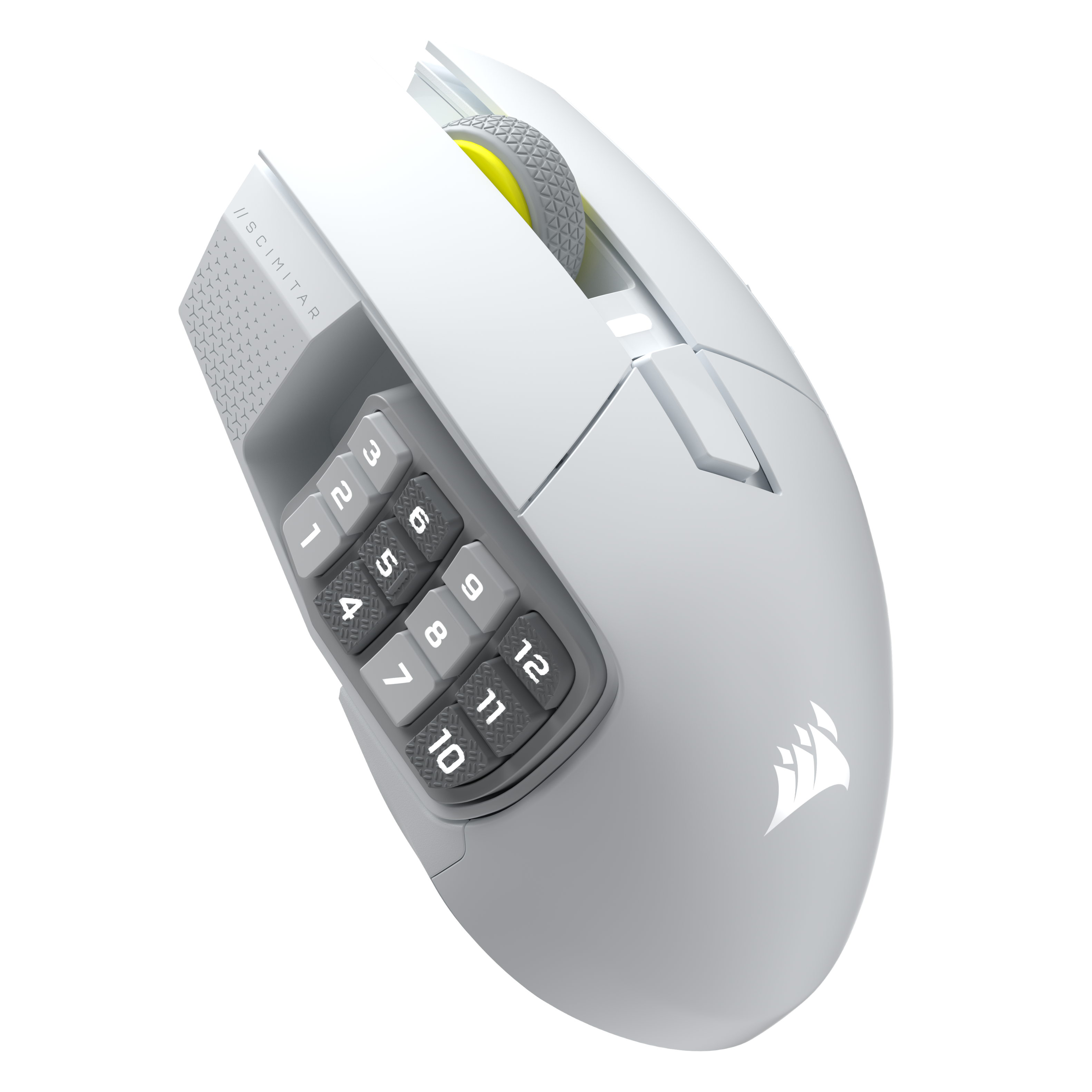
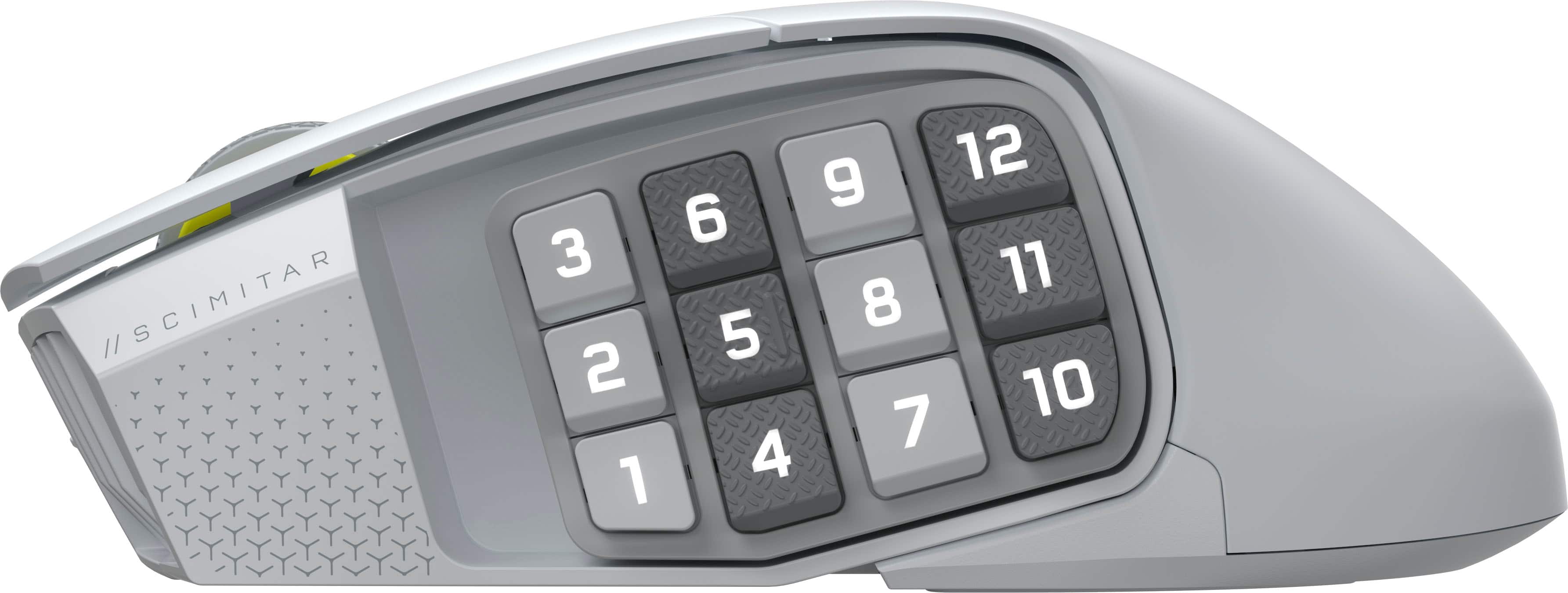
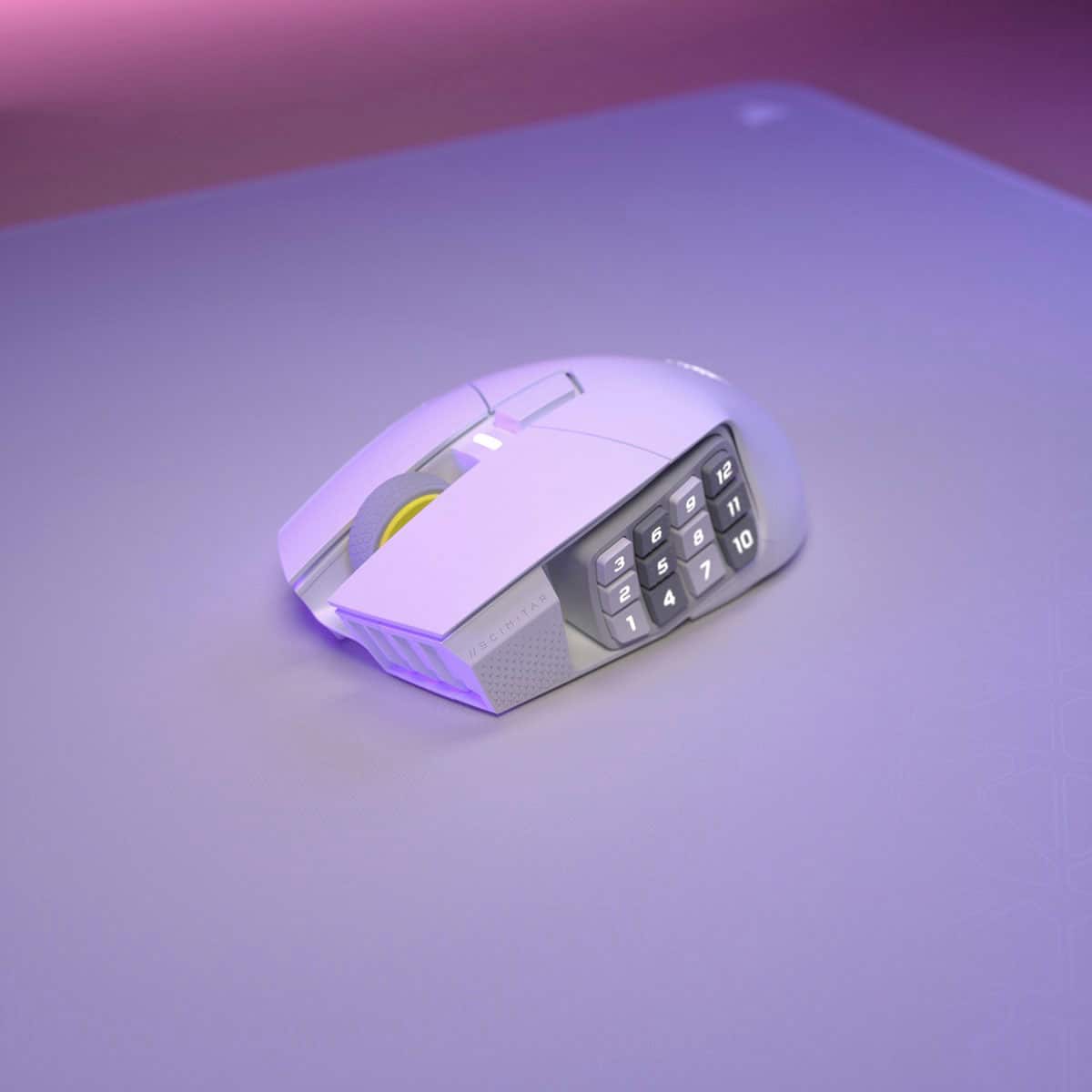
|Posted .This reviewer received promo considerations or sweepstakes entry for writing a review.I received the Corsair SCIMITAR Elite Wireless SE MMO Gaming Mouse for review, and I am blown away. With 16 buttons, this is the mouse with the most buttons I've ever had. First thing I felt is how comfortable the width of the mouse feels on the hand and the wrist. Its right side has an extra grippy section to rest your non clicking fingers (ring finger and maybe pinky). The thumb area has 12 customizable buttons grouped together and, you can move the position of the group of buttons based on your thumb length. The staggered grippy buttons and smooth buttons help you detect which button is which. The response rate on wireless (2.4G) is very good at 2000Hz. I felt no interference or lag on my FPS games. While the Corsair Scimitar Elite is a proper gaming Mouse, it is also useful for other functions when doing non gaming functions. You can set up the buttons for shortcuts, giving you fast access to buttons you would normally use your keyboard for. Overall, I am super impressed with this mouse and it's now my new go- to for all things.
I would recommend this to a friend- Pros mentioned:Button quality
Love a 12 button mouse.
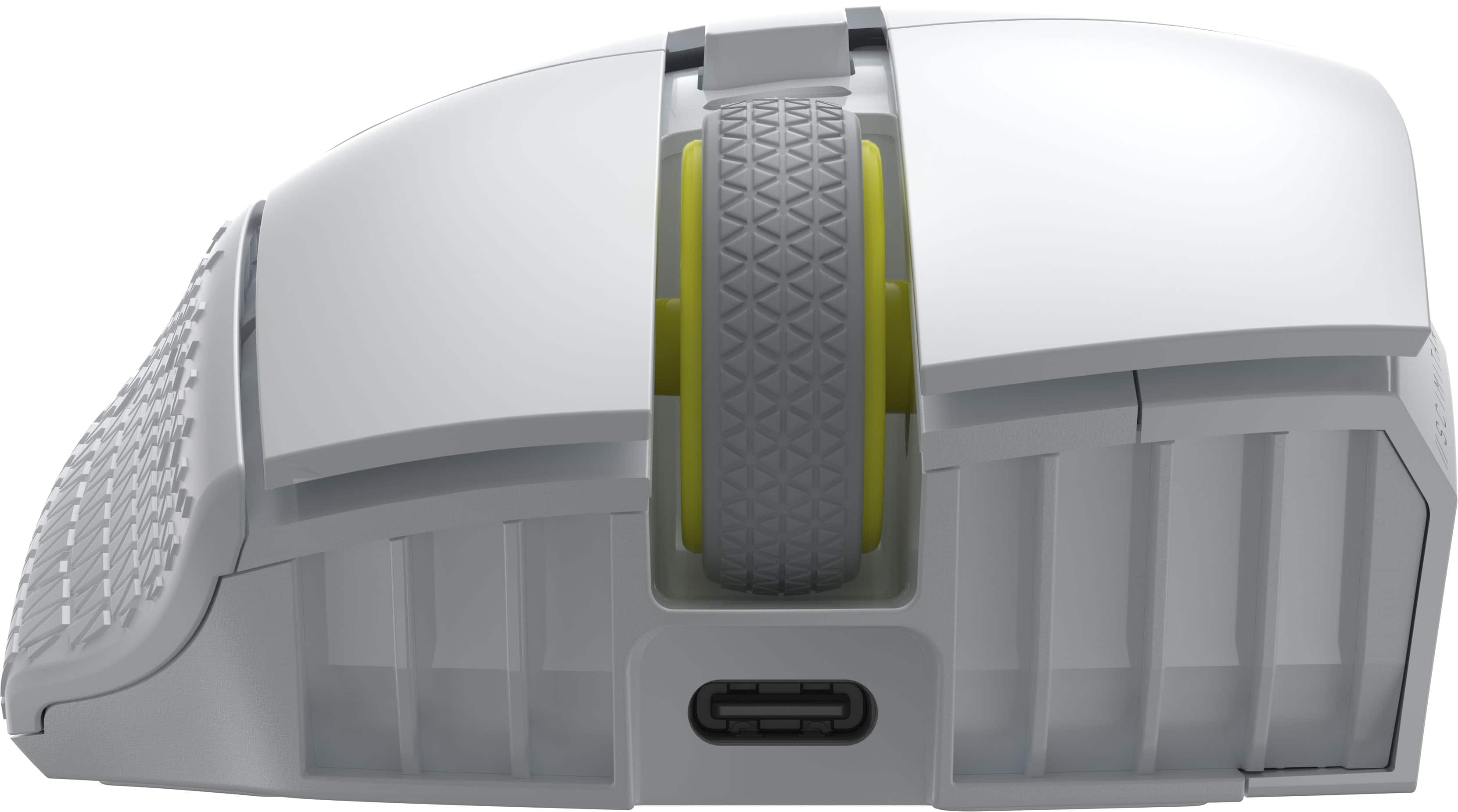
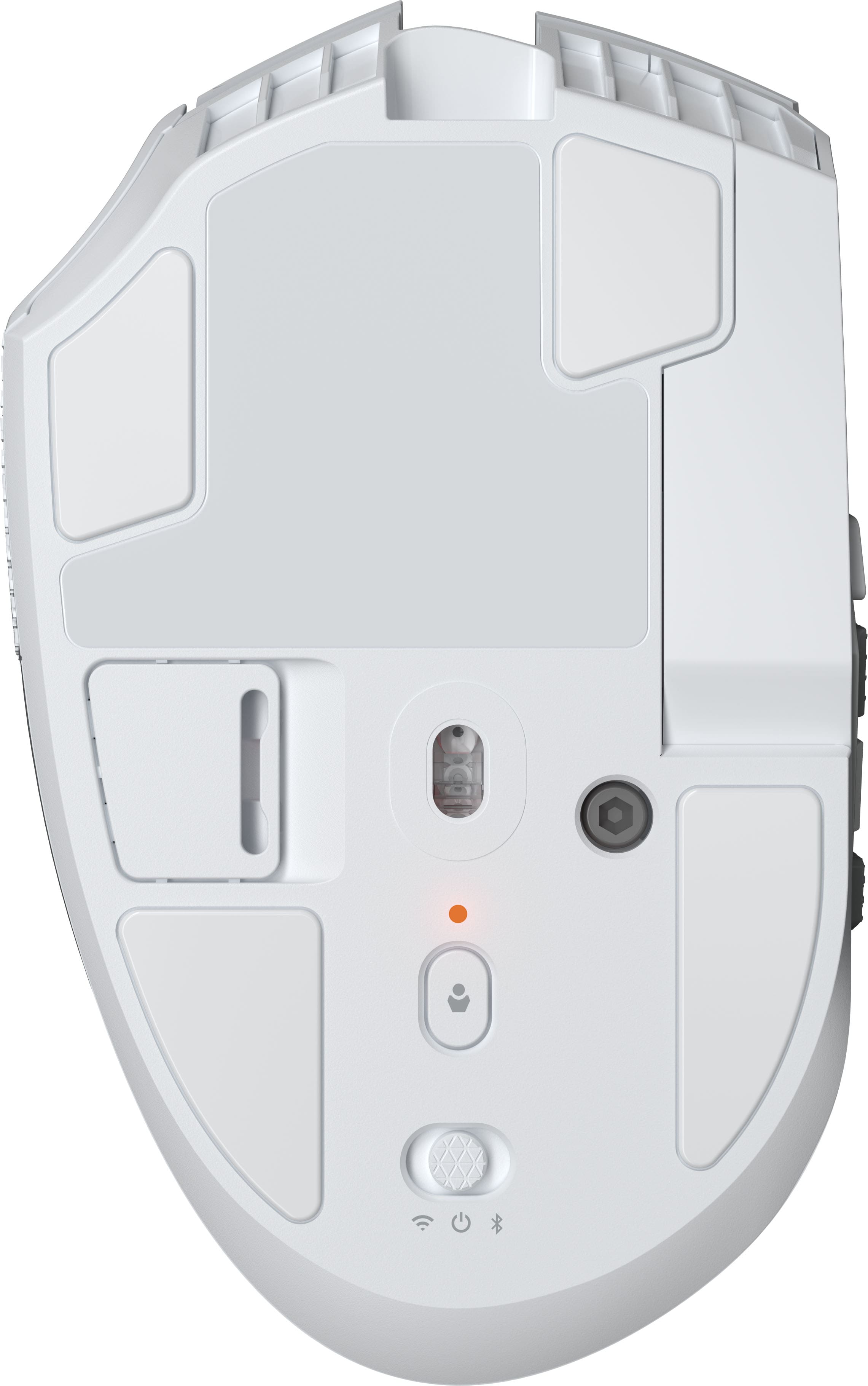
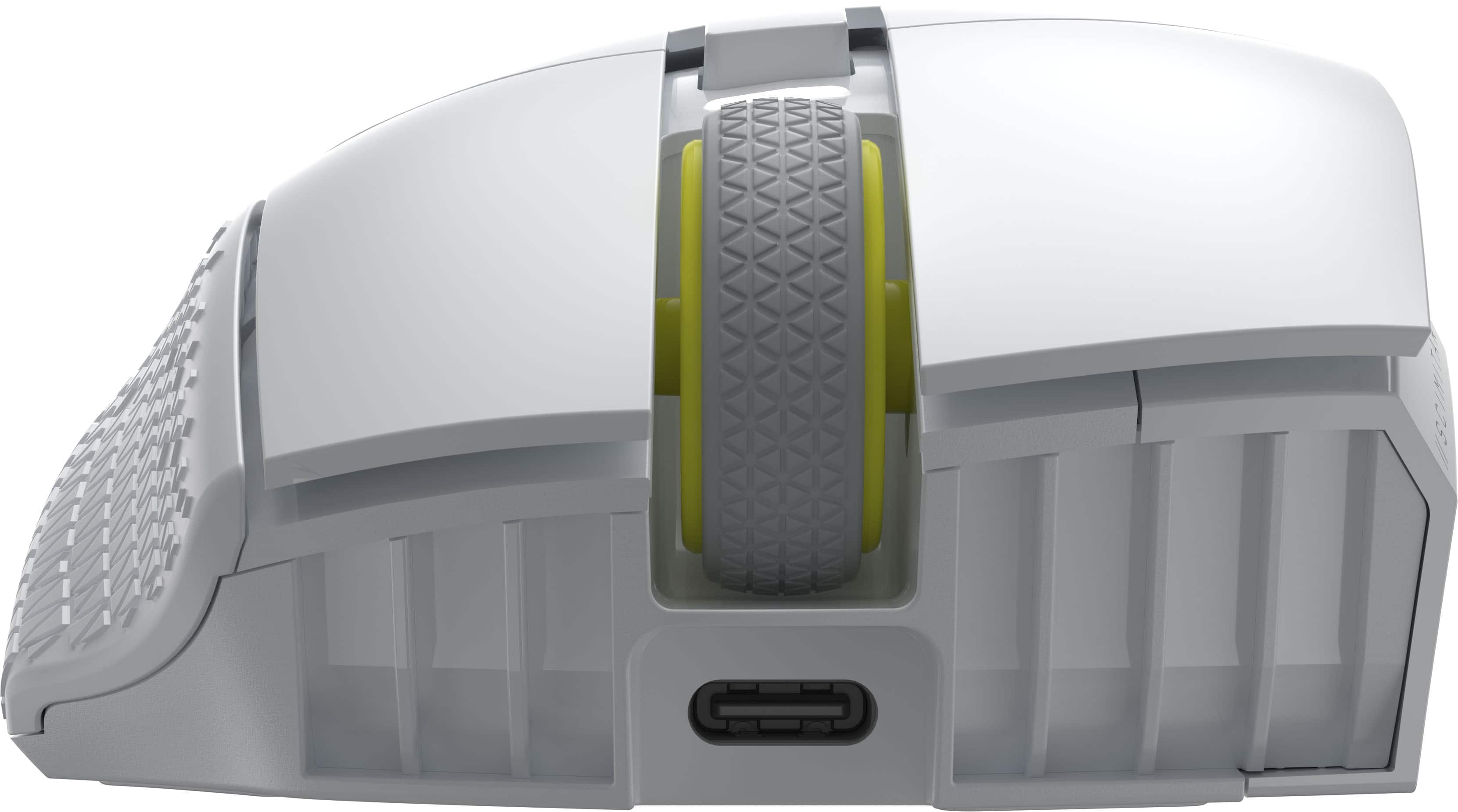
||Posted . Owned for 2 weeks when reviewed.This reviewer received promo considerations or sweepstakes entry for writing a review.I had the wired version for a long time and always loved it. As long as you don’t mind the weight, this mouse is excellent. The click is slighlty louder than what I am used to, but it is in no way insanely loud. The iCue software makes it super simple to customize each button, and the lighting if you prefer. The charging port is also in a great spot incase you need to charge while gaming. The adjustability of the side buttons is great to tailor to your personal preference of thumb position. A great mouse if you’re looking for something that won’t break the bank. I highly recommend it.
I would recommend this to a friend - Pros mentioned:Button quality, Overall performance
Great gaming mouse
||Posted . Owned for 3 weeks when reviewed.This reviewer received promo considerations or sweepstakes entry for writing a review.Great gaming mouse. Lots of side buttons. Just wish buttons were easy to tell apart by feeling them.
I would recommend this to a friend - Pros mentioned:Button quality, Connectivity
Best MMO Mouse
||Posted .This reviewer received promo considerations or sweepstakes entry for writing a review.Amazing mouse. Love the sliding side button panel and the fact you can swap between wireless and wired instantly.
I would recommend this to a friend - Pros mentioned:Button quality, Ergonomics
Fits nicely, very adaptable
||Posted . Owned for 3 months when reviewed.This reviewer received promo considerations or sweepstakes entry for writing a review.I have used the wired version for a couple of years. The wireless version is a dream to use. Fits my hand nicely and I really like that the side buttons can be repositioned.
I would recommend this to a friend - Pros mentioned:Battery life, Button quality
Great mouse
||Posted .This reviewer received promo considerations or sweepstakes entry for writing a review.Really good mouse, way better than that razer trash. Can actually survive a fall and has good battery life. Very durable. Fully remappable keys. Great mouse overall.
I would recommend this to a friend - Pros mentioned:Battery life, Connectivity
Great Mouse
||Posted .This reviewer received promo considerations or sweepstakes entry for writing a review.The mouse last long enough for my game play. I have small hands so adjusting the side is not necessay for me. Connecting the mouse is fairly simple as well.
I would recommend this to a friend - Pros mentioned:Connectivity
Worth the money!
||Posted . Owned for 1 month when reviewed.This reviewer received promo considerations or sweepstakes entry for writing a review.Quite expensive but very versatile, good weight fits in my hand almost perfectly. Has Bluetooth, usb port and wired mode, highly customizable dpi and button mapping with corsairs app! Great mouse for the price
I would recommend this to a friend - Pros mentioned:Button quality
Good stuff
||Posted .This reviewer received promo considerations or sweepstakes entry for writing a review.I have nothing bad to say about this. I do a little bit of gaming, but I’m a video editor. What caught my attention was the 12 programmable keys on the side I have programmed them for all of my keys in Adobe. I’m able to do my Ripple delete edits, just my top 12 keys in my hand now I don’t have a problem using the keyboard as well, but depending on my set up, it is very convenient to have my most used editing key is right on my mouse. I don’t find myself accidentally hitting them too often either , it was extremely helpful with the slider being able to adjust it for my hand and not so much just for my hand, but I was able to adjust it so that my rest on whatever I want to begin with so if you wanna start at one or you wanna start in the middle like I do you can move that slider in adjust the way your hand lays on them very helpful
I would recommend this to a friend - Pros mentioned:Battery life
Goes beyond my expectation
||Posted . Owned for 1 week when reviewed.This reviewer received promo considerations or sweepstakes entry for writing a review.I've had the wired versions of this mouse in the past and I found them to be decent. I don't really trust wireless mice (and keyboards) due to lag issues I have experienced in the past but decided to give this one a try. To my surprise, this one is just as fast as the wired version and the battery life lasts forever! Software could use some improvement but overall very satisfied with its performance, battery life, and amazing build quality.
I would recommend this to a friend - Pros mentioned:Button quality, Overall performance
Amazing
||Posted . Owned for 1 week when reviewed.This reviewer received promo considerations or sweepstakes entry for writing a review.My son loves this product. He said it glides and feels smooth. He loves the extra buttons. Works amazing.
I would recommend this to a friend - Pros mentioned:Button quality
Love this mouse
||Posted .This reviewer received promo considerations or sweepstakes entry for writing a review.I came from a Razer Naga Pro v2 and bought this mouse mostly because of the aesthetics. I recently purchased a white gaming laptop and I wanted a white mouse to go with it. But, aside from aesthetics, this mouse is perfect for MMOs-RPGs and I love it !
I would recommend this to a friend - Pros mentioned:Button quality
Very customizable
||Posted .This reviewer received promo considerations or sweepstakes entry for writing a review.I absolutely love this mouse. I don't play MMOs but use this for mechanical engineering design work. It's really easy to program the buttons to SolidWorks and other keyboard shortcuts to speed up my work. The adjustable number pad makes it comfortable for long work sessions.
I would recommend this to a friend - Pros mentioned:Battery life, Button quality
Gaming mouse
||Posted . Owned for 3 weeks when reviewed.This reviewer received promo considerations or sweepstakes entry for writing a review.Great for rpg mmo games love the buttons can put any key on any number great battery life
I would recommend this to a friend - Pros mentioned:Overall performance
The scimitar se uses stream deck software
||Posted . Owned for 1 month when reviewed.This reviewer received promo considerations or sweepstakes entry for writing a review.There’s more than one scimitar out there and apparently only the SE version uses the stream deck software so that’s the thing that you should know if you intend to buy this with that in mind. It works great. It’s got a weird Bug right now where it’ll suddenly say it’s low on battery when it isn’t and I just plug it in and it goes away
I would recommend this to a friend - Pros mentioned:Button quality, Overall performance
5/5 Mouse
||Posted .This reviewer received promo considerations or sweepstakes entry for writing a review.Works great, really smooth feeling and will hopefully last a lot longer than my old cheap mouse. Side buttons are super useful as well.
I would recommend this to a friend Great mouse
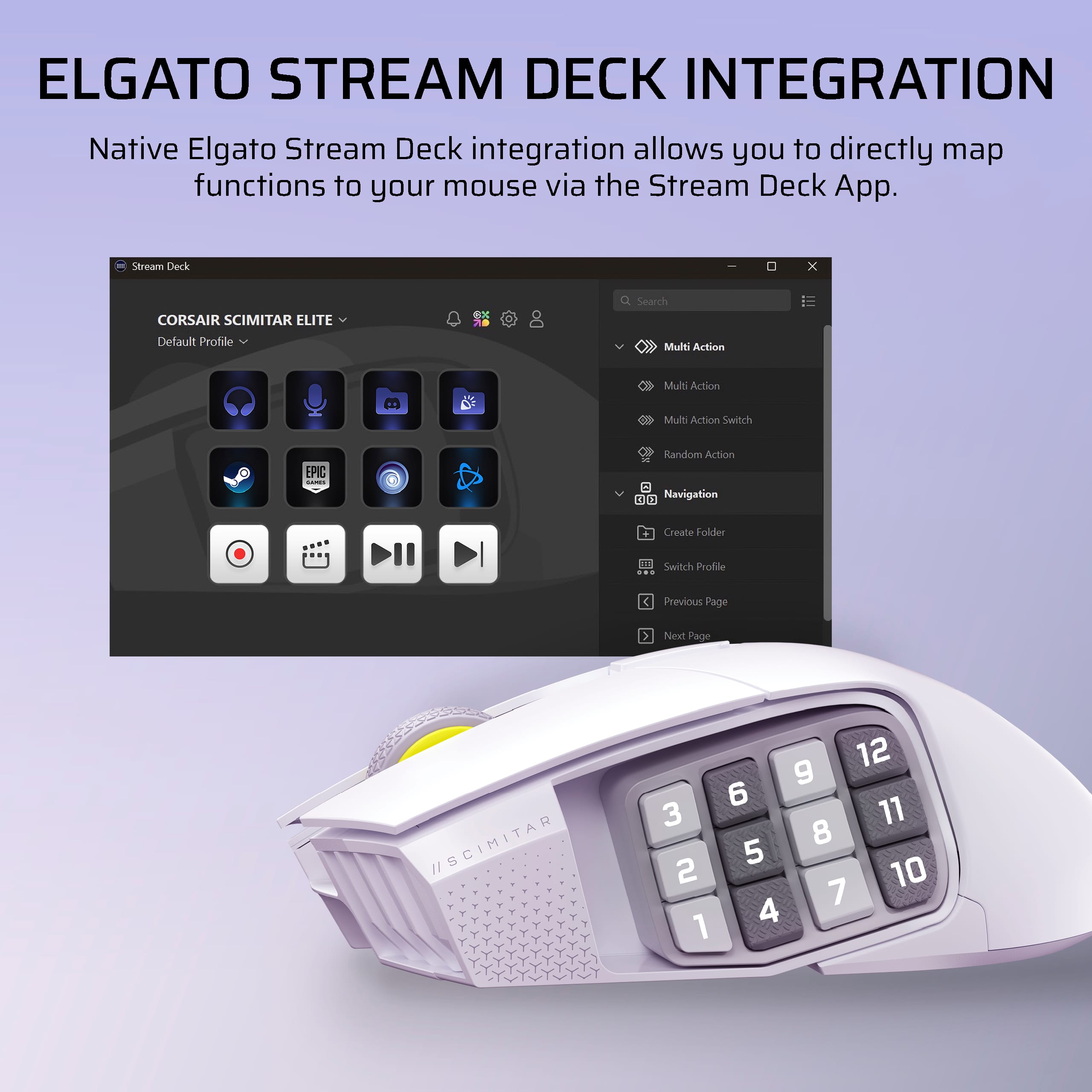
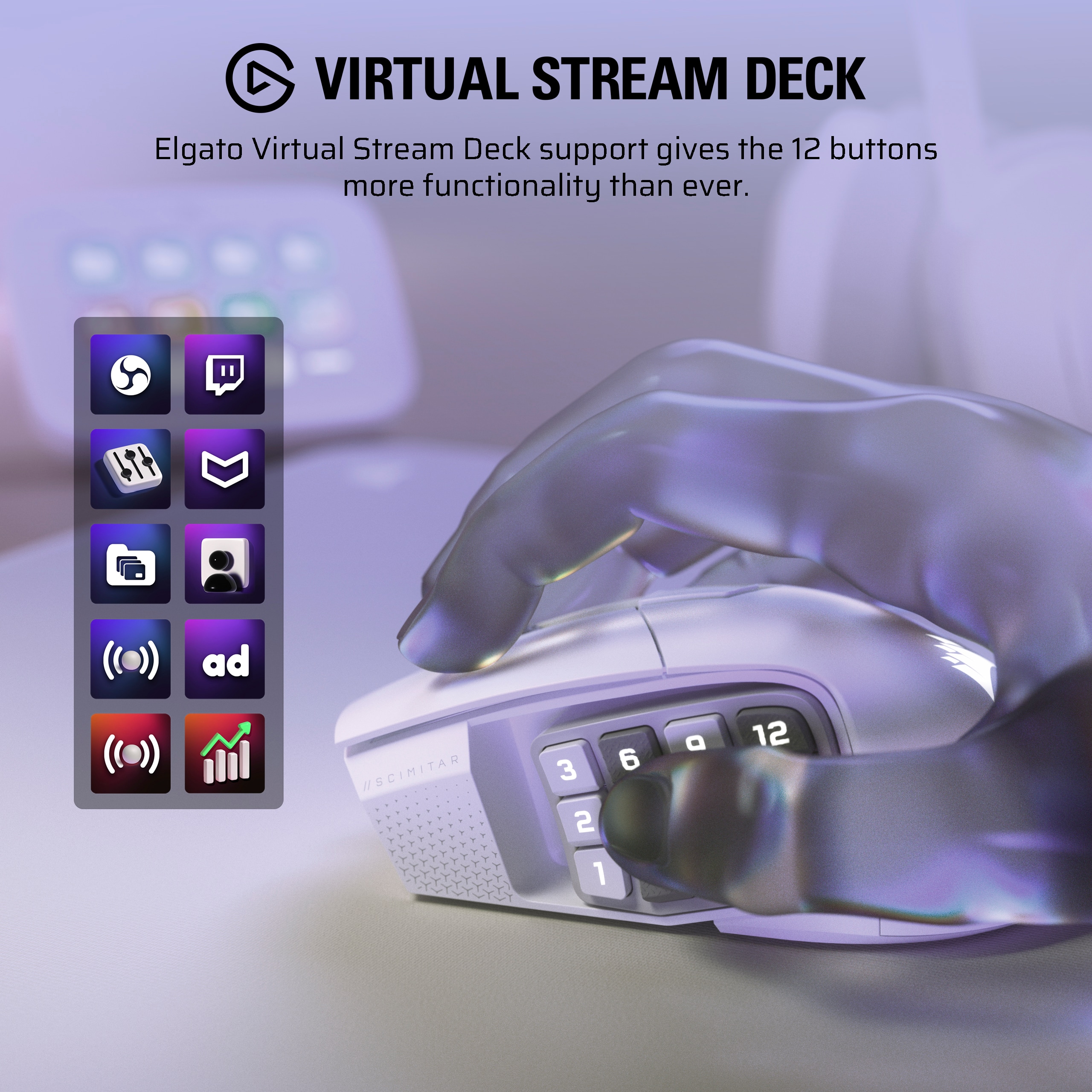
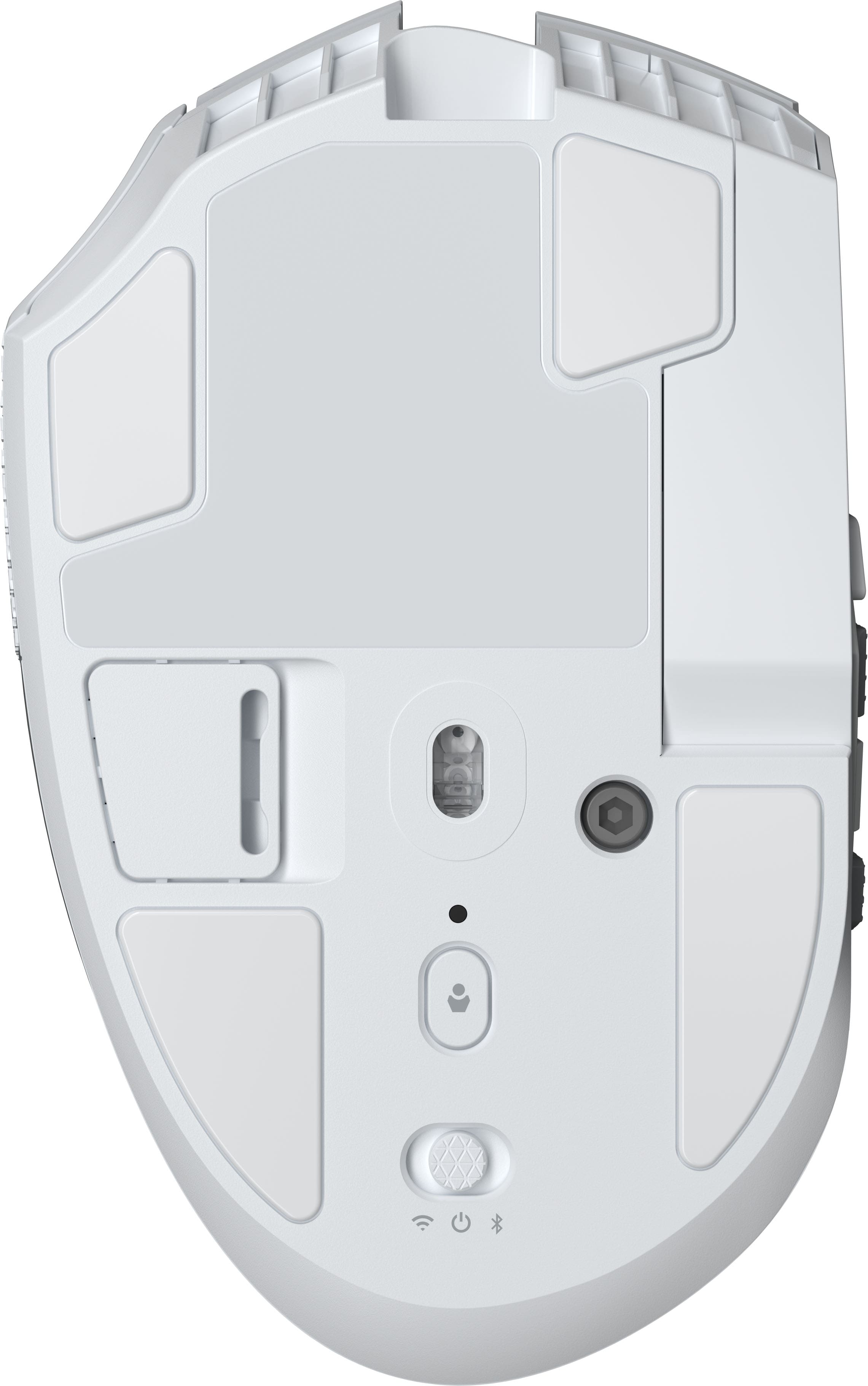
||Posted . Owned for 2 weeks when reviewed.This reviewer received promo considerations or sweepstakes entry for writing a review.I got this mouse because of the Stream Deck integration. I love my stream deck and the ability to map the capabilities of all those plugins to the buttons on this mouse is a game changer. The build quality feels great, the responsiveness is good. My only gripes are that you need to plug this in to your computer for an update before you use it wirelessly or it won't be detected by it's config software, and the adjustment for the sliding thumb panel requires a tool rather than using a toolless design. Apart from that I love it so far.
I would recommend this to a friend- Pros mentioned:Overall performance

excellent MMO mouse
|Posted .This reviewer received promo considerations or sweepstakes entry for writing a review.mouse is very light even with all the buttons. works exactly the way i need it to.
I would recommend this to a friend - Pros mentioned:Button qualityCons mentioned:Size
Mousey mouse
|Posted . Owned for 1 week when reviewed.This reviewer received promo considerations or sweepstakes entry for writing a review.Good quality mouse, a bit large but you can move the side button to the left and right to adjust for your thumb placement.
I would recommend this to a friend - Pros mentioned:Button quality
Nice but still number two
||Posted .This reviewer received promo considerations or sweepstakes entry for writing a review.For the most part I do like mouse. The keys on the side being adjustable has it pros an cons and the rubber grip for the pinky area is a nice touch. Software isnt the greatest but it works. I still would put a naga over this but this can be just as good. Only recommended when you can get on sale.
I would recommend this to a friend