Customer Ratings & Reviews


- Model:
- I3590-7957BLK-PUS
- SKU:
- 6350873
Rating by feature
- Battery Life
Rating 3.7 out of 5 stars
- Speed
Rating 4.2 out of 5 stars
- Display
Rating 4.0 out of 5 stars
Customers are saying
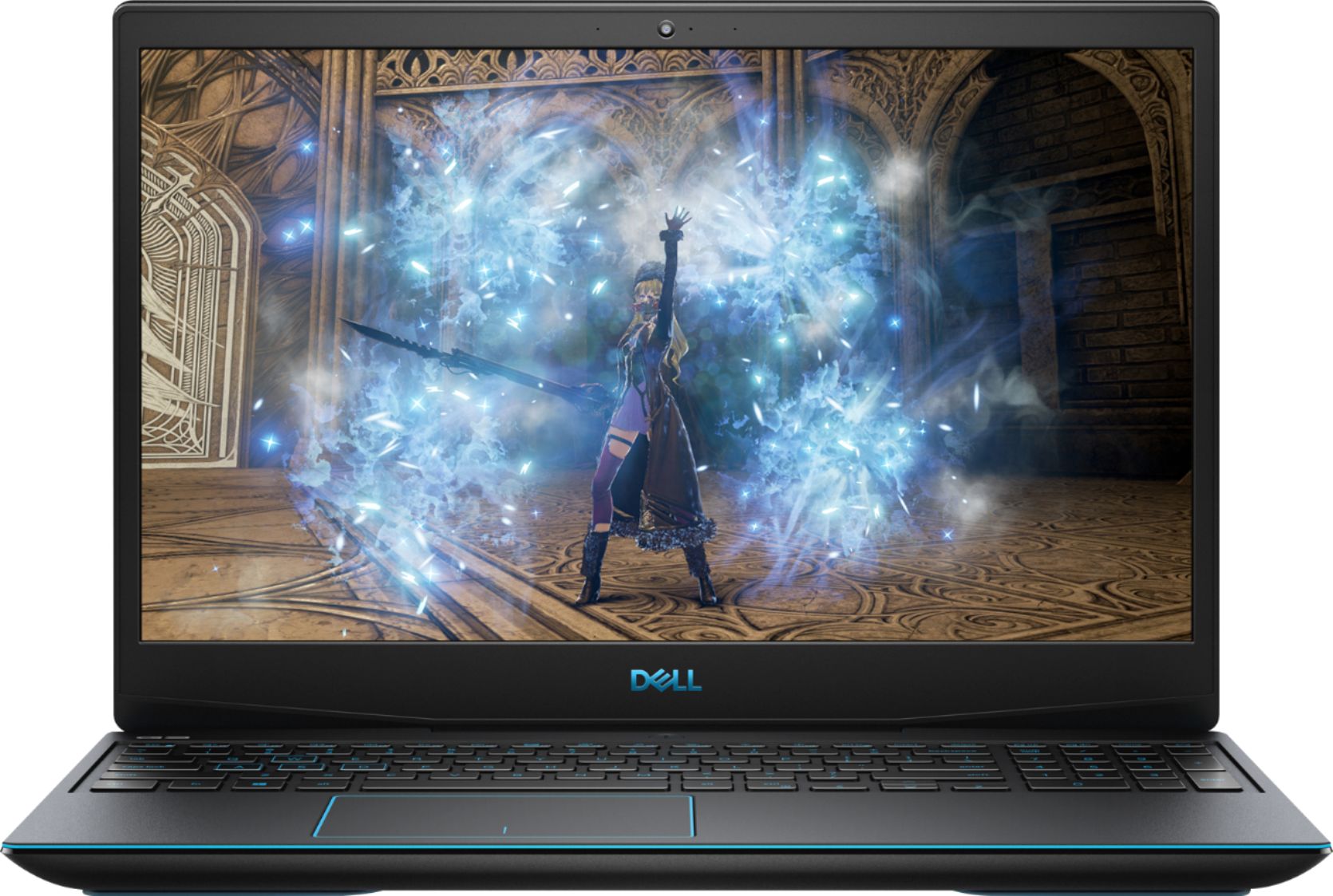
Customers commend the G3 15.6" Gaming Laptop's performance, graphics capabilities, and ease of use. Many appreciate its value for the price and the option to upgrade RAM and storage. However, some users note concerns regarding battery life, fan noise, and the laptop's tendency to generate heat. A few also mention the weight of the device and potential hinge issues.
This summary was generated by AI based on customer reviews.
- Pros mentioned:Performance, Price
I LOVE this laptop. GREAT VALUE and runs well!
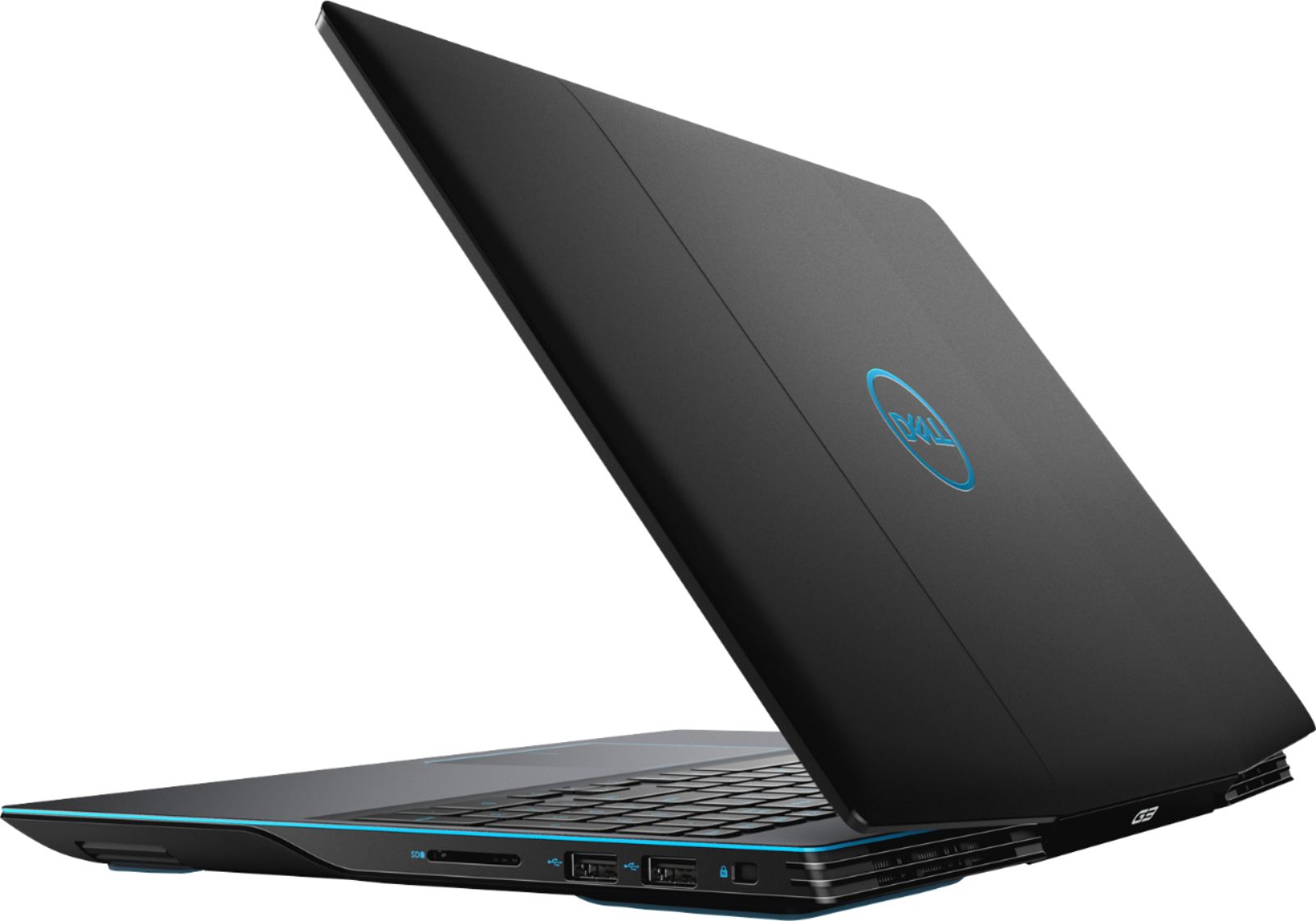
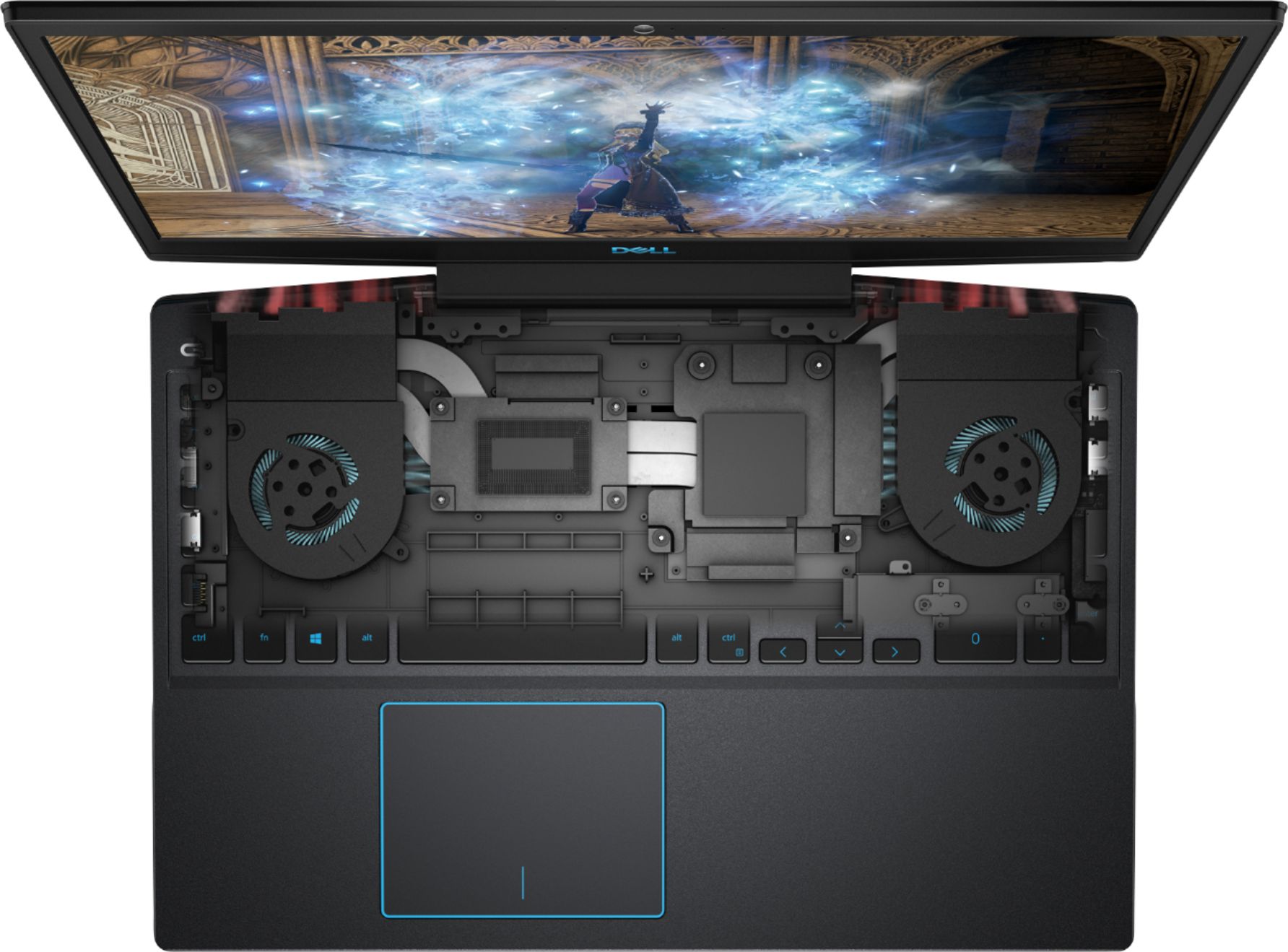
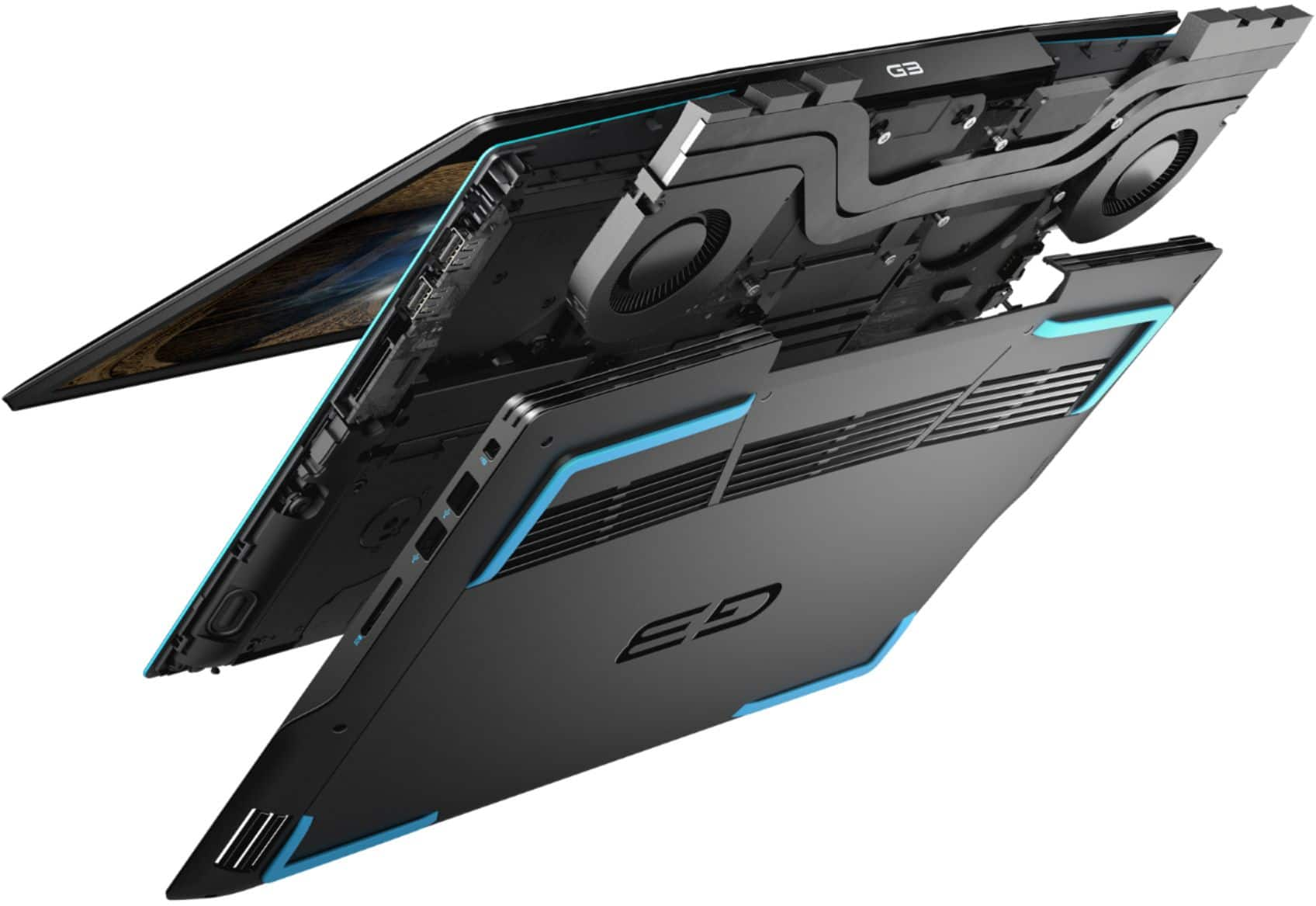
||Posted . Owned for less than 1 week when reviewed.This reviewer received promo considerations or sweepstakes entry for writing a review.It's been a few years since my last PC purchase, last computer I picked up was a macbook which i still own and love for doing work related tasks... but for fun I like to have a gaming PC as well. Typically I buy hardware that's a few years older so I can save some cash and since I'm not typically buying games day 1 when they come out, I don't find that my needs for performance are super high. I imagine my habits are typical. So my steam library is older, most of the game I play are from a few years back... all that to say the 1660ti performs HANDSOMELY on those titles. So far I've been able to pretty much set everything to ultra without an issue. I do play overwatch and I tone it down (just a hair) for that one to squeeze out some extra frames... but overall... this is a KILLER set up! I'm sure my needs for PC gaming will be set for a while. Below is an example of games I'm playing and what settings their at and how this machine performs (all played at 1080p) The Witcher 3: Ultra - EXCELLENT performance Overwatch: Ultra - EXCELLENT performance Warframe Max settings - EXCELLENT GTA V Max settings - EXCELLENT you get the idea. Older major titles are smooth as butter and thermals are reasonable. I play with the laptop docked with an external keyboard/mouse and monitor. Also the laptop is CLOSED the entire time. I love the way the exhaust is ported out of the BACK of the machine, so when teh screen is closed the plastic doesn't get too hot or warp (YET... time will tell). Somethign I haven't seen mentioned anywhere is the fact that there is a slot for an ADDITIONAL 2.5 drive already inside. Everything included! I had a 1tb laying around so i chucked that in as soon as i got it home and open. I'm telling you... for $1000 this is a GREAT deal. I got it while on sale for $200 off and i regret NOTHING.
I would recommend this to a friend - Pros mentioned:PerformanceCons mentioned:Fan noise
Alright laptop with flaws
||Posted . Owned for 3 weeks when reviewed.This reviewer received promo considerations or sweepstakes entry for writing a review.I bought this laptop for on the go gaming purposes as I already have a high end gaming desktop as well. That being said I primarily game on my desktop so I wasn't looking for a something high end or with outstanding performance. This laptop suits pretty well without breaking the bank for me, it can handles AAA games on medium settings at a constant 60 fps 1080p. I would consider this laptop as mid range. One con is the laptop is hot when gaming. Fans needs to be set to max to keep the laptop cool (80c-85c), thus making a lot on noise. When normal use the temps is around 48c- 55c. Another thing is I really didn't like the screen design. When open the heat exhaust collides with the screen obstructing the air way. With the screen at 90 degree angle the air blows completely into a wall, at least beyond 90 degree the air flow can go up the screen like a ramp. I'm not sure how much of an impact this have on the temperature. The dell G3 is a pretty decent laptop if you are not using the laptop as a primary gaming machine. It works for me on the go playing a few minutes at friend houses or out in public. I didn't mind the medium setting visuals. If you are looking for a laptop as a primary gaming machine with high setting, high frame rates, better visuals then this laptop is not for you. Again, I would classify this laptop as a mid range.
I would recommend this to a friendBrand response from YourDellTeam
Posted .Keod,
Thanks so much for your review. If you are still experiencing thermal issues with your computer we'd recommend implementing Dell's new enhancement from this link: https://dell.to/2KVegYj. We hope that this helps any heat issues that you've been experiencing.
Best,
Bryan
1-800-624-9896
- Pros mentioned:PerformanceCons mentioned:Heat
Wonderful laptop with flaws
||Posted . Owned for 1 year when reviewed.This reviewer received promo considerations or sweepstakes entry for writing a review.First of all I apologize for my bad English. I have this laptop for little over a year now and this laptop is truly wonderful laptop to have. It's can play game with little or no difficulty on high (or ultra) 1080p. Being average of 110fps on Rainbow Six and 90fps on Call of Duty Warzone. This laptop is truly wonderful to get for hardcore gamer that want a budget laptop. But, unfortunate, it have some flaws. One of the biggest flaw is that it's cover opens when you try to open/close the laptop. It will gives it a crack a few times when you open/close the laptop before it gives out (image below). While it still playable, it make the screen would not be in a proper eye view stand. The repair took around 2-3 weeks (including delivery) before I able to get it back. The crack first appeared within 4-5 month. Now, since I got it back, it have been working really well for 6-8 months before the sound of the crack comes back again. Right now I'm afraid it will eventually gives out sooner than later. One more flaws this laptop have, every time I boot it up it's always seems to send me a LOUD error message about the GPU fan not working. I not sure how it's not working but somehow there suddenly no fans for the GPU. Although, I would recommend everyone who want to buy this laptop to get a laptop cooling pad or something similar. It's really help with overall cooling and when the GPU fan goes out, the laptop can easily overheat while gaming even with the cooling pad. While this laptop is good, it's have some flaws that need be fixing and make sure this laptop is covered by good warranty as never know if this laptop might gives out.
I would recommend this to a friend - Pros mentioned:Ram, Speed
Some great features but bad screen and slow ports
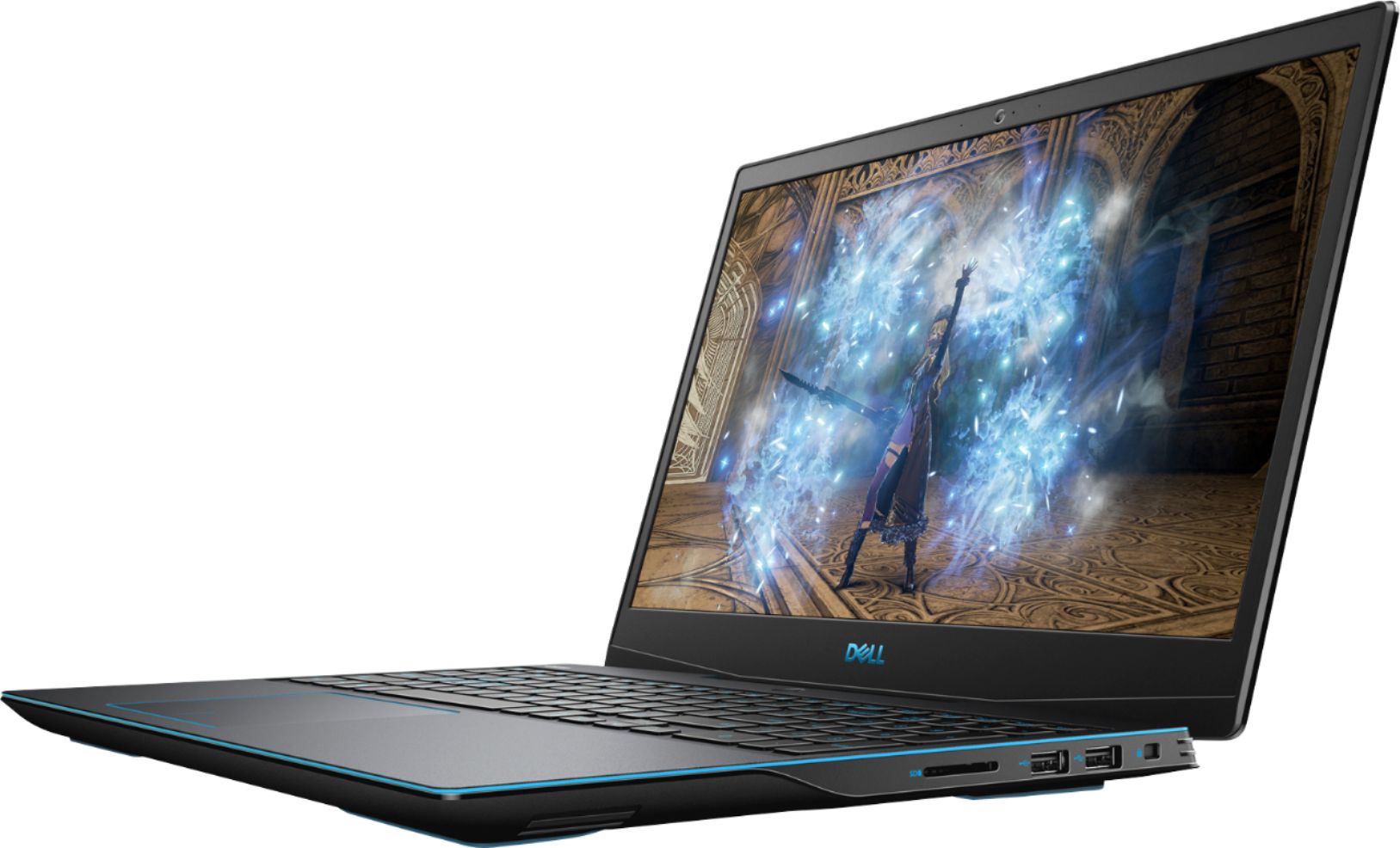
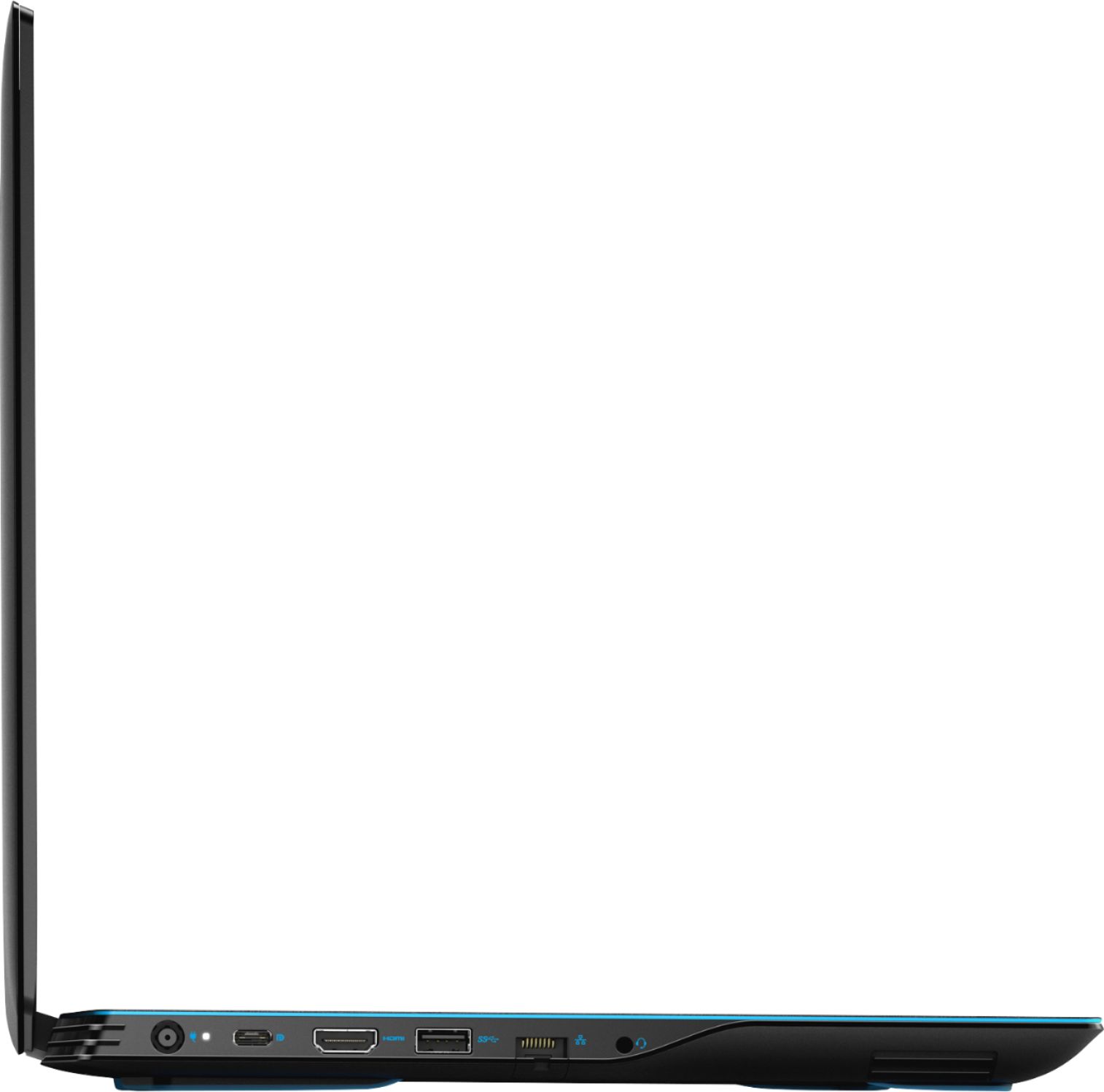
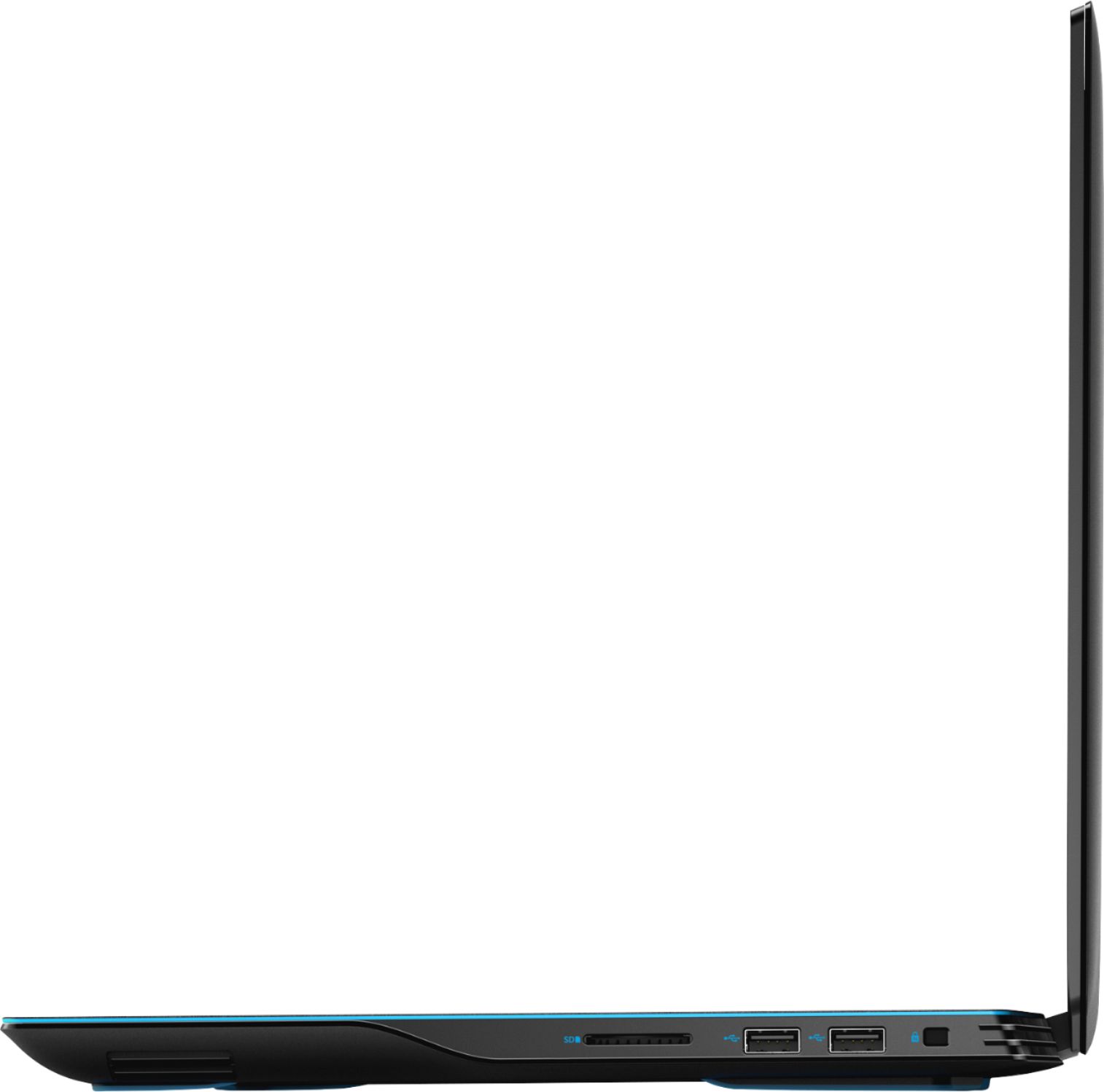
||Posted . Owned for less than 1 week when reviewed.This reviewer received promo considerations or sweepstakes entry for writing a review.This laptop is a really good deal if you got it on special deal around 1080 USD. It is fast, i7 9750h, 16 gb ram, ssd512 and the 1660ti it is a great team. Windows just works perfect in this machine. I have used to edit photos in lightroom and got surprised an how well this laptop handle this software with 42 megapixels raw files. However, the screen is the major flaw just 1080p, poor brightness, poor color accuracy and massive bleeding from different angles. This was the main reason to return it. Also, It is important to point that on the right side you got a single 2.0 USB A port with a max speed of 30 MB/S and the SD card slot next to it is even slowe with max speed arround 25 MB/S. The keyboard I found it nice, the trackpad Ok, the speakers ok. Fan noise ok. I also have tested the msi gs75 stealth 17.3 same configuration but with rtx 2070 and the performance of the new g3 was almost the same of this other more expensive msi. Sadly i can not upload videos to show the screen bleeding.
I would recommend this to a friend - Pros mentioned:RamCons mentioned:Heat, Hinge
Do not recommend
||Posted . Owned for 1 year when reviewed.This reviewer received promo considerations or sweepstakes entry for writing a review.Dell G3-15 3590, i7-9750, Nvidia GTX 1660 Ti Max-Q, 16 GB RAM. Bought this laptop for the value, gaming on the road, and the number of ports it offered. It was a good laptop, not great. Did what I needed and not much more. After a little over a year of ownership, light gaming, and one deployment keeping it cocooned in it's padded case the lid hinge snapped. The hinge itself is beefy but it is mounted to plastic inside the laptop and lid. By design, the hot air from the fans blows right onto the bottom of the screen. After so many openings and closings coupled with the heat (this laptop gets really hot btw) the mounts snapped off. Apparently several of the mounting screws were already missing, so it was only a matter of time. $1,200 laptop held together with plastic.
No, I would not recommend this to a friendBrand response from YourDellTeam
Posted .Josh,
We recommend contacting the Dell Support Team in case a repair is necessary to replace the LCD assembly or possibly issue a replacement PC. Please contact them directly by calling 1-800-624-9896.
Best,
Bryan
1-800-624-9896
Nice laptop
||Posted . Owned for 3 weeks when reviewed.This reviewer received promo considerations or sweepstakes entry for writing a review.I like my G3 laptop but my only concern is the audio!! Whenever I pause a clip or Video the sound wont come back!!! I need to mute it from keyboard and then unmuted, so it go back to work again!!!! That so weird though! I will check with Best Buy to see how I can solve this issue! Otherwise great price and very good laptop for architecture student.
I would recommend this to a friend- Pros mentioned:Graphics
Good laptop
||Posted . Owned for 6 months when reviewed.This reviewer received promo considerations or sweepstakes entry for writing a review.Great laptop with great graphics and can run many games. Works very well with editing as well. However the headphone jack seems to be broken, but wireless headphones do the trick. Overall great quality for the price.
I would recommend this to a friend - Pros mentioned:Graphics
Great Computer
||Posted . Owned for less than 1 week when reviewed.This reviewer received promo considerations or sweepstakes entry for writing a review.Great computer. Easy setup. Fast start up and shut down. Played Rome 2 Total War with the graphic settings set to ultra with no problems.
I would recommend this to a friend - Pros mentioned:Speed
Rift S will not Work as Bundled...adapter required
||Posted . Owned for less than 1 week when reviewed.This reviewer received promo considerations or sweepstakes entry for writing a review.Well I thought this was a great laptop it was speedy. However my issue is that Best Buy bundled this with a RIFT S Occulus Headset which will not work with the headset. Dell even tried to get this working with a USB C to displayport adapter. IT will not work!! I have a HDMI to Displayport adapter coming from Amazon This Friday and we will see then if the RIFT S will work. Will change my review pending results. BEST BUY - YOU OUGHT TO TEST THE CONFIG BEFORE YOU BUNDLE!!!!!! Also this laptop FAILS to run Catzilla benchmark. Will list any of the other bugs I find in another review.
I would recommend this to a friendBrand response from YourDellTeam
Posted .twinankhs,
Thank you for your review and for bringing this bundle to our attention. This bundle is being addressed by our product team. We'd suggest that you reach out to Best Buy directly to see what your options are: http://bit.ly/2v2IVhI.
Best,
Bryan
1-800-624-9896
- Pros mentioned:Graphics, PerformanceCons mentioned:Battery life
Great all around laptop
||Posted . Owned for 1 week when reviewed.This reviewer received promo considerations or sweepstakes entry for writing a review.Has the latest Intel 9750H 6 core processor, which can run several apps at one time. Has a 1660ti maxQ graphics card with 6 gigs of memory. It's not the full fat 1660ti, it's got a lower core clock and memory speed. The maxQ version was made to keep the heat down in thinner laptops. It performs closer to a 1060, but in the newer games it's faster. It performs well when plugged in, I am getting a average 60fps in asassains creed odyssey on high settings and146 fps average in sniper elite 3rd on ultra settings. When on battery it only can use the integrated graphics on the 9750H cpu, so forget about getting any playable frame rates, maybe in older games on 720p on the lowest settings. Only get about 1 hour 20 min on the battery when gaming, so your better of being plugged in anyway. When surfing the net, watching Netflix or YouTube I get almost 6 hours of battery. The screen is good not the best for a 1080 screen, its suppose to be a IPS screen. With the 512 solid state drive, it boots fast and I added a 1 terabyte Samsung solid state in the extra drive bay. The blue backlit keyboard and trackpads felt good. All and all a good all around laptop.
I would recommend this to a friend - Pros mentioned:Graphics, PerformanceCons mentioned:Weight
Powerful enough for games.
||Posted . Owned for 1 week when reviewed.This reviewer received promo considerations or sweepstakes entry for writing a review.Very satisfied with my purchase so far. Alienware power and portability. Pros: Powerful, good graphics, great storage with the 512Gb SSD Cons: A little heavy, a little loud when the fan gets going. These aren’t really cons so much as the trade-offs you can expect. If you don’t want the weight and noise there are other choices but they won’t have the gaming power.
I would recommend this to a friend - Pros mentioned:Graphics, Speed
awesome laptop! great gaming!
||Posted . Owned for 4 months when reviewed.This reviewer received promo considerations or sweepstakes entry for writing a review.love love love this laptop! it does an awesome job playing games like the sims 4, with all expansions on ULTRA settings, and minecraft, etc. i let my kids use my computer and have not had any issues with it. honestly, dont even hesitate to buy this laptop just do it! no issues with speed, storage, or graphics. ive never had a dell and always thought they were a bit lower end but this laptop would make my next purchase a dell. you can play almost every game you can think of and for what your playing the price is not bad at all.
No, I would not recommend this to a friend - Pros mentioned:PerformanceCons mentioned:Heat
Solid Laptop, thermal design lacking
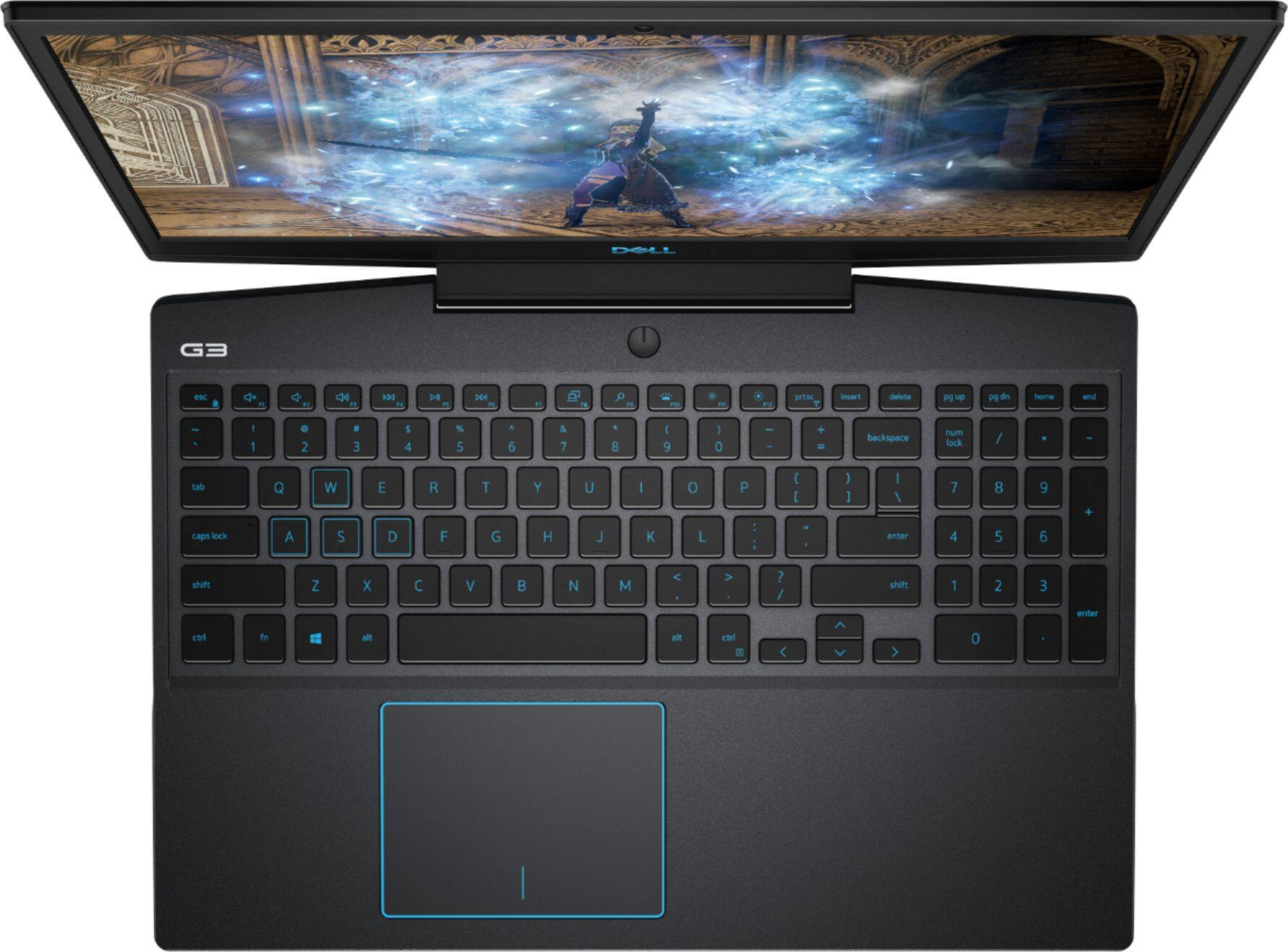
||Posted . Owned for less than 1 week when reviewed.This reviewer received promo considerations or sweepstakes entry for writing a review.I'll preface this with only having the laptop for a week or so. I'm using this as a semi-desktop replacement (i.e. still plugged in for power, but playing in bed on a lap pad to allow proper cooling). Also I turned off Intel Speed Step and manually unparked CPU cores (if you aren't familiar with this, just ignore). Pros: - Runs great (currently running Final Fantasy 14 on high laptop settings with no dipping below 60 fps) - Minor Bloatware (Office 365 Trial, McAfee Trial, misc Windows Apps, and Alienware Command Center which is used for the GameShift feature). All of this can be removed without a lot of work. Cons: - Gets hot, like hot enough to lock up for thermal issues - Keyboard is a soft tactile response - Blue backlight (not major, but a previous Dell laptop from 2018 was red) that seems a bit inconsistent with turning off (always comes back on with a key press) Other thoughts: - Screen is acceptable (obviously this is not a 4k with a high refresh rate, but it's pretty crisp) - Touchpad centered on keyboard size without numpad (I use a mouse, but seems a bit.. awkward) - Bottom of monitor bezel is placed in front of rear fans. While it doesn't fully block the exhaust, it does obstruct it a bit. I believe this is leading to the fans working harder to keep up (also causing more noise) and potentially leading into my issue below. So my big gripe thus far is that consistently after about an hour and a half of play on any demanding game, the laptop completely freezes in a thermal lock-up (i.e. the CPU hits temperature threshold for heat). I've done this consistently for the past three nights even after adjusting Alienware Command Center for full fan speed with manual 100%). Once again I use a laptop pad to allow airflow while playing in bed in a 70F degree room. The laptop pad does not get hot, so the fans are pulling air effectively through the laptop heatsink vents (bottom of the laptop) and blowing out the back. Once I reboot, I can use the Alienware Command Center application to see system heat and the CPU has hit 100C (GPU stays around 50-60C). I have yet to pull the system apart to see if there are any visual defects in the cooling pipes or heatsinks, but I may do that this weekend. The only other thing I can think of causing this issue would be subpar thermal paste on the processor (or lack thereof).
I would recommend this to a friendBrand response from YourDellTeam
Posted .KevinE,
We appreciate your review. We're sorry to hear that your system has been overheating for you. Have you tried to use the Alienware Control Center to monitor the system temperatures on your computer? You should be able to help manage lower temperatures through the Control Center that you mentioned in your review. Here are some additional tips to help keep your computer running at a lower temperature:
Tips for Proper Usage:
1. Dell does not recommend placing portable systems directly on your lap. Due to reductions in the thickness of modern portable systems, heat transfer can be an issue.
2. Using a portable system (Laptop) on a hard, flat, non-cloth surface will increase airflow and reduce heat from underneath and inside the system.
Using the portable system on a blanket, pillow, or other types of cloth will cover up the fan cause the computer to overheat and can cause permanent damage.
3. It is recommended to use the portable system in a Room temperature of 0°C to 35°C (32°F to 95°F) with a Humidity level no greater than 90%.
4. Use compressed air to clean the vents on a regular basis.
5. Using a cooling pad can decrease heat and increase performance.
6. If you want to know the temperature limitations for your system, go to the Dell Support Website, look up your system model then open the user guide under the manuals link.
You can read the full article here - http://dell.to/2uJ8AdG.
Dell has also just come out with a product enhancement update for this model that you can load to see if it helps with the thermal issues that you described: https://dell.to/2KVegYj.
Best,
Bryan
1-800-624-9896
- Pros mentioned:Performance, RamCons mentioned:Battery life
Great Performance... at a Cost
||Posted . Owned for less than 1 week when reviewed.This reviewer received promo considerations or sweepstakes entry for writing a review.The Dell G3 with i7 9750h and 1660Ti Max-Q performs great. With 16GB of RAM, and a relatively high-end processor, this computer will blow away daily tasks and is suitable for 1080p encoding. As for gaming, it plays most games at mid - high settings at 1080p, 4k gaming, not so much. I had to replace the first one I bought within a couple days, was having BSOD's and issues with the track pad. I added a HDD to make up for the relatively small SSD, but with an SSD to store the OS, this laptop boots up quick. The bad, is that the battery life is extremely poor, even with turning off the discrete GPU. 3 hours is pushing it when doing general word processing and occasional web browsing. Kick the discrete GPU on, and you'll survive for maybe 90 minutes. Incredibly disappointed with that. I would expect general use to last at least 4 or 5 hours and the specs on Best Buy were not even remotely correct for battery life. Additionally, this laptop gets extremely hot and sometimes it's hard to tell why. During gaming, after about an hour, the laptop will be very warm and loud and you will need an additional cooling source. Sometimes it seems to be warm even when doing general browsing. For the price, it was a decent buy, but I wish I would have gotten an MSI Refurbished laptop with similar performance for less money.
No, I would not recommend this to a friendBrand response from YourDellTeam
Posted .Sbonesteel,
Thanks for your review. We're sorry to hear about the problems that you initially had with your computer's Blue Screen Errors and track pad. If this happens again in the future you can diagnose your Blue Screen Errors with these steps:
1. At the desktop, click the Search the web and Windows box and type "problem reports".
2. Select View all problem reports to view a list of errors that have occurred on your computer and possible solutions for them, such as updating drivers, flashing your system BIOS, or checking for updates to the software.
3. Under the Source column, look for Windows and under Summary, look for Shut down unexpectedly.
4. Right-click the line item and select Check for a solution.
We'd also suggest checking to make sure that your software and drivers are up to date on Dell's Product Page - https://dell.to/2m3DPO3.
You can read the full article here - http://dell.to/2u98Cct.
If you ever need to re-calibrate your touchpad, you can follow these steps:
Some Notebooks and Tablets with Keyboards have added gesture features to the touchpad hardware and drivers. A few of these features are two or three finger scrolling, pinch zoom, circle zoom, rotate and swiping. These new features may be the reason for the erratic cursor movement since most are turned on by default. You can disable or modify the way the features work in the touchpad driver properties.
Here are some tips to modify these settings:
1. In the Search box, type main.cpl.
2. Touch or click main.cpl in the list of programs.
3. Touch or click the Dell Touchpad tab.
4. Touch or click on the picture of the touchpad.
5. Touch or click Gestures (depending on your computer there may not be a Gestures option).
6. Change the options as preferred.
7. Touch or click Save.
8. Touch or click the X in the upper-right corner to close the Dell Touchpad Utility.
9. Touch or click OK on the Mouse Properties window.
10. If the touchpad still does not work after following the preceding steps, refer to Dell Knowledge Base article - http://dell.to/2iaiujA.
You can read the full article here - http://dell.to/2tqmS02.
Lastly, if you'd like your computer's battery to last longer, we'd recommend these tips:
Change the Power Plan:
1. On the notification area of the taskbar, right-click the Battery icon.
2. On the options list, click Power Options.
3. Select a power plan on the battery meter, such as Power Saver or Balanced. Windows 10 has a built in 'Battery Saver' mode that can be activated to extend your system's battery life. The Battery Saver mode will monitor and limit background activity and other features such as push notifications. You do have the option to enable or disable this mode within settings or within advanced Battery Saver settings, you can customize the mode to best suit your needs.
a) Click on the Action Center icon in the taskbar and select the tile for Battery Saver.
b) If running Cortana then type Battery Saver into the search box and select from the results.
Within the Battery Saver settings page, you will be able to turn on and off the feature and customize the feature to best meet your needs.
c) Turn Battery Saver On or Off.
d) Additional settings available via the Battery use and Battery saver settings links.
e) Battery use shows further info on apps and their power usage.
f) Battery Saver Settings screen allows you to customize further Battery Saver feature.
You can read the full article here - http://dell.to/2vfXWf4.
Best,
Bryan
1-800-624-9896
- Pros mentioned:Graphics, Ram
Great for mid-range gaming
||Posted . Owned for 3 weeks when reviewed.This reviewer received promo considerations or sweepstakes entry for writing a review.It's been more than a month since my purchase of the product. I have to say that I am quiet satisfied with what the product offers for the price range. I got my G3 configured with 16gb ram , 4gb graphics card and i7 9th gen core processor. If you want to play games like Asc,fifa19 and seige with higher fps then I would say go for this model if you don't game that much and you are satisfied with just the graphics and i5 processor go for Dell g5. The build quality is fine with compared with Asus models and the display is great.
I would recommend this to a friend - Pros mentioned:Graphics, RamCons mentioned:Battery life
DECENT LAPTOP. Not worth $1200
||Posted . Owned for 1 week when reviewed.This reviewer received promo considerations or sweepstakes entry for writing a review.THE BATTERY LAST 2 hours max unplugged. It looks like it’s from the early 2000s Feels and looks cheap. The only great thing about this laptop is the insides i7 Intel processor, 16 gig of ram and and nice graphics card. Every laptop runs smooth the first year but I feel like In 2 years this laptop will give you a hard time.
No, I would not recommend this to a friendBrand response from YourDellTeam
Posted .Mikey24,
Thanks for your feedback. We're sorry that your computer's battery is not lasting as long as you hoped it would. Here are some tips to help extend the life of your computer's battery:
Change the Power Plan:
1. On the notification area of the taskbar, right-click the Battery icon.
2. On the options list, click Power Options.
3. Select a power plan on the battery meter, such as Power Saver or Balanced. Windows 10 has a built in 'Battery Saver' mode that can be activated to extend your system's battery life. The Battery Saver mode will monitor and limit background activity and other features such as push notifications. You do have the option to enable or disable this mode within settings or within advanced Battery Saver settings, you can customize the mode to best suit your needs.
a) Click on the Action Center icon in the taskbar and select the tile for Battery Saver.
b) If running Cortana then type Battery Saver into the search box and select from the results.
Within the Battery Saver settings page, you will be able to turn on and off the feature and customize the feature to best meet your needs.
c) Turn Battery Saver On or Off.
d) Additional settings available via the Battery use and Battery saver settings links.
e) Battery use shows further info on apps and their power usage.
f) Battery Saver Settings screen allows you to customize further Battery Saver feature.
You can read the full article here - http://dell.to/2vfXWf4.
Best,
Bryan
1-800-624-9896
- Pros mentioned:PerformanceCons mentioned:Fan noise, Heat
Average Performance at wrong Price Point
||Posted . Owned for less than 1 week when reviewed.This reviewer received promo considerations or sweepstakes entry for writing a review.The performance of this laptop is Ok meaning it can handle AAA game titles decently. At this price point there is a lot of competition and depending on sales you may have options with better performance in another great brands like ACER, ASUS and/or HP. However, the main I gave 3 stars to this product is because of how loud the fans are when gaming and the laptop over heats within 2 to 3 hours of gaming time which results in a bad experience for me because you can fell the heat on your finger tips while gaming. In addition the 60 fps cap is something you have to considered before even star thinking about when you are looking for a gaming laptop under $1300. Verdict: Descent performance and really good customer service makes this laptop a good contender withing the price point. However, because of other brands withing price point with a bit better performance, over heating issues and loud fans make this laptop an average product.
No, I would not recommend this to a friendBrand response from YourDellTeam
Posted .Nerf,
Thanks for your feedback. We're sorry to hear about the fan noise and overheating that you're experiencing. Some customers have had success reducing the fan noise by updating the BIOS on their computer:
An out-of-date BIOS can cause loud fan noises by having an outdated temperature table for the system. Refer to update BIOS and follow the instructions to update the BIOS on your computer. You can also follow up with our Technical Support Team here - 1-800-624-9896.
You can read the full article here - http://dell.to/2ENlXfz.
We would also suggest the following tips to help with the overheating that you're experiencing:
Tips for Proper Usage:
1. Dell does not recommend placing portable systems directly on your lap. Due to reductions in the thickness of modern portable systems, heat transfer can be an issue.
2. Using a portable system (Laptop) on a hard, flat, non-cloth surface will increase airflow and reduce heat from underneath and inside the system.
Using the portable system on a blanket, pillow, or other types of cloth will cover up the fan cause the computer to overheat and can cause permanent damage.
3. It is recommended to use the portable system in a Room temperature of 0°C to 35°C (32°F to 95°F) with a Humidity level no greater than 90%.
4. Use compressed air to clean the vents on a regular basis.
5. Using a cooling pad can decrease heat and increase performance.
6. If you want to know the temperature limitations for your system, go to the Dell Support Website, look up your system model then open the user guide under the manuals link.
You can read the full article here - http://dell.to/2uJ8AdG.
If you'd like to download an enhancement update for your system to see if it helps with the heat that you're experiencing, you can visit this link: https://dell.to/2KVegYj.
Best,
Bryan
1-800-624-9896
- Pros mentioned:PerformanceCons mentioned:Battery life, Weight
Pretty solid laptop
||Posted . Owned for 1 year when reviewed.This reviewer received promo considerations or sweepstakes entry for writing a review.Great laptop overall, but it has a few issues. The battery life is extremely short, even when on power-saving settings. It is also very heavy, which is to be expected for a gaming laptop. The charger is massive as well, which is a pain. However, the laptop works very well performance wise.
I would recommend this to a friend - Pros mentioned:PerformanceCons mentioned:Battery life, Fan noise
not perfect, but excellent value
||Posted . Owned for 8 months when reviewed.This reviewer received promo considerations or sweepstakes entry for writing a review.one recurring issue has been with the Intel Graphics card taking over the Nvidia GPU - this slows down games. Had to disable the on board Intel Graphics to keep it from happening - but this should be an issue that never occurs. battery life has never been great, I use in place most of the time so it stays plugged in. I had to replace one of the two fans after about 6 months. Overall though, it is a high performing machine, that does everything I need.
I would recommend this to a friend - Pros mentioned:Graphics, Speed
Great laptop!
||Posted . Owned for 1 month when reviewed.This reviewer received promo considerations or sweepstakes entry for writing a review.I bought this laptop as a gift for my mother who recently went back to school. We needed to upgrade for speed and storage. This is a great laptop that surpasses what we need it for but will be great in the future to grow into. It’s basically not a family laptop that we can be confident using without frustration for the upcoming years. Storage. Speed. Graphics. All are great and even when running multiple applications, it runs seamlessly.
I would recommend this to a friend