Customer Ratings & Reviews


- Model:
- G7500-7194BLK-PUS
- SKU:
- 6419696
Rating by feature
- Battery Life
Rating 3.9 out of 5 stars
- Speed
Rating 4.3 out of 5 stars
- Display
Rating 4.5 out of 5 stars
Customers are saying
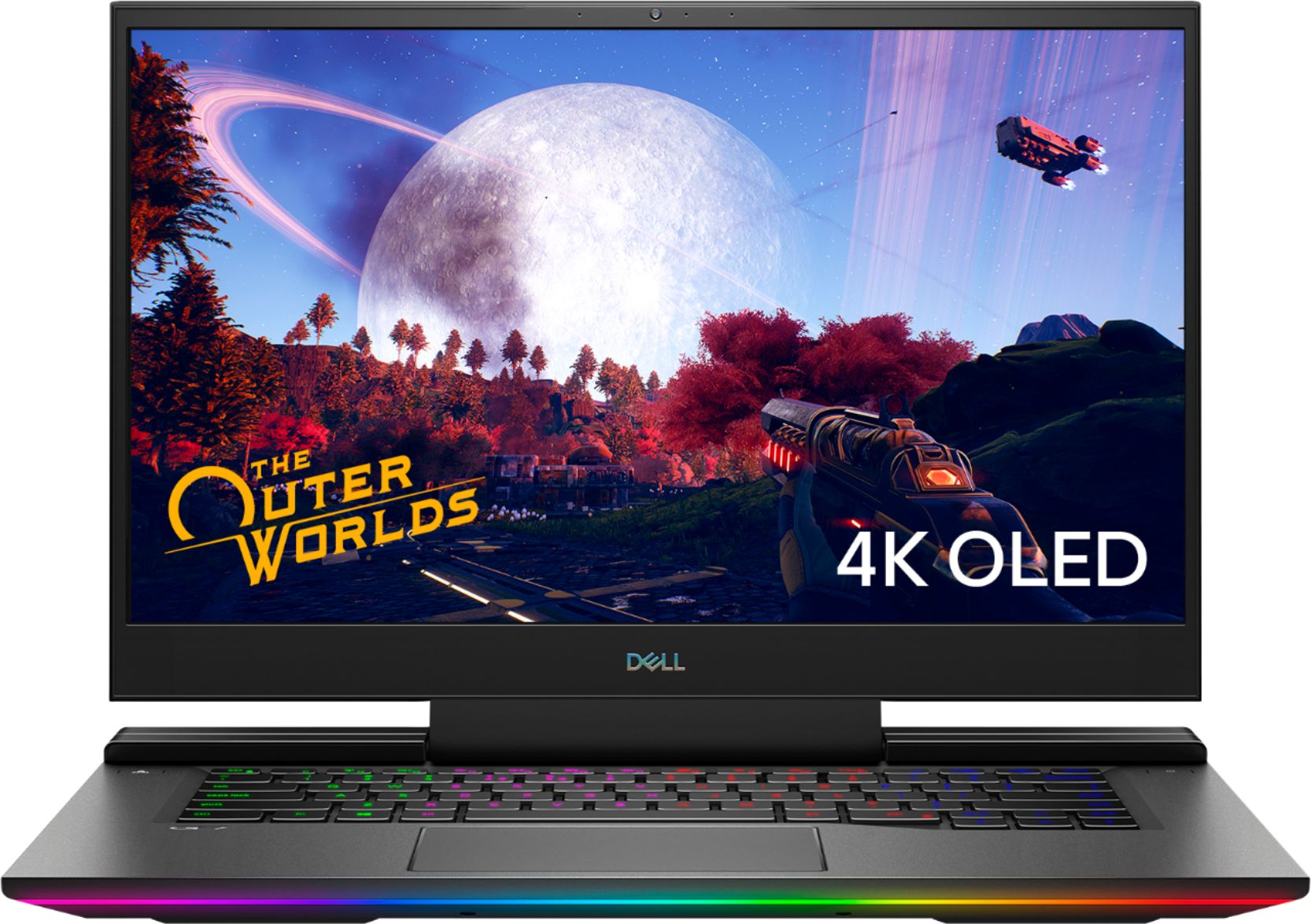
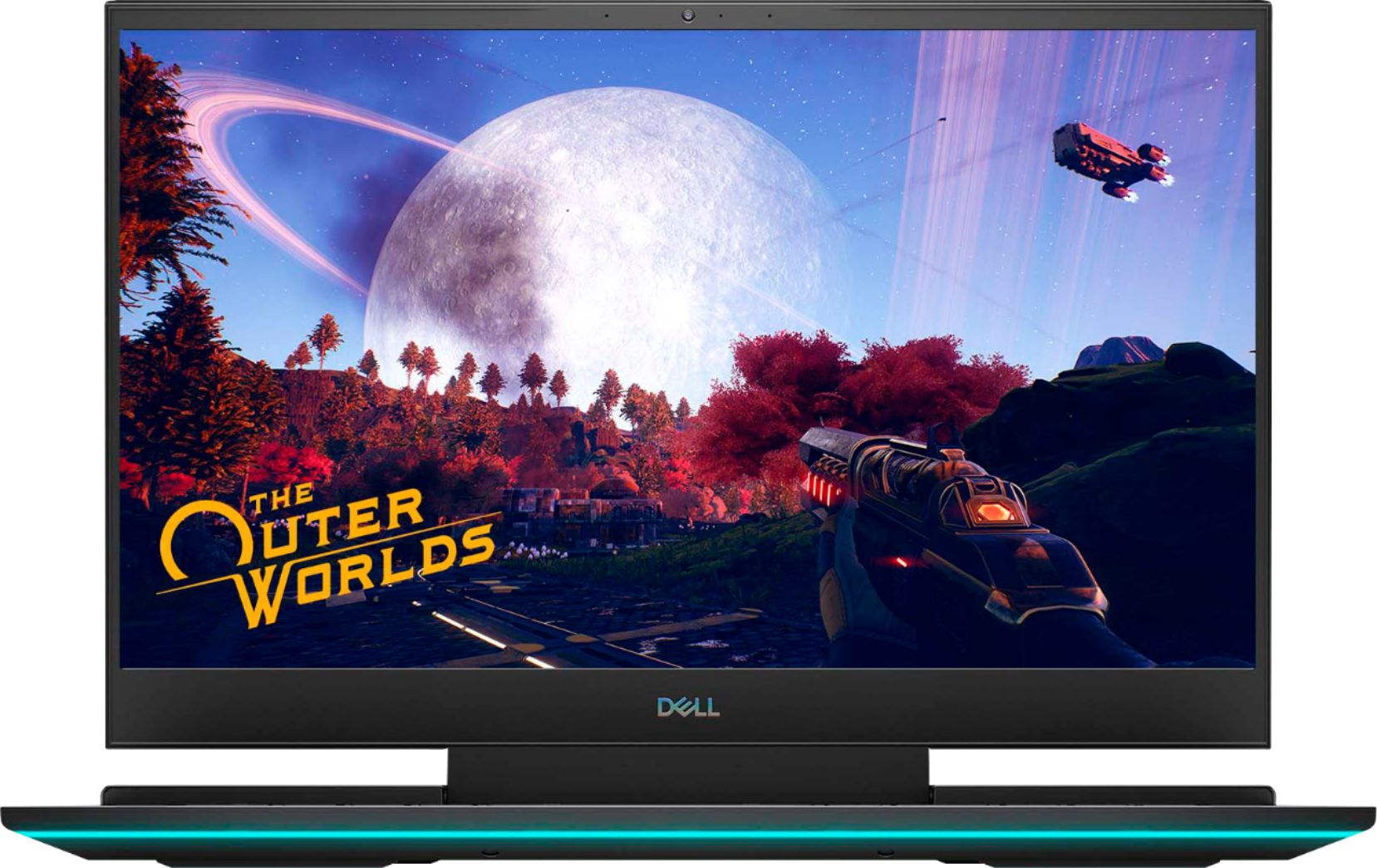
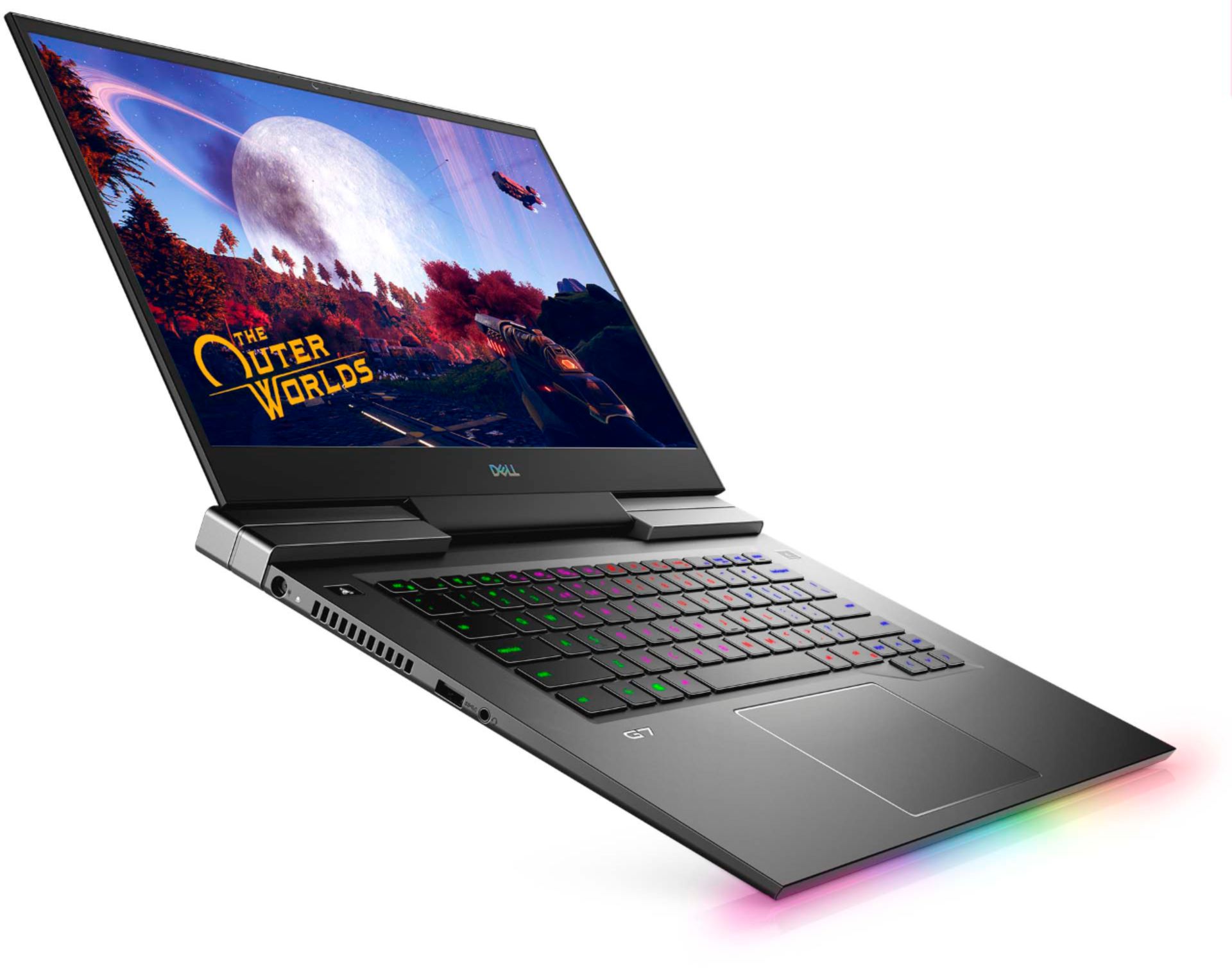
Customers praise the G7 15.6" 4K Gaming Laptop's OLED display and its impressive performance, noting the excellent graphics capabilities. However, many users report issues with overheating, and some express concerns about battery life, fan noise, and frame rates in games. The laptop's weight is also mentioned as a potential drawback by some customers.
This summary was generated by AI based on customer reviews.
- Pros mentioned:Oled display, PerformanceCons mentioned:Battery life
Gets hot, leaves me cold.
||Posted . Owned for more than 2 years when reviewed.This reviewer received promo considerations or sweepstakes entry for writing a review.It's a gorgeous screen and the machine is a fast little thing, the machine is nice and heavy and feels like a quality machin. also, the OLED screen is sweet. Even with all that being true, I have some serious quality issues here. The Fan on the CPU stopped working on it randomly. I tried to replace the fan, but it seems it is an issue with the board. thats pretty terrible, but also, the machine has started randomly shutting down. when I restart it says I ran out f power, this is even if I have 100% power or my machine is plugged in. The Alienware software is pretty when it works, but rather than it automatically updating with the dell suites, the keyboard just randomly stops making lights work and then I know I need to update the alien ware software. One of my keys (#2) popped off and was impossible to repair. I need to have a cooling system to run it, which is just as bulky a s the computer, an I can't really consider it portable anymore. Also, the cute LED on the power chord is just another thing to fail in the system, so I had to reinforce it with some duct tape. (see attached picture.) Really shouldn't have such a hard time with a machine. it was pretty expensive, and I'm sad. I was looking to buy a new monitor and some VR accessories, but looks like Im saving up and buying a new PC instead.
No, I would not recommend this to a friend - Pros mentioned:Oled display
Colorful & FAST. Needs initial CPU tuning!
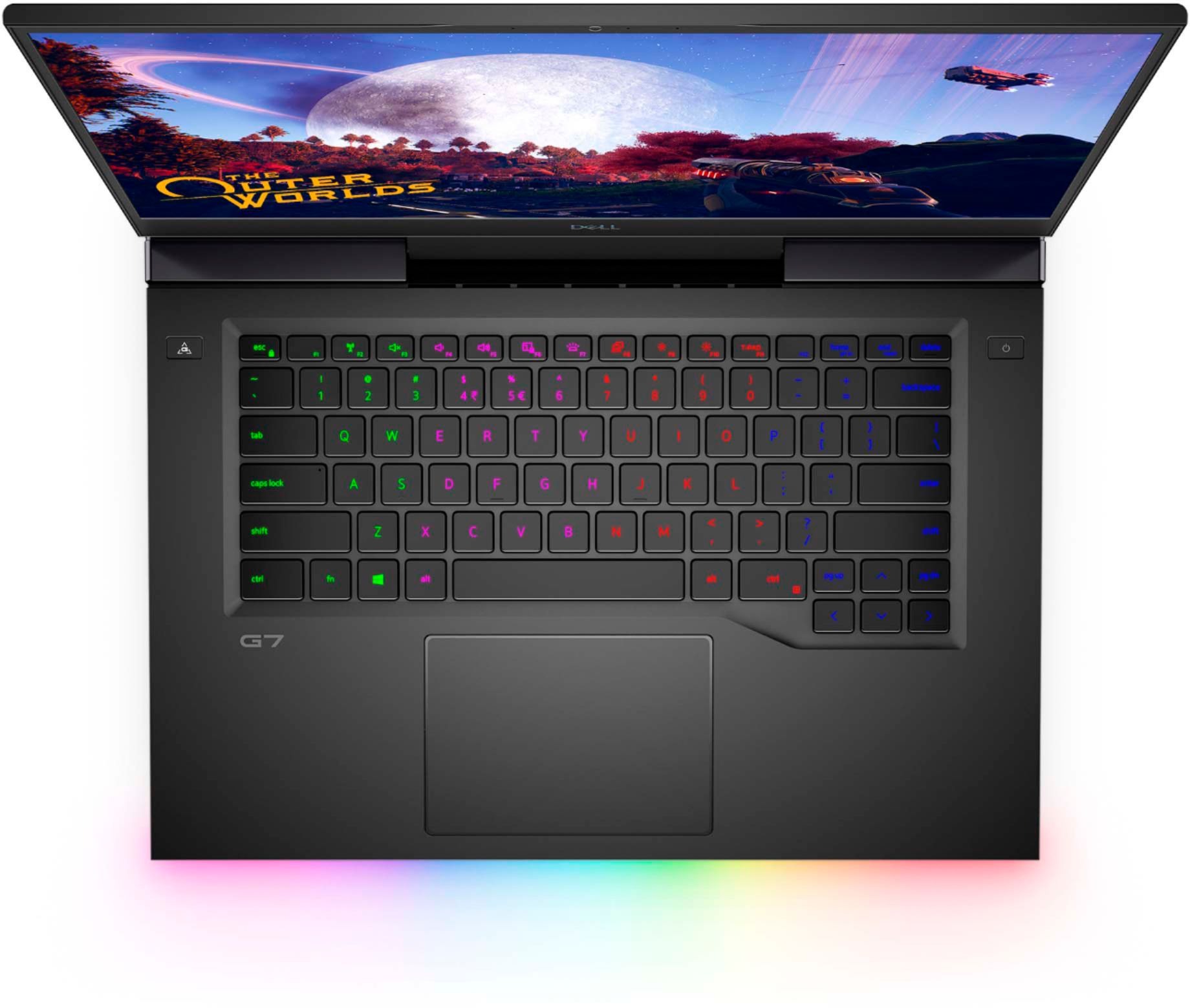
||Posted . Owned for 1 week when reviewed.This reviewer received promo considerations or sweepstakes entry for writing a review.I bought this laptop on a Wednesday and didnt get it working optimally until Friday. When I got home with it, I plugged it in, and ran all the Windows, Dell and BIOS updates, along with chipset and drivers. After running the updates, I booted up COD Warzone and no matter what settings I ran it on, the FPS would drop to 4 for one whole second, like a stutter, then back up to smooth 60. I also tried Fortnite, it would run a beautiful buttery smooth 60FPS on the 4K oled screen for a good few minutes, but would always have that stutter which would drop it to 4FPS for one second and then back up 60fps costing me a couple solo Royales. - The issue with this laptop (if you have one) will most likely be an issue with throttling on the CPU. That's because Dell tuned this laptop with too much power to the CPU for the turbo boost. - I didn't want to give up on this laptop because the most comparable laptop to this in size and power is the $2600 Razer and because I enjoy fixing things, I spent two days of troubleshooting and digging through forums on google, to narrow down what the issue is with this laptop from the factory. - Unfortunately, it may require a little bit of extra work on your part, the work DELL should have done before mass producing this thing, but in doing so, I have complete control over this very powerful machine and am running 1080p Fortnite on epic settings with 100% texture resolution at 62° C on the CPU and GPU! - The RGB lighting is very bright and pleasing. The front RGB bar has 10 customizable sections and the keyboard is 4 sections, not per key, but still, the Alienware command center software that comes with this laptop provides customizeable fan profiles and 6 different color modes for the RGB settings. The chassis is aluminum and the 4k OLED screen is seriously one if the most gorgeous screens I've seen on any laptop on the market, at least in the two thousand dollar budget range. - Overall, I think it was a little sloppy of Dell to release this product to the public with this issue and they claim that version 1.3 Bios fixed it, but I pulled this thing right out of the box and updated it to version 1.7 with all the other updates, went straight to Warzone and had this issue, so it's really just an overvoltage issue. Unfortunately nowadays, a lot of these slim laptops with powerful hardware have thermal throttling issues. From my experience, unlocking the undervolting and power limiting the Turbo boost to 44W has completely stopped the problem. The websites provided below offer all the knowledge from people who love the hardware and look of this laptop, but needed to get control on the CPU and GPU clock speeds and undervolting in order to stop the overheating and throttling from happening. https://www.ozbargain.com.au/node/559551 https://brendangreenley.com/undervolting-2020-dell-laptops-like-the-vostro-7500-and-more-tips-to-improve-thermals-battery-life-and-speed/
I would recommend this to a friend Dell G7 15" 4KOLED - Excellent Productivity Laptop
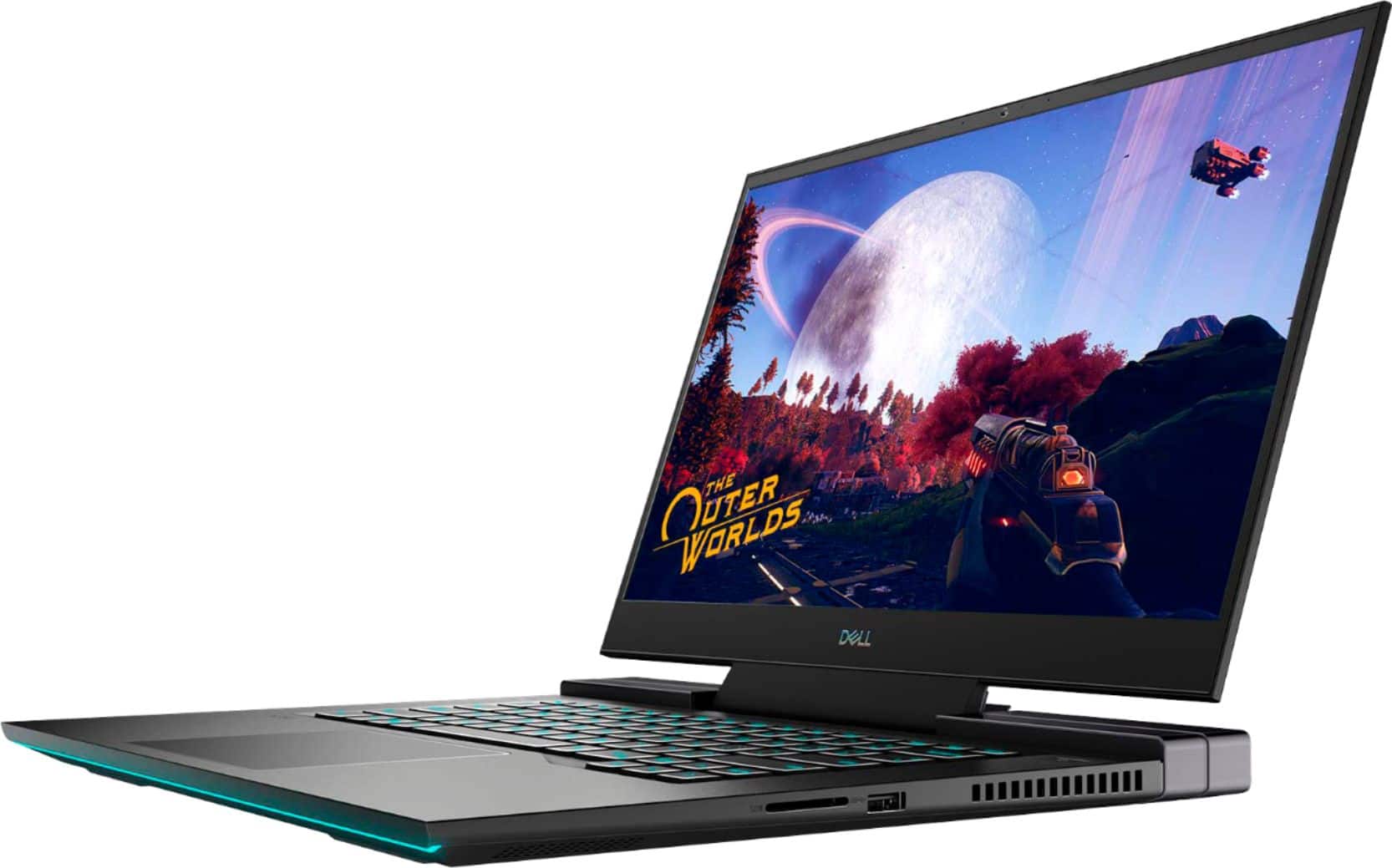
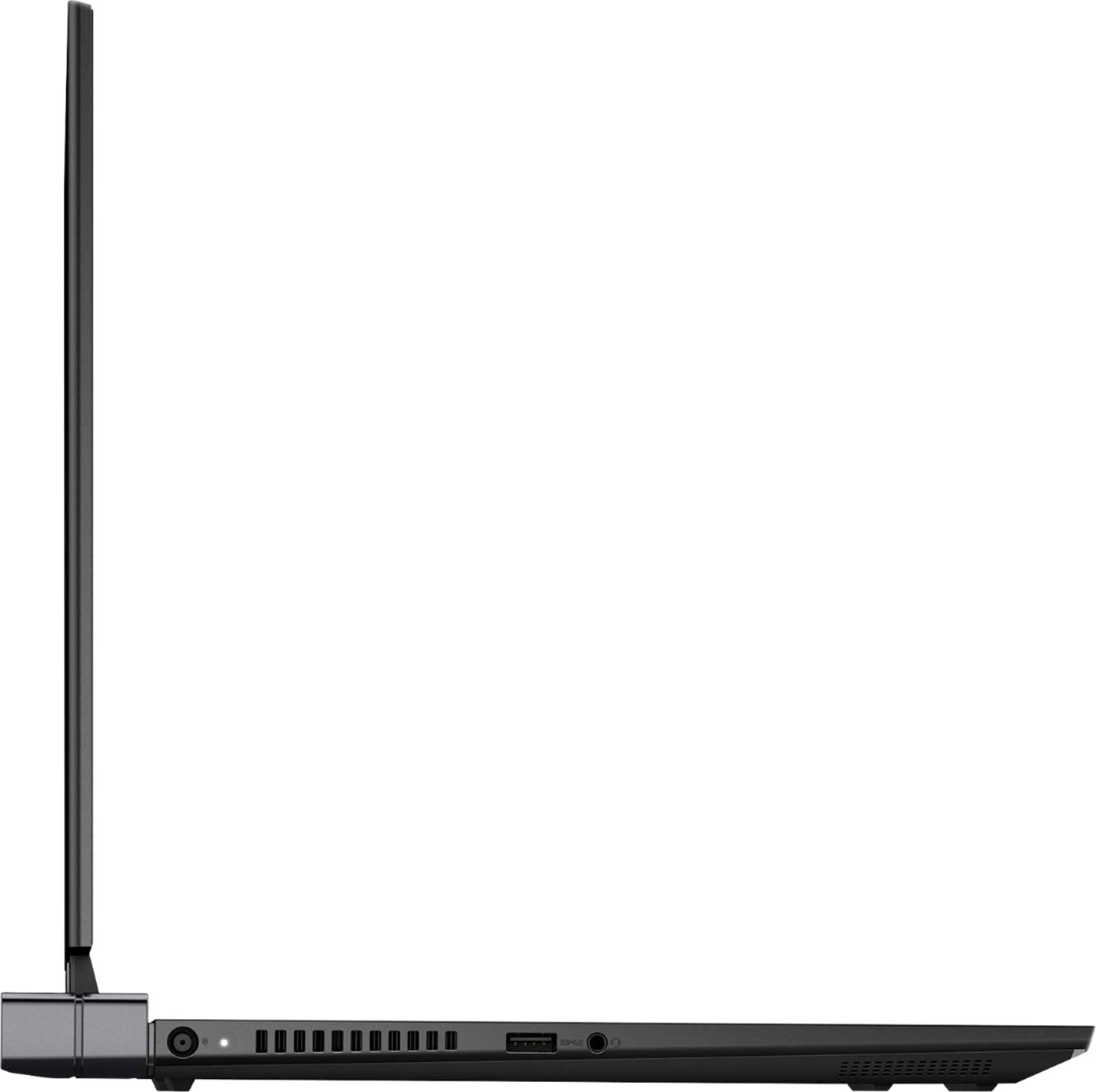
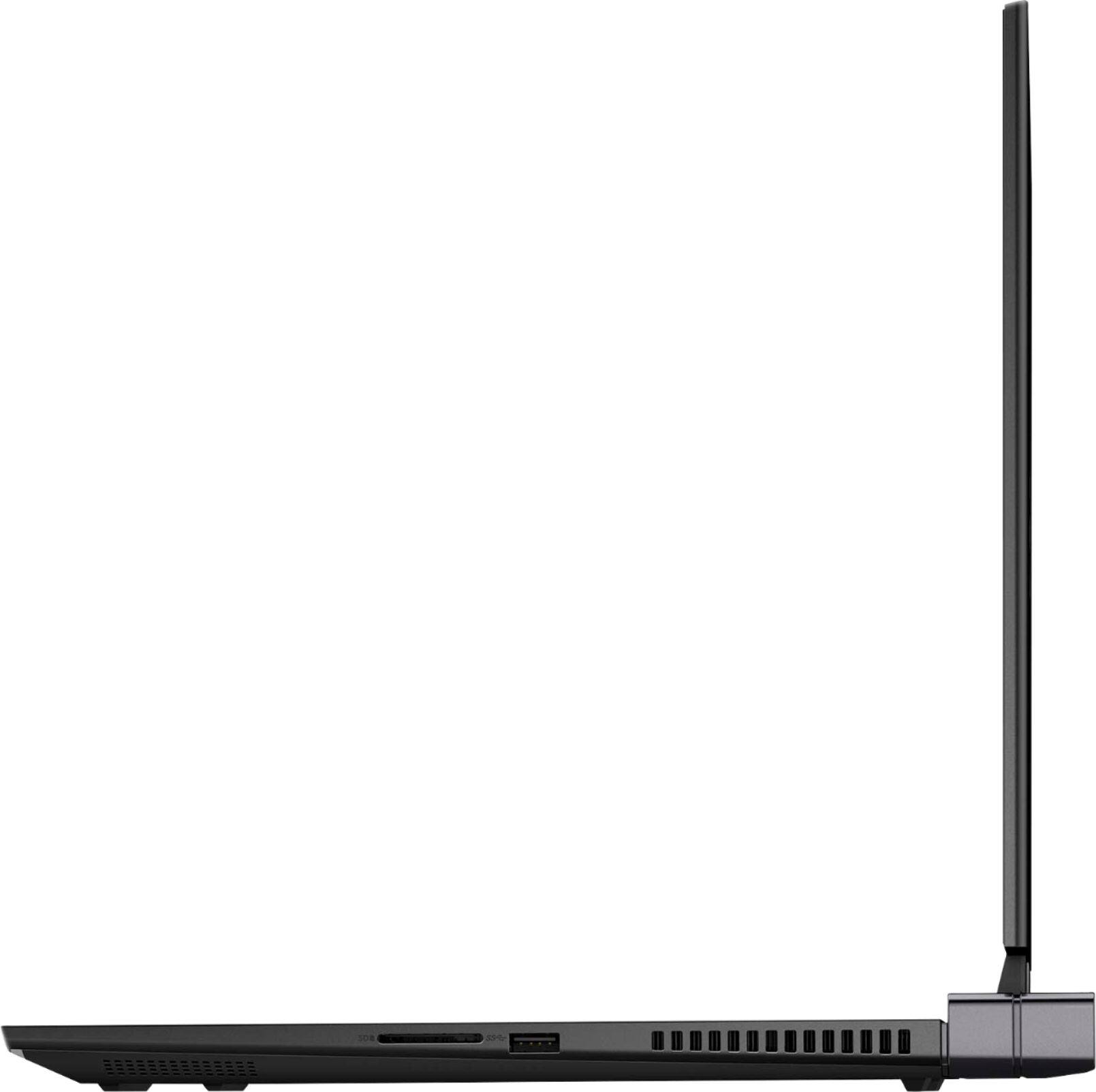
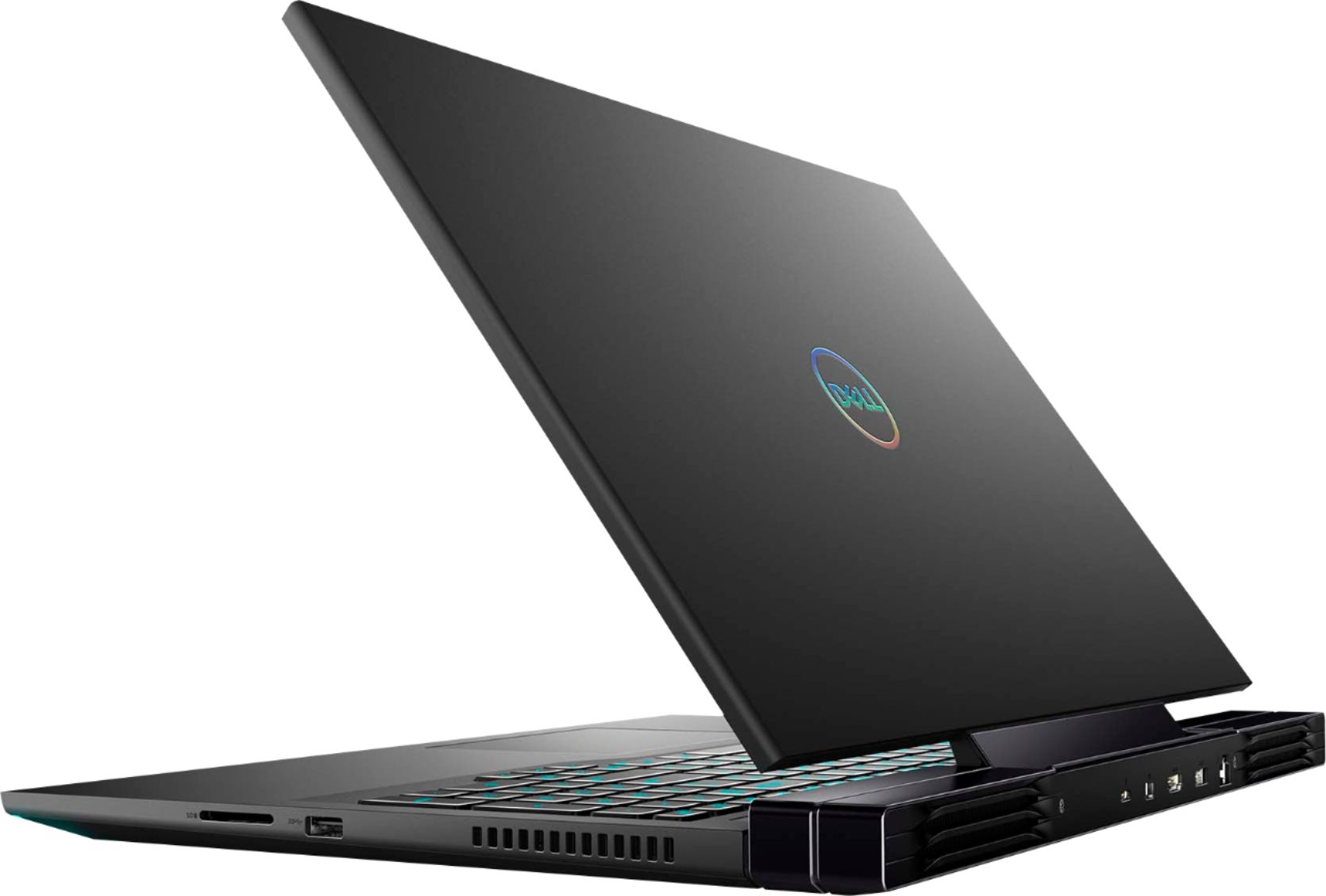
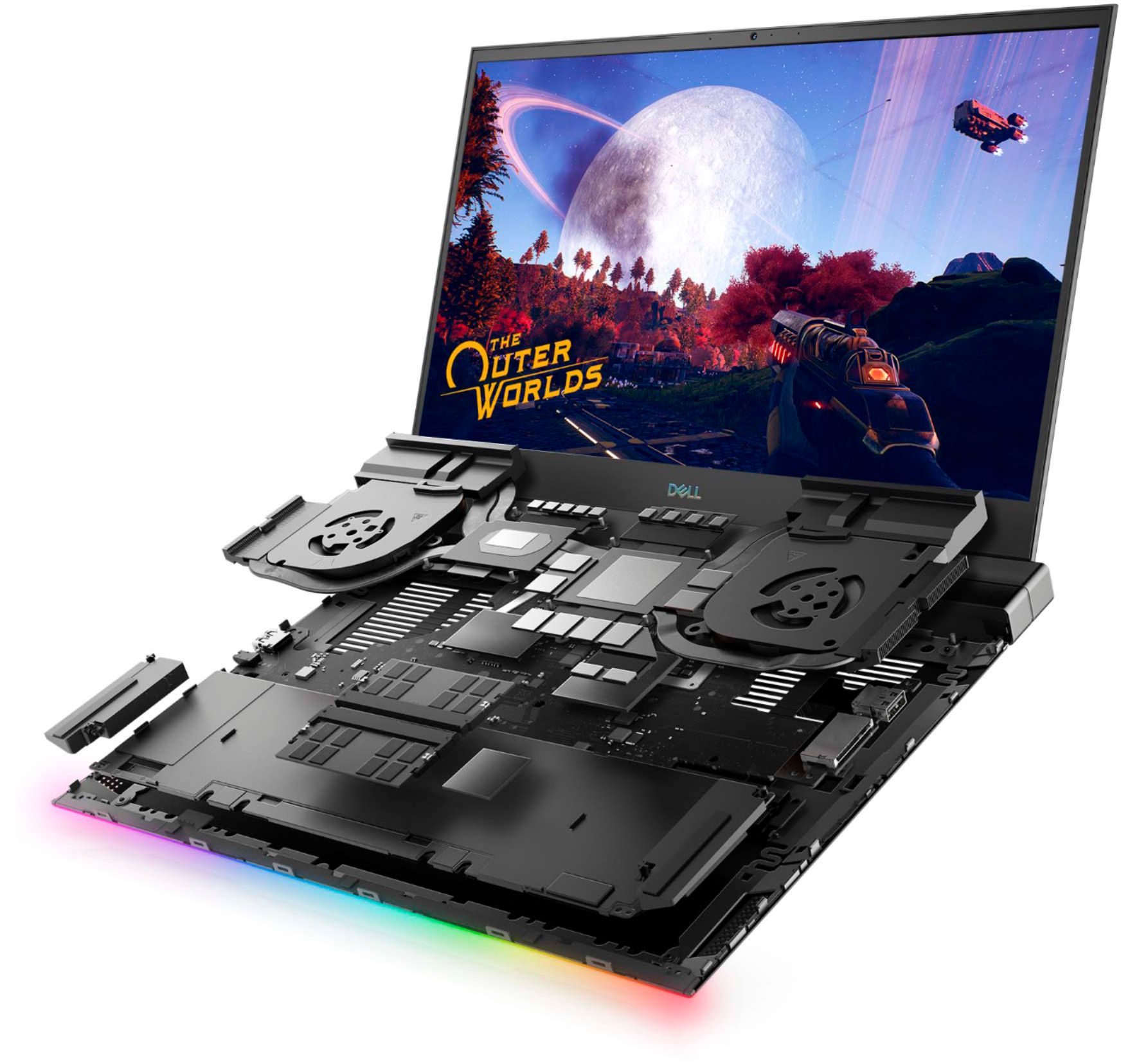
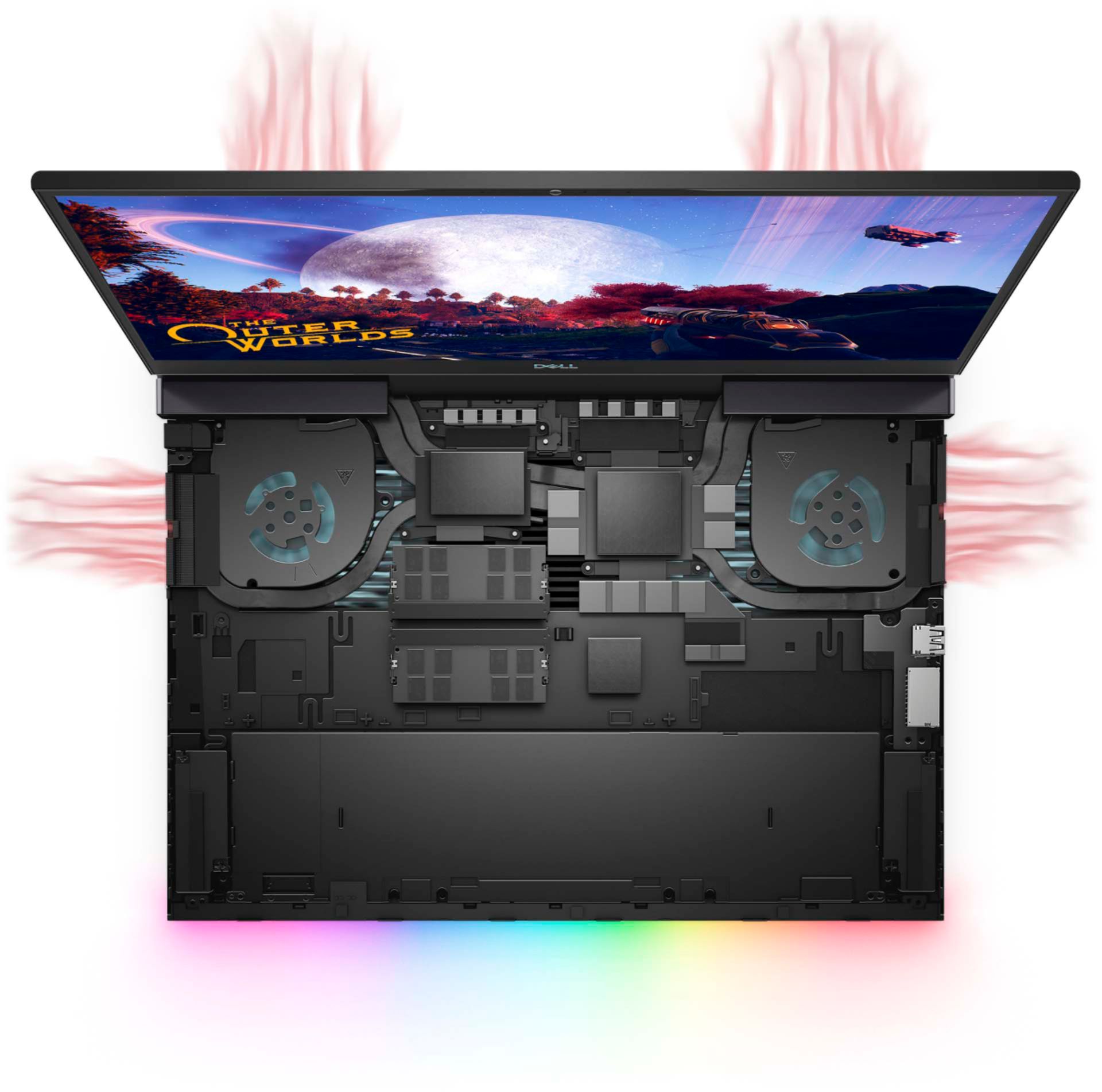
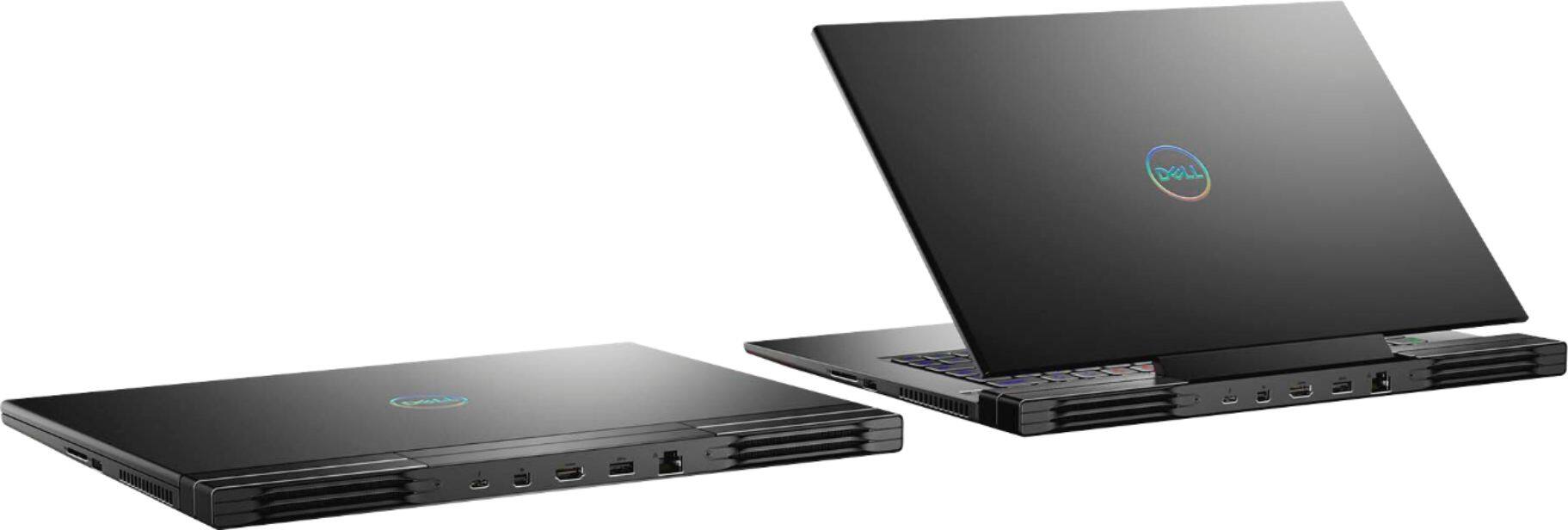
||Posted . Owned for 2 weeks when reviewed.This reviewer received promo considerations or sweepstakes entry for writing a review.Dell G5 7500 4K OLED In short: Pros: Excellent productivity laptop with the best display IF you can get it in a deal/sale around 1100 (Open-box) - 1300 (New). Cons: Not So Much of a Gaming laptop for playing extreme graphic intensive games, due to insufficient thermal design. It runs hot! Long Story: I would not recommend this if you plan to do intensive gaming: - Bad thermal design and insufficient cooling will keep throttling the CPU and bring your frame rates down for intensive graphic games. - If you do intend to do gaming on this, be sure to install Quick cpu (or ThrottleStop) and set the SpeedShift to a max performance of around 3.5GHz. You may need to play around with it to get optimal performance but enough cooling. You can no longer undervolt these CPUs. - In any case be sure to update the bios. - This should be good enough to play many games, but definitely not in your lap. Now the Good: - This is a superb sturdy metal casing laptop with one of the best display you can get. I first talk about the OLED display because that is "THE" reason you want to buy this laptop when available in a deal. It is simply awesome. Contrast and color is unbelievable, especially if you come from a regular LCD display. It is not different from other OLED display laptops as all laptops in this form factor basically have the same Samsung OLED panel. Don't let the 60Hz refresh rate undermine it unless you need split second gaming performance in which case this machine is not for you anyway. OLEDs have extremely good response times. OLED displays can switch frames almost instantaneously compared to LCD and the real world refresh is far smoother than majority of LCD. What is lacking here in this gaming laptop with the oled display is color calibration. If exact color reproduction is important for photography, video-editing etc you are going to need to use some color calibration instruments which you probably have anyway. For the rest of us, I think it is pretty good out of the box. - The rest of the configuration is pretty standard. A Gen old Intel processor (10 gen, 6 core, 12 threads) and RTX 2070 MaxQ (8GB dedicated video mem) which is more than enough for productivity and most games but not at 4K because of lack of heat issues as already stated. It would have been a good gaming laptop if the thermal design was better but this laptop gets hot if you push it to play graphic intensive games, the thermal throttling kicks in which degrades performance considerably. - I don't play as much games and my use is mainly software development. What I really wanted to buy and was waiting for was the Zen3 Ryzen 7/9 with RTX 30xx but when I saw this OLED laptop for a little over 1100 + tax (Open box Excellent), I bought it since it would be nearly impossible to get a laptop with an OLED panel (with upgradability) for this price. - It has 2x 8GB Samsung memory modules and although they are rated at 3200 speed, work only at 2933 - 10th Gen Intel CPU limitation unless overclocked. Neither is soldered and both modules can be upgraded. Although specs say only 32GB max is supported, you can replace one or both with 32GB sticks for a max of 64GB if needed. I replaced one with 32GB TeamGroup 3200 (Cheapest at the moment 119@amazon) and thankfully it works at 2933, same as the other 8 GB. Many laptops especially HP and Dell are finicky in working at max rated speeds the CPU support and many times work at lower speeds if the manufacturer is different than the one it originally comes with. At 40GB I am able to easily run a handful of VMs along with doing other tasks. I noticed the power connector (of the battery) was a bit chipped/broken at the left side. Probably the previous owner might not have been careful or maybe it was the BestBuy folks who might have opened and disconnected the battery to ensure all was good. But it's small enough to be ignored since it's not something that you need to do frequently. So didn't really feel like returning/replacing this piece. -1x m.2 ssd slot only which has a 1TB m.2 nvme Micron 2280 (80mm) ssd that is fast enough and should be enough storage for most use cases. - It has plenty of connectivity 1x mini-DP, 1x USB-C Thunderbolt-3, 1x HDMI, 1x RJ-45 ethernet and 3x USB-3 A ports. - The keyboard has decent keys and layout with 4 zone lighting although I wish the 15" also had the numpad as the 17". I really like that the power button is apart from the keyboard, unlike many new ones which have it in the keyboard area, some even next to the delete button! There is also a "boost" button on the left side similar to the power button but I will advise against using it due to heating and throttling. There is a 12-zone light bar at the front. The lights for the keyboard and bar can be customized only using the "FX" in Alienware Command Center although I had trouble getting it installed initially! The Alienware command center that was already installed did not have FX functionality, maybe because I got the open-box :-S There are a few predefined effects but the not so good part is you cannot download or share the lighting effects and will need to create your own. - Lastly, with 4K display and high performance components, it's a power hog, so don't expect to have much battery life especially if you are gaming, but if you adjust your power plan well and don't do intensive work/games, you can squeeze out around 4-5 hours unplugged. - All in all, I am very happy and find this to be a great laptop @$1100 + tax (open-box excellent) with a superb screen for productivity, watching movies and regular gaming provided you limit the CPU to prevent over heating and throttling.
I would recommend this to a friend- Pros mentioned:Performance
Bang Bang Boom! Dell G series 4 tha WIN!
||Posted . Owned for more than 2 years when reviewed.This reviewer received promo considerations or sweepstakes entry for writing a review.Arguably one of the best gaming laptops on the market for the money(at the time) 2 years later still going strong no issues at all. Will definitely purchase a G series again.
I would recommend this to a friend - Pros mentioned:Oled display
Supercharged Family Sedan
||Posted . Owned for 1 month when reviewed.This reviewer received promo considerations or sweepstakes entry for writing a review.The OLED screen on this device is flawless. Dell has made some interesting architectural choices with this machine that makes it rather like a Volkswagen beetle with a supercharger. The device actually comes with Alienware command center. The command center lets you control the LED arrays, and enables the "gaming mode" button (forthwith referred to as GMB). I'm not what the GMB does for me, but I know that the screen dims a bit - I'm assuming this is to route power to the Nvidia GPU. The deliriously satisfying part about the GMB is how it automatically kicks in CPU clock doubling - see photos.
I would recommend this to a friend Powerful but very hot and gets dirty easily
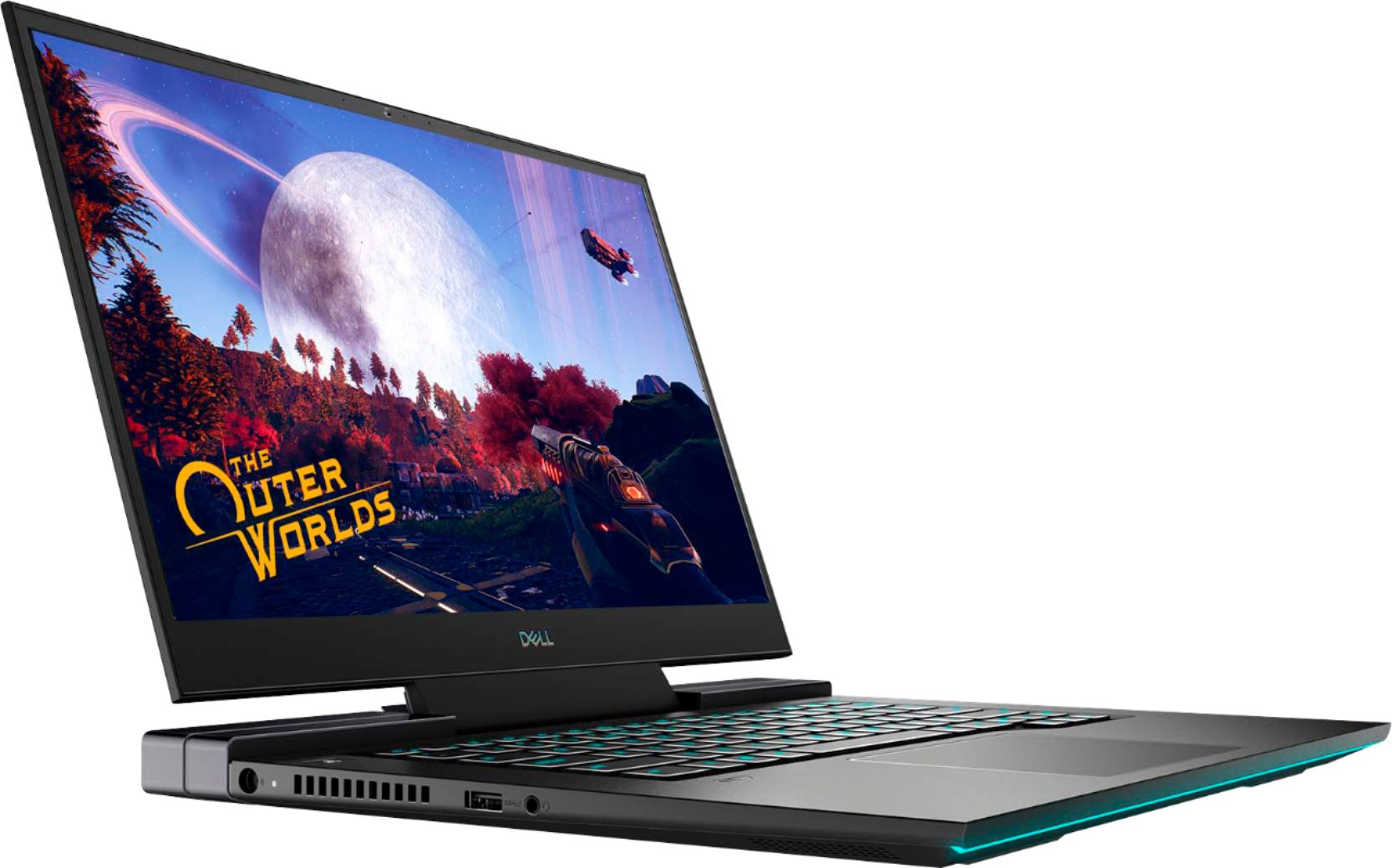
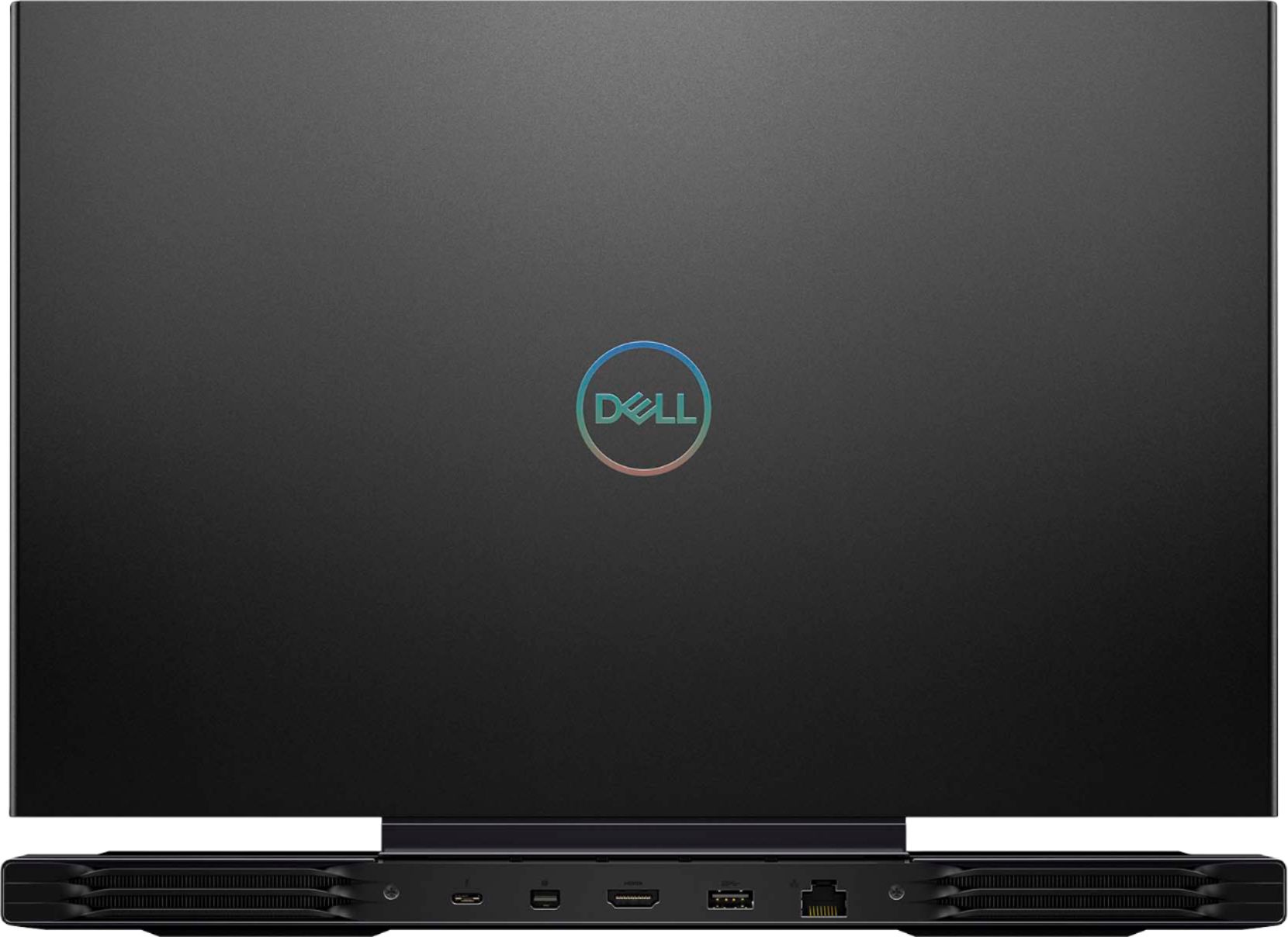
||Posted . Owned for 5 months when reviewed.This reviewer received promo considerations or sweepstakes entry for writing a review.In pictures this laptop is epic, and on specs it's also epic, but the thing gets super hot above the F keys, so how that you can touch it for a couple seconds before being burnt. The G mode that turns on the fans doesn't make much of a difference to the temperature. The screen is very nice and the graphics power is great, so I'm running full resolution and framerate on the laptop screen, plus a 49inch ultra wide monitor with 120hertz when the usbc works, but it broke, and maybe that was just the cable, but I am now stuck on hdmi with 60 hertz but it's acceptable. The worst part about this laptop is actually the way that the black case collects dust and dirt and makes it very visible. My grey and silver laptops hide the dust and hair and spots because they are a similar color, but the black makes it stand out so much so I'm embarassed when others look at my laptop because it looks super dirty. The best thing about the laptop would have to be that most of the ports are at the back so instead of having cables sticking out the side and getting in the way of your mouse, they're coming out the back so you get a full mouse pad area.
I would recommend this to a friend- Pros mentioned:Graphics
Digital Art Laptop
||Posted . Owned for 1 week when reviewed.This reviewer received promo considerations or sweepstakes entry for writing a review.My daughter loves digital art laptop... it’s hard to even get her away from it... the technology and graphics are Amazing... just to see her smile while she draws is worth every penny I paid...she loves drawing her dragons even more. Thank you
I would recommend this to a friend - Pros mentioned:Graphics
Fast good laptop!
||Posted . Owned for 1 week when reviewed.This reviewer received promo considerations or sweepstakes entry for writing a review.The laptop works great! Graphics are amazing and with 16 GB of RAM this laptop just won't stop!
I would recommend this to a friend Perfect
||Posted . Owned for 3 weeks when reviewed.This reviewer received promo considerations or sweepstakes entry for writing a review.Super responsive and lightning fast. The open box option was unfortunately factory reset. It was easy to reinstall the Alienware command center to get the light up keyboard features working. You just miss out on pre-installed games. I wouldn't know how to recover those. It gets a little hot, but not with a cooling mat. It's super quiet as well
I would recommend this to a friend- Pros mentioned:Performance
Awesome Laptop ... BestBuy the best
||Posted . Owned for 1 week when reviewed.This reviewer received promo considerations or sweepstakes entry for writing a review.Order in the morning and delivered to my home at noon. Awesome powerful laptop. BestBuy keep up your great work and destroy Amazon !!
I would recommend this to a friend - Cons mentioned:Fps
Worst laptop!
||Posted . Owned for 1 month when reviewed.This reviewer received promo considerations or sweepstakes entry for writing a review.Don’t buy this thing! Horrible. After updating and long hours to make it work, I had no luck but to return it. FPS was at 14. Hot key board. I give it one star for the screen. 4K and it looked amazing.. Dell fix it!!
No, I would not recommend this to a friendBrand response from YourDellTeam
Posted .JoeMama0,
We're sorry to hear about the overheating that you experienced with your computer. There is a BIOS update available on this site that will help resolve issues like this one on this system in the future: https://dell.to/3jgQlm6.
Best,
Bryan
1-800-624-9896
- Cons mentioned:Heat
Frustration
||Posted . Owned for 3 months when reviewed.This reviewer received promo considerations or sweepstakes entry for writing a review.I have become extremely frustrated with this computer. I constantly get error messages while simply watching youtube. blue screen error that force an entire restart of the entire computer. it wont even stay on long enough to update the drivers and bios. I only try to use SLOBS and once and youtube and facebook. I feel like it is hot and rather loud. I basically have a 1600 dollar paperweight. That i cannot return and cant fix on my own because the Dell support assist wont stay open long enough for me to even speak to a human on the other end.
No, I would not recommend this to a friendBrand response from YourDellTeam
Posted .Hello,
Thank you for sharing your experience. We are sorry to hear you are encountering some overheating and blue screen errors with your G7. We recommend you download the latest firmware and drivers using the 'SupportAssist' application. There was a BIOS update for this series released this week and you can download the update here - https://dell.to/3d6QffF. This will not only download and install the latest BIOS and firmware for a smoother experience but also diagnose your system for any errors that may be causing blue screen issue and overheating.
If you still run into issues with your G7, you can contact Dell directly with the information below via Chat or Call.
Best regards,
Wendy C.
https://bit.ly/DellSupportTeam.
Phone number to Dell: 1-800-264-9896.
G7 was a great Buy
||Posted . Owned for 1 month when reviewed.This reviewer received promo considerations or sweepstakes entry for writing a review.Very helpful. I appreciated the knowledge that was offered.
I would recommend this to a friend- Pros mentioned:Oled display, PerformanceCons mentioned:Battery life, Heat
A Great Laptop
||Posted . Owned for 2 weeks when reviewed.This reviewer received promo considerations or sweepstakes entry for writing a review.I caught this product at about $1400. At that price point it's a steal for gaming. Picture wise, the laptop is phenomenal with its oled screen. This screen rivals my oled tv. I also mainly play single player games and I'm all about picture quality, so A+ for that. Game wise, this laptop is a beast. It will handle EVERY game I throw at it. Cyberpunk for example, I was able to mess with the settings a little bit and get a constant 45-50 FPS at high settings with Raytracing on ultra. 4k resolution as well. It's absolutely absurd. 2k resolution just incase you may not play at 4k, it hovered between 70-80 FPS on average, same settings. This laptop only has a 60hz refresh rate so it would be a smooth locked in 60 FPS gaming experience. There's a general idea of the gaming abilities of this laptop. Let's talk temps. Like any laptop, you can expect it to run hot given the small chassis. Before I found this solution by digging through the web, when I would play games I would run around 90-100c. I however found a workaround after browsing the web for a while that just requires basic computer knowledge. This workaround won't suit everyone however. 1st turn off your computer and enter bios. 2nd find Intel Turbo Boost. 3rd disable it. This causes the CPU to run at base frequency which is 2.6ghz. My temps when I played games using this were anywhere from 55c-70c depending on what game I'm playing. Idling/browsing I'm in the 40's. There might be an even better workaround with other software, but I do not want to mess anything up. Investing in a cooling pad for this laptop might also be beneficial. Food for thought. A CPU intense game such as GTA ran very well with the turbo turned off for me. Battery wise, I can't talk much about that. I always use the laptop plugged in at home or plugged in somewhere. Audio wise, I have zero complaints for a laptop. It was actually better then what I thought it would be. If the audio isn't up to your standards use a headset. Overall quality wise, I am fairly happy. This laptop is sturdy. It is however a fingerprint magnet. If this bugs you, invest in a cover or some kind of a skin. Out of the box, this laptop ran like a champ. I had ZERO issues. Setup was very straightforward and easy. If you catch this product on a bigger sale like I did it is worth every penny. Full price though I would be hesitant as there might be better options at that price. Do your research. A couple of reviews said this is a great editing laptop as well. Overall, I am very happy with my purchase and I hope my review helps.
I would recommend this to a friend Best Buy clown show
||Posted .This reviewer received promo considerations or sweepstakes entry for writing a review.My "like new" computer came thrown in a box with no packaging and no protection. My "like new" computer came dented and cracked on the bottom. Is this the best you can do Best Buy?
No, I would not recommend this to a friendUnsatisfied customer
||Posted .This reviewer received promo considerations or sweepstakes entry for writing a review.I am not satisfied with my Dell laptop G7 purchase. Very disappointing laptop.
No, I would not recommend this to a friendBrand response from YourDellTeam
Posted .Dear Lilman,
We want to thank you for taking the time to leave us your review. We are sorry to hear you are not completely satisfied with your Dell G7. This is certainly not what we like to hear from our valued customers. We want to help with any issues you may be facing. The best way for us to help would be to reach out to our support team at your earliest convenience.
You can contact Dell directly with the information below.
Chat or call: https://bit.ly/DellSupportTeam
Phone number to Dell 1-800-624-9896
Best,
Ashley@Dell
- Pros mentioned:Oled display, PerformanceCons mentioned:Battery life
Fast with nice display
||Posted .This reviewer received promo considerations or sweepstakes entry for writing a review.Great gaming laptop and very solid hard frame and well built inside out. Great controllable lighting and the best part that I like on this laptop is its sharp and clear OLED screen. Many people complain about 4k screen not good for gaming ... which is misleading and remember it can be connected to expternal monitors to take advantage of high refresh rate and select it Primary and laptop screen as secondary. Me personaly I like powerful laptop with 4k screen for work purposes and sometime for game play where all my games works. I am not a hard core game but I need it for fast and solid performance which this laptop delivers. This is one of the somewhat new relase and had many software bugs related to drivers which every manufacturer rush towards releasing the product and not solidifying and stable enough to release and it results in public out cry and bad experiences and high product return rate to the stores. Its also bad that people rush to wards the reviews to bust out the manufacturers as well for a headache and hassle which is understandable in many cases. One more thing to keep in mind .. its a gaming laptop and it will have fast battery drain. Also there is no LAP in this TOP ... LOL. Means to say dont put it in your lap because fans gets triggered all the time and it gets warm and putting it directly on your legs and knees is not a good thing. Its portable and workable to carry around but please put it on a desk or some shelf or sort. Even on desk buy some of the cheap laptop foldable lifters to let the air circulate a bit. With gaming laptops I think manufacturers should start integrating those keyboard style kick stands as a built in .. it highly needed. Else its with graphics card and beasty hardware its a power hungry machine and its same for all gaming laptops with heavy graphics cards you will have a big power brick and will get over whelmed if you never had gaming laptop before. overall I would receomend this beast and very solid build. I like it due to OLED screen and nice performance hardware. Also setting control is nice and over all getting more and more stable with every dell relase of updated Bios, drivers releases.
I would recommend this to a friend - Pros mentioned:Oled displayCons mentioned:Battery life, Fps, Heat
Runs very hot and constantly throttles
||Posted . Owned for 2 weeks when reviewed.This reviewer received promo considerations or sweepstakes entry for writing a review.I bough this laptop during a sale, and thank god I didn't spend more than I did. First of all this has the potential to be a very good gaming/productivity laptop, unfortunately all the cons outweigh the pros. This laptop loves to run hot and I mean really hot to the point where it's very uncomfortable and painful even, to use the keyboard after a while of using this laptop. During normal productivity use such as drawing or viewing youtube videos, the laptop runs at around 80C but so help me if I try to do anything else more intensive, the temperature would go way above 90C. Gaming on this machine is very underwhelming, due to the temps the laptop would thermal throttle. During a gaming session just playing league of legends, my FPS dropped to the low 20s constantly during a ranked game. Suffice to say, it got me very frustrated since my lack of performance was due to the laptop dropping frames in a non-intensive game. Other games such as Rise of the Tomb Raider and The Witcher 3 would have massive frame drops and even freeze for a bit. Even during sessions of playing Beat saber, I get very bad stutters and frame drops. Usually it'd be best to undervolt the cpu to lower heat output so it wouldn't thermal throttle. However, a few months ago, Dell has decided to release a bios update that removes the ability to undervolt the cpu. Dell has even made it so it voids the warranty to undervolt the cpu. The battery life is so short that I found myself constantly having the laptop plugged in, which I don't think is good for the battery in the long run. Sleep mode on this laptop doesn't really sleep. It's more akin to closing it's eyes and pretending to sleep as it still sucks up the battery very fast and leaves it dead after just a few hours in sleep mode. Heck, the fans sometimes stay on during "sleep mode" for some reason. Speakers are lackluster and sound very tinny, I wouldn't recommend using them at all. Here are the pros. The 4k OLED screen is stunning and very vibrant with rich colors popping out. The screen makes it ideal for consuming content (if only the cpu wouldn't throttle.) During the times where the cpu didn't get too hot or throttle, watching HDR content was a pleasure. The color accuracy also worked very well for me when drawing with a tablet. Because it's an oled screen, the viewing angles on this laptop is so good that from about any angle, I can see the screen accurately without much discoloration. There are a also a wide variety of ports on this laptop, enough to cover just about anything you need and it even includes an sd card reader which is a plus especially if you're into photo editing and don't want to carry a dongle (looking at you apple and razer). There are enough USB ports to share with a generous amount of gaming pc peripherals. The keyboard feels great, nice and tactile(when it's not as hot as the surface of the sun). Full size arrow keys are something I can't get enough of in modern laptops. Lack of a numpad is very unfortunate though, even for a 15 inch laptop. With all that said, I do not recommend this laptop and I have since returned it.
No, I would not recommend this to a friendBrand response from YourDellTeam
Posted .Hello Hamee,
We are sorry to hear that your G7 did not quite meet expectations. Your feedback is sincerely appreciated. If system thermals are of concern, you can prioritize cooling by opening the Alienware Command Center application that came pre-installed with your device and select the 'Cool' thermal profile.
Keep in mind that our G7 follows Intel performance design guidelines, which can lead CPU temperatures to reach 100°C to output top in-game performance. We fully warrant the product under these conditions. If you see CPU temperatures rising beyond 100°C on Alienware Command Center, you are more than welcome to contact Dell support for further assistance.
Best Regards,
Anthony P.
1-800-624-9896
- Pros mentioned:PerformanceCons mentioned:Fan noise, Heat
Very nice laptop. OLED 4K display is incredible.
||Posted . Owned for 3 weeks when reviewed.This reviewer received promo considerations or sweepstakes entry for writing a review.I purchased the unit on sale for $1299. For that price, its incredible, and nothing else touches it value wise. It's a great laptop and was the perfect compromise for my use case. Overall its a thin unit for a gaming laptop. Proc, memory, and SSD are all good. The 2070MQ performs great (again considering it's footprint). The 4K OLED display is incredible. The unit feels very well made. No problems at all. I only occasionally game, but the rig was able to run the new Microsoft Flight Simulator without issue. A few things to note: 1). The power supply is huge and weighs a ton. Its 2X bigger/heavier than my son's HP Envy gaming rig. 2). The display is 60ms. Most high-end are 120 or faster. For me, I don't notice it, and its worth the trade-off. (most gaming rigs aren't OLED 4K displays) 3.). It gets Hot! And if your gaming the fans are loud. There were reports (in reviews ) of thermal challenges with this unit. Unit would then slowdown (proc and gfx) to bring temps down. Since I bought in Feb, there have been 2 new firmware updates for the unit. Post the update, it seems fine. I have not noticed any issues so far post the update, but again I'm not pushing it routinely for gaming. Again, some of this is a trade-off due to its relatively thin size.
I would recommend this to a friend - Pros mentioned:GraphicsCons mentioned:Fan noise
Excellent Mid Grade Gaming Computer
||Posted . Owned for less than 1 week when reviewed.This reviewer received promo considerations or sweepstakes entry for writing a review.Excellent mid grade gaming computer, couldn't be happier with this computer. Been playing GTA V, Madden and old games from my childhood such as Age of Empire and Stronghold, games run smoothly on high graphics with no issues. Trust me I did a lot of research, this mid grade computer was the best bang for your buck comes with 1TB of Storage and Graphic Card is ranked #37 out of 199 graphic cards tested. I love the customization of the led key board and front light. Key board has 4 zones you can change colors and the front light has 7 zones, you can make them solid, flash, strobe, etc. Dell also makes Alienware which is a popular gaming laptop , I compared this computer to the Alienware M15 and M17 (Priced between $1,549.99-1,699.99), computers either have a forth or half the storage the G7 has to offer and Graphic Card(s) rank is a little bit higher depending on the model (Rank #39, #50, #75. I Also Compared to MSI, Lenovo, HP, Asus and Acer in this price range or lower. Honestly I think you're getting the best bang for your buck. I was able to pick mine up on sale so that's also something you may want to look out for, price I believe was around $1,299 on sale. One of the main complaints I read when reading reviews/research was FAN NOISE, the fans were very loud when out of the box. Make sure you UPDATE Dell, BIOS, and Windows before doing anything on the computer, this will FIX the problem with FAN NOISE. After my updates, I ran a diagnostic check on the Fans they did their jobs and everything passed the test. When you do play games such as GTA V and Madden the fan(s) will click on you will hear them but their not super noisy like before (Also there is an Alienware App that comes preinstalled that you can adjust the Fan Speed). When playing GTA V or Madden my Temperature runs about 55 to 78 degrees which is in the normal range ( I have my fans set to Cool), you have the choice to run the fans on Quiet (not recommended computer will get hot, may run over 80 degrees or higher), Cool, Performance or Balanced. I've been running it on cool and have no issues, right now my temperature is showing 38 and the fans are not running while typing this review, playing games or watching movies it will run 55-78 . You should be under 80 Degrees, if you're are over 80 degrees for a prolong period of time it can damage components of your computer, computer has a safety program when you computer starts thermal throttling and will shut down. Battery Life, I run my computer on full brightness and use it for gaming/work/etc battery last about 5-6 hours. I'm sure it will last longer if you change settings. I bought a wired XBOX controller ($24) to play games like GTA V and Madden, it was super easy just plugged into the USB and started playing. You can hook up a wireless XBOX Controller via Bluetooth and start playing right away as well. PS4 Controllers will work but are a lot more tricky and involves downloading a program and mapping, trust me its a headache just invest in a XBOX style controller, mine stated it worked with Windows right on the Box which most XBOX style controllers will and have the plug and play capability and no down loading of extra programs or mapping to get the controller to work.
I would recommend this to a friend