Customer Ratings & Reviews
- Model:
- I31683270RED
- SKU:
- 5296503
to a friend
Customers are saying
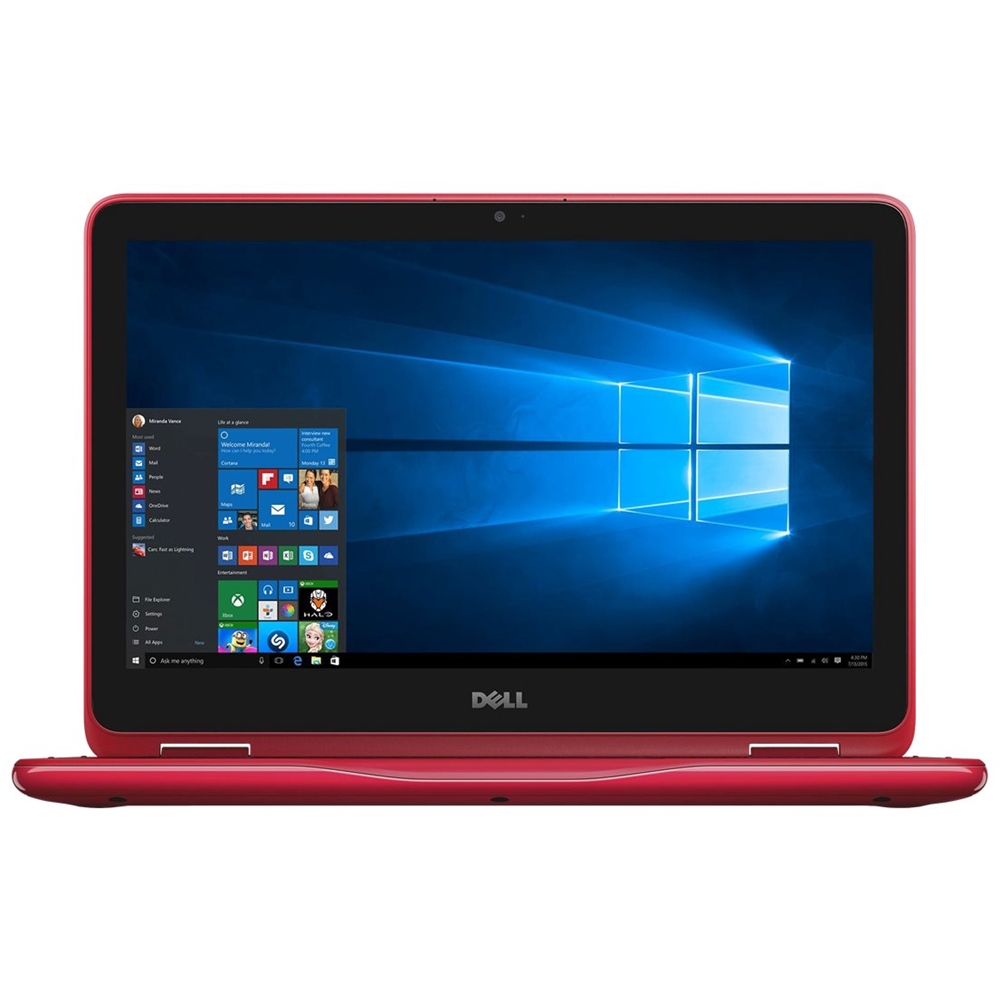
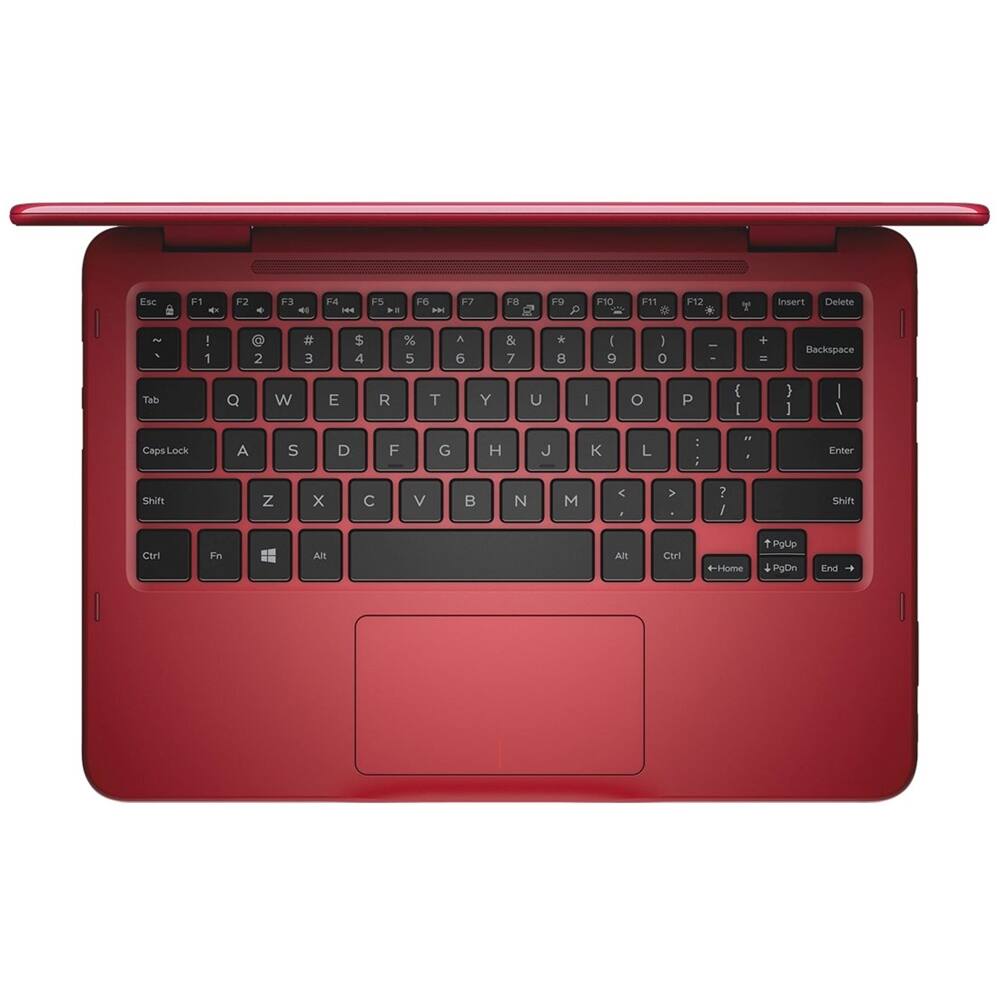
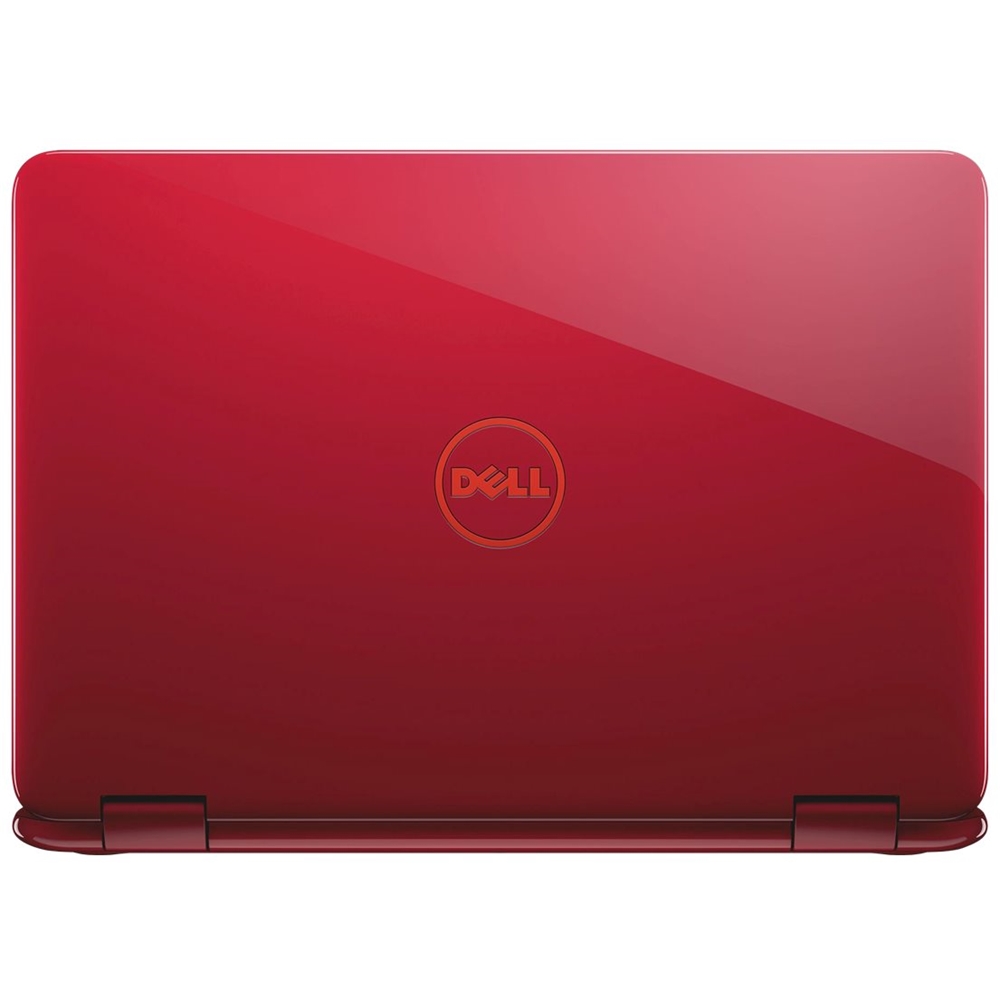
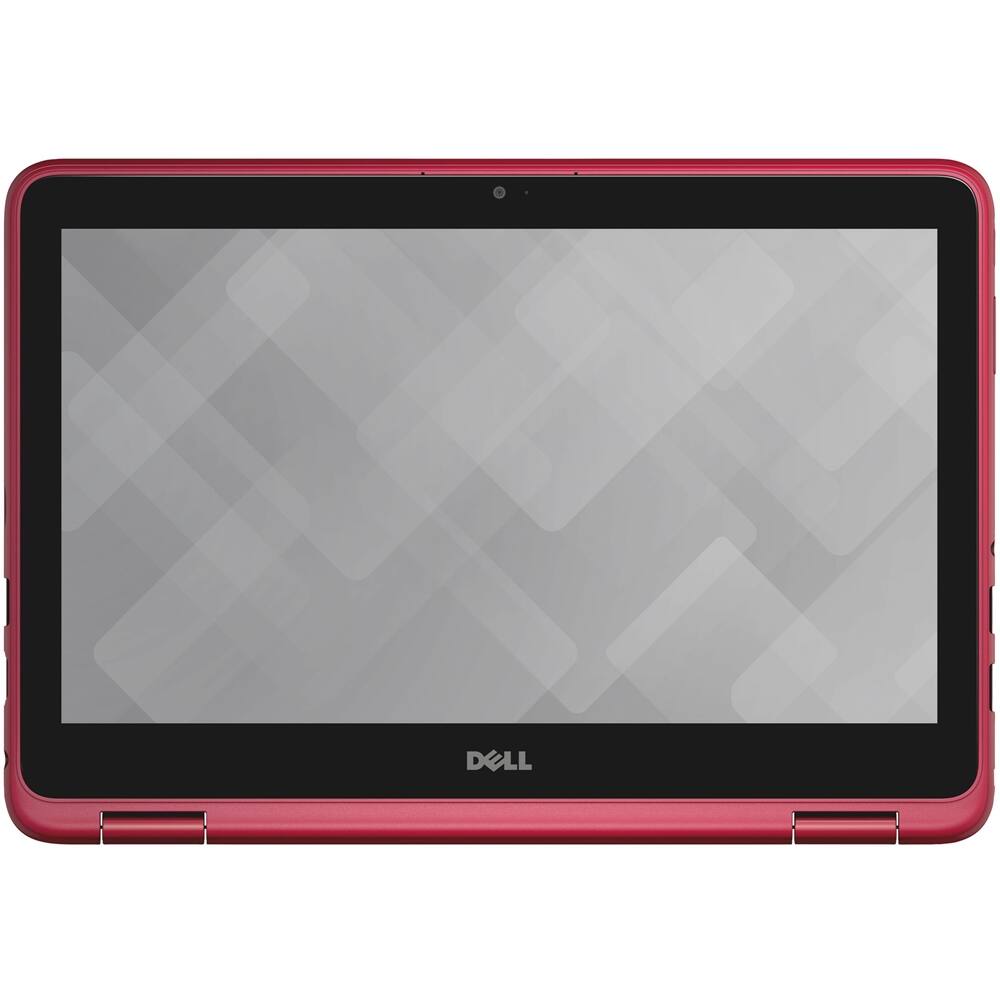
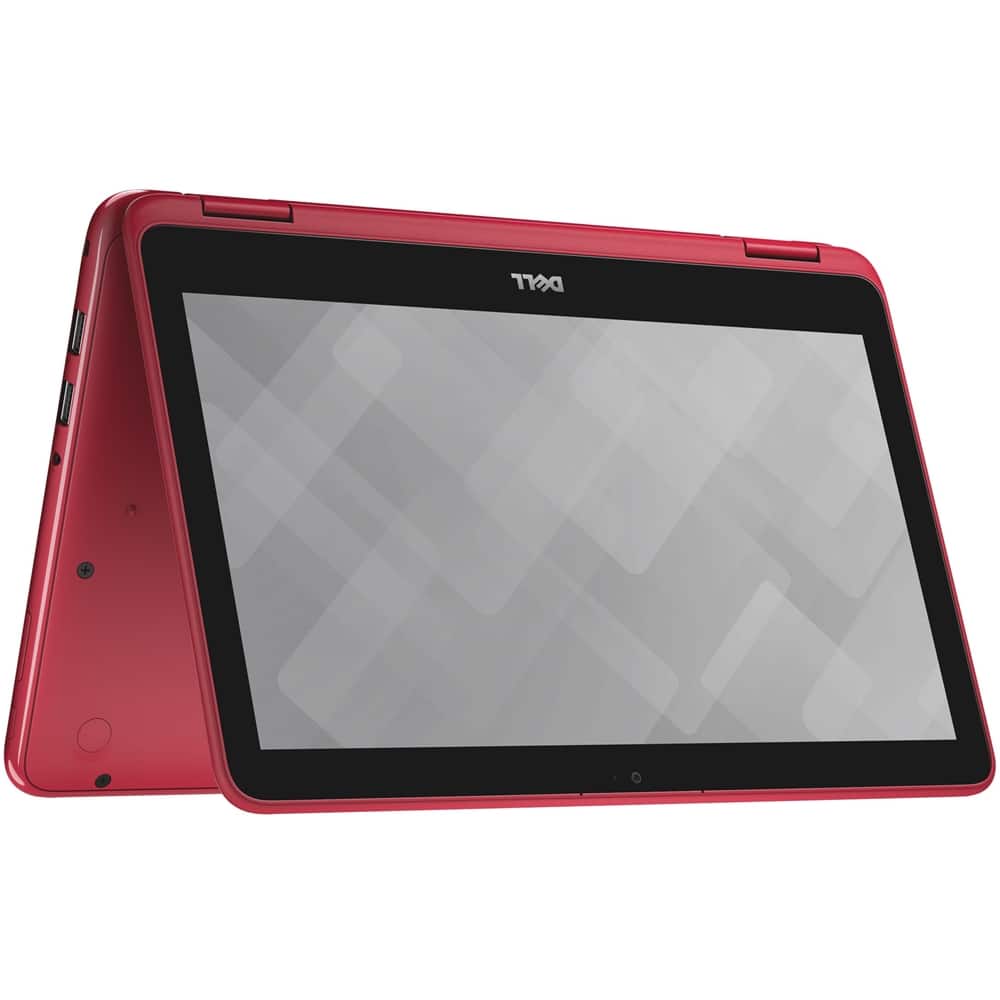
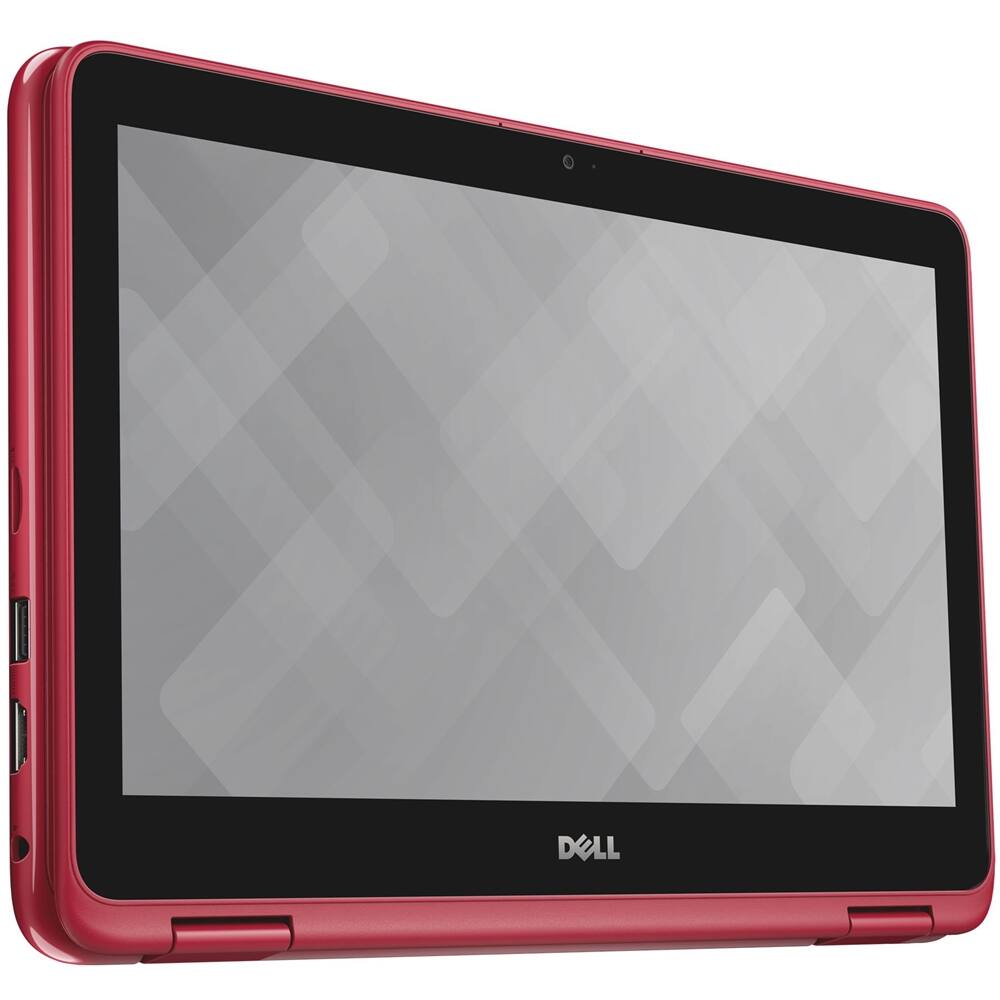
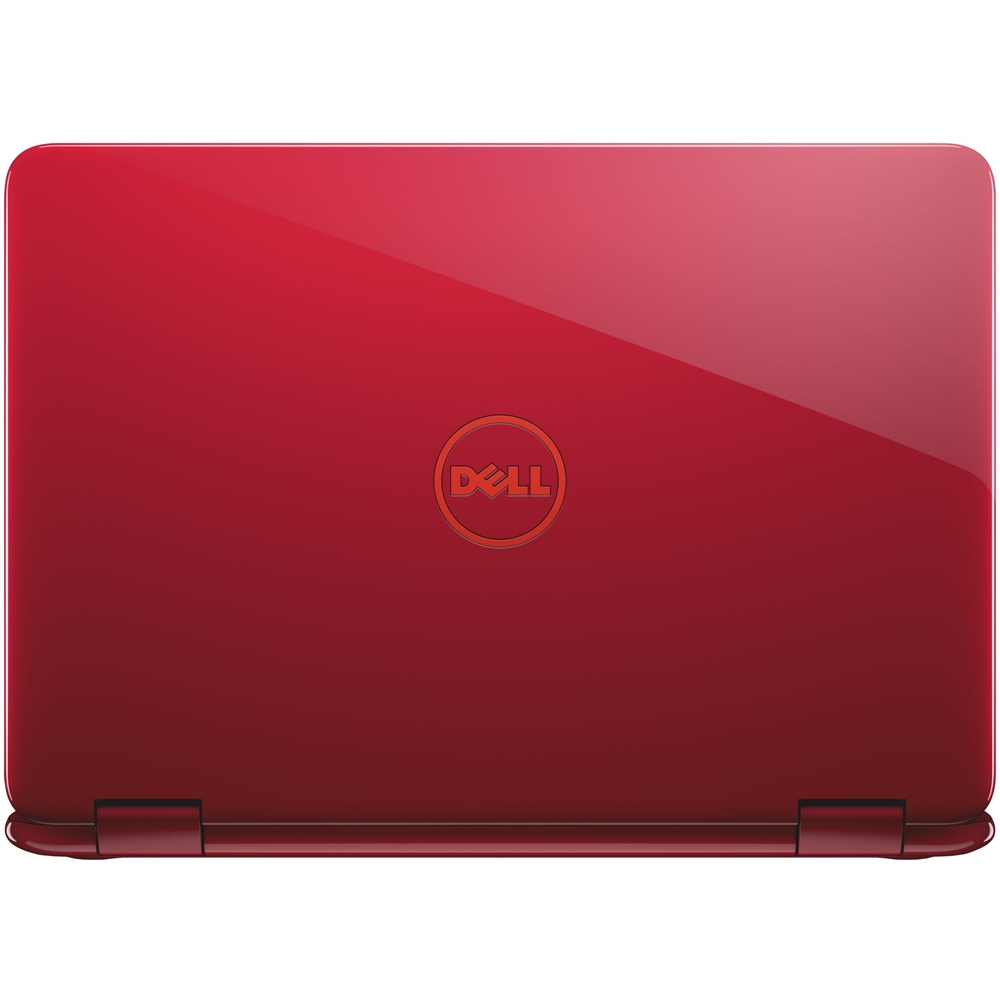
Customers are enthusiastic about the Inspiron 11.6" Touch-Screen Laptop's compact size, touch screen, and color. They appreciate that it is small and portable, with a responsive touch screen and an attractive color. However, some customers have expressed concerns about its slow performance.
This summary was generated by AI based on customer reviews.
Good for Light computing, Internet and Office
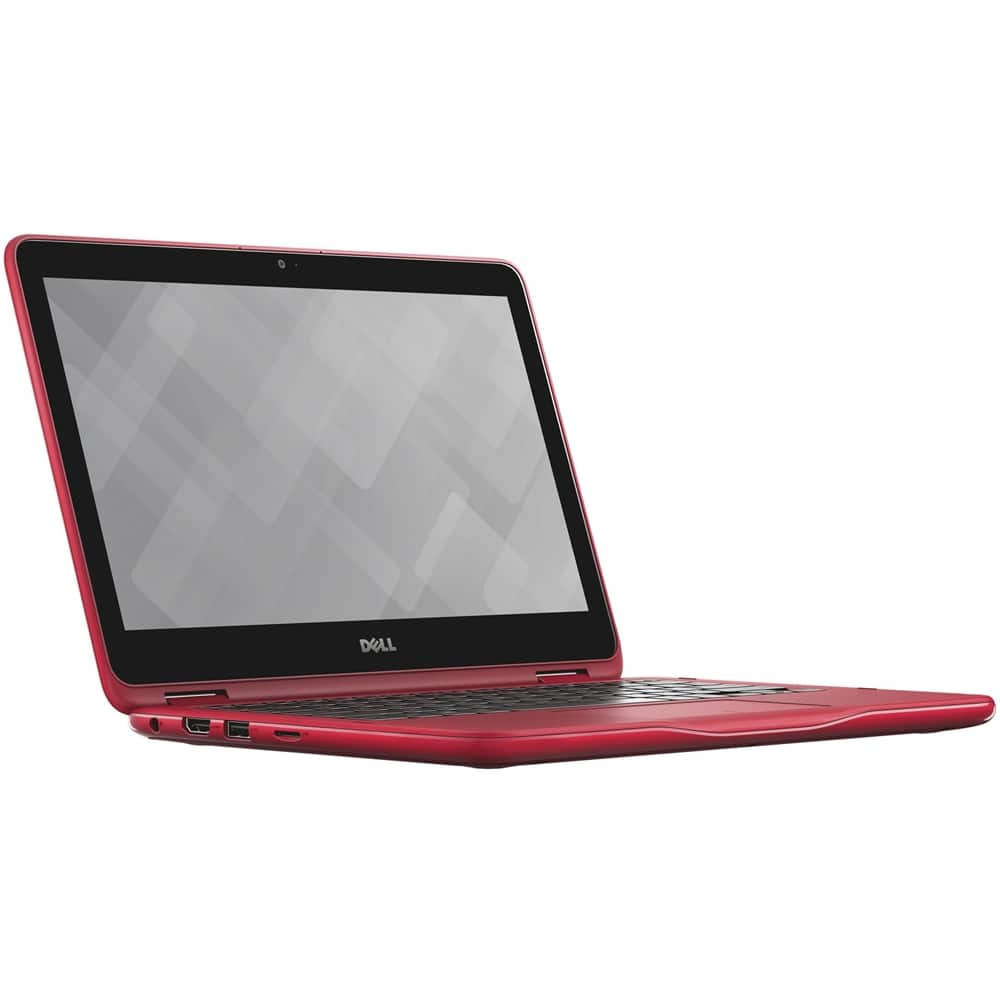
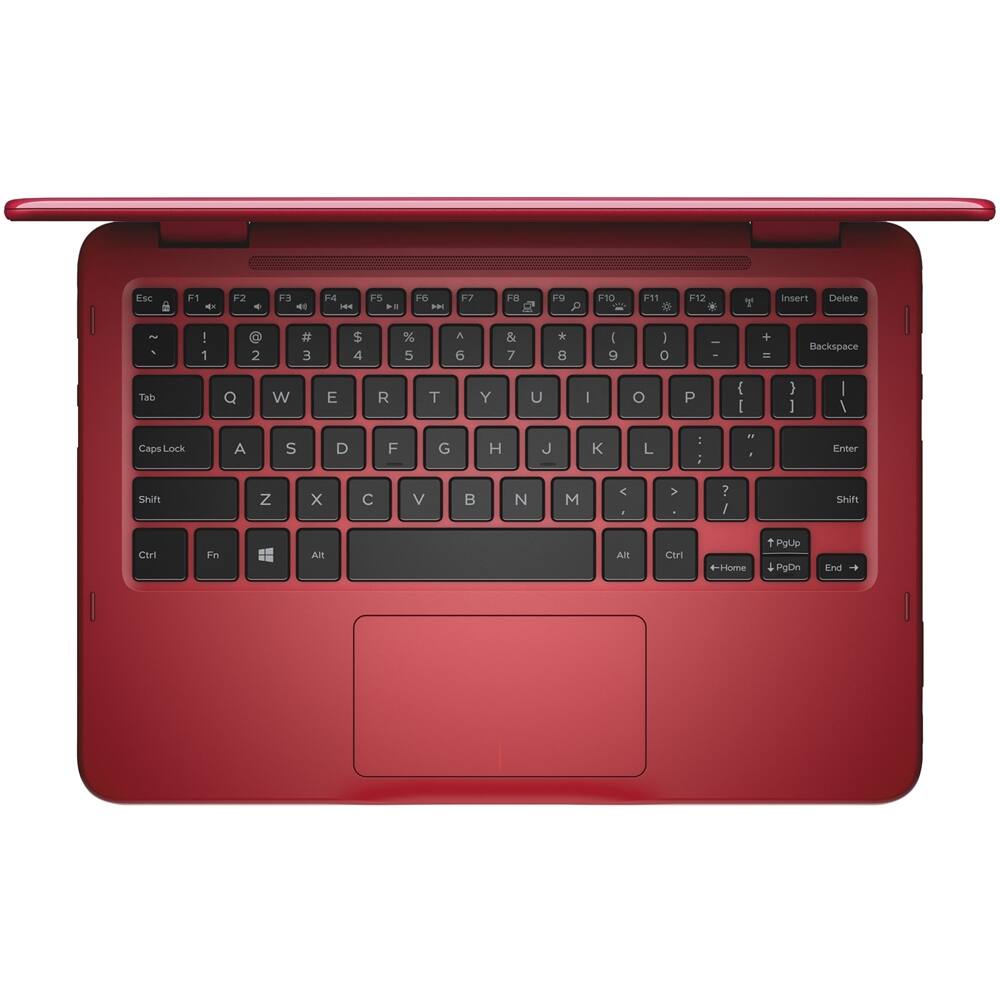
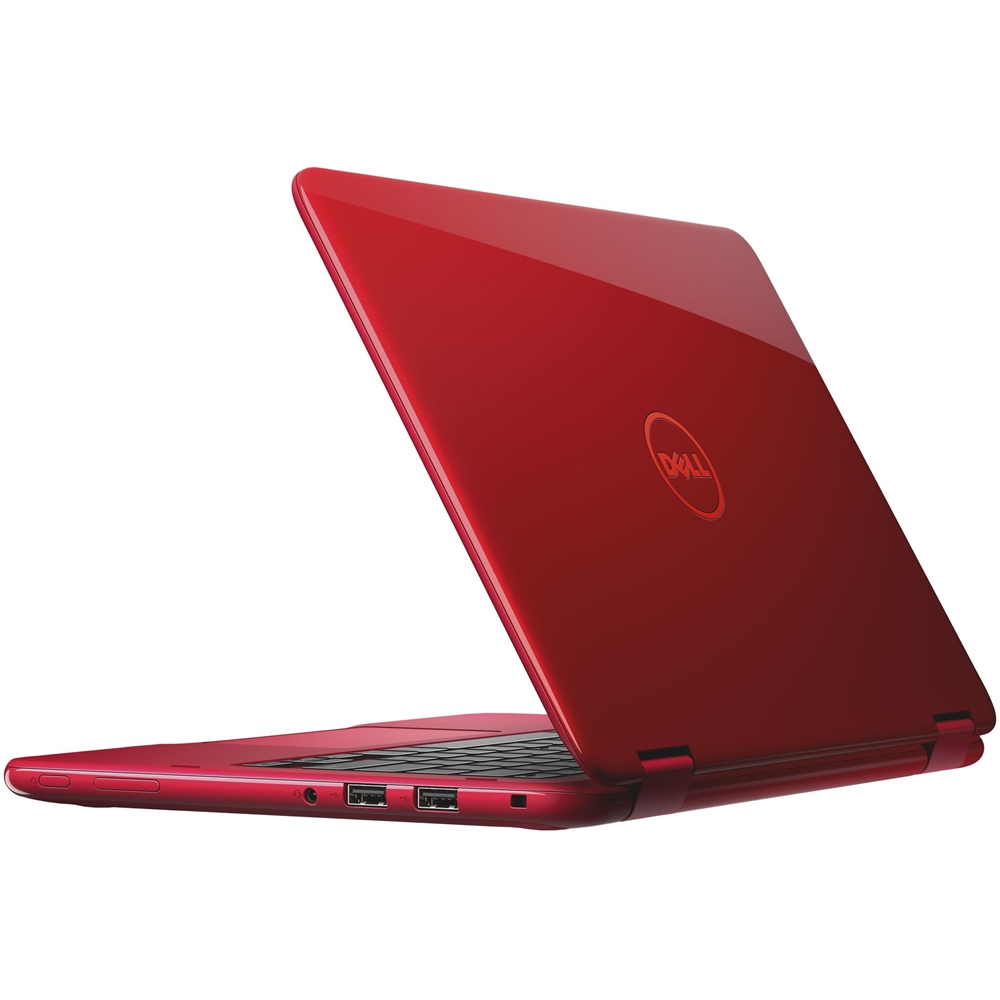
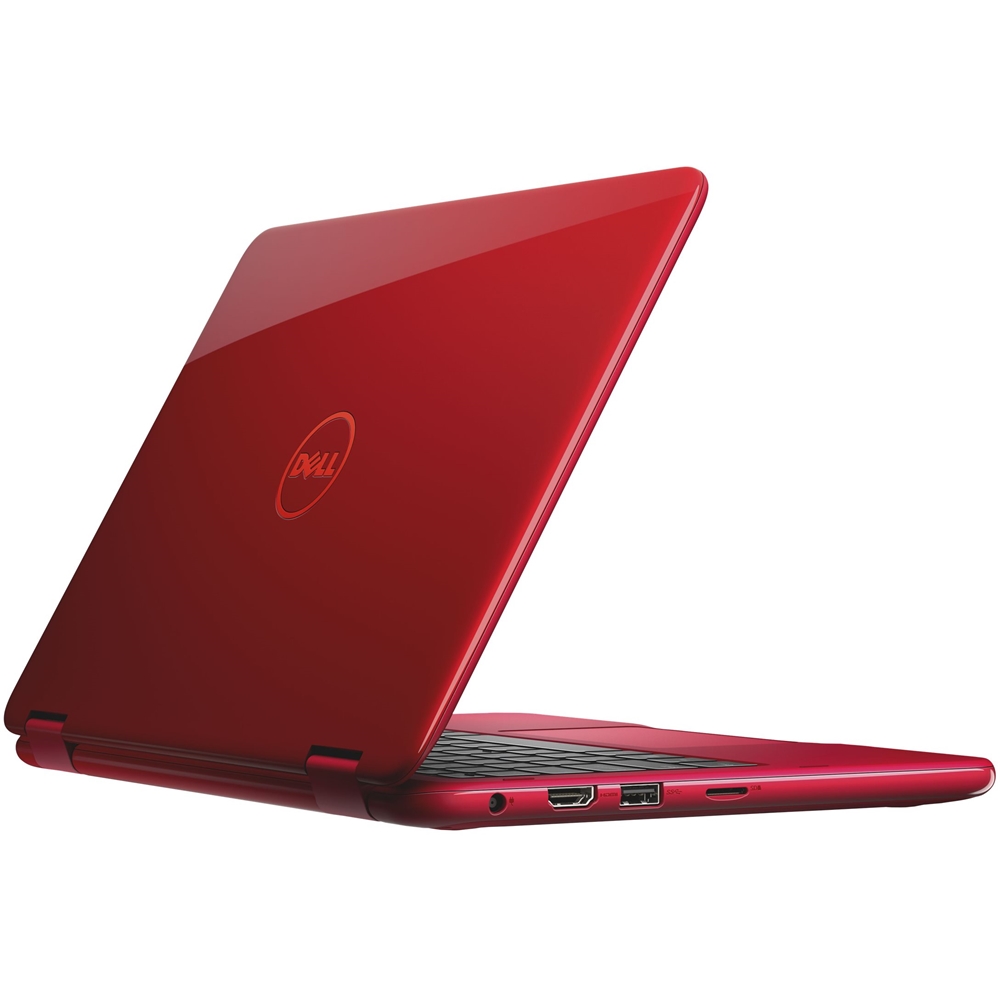
Posted .This reviewer received promo considerations or sweepstakes entry for writing a review.I have owned a dell 3147 in the past and the 3168 is an improvement in some areas. Colors are nice, I bought this model the red. You can upgrade the ram to 8gb and the Hard drive to SSD. The processor is not a true powerhouse, it is based on the Atom processor and is the N3700 series, Intel calls it "Pentium" but as its a quad core, the graphics are not as good as Icore processors. Is this enough for many people? YES, it runs office well, it surfs the internet well, you can watch movies and you tube. The touch screen is responsive. It has 2 usb 2.0 ports, 1 USB 3.0 and HDMI ports, it has a micro SD card slot. The hinges are strong and reliable, there is little flex in the body. Sound is pretty good for a little computer. Battery life is 6 to 8 hours ( have no idea how to 10 to 12) So whats there not to like? The quality of the screen is cheap. It functions well but its barely HD quality and it does not many good viewing angles. to get good battery life you give up processing power but the N3710 is powerful enough for many tasks ( do not get the Celeron it really under-performs) This is not a good gaming computer but good for taking notes
I would recommend this to a friend- Pros mentioned:Light weight, Price, Touch screen
Perfect size and features
||Posted .This reviewer received promo considerations or sweepstakes entry for writing a review.Got this for my wife to use on her new job. Needed small and light weight to take on her job. Had all the features she wanted. i.e. Touch screen, memory, power, hot spot, and BB matched a competitors price This computer is doing great.
I would recommend this to a friend - Cons mentioned:Short battery life, Slow
Good for typing only
||Posted .This reviewer received promo considerations or sweepstakes entry for writing a review.Pros: - beautiful computer - keyboard types like a dream - good speaker sound - touchscreen Cons: - unbelievably slow processor. Somehow slower than my 2011 Inspiron with viruses - abysmal battery life - screen resolution could be better Honestly, skip it. Should have bought a Chromebook.
No, I would not recommend this to a friendBrand response from YourDellTeam
Posted .ReverendMason - Thanks for your review. We're sorry to hear that your new Dell computer is not everything that you were hoping it would be. Here are a few tips to help with the speed of your computer: Delete temporary files and directories
1. Click Start, then in the search bar type "disk". Disk Cleanup should appear on the menu above the search box.
2. Run disk cleanup and eliminate unneeded temporary files (Search results, Internet Cache and other windows temp files you may no longer need)
3. Select files you want to delete then click OK to start the cleanup process. Uninstall applications you no longer use
1) Open the Programs and Features application in Control Panel.
2) Scan the list of applications installed for ones that you no longer use.
3) Highlight any application you no longer use and then click the uninstall button at the top of the list. Follow the prompts to uninstall.
4. Repeat for each application you want to uninstall.
5. Move large files and/or seldom used files to backup media (Photos, Music you seldom listen to, application downloads after the application has been installed etc.).
6. Empty the Recycle Bin.
You can read the full article here: http://dell.to/2tSulGV.
With regards to the battery life on your computer we'd recommend the following: Change the Power Plan:
1. On the notification area of the taskbar, right-click the Battery icon.
2. On the options list, click Power Options.
3. Select a power plan on the battery meter, such as Power Saver or Balanced. Windows 10 has a built in 'Battery Saver' mode that can be activated to extend your system's battery life. The Battery Saver mode will monitor and limit background activity and other features such as push notifications. You do have the option to enable or disable this mode within settings or within advanced Battery Saver settings you can customize the mode to best suit your needs.
1) Click on the Action Center icon within the taskbar and select the tile for Battery Saver.
2) If running Cortana then type Battery Saver into the search box and select from the results.
Within the Battery Saver settings page you will be able to turn on and off the feature and customize the feature to best meet your needs.
3) Turn Battery Saver On or Off.
) Additional settings available via the Battery use and Battery saver settings links.
5) Battery use shows further info on apps and their power usage.
6) Battery Saver Settings screen allows you to customize further Battery Saver feature.
Here's a link to the full article: http://dell.to/2vfXWf4.
If you have any additional questions about your new computer you can view our Product Support Page here - http://dell.to/2CcWtqe. - Bryan
- Pros mentioned:Color, Price
Returned Red Laptop & Bought Blue Laptop
||Posted .This reviewer received promo considerations or sweepstakes entry for writing a review.Returned the red laptop and bought the blue one instead. No technical issues...it was just a color preference. Anyways, this is a good quality laptop for the price!!!!
I would recommend this to a friend - Pros mentioned:Touch screen
Great laptop for travel
||Posted .This reviewer received promo considerations or sweepstakes entry for writing a review.Excellent product for both home and travel. Lightweight and convenient with touch screen
I would recommend this to a friend - Pros mentioned:Compact size
Laptop is the perfect size and convertible!
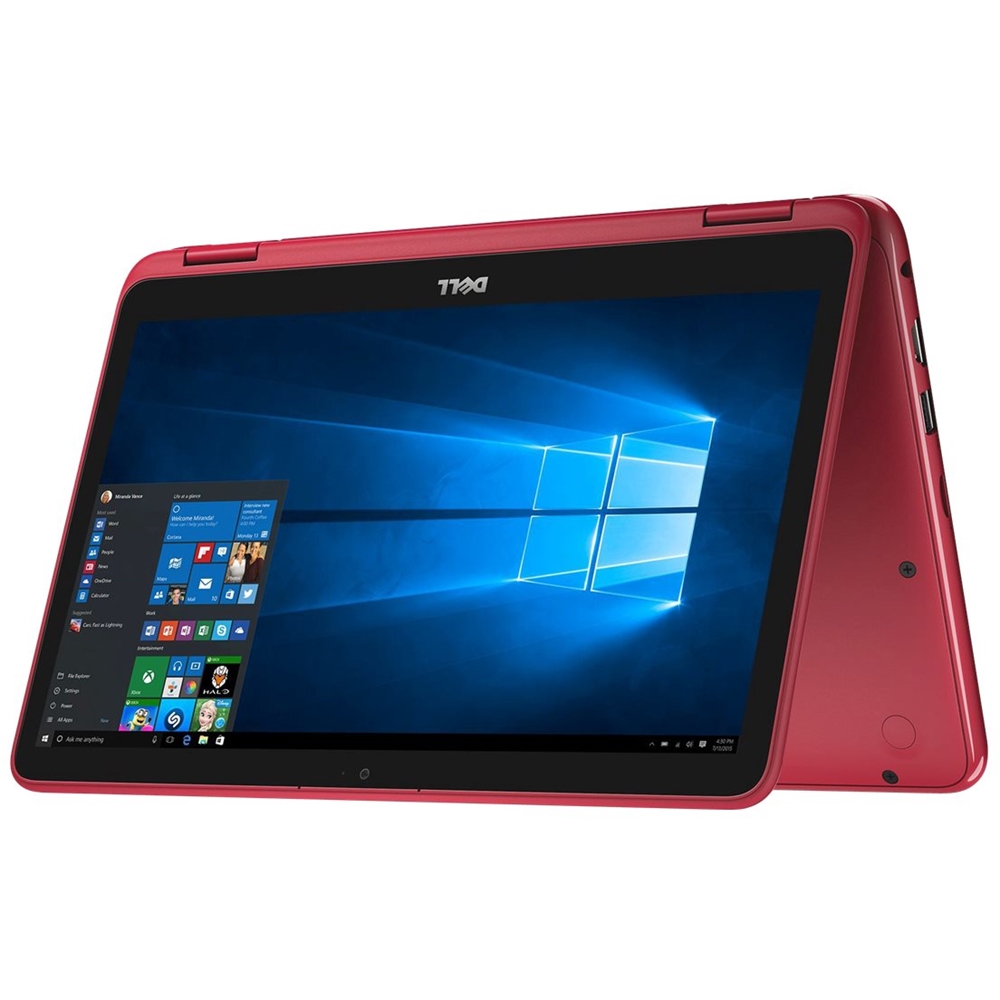
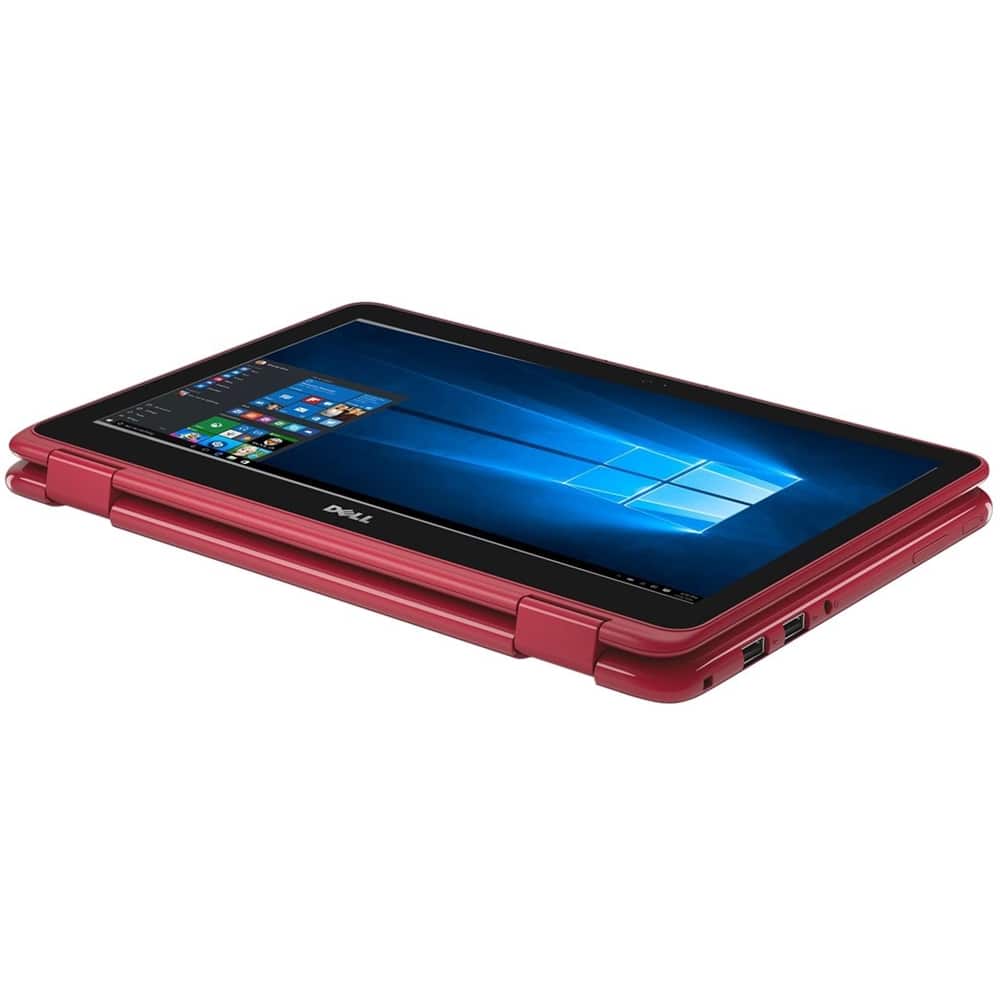
||Posted .This reviewer received promo considerations or sweepstakes entry for writing a review.The size was just what my daughter wanted this time in a laptop, bigger than a traditional iPad or tablet, but not large and bulky. She likes the blue color of the exterior. In addition, the laptop is convertible to functioning like a tablet, but has full laptop capabilities. So far, everything has been perfect with it! Price is also reasonable for the item.
I would recommend this to a friend - Pros mentioned:Touch screen
Easy to carry
||Posted .This reviewer received promo considerations or sweepstakes entry for writing a review.I like that it is a touch screen. Easy to carry everywhere, and it can bend as an ipad style.
I would recommend this to a friend All is good except power button
||Posted .This reviewer received promo considerations or sweepstakes entry for writing a review.I had the Toshiba Radius 11 inch and loved it ...when I broke the screen and Toshiba did not sell it anymore in the US I had to get something similar because I travel a lot. I did a ton of research and decided to get this one. I do really like it and it seems a tad bit slower compared to my Toshiba and there is no light that comes on in the keyboard to tell you it is on....eventually dell logo pops up on screen. I wish the power button was not located on the side because I accidentally push it sometimes...other than that seems so good so far (after about a month).
I would recommend this to a friend- Pros mentioned:Color, Light weight
Love this little lightweight laptop
||Posted .This reviewer received promo considerations or sweepstakes entry for writing a review.This is a great laptop! Super light weight and portable and I just love the color!
I would recommend this to a friend Compact laptop
||Posted .This reviewer received promo considerations or sweepstakes entry for writing a review.Was looking for a small laptop with adequate storage and operating memory at a reasonable price to use for applications nsnthat don’t work well on a tablet. This product meets my requirements. It’s lightweight which makes it easy to carry and pack.
I would recommend this to a friend- Cons mentioned:Slow
Generally slow, too heavy when in tablet mode
||Posted .This reviewer received promo considerations or sweepstakes entry for writing a review.I bought this when my windows tablet broke hoping it would be faster and less quirky than the windows tablet had before. I found it to be slower than my old tablet but still having all the same quirks. I guess the quirks are part of the windows tablet "ecosystem". In tablet mode it is just too heavy to be comfortable and when I tried to use a drawing app I had in touchscreen mode there was just not enough real-estate on the screen to work productively. I just did not find it to be a good compromise between tablet and laptop for me.
No, I would not recommend this to a friend - Pros mentioned:Color, Compact size
Nice laptop
||Posted .This reviewer received promo considerations or sweepstakes entry for writing a review.I love the size of the laptop, that’s what initially sold me on it. It’s also a very nice color and works well! I would recommend it.
I would recommend this to a friend - Pros mentioned:Touch screen
Great for my 11 year old.
||Posted .This reviewer received promo considerations or sweepstakes entry for writing a review.Loves the ease of use. My 5th grader likes the laptop and touch screen.
I would recommend this to a friend - Pros mentioned:Compact size, Touch screen
Great laptop
||Posted .This reviewer received promo considerations or sweepstakes entry for writing a review.Love the size and the touch screen. Also the fold in half feature makes it easy to use.
I would recommend this to a friend - Pros mentioned:Touch screen
Perfect Laptop
||Posted . Owned for more than 2 years when reviewed.This reviewer received promo considerations or sweepstakes entry for writing a review.I've had this laptop for awhile now and haven't had 1 issue or complaint. Its super fast, lightweight and easy to use. Awesome features including touch screen. Charges super fast. Great webcam and excellent speakers. I honestly cant say anything negative about it. I am now a huge Dell fan and will buy their products again.
I would recommend this to a friend - Pros mentioned:Color, Price
Great computer
||Posted .This reviewer received promo considerations or sweepstakes entry for writing a review.I love it it was very reasonably priced! I love the color options too
I would recommend this to a friend Great little laptop
||Posted .This reviewer received promo considerations or sweepstakes entry for writing a review.This little laptop is awesome with the specs it has. I was surprised that it would be that quick.
I would recommend this to a friend- Pros mentioned:Compact size
Love
||Posted .This reviewer received promo considerations or sweepstakes entry for writing a review.I love my Dell Inspiron 11. It's perfect for me and what I need it for.
I would recommend this to a friend My husband was thrilled with Birthday gift!
||Posted .This reviewer received promo considerations or sweepstakes entry for writing a review.My husband loves using it , much better than Surface! Great gift!
I would recommend this to a friendSolid Laptop
||Posted .This reviewer received promo considerations or sweepstakes entry for writing a review.Solid laptop and very impressed with the quality for the price. The only thing that's flaky is the mouse and touchscreen modes, especially when using the browser.
I would recommend this to a friend