Customer Ratings & Reviews

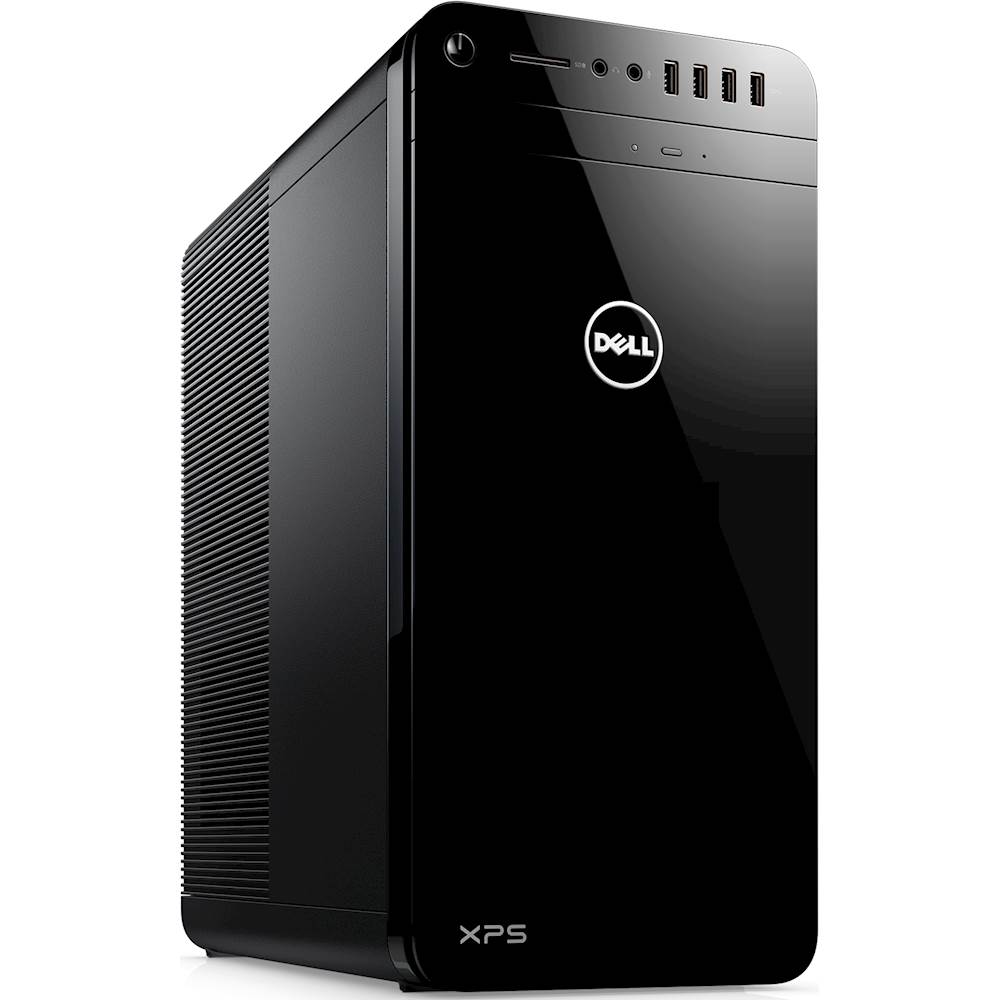
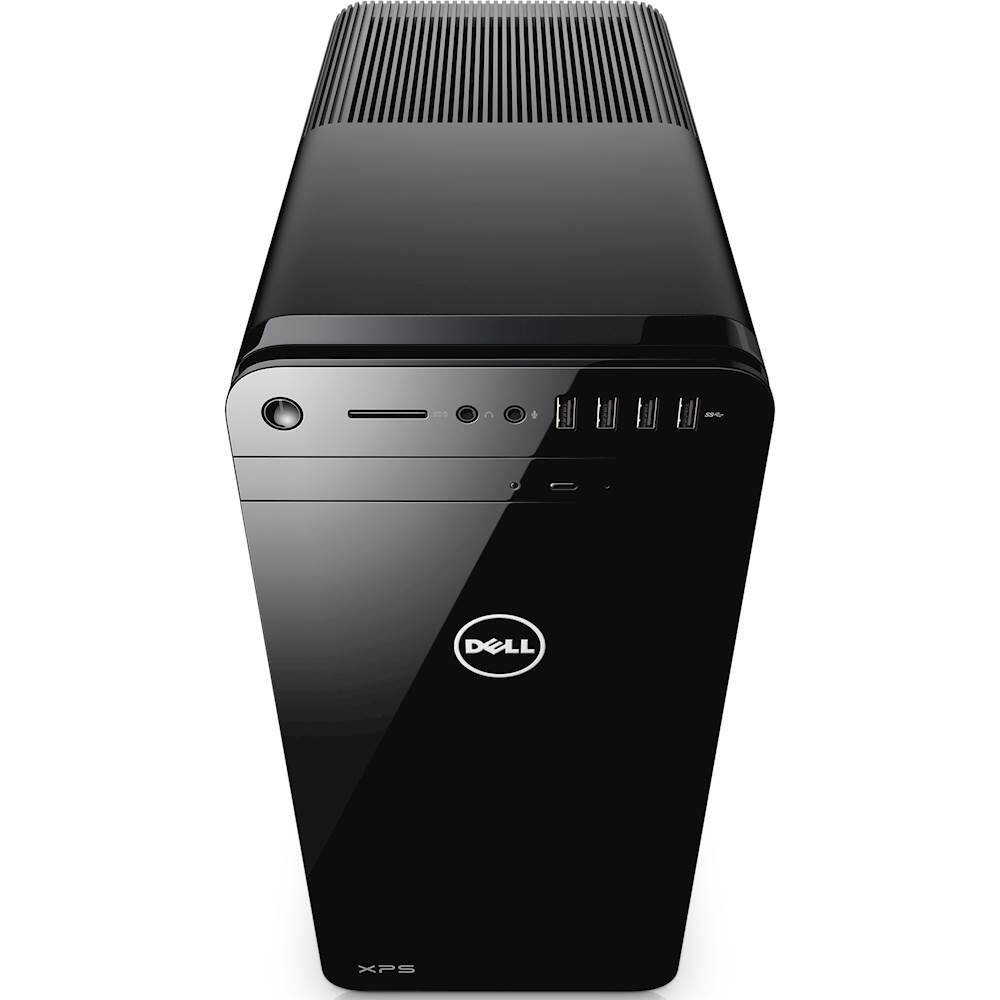
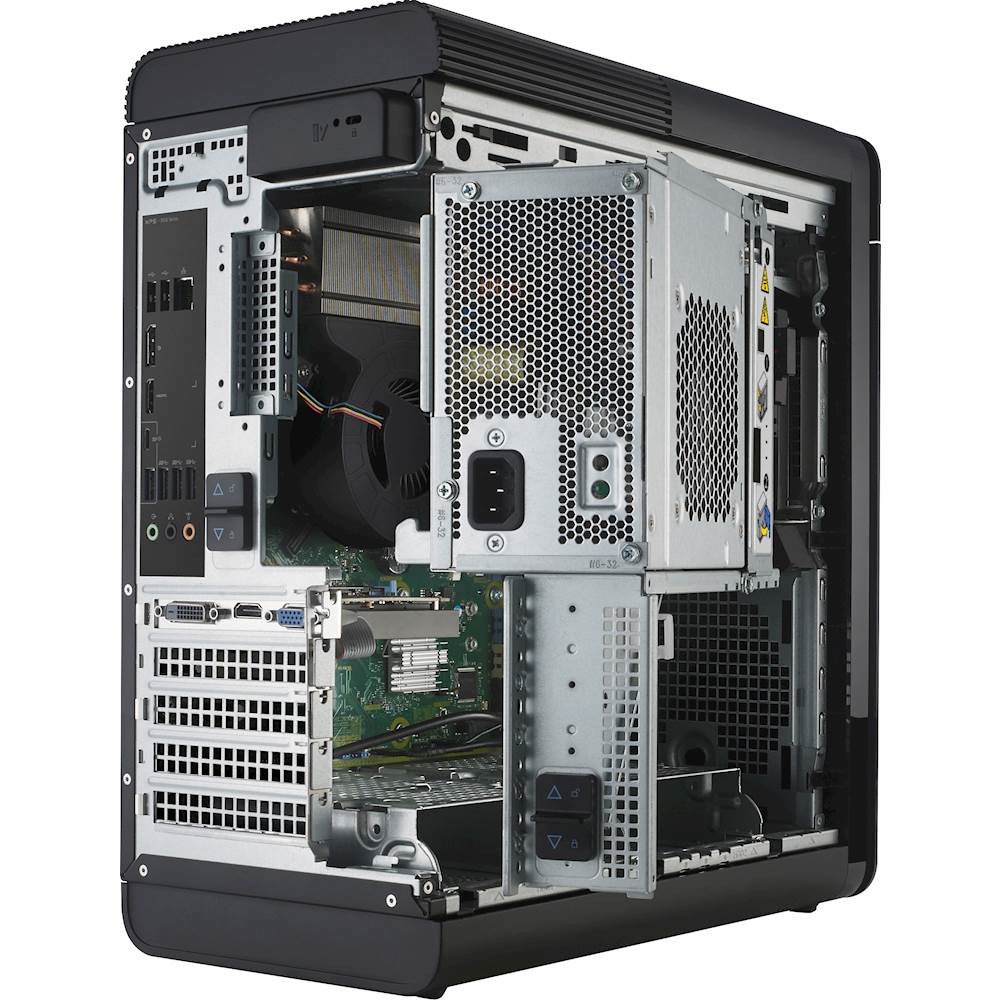
- Model:
- XPS8920-7176BLK-PUS
- SKU:
- 6146006
to a friend
I bought this for gaming but not for overclocking
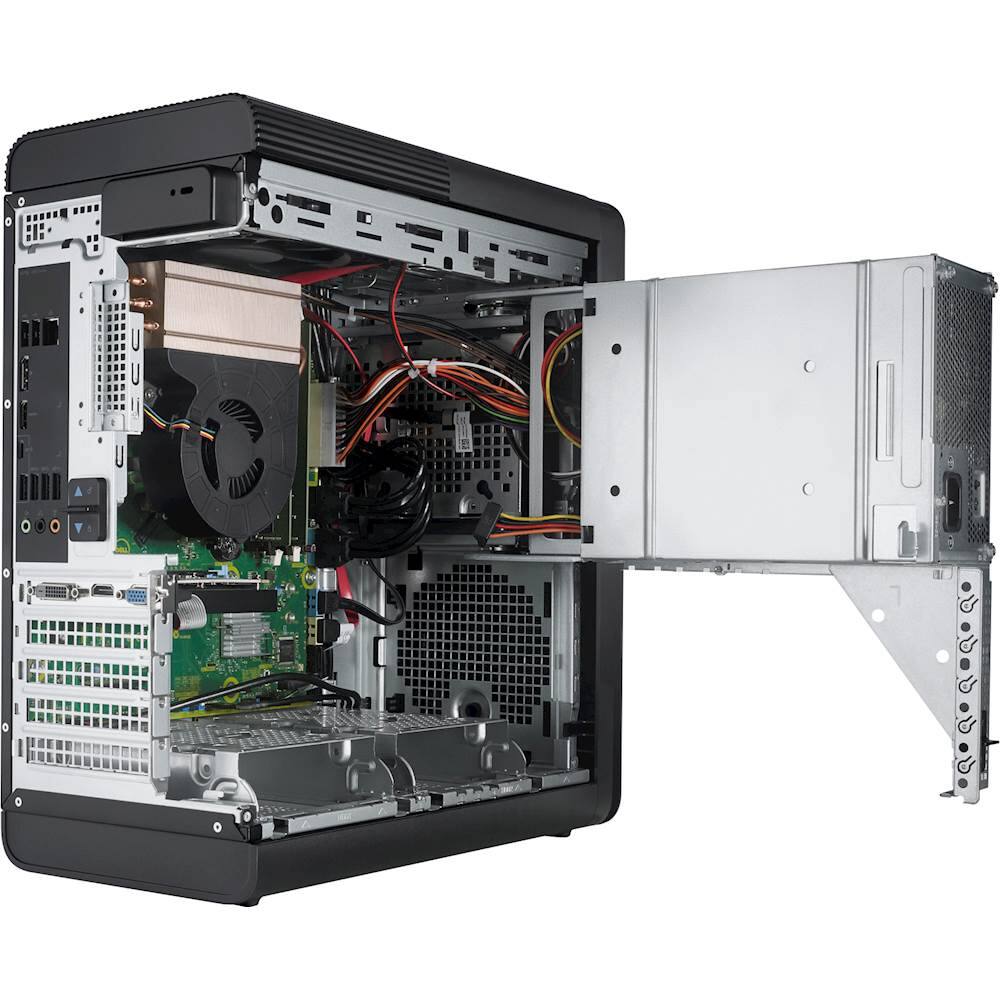
||Posted .This reviewer received promo considerations or sweepstakes entry for writing a review.I needed an upgrade to my old i5 and the i7-7700 is a good processor. The case is a little cramped to work in but I installed a graphics card(GTX 960), power supply(500w), 8Gb RAM and even a second HDD with very little difficulty. I am running brand new games on this with reasonable performance. This is a good value for the money as an enthusiast gaming system could have cost twice as much. Where as I was looking for more of a bare bones system at the best value. One that I could perform all the upgrades on myself.
I would recommend this to a friendGreat Desktop
||Posted .This reviewer received promo considerations or sweepstakes entry for writing a review.Works great out of the box and very quick. I'm very happy with this desktop.Seems powerful enough and has lots of ports making it easy to connect lots of different devices.
I would recommend this to a friendGreat Price.
||Posted .This reviewer received promo considerations or sweepstakes entry for writing a review.Great Quality at A Great Price. Everything I Needed in a Desktop.
I would recommend this to a friendDo Not Purchase
Posted .This reviewer received promo considerations or sweepstakes entry for writing a review.I purchased this computer approximately 8 months ago. For the first 6 months it was perfect, absolutely no problems. Recently I tried to insert an SD card to upload some files and the card reader did not work. Whatever, I don't really care about the card reader. Next, I started to notice that when I started the computer up, the monitor would occasionally not receive signal via the HDMI cable. So I wiggled the connection at the back of the tower and it seemed to work. Again, whatever, I can deal with that. (Even though this is a recurring problem, I deal with this at least once a week.) But then, 4 days ago I attempted to start up my computer and Windows would not load. The computer was stuck on the Dell loading screen. I proceeded to look at the BIOS menu and the Boot menu to see if I could somehow get into the system, but could not fix the problem myself. I called Dell support and waited on the phone for over an hour before being helped by a representative who coached me through reinstallation of Windows 10 that resulted in me losing EVERYTHING on my computer. To top it off, Microsoft Word was removed as well and I had to use an activation key that I had previously purchased for $59 to install Word back on my computer. At this point I am asking Dell representatives to replace the defective product that I paid over $1,000 for, and they are telling me that my warranty does not include replacement. They want me to send my computer off to a warehouse to be repaired for an undetermined amount of time. I am a student and I work off of my computer. If you are willing to spend hundreds of dollars on something that will inevitably have problems within a short period of time, purchase Dell. Or save your money and time and buy a Mac.
No, I would not recommend this to a friendBrand response from YourDellTeam
Posted .Dick,
Thanks for your review. We're sorry to hear about the issues that you've had with your new computer. We'd recommend the following steps if you have issues starting up your computer again in the future:
1. If the computer is displaying the Dell logo and does not move past that point, it has probably failed POST.
2. If the power indicator lights up and it is amber or orange, this is usually an indicator that it has failed POST.
3. If you see text on a black screen, the computer is currently performing the POST. If the computer stays in that condition and does not move past it, it has probably failed POST.
4. If the video screen displayed anything at all during the startup process but is now black, this probably indicates that the computer failed POST.
5. If the computer is beeping or if Caps/Num/Scroll Locks are flashing, note if there is a particular pattern in which it beeps or flashes.
6. If the computer is not beeping and caps/num/scroll locks are not flashing, unplug all connections and remove all media communication devices (e.g. external monitors); reconnect one at a time and check if the computer functions.
7. For a notebook, press and hold the Fn key and then press the power button. This starts the pre-boot testing and will launch ePSA. In case you have a Desktop at the Dell logo screen tap the F12 key to enter One Time Boot Menu and use the arrow keys to highlight Diagnostics and press enter.
You can read the full article here - http://dell.to/2uj1Sby.
We hope that your computer will perform the way it did for you when you first bought it soon.
Best,
Bryan
1-800-624-9896