Customer Ratings & Reviews



- Model:
- 10GBR9901
- SKU:
- 12061427
Rating by feature
- Value
Rating 4.7 out of 5 stars
- Quality
Rating 4.8 out of 5 stars
- Ease of Use
Rating 4.7 out of 5 stars

Great little capture card
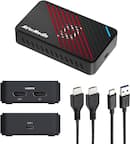
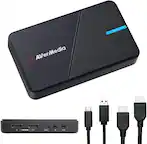
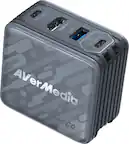
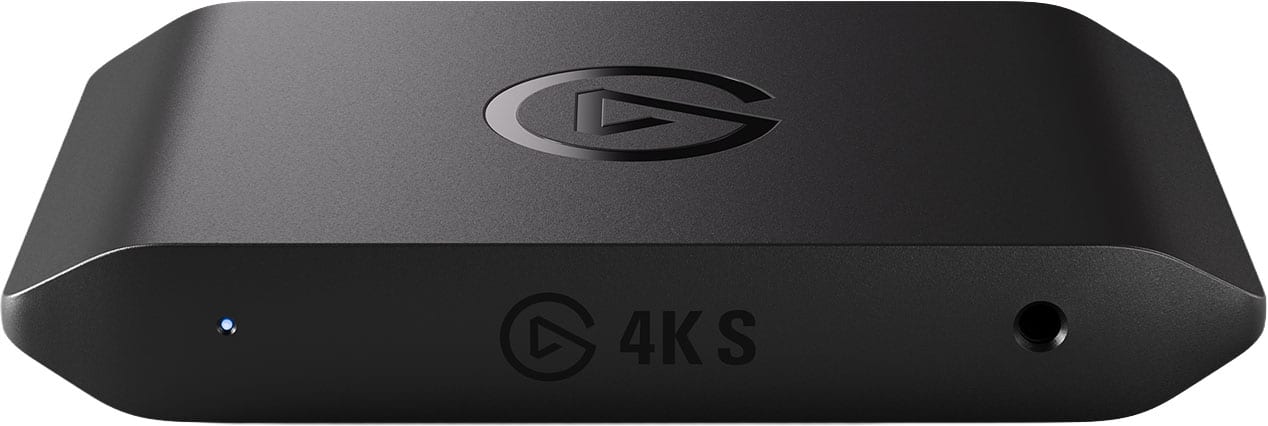
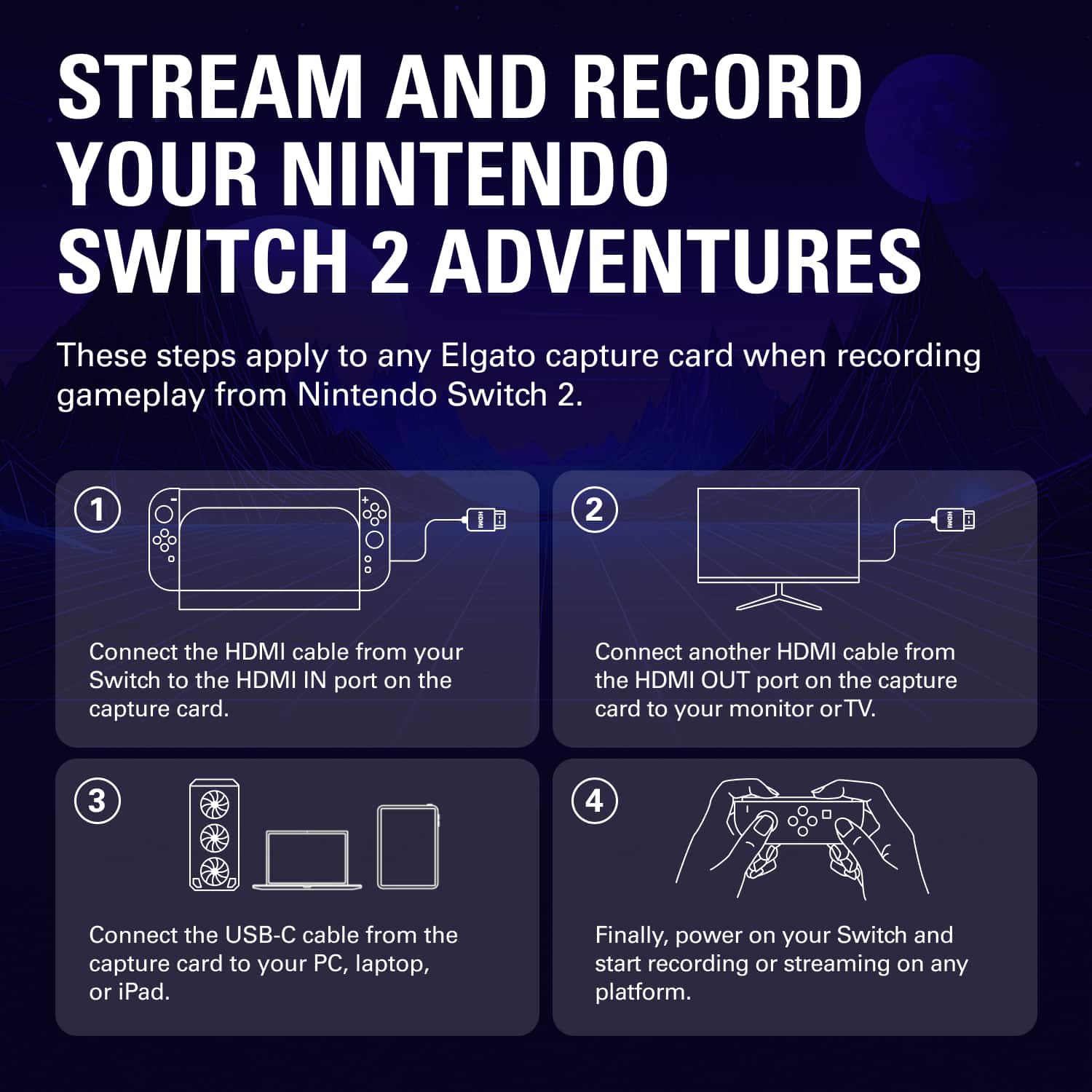
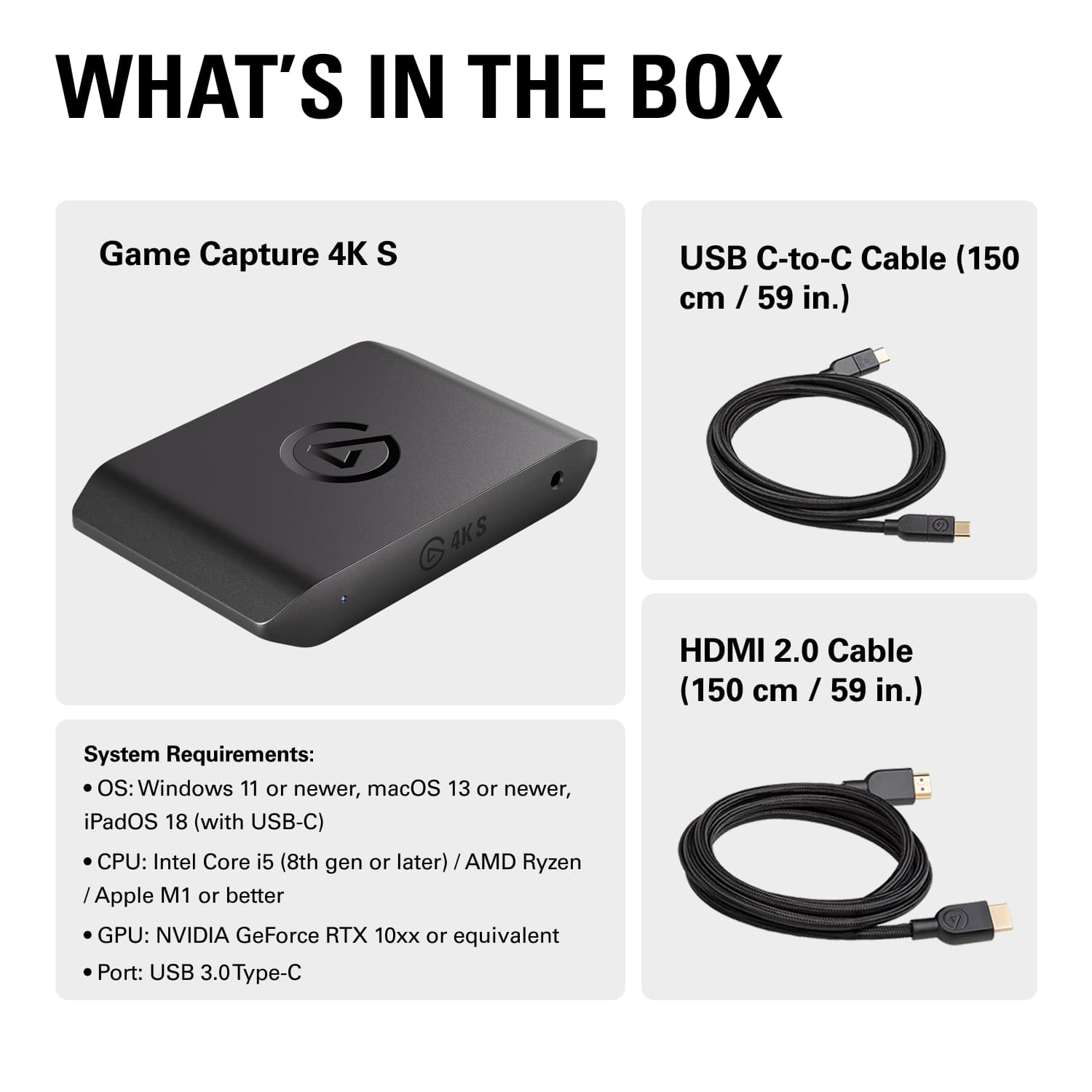
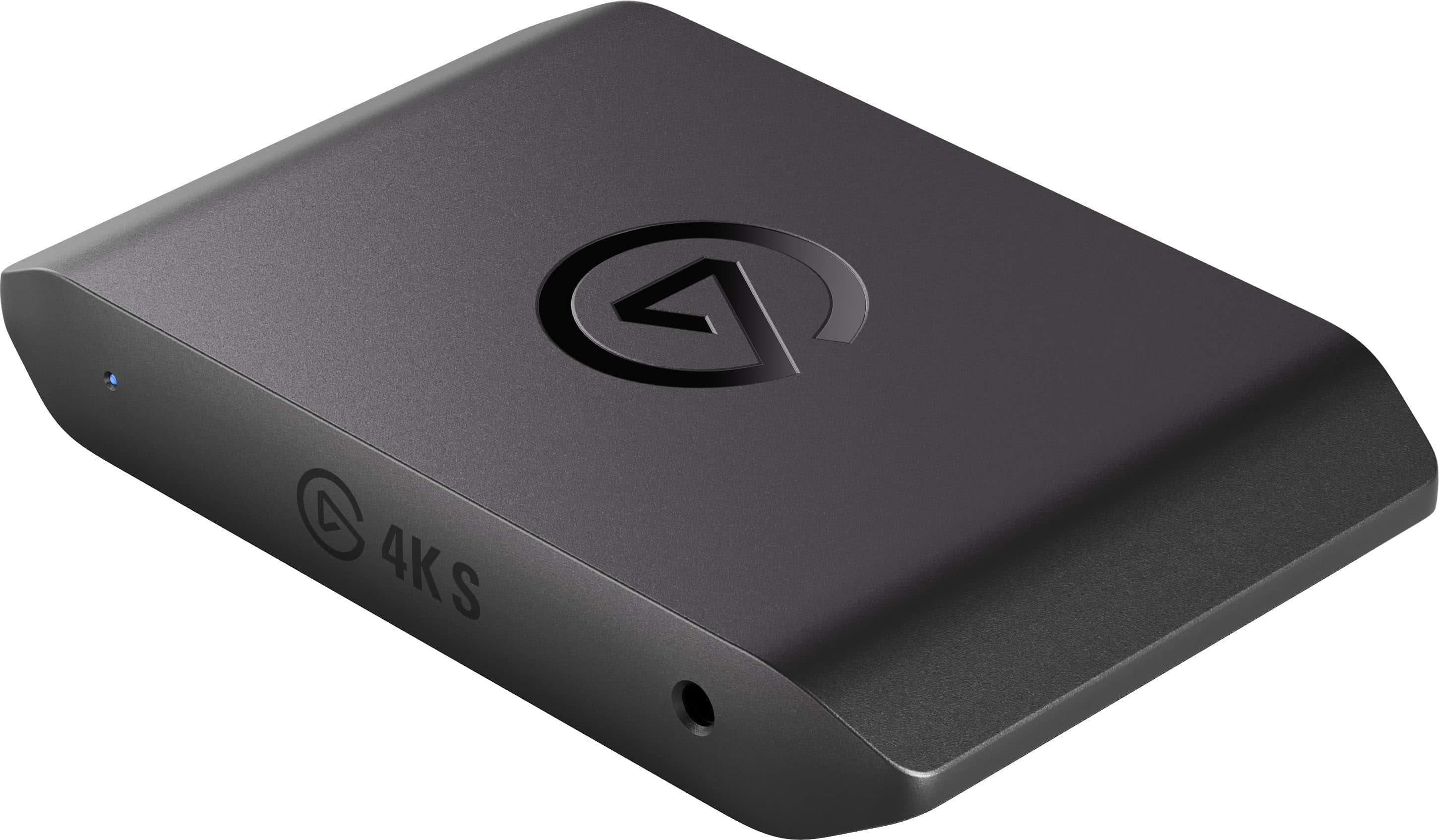
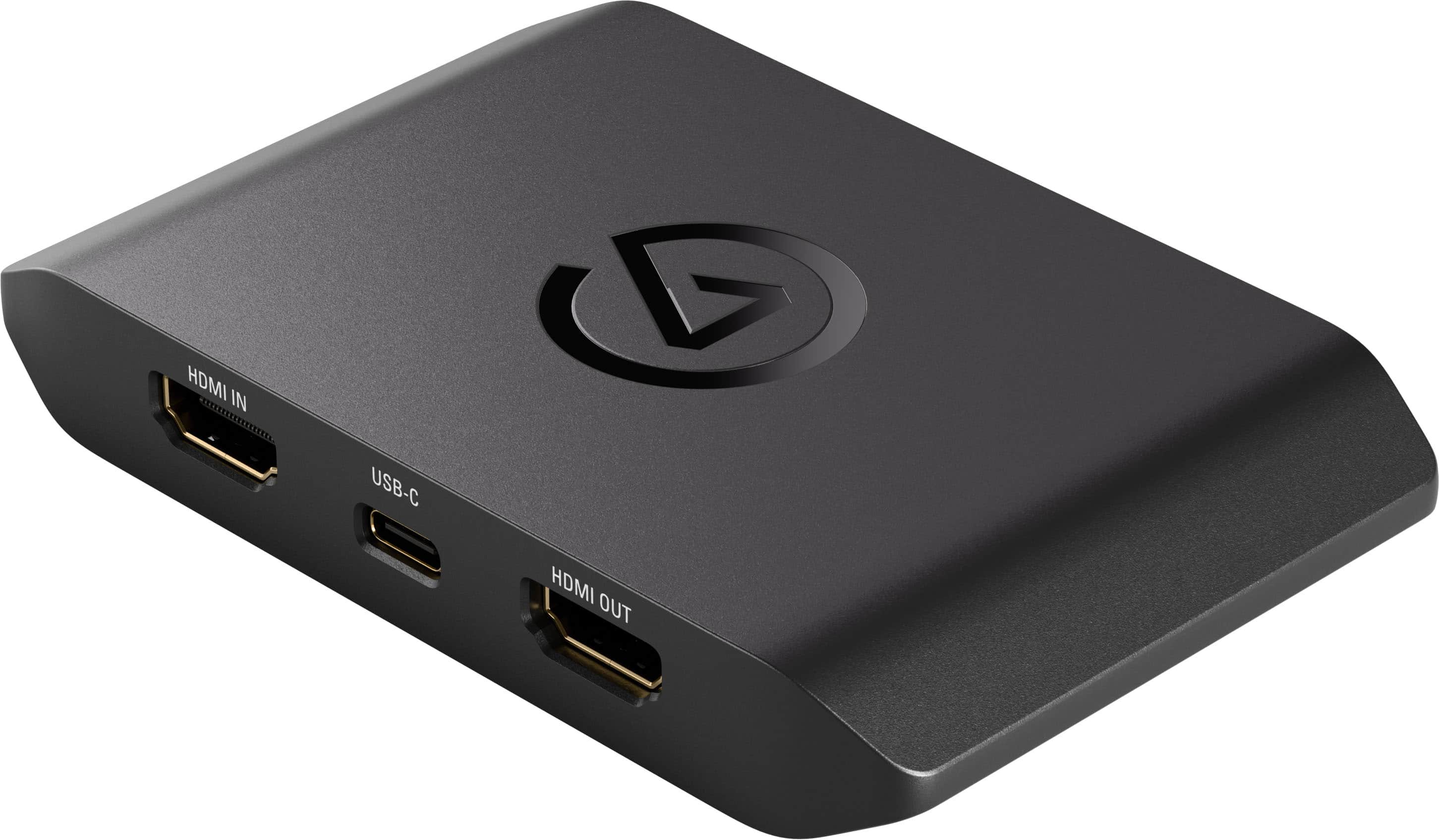
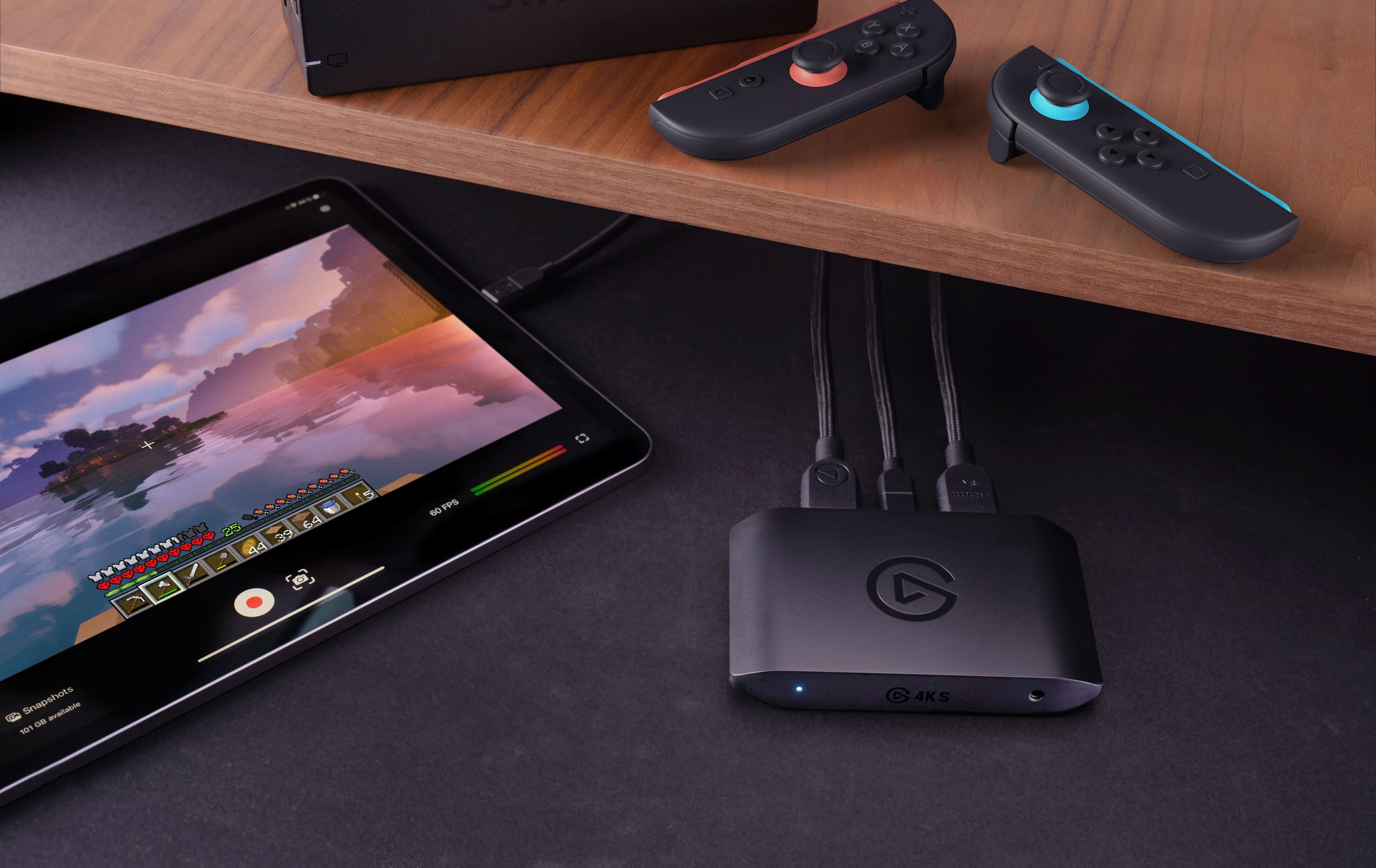
|Posted .This reviewer received promo considerations or sweepstakes entry for writing a review.What got me excited I’ve always wanted to have a capture card so I could make some commentary on some older classics. I knew the name Elgato, and the brand recognition it brought. What I’m expecting My expectations are to be able to plug it into a gaming console and save the footage so I can edit the footage with some voiceover narration. What’s included in the packaging? Out of the box you get the capture card, a USB-C to USB-C cable, and a HMDI 3.0 cable. My first impressions The card is small and compact. It’s lightweight, and doesn’t have any physical buttons. I like the bundled cables. I was surprised there wasn’t a quick start guide included. Instead you get a 4-step “how to plug everything in” sequence on the interior of the packaging. Let’s try it out I plugged the provided HDMI cable to the “out” port, and to a monitor. I plugged a separate HDMI cable to the “in” port and to my console. I finally plugged in the provided USB-C cable to my laptop. Blue light came on and…. Nothing. I overlooked the part where I was supposed to go to the website printed on the last part of the sequence to download the companion app that showed what I was capturing. So after I downloaded Elgato Studio, something finally popped up. The app shows a mirror of what’s playing on the monitor. You click the little red record button and off you go. There wasn’t any lag, and it captured the audio as well. I was in fact surprised that there wasn’t any lag, despite a prompt telling me to plug in the provided HDMI 3.0 cable; which was in fact plugged in. I guess it meant use a 3.0 cable to connect to the console. If that’s the case, it would have been nice if two 3.0 cables were included in the packaging. The app is very easy to use and straightforward. Once you’re done recording, the video/audio is saved as a mp4 file. What stood out that was positive I like how easy it is to use, both the card, and the app. You record, and it creates a file, simple. What stood out that was negative Not including two HDMI 3.0 cables. Who is this targeted at? This is clearly aimed a gamers. I like playing “classic” games, and so this allows me to create videos of older games that I can upload. All in all This is a great capture card. I wish it did 4k at 120hz. I like the fact that it at least does 1440 at 120 hz. I would recommend this to anybody who wants to create some fun gaming videos for memories or to upload them.
I would recommend this to a friendRock‑Solid 4K Capture That Just Works
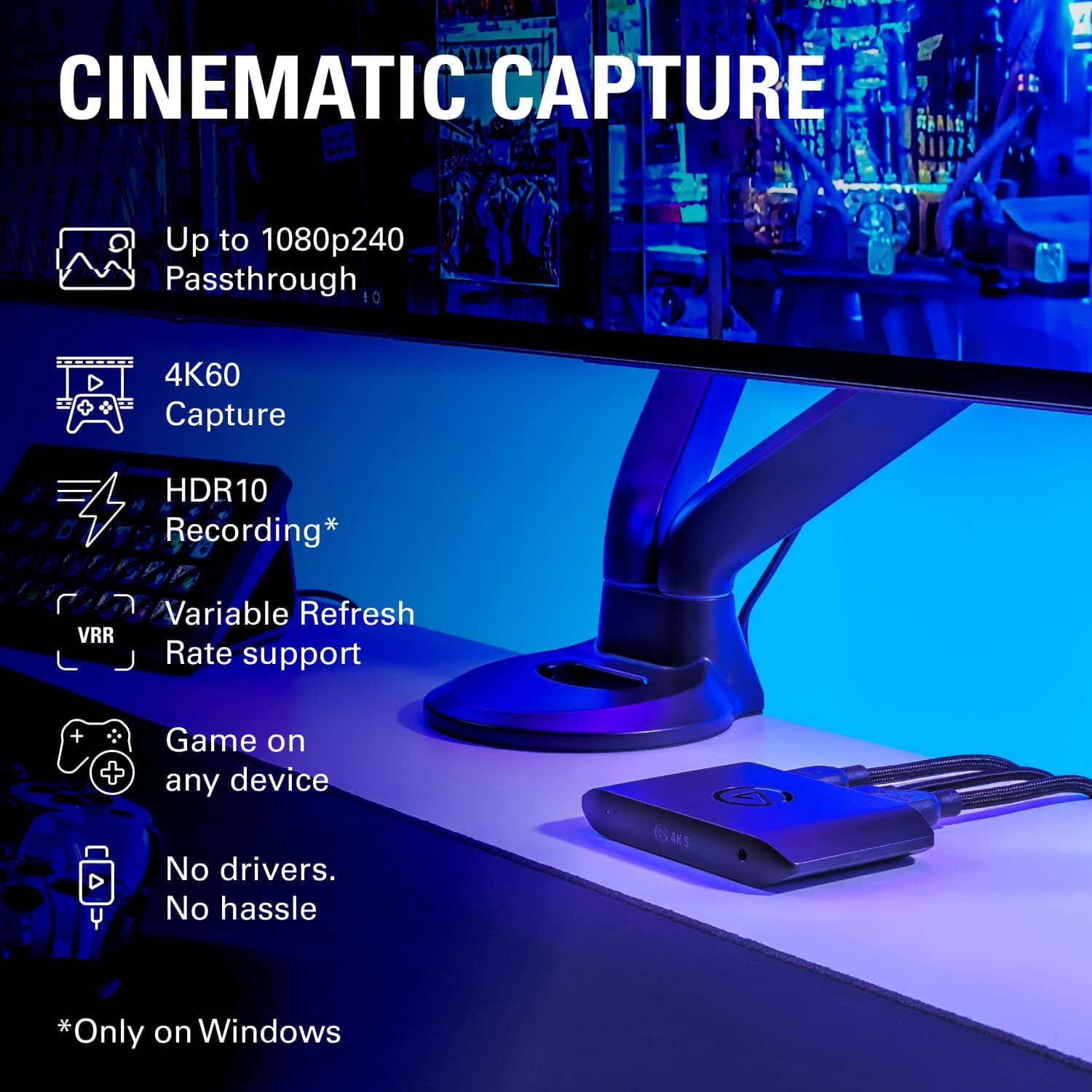
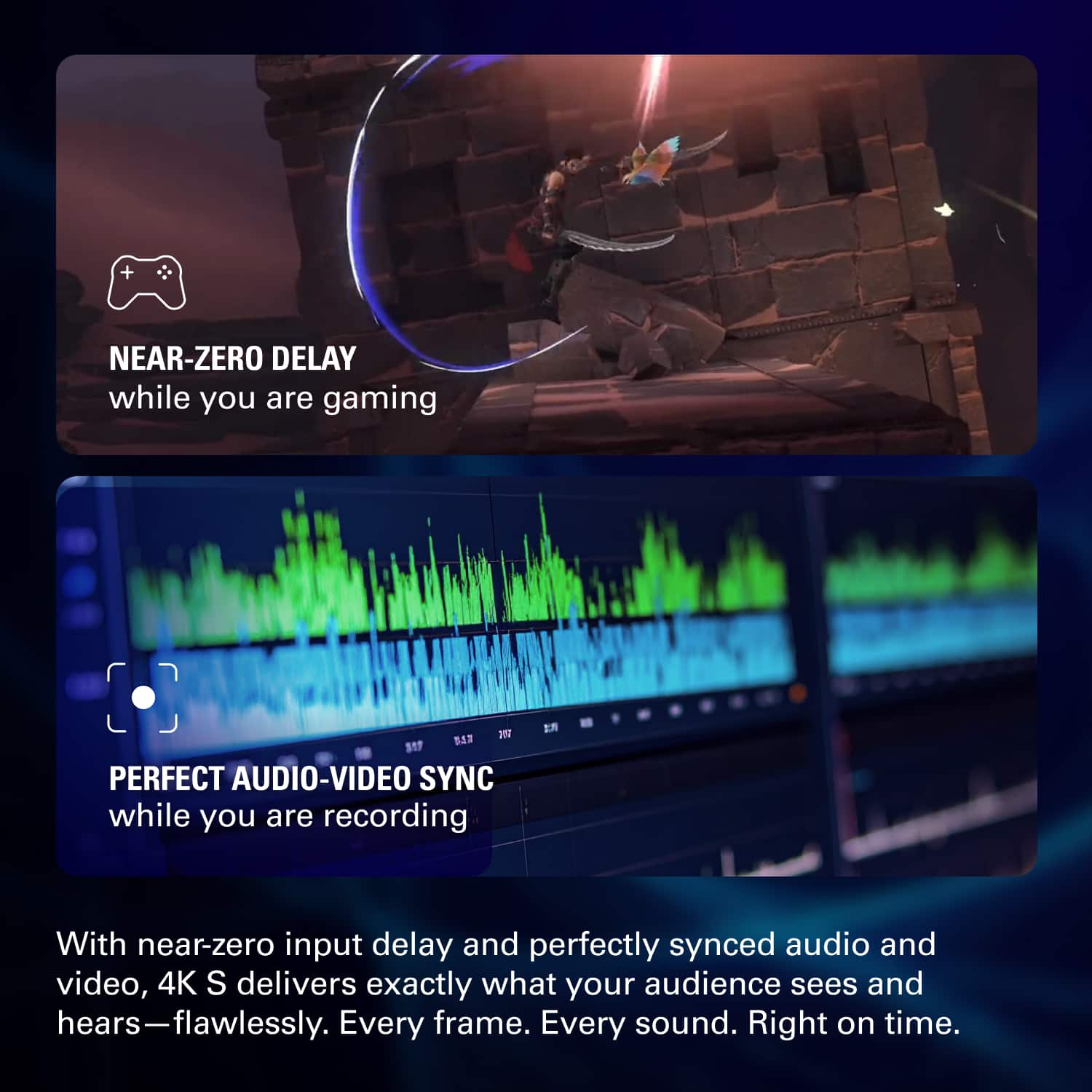
||Posted . Owned for 3 weeks when reviewed.This reviewer received promo considerations or sweepstakes entry for writing a review.The Elgato 4K S is a fantastic upgrade for anyone serious about clean, high‑quality capture. The 4K60 footage looks sharp and vibrant, with smooth motion and accurate color that makes gameplay and camera footage look professional right away. Even during long sessions, the device stays cool, stable, and consistent. Latency is basically nonexistent. The passthrough feels instant, which keeps gameplay responsive while still delivering excellent capture quality. Whether I’m running 4K or high‑refresh 1080p/1440p modes, everything stays smooth and perfectly in sync. Setup is quick and simple. The software recognizes the device immediately, and the controls are easy to understand while still offering plenty of customization. If you already use other Elgato gear, the 4K S fits right into the ecosystem and makes the whole workflow feel even smoother. The hardware is compact, quiet, and well‑built. It doesn’t add heat or noise to the setup, and it performs reliably every time I use it. Overall, the Elgato 4K S is a dependable, high‑quality capture solution that’s perfect for gamers, streamers, and creators. It’s easy to recommend.
I would recommend this to a friendEl gato
||Posted . Owned for less than 1 week when reviewed.This reviewer received promo considerations or sweepstakes entry for writing a review.I picked up the Elgato Game Capture 4K60 S+ recently because I wanted to capture high-quality gameplay from my PS5 without always having to be tethered to my PC, and honestly, this device has exceeded my expectations. It is exactly what I needed for a streamlined setup. My Experience & What I Liked: Standalone Recording is a Game Changer: This is easily my favorite feature. Being able to just plug in an SD card and hit record without needing to boot up a computer or mess with OBS is incredible. It makes capturing spontaneous gaming moments so much easier. I can take it to a friend's house and record 4K footage instantly. Incredible Picture Quality: The footage comes out crisp and professional. I was worried that recording to an SD card might compress the quality, but the 4K HDR captures are stunning. The colors are vibrant, and the 60fps is buttery smooth. It handles the PS5's output perfectly. Zero-Latency Passthrough: One of my biggest gripes with older capture cards was input lag on my monitor. With the 4K60 S+, the passthrough is flawless. I don't feel any delay while playing, which is crucial for the fast-paced shooters I play. Ease of Use: Setting it up was plug-and-play. The device is smart enough to automatically adjust settings to get the best picture, so I didn't have to spend hours tweaking bitrates. Final Thoughts: If you are looking for a capture card that offers professional 4K quality with the flexibility of recording without a PC, the 4K60 S+ is unmatched. It’s a premium piece of kit that has completely simplified my content creation workflow. Highly recommended!
I would recommend this to a friendThis has been a game-changer for my setup.
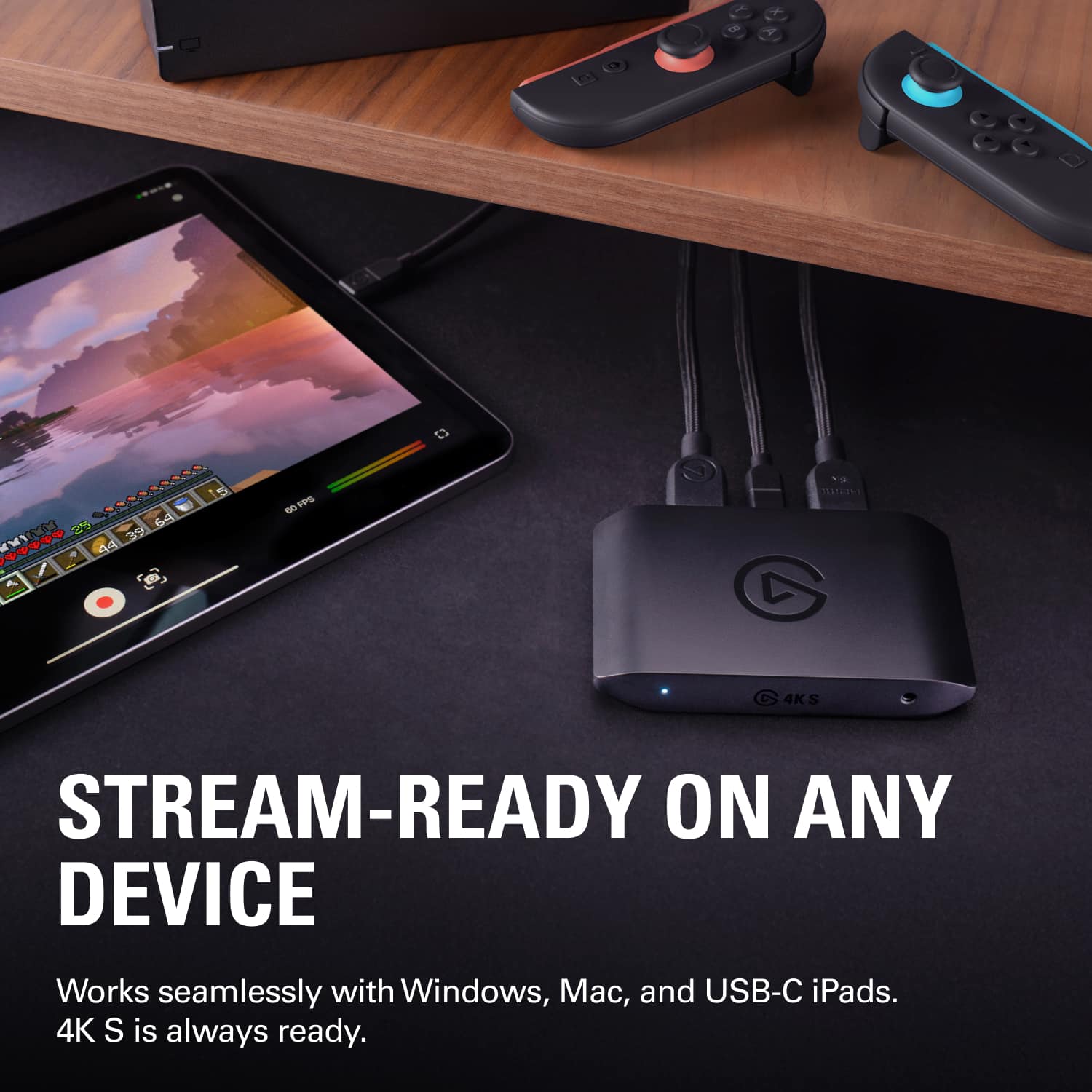
||Posted .This reviewer received promo considerations or sweepstakes entry for writing a review.The Elgato 4K S delivers exactly what it promises—clean, reliable capture with incredibly low latency. I’ve been using it for PS5 and PC gameplay, and the 4K60 passthrough looks fantastic. Even when dropping to 1440p120 or 1080p240 for certain titles, everything stays smooth with no noticeable delay. Setup was very simple; it worked right away with my streaming software on both PC and Mac. The compact size is a nice bonus, making it easy to move between devices, including my iPad for quick recording sessions. If you’re looking for high-quality capture without any headaches, this is a great choice. Totally worth it.
I would recommend this to a friendgood capture card
||Posted .This reviewer received promo considerations or sweepstakes entry for writing a review.This capture card has been a great upgrade for my setup. It really is plug-and-play: my Switch 2 was recognized instantly, and I was recording 4K60 footage within minutes using OBS with no driver hassles. The passthrough feels basically lag-free, so gameplay is smooth and responsive while still getting clean recordings, and the image quality at 4K and 1440p120 looks sharp and vibrant.
I would recommend this to a friendGreat for Switch 2: Play Console Game on PC/Laptop
|Posted .This reviewer received promo considerations or sweepstakes entry for writing a review.The Elgato 4K S is a 4K 60 FPS capture card for multiple systems. It’s a great compact-size capture card and it comes with high quality USB-C and HDMI cables. The software is downloadable from Elgato’s site and installation is easy enough. The HDMI input works fine with Nintendo Switch 2, and the connection was firm and stable. The passthrough function allows video output to a TV while simultaneously watching the same video feed on a PC monitor. Videos are smooth with virtually no discernible input lags. The viewing software has a clean UI and looks neat, which enables users to easily record gameplay clips. At the maximum resolution of 4K 60 FPS, the capture card may not be the best option for machines that can run beyond 60 FPS. Aside from Nintendo Switch 2, I’ve been trying to connect it to my PS 5 slim, which I did so unsuccessfully. It’s probably the input video setting on PS 5, which I don’t really care enough to fiddle with. Now onto the video recording. The capture card will automatically match the resolution and frame rate settings of the input video source. So, the video recording I got from playing Nintendo Switch 2 games was 1080P. The capture card records both video and audio and the recording quality was excellent. Thanks to its small form factor, playing console games on a laptop's screen is convenient.
I would recommend this to a friend
The GOAT of capture cards!
|Posted . Owned for 2 weeks when reviewed.This reviewer received promo considerations or sweepstakes entry for writing a review.Overall very easy to setup and it is absolutely fantastic as a capture card. I would go to this if you are a content creator that is either trying to capture your ps5, xbox, switch, or whatever else you are trying to capture to record and stream. They make it very easy to setup with the elgato studio which you can also stream out of itself. The only downside is that there is a 1ms delay from the capture, so if you are trying to stream and use elgato studio to play your games, it might be a little iffy, but if you get another monitor or something to pretty much play your game on you'll be able to connect it with the output hdmi port in the back and be good to go. The sound quality on the otherhand is immaculate and everything works amazingly. Doesn't get too hot at all, and quality is outstanding.
I would recommend this to a friendBest option
||Posted . Owned for 2 weeks when reviewed.This reviewer received promo considerations or sweepstakes entry for writing a review.It works amazing gaming comes through clearly and makes my streams better
I would recommend this to a friendBest capture card I’ve had
||Posted . Owned for 3 months when reviewed.This reviewer received promo considerations or sweepstakes entry for writing a review.Great capture card I bought a capture card from tik tok shop (don’t know why) but it stopped working after a few streams now that I got this one it’s been working like a charm best capture card and best company for all your streaming needs! Oh yeah my twitch is Flexxbangg come check me out
I would recommend this to a friendGOOD TO USE FOR STREAMING
||Posted . Owned for 1 month when reviewed.This reviewer received promo considerations or sweepstakes entry for writing a review.this thing works amazing and is worth the price if you want to start streaming, it has amazing quality and REALLY RECOMMEND
I would recommend this to a friendExcellent Quality Captures
||Posted .This reviewer received promo considerations or sweepstakes entry for writing a review.As a part time content creator (Twitch Payouts are terrible lately), I needed a new capture device so I can showcase my sub-par LoZ skills (my community loves putting me through challenges in that game). With the release of the Switch 2, I knew I needed something that could capture the crisp details of a Talus throwing my rag body 30 meters away, or a Lynel chasing me down like I was a Charizard card in the hands of a 4 year old. This capture card does not fail to deliver; there is no motion blur, no lag, no stuttering, and no frames dropped. Truly worth every penny.
I would recommend this to a friendBEST CAPTURE CARD
||Posted .This reviewer received promo considerations or sweepstakes entry for writing a review.I’ve been using the Elgato 4K S for a few weeks and it’s been great so far. Setup was simple, and the passthrough quality at 4K60 is super clean with no noticeable delay. I’ve tested it with my PS5 and Switch 2, and both work flawlessly. The capture quality at higher frame rates (like 1080p240) is also really solid. It’s compact, doesn’t heat up too much, and works well on both my PC and Mac. Overall, a reliable capture device that does exactly what it’s supposed to.
I would recommend this to a friendGreat gaming capture
||Posted .This reviewer received promo considerations or sweepstakes entry for writing a review.Captures my xbox gaming with so much better clarity than my last one. This is my 2nd Elgato and they never let me down. As computers and video gane systems make advances in technonolgy, I'm sure I will again purchase an Elgato to record my video game play when the time comes.
I would recommend this to a friendElgato
||Posted .This reviewer received promo considerations or sweepstakes entry for writing a review.Works great for gaming easy to setup. The only reason I returned it was because I didn’t need it after all for my Mac mini. OBS partnered with Apple and have desktop capture which I didn’t know about. New to streaming and everything but if you are trying to stream from ps5 to pc this is what you need. Along with a few other essentials.
I would recommend this to a friendBest investment ever
||Posted .This reviewer received promo considerations or sweepstakes entry for writing a review.Works really welcome compared to the older version I had (hd60x), and was not hard to set up and get connected to the streaming software I use for the work thatI do. I would definitely reccomend this to anyone whose looking to use this product for video capture.
I would recommend this to a friendIt has been great!
||Posted .This reviewer received promo considerations or sweepstakes entry for writing a review.This capture card was relatively easy to set up and has been working great. I use it to record video from my PS5 to my computer and it works well, both with theelgado software, as well as obs, no issues so far, been using it about 2 months and would definitely recommend!
I would recommend this to a friendGreat for content creation and stream.
||Posted . Owned for 1 month when reviewed.This reviewer received promo considerations or sweepstakes entry for writing a review.If you’re looking to create content on YouTube. This should definitely be part of your set up to capture or stream content. It’s easy to use and can capture up to 4k. This is an investment if you’re considering content creation.
I would recommend this to a friendElgato 4K S
||Posted . Owned for 2 weeks when reviewed.This reviewer received promo considerations or sweepstakes entry for writing a review.It’s pretty sweet, small plug and play capture card. If you need to record your online gaming, this is it. It records in 4K 60fps. The price is affordable enough for someone starting out in posting your game footage. Will work on Nintendo Switch/2, PS5, Xbox.
I would recommend this to a friendBest capture card
||Posted . Owned for 1 month when reviewed.This reviewer received promo considerations or sweepstakes entry for writing a review.I bought this capture card to use my laptop as a monitor for my nintendo switch and i gotta say it works perfect! I dont have any delays at all and its really smooth and easy to setup
I would recommend this to a friendelgato capture card
||Posted .This reviewer received promo considerations or sweepstakes entry for writing a review.I just wanted an upgrade from my old elgato capture card and so far this brand hasnt let me down. Easy to set up and the software can be downloaded from the elgato official website. Image looks crips and the response is very fast.
I would recommend this to a friend