Customer Ratings & Reviews
- Model:
- C11CG97201
- SKU:
- 10840752
Rating by feature
- Value
Rating 4.3 out of 5 stars
- Quality
Rating 4.3 out of 5 stars
- Ease of Use
Rating 4.1 out of 5 stars
Poor mechanism
||Posted . Owned for 6 months when reviewed.This reviewer received promo considerations or sweepstakes entry for writing a review.Not a convenient printer 1/ to print you have to open the front where the digital upper side then lower side 2/ pull two pieces out for paper reject 3/ the paper in 8out of 10 times does not come out Trouble trouble trouble I’m ready to give it away for free + I will pay for your Gas
No, I would not recommend this to a friendBrand response from Epson
Posted .Hello Fixes, we're very sorry for the trouble that you've encountered. Your Expression XP-6100 comes with a 1-year Limited Warranty and free lifetime technical support. Please give us a chance to assist by contacting our support team by phone at (562) 276-4382 or by email at https://epson.custhelp.com/app/ask/p_model_name/Epson%20XP-6100; Hours: Monday - Friday, 7 am - 4 pm PT. We hope to hear from you soon. Kind Regards, Bobby D. - The Epson Team.

Epson does everything and more...
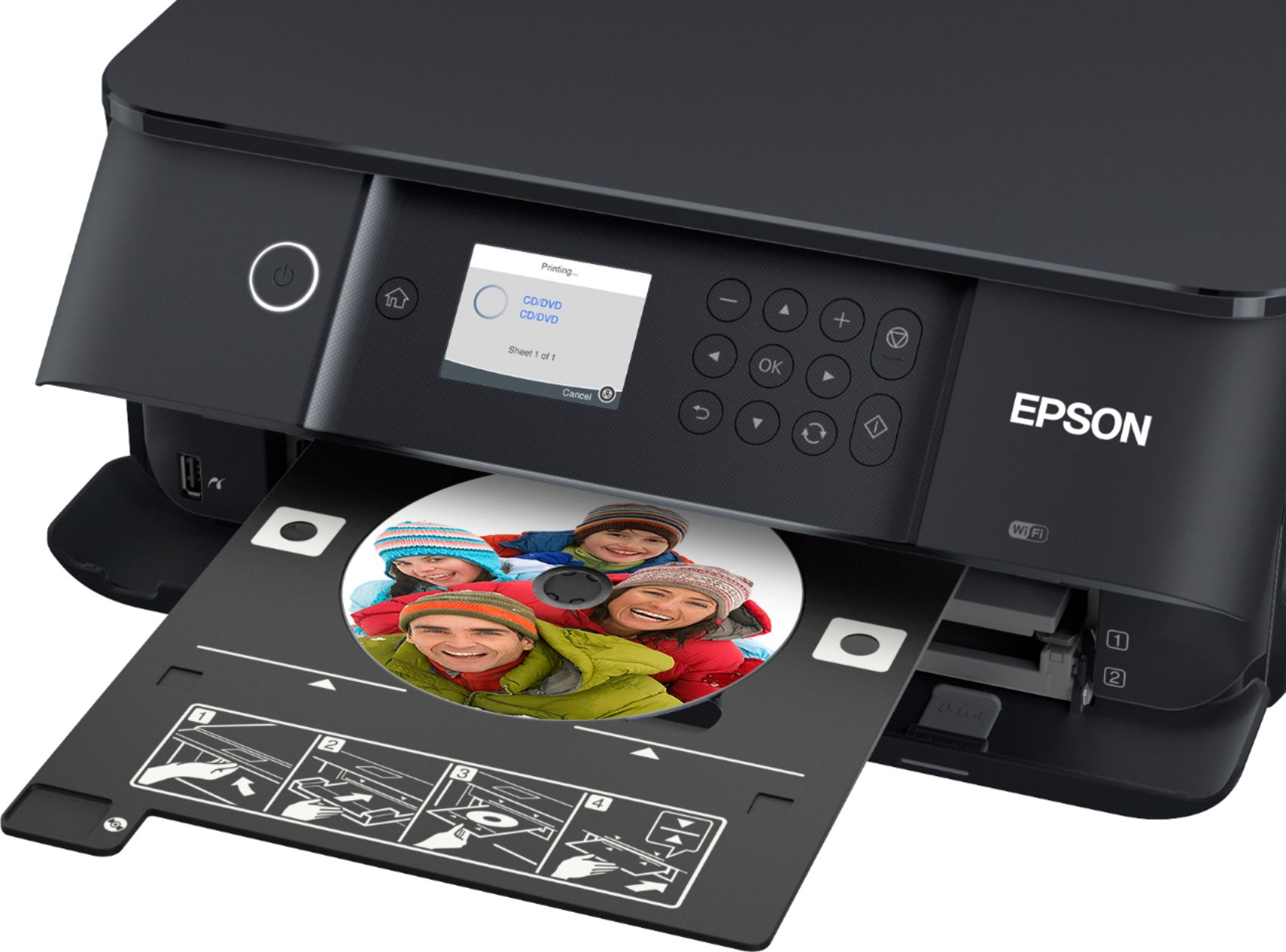
||Posted . Owned for 2 weeks when reviewed.This reviewer received promo considerations or sweepstakes entry for writing a review.Epson always made affordable all-in-one printers while keeping up with the needs of the current times. This printer fulfills all my needs from scanning to printing directly onto CD, DVD, or Blu Ray discs. It's my new go-to printer that can do it all.
I would recommend this to a friendWorst printer ever can’t use had it barely 2 weeks
||Posted .This reviewer received promo considerations or sweepstakes entry for writing a review.Wrist printer ever I had a printer for 8 years and it worked 5 times better it just won’t print anything it’s says an error that the tray is empty
No, I would not recommend this to a friendBig surprises come in small packages
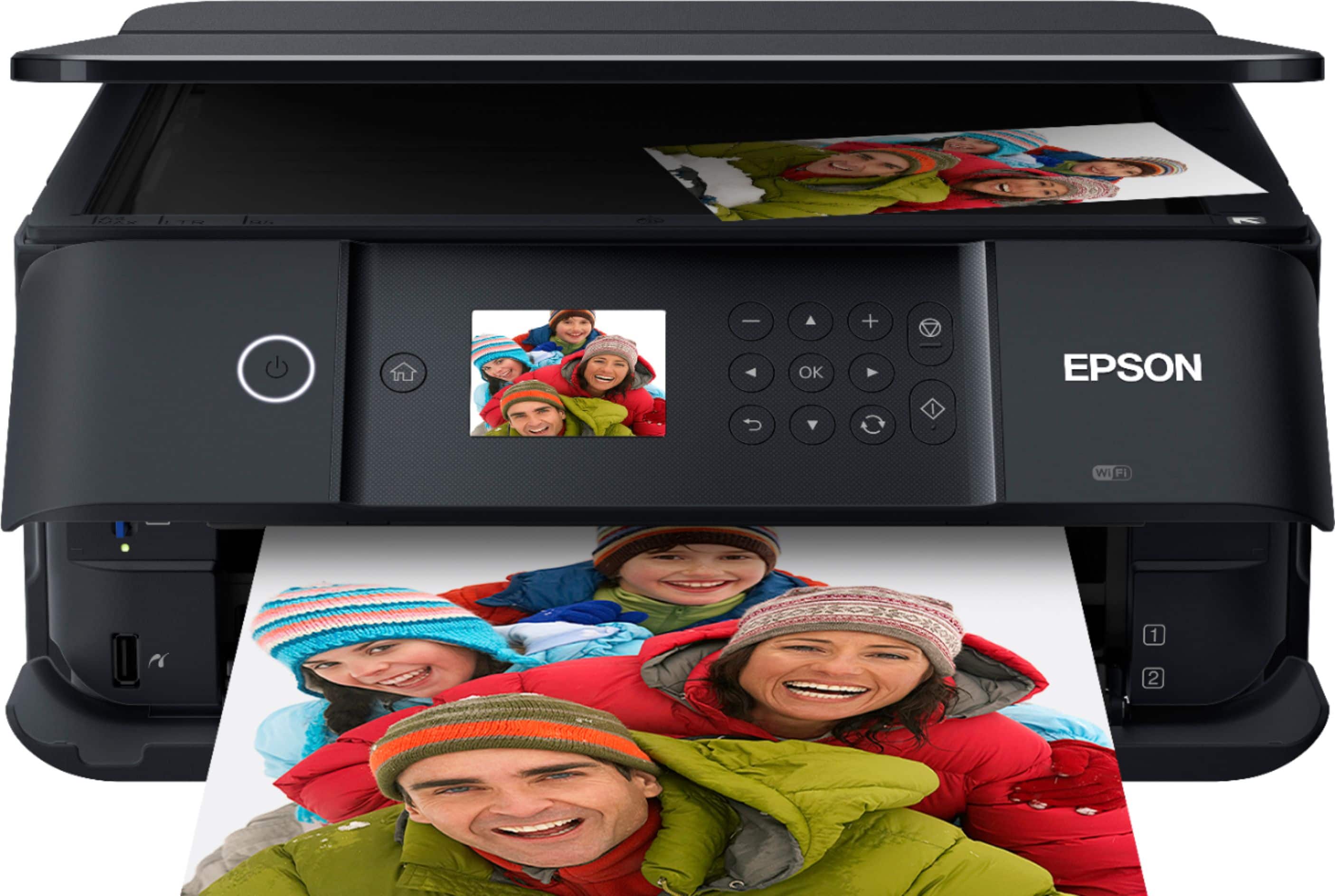
||Posted .This reviewer received promo considerations or sweepstakes entry for writing a review.The Epson XP-6100 is just right for a small computer work area and preforms in a big way. It’s extremely compact, but it’s easily accessible, user friendly and totally affordable. The software is great and the print quality is excellent. I bought it at Bestbuy and had it delivered which I was glad I did because the purchase and the shipping went flawlessly. During the shutdown I was going through the Bestbuy parking lot and I couldn’t believe how fantastic there service was in helping people figure out how to get what they needed. They totally did it right and I was extremely impressed with their people, who were nice, attentive, patient, smart and very compassionate. It’s times like this that can really open your eyes to see what great company’s are doing to keep their customers happy. My hats off to Bestbuy and their staff.
I would recommend this to a friendOkay printer.
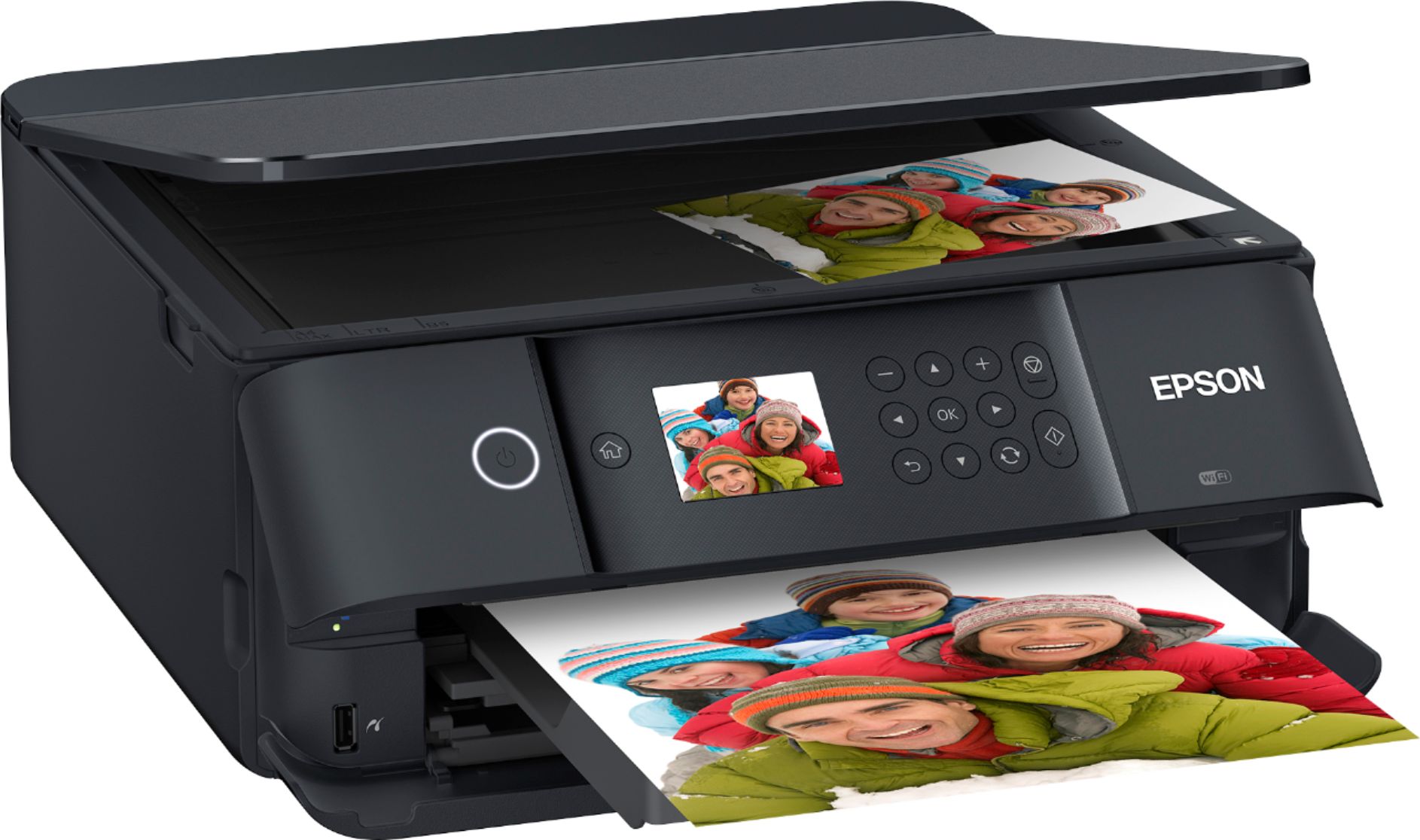
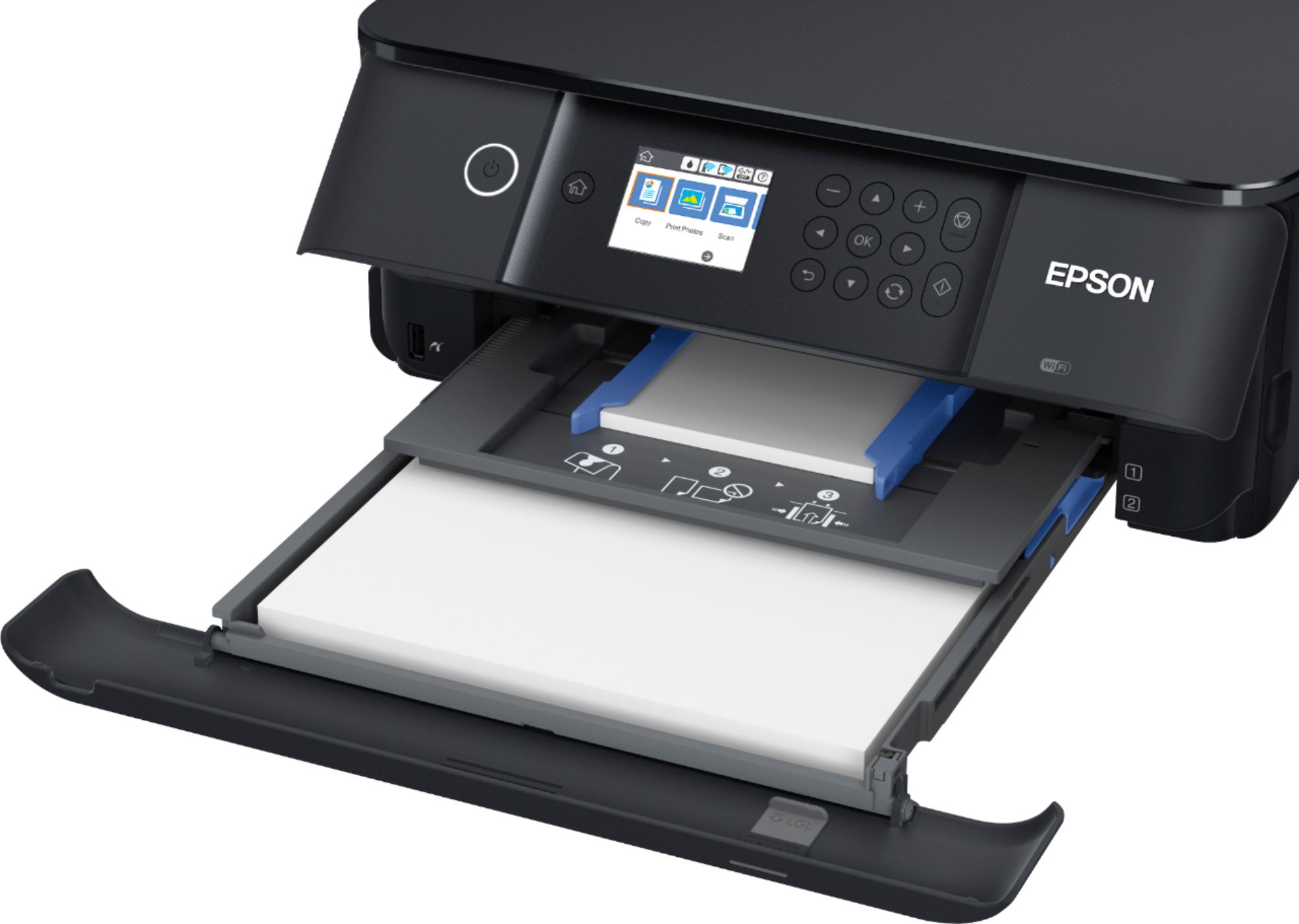
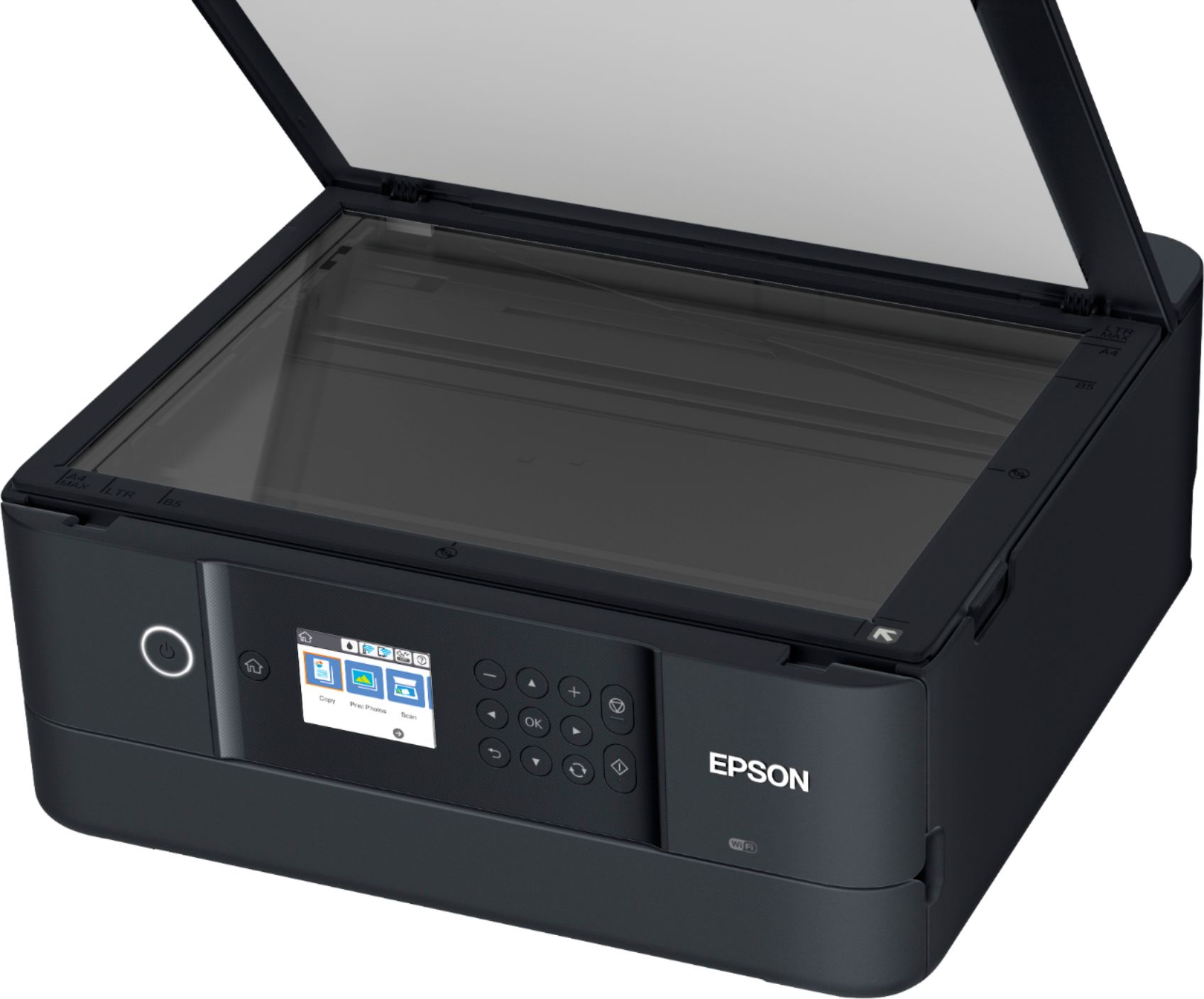
||Posted . Owned for 1 month when reviewed.This reviewer received promo considerations or sweepstakes entry for writing a review.Really struggled over this purchase. Replaced a Canon ink jet printer that I had for 10 years or more. Footprint size was important based on existing desk space. It is a reasonable printer for the price. Epson has a good reputation & history and I didn't like the Canon options, so gave it a try. Pros: Small footprint when closed. So far have printed mostly in black and white or with minimal color on a page. Page prints are reasonably quick. Scanning bed on top is easily accessible and software via the computer to initiate scans is straightforward (experienced issue when trying to initiate scan from the printer control panel). Front information screen fairly easy to read. It can print double sided. There is not a rear tray for thicker paper. The thicker paper will feed from normal paper tray and you have the option when selecting 2-sided printing to select manually refeed the paper to have it auto print on opposite side. A little bit of a pain, but not really a big deal. It has wifi so I was able to connect the desktop that it sits next to via a USB cable but also connected my husband's computer via wifi in the other room - very nice feature. As I understand it, we can also link the laptop and cell phones to it, but have not done that yet. Setup was pretty easy. Requires software download for all computers that will connect to it but was pretty straightforward. Cons: The printer tray must be fully extended (manually - does not do it automatically) for it to print out the page. This will be an issue if trying to print from a computer in the other room (granted when you come to retrieve the printed page and it hasn't printed, should just be able to extend the tray and it should print without additional prompting). There are three trays and I'm still getting used to which one I need to extend. If your space is limited, you will want to plan for the additional space needed with the tray extended - (i.e. approx. 20" back to front with paper tray extended). There is not a paper stop in the paper drawer to keep the loaded paper firmly against the end of the tray to ensure it feeds properly. The plastic feels cheap - hopefully with reasonable care it won't be a problem, but it is not as sturdy as the printer it replaced.
I would recommend this to a friendExcellent printer
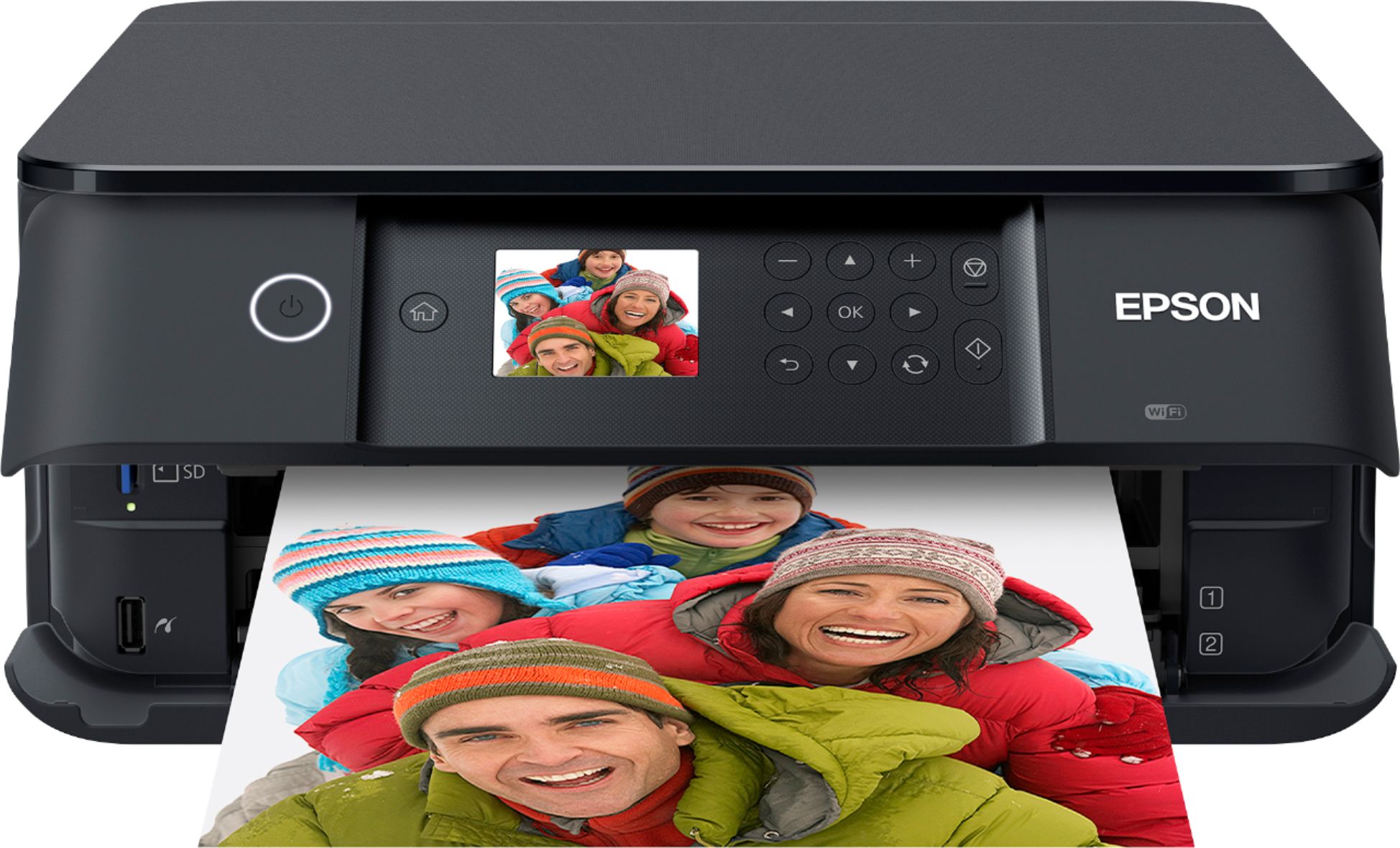
Posted .This reviewer received promo considerations or sweepstakes entry for writing a review.Actually this Epson Expression printer is multifunctional because it also scans and takes copies, fascinates me has an elegant design that does not take up much space on your desk table its 3 trays can be opened and saved when you need it, it is super light. very easy to install, print via wifi from your tablet computer or SmartPhone. it has a screen where it shows the options of work to choose, it is super fast in the impression of full color photographs and texts in black and white. my children use them in their school tasks and I in my freelance work as graphic designer "This is a review for the Epson Expression Premium XP-6100 Small-in-One Printer that I received free of charge to beta test and review. "
I would recommend this to a friendGreat printer
||Posted . Owned for 3 weeks when reviewed.This reviewer received promo considerations or sweepstakes entry for writing a review.I bought this after my Canon died unexpectedly. I was not happy that I couldn't repair it, so I needed to buy a printer fast. I read many reviews and finally decided on this one. It's quick, quiet, and easy to set up. I also love the cloud printing. Only reason for 4 stars is the tray - if it's in, it won't open automatically. So I have to settle for leaving the tray extended if I want to print. Other than that, I love this printer and couldn't be more happy with it!
I would recommend this to a friendMs
||Posted .This reviewer received promo considerations or sweepstakes entry for writing a review.Set up was easy. The printer is quiet and quick. You cannot place a lot of paper in the tray. This is limited. It is ok for me.
I would recommend this to a friendDecent printer
||Posted . Owned for 2 weeks when reviewed.This reviewer received promo considerations or sweepstakes entry for writing a review.Have not used it very long and unsure how long the ink will last, but so far is is a huge upgrade from my old Canon ink sucking beast. The start up process is quick and it does not appear too cycle the ink cartridges every time you use it. Ink looks expensive and well see how remanufactured carts work. Works great printing directly from my Mac, iPad and iPhone. Fairly quickly and easy setup, other than all the packing tape all over this thing when new. The pull out paper output drawer is a bit of a pain as it will not print without being fully extended. I guess to prevent the output from going all over the floor. Decent printer so far for general office use.
I would recommend this to a friendGood upper-entry level printer
||Posted . Owned for 1 month when reviewed.This reviewer received promo considerations or sweepstakes entry for writing a review.Pros: Easy setup. USB and SD input to print from media. Good wireless connection to print via wifi. Decent printing speed once it starts. Buttons for menu work just fine. Haven't tried scanner yet. Haven't printed images yet. Printed text nice and clear in both black and white, and color. Can print to envelopes but haven't tried yet. Meh: Doesn't hold a ton of sheets but that's minor. To print you need to pull out a tray, which takes getting used to. But that also allows unit to be fairly compact. Icons for menu and menu design (UI) could use some work but it's not used often. Cons: Double-sided printing usually ends up with flipped sheet being misfed. I don't use too often but with remote school and printing lots of docs, will be using more often.
I would recommend this to a friendEasy to set up and use, quality printing
||Posted . Owned for 2 months when reviewed.This reviewer received promo considerations or sweepstakes entry for writing a review.I wanted a printer that produced good quality pictures, printed 2 sided, scanned & copied. This replaced my printer that was over 10 years old. This printer is compact, does what I want, the wireless part is great-print from my Apple phone & ipad without any set up along with my pc laptop. Price was in my range. Well suits my needs. I am retired but work on projects for my church.
I would recommend this to a friendGood but not like the old Epsons
||Posted . Owned for 1 month when reviewed.This reviewer received promo considerations or sweepstakes entry for writing a review.Nice printer. The trays are a little wobbly otherwise seems nice. I bought because I needed a printer that would print on card stock. Hope that works. And our other Epson printer died. 2 complaints. Set up was a bit more complicated (frustrating) than I expected. And, it was sending blank pages out. I think it takes up more room than previous Epsons. To print you have to pull the paper tray (wobbly) all the way out at the bottom. And the printed copies come out above. The paper tray has to be extended always if you use it frequently which takes extra space on your desk. Print quality is excellent. I think next time I would get the ones using the little bottles of ink.
I would recommend this to a friendSo Far So Good
||Posted . Owned for 1 month when reviewed.This reviewer received promo considerations or sweepstakes entry for writing a review.Good service, pretty easy set up and instructions. I don't really care for the trays and how I have to always lift the front areas to use the printer. You have to be careful doing it. the printer works okay, sometimes it hesitates and I have PTSD about printers not working, especially when printing out labels to send items to customers. It takes a while to get a refund when it doesn't work. So far, it's been better than Canon! They are loud and cheaply made and do not last! This item is better made than that.
I would recommend this to a friendGood Epson Upgrade
||Posted . Owned for 1 month when reviewed.This reviewer received promo considerations or sweepstakes entry for writing a review.Easy to assemble - you really don’t need to watch the instructional cd that came with it. It’s super quiet compared to my older Epson WF2250. Easy to use and the display window is large enough to understand the choices you’re looking for. I haven’t used the picture capability yet; that would be a good indicator of how much ink it will require. Couldn’t beat the price with all of the functions it provides and the compact size is a plus.
I would recommend this to a friendGreat compact printer!
||Posted . Owned for 1 month when reviewed.This reviewer received promo considerations or sweepstakes entry for writing a review.Great size, large enough to do an excellent job while taking up minimal space. Great for faxing, printing, scanned documents and direct printing from wireless devices. Truly everything in one. It is small enough to transport or relocate in a snap. You can't ask for more for the reasonable priced printer in the same catogory. Toyed with purchasing another brand glad I made the right one. Value wise its is the best.
I would recommend this to a friendPrinter
||Posted . Owned for 1 month when reviewed.This reviewer received promo considerations or sweepstakes entry for writing a review.Great little printer. Does not take up much space and it very efficient in Black and white and color. Had to get one for an apartment I am renting and it just works out perfectly. Can print from my phone, iPad and lap top.
I would recommend this to a friendGood but scanner does not work with a Chromebook
||Posted . Owned for 1 month when reviewed.This reviewer received promo considerations or sweepstakes entry for writing a review.Good all in one printer. My only issue is that the scanner does not work with a Chromebook. No issues at all printing to it though. Easy to print from your phone as well. Small and compact, perfect for my needs.
I would recommend this to a friendSatisfied
||Posted . Owned for 3 weeks when reviewed.This reviewer received promo considerations or sweepstakes entry for writing a review.This is my third Epson inkjet printer. I have had Canon and HP in the past, but like Epson the best. My workspace is limited, so I needed a printer that was small and this fit the bill. It is paired with an older laptop, so I needed a printer that could be connected via USB cable. The unit does not come with a cable; that was a separate purchase. The printer was securely packaged. It was relatively easy to set up. It prints documents quickly and more quietly than my last printer. I have also successfully paired my iPad wirelessly and printed from it. I am still using the initial ink cartridges that came with the unit. I have yet to use the the scanner and copier functions. I’m quite satisfied with the printer function.
I would recommend this to a friendEasy to set up, easy to use!!
||Posted .This reviewer received promo considerations or sweepstakes entry for writing a review.Bought this as a present. Set it up for my sister-in-law, it was simple to setup, easy to print from PC or ios phone. No problems, just remember to take ALL the styrofoam/blue tape OUT (especially inside) before starting it up.
I would recommend this to a friendGood print, not so good initial set up
||Posted .This reviewer received promo considerations or sweepstakes entry for writing a review.Print quality is excellent as is ease of use. Initial set up is disappointing and requires significant time and additional costs. The Included ink cartridges are completely used to get the print head primed, prior to actually printing you have to get another full set of ink cartridges ($80) and go through half a dozen print head cleaning cycles that each take between 4 and 10 minutes. So, factor the additional ink into your purchase, buy it up front and plan on an hour or better for initial set up to save yourself the frustration.
I would recommend this to a friend