Customer Ratings & Reviews
- Model:
- V11HB83020
- SKU:
- 6669705
to a friend

The Laser Life!
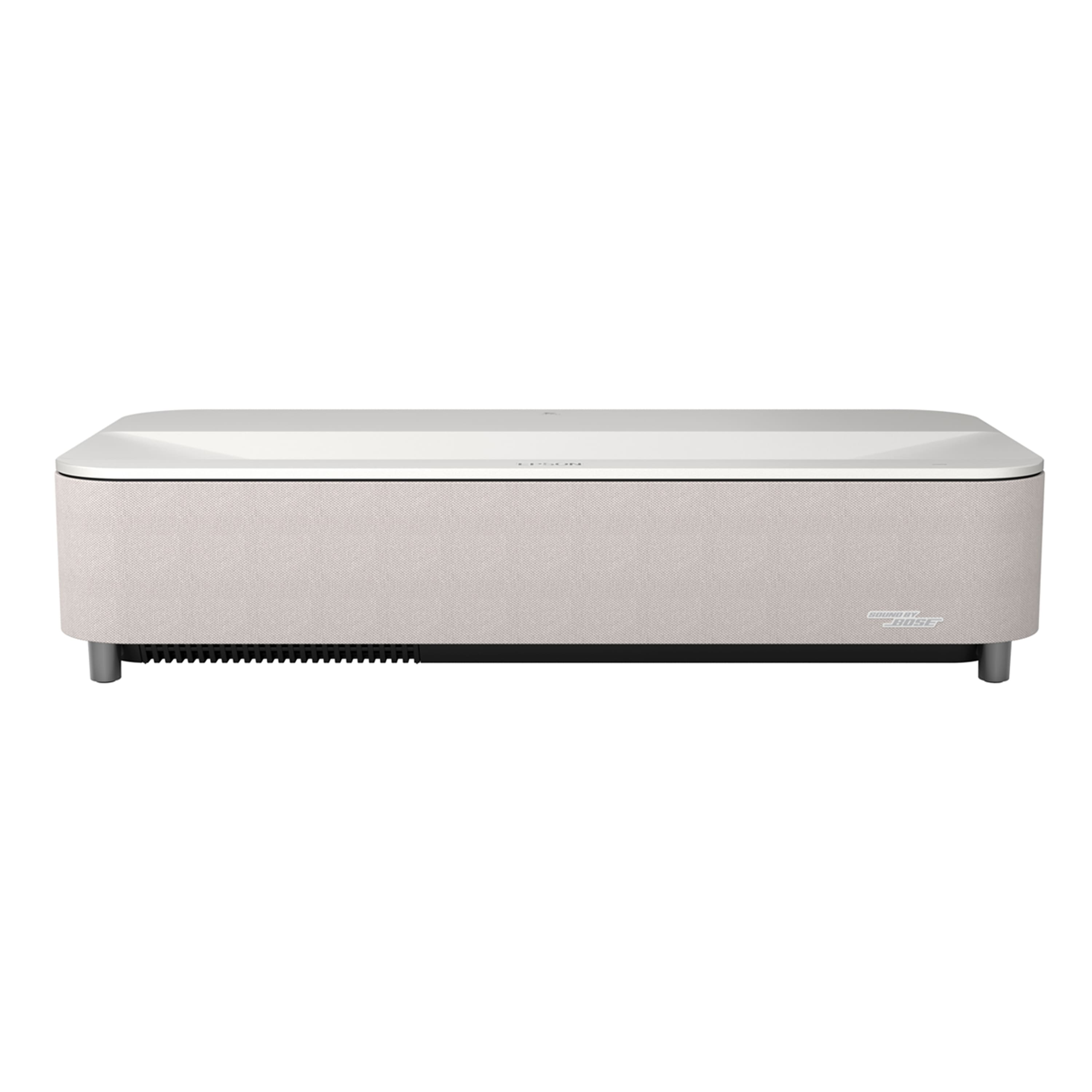
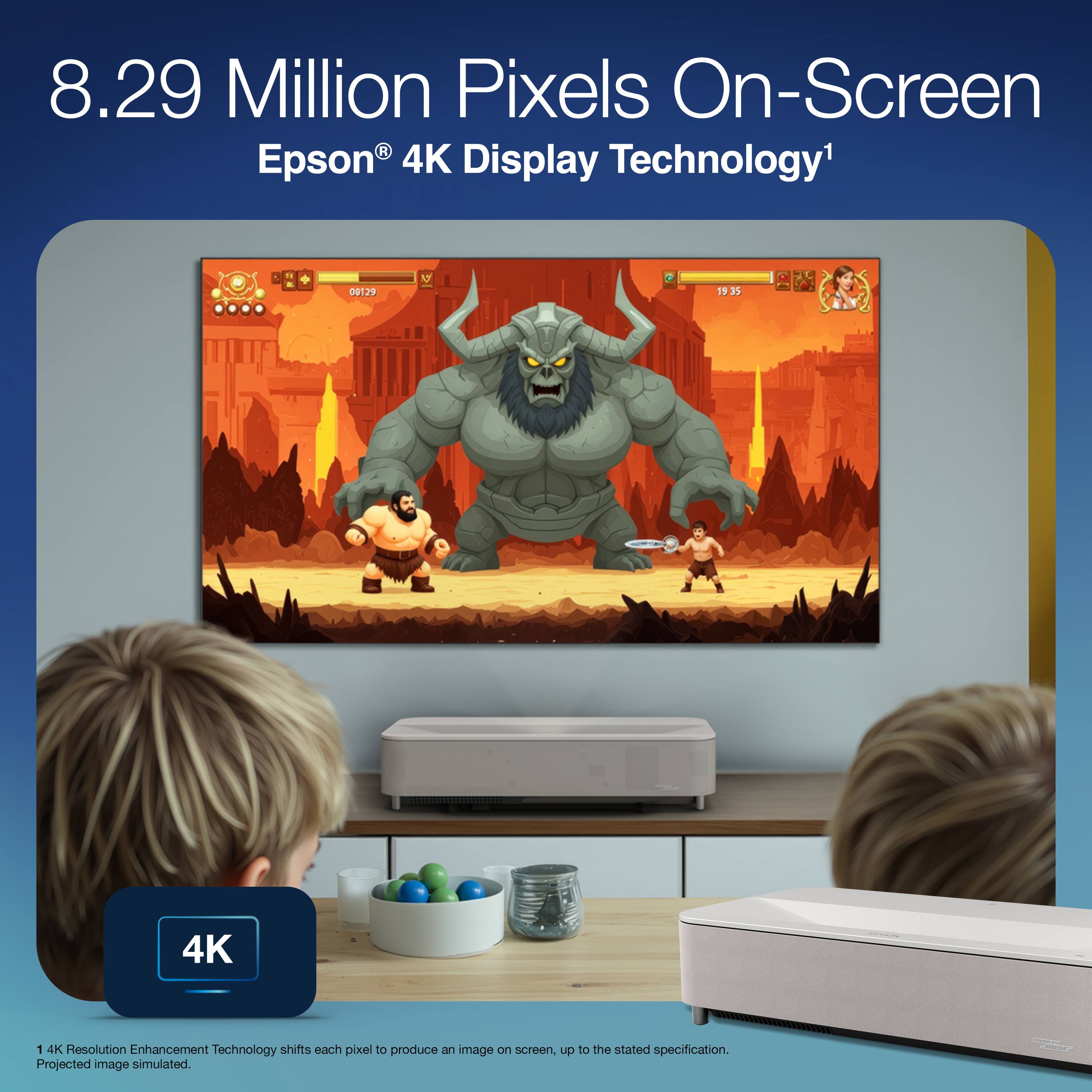
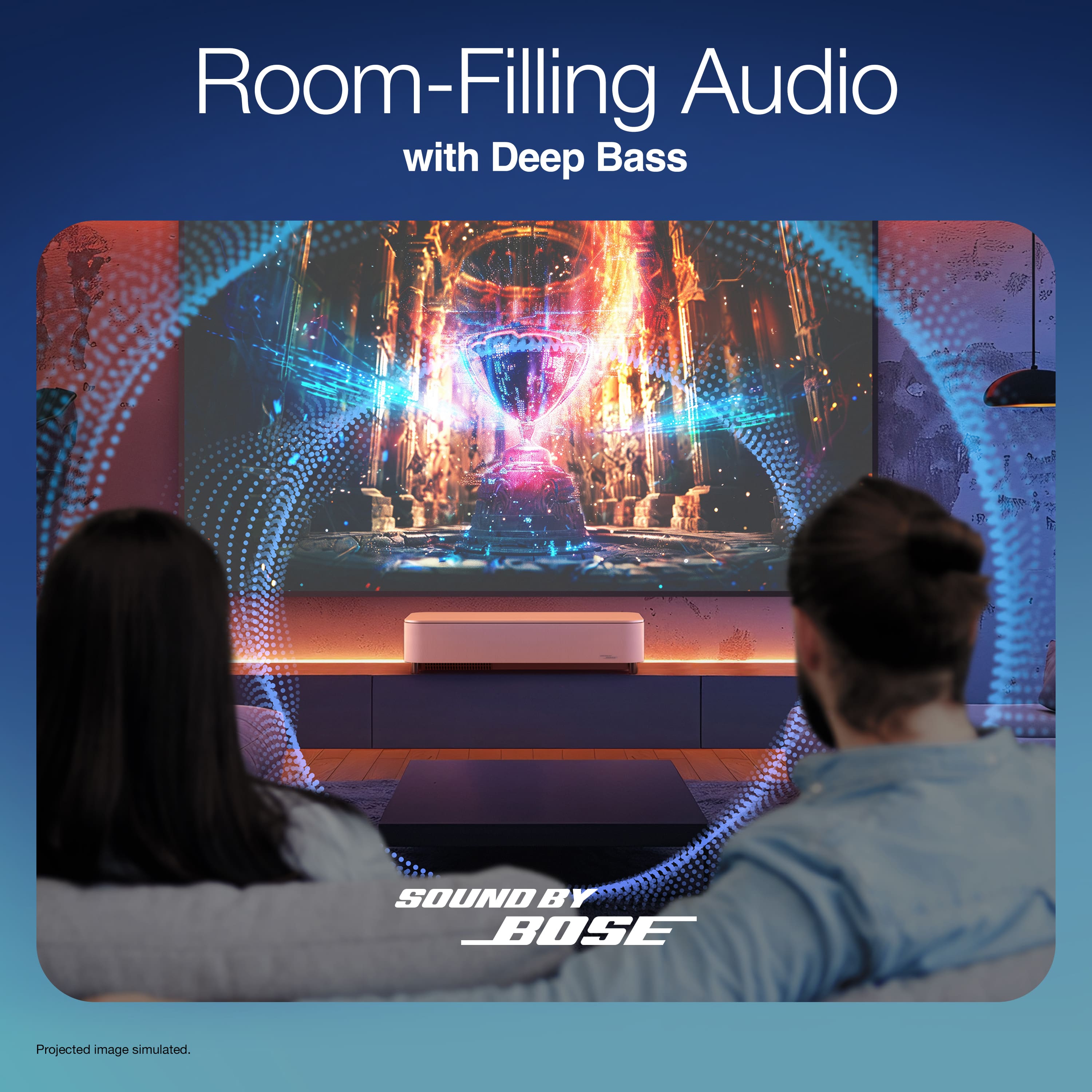
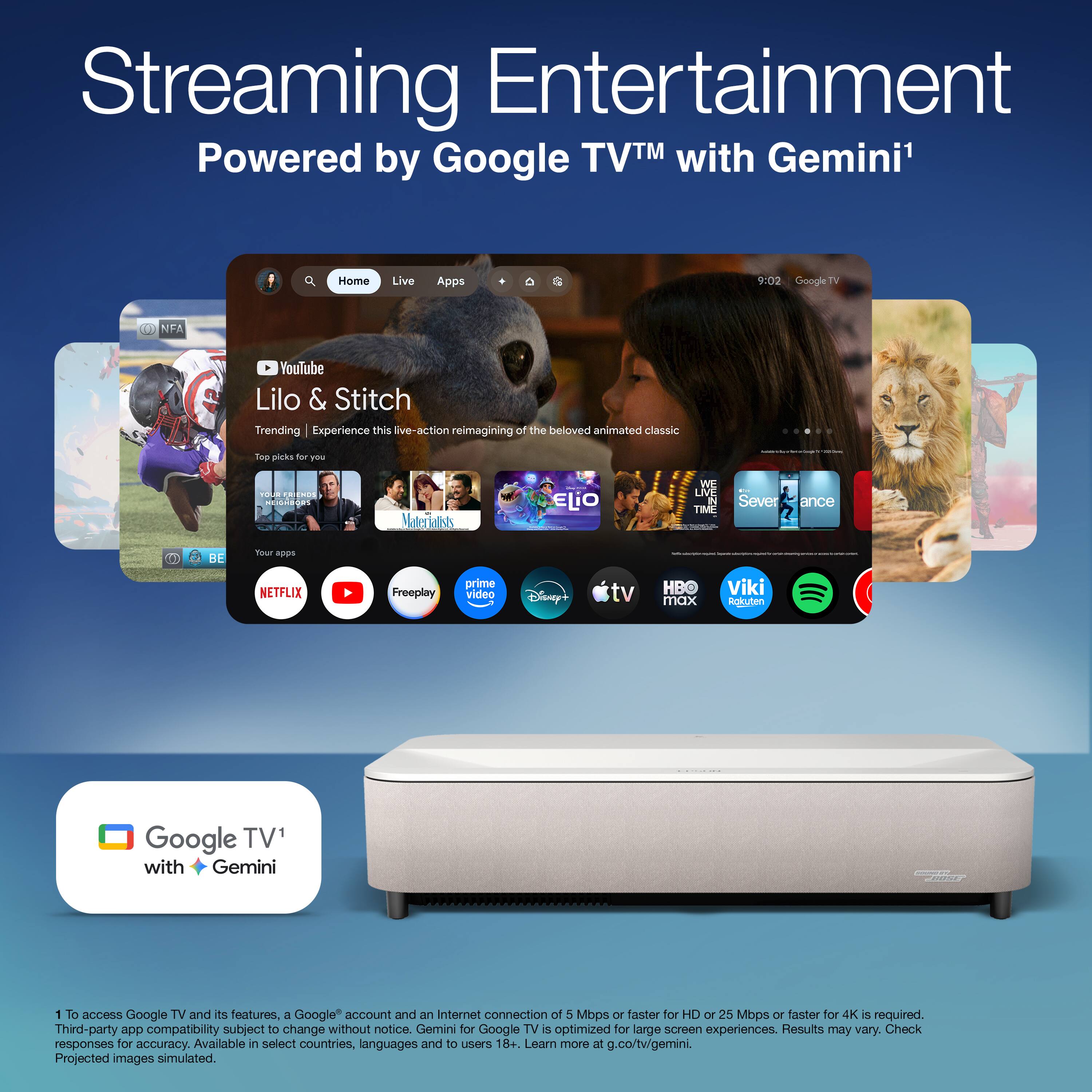
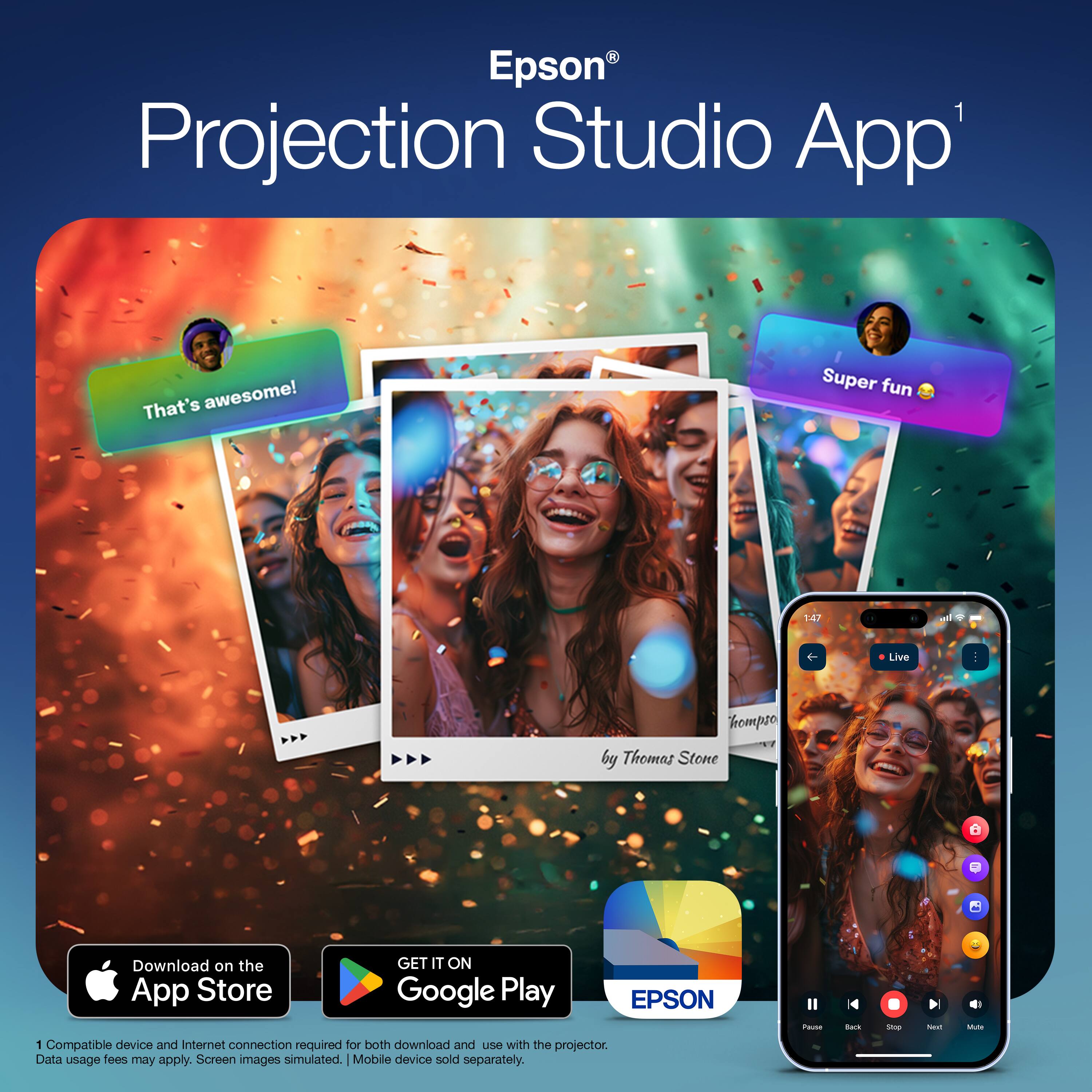
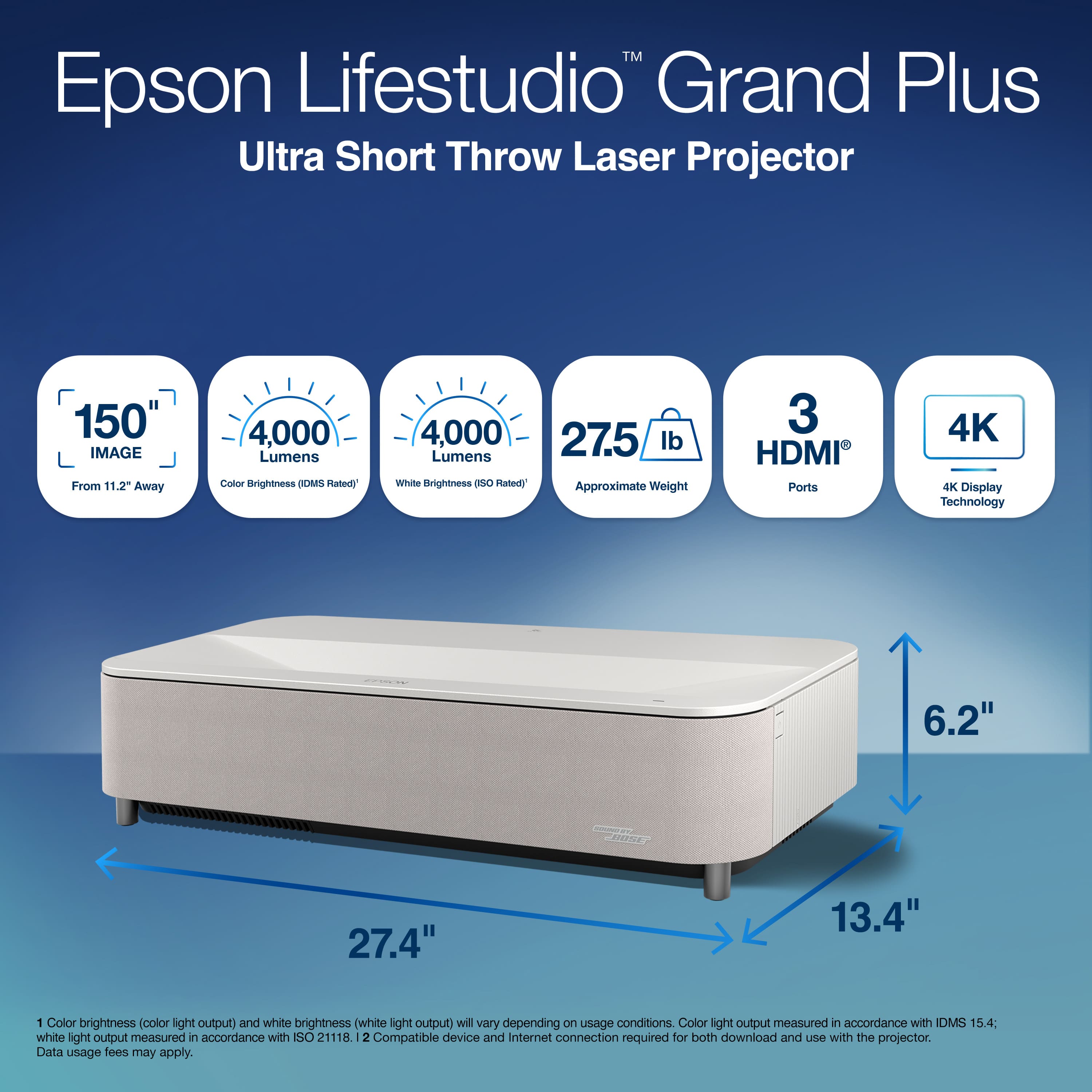
|Posted .This reviewer received promo considerations or sweepstakes entry for writing a review.Not all projectors are created equal. Ultra Short Throw (UST) Laser projectors in particular are in a whole different league of their own. With UST projectors, you can place the projector directly in front of your wall, like setting a TV on an entertainment unit. No longer do you have to deal with mounting a projector to the ceiling, and you’ll endure way less finicking with the projector’s distance from your screen/wall to ensure you achieve your desired screen size. So, when I got my Epson Lifestudio Grand Plus projector I was extremely excited to experience the hype around these relatively new style of projector. Here’s what I liked and didn’t like about the projector. Pros: • As with all UST projectors, this thing is designed to sit right up close to your wall and project the image from a short distance. What sets this projector apart is that it can truly be thought of as a TV replacement projector. Instead of placing a TV on your entertainment unit, you set this thing down and it’s an all-in-one solution with a smart TV platform and soundbar built in. • The Grand projector gets super bright, as is one of the advantages of laser projectors. It boasts up to 4000 lumens, though that’s peak brightness that you’ll likely only achieve with HDR content. And while you don’t need a completely dark room for this projector, without an ambient light rejecting (ALR) projector screen your image will deteriorate depending on how bright the room is. • The 4K content is super crisp and detailed, with HDR content looking exceptional. • The Bose speaker that’s built into this thing is impressive. It’s as good as just about any sub-$400 soundbar that I’ve heard, even without a dedicated subwoofer. Though you can always export that duty to an AV system or a soundbar via optical, HDMI ARC, or Aux/Headphones. • There’s plenty of connectivity options available with 3 HDMI ports (one serves as HDMI ARC), two USB A ports, an optical out, and an auxiliary output. Though, these might not be necessary due to the built in Bose speaker and it’s smart TV functionality (which brings me to my next bullet point…) • The Google TV operating system this thing has built into it is just as good as a stand-alone Google TV streamer. Every streaming service you could possibly want is available, and it means that you don’t have to plug in an external device to even make this projector usable. Just log into your Wi-Fi and your google account, download your streaming service’s apps, login, and you can start watching. • The remote is super simple and clean, making navigation on Google TV very easy and intuitive. • In general, the lifespan of laser projectors vs lamp/bulb lit projectors is much higher. So that means less maintenance over the life of the projector Cons: • Just like any other projector, the fans do kick on and you can hear them a little bit while watching content. Though this is a minor thing given the quality of the speaker, size of the image you get, and quality of the picture you get. • There is no auto-adjusting feature built into this projector. I’ve seen other projectors, especially those in this price range, with auto-focus tech that makes it super easy to get the picture perfectly squared up on your projection surface or screen. This projector does not have that. What you do have is the option to either manually adjust the corners and edges of the projected image with the included remote, or by downloading an app and scanning a projected image with your phone’s camera and adjusting your projection area via your phone. The phone app method in theory sounds like it should work better and quicker than manually adjusting with the remote, but each time I tried to scan the projected image it gave me error messages that it couldn’t read/sense the corners and edges. • While you could potentially get by without a good quality projector screen (in theory), and while this thing is super bright even with some light in the room, you’d be much better suited to have an ambient light rejecting (ALR) projector screen. And while that might seem obvious, some of these screens cost as much as buying another 75-100” 4K TV. So, when this projector costs as much as it does, you’re really only buying half of your total setup. Now this projector is great, and I believe the best is still to come with this projector. And that’s because it arrived as I was in the process of moving across town and half of my house (including most of my home entertainment/theater setup) was all packed up. Now that I’ve moved, I’m currently looking to get myself an ALR screen for the best overall experience I can get. All that said, this is an impressive offering from Epson, and if you’re looking for a great home theater experience that’s basically a TV replacement, don’t cross the Lifestudio Grand projector off your list.
I would recommend this to a friendA Truly Fun Experience
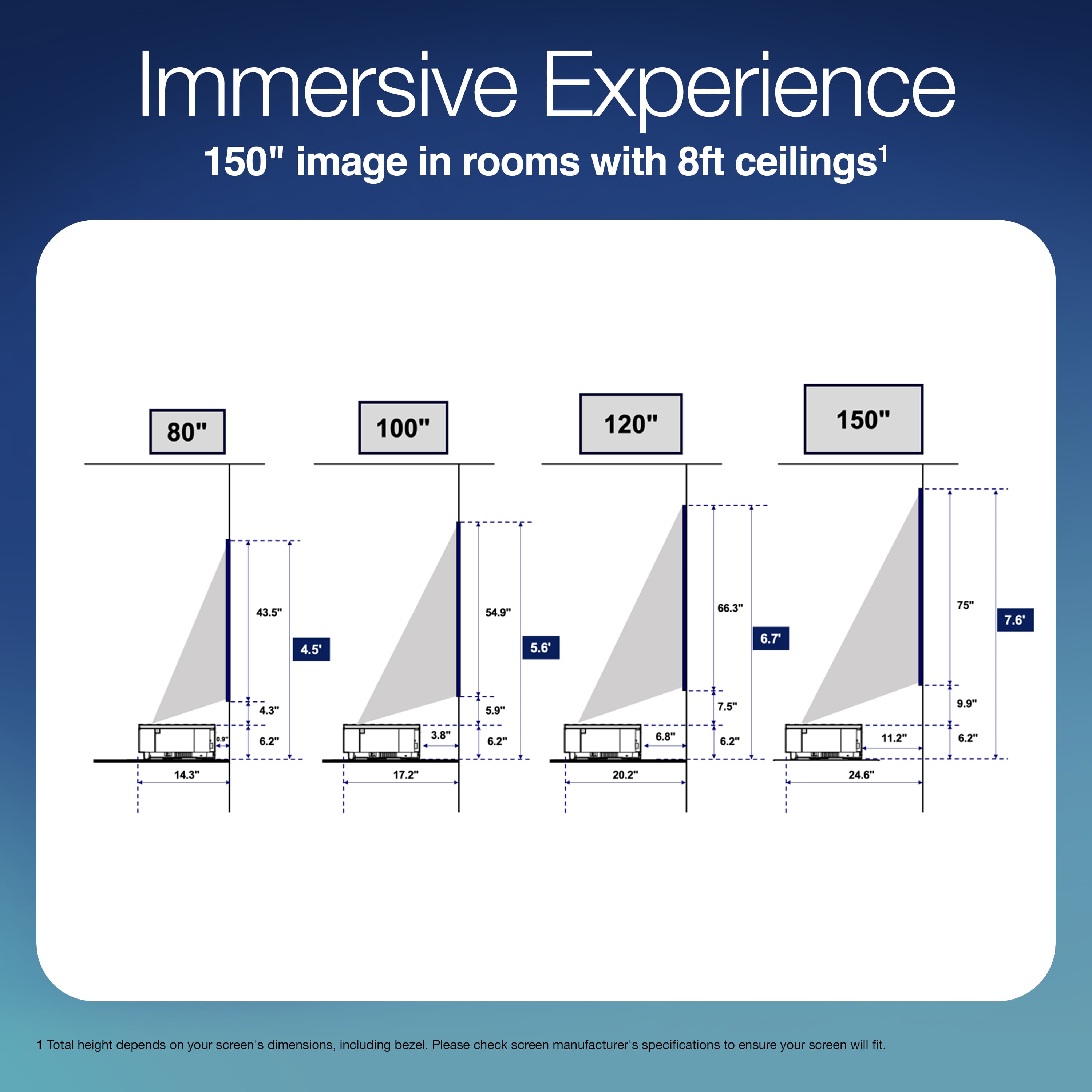
|Posted .This reviewer received promo considerations or sweepstakes entry for writing a review.I have been testing out the Epson Grand Studio Plus for a few weeks now and truly feel like I understand the draw to projectors now. TV’s will always have their advantage such as brightness, contrast and black levels. However, the vibe and size factor of a projector is something that is very difficult to replicate with a TV dollar for dollar. Image Quality: First of all, this projector is a 4K beast that gets very bright for a projector. It uses laser technology which allows it to display significantly more colors on a more vivid presentation. The result is something that feels very, very closer to an LED TV if the room is dark. I typically tested the projector at a 120 inch display size. That required roughly 6.7ish inches of space from the projector to the wall. From my understanding, that is class leading or in the top of the class. This means finding a spot for your projector will be easier than perhaps some competitor products and especially compared to traditional non ultra short throw models. So how does the image actually look? In a dark room this is kind of a life changing experience. Having a 120-150 inch display at home is a gamechanger. You can sit up close and feel like you are at a mini movie theater. That’s really the win here. We can talk all day about black levels, HDR, and other display jargon but none of that really registers in your head with this projector. That’s not because those attributes aren’t excellent, but rather the inner child in you of having this obnoxiously large display takes over. Seriously, I couldn’t stop smiling. Isn’t that ultimately what it’s all about when you spend this amount of money on a luxury toy? Some of the more technical wins are an HDMI 2.1 port. If you’re a serious gamer then you know that means 4K 120FPS is present. That alone on a projector is insane. Combine that with pretty low input lag and you have an absolute monster game night setup. I had friends over to play mario kart and smash ultimate. Listen, this took the experience to the next level. It felt like couch gaming was back because this massive display made it feel novel again. This is what I mean by “vibe”. A massive projector screen gives you a vibe that’s virtually impossible to replicate with a TV. Build/Sound/Remote: The build quality is excellent. It’s a solid, heavy unit that feels like it was built with good material choices. It sits up on four legs that gives it an elegant look, and the sound strip wraps around the front of the projector facing the users. The sound itself is obviously never going to replace a proper sound system or a even a sound bar, but it was more impressive than I expected. If I had to bring this to a friend’s house the sound would be more than good enough. If you aren’t much of an audiophile, I think you will be quite happy. The remote is my only nitpick. It feels like projectors still have one foot in one foot out with remotes. They are somewhere between a stream stick remote and a flagship tv remote. My complaint is you are paying flagship level prices but getting a borderline streaming stick remote. There’s no backlight, that’s the real problem here. Especially when we are talking about a projector, which will be preferably used in dark rooms. I will say, at least it has a Google Gemini button which is a nice addition and makes it easier to navigate the UI. Google TV itself is good, no complaints. Do I wish they would’ve gone for it and designed a flagship level TV remote? Yes, but I would never sway away from purchasing this projector just because of that. The overall experience is magical, novel, and will leave you giggling at the absurdity of it all. Can’t wait for football season.
I would recommend this to a friendTheater simplified!
|Posted .This reviewer received promo considerations or sweepstakes entry for writing a review.I've been looking to upgrade my theater space for a while and wanted to streamline things. This Epson Lifestudio Grand Plus does that. All you really need are this projector, a cabinet, and a screen. My set up may be a little unique because I started by just upgrading my electronics. I wanted to keep my layout the same. My screen has to be in a specific spot. If you have the space and the option of choosing your height, installing the projector will be a breeze. Just project an image on the wall the size you want, (up to 150 inches!) and mount the screen there. I had to find a specific shorter cabinet to get the height and distance I needed. With this being such an ultra short throw, it was a little challenge. This projector doesn't offer as much adjustment as my last one, but definitely worth it. I love the fact that this epson is an all in one unit, almost. The built in Google TV (my favorite streaming option) is great, no extra device and cords to add there. The built in Bose speakers sound rich and full, possibly eliminating the need for external amp and speakers, or a sound bar. I say possibly because they are good enough for TV watching and party presentations but not for movies. You really want, nay need, a sub for big movie sound. So I did have to keep my big soundbar. I'm quite surprised that no wireless sub is even offered as an option. This Projector does produce a big beautiful & bright picture! I am blown away by it! I actually have the brightness set at 50 for most TV watching. Bright scenes and white ads that pop up were just too jarring. I do boost it for "darker" movies. I have it in a light controlled space, pretty dim with just some accent lights for optimal viewing. There is a lamp on each side (60 watt bulbs) I can have on with no washing out of the picture. If I'm working on things in the room, I can have the overhead lights on and still see the picture. I sampled different screen materials from silver ticket screens and chose the light Grey for my space. If I had this in a brighter communal space with big windows, or more light in general, an ALR screen is what I would have definitely gone with. The ambient light rejected was definitely noticeable. You will definitely want a fixed stretched screen or a flawless wall. This projector is unforgiving of any flaws, wrinkles, or waves. Being nit picky about this projector, I don't like the remote. Epson failed here. It is small and cheap. Definitely not premium enough for a projector in this class. It doesn't even have a mute button! What? I'll be looking for a replacement. Overall I'm thrilled with this Epson Lifestudio Grand Plus and do definitely recommend it.
I would recommend this to a friend