Customer Ratings & Reviews
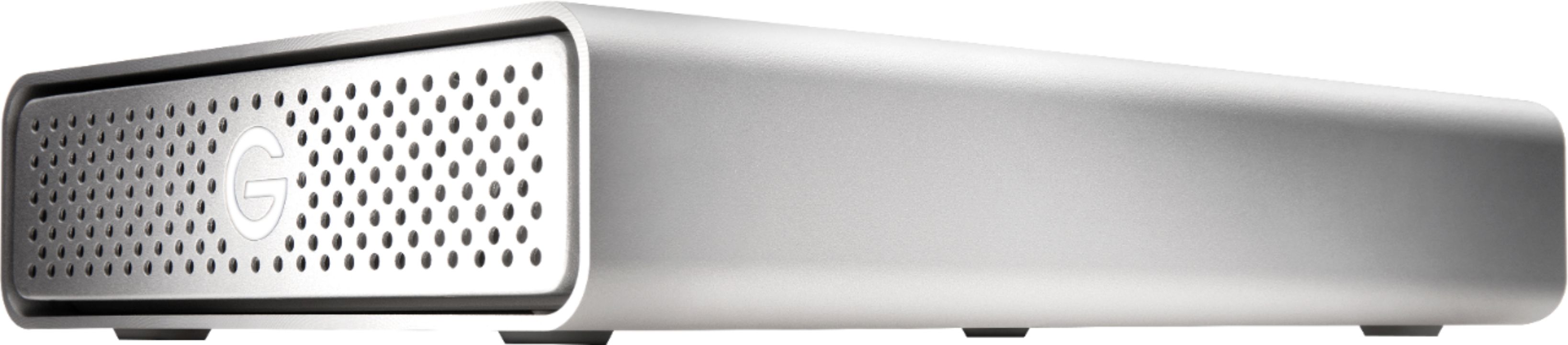
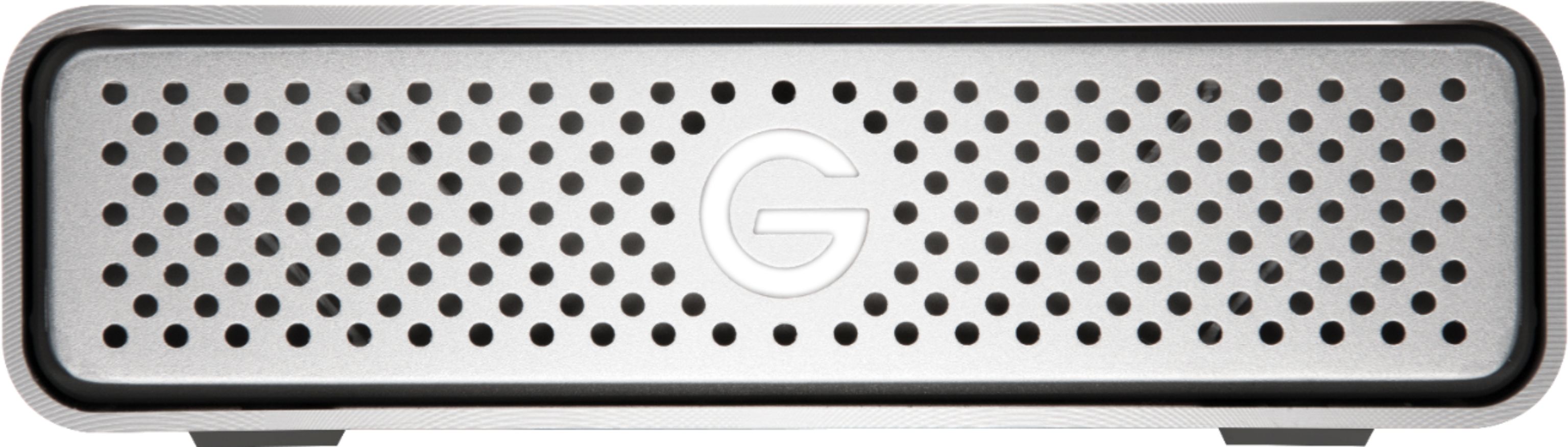
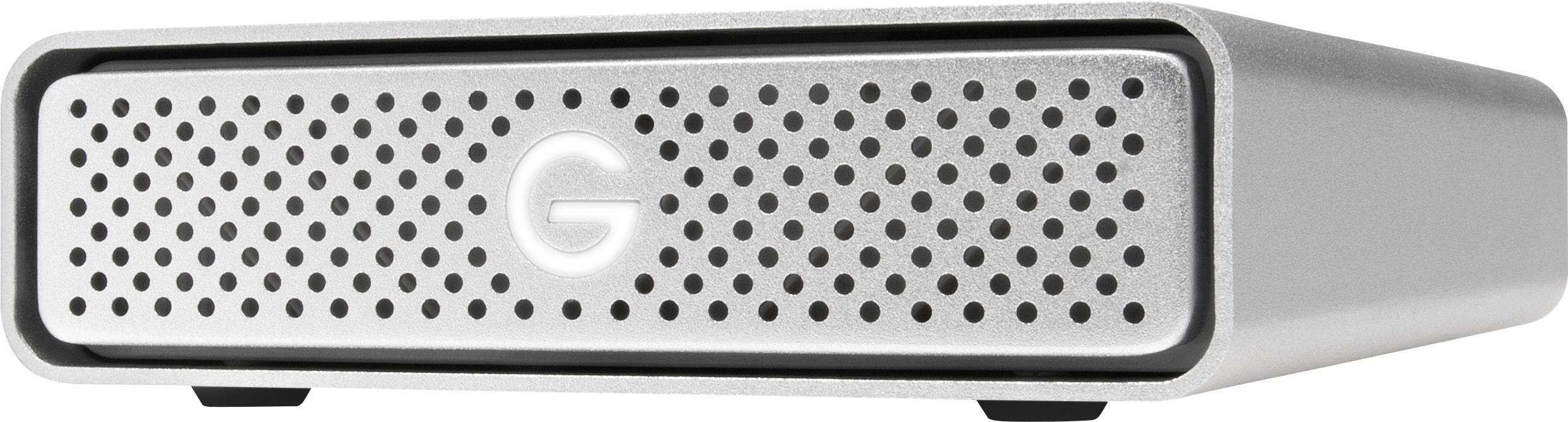
- Model:
- 0G05666
- |
- SKU:
- 5790500
Customer reviews
Rating 4.7 out of 5 stars with 455 reviews
(455 customer reviews)Rating by feature
- Value4.5
Rating 4.5 out of 5 stars
- Quality4.7
Rating 4.7 out of 5 stars
- Ease of Use4.7
Rating 4.7 out of 5 stars
Customers are saying
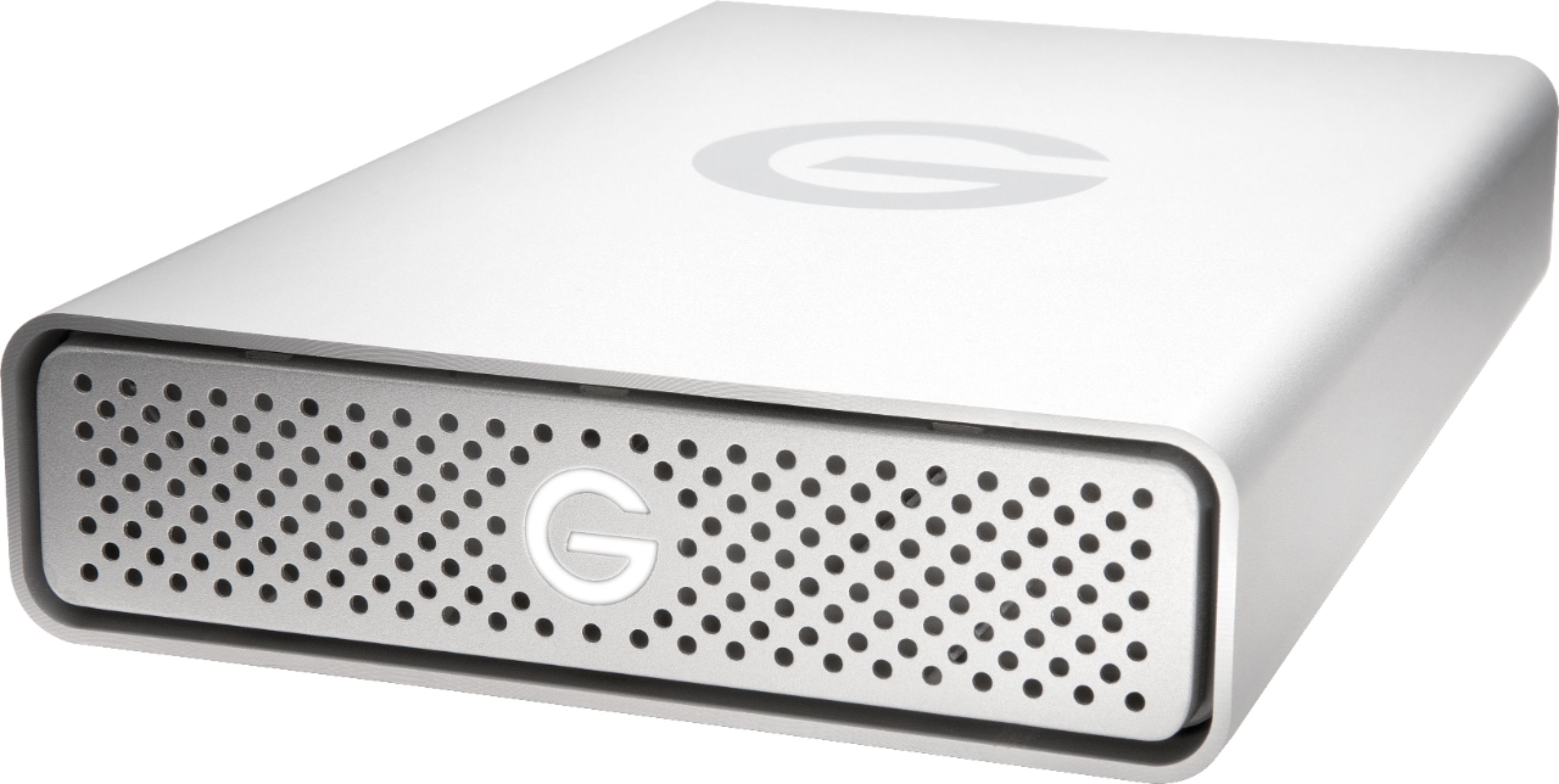
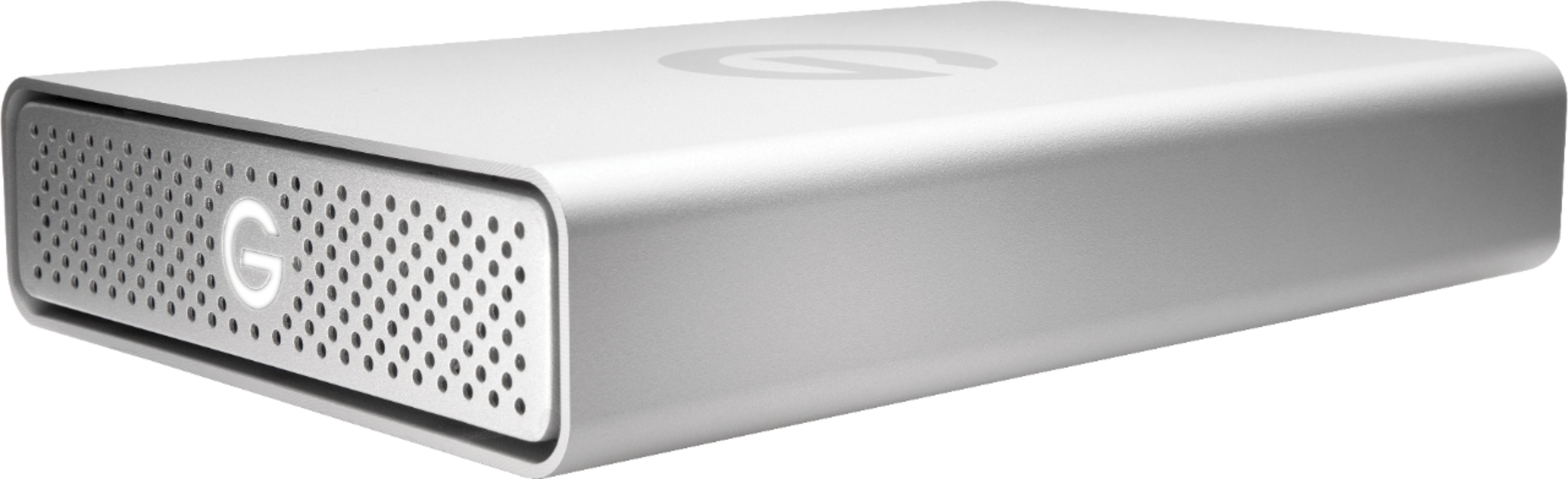
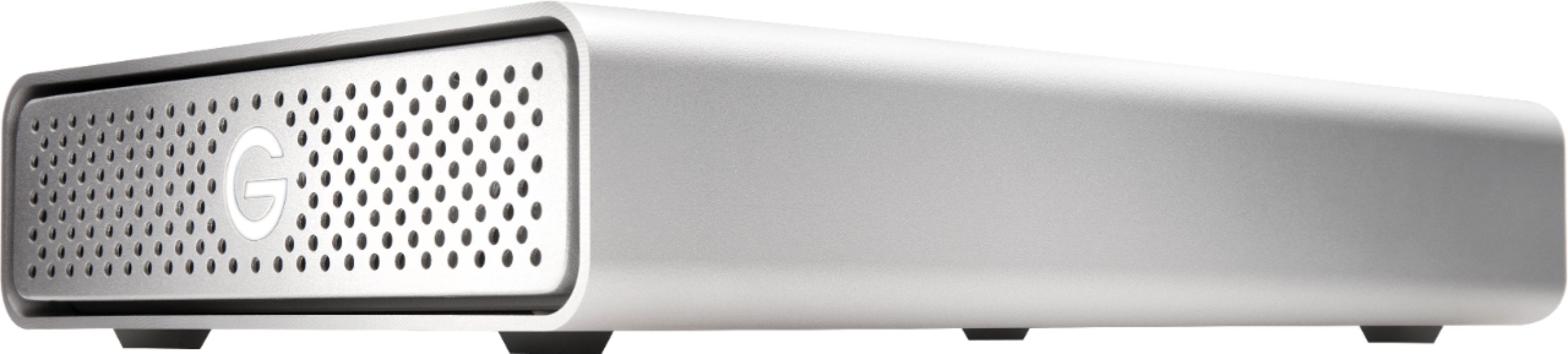
Customers highly value the G-DRIVE USB-C 4TB Desktop Hard Drive's large storage capacity, ease of use, and USB-C connectivity, frequently praising its seamless integration with MacBooks and excellent price. Many appreciate its quiet operation. A minor drawback mentioned by some users is the drive's relatively large size and weight.
This summary was generated by AI based on customer reviews.
- Pros mentioned:Speed, Storage
Rated 5 out of 5 stars
Great media storage.
||Posted . Owned for 1 month when reviewed.This reviewer received promo considerations or sweepstakes entry for writing a review.It's fast. The interface is good when is connected to the computer. I think It's a great choice for photographers or media creators for a main backup or storage.
I would recommend this to a friend Rated 5 out of 5 stars
4TB HARD DRIVE
||Posted . Owned for 1 month when reviewed.This reviewer received promo considerations or sweepstakes entry for writing a review.Wow!!!! it was just what I wanted and more, works perfect with my Mac
I would recommend this to a friendRated 5 out of 5 stars
Great External Hard Drive For Storage.
||Posted . Owned for 3 weeks when reviewed.This reviewer received promo considerations or sweepstakes entry for writing a review.G-Tech Drive is working fine so far! Could cost little less!
I would recommend this to a friend- Pros mentioned:Ease of use, Storage
Rated 5 out of 5 stars
G Drive
||Posted . Owned for 1 month when reviewed.This reviewer received promo considerations or sweepstakes entry for writing a review.This is the brand I should have originally purchased for my MacBook Pro. Apple Tech Support strongly recommended that I regularly back up my laptop using Time Machine and said that 4TB would be ample storage to get. To save some money, I had purchased a different brand that had to be configured for use on a Mac. That WD unit lasted only 1.5 years and recently began to give me fits. This time I opted to go for quality and pay for the unit that is recommended by Apple. This G Technology Hard Drive came configured for instant use with my Mac. It was easy to set up and even easier to use. I'm thrilled that this drive actually has a light to indicate that it is on. My other drive had no indication whatsoever that it was even plugged in. I highly recommend this G Technology Drive. It's well worth the money!
I would recommend this to a friend - Pros mentioned:Speed
Rated 5 out of 5 stars
5400 RPM drive, 150 MB/s transfer, Quiet sound
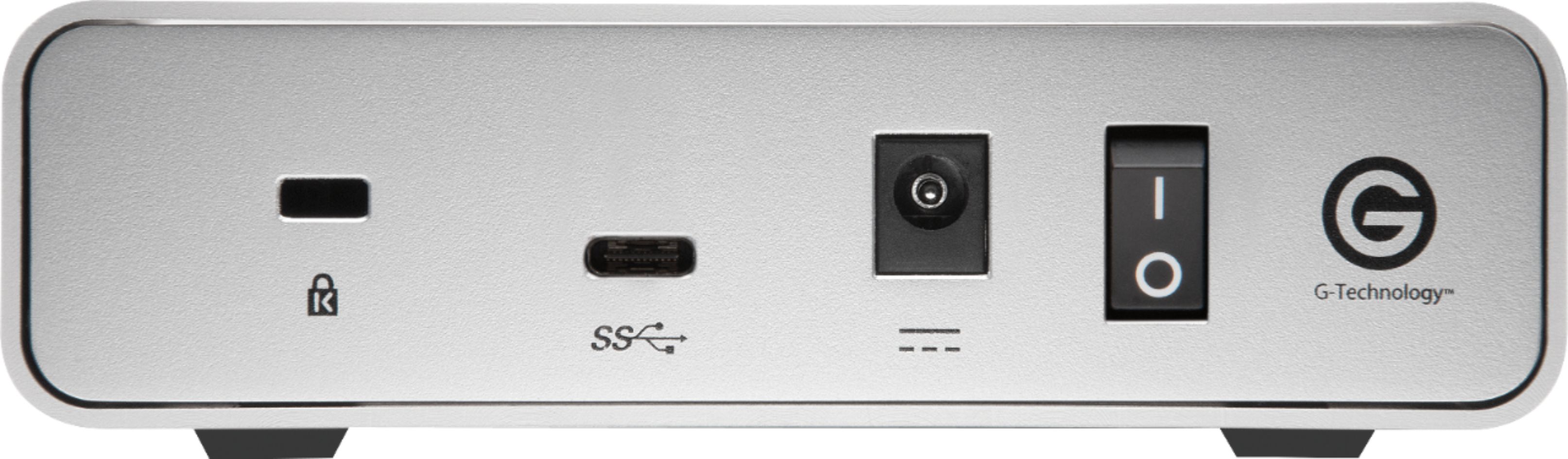
||Posted .This reviewer received promo considerations or sweepstakes entry for writing a review.Each model has slightly different transfer speeds. The 4TB model's speed is 150 MB/s, the 8TB model's speed is 180 MB/s, and the 10TB model's speed 195 MB/s. Since this is a 5400 RPM drive, you will never get close to the theoretical max of 1.25 GB/s transfer from USB 3.1 Type-C Gen 1. The 5400 RPM drive means it runs quieter and cooler than a faster 7200 RPM drive. The power switch on the back lets you turn off the drive when not in use, thus increasing the lifespan. Other Western Digital models (their parent company) do not have a power switch so you need to physically unplug it from the outlet. The USB 3.1 Type-C Gen 1 connector allows you to charge your laptop & transfer data with ONE cable. Most new laptops have this Type-C charging capability. The old rectangular USB connector does not allow charging of large devices. The product comes with two cables: (1) "USB Type-C to Type-C cable" and (1) regular "USB Type-C to USB Type-A" cable. The default drive format out of the box is Mac OS Extended Journaled (aka. HFS+ format) which you should keep if you're using a Mac. You should not reformat to the newer APFS format because APFS only benefits SSD drives and it will only increase the noise of traditional spinning HDDs (like this one). For Windows users, you will need to reformat the drive to NTFS if you only intend to use Windows computers. If you intend to use both Windows and Mac, just keep the drive in its default HFS+ format because G-Drive gives you compatibility software that lets you read & write to HFS+ format! Just use the provided driver (located in the drive). If you have like 5 Windows and 2 Macs, just copy/paste that driver and install it on all your Windows. Keep it simple. Due to the low speed of this drive, it should be used as a storage drive, not as a daily work drive for things like Photoshop, SolidWorks, Adobe Premier, etc. This drive sits on your desk, looks nice for the wife or gf, stays quiet, doesn't get too hot, and comes with all the drivers (free) for Windows compatibility.
I would recommend this to a friend - Pros mentioned:Speed, Storage
Rated 5 out of 5 stars
great personal external storage disk for home
||Posted . Owned for 1 month when reviewed.This reviewer received promo considerations or sweepstakes entry for writing a review.This external disk required NO SETUP to work with my new MacBookPro! It's fast, quiet, compact to sit on a desk, and has plenty of storage for all my photos with room to spare for backups.
I would recommend this to a friend - Pros mentioned:Speed, Usb-c
Rated 5 out of 5 stars
Nice BackUp Drive for Mac
||Posted . Owned for 3 weeks when reviewed.This reviewer received promo considerations or sweepstakes entry for writing a review.This is really plug and play. Set it up for auto backups right out of the box. Paying double for the Thunderbolt didn't make sense to me and this drive has never stalled or takes any longer that I noticed so the USB-C does the job. I'm sure over time when the drive gets full, it may slow down, but just delete the old back ups. And when Time Machine is on and backing up, the drive doesn't slow down my machine either. It's also pretty sleek and doesn't take up space.
I would recommend this to a friend - Pros mentioned:Price, Speed, Storage
Rated 5 out of 5 stars
Great Value
||Posted .This reviewer received promo considerations or sweepstakes entry for writing a review.Was looking for a large bar drive with a reliable name. Can't go into a professional studio and not as G-Drives everywhere. Great price for a simple aorqge solution. Really fast and perfect for a new MacBook owner.
I would recommend this to a friend - Pros mentioned:Price, Storage
Rated 5 out of 5 stars
GREAT PURCHASE; NO REGRETS
||Posted . Owned for 3 weeks when reviewed.This reviewer received promo considerations or sweepstakes entry for writing a review.As a filmmaker, it's important to keep a hard copy of all my past projects, I streamlined my workflow with this G-Drive right here by storing all of my past projects on this device, and working off of my Samsung T5 SSD when editing in Premiere Pro. I wouldn't suggest working off of this device as it isn't the fastest (I'm dealing with 4k RAW Footage) but it does a great job for the price by storing all of my past projects. Not to mention it looks sexy just sitting on my work desk. Msg me on IG if you have any Q's @resendizfilms. Cheers!
I would recommend this to a friend - Pros mentioned:Ease of use
Rated 4 out of 5 stars
Nice substitute for Time Capsule
||Posted .This reviewer received promo considerations or sweepstakes entry for writing a review.I've always had time capsules and decided to separate storage from wifi router. Rationale is that if one goes bad, you've not lost both. This 4G drive is plug and play. I put tape over the backlit G in the front as it's annoying when it's working. Otherwise I'd give it 5 stars.
I would recommend this to a friend - Pros mentioned:Speed
Rated 5 out of 5 stars
Nice looking and it does 45W of Power Delivery too
||Posted .This reviewer received promo considerations or sweepstakes entry for writing a review.This is a good choice for back-up of a MacBook. Black Magic disk speed is about 170 MB/s which is adequate once you've achieved the initial backup. It has nice look and feel.
I would recommend this to a friend - Pros mentioned:Speed
Rated 5 out of 5 stars
Perfect backup drive.
||Posted . Owned for 3 weeks when reviewed.This reviewer received promo considerations or sweepstakes entry for writing a review.I was looking at backup drives for sometime, finally decided on the G Tech 4 gig. I use this on a 2012 Mac Mini primarily, also backing up a MBP. The drive is very quite, not blazing fast but I also cannot take advantage of the USB 3.1 due to my Macs being a bit older. However plenty quick enough for archiving all of my photos and videos. I’ve had this drive for a month. No complaints at all, go ahead and add it to your cart.
I would recommend this to a friend - Pros mentioned:Storage
Rated 5 out of 5 stars
worth it
||Posted . Owned for more than 2 years when reviewed.This reviewer received promo considerations or sweepstakes entry for writing a review.i bought this to save stuff and it has kept my stuff safe
I would recommend this to a friend - Pros mentioned:Speed, Storage
Rated 5 out of 5 stars
Love this blazing fast unit
||Posted . Owned for 1 year when reviewed.This reviewer received promo considerations or sweepstakes entry for writing a review.So I am not the photo file or movie file power user, but I do use it to store and process my personal al photo files and drawing files, it copies in lightning speed and writes even faster. Lots of room and it is a rock solid device. I recommend it as a very reasonably priced storage solution on high quality equipment. If you are like me you will not be disappointed. Works great on my Mac.
I would recommend this to a friend - Pros mentioned:Speed
Rated 5 out of 5 stars
FAST
||Posted .This reviewer received promo considerations or sweepstakes entry for writing a review.This is hands down the fastest drive I have used. Don’t know if I will go to other drives after this!
I would recommend this to a friend - Pros mentioned:Storage
Rated 5 out of 5 stars
Working Great So Far
||Posted .This reviewer received promo considerations or sweepstakes entry for writing a review.I bought this drive to replace a faulty Western Digital 3TB My Book, which I just didn't like. I am using it to store about 50,000 photos and 750 videos which my 500MB internal drive could not handle. Since I bought it, I have been rebuilding my entire Lightroom catalog, so it has been working very hard. The drive is practically silent; if it weren't for the blinking blue "G", I wouldn't be able to tell it's working. That is a good thing. Only time will tell, if it holds up.
I would recommend this to a friend - Pros mentioned:Speed, Usb-c
Rated 5 out of 5 stars
Great backup drive for new Macbook Pro
||Posted .This reviewer received promo considerations or sweepstakes entry for writing a review.I purchased this drive because I wanted something that worked well with the new USB-C connections on the 2017 Macbook Pro. Very impressed. One very pleasant surprise - the hard drive powers the computer. So, you don't have to use up one of those precious ports for the drive by itself. Speed seems fast and setup took no effort at all. I use it for backups.
I would recommend this to a friend - Pros mentioned:Ease of use, Speed
Rated 5 out of 5 stars
Excellent HD easy to use and setup. Very fast and
||Posted .This reviewer received promo considerations or sweepstakes entry for writing a review.Excellent HD easy to use and setup. Very fast and quiet!
I would recommend this to a friend - Pros mentioned:Speed
Rated 5 out of 5 stars
HDS Technician
||Posted .This reviewer received promo considerations or sweepstakes entry for writing a review.This drive is really fast on the transfer times. I would recommend this drive as a BestBuy.
I would recommend this to a friend - Pros mentioned:Speed
Rated 5 out of 5 stars
Great desktop drive
||Posted .This reviewer received promo considerations or sweepstakes entry for writing a review.I’ve been wanting one of these for a few years. Was using a WD MyBook for external drive but didn’t liked the build quality, noise or speed. Never really trusted it, though it never let me down. Just didn’t give me that warm fuzzy feeling. Well after my 10 yr old Dell died it was time for a new desktop. I bought this 4TB drive a week later for photo storage and system backups. So far I’ve been very pleased. It’s faster, sounds better ( more professional if that makes sense or means anything ) and looks better to me. At first the light on the front was a little annoying at night but it’s easy enough to cover. Hopefully I’ll feel the same way about it in a few years. Time will tell. All I know is the warm fuzzy feeling is back and I’m diggin it.
I would recommend this to a friend