Customer Ratings & Reviews

- Model:
- GA02077-US
- SKU:
- 11201934
Rating by feature
- Value
Rating 4.0 out of 5 stars
- Quality
Rating 4.3 out of 5 stars
- Ease of Use
Rating 4.3 out of 5 stars
Sturdy outside camera withstanding cold weather!
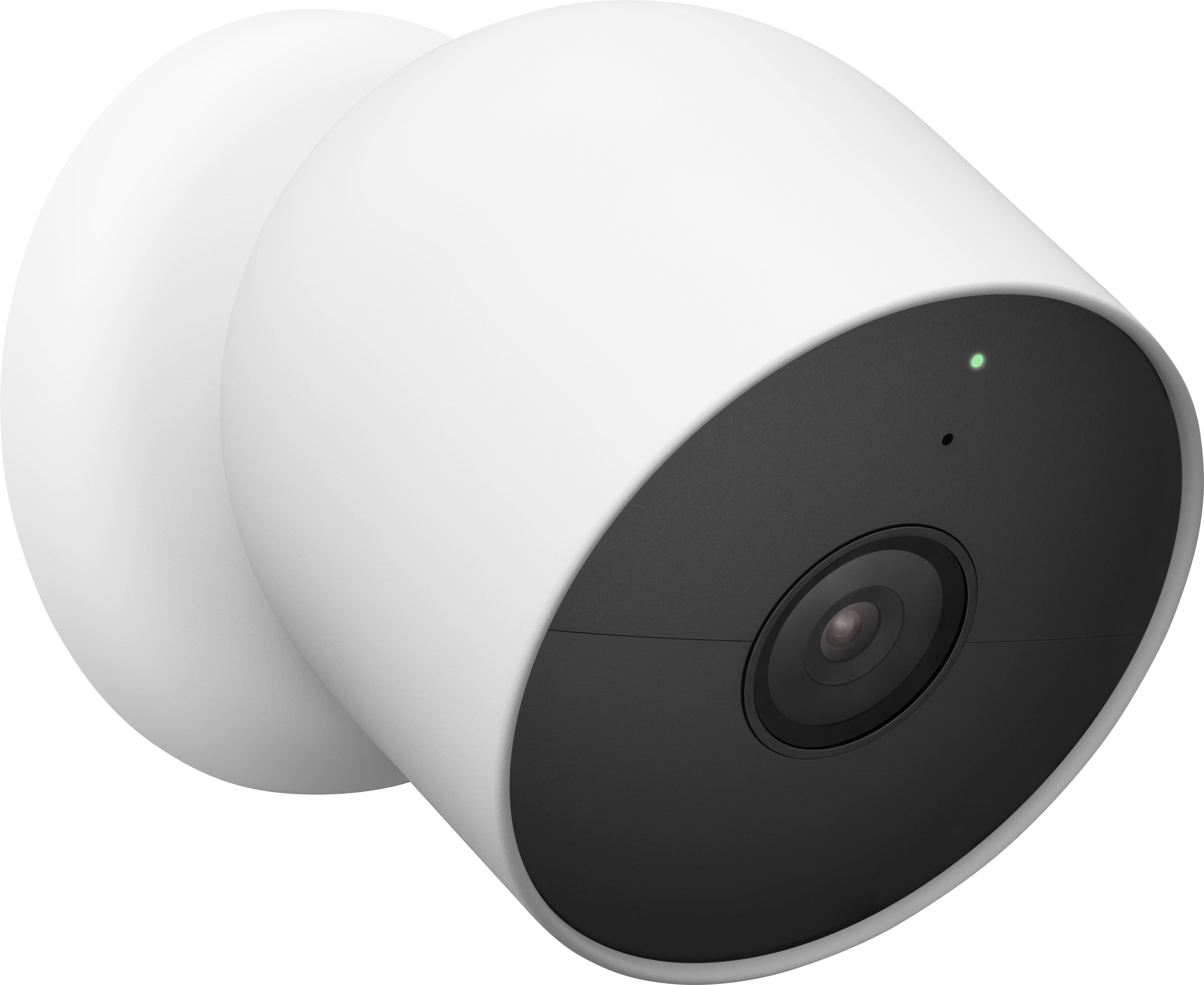
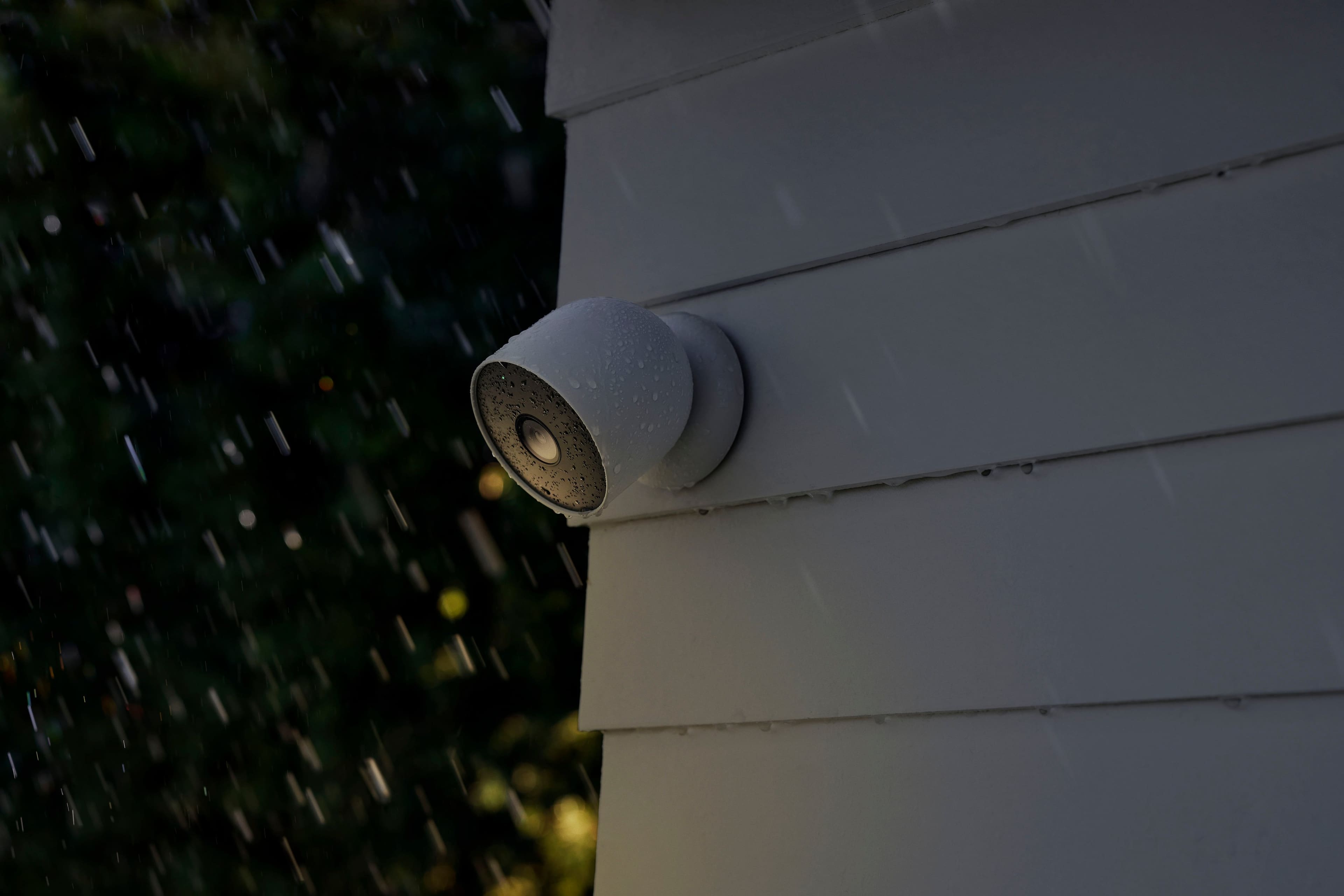
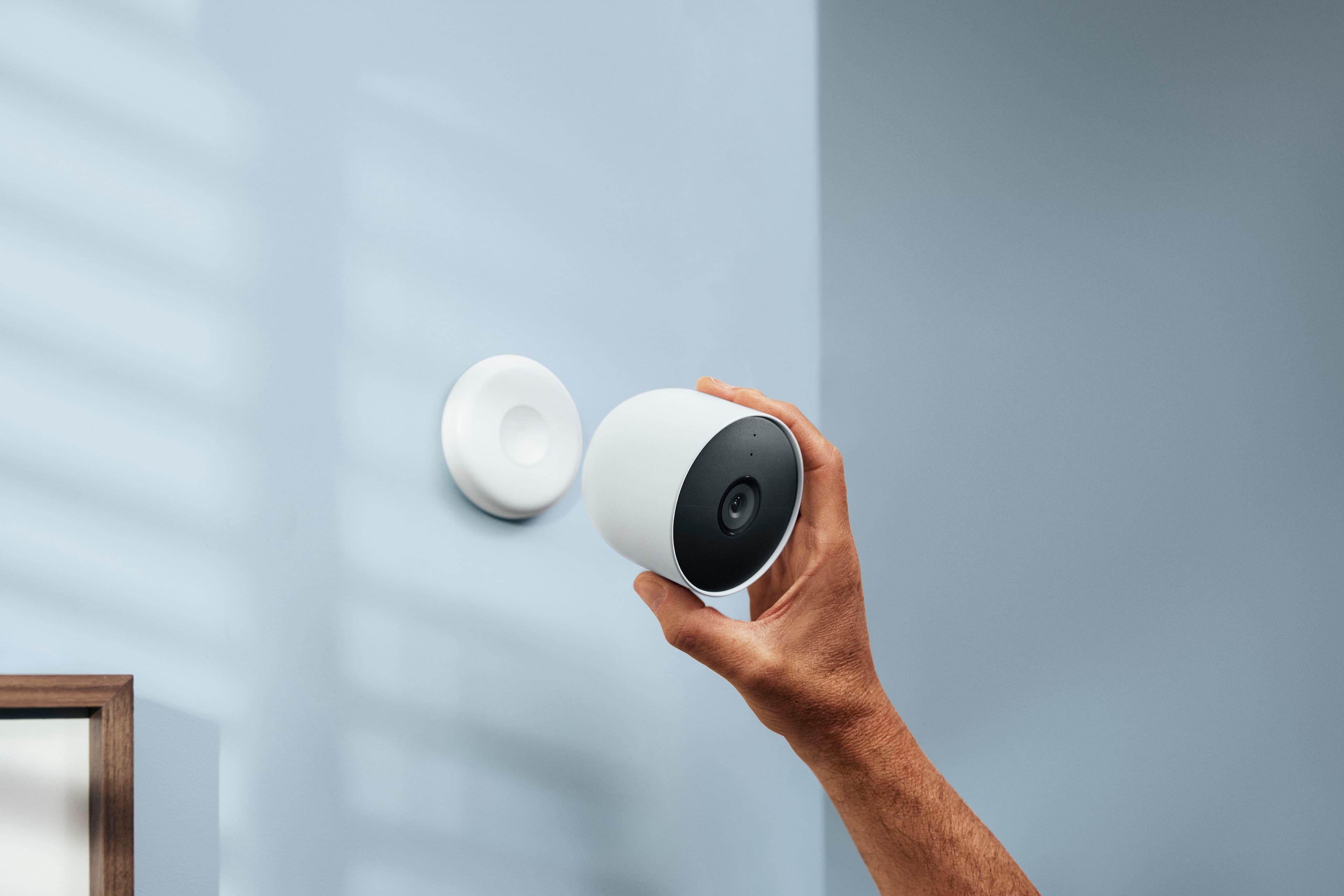
||Posted . Owned for 1 month when reviewed.This reviewer received promo considerations or sweepstakes entry for writing a review.Just what I was looking for. Easy set up and connect to my phone. Mounting was no problem. Been outside in the cold and always get a picture. I liked that I could adjust easily with magnetic mount.
I would recommend this to a friendYessir
||Posted . Owned for 3 weeks when reviewed.This reviewer received promo considerations or sweepstakes entry for writing a review.Really nice product I ain’t even gonna cal bro it’s cool
I would recommend this to a friendOk
||Posted . Owned for 1 month when reviewed.This reviewer received promo considerations or sweepstakes entry for writing a review.There are alot better cameras for cheaper price ..
No, I would not recommend this to a friendGood camera for the price goes out and Wi-Fi but O
||Posted . Owned for 3 months when reviewed.This reviewer received promo considerations or sweepstakes entry for writing a review.Good camera for the price goes out and Wi-Fi but OK
I would recommend this to a friendPerfect for vacation home!
||Posted . Owned for 2 months when reviewed.This reviewer received promo considerations or sweepstakes entry for writing a review.Perfect for our purpose. Long battery life which is perfect for a second home.
I would recommend this to a friendGoogle Nest Camera Battery not the best
||Posted . Owned for 1 month when reviewed.This reviewer received promo considerations or sweepstakes entry for writing a review.You cannot record 24/7 without it being hardwired. The event recording does not kick in immediately and does not catch every event so if you are using this for security it is almost pointless. The nest app was much better than the Google home app but these cameras do not work with the nest app. I would not have purchased these if I would have known that.
No, I would not recommend this to a friendBrand response from Nest Support
Posted .Hi Bitz, thanks for sharing your thoughts on Nest Cam (Battery). We´re sorry if the limitation for the 24/7 continuous recording feature didn't quite meet your expectations.
We wanted to provide better battery life for the Nest Cam (Battery), hence the reason for the limited option for the 24/7 video recording when it's not hardwired. Otherwise, the battery would drain within a very short amount of time without hardwiring Nest Cam (Battery).
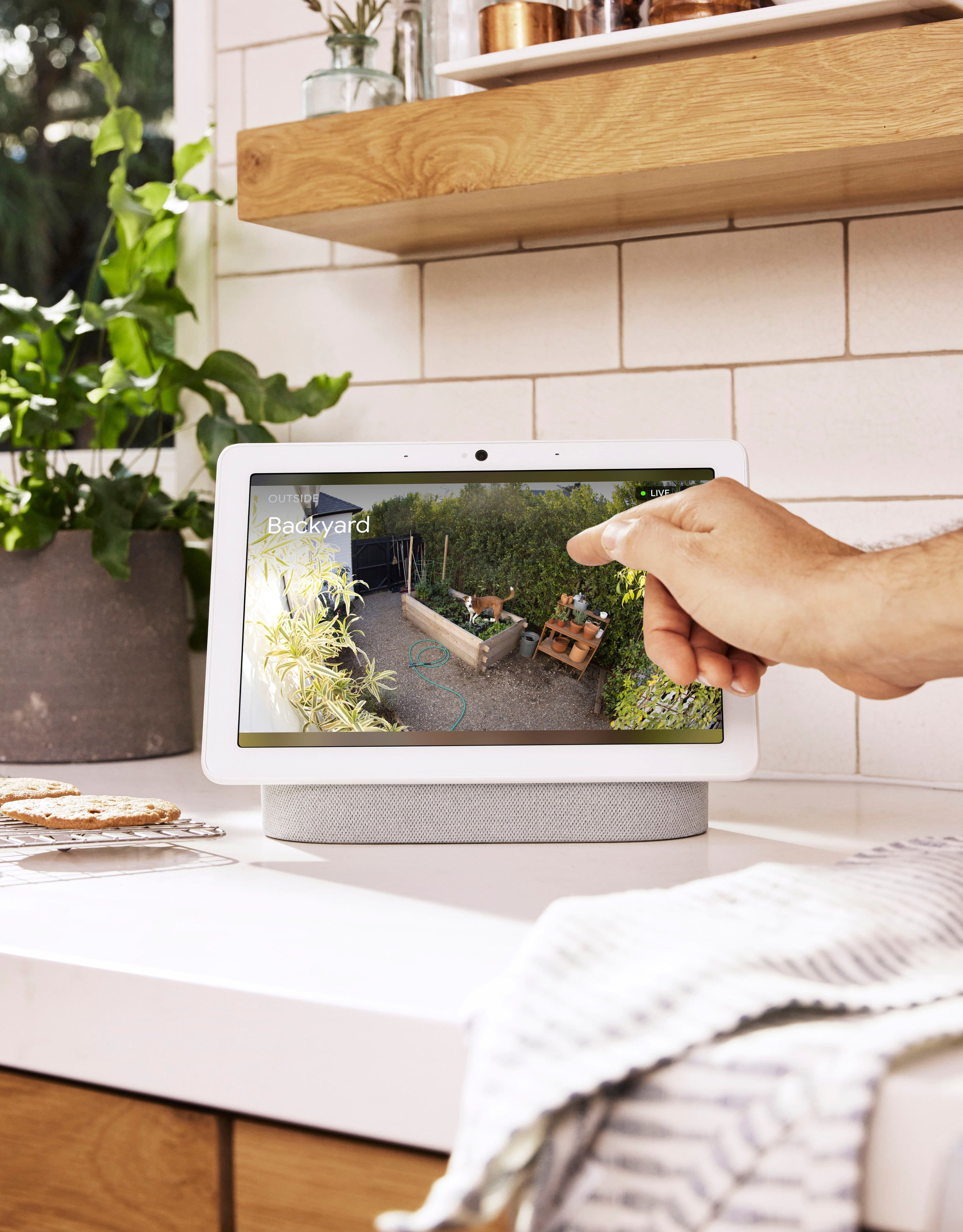
The new Nest Cameras and doorbells are exclusive to the Home app because we wanted to create an integrated experience with other Google Nest speakers and displays. We wanted to make the Google Home app as the one place you can control all your favorite Nest and other smart home devices with the Google Assistant. For example, if you have a Nest Cam and a Nest Hub, just say, "Hey Google, show me the backyard camera” to cast your camera stream to your display without any additional setup.
To improve Nest Cam´s alerts and event recording, we recommend moving it by changing the camera’s angle, or change something in the scene so that you don’t miss important activity.
If the issue persists, we may need to take a closer look and see how we can improve your experience. You can always contact our support team for your support needs here: https://support.google.com/googlenest/gethelp
Quack shack camera
||Posted . Owned for 2 weeks when reviewed.This reviewer received promo considerations or sweepstakes entry for writing a review.Love google but this could be better connection sucks but works for the most part
I would recommend this to a friendBrand response from Nest Support
Posted .Hi Courtney, thanks for posting a review about the Nest Cam (battery), and it’s unfortunate to learn that your experience with its connectivity is not ideal.
If you're experiencing a spotty connection or weak signal, we recommend checking your Wi-Fi network to see if your bandwidth is congested. This may happen if you have too many devices connected on the same bandwidth or if your network package is not enough to handle the data traffic on the network. Removing other connected devices to your Wi-Fi may relieve network congestion. Also, your camera may be out of range (if more than 25 feet from the router) and can become disconnected due to weak signal. If your camera is mounted too far from your Wi-Fi router, you may need to extend your Wi-Fi network’s range using an extender, boosters or additional Wi-Fi access points. Wireless interference can give you trouble connecting Nest products or other wireless devices. It can also cause slow network communications or intermittent disconnections. So your Nest products might continuously disconnect and reconnect, or they may be slow to respond to app control.
Here are some steps that may also help:
- Plug your Nest camera into a different power outlet to rule out power issues.
- Turn off other devices connected to your WiFi to see if this is about network traffic.
- You can also try restarting your router to reset your internet connection. You should also restart any Wi-Fi range extenders or repeaters that you have.
If the issue persists, we’d be happy to provide further troubleshooting guidance and we suggest contacting our specialists here: https://support.google.com/googlenest/gethelp
Nest products at Best Buy
||Posted . Owned for 1 month when reviewed.This reviewer received promo considerations or sweepstakes entry for writing a review.You can’t go wrong with nest products and Best Buy has great deals
I would recommend this to a friend.......
||Posted . Owned for 1 month when reviewed.This reviewer received promo considerations or sweepstakes entry for writing a review.great product,.....................................
I would recommend this to a friendBatteries last for 2 days
||Posted . Owned for 2 weeks when reviewed.This reviewer received promo considerations or sweepstakes entry for writing a review.I would return if I didn’t get this throught my rewards. Batteries only last for 2 days. My blink lasted years before I had to changed the batteries.
No, I would not recommend this to a friendBrand response from Nest Support
Posted .Hey there, cathygonzales. We’re sorry to learn about your frustrating experience with the performance of your Nest Cam (battery). The built-in rechargeable batteries are made for long-lasting battery life and should give you at least 1.5 months if the device is busy(about 20-25 recorded events per day). It's important to us that we provide you with the best help possible and identify the cause of the battery issues you’re having with your device. Please reach out to our dedicated team of specialists on our Google Nest Help site for immediate support: https://support.google.com/googlenest/gethelp
Great product
||Posted . Owned for 2 months when reviewed.This reviewer received promo considerations or sweepstakes entry for writing a review.Great product, really let’s you see a wide angle. Glad we purchased it.
I would recommend this to a friendCamera
||Posted . Owned for 1 month when reviewed.This reviewer received promo considerations or sweepstakes entry for writing a review.Excellent Product will definitely recommend good for safety reason
I would recommend this to a friendSecure Home
||Posted . Owned for 3 weeks when reviewed.This reviewer received promo considerations or sweepstakes entry for writing a review.Good camera, but when in live view it reloads, A LOT
I would recommend this to a friendGood camera, bad software
||Posted . Owned for 1 month when reviewed.This reviewer received promo considerations or sweepstakes entry for writing a review.The camera is great but it doesn't integrate with the Nest App like my indoor cameras do.
No, I would not recommend this to a friendBrand response from Nest Support
Posted .Hi jaredk34, we really appreciate your feedback on Nest Cam (Battery), and are sorry that it doesn’t integrate with the Nest app like your other cameras do.
We’re aware that longtime Nest users enjoy viewing their Nest camera feeds from the Nest app, however, our priority with this launch was building a complete experience for our new cameras and doorbell in the Google Home app. Our teams are working on enabling the ability to set up and control older Nest cameras in the Home app so users will have one app to control all of their devices, and we’re working on bringing full functionality to the Google Home app as we want to create an integrated experience with other Nest and smart home devices. While the new Nest cameras and doorbells are exclusive to the Google Home app, users with previous versions of Nest cameras can view their camera feeds in the Google Home app alongside the new Nest Doorbell and Nest Cams.
We're always here to help you improve your experience. If you come across any concerns with your Nest Cam (Battery) and using it effectively in the Google Home app, don’t hesitate to let us know here: https://support.google.com/googlenest/gethelp
Google camera
||Posted . Owned for 8 months when reviewed.This reviewer received promo considerations or sweepstakes entry for writing a review.Good battery Google camera. That you can use any where.
I would recommend this to a friendGood cameras
||Posted .This reviewer received promo considerations or sweepstakes entry for writing a review.Love these cameras. Have to pay for subscription but it was a great buy
I would recommend this to a friendHorrible
||Posted . Owned for 2 months when reviewed.This reviewer received promo considerations or sweepstakes entry for writing a review.Always going offline. Cameras constantly go offline and Ive done as much as i can with very fast wifi to get them to work better with still no luck. Half of my cameras i cant even get to connect to wifi after doing a factory restart.
No, I would not recommend this to a friendBrand response from Nest Support
Posted .Hi Scott94, thank you for sharing your review of Nest Cam (battery). We're sorry to learn that you're experiencing some connectivity issues with your device. This is not the initial impression we want you to have of the performance and capabilities of your device. It could be that there's network congestion or there may be some environmental factors (Example: device is too far from the router, wireless interference, etc.) that may be affecting its performance. We recommend that you reach out to our support specialists so we can help identify the main cause and help you with finding a better resolution. Please contact us on our Google Help page here: https://support.google.com/googlenest/gethelp
Best ever
||Posted . Owned for 3 weeks when reviewed.This reviewer received promo considerations or sweepstakes entry for writing a review.Awesome product recommended for anyone wanting a mobile camera
I would recommend this to a friendUSELESS
||Posted . Owned for less than 1 week when reviewed.This reviewer received promo considerations or sweepstakes entry for writing a review.RETURNING THOSE CAMS. USELESS. Do NOT buy is trash. Poor resolution, only works with Google Home App, NO more Nest App. Google Home app is trash. I have 5 Nest Cam for years and also pay for Nest Aware yearly. I may sell all my cameras and move to another cameras company. NEST was a great company until Google bought it. Google has all the money to have great cameras and software, but I think they are cheap. Dumb design with outdoor cable. (Not included) $$$ NEST APP IS BETTER.
No, I would not recommend this to a friendBrand response from Nest Support
Posted .Hi there Kaibil, we appreciate that you've been using Nest cameras for years now, and we'd like to thank you as well for sharing what you think about Nest Cam (Battery). We are sorry to hear about the poor image quality and your insight with the Google Home app. We understand your decision to return your cameras, but if you’d like to try it out in the future, you can adjust the video quality to suit your preference. You can find this option in the settings of your Nest Cam (Battery):
- Open the Google Home app on your mobile phone or tablet.
- On the home screen, select your camera.
- Tap Settings.
- Choose Video.
- Under “Video quality,” choose Max or High. High settings use less bandwidth, and Max settings use more bandwidth.
In the meantime, if you need any help, please feel free to let us know by visiting us here: https://support.google.com/googlenest/gethelp
Na
||Posted . Owned for 1 month when reviewed.This reviewer received promo considerations or sweepstakes entry for writing a review.Works good very high quality would recommend this camera
I would recommend this to a friend