Customer Ratings & Reviews

- Model:
- GA02077-US
- SKU:
- 11201934
Rating by feature
- Value
Rating 4.0 out of 5 stars
- Quality
Rating 4.3 out of 5 stars
- Ease of Use
Rating 4.3 out of 5 stars
Not compatible
||Posted . Owned for 3 weeks when reviewed.This reviewer received promo considerations or sweepstakes entry for writing a review.We wanted to replace a camera that we already had installed. The new camera's technology is not compatible with those we had installed 3 years ago. We have to replace all or nothing.
No, I would not recommend this to a friendBrand response from Nest Support
Posted .Hi Vici, thank you for sharing your review on Nest Cam Battery and we're sorry to learn that you're experiencing some difficulties with making it work with your previous devices. We'd like to know more details about your concern so we can help identify the cause and provide you with troubleshooting steps to improve your experience. Please note that if your previous devices are Nest devices they should work with Nest Cam Battery. Older products that you set up with the Nest app will work seamlessly with newer ones that you set up with the Home app. Please reach out to our support specialists by visiting our Google Help page here: https://support.google.com/googlenest/gethelp

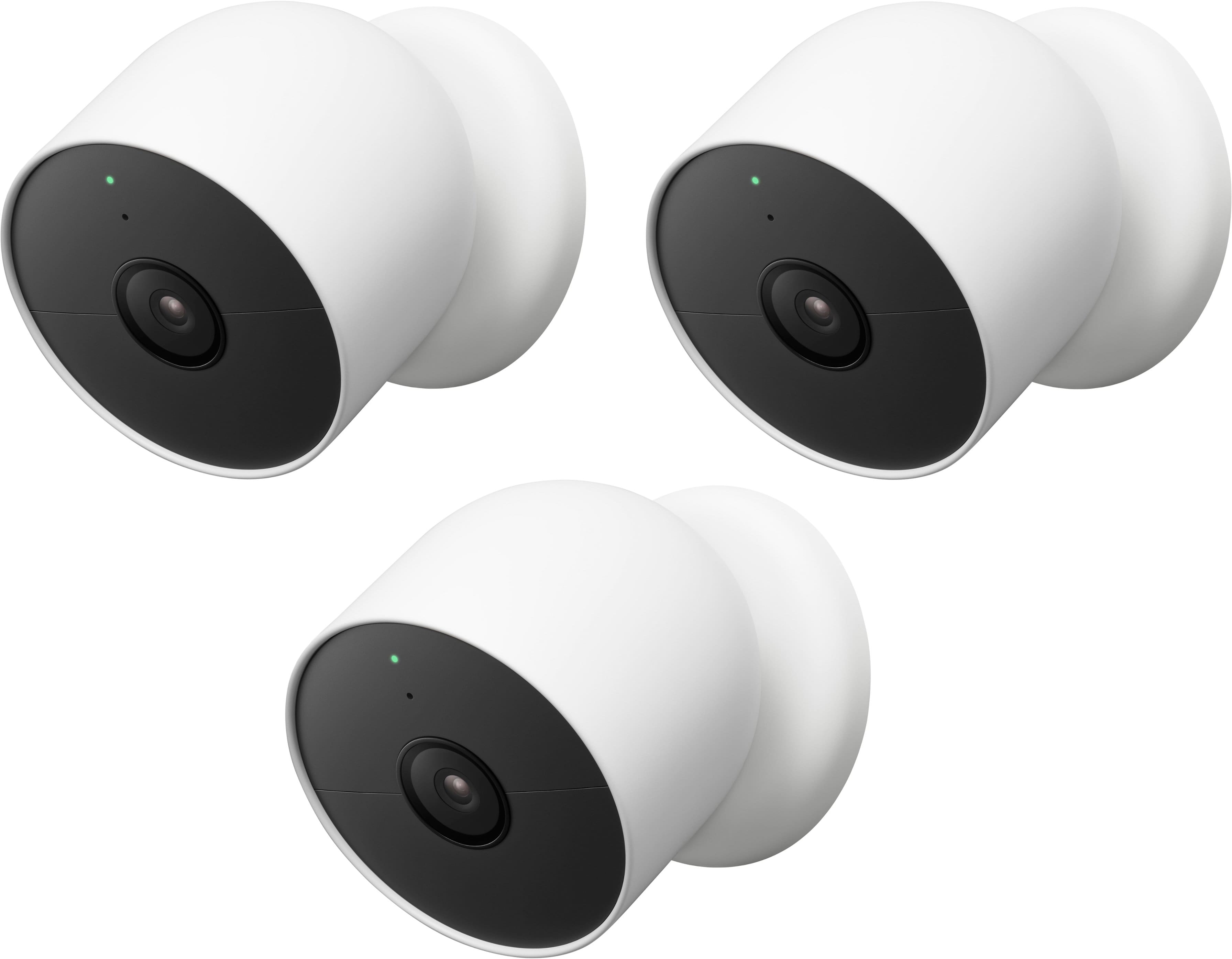
Comes with only one charging cable!!!
||Posted . Owned for 3 weeks when reviewed.This reviewer received promo considerations or sweepstakes entry for writing a review.By the individual cameras by themselves, this package deal only comes with one charging cable.
No, I would not recommend this to a friendBrand response from Nest Support
Posted .Hello there, CWDE! We appreciate your feedback on Nest Camera (battery). We apologize for any confusion about the number of charging cables included in the package. We understand that you were expecting to receive three charging cables with the Nest Camera Battery 3-pack.We hear your concerns about camera multipacks having one charging cable included. The inclusion of a single cable is intentional, as the cameras shouldn't usually need to be charged at the same time due to differences in usage, such as event frequency or scene the camera is observing, sensitivity and event duration settings, and more.
To know more, please don't hesitate to contact our dedicated team of specialists here: https://support.google.com/googlenest/gethelp
Should have just bought one
||Posted . Owned for 1.5 years when reviewed.This reviewer received promo considerations or sweepstakes entry for writing a review.I never could get the second camera setup and connected the first one went fine and works good
I would recommend this to a friendBrand response from Nest Support
Posted .Hi there, Alex. Thanks for sharing your feedback. We can imagine how hard you tried to get your second Nest Cam (battery) to connect, and we're sorry for the inconvenience this issue has caused you. We'd like to investigate why the second camera is behaving differently so we figure out a way to help you best. Please contact us anytime at the following link for assistance: https://support.google.com/googlenest/gethelp
Great product
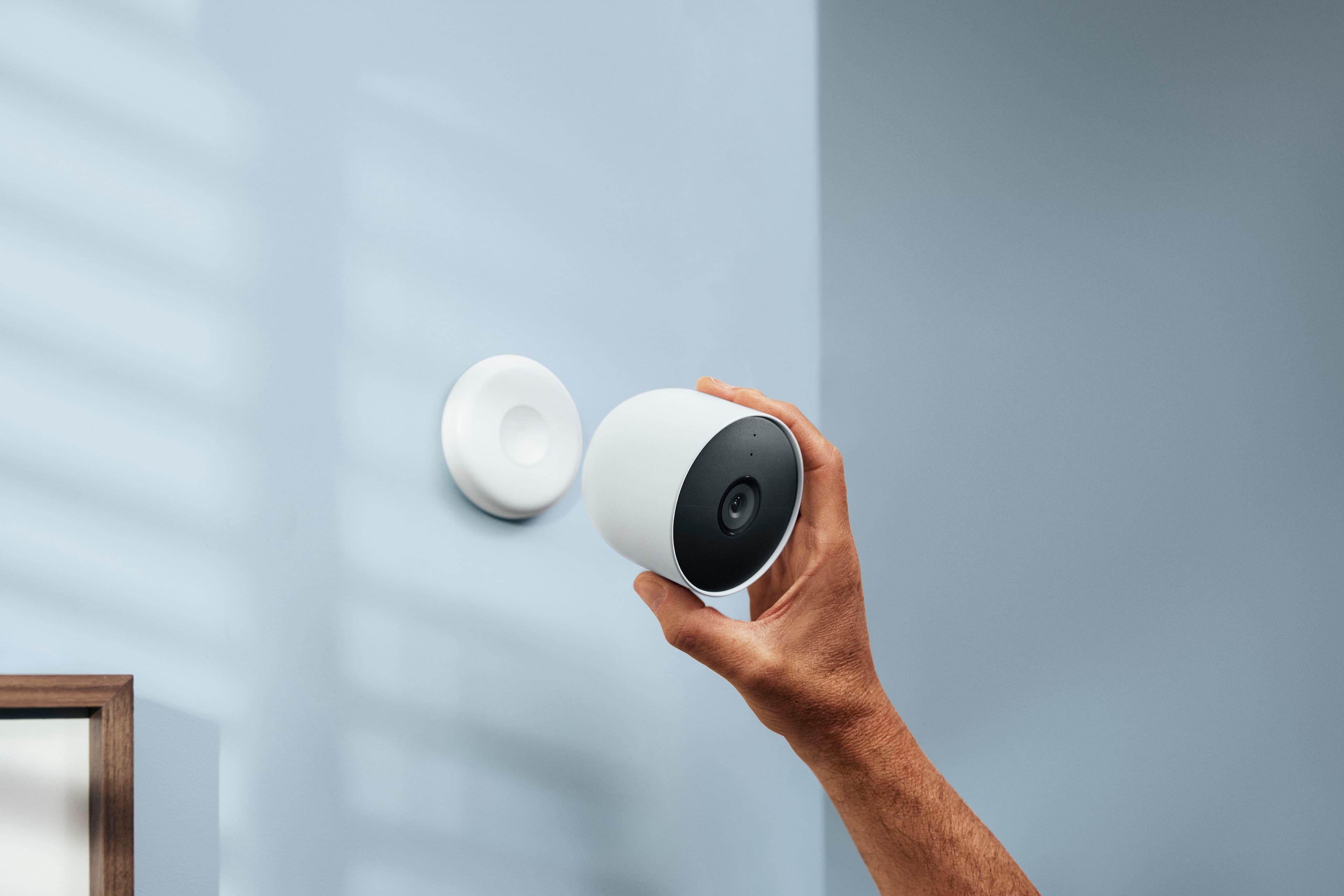
||Posted . Owned for 2 weeks when reviewed.This reviewer received promo considerations or sweepstakes entry for writing a review.Very easy to install and set up was a breeze. The only hard part was drilling the holes for the wall achors.
I would recommend this to a friendNot reliable
||Posted . Owned for less than 1 week when reviewed.This reviewer received promo considerations or sweepstakes entry for writing a review.Battery last for a week offers power source and it does not work all the time
No, I would not recommend this to a friendBrand response from Nest Support
Posted .Hello there, BwBarnes. Thanks for the feedback you shared about the Nest cam (battery), and we’re sorry to hear you’re not having the ideal experience we want to share with you. We’d like to learn more whether these issues are caused by the device, network, or other environmental factors. Please don’t hesitate to contact us anytime for troubleshooting guidance and assistance here: https://support.google.com/googlenest/gethelp
Won't hold charge
||Posted . Owned for 8 months when reviewed.This reviewer received promo considerations or sweepstakes entry for writing a review.Goes dead constantly DESPITE being plugged in, and if you do some research, this seems to be a pretty common occurrence,
No, I would not recommend this to a friendBrand response from Nest Support
Posted .Hi BrandonH, thanks for sharing your feedback to let us know of your concerns with the Nest Cam (battery), and we’re sorry to hear your experience is less than ideal. We can imagine how difficult it could have been for you, and we appreciate the time and efforts you’ve spent on this. We’d like to find out whether this issue is caused by the device, the network, or other environmental factors. Please get in touch with our specialists team and we’d be more than willing to provide you with services and assistance, here: https://support.google.com/googlenest/gethelp
Absolute Garbage since google took over
||Posted . Owned for 4 months when reviewed.This reviewer received promo considerations or sweepstakes entry for writing a review.These new google nest products are absolute garbage starting with the app that is evidently being coded by elementary school kids because nothing works, its bloated, unintuitive, and just plainly does not work. The app alone isn’t even a fraction of the quality the original Nest app was. Google interferes with everything and ruins everything they touch. Absolute GARBAGE and NO LONGER RECOMMENDED!!
No, I would not recommend this to a friendBrand response from Nest Support
Posted .Hello there, au2bahn. We appreciate your feedback on the Nest Cam (battery) along with the Home app, and we're sorry to hear that your experience is below your satisfaction. We'd like to learn more about your concerns and help you in any way we can. Please contact us anytime for troubleshooting guidance here: https://support.google.com/googlenest/gethelp
Cameras are great, app needs to improve.
||Posted . Owned for 5 months when reviewed.This reviewer received promo considerations or sweepstakes entry for writing a review.It’s not the cameras I am unhappy about it’s the app you have to use. These Nest cameras make you use the Google app vs the Nest app and that app sucks! Very dissatisfied!
No, I would not recommend this to a friendBrand response from Nest Support
Posted .Hello D2daG, we appreciate you sharing your review. We're sorry to hear that your experience with Nest Cam (battery) has been less than ideal when it comes to using the Home app. Our goal is to create an integrated experience and make the Google Home app as the one place you can control all your Google and Nest smart home devices. Your patience is appreciated as we improve further with incorporating your Nest products with the Google Home app. If you're willing to give it another go, we'd recommend that you reach out to our support specialists so we can help you with finding a better resolution for the issues you’re experiencing with your Nest Cam. Please contact us by visiting our Google Help page here: https://support.google.com/googlenest/gethelp
Mr
||Posted .This reviewer received promo considerations or sweepstakes entry for writing a review.Never got my order! And refund was declined very disappointing! Never again am I ordering from BestBuy
No, I would not recommend this to a friendGood picture
||Posted . Owned for 2 weeks when reviewed.This reviewer received promo considerations or sweepstakes entry for writing a review.The camera provides a clean and clear picture and is spot on for identification of a person near it
I would recommend this to a friendPoor battery
||Posted . Owned for 3 months when reviewed.This reviewer received promo considerations or sweepstakes entry for writing a review.Highly disappointed in these cameras. Both have stopped working within 3 months due to a battery issue. Have contacted Google support with no resolution.
No, I would not recommend this to a friendBrand response from Nest Support
Posted .Hi rayspray, thanks for informing us about the issue. It's unfortunate to hear that both your Nest Cam (Battery) stopped working and we apologize for the shortfall in providing your support needs.
If you're willing to try, we'd like to take another shot at figuring out what may be causing the issue. This will give us a better idea on how we can help you best with your support needs. Here's the link where you can reach out to us: https://support.google.com/googlenest/gethelp
Disappointing experience
||Posted . Owned for 2 months when reviewed.This reviewer received promo considerations or sweepstakes entry for writing a review.2 stars the only goof thing is that it works with Google. It doesn't capture movement outside of a tiny radius, it doesn't store videos if you don't have internet the camera is completely useless
No, I would not recommend this to a friendBrand response from Nest Support
Posted .Hi Rico, thanks for posting a review about Nest Cam (Battery). We’re sorry to hear that the motion detection feature isn’t working as expected.
Motion detection for your Nest Cam (Battery) can be affected by changes in the light level, and shadows moving across the frame like when a cloud moves in front of the sun. This also includes other movements within the camera's field of view like trees or bushes swaying. If you're not getting any alerts or notifications, we recommend trying out the steps below:
1. Change the Activity Zones on your camera. You can delete your existing Activity Zone and create a new one in any area within your camera's field of view. Just make sure that none of the zones you create overlap.
2. Change the angle of your camera and account for the lighting in the surrounding area.
3. Restart your Camera.
We'd like to help you troubleshoot the motion detection issue further with your Nest Cam (Battery). If you´re willing to try, please contact our support team so we can provide further assistance using this link: https://support.google.com/googlenesthelp
Easy to Set Up and Use
||Posted . Owned for 3 weeks when reviewed.This reviewer received promo considerations or sweepstakes entry for writing a review.This camera is easy to use right out of the box. Most features require a service subscription.
I would recommend this to a friendNot properly secured at all
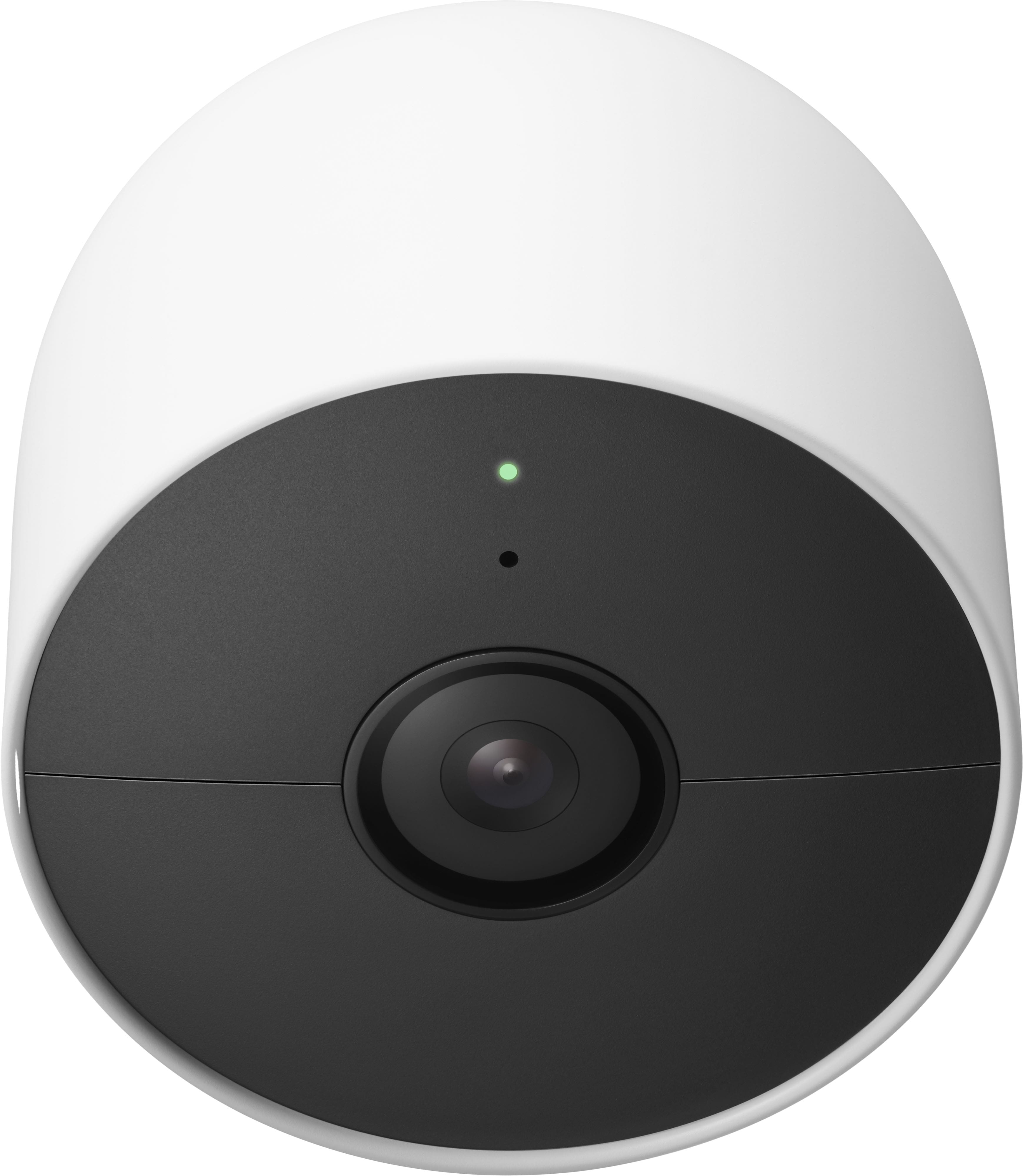
||Posted .This reviewer received promo considerations or sweepstakes entry for writing a review.I'm sure the video and sound quality is great but these cameras are held by magnets. Someone can easily reach over and steal them just by pulling them. Defeats the purpose of a 2 way security camera
I would recommend this to a friendBrand response from Nest Support
Posted .Hi there Roger, thanks for giving us details about your feedback. We understand your concern and we'd like to let you know we´ve got you covered. It's possible to place an anti-theft security mount for your Nest Cam (Battery) if you have concerns about it being stolen. Check out this link to learn more: https://store.google.com/us/product/wasserstein_anti_theft_mount
Please keep in mind that our support team is ready to help you with any support needs you may have, if you can reach out to us using this link: https://support.google.com/googlenest/gethelp
Great security camera
||Posted . Owned for 1 month when reviewed.This reviewer received promo considerations or sweepstakes entry for writing a review.The video is really clear and it even has a microphone that works well through your iPhone.
I would recommend this to a friendGarbage without Nest App. What're they thinking?
||Posted . Owned for 2 weeks when reviewed.This reviewer received promo considerations or sweepstakes entry for writing a review.Useless without the Nest App. Spent years integrating into the Nest ecosystem and now won't be able to do that. Very disappointed. Returning at once.
No, I would not recommend this to a friendBrand response from Nest Support
Posted .Hi there Vikentios1287, we highly appreciate your feedback and thanks for sharing the details of your experience with the Nest Cam Battery and it’s unfortunate to learn that it was a disappointment for you.
We understand that long time Nest users enjoy viewing their Nest camera feeds from the Nest app, however, our priority with this launch was building a complete experience for our new cameras and doorbell in the Google Home app. We wanted to make the Google Home app as the one place you can control all your favorite Nest and other smart home devices and create an integrated experience with the Google Assistant.
We understand your decision to return it but if you’d like to reconsider using the Nest Cam (Battery) again, we’d be happy to help you with any concerns that you might have and you’ll find us always available here: https://support.google.com/googlenest/gethelp
Buy something with proper software
||Posted . Owned for less than 1 week when reviewed.This reviewer received promo considerations or sweepstakes entry for writing a review.Google home is absolute trash. This device won't connect to its own app, even after hours of trying and resetting devices.
No, I would not recommend this to a friendBrand response from Nest Support
Posted .Hi there, thanks for sharing your insights with our support team. We´re sorry to hear about your frustrating experience with the app connectivity issue for Nest Cam (Battery).
We recommend only using the Google Home app Nest Cam (Battery) is exclusive to the Google Home app.
We wanted to make the Google Home app as the one place where you can control all your favorite Nest devices and other smart home devices with the Google Assistant. Here are some benefits you can get by using the Google Home app with your Nest Cam (Battery):
- Automatic security protections such as Suspicious activity detection, 2-Step Verification and Security Checkup.
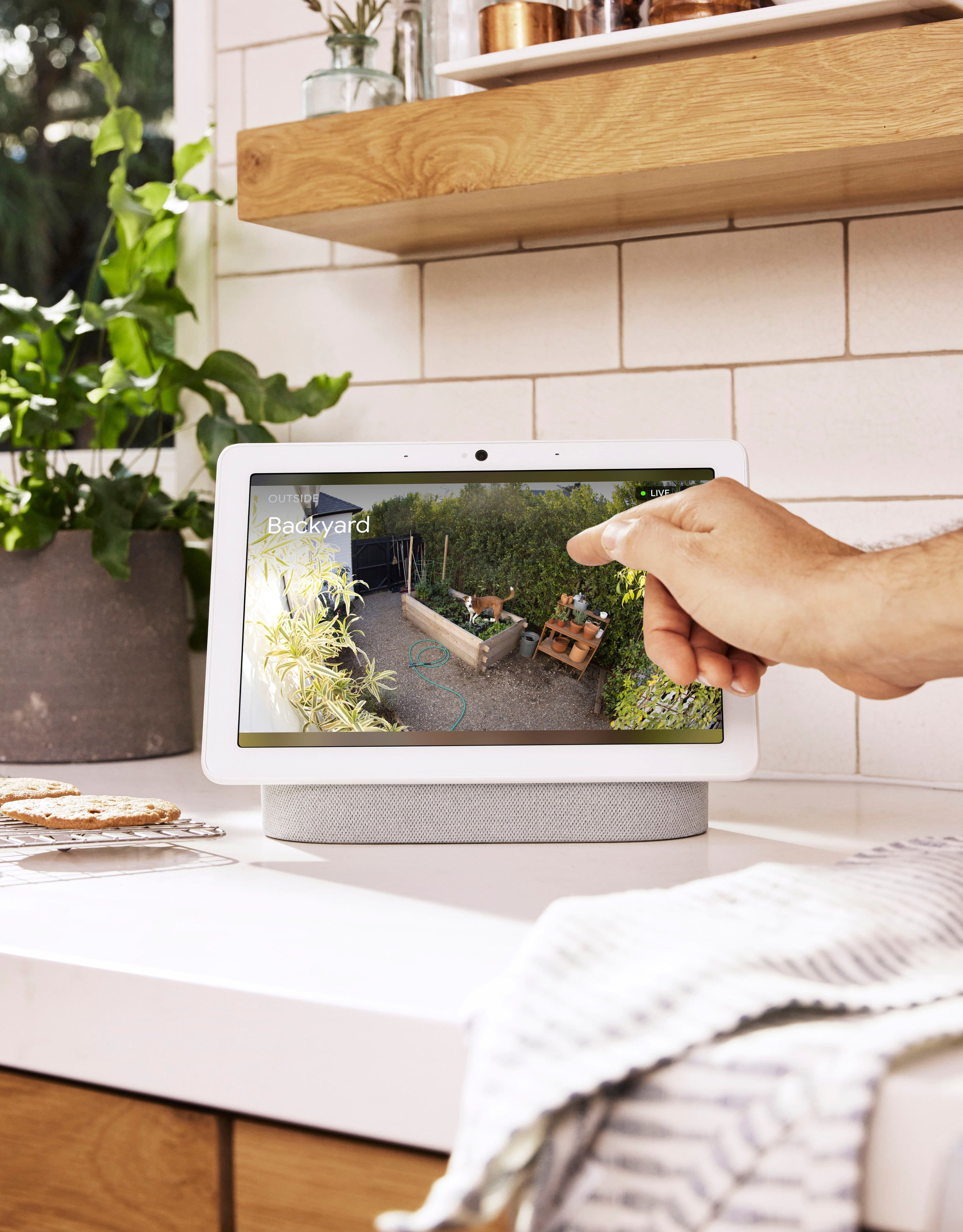
- Your Google Nest devices and services will work together. For example, if you have a Nest Cam and a Nest Hub, just say, ¨Hey Google, show me the backyard camera” to cast your camera stream to your display without any additional setup.
- One account to sign into both the Nest and Google Home apps.
- Your homes and home members will be aligned across the Nest and Google Home apps.
We also recommended steps below that may be helpful with the connectivity issue:
- Check for possible congestion in your Wi-Fi network. Removing some of your connected devices can help free up some bandwidth space. You may then check to see if you will still experience the same connectivity issue.
- You may also check for possible sources of interference such as the thick walls and appliances in your home.
If the issue persists, and if you´re willing to try, we recommend contacting our support team so we can assist you further in resolving the issue. Please do not hesitate to contact our support team by visiting the Google Nest help page using this link: https://support.google.com/googlenest/gethelp
not compatible with nest app
||Posted . Owned for 1 month when reviewed.This reviewer received promo considerations or sweepstakes entry for writing a review.battery not great, needs to stay connected. also not compatible on nest app get the old one
No, I would not recommend this to a friendBrand response from Nest Support
Posted .Hi there, SamG. Thanks for sharing your feedback on the Nest Cam (battery), and we’re sorry to hear your experience is less than ideal.
We understand that longtime Nest users enjoy viewing their Nest camera feeds from the Nest app. However, our priority with this launch was building a complete experience for our new cameras and doorbell in the Google Home app. We’re working on bringing full functionality to the Home app as we want to create an integrated experience with other Nest and smart home devices. And while the new Nest cameras and doorbells are exclusive to the Google Home app, users with previous versions of Nest cameras can view their camera feeds in the Google Home app alongside the new Nest Doorbell and Nest Cams.
Also, the battery life depends on factors including activity, temperature, and camera settings that you select. You can extend the battery life by adjusting video quality, length of video clips, time between recorded events, and using activity zones to monitor specific areas. Check this link for more details: https://support.google.com/googlenest/answer/10901611
Here are some typical scenarios.
Busy: About 1.5 months battery life (about 20 - 25 recorded events per day)
Typical: About 3 months battery life (about 9 - 12 recorded events per day)
Quiet: About 7 months battery life (about 2 - 4 recorded events per day)
If the battery life is significantly lower than expected, or for additional assistance, please contact us anytime and we’d be happy to help: https://support.google.com/googlenest/gethelp
Great
||Posted . Owned for 3 weeks when reviewed.This reviewer received promo considerations or sweepstakes entry for writing a review.I love all my nest products i suggest hardwiring though battery life isnt very long
I would recommend this to a friendGoogle-Nest Cam Battery
||Posted . Owned for 3 weeks when reviewed.This reviewer received promo considerations or sweepstakes entry for writing a review.Great product. Easy to install and great price. I will buy more of these cameras.
I would recommend this to a friend