Customer Ratings & Reviews

- Model:
- GA02077-US
- SKU:
- 11201934
Rating by feature
- Value
Rating 4.0 out of 5 stars
- Quality
Rating 4.3 out of 5 stars
- Ease of Use
Rating 4.3 out of 5 stars
Great Nest Cameras
||Posted . Owned for 1 month when reviewed.This reviewer received promo considerations or sweepstakes entry for writing a review.Great Cameras...Awesome quality and notifications.
I would recommend this to a friendPoor Wireless Outdoor Camera
||Posted . Owned for 4 months when reviewed.This reviewer received promo considerations or sweepstakes entry for writing a review.Since Google bought Nest I've been very frustrated. These cameras have a ton of issues - spotty WiFi connection, slow to respond, terrible app interface and a horrible app in Google Home. Battery life is not good - averaging only 5wks before a recharge is necessary. Not too happy with this purchase. But, they sure look cool.
No, I would not recommend this to a friendBrand response from Nest Support
Posted .Hi osbrown, thanks for informing us about the issue. We're sorry to hear that you're not happy with the issues you are having with Nest Cam (Battery).
We recommend checking for possible congestion in your Wi-Fi network. Removing some of your connected devices can help free up some bandwidth space. You may then check to see if you will still experience the same connectivity issue. You may also check for possible sources of interference such as the thick walls and appliances in your home.
The battery life for Nest Cam (Battery) will depend on factors including activity, temperature, and camera settings that you select. Users can extend the battery life of their camera by adjusting video quality, length of video clips, time between recorded events, and using activity zones to monitor specific areas. Here are some typical scenarios:
Busy: About 1 month battery life (About 25 - 30 recorded events per day)
Typical: About 2.5 months battery life (About 13 - 16 recorded events per day)
Quiet: About 6 months battery life (about 2 - 5 recorded events per day)
We recommend checking the frequency of events (per day) that you get with your Nest Cam (Battery). If the short battery life isn´t related to the frequency of events, then we may need to have a closer look at your device and understand what may be causing it. We'd like to help you further with your support needs if the issue persists. Please feel free to contact any of our support agents here: https://support.google.com/googlenest/gethelp
Safety first!
||Posted . Owned for 1 month when reviewed.This reviewer received promo considerations or sweepstakes entry for writing a review.I feel much better about leaving my house since we installed the cameras. Probably going to add a couple more.
I would recommend this to a friendO well
||Posted . Owned for 1 month when reviewed.This reviewer received promo considerations or sweepstakes entry for writing a review.Pretty good for what they are. Cant complain, but the old nest service was 10 better
No, I would not recommend this to a friendBrand response from Nest Support
Posted .Hi Mario, thanks for sharing your amazing views with us. We're sorry to hear that you find the older Nest cameras better than Nest Cam (Battery).
If you're willing, we'd like to learn more about your experience. This will give us a better idea on how we can provide better products and services for you and all our customers. This will also enable us to provide you a better experience. Please consider contacting our support team here: https://support.google.com/googlenest/gethelp
Nice camera
||Posted . Owned for 1 month when reviewed.This reviewer received promo considerations or sweepstakes entry for writing a review.Works well and the battery backup keeps it operating during a power outage. My only complaint is I still think the old Nest app provides more features than the Home app. And this camera does not work with Nest.
I would recommend this to a friendNot compatible with NEST APP
||Posted . Owned for 3 weeks when reviewed.This reviewer received promo considerations or sweepstakes entry for writing a review.Cameras work ok. Videos are crisp clear. But camera mode is always in “IDLE” mode in Google Home App. If you’re used to the NEST app, Google Home app is VERY different!!!! These cameras also need to be charged every week or so. BEWARE
No, I would not recommend this to a friendBrand response from Nest Support
Posted .Hi KrissyB, thanks for your feedback to let us know of your issues with using the Nest Cam (battery), and we’re sorry for not having the ideal experience we want to share with you.
We’re aware that longtime Nest users enjoy viewing their Nest camera feeds from the Nest app, However, our priority with this launch was building a complete experience for our new cameras and doorbell in the Google Home app. Also, using a Google Home app provides you with a lot of benefits including access to Google's trusted security platform and access to other Google tools. This means you get a simpler interface and a simpler way to connect all your devices into a single environment.
Nest Cam (battery) will go into idle mode whenever it's running on battery. To stream live video in this case, you'll first need to tap ""Live video"" for your camera in the Google Home app. If Nest Cam (battery) is wired, the live video will stream without needing to tap the option. Connecting your camera to a power outlet with the included or optional power adapter will also keep the battery charged. Please note that the power adapter included with the Nest Cam (battery) is not weatherproof and not intended for outdoor use and you can use a compatible weatherproof cable (sold separately).
If there’s anything that we can be of help, simply let us know by visiting us here: https://support.google.com/googlenest/gethelp
Great buy
||Posted . Owned for 3 weeks when reviewed.This reviewer received promo considerations or sweepstakes entry for writing a review.Awesome picture and picks up EVERYTHING. Love this setup
I would recommend this to a friendWireless nest outdoor camera
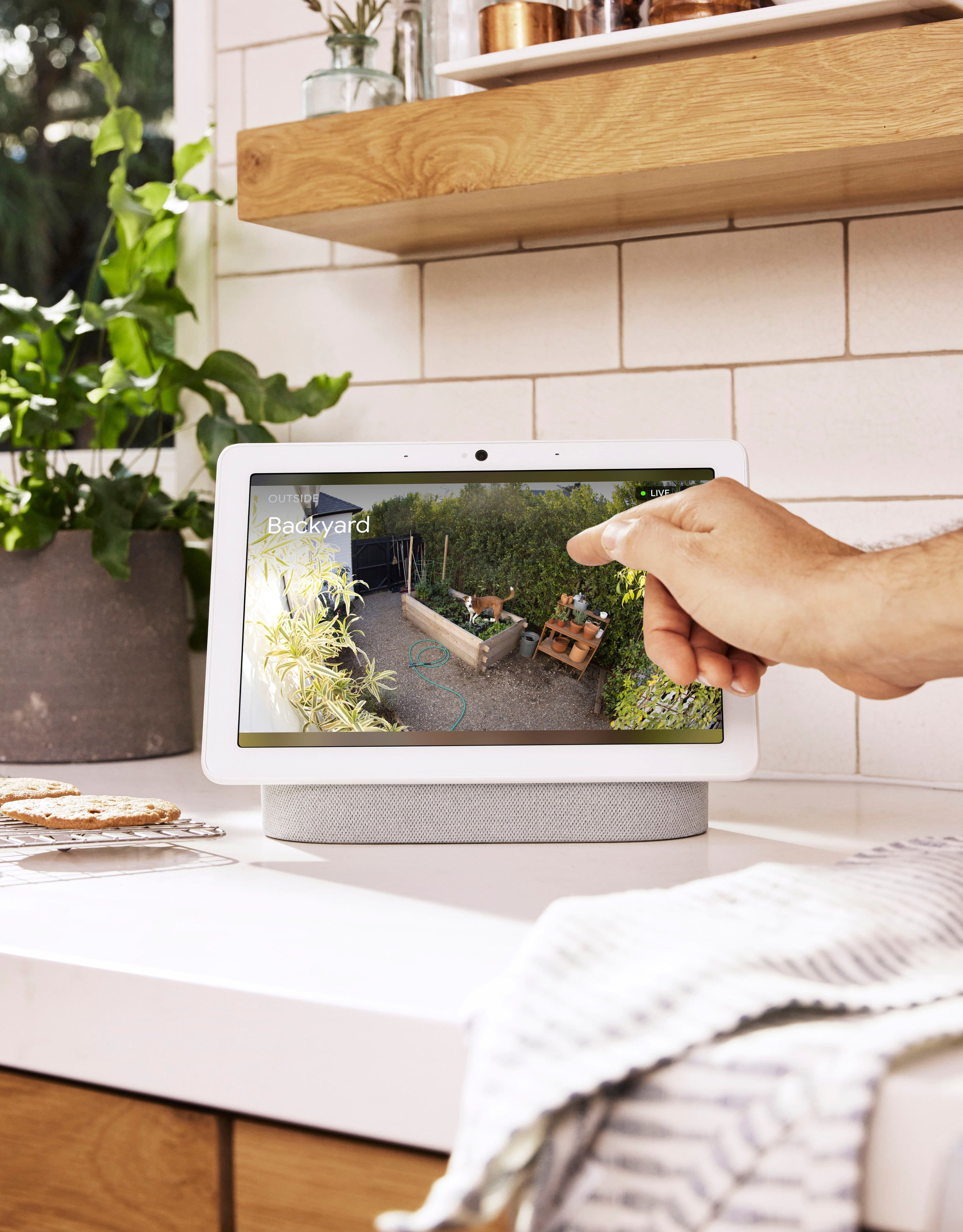
||Posted . Owned for 3 weeks when reviewed.This reviewer received promo considerations or sweepstakes entry for writing a review.Easy set up with nest hub, also with the google home app
I would recommend this to a friendCamera quality is good
||Posted . Owned for 2 weeks when reviewed.This reviewer received promo considerations or sweepstakes entry for writing a review.Good product. Bought it during black Friday deal. Would recommend
I would recommend this to a friendAmazing and smart
||Posted . Owned for 1 month when reviewed.This reviewer received promo considerations or sweepstakes entry for writing a review.Great video, great two way radio. Good sound easy set up
I would recommend this to a friendGoogle nest
||Posted . Owned for 2 months when reviewed.This reviewer received promo considerations or sweepstakes entry for writing a review.Google is a great product and this camera lives up to its standard. You can customize the event area as well as the alerts you receive. I have the doorbell and floodlight camera. Love it!
I would recommend this to a friendNice cams
||Posted . Owned for 3 weeks when reviewed.This reviewer received promo considerations or sweepstakes entry for writing a review.Work well and integrate nicely. Would buy again!!
I would recommend this to a friendLove our camera
||Posted . Owned for 1 month when reviewed.This reviewer received promo considerations or sweepstakes entry for writing a review.Best cam I’ve bought this year we just think it so sneaky
I would recommend this to a friendnest Cameras
||Posted . Owned for 1 month when reviewed.This reviewer received promo considerations or sweepstakes entry for writing a review.Works great and easy to install. Directions were clear
I would recommend this to a friendPeek a Boo
||Posted . Owned for 1 month when reviewed.This reviewer received promo considerations or sweepstakes entry for writing a review.Very good quality. Putting throughout the house and outside too.
I would recommend this to a friendGreat so far...
||Posted . Owned for 1 month when reviewed.This reviewer received promo considerations or sweepstakes entry for writing a review.Great so far, did not think I would like the battery but since they don't make the outdoor nest cams I have I gave it a try. I can't believe how long the battery lasts and no false notifications like wind and shadows. You can't have it record 24/7 without the power cord which is sold separately
I would recommend this to a friendGreat camera for our garage
||Posted . Owned for 1 month when reviewed.This reviewer received promo considerations or sweepstakes entry for writing a review.Great camera! Easy to set to up if you already use google home
I would recommend this to a friendEasy and effective
||Posted . Owned for 3 weeks when reviewed.This reviewer received promo considerations or sweepstakes entry for writing a review.Easy to install and works well at our front door and garage.
I would recommend this to a friendGreat
||Posted .This reviewer received promo considerations or sweepstakes entry for writing a review.Works excellently, easy to setup, I was able to pick it up same day.
I would recommend this to a friendDisappointed
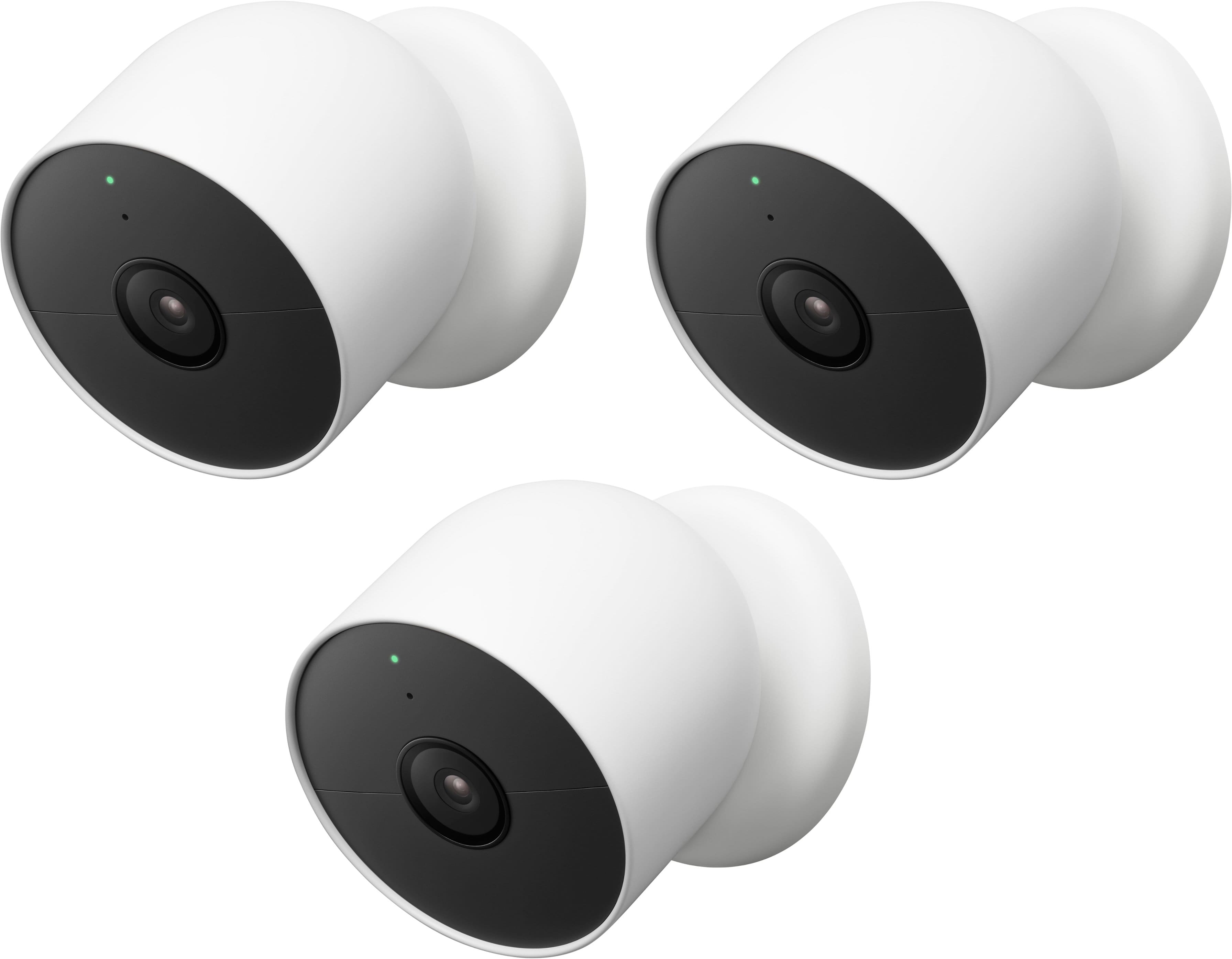
||Posted . Owned for 2 weeks when reviewed.This reviewer received promo considerations or sweepstakes entry for writing a review.Booting up of each camera takes a significant amount of time including a software update. In addition, one of the three cameras wouldn't boot up after numerous tries on multiple networks. I brought back to Best Buy and was told I couldn't exchange for a single camera and instead needed to go take down the other two and return all three. . . and then start over again. Very frustrating
No, I would not recommend this to a friendBrand response from Google Team
Posted .Hi there, DanielB. We’re sorry you had trouble setting up the Nest Cam (Battery). If the device won’t connect to the Google Home app, press the button on the back of your camera once and wait for it to restart. As a last resort, hold the button down and it will reset to factory defaults. If you need an extra hand, don’t hesitate to reach out to us here: https://support.google.com/googlenest/gethelp?