Customer Ratings & Reviews
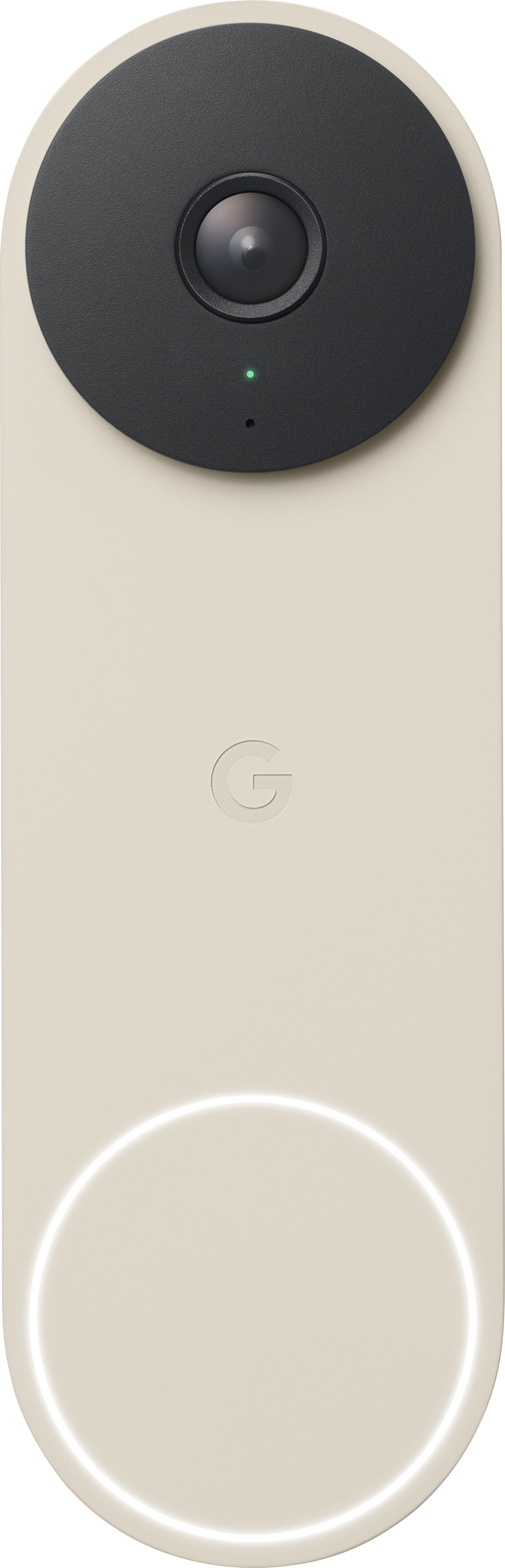
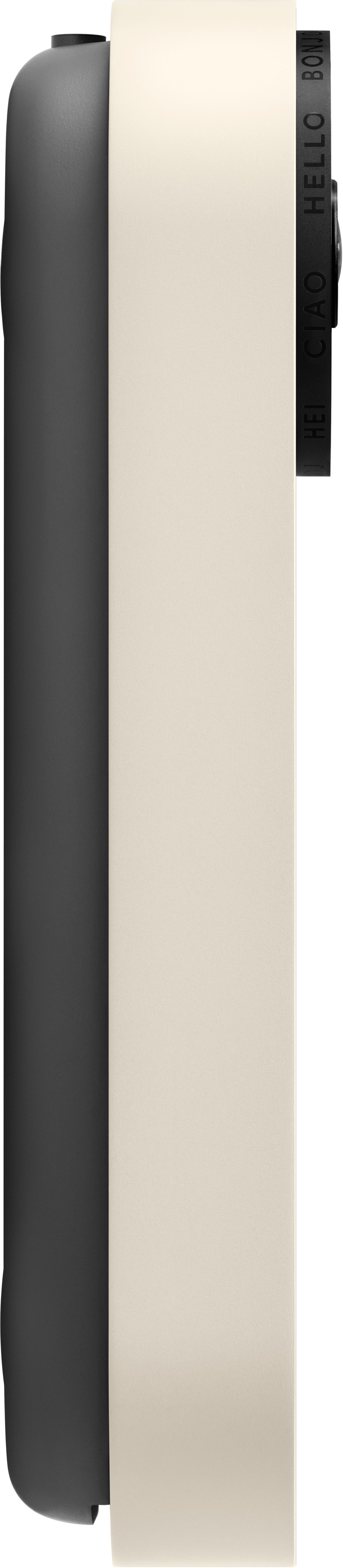
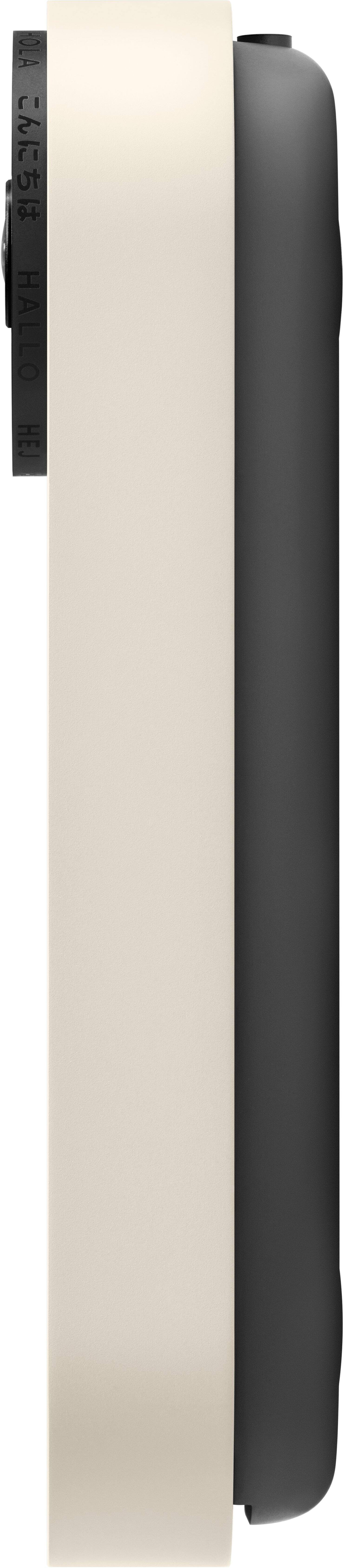
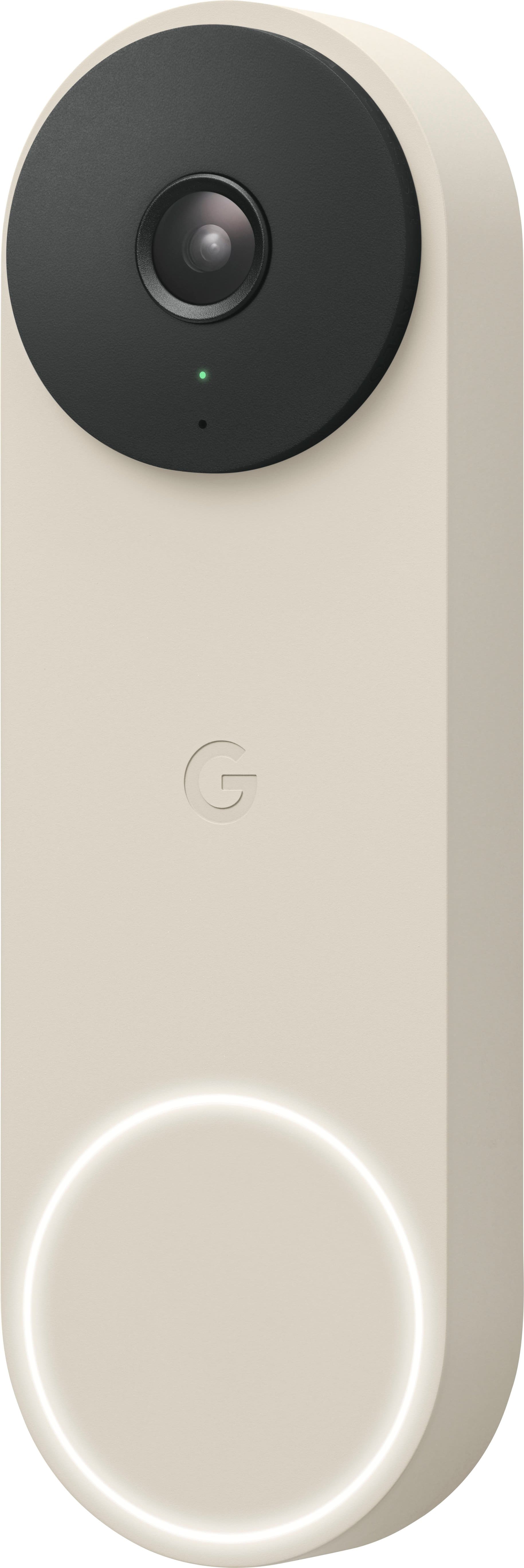
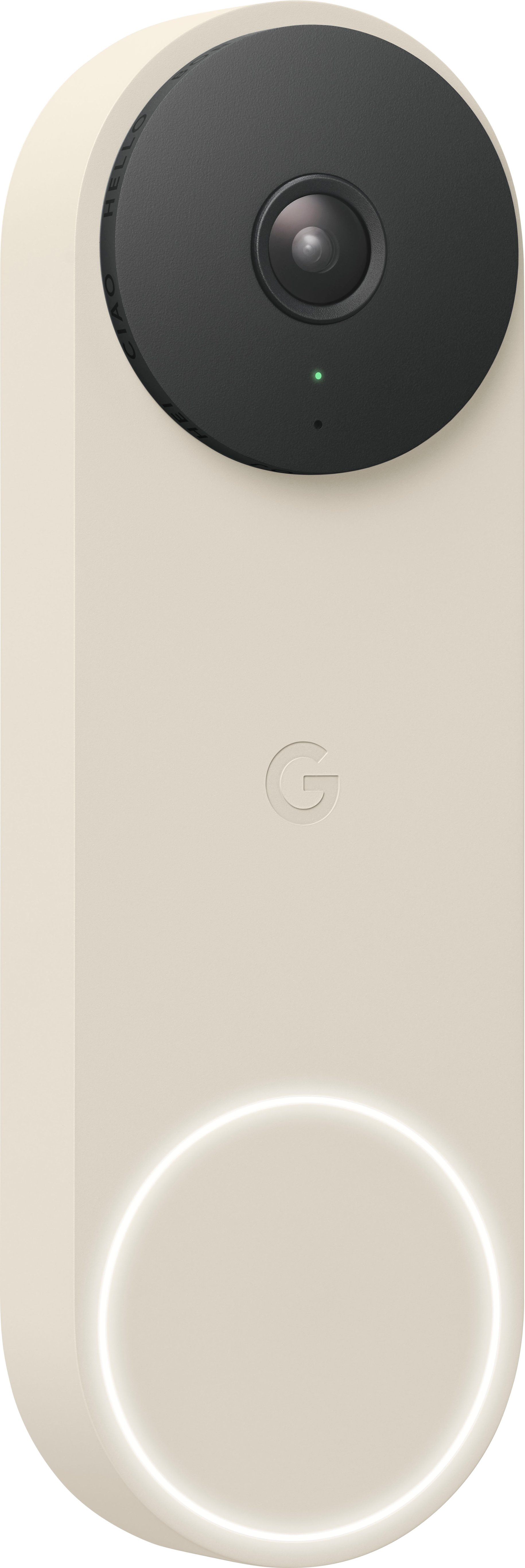
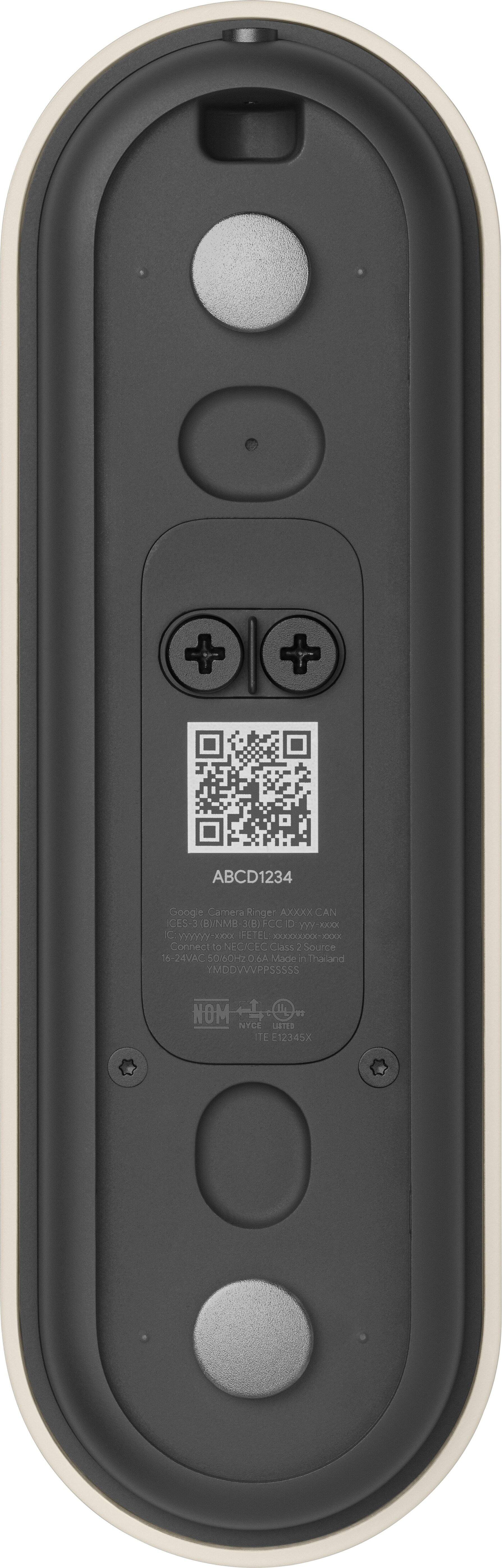
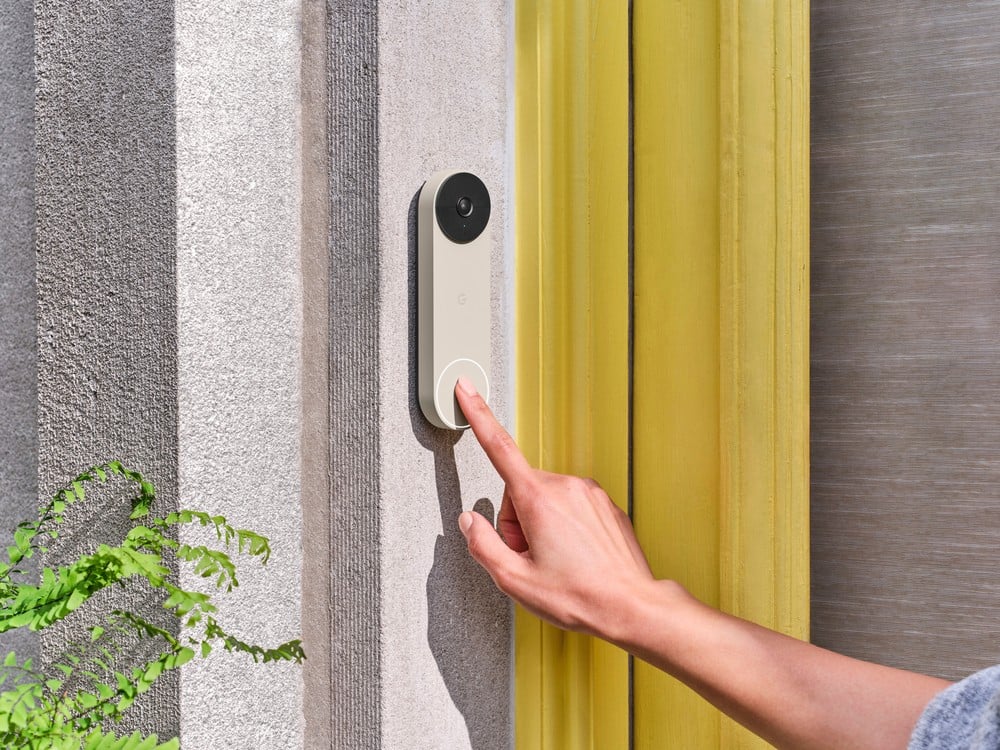
- Model:
- GA03695-US
- SKU:
- 12476120
Rating by feature
- Video Quality
Rating 4.6 out of 5 stars
- Mobile App
Rating 4.4 out of 5 stars
- Sound Quality
Rating 4.5 out of 5 stars
Don't Bother.
||Posted . Owned for 1 year when reviewed.This reviewer received promo considerations or sweepstakes entry for writing a review.This doorbell sucks. When I open the app it takes approx. 10-15 seconds to get the full resolution to show on live view. It didn't do this when new. Upon receiving a notification I go view the video and it will not show me the complete recording at times or it will say video is not ready. What's the point of a video doorbell if I can't see my recordings or live feeds at full res instantly?
No, I would not recommend this to a friendGreat but...
||Posted . Owned for 10 months when reviewed.This reviewer received promo considerations or sweepstakes entry for writing a review.Would be great if they lasted more than a year. Ive had 2 of these and have at max made it a year and a half. And it looked awful at the end. In fact the one i have now hasnt swnt video in over a day.
No, I would not recommend this to a friendBrand response from Nest Support
Posted .Hello there, AarienM. We’re sorry to hear about your experience with the Nest Doorbell (wired, 2nd gen). We’d like to help you in any way we can. We recommend reaching out to our support team at your earliest convenience for troubleshooting guidance, here: https://support.google.com/googlenest/gethelp

does not work with google nest app
||Posted . Owned for 3 weeks when reviewed.This reviewer received promo considerations or sweepstakes entry for writing a review.disappointed that it only works with google home and not with the google nest app like the rest of my cameras
No, I would not recommend this to a friendBrand response from Nest Support
Posted .Hello there, davidg. We appreciate your feedback, and we’re sorry to hear that using the Google Home app for the Nest Doorbell (wired, 2nd gen) is less than ideal for you. We’re aware that longtime Nest users like you enjoy viewing the camera videos using the Nest app and web app. However, our long term plan is to use the Google Home app as the one place you can control all of your favorite Nest and other smart home devices along with Google Assistant. In the near future, we’ll allow users to set up previous Nest devices and have full control in the Home app. While the new Nest cameras and doorbells are exclusive to the Google Home app, users with previous versions of Nest cameras, like you, can view your camera feeds in the Google Home app alongside the new Nest Doorbell and Nest Cams.
We’re always here to help. If you need guidance with using the doorbell effectively in the Home app, simply let us know by visiting us here: https://support.google.com/googlenest/gethelp
Swindled, out of stock switcharoo?
||Posted . Owned for 3 months when reviewed.This reviewer received promo considerations or sweepstakes entry for writing a review.I purchased this several months ago for my wife. It was on sale and she wanted it for her upcoming birthday. I chose the wireless option as our home has no existing doorbell. It came and I put it away. Her birthday just passed and what was shipped was a wired item. I am now past the return date so I am stuck with this. I don't know why it defaulted to change the item to wired, I KNOW I DIDN'T order wired, but the receipt shows it of course.
No, I would not recommend this to a friendBrand response from Nest Support
Posted .Hello Fire4K! We understand the inconvenience this situation may cause to you. To give you more assistance please contact us through this link: https://support.google.com/googlenest/gethelp?sjid=17075254295720277898-NA
Stay away
||Posted . Owned for 3 weeks when reviewed.This reviewer received promo considerations or sweepstakes entry for writing a review.If i didn’t already have it installed , i would return it. The camera angle isn’t as good at the first generation , and you have to use the terrible Google Home app , which isn’t an upgrade over the Nest app.
No, I would not recommend this to a friendBrand response from Nest Support
Posted .Hello there, Craig. Thanks for sharing your feedback. We’re sorry to hear that the doorbell’s angle or field of view, and using the Home app to manage and control your doorbell, are below your preferences.
We understand that having a wider camera view can be ideal for you. However, unlike some other video doorbells, Nest Doorbell (battery) has a 145° diagonal field of view at 3:4 aspect ratio. It is intended so you can see people from head to toe, and packages left on the ground.
Also, our long term plan is to use the Google Home app as the one place you can control all of your favorite Nest and other smart home devices, as well as Google Assistant. In the near future, we’ll allow users to set up previous Nest devices and have full control in the Home app. Users with older cameras can view camera feeds in the Google Home app alongside the new Nest Doorbell and Nest Cams. Our team is working on bringing full functionality to the Google Home app so all of your cameras can be set up and controlled in one place.
If you need assistance with using the Nest doorbell effectively in the Google Home app, feel free to contact us anytime here and we’ll definitely help you the best way we can: https://support.google.com/googlenest/gethelp
Nest App - nope, it doesn’t work!
||Posted . Owned for less than 1 week when reviewed.This reviewer received promo considerations or sweepstakes entry for writing a review.Normally this would receive a high rating. However, when buying a gen 2 doorbell, it can ONLY connect to Google Home, not the wonderful legacy Nest app. You really screwed this up Google. Now when replacing older Nest products, it can ONLY go on Google Home according to the Google tech support. Yup, that’s why this gets a pathetic 1 star rating.
No, I would not recommend this to a friendDISAPPOINTED! AS ANYONE WOULD BE!
||Posted . Owned for 1 month when reviewed.This reviewer received promo considerations or sweepstakes entry for writing a review.IT DOES NOT WORK!!!! MY INTERNET SERVICE WORKS FOR ALL OTHER DEVICES EXCEPT THIS DOORBELL!!!!!
No, I would not recommend this to a friendBrand response from Nest Support
Posted .Hi there, BILLPKS. We're sorry to learn that you're experiencing some connectivity issues with your Nest Doorbell (Wired, 2nd Gen). It's important to us that we provide you with the best help possible and identify the cause of the connectivity issues with your device. Please reach out to our dedicated team of specialists on our Google Help page for immediate support here: https://support.google.com/googlenest/gethelp
DO NOT BUY
||Posted .This reviewer received promo considerations or sweepstakes entry for writing a review.Horrendous product. So faulty. Worst tech support service I've ever encountered. Camera broke down after less than 2 years but just outside of warranty date.
No, I would not recommend this to a friendBrand response from Google Nest Support
Posted .Hi there, BrianL. We’re sorry to hear your experience with the Nest Doorbell (Wired, 2nd Gen) and support team wasn't the best — we understand this can be frustrating. We’d like to look into your concerns further and get a solution for you. Reach out when you’re ready here: https://support.google.com/fitbit/gethelp?hl=en
Missing order
||Posted .This reviewer received promo considerations or sweepstakes entry for writing a review.I never revived my order and Best Buy refused to refund me
No, I would not recommend this to a friendVery disappointed
||Posted . Owned for 2 weeks when reviewed.This reviewer received promo considerations or sweepstakes entry for writing a review.No one told me when it loses Wi-Fi you have to reset it in person. I bought it for an out of state condo. It lost Wi-Fi connection for no reason. I’ve had a ring for years and have never had to reset Wi-Fi or anything thing else. Huge disappointment and useless! Also the inside door bell made a constant buzzing sound. So I had to hear that or have no inside door bell. I chose not to hear the door bell also annoying. We used geek squad to install.
No, I would not recommend this to a friendBrand response from Nest Support
Posted .Hello there, KimC. We appreciate your feedback, and we’re sorry to hear about your experience with the Nest Doorbell (wired, 2nd gen). We can help investigate why the doorbell is behaving differently, but you need to have physical access to your device to troubleshoot. Contact us anytime for technical guidance here: https://support.google.com/googlenest/gethelp

Keep Visual/Audio Records of Front Door Activities
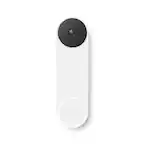
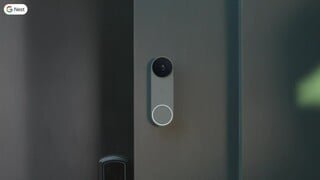
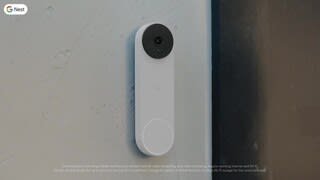
|Posted .This reviewer received promo considerations or sweepstakes entry for writing a review.Once a rare exclusive luxury, Video Doorbell systems now come in a wide range of prices and features to fit every pocketbook and security need. System features vary, so it’s important to find the video doorbell that best suits your situation and needs. The most important features FOR ME in the Google Nest Wired Doorbell (2nd Generation) is the fact that the outside part of the system is WIRED to utilize the continuous ~20-volt dc power that is available next to my front door I was upgrading from a traditional push-button chime or buzzer. Also, it integrates nicely into the popular Google Nest family of devices and Apps. Depending on your climate, extreme heat or cold can adversely affect the lifespan of replaceable batteries installed on some video doorbell outside wireless wall units. Taking power from the house electrical system means that failure due to exhausted batteries will not shut the video doorbell system down. This wired Google Nest system has an internal backup lithium battery that (depending on use) will keep the system running for an hour or so in the event of a power failure. It will automatically recover from a utility power failure when the power comes back on. In my particular case, I’m using the wired Google Nest Video Doorbell as part of a security system on a secondary residence that could be vacant for an extended period of time, so a replaceable battery might fail unexpectedly. There are a lot of things going on in this very capable system (high end camera, infrared lights for night vision, recharger, audio mike and speaker, etc.) that draw power. I ran into intermittent problems at first and was able to identify the problem as undersized wiring. My simple analog chime and button was installed over 25 years ago and used sheathed multi-wire telephone cable common at that time. However, the original installer only used 2 of the 6 thin wires available inside the cable. That was enough for the simple chime plunger when the button was pressed, but it couldn’t keep the voltage up to run the electronics inside the new Nest button housing as well as drive the plunger 50 feet away. I solved the problem by also using the 4 unused wires in the cable, so that they became two parallel sets of 3 wires twisted together at each end. After the easy fix, the system works just fine. If you home is old enough and the distance between the button and the indoor chime is very long, this might help you too. FEATURES: • Trim attractive outside unit (H – 5.1” X W - 1.6” X D - .1.4”) with white and infrared light illumination for day and nighttime detection and identification. • Uses your original inside mechanical Chime unit for a familiar alert sound that everyone will recognize. • 960 x 1280-pixel resolution and 6x digital zoom. The 2nd Generation Nest Video Doorbell camera’s physical pixels are 125% larger than the original 1st Generation Google Nest’s camera so it captures more light and thus detail at night. • The captured picture is 3:4 Portrait ratio to capture a view of the floor in front of the door to see packages. • The extra electrical power available to the wired version of this video doorbell is used for better internal AI processing when compared to the wireless version of the otherwise same Google 2nd Gen wireless video doorbell. This means that (similar to a UHD TV picture), the onboard AI processes backlit lighting (bright sky behind the visitor) so that the face of the visitor is much clearer and identifiable. • The Google Nest Video Doorbell is one part of the Google Nest family. Using the Google Home App you can integrate other Nest devices like cameras, lights and switches to produce events like the porch light coming on if the button is pressed or a human is detected after dark. • The video doorbell will work by itself, but there are subscriptions available to store more captured video etc. • Works with Google Home Assistant and Amazon Alexa • The optional subscription service offers online AI that can be changed to alert-to or ignore things like human faces, cars passing by, pets and packages showing up on or leaving the porch. Other detection reactions are also available. • 6X Digital Video-Zoom from App. PROS: • Attractive Design • The 145° Portrait 3:4 camera view gives a good head-to-toe picture of the visitor and gives a good view of the floor to see delivered packages. CONS: • It’s a powerful unit that needs good wiring to supply a constant ~20 volts DC. In my personal installation experience, the tiny .0345” single strand copper wires found in old household telephone cables cannot supply enough power for long runs alone. If your home is old enough to be hard wired with telephone wires, there’s a chance they used the same kind of wire for your old doorbell. If only 2 of the 6 solid copper wires are being used as was my case, twist the 6 into two pairs of 3 or replace the telephone cable with modern low voltage two conductor doorbell wire. CONCLUSION: The 2nd generation Google Nest wired Video Doorbell is a good choice for homes with a relatively strong (3 of 5 bars) Wi-Fi signal at the outside door area to transmit all of the video, audio and other data onto your Wi-Fi network and the internet. If you integrate it with Google Home and other Nest devices, you can really get a lot of features out of it.
I would recommend this to a friendBrand response from Nest Support
Posted .Hi Daddio, thanks for taking the time to share your feedback on Nest Doorbell (2nd gen, wired), and we’re glad to hear you’re able to make it work with your doorbell system. The new Nest Doorbell (2nd gen, wired) needs to be powered by wires delivering 16 - 24 V AC, and at least 10 VA (in North America) or 12 - 24 V AC and at least 8 VA (in Europe). While the Nest doorbell can replace most wired doorbells, there are some cases where the doorbell system, including doorbell wires, either doesn’t give enough power or gives too much power. In some homes, you may need to upgrade your transformer to meet the doorbell's higher power requirements. However, some doorbell systems are incompatible like a traditional doorbell system that uses very little power, so it’s important to make sure that the wires and transformer (power supply) meets the required amount of power so the doorbell can record videos.
Feedback like this helps us identify what we’re doing right and what areas we need to work on, and we’ll use this for future improvements. In the meantime, for any support concerns, please simply let us know by visiting: https://support.google.com/googlenest/gethelp
Not showing what triggered notification
||Posted . Owned for less than 1 week when reviewed.This reviewer received promo considerations or sweepstakes entry for writing a review.Upgraded(?) gen1 to this gen2. The nest app is now useless and you must use google home. The notifications that are sent the phone does not give the correct preview of what actually triggered the notification. So when you recieve an alert, you have to actually open google home and play the video back. I’ll return if not corrected.
No, I would not recommend this to a friendBrand response from Nest Support
Posted .Hey there, thanks for posting your review here. We're sorry to learn that you're experiencing some notification issues with your Nest Doorbell. This is not the initial impression we want you to have with the device. There are a few things that may trigger errors with notifications such as sudden changes in the light level or shadow moving across the frame. For example, if a cloud moves in front of the sun. If you're willing to give it another go, let us help you with finding the cause of the issue and provide you with troubleshooting steps that may improve your overall experience. Please contact us on our Google Help page here: https://support.google.com/googlenest/gethelp
Not reliable
||Posted . Owned for 3 months when reviewed.This reviewer received promo considerations or sweepstakes entry for writing a review.I have owned this doorbell/camera for three months and twice it has been unresponsive and not functional. It has now been off for 3 days, unresponsive. To hard reset you must remove the door bell with the inadequate tool that came with it and reset it from the backside. Not a simple process by any stretch. I intend to contact google and request a replacement.
No, I would not recommend this to a friendBrand response from Nest Support
Posted .Hello there, Seahawk. We're sorry to hear about your frustrating experience with Nest Doorbell (wired, 2nd gen). We appreciate that you've shared your feedback with us and recommend reaching out to our team of specialists so we can help identify the cause of the issues you're having and find better ways in providing a resolution for you. Please contact us on our Google Help page here: https://support.google.com/googlenest/gethelp
2nd Generation worse than the 1st....
||Posted . Owned for 1 week when reviewed.This reviewer received promo considerations or sweepstakes entry for writing a review.2nd generation far worse than what we had If not thrown the old away it would be back up this returned. However the Nest Customer support it Tremendous....
No, I would not recommend this to a friendBrand response from Nest Support
Posted .Hello there, Misty. Thanks for sharing your experience with the Nest Doorbell (wired, 2nd gen), and with our customer service. We’re sorry to hear your expectations with the doorbell are not met. We understand you’ve already contacted us, but if additional help is still needed, please share with us your recent case reference so we can continue our investigation: https://support.google.com/googlenest/gethelp
Bad audio
||Posted . Owned for 1 month when reviewed.This reviewer received promo considerations or sweepstakes entry for writing a review.Camera and night vision is good, but the audio is terrible, you can't hear anything audible and it's just noise. If I could return it, I would
No, I would not recommend this to a friendBrand response from Nest Support
Posted .Hi Timm, thanks for sharing your feedback on Nest Doorbell (wired, 2nd gen). We appreciate that you find the camera and night vision great, but are sorry to learn of your poor experience with the audio.
You can adjust your Nest camera and doorbell audio settings to turn the microphone off or on, change the microphone sensitivity, and set up audio notifications. When the microphone is off, audio is not streamed or recorded. It's off by default during setup. Here’s what to expect when you turn audio recording off for your camera:
- Audio isn't saved with your camera’s recorded video, which means that any footage saved in your video history while audio recording was turned off don't have sound.
- You can still get audio in your camera’s live video stream.
- The app doesn't send you any sound alerts.
- Follow the app instructions for your camera or doorbell below to turn audio recording on or off.
You can also visit the links below that might help:
Change Nest camera and doorbell audio settings; https://support.google.com/googlenest/answer/9218407
Troubleshoot camera audio: https://support.google.com/googlenest/answer/9257101
We also have help always available for your support needs. Visit us anytime at the following link if additional assistance is required: https://support.google.com/googlenest/gethelp
Worthless - doesn't work
||Posted . Owned for 3 months when reviewed.This reviewer received promo considerations or sweepstakes entry for writing a review.spent hours on the phone with customer support - this doorbell never rang on interior doorbell or on my phone. All of the software settings were correct and the installation was correct. I had no idea when someone was at the door - completely useless. customer support was not help and gave up on fixing the issue. Now BB won't let me return. Don't waste your time or money.
No, I would not recommend this to a friendBrand response from Nest Support
Posted .Hello there, RRAsheville. Thanks for sharing a review. It’s unfortunate to hear that your experience with the Nest Doorbell (wired, 2nd gen) has not been ideal. We can imagine how much time and effort you’ve spent, and we’re sorry for the inconvenience this issue has caused you. We’ll use your feedback to work on improving how we handle customer concerns with accuracy and efficiency. Meanwhile, we’d like to have another chance to help you with your concerns. Please share with us your recent case number so we can continue our investigation here: https://support.google.com/googlenest/gethelp
Nice Design. Great Hardware. Fantastic Software.
|Posted .This reviewer received promo considerations or sweepstakes entry for writing a review.I have been thinking about a “smart” doorbell for some time, and while I probably waited too long, it seems the tech has gotten even better. Beyond all the smarts, which I will comment on in a bit, I just really like the design here. I mean, it is a doorbell, but I just don’t really like the looks of most of the competition in the space. They are fine, I guess, but this has a more simple, clean, compact, and modern look to it. Kind of the like the rest of the products Google is putting out these days. Perfect for me. Further, it blends in better with the doorframe and looks more like it is part of the house than some random add on. It seems well-built and I imagine it should stand up for quite some time. Installation was one of the things holding me back from making the move sooner, and, honestly, after getting this in, I feel a little foolish for putting it off. I am sure each situation will be different, but it went a lot better than I was expecting. I would say it was about 25 minutes, but a lot of that was me going slow and making sure. Also, I more or less had a “plug and play” set-up that did not require a lot of work from me. They provided everything I needed (and some) with the kit (and a window decal lol). Again, take it with a grain of salt, and look into your own situation, but I think most should be ok doing it on your own. If you opt for a professional install, it should be a breeze for that individual. Once up, I was very impressed. Admittedly, when I saw the resolution specs, I was a little hesitant. Frankly, while Google excels in imagery, they have been a “little” behind in video, and I did not know what to expect. Well, I don’t have a lot of other experience here, but I think the picture looked great for what it is. Images are crisp and there is a nice tall and wide view. Day or night. I am sure there is some computational video work going on somewhere. Whatever it is, it looks great, and I am happy. I think where the doorbell really shines in on the software side. As I am already in the Google ecosystem, using the Home App is second nature to me, and I found everything familiar and easy to set-up, customize and use. That said, it is all pretty intuitive, and most should be able to pick it all up quickly. Everything here is done pretty well. It is definitely worth the time investment to go to the settings to get everything dialed in to how you really want the doorbell to work. Set up activity zones. Set up your notification settings. They give you a ton of control to get whatever level of notification/alert you want to deal with. I found all of the communications arrived quickly and in a timely manner, which having no experience in this space prior, was another thing I was a bit worried about. It is a non-issue. Hand in hand with how well the software works is what you actually get. I would say, out of the box, you get just about everything you are looking for. To their credit, a bit, Google does a pretty good job here. It would be great to have all of the premium features (familiar face detection, 30 or 60 days of video event history, etc…) added in, but I get it. They are there if you want or need them. If not, they are not truly needed, and the device excels as is out of the box. In the end, this is exactly what I was looking for. I am quite happy with it. The video looks good, detection works well, the notification/alert system is timely (and highly customizable), and the software is fantastic. Regardless of setup, I think it is a great choice, but if you are already invested into the Google Home ecosystem it’s really hard for me to recommend another choice. It integrates so well with other devices in the chain, it really makes for a nice cohesive setup.
I would recommend this to a friendNice
||Posted . Owned for 1 month when reviewed.This reviewer received promo considerations or sweepstakes entry for writing a review.Had some problems initially getting the camera to connect to our wi-fi, but once Spectrum replaced our 2-in-1 modem/router, all was resolved. We love this device!
I would recommend this to a friendEcosystem Trap Product
||Posted . Owned for 2 months when reviewed.This reviewer received promo considerations or sweepstakes entry for writing a review.Unlike the previous version, there's no Smart Device Management API access. That means you can't do anything with it outside of the Google ecosystem. You'll also suffer from limited features unless you purchase their cloud subscription. It's an ecosystem trap product.
No, I would not recommend this to a friendBrand response from Nest Support
Posted .Hi Rensew, thanks for sharing your feedback to let us know of your concern with the Nest Doorbell (wired, 2nd gen), and we hear your concerns about lacking Smart Device Management API access. We understand that having the ability to view and control your doorbell directly from your security provider’s app can be ideal for your needs. We’d be happy to share your feedback with the right team for consideration when working on improvements with our products and services. Meanwhile, you can also check this link for current news, updates, and announcements: blog.google/products/google-nest
For services and assistance, feel free to contact us at the following link and we’ll do our best to help: https://support.google.com/googlenest/gethelp
Video is bad for the cost, why not hd
||Posted . Owned for 1 month when reviewed.This reviewer received promo considerations or sweepstakes entry for writing a review.Why is video not hd yet? It is 2022 2023... For the cost and it being a new release it is crazy
No, I would not recommend this to a friendBrand response from Nest Support
Posted .Hello ILMGuy99, thank you for sending in your review. We can see that you're having some challenges with the video quality of your Nest Doorbell (wired). Please be advised that your device should provide you with HD, 960 x 1280 pixels, up to 30 FPS if you have a working broadband internet connection with at least 2 Mbps upload speed per camera. If you've met these requirements and are still getting video quality issues, then we recommend reaching out to our support team and allowing us to help you with finding a better resolution. You can contact us on our help page here: https://support.google.com/chromecast/gethelp