Customer Ratings & Reviews
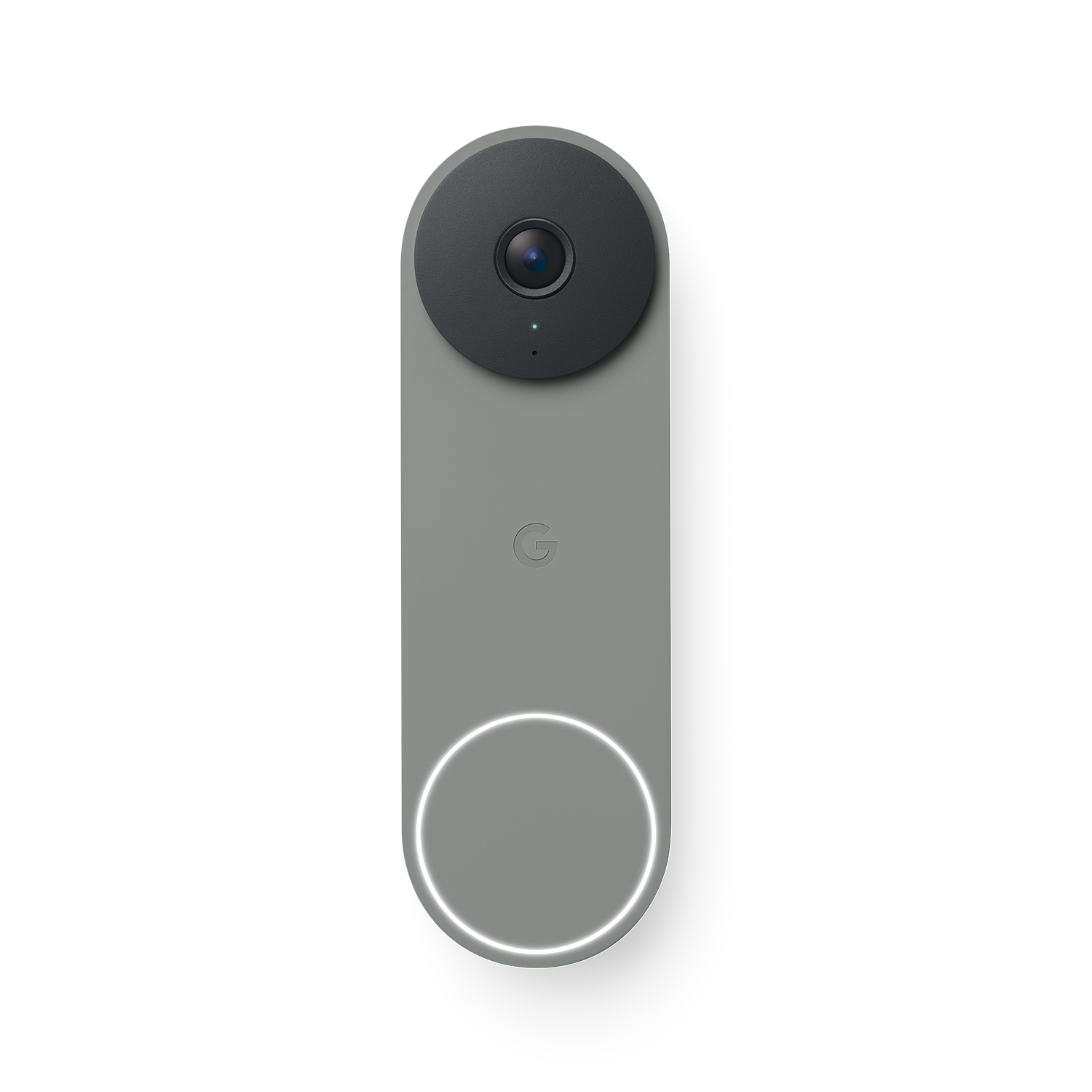

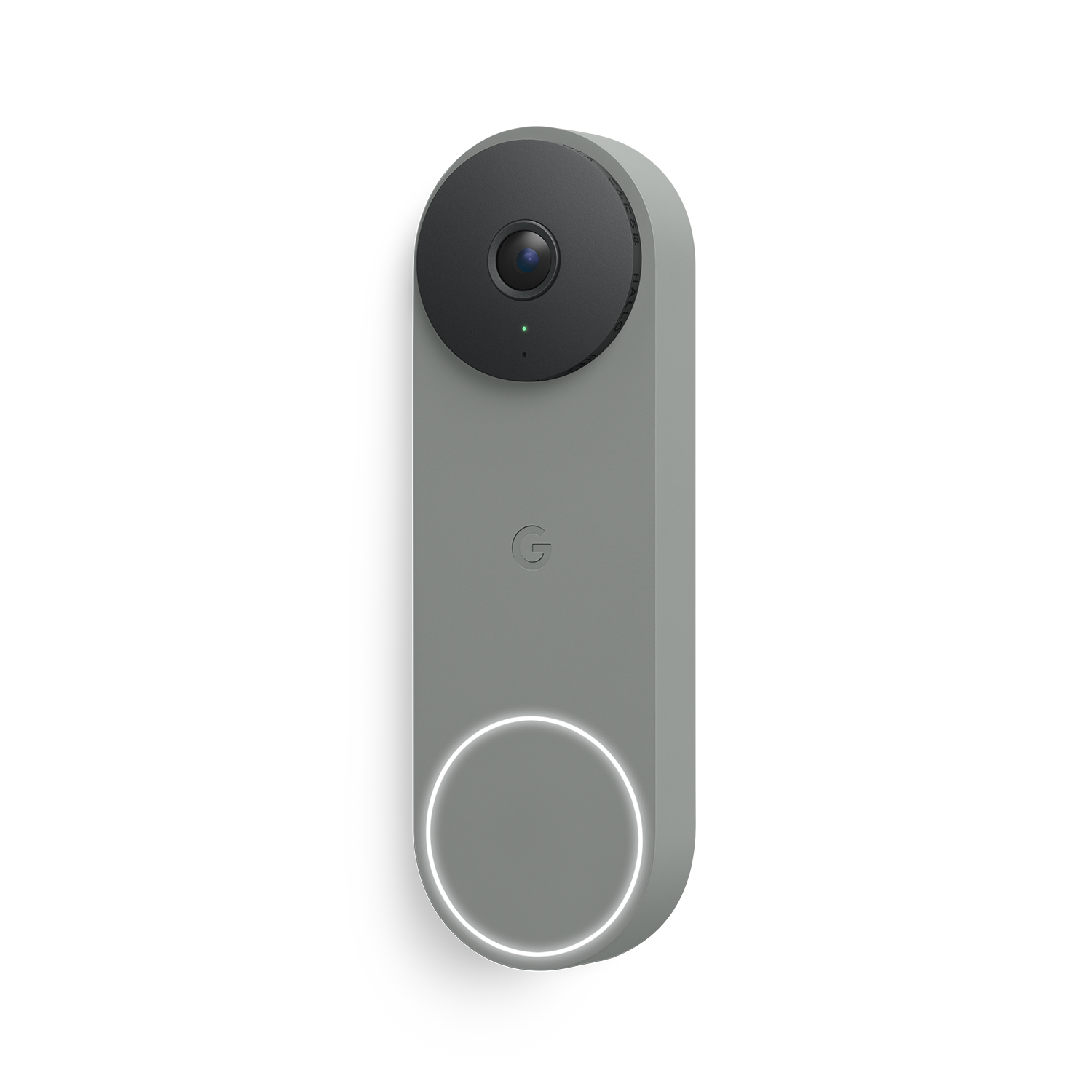
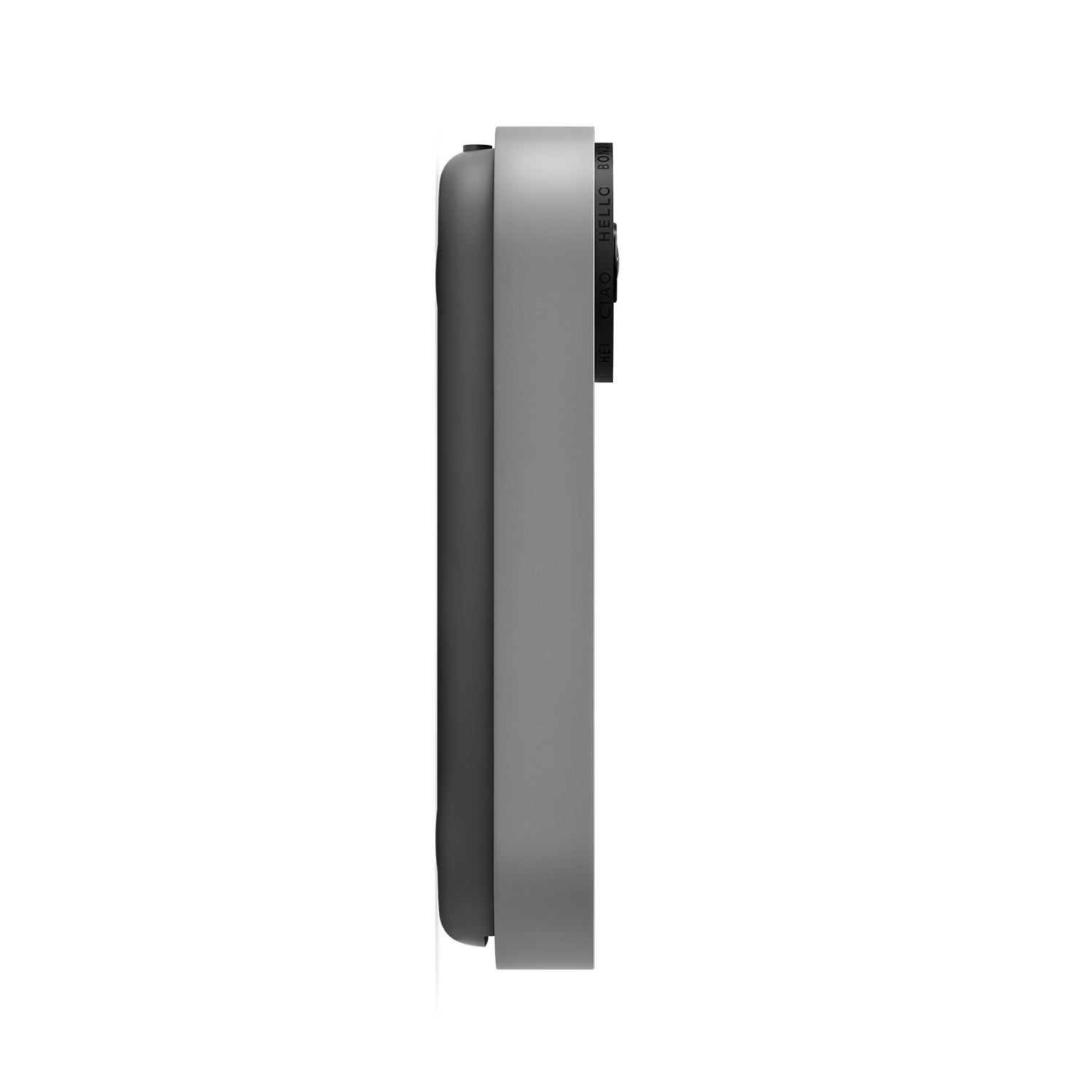



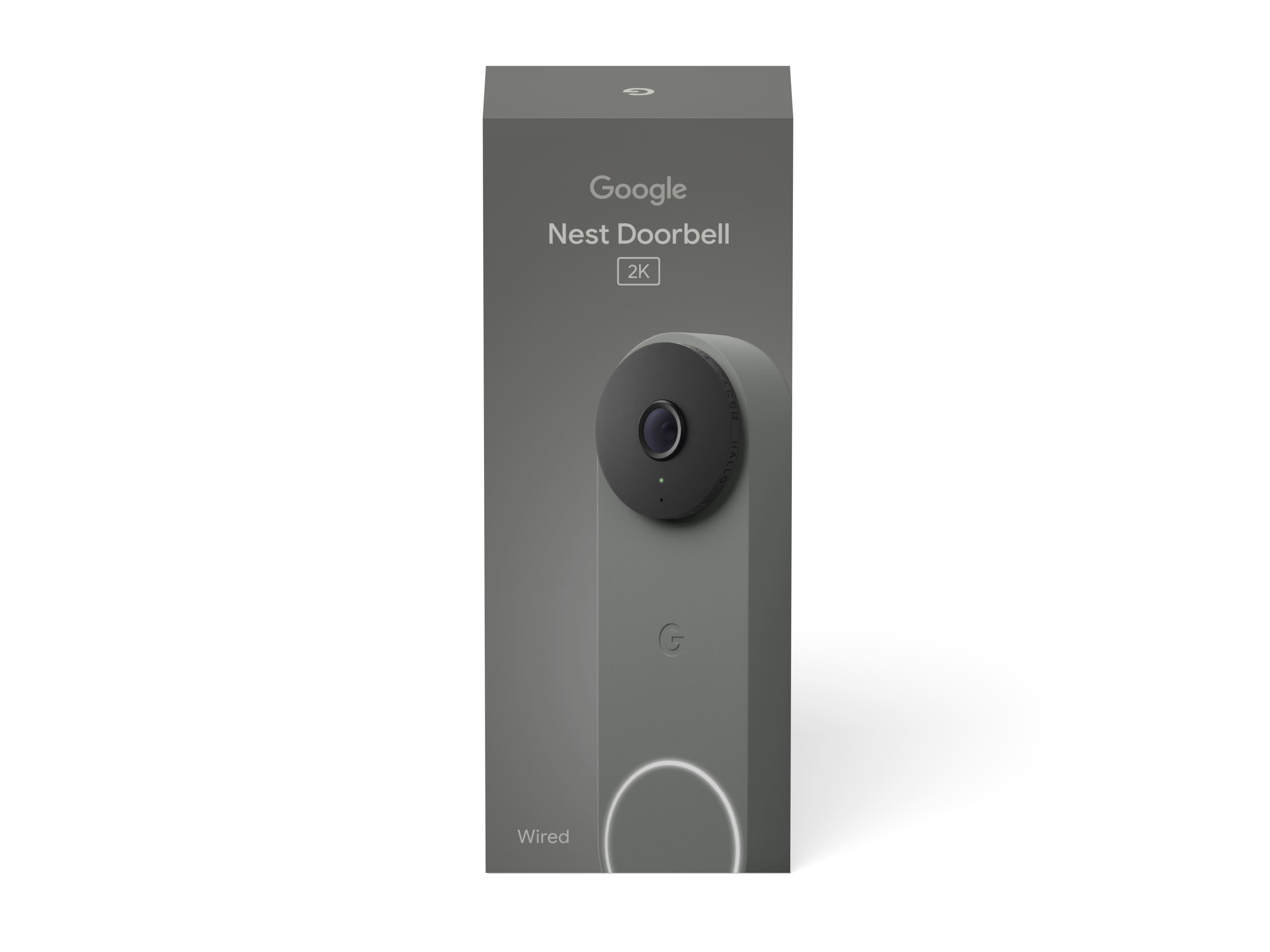
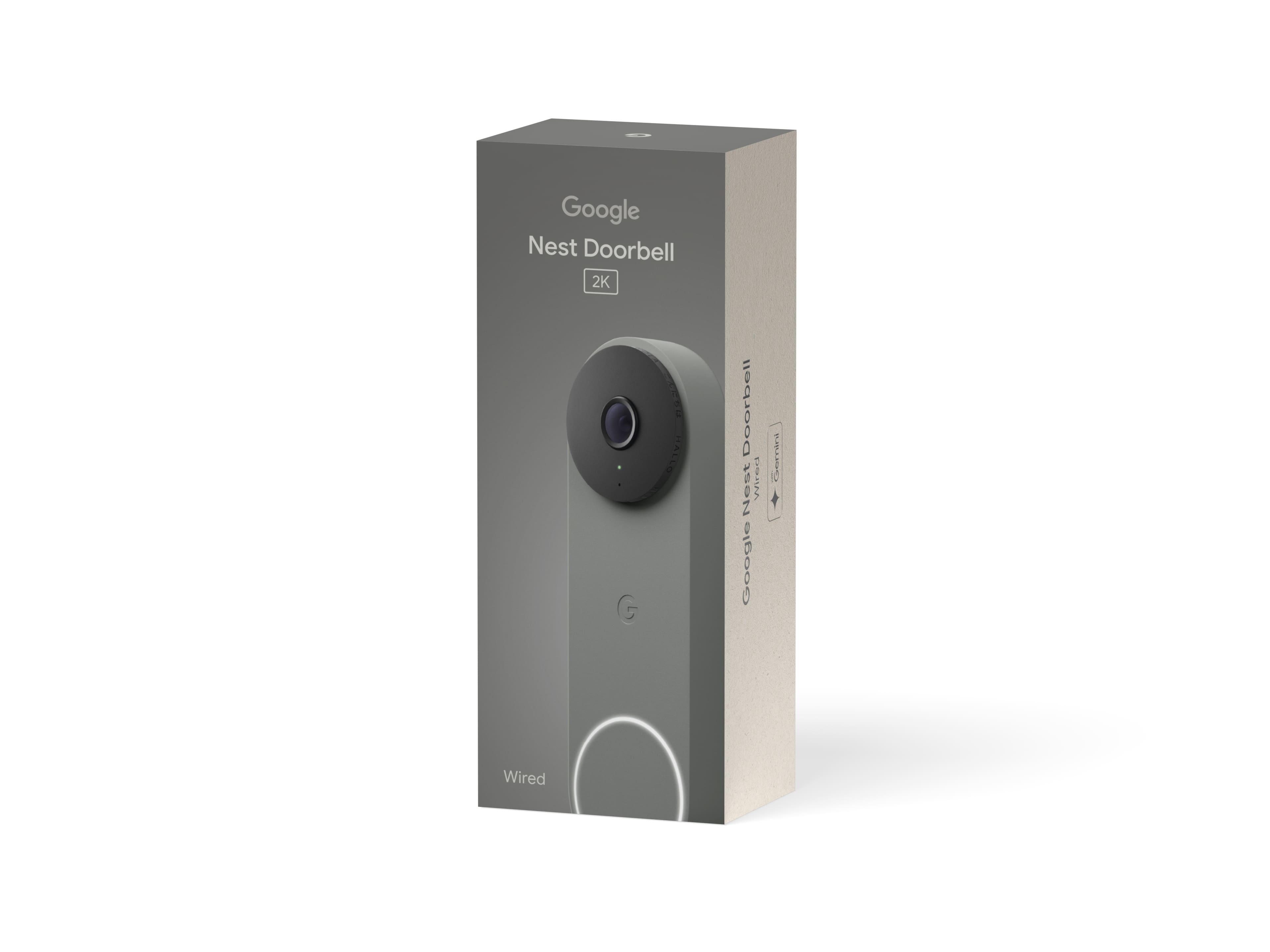
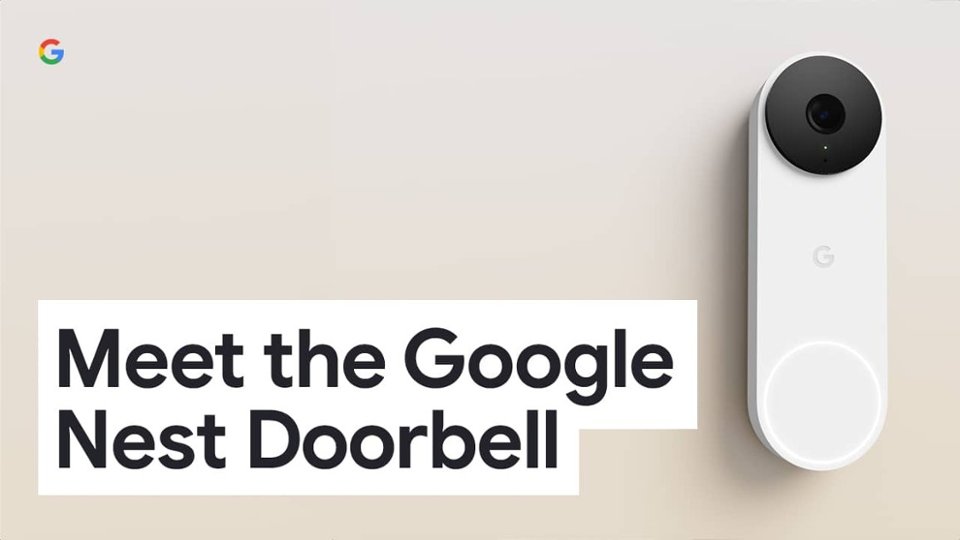
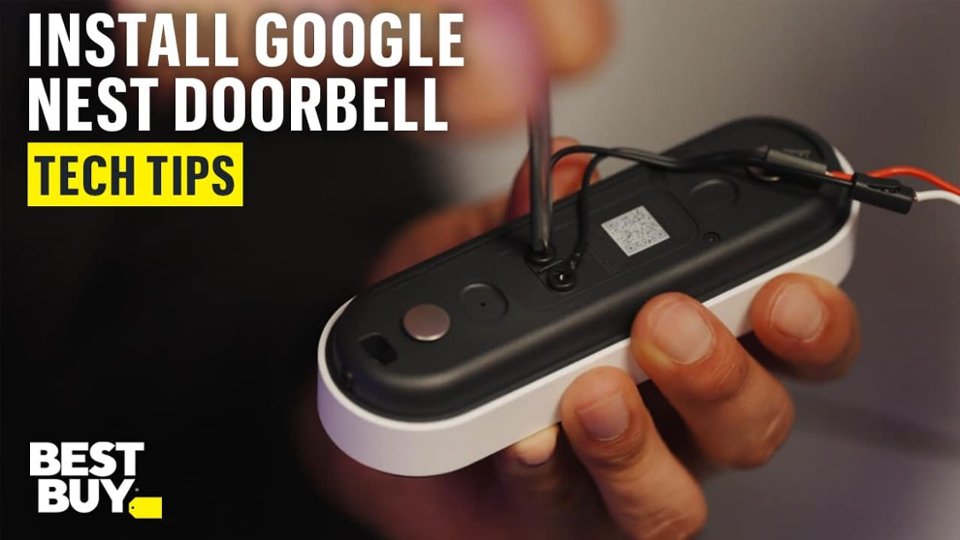
- Model:
- GA09968-US
- |
- SKU:
- 10966740
Customer reviews
Rating 4.7 out of 5 stars with 269 reviews
(269 customer reviews)Rating by feature
- Video Quality4.9
Rating 4.9 out of 5 stars
- Mobile App4.7
Rating 4.7 out of 5 stars
- Sound Quality4.7
Rating 4.7 out of 5 stars
Rated 5 out of 5 stars
Easy to install, great video quality and AI
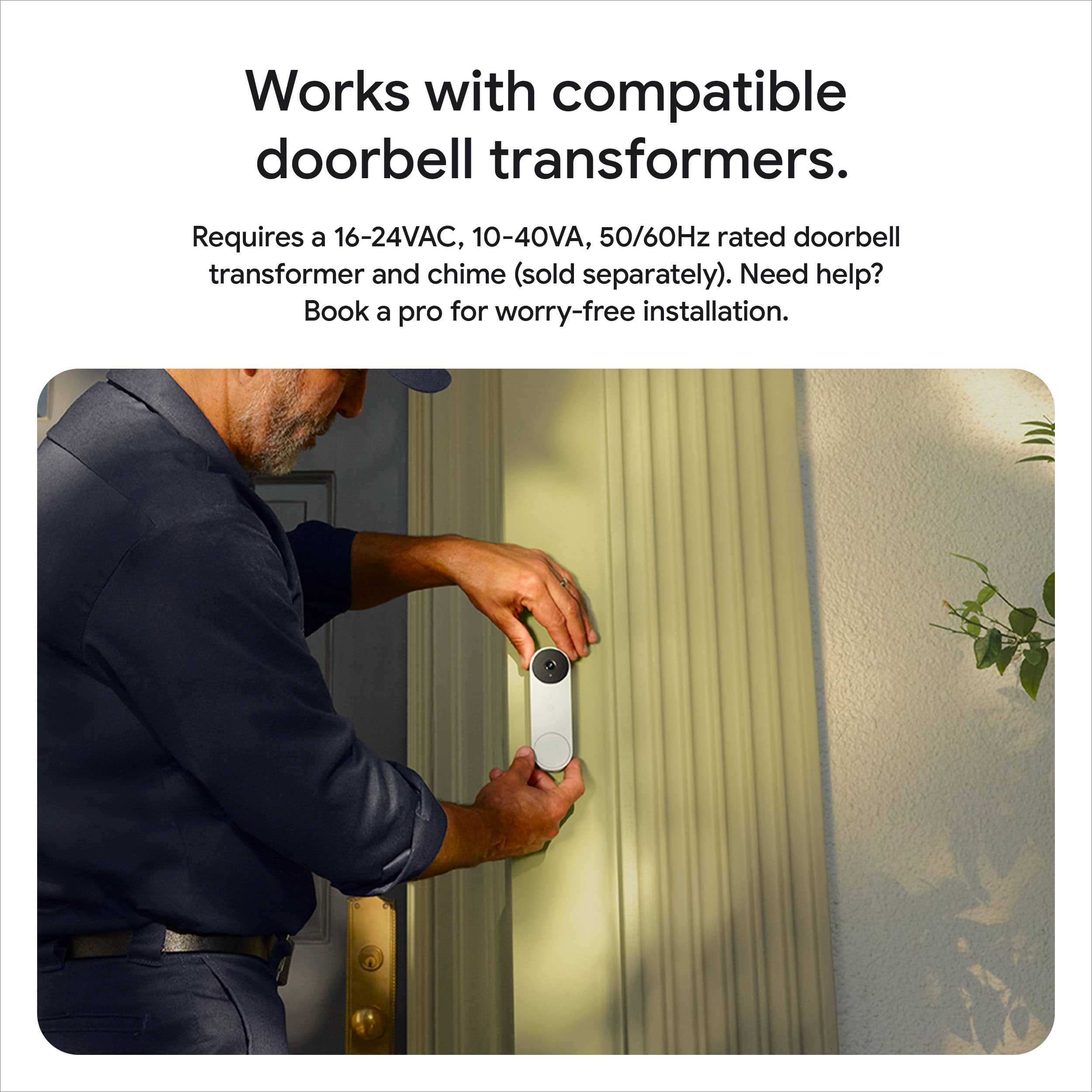
||Posted . Owned for 2 weeks when reviewed.This reviewer received promo considerations or sweepstakes entry for writing a review.Very easy to install, great video quality and now has Gemini AI to video ID whats coming to your home, who is arriving, etc. I recommend this product.
This review is from Google - Nest Doorbell (wired, 3rd gen) - Latest Model - 2K Video and Gemini - Snow
I would recommend this to a friendRated 4 out of 5 stars
Google Nest Doorbell 3rd generation
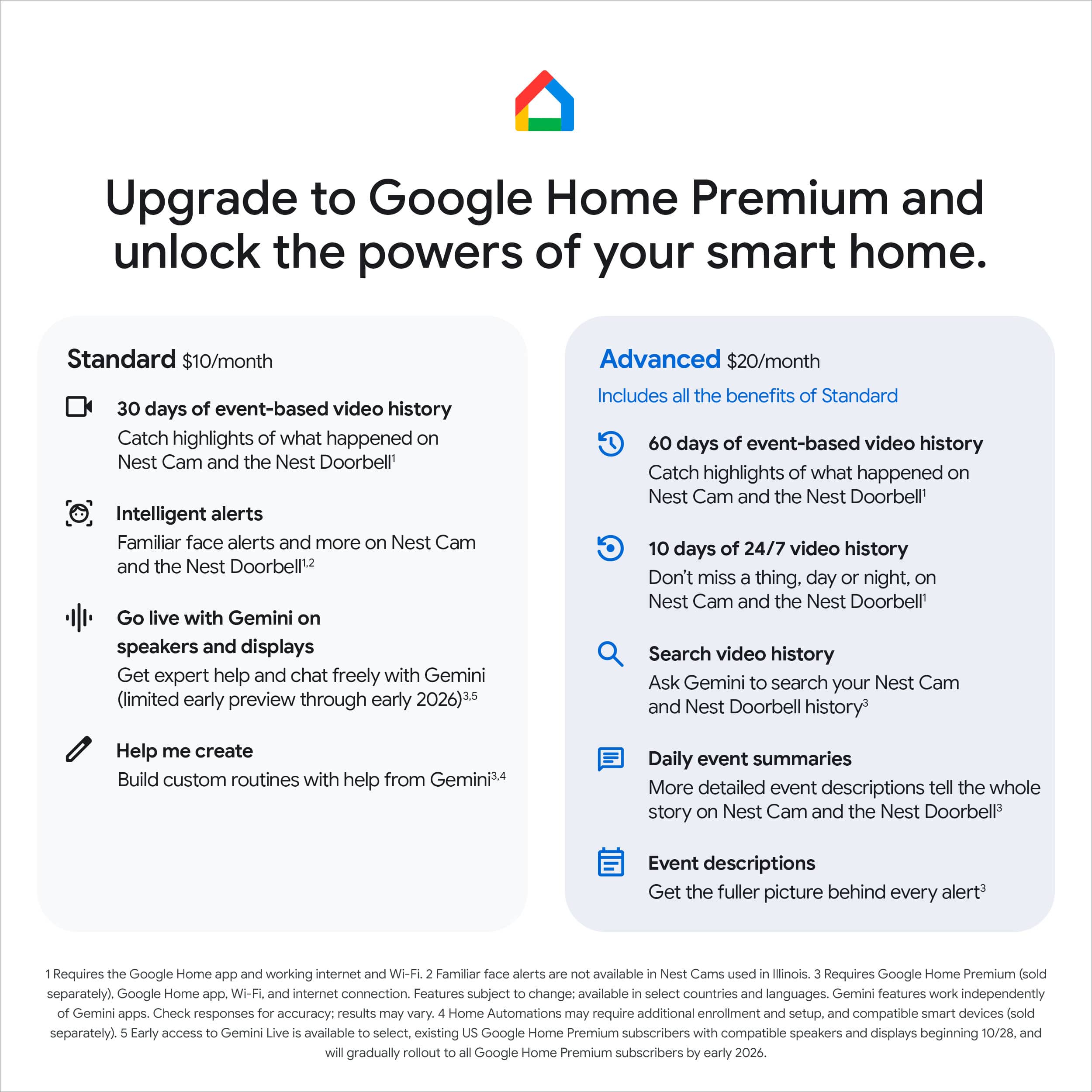
||Posted .This reviewer received promo considerations or sweepstakes entry for writing a review.Upgraded from the 2nd generation. Video quality seems a little better than the 2nd generation. What's best about this 3rd generation is the larger field of view. Huge difference from the older model. Love the AI video descriptions but that does require a subscription.
This review is from Google - Nest Doorbell (wired, 3rd gen) - Latest Model - 2K Video and Gemini - Hazel
I would recommend this to a friendRated 5 out of 5 stars
2k Video is awesome viewing
||Posted . Owned for 2 weeks when reviewed.This reviewer received promo considerations or sweepstakes entry for writing a review.Love the clarity of video and sound. Easy installation for DiY. Works well Google home if your a subscriber but don’t need it if you don’t want to keep records of movements or sounds. It’s a plus honestly if you do because you never know what might happen around your area and need to look back at the video services that Google offers. The look of the doorbell is also a plus over like the Ring camera, which is very aesthetically, please to the eye.
This review is from Google - Nest Doorbell (wired, 3rd gen) - Latest Model - 2K Video and Gemini - Snow
I would recommend this to a friendRated 5 out of 5 stars
Doorbell camera
||Posted .This reviewer received promo considerations or sweepstakes entry for writing a review.Very easy to install and the video quality has been great. Very happy with the purchase. Integrates well with my Google ecosystem. Would buy again.
This review is from Google - Nest Doorbell (wired, 3rd gen) - Latest Model - 2K Video and Gemini - Linen
I would recommend this to a friendRated 5 out of 5 stars
Easy install and clear image
||Posted . Owned for 2 weeks when reviewed.This reviewer received promo considerations or sweepstakes entry for writing a review.Upgraded from a 1st gen and wasn’t expecting much but video / playback quality was surprising. Install was much easier too.
This review is from Google - Nest Doorbell (wired, 3rd gen) - Latest Model - 2K Video and Gemini - Snow
I would recommend this to a friendRated 5 out of 5 stars
SuperDoorbell
||Posted . Owned for 1 month when reviewed.This reviewer received promo considerations or sweepstakes entry for writing a review.Great doorbell. I have always loved Nest Doorbell and this one has a very clear camera.
This review is from Google - Nest Doorbell (wired, 3rd gen) - Latest Model - 2K Video and Gemini - Hazel
I would recommend this to a friendRated 5 out of 5 stars
Nest Wired Doorbell Would Recommend.
||Posted . Owned for 2 weeks when reviewed.This reviewer received promo considerations or sweepstakes entry for writing a review.Works as expected. Instructions very easy to follow. Great video quality.
This review is from Google - Nest Doorbell (wired, 3rd gen) - Latest Model - 2K Video and Gemini - Hazel
I would recommend this to a friendRated 5 out of 5 stars
An Absolute Must-Have: Google 3rd Gen Doorbell
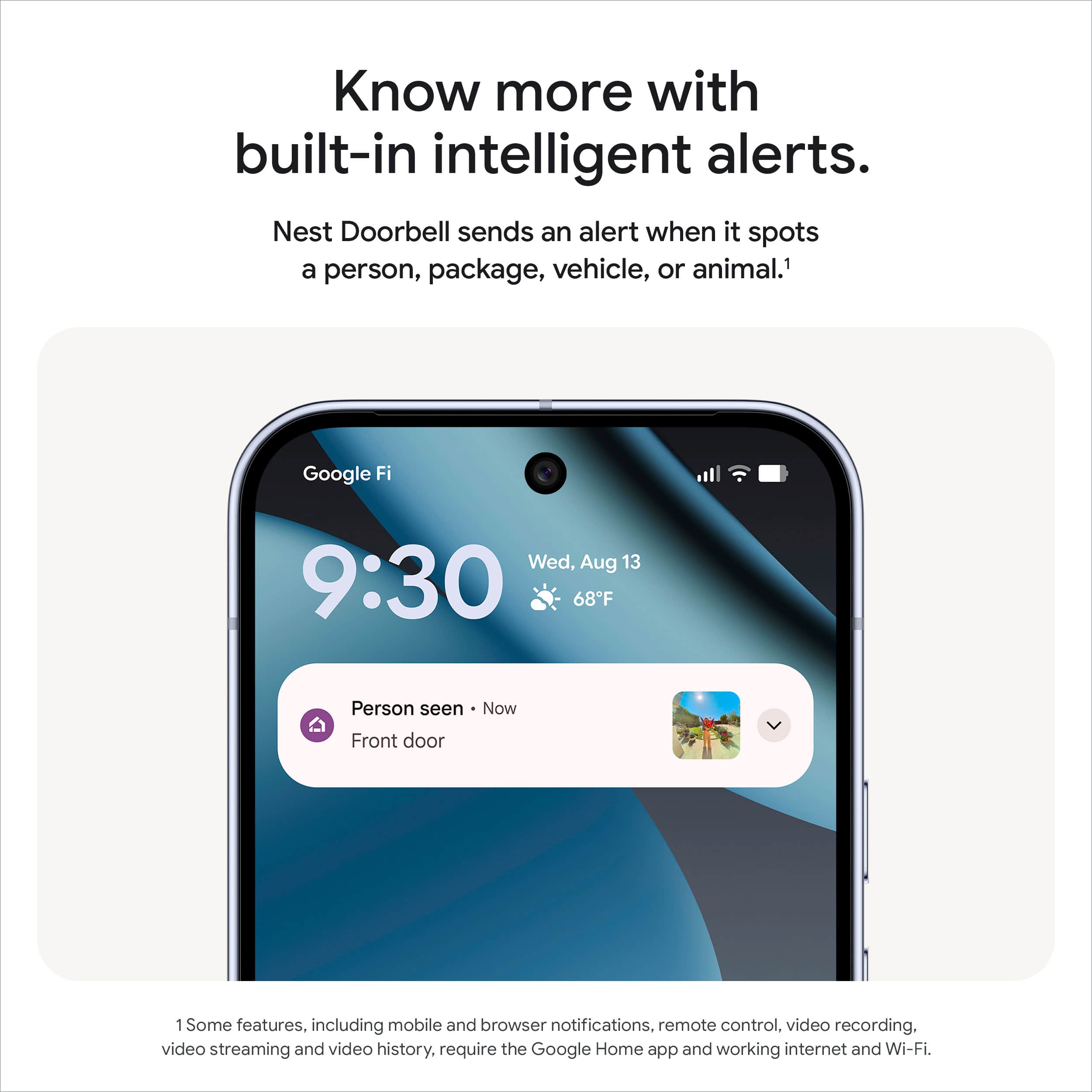
||Posted . Owned for 1 week when reviewed.This reviewer received promo considerations or sweepstakes entry for writing a review.I recently upgraded to the 3rd Generation Google Nest Doorbell (Wired), and I am genuinely blown away. If you're looking for a reliable, high-performing, and aesthetically pleasing smart doorbell, look no further—this is it. What I Love: • Crystal Clear Video & Audio: The image quality is exceptional, offering a sharp, bright, and wide field of view that captures everything. Night vision is also fantastic, giving me peace of mind after dark. The two-way audio is equally excellent; conversations with delivery drivers or visitors are crisp and clear, with no annoying latency or echo. • Reliable Performance (Wired Advantage): Since it's wired, I never have to worry about charging batteries! It offers continuous power and, in my experience, a much more stable and reliable connection than its battery-powered counterparts. It's always ready to go. • Sleek, Compact Design: The new design is much sleeker and more compact than older models. It blends seamlessly with my door frame and doesn't look like a bulky piece of tech. Installation was surprisingly straightforward, fitting perfectly where my old doorbell used to be. • Smart and Accurate Alerts: The integration with the Google Home app is flawless. I especially appreciate the smart alerts that can differentiate between people, packages, animals, and vehicles. This has significantly reduced false alarms, ensuring I only get notified when it truly matters. • Seamless Google Ecosystem Integration: Being a Google household, I love that it pops up instantly on my Nest Hubs and even announces visitors through my smart speakers. It truly makes the entire system feel cohesive and smart. Final Verdict: The 3rd Gen Google Nest Doorbell (Wired) is a premium product that delivers on every promise. It’s reliable, incredibly smart, and provides superior video and audio quality. It offers genuine security and convenience that has made my home life better. Highly, highly recommended!
This review is from Google - Nest Doorbell (wired, 3rd gen) - Latest Model - 2K Video and Gemini - Snow
I would recommend this to a friendRated 5 out of 5 stars
Camera
||Posted . Owned for 2 weeks when reviewed.This reviewer received promo considerations or sweepstakes entry for writing a review.The camera was easy to install and the quality is great.
This review is from Google - Nest Doorbell (wired, 3rd gen) - Latest Model - 2K Video and Gemini - Snow
I would recommend this to a friendRated 5 out of 5 stars
Time to upgrade
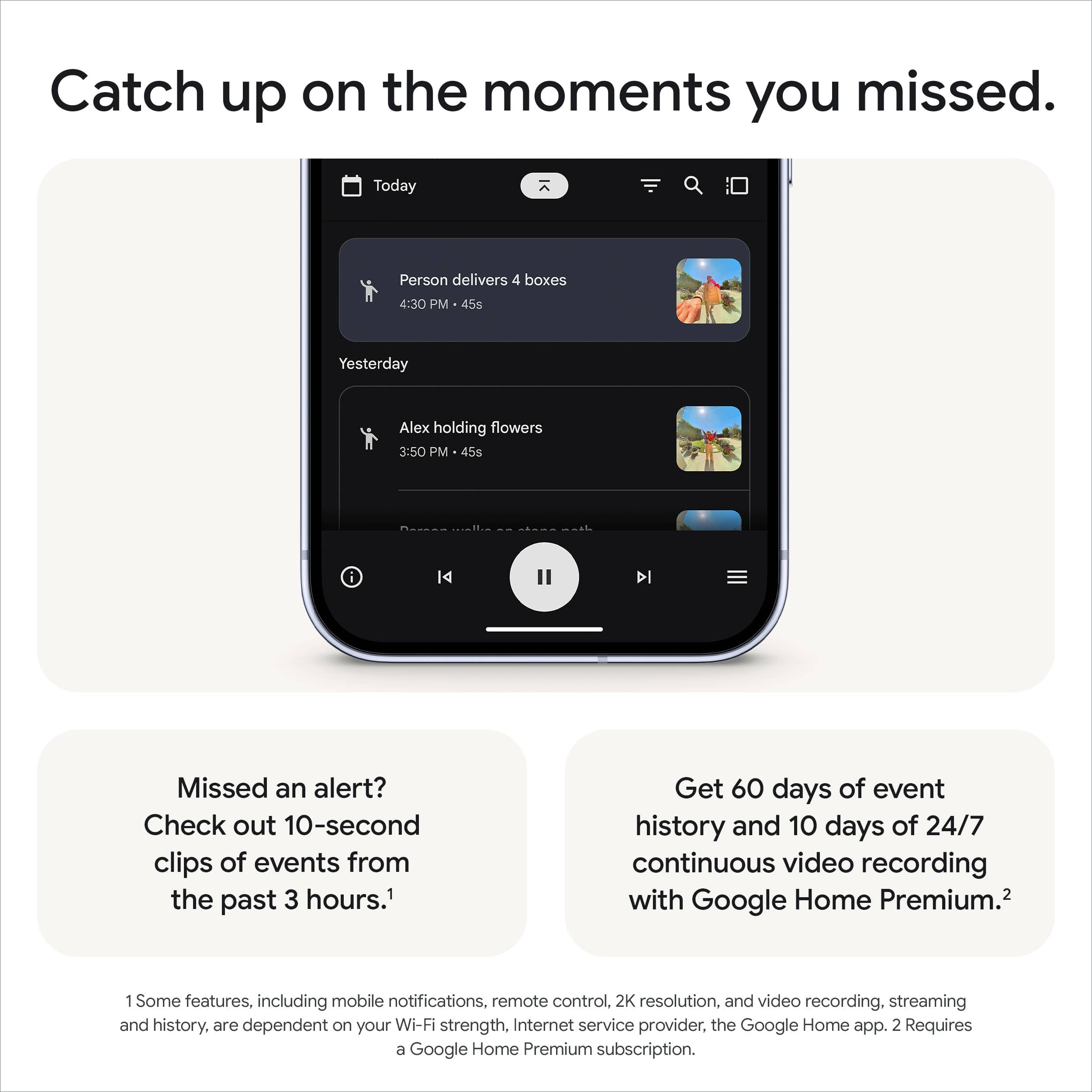
||Posted . Owned for 1 month when reviewed.This reviewer received promo considerations or sweepstakes entry for writing a review.My old camera was not connecting to my camera . It came with the house so it was around 9 years old at that point. Decided to upgrade to this version and the difference it extremely noticeable. The wide angle view is a big game changer because we were gonna add more camera to cover a blind spot by the previous camera but now we dont have to. I also like that the familiar faces were transfered over to the new camera and even though i havent used the ai function as much , its def easier to look for events.
This review is from Google - Nest Doorbell (wired, 3rd gen) - Latest Model - 2K Video and Gemini - Hazel
I would recommend this to a friendRated 5 out of 5 stars
Awesome video
||Posted .This reviewer received promo considerations or sweepstakes entry for writing a review.This has been a great product. Would recommend it to anyone. Great picture quality.
This review is from Google - Nest Doorbell (wired, 3rd gen) - Latest Model - 2K Video and Gemini - Snow
I would recommend this to a friendRated 5 out of 5 stars
Great upgrade from Nest Hello
||Posted . Owned for 1 week when reviewed.This reviewer received promo considerations or sweepstakes entry for writing a review.Very easy setup and great image quality. I upgraded an old Nest Hello and took advantage of the recycling promotion.
This review is from Google - Nest Doorbell (wired, 3rd gen) - Latest Model - 2K Video and Gemini - Linen
I would recommend this to a friendRated 5 out of 5 stars
Solid Upgrade!
||Posted . Owned for 3 weeks when reviewed.This reviewer received promo considerations or sweepstakes entry for writing a review.I upgraded to the 3rd gen Nest Doorbell because my 1st gen was taking longer to stream the video. As with all Google Nest products, installation and setup was easy through the Google Home app. The 2K HDR in the 3rd gen is a material upgrade over the 1st gen. The details are very crisp during both day and night. Like all current gen Nest product, the Nest Doorbell also have AI feature baked in. Although I have not had a chance to try it out, it's good to know it is there when needed. Overall, solid upgrade over 1st gen!
This review is from Google - Nest Doorbell (wired, 3rd gen) - Latest Model - 2K Video and Gemini - Snow
I would recommend this to a friendRated 5 out of 5 stars
Solid 2K and HDR Improvements
||Posted . Owned for less than 1 week when reviewed.This reviewer received promo considerations or sweepstakes entry for writing a review.Solid upgrade from an original Nest Hello Doorbell. Clarity is improved with the 2K sensor and the HDR is noticeably better. Because it's a square aspect ratio, it includes a wider viewing angle and combined with the included angled mount, I can see everything. Setting up activity zones and notifications is easy in the google home app, but make sure you set the default zoom level first since they will get reset if you change things. I found the default 1x zoom almost too wide and I set a zoom of 1.3x since as mentioned, you really can see everything.
This review is from Google - Nest Doorbell (wired, 3rd gen) - Latest Model - 2K Video and Gemini - Hazel
I would recommend this to a friendRated 5 out of 5 stars
Great video door bell
||Posted . Owned for 3 weeks when reviewed.This reviewer received promo considerations or sweepstakes entry for writing a review.Its a great video doorbell and the video is clear plus installation physically and on the Nest or Google home app is easy.
This review is from Google - Nest Doorbell (wired, 3rd gen) - Latest Model - 2K Video and Gemini - Snow
I would recommend this to a friendRated 5 out of 5 stars
Great upgrade
||Posted .This reviewer received promo considerations or sweepstakes entry for writing a review.Upgraded older Nest Doorbell and the camera and notifications have improved. Easier install as well!
This review is from Google - Nest Doorbell (wired, 3rd gen) - Latest Model - 2K Video and Gemini - Snow
I would recommend this to a friendRated 5 out of 5 stars
Good smart doorbell with useful features
||Posted . Owned for 1 month when reviewed.This reviewer received promo considerations or sweepstakes entry for writing a review.The Google Doorbell works well and delivers clear video and audio. Motion alerts are accurate, and package detection is very helpful. The app is user-friendly, though some advanced features require a subscription. Overall, it’s a solid, dependable doorbell that integrates nicely with other Google devices.
This review is from Google - Nest Doorbell (wired, 3rd gen) - Latest Model - 2K Video and Gemini - Linen
I would recommend this to a friendRated 5 out of 5 stars
Awesome Doorbell
||Posted .This reviewer received promo considerations or sweepstakes entry for writing a review.Love this doorbell. I changed from the ring doorbell to this one and the difference is night and day. Sound quality is better, video quality is better. The notifications are prompt and accurate. Lets me know when there is a package and when it is taken away.
This review is from Google - Nest Doorbell (wired, 3rd gen) - Latest Model - 2K Video and Gemini - Linen
I would recommend this to a friendRated 5 out of 5 stars
Way better then gen 1
||Posted . Owned for 2 weeks when reviewed.This reviewer received promo considerations or sweepstakes entry for writing a review.Awesome upgrade from my gen 1 nest doorbell. Clear picture and excellent resolution
This review is from Google - Nest Doorbell (wired, 3rd gen) - Latest Model - 2K Video and Gemini - Hazel
I would recommend this to a friendRated 5 out of 5 stars
Great doorbell camera
||Posted .This reviewer received promo considerations or sweepstakes entry for writing a review.Works great. Love the app. Good clear video. Easy to install.
This review is from Google - Nest Doorbell (wired, 3rd gen) - Latest Model - 2K Video and Gemini - Snow
I would recommend this to a friend