Customer Ratings & Reviews
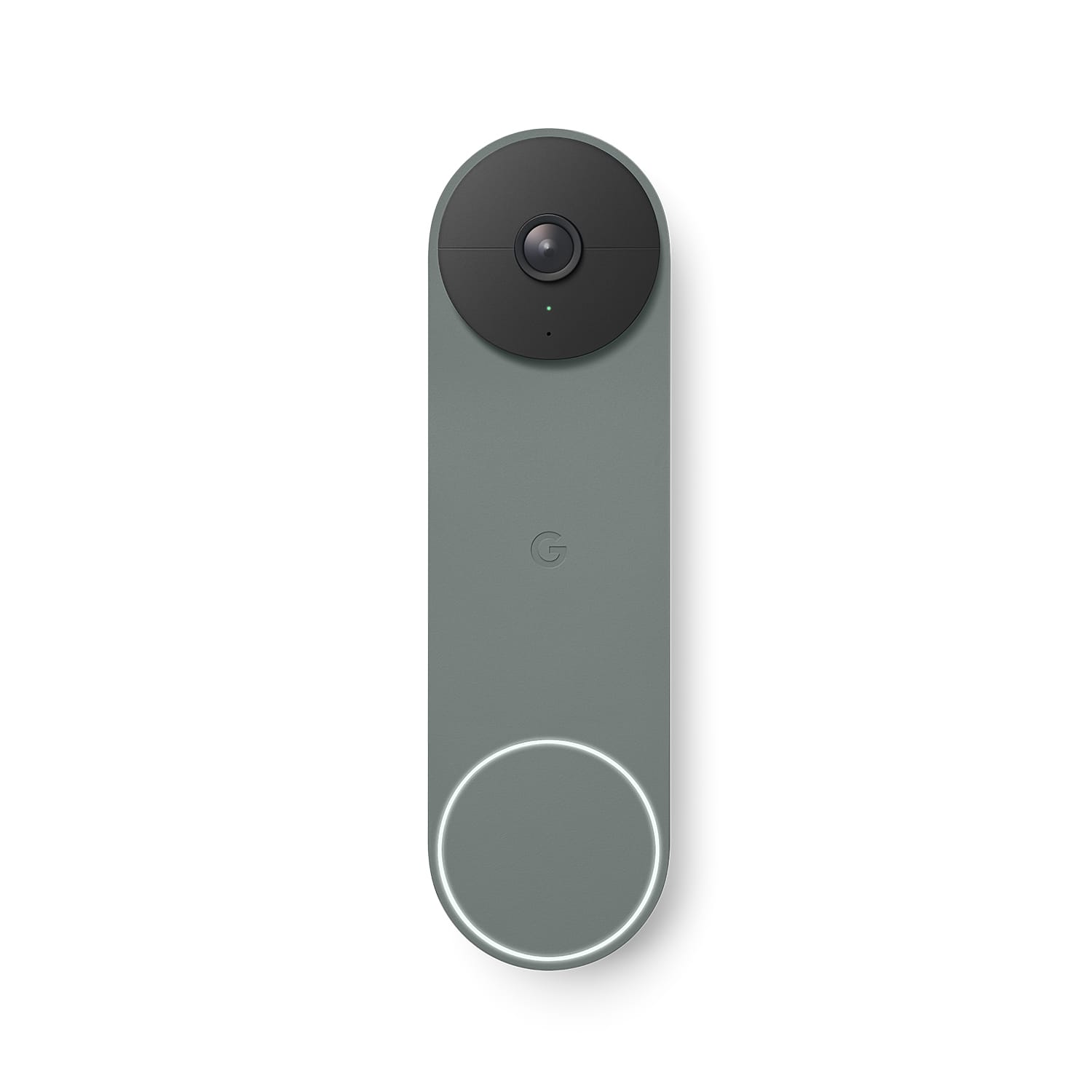
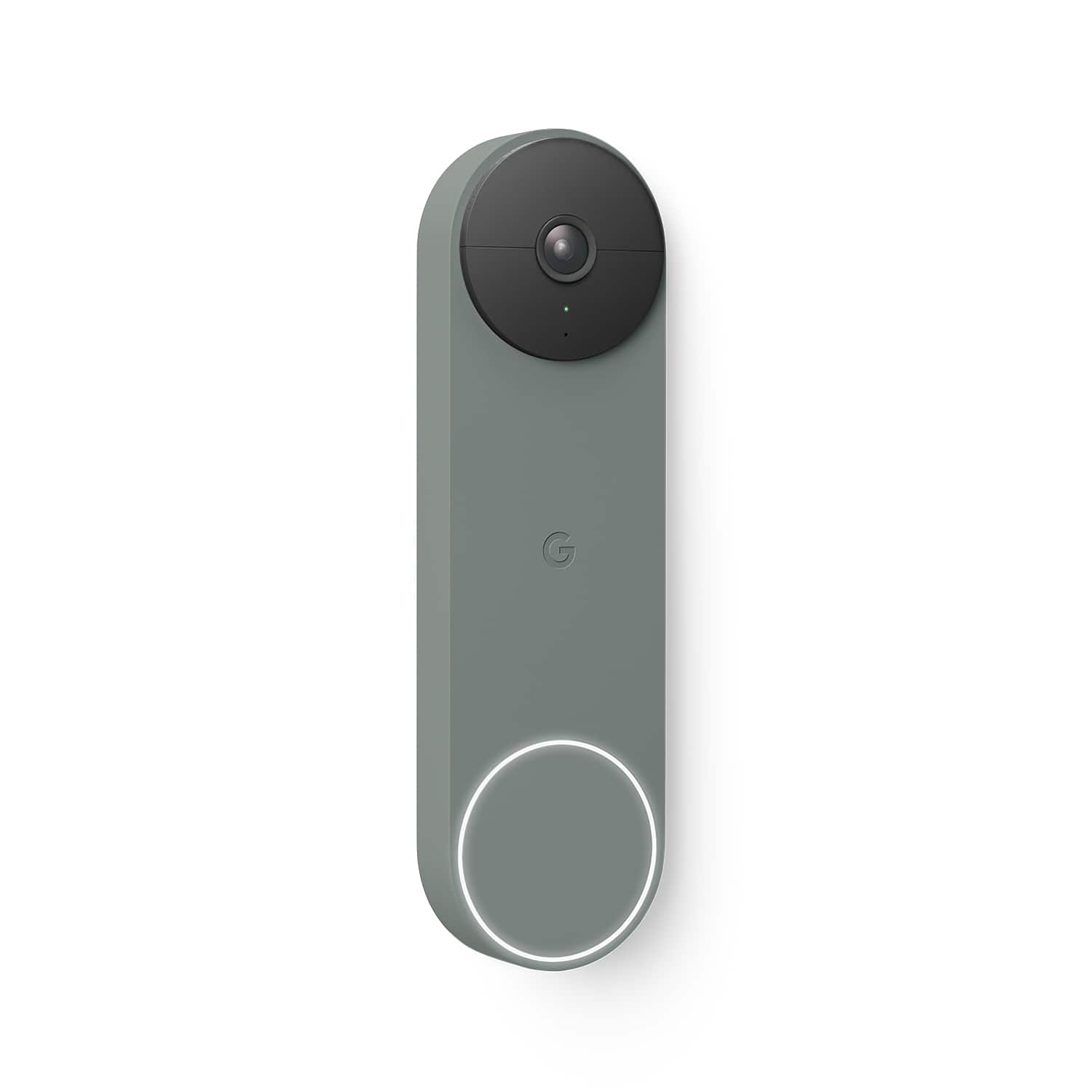
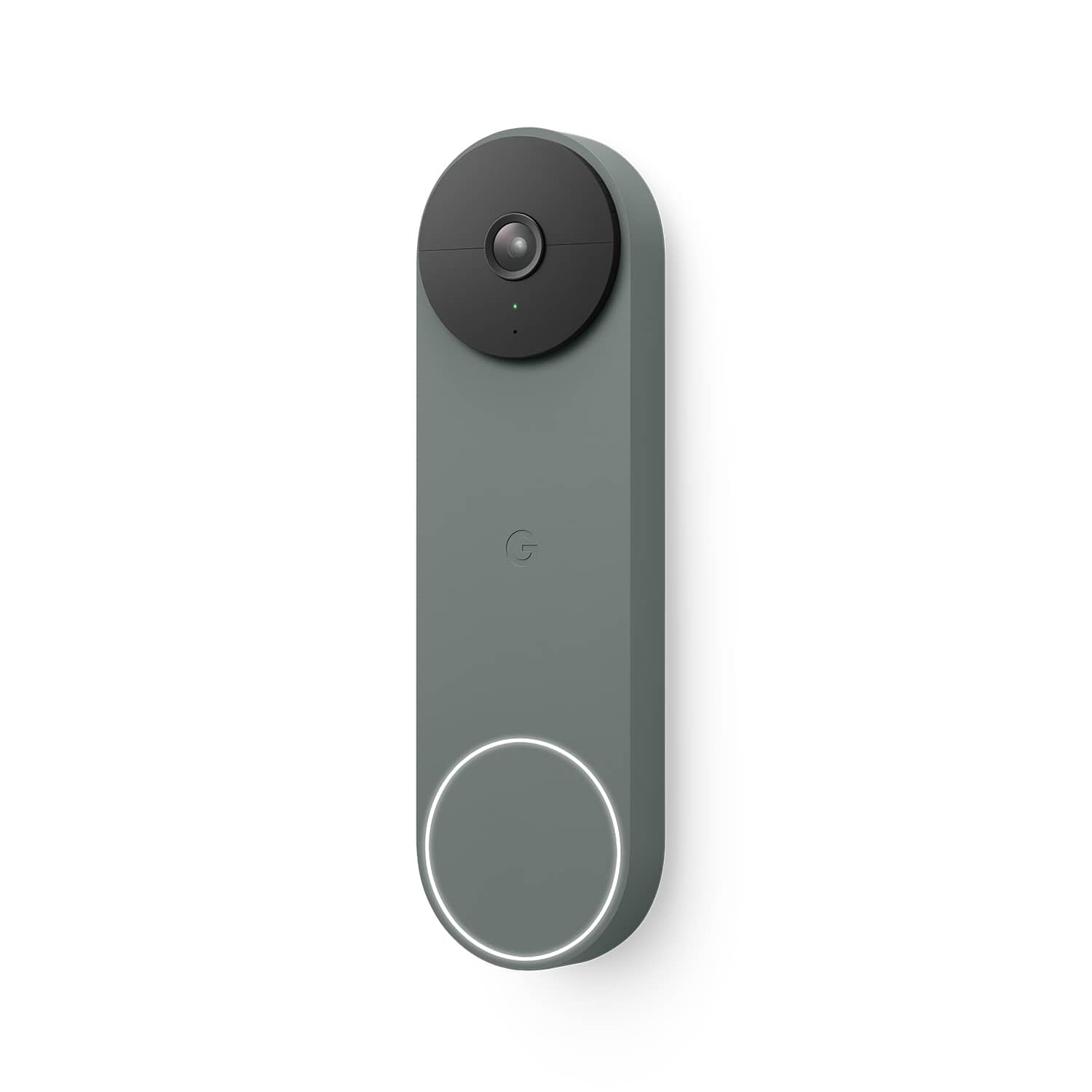
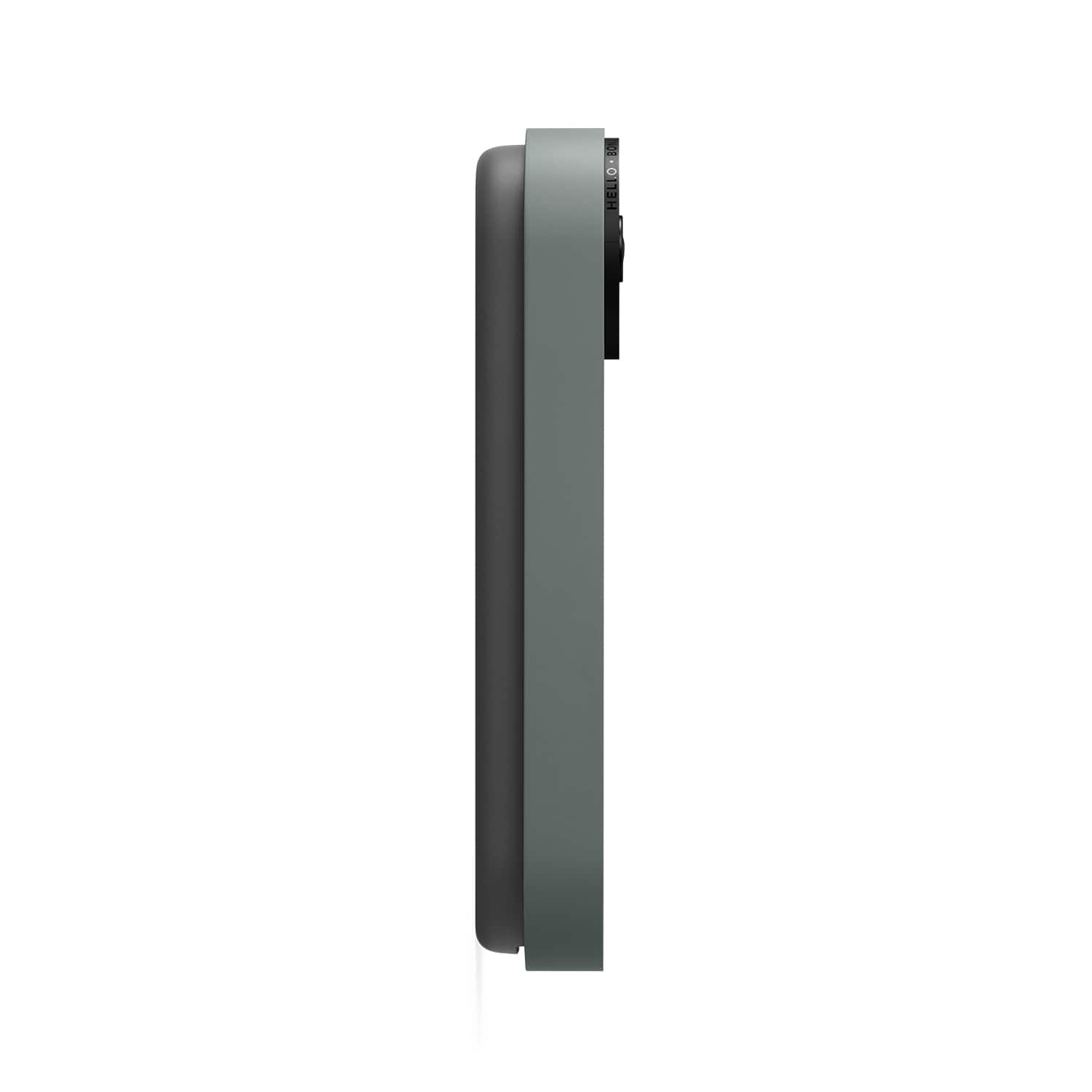
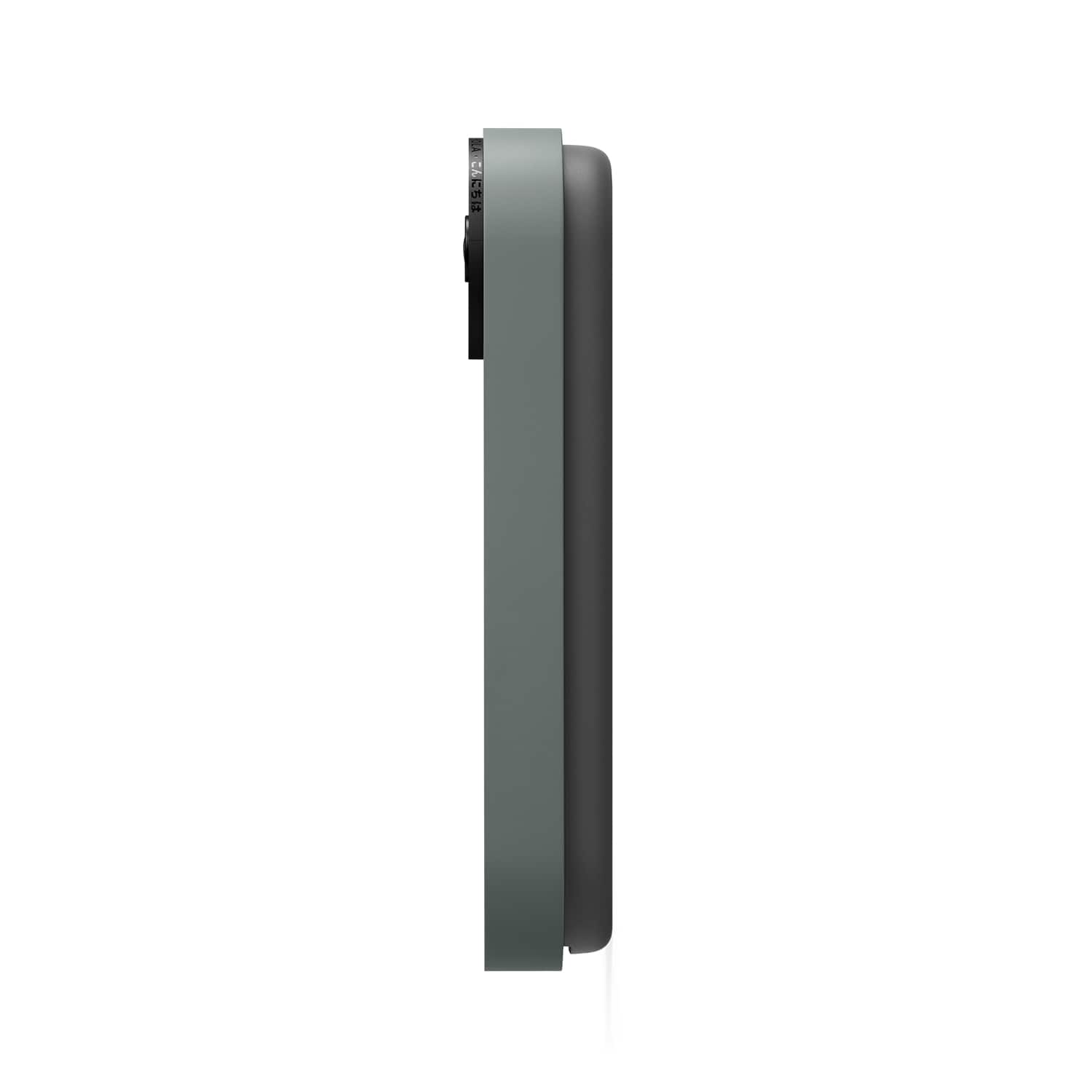




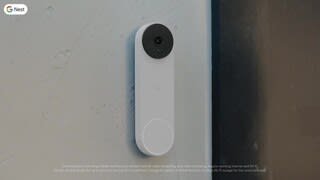
- Model:
- GA02075-US
- SKU:
- 12189359
Rating by feature
- Video Quality
Rating 4.6 out of 5 stars
- Mobile App
Rating 4.4 out of 5 stars
- Sound Quality
Rating 4.5 out of 5 stars
nest
||Posted . Owned for 1 month when reviewed.This reviewer received promo considerations or sweepstakes entry for writing a review.A bit hard to set up, but once done,It works great, only bad thing is charging it weekly
I would recommend this to a friendGoogle nest review
||Posted . Owned for 1 month when reviewed.This reviewer received promo considerations or sweepstakes entry for writing a review.Gréât quality. Video is clear and it has a great range of the door to the driveway. Only gave it 4 stars because it’s hard to install on my phone after my husband did everything on his.
I would recommend this to a friendBrand response from Nest Support
Posted .Hi MarielleG, thanks for sharing a review about the Nest Doorbell (battery), and we appreciate that you find it with great quality. We’re sorry to hear of your difficulty with the setup/installation, and we apologize for the inconvenience this issue has caused you. Here’s an article that includes how to set up and use your Nest doorbell, such as how to watch and share video, how to talk to visitors, what the lights and sounds mean on your doorbell, and how to change settings: https://support.google.com/googlenest/answer/9249772
If help is still needed, please contact us whenever you have time for real time assistance and guidance, here: https://support.google.com/googlenest/gethelp
Recommend
||Posted . Owned for 2 months when reviewed.This reviewer received promo considerations or sweepstakes entry for writing a review.Works well and great picture. Larger than you’d expect but sleek enough
I would recommend this to a friendAwesome!
||Posted . Owned for 3 weeks when reviewed.This reviewer received promo considerations or sweepstakes entry for writing a review.works great, good video quality and very easy to install.
I would recommend this to a friendGreat doorbell
||Posted . Owned for 1 month when reviewed.This reviewer received promo considerations or sweepstakes entry for writing a review.I liked the sleek ness of it. I don't like how the battery dies so quickly, especially when it's cold out.
No, I would not recommend this to a friendBrand response from Nest Support
Posted .Hello there, Xzavier. Thanks for sharing your concerns about the Nest Doorbell (battery). We're sorry to hear that your experience with the device didn't meet your expectations. The battery life depends on factors including activity, temperature, and doorbell settings that you select. You can extend the battery life by adjusting video quality, length of video clips, time between recorded events to monitor specific areas. Check this link for more details: https://support.google.com/googlenest/answer/10901611
As for the battery performance in cold weather, the Nest Doorbell (battery) has an outside operating temperature range of -20°C to 40°C (-4°F to 104°F). Using the device above or below the temperature range can cause performance issues. At temperatures below freezing, the lithium-ion battery in your Google Nest doorbell won’t be able to charge. Many devices, including popular models of doorbell cameras and cell phones, use lithium-ion batteries for their high power and long life, but these batteries are also affected by temperatures below freezing. You need to bring it inside to a warm place, preferably at room temperature so the battery can start to charge slowly once its temperature rises past 32°F (0°C). It will charge faster when it warms up.
Feel free to let us know by visiting us at the Google Nest Help Page if more help is needed: https://support.google.com/googlenest/gethelp
Great Buy
||Posted . Owned for 3 weeks when reviewed.This reviewer received promo considerations or sweepstakes entry for writing a review.Excellent crisp video view excellent price and easy to install
I would recommend this to a friendGreat product
||Posted . Owned for 2 weeks when reviewed.This reviewer received promo considerations or sweepstakes entry for writing a review.Everything it was awesome definitely would recommend it
I would recommend this to a friendGood buy!
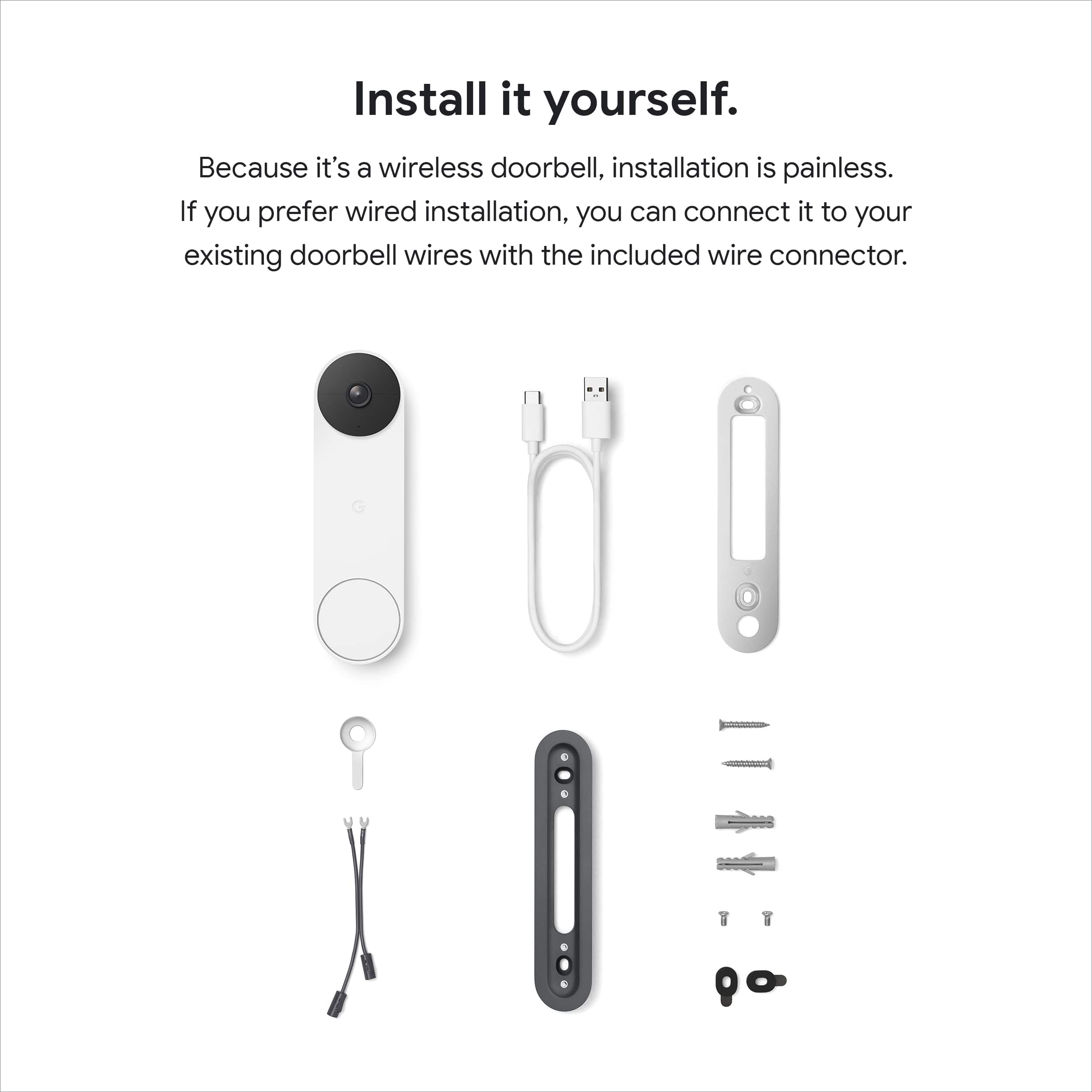
||Posted .This reviewer received promo considerations or sweepstakes entry for writing a review.Easy to set up and install. Great picture quality and can also be wired!
I would recommend this to a friendGood option for a doorbell camera but battery iffy
||Posted . Owned for 7 months when reviewed.This reviewer received promo considerations or sweepstakes entry for writing a review.Battery is relatively easy to install, however the battery does not last nearly as long as they say it will. It will last me about a month and then takes about 6 hours to charge. Still works well overall.
I would recommend this to a friendBrand response from Nest Support
Posted .Hi esol, thanks for posting your feedback. We’re sorry to learn that your having issues with the battery of your Nest Doorbell (battery).
Battery life will depend on factors including activity, temperature, and camera settings that you select. You can extend the battery life of your camera by adjusting video quality, length of video clips, time between recorded events, and using activity zones to monitor specific areas. Here are some typical scenarios:
- Busy - About 1 month battery life (about 25 - 30 recorded events per day)
- Typical - About 2.5 months battery life (about 13 - 16 recorded events per day)
- Quiet - About 6 months battery life (about 2 - 5 recorded events per day)
If you’re willing to try, we recommend checking the frequency of events (per day) that you get with your Nest Doorbell (Battery). If the short battery life isn’t related to the frequency of events, then we may need to have a closer look at your Nest Doorbell (Battery) and understand what may be causing it. You may contact our support team for further assistance here: https://support.google.com/googlenest/gethelp
Dogs Walked?
||Posted . Owned for 2 weeks when reviewed.This reviewer received promo considerations or sweepstakes entry for writing a review.We just had this installed. It has been interesting for us to figure out all of the things that it can do. Sometimes, the sheer number of notifications that one gets can be overwhelming, but we know when packages arrive. The bonus is that I can now determine if the kids walk the dogs as instructed. I wish the Nest Aware subscription was not so expensive.
I would recommend this to a friendGoogle nest
||Posted . Owned for 1.5 years when reviewed.This reviewer received promo considerations or sweepstakes entry for writing a review.My home is set up everything on google and love the quality of this camera highly recommend
I would recommend this to a friendBest door camera
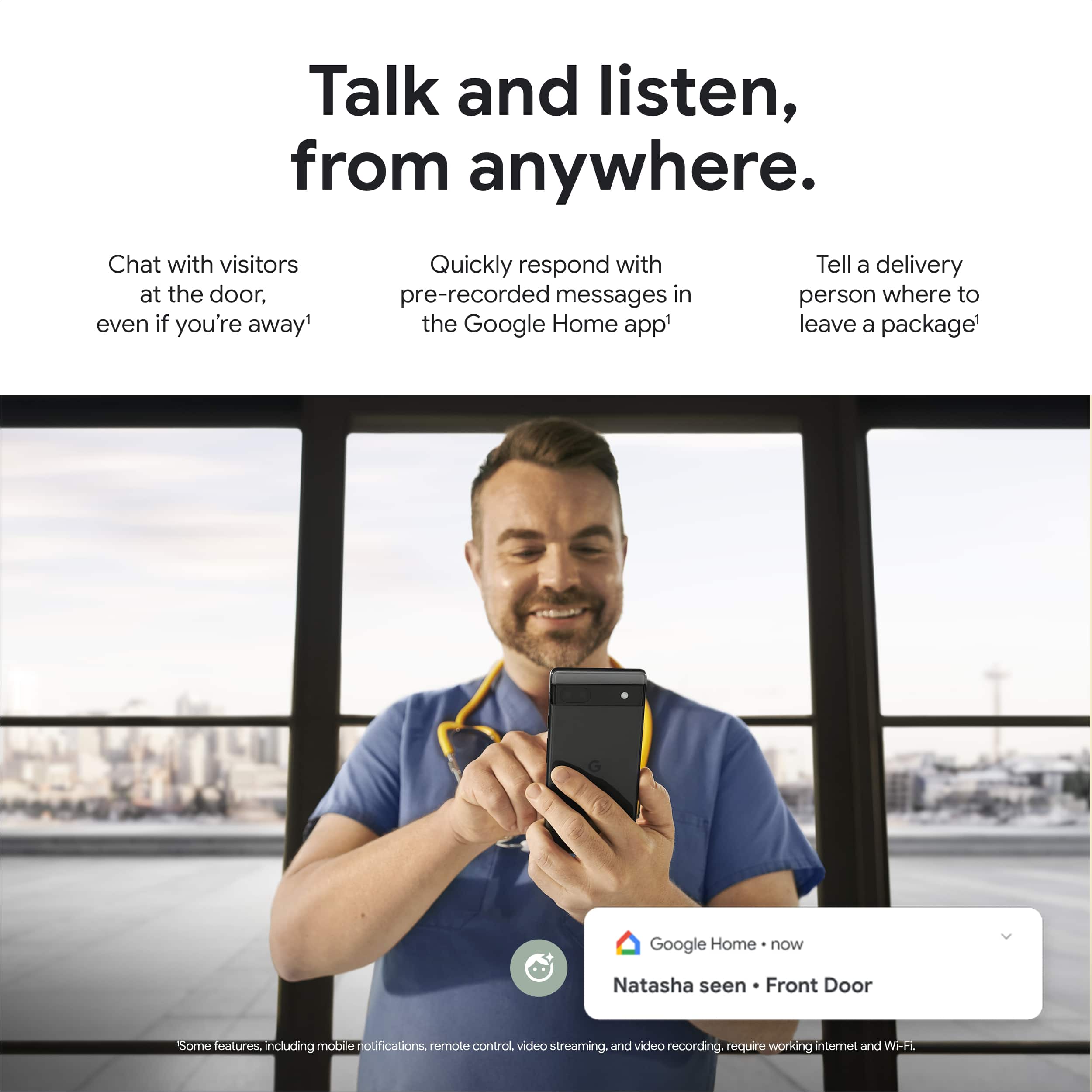
||Posted . Owned for 1 year when reviewed.This reviewer received promo considerations or sweepstakes entry for writing a review.Love my doorbell camera! Get alerts on people, animals and car movement. You can speak to anyone at your door and change doorbell rings according to holiday or festivities. Peace of mind when I’m not home!
I would recommend this to a friendBattery drops Down Fast in cold weather !
||Posted . Owned for 1 month when reviewed.This reviewer received promo considerations or sweepstakes entry for writing a review.Works good except battery goes down Very Fast when cold weather that's a big downfall with battery only model
I would recommend this to a friendBrand response from Nest Support
Posted .Hey there, Siteone. We’re glad that your Nest Doorbell (battery) works well. We hear your concerns about its battery life along with the battery charging behavior during cold weather.
If your doorbell is detecting a lot of activities, adjusting the doorbell settings such as video quality, length of video clips, time between recorded events, and using activity zones to monitor specific areas can extend its battery life. This link can help: https://support.google.com/googlenest/answer/10901611
Many devices, including popular models of doorbell cameras and cell phones, use lithium-ion batteries for their high power and long life, but these batteries are also affected by temperatures below freezing. At temperatures between -4°F (-20°C) and 32°F (0°C), the doorbell will continue to work, but the lithium-ion battery in your Nest doorbell won’t be able to charge. If the battery drains completely, the doorbell will shut down. For wired installation setups with a Nest Cam (battery), the wires power the camera directly. At temperatures below freezing, the battery won’t charge, but as long as the wired power source is available, the camera can operate in temperatures down to -4°F (-20°C). Visit this link to learn more: https://support.google.com/googlenest/answer/11830989
We look forward to helping you with any questions you may have about the Nest doorbell. For any support concerns that will require our help, please contact our support team via the Google Nest Help Page here: https://support.google.com/googlenest/gethelp
WestwoodNick
||Posted . Owned for 3 weeks when reviewed.This reviewer received promo considerations or sweepstakes entry for writing a review.The nest Google door bell is the best on the market, having a Ring door bell in the UK. I find that the nest works well with my other nest products and is made of quality materials. The door bell is battery with up to four months without a charge. Good quality images with history record and sound. Love it.
I would recommend this to a friendCamera
||Posted . Owned for 1 year when reviewed.This reviewer received promo considerations or sweepstakes entry for writing a review.Its a little bit hard to setup and login good quality video but slow connectivity
No, I would not recommend this to a friendBrand response from Nest Support
Posted .Hello there, Benny. We appreciate the feedback you shared about the Nest Doorbell (battery). We’re glad that you like its video quality, but we’re sorry to hear that your experience with the setup and connectivity is below your expectations. You may need to check for any range issue or wireless interference that can affect the overall performance of your doorbell. Sometimes the device won’t pass the connection test during setup, and will struggle to stay connected if it’s just a bit too far away from your router. You may also check for objects such as mirrors and refrigerators between the doorbell and your router as these items could block the connection. Check this link for more details: https://support.google.com/googlenest/answer/9276282
For additional help, our support team can guide you with further troubleshooting steps here: https://support.google.com/googlenest/gethelp
Battery powered makes this so awesome!
||Posted . Owned for 1 month when reviewed.This reviewer received promo considerations or sweepstakes entry for writing a review.I bought this for my parents - they do not have a wired doorbell and so the battery option works out awesomely. I used to own a Ring doorbell but at my new house I went with the Nest and love it. Battery percentage remaining is shown quickly on the app, it's easy enough for my 70 year old parents to charge it up when needed, and they absolutely love it!
I would recommend this to a friendCamera
||Posted . Owned for 10 months when reviewed.This reviewer received promo considerations or sweepstakes entry for writing a review.Quality picture/ recording. Only knock is the doorbell sometimes isn't loud enough or doesn't ring upon the first time you see someone pushes it.
I would recommend this to a friendBrand response from Nest Support
Posted .Hi there, JayT. Thanks for your feedback on Nest Doorbell (battery). We appreciate that you like the video quality in addition to its recording feature. We hear your concerns about the doorbell sound.
Although Nest doorbells have sounds that help you know what’s happening (for example, when it restarts), a chime is not included, But when a visitor presses your Nest Doorbell (battery), you can hear an audible alert if you have compatible smart speakers or displays, like Nest Audio or Nest Hub. You can connect a Google speaker or display and set up visitor announcements if you want to get notified when someone rings your doorbell when you’re home. You'll only get visitor announcements on your speakers and displays if they are set up in the same home as your doorbell in the Home app. Or If you choose the optional hard-wired installation, it will work with an existing doorbell chime if you have one.
On the other hand, you can adjust your Nest doorbell audio settings to turn the microphone off or on, change the microphone sensitivity, and set up audio notifications. Visit the links below to learn more about the audio settings:
Change Nest camera and doorbell audio settings; https://support.google.com/googlenest/answer/9218407
Troubleshoot camera audio: https://support.google.com/googlenest/answer/9257101
If you need additional help, you’re always welcome to contact us here: https://support.google.com/googlenest/gethelp
Great doorbell camera with caveats
||Posted . Owned for 3 weeks when reviewed.This reviewer received promo considerations or sweepstakes entry for writing a review.I was in need of a door camera and I went with this one because I knew it would integrate with my other Google products. My biggest gripe about it is having to use the Google Home app to set everything up and there's not a ton of features. You need the nest plus subscription to review videos more than 3 hours old, otherwise they just go away. I haven't had experience with other ring doorbells but I can say that this was great for my use case.
I would recommend this to a friendBrand response from Nest Support
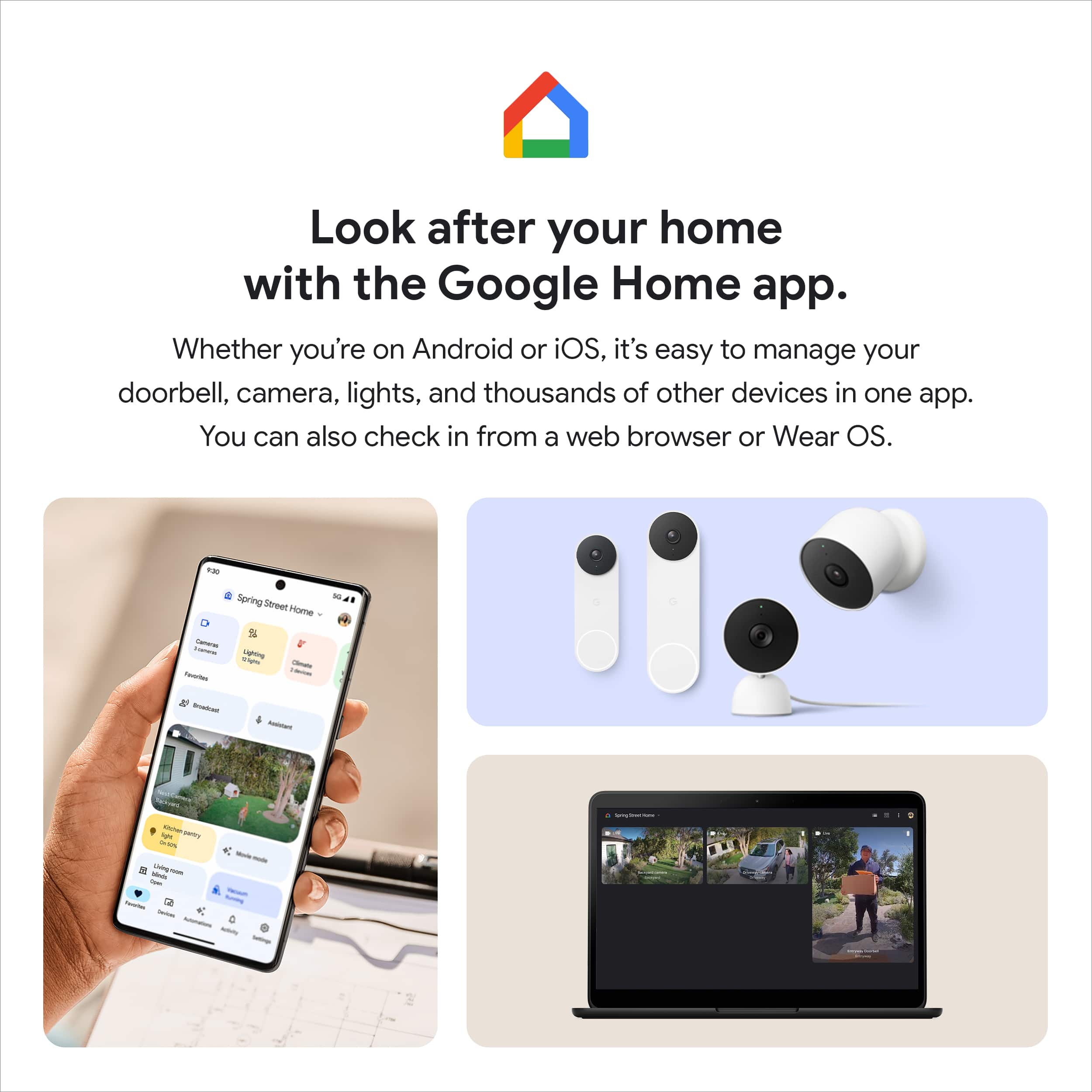
Posted .Hey there, ZeroX! We’re grateful for your feedback on Nest Doorbell(battery) and we’re glad to hear it’s a great experience for you. We understand your preference for managing it in the familiar interface you're used to. However, our focus is on streamlining your smart home experience by consolidating control of all your devices, including Nest and others, within the Google Home app. This also offers several advantages:
- Enhanced security: Built-in features like suspicious activity detection, 2-factor authentication, and security checkups provide robust protection for your home.
- Seamless interoperability: Your Nest devices and services will work together seamlessly for a more connected home environment.
- Unified login: Manage everything with one account, eliminating the need to switch between apps.
- Consistent organization: Your homes and members will be synced across both apps, ensuring a cohesive experience.
If you need help with using the doorbell in the Home app effectively, let us know by visiting us anytime here: https://support.google.com/googlenest/gethelp

Google - Nest WiFi video Doorbell
|Posted . Owned for 5 months when reviewed.This reviewer received promo considerations or sweepstakes entry for writing a review.Easy installation, looks good, and fits perfectly where I had installed it.
I would recommend this to a friendNest Doorbell
||Posted . Owned for 2 months when reviewed.This reviewer received promo considerations or sweepstakes entry for writing a review.Easy to install, great design, hopefully will deter thief's.
I would recommend this to a friend