Customer Ratings & Reviews
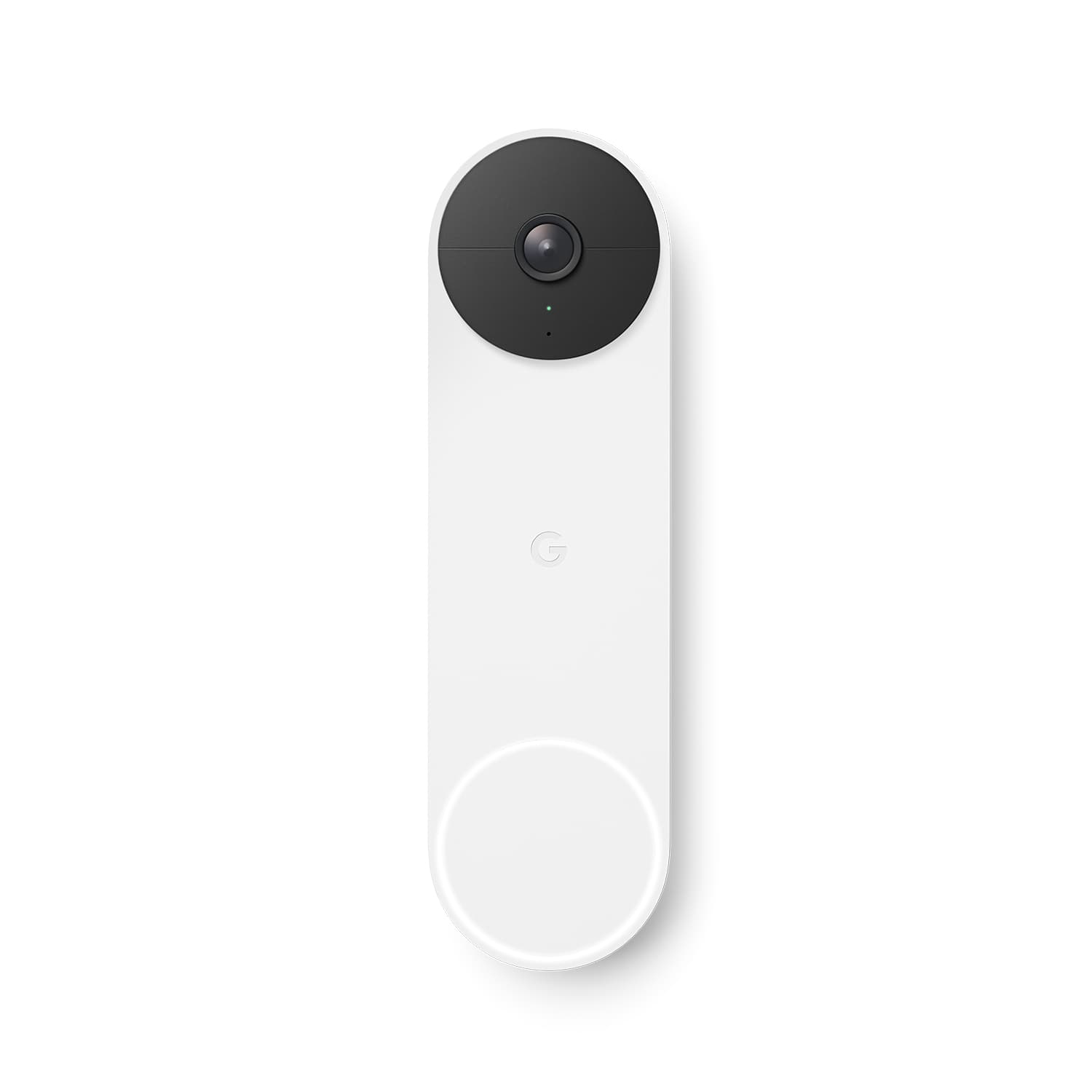




- Model:
- GA01318-US
- SKU:
- 11123926
Rating by feature
- Video Quality
Rating 4.6 out of 5 stars
- Mobile App
Rating 4.4 out of 5 stars
- Sound Quality
Rating 4.5 out of 5 stars
- Pros mentioned:Video quality
Great doorbell
||Posted . Owned for 3 months when reviewed.This reviewer received promo considerations or sweepstakes entry for writing a review.Great video doorbell. Video quality is great and my response time even when away is tremendous. Did not have to but chose to add the monthly subscription to preserve video for longer periods. Battery life so farmer has been great. I charged it once when the remaining charge got below 50%. Best to do this when you are sure you will be home as it can take a while. I did not need to buy a special charger a a I have so many usb changing ports around the house. .
I would recommend this to a friend - Pros mentioned:Video quality
Good for the price
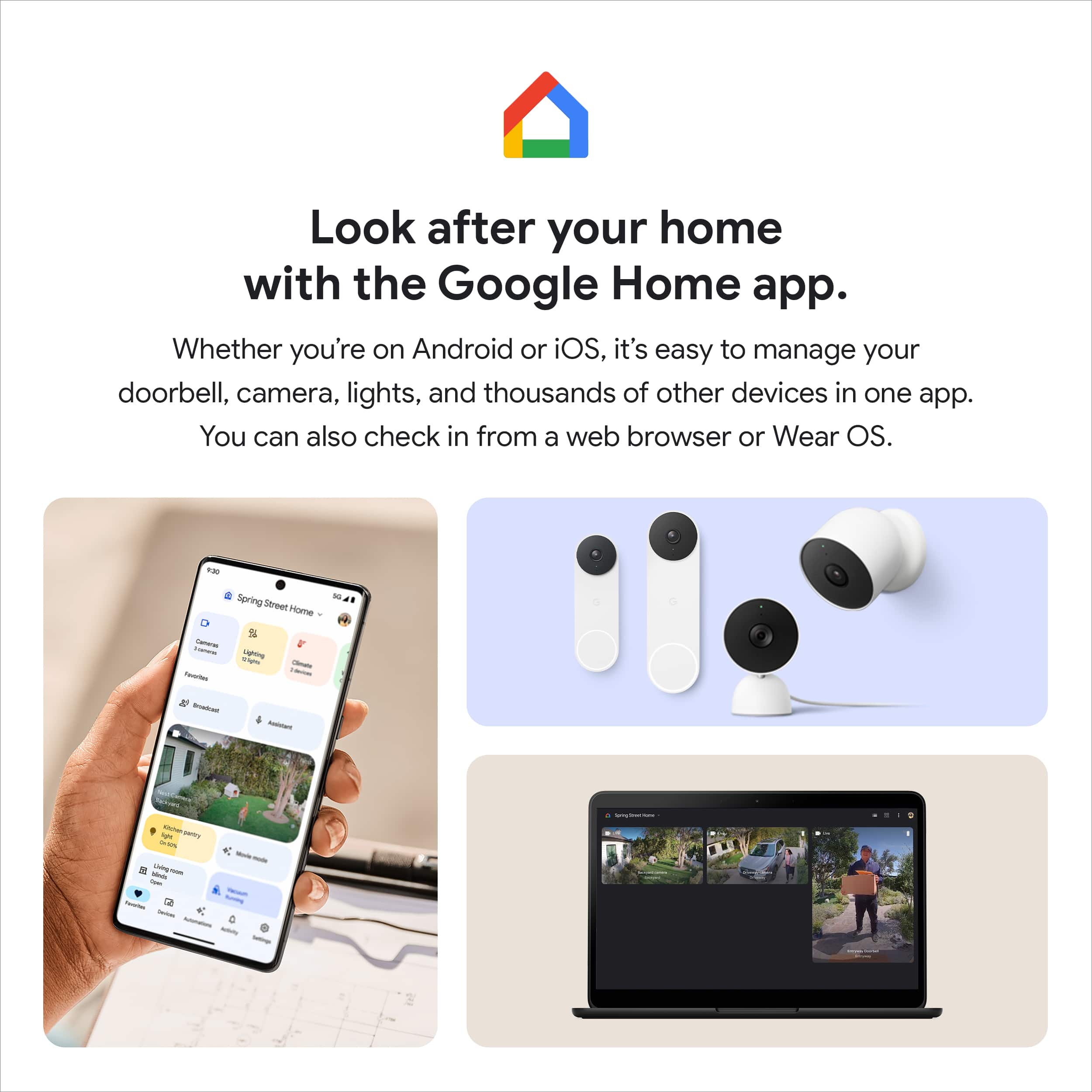
||Posted . Owned for 3 weeks when reviewed.This reviewer received promo considerations or sweepstakes entry for writing a review.Great wireless doorbell and camera combo. Picture quality is good. Only drawbacks are that there’s a longer delay from the moment the doorbell is rung to when you receive the notification on your Nest Hub or phone; and the camera doesn’t link to the Nest app - only through Google Home.
I would recommend this to a friendBrand response from Nest Support
Posted .Hi Tish, we appreciate you for sharing your feedback with our support team. We do apologize for the long delay with the notifications for Nest Doorbell (Battery).
Delayed notification for your Nest Doorbell (Battery) may indicate a possible congestion issue with your network. Removing some of your connected devices will help free up some bandwidth space. You may then try to recreate the issue to see if you will still experience the same notification delay. If you verify the presence of congestion, we recommend contacting your Internet service provider to check your bandwidth and upgrade it if needed. However, if the issue remains even after decongesting your network, then we may need to take a deeper look at your Nest Doorbell (Battery) for further troubleshooting and isolation here: https://support.google.com/googlenest/gethelp
- Pros mentioned:Video quality
Simple to install
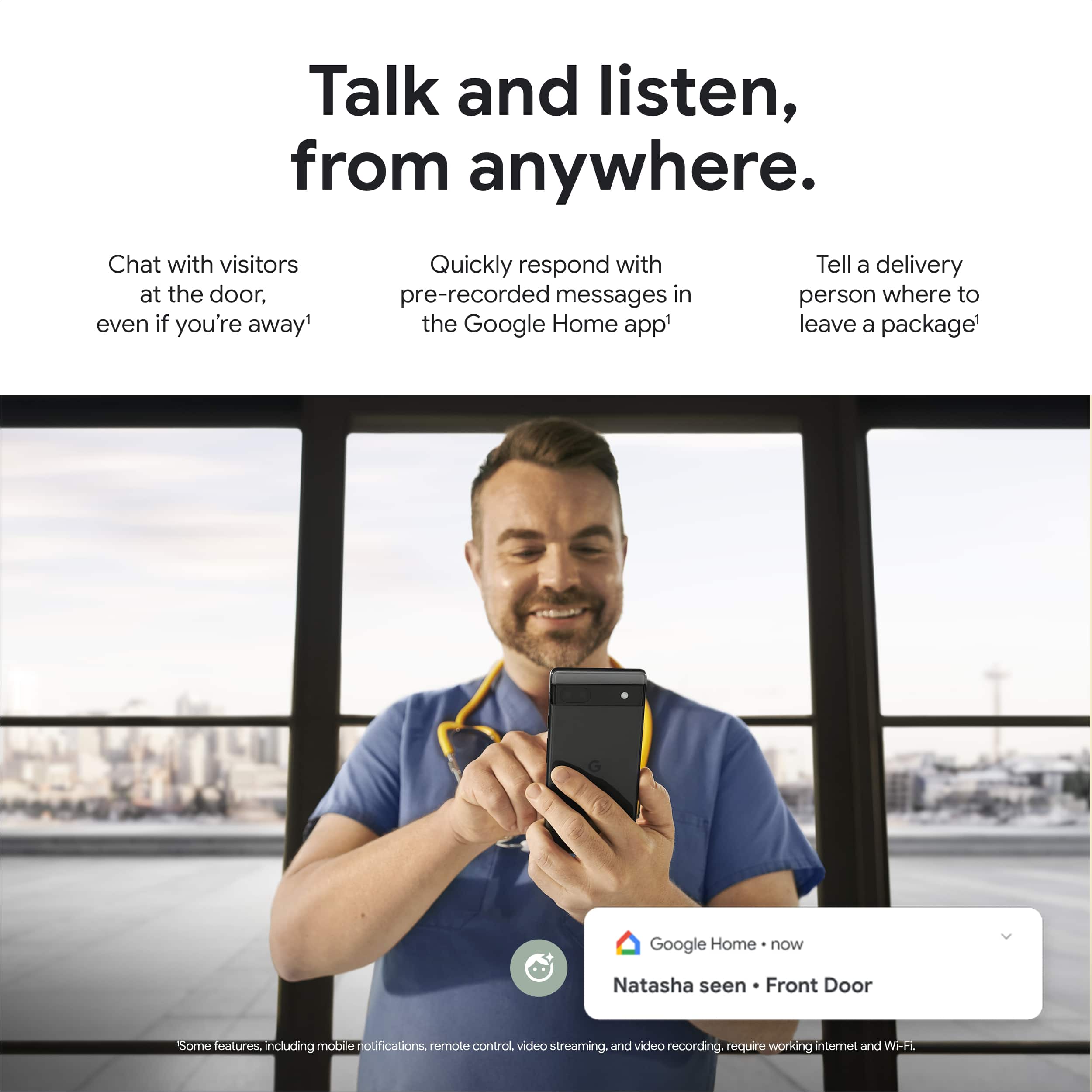
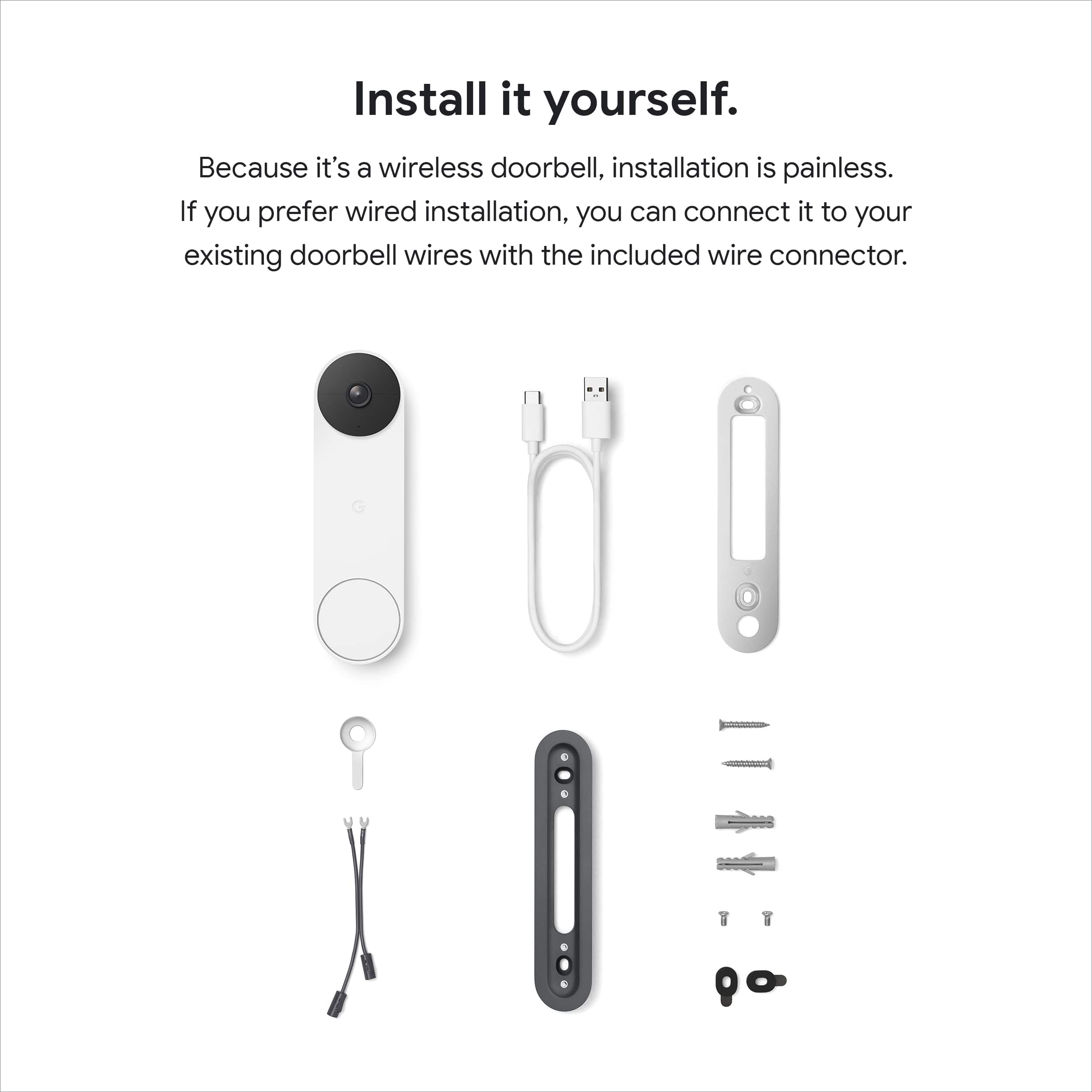
||Posted . Owned for 1 month when reviewed.This reviewer received promo considerations or sweepstakes entry for writing a review.I was able to install the doorbell myself with no issues. We used our existing doorbell wiring so we don't have to worry about charging the battery and so it will ring our doorbell chime. The person recognition works very well, and it correctly identifies familiar faces 1 out of 3 times. I was impressed by how clear the speaker and microphone when talking through the Google home app. The camera quality is good as well.
I would recommend this to a friend - Pros mentioned:Video quality
Door
||Posted .This reviewer received promo considerations or sweepstakes entry for writing a review.Great quality and pixels look great sound and notifications
I would recommend this to a friend - Pros mentioned:Design
Good for front-facing mounting
||Posted . Owned for 1 month when reviewed.This reviewer received promo considerations or sweepstakes entry for writing a review.This Nest doorbell has a nice design and good functionality. However suggest for only front-facing mounting; this does not have an angled bracket to mount on the side of an alcove where our doorbell is, so we can only see activity/people from a side view of the entry.
I would recommend this to a friendBrand response from Nest Support
Posted .Hi Jill, thanks for sharing your feedback on Nest Doorbell (battery). We hear your concerns about getting the doorbell view angle, and we’re here to help.
The Nest Doorbell (battery) comes with a wedge that you can use to adjust the doorbell's camera angle if it's located in a corner. And it can angle your doorbell horizontally up to 20°. To get the camera view you want, you have to adjust the doorbell’s position by hand. Use the Home app to check the camera’s view so you can adjust the position from the mounting plate or wedge if you need to. To use the wedge for a better camera view, make sure to install the wedge then position the baseplate plate over the wedge with the G positioned upright and use the wedge screws to secure it in place. Then attach the doorbell to the baseplate, align the circle at the bottom of the doorbell to the hole at the bottom of the baseplate, and push the doorbell in then down until you feel it click into place.
You might wanna check for the Wasserstein Horizontal Angle Mount (sold separately) for Google Nest Doorbell (battery) that can be adjusted 35° to 55° to achieve your desired viewing angle.
If additional help is needed, simply let us know anytime by visiting us here: https://support.google.com/googlenest/gethelp
- Pros mentioned:Overall performance, Video quality
Great buy
||Posted . Owned for 1 month when reviewed.This reviewer received promo considerations or sweepstakes entry for writing a review.Item worked as designed. A little heavy for a doorbell. Wish it weighed less. Works great and picture is amazing.
I would recommend this to a friend - Pros mentioned:Ease of use, Installation
Good purchase
||Posted . Owned for 9 months when reviewed.This reviewer received promo considerations or sweepstakes entry for writing a review.Easy to use. Minor installation skills needed. It's done everything I've needed it to.
I would recommend this to a friend - Pros mentioned:Ease of use
Great working doorbell
||Posted . Owned for 3 weeks when reviewed.This reviewer received promo considerations or sweepstakes entry for writing a review.The night vision on the Nest doorbell is clear and very easy to use. It is very easy to install as well.
I would recommend this to a friend - Pros mentioned:Video quality
Nice camera, could be better.
||Posted . Owned for 2 weeks when reviewed.This reviewer received promo considerations or sweepstakes entry for writing a review.Nice video quality, and I like how it integrates seamlessly to the rest of my google home products. Only negative is that I wish the the camera would activate at a longer distance. Seems to only start recording when someone is just a few steps from my door.
I would recommend this to a friendBrand response from Nest Support
Posted .Hi Mike, thanks for sharing your feedback with us about the Nest Doorbell (battery). We’re glad that you like the video quality and the seamless integration with your Google Home devices, but are sorry to hear that the recording feature is less than ideal for you.
You can adjust the wake-up sensitivity of your camera to decide when to wake up and start recording. If the wake-up sensitivity is low:
- It decreases the range at which the camera or doorbell can sense activity.
- It increases the amount of time it takes for the camera or doorbell to wake up once it senses activity.
Here's how to adjust the wake-up sensitivity in your camera or doorbell's settings:
- Open the Home app.
- Touch and hold your device's tile.
- Tap Settings > Video > Wake-up sensitivity.
- Choose the High or Low setting.
If additional help is needed, simply let us know anytime here: https://support.google.com/googlenest/gethelp
- Pros mentioned:Video quality
Spotty Video Load Times.
||Posted . Owned for 1 month when reviewed.This reviewer received promo considerations or sweepstakes entry for writing a review.It's meh. Pros: Great video, night sight, and package detection. Cons: Spotty load times on videos. Getting a Person notification and the video not available immediately is unacceptable. It happens occasionally, but it happens at that moment you DON'T want it to fail i.e. you're home alone at the end unit in a hallway and you get a person notification but the video won't load. Do better, Nest and Google. It's 2023. Make this work right every time.
No, I would not recommend this to a friendBrand response from Nest Support
Posted .Hi there, JeffreyB. Thank you for posting your review on Nest Doorbell (battery). We're sorry to hear that your experience with the device has been frustrating. We'd like to know more details about your concerns with the issues you're having with the performance of the device. Please reach out to our team of dedicated specialists and help you with finding a resolution. You can contact us on our Google Help page here: https://support.google.com/googlenest/gethelp
- Pros mentioned:Ease of use
Doorbell
||Posted .This reviewer received promo considerations or sweepstakes entry for writing a review.I love it. It’s easy to install. Now it won’t charge.
I would recommend this to a friendBrand response from Google Team
Posted .Thanks for reaching out about your Nest Doorbell (Battery), Carolina. We hear your concerns with it not charging. You might need to replace the cable or power adapter. We’d be happy to investigate what might be happening and get a solution for you — reach out to us here: https://support.google.com/googlenest/gethelp

Television purchase
||Posted . Owned for 3 weeks when reviewed.This reviewer received promo considerations or sweepstakes entry for writing a review.Rob was very knowledgeable and helpful and guided us to the right purchase for our needs.
I would recommend this to a friend- Pros mentioned:Overall performance
GreatGift
||Posted . Owned for more than 2 years when reviewed.This reviewer received promo considerations or sweepstakes entry for writing a review.It was a gift for one of my Real Estate clients. They love it.
I would recommend this to a friend - Cons mentioned:Size
Work great!.
||Posted . Owned for less than 1 week when reviewed.This reviewer received promo considerations or sweepstakes entry for writing a review.Don't listen to complain about the nest app, for a while now they been switching everything to Google home app. It has little bit less resolution than the other nest doorbell but it got better free features the you need it to pay before monthly. Person, package, animal and car detections are now free, it ring with your Google/nest devices. Only con is the size.
I would recommend this to a friend - Pros mentioned:Ease of use, Video quality
Wonderful security product
||Posted . Owned for 1 month when reviewed.This reviewer received promo considerations or sweepstakes entry for writing a review.Love this product. Works very well. Easy to install and provides great video of who is at the door.
I would recommend this to a friend - Pros mentioned:Ease of use, Video quality
Amazing Doorbell
||Posted . Owned for 1 month when reviewed.This reviewer received promo considerations or sweepstakes entry for writing a review.Amazing video quality. Very easy to use and set. Its a must have!!!
I would recommend this to a friend - Pros mentioned:Video quality
Gift
||Posted . Owned for 1 week when reviewed.This reviewer received promo considerations or sweepstakes entry for writing a review.Another gift for my parents. Nice wide range. Video is clear. Gives my parents more sense of security.
I would recommend this to a friend - Pros mentioned:Ease of use, Video quality
Fantastic
||Posted . Owned for 1 month when reviewed.This reviewer received promo considerations or sweepstakes entry for writing a review.Super easy install, step by step video. Clean look on the home. Clear video, easy to use app.
I would recommend this to a friend - Pros mentioned:Installation
Great first doorbell choice
||Posted . Owned for 1 month when reviewed.This reviewer received promo considerations or sweepstakes entry for writing a review.I recently decided to conver to a google smart home and this doorbell was a great addition. The install was super easy thanks to the template provided and several video instructions provided. After intall the set up was flawless and easily integrates into the google ecosystem.
I would recommend this to a friend - Pros mentioned:Overall performance
Cool
||Posted . Owned for 1 month when reviewed.This reviewer received promo considerations or sweepstakes entry for writing a review.Works great...........................................
I would recommend this to a friend