Customer Ratings & Reviews












- Model:
- Home
- SKU:
- 5578849
Rating by feature
- Value
Rating 4.6 out of 5 stars
- Quality
Rating 4.7 out of 5 stars
- Ease of Use
Rating 4.6 out of 5 stars
Customers are saying
Customers appreciate the sound quality, ease of use, and Google Assistant integration of the Home Smart Speaker. Many also highlight the convenient size and positive smart home integration capabilities. However, some users report issues with Bluetooth connectivity and occasional slow response times. The speaker is frequently praised for its value and ease of setup.
This summary was generated by AI based on customer reviews.
The Best Products
||Posted .This reviewer received promo considerations or sweepstakes entry for writing a review.I brought this for my husband for Christmas and he love it. It connects with the Chromecast that I brought for his birthday and plays his music and etc. When you listen to music it's very loud and I would tell friends to get this product.
I would recommend this to a friend- Pros mentioned:Setup, Sound quality

Near perfect device
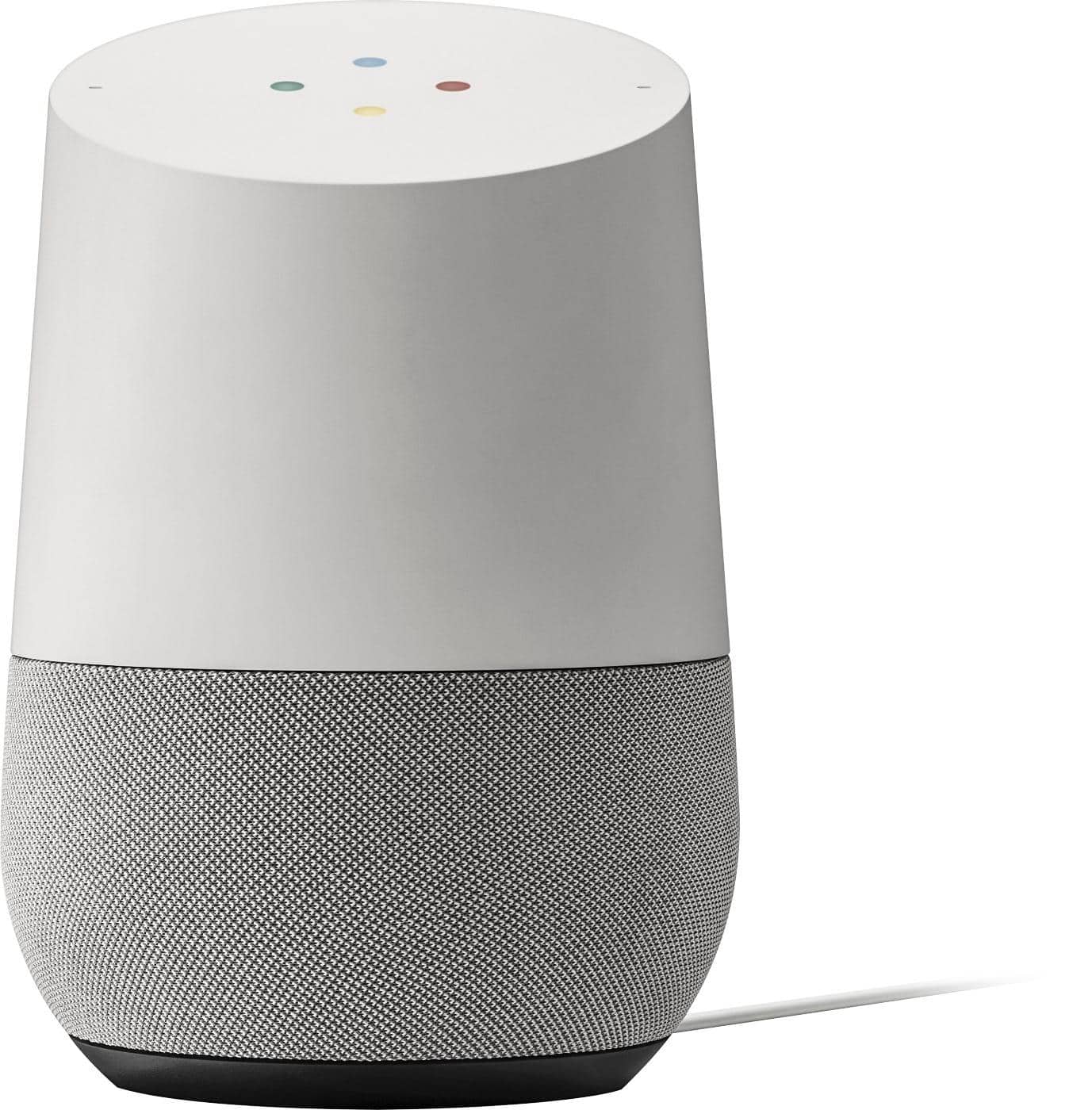
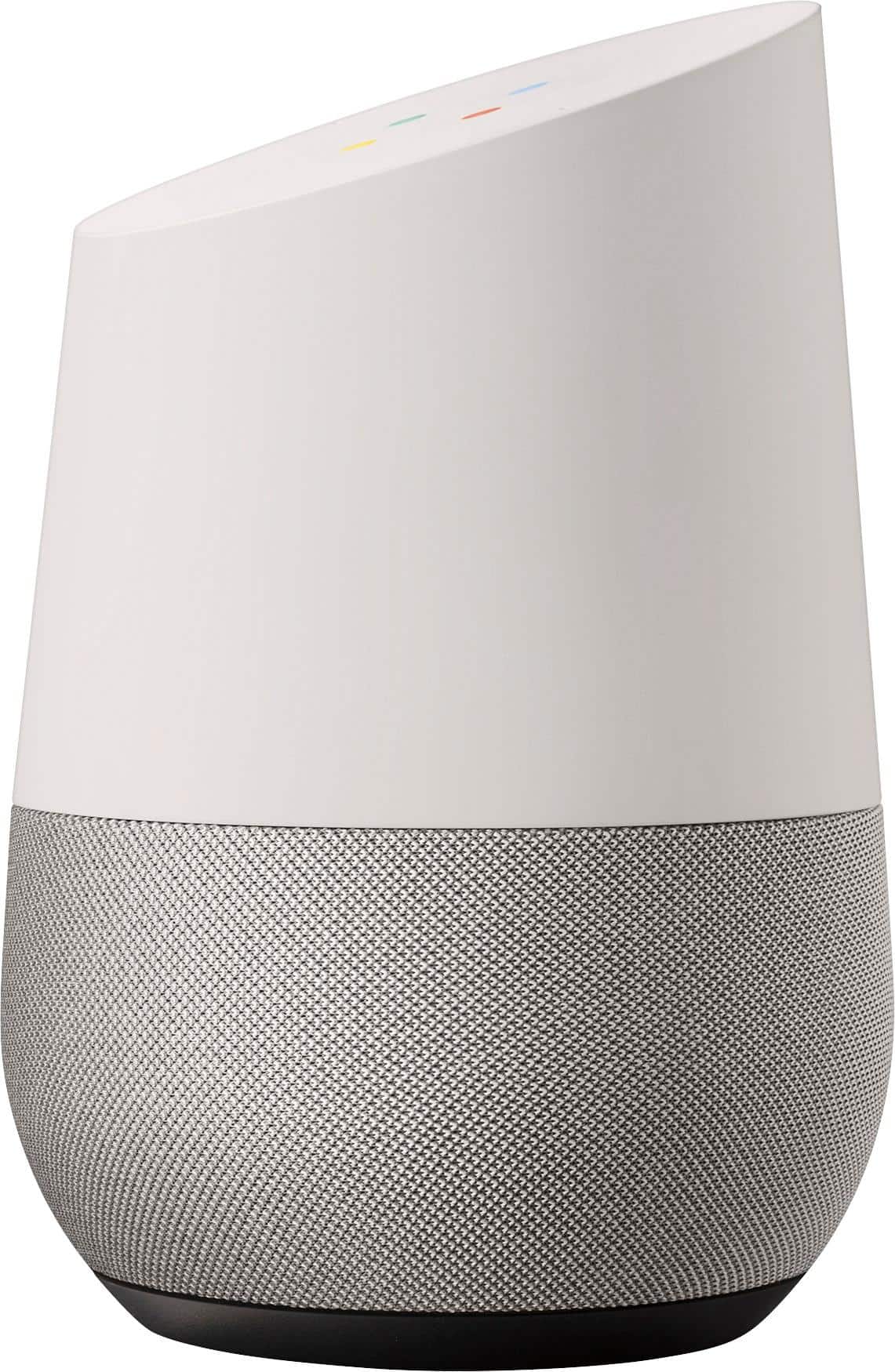
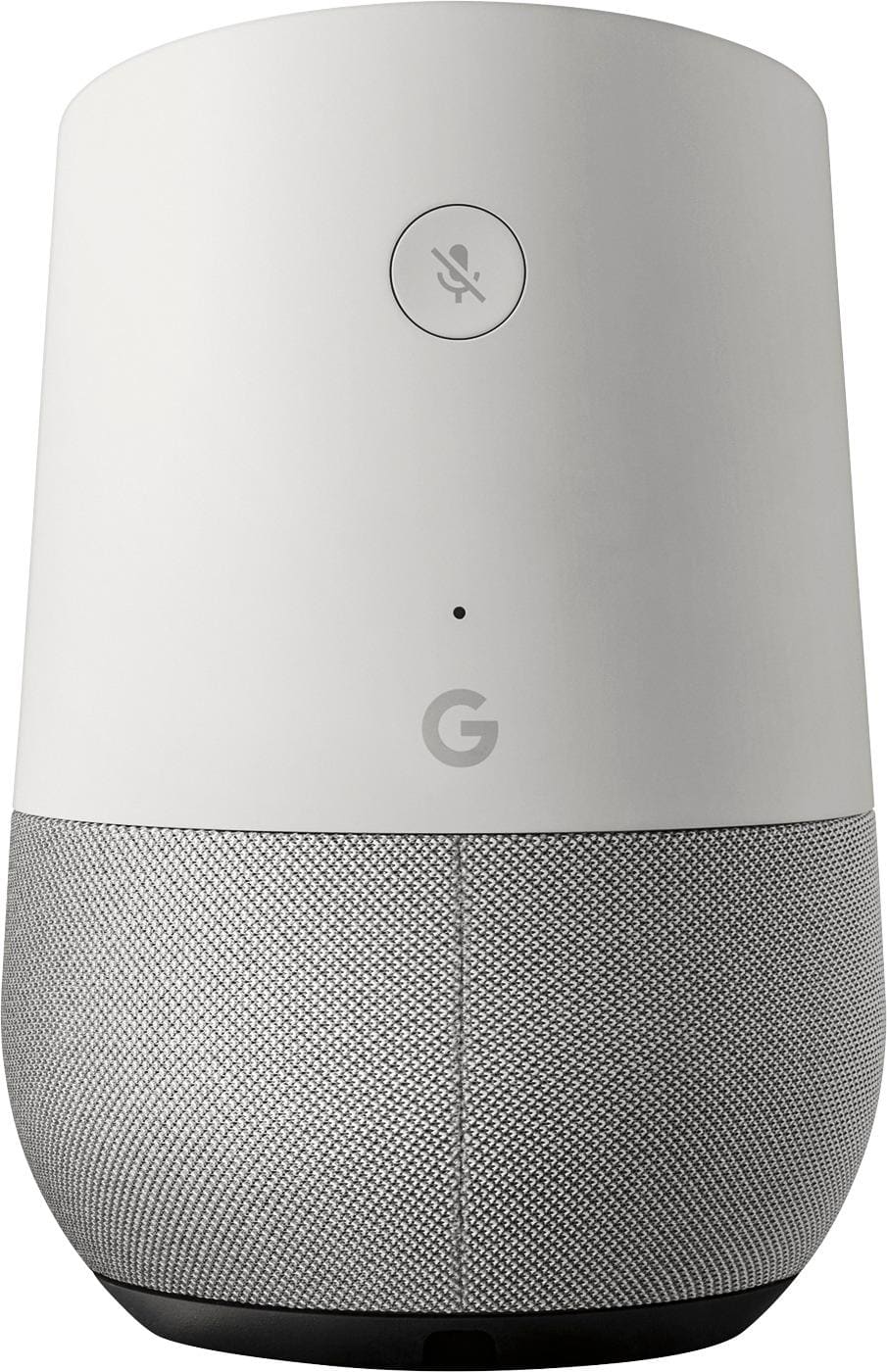
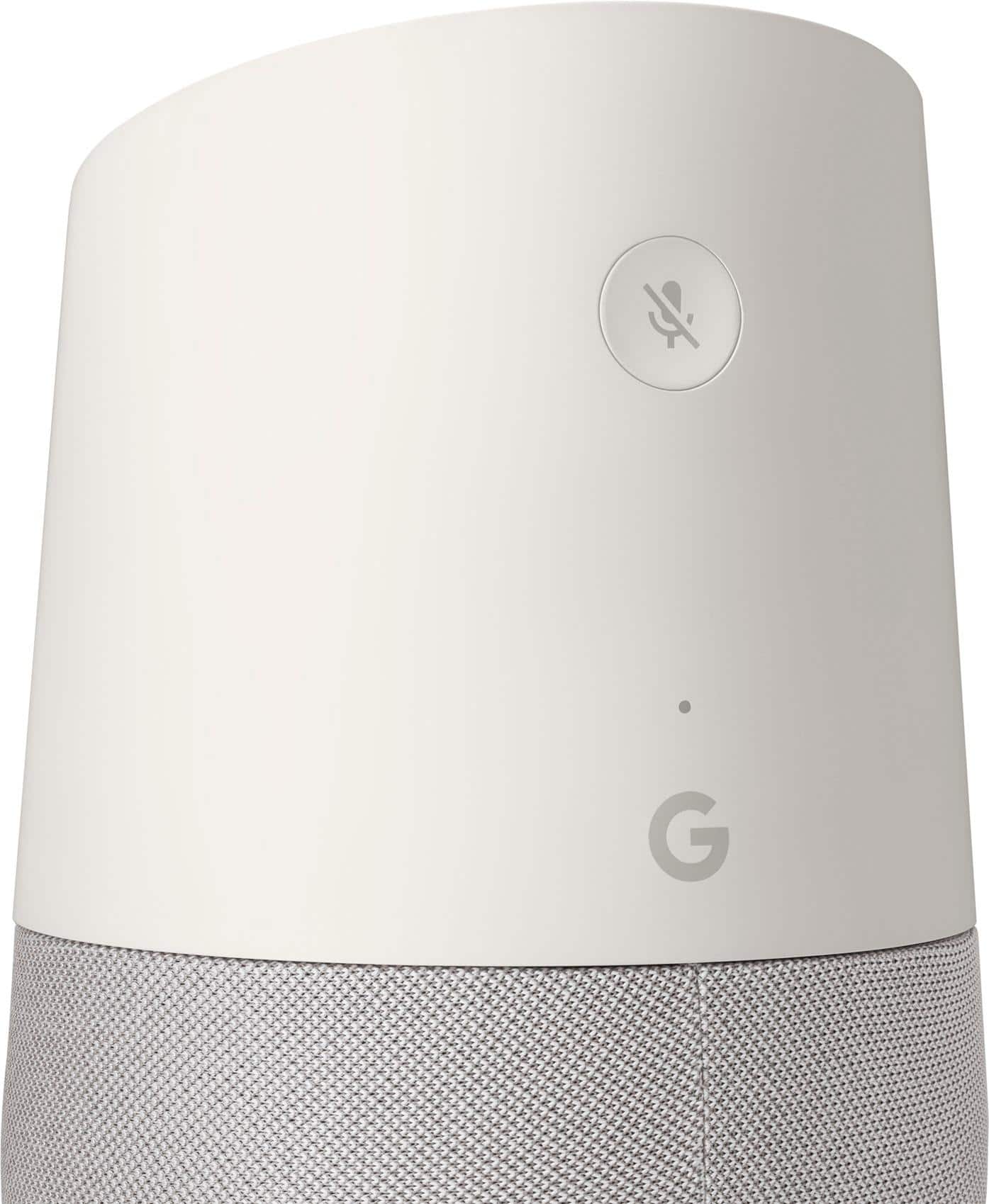
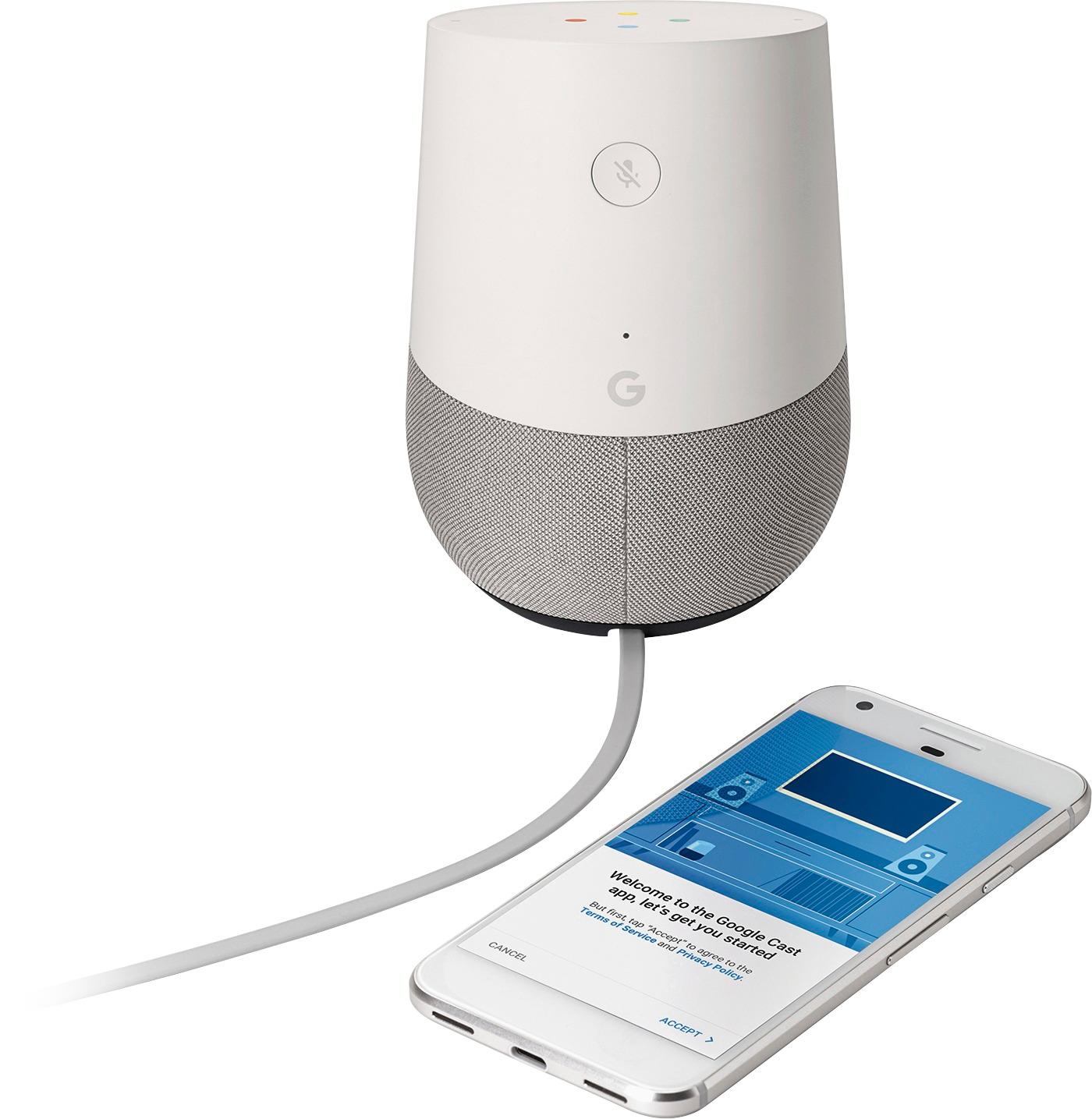
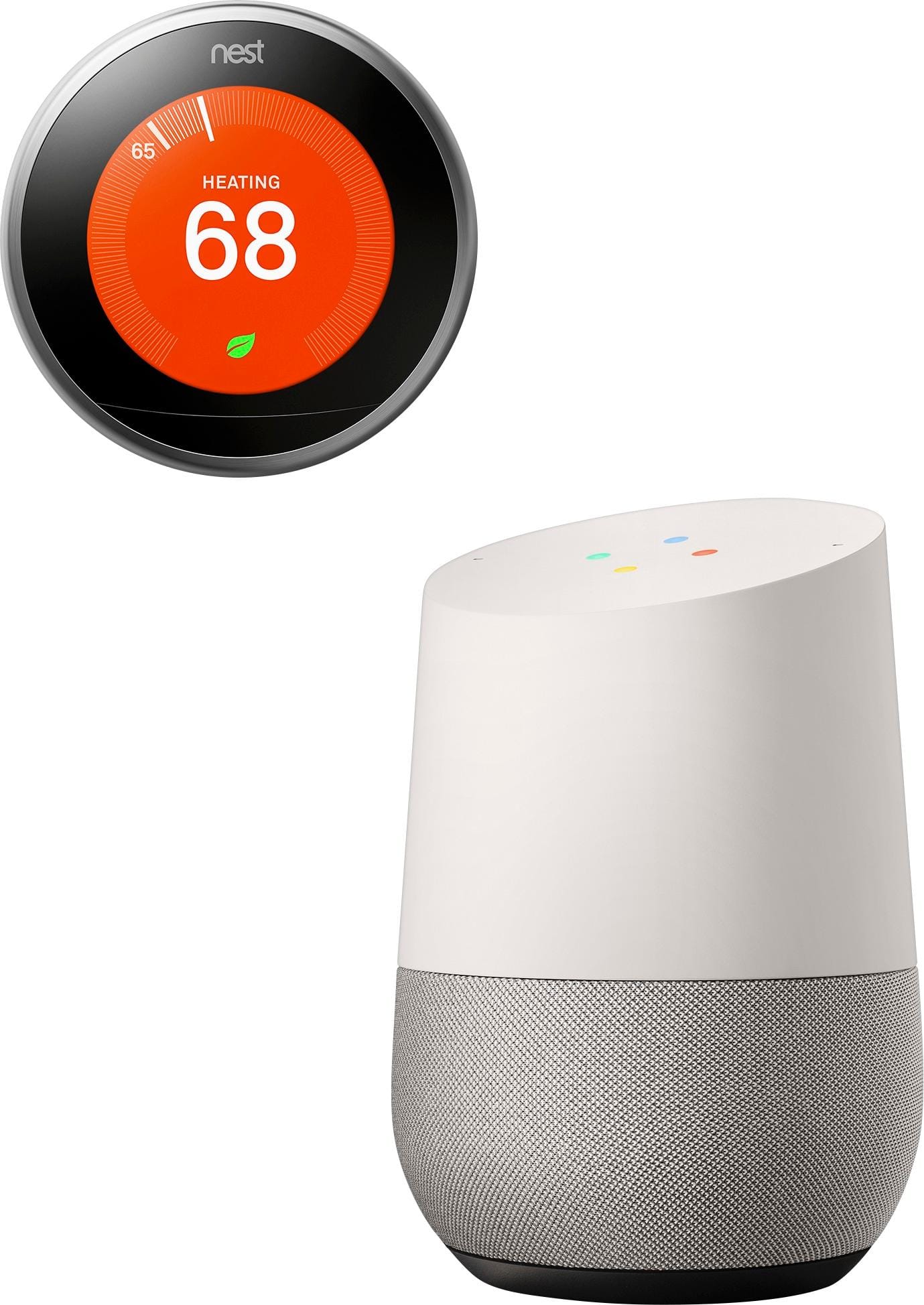
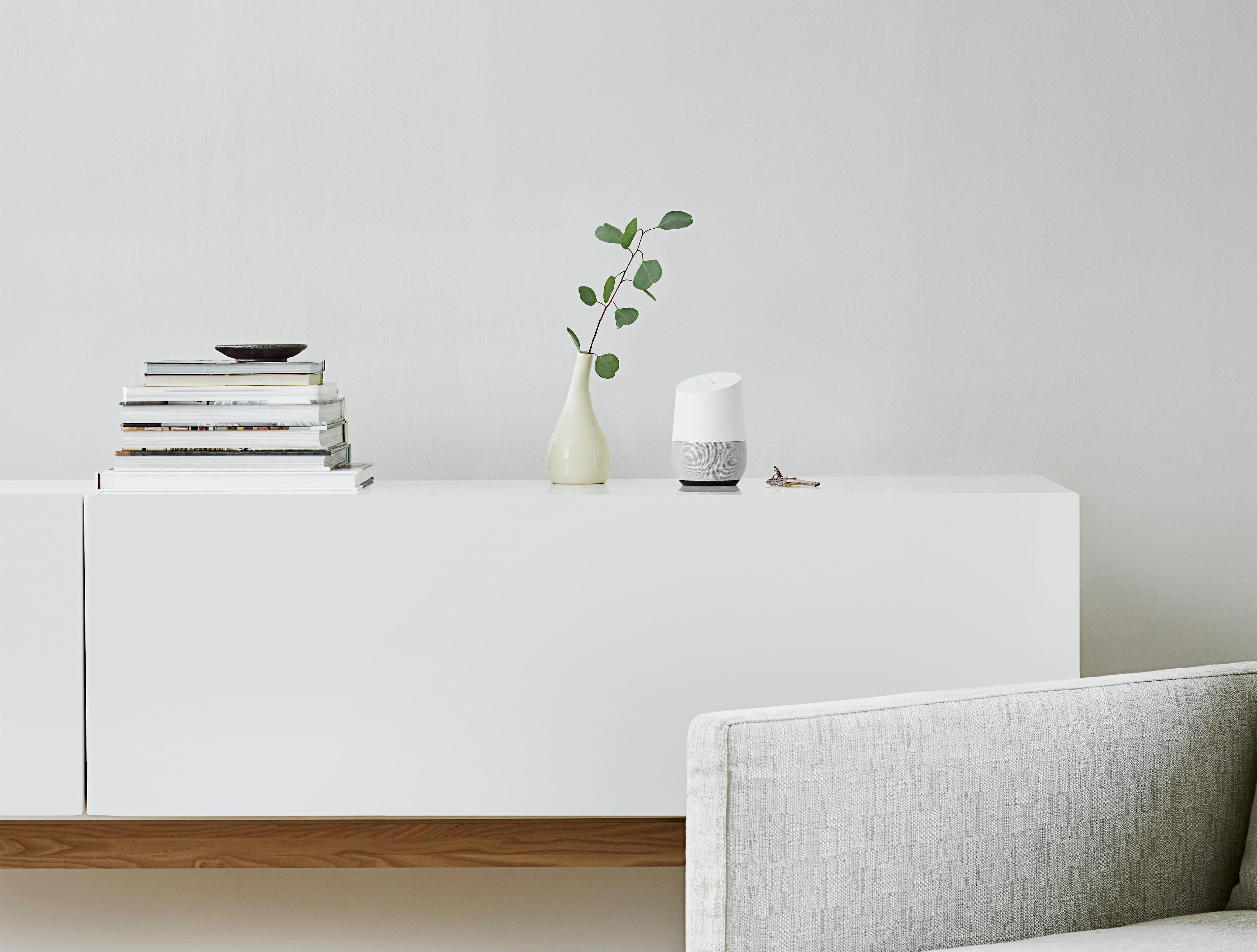
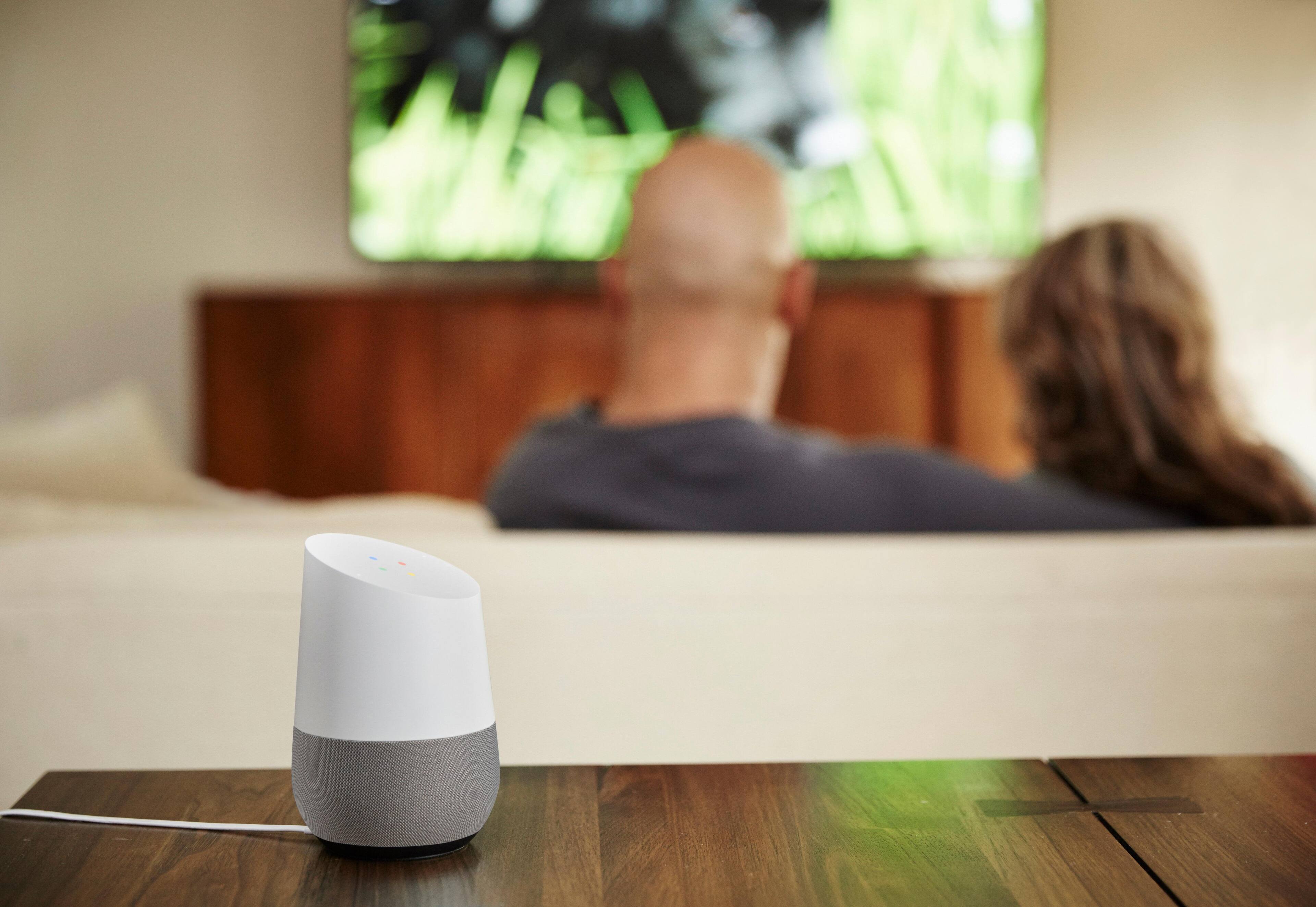
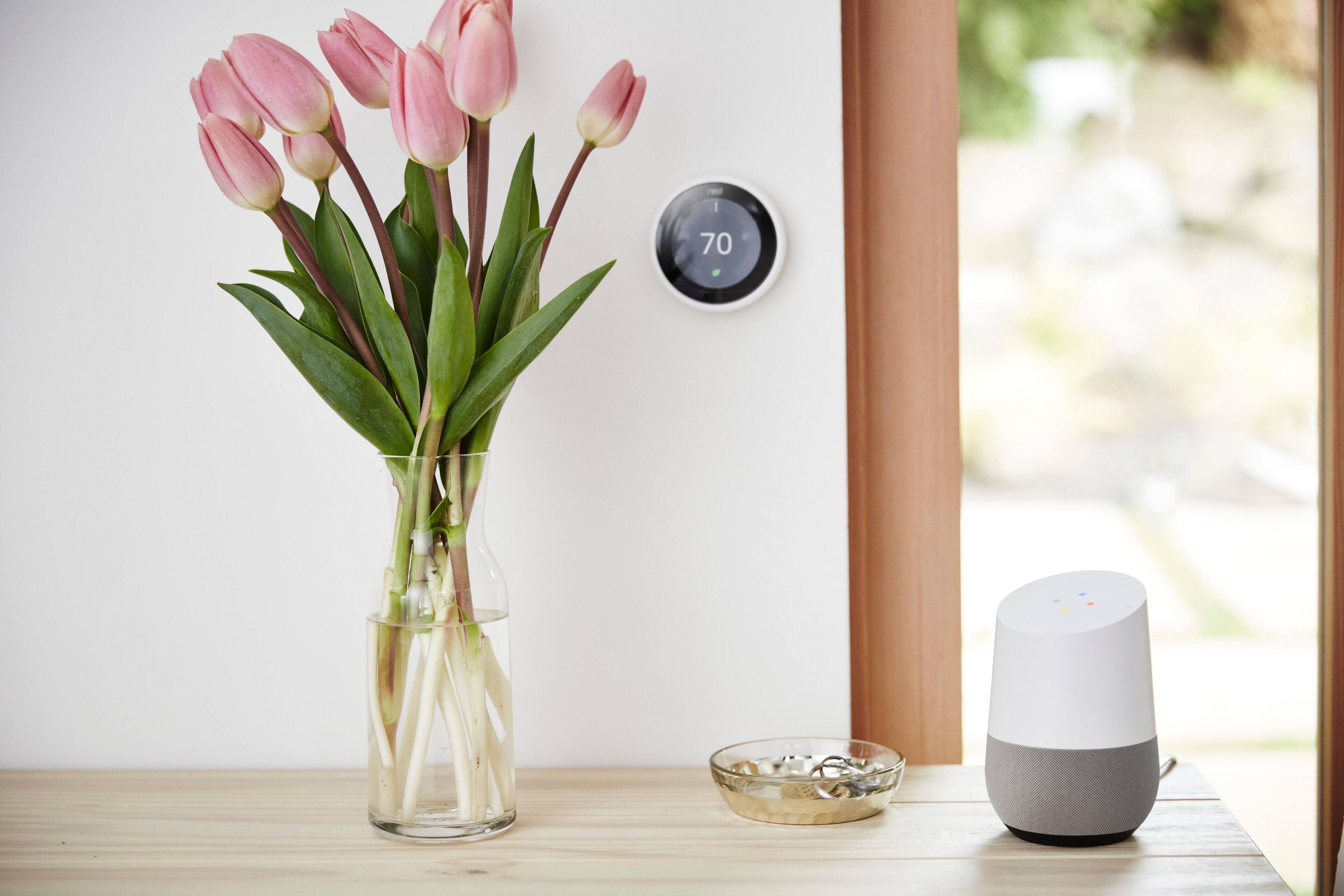
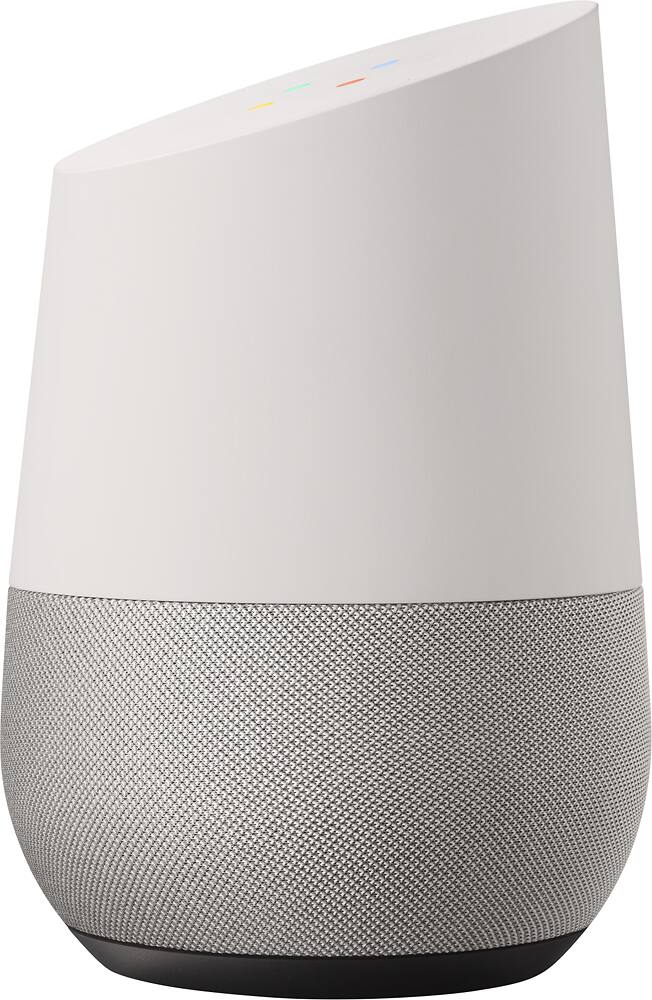
|Posted .This reviewer received promo considerations or sweepstakes entry for writing a review.Ok, I am going to start off by saying that this thing is simply cool. That should be the quick summary of this review. My gripes are minor and I have lots of praise, but I haven’t had this much fun with a product in a long time. First off, setting this thing up was as easy as can be. If you already have a Google account, all you need to do is plug it in, download the Google Home app on your phone, find it in the list of devices, get wifi going and that’s it! The hardest part is remembering your wifi password. The box it comes in is the first introduction to the experience you can expect as the box itself it made out of high quality cardboard and flips open in a pleasing manner. There is only a few sheets of documentation with very simple diagrams as to how to set it up. The device itself is about just about six inches tall and doesn't take up much real estate. It looks great in any room as it does not look like a high end piece of technology, it almost looks like a larger air freshener or a decorative piece to me. The lights on the device provide a pretty cool wow factor as they are not seen when not lit but are hidden behind the white plastic. They create neat patterns in Google’s colors or simply glow white when using volume controls. The back has a mute button in case you do not want it to listen to you and the only branding on it is also on the back, the G logo. The bottom part (speaker) has interchangeable covers to match your room decor but you must purchase these separately if interested. Upon first use, I thought to myself “how could this be much better than other products that do the same thing”. Well… this thing blows everything else out of the water in two key areas, usability and information thanks to Google’s vast search abilities and its neural network that powers Google Assistant. Google Home was great in every test I threw at it as I rarely had any unknown questions, and I could talk to it like it normal person as it remembers the context of previous statements, something no other device does to my knowledge. Asking it “what is tomorrow’s weather” gives you the expected result then adding on “what about rain” provides more narrow results. Google Home has loads of personality also, my toddler tells me he loves the Google Home because it is funny and because it likes him and sings him songs. I found music to be hit or miss on this device. The main services it supports are Google Play Music, Youtube Music, Spotify and Pandora. I tested it with Pandora and Google Play Music. I am not reviewing those services but the devices works very well with them. The music quality is loud but lacks much depth and feels a bit flat to me. I think for most people it’s quality is just fine though. For other interactions that are not music related, the speakers are great and conversing with the device is loud and clear. One of the largest strengths to the Google Home is the fact that it integrates with Google Services so well. What I mean is that if you have a Chromecast, Google TV device, a phone with Google Apps installed, you will be very pleased. It was great telling it to play popular videos on Youtube and it starts Youtube up on my Nvidia Shield. It was great telling it to play the most recent Blink-182 album to which it plays “California” and I can skip to the next song via voice or with the Google Play Music app on my phone. I could build in real time playlists for Youtube or music on my phone and they would be thrown to whichever device it was streaming on. All the devices work together seamlessly but the Home always feels like it is the centerpiece of this interaction. Testing it with other brands of devices, I used a Nest Thermostat which was a perfect interaction. On the Google Home I could ask it many different ways to change the temperature and it would be understand. It always felt as if it knew what I wanted it to do without dumbing down my commands any. With the backing of Google neural net, these features should get better over time. It also remembers things about you (creepy for some people but useful for future interactions). I ask it what its favorite animal is, it tells me then asks me mine, to which it states it will remember that. This kind of interaction provides useful knowledge to tailor conversations with the user as the software gets better. I have not had a chance to test the ability to pair multiple Google Home devices together but Google advertises that you can have multiple one paired together and they would hand off commands much better than competitors and even stream music throughout the house, this sounds like a great feature and hopefully they will build a greater variety of Home devices in the future that can suit different needs around the house. Overall, I am very happy with this device and I think it can easily find a place in my house for everyday use. Google has a near perfect product with its first launch. The Google Home is cheaper, higher quality and a more polished device than any of the other brands so I do not think there would be anyone unhappy with this purchase unless they have zero integration with Google applications. If you are an avid user of Google services, this is a must have in your home. Five out of Five stars for me.
I would recommend this to a friend This is very easy for an old man to work with.
||Posted .This reviewer received promo considerations or sweepstakes entry for writing a review.I took it out of the box, plugged it in and started asking questions. I am amazed at how fast the answers come. I have asked some things that it can't answer. I really like this product and would recommend it to any one.
I would recommend this to a friend- Pros mentioned:Smart home integration, Sound quality
Smart and entertaining device for the family!
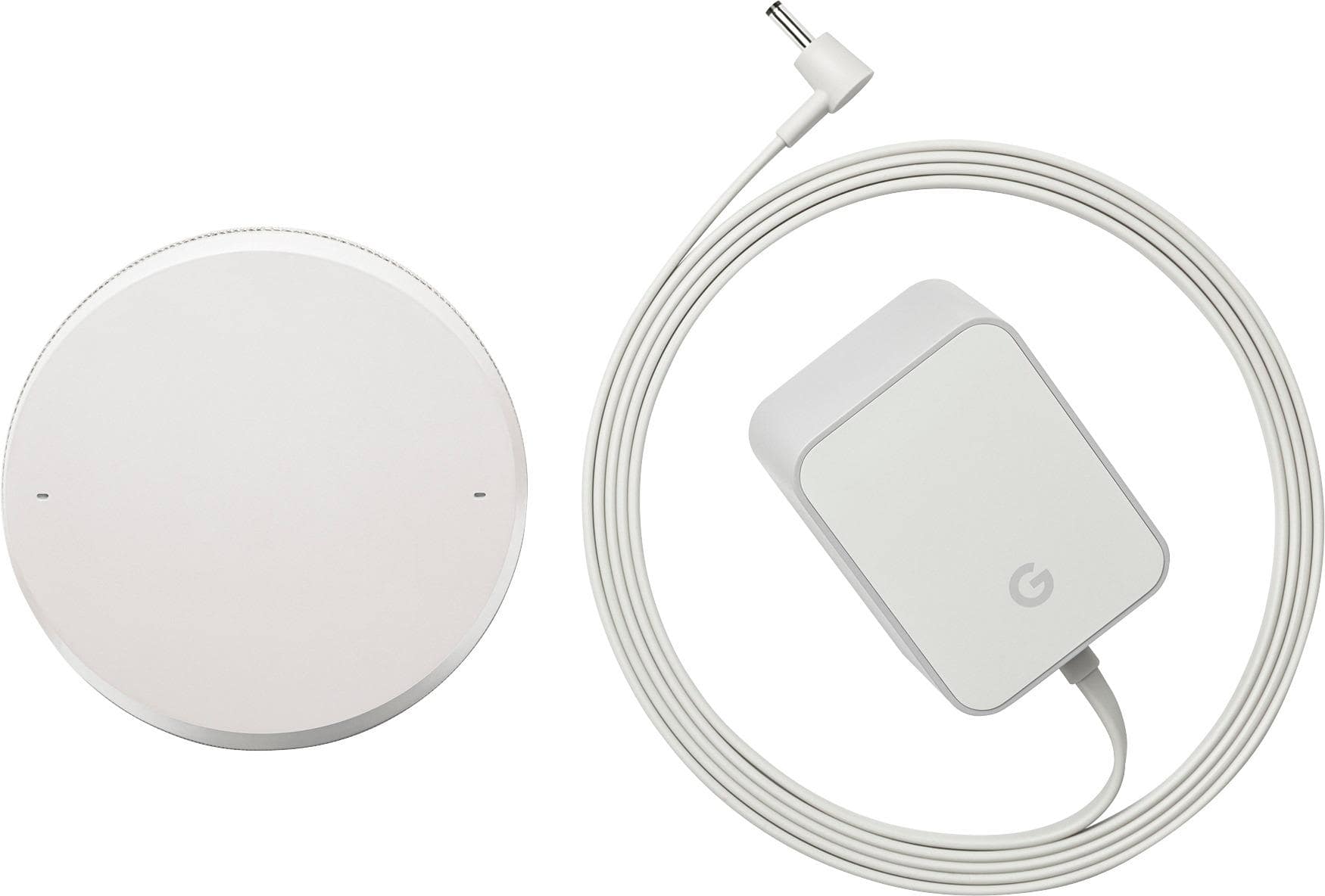
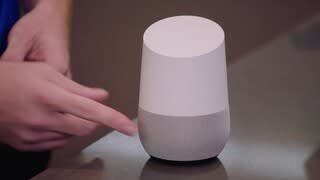
|Posted .This reviewer received promo considerations or sweepstakes entry for writing a review.I was not a fan of a voice control before, but this have a potential of changing that! My family spent a whole evening talking to it, asking various things, it was real fun! Goole Home device is a size of a big coffee mug, with a detachable base (Google will start selling those bases as accessories in different colors very soon), base is magnetically attached to the device and could be pulled off by twisting it or just yanking it down. 3x2" speakers and hiding underneath along with a micro USB port that is currently not used for anything (I suspect micro USB is for service purposes only), no other ports are present. DC power port is at the bottom and Google Home comes with it's own DC power supply compatible with 110-240V input and giving 16.5 VDC out at 2 Amps. Google Home can't be powered by the USB. Power cord is 70" long and comes with a soft rubber strap to keep it organized. Top surface is touch sensitive and has a ring of 12 multi colored LEDs to indicate the device status, mute button along with a small power LED is at the back of the device. To start interacting with the Google Home - first thing you'll need is to pair it, it's a straightforward process, all you need is a phone or tablet (iOS or Android) with Google Home app running, everything is done from inside the app, you won't need to hop on different WiFi network or anything like that, I believe app is communicating with the Google Home via Bluetooth at the setup time (since the WiFi credentials are not yet known to it). You will be prompted to pick a Google Account you want the device linked to, then pick a source of the Music (out of: Google Play Music, Pandora (free account is OK), Spotify (paid account needed) or YouTube music (paid account needed)) and a source of News. Google Home would also look for any Chromecast devices on your network and will be able to pair to them (unfortunately it does not work with Android TVs yet). Now - the main thing - talking to it! To attract it's attention you could say "Hey, Google" or "OK, Google", it's pretty sensitive as I could talk to it from any corner of my 600sq ft living room and it could understand me perfectly. Alternatively - just hold your finger on top surface until 4 lights appear and say your command. Every command you say will be listed in the history inside of the Google Home app, you could even play your command back (so you know who said it!) and sometimes even look at the details of the answer such as URL it used to pull the recipe from. Google Home will keep a context of some commands like you could say "OK, Google, Who is Mr X?" and then "OK, Google, when was he born?" and it will know you asking about "Mr X" again! However if you ask "What's on my shopping list?" and then "Add potatoes" - it won't get it, it would read you some potatoes recipe instead. I'm hoping this will be improved soon! Speaking of shopping lists - you'll find it in the Google Keep app on your phone. Other things you can ask - weather, time, setting timers (you can set different timers for different things like 5 minutes for "potatoes", 3 minutes for "steak", etc), translations of different words and phrases to different languages. Sometimes "Home" will surprise you - like saying "Good Morning" will get you - current time, weather forecast for today and a news report from the news sources you've configured. However - it can's set reminders yet, hope that is coming! Music - "Home" will play music from the internet source you've configured and it could cast it to any chromecast enabled speakers you have. There is no direct audio output or ability to pair a bluetooth speaker directly to the Home device. Internal speakers of the "Home" put our pretty good sound for their size. Videos - anything you ask will be looked up on youtube and "casted" to Chromecast devices you have, it does not support Android TV yet, nor Roku or Apple TV devices. Smart Home integration - right now "Home" can control Nest thermostats, SmartThings and Philips Hue devices. I've tried Nest integration and it works flawlessly - you can ask what is the current temperature in the room, set the thermostat setpoints (even if you keep your Nest in Heat-Cool mode!). Unfortunately my home automation system (ISY) is not yet supported by the "Home" directly, but IFTTT is here to help! I was able to use "Google Assistant" channel combined with a "Maker" channel to control lights in my home no problem. I'm real excited about the possibilities this opens! Just be mindful about the security - don't let it disarm your alarm, unlock your smart locks or anything that could be used to gain unauthorized access. Another point - if you keep your "Home" near your home phone - someone could call it and once it goes to automatic answering - tell your Google Home to do anything. Few things to improve: multiple Google Accounts support (like maybe home and work, or different family members accounts), maybe add Exchange and iCloud account support as well (I use Office 365 at work and unfortunately "Home" can't access it), more device integration (Andorid TVs, Roku, etc) and open developer API of course! Overall - it's a wonderful start by Google! "Home" is a very capable device on it's 1st day and would only improve in the future!
I would recommend this to a friend Great for following NEWS!!!
||Posted .This reviewer received promo considerations or sweepstakes entry for writing a review.I mainly use Google HOMe as an extension of the radio. It would be helpful for listening to the news. Don't know what to use it for, now that I've stopped listening.
I would recommend this to a friendBest home assistant on the market
||Posted .This reviewer received promo considerations or sweepstakes entry for writing a review.Google home is simply amazing and with new updates up and coming in the future, the device will be taken to the next level. It's a smart buy for anybody who wants to have a smart home.
I would recommend this to a friend- Pros mentioned:Setup, Sound quality
Christmas Couldn't Wait
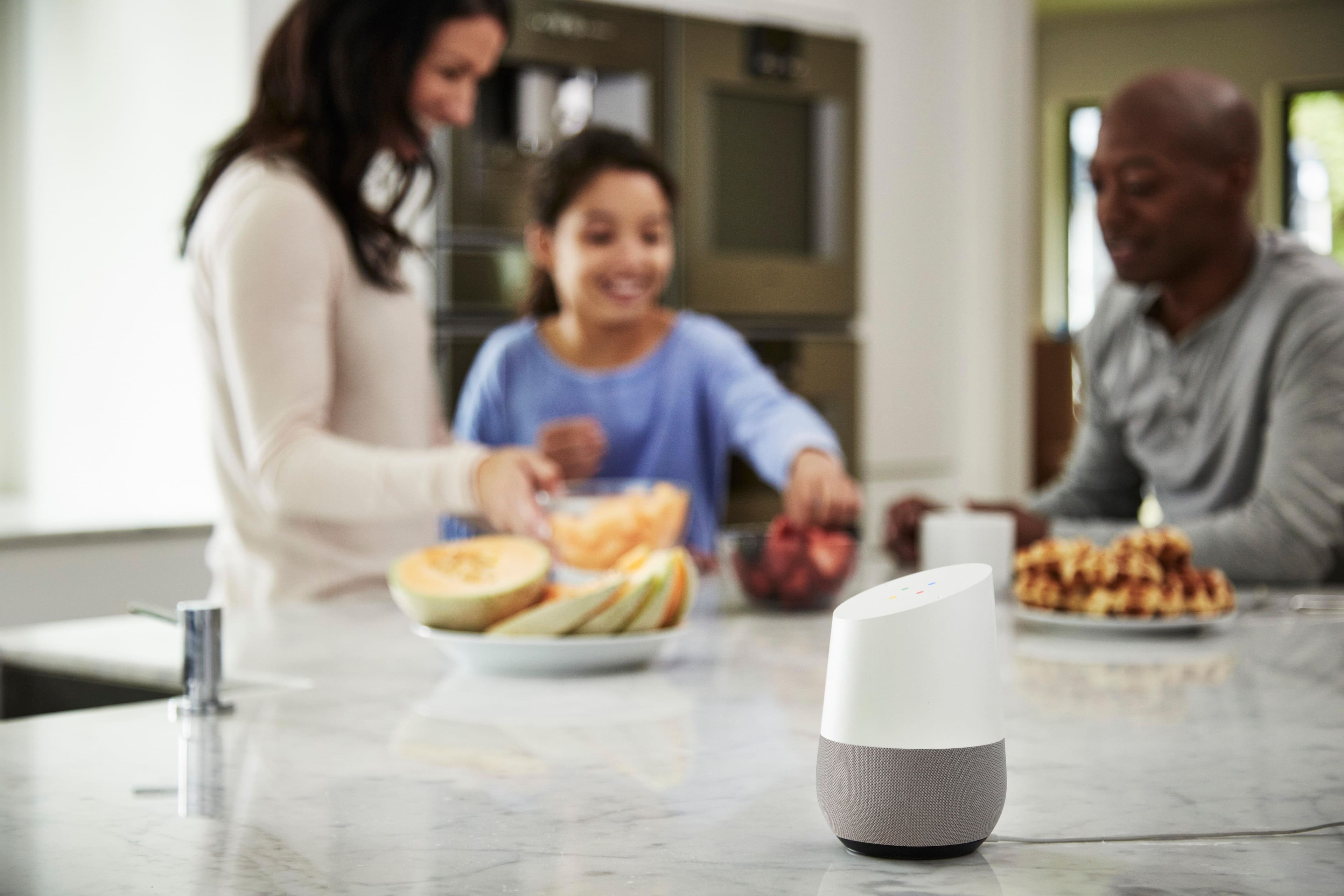
|Posted .This reviewer received promo considerations or sweepstakes entry for writing a review.Okay so the intelligence of Google Home and it's speaker quality are great. I am the kind of person that sees a speaker with a new feature and I have to try it. It is a running joke at work because I have a speaker for every room of my home and at my work desk. That said, Google Home makes working at home so much fun. When I first opened the box the setup was simple, quick and I got so enthralled with all the fun stuff it does that I realized two hours later I hadn't turned on a TV in the house. Prompt "Okay Google, sing to me", or "Okay Google, tell me a joke", some funny features to show your friends. Or the crystal ball feature is fun as well! The fun doesn't stop there though, it can hail a cab for me, tell me what traffic looks like, tell me the weather, and best of all recipes. My Google Home is in the kitchen and when I asked for a enchilada recipe and she knew the process of making them I was floored. So yeah... Christmas couldn't wait and I am glad that I added Google Home to my home and kitchen area. It is going to sit neatly on the counter and really bring life to our family gatherings this holiday season. I absolutely cannot wait to show everyone what Google Home can do with all the apps and features I haven't even tapped into.
I would recommend this to a friend - Pros mentioned:Ease of use, Sound quality
A fun, entertaining assistant
|Posted .This reviewer received promo considerations or sweepstakes entry for writing a review.I'm a fan of the Amazon Echo and other digital assistants so when I was able to test out Google's new voice-activated assistant, Google Home, I was more than happy to do so. The Google Home is a voice-activated speaker that uses the Google Assistant to do things. It's about the size of a desktop Bluetooth speaker and it gives you the opportunity to control certain aspects of your home and daily life. The body of the device is designed to blend in with your regular home decor. It looks modern and works well with varying styles of interior design. The Google Home is first and foremost a speaker. As such, it's equipped with a microphone and play/pause and volume control. The basic speker controls are integrated into the touch surface on the top of the speaker. Because it’s voice activated, you can also control Google Home by talking to it. Commands like, “Play Pandora Radio,” will enable the music player on the device. Even though I’m more of an Apple user, I really appreciate Google’s self-integration with devices like the Home. For one thing, the search is blazing fast. I used to have a virtual assistant called UBI, which pre-dated the other voice assistants like Google Home and Alexa. The search function worked on it, but it was slow - sometimes taking a solid minute to speak the answer back. Google Home responds within about 3 seconds whereas Siri on my iPhone 7 took about 7 seconds to tell me a response. All of Google Home’s functions are quick and precise. Another test we ran was to request that Siri and Google Home both turn on Hue lights in a specific room of our home. Again Home was faster. When asked, “Turn on the Living Room lights,” Siri took approximately 3.6 seconds to respond while Google Home only took about 3 seconds. What’s remarkable about this to me is that the two devices are running on the exact same network. Set-up of the device is very easy. You plug it into power and then follow the instructions on the companion app, which is available for both iOS and Android devices. Basically, once the Home is connected to the internet, you can start using it. The app is truly a companion because other than set-up, you don’t really need to use it. The app gives you pointers like ‘Things to ask’ and helps you connect other services like Music services and Home controls. You do have to use the app to connect your other smart devices in your home. Probably the most impressive thing about the Google Home is the follow-up functionality when you ask questions. For example, you can ask, “Who is the current President of the United States?” And Home will answer, “Barack Obama.” You can then say, “How old is he?” Home will respond, “He is 55 years old.” Other voice assistant will get confused and say that they can’t answer the question because it doesn’t get the reference back to the original question. This is a function of the Google Assistant and it pulled through into this device flawlessly. One of my favorite thing about Google Home, aside from how well it works, is how fun it is. Google Home provides an entertainment outlet in addition to a functional assistant. You can play trivia games with it, which makes it a fun addition to family gatherings. Say you are sitting around with friends and want to do something other than visit. You can simply say, “Play a trivia game,” and Google Home will act as your game show host. You can let it know how many people are playing and it will ask questions for each player in the correct order. We tried this out a couple of times with no problems. You can also have Google Home just ask you single questions if you are on your own. As easy as Google Home is to set-up and use, it does still have its limitations. They are limitations that I feel that Google will upgrade over time with software updates, but they are still very noticeable especially if you use other voice assistants like Alexa. First, Google Home only works with some smart devices. Right now, it’s only compatible with Nest, Philips Hue lights, and SmartThings. It does work with IFTTT protocols and recipes and you can control your TV if you have a Google Chromecast, but no other streaming media devices. Google Home also only works with 5 different music streaming services - YouTube Music, Spotify, Pandora, Google Play Music, and TuneIn. You can’t connect to libraries throughout your house like you can with devices like Apple TV, but again, I think this is something that will probably be an upgrade once Home isn’t quite so new. One other very basic feature that the Home does not do is to record reminders. You can ask it to remind you to do something and it says, “Sorry, I can’t set reminders yet,” which leads me to believe it’s a forthcoming option. For the limitations that Google Home has, it does a lot of things very right. If I had to choose between the Google Home and Alexa, I would choose the Home because it is so much fun to use. I think that if you are integrated into Google’s ecosystem, the Home is definitely the way to go.
I would recommend this to a friend - Pros mentioned:Setup, Sound quality
Ok Google... Are you my friend?
|Posted .This reviewer received promo considerations or sweepstakes entry for writing a review.Features: - Far field voice recognition to support hands free use - 2.4GHz/5GHz Wi-Fi support for high performance streaming - Simple setup with the Google Home app on iOS & Android - High excursion speaker delivers clear highs and rich bass for HiFi sound - Chromecast built in allows casting from compatible audio apps to Google Home - Multi room playback to sync music across speakers that have Chromecast built in - Check out these compatible services and more at g.co/home/services - YouTube Music, Pandora, Google Play Music, TuneIn, Chromecast, Nest, Friends of Hue, Smart Things What is in the box?: - Google Home - AC Adapter - Get Started Card - Quick "things you can say" card - Change your base card - Warranty/Safety Card (1 Year Warranty) Requirements: - For "turn up the thermostat", compatible smart thermostat linked to Google Home - WiFi connection - Electrical outlet - Compatible Android, iOS, Windows or Mac OSX computer or mobile device - Minimum OS requirements located at g.co/home/req Testing/Setup: Box is beautiful!!!!!!! Whoever designed this box is a wonderful person and knows what we "box people" want. The unit itself sits perfectly snug inside the box. Contents inside the box (quick reference cards, cable, etc.) is also made with quality material. Google Home itself is not heavy at all. The top portion of the device is a full touchscreen (not necessarily a screen). The material for the Google Home also has a great feel to it. Guess what... No fingerprints! The material around the base of the Google Home (speaker) is also nice material. The AC adapter is nice and the wire itself is flexible if you need to maneuver it around certain things. The power plugs in to the bottom base of the Google Home. All in all, the materials that were used to create this entire thing (box, cards, unit itself) is excellent. The voice recognition is accurate. I was in the kitchen and my device is set up in the living room. When I ask Google Home to turn up/down the volume; it hears you! Even if you slightly "slur" your words when talking to the Google Home, it'll still pick up what you're trying to say. I spent probably a good full 3~5 hours after setting it up and just messed with it, straight up talked to it. Setting it up was extremely easy. You literally plug it in and download the Google Home app on your phone and follow the on screen prompt. You can do so much with this device. Want to listen to Pandora? Tell it to play Pandora. You want Spotify? Ask it to play Spotify (if you have premium). Play a game? Ask it. Want news or weather? Ask it. Pretty much, it uses the Google engine to power this thing; meaning it uses Google's years and years of experience to help you do things. If you're someone that forgets to set appointments, what to buy when you're at the grocery store, setting up an alarm; Google Home will remember for you. Want to order an Uber? Ask Google Home to do it for you. If you have a Nest thermostat system or that fancy Phillips lighting system, Google Home can even be programmed to mess with those. So basically what I am saying is, if you have a smart home; get the Google Home to outsmart your smart home. BOOM! The range of things that Google Home can do is pretty magnificent. Of course, I have some cons as well. I still can't figure out if this thing is "messed" up or if it was Pandora. Basically, if I was trying to ask it to play a different station on Pandora; it wouldn't change. I ran into a couple occasions where my Google Home just stopped playing. When I tried to tell it to play Pandora, nothing. Another issue I have is the sound itself. The base is pretty good and the sound can get pretty loud. My problem is that it sounds a little *mono*. There's basically no surround sound effect, but that could be because the unit itself is not that big so it can't project a surround sound feeling. The thing that honestly got me upset the most is when it stopped playing and I couldn't get it back up and running. I had to open up the Google Home app on my phone and reboot the Google Home unit. If you have a Google Pixel by the way, prepare for both devices to hear you when you say "Ok Google". With these cons, I had to drop a star. Everything else blew me away though, everything from the quality of the device (the way it was built) to the things that it can do. I hope they update it in the future to make phone calls, that'll be awesome! Conclusion: If you're browsing the market for an Amazon Echo device or anything in that particular area, I would give the Google Home a shot. If you're looking for something that'll help you remember, someone to talk to, someone to play a basic game with (3 included/available right now), or trying to be a home DJ with your playlist and music; look into the Google Home. It offers more than what I just said like changing your temperature in your home, ordering a Uber, and looking up things via the Google search engine. It does a lot more too. I'm hoping with Google powering this things, they'll be able to update it to do other things like phone calls and maybe some more games and other *stuff*. Overall, I like the unit/device. OH!!! One more things... If you have a date you want to bring home to meet Google Home, you'll have a blast; especially if your date speaks a different language. You can tell Google Home to say whatever you want in that language. Its for the most part "accurate" but once you do long sentences, it kinda doesn't do it correctly. I tried a different language with my wife and she understood the first thing I said. Second thing (longer sentence) made no sense to her she stated. Anyways, give this things a shot and try it out for yourself.
I would recommend this to a friend - Pros mentioned:Ease of use, Sound quality
Makes home more fun
|Posted .This reviewer received promo considerations or sweepstakes entry for writing a review.Google Home is Home Right out the box, I’m impressed. It feels and looks great. I think it will get dirty fast but oh well. I’ll clean it! The instructions included are simple and easy to follow. Once I downloaded the app and opened it, it immediately started looking for the device………..simple enough. This thing is a voice-activated speaker and I can use voice commands to play a particular song I want to hear and raise the volume, with just my voice. If I have a question, I get answers from Google. I’ve been known to schedule one too many task throughout the day, so Google Home helps manage everyday tasks (I simply wake up and ask what do I have scheduled today). Google Home is compatible with my hubby’s Android and my Apple products. The sound quality is good but it’s not what you are used to if you have bose speakers elsewhere. One place I use it the most is the kitchen………… I ask for recipes, I ask for measurements, I ask for short cuts (hahaha) and then I ask Google home to set a timer. The bad, I use it in the kitchen and I’ve gotten it a little wet and dirty, however it’s easy to clean. I strongly suggest reading the directions first……..look up similar products and different suggestions on how best to use it and put it in a location that is easily accessible. I really really like being able to say a song or artist and google will play it. I love music and this is the one thing I enjoy the most. I’ve yet to have company over, so I need to remember to mute the mic beforehand or I feel like my friends will abuse it. It’s still in the testing phase for me because I feel like once I add accessible hardware like Nest, it will be at its full potential. So all in all, if you are a techy and want to venture down this endless supply of knowledge in a can, I say GO FOR IT. enjoy
I would recommend this to a friend Love it
||Posted .This reviewer received promo considerations or sweepstakes entry for writing a review.I had my doubts about purchasing this item but the whole family seems to love it.
I would recommend this to a friendBetter than Alexa
||Posted .This reviewer received promo considerations or sweepstakes entry for writing a review.Still getting use to it. Sometimes can't fulfill your request. Says try back later
I would recommend this to a friendBest smart home device
||Posted .This reviewer received promo considerations or sweepstakes entry for writing a review.This Google home is Soo helpful!! And awesome device to have at home
I would recommend this to a friendI Love It
||Posted .This reviewer received promo considerations or sweepstakes entry for writing a review.Great product. Five star , I highly recommend . I love it
I would recommend this to a friendNice, this is something I have been looking to buy
||Posted .This reviewer received promo considerations or sweepstakes entry for writing a review.Great does just what I need, I now what to buy one for a friend
I would recommend this to a friendLOVE IT
||Posted .This reviewer received promo considerations or sweepstakes entry for writing a review.I Google home for my husband. Everyone in the family loved it
I would recommend this to a friend- Pros mentioned:Sound qualityCons mentioned:Bluetooth
Good Assistant but not a good speaker
|Posted .This reviewer received promo considerations or sweepstakes entry for writing a review.The Google Home is the next generation smart assistant, designed to be used in a smart home. I was very impressed with the voice recognition technology as it was able to tell exactly what I wanted or was asking for almost all the time. It gets activated easily and puts the vast amounts of Google knowledge at your fingertips. It is slim, small and definitely looks beautiful. With the easily swappable base, you can fit it in any area of the house. It plays you music, tells you the weather and can give a reply to almost anything you ask for. The speakers are powerful and give a rich deep sound. It can also connect with a range of smart devices like smart bulbs etc which then enables to use the device in a variety of other ways as well. The biggest flaw of the speaker is that you cannot use it to be used with your laptop or TV. It cannot be used like a normal bluetooth speaker and that is extremely frustrating. Amzon echo even though it costs more can be used as a normal bluetooth speaker and thats a big plus. I dont understand why Google hasnt built in that functionality, it seems like a big flaw in the product.
No, I would not recommend this to a friend - Pros mentioned:Google assistant, Sound quality
Awesome home device!
|Posted .This reviewer received promo considerations or sweepstakes entry for writing a review.Google home is a handy device for those who want to have a connected home. It can do everything provided you have the products or services it works with. Its beautifully designed but does have its shortcomings from my experience, still its useful and actually fun to just talk to. I'll explain a little later but I wanted to talk about the design first. This thing is oddly designed but its hard to take the eyes off of this device. Google colored LEDs light up the top of the "sliced" top of the device. I think this is cool because I like when companies take the extra step into their products to make it their own. Google could have put normal LEDs in their but using this device feels futuristic...The top of the device is where you control everything on a LED touchpad (?) on the device itself. Its also small enough to fit into a corner so it can be out of the way and if you so choose; Google sells speaker grills that can be different colors for the base of Google home. Google Assistant is Google's latest virtual assistant and its built right into Google home. Pretty much like a an upgrade to Google Now on Tap / Allo just for your house. Which is from my experience more powerful and robust than the old version of Google Now. This version gives the impression that you are having a conversation between you and the A.I. It's more natural dialogue that comes off less robotic and more human. It also learns as you use the google home and take interest in things you do in your daily life. You can activate this by saying "OK Google." in the room the Google home is in. For example some of the things you can say: - "Ok Google, What is the best route to my work?" It will find the best route to your job. - "Ok Google, Play music from Chance The Rapper." It will automatically play music from a artist you ask from their music service. Google home can also act as a DJ for your music. - "Ok Google, Who is the CEO of Tesla?" It will give you information about Elon Musk. - "Ok Google, I need a Uber!" It will call up an Uber for you. - "Ok Google, What is the best restaurant in Chicago?" She will then look up a listings of the best restaurants in the city. There is many things the assistant can do for you and I have yet discovered them all. Google home can do many things for you like set alarms, shopping list, turn on lights in your home and the list goes on as it learns from you. Google Now felt more like a beta while this is more of a fully functional version that just works. It's fun to ask questions and talk to it. She can now also tell jokes like Siri and they are some pretty cheese yet funny ones. There is support for Google's Chromecast, with this you can tell it to play a video from YouTube and it automatically pops on your TV and send it to YouTube to watch the video. This is the feature my family use the most and one I'm 100% fond of. The speakers are very loud with a decent amount of bass and can pick up your voice very easily, no complaints here. Easy to set up with the google home app as it used the same app as Chromecast's app, Support for 5 GHz Wifi is here, and you can have multiple Google Homes in your house and it can play music on every speaker. I love Google home and with potential it can be something great but truth be told its limited to Amazon's Echo and Alexa. You can't set calendar reminders (Why? This should have been one of the FIRST things to be into this device.) in fact it doesn't even do reminders. It can't read my emails, It can't tell me any of my up and coming appointments, it can't order me pizza...You get the point. While its powerful assistant this thing is going to take time and going to need many updates from google. Overall I love it and would recommend it to family and friends. I'm sure most of the shortcomings will be updated or supported in the future as well as easy to set up provided you have the services.
I would recommend this to a friend - Pros mentioned:SetupCons mentioned:Response time
Entertaining and helpful
|Posted .This reviewer received promo considerations or sweepstakes entry for writing a review.I was so excited to receive and review Google Home. Let me say 1st impression was great because the packaging was classy and not rushed. I'll like to start with what I liked: -Setup for Google was very simple and fast. Right out the box I plugged it in, downloaded the app and I followed instructions from the app to complete my setup. Instead of a booklet Google had quality printed cards with simple instructions. -Say "ok Google" from almost anywhere and it responds and awaits for your commands. -Visually the Google Home is a really cool looking gadget. I really like the colorful l.e.d lights. What I did not like: -Occasionally after I ask Google Home a question I get a delayed response. -Wish it connected to my soundbar or had a better speaker Google Home is new to Google and I really believe that it will only get better. I saw the competition and Google have more resources to better Google Home. I'm starting to think I'm addicted to Google Home because I cannot stop asking questions and giving more commands. I recommend getting Google Home because of how easy it is to use and with time who knows what it will do next.
I would recommend this to a friend - Pros mentioned:Sound quality
The Google Home Makes Life More Convenient
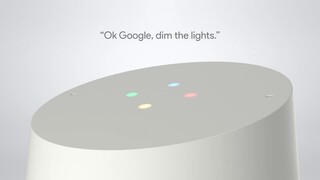
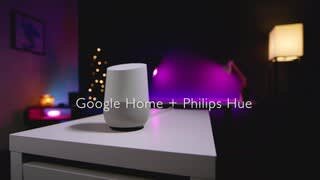
|Posted .This reviewer received promo considerations or sweepstakes entry for writing a review.The Google Home is a well built voice activated speaker that sounds pretty good and is useful for many things, specifically the Google Home is quite useful for setting alarms and timers, and I have been getting up in the morning more consistently than I had been before I received my Google Home. The Google Home is able to play at volume levels that are plenty sufficient for most situations. If you choose to buy a Google home, after connecting it to your internet connection, then it is best to download the Google Home app for Android or Apple, then locate and optimize all the settings to get the best experience using the Google Home. In the settings there is a setting called Accessibility, it allows you to turn on the option to play an audible sound, which indicates when you should speak your verbal request. This means that after you say OK GOOGLE, you will then hear an audible beep, so you will know exactly when to speak your request, without this Accessibility sound option turned on, it is necessary to be looking at the Google Home device when saying OK GOOGLE, so that you can see the lights on the top of the Google Home light up, of which the lights indicates that you should then speak your request. It is basically easier to say OK GOOGLE and hear an audible beep indicating when to speak your request, than it is to say OK GOOGLE and have to be looking at the device to see the visual indicator to know when to speak your request. The Google Home app has the option to add your home address, which is necessary for the Google Assistant to provide your weather requests, as the Google Home needs to know the location of the weather that you are desiring. The Google Home app allows you to set a desired music playback source, and also allows you to create a list of your desired news sources, allowing you to customize the news that you can hear playing through the Google Home. Newer versions of the Android operating system have the built in options of allowing the Google Assistant to be always listening, so that you to say OK GOOGLE, and then you can make a verbal request, the same way that the Google Home does, but using the Google Home device is a much better experience. The two microphones on the Google Home pick up your voice noticeably better than the microphone on a smart phone. The Google Chrome web browser has apps and extensions that can be installed, which add interactivity with your Google Home device. Do a Google search for Chrome Web Store, and it will bring up the website where you can search for and install the available Google Apps and Extensions. The Google Keep App for Google Chrome, allows you to create a shopping list that can be used with the Google Home Assistant, just create a shopping list in the Google Keep app, then ask the Google Home Assistant: What is my shopping list, then the Assistant will verbally remind you of all the things on your shopping list. The Google Keep app can also be found on the Google Play store and can be installed on Android smart phones, allowing you to create shopping lists the same way. The Google Calendar extension for Google Chrome, allows you to quickly add calendar entries, then you can ask the Google Home Assistant: What is on my calendar, and the Assistant will verbally remind you of every calendar entry that you added for each day. The Google Cast extension for Google Chrome, allows you to see which song Pandora is playing, this extension allows you to pause music playback and also adjust the volume level, all of this from the Google Chrome browser. Below is a list of verbal requests that the Google Home can be used for: What time is it Set an alarm for 7 am, Set a timer for 30 minutes (Multiple timers and alarms can be set) Stop alarm, Stop timer, Stop all timers, Stop all alarms What is today’s weather (Your local weather will be read if your address has been set) What the weather in Ventura, California ( Any city and state can be requested) What is the humidity (Your local humidity will be read if your address has been set) Is Wal-Mart open, Is Best Buy open, Is Jack in the box open, etc.. What is on my calendar (Calendar events must be added first in Google Calendar) Add orange juice to my shopping list, Add bananas to my shopping list, etc. What is my shopping list Play music, Pause music (Music will play from your chosen default music source) Play Google Play music (Use this if Pandora is default music source) Play Pandora music (Use this if Google Play Music is default music source) Play news, Pause news (News will play from your chosen list of news sources) Turn up the volume, Turn down the volume Volume level 4, Volume level 6, Volume level 3, etc.. (Volume levels 1 - 10) What is the volume The Google Home voice activated smart speaker, allows adding Philips Hue lighting control, it is necessary to synchronize the Google Home device with the Philip Hue bridge, this synchronizing is done in the settings of the Google Home app on an Android or Apple device, once this is setup, all of the following can be done with the Philips Hue lighting. Turn lights on 10 percent, Turn lights on 50 percent, Turn lights light blue (Daylight), Turn lights white (Warm white), Turn lights red (Great for movie lighting, or night lights), Dim lights, Turn lights on 100 percent, Turn lights off. The Google Home has a really nice power supply, which has a silicone strap that wraps around the cord. A quality power supply always adds to making an electronic device have a luxury feel to it. My overall opinion of the Google Home Assistant, is that owning and using the Google Home has made life more convenient.
I would recommend this to a friend