Customer Ratings & Reviews
- Model:
- 6W7F5A#B1H
- |
- SKU:
- 6638973
Customer reviews
Rating 4.5 out of 5 stars with 258 reviews
(258 customer reviews)Rating by feature
- Value4.6
Rating 4.6 out of 5 stars
- Quality4.5
Rating 4.5 out of 5 stars
- Ease of Use4.5
Rating 4.5 out of 5 stars
Customers are saying
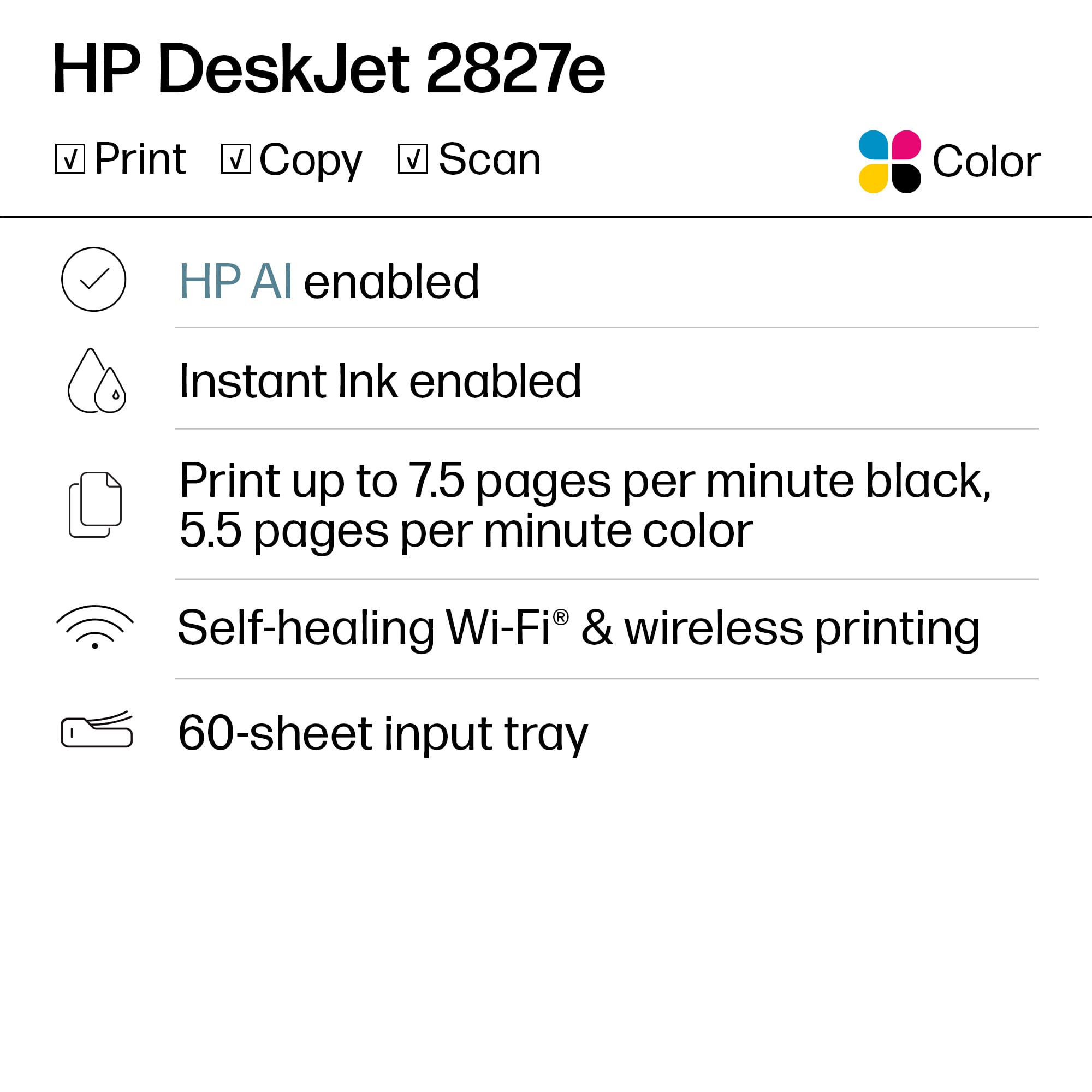
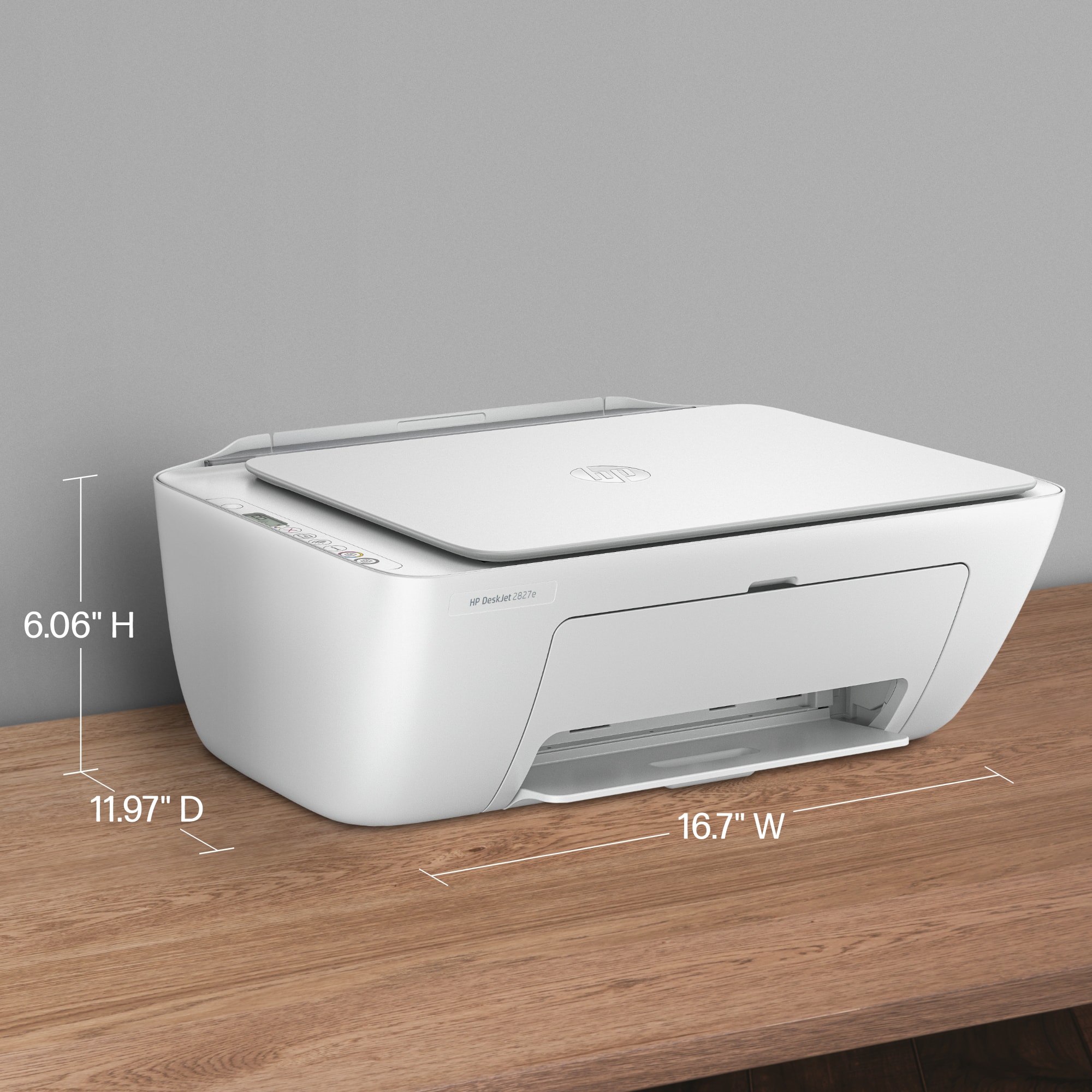
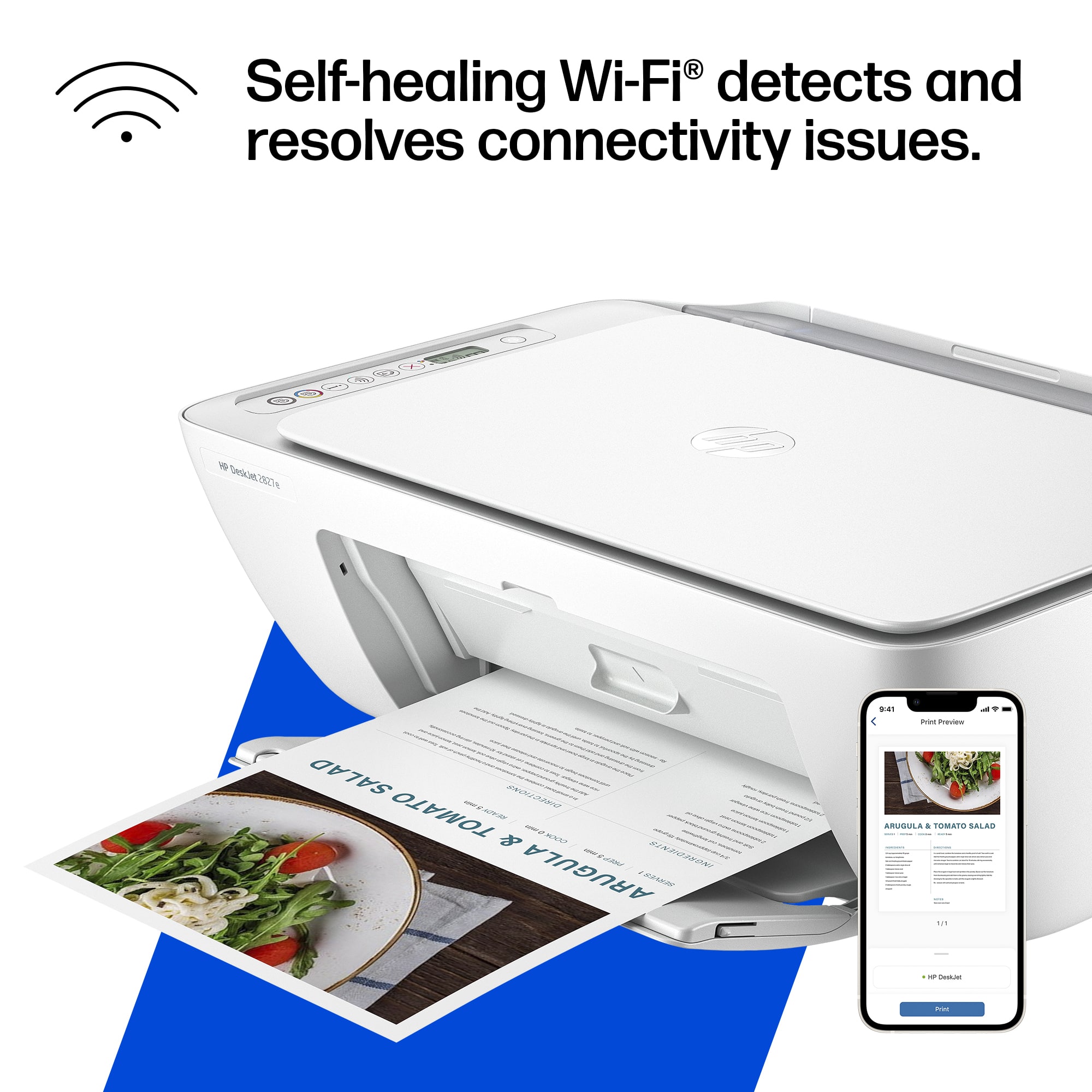
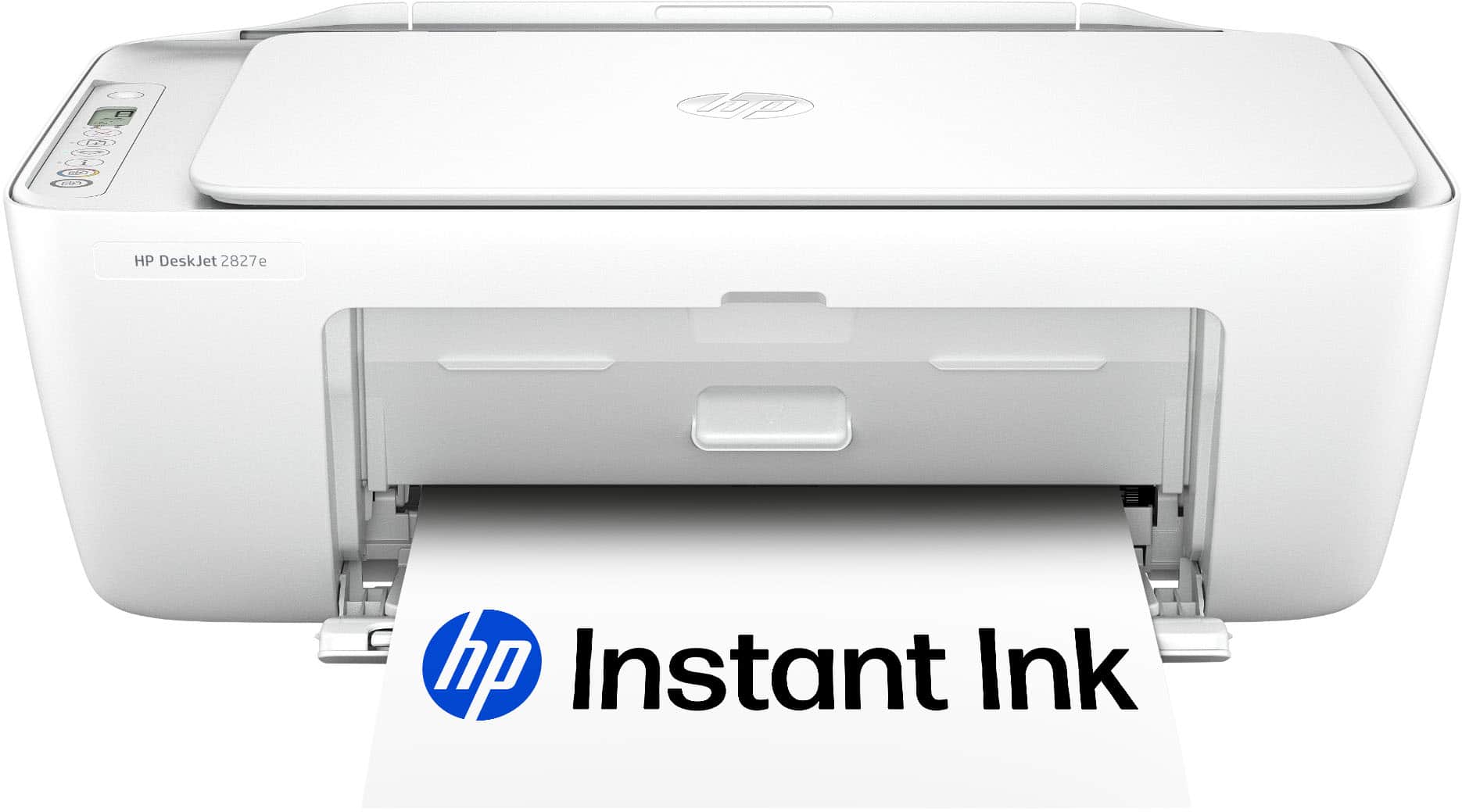
Customers have good things to say about the DeskJet 2827e printer, particularly its print quality and easy setup. Many users appreciate its connectivity and ability to quickly connect to Wi-Fi. The printer's size and space-saving design have also been positively noted.
This summary was generated by AI based on customer reviews.
Rated 1 out of 5 stars
Not recommend
||Posted . Owned for 3 weeks when reviewed.This reviewer received promo considerations or sweepstakes entry for writing a review.It didn’t print at all. Took 10 mins to print just one page. Operating System also not user friendly at all. Had to return it.
No, I would not recommend this to a friendRated 1 out of 5 stars
Too many issues
||Posted . Owned for 1 week when reviewed.This reviewer received promo considerations or sweepstakes entry for writing a review.So many set up and connection issues.definitely do not recommend buying
No, I would not recommend this to a friend- Pros mentioned:Print quality, Setup ease, Size
Rated 4 out of 5 stars
Good printer
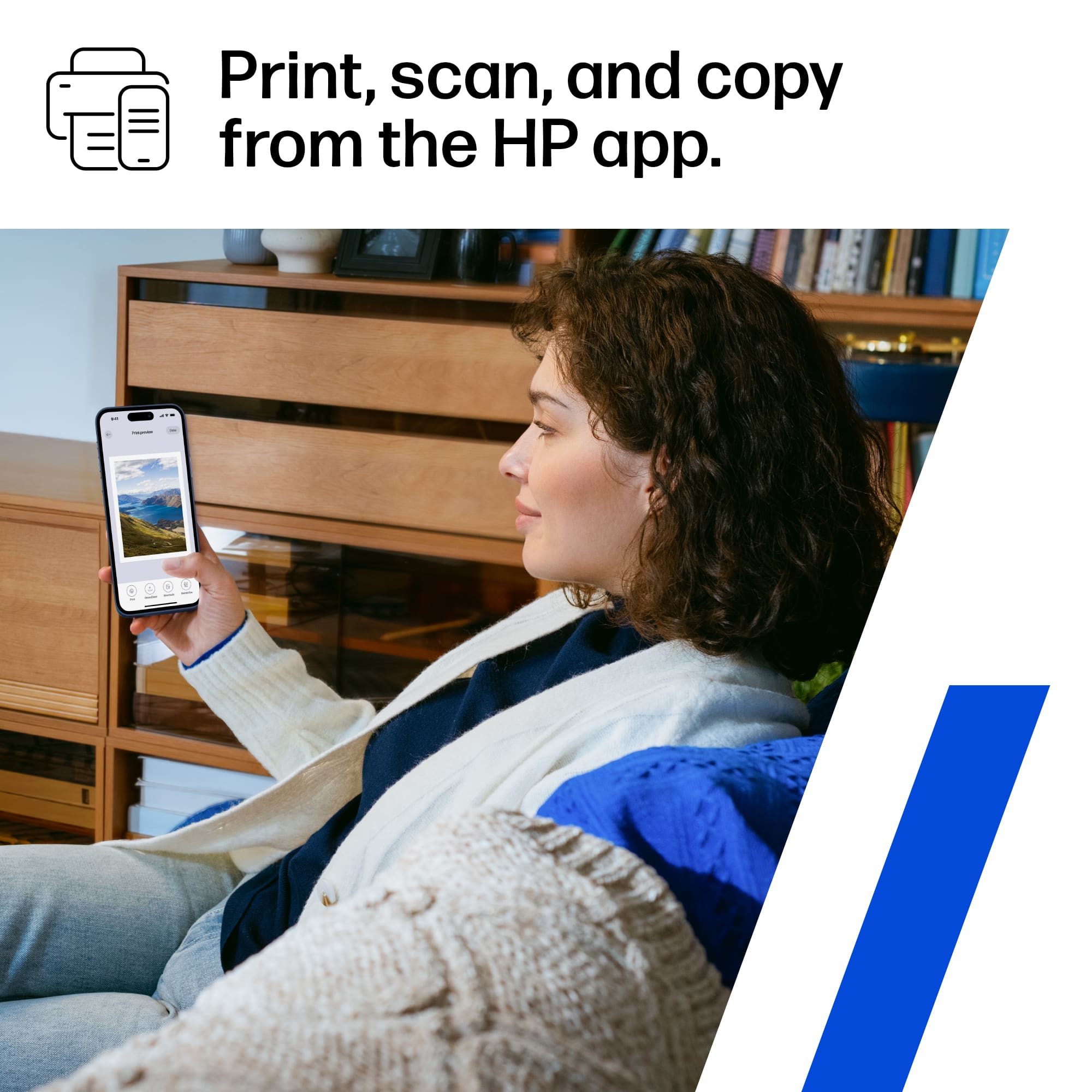
|Posted .This reviewer received promo considerations or sweepstakes entry for writing a review.The HP DeskJet 2827e is a nice all in one printer for smaller spaces. It’s simple, has a small footprint and works great. Setting up the printer is straight forward. Take off all of the wrapping, tape etc. Plug it in and let the printer do its thing until it positions the ink cartridge tray in the center of the machine. Pop in your sample ink cartridges and you should be in business after the test page prints out. Scanning and copying works well. You can also print from your mobile device should you ever find the need. Using the HP app will give you some more options and advanced settings and tools. It also has some basic info on the printer ink levels, various print functions and overall status of the printer. Overall, we haven’t had any issues with the printer. It prints and copies when we need it to. Think the main down side is having to make the decision on yet another subscription service. The service is pretty cool. I’ve used it and it works but I can see this service definitely not being for everyone.
I would recommend this to a friend Rated 1 out of 5 stars

Not working
||Posted .This reviewer received promo considerations or sweepstakes entry for writing a review.Brought it brand new though it will be a good item but not working at all
No, I would not recommend this to a friendRated 1 out of 5 stars
customer
||Posted . Owned for 1 week when reviewed.This reviewer received promo considerations or sweepstakes entry for writing a review.Does not work at all , this product is terrible use
No, I would not recommend this to a friendRated 1 out of 5 stars
Unhappy
||Posted .This reviewer received promo considerations or sweepstakes entry for writing a review.Had to return ' dead in the box". Would not power up.
No, I would not recommend this to a friend- Pros mentioned:Print quality, Setup ease
Rated 4 out of 5 stars
Budget printer/scanner
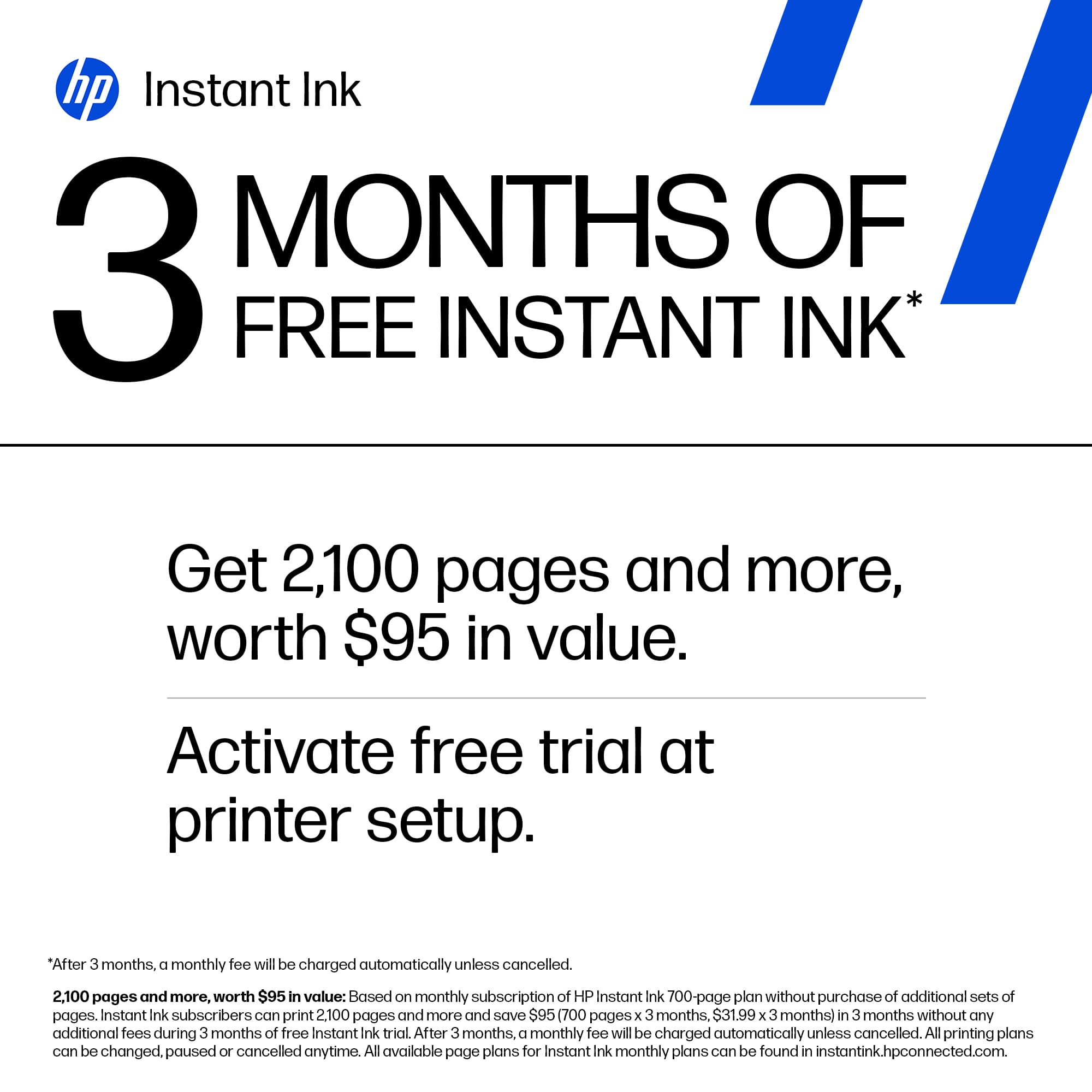
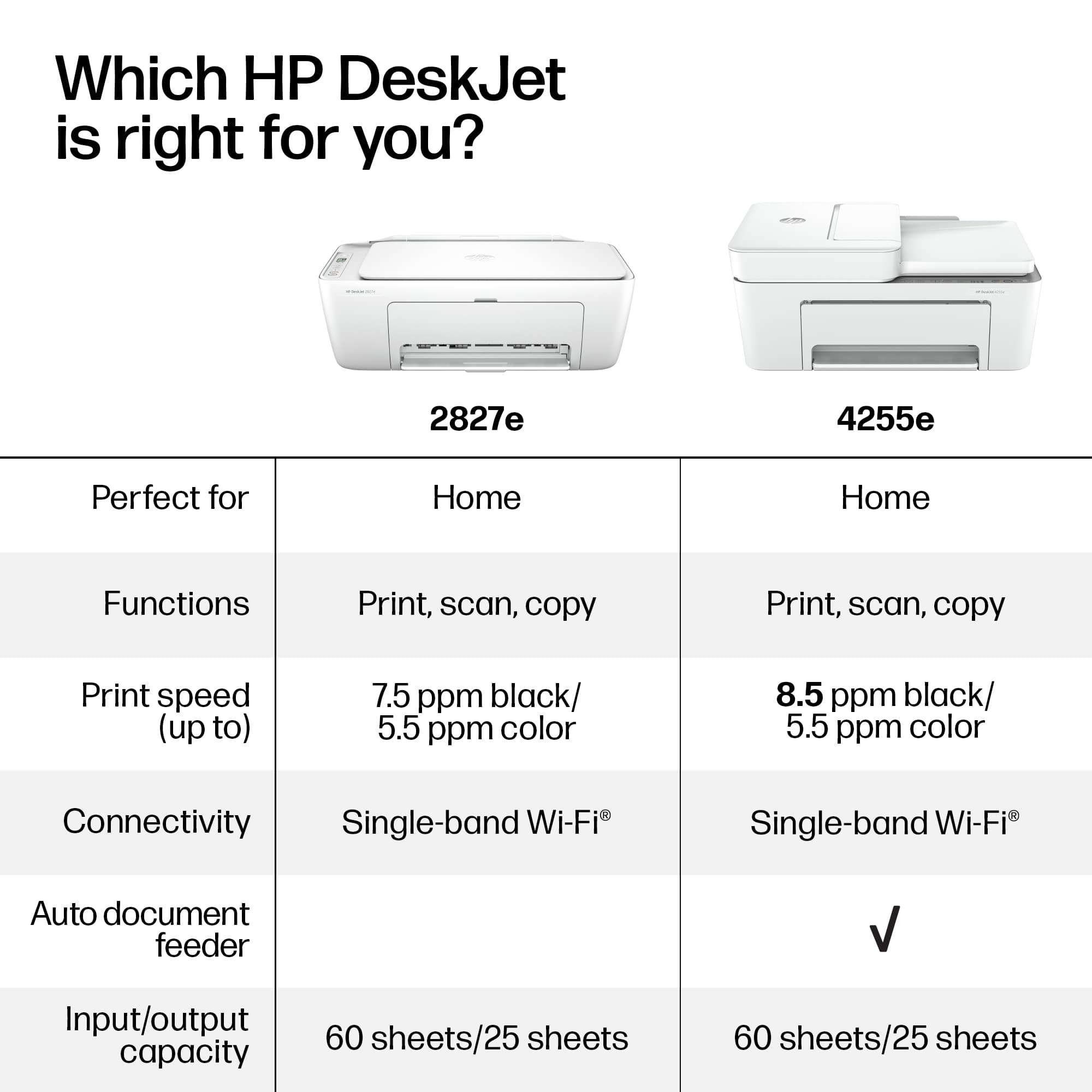
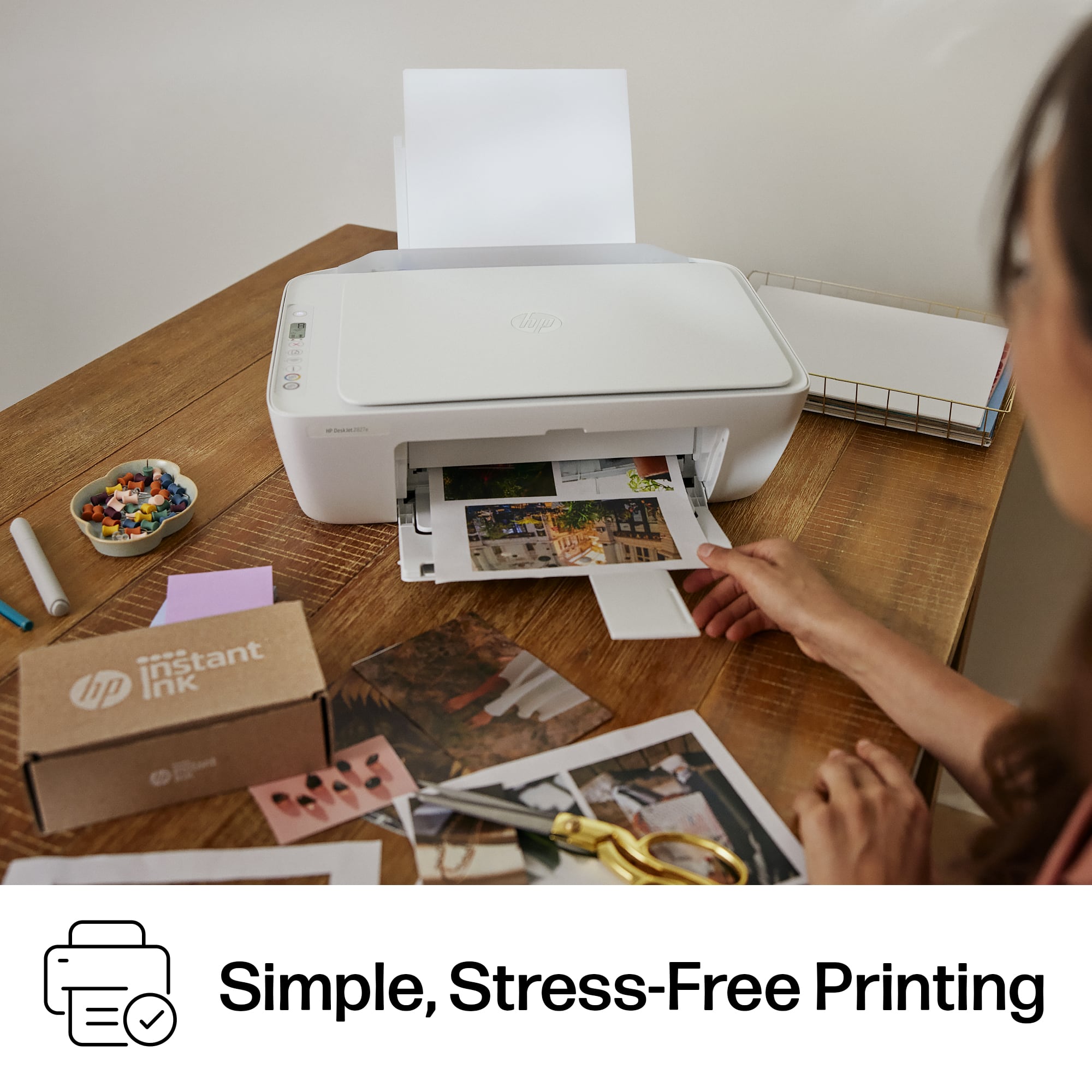
|Posted .This reviewer received promo considerations or sweepstakes entry for writing a review.Unboxing was simple with the included quick start guide. I plugged it in and pulled some blue tape off. I did have some confusion about where to add paper, but it is like the older Inkjets where the paper was vertical in the back. Once loaded I added it through the HP app. I did already have an HP account, so I just added this printer. I proceeded to install the inks, and it printed a few test pages. Then I was up and working. I did look at the subscription plans and signed up for the trial. You get up to 700 pages per month for 3 months which is a decent trial. After that it is $29.99 a month but there are less expensive options. They also offer an included paper option if you want to have everything provided. The print quality was good and clear. I felt like the print speed was really slow and the printer itself feels like it is made of cheap plastic. It feels like a budget printer. I also scanned a few documents with the HP app, and it worked fine however since it is just a flat top you have to scan 1 page at a time. After only printing about 30 pages the black ink was already gone. I had to wait 6 days for the first batch of provided ink to arrive. This printer is good for those just wanting to print the occasional document but if your printing/scanning more then I recommend going to the next model up in the line.
I would recommend this to a friend - Pros mentioned:Connectivity, Print quality
Rated 5 out of 5 stars
No complaints here, solid printer
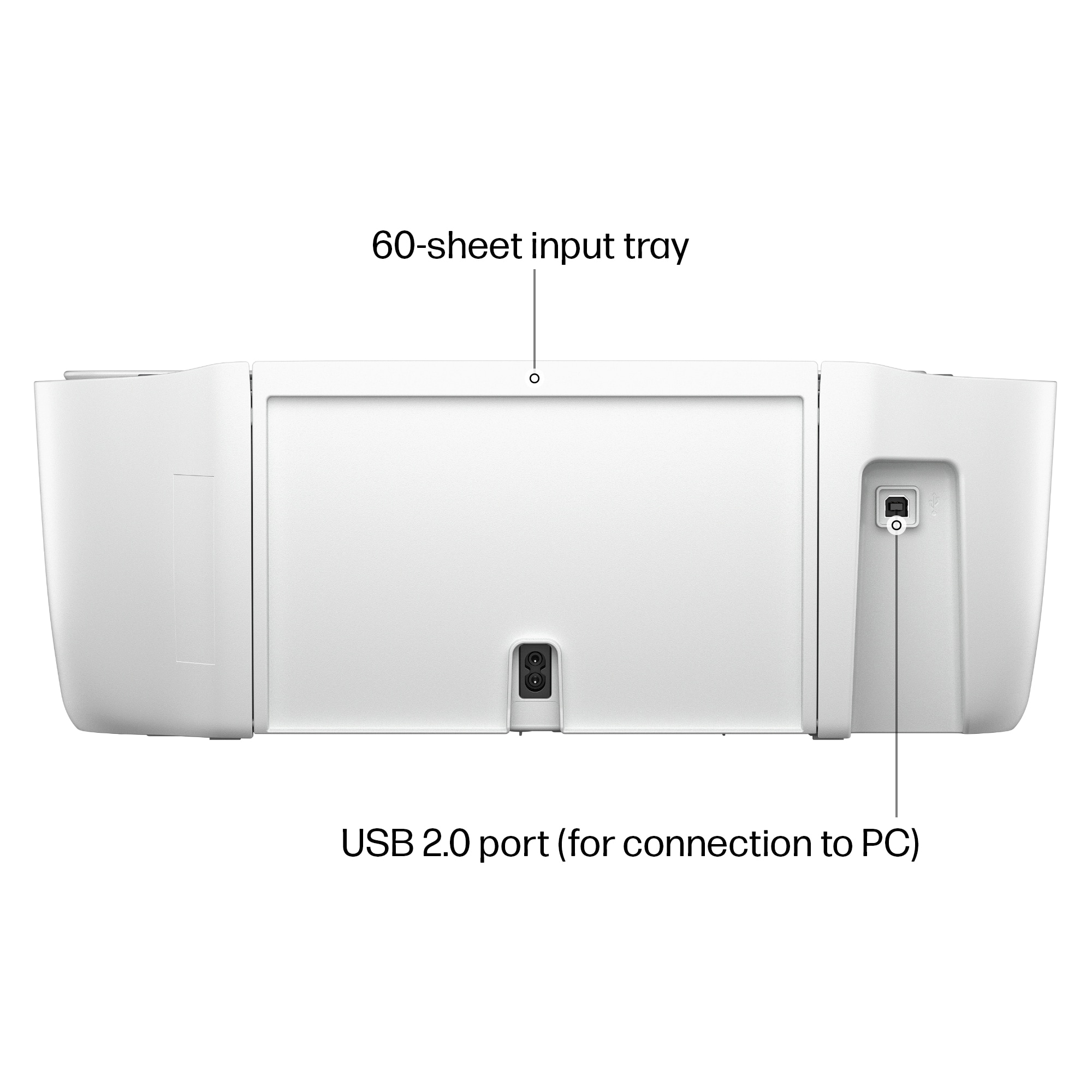
|Posted .This reviewer received promo considerations or sweepstakes entry for writing a review.Picked this printer up to use in an elementary school classroom. My wife's school doesn't have color printers in the classrooms so it is nice for her to be able to make color copies or print straight from the computer she has in her room. One thing I appreciated was the ability to connect the printer directly to a computer and get it running without a wifi connection. Since it is residing in a classroom, we connected it directly to the computer via a USB printer cable (one is not included in the box so if you want to connect this way you'll have to buy one). Windows recognized it and installed the driver, and we were up and running. Initial set up, such as installing the cartridges, removing the tape, and getting it going took all of five minutes. Print quality is excellent, and print speed is relatively quick. Time will tell how many copies come out of the cartridges. This is a good, basic printer with solid print quality and speed, and will work just fine for home office use or for in the classroom use.
I would recommend this to a friend - Pros mentioned:Setup ease
Rated 4 out of 5 stars
Ultra Compact, Easy Setup, Instant Ink 3mth trial
|Posted .This reviewer received promo considerations or sweepstakes entry for writing a review.My middle child just started high school and I wanted to get her a small printer for her room, something compact. The HP DeskJet 2827e is the smallest All In One printer that I could find that would sit on the upper shelf of her desk. Something for printing papers to review for edits, editing college essays, and more. I also didn't want the headache of having to buy ink or paper - so settled on HP. Setup of the HP DeskJet 2827e was easy (Windows 11, Eero network) using the HP app. Colors are good and vibrant and it's cool you can print direct from your iPhone. According to the box, the 2827e is also compatible with Android and Chromebooks (in case you wanted to know), The HP DeskJet 2827e is an Instant Ink model (3 month trial included) but I pretty much know she will need the moderate plan (50 pages per month). If you don't know, 3 months is a great way to discover what you really need - just make sure you start in a typical month (probably not tax season). No subcription is needed for scanning. What I didn't know, is HP also now includes an option to include paper in your subscription. Which is actually helpful, as it's one less thing to think about. The only thing to keep in mind this is not a fast printer, so great for home and high school, as it's only 7-8 pages per minute in black and white and about 4-5 in color. It could also be better on paper storage. But otherwise, the HP DeskJet 2827e is a great home printer.
I would recommend this to a friend - Pros mentioned:Setup ease
Rated 4 out of 5 stars
Good Consumer Grade Printer
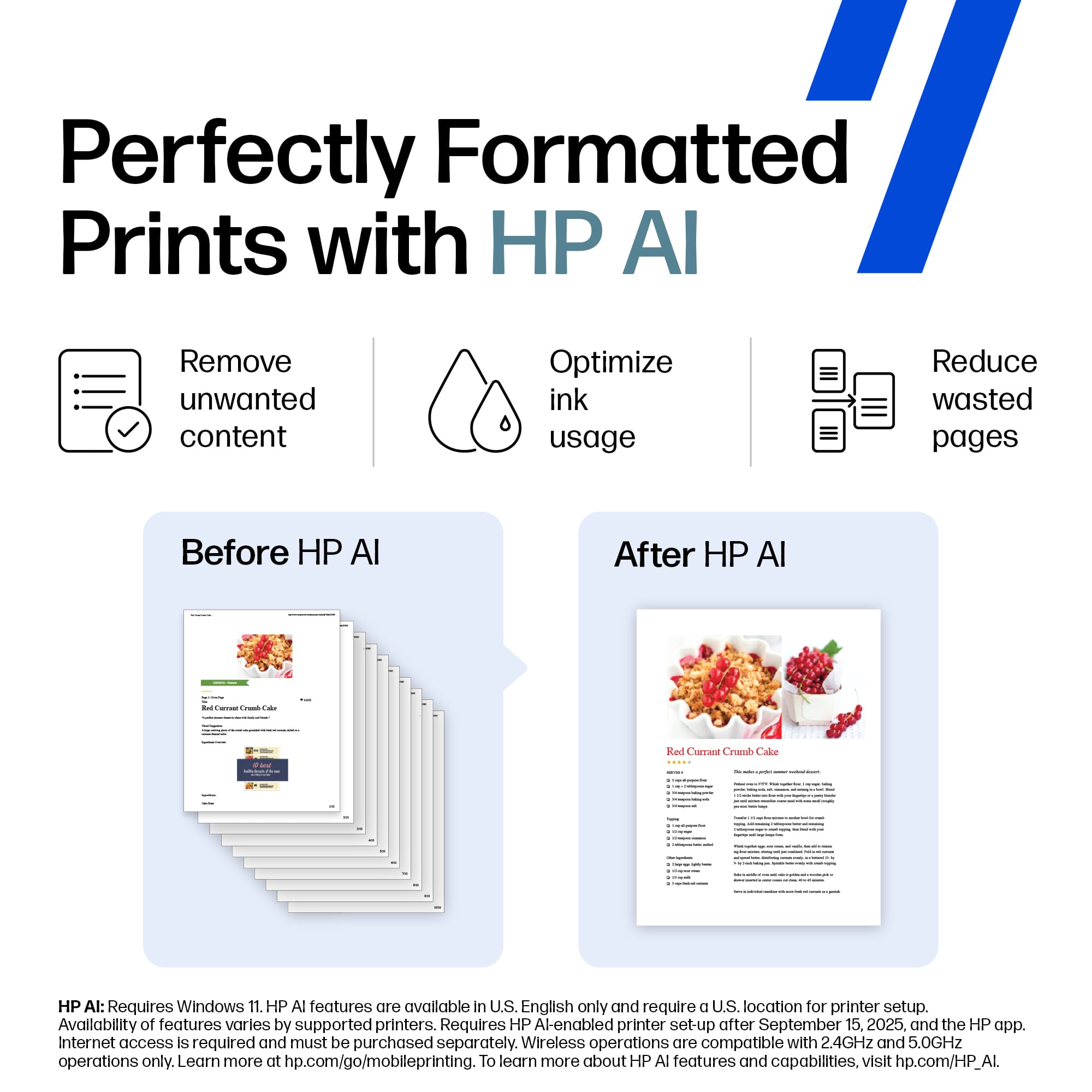
|Posted .This reviewer received promo considerations or sweepstakes entry for writing a review.This HP - DeskJet 2827e Wireless AI-Enabled All-in-One Inkjet Printer is a perfectly compatent and capable printer, at leaset for most home and studednt uses. You probably wouldn't want it to be your work-horse in your office, but for a handfulof users, it's great. I got this particular unit for my daughter to use while away at college, and of course at home for summer break. Out of the box, it's an attractive unit. Build quality is typical consumer-grade HP, which is fine. Set-up was on-par with other printers/scanners, (yes it has a scanner), from most any consumer grade printer/scanner. Download the app, connect to the internet, load some paper and you're off and running. OK, that is a bit of an over-simplification, but for all praactical purposes, pretty much captures it. This unit comes advertised with A.I., but for our purposes, I'm not sure that would be used very. The claims are that it cn remove unwanted items, monitors the printer, and removes unwanted items to waste less paper. I guess that could be nice printing boarding passes, but who pronts boarding passes in 2025. I can also see it coud be nice printing web-pages, but I can not attest to it's effacacy. It also comes with an ink-subscription package. We didn't sign up for that becasue we don't plan on using the printer enough for that to be of value for us. All in all, decent choice, and it moght offer you saome additional A.I. features.
I would recommend this to a friend - Pros mentioned:Print quality
Rated 4 out of 5 stars
Solid budget pritner
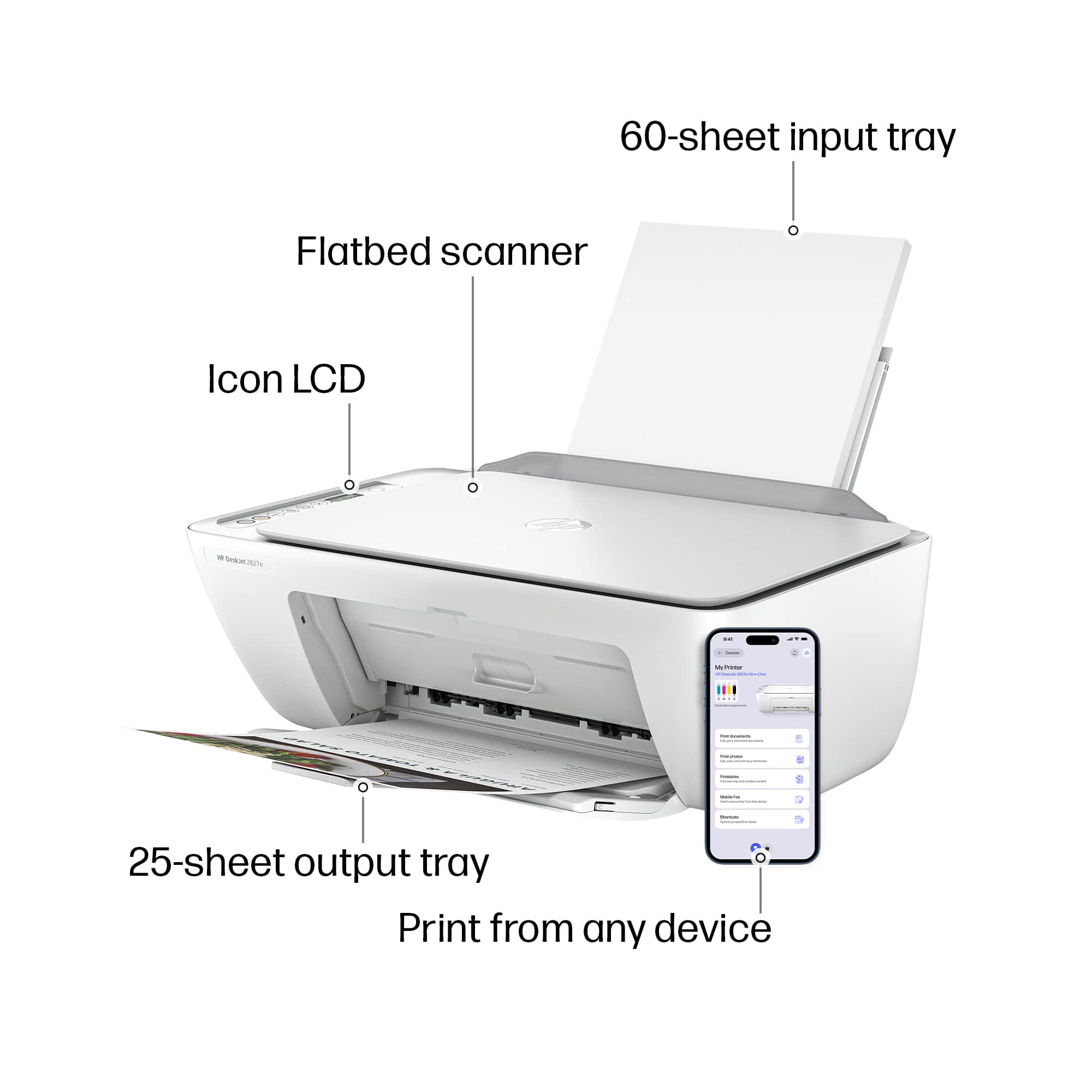
|Posted .This reviewer received promo considerations or sweepstakes entry for writing a review.I own many HP printers in the past, actually still have one in operation as I write this review. I have also owned printers from all the major brands throughout the years, so I have a little experience and know what I like and I don't like. This HP 2827e, in my opinion, is best used for a student or very light office use. Everything it does is sufficient. Not great. The print speed is good enough but would be tedious if you had a large volume to print. Also, the tray only holds 60 sheets of paper which is not that much. But this is also the part I like. This is a very compact printer that will fit anywhere. Because of it's form factor, it can be placed in areas that my other printer would not fit. It can be hidden in corner of a desk out of sight, making less clutter. The print quality is good. Not photo quality, again this is just my opinion. Front control panel is basic and would take a few minutes to understand. But the HP app on my phone and computer is excellent with an easy to understand interface. I am familiar with it so it was a breeze for me. More than likely, I will only be using the app than the physical buttons on the printer. The rear inputs, there is only 2. Power cable and a usb cable to connect directly to the pc. For the price point, this is a very adequate printer.
I would recommend this to a friend - Pros mentioned:Print quality
Rated 3 out of 5 stars
A Basic Printer with some Annoyances
|Posted .This reviewer received promo considerations or sweepstakes entry for writing a review.In the world of digital documents, printers seem to be less of a necessity now and days, but still, there are times I need to print out documents at home to mail off etc. I don't need anything fancy at home, just want to be able to print documents clearly, quickly, and have a low fuss printer. While this HP DeskJet 2827e is quite basic, I am not sure I would say it is "low fuss". Setup was quirky. I used the HP app on my phone, it went fairly well, connected to the WiFi no problem, but when I tried to connect it to my Windows 11 laptop and desktop, it had issues finding the printer. It seems that it defaulted to ipv6 and it took a while to advertise (at least an hour). Then came the problem with the drivers being missing in Windows 11. My mobile phone (iPhone) was able to find the printer quickly and print. Also, any sort of maintenance or advanced features can't be accessed on the printer and must be done on the app, which is very very slow and quirky to use as well. The design... the ink replacement is a PITA. It is not very intuitive and is designed in such a way that makes it very hard to access, I think of how tough of a time my parents would have with this. Print quality is good, it's fine at speed, it is just a printer after all. If you just want a basic no frills printer for your home office or dorm room, I would get this if it was half off. The design, setup and quirks just don't make it worth it.
No, I would not recommend this to a friend Rated 4 out of 5 stars
Good, basic all-in-one printer
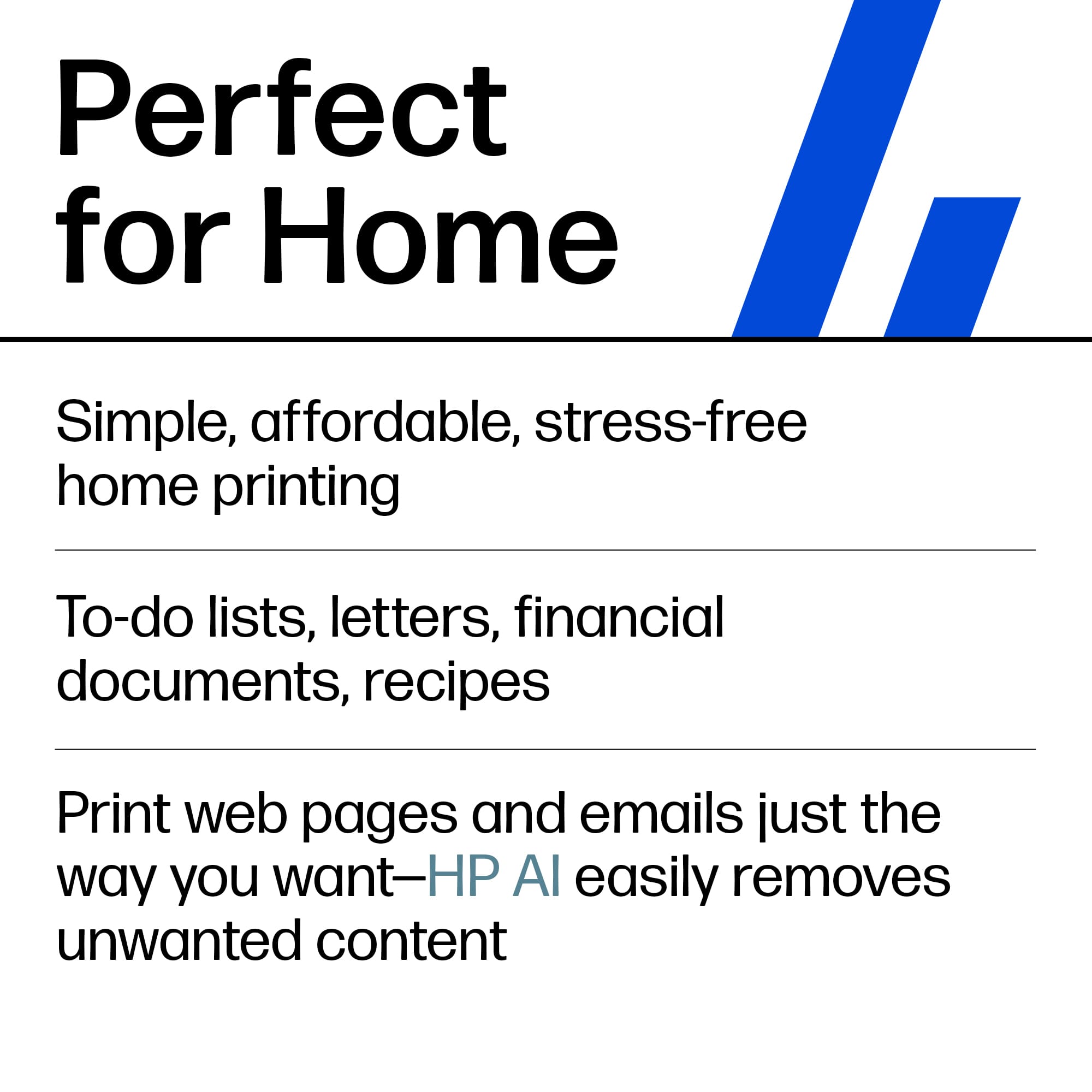
|Posted .This reviewer received promo considerations or sweepstakes entry for writing a review.If you're in need of just a "basic" all-in-one printer then this should suit you just fine. Both the size and printing capabilities of this lend itself to be that printer you need to have around the house. Pretty sure not everyone needs some super, heavy duty printer at home. Most people don't need a high DPI scanner or a printer that print 40PPM or anything like that. I think for most people, this printer will suffice for just about any of their needs. Being an all-in-one, you get your standard printer/scanner/copier in a printer with a pretty small footprint. It doesn't take up a whole shelf or need its own cabinet or anything so it should fit just about anywhere. Operations are pretty simple as well. There's no huge touchscreen on this or oodles of buttons you need to memorize what they do. Connected to your PC/laptop, it's just a printer that operates like any other printer. It does have wireless printing so either using the HP app or AirPrint, you can print remotely without needing it to be even hooked up to a PC. Ink cartridges are reasonably priced. There's only a black and color cartridge and they have decent print yields on them. I'm sure if you got reconditioned or 3rd party cartridges, they could be cheaper too. Print quality is pretty on par with most other HP printers in this class so there's no issue with that I don't think. If you just need a printer to have, just in case you need to print something every now and then....or if you're a student then this printer would probably be perfect for you. It's pretty inexpensive as is the cartridges so it won't be a huge investment. Quality across the board is pretty good in all functions.
I would recommend this to a friendRated 3 out of 5 stars
A nice printer hampered by HP policies
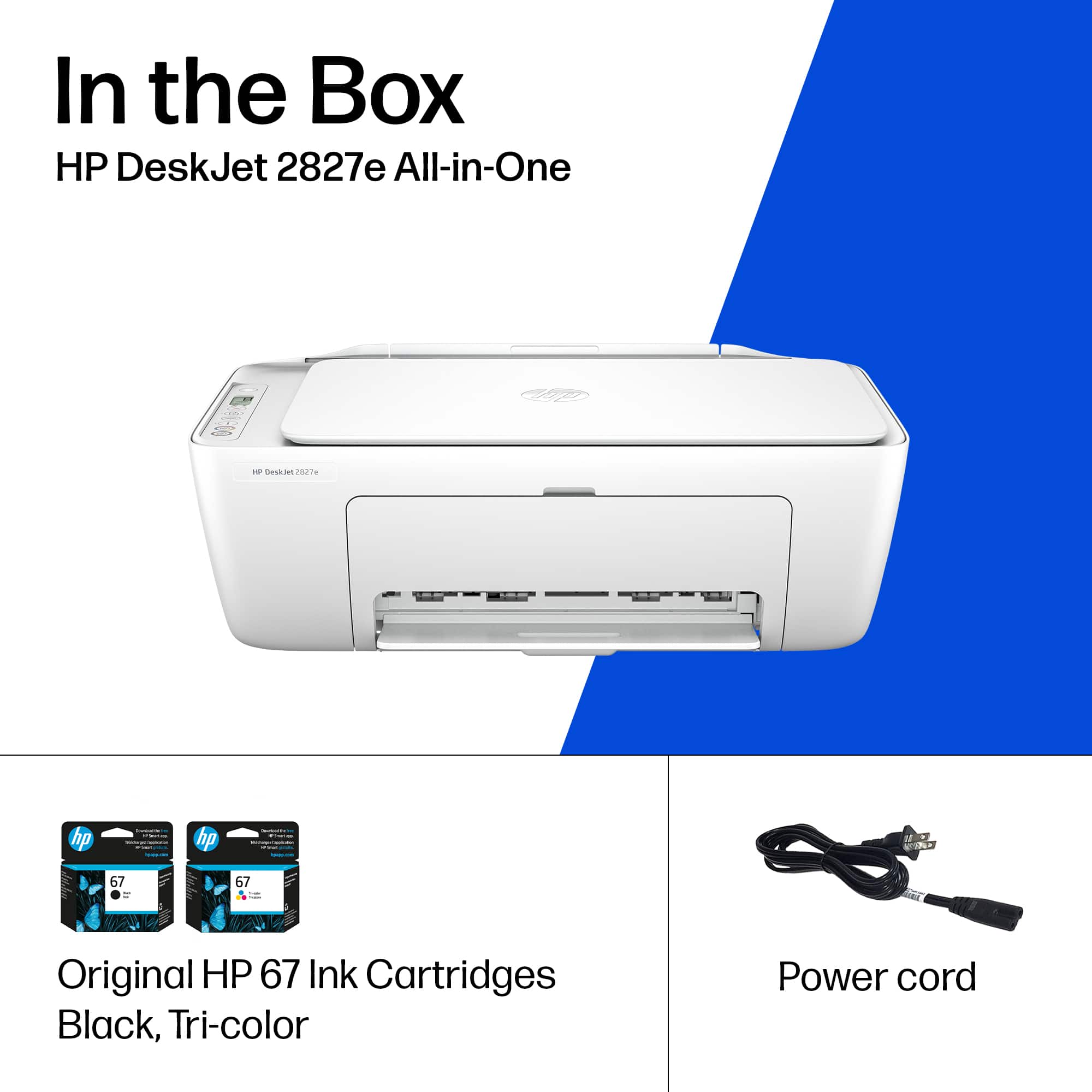
|Posted .This reviewer received promo considerations or sweepstakes entry for writing a review.The HP Deskjet 2827e is a nice printer, plagued only by HP’s self-inflicted issues. Physical installation is easy, simply a matter of removing the packing tape, installing two print cartridges, and powering it up. The form factor is reasonably small, making it a breeze to fit into most home office spaces. The 2827e is simple to set up, which gives it a distinct advantage over other HP printers I’ve tried recently. HP claims that they now use AI to assist with the app-based setup process, but don’t explain how they use it. However they’re using it, they have managed to catch the competition in setup simplicity – almost. The app recognized the printer, yet still required that I enter the model number to move forward with the installation. If the app recognizes the printer as an HP, why can’t it recognize the model number? (Competitors’ apps certainly do.) Other than this odd requirement, installation was simple and quick. Once the app said it had completed the setup, the printer remained invisible to my laptop (also an HP) for several minutes. After multiple attempts to install the printer, it was finally seen by the computer. As a professional software person, it would appear that this is a problem with the app, that the printer was not fully set up when the app said it was. When I got the 2827e connected to my laptop, it worked without any issues. Images and text are quite clear, and printing is reasonably fast. Controls are simple to use, and the scan utility works as expected. As with so many things these days, HP says they use AI for many features, including printing. For example, it says AI can sharpen your images or remove irrelevant parts of a web page before printing. This requires a subscription to HP+ and an Internet connection, as it can’t be processed on the unit itself. This also means that HP is collecting (and using, and in some cases, sharing) your personal information, including your activity and geolocation. You may feel differently, but given this I opted to live without the AI features. The ink cartridges are HP standard 67 and 67XL, so are readily available, but there are only two of them; black and color. Most manufacturers use multiple color cartridges, allowing you replace only the cartridges that run out of ink. If you’re out of red, there’s no need to replace the yellow. With this HP, you have to replace them all at once. This will lead to additional costs to the consumer. Also, the 2827e follows HP’s very disturbing pattern of only accepting genuine, new HP cartridges. Refilled or third part cartridges will not work, decreasing consumer choice and potentially increasing cost of ownership. So, the printer itself is a reasonable price and works quite well, even without the AI features enabled. If you want the extra features, you’ll have to decide if it’s worth losing control of your personal information to get them. And you need to decide it the ink cartridge issues cost issues are worth the low purchase price.
No, I would not recommend this to a friendRated 1 out of 5 stars
Poor app execution in setup mode
|Posted .This reviewer received promo considerations or sweepstakes entry for writing a review.The HP DESKJET 2827e ALL-IN-ONE PRINTER is a printer that I had no luck in getting setup. I’ve had quite a few printers over the years, and this has to be by far the worst printer setup I’ve ever encountered. HP no longer uses the HP Smart app, which used to work with no issues for me in the past. They have replaced it with their new HP, which has a nice looking UI but its setup process is one of the worst. When I try to have the app locate the printer it fails to find it and displays “No internet connection found. Check your network or try again later.” I then went into my WiFi Settings and selected “HP=Setup<B6~DeskJet 2800 series” as the WiFi network in hopes it would connect to the printers built in network so the app could find it. Unfortunately, it sill would not find the printer. I used a cable and plugged the printer directly into my MacBook. I went to HP’s website in hopes it would allow me to install printer drivers and software on to my computer. Instead, it directed me to the Mac Appstore to install the same non working app that’s on my phone. I event tried holding the cancel and WiFi buttons for 3-4 seconds to try to reset the built in WiFi so the app could find it. Still no lock. This maybe a decent printer, but the app and setup process makes it no go for me. I eventually just gave up and I do no recommend this printer.
No, I would not recommend this to a friendRated 2 out of 5 stars
User Interface Poor, HP Smart Install Difficult
|Posted .This reviewer received promo considerations or sweepstakes entry for writing a review.This is an economy printer that has a very poorly design physical interface. I had encountered HP printers with this interface years ago but did not realize they still designed machines with this control panel. It is not intuitive and one must look up the process to do anything other than basic operations. An example is when you may need to change a WiFi address. You are required to restore the printer to Wi-Fi setup mode (this did work by holding both the WiFi button and X button for 3 or 4 seconds). Next you need to use the HP Smart app and the control panel to connect to the new network. The HP Smart app had many troubles doing the setup. Also the HP Smart app would not let me delete the partially installed printer; so I was stuck with a printer I could not connect. I finally had to uninstall/reinstall the app to clear the partial printer install. Finally I got the HP Smart app to get through the setup. There is no way to use the printer’s control panel alone to set a WiFi address. I was frustrated that the installation was cumbersome and prone to failing at various stages. I needed several attempts and 90 minutes to get the HP Smart App to complete the setup and get this printer installed. Often the app could not find this printer or the app would hang during various phases of the setup. In a few instances when the app could not find the printer, it sent me to a manual setup and asked for the IP address of the printer which I could not get. It would seem the code funneled me into this point from situations where you would have the IP address, so the HP Smart app needs a fix in this area. I did use a laptop connected to a 2.4 GHz access point and also connected the printer to this same access point. You cannot use a 5.0 GHz access point as that is not supported. I did notice that this version of printer (the 2827e) never does appear when the HP Smart app searches for printers; sometimes I would see the 2800e printer series instead. I believe HP should make the HP Smart show the correct model of printer instead of a generic series. Of course the app should more reliably do the full install without needing so many retries. On a positive note, a color printout was very accurate to the original color and the speed of the printing process was fine for both black/white and color printing. My advice would be to get a printer that has a control panel and joystick buttons, that will allow you to perform operations from the printer physically like setting the WiFi address/password, finding the IP address, firmware updates and so forth. Ultimately the printer was functional and printed per specifications connected over WiFi. However, based on the inadequate user interface and the problems encountered with the HP Smart app, I would not be able to recommend this printer.
No, I would not recommend this to a friendRated 5 out of 5 stars
Good printer
Posted .This reviewer received promo considerations or sweepstakes entry for writing a review.It’s been good so far, only have had it a couple of days
I would recommend this to a friendRated 1 out of 5 stars
it's too delicate like a toy
Posted .This reviewer received promo considerations or sweepstakes entry for writing a review.it is very different.... than i had Epson before..
No, I would not recommend this to a friend