Customer Ratings & Reviews







- Model:
- 6W7F5A#B1H
- |
- SKU:
- 6638973
Customer reviews
Rating 4.5 out of 5 stars with 401 reviews
(401 customer reviews)Rating by feature
- Value4.6
Rating 4.6 out of 5 stars
- Quality4.5
Rating 4.5 out of 5 stars
- Ease of Use4.5
Rating 4.5 out of 5 stars
Customers are saying
Customers find value in the DeskJet 2827e printer's easy setup, good print quality, and reliable connectivity. Its compact size is appreciated, fitting well in various spaces, and users also note its lightweight design and quiet operation. The printer's user-friendly features contribute to a positive overall experience.
This summary was generated by AI based on customer reviews.
- Pros mentioned:Print quality, Setup ease
Rated 5 out of 5 stars
HP printer
||Posted .This reviewer received promo considerations or sweepstakes entry for writing a review.Easy setup. Great quality. Fast shipping, great price. Would definitely buy again.
I would recommend this to a friend - Pros mentioned:Setup ease, Size
Rated 4 out of 5 stars
Printer
||Posted .This reviewer received promo considerations or sweepstakes entry for writing a review.Easy to use, space safer! I bought it for my Grandson to use for school homework and he really likes it!
I would recommend this to a friend - Pros mentioned:Connectivity, Size
Rated 5 out of 5 stars
Great home printer!
||Posted . Owned for 3 weeks when reviewed.This reviewer received promo considerations or sweepstakes entry for writing a review.Compact yet does everything I need. Easily connected to wi-fi and is working great for my home needs.
I would recommend this to a friend - Pros mentioned:Setup ease, Size
Rated 5 out of 5 stars
Small HP Printer
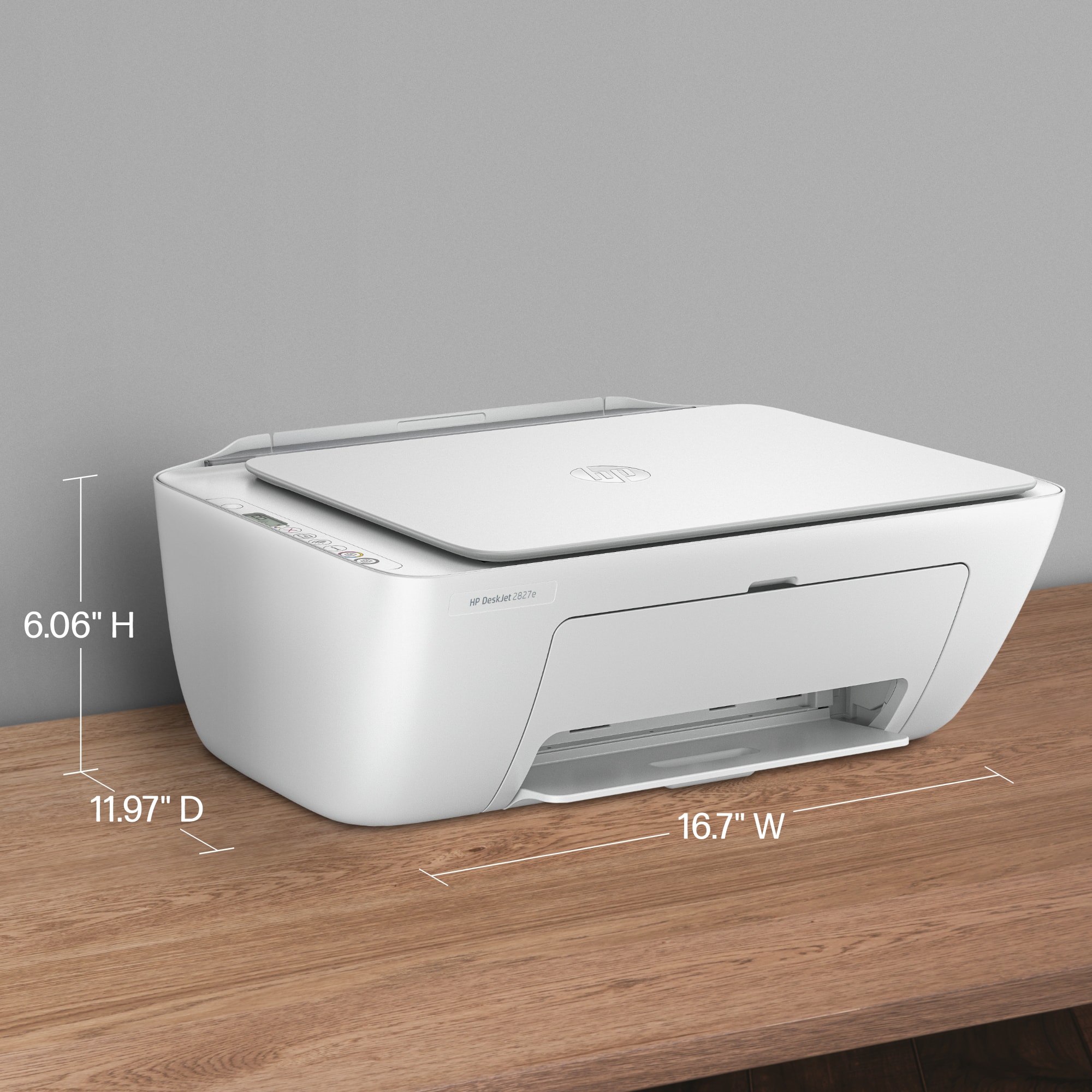
||Posted .This reviewer received promo considerations or sweepstakes entry for writing a review.Perfect size for my den. Works great and was easy to set up and connect to wireless
I would recommend this to a friend - Pros mentioned:Print quality, Setup ease
Rated 4 out of 5 stars
great buy for money
||Posted .This reviewer received promo considerations or sweepstakes entry for writing a review.It is easy to set up and the quality of printing is very nice.
I would recommend this to a friend - Pros mentioned:Connectivity, Setup ease
Rated 5 out of 5 stars
Good printer and good price
||Posted .This reviewer received promo considerations or sweepstakes entry for writing a review.Easy to setup and works great. The wifi setting and esse of ink exchange make are great features. Overall this is a great printer for our needs.
I would recommend this to a friend - Pros mentioned:Setup ease, Size
Rated 5 out of 5 stars
Review of printer
||Posted .This reviewer received promo considerations or sweepstakes entry for writing a review.East to install and set up. smaller size and price were what we were looking for.
I would recommend this to a friend - Pros mentioned:Print quality, Setup ease
Rated 5 out of 5 stars
DeskJet 2827e printer
||Posted . Owned for 2 weeks when reviewed.This reviewer received promo considerations or sweepstakes entry for writing a review.Really a nice printer/copier/scanner for the price. Easy to install, and prints are clear.
I would recommend this to a friend - Pros mentioned:Print quality
Rated 4 out of 5 stars
Lessons Learned
||Posted .This reviewer received promo considerations or sweepstakes entry for writing a review.Good print quality, great price. A little slow, but that's expected considering the cost. I do miss the double-sided printing feature of my old printer. I spent nearly two hours on the phone with an HP tech to get it working, but he problem was with my laptop, not the printer. I paid for it but the tech did clear up the problems.
I would recommend this to a friend - Pros mentioned:Setup ease, Size
Rated 5 out of 5 stars
Great
||Posted . Owned for 3 weeks when reviewed.This reviewer received promo considerations or sweepstakes entry for writing a review.Phenomenal. The setup was insanely easy and it doesn’t take up too much space.
I would recommend this to a friend - Pros mentioned:Connectivity, Setup ease
Rated 5 out of 5 stars
HP Printer
||Posted .This reviewer received promo considerations or sweepstakes entry for writing a review.Excellent printer,easy and quick set up! Pairs easier than other wireless printers weve had.
I would recommend this to a friend - Pros mentioned:Print quality, Setup ease
Rated 4 out of 5 stars
HP printer.
||Posted .This reviewer received promo considerations or sweepstakes entry for writing a review.Printer easy to setup and the quality is good.This is the second printer to purchase.
I would recommend this to a friend - Pros mentioned:Connectivity, Setup ease
Rated 5 out of 5 stars
Great Printer
||Posted .This reviewer received promo considerations or sweepstakes entry for writing a review.Great printer. Nice clear copies. It was simple to set up and was so easy to connect it to my wifi. Love it!
I would recommend this to a friend - Pros mentioned:Print quality, Size
Rated 5 out of 5 stars
Hp printer review
||Posted .This reviewer received promo considerations or sweepstakes entry for writing a review.Prints clean and clear images. Low cost, small in size and a very easy setup.
I would recommend this to a friend - Pros mentioned:Setup ease, Size
Rated 5 out of 5 stars
printers
||Posted . Owned for 1 week when reviewed.This reviewer received promo considerations or sweepstakes entry for writing a review.easy to operate. printing is quiet.righr size if your are limit too space
I would recommend this to a friend - Pros mentioned:Connectivity
Rated 5 out of 5 stars
Good, basic printer
||Posted . Owned for 1 month when reviewed.This reviewer received promo considerations or sweepstakes entry for writing a review.We upgraded from a new Epson which lasted about 1 year. HP continues to be the better printer. Ive had 2 HPs in the last 10 years. Theyre very reliable, easy to set up, and dont have the connection issues other printers have. I recommend HP over other brands.
I would recommend this to a friend - Pros mentioned:Setup ease
Rated 5 out of 5 stars
Been a fan for years.
||Posted .This reviewer received promo considerations or sweepstakes entry for writing a review.I have been using this printer design for years. It is simple to use and very user friendly. I just have to by the new version every couple of years because programing technology is constantly changing. Plus, my spouse can use it without my help or guidance. lol ... I love you Honey!!!
I would recommend this to a friend - Pros mentioned:Setup ease
Rated 5 out of 5 stars
Simply the Best!
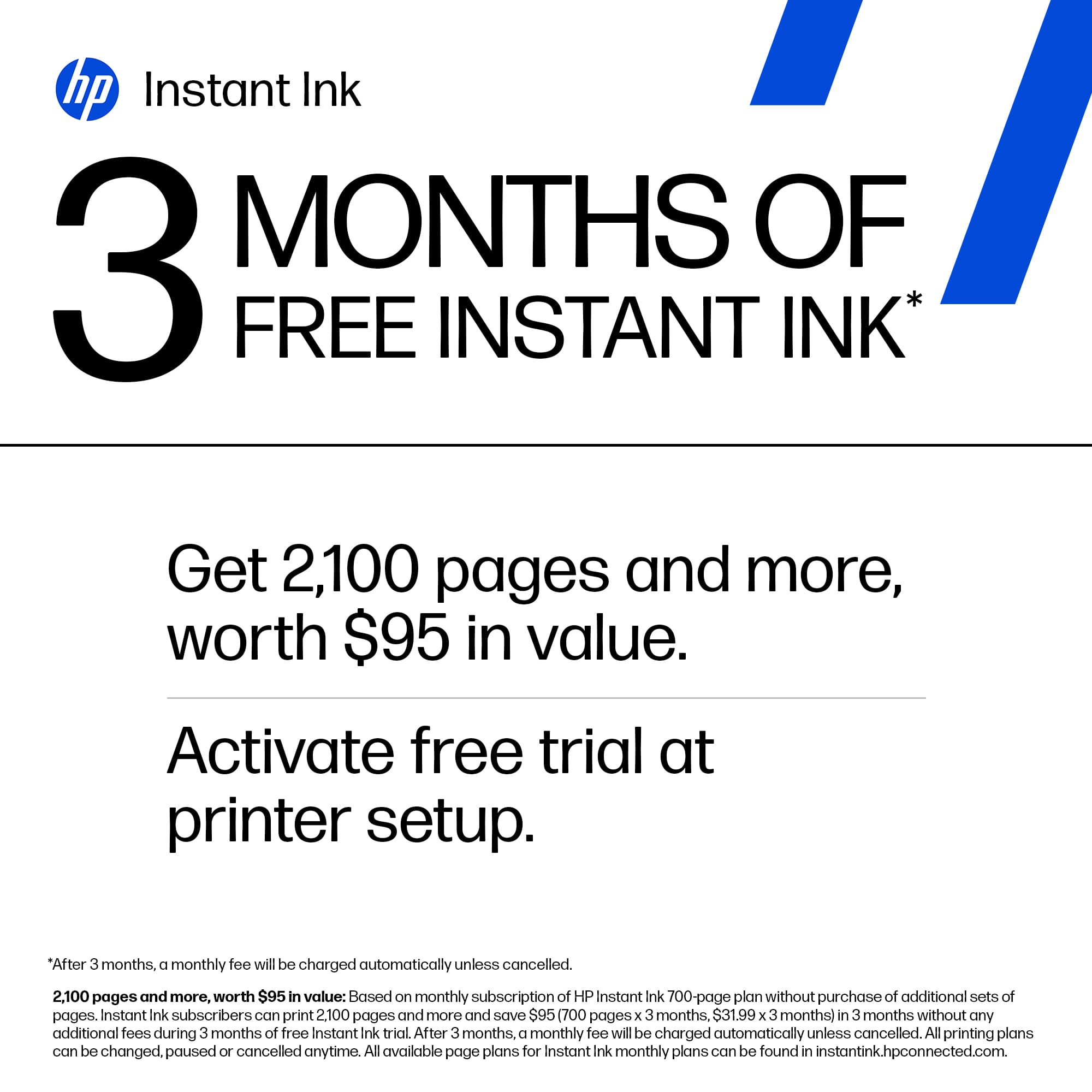
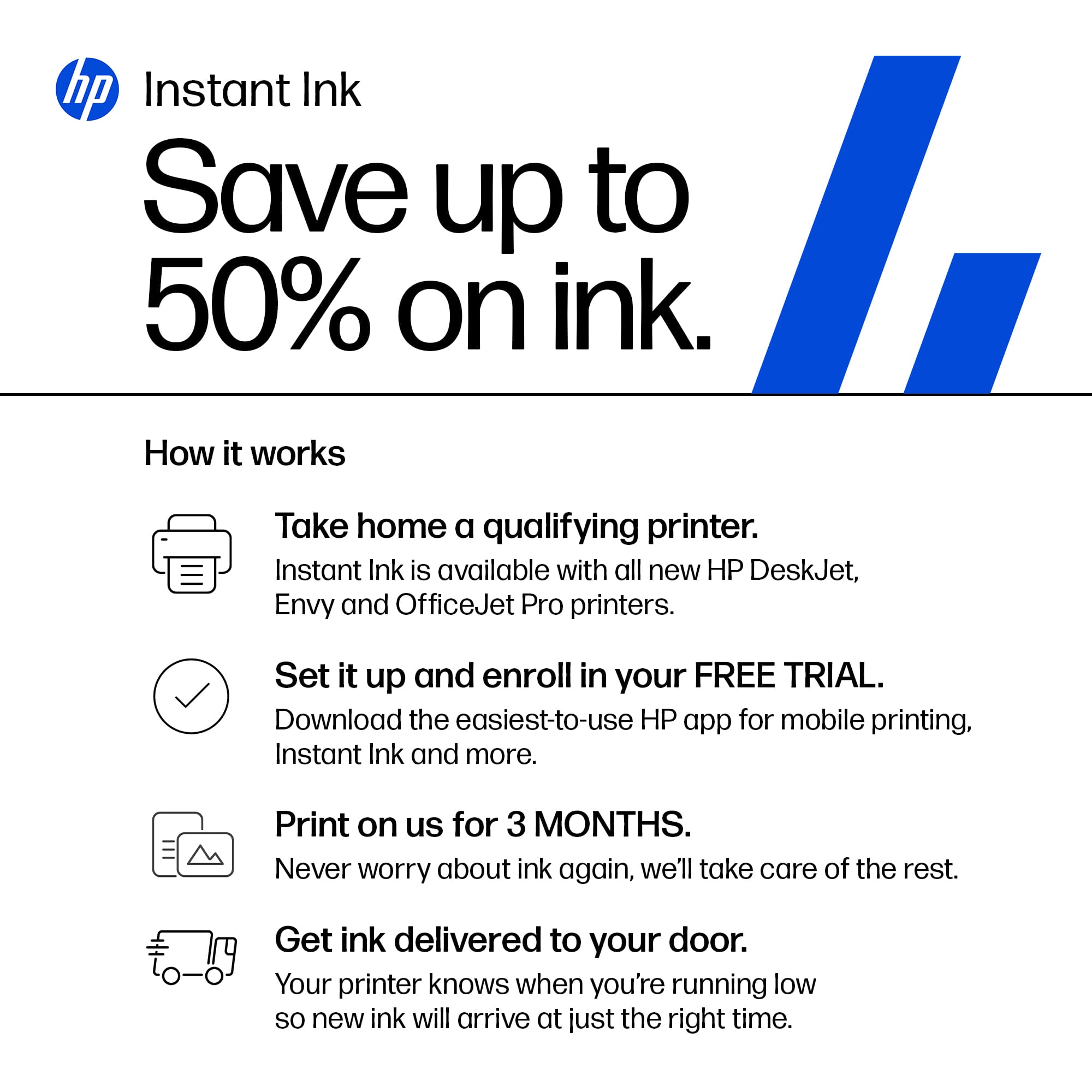
||Posted .This reviewer received promo considerations or sweepstakes entry for writing a review.The HP-DeskJet 2827e Wireless AI-enabled All-in-One Printer is one of the best products I've ever bought at Best Buy. It is portable, user-friendly, technologically efficient, and pure quality. To think that it also comes with 3 months supply plus a bonus month of instant ink! I couldn't have asked for a better printer (product).
I would recommend this to a friend - Pros mentioned:Print quality, Setup ease
Rated 5 out of 5 stars
Good printer for the money
||Posted .This reviewer received promo considerations or sweepstakes entry for writing a review.Pretty easy setup. Solid quality printing. Wifi setup flawlessly.
I would recommend this to a friend - Pros mentioned:Print quality
Rated 5 out of 5 stars
All in one printer
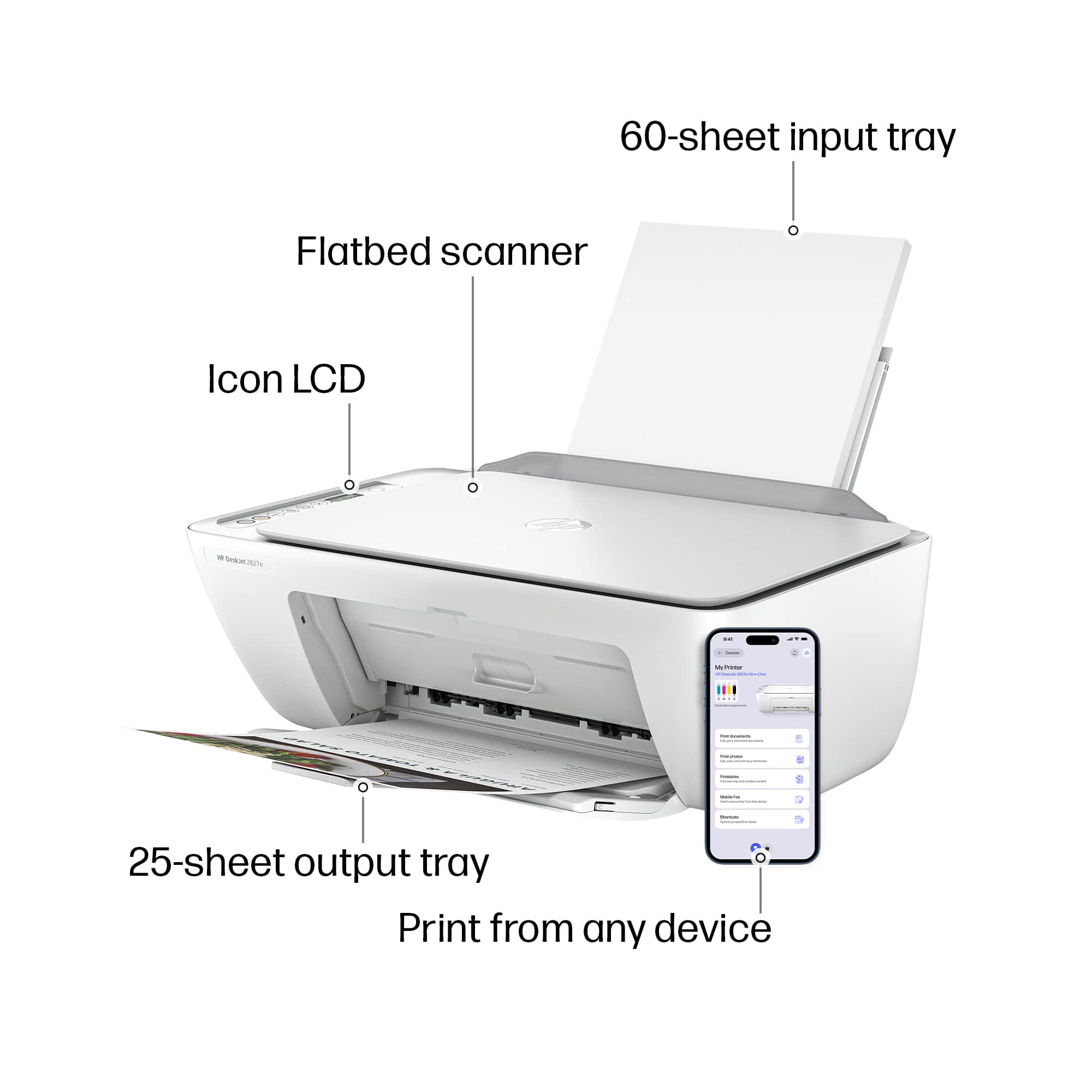
||Posted .This reviewer received promo considerations or sweepstakes entry for writing a review.Wow it's really serving it's purpose printing from any devices from phone, laptop and pc. The ink quality is good . It doesn't make noise while printing
I would recommend this to a friend