Customer Ratings & Reviews
- Model:
- DJ 2855E/588S5A#B1H
- |
- SKU:
- 6574145
Customer reviews
Rating 4.2 out of 5 stars with 589 reviews
(589 customer reviews)Rating by feature
- Value4.4
Rating 4.4 out of 5 stars
- Quality4.3
Rating 4.3 out of 5 stars
- Ease of Use4.2
Rating 4.2 out of 5 stars
Customers are saying
Customers praise the DeskJet 2855e for its ease of use, overall performance, and print quality. Many find the printer to be portable and appreciate the quick and straightforward setup. The wireless connectivity is user-friendly, and the printer operates quietly, making it a great value for its price.
This summary was generated by AI based on customer reviews.
Rated 1 out of 5 stars
Bad Decision
||Posted . Owned for 2 weeks when reviewed.This reviewer received promo considerations or sweepstakes entry for writing a review.Returning it. Constant paper jams and only rear paper feed No good.
No, I would not recommend this to a friendRated 1 out of 5 stars
Non-functioning Bluetooth.
||Posted . Owned for 3 weeks when reviewed.This reviewer received promo considerations or sweepstakes entry for writing a review.Bluetooth would not connect. Other than thay it works fine.
No, I would not recommend this to a friendRated 1 out of 5 stars
no
||Posted . Owned for 2 weeks when reviewed.This reviewer received promo considerations or sweepstakes entry for writing a review.honestly don’t buy this it’s so annoying won’t print have to be trying millions of danm times
No, I would not recommend this to a friend- Pros mentioned:Print quality
Rated 4 out of 5 stars
Great Printer for any Basic Print Jobs.
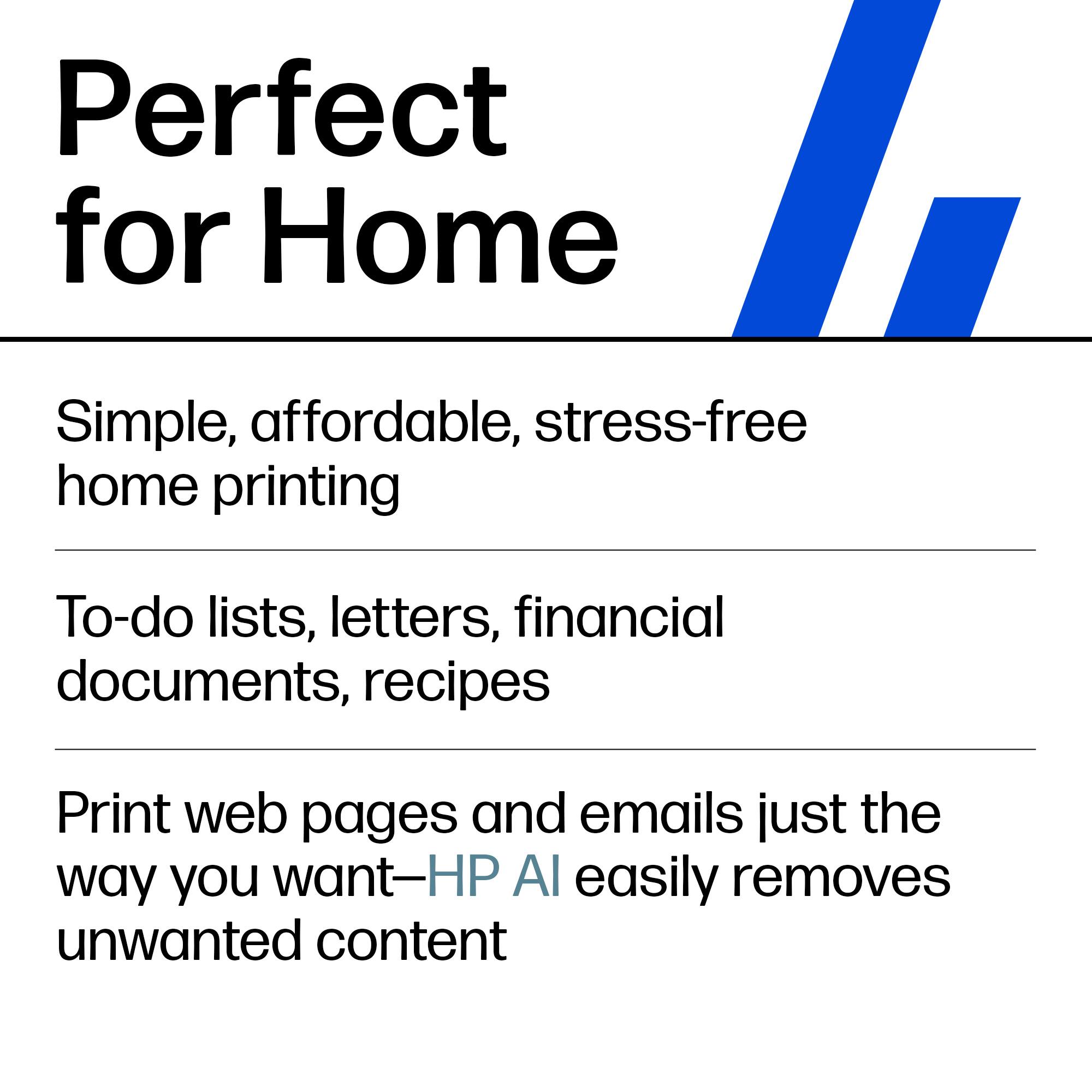
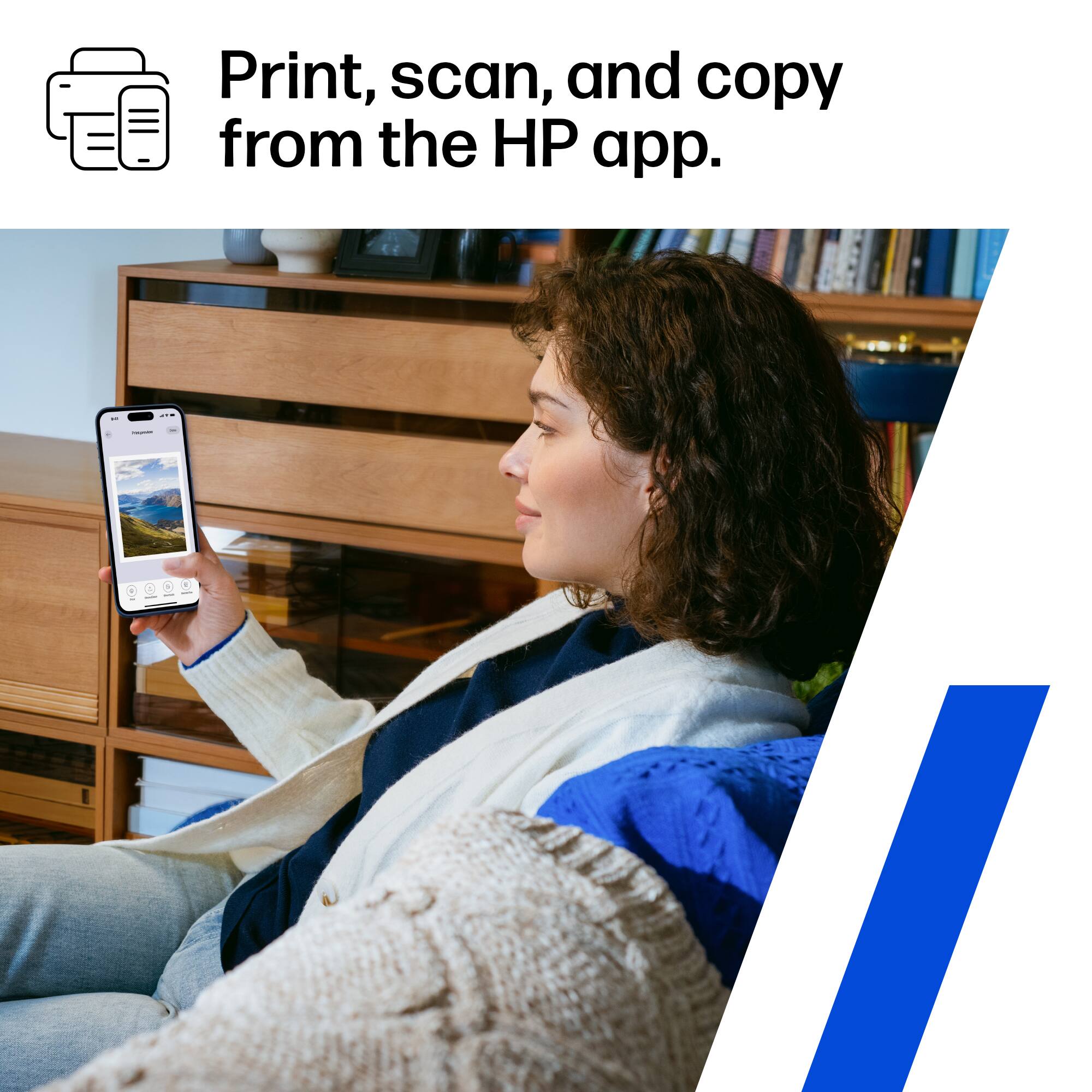
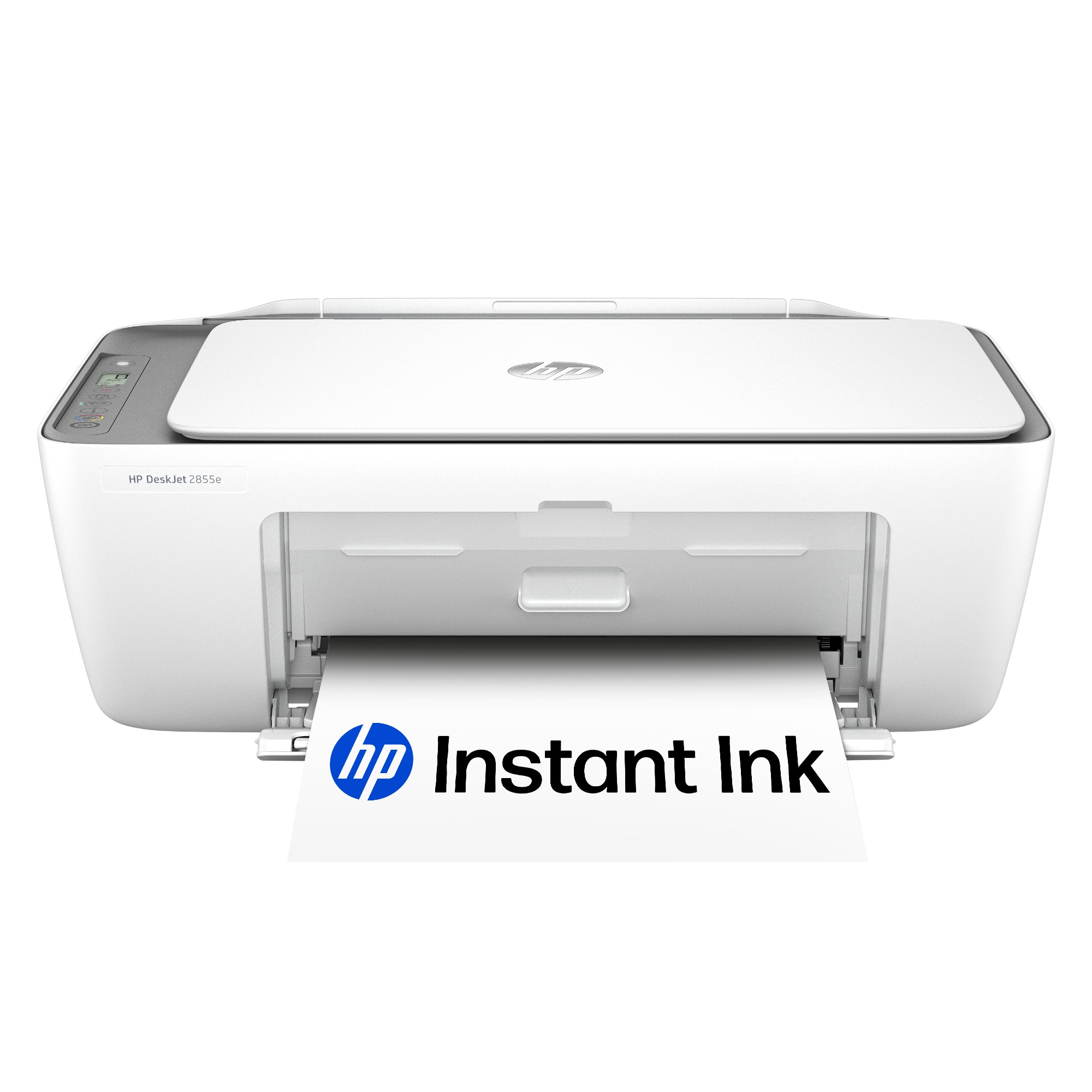
|Posted .This reviewer received promo considerations or sweepstakes entry for writing a review.I picked up HP DeskJet Wireless All-In-One Inkjet Printer (model #2855e) and have been pretty pleased with it. This is a very affordable solution for home use, for printing occasional documents and statements. It will be also used for home schooling needs, as our two kids always have worksheets to do and research papers to be printed out. This printer looks very basic, however it is pretty speedy and has features that you can always rely on like making copies and scanning documents. I like the Bonus feature that this printer is supplied with - 3 Free Months of ink and if you decide to sign up for HP printing subscription, I would highly recommend it as it will save you lots of money on buying ink. It is pretty easy to enroll and the plans start at very affordable rates. I have been using it for over 3 years now and I do not have any regrets or complains, my ink is shipped to me as soon as my printer gets low on it and I do not have to run to the store and spend $50 for a black ink cartridge. If it is your first time setting it up, you will be pleasantly surprised, - HP has perfected the setup process. All you need is download HP Smart app and it will walk you step by step, get your HP Printer online and ready to go. Printing quality has been pretty good, I have not experienced any streaks and colors are vibrant and text looks crisp. One hint - the better your paper quality is the better your printed materials will look. I have not tried printing any pictures as I have another dedicated HP that does it well, but I would think it should do just fine. The printer is light weight too, so it is pretty easy to move it from room to room. All in all, it is a pretty basic printer which does printing well and the price is right too.
I would recommend this to a friend - Pros mentioned:Ease of use, Print quality
Rated 5 out of 5 stars
Simple and easy to use good printer and scanner!
|Posted .This reviewer received promo considerations or sweepstakes entry for writing a review.This printer was super easy to connect and setup all just with my phone and the HP Smart printing app and gets you going with free ink to try out the Instant Ink service which I'd also recommend. Gone are the days of needing a PC to print and scan with this printer (and really all of HP's printers) as the Smart app works great to get going with printing fast. I like this printer that it can scan using the App on your PC or phone/tablet and you can make copies right on the printer without a phone or PC which is handy to have from time to time. Print quality is good for both photos and everyday printing. I have another printer with these same cartridges and sometimes do have trouble with them clogging if they go unused for a long period of time but if they do, check out youtube for some videos on how to troubleshoot/fix that if following the head cleaning doesn't work. HP's help and tech support also recommends some of these same steps and the App does help troubleshoot which I'd try first especially if you're enrolled in to Instant Ink as they will help you (based on my last HP printer and this one seems to be the same in that regard). The updated version of this printer is pretty much the same and so far the Wifi seems to be stable and has not disconnected which has been a problem with one of my older printers where it drops out from time to time and the only way to fix it is to unplug and plug it back in. I think this is a great printer for everyday printing, especially if you are using it primarily for your kids and school work or projects. It would even be good for a small home office with the scan and copy functions though if you do any volume printing, there are other HP models better suited to that. This has been a great printer so far and I like the refreshed version of it better as HP addressed things that I think make it more reliable and easy to use.
I would recommend this to a friend - Pros mentioned:Print quality

Rated 4 out of 5 stars
Standard hp printer which isn’t a bad thing
|Posted .This reviewer received promo considerations or sweepstakes entry for writing a review.I hated to let my previous HP printer go but i got my money out of it 6 years ago for sure. I love the quality and price point of HP so I looked at those printers first...and only. THis is basically the newest version of my old printer right down to the controls, trays, and easy of putting in the ink. Except this time Around its blue tooth. So with my laptop and Ipad I had go to the app store and get the HP app for it too work wirelessly. and even a no-tech person like myself got it up and running in about an hour. I haven't printed enough yet to comment on the auto ship ink supply .....yet. It prints so much faster than the one it has replaced and is pretty quiet. I was happy it was the same size too, so needing to rearrange my work space. I’m a huge hp fanboy if hp has made it at one point or the other i have owned it as we are a very tech heavy household. They aren’t perfect but if I had problems the customer service hasn’t failed me yet. If you already love hp office products, you will be very happy with this option
I would recommend this to a friend - Pros mentioned:Print quality, Size
Rated 5 out of 5 stars
A great basic all in one setup
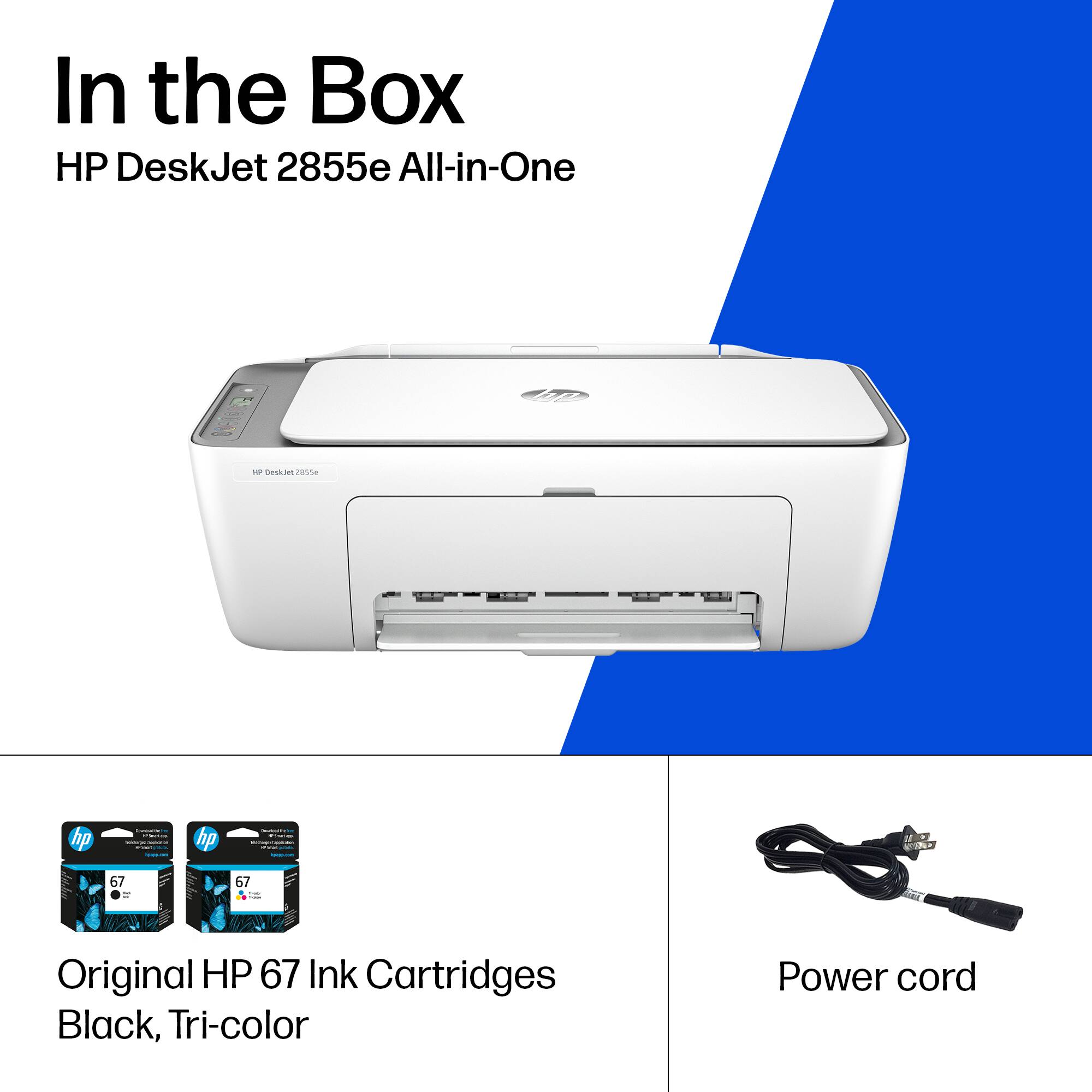
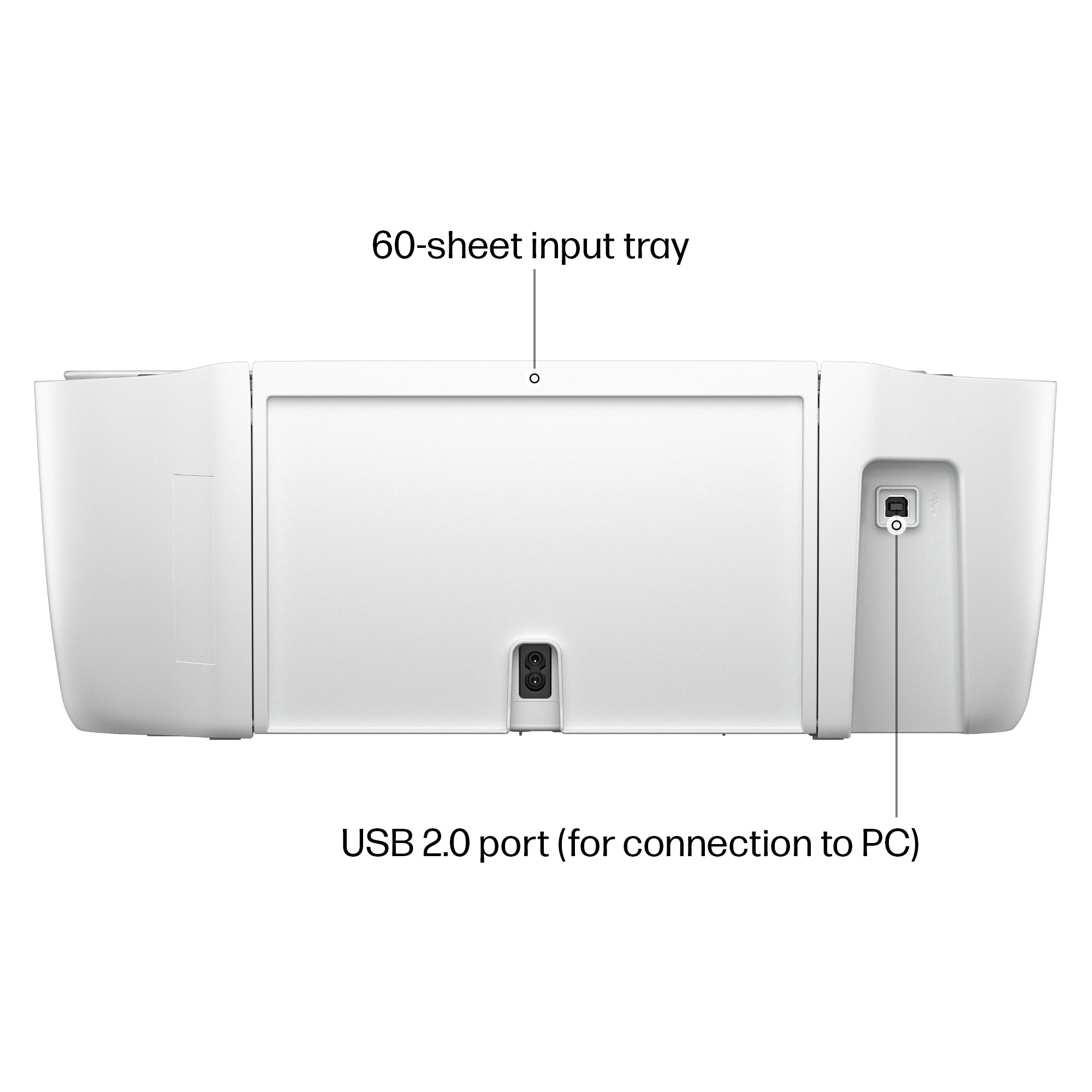
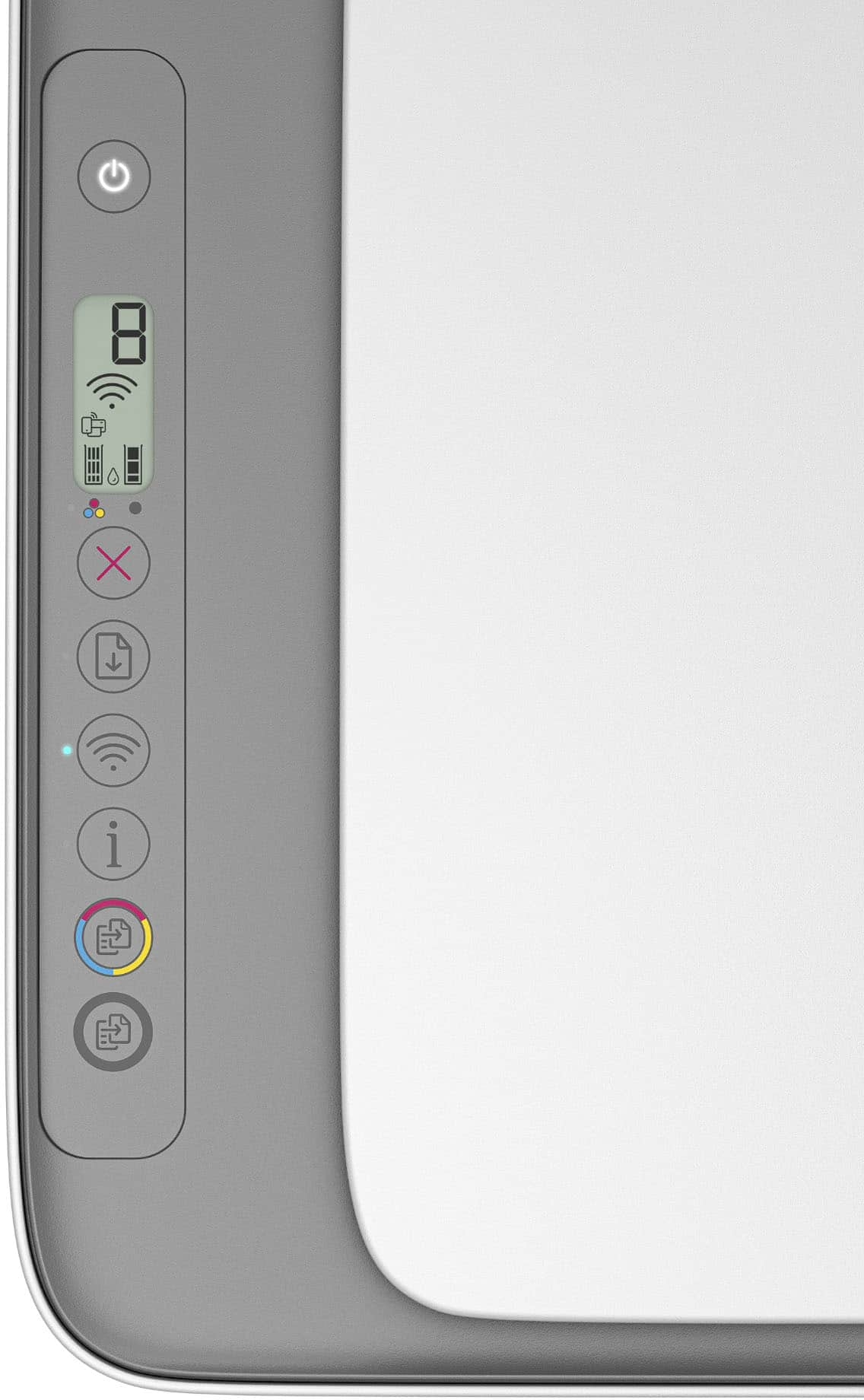
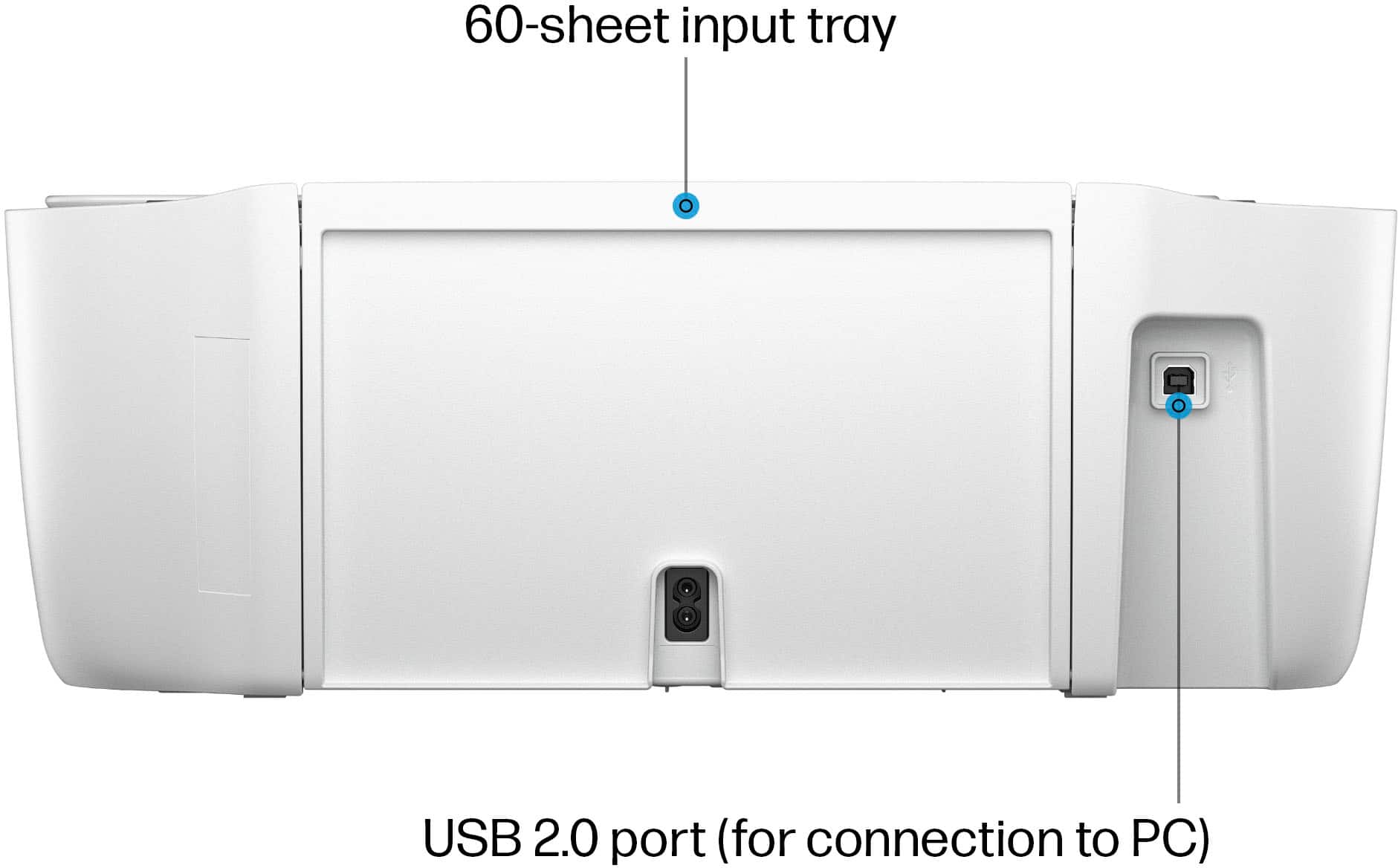
|Posted .This reviewer received promo considerations or sweepstakes entry for writing a review.The HP deskjet is a fast, efficient, and quality printer that is great for your basic needs. Its direct connection or wireless wifi connection give you options to connect however you need. Out of the box, the printer is pretty easy to set up. You will only need a tiny plot of real-estate to set the printer up in, as this printer is very minimalistic in its features. It comes with a color and black cartridge, and the power cord. It does not come with the usb 2.0 plug if you wish to connect it wired to your pc. You will need to download the hp smart app on phone or tablet to setup the printer and you can also visit the hp website to download the drivers for pc install. Printer will need to be set up on same wifi network as all devices wishing to print. The left strip on top of the printer serves as the control panel. It is a bit difficult to remember the functions of each button, and the lcd displays basic icons. I needed to referr to the manual several times to remember everything. Printing is at a pretty quick speed for this type of printer and the overall quality of the print is pretty good as well. With a ribbon cartridge type printer, it can go through ink pretty quickly depending on the type of print and amount of blacks or colors in your print. Cartridges can be expensive, but HP does offer 3 months of free ink with their Instant-Ink program that will auto ship new cartriges when you start running low. The flatbed scanner is a nice design and easy to use. It is a little slow on the scans, but does produce a great quality file to use. Overall, I think it is a great basic printer and scanner. I wish the power cord was another foot longer, but I do enjoy the smaller design and basic control panel. It prints great and gets the job done. Its wireless connectivity gives many printing options. I think it is time to phase away from cartridge printers but for what this is, it's a good setup.
I would recommend this to a friend - Pros mentioned:Print quality
Rated 4 out of 5 stars
Great wireless printer with excellent app
|Posted .This reviewer received promo considerations or sweepstakes entry for writing a review.First off you will want to use the app for this because it makes literally everything you do with it to be much easier and better. It’s available for android and iPhone of course (it even works on iPad) but this really assists in telling you exactly how much ink is left and all your statistics about it along with sending faxes for free which is pretty cool. The printer itself is a very small footprint for a printer scanner copy combo unit which is extremely nice as I dont have a lot of desk space to begin with. This printer focuses heavily on wifi connection to do its work which is the new way to do things but it does well in my testing and I did not have any connection issues. Of course you can print directly off your phone itself or any windows / Mac computer and I did all 3 perfectly. The printing itself comes out crisp and colors are accurate not gross or wet like some can get. As far as the scanner goes it does okay here but honestly I feel like it should be better quality and no matter weather im using windows or my Mac machine they come out in what appears to be lower dpi than intended. This may possibly be updated in a later firmware update as it is mentioned in the paperwork they will send out updates to keep it most effective and security updated to ensure best performance. You can also use the phone app to use your phones camera to “scan” a document which is cool and actually comes out better in most cases if you have good even lighting. The ink right off the bat for me neither one was full but thats typically what happens with new printers so I cant fault it for that. They do use a program for ink if you print a lot or want peace of mind to have ink when you need it and there are options to go over once you set up to see if thats something you want to do. Overall a great budget printer that does all things well.
I would recommend this to a friend - Pros mentioned:Print quality
Rated 4 out of 5 stars
Nice little printer and scanner
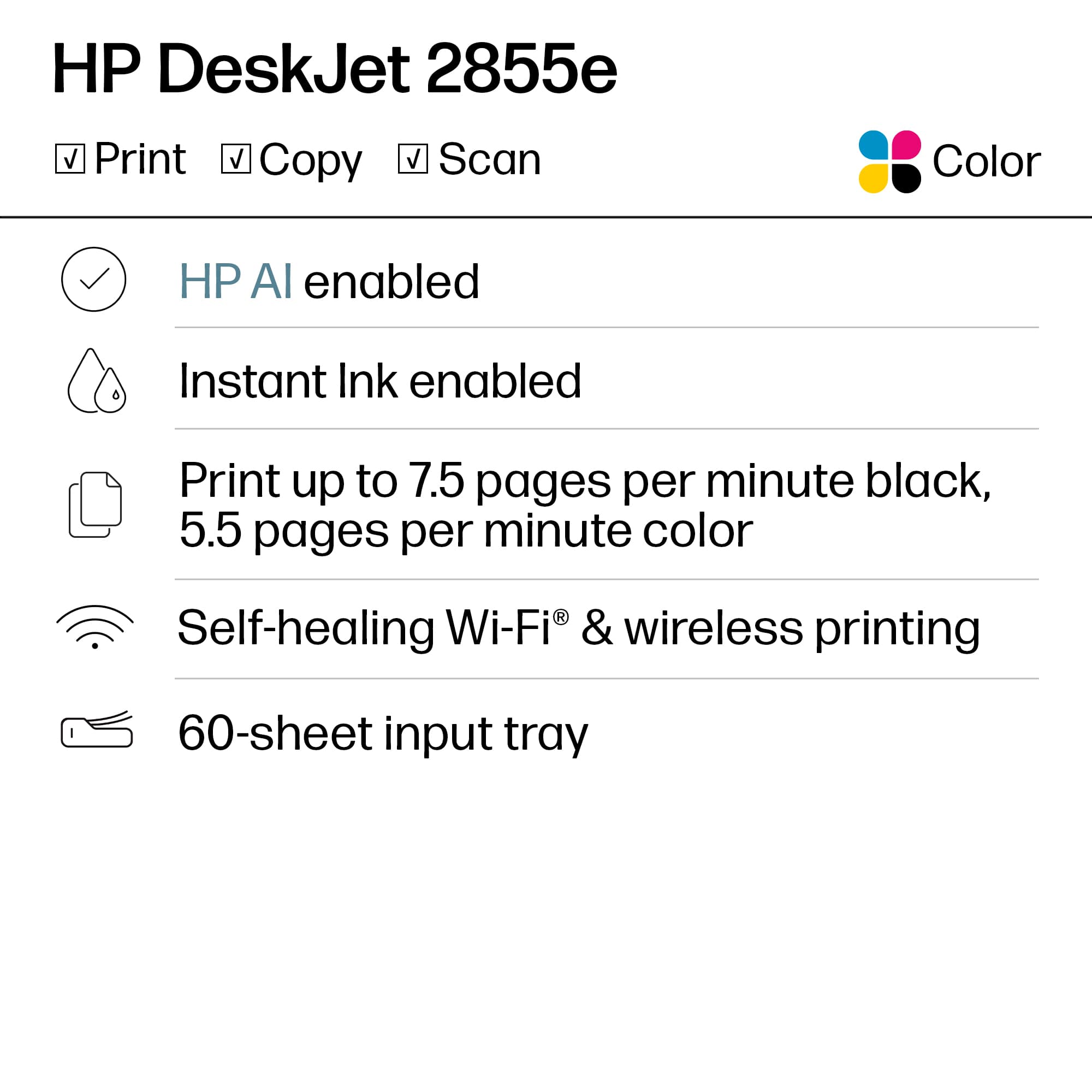
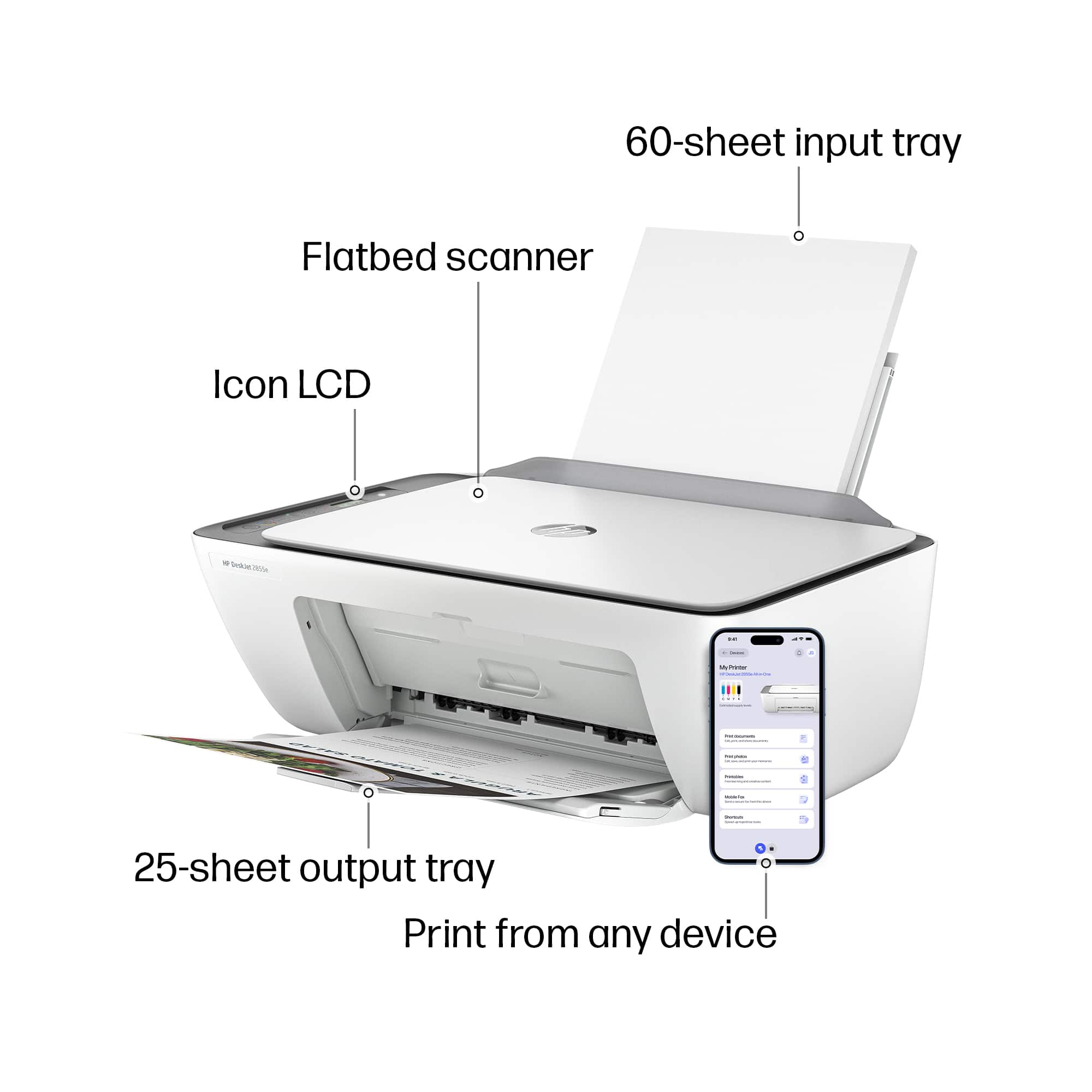
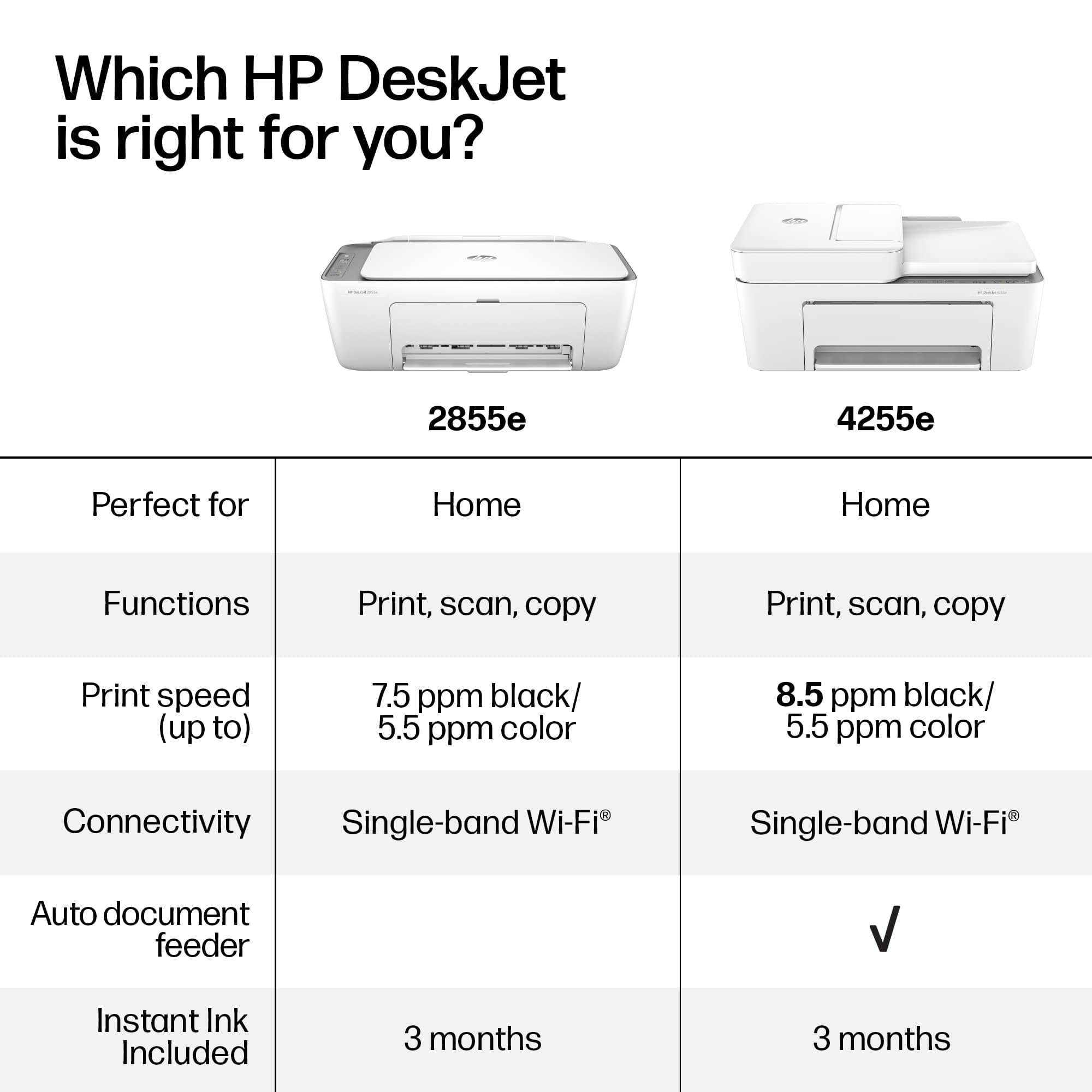
|Posted .This reviewer received promo considerations or sweepstakes entry for writing a review.The HP Deskjet 2855e is a pretty simple all-in-one device. It's easy to setup and use. I've setup dozens of printers over the years and could probably do it with ny eyes closed so I had my daughter set it up to see how easy it is. She didn't have any problems. She followed the instructions, setting it up one her home network with her cell phone. She loaded the HP Smart app, unpacked the printer, plugged it in, and turned it on. HP Smart found the device, configured it's wi-fi, and went through the options for HP Instant Ink subscription. We decided against the plan because it will be lightly used and I don't see the need for a monthly usage fee. The printer is pretty basic. It prints at about 7.5 ppm in black and white, and 5.5 ppm in color. It has 2 ink cartridges. One is black and the other is cyan, magenta, and yellow. The black cartridge is rated for 100 pages and the color for 120 pages. High yield cartridges are available that print 200 pages black and white and 240 pages color. Paper is input in the back and it holds 60 pages. It has a 25 page output tray. It also has a flatbed scanner for making copies and scanning. It's a nice little printer for light usage. You don't get very many pages from the ink cartridges. At least they are relatively inexpensive to replace. Having all three colors in a single cartridge can be an issue because as soon as any of the colors runs out, you need to replace it regardless of how much ink is left of the other colors. The print quality is good and they have a simple alignment procedure using a special printed page and the scanner. For light home usage, I can recommend this printer.
I would recommend this to a friend - Pros mentioned:Print quality, Size
Rated 5 out of 5 stars
Quality printing from compact printer.
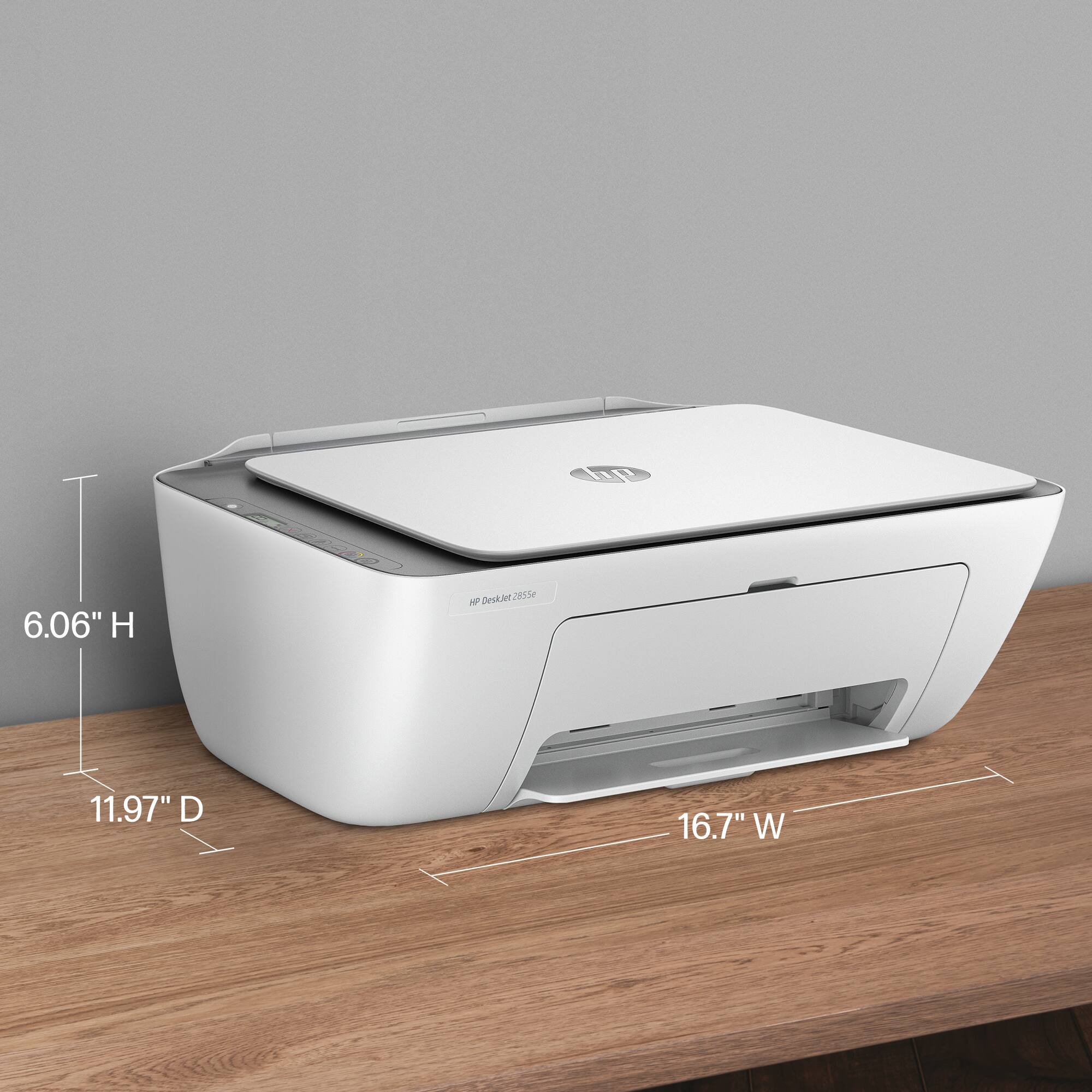
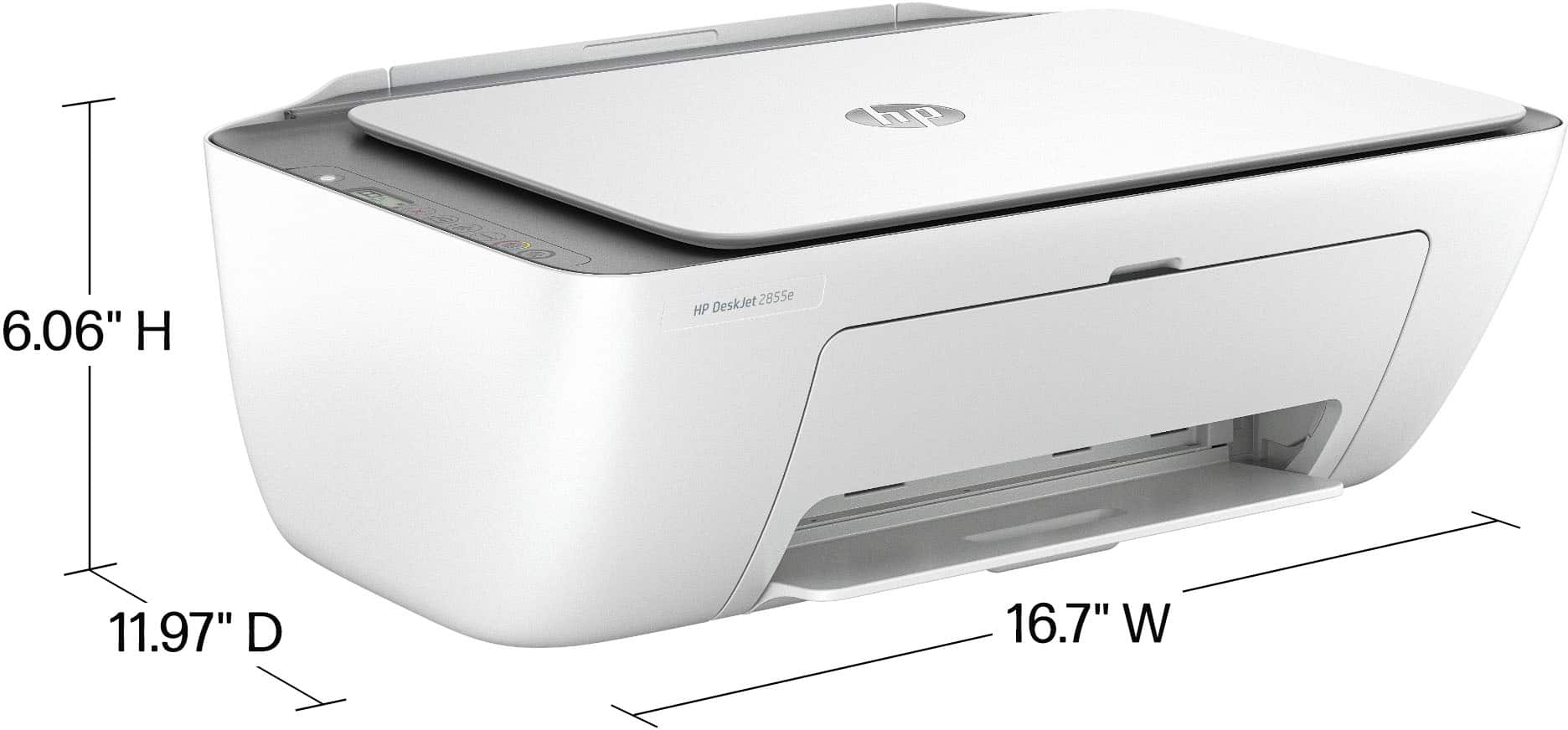
|Posted .This reviewer received promo considerations or sweepstakes entry for writing a review.I love how compact this HP Deskjet 2855e printer is. I have a small work area and having a printer normally takes up too much space for me but this printer isnt bulky like most. Setup for this printer was a breeze, I didnt have any issues wirelessly connected it to my home internet. I print tons of papers weekly as im a homeschool mom and a small buisness owner. This printer has made this easy to do. It prints extremely fast and i love that because it saves me time on wiating for my chicldtens schoolwork to be printed. I can print a ton of qorksheets for them in a short time frame. It has great print quality, no skipping or blurriness to printing worksheets in black or with color. The tray will hold a good amount of blank papers. Scanning paperworl is quick and easy as well. Overall, I love this printer for its compact desigj that allows for minimal space to be taken up on my desk, ease of use, printing quality, and the short time it takes to get all the worksheets that I need printed. It
I would recommend this to a friend - Pros mentioned:Print quality
Rated 4 out of 5 stars
HP DeskJet 2855e print-scan-copy
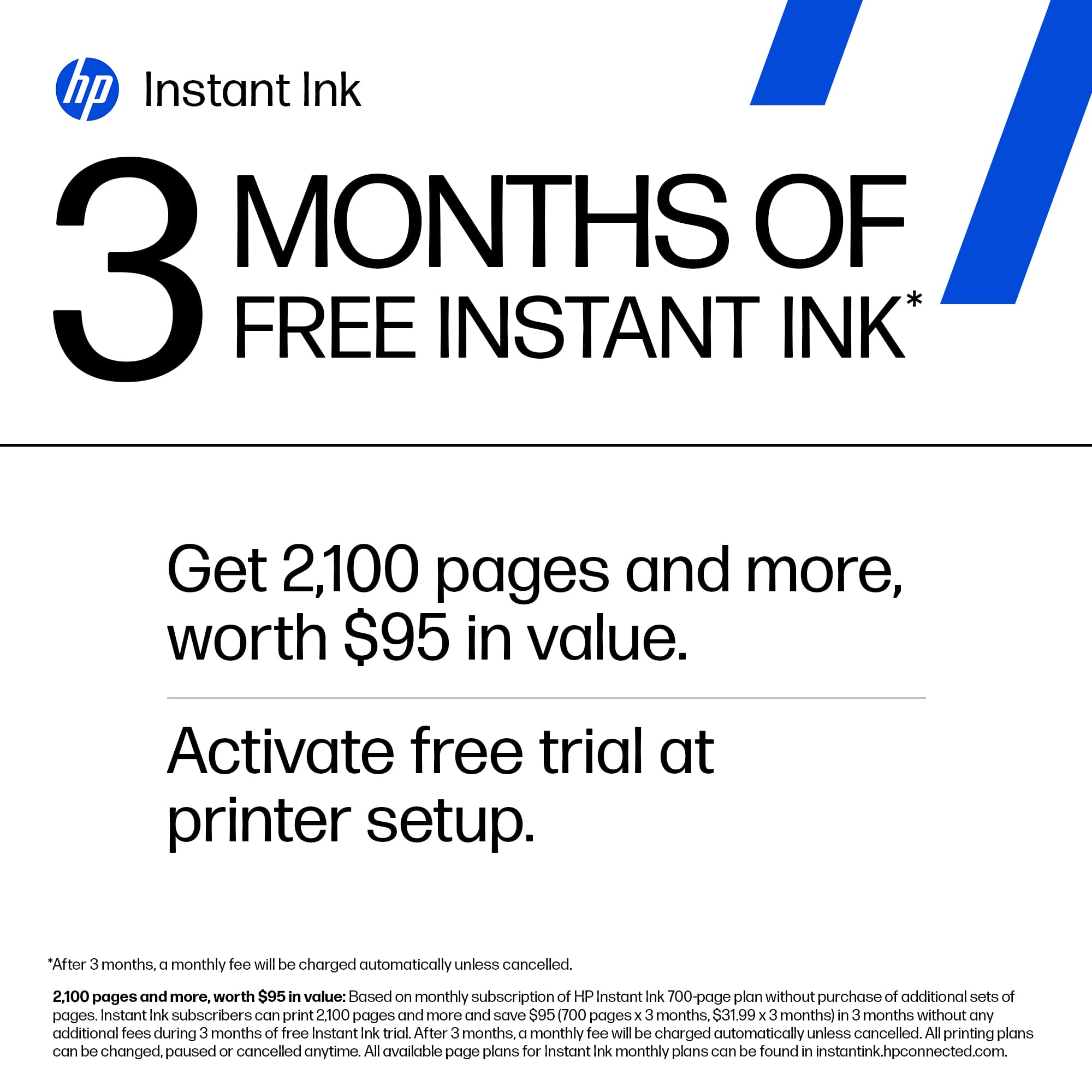
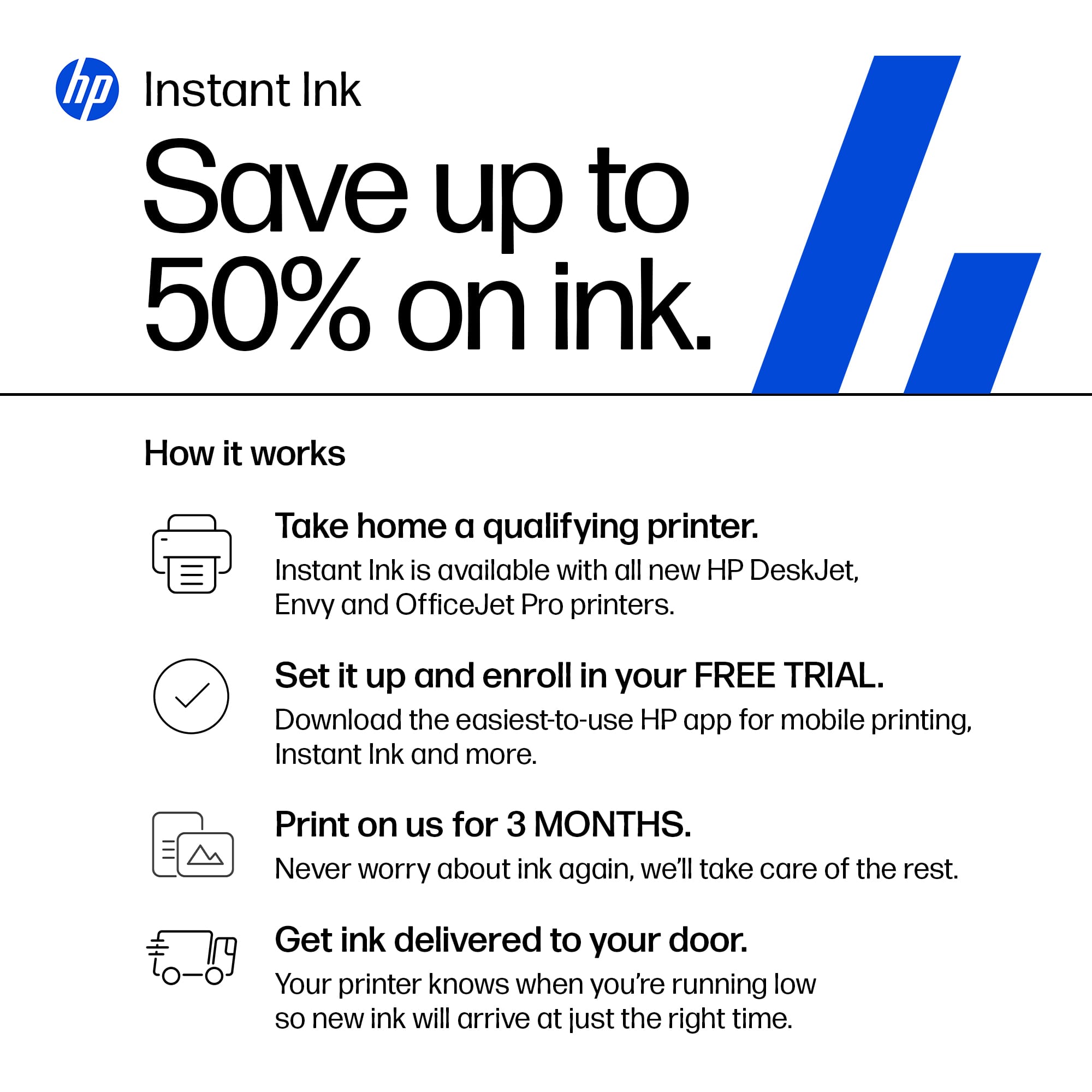
|Posted .This reviewer received promo considerations or sweepstakes entry for writing a review.The DeskJet 2855e printer comes with the standard HP+ instant ink package. You will get 3 months of free ink upon registering for the package. The cost of the high-capacity cartridges is dependent on your printing volume. Set-up is completed by the HP app either on your phone or computer. The HP+ also comes with anywhere printing. The quality of the printouts is outstanding for this level of printing. However, the speed of printing is slow. The quality of the printouts is right up there, as the letters are clear and unblurred. Pictures also print out without color bleeding. Utilizing the Best setting in the setup profile achieved this result. The scan function of the HP DeskJet 2855e leaves a lot to be desired. The scan function is achieved via the glass flatbed. Utilizing the scan function leaves a fuzziness to the text and pictures scanned. The scanning is limited to the application. The copy function of the HP Deskjet 2855e has the same ineffective output as the scan function. The printer comes with standard startup print cartridges. I have used HP+ instant ink on all my HP printers. Knowing that I will not run out of ink on any of the six HP+ printers I am responsible for leaves me time to address other priorities. Just remember if you stop the instant ink any cartridges you have will no longer be useful.
I would recommend this to a friend - Pros mentioned:Setup, Size
Rated 5 out of 5 stars
Love it
Posted .This reviewer received promo considerations or sweepstakes entry for writing a review.I love it its compact ezy to set up. Love that it has the free ink snd to fill it u dont jave to bother hoing tk the store they know before u run out its at ur door.
I would recommend this to a friend - Pros mentioned:Print quality

Rated 5 out of 5 stars
Good Value for the Price; Slow Print Speed
|Posted .This reviewer received promo considerations or sweepstakes entry for writing a review.This is an all-in-one wireless inkjet printer that requires Wi-Fi with internet access to setup and operate. The printer comes with setup ink cartridges (presumably that means very low capacity) and a power cord. The printer has copy, scan, and print functions. Setup is fairly easy, download the HP Smart app and it guides you through the setup. There are two options offered during setup: the HP Smart Plus program, and HP Instant Ink program. Smart Plus gives you access to mobile printing and faxing, and HP Instant Ink sends you replacement ink cartridges as needed for a monthly fee. The default ink program is 50 pages a month for $4.99/monthly, but you can change it to 10 pages per month for a $1.49/monthly. I recommend signing up for both programs but read the fine print. If you cancel the Instant Ink, HP will disable your instant ink cartridges and you have to send them back and buy regular priced replacements. Note: for the Smart Plus app to work for mobile printing or faxing, you have to give the app phone permission. It didn't do that automatically for me, I had to figure out why it wasn't working. The print/copy/scan quality of this printer is good, but the print speed is slow. It says on the box 7.5 black pages per minute and 5.5 color ppm. I timed a 2-page black text document, and it took 19 seconds to complete. I timed that same document on another inkjet printer I have, and it took 9 seconds. So, this HP printer is 50% slower. The build quality of the printer is fairly typical - heavy gauge plastic, it weighs in at about 8.25 pounds. Overall, this all-in-one printer is a pretty good value at its price point. There are some pros and some cons and something to take into account: Pros: Good print quality; remote printing/faxing; convenience - HPs Instant Ink program. Cons: Slow print speed; requires HP ink cartridges (no budget brand will work). Take into account: This printer is designed to be wireless only, you will lose some functionality if connected via USB cable.
I would recommend this to a friend - Pros mentioned:Print quality

Rated 4 out of 5 stars
Good basic printer/scanner
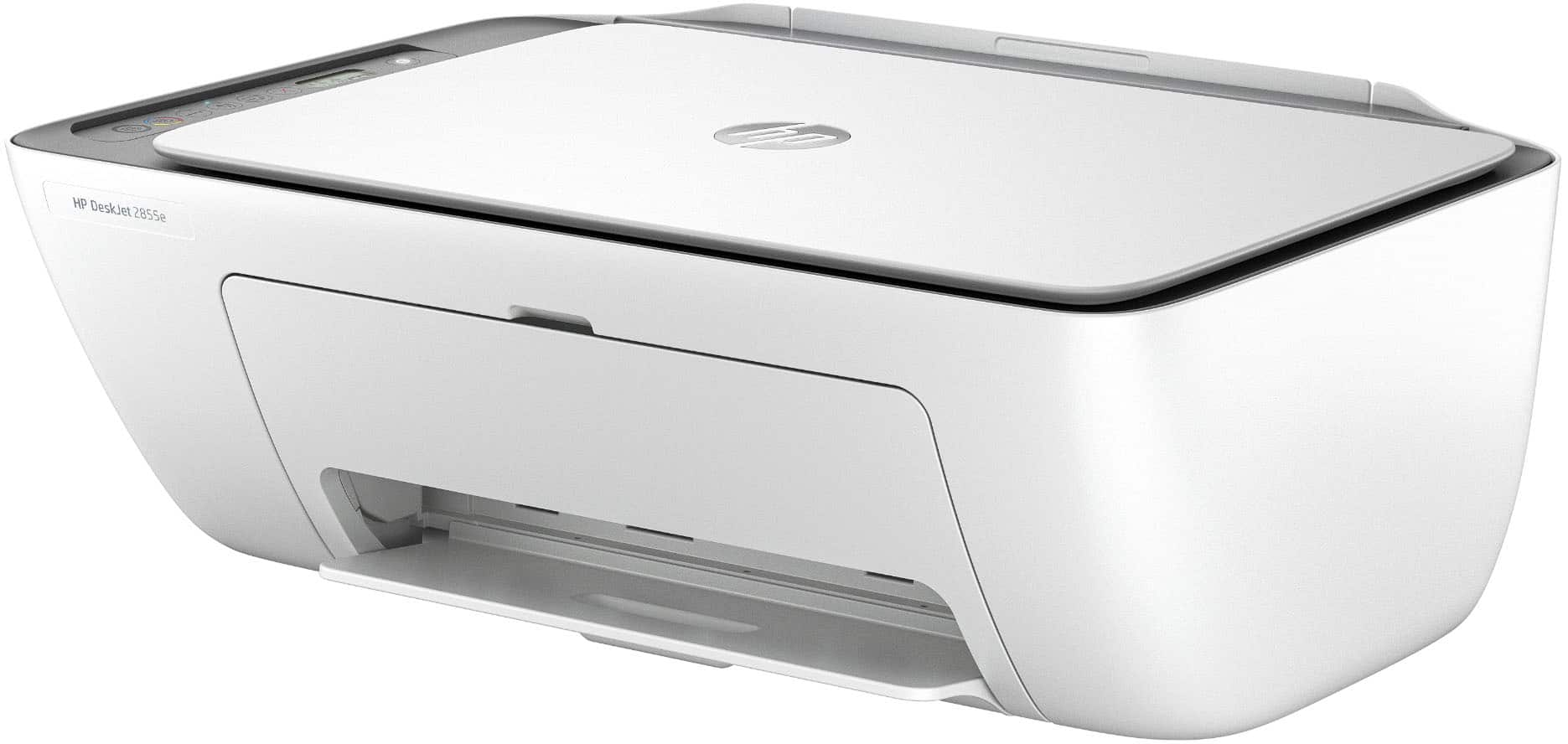
|Posted .This reviewer received promo considerations or sweepstakes entry for writing a review.The HP DeskJet 2855e is a good, inexpensive printer/scanner for basic home use. Although you certainly could use it in a small office setting, I think it is better suited for occasional home use. Set up is simple once you download the needed app. No big surprises. Build quality matches the price point. It’s fine but feels a bit flimsy. But once you get it set up that really shouldn’t be an issue. Printed text is good. Crisp and clear. As for printing photos, it certainly can do it. But the limited number of ink tanks doesn’t give the photos the best quality. However, good enough for occasional photos. Three months of free ink is included thru the subscription that is available. I like the idea of a subscription service to keep you up to date with enough ink. But I don’t think most who will be looking at this model will be using it enough to need the subscription service. As for scanning, it does a decent job with 1200x1200 resolution. More than good enough for scanning notes, bills, receipts or other paperwork you may need to scan. Overall, if you just need a good basic home printer/scanner for occasional use it should do you just fine.
I would recommend this to a friend - Pros mentioned:Print quality
Rated 3 out of 5 stars
Simple printer for basic needs
|Posted .This reviewer received promo considerations or sweepstakes entry for writing a review.The HP DeskJet 2855e Wireless All-In-One Inkjet Printer is a basic, lightweight printer for your everyday needs. It does print, copy and scan. The setup is super easy and MUST be done by downloading the HP Smart app found at 123.hp.com. From there, just follow the prompts to set yourself up on your wifi and finish setup. This printer does not have a typical paper "tray" - the paper only loads from the rear. The ink installation was a bit confusing for me as I have never seen a ink access door before. I am used to the top of the printer opening up. You have to bend over to see inside the access door and figure out which ink cartridge goes in which spot. There is a multi-color cartridge and a black one - what comes with the printer are "starter" ink cartridges, so be prepared to get ink sooner rather than later. Another confusing thing is the HP Instant Ink. When you sign up for this subscription service they monitor your ink usage and send ink when they see you are getting low. There is a monthly fee for this based on your best guess of how many pages you will use each month. The box states you will get 3 months free Instant Ink to start, but once setup, it showed me I have access to only 2 months of free Instant Ink. I declined to sign-up at that point. Also, HP will update your printer automatically to make certain you are not using any ink other than genuine HP ink cartridges. It is my understanding that you can, however, refill the HP ink cartridges. As for the print quality, I would say that printing is absolutely acceptable, but it is slow. Oh, another quick point, this printer does NOT offer duplex printing. If you want to print on the back side of a paper, you must do that manually. Copying is a different story - the copy quality is much inferior to the printing. It is not nearly as dark in copy mode. There are some environmentally sound things HP has done with this printer: it is made with 60% recycled plastic; it is Energy Star and EPEAT certified. All in all, I would say this HP DeskJet 2855e Wireless All-In-One Inkjet Printer would be useful for those using it infrequently or possibly school age children who wouldn't necessarily need duplex printing. It is quite basic but the printing quality is acceptable. I would recommend it based on its simplicity and print quality.
- Pros mentioned:Ease of use, Size
Rated 5 out of 5 stars
Perfect Printer for Home Office
Posted .This reviewer received promo considerations or sweepstakes entry for writing a review.I love this printer. It fits on my desk and I have easy access to scan documents and print documents with ease. I love the wireless aspect and I have it set up where if my ink is low HP will send me new ink.
I would recommend this to a friend - Pros mentioned:Print quality

Rated 3 out of 5 stars
Low-end basic printing
|Posted .This reviewer received promo considerations or sweepstakes entry for writing a review.I was looking for a very basic printer for my daughter to use for schoolwork. I have a business-class color laser printer, but I don’t like her using it due to the cost of toner, plus it’s in my work-from-home office and I don’t need any distractions. This printer looked like a good option as it has a small footprint, includes a scanner, and the ink is not terribly expensive. The printer does look nice. It’s very modern looking with simple control buttons. I like that it uses an AC power cord instead of having to deal with an external transformer “brick”. It has a USB connector for direct connection to a PC, and that’s what I thought I’d use so that it wasn’t taking up any Wi-Fi bandwidth. Unboxing and physical setup was easy, but getting it up and running was not. While I really like HP equipment and I have a laptop and two desktops, I have never been a big fan of HP printers. They just don’t seem to be competitive in terms of value and quality. For this one, I think it’s a good value and the quality is reasonable for the price, but HP has done something that I just find unforgivable. Specifically, they require a smartphone app for setup. Instead of just being able to plug the printer into the computer and go, it seems to require configuration via the app, and of course that process is full of plenty of advertisement for automatic ink re-ordering. I know that the app can offer a good setup experience, but I am a bit old-school and prefer that this be done on my PC. Also, I had several issues with the app and printer communicating and completing the setup. It finally worked, but it was much more trouble than it was worth. As for print quality, it’s decent. The output is very good and on par with other inkjet printers I’ve used. Photo quality is not great. It’s OK for kids wanting to print out pictures to stick to a bulletin board, but that’s about it. Photos are very slow to print and not worth the wait. Printing text documents and simple graphics, it does a good job and is reasonably fast. It is noisy and shakes a lot during printing. The scanner is slow and the quality is not great. It’s probably best for making a quick copy and not for scanning photos. The paper feeder claims it holds 60 sheets, and that’s about right, but the output tray will begin to balk at more than 12 pages. It will push existing pages out of the tray and so you loose collation. Overall, this is a typical low-end inkjet that’s acceptable for printing simple documents. Its best features are its size and price, but when required to deal with HP’s confound “app” and lots of compromises, there are likely better choices, especially if you are willing to spend maybe $30 more.
No, I would not recommend this to a friend - Pros mentioned:Ease of use
Rated 5 out of 5 stars
Great basic printer
|Posted .This reviewer received promo considerations or sweepstakes entry for writing a review.This is a great basic printer. My son recently has gotten into drawing and coloring more. I wanted something easy to use and could connect to my phone easily to print things quickly. He loves those books that teach you step by step to draw and has had fun tracing various things. It's been easy to find random coloring pages for him that relate to his interests and print them to keep him busy throughout the day now that school is out. The scanner seems to work OK, we've been using it to scan some of his drawings and I'd eventually like to make a slideshow or some type of digital way for him to keep his designs longterm. I feel like this is easy enough for just about anyone to use and loved that I could complete setup from my phone and not have to rely on my computer for those steps. I'm interested to see how long it takes before we need refills but if you want easy this is a great basic printer. It's probably not meant for office use if you would need tons of copies but for a home printer it gets the job done.
I would recommend this to a friend - Pros mentioned:Ease of use
Rated 5 out of 5 stars
found value with quality in 2025
Posted .This reviewer received promo considerations or sweepstakes entry for writing a review.does exactly what we need. excellent price, easy purchase and shipping. set up with good instructions. compact,quiet, simple and easy to use.
I would recommend this to a friend - Pros mentioned:Ease of use, Print quality
Rated 5 out of 5 stars
Excellent little printer
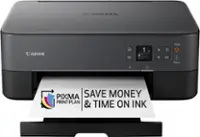
Posted .This reviewer received promo considerations or sweepstakes entry for writing a review.Love my new printer. Very easy to set up. Prints very well. Despite reviews saying otherwise I felt sample ink was definitely enough to get you started.
I would recommend this to a friend