Customer Ratings & Reviews







- Model:
- DJ 4255E/588S6A#B1H
- SKU:
- 10736433
Rating by feature
- Value
Rating 4.4 out of 5 stars
- Quality
Rating 4.3 out of 5 stars
- Ease of Use
Rating 4.2 out of 5 stars
Printer
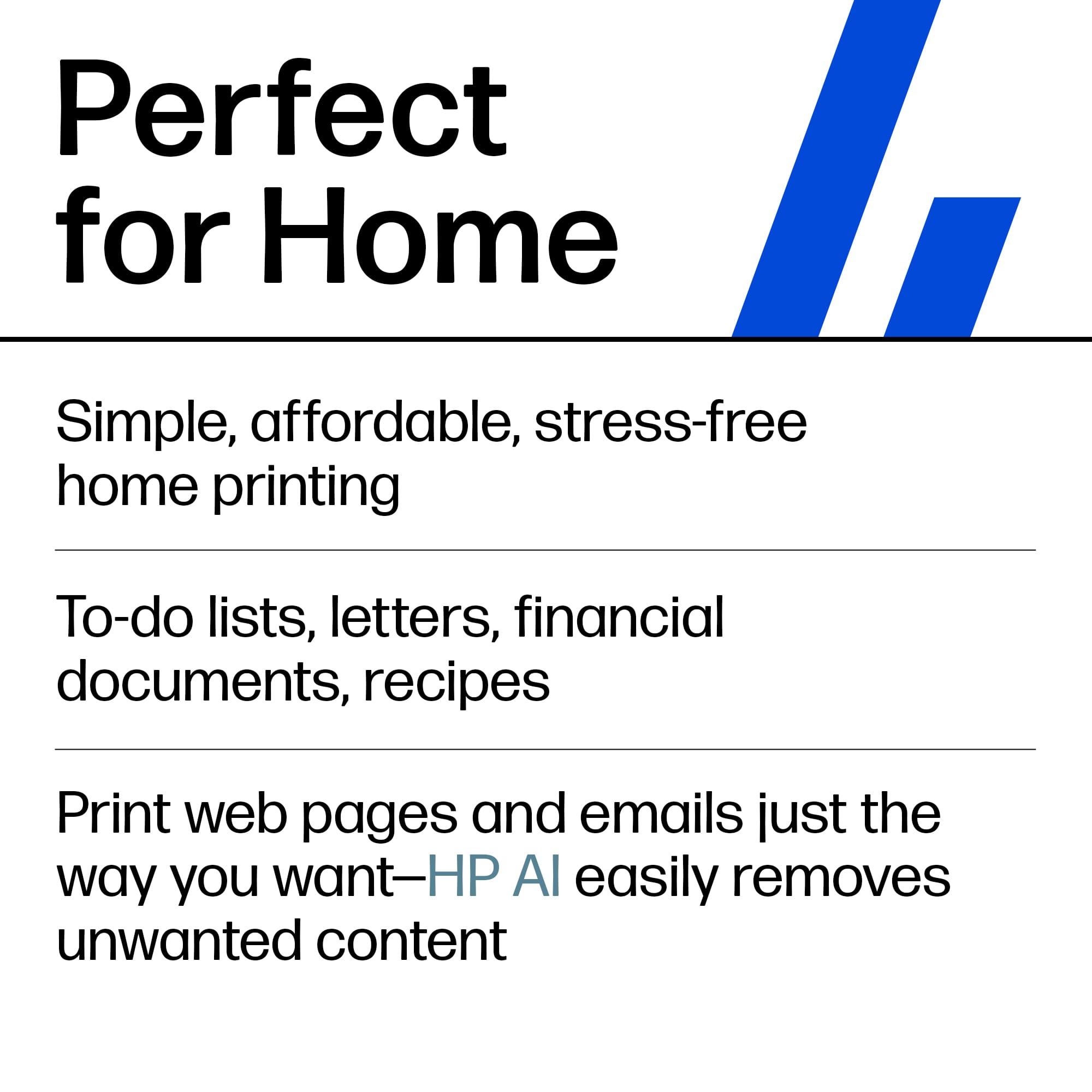
||Posted . Owned for 3 weeks when reviewed.This reviewer received promo considerations or sweepstakes entry for writing a review.Works perfect for home use. I started using it to print my own pictures to hang around the house and the quality turned out way better than expected.
I would recommend this to a friendEasy to connect
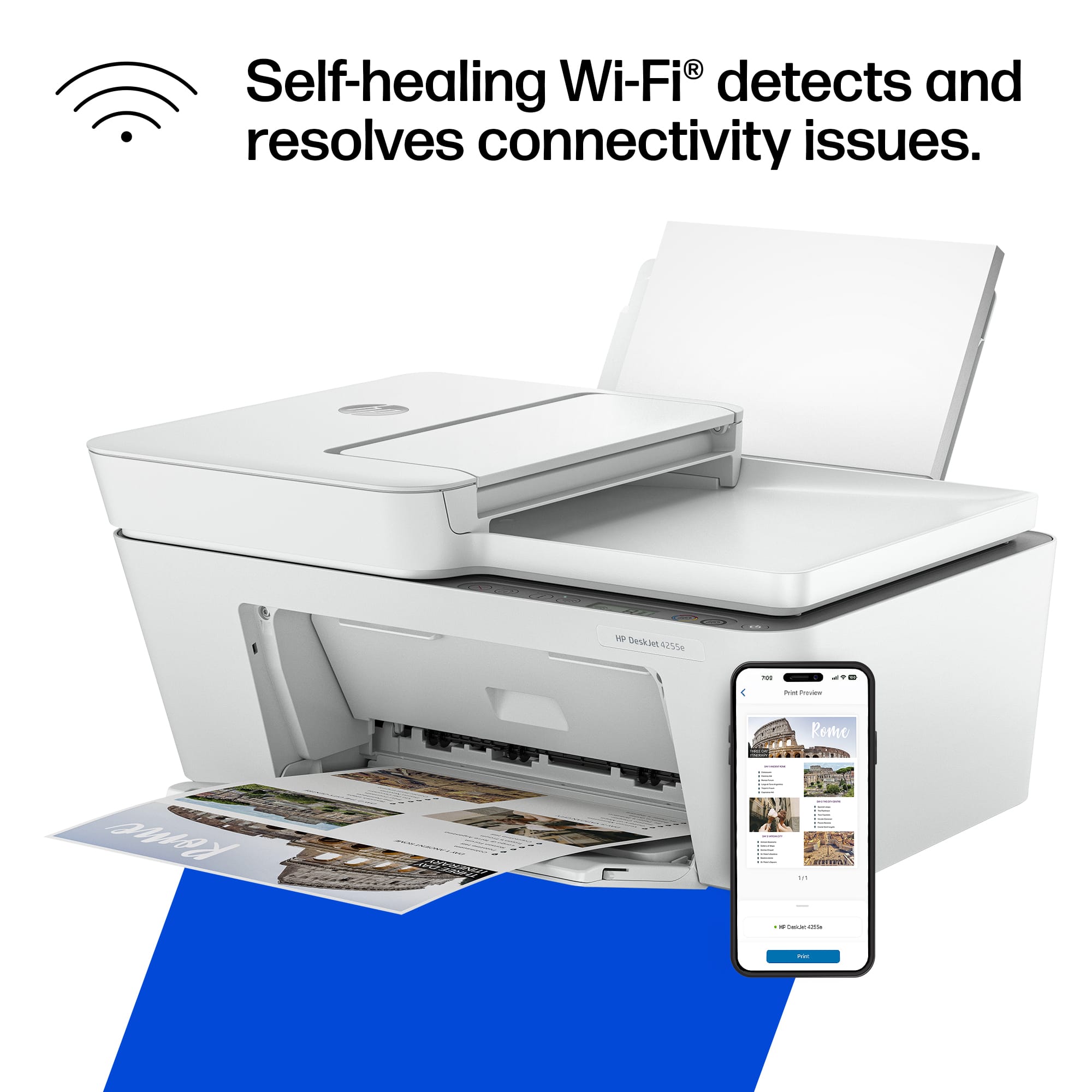
||Posted . Owned for 3 weeks when reviewed.This reviewer received promo considerations or sweepstakes entry for writing a review.I tried two other printers (Canon and Brother) before I went back to the tried and true HP. I had so much trouble with the other two trying to get wifi to work, but the HP worked just like it should have. Great product
I would recommend this to a friendHP - DeskJet 4255e Wireless Printer
||Posted . Owned for 3 weeks when reviewed.This reviewer received promo considerations or sweepstakes entry for writing a review.Love it easy to use perfect for work easy installment
I would recommend this to a friendHP Printer
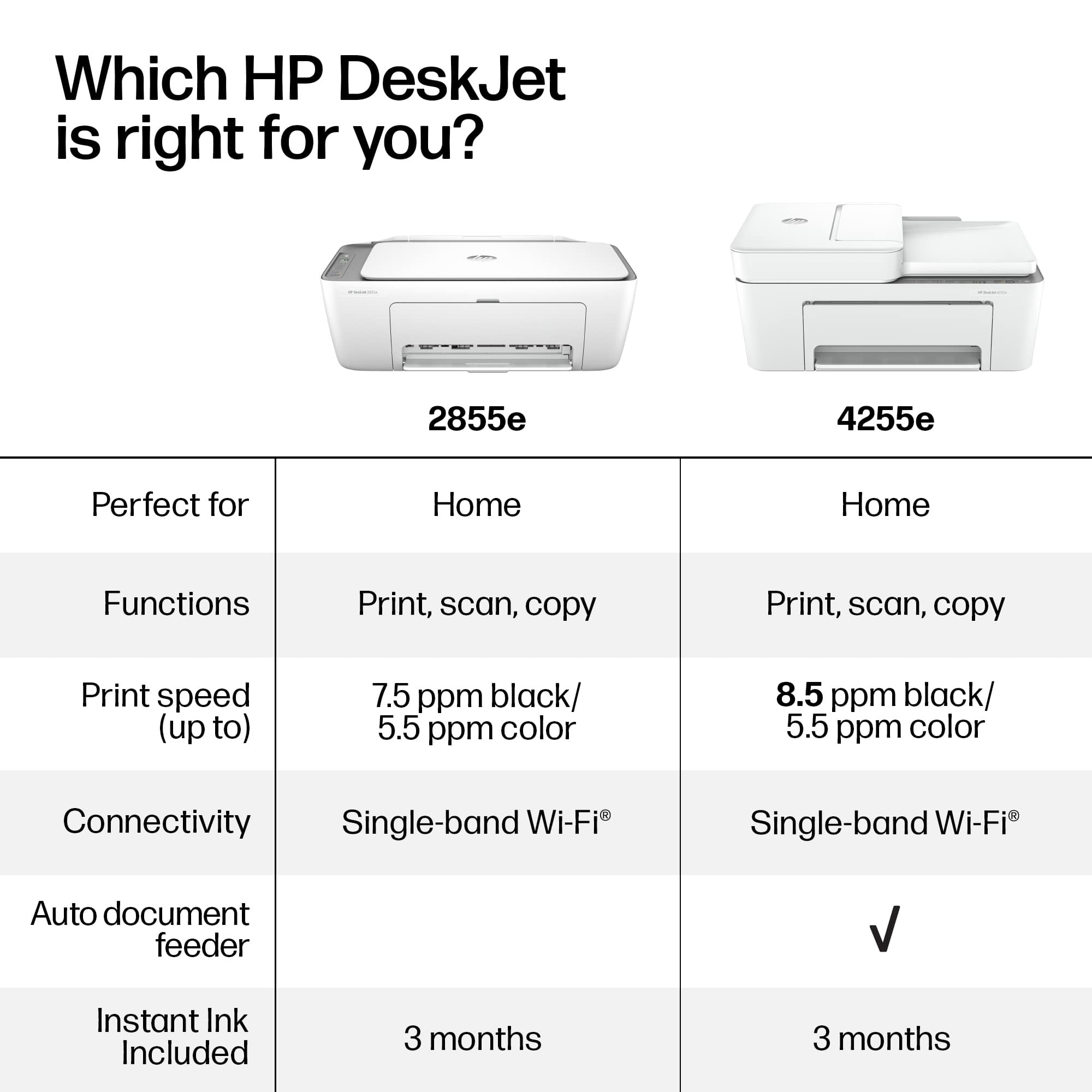
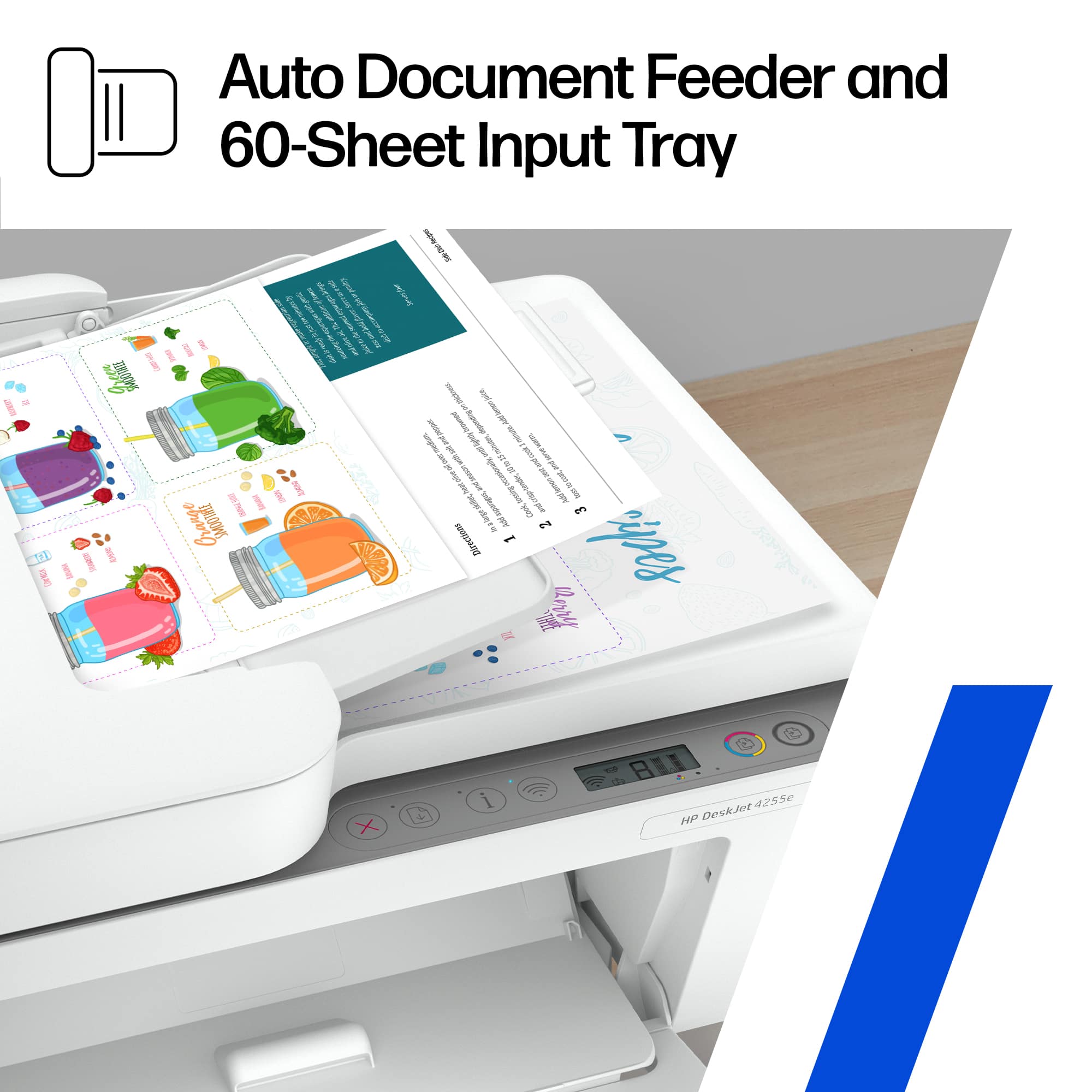
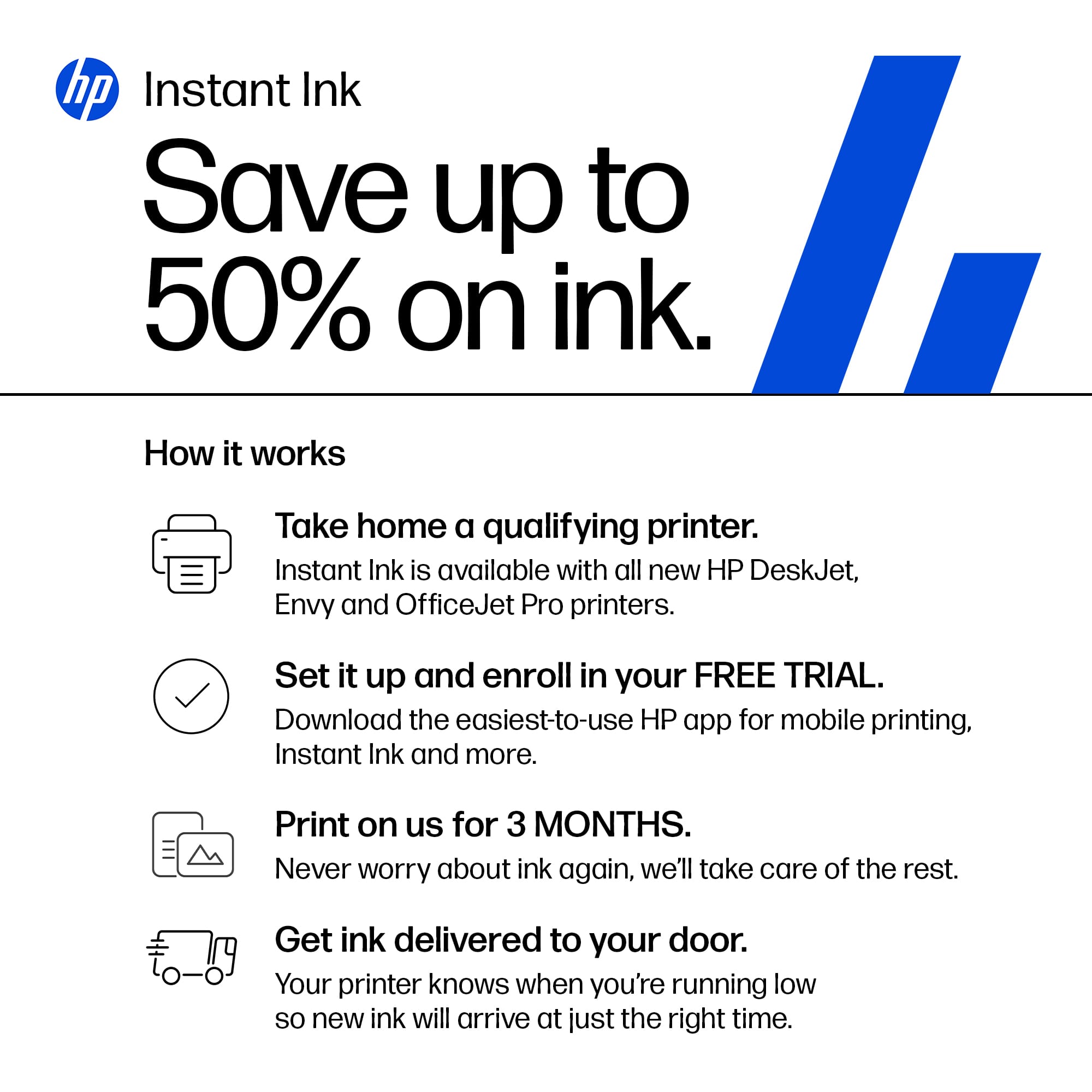
||Posted . Owned for 1 month when reviewed.This reviewer received promo considerations or sweepstakes entry for writing a review.Overall this printer is a good solid printer for the price. I wanted to be able to feed documents into a. Auto feeder and this printer fits the bill. Using the HP app has lots of advantages as well. The ink program is extremely good.
I would recommend this to a friendNice Basic Printer
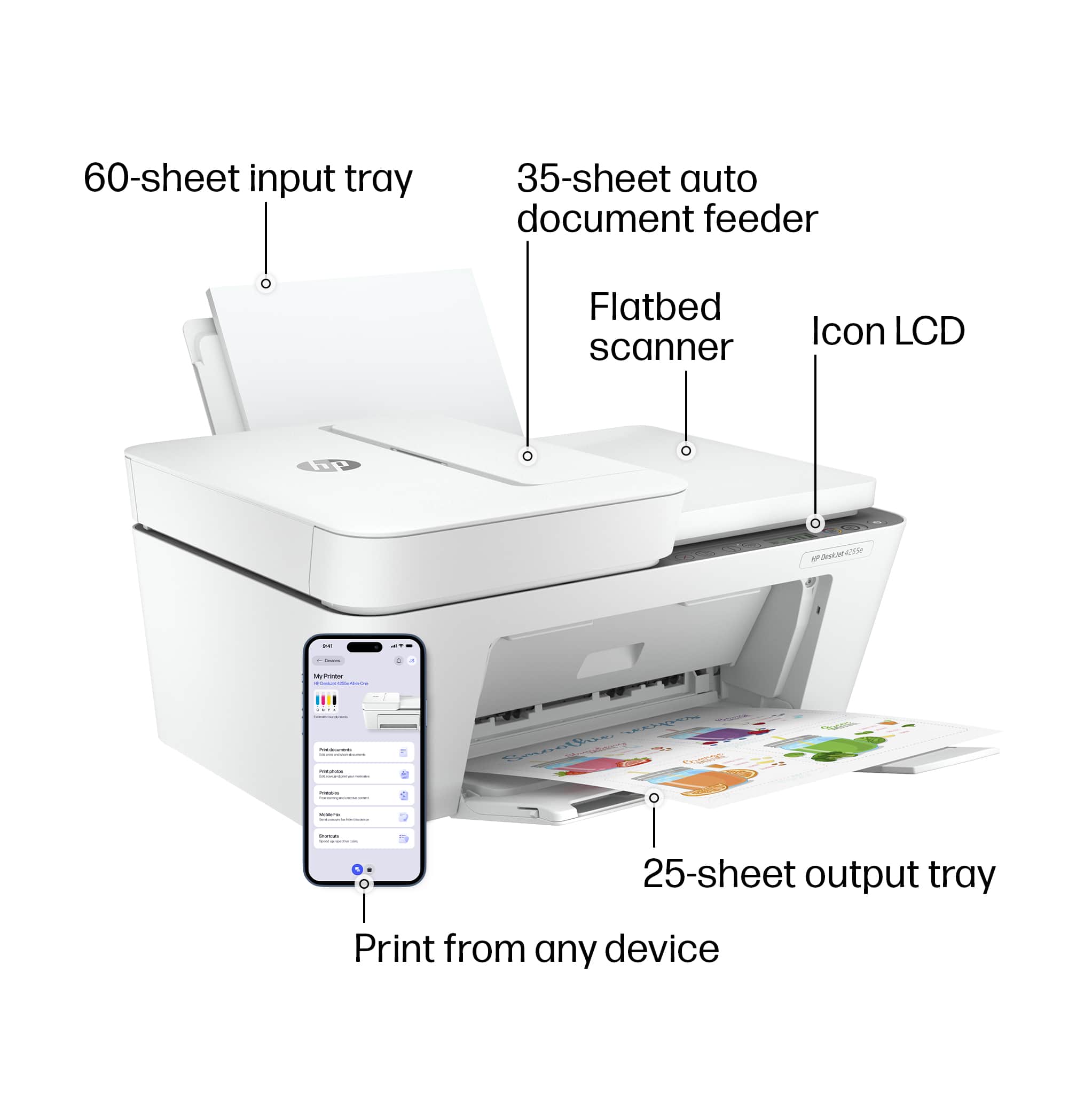
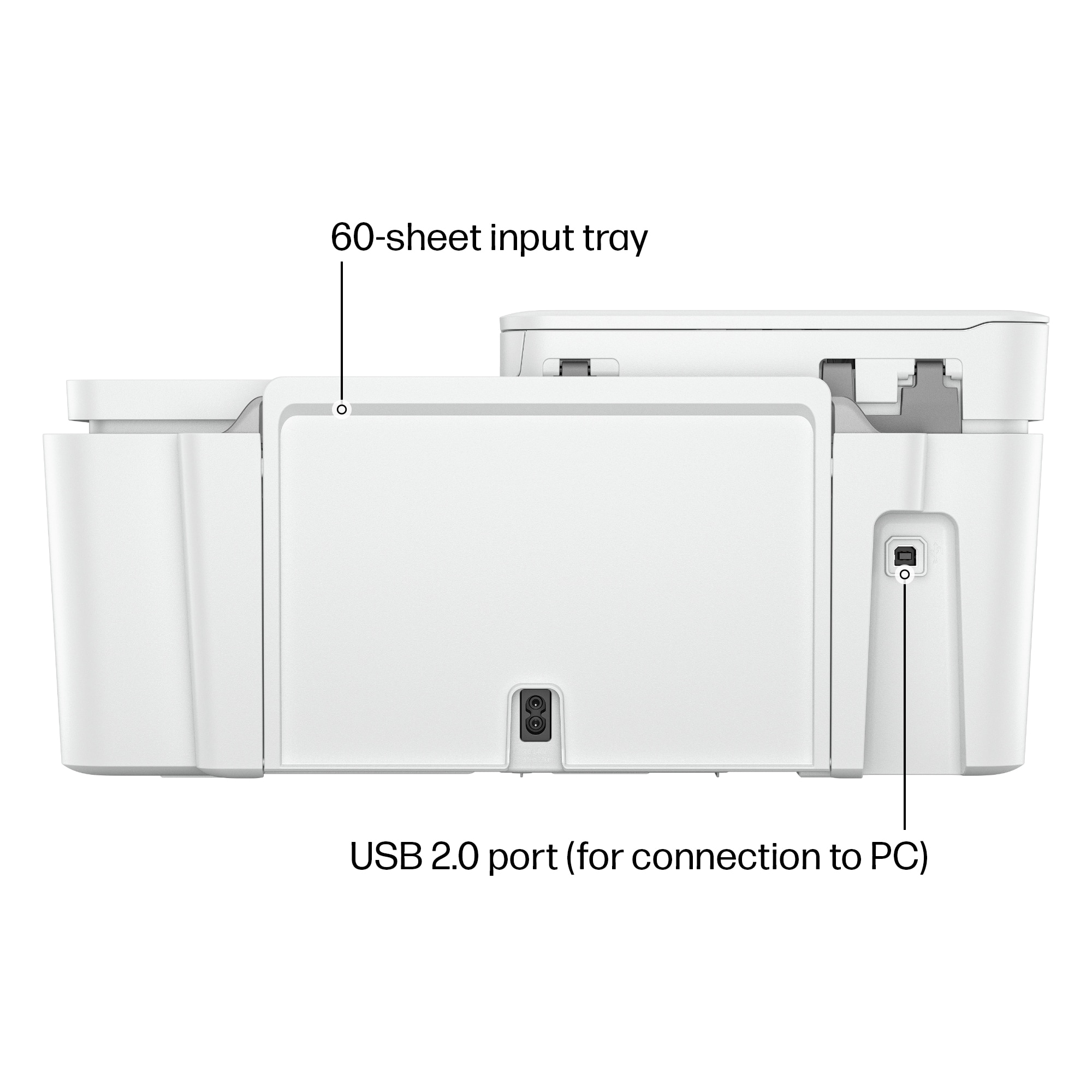
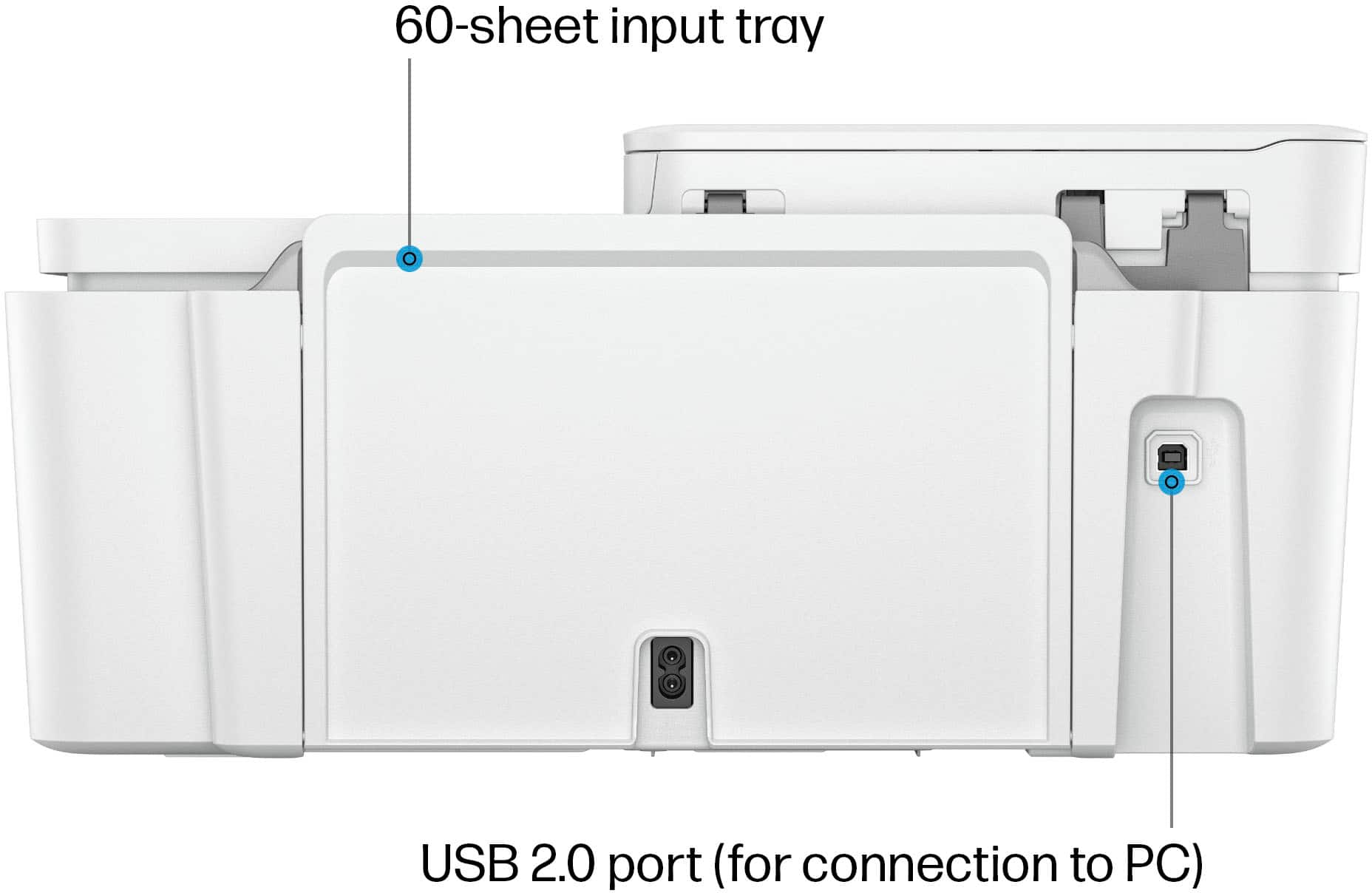
||Posted . Owned for less than 1 week when reviewed.This reviewer received promo considerations or sweepstakes entry for writing a review.Great if you’re looking for a basic printer for your home. The only thing that I don’t really care for is the fact that there is no internal paper tray.
I would recommend this to a friendPrinter
||Posted . Owned for 3 weeks when reviewed.This reviewer received promo considerations or sweepstakes entry for writing a review.Great price for a AIO printer. Not the highest quality but budget friendly.
I would recommend this to a friendExcellent home printer
||Posted .This reviewer received promo considerations or sweepstakes entry for writing a review.This printer was easy to install and doesn’t disconnect from wifi. Very happy with my printer
I would recommend this to a friendLove it
||Posted . Owned for 1 month when reviewed.This reviewer received promo considerations or sweepstakes entry for writing a review.Works great easy to set up it was a up grade from one we had and at a good price
I would recommend this to a friendHP Printer
||Posted . Owned for 3 weeks when reviewed.This reviewer received promo considerations or sweepstakes entry for writing a review.I love it my friend was looking for a new printer. I told her about mine she ordered her one
I would recommend this to a friendGood basic printer
||Posted . Owned for 3 weeks when reviewed.This reviewer received promo considerations or sweepstakes entry for writing a review.Purchased on sale. Set up was easy. Print was good quality. Would buy again.
I would recommend this to a friendGood printer
||Posted . Owned for 1 month when reviewed.This reviewer received promo considerations or sweepstakes entry for writing a review.Works great! This printer is really easy to use and I’ve had no problems.
I would recommend this to a friendMediocre printer, great price
||Posted . Owned for 2 months when reviewed.This reviewer received promo considerations or sweepstakes entry for writing a review.Easy to install and hook up to the wireless. Had some issurles with it printing or reconecting, however, it worked again. Not sure if it was my router or printer
No, I would not recommend this to a friendSlow
||Posted . Owned for 3 months when reviewed.This reviewer received promo considerations or sweepstakes entry for writing a review.My printer is slow and often lags. Additionally, I frequently have to restart it or unplug it because the paper gets stuck.
No, I would not recommend this to a friendHp printer
||Posted . Owned for 1 month when reviewed.This reviewer received promo considerations or sweepstakes entry for writing a review.A nice printer it’s just slow when printing but it’s colors come out beautifully and vibrant
I would recommend this to a friendHP color printer
||Posted . Owned for 3 weeks when reviewed.This reviewer received promo considerations or sweepstakes entry for writing a review.Great product, easy set up and easy to use. That’s enough.
I would recommend this to a friendExcellent printer
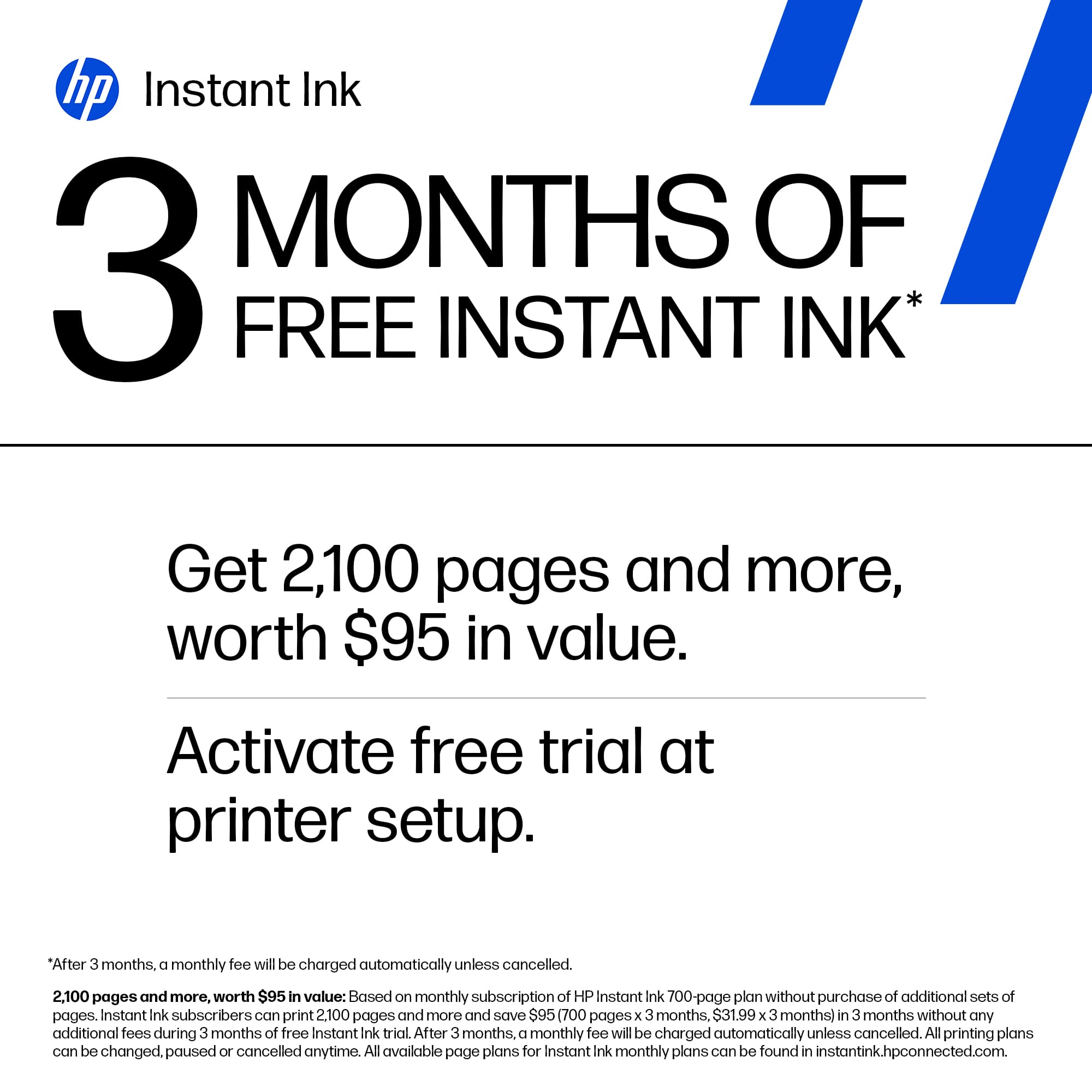
||Posted . Owned for 3 weeks when reviewed.This reviewer received promo considerations or sweepstakes entry for writing a review.Excellent product. Easy to setup. Easy to use. Ink to last for 3 months.
I would recommend this to a friendLovely
||Posted . Owned for 3 weeks when reviewed.This reviewer received promo considerations or sweepstakes entry for writing a review.I love my new printer. Very easy to use and have to get me my problems.
I would recommend this to a friend
Printer right
|Posted . Owned for 1 month when reviewed.This reviewer received promo considerations or sweepstakes entry for writing a review.Easy to connect to multiple devices in the house. I would recommend this to an older family member for easy printing.
I would recommend this to a friendGood product
||Posted . Owned for 1 week when reviewed.This reviewer received promo considerations or sweepstakes entry for writing a review.It was fast and easy to buy this printer. Also had help taking it to my car.
I would recommend this to a friendsorry
||Posted . Owned for 1 month when reviewed.This reviewer received promo considerations or sweepstakes entry for writing a review.you get what you pay for item is annoying sorry I purchased it
No, I would not recommend this to a friend















